
Flair.ai
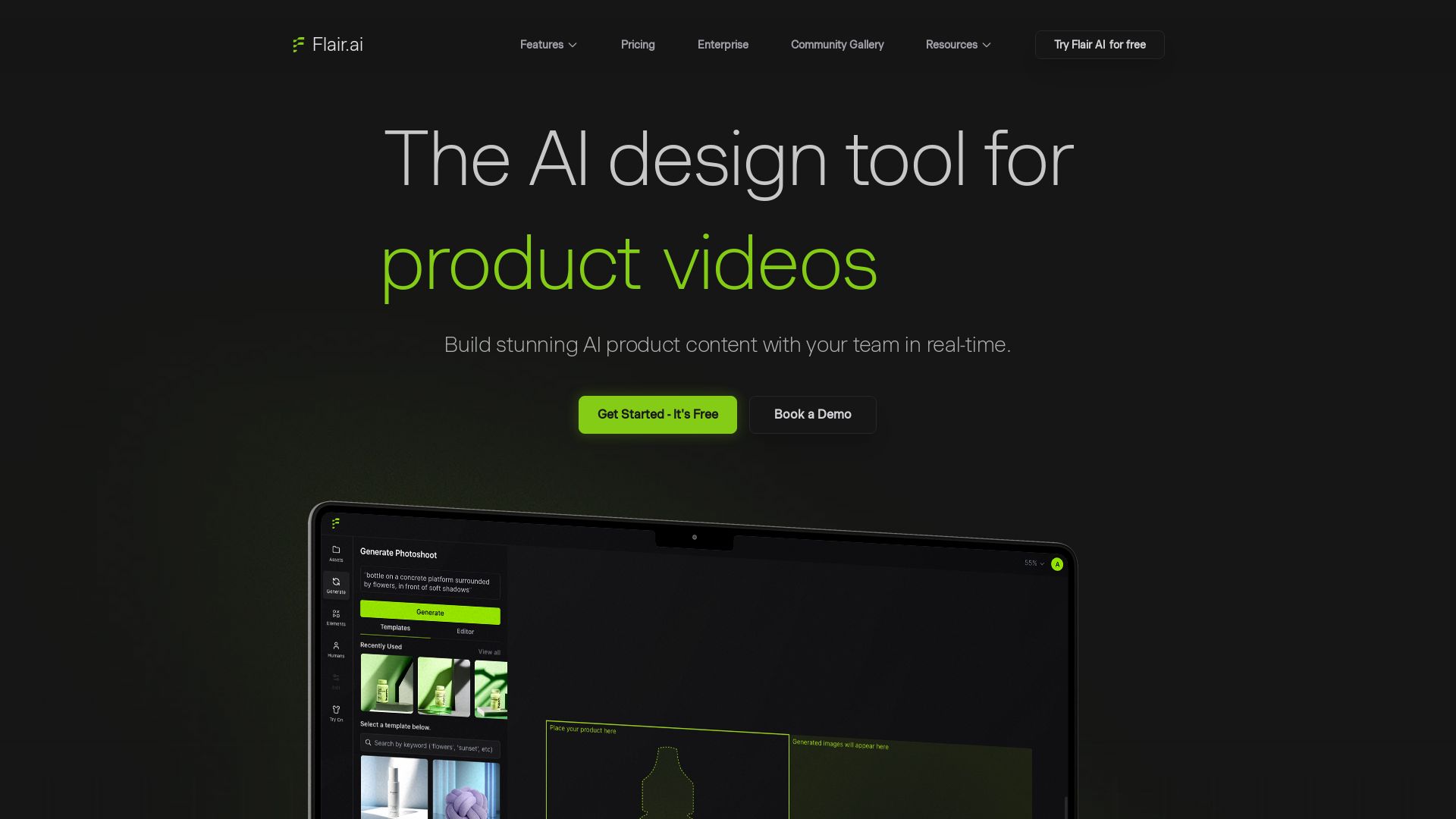
Create stunning AI product content with on-model photography, videos, ads, and 3D scenes. Used by brands of all sizes. Get started free!


Editor's Verdict
Key Takeaways
- Drag and Drop Canvas
- Templates
- On Model Photography
- AI Ad Generation
In-Depth Review: What is Flair.ai?
Flair.ai is an AI design tool that enables you to create stunning product photoshoots, on-model images, videos, and ads with brand consistency. Features include a drag-and-drop canvas, AI human models, product video generation, and team collaboration. Build custom AI models, use templates, and edit images with AI assistance. Ideal for e-commerce and marketing teams.
Core Features
Drag and Drop Canvas
Stage scenes digitally with drag & drop props and bring them to life with AI.
Templates
Mix & match products with templates to test design concepts and build reusable assets at scale.
On Model Photography
Generate high-quality imagery with products on AI models, preserving patterns and logos.
AI Ad Generation
Create brand-consistent ads automatically with a library of templates.
AI Human Models
Build custom AI human models based on features like hair color and body type for consistent brand assets.
Video Generation
Create product videos with AI.
Instant Image Generation
Quickly generate product images without training.
Brand Asset Management
Manage brand assets in one place.
Team Collaboration
Work together with your team in real-time.
API Access
Access via API for integration with other tools.
Pricing
Free
- 1 Custom Model
- 5 generated images
- Instant image generation and Ad generation cost 4x times the generated image quota
- 1 video generation
Pro
- 2 video generations
- Faster Rendering Speed
- Image Upscales
- Image Variations
Pro+
- Up to 8 Standard or 2 Fast Custom Models
- 80 generated images
- Instant image generation and Ad generation cost 4x times the generated image quota
- 3 video generations
- First Priority Rendering Speed
- Image Upscales
- Image Variations
- Company Commercial License
Scale Tier 1
- Up to 15 Standard or 4 Fast Custom Models
- 150 generated images
- Instant image generation and Ad generation cost 4x times the generated image quota
- 5 video generations
- First Priority Rendering Speed
- Image Upscales & Variations
- Company Commercial License
- AI Product Photography API Early Access
- Priority Customer Support
Enterprise
- Everything in Pro+
- Custom credit amounts
- Unlimited API access
- Company Commercial License
- Priority support
- Whiteglove onboarding support
- Custom Model training
- Dedicated Slack channel
- Custom billing
- Unlimited API calls
- Dedicated integration support
Pros and Cons
Pros
- AI-Powered EfficiencyAutomates product photography and ad creation, saving time and resources.
- Brand ConsistencyEnsures all generated content adheres to brand rules and aesthetics.
- Collaborative FeaturesReal-time team collaboration for seamless workflow.
- Versatile Content TypesSupports on-model photography, videos, ads, and 3D elements.
- Scalable PricingOffers a free tier and paid plans to suit different business sizes.
Cons
- Limited Free TierFree plan includes only 5 images and 1 video, which may be insufficient for testing.
- Quota MultiplierInstant image and ad generation consume 4x the quota, reducing effective usage.
- Model LimitationsLower-tier plans have restrictions on custom models and fast models.
- No API on Lower PlansAPI access is only available on Scale and Enterprise plans.
- Potential Learning CurveUsers may need time to familiarize themselves with AI tools and the platform.
Use Cases & Recommended Professions
Product Photographer→ View Toolkit
Automate and enhance product photoshoots with AI-generated backgrounds, models, and props.
E-commerce Manager→ View Toolkit
Create consistent, high-quality product images and ads at scale for online stores.
Marketing Specialist→ View Toolkit
Generate brand-aligned advertising creative quickly for campaigns.
Fashion Designer→ View Toolkit
Visualize clothing and accessories on AI models for lookbooks and promotions.
Content Creator→ View Toolkit
Produce engaging product content for social media and digital platforms.
Brand Manager→ View Toolkit
Maintain visual consistency across all product imagery and marketing materials.
Frequently Asked Questions
Alternative AI Tools
View Detailed Comparison →
Superdesign
Create stunning designs with AI. Iterate quickly using natural language. Export production-ready code. Browse design prompts and styles.


Marketing Mary
Unify research, creation, publishing & optimization with one AI Co-Pilot. Works in your existing stack. Join 500+ leaders on the waitlist.


Figma
Figma is the intelligent, AI-native canvas for designing, prototyping, and building products together. Trusted by 95% of Fortune 500. Explore design and dev tools.


Lovart
Design stunning product pages, campaign visuals, and brand assets with Lovart's AI. Edit precisely, maintain style, and optimize for SEO. Get started free!

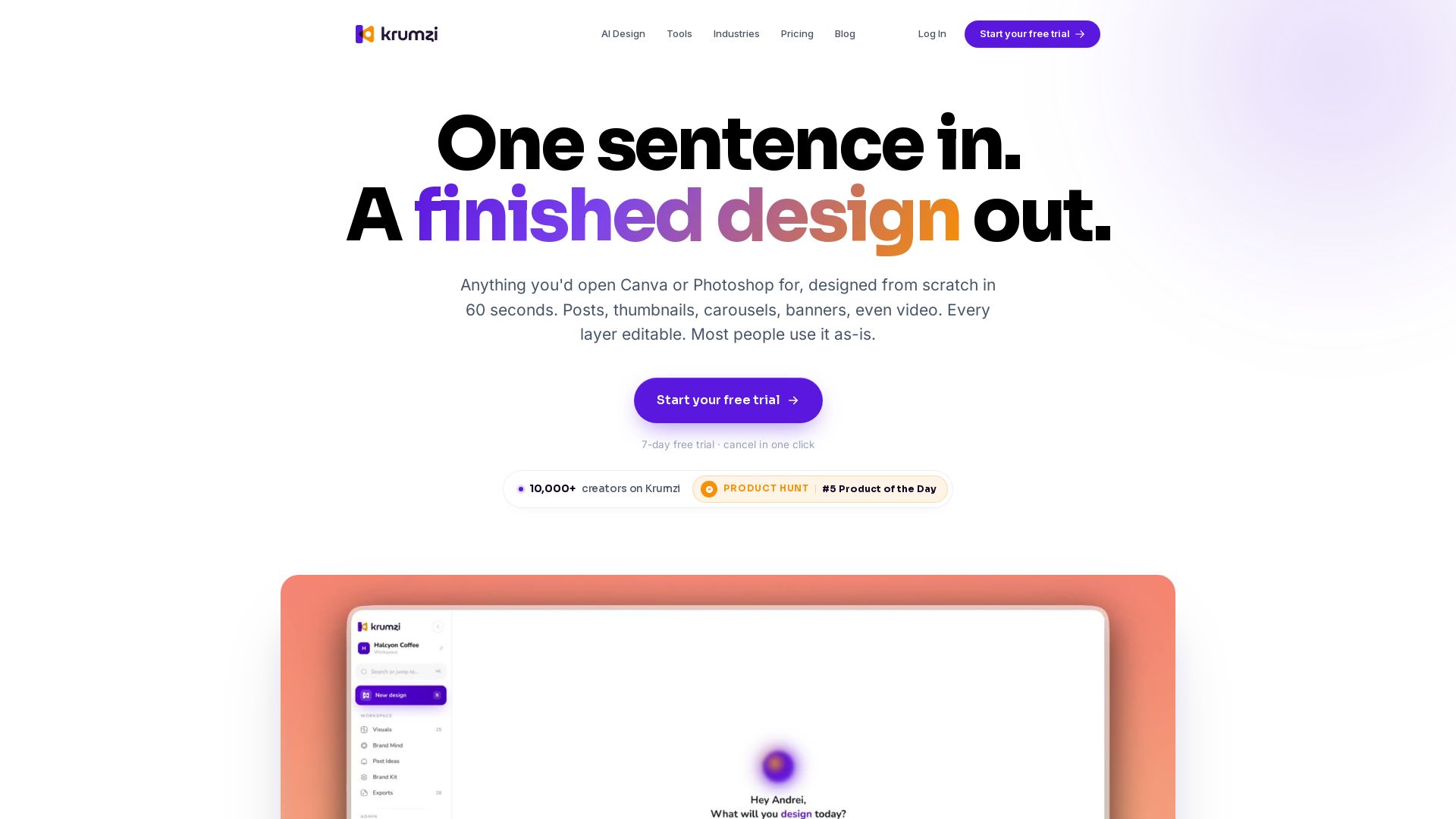


Figma Console MCP
Connect AI to Figma for design extraction, token sync, and component creation. Turn your design system into a programmable API.


AIDesigner
Create premium UI, logos, brand kits, and more with AIDesigner. No design experience needed. Free to try, no credit card required. Join 15,000+ users.

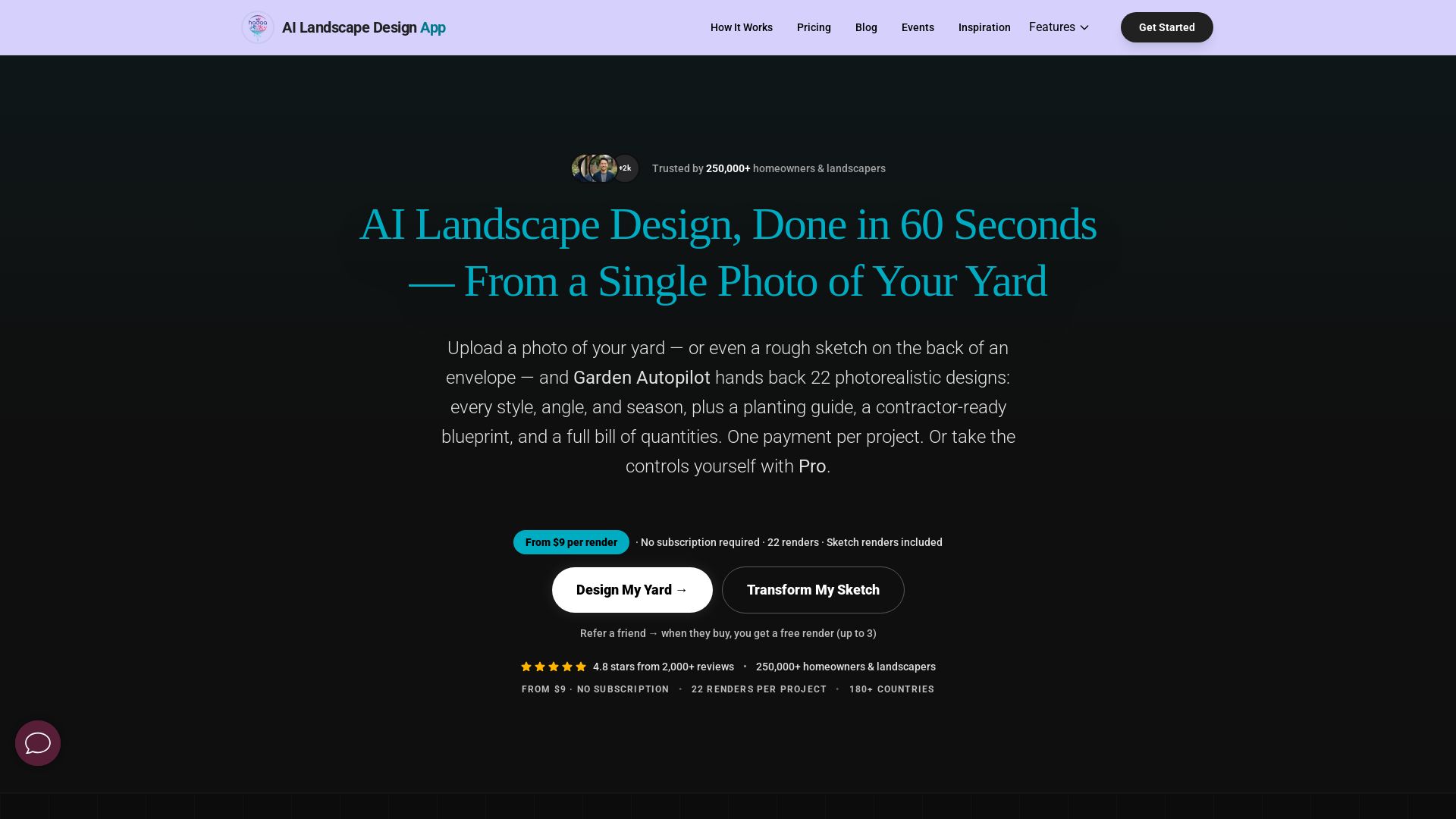
AI Garden Design vs Hadaa: Features & Pricing (2026)
Upload a photo or sketch, get 22 photorealistic designs, planting guide, blueprint & BOQ. Pay per project, no subscription.


Marketing Titan
Replace HubSpot, ZoomInfo, Hootsuite & Jasper with 180+ AI agents & Darwin AI. Save $50K+/yr. Start free trial.

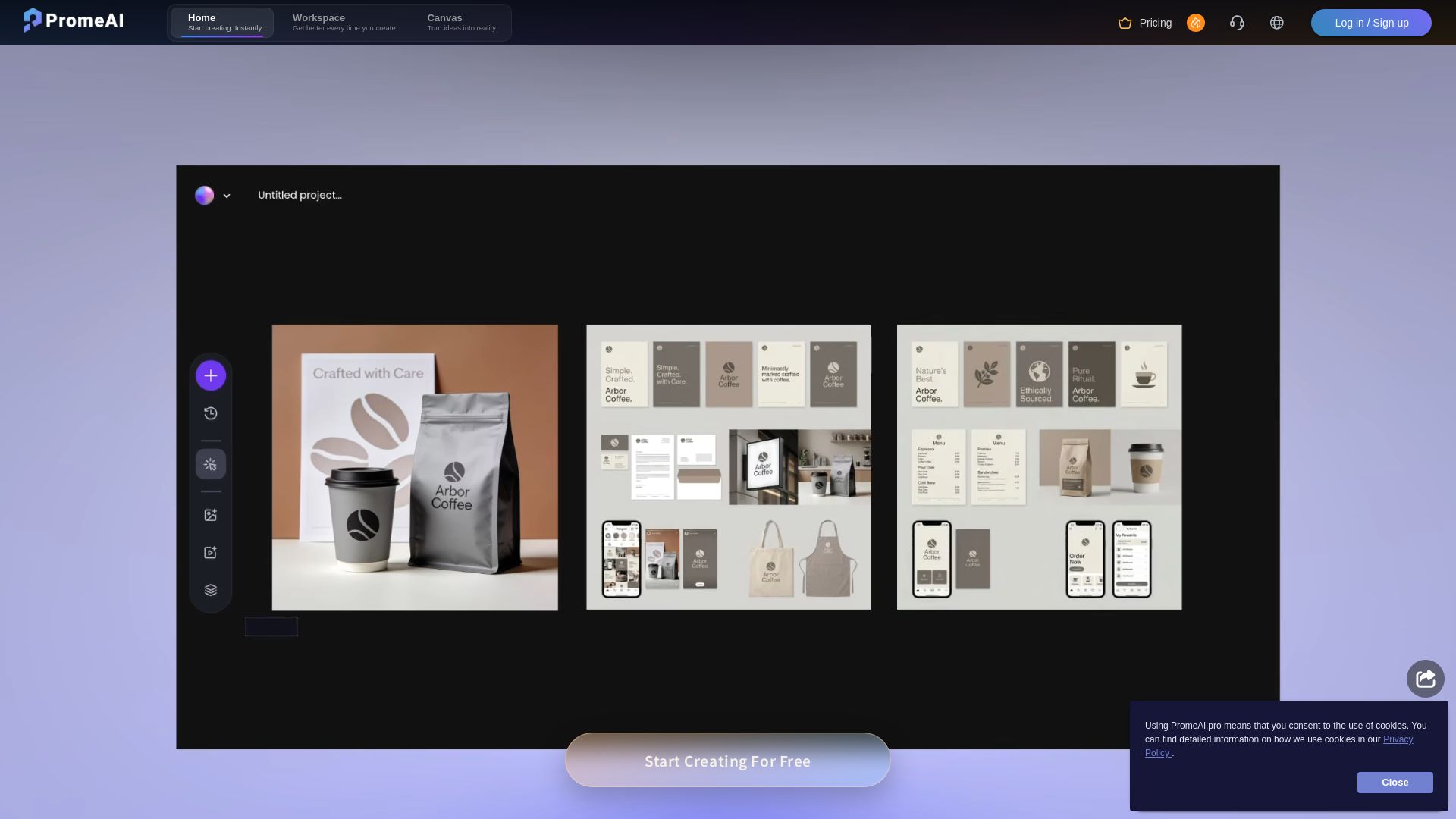
PromeAI
Transform sketches into realistic renders with PromeAI. 42+ AI tools for architecture, interior design, and more. Trusted by 2M+ users.


Anima
Convert Figma designs, images, and code into live HTML/React apps. AI with design context for developers and agents.


UX Pilot
Ideate, design, and hand-off web apps in seconds with UX Pilot's AI. Generate wireframes, hi-fi designs, and clean code. Trusted by 1M+ users.

ℹ️ Curation Disclosure: The overview and features of Flair.ai were synthesized using AI and fact-checked by our curation team to ensure accuracy.