
Claid
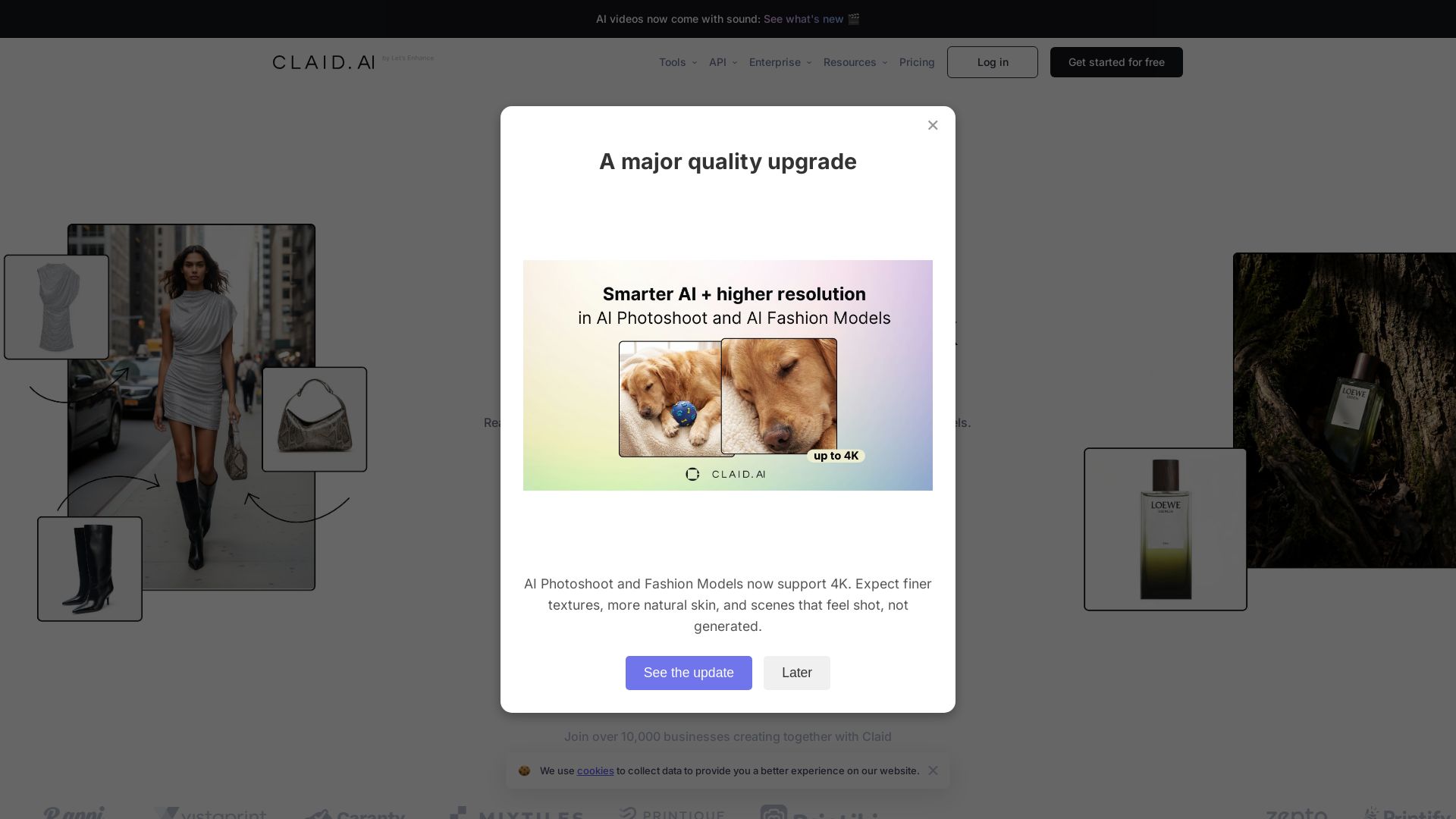
AI-powered product photos with realistic backgrounds, fashion models, and videos. Preserve details, native 4K. Start free.


Editor's Verdict
Key Takeaways
- AI Photoshoot
- AI Fashion Models
- AI Videos
- Background Remover
In-Depth Review: What is Claid?
Claid AI is an all-in-one AI photo studio for e-commerce, offering tools like AI Photoshoot, AI Fashion Models, AI videos, background removal, and upscaling. Designed specifically for product photography, it preserves logos, textures, and fine details with studio-quality results. Used by over 10,000 businesses. Try it for free.
Core Features
AI Photoshoot
Generate full product photoshoots from a single image. Get studio scenes, lifestyle settings, and campaign-ready visuals without booking a shoot.
AI Fashion Models
Turn flatlays or product shots into realistic on-model fashion photos. Keep poses, models, and styling consistent across your whole catalog.
AI Videos
Turn static photos into short, engaging video clips using Image-to-Video AI. Describe motion with text prompts and animate pictures for ads and social media.
Background Remover
Remove image backgrounds automatically in seconds. Create clean transparent PNGs perfect for products, portraits, and designs.
Image Upscaler
Fix low-resolution, blurry, or noisy photos automatically. Get sharp, high-quality images suitable for web and print.
AI Expander
Uncrop photos or change aspect ratios seamlessly. AI outpainting extends image borders perfectly for any format need.
Image Cleanup
Erase unwanted objects, people, or text from any photo. Claid's magic eraser tool cleans up images without needing complex skills.
AI Skin Fixer
Restore natural pores, fine lines, and realistic texture to overly smooth AI-generated or retouched skin, while keeping lighting and shape consistent.
Prompt-Based Photo Editing
Remove, replace, or add objects in any photo using a simple text prompt. Get campaign-ready visuals without manual retouching.
Pricing
Free trial
- 50 credits to use on any operation
- Access to all Standard tools
- 50 API credits to explore Claid API
- Max 25 upscale operations (2-8 credits)
- Max 50 background removals (1 credit)
- Max 12 AI Photoshoots (4 credits)
- Max 12 AI Fashion generations (4 credits)
- Max 1 AI Video generation (35 credits for 5s)
- Max 12 AI Edit generations (4 credits)
- Max 25 Outpaint generations (2 credits)
- Max 25 AI Shadows generations (2 credits)
- Export to popular formats
- Browse history: 24 hours
- Upload up to 10 MB / 48 MP
- Download up to 128 MP
- Chat support
Essentials
- 250 upscale operations (2-8 credits)
- 500 background removals (1 credit)
- 125 AI Photoshoots (4 credits)
- 125 AI Fashion generations (4 credits)
- 14 AI Video generations (35 credits for 5s)
- 125 AI Edit generations (4 credits)
- 250 Outpaint generations (2 credits)
- 250 AI Shadows generations (2 credits)
- Export to popular formats
- Browse history: 1 month
- Upload up to 10 MB / 24 MP
- Download up to 64 MP
- Chat support
Pro
- 1000 upscale operations (2-8 credits)
- 2000 background removals (1 credit)
- 500 AI Photoshoots (4 credits)
- 500 AI Fashion generations (4 credits)
- 57 AI Video generations (35 credits for 5s)
- 500 AI Edit generations (4 credits)
- 1000 Outpaint generations (2 credits)
- 1000 AI Shadows generations (2 credits)
- Export to popular formats
- Browse history: 3 months
- API starter pack: Yes
- Upload up to 20 MB / 48 MP
- Download up to 128 MP
- Chat support
- Tech support
Business
- Unlimited operations
- Advanced API workflows
- Custom SLAs and setup
- Dedicated support and onboarding
- Early access to beta tools and research
- Export to custom formats
- Custom browse history
- Upload custom limit
- Download up to 559 MP
- Dedicated Customer success
Pros and Cons
Pros
- Time-Saving AutomationAI tools drastically reduce time spent on repetitive editing tasks like background removal and enhancement, allowing focus on creative work.
- Professional QualityProduces studio-quality results with natural lighting, shadows, and detail preservation, comparable to professional manual editing.
- Scalability via APIAll tools are available via API, enabling bulk processing of thousands of images for catalogs, listings, or campaigns.
- Versatile Tool SuiteFrom AI photoshoot generation to skin fixing, the platform covers a wide range of editing needs in one place.
- Free Trial AvailableNew users can explore all standard tools with 50 free credits, no credit card required.
Cons
- Dependency on Initial QualityBest results require clear subjects and decent starting images; low-quality photos may yield suboptimal outcomes.
- Complex Edits May Need Human TouchWhile AI excels at common tasks, highly artistic or nuanced edits may still require manual retouching.
- Pricing Not TransparentEssentials and Pro plan prices are not publicly listed, potentially causing confusion during evaluation.
- Credit System LimitationsDifferent operations consume varying credits, which may limit usage if not carefully planned.
- Learning Curve for Advanced FeaturesSome generative tools like AI Photoshoot may require experimentation to achieve desired results.
Use Cases & Recommended Professions
E-commerce Manager→ View Toolkit
Needs high-quality, consistent product images for online listings to boost conversions and reduce returns.
Fashion Designer→ View Toolkit
Requires realistic on-model shots of garments without the cost and time of traditional photoshoots.
Photographer→ View Toolkit
Can streamline post-processing workflows, automate repetitive edits, and offer faster turnaround to clients.
Digital Marketer→ View Toolkit
Creates engaging ad creatives and social media content; AI tools generate variations and videos quickly.
Real Estate Agent→ View Toolkit
Enhances property photos with better lighting, background, and resolution to attract more buyers.
Automotive Salesperson→ View Toolkit
Improves vehicle images for online listings, making cars look more appealing with clean backgrounds and sharp details.
Frequently Asked Questions
Alternative AI Tools
View Detailed Comparison →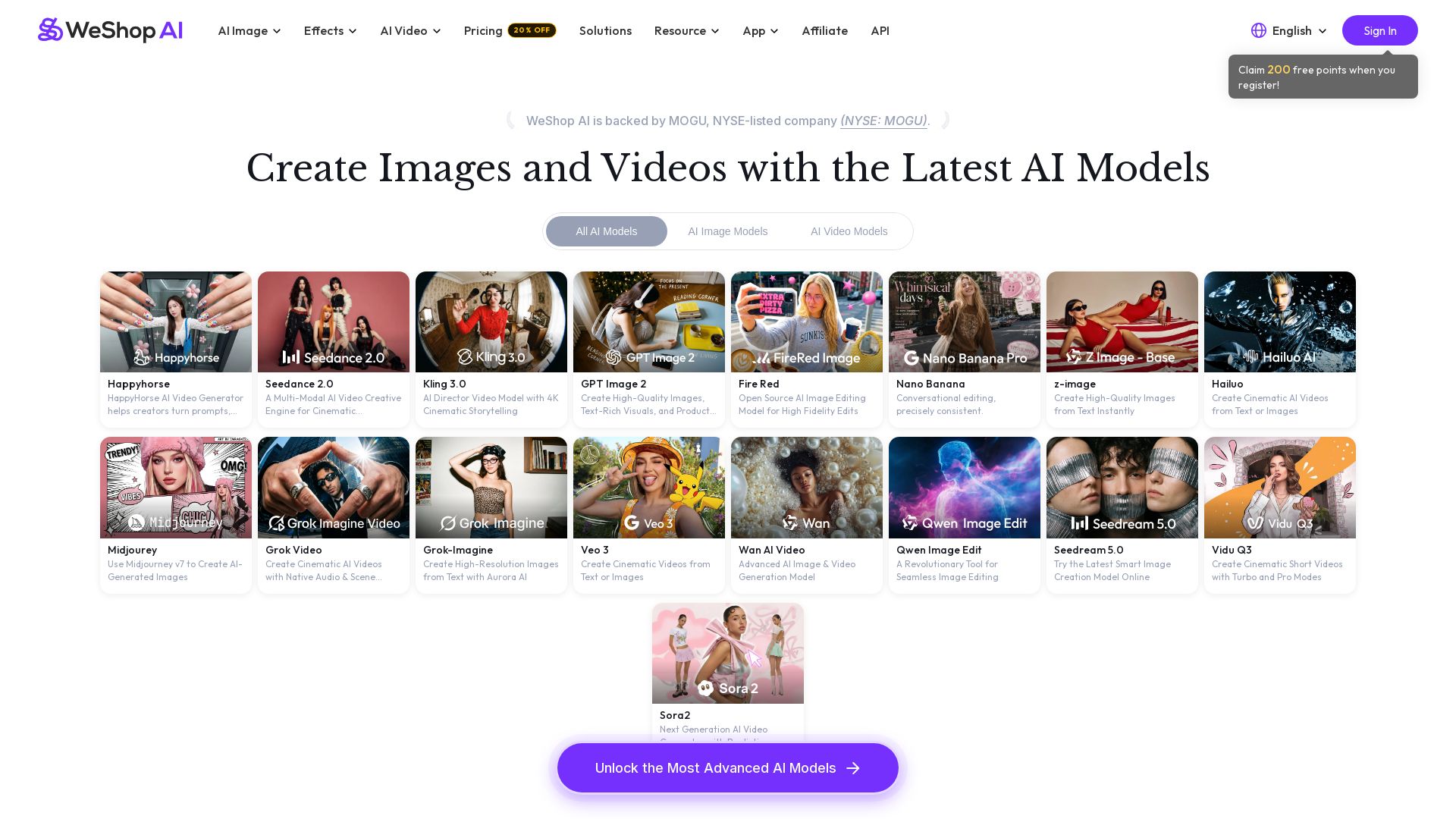
WeShop AI
Generate high-quality AI images and videos using top models like Midjourney, Kling, and Seedance. Try virtual try-on, AI fashion models, and more. Trusted by 3M+ users. Start with 200 free points!

Yollo AI
Free, no sign-up. Chat with 200K+ characters, create NSFW AI art & videos. Ultimate creative freedom.


SeaArt AI
Turn ideas into stunning images and cinematic videos with SeaArt AI. Free tools, community, and advanced models like Seedance 2.0.

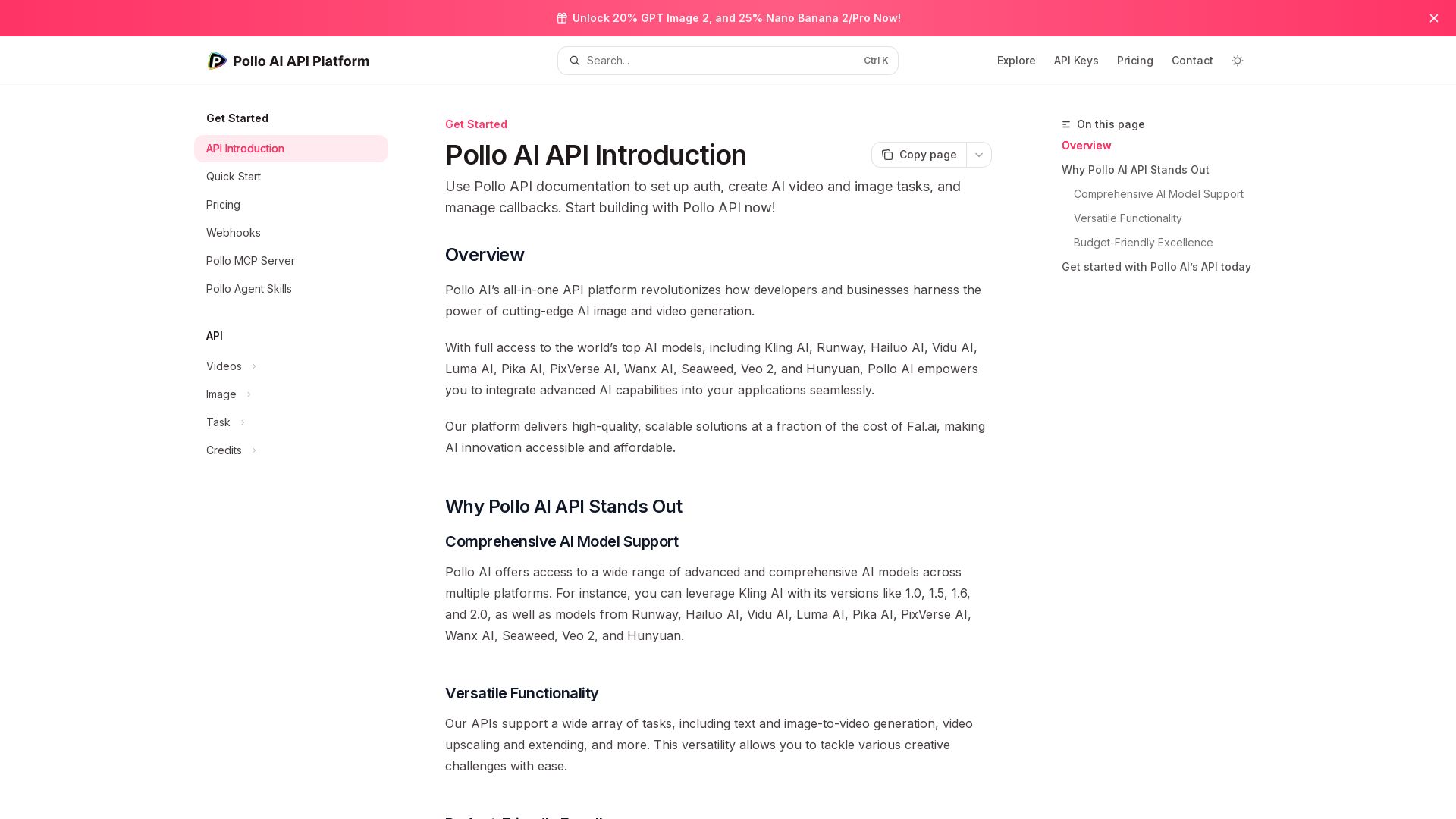
Pollo API
Integrate cutting-edge AI video and image generation with Pollo AI API. Access Kling, Runway, Hailuo, and more. Budget-friendly, high quality.

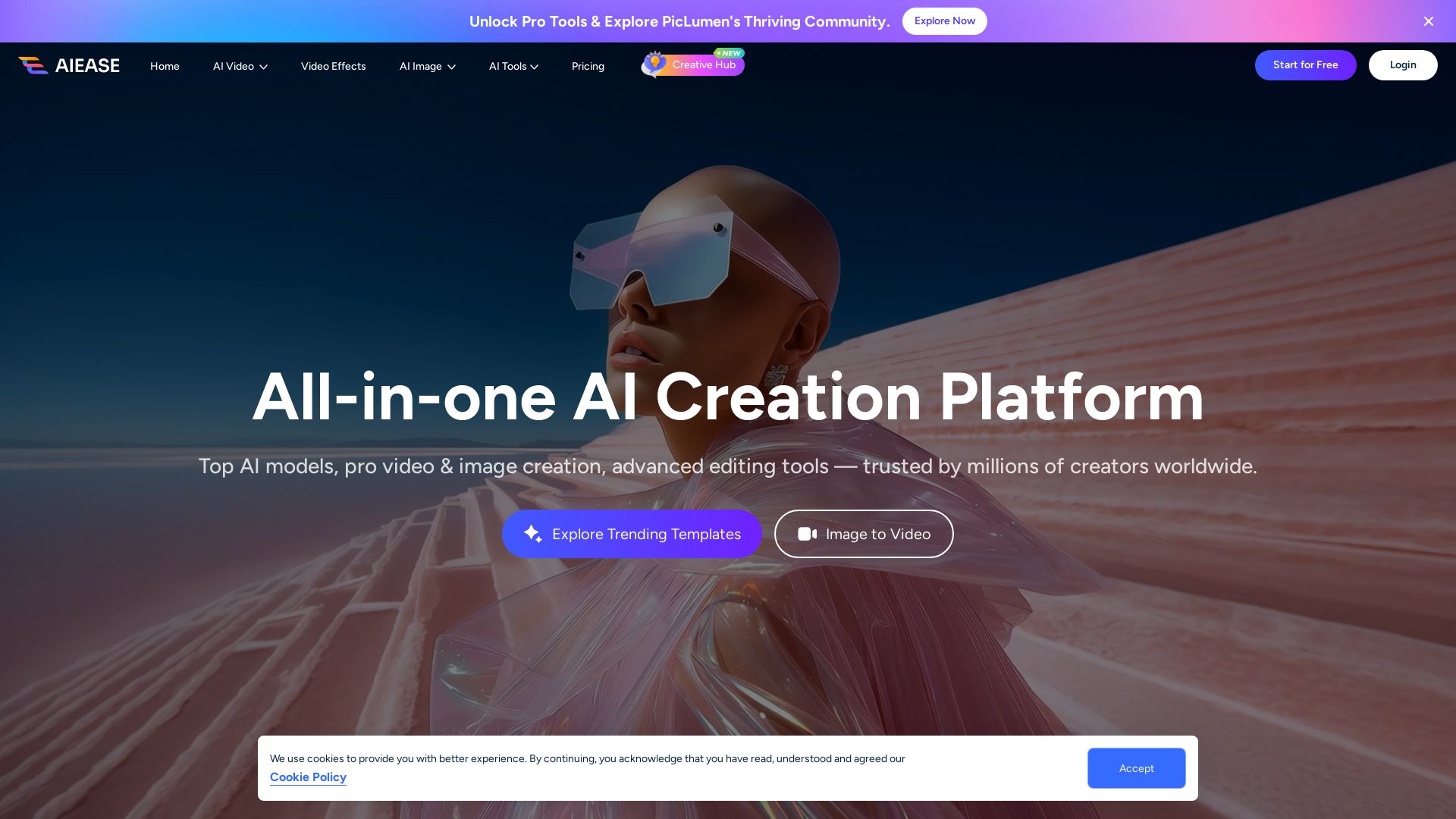
AI Ease
Create stunning AI videos and images with top models. Free tools for text-to-video, image generation, editing, and more. Trusted by millions.

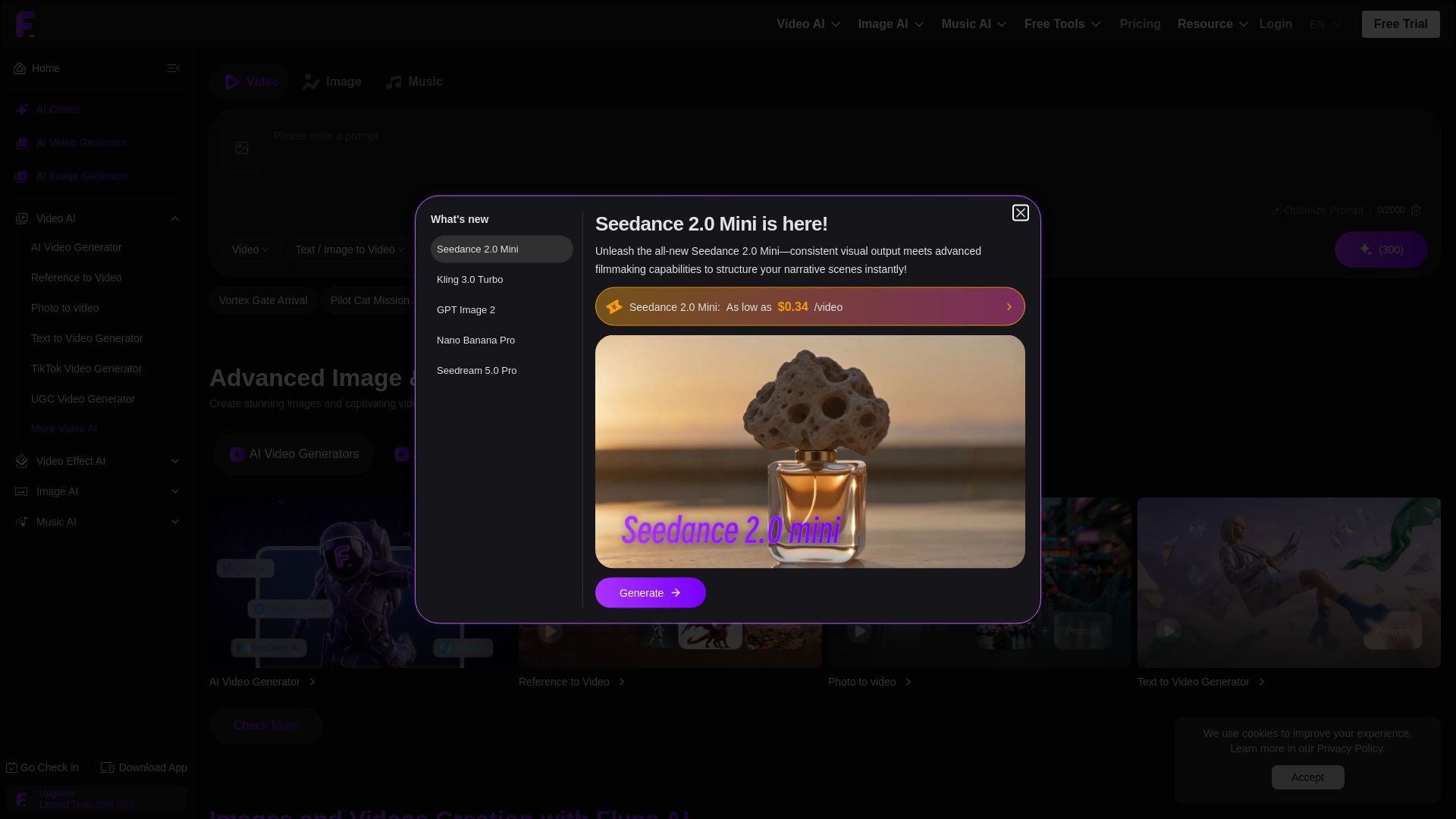
Flyne AI
Create stunning AI images and videos with Flyne AI. Free tools, cutting-edge models like Veo 3.1, Kling 3.0, and Seedance 2.0. Start free!

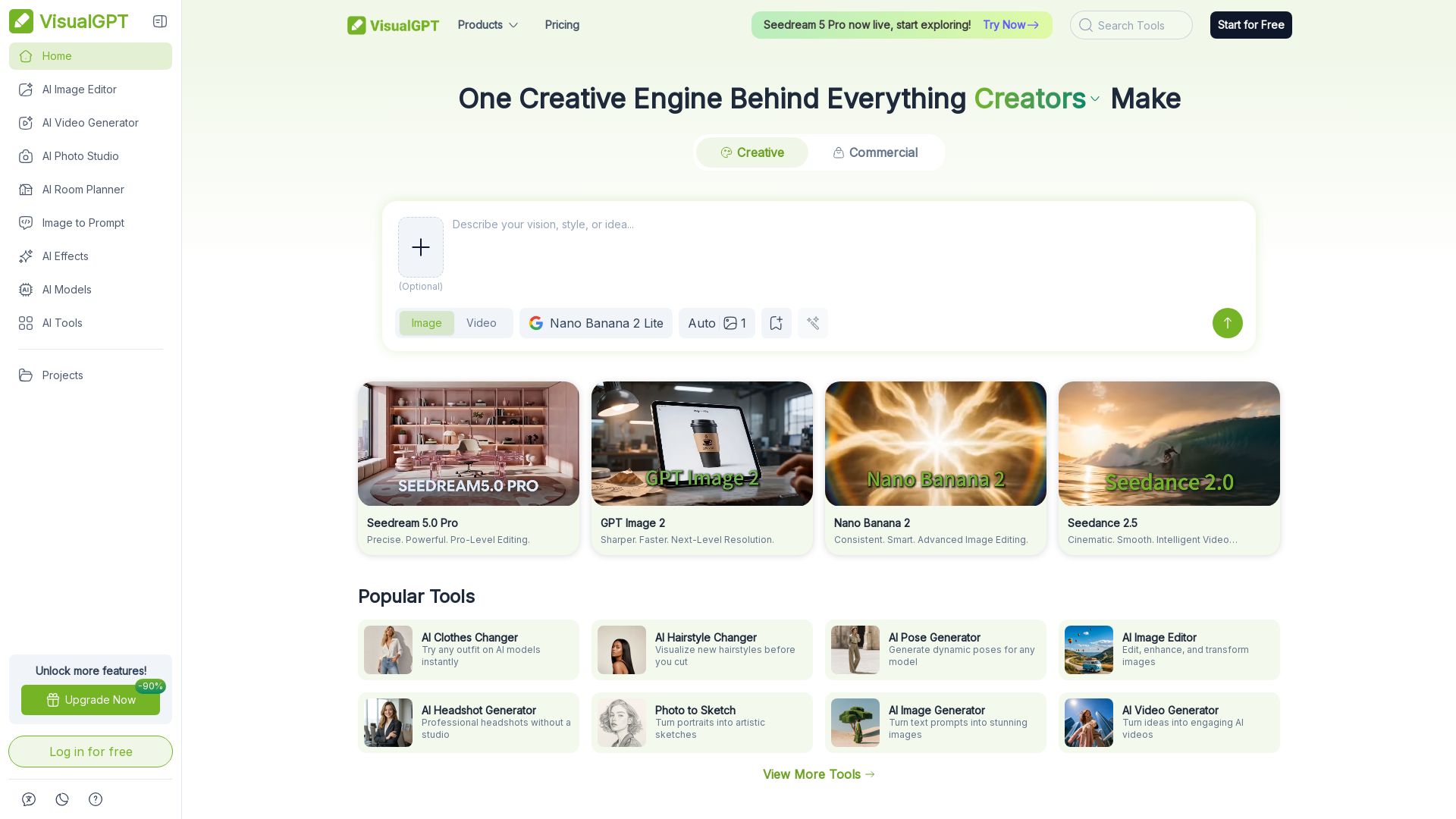
VisualGPT
Create stunning AI images, videos, and portraits. Trusted by 800+ organizations. Try the #1 AI creative suite for free.


Pixlr
Edit, generate, and design with Pixlr's free AI photo editor. Transform photos, create images from text, and more – all in your browser. No download needed.

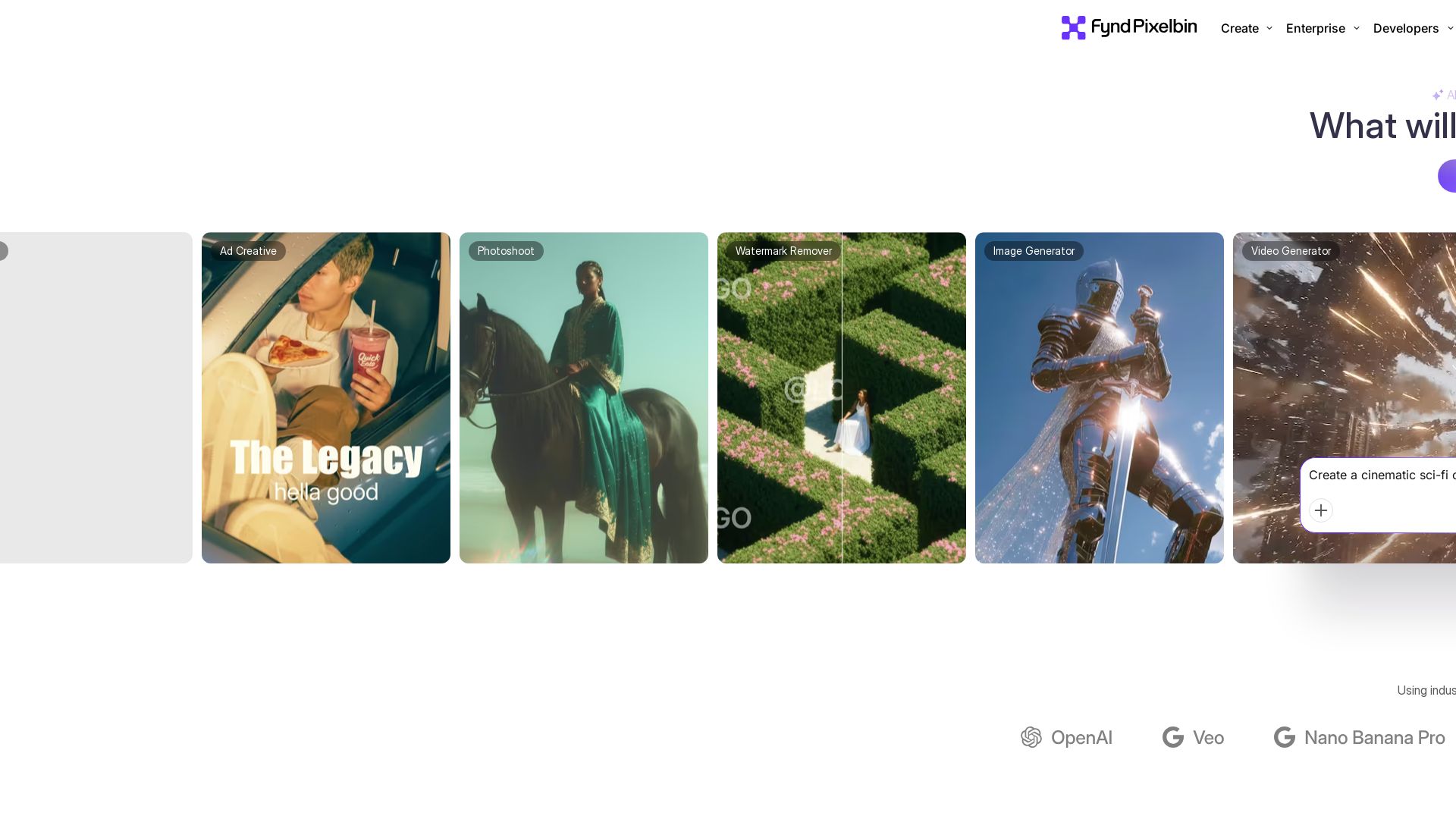
Pixelbin AI Studio
Create stunning visuals with Pixelbin's AI tools: image editing, video generation, upscaling, batch processing. Trusted by 58M+ users. Free to start.


Pixara AI
Generate AI images, videos, and voiceovers with models like Nano Banana Pro, Midjourney, Kling. Up to 60% off unlimited access. Start creating now!

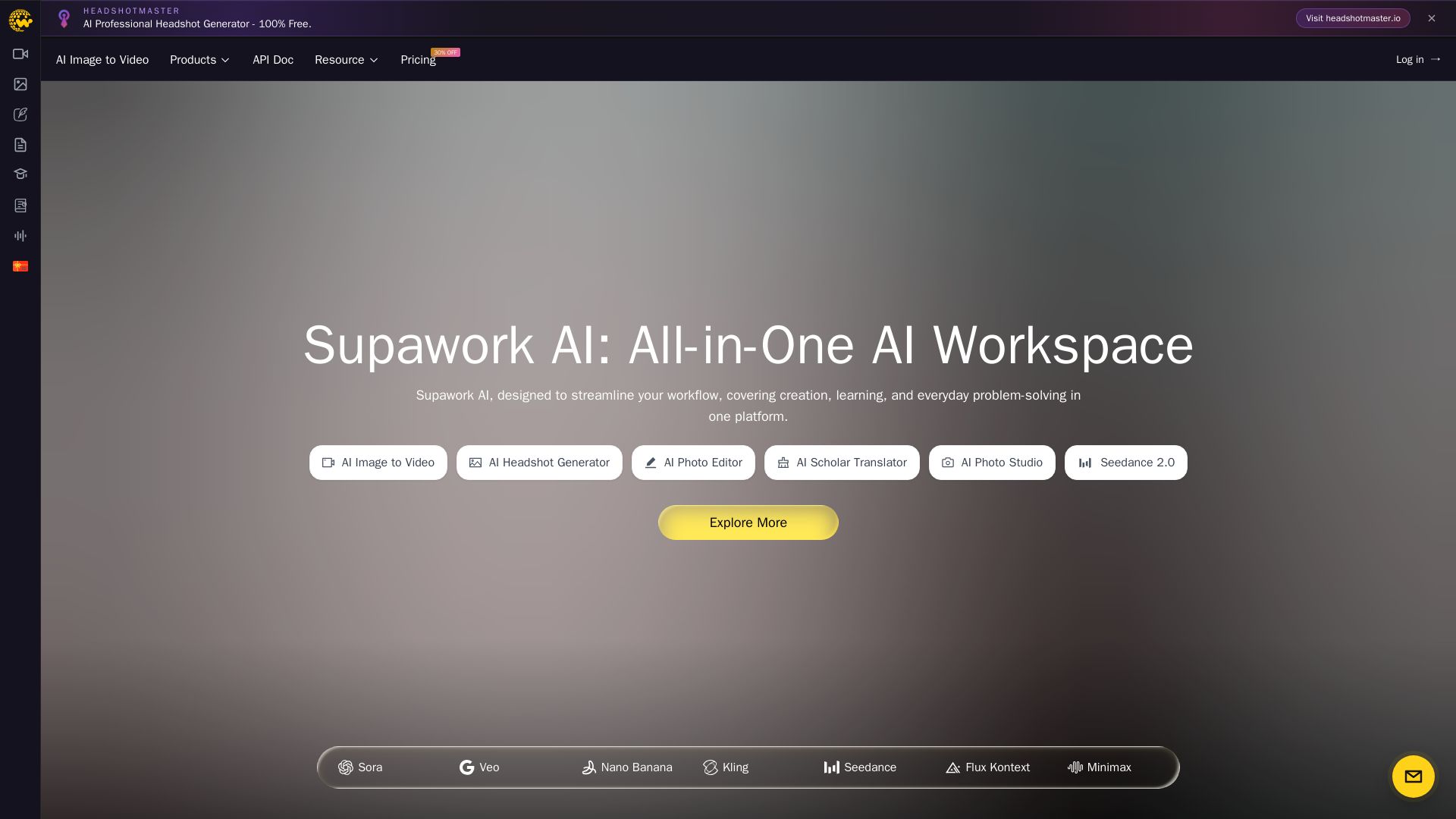
Supawork AI
Create stunning AI headshots, videos, and effects. Free tools for creators, filmmakers, and professionals. Visit headshotmaster.io.

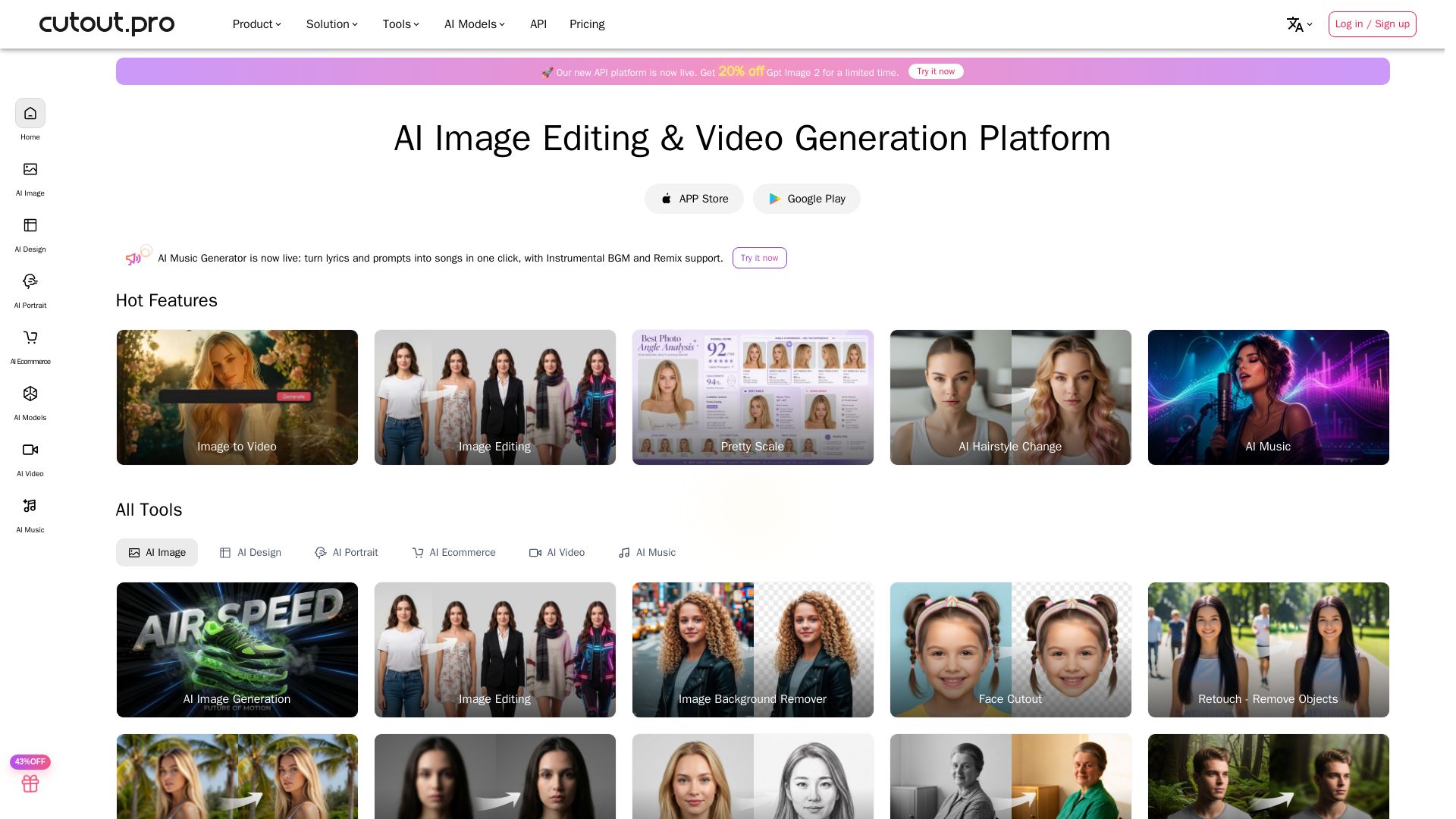
Cutout.Pro
Cutout.Pro offers AI image editing, video generation, background removal, and API integration. Trusted by 25K+ businesses. Get started for free.

ℹ️ Curation Disclosure: The overview and features of Claid were synthesized using AI and fact-checked by our curation team to ensure accuracy.