
ImagineArt
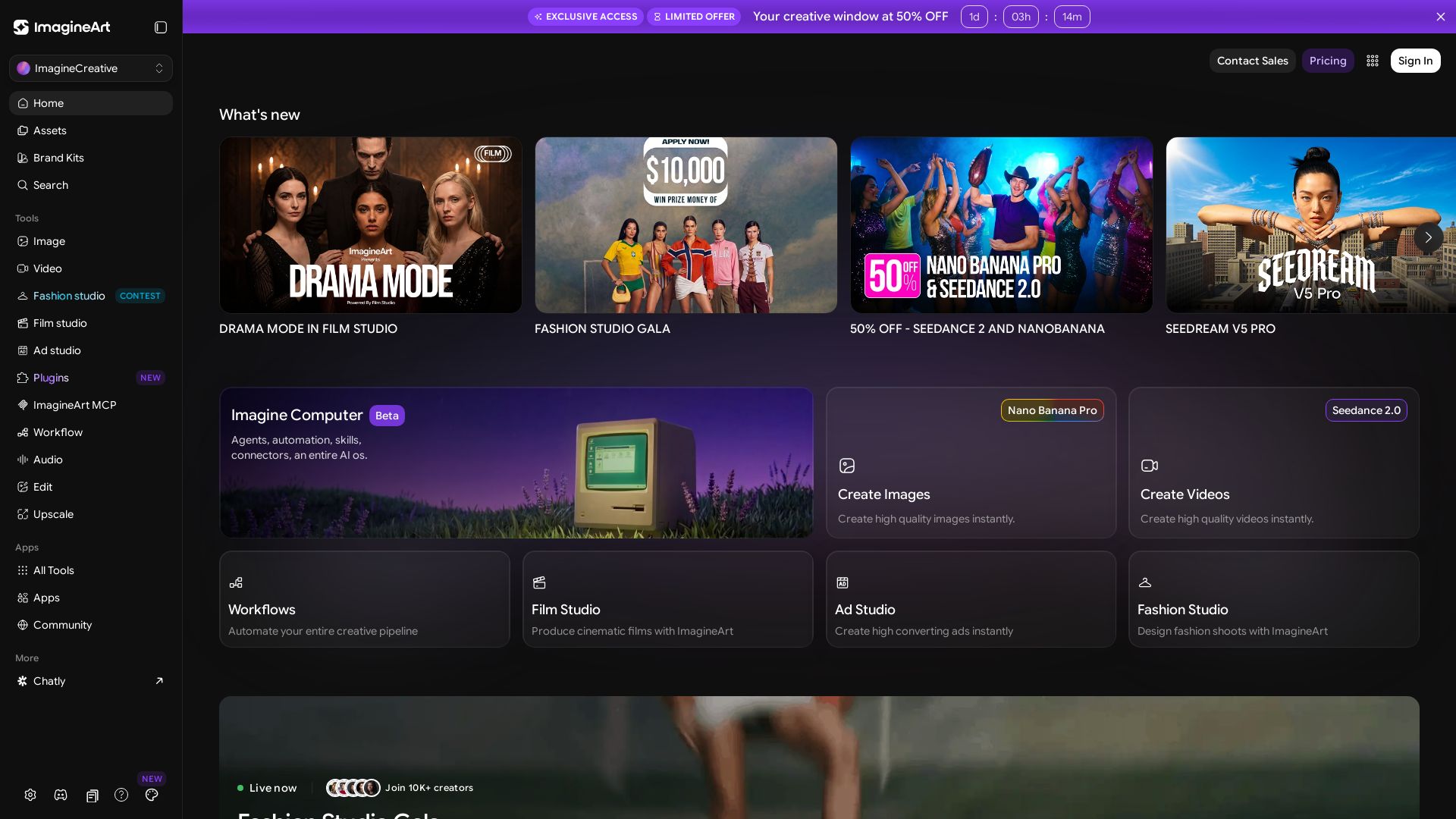
Create stunning AI images, videos, and ads with ImagineArt. Explore tools like Seedance, Film Studio, and Fashion Studio. Join 10K+ creators.


Editor's Verdict
Key Takeaways
- AI Image Generation
- AI Video Generation
- Film Studio
- Ad Studio
In-Depth Review: What is ImagineArt?
ImagineArt is an all-in-one AI creative platform that enables users to generate high-quality images, videos, and audio from text prompts or reference images. It features specialized studios for film, fashion, and ads, along with advanced tools like Seedance 2.0 for video and Nano Banana for images. The platform supports automation via workflows, offers a community gallery, and provides team collaboration. With a focus on realism and cinematic quality, ImagineArt empowers creators to produce professional-grade content quickly.
Core Features
AI Image Generation
Create high-quality, realistic images from text prompts or reference images using models like Nano Banana Pro, GPT Image 2, and Recraft V4.
AI Video Generation
Generate cinematic videos with Seedance 2.0, Kling 3.0 Pro, and Veo 3.1 Lite, supporting text-to-video, image-to-video, and motion control.
Film Studio
Produce complete films with advanced camera angles, drama mode, and native audio sync for storytelling.
Ad Studio
Create high-converting advertisements in minutes with templates for social media, infographics, and product promotions.
Fashion Studio
Design fashion shoots and virtual try-ons, with tools for style personalization and collaboration on brand campaigns.
Workflow Automation
Automate entire creative pipelines using workflows, agents, and connectors to streamline image, video, and audio production.
Audio Generation
Generate and edit audio content, including lipsync studio and ASMR, for multimedia projects.
Editing & Upscaling
Refine images and videos with inpainting, relighting, upscaling, and magic text tools for professional-grade output.
Community & Collaboration
Collaborate with team members, share creations, and discover top creators in a vibrant community with galleries and challenges.
Cross-Platform Integration
Integrate with tools like Adobe Premiere Pro, use MCP plugins, and access via web or apps for seamless creative workflows.
Pricing
Free
- Basic image generation
- Limited credits
- Community access
Pro (Limited Offer)
- Unlimited image generation
- Video generation
- All studios (Film, Ad, Fashion)
- Workflow automation
- Advanced tools (Seedance, Kling, etc.)
- Priority support
Pros and Cons
Pros
- All-in-One Creative SuiteCombines image, video, audio, and design tools in one platform, eliminating the need for multiple subscriptions.
- High-Quality OutputUses advanced AI models like Seedance 2.0 and Kling 3.0 to produce realistic and cinematic results.
- Time-Saving AutomationWorkflow automation and pre-built templates drastically reduce production time for ads, films, and social media content.
- Collaboration FeaturesTeams, shared galleries, and project management enable seamless teamwork on creative projects.
- Generous Free TierFree plan allows users to explore core features and generate limited content without upfront cost.
Cons
- Credit System ComplexityThe dual credit and subscription model can be confusing, especially for new users trying to estimate costs.
- Learning CurveWith numerous tools and studios, beginners may find the interface overwhelming and require tutorials.
- Limited Free Video GenerationVideo generation typically requires a paid plan, restricting free users from testing the feature.
- Occasional Generation FailuresLike all AI tools, outputs may sometimes fail or require multiple attempts, which can be frustrating.
- Pricing Not TransparentExact prices for Pro plans are not immediately displayed, requiring users to contact sales or navigate to a separate page.
Use Cases & Recommended Professions
Digital Marketer→ View Toolkit
Needs quick ad creation, social media visuals, and videos to drive campaigns; ImagineArt provides templates and automation.
Content Creator / Influencer→ View Toolkit
Requires consistent high-quality images and videos for platforms like Instagram and TikTok; one-click generation saves time.
Video Editor / Filmmaker→ View Toolkit
Leverages Film Studio and video AI tools for pre-visualization, effects, and full scene generation to speed up production.
Graphic Designer→ View Toolkit
Uses image generation, inpainting, and style refs to create unique assets without starting from scratch.
Social Media Manager→ View Toolkit
Manages multiple content formats; ImagineArt’s batch creation and collaboration tools help maintain brand consistency.
Entrepreneur / Small Business Owner→ View Toolkit
Needs affordable, fast content production for branding, ads, and product demos without hiring a creative agency.
Frequently Asked Questions
Alternative AI Tools
View Detailed Comparison →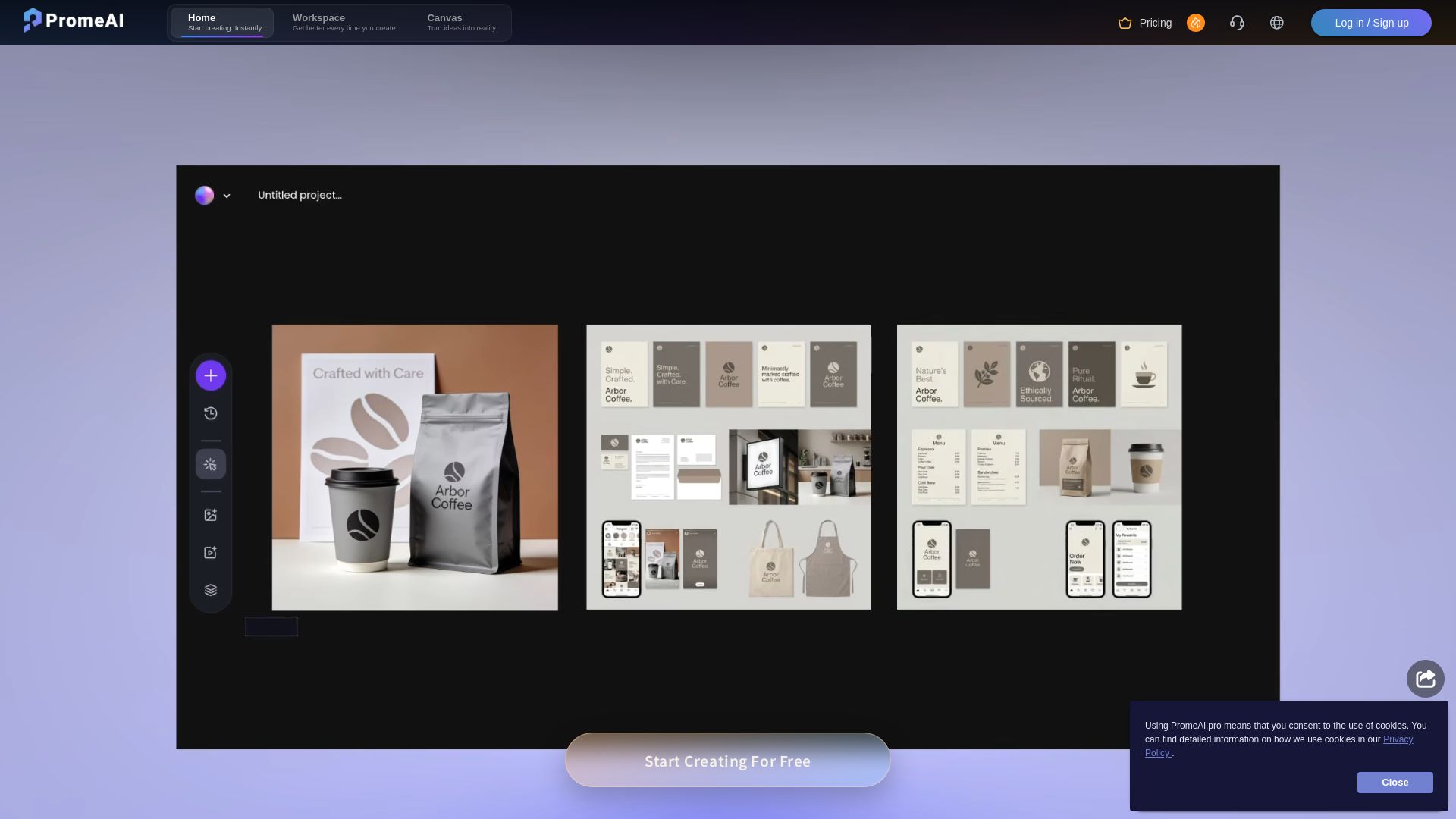
PromeAI
Transform sketches into realistic renders with PromeAI. 42+ AI tools for architecture, interior design, and more. Trusted by 2M+ users.


SeaArt AI
Turn ideas into stunning images and cinematic videos with SeaArt AI. Free tools, community, and advanced models like Seedance 2.0.

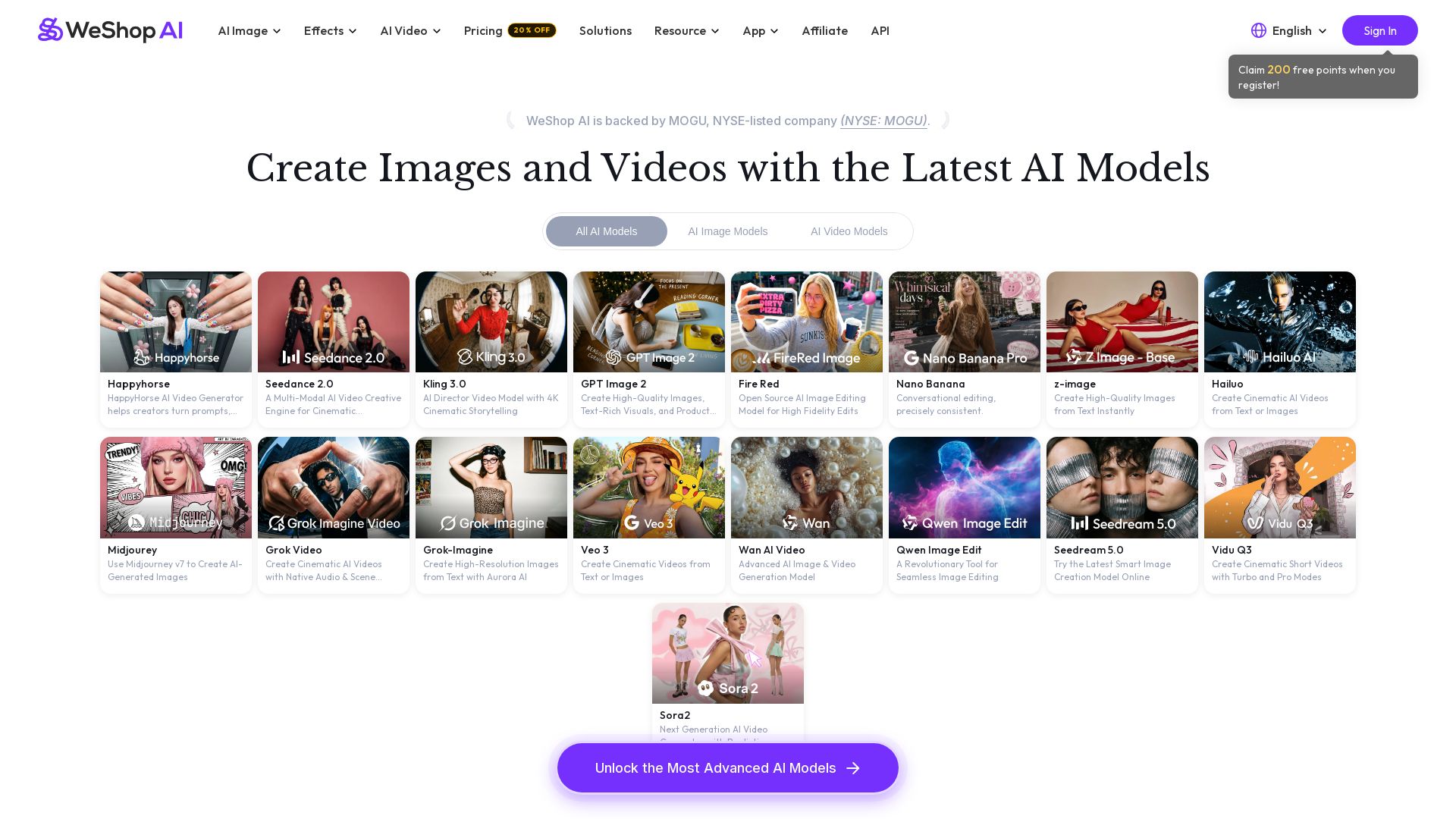
WeShop AI
Generate high-quality AI images and videos using top models like Midjourney, Kling, and Seedance. Try virtual try-on, AI fashion models, and more. Trusted by 3M+ users. Start with 200 free points!

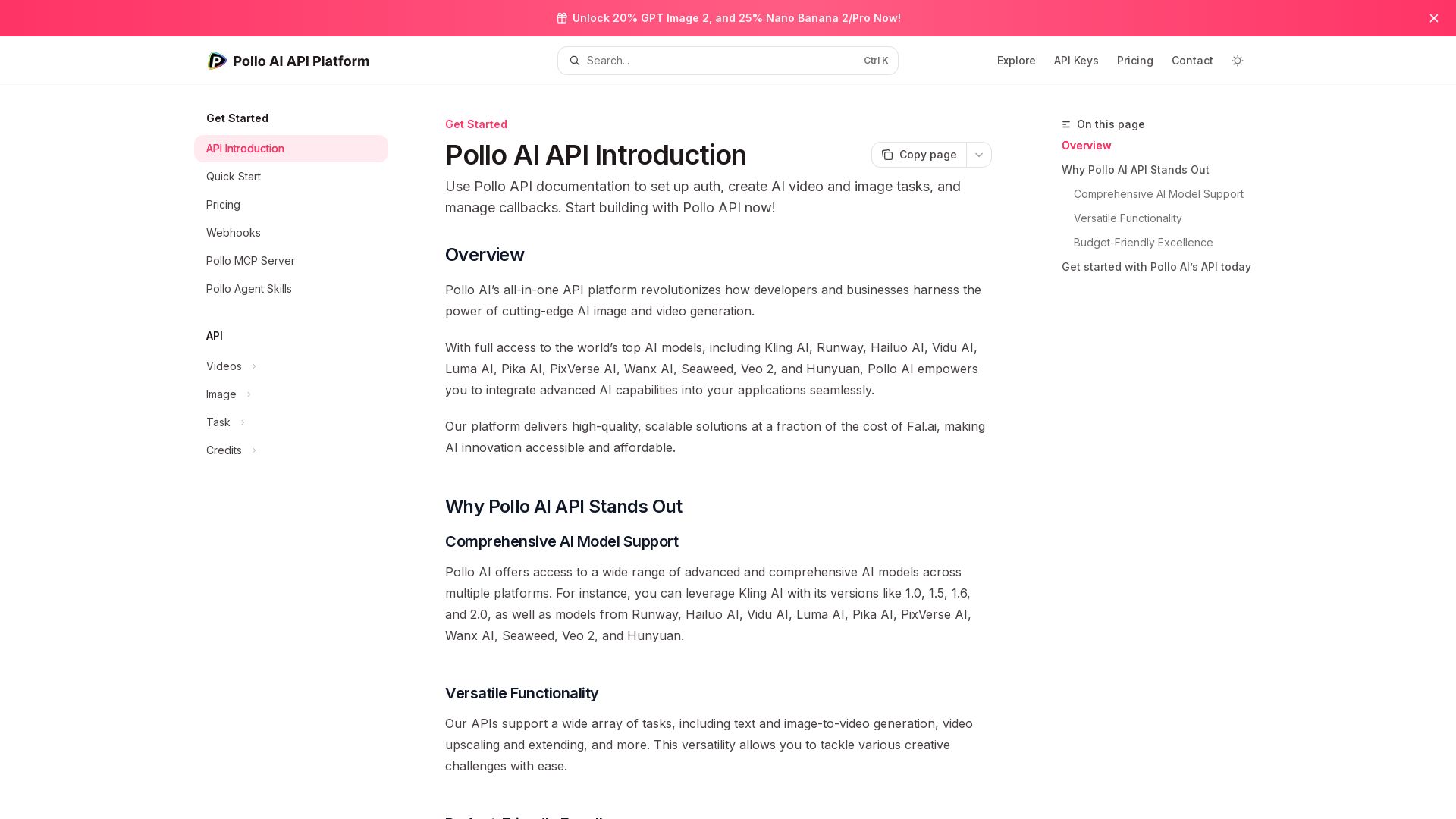
Pollo API
Integrate cutting-edge AI video and image generation with Pollo AI API. Access Kling, Runway, Hailuo, and more. Budget-friendly, high quality.
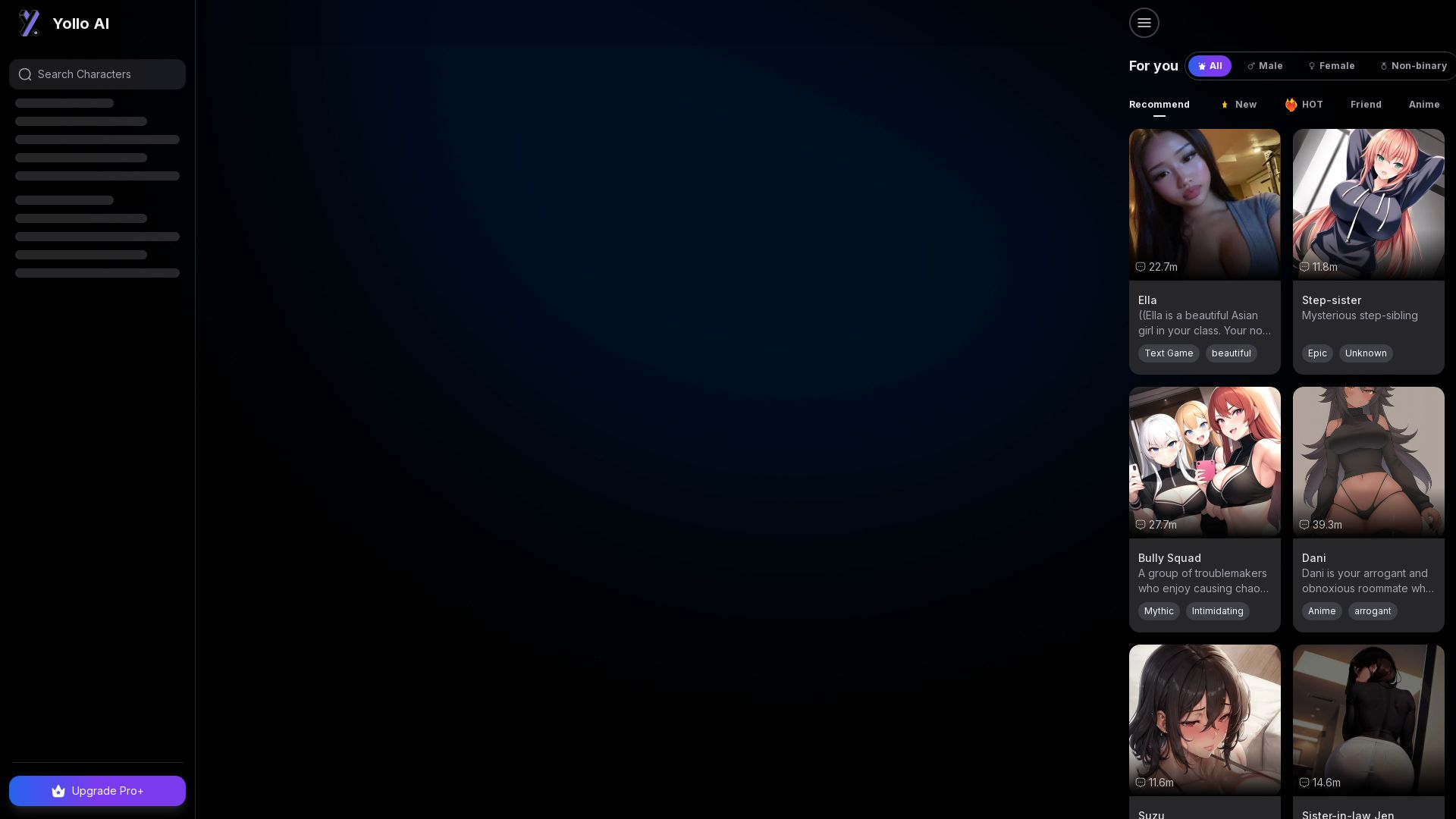
Yollo AI
Free, no sign-up. Chat with 200K+ characters, create NSFW AI art & videos. Ultimate creative freedom.

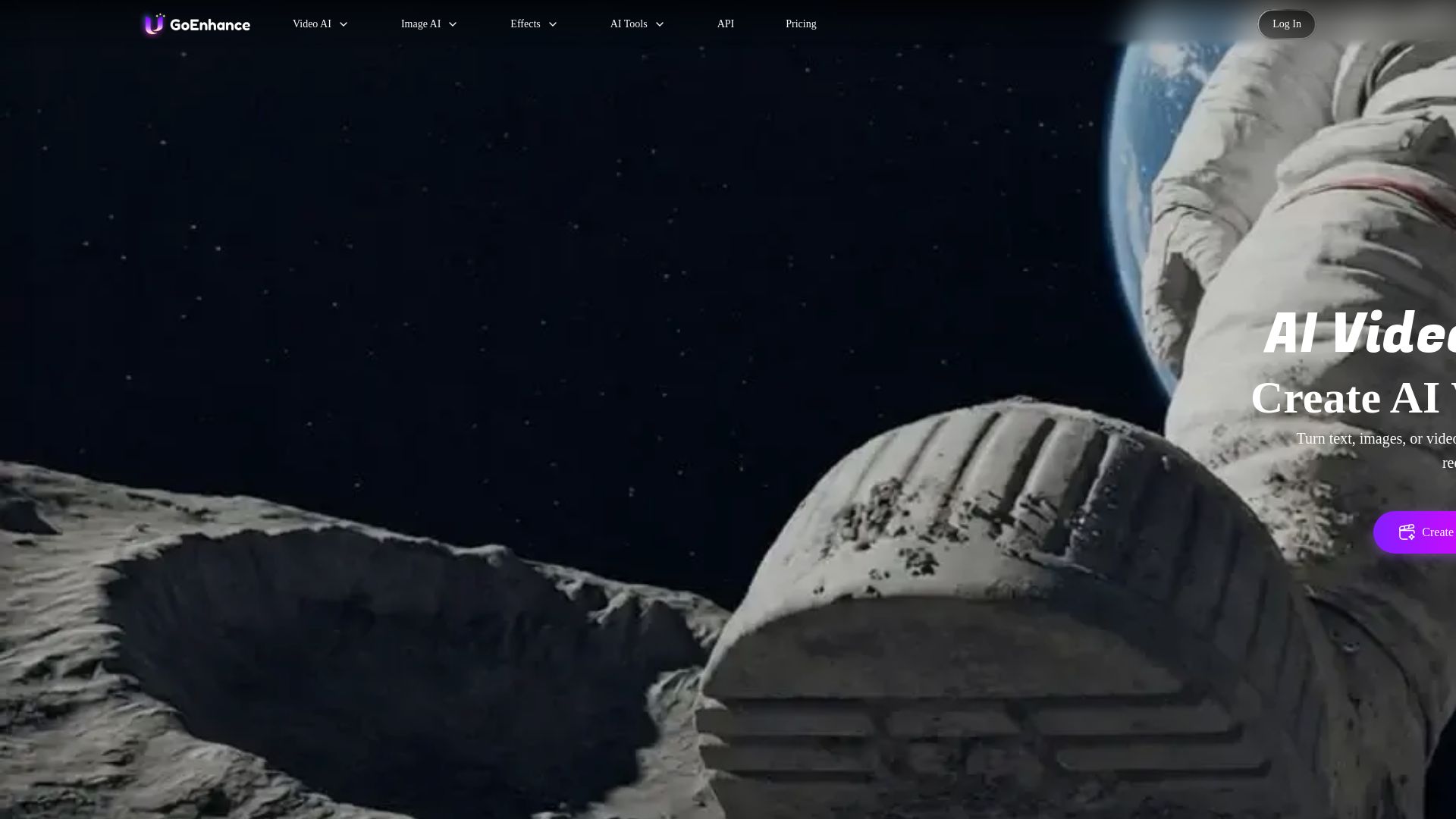
GoEnhance AI
Turn text, images, or videos into stunning AI videos and images. Access 50+ models like Sora, Runway, and Flux. Free to start!


Superdesign
Create stunning designs with AI. Iterate quickly using natural language. Export production-ready code. Browse design prompts and styles.

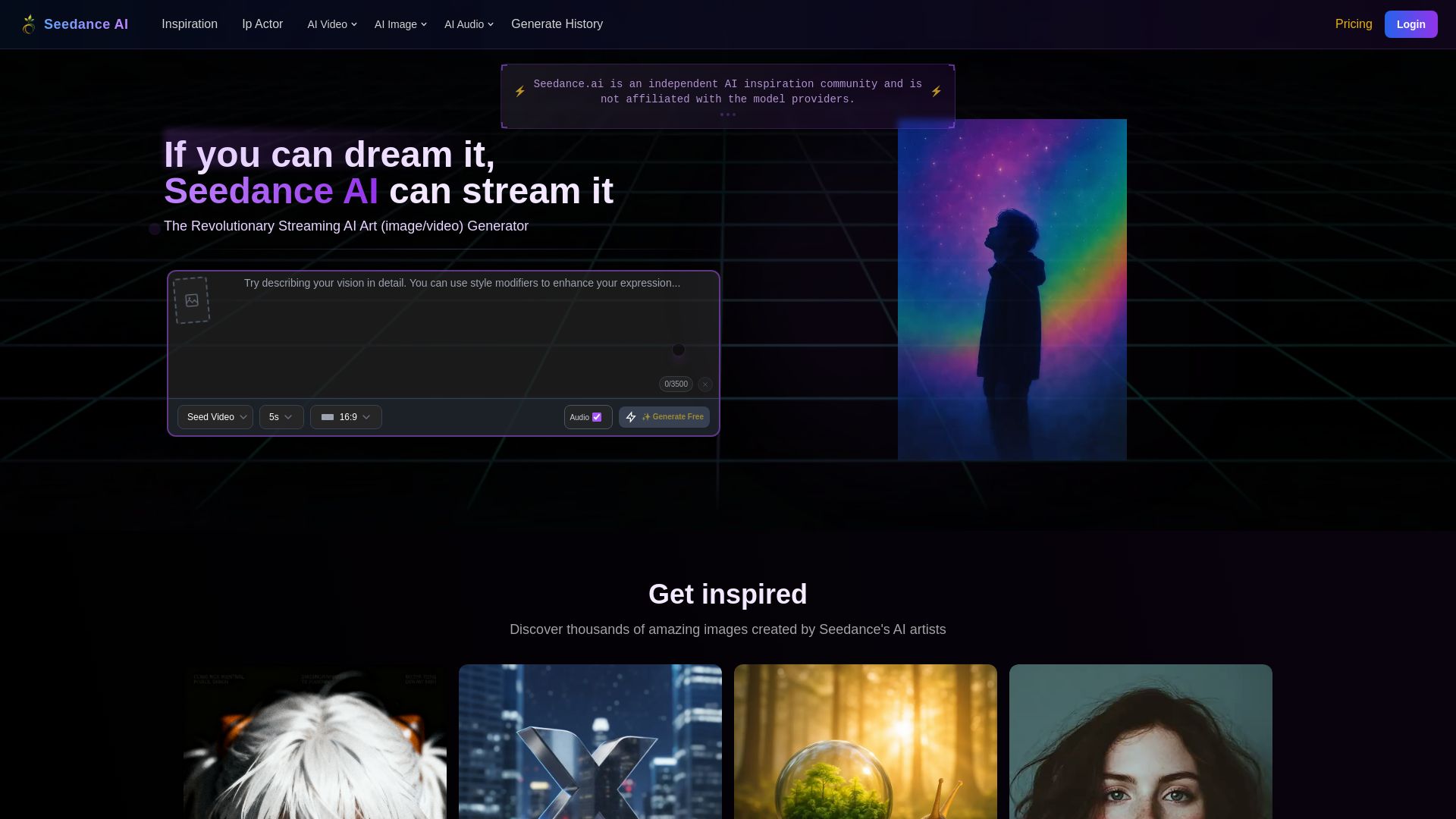
Seedance AI
Create stunning AI images and videos for free. Join millions of artists in the Seedance community. Generate, share, and explore AI art.

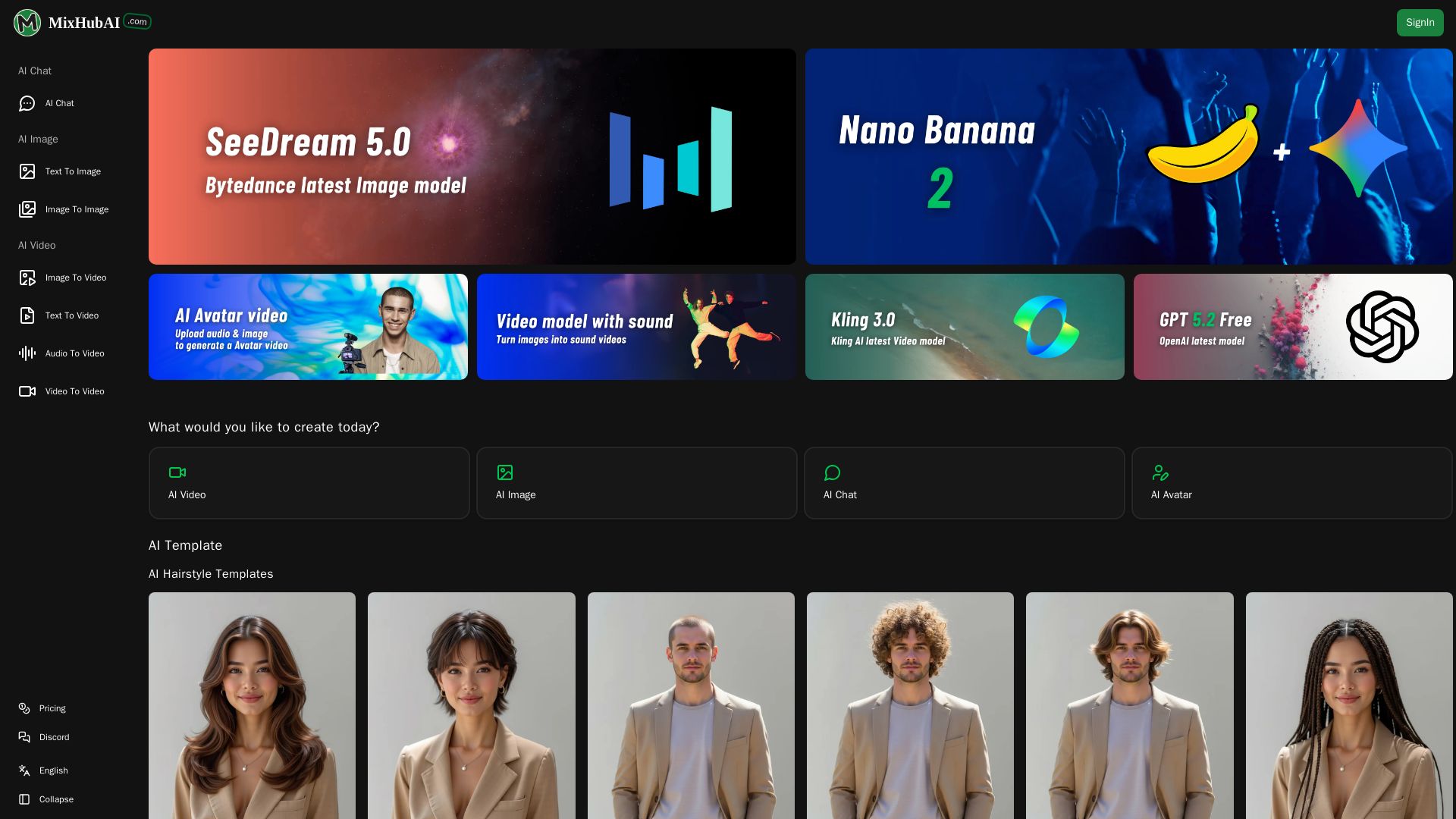
MixHub AI
Create stunning AI images, videos, and chat with top models like GPT-5, Claude, Kling, and more. No skills needed. Start for free at MixHub AI.

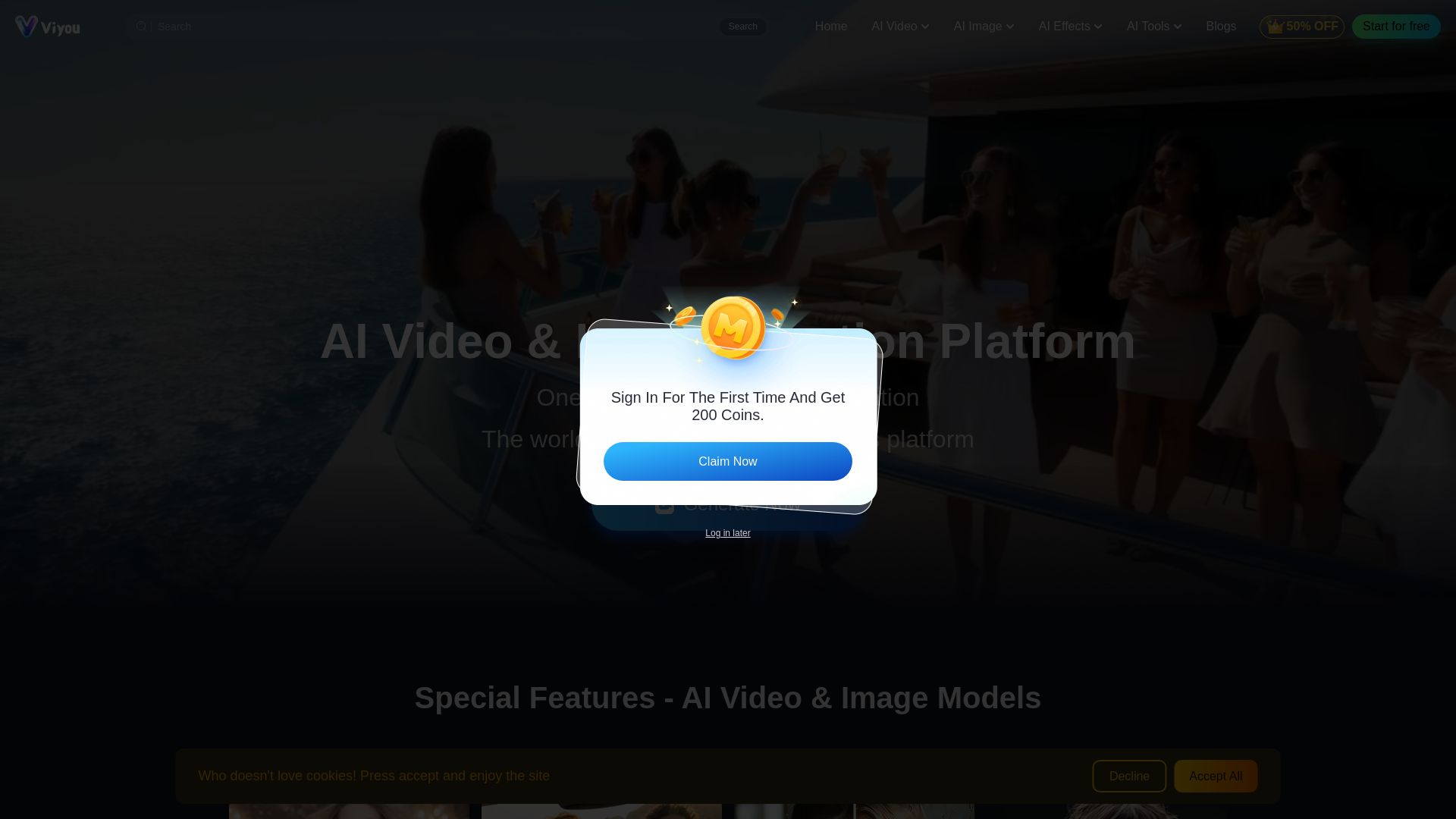
Viyou
Create stunning AI videos and images for free. Generate avatars, romantic kisses, dance videos, and more - all on one platform with full access.

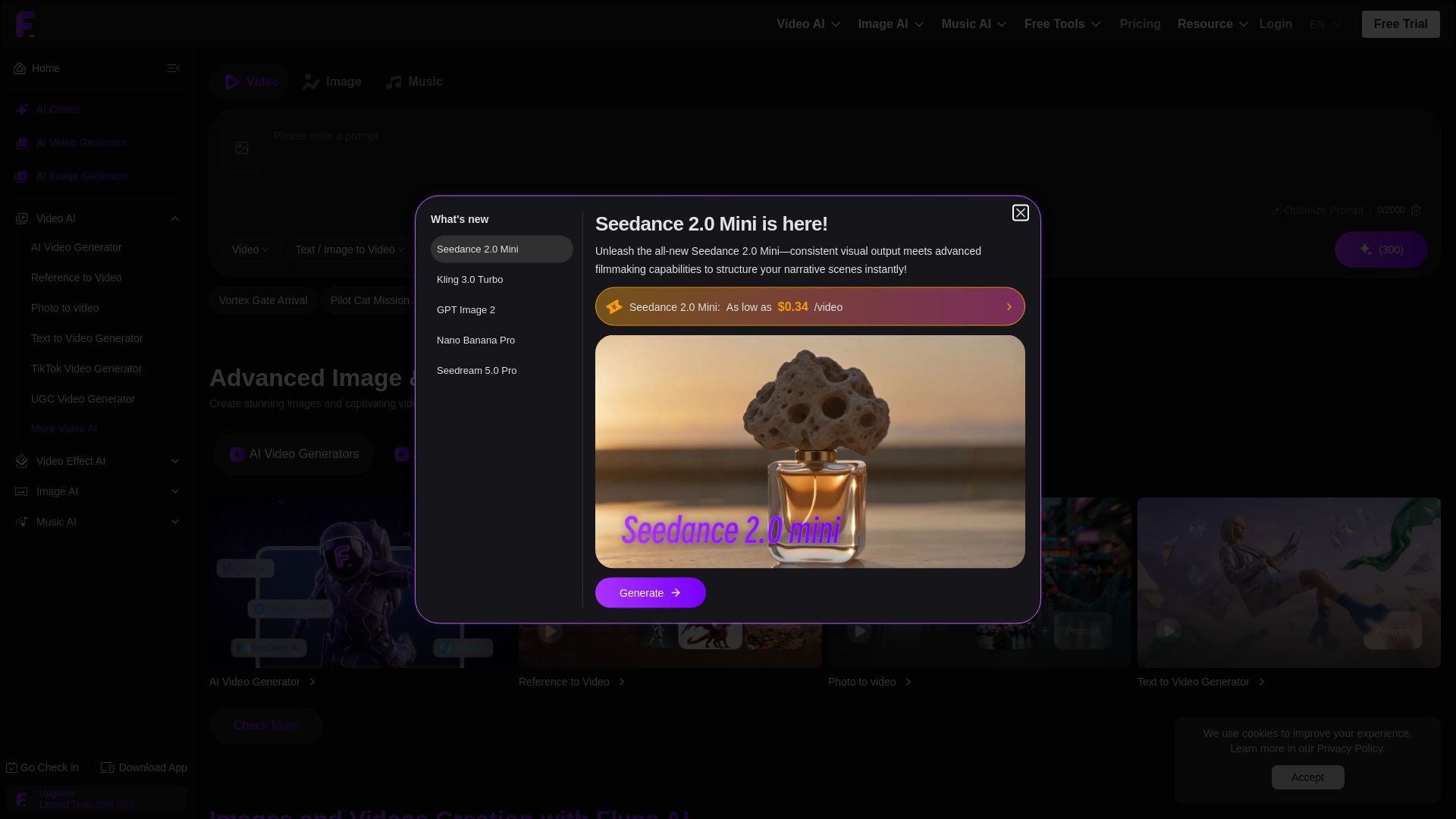
Flyne AI
Create stunning AI images and videos with Flyne AI. Free tools, cutting-edge models like Veo 3.1, Kling 3.0, and Seedance 2.0. Start free!

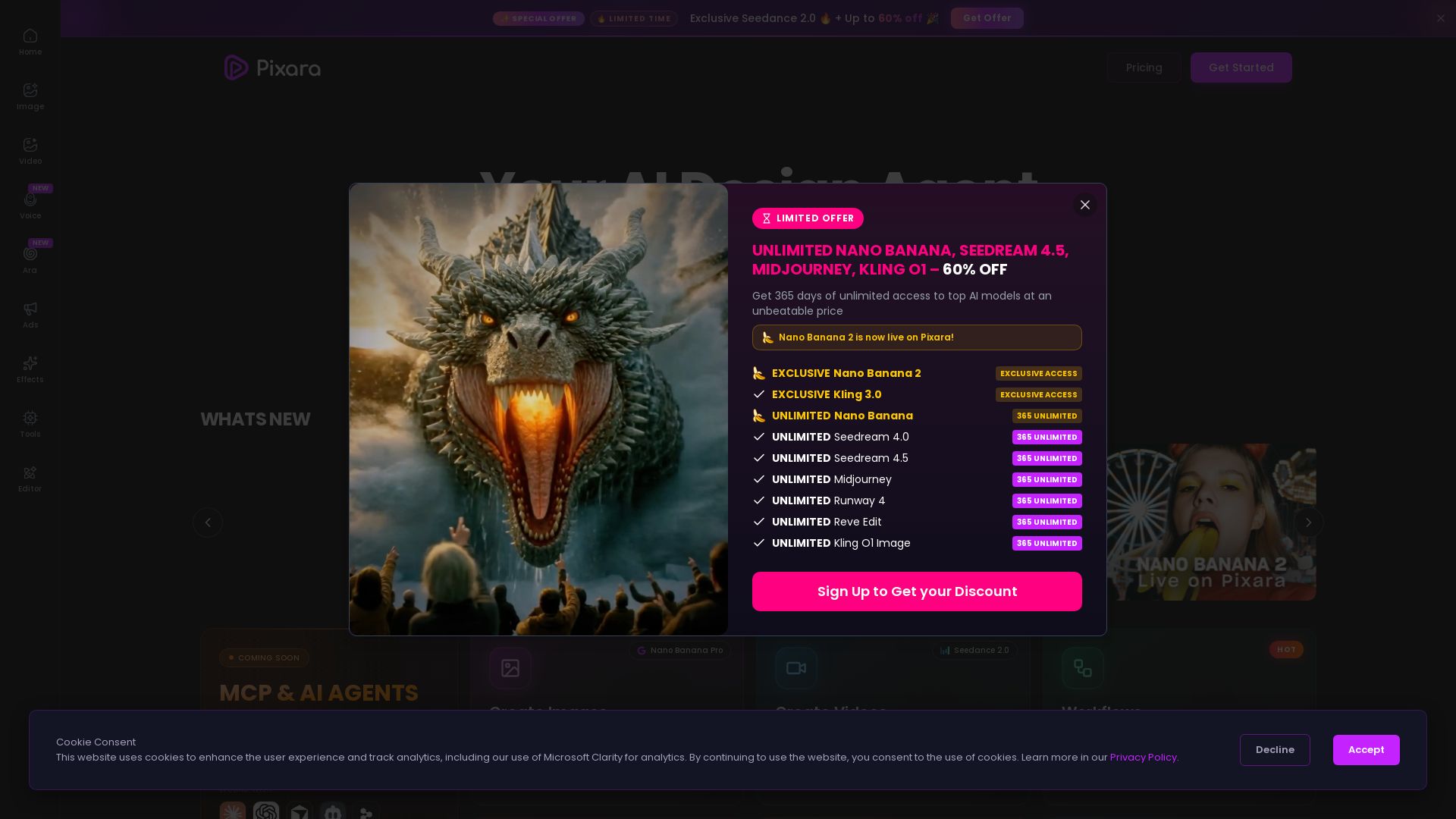
Pixara AI
Generate AI images, videos, and voiceovers with models like Nano Banana Pro, Midjourney, Kling. Up to 60% off unlimited access. Start creating now!

ℹ️ Curation Disclosure: The overview and features of ImagineArt were synthesized using AI and fact-checked by our curation team to ensure accuracy.
