
MixHub AI
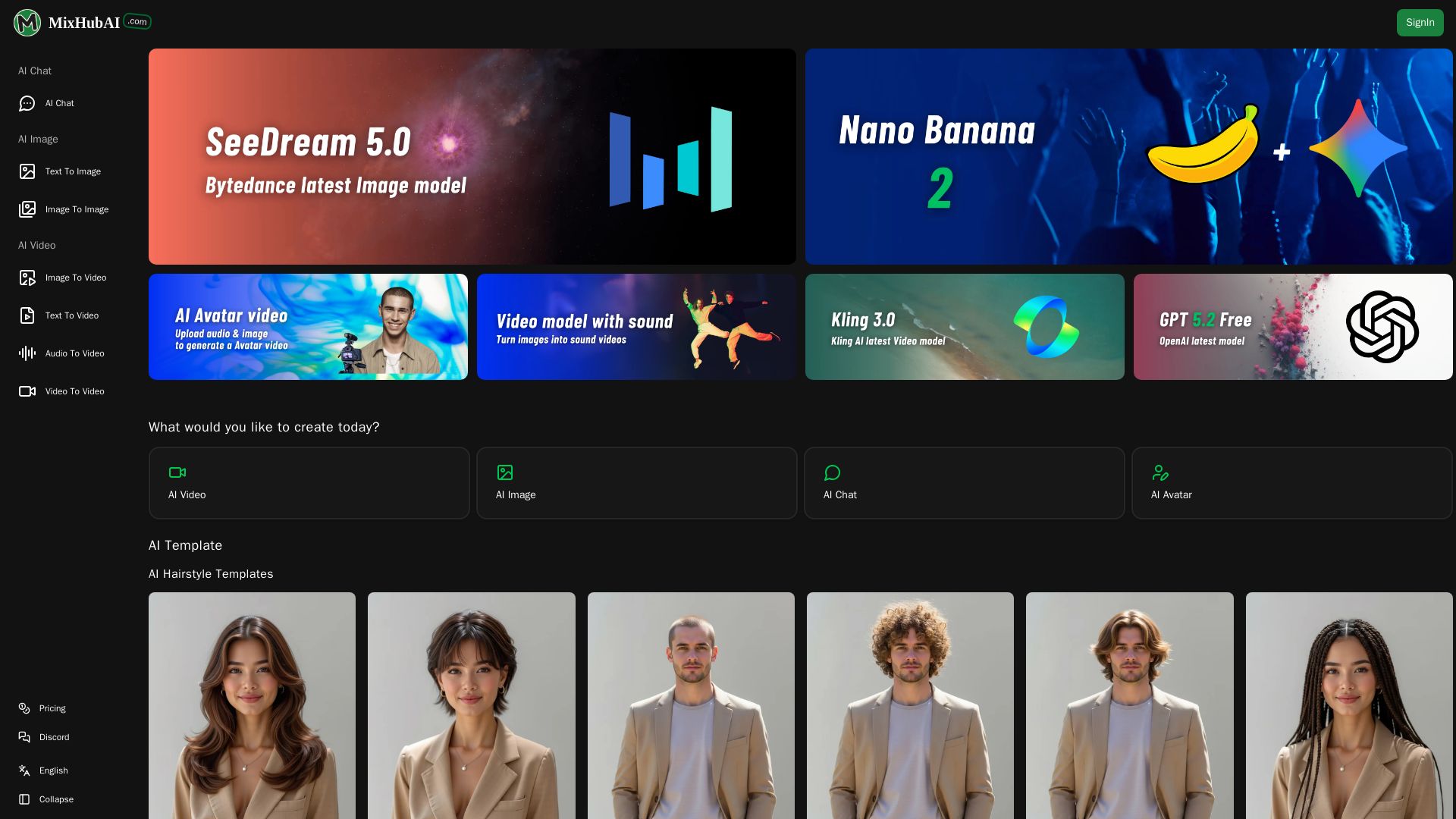
Create stunning AI images, videos, and chat with top models like GPT-5, Claude, Kling, and more. No skills needed. Start for free at MixHub AI.
Editor's Verdict
Key Takeaways
- All-in-One Multi-Model AI Video Generation
- Versatile Creation Methods & Effects
- AI Enhancement Tools & High-Quality Output
- Easy to Use, No Technical Barriers
In-Depth Review: What is MixHub AI?
MixHub AI is an all-in-one platform that brings together the world's leading AI models for chat, image generation, and video creation. With models like GPT-5.2, Claude Opus, Kling 3.0, and Seedance 2.0, users can generate high-quality content from text or images in seconds. The platform features hundreds of templates for hairstyle changes, viral effects, and more. It requires no technical expertise, works on any device via browser, and offers fast cloud-based generation. Whether you're a creator, marketer, or hobbyist, MixHub AI empowers you to bring your ideas to life with cutting-edge AI.
Core Features
All-in-One Multi-Model AI Video Generation
Integrates leading AI video generation models like Runway, Kling, Hailuo, Sora, and more, enabling users to create videos from text, images, or audio with diverse styles and effects.
Versatile Creation Methods & Effects
Supports text-to-video, image-to-video, video style transfer, consistent character animation, and over 150 popular video and image effects for creative projects.
AI Enhancement Tools & High-Quality Output
Includes tools for video enhancement, quality upscaling, and face editing, ensuring professional-grade output for both entertainment and commercial use.
Easy to Use, No Technical Barriers
No coding or design skills required; simply upload images or enter prompts to generate high-quality AI videos and images with one click.
Fast Generation, Efficient Creativity
Leverages powerful cloud-based AI engines and multi-model parallel processing for instant video and image generation, minimizing wait times.
Web-Based, Device Adaptive
Works on desktop and mobile browsers with a responsive interface, requiring no app installation for anytime, anywhere creativity.
Pricing
Basic
- 120 credits one-time
- Up to 120 AI Chat
- Up to 60 images
- Up to 24 videos
- All AI models
- AI Chat
- Text to Image
- Image to Image
- Text to Video
- Image to Video
- Discord Community
- Download supported
- Commercial Use PDF License
Pro
- 220 credits one-time
- Up to 220 AI Chat
- Up to 110 images
- Up to 44 videos
- All AI models
- AI Chat
- Text to Image
- Image to Image
- Text to Video
- Image to Video
- Discord Community
- Download supported
- Commercial Use PDF License
Max
- 600 credits one-time
- Up to 600 AI Chat
- Up to 300 images
- Up to 120 videos
- All AI models
- AI Chat
- Text to Image
- Image to Image
- Text to Video
- Image to Video
- Discord Community
- Download supported
- Commercial Use PDF License
Pros and Cons
Pros
- Comprehensive Model SelectionAccess to dozens of top AI models for chat, image, and video generation under one platform, eliminating the need for multiple subscriptions.
- No Subscription RequiredOne-time credit purchase with no recurring fees, and credits never expire, offering flexibility for occasional users.
- User-Friendly InterfaceIntuitive design with straightforward creation options, making AI generation accessible to beginners and professionals alike.
- Fast Generation SpeedCloud-based parallel processing delivers quick results, enhancing workflow efficiency.
- Commercial Use LicenseAll plans include a PDF license for commercial use, allowing generated content to be used in projects without legal concerns.
Cons
- Credit-Based PricingHeavy users may find the credit system costly compared to unlimited subscription models, especially for video generation which consumes many credits.
- No Free TierLack of a free plan or trial credits may deter new users from testing the platform before purchasing.
- Limited Collaboration FeaturesNo built-in team collaboration or project sharing tools, which may hinder workflow for larger teams.
- Model Quality VariabilityWhile many models are integrated, not all may consistently meet professional standards, and users must rely on the platform's selection.
Use Cases & Recommended Professions
Content Creator→ View Toolkit
Needs to quickly produce engaging videos and images for social media, blogs, or channels without investing in expensive software or equipment.
Digital Marketer→ View Toolkit
Requires versatile AI tools to generate promotional visuals, personalized ads, and video content for campaigns across multiple platforms.
Video Editor→ View Toolkit
Can leverage AI video models to create effects, transitions, or alternative takes, accelerating the editing process and expanding creative possibilities.
Social Media Manager→ View Toolkit
Must consistently produce fresh visual content; AI generation helps maintain a high posting frequency with varied styles and themes.
Graphic Designer→ View Toolkit
Uses image generation and style transfer to quickly prototype ideas, generate assets, or explore creative directions before finalizing designs.
Educator or Trainer→ View Toolkit
Creates educational videos, animations, and visual aids to explain complex concepts, making learning more engaging and accessible.
Frequently Asked Questions
Alternative AI Tools
View Detailed Comparison →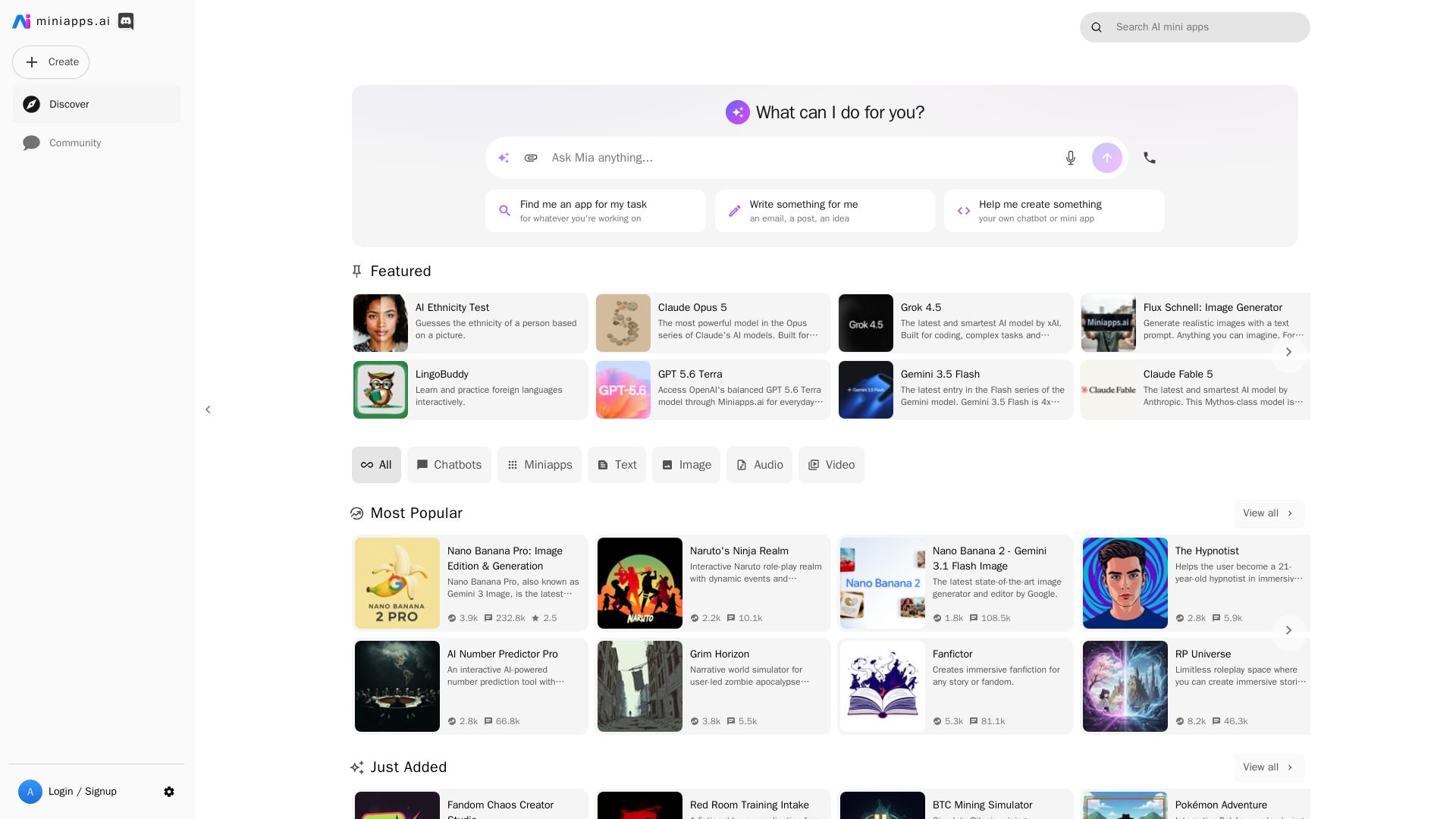
miniapps.ai
Discover and create AI-powered mini apps, chatbots, image generators, and more. From roleplay to productivity, find your perfect AI tool.


SeaArt AI
Turn ideas into stunning images and cinematic videos with SeaArt AI. Free tools, community, and advanced models like Seedance 2.0.

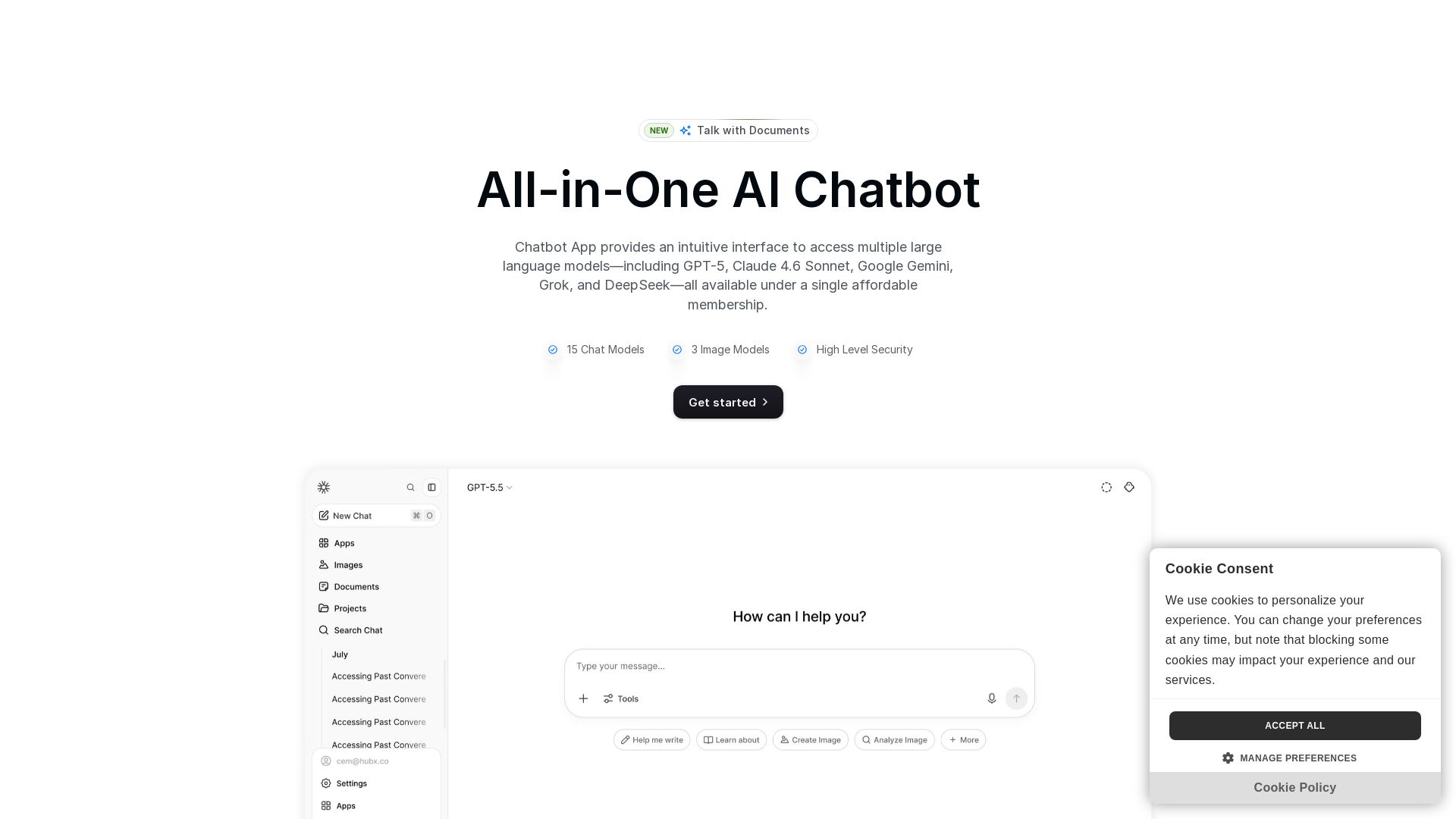
Chatbot App
Access 15+ top AI models including GPT-5, Claude 4.6, Gemini, DeepSeek in one app. Affordable membership, chat, image generation, PDF support, and more. Save 70%.

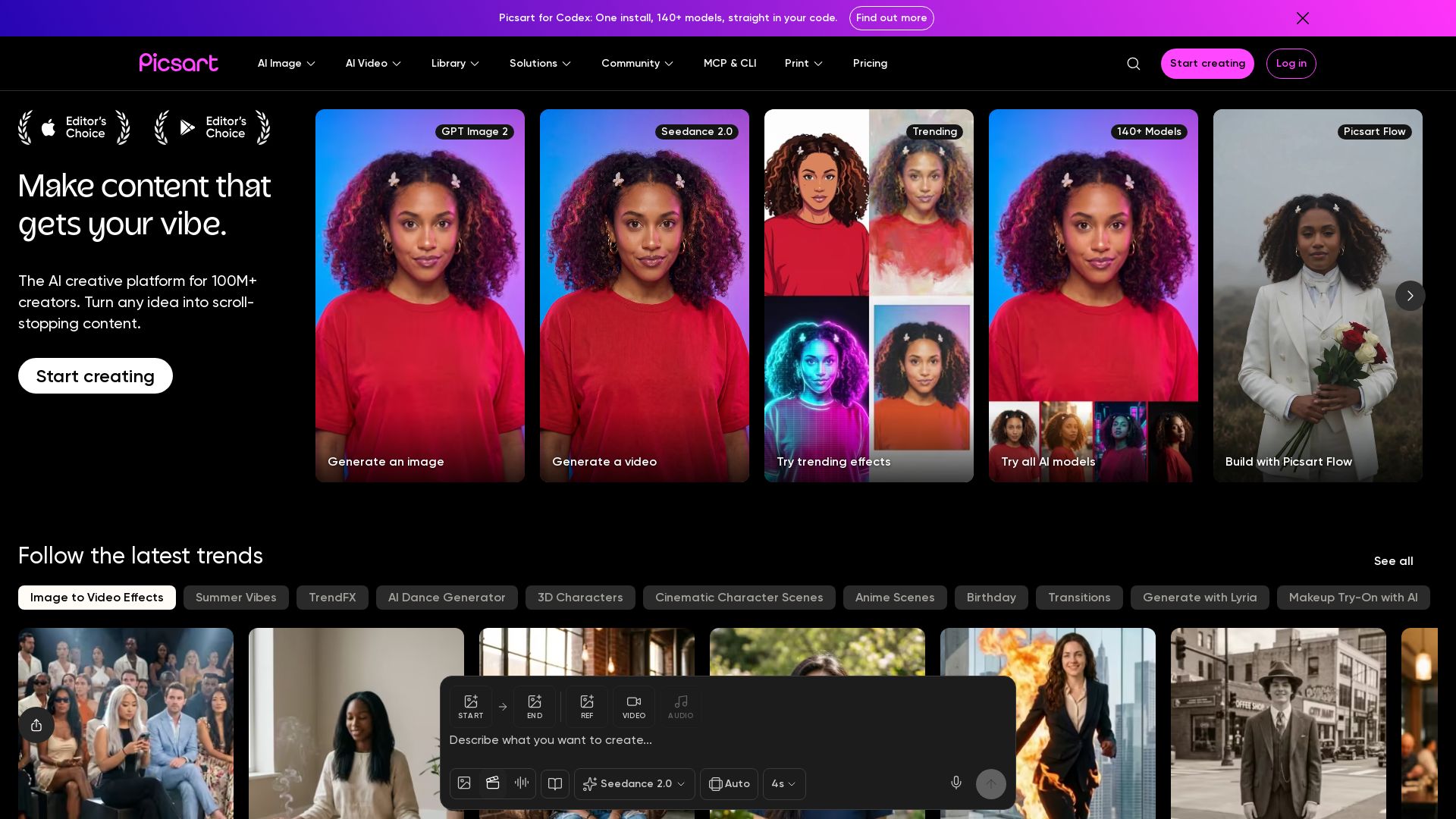
Picsart
Generate AI images & videos, edit photos, and access 140+ models. Picsart's AI creative platform for 100M+ creators. Start for free!

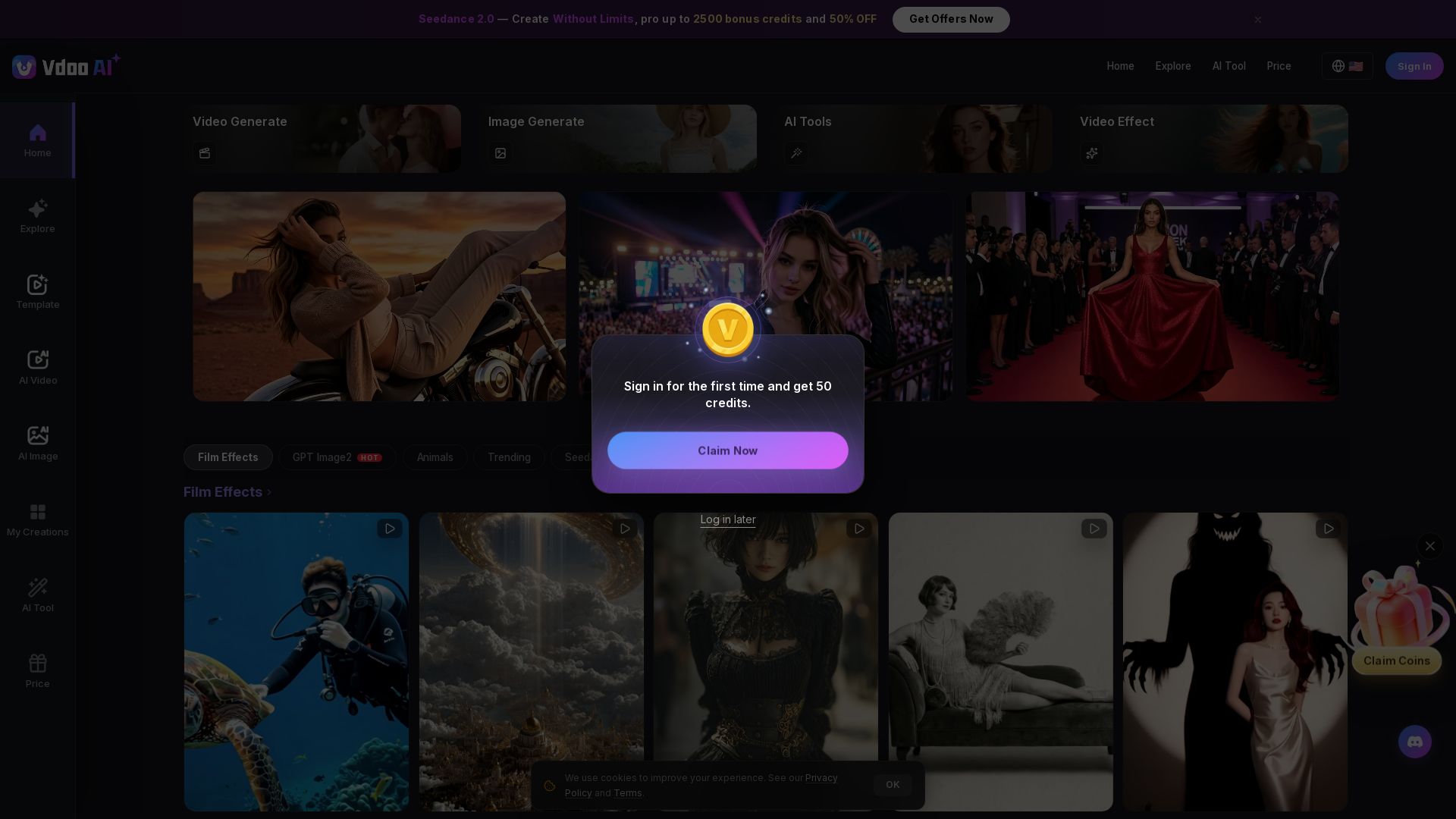
Vdoo AI
Create stunning AI videos and images with cutting-edge models. Easy-to-use platform for professional-quality content. Try free tools today!


Expo AI Chatbot
Build AI chatbot apps for iOS, Android & web with Expo SDK 54, AI SDK 5, voice, long-term memory, and more. Open-source codebase.

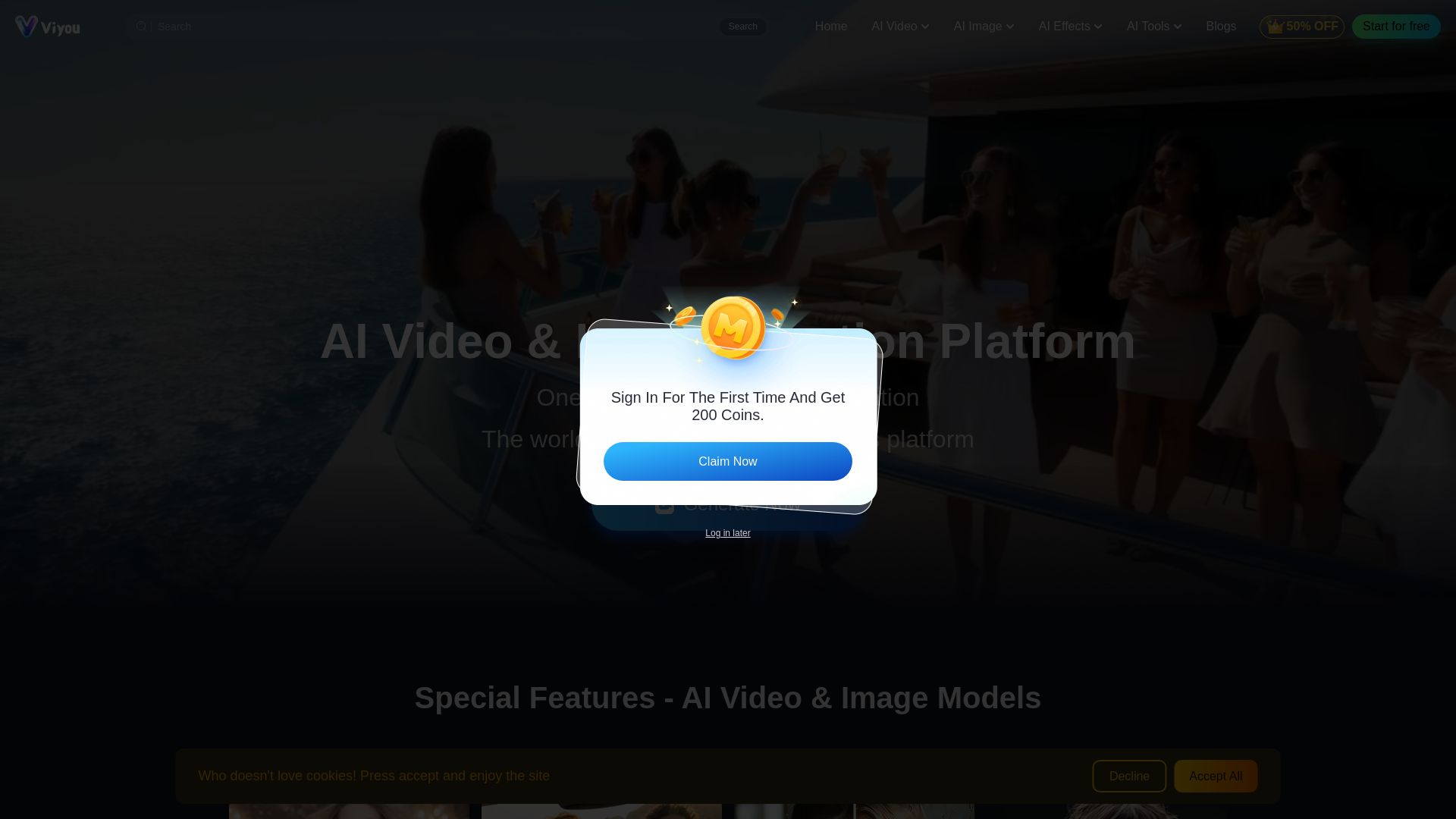
Viyou
Create stunning AI videos and images for free. Generate avatars, romantic kisses, dance videos, and more - all on one platform with full access.

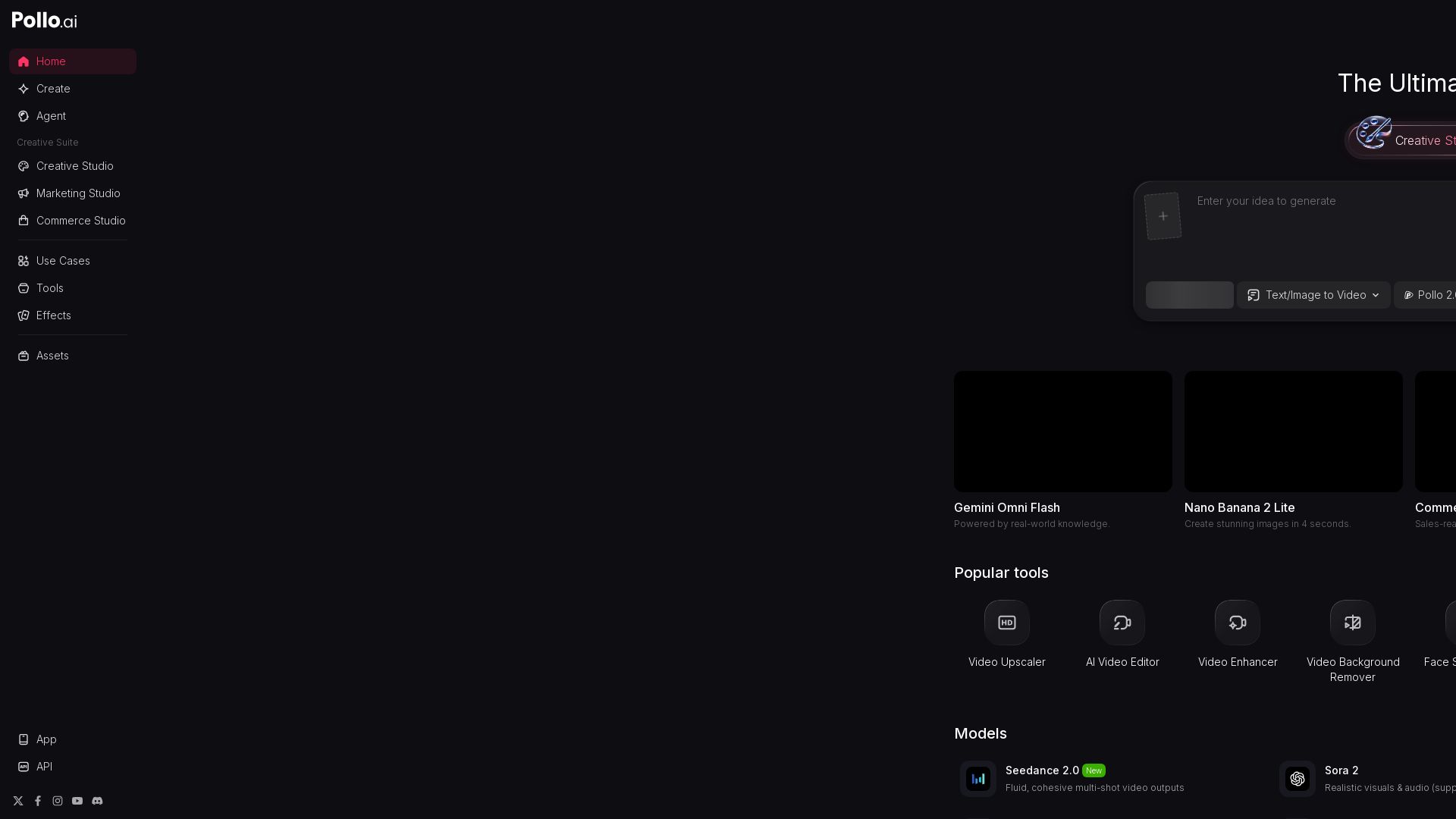
Pollo AI
Create stunning AI videos and images with Pollo.ai. Tools for video generation, editing, upscaling, and marketing. Models like Pollo 2.5, Sora 2, Kling 3.0.

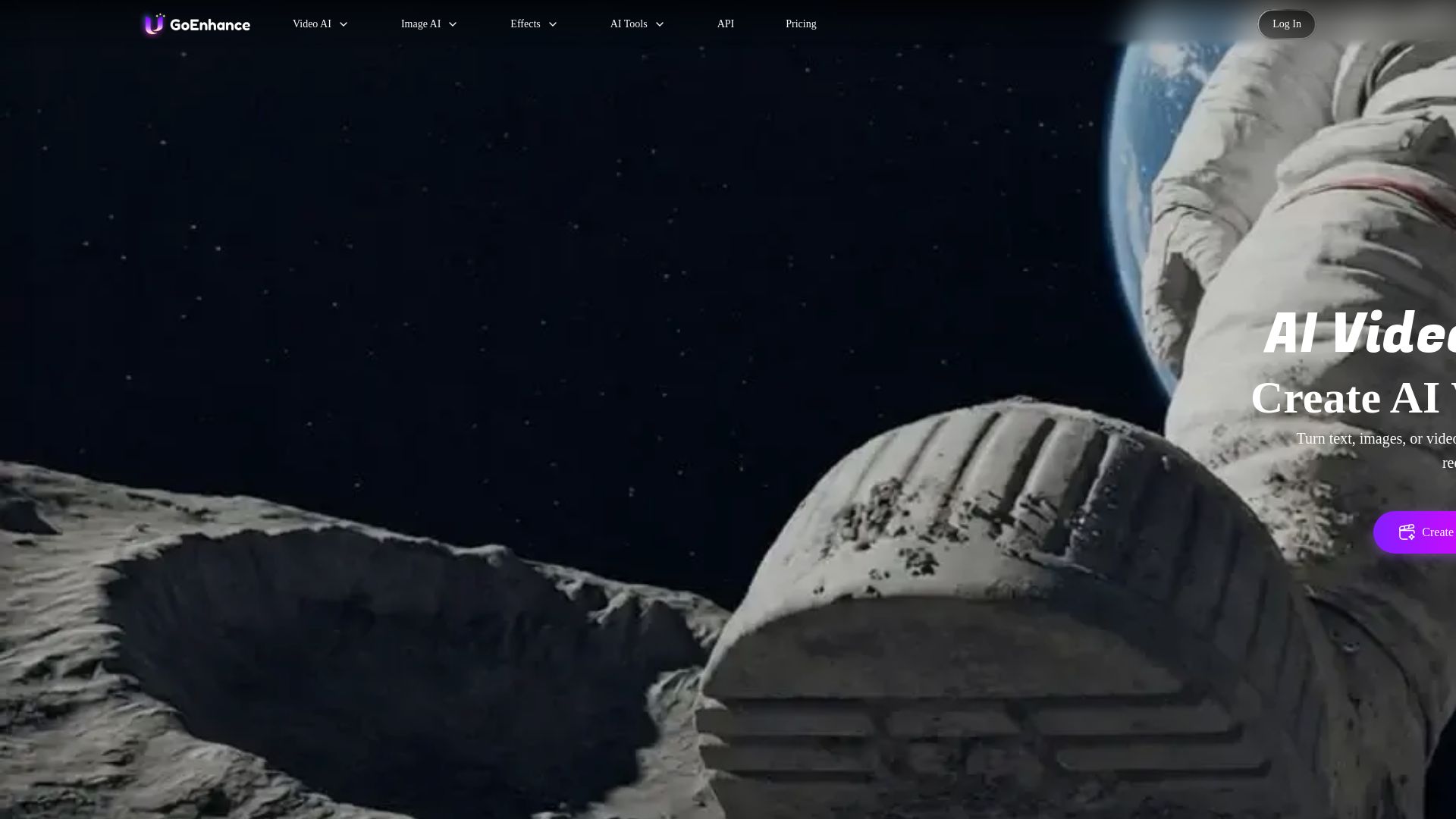
GoEnhance AI
Turn text, images, or videos into stunning AI videos and images. Access 50+ models like Sora, Runway, and Flux. Free to start!


Pixlr
Edit, generate, and design with Pixlr's free AI photo editor. Transform photos, create images from text, and more – all in your browser. No download needed.

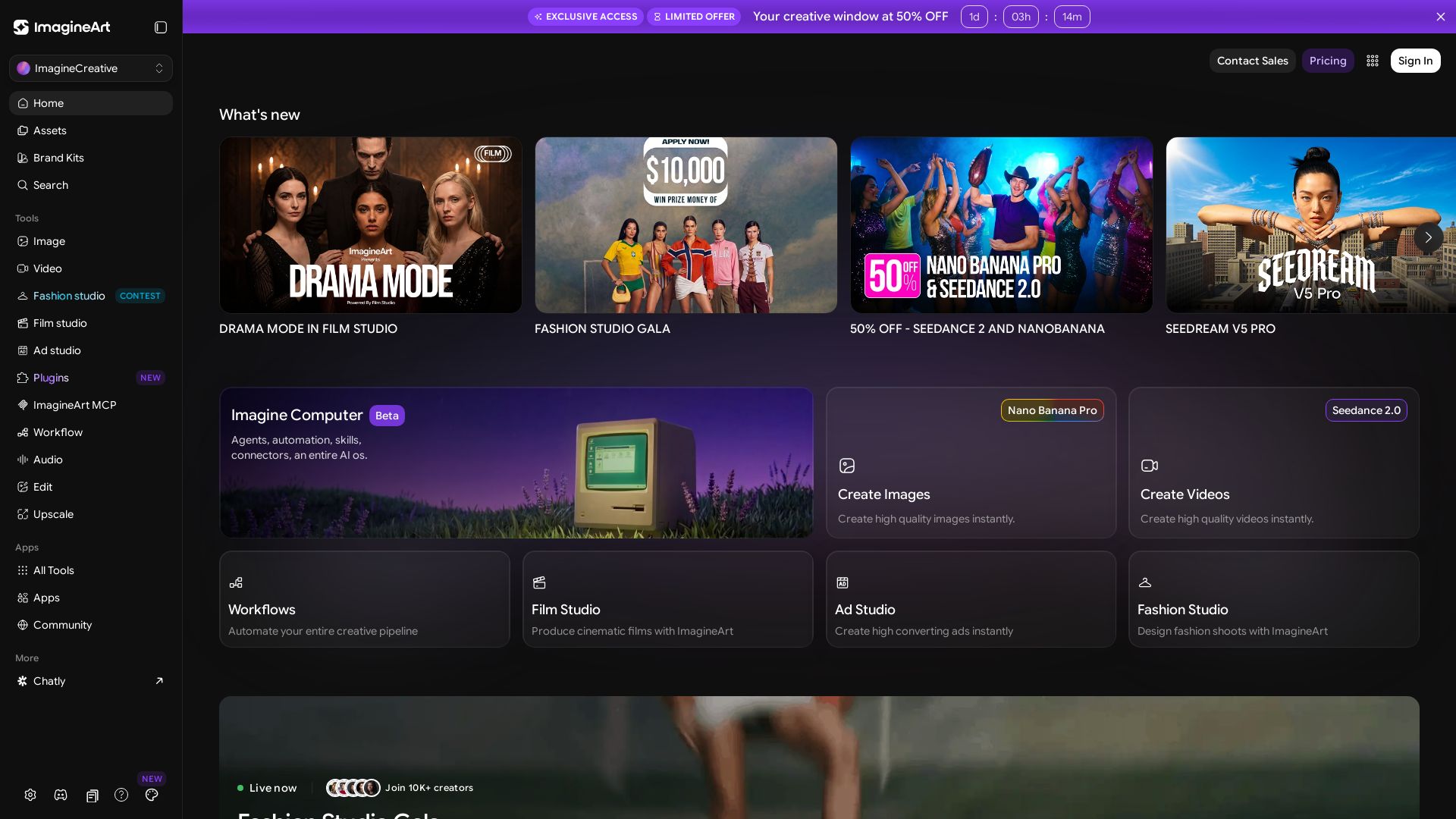
ImagineArt
Create stunning AI images, videos, and ads with ImagineArt. Explore tools like Seedance, Film Studio, and Fashion Studio. Join 10K+ creators.

Veo3 AI
Create stunning videos from text or images using top AI models like Veo3, Sora 2, and Seedance. Free, all-in-one platform. No juggling multiple tools.

ℹ️ Curation Disclosure: The overview and features of MixHub AI were synthesized using AI and fact-checked by our curation team to ensure accuracy.
