
OpusClip
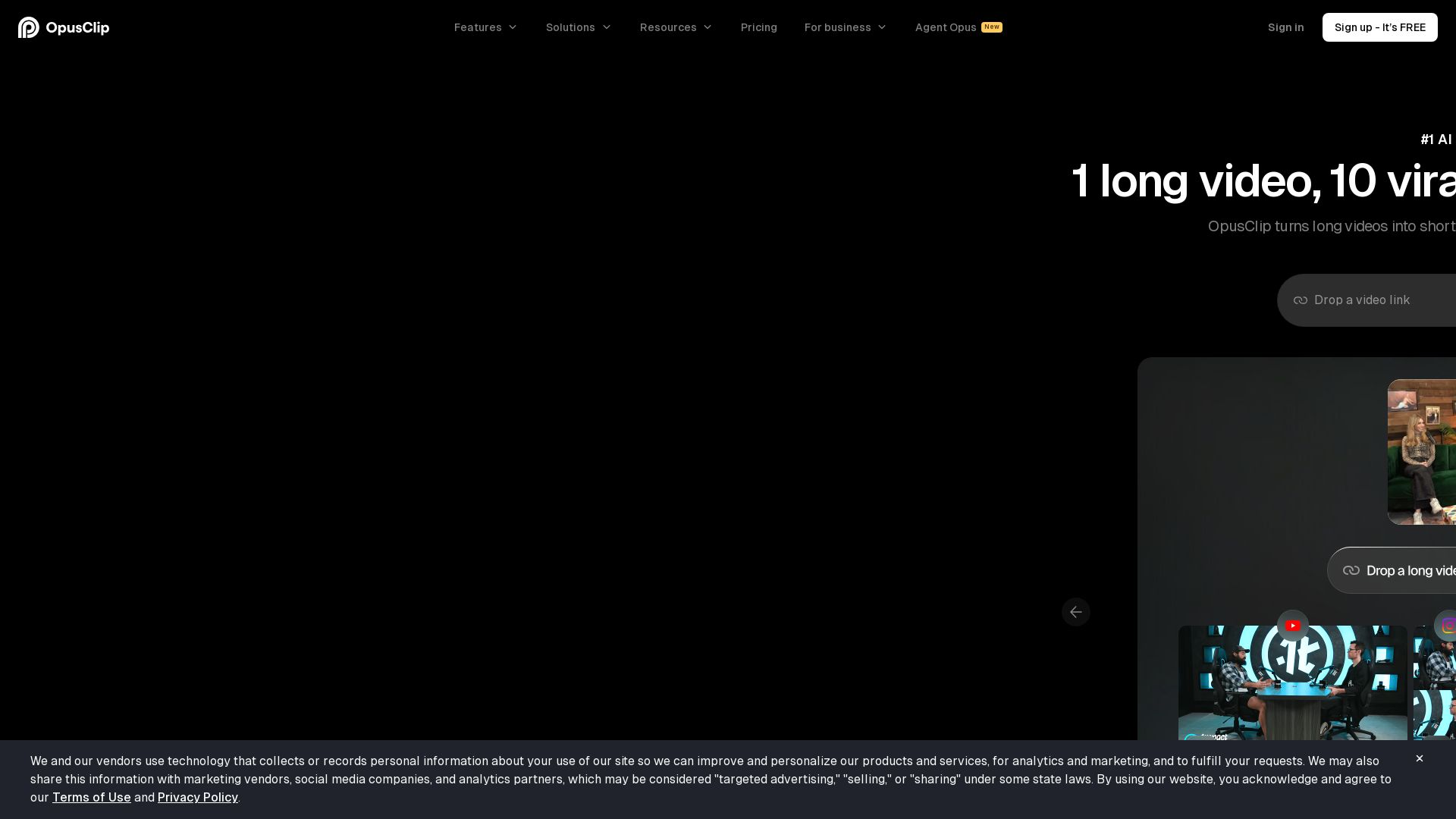
Create 10 viral clips from 1 long video in minutes. AI-powered clipping, captioning, reframing, and B-Roll. Used by 16M+ creators. Supports YouTube, Google Drive, Vimeo, Zoom, and more. Try free!


Editor's Verdict
Key Takeaways
- AI Clipping
- AI Captioning
- AI Reframe
- AI B-Roll
In-Depth Review: What is OpusClip?
OpusClip is the #1 AI video clipping tool that transforms long videos into multiple viral short clips in minutes. With advanced AI models like ClipAnything and ReframeAnything, it works on any genre—vlogs, gaming, interviews, explainers, and more. Features include AI clipping, captioning, reframe, B-Roll insertion, audio enhancement, and voice-over. Upload from YouTube, Google Drive, Vimeo, Zoom, and 10+ other sources. Supports 20+ languages. Trusted by over 16 million creators and brands, including top influencers. Offers team workspaces, brand templates, and workflow automation via API. Start free and publish directly to all social platforms.
Core Features
AI Clipping
Automatically extracts highlights and viral moments from long videos to create multiple short clips in one click.
AI Captioning
Generates animated captions with emojis and keyword highlights in 20+ languages.
AI Reframe
Resizes videos for any platform (9:16, 1:1, 16:9) with AI object tracking to keep subjects centered.
AI B-Roll
Automatically inserts relevant images, video clips, and stock footage to enhance storytelling.
AI Audio Enhance
Improves audio quality by removing noise and filler words.
AI Voice-over
Adds AI-generated voice-overs to clips for narration or language dubbing.
ClipAnything
AI clipping model that works on any video genre (vlogs, gaming, sports, interviews, explainers) beyond just podcasts.
ReframeAnything
AI reframe model with object tracking for moving subjects, plus manual tracking for precise control.
Workflow Automation
Automate video creation and publishing with web app and API, including social media scheduling.
Brand Templates
Create and apply custom brand templates with fonts, colors, logos, intros/outros for consistent branding.
Team Workspace
Collaborate with team members in a shared workspace with role-based permissions and project management.
Video Dubbing
Translate and dub videos into multiple languages using AI.
Pricing
Free
- 60 credits per month
- Up to 1080p rendered clips
- Auto reframe
- AI captions with emoji and keyword highlighter
- Has watermark
- No editing
- Clips exportable for 3 days
Starter
- 150 credits per month
- AI clipping with Virality Score
- AI animated captions in 20+ languages
- Auto post to YouTube Shorts, TikTok, IG Reels, or download
- Powerful editor
- 1 brand template
- Filler & silence removal
- Remove Watermark
Pro
- 3,600 credits per year (yearly) or 300/month (monthly)
- Team workspace with 2 seats
- 2 brand templates
- 6 social account connections
- AI B-Roll (image, video, stock)
- Input from 10+ sources
- Export to Adobe Premiere Pro & DaVinci Resolve
- Multiple aspect ratios (9:16, 1:1, 16:9)
- Social media scheduler
- Intercom chat support
- Custom fonts
- Speech enhancement
- Limited API Access
- Video dubbing
Business
- Everything in Pro plan
- Priority project processing
- Customized credits, team seats and social account connections
- Tailored business assets (brand templates, fonts, vocabulary)
- Dedicated storage
- API & custom integrations
- Master Service Agreement (MSA)
- Priority support with dedicated Slack channel
- Enterprise-level security
Pros and Cons
Pros
- Time-Saving AutomationTurns long videos into multiple viral clips in minutes, drastically reducing editing time.
- Multi-Platform PublishingAuto-posts to YouTube Shorts, TikTok, Instagram Reels, and other platforms in one click.
- High-Quality AI FeaturesAI-driven clipping, captioning, reframing, and B-Roll produce professional results.
- Proven by Top CreatorsUsed by millions of creators and brands like Grant Cardone, Logan Paul, and Dhar Mann for growth.
- Scalable for TeamsTeam workspace, brand templates, and API integrations support business growth.
Cons
- Free Plan LimitationsFree plan includes watermark, no editing, and clips expire after 3 days.
- Credit-Based UsageNumber of clips is limited by credits per month/year, which may require plan upgrades for heavy use.
- Limited Advanced Features on Lower PlansFeatures like AI B-Roll, custom fonts, and API access are only available in Pro and Business plans.
- Language Support Still LimitedDespite 20+ languages, some languages or dialects may not be fully supported.
- Dependency on AI AccuracyAI clip selection and reframing may not always capture the intended moments without manual adjustments.
Use Cases & Recommended Professions
Content Creator→ View Toolkit
Repurpose long-form videos into short, engaging clips for social media to grow audience and reach.
Social Media Manager→ View Toolkit
Automate clipping and cross-posting across platforms to maintain consistent content output.
Video Editor→ View Toolkit
Speed up editing workflow by using AI for rough cuts, captions, and reframing, then fine-tune in professional editors.
Podcaster→ View Toolkit
Extract highlights and quotes from podcast episodes to promote on YouTube Shorts, TikTok, and Reels.
Marketing Professional→ View Toolkit
Create branded short-form video ads and social content quickly without extensive editing resources.
YouTuber→ View Toolkit
Turn long YouTube videos into multiple shorts to drive channel growth and maximize reach.
Frequently Asked Questions
Alternative AI Tools
View Detailed Comparison →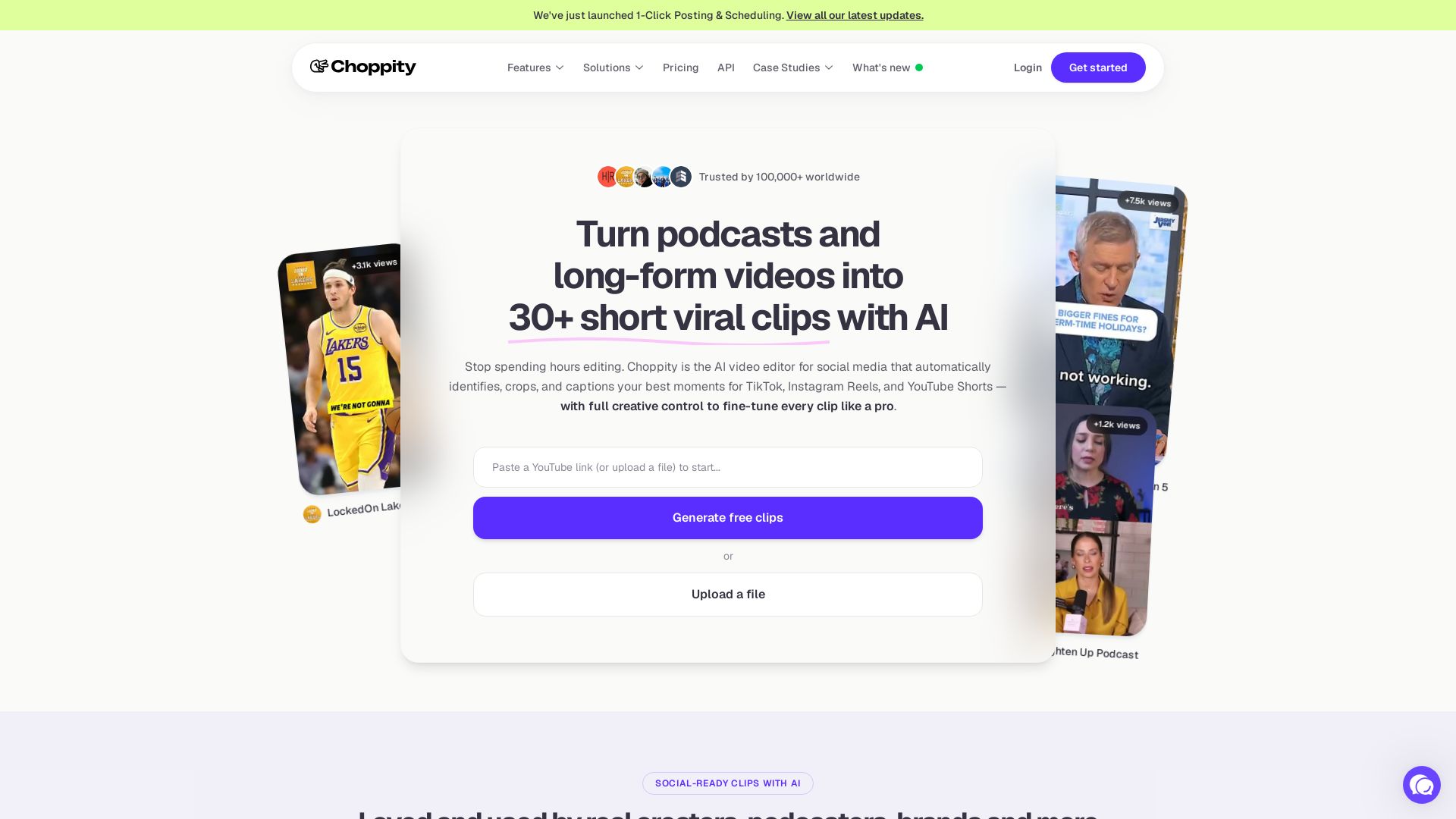
Choppity
Automatically turn podcasts & long videos into 30+ short clips for TikTok, Instagram Reels, YouTube Shorts with AI. Full creative control. Trusted by 100k+.

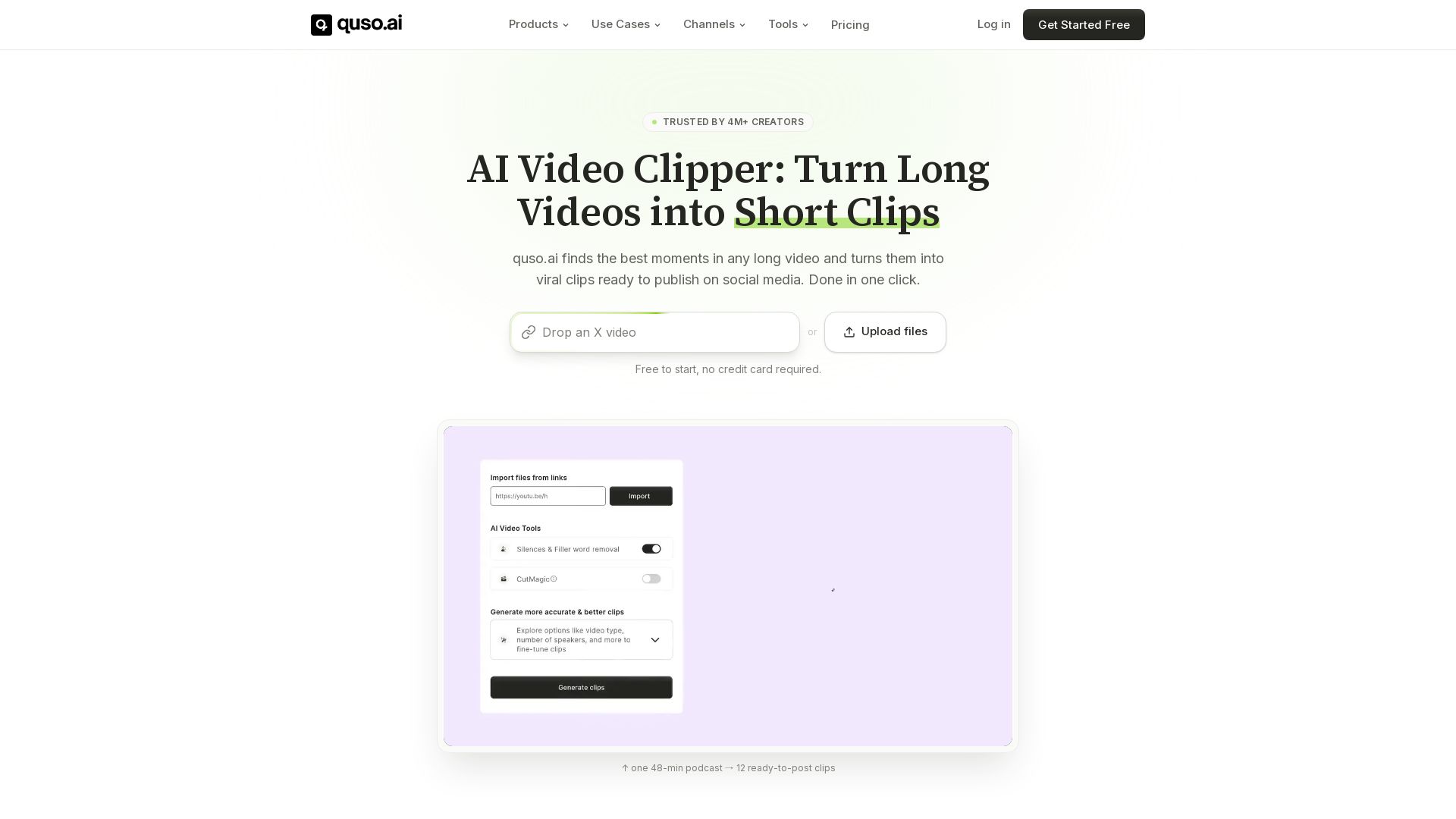
quso
Quso.ai automatically finds viral moments in any video, creates clips with captions, and schedules posts. One click, no editing needed.

Vizard.ai
Create 30+ social-ready clips from one upload with AI. Auto-captions, resizing, and more. Trusted by 10M+ creators. Try free.


Marketing Mary
Unify research, creation, publishing & optimization with one AI Co-Pilot. Works in your existing stack. Join 500+ leaders on the waitlist.

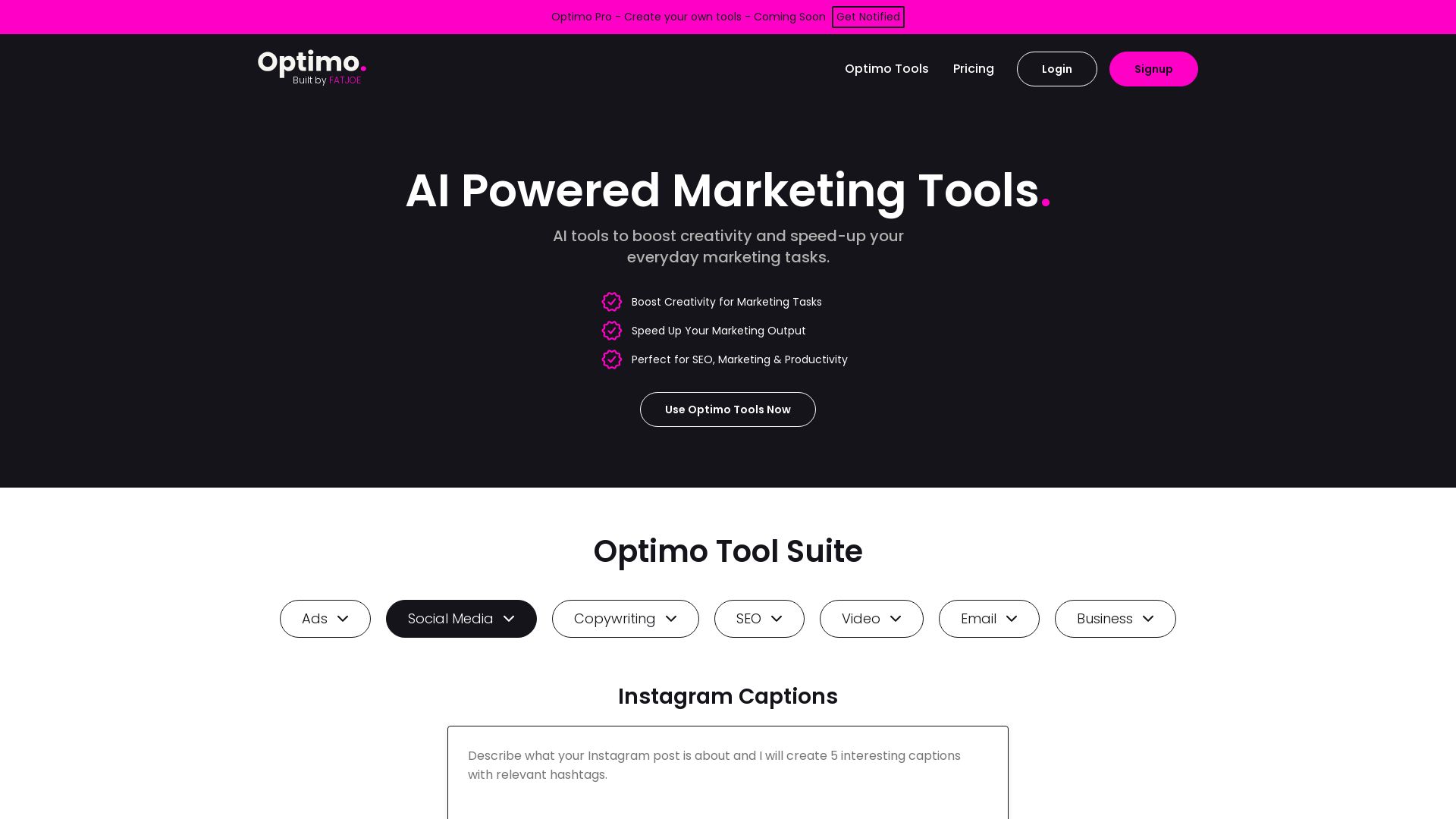
Optimo
Boost creativity and speed up marketing tasks with AI tools for SEO, copywriting, social media, ads, email, video. Trusted by 2.5k+ users, 1M+ generations.

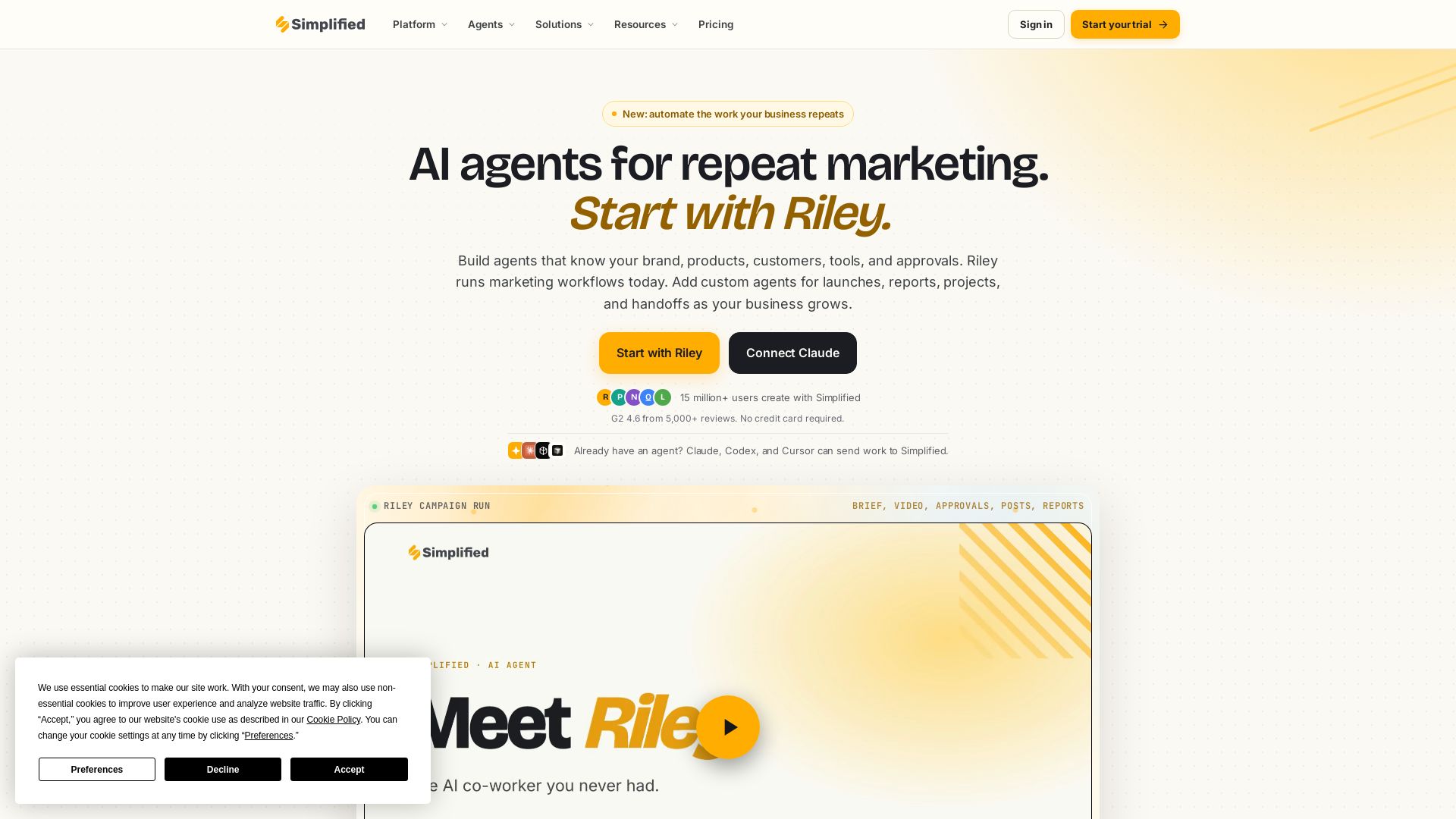
Simplified
Automate end-to-end marketing campaigns with Riley AI. Plan, create, approve, publish, and report. Trusted by 15M+ users. Start free.

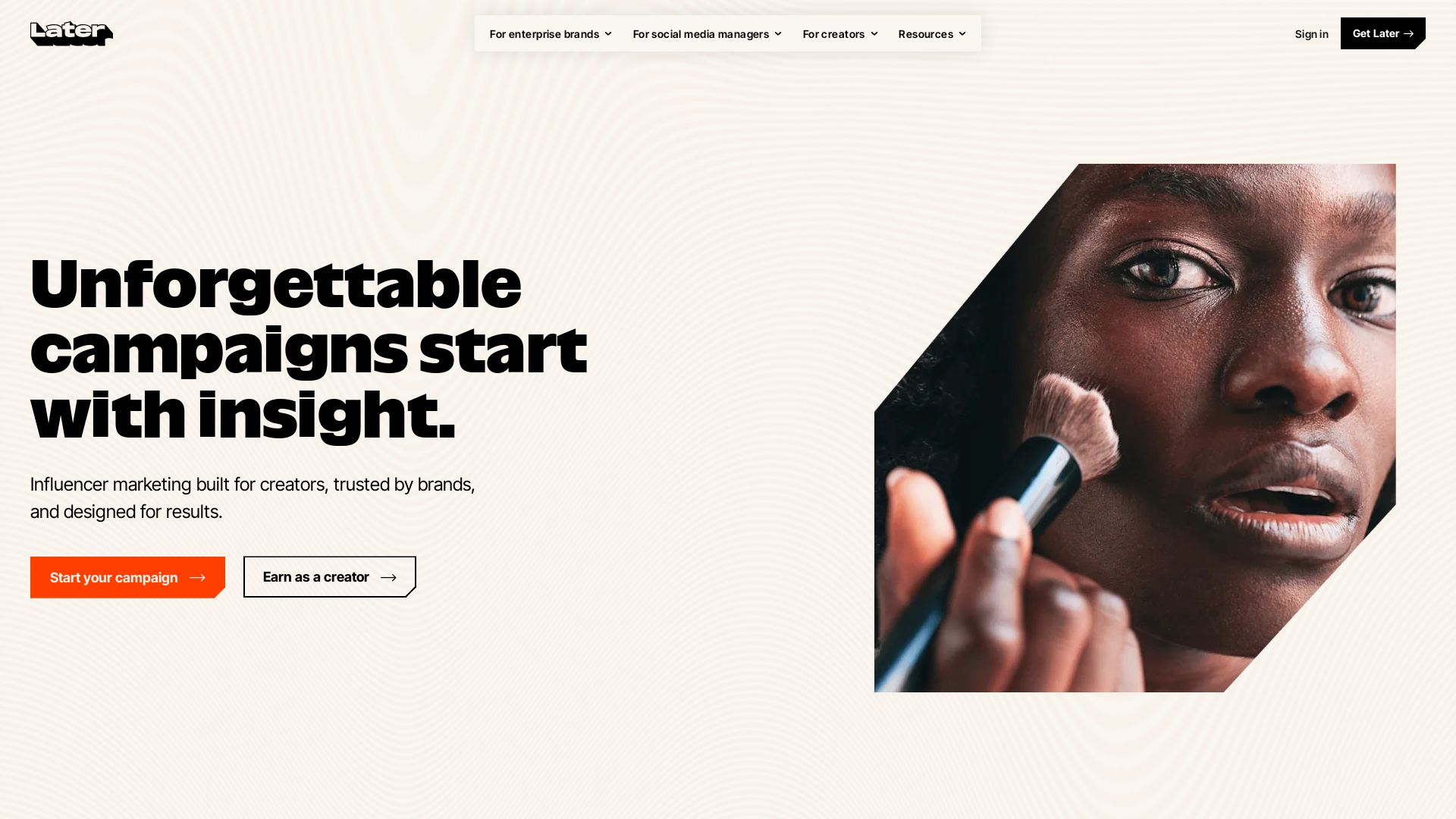
Later
Unforgettable campaigns start with insight. Later combines influencer marketing, social media management, and AI-driven data to drive results for enterprise brands, social media managers, and creators.

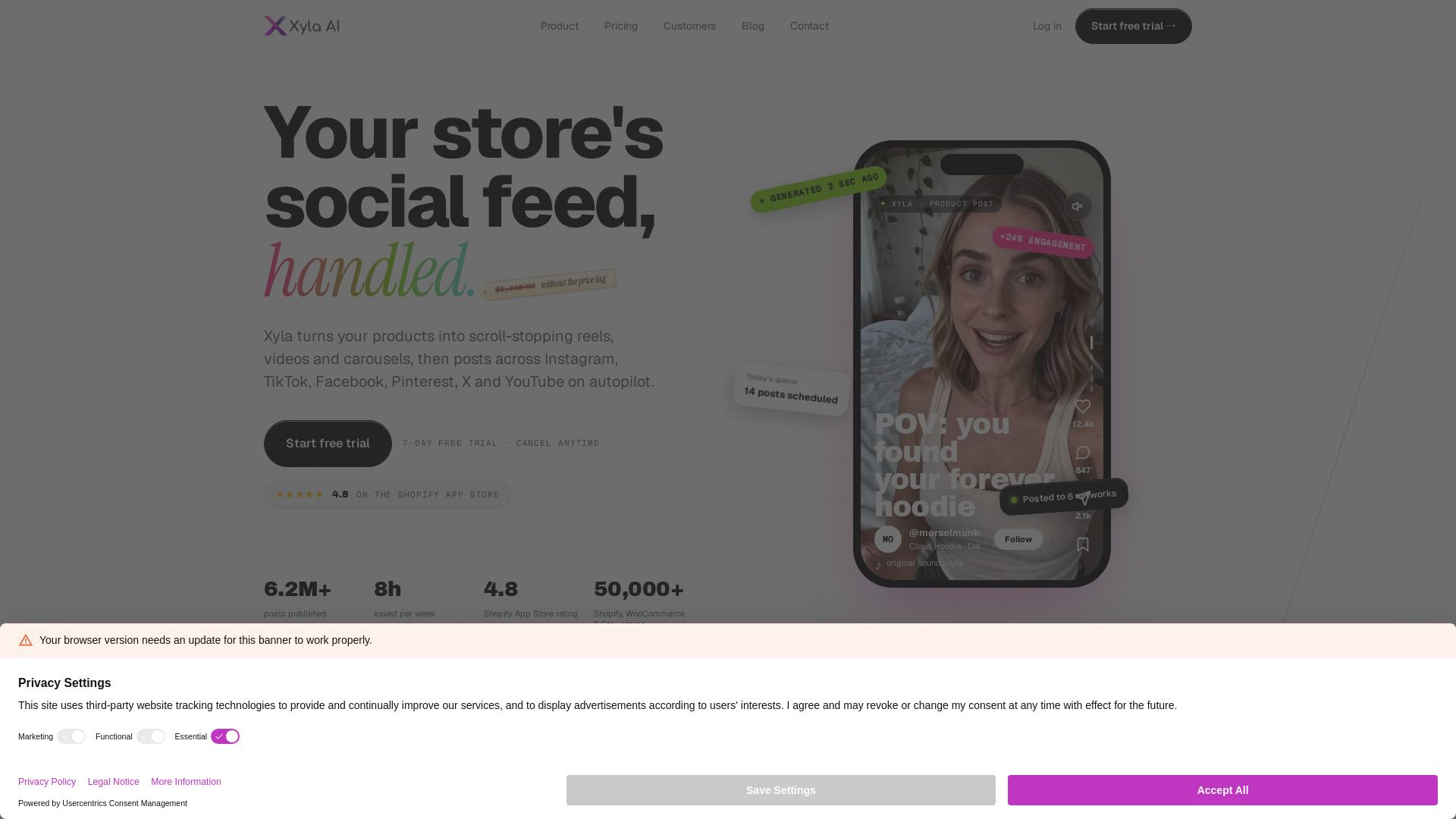
Xyla
Turn products into scroll-stopping reels, videos & carousels. Auto-post to Instagram, TikTok, Facebook, Pinterest, X & YouTube. Save 8 hrs/week. Start free trial.

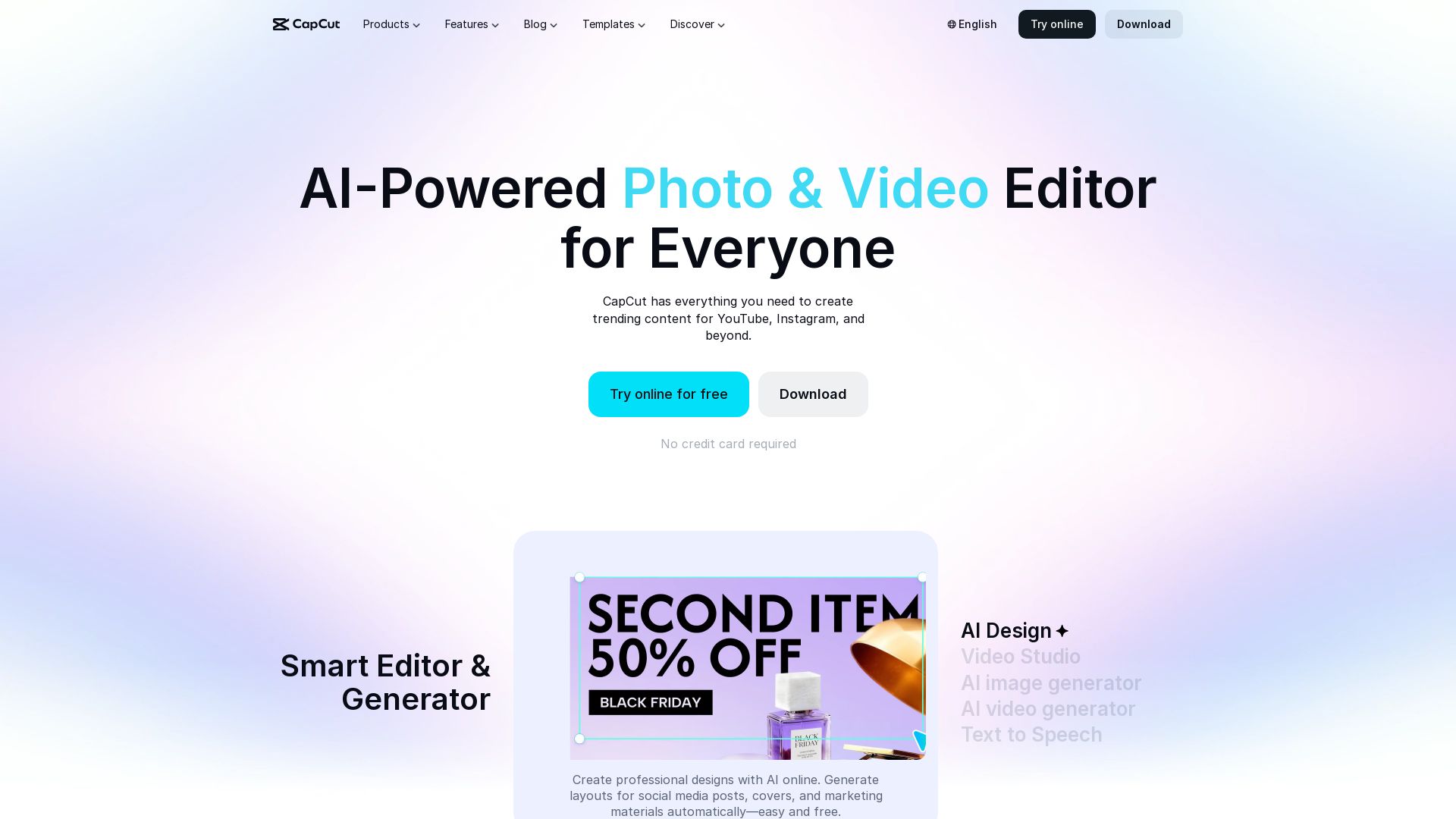
CapCut AI Video Editor
Create stunning videos and photos with CapCut's AI tools. Free online editor, background remover, text to speech, templates. No watermark. Try now!


Marketing Titan
Replace HubSpot, ZoomInfo, Hootsuite & Jasper with 180+ AI agents & Darwin AI. Save $50K+/yr. Start free trial.

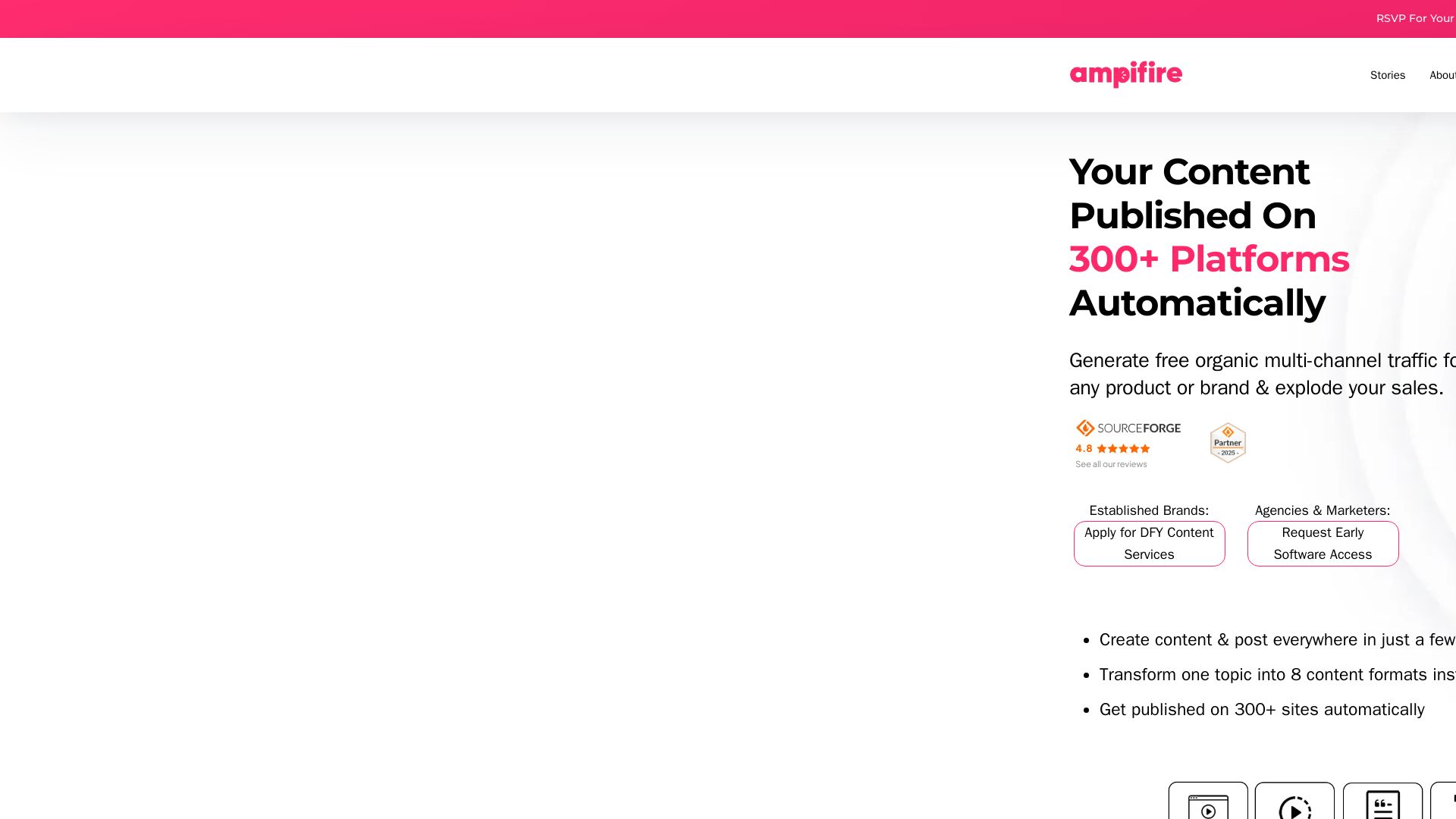
AmpiFire
Generate free organic traffic with AI. Transform one topic into 8 formats, publish to 300+ sites automatically. For brands, agencies & marketers.

Riverside
Record, edit, repurpose, and distribute studio-quality content with AI. Trusted by top creators. Start for free.

ℹ️ Curation Disclosure: The overview and features of OpusClip were synthesized using AI and fact-checked by our curation team to ensure accuracy.