
DomoAI
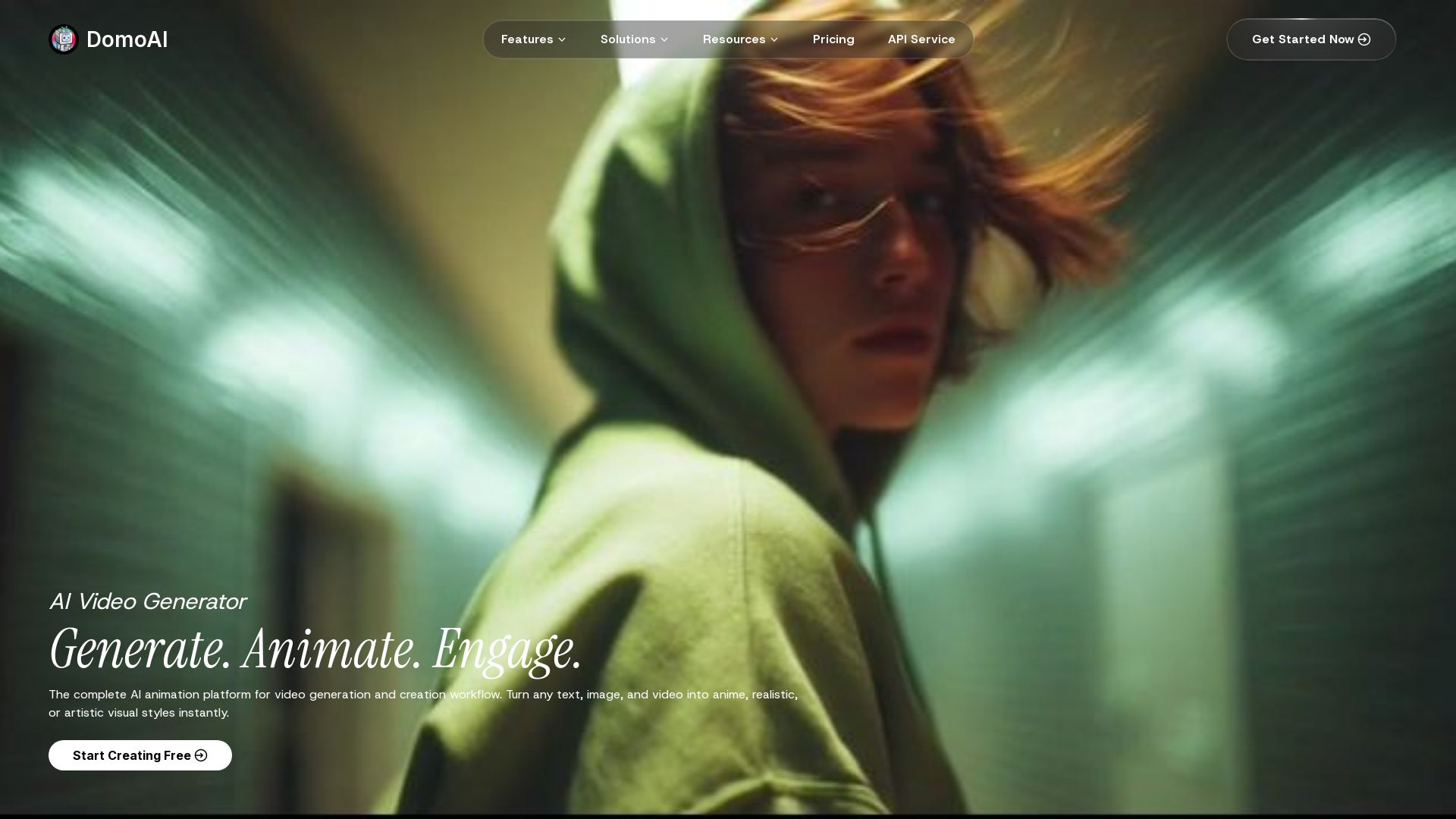
Turn text, images, and videos into anime, realistic, or artistic styles instantly. Create viral videos with AI.


Editor's Verdict
Key Takeaways
- Text to Video
- Image to Video
- Video to Video
- Talking Avatar
In-Depth Review: What is DomoAI?
DomoAI is a complete AI animation platform that enables creators to generate videos from text, animate images, transform footage, and more. With features like Video to Video, Image to Video, Talking Avatar, Character Animation, and smart editing tools (lip sync, background removal, upscaling), users can create professional content quickly. Trusted by 5M+ creators.
Core Features
Text to Video
Generate dynamic videos directly from text prompts, enabling quick content creation from ideas.
Image to Video
Convert static images into animated videos with smooth motion, ideal for bringing photos to life.
Video to Video
Transform existing footage into anime, realistic, or any artistic style using reference images or text.
Talking Avatar
Create lifelike avatars that speak your script with realistic speech synchronization.
Character Animation
Animate photo characters by uploading motion videos to specify actions like walking, jumping, or dancing.
Frames to Video
Upload 2-8 images and generate videos with smooth transitions between each frame.
Smart Editing Tools
AI-powered tools for upscaling, background removal, lip sync, and motion control automate complex editing tasks.
Motion & Style Reference
Upload reference images or videos to guide AI in transferring dance moves or custom styles.
Lip Sync Auto-Match
Automatically synchronize audio with video for perfect lip-sync in talking head videos and character animations.
Background Removal
Remove backgrounds without green screens using 'Screen Keying' or 'Subject only' for precise control.
Video Upscaler
Enhance video resolution and quality with AI upscaling technology, improving clarity and detail.
AI Anime Video Generator
Instantly turn any footage into anime-style scenes with a single click.
Cartoonize Video Object
Convert real footage into cartoon-style animations for a playful look.
AI Video Style Transfer
Apply custom art styles to any video based on text or image reference.
AI Image Editor
Edit any photo using simple natural language descriptions with GPT Image 2 and Nano Banana.
Text to Image
Generate stunning visuals from any text prompt, perfect for concept art and illustrations.
AI Image Upscaler
Enhance image resolution and quality up to 6K using advanced AI processing.
Remix Templates
Browse viral creations from the community and remix any style with your own content.
Pricing
Basic
- 500 credits per month
- Seedance 2.0: cinematic video with audio
- 3 parallel fast lanes
- No watermark
- Access all styles with regular updates
- Optional credit top-ups
Standard
- 1500 credits per month
- Seedance 2.0: cinematic video with audio
- Unlimited Generations in Relax Mode
- Relax Mode: GPT Image 2 + Nano Banana 2 + Nano Banana Pro
- 3 parallel fast lanes
- No watermark
- Access all styles with regular updates
- Optional credit top-ups
Pro
- 4000 credits per month
- Seedance 2.0: cinematic video with audio
- Unlimited Generations in Relax Mode
- Relax Mode: GPT Image 2 + Nano Banana 2 + Nano Banana Pro
- Character to Video: 20s and 30s only in Fast Mode
- Talking 30s & 60s, Upscale 20s / 30s / 60s are Pro only
- 6 parallel fast lanes
- No watermark
- Access all styles with regular updates
- Optional credit top-ups
Pros and Cons
Pros
- Versatile AI Video GenerationSupports multiple input types (text, image, video) and output styles (anime, realistic, artistic) for diverse creative needs.
- User-Friendly InterfaceIntuitive tools and quick-access apps make it easy for beginners and professionals to create high-quality videos.
- Affordable PricingPlans start at $6.99/month with generous credits and no watermark, offering good value for content creators.
- Smart Editing AutomationAI-powered tools like background removal, lip sync, and upscaling save hours of manual editing.
- Active Community & TemplatesAccess to a large library of viral templates and a community of 5M+ creators for inspiration and remixing.
Cons
- Credit-Based SystemUsage is limited by monthly credits, which may be restrictive for heavy users without upgrading to higher plans.
- Relax Mode SlowerUnlimited generations in Relax Mode come with longer processing times, which may not suit time-sensitive projects.
- No Free TierWhile there is a free trial, there is no permanent free plan, requiring a subscription for continued use.
- Advanced Features LockedFeatures like longer video durations (20s+), high-resolution upscaling, and certain models are exclusive to higher-tier plans.
- Limited Control for ExpertsAI automation may not offer the fine-grained control that professional animators or video editors expect.
Use Cases & Recommended Professions
Content Creator→ View Toolkit
Quickly generate engaging videos for social media platforms from text, images, or existing footage with minimal effort.
Animator→ View Toolkit
Use AI to animate characters in various styles, saving time on traditional frame-by-frame animation.
Digital Marketer→ View Toolkit
Create eye-catching video ads and promotional content in multiple styles to boost campaign performance.
Filmmaker→ View Toolkit
Enhance or transform footage into artistic styles, or generate pre-visualizations for scenes.
Social Media Manager→ View Toolkit
Produce viral-ready videos, remix trending styles, and maintain consistent content output across platforms.
Educator→ View Toolkit
Create animated educational videos, talking avatars, and visual aids to make learning more engaging.
Frequently Asked Questions
Alternative AI Tools
View Detailed Comparison →
AI Video - AI Video Generator
Create animated videos from text or images with AI. Drag-and-drop editing, lip-sync, HD export. No skills needed. Download free!

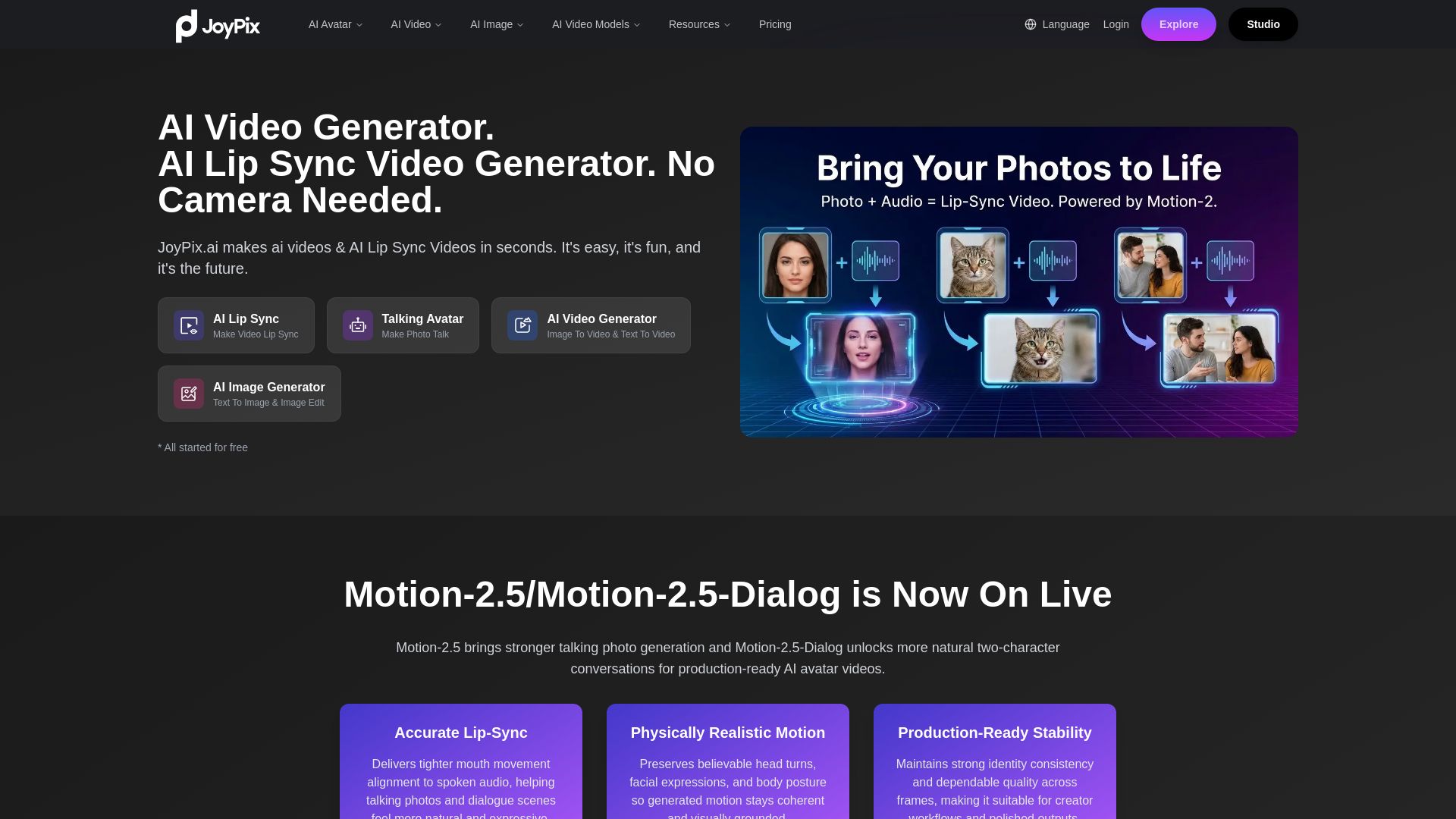
JoyPix
Create realistic AI lip-sync videos and talking avatars from photos. Free voice cloning, 40+ languages, and multiple video models. Try for free!

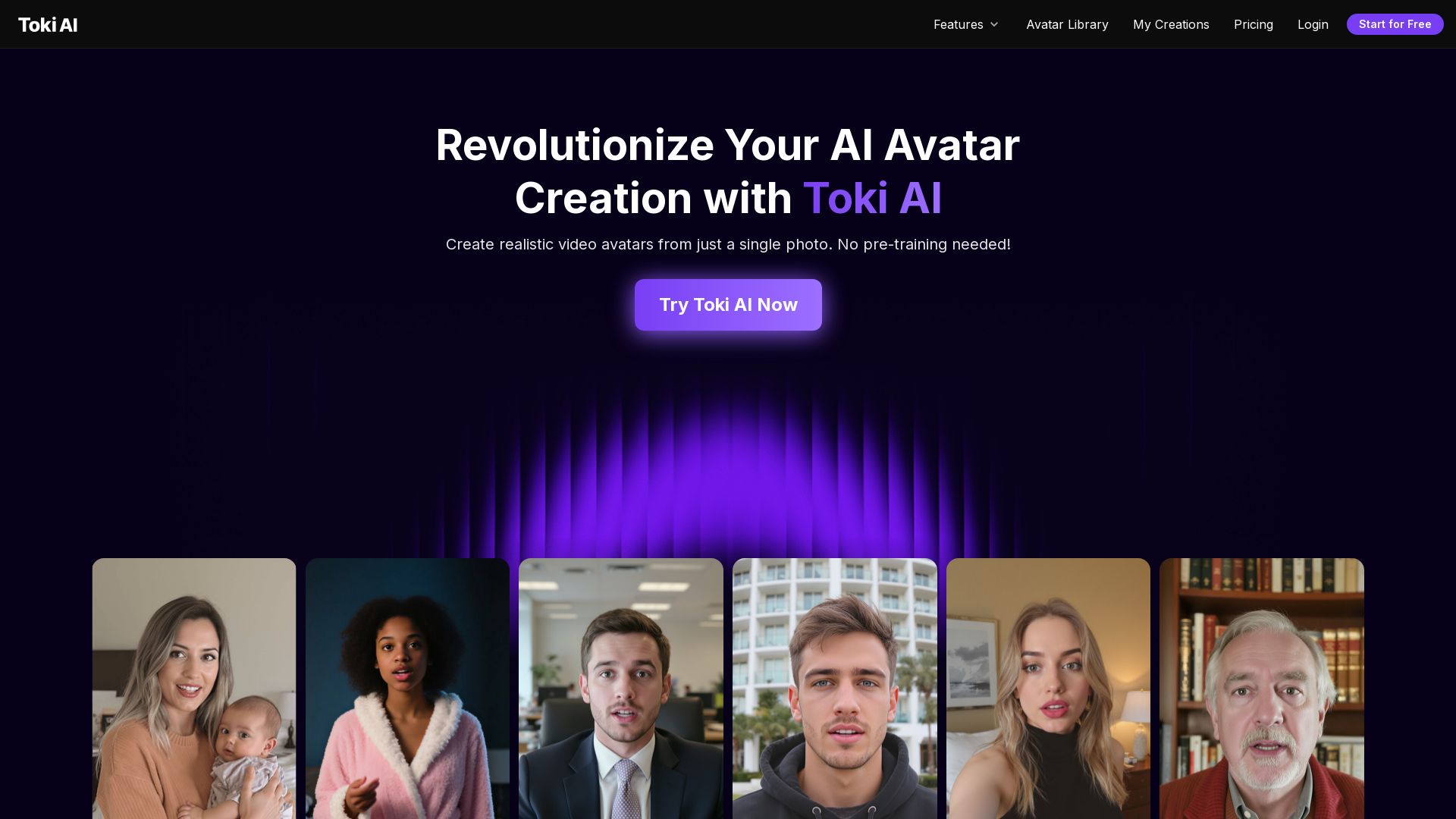
Toki AI
Transform any photo into lifelike talking avatar videos in minutes. No pre-training needed. Perfect for marketing, social media, and more. Try free!

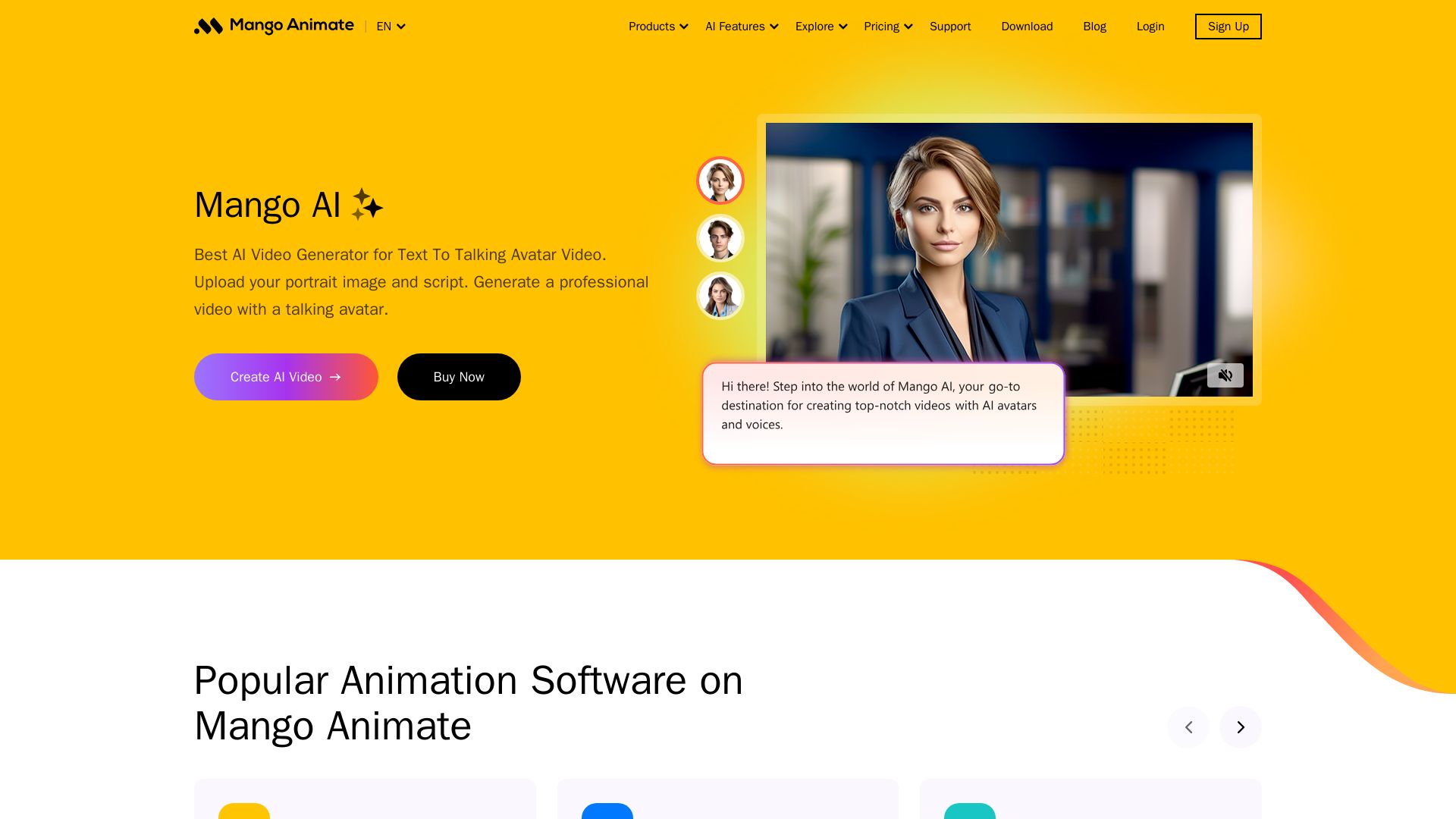
Mango AI
Create professional AI talking avatar videos from text and portrait. Perfect for business, education, personal use. Easy, fast, and affordable.

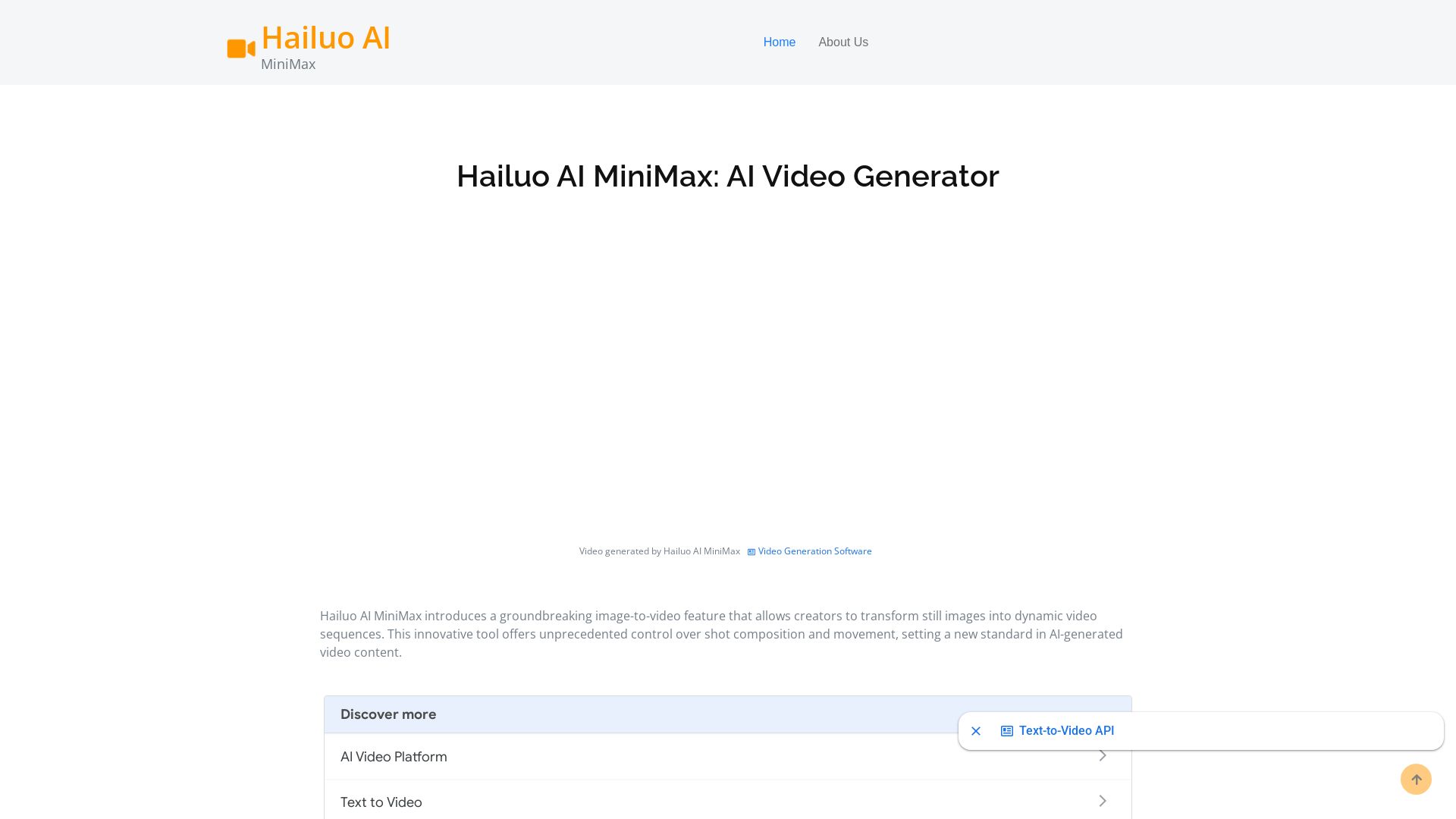
Hailuo AI MiniMax
Create stunning videos from text prompts or images with Hailuo AI MiniMax. Free, fast, and no login needed. High-quality AI video generation.
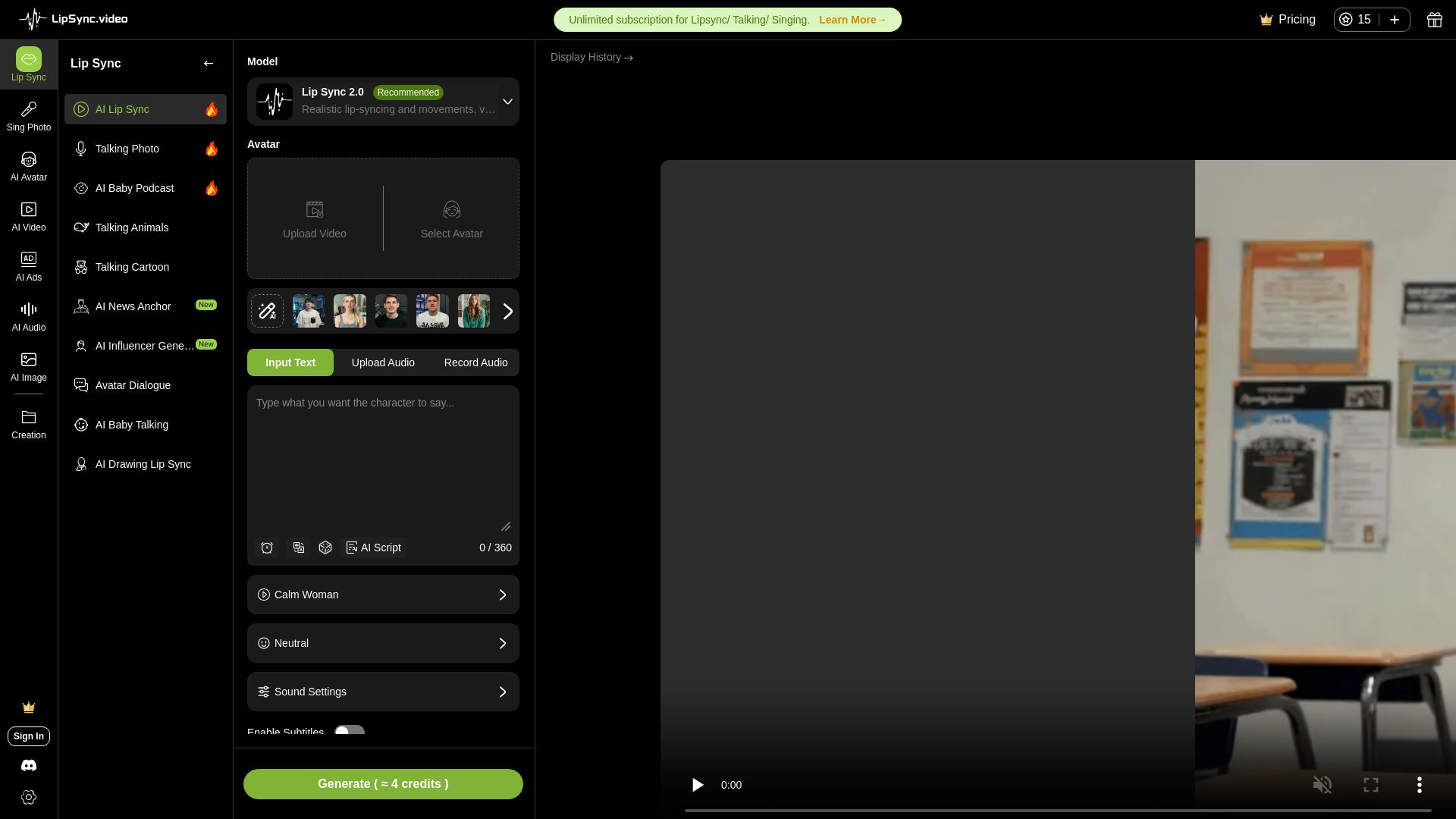
LipSync
Create realistic lip-synced videos for free with no watermark. Supports multiple languages, avatars, and content types. Perfect for marketing, social media, and more.

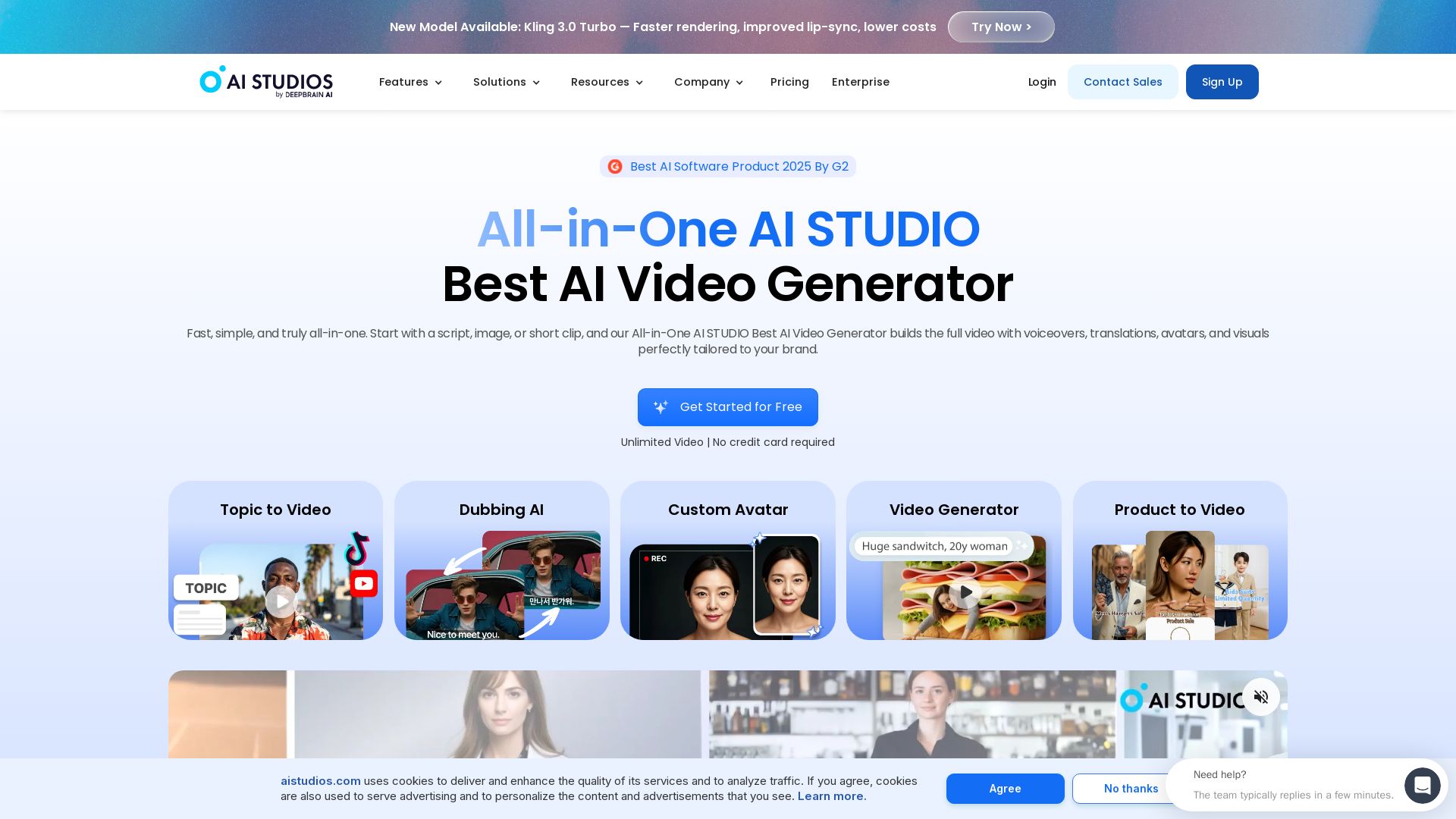
AI STUDIO
Create professional AI videos in minutes with 2000+ avatars, 150+ languages, and lifelike lip-sync. Free plan available. Trusted by 2M+ users.

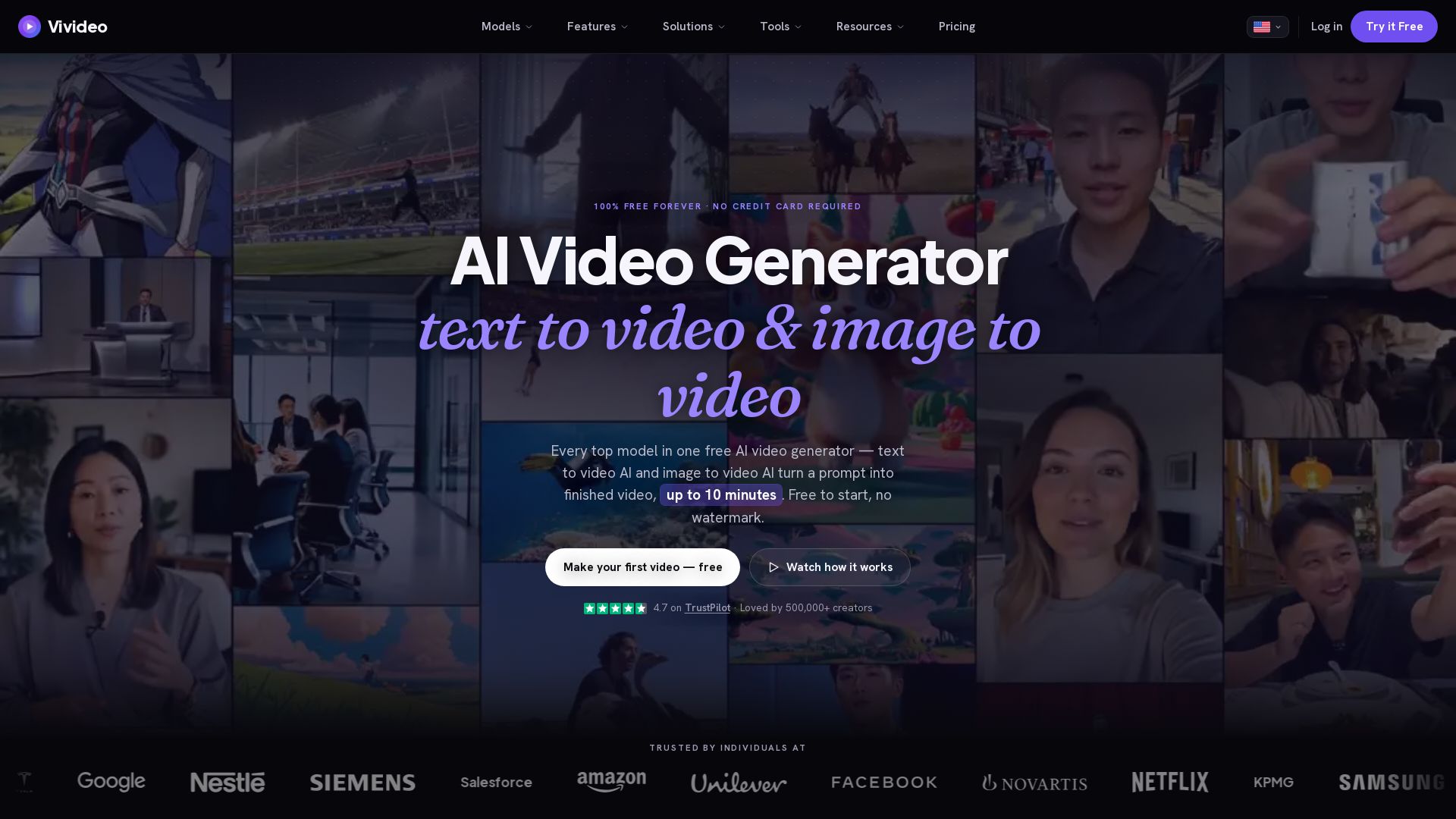
Vivideo
Create stunning AI videos from text or images. 30+ top models, 10 min length, no watermark. Free forever, no credit card needed.


Vidix–AI Photo Video Generator
Transform photos into AI videos, 3D avatars, and cinematic effects. Free AI-powered app for creative content. Download now!

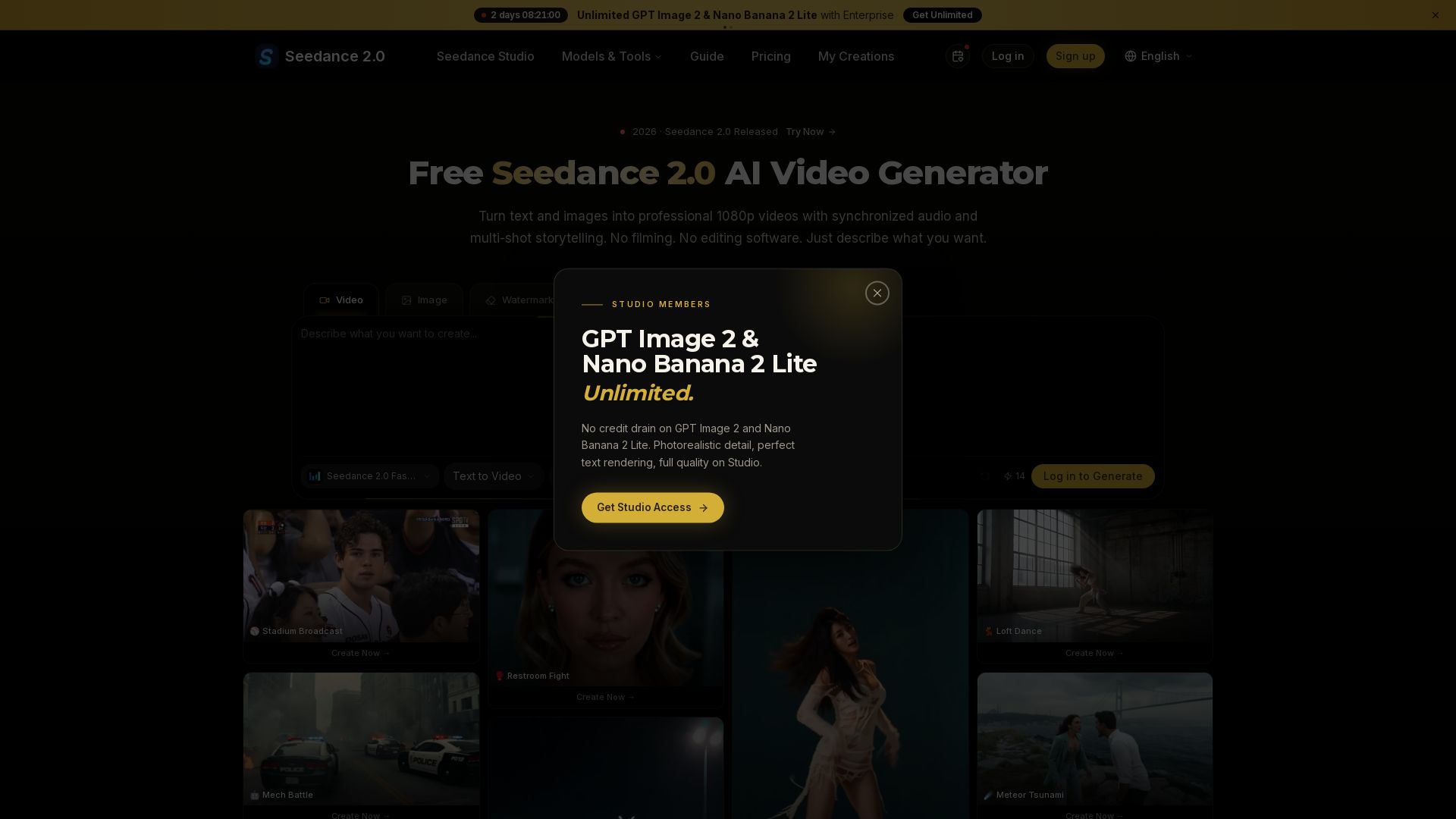
Seedance 2.0
Turn text and images into professional 1080p videos with synchronized audio and multi-shot storytelling. Free to start.

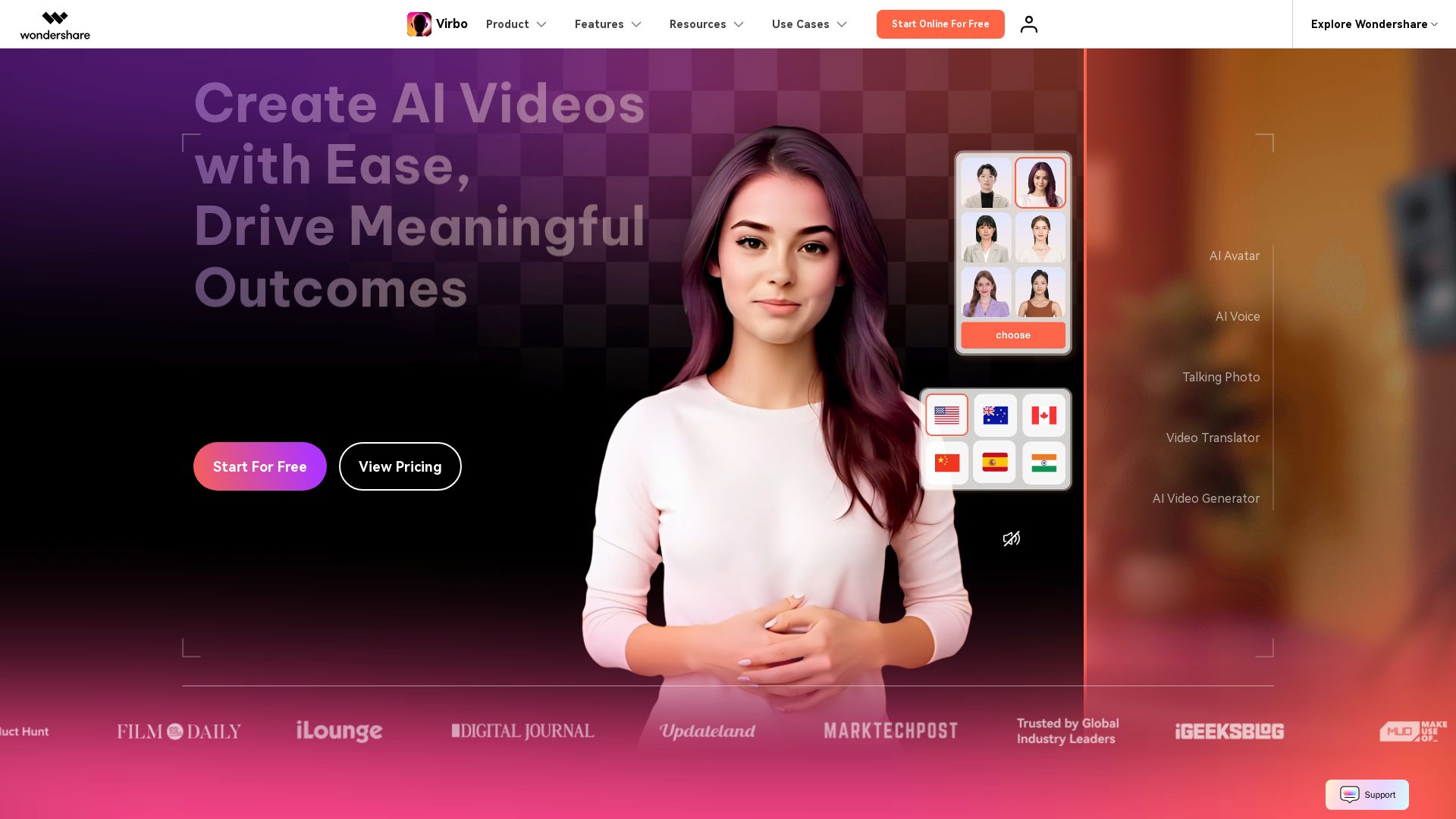
Wondershare Virbo
Create stunning AI videos with 350+ avatars, 400+ voices, and 80+ languages. Effortlessly produce professional content for marketing, education, and more.


Gen AI Video Generator
Create stunning AI videos and images with 90+ models including Google VEO 3, Sora 2, Seedance 2.0. Text-to-video, image-to-video, photo editing on iOS.

ℹ️ Curation Disclosure: The overview and features of DomoAI were synthesized using AI and fact-checked by our curation team to ensure accuracy.