
YouCam
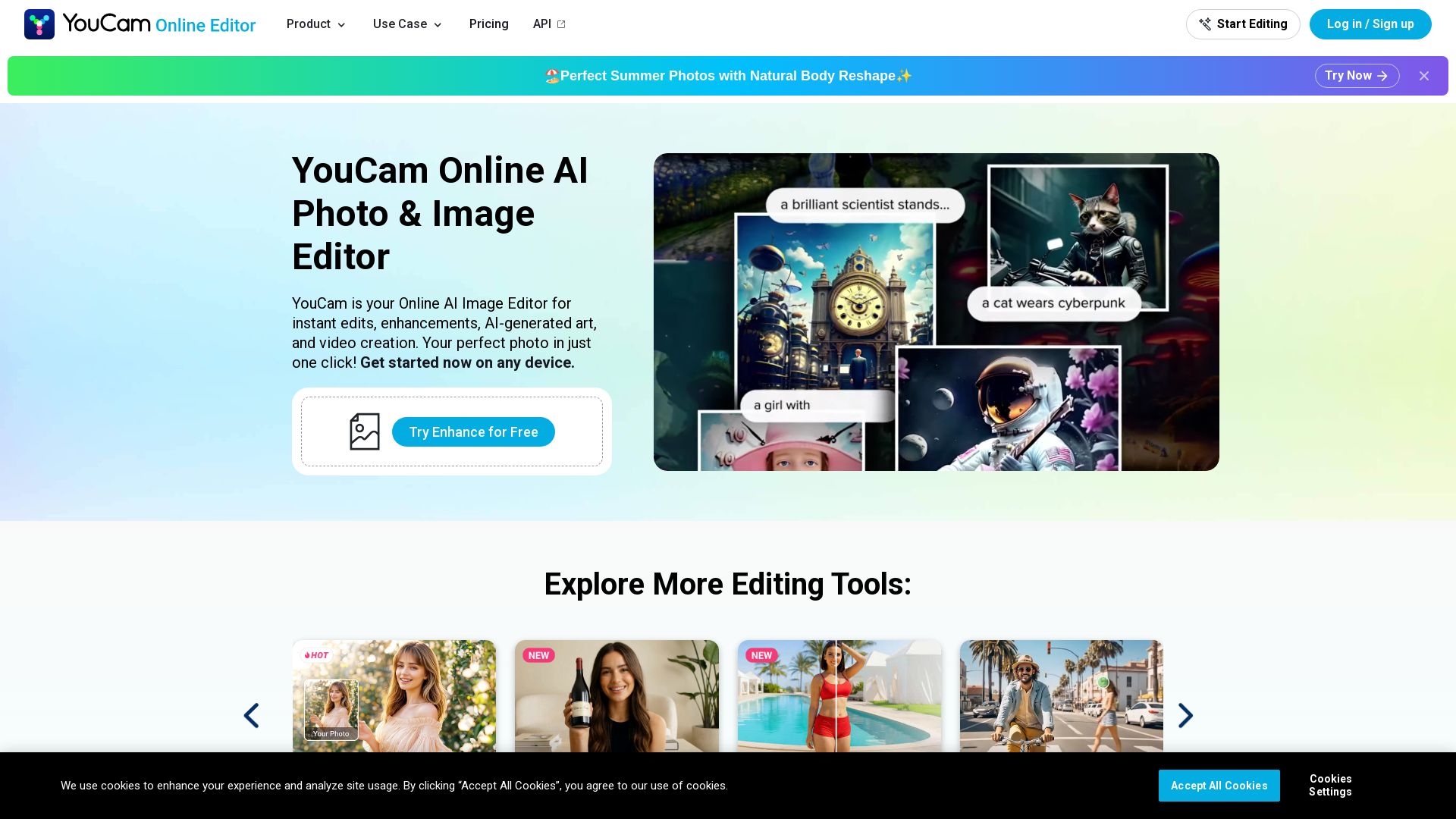
Free AI photo editor online. Enhance blurry photos, remove objects, try hairstyles, generate videos. No download needed. Start editing now!
Editor's Verdict
Key Takeaways
- AI Photo Enhancer
- AI Video Generator
- AI Object Remover
- AI Hairstyle Generator
In-Depth Review: What is YouCam?
YouCam is a browser-based AI photo & video editor offering powerful tools like photo enhancement, object removal, background editing, AI hairstyle generator, face swap, video upscaling, and more. Trusted by 800,000+ creators. Free credits to start. No software installation required. Privacy-first processing.
Core Features
AI Photo Enhancer
Instantly sharpen blurry, grainy, or out-of-focus shots; reconstructs fine details and upscales to 4K.
AI Video Generator
Turn static photos into cinematic videos with realistic motion, depth, and lighting; supports multiple images and 30+ templates.
AI Object Remover
Erase unwanted objects or people from photos; intelligently fills in background for natural results.
AI Hairstyle Generator
Try on over 140 haircuts and colors virtually; adjusts to face shape and lighting for realistic preview.
AI Clothes Changer
Swap outfits virtually with seamless fabric texture, shadows, and body contour matching.
AI Image to Video
Animate any photo into a video in 3 steps; powered by leading AI models like Google Veo, Kling, Hailuo.
Pricing
Free
- 5 free credits
- Basic AI tools
- No credit card required
Pro
- Download without watermark
- Access to all AI Photo Editing Tools
- Unused credits roll over
- Unlimited access to select features
Pay-as-you-go
- Buy credits à la carte
- Use any tool
- No subscription needed
Pros and Cons
Pros
- No download requiredFully browser-based; works on any device without heavy software installation.
- AI-powered automationOne-click tools for enhancement, removal, and generation, saving time and effort.
- Wide range of toolsCovers photo editing, portrait improvement, video generation, and more in one platform.
- Privacy-firstSecure processing; uploaded files are automatically deleted and not used to train models without consent.
- Free to startNew users receive 5 free credits to try premium features without any upfront payment.
Cons
- Credits limit free usageAdvanced tools require credits; free tier provides limited credits, which may run out quickly.
- Watermark on free exportsFree users get watermarked images/videos; watermark removal requires subscription.
- Internet dependencyAs a cloud-based tool, it requires a stable internet connection to function.
- Subscription costFull feature access and unlimited usage require a paid subscription, which may be costly for occasional users.
- Limited resolution for freeFree exports may be limited in resolution; 4K upscaling and HD video may require payment.
Use Cases & Recommended Professions
Social Media Manager→ View Toolkit
Quickly create engaging visual content, remove backgrounds, enhance photos, and generate videos for posts and stories.
Freelance Video Editor→ View Toolkit
Use AI video generation and enhancement to speed up workflows and create polished clips without complex software.
Small Business Owner→ View Toolkit
Easily edit product photos, remove watermarks, and create promotional videos without hiring a designer.
Digital Marketing Manager→ View Toolkit
Produce high-quality visuals for campaigns, retouch images, and animate static ads for social media.
Photographer→ View Toolkit
Enhance and upscale old or low-resolution photos, remove objects, and add creative effects.
Content Creator / Influencer→ View Toolkit
Generate AI avatars, try on hairstyles virtually, and create trendy video effects for platforms like TikTok and Instagram.
Frequently Asked Questions
Alternative AI Tools
View Detailed Comparison →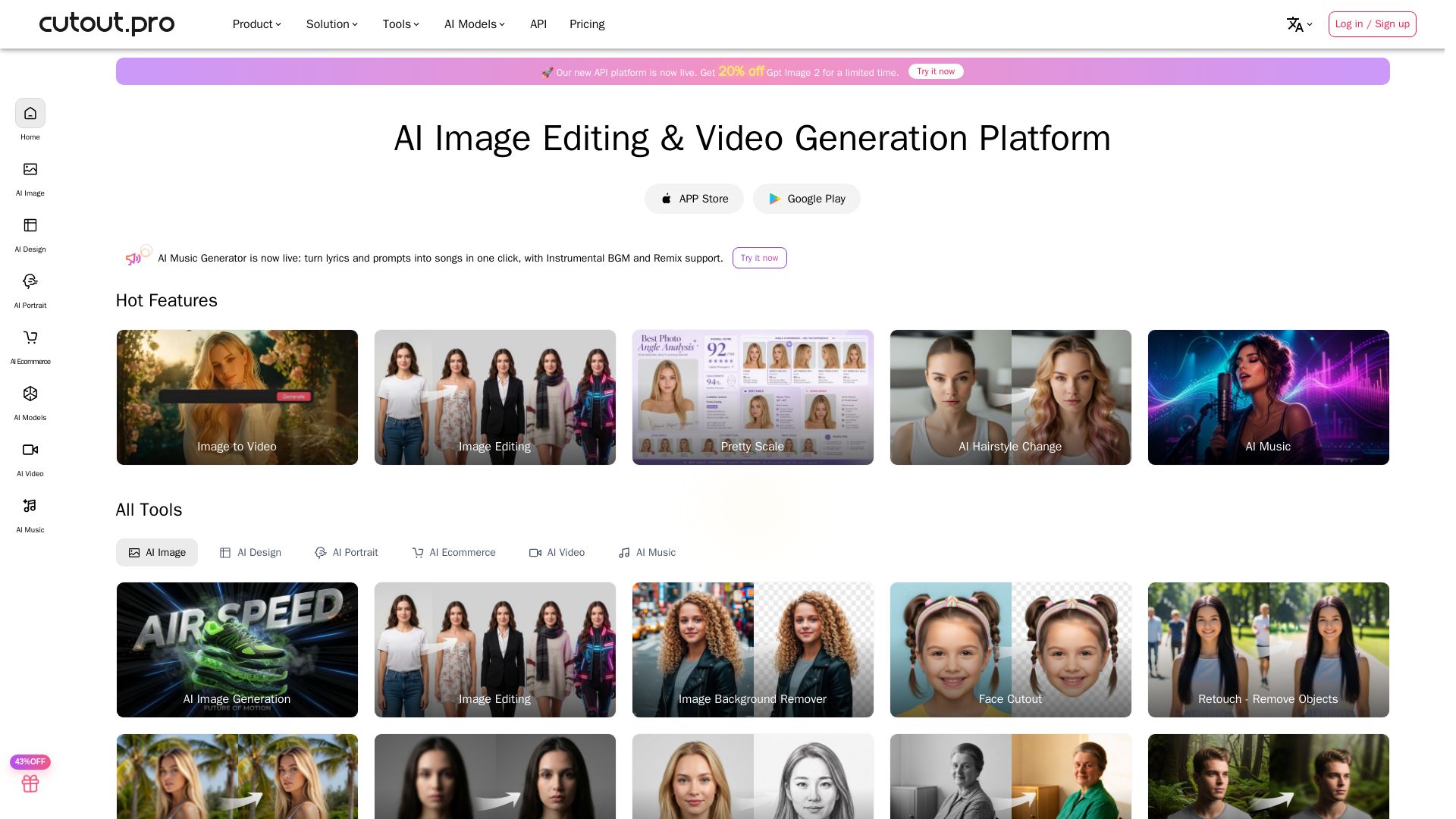
Cutout.Pro
Cutout.Pro offers AI image editing, video generation, background removal, and API integration. Trusted by 25K+ businesses. Get started for free.

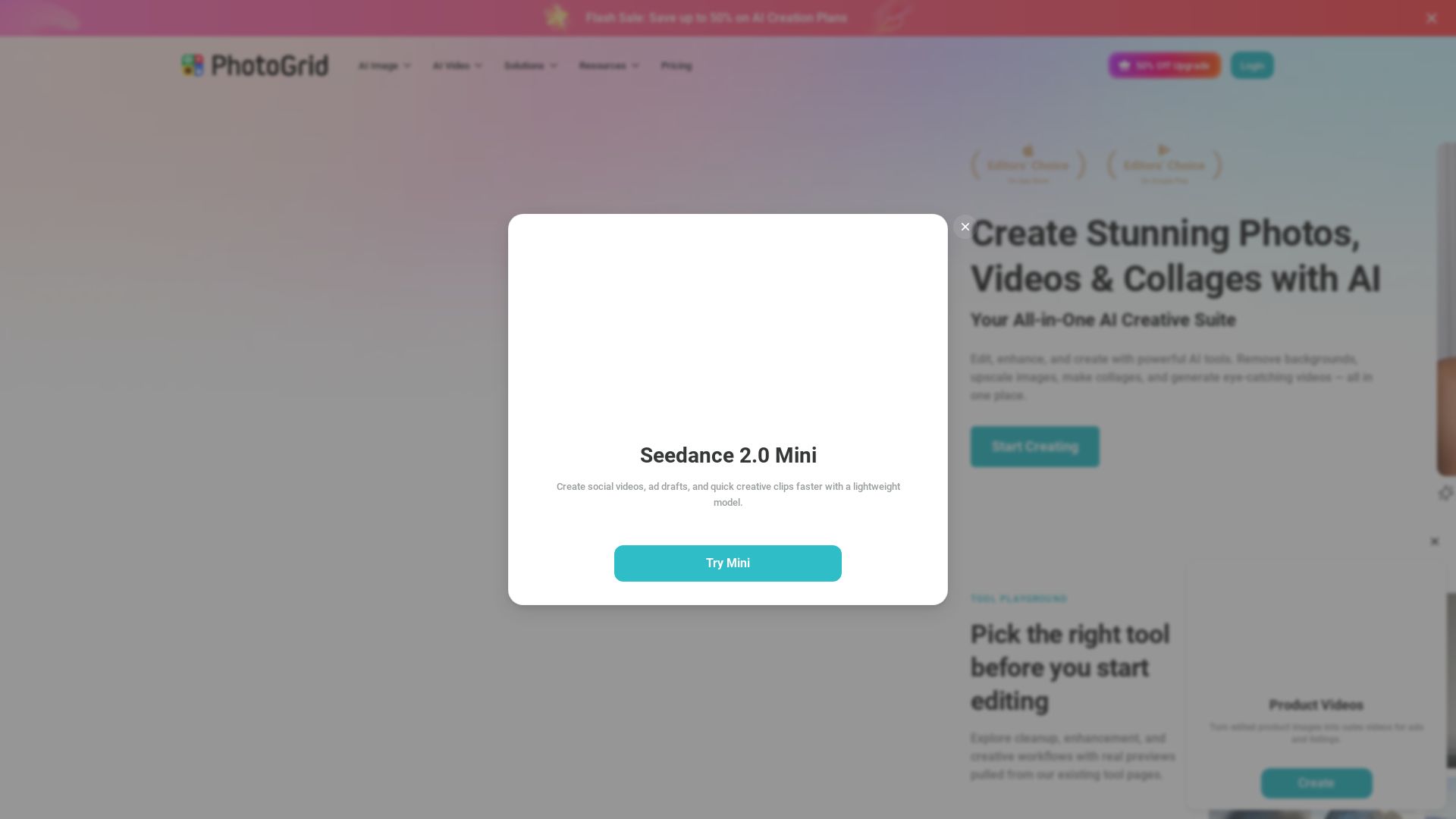
PhotoGrid
Transform photos and videos with AI. Remove backgrounds, upscale, create collages, and generate AI videos. Free online tool with 20,000+ templates.


AI Video - AI Video Generator
Create animated videos from text or images with AI. Drag-and-drop editing, lip-sync, HD export. No skills needed. Download free!

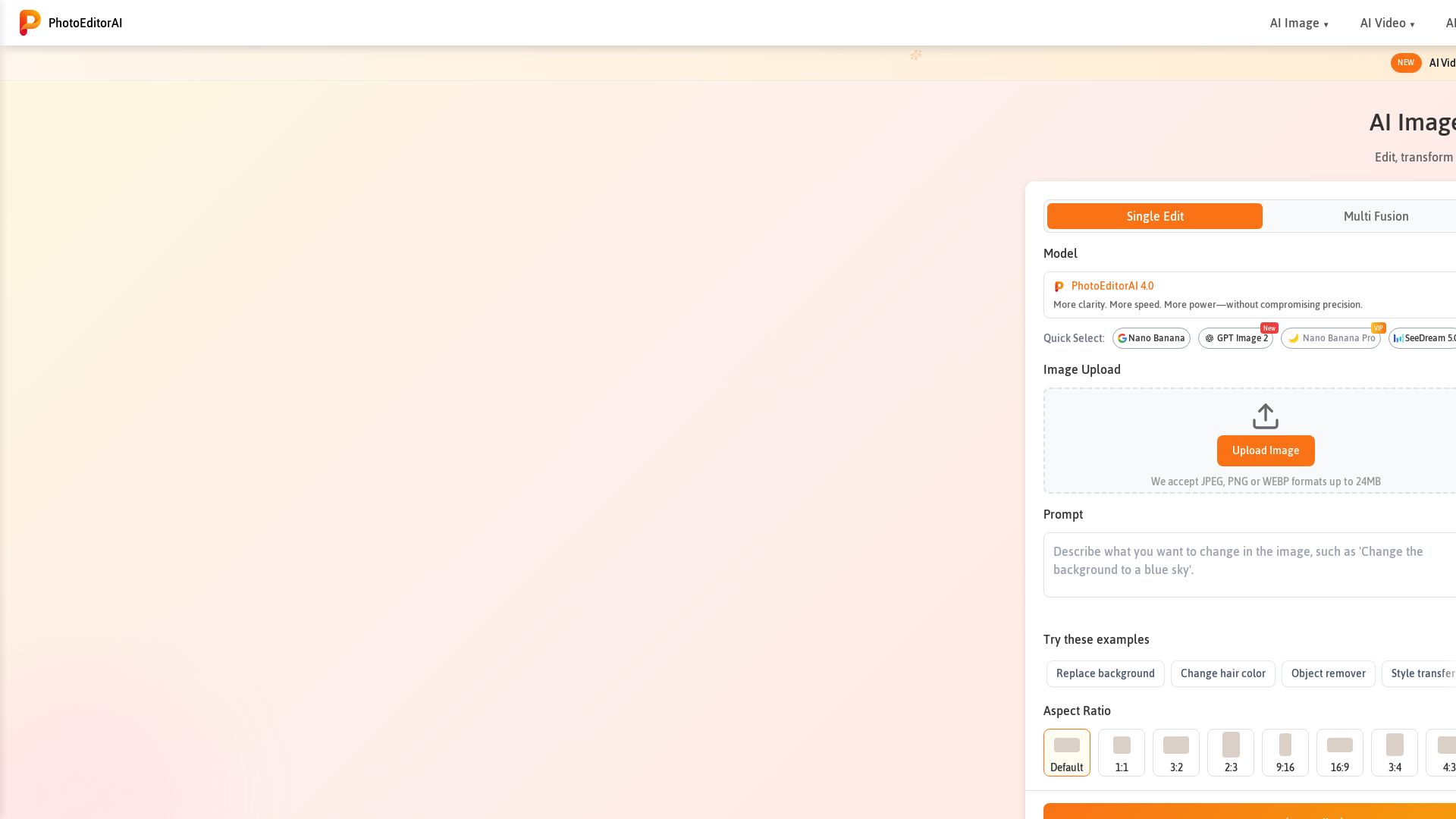
Photo Editor AI
Edit, transform, and enhance photos with text prompts. Remove backgrounds, retouch faces, and more. No sign-up required. Try PhotoEditorAI free.


Pixlr
Edit, generate, and design with Pixlr's free AI photo editor. Transform photos, create images from text, and more – all in your browser. No download needed.


Gen AI Video Generator
Create stunning AI videos and images with 90+ models including Google VEO 3, Sora 2, Seedance 2.0. Text-to-video, image-to-video, photo editing on iOS.

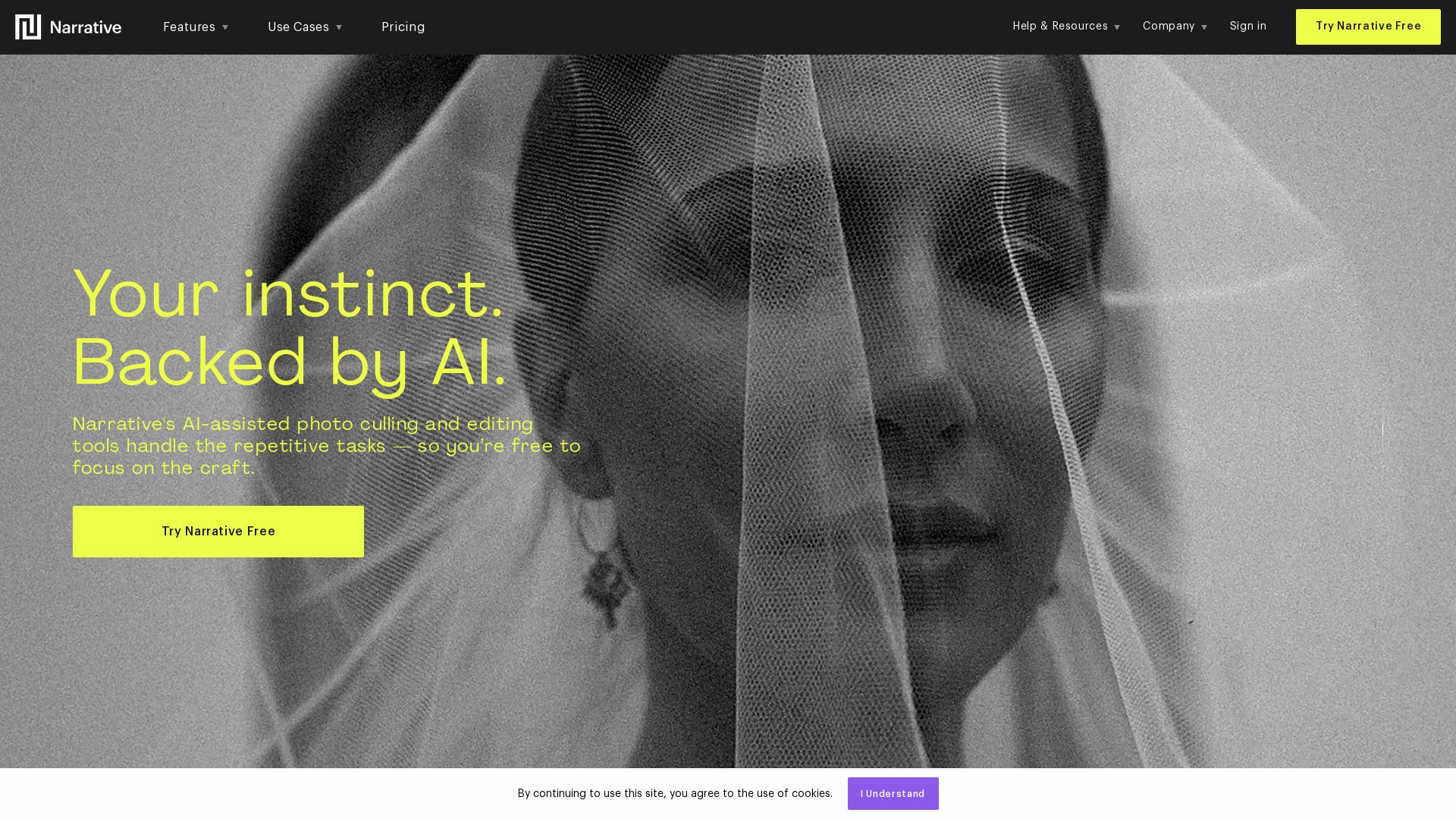
Narrative
Narrative's AI-assisted photo culling and editing tools handle repetitive tasks, so you focus on craft. Save hours, work offline, and ship selects to Lightroom.

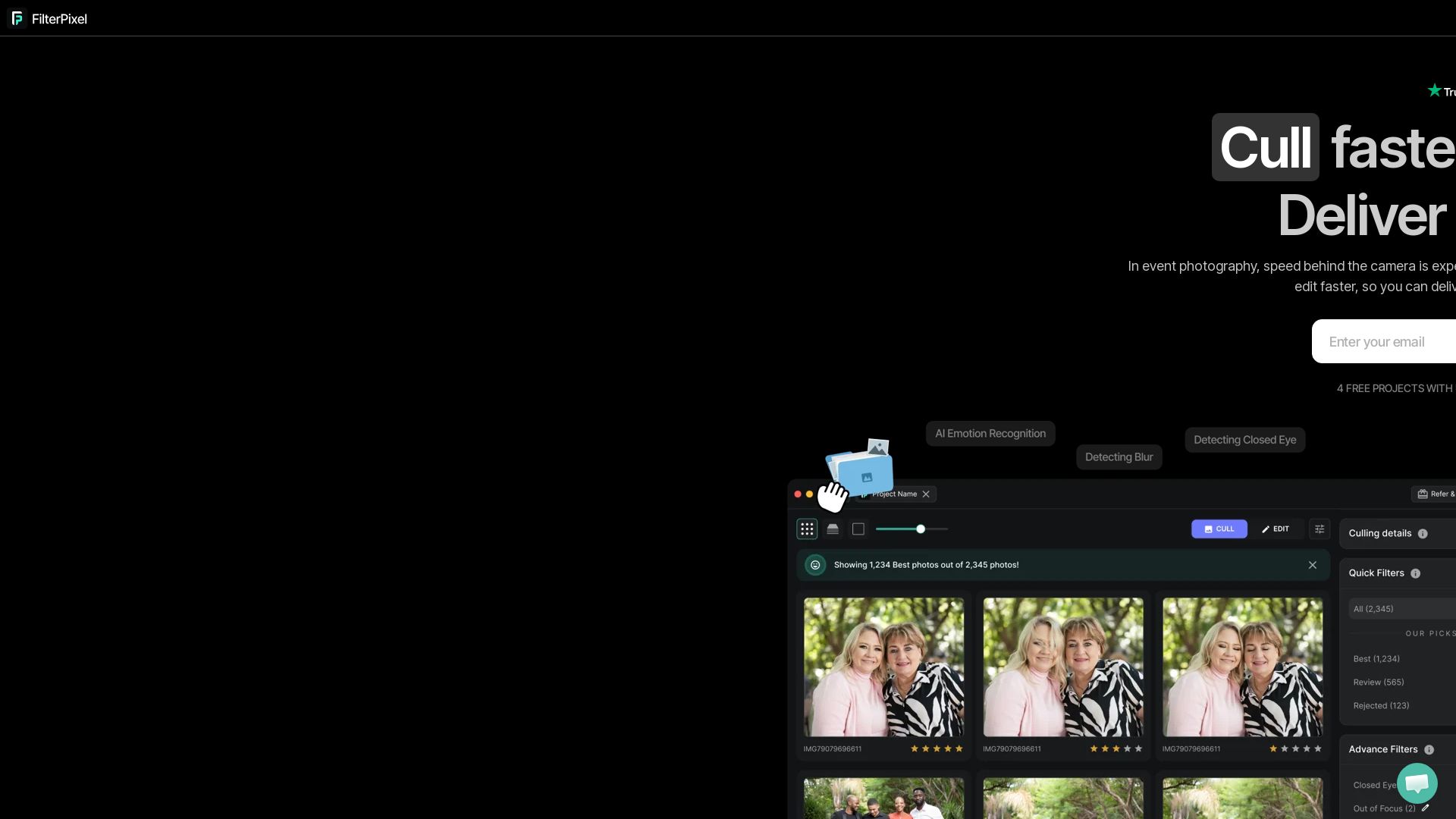
FilterPixel
Speed up photo culling and editing with AI. Deliver event galleries in minutes. Try 4 free projects, no credit card required.

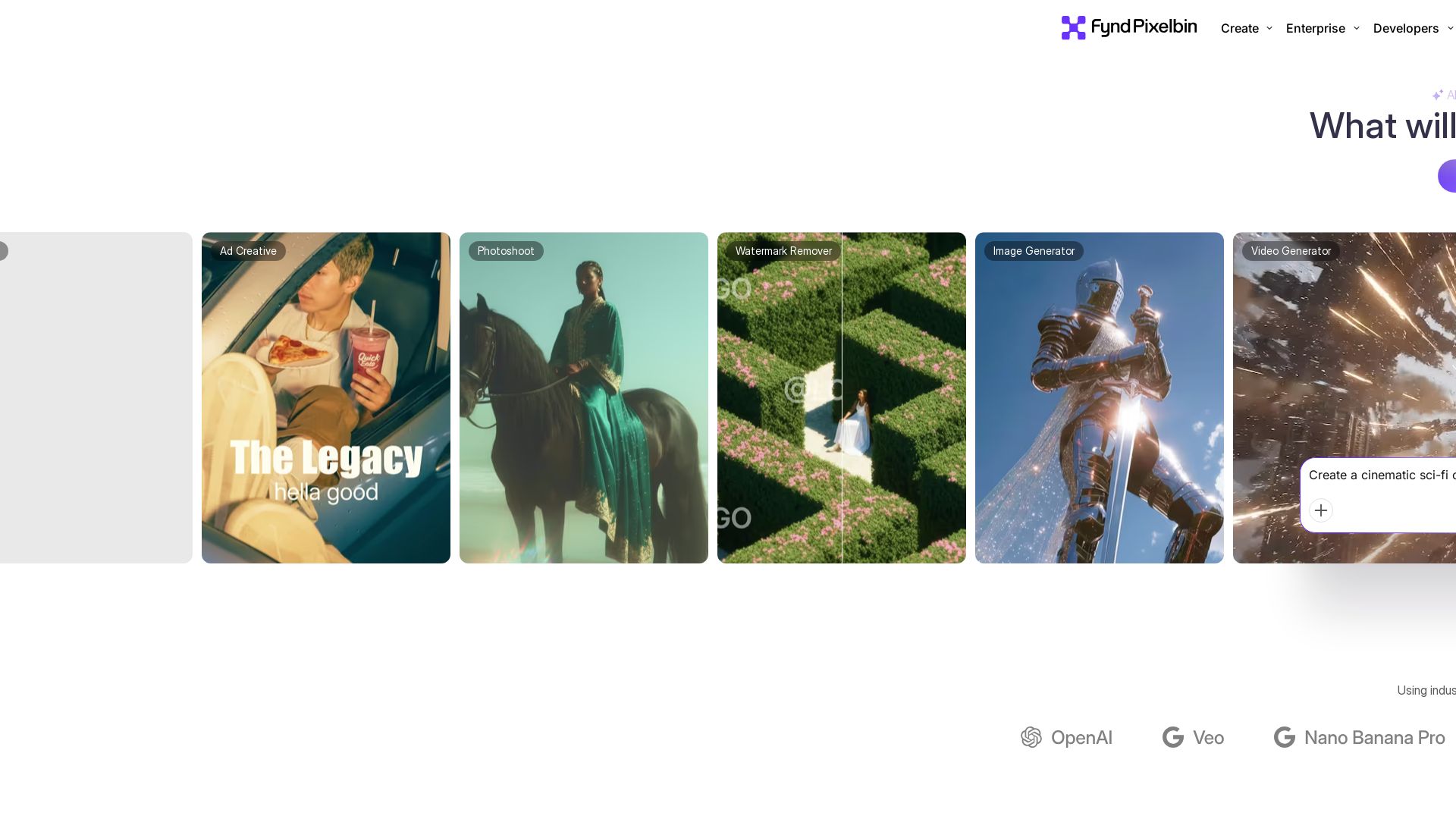
Pixelbin AI Studio
Create stunning visuals with Pixelbin's AI tools: image editing, video generation, upscaling, batch processing. Trusted by 58M+ users. Free to start.

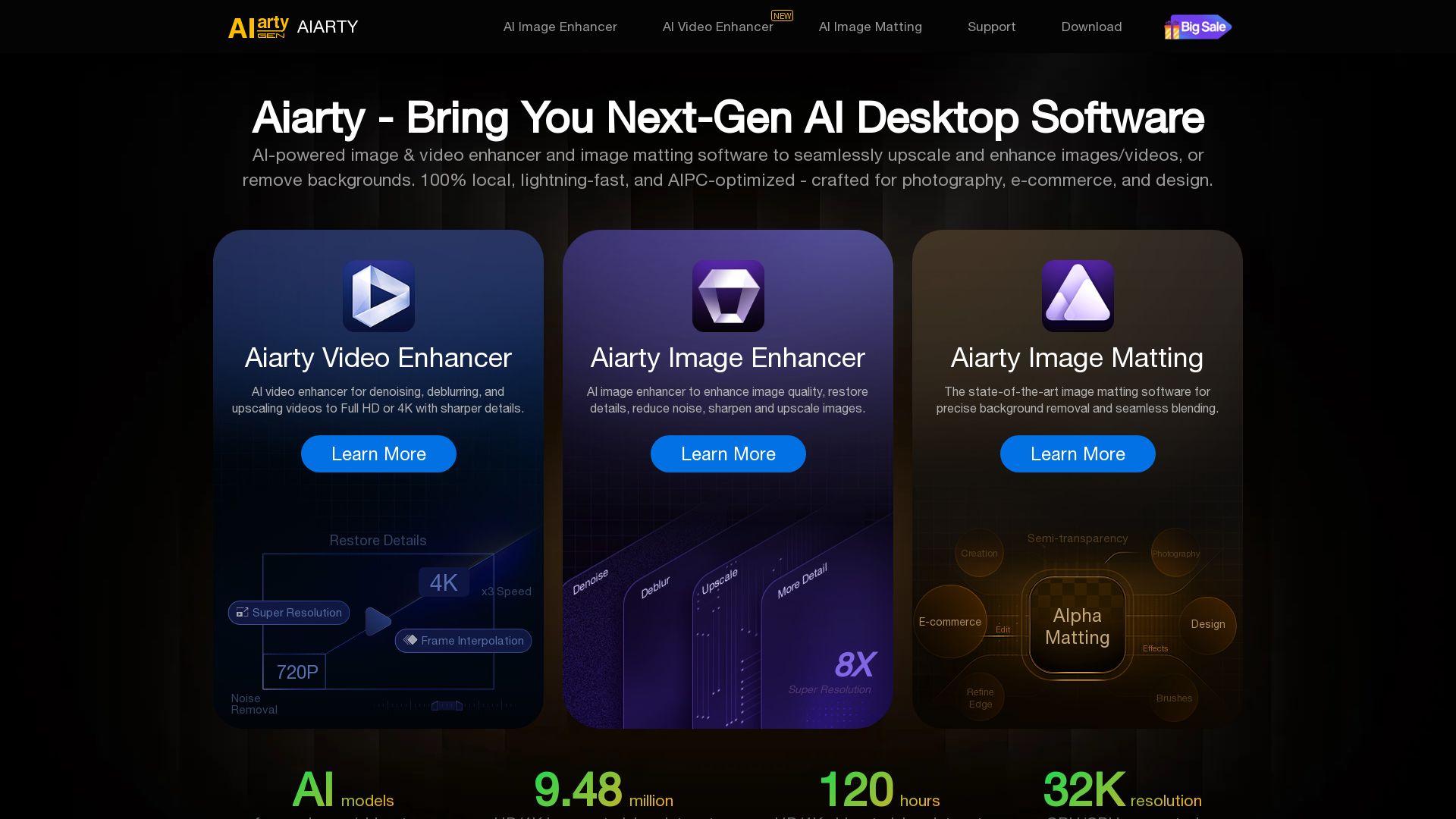
Aiarty
Upscale, enhance, and remove backgrounds with AI. Process images/video locally up to 32K. Denoise, deblur, restore details. Trusted by experts.


Mango AI
Create professional AI talking avatar videos from text and portrait. Perfect for business, education, personal use. Easy, fast, and affordable.

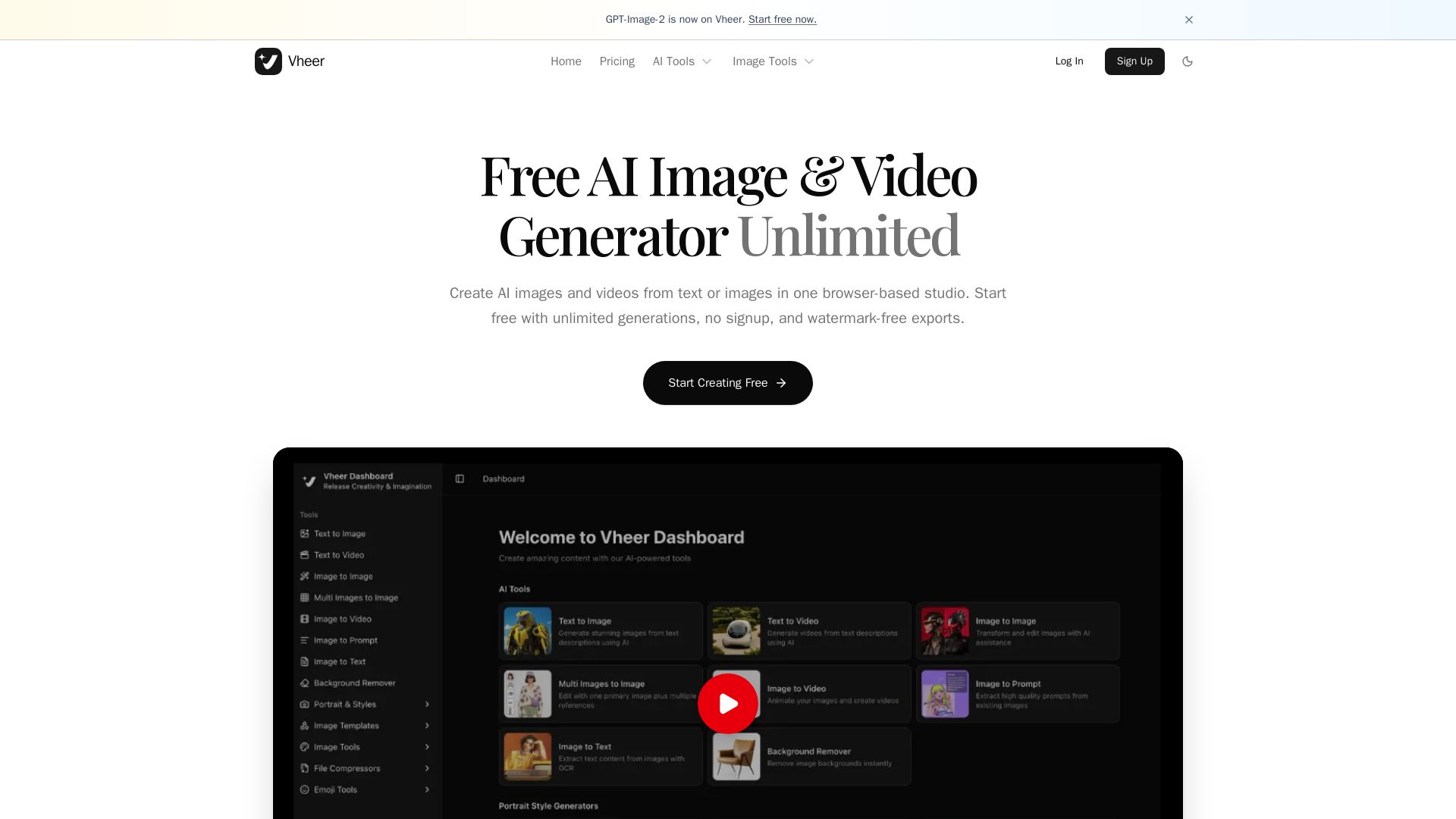
Vheer
Create stunning AI images and videos from text or images. Unlimited generations, no signup, watermark-free. Advanced models in one browser-based studio.

ℹ️ Curation Disclosure: The overview and features of YouCam were synthesized using AI and fact-checked by our curation team to ensure accuracy.
