
insMind
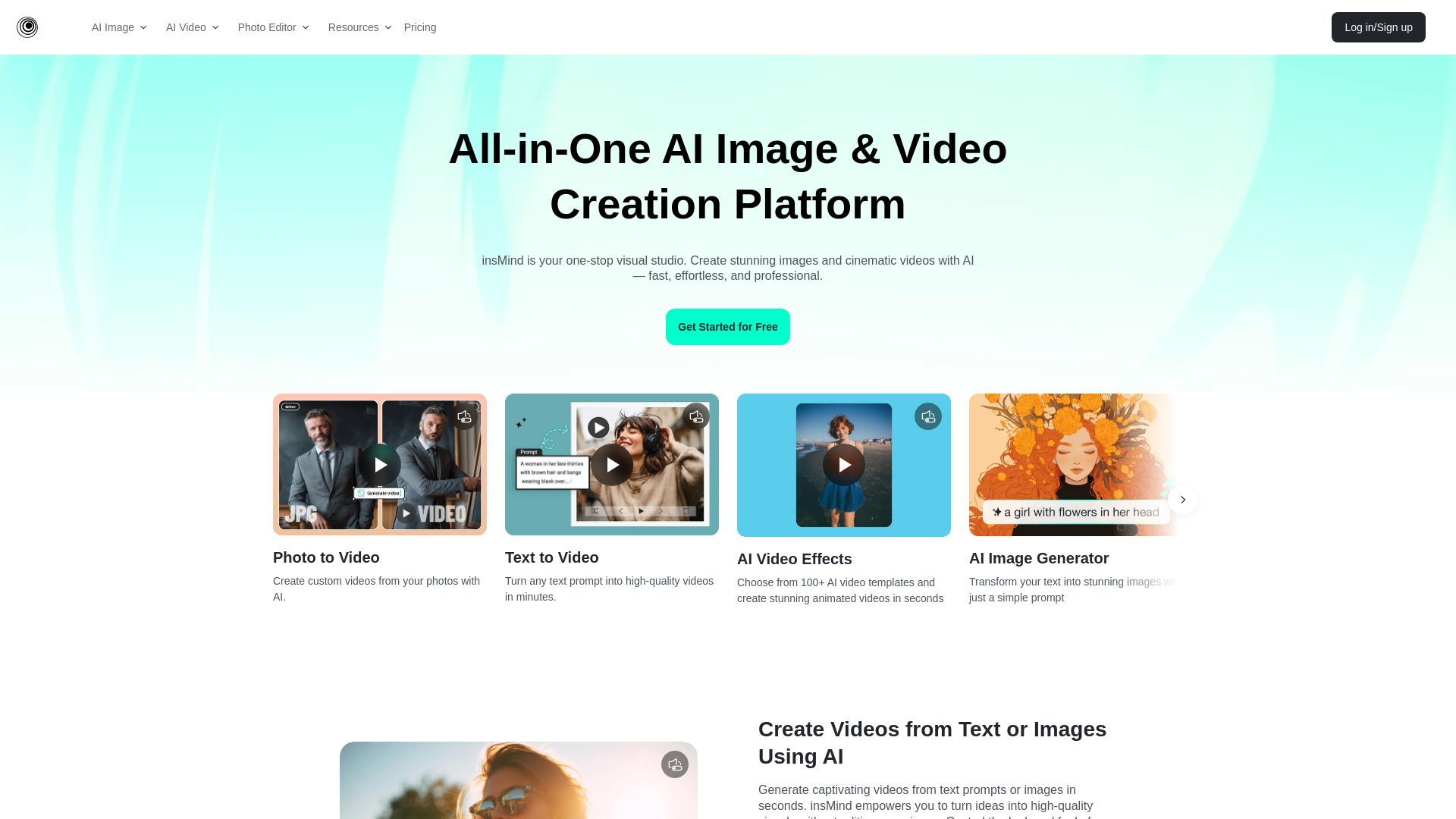
Create stunning AI images and videos with insMind. No skills needed. One-click tools for background removal, image enhancement, text-to-video, and more. Free to start.



Editor's Verdict
Key Takeaways
- AI Image Generator
- AI Video Generator
- AI Background Remover
- AI Image Enhancer
In-Depth Review: What is insMind?
insMind is a comprehensive AI-powered platform for effortless image and video creation. It offers a wide range of tools including AI image generation, text-to-video, photo-to-video, background remover, image enhancer, and more. Designed for beginners and professionals alike, insMind enables users to produce high-quality visuals quickly without any design experience. With its user-friendly interface and powerful AI models, it's the perfect solution for content creators, businesses, and anyone looking to streamline their visual content creation process.
Core Features
AI Image Generator
Transform text prompts into stunning images with just a simple prompt.
AI Video Generator
Create custom videos from photos or text with AI, including video effects and templates.
AI Background Remover
Quickly remove or change backgrounds in one click.
AI Image Enhancer
Increase photo resolution without quality loss.
AI Image Expander
Expand images and backgrounds by AI outpainting.
AI Magic Eraser
Effortlessly erase unwanted objects from photos.
AI Replace
One-click to remove and replace existing objects.
AI Background
Generate high-definition AI backgrounds instantly.
AI Headshot Generator
Turn a selfie into a professional headshot with AI in seconds.
Photo to Video
Create custom videos from photos with AI.
Pricing
Free
- Basic AI image generation
- Background remover (limited)
- Standard video templates
Pro Monthly
- Unlimited AI image generation
- Unlimited video creation
- Advanced photo editing tools
- Priority support
Pro Yearly
- All Pro Monthly features
- 20% discount
- Exclusive templates
Pros and Cons
Pros
- User-friendly interfaceIntuitive and easy to use for beginners and professionals alike.
- Time-saving AI automationOne-click tools that reduce editing time significantly.
- Professional resultsHigh-quality outputs that boost sales and engagement.
- Versatile toolsetAll-in-one platform covering image and video creation, editing, and enhancement.
- No design skills neededAnyone can create professional visuals without prior experience.
Cons
- Internet dependentRequires a stable internet connection to use the cloud-based tools.
- Free tier limitationsFree version has limited features and may require upgrade for advanced use.
- Pricing not transparentDetailed pricing information is not publicly available; requires contacting sales.
Use Cases & Recommended Professions
E-commerce entrepreneur→ View Toolkit
Needs to create professional product images and videos quickly to boost sales.
Content creator→ View Toolkit
Requires fast, high-quality image and video generation for social media and blogs.
Graphic designer→ View Toolkit
Benefits from AI-powered editing and expansion to streamline creative workflows.
Marketing professional→ View Toolkit
Uses AI tools to produce engaging visual content for campaigns efficiently.
Small business owner→ View Toolkit
Needs affordable, easy-to-use visual design tools for branding and advertising.
Freelancer→ View Toolkit
Leverages the platform to offer professional photo and video services without expertise.
Frequently Asked Questions
Alternative AI Tools
View Detailed Comparison →
Pixlr
Edit, generate, and design with Pixlr's free AI photo editor. Transform photos, create images from text, and more – all in your browser. No download needed.

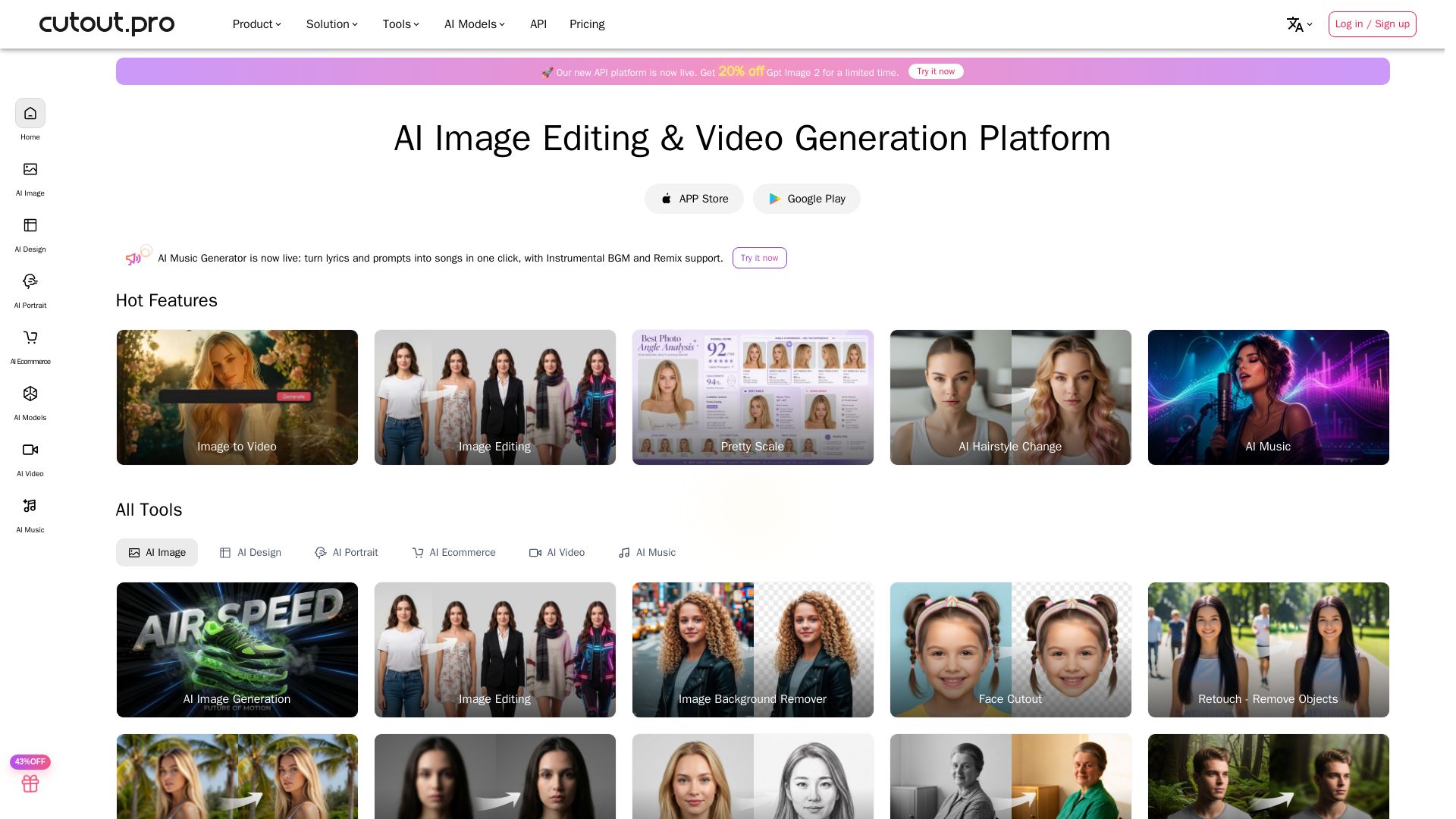
Cutout.Pro
Cutout.Pro offers AI image editing, video generation, background removal, and API integration. Trusted by 25K+ businesses. Get started for free.

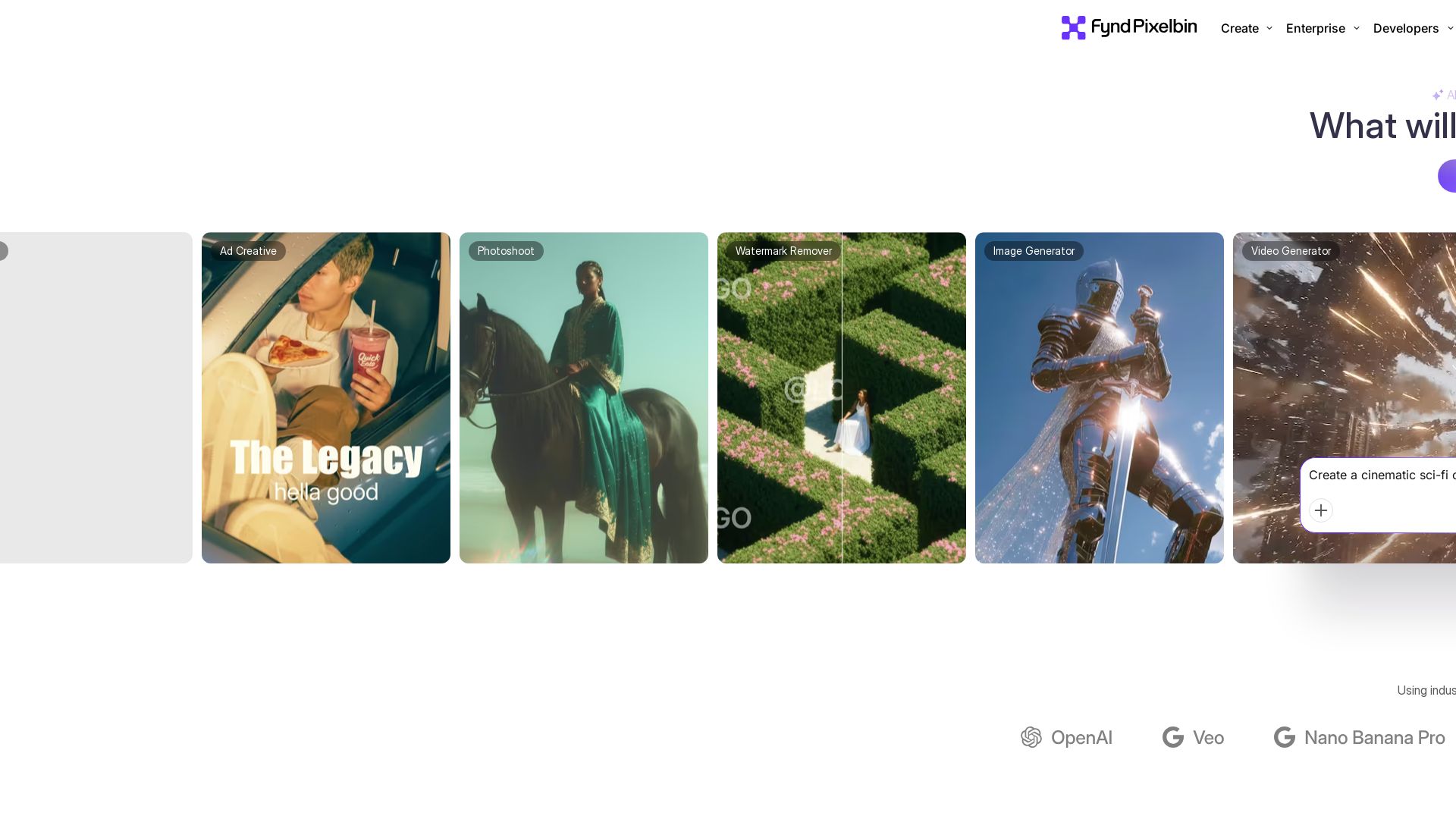
Pixelbin AI Studio
Create stunning visuals with Pixelbin's AI tools: image editing, video generation, upscaling, batch processing. Trusted by 58M+ users. Free to start.

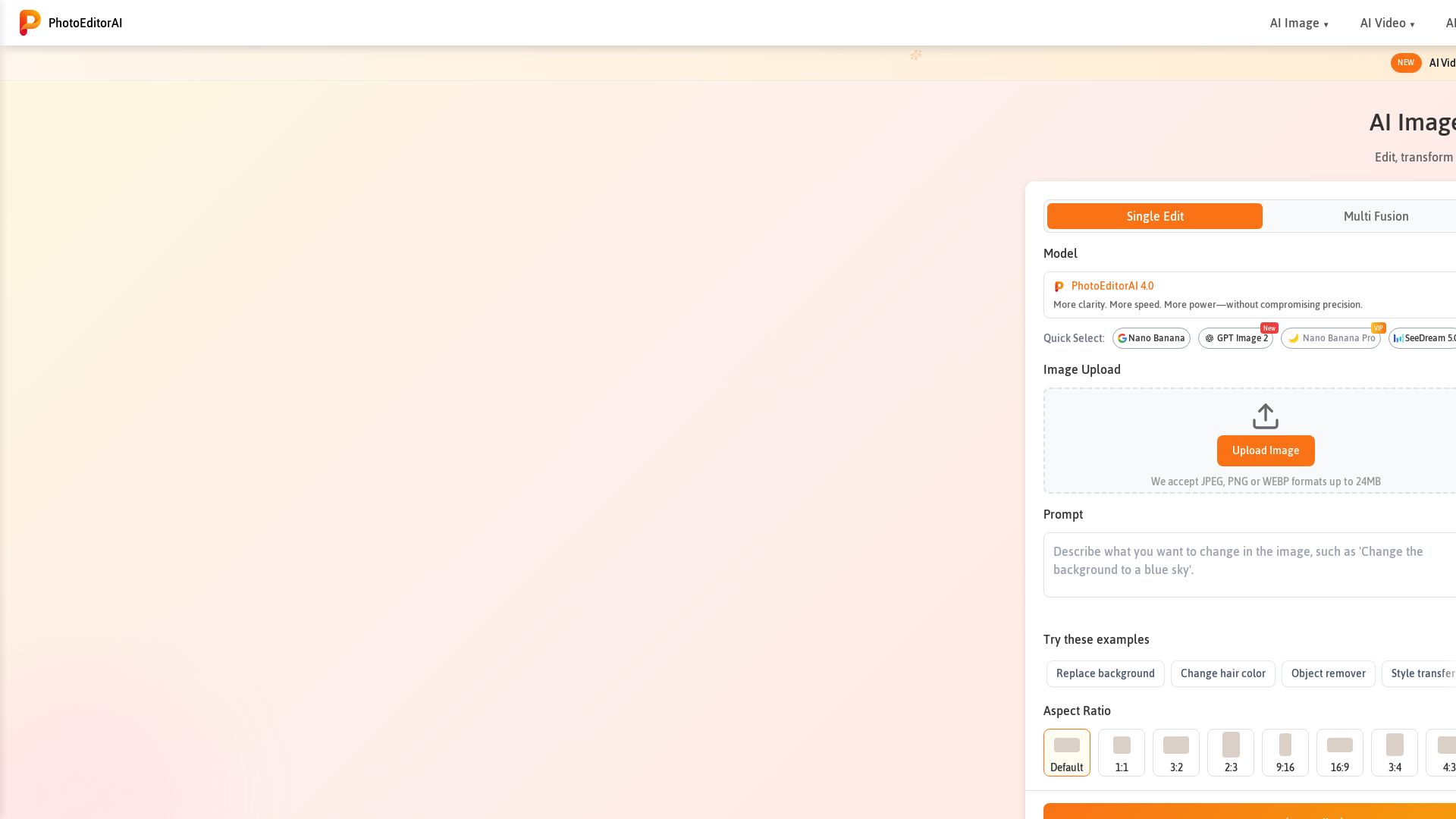
Photo Editor AI
Edit, transform, and enhance photos with text prompts. Remove backgrounds, retouch faces, and more. No sign-up required. Try PhotoEditorAI free.

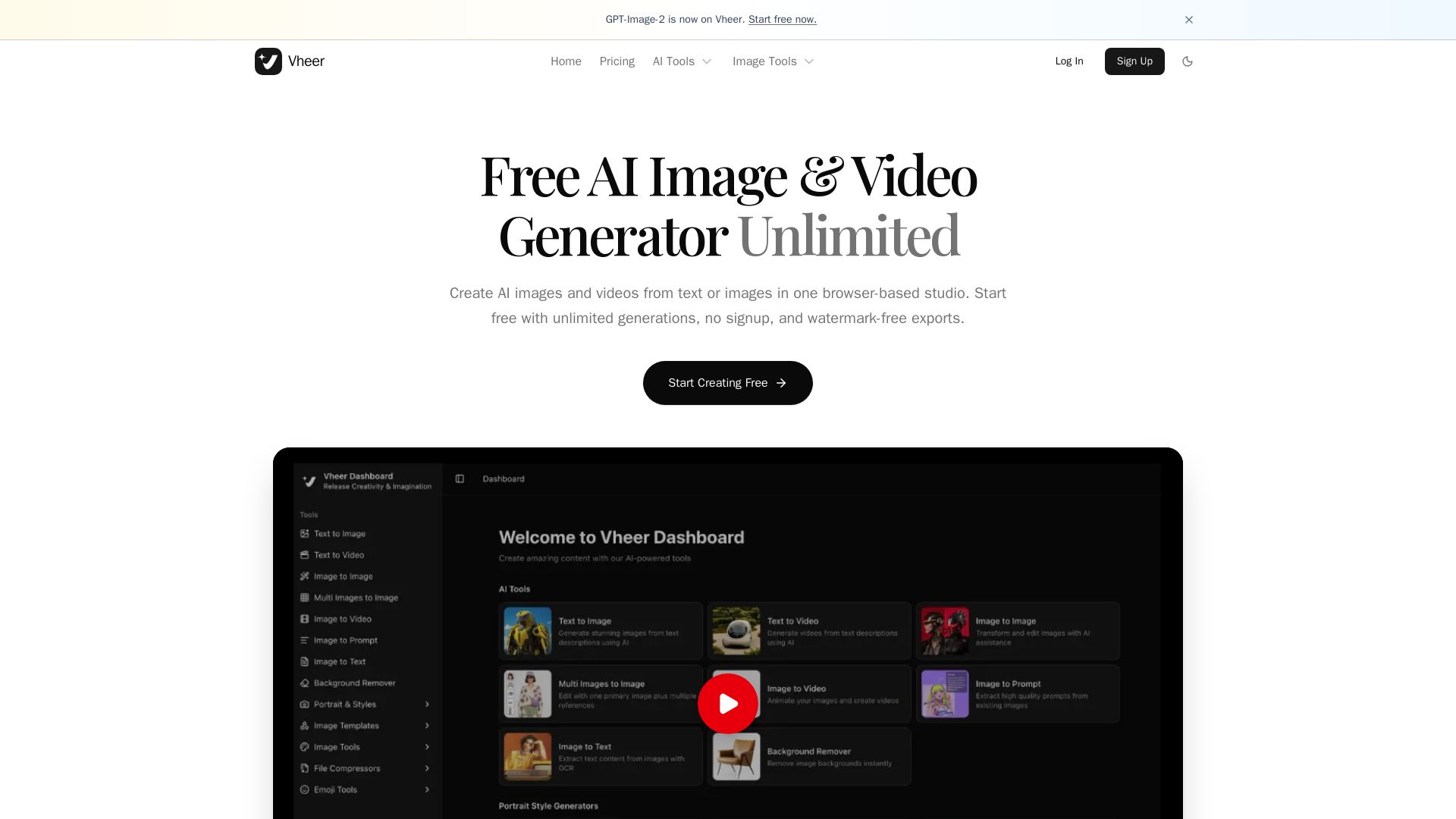
Vheer
Create stunning AI images and videos from text or images. Unlimited generations, no signup, watermark-free. Advanced models in one browser-based studio.

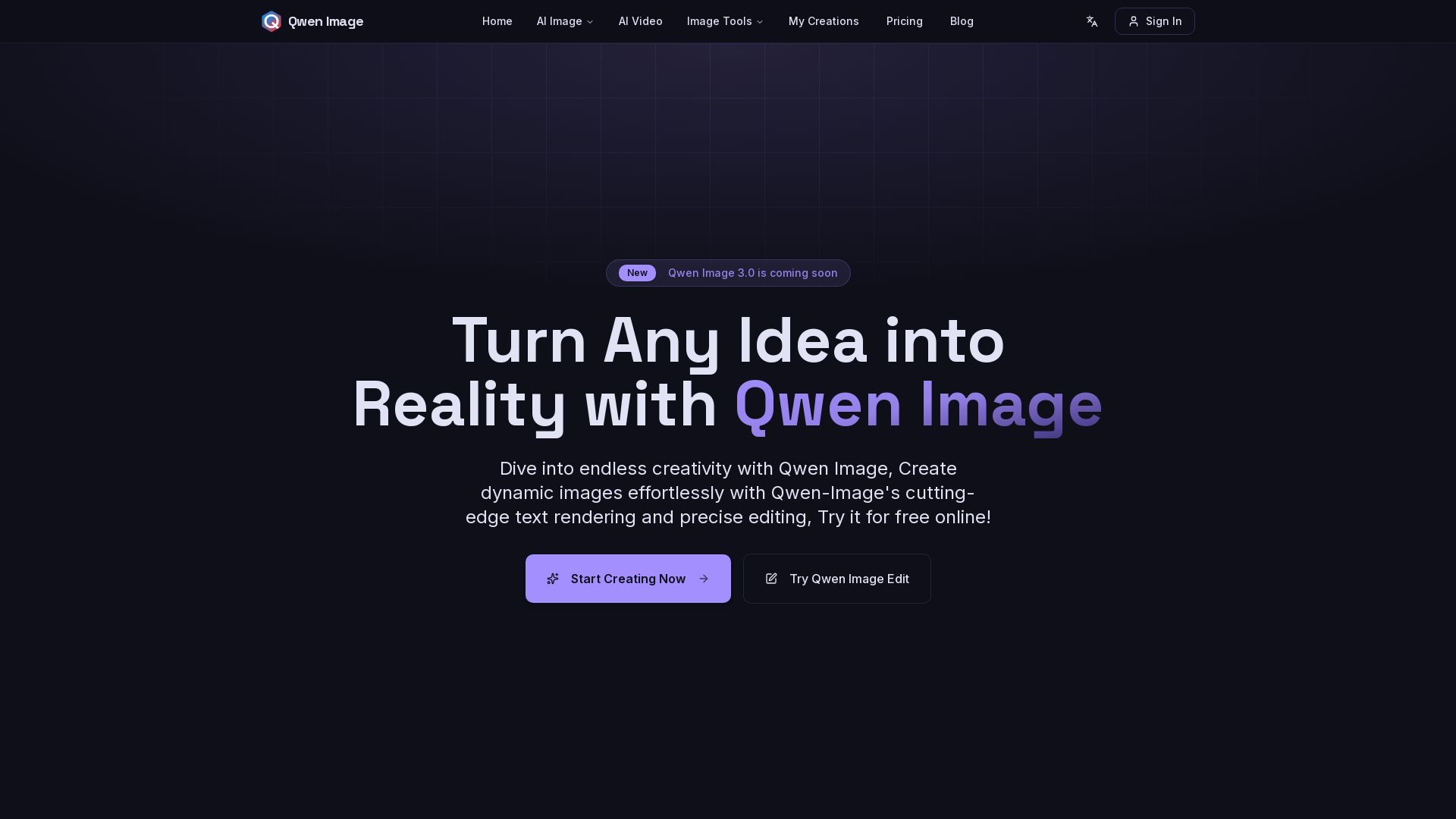
Qwen Image
Free AI image generator with superior text rendering and precise editing. Create commercial-quality images for any project.
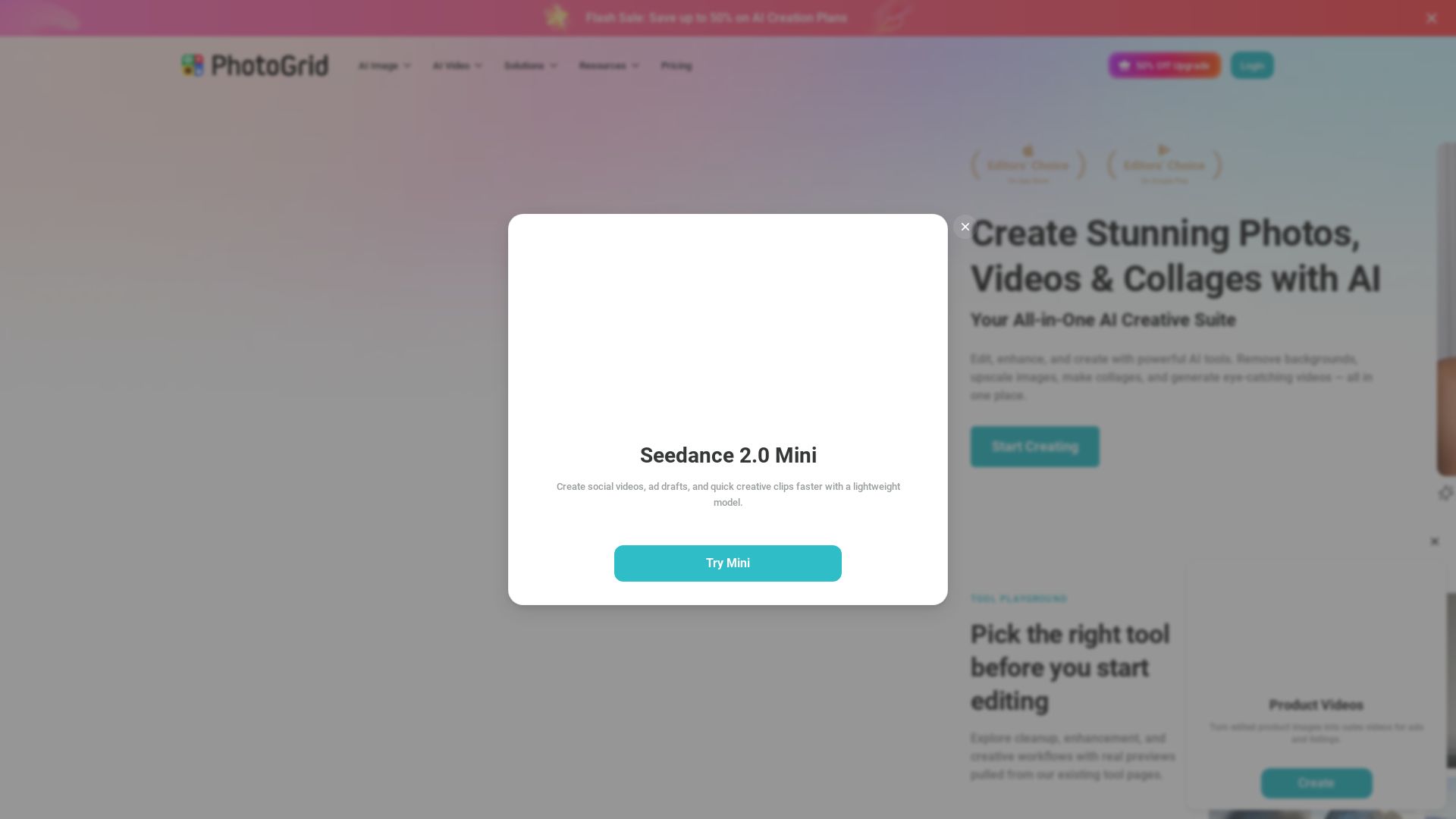
PhotoGrid
Transform photos and videos with AI. Remove backgrounds, upscale, create collages, and generate AI videos. Free online tool with 20,000+ templates.


SeaArt AI
Turn ideas into stunning images and cinematic videos with SeaArt AI. Free tools, community, and advanced models like Seedance 2.0.


Gen AI Video Generator
Create stunning AI videos and images with 90+ models including Google VEO 3, Sora 2, Seedance 2.0. Text-to-video, image-to-video, photo editing on iOS.

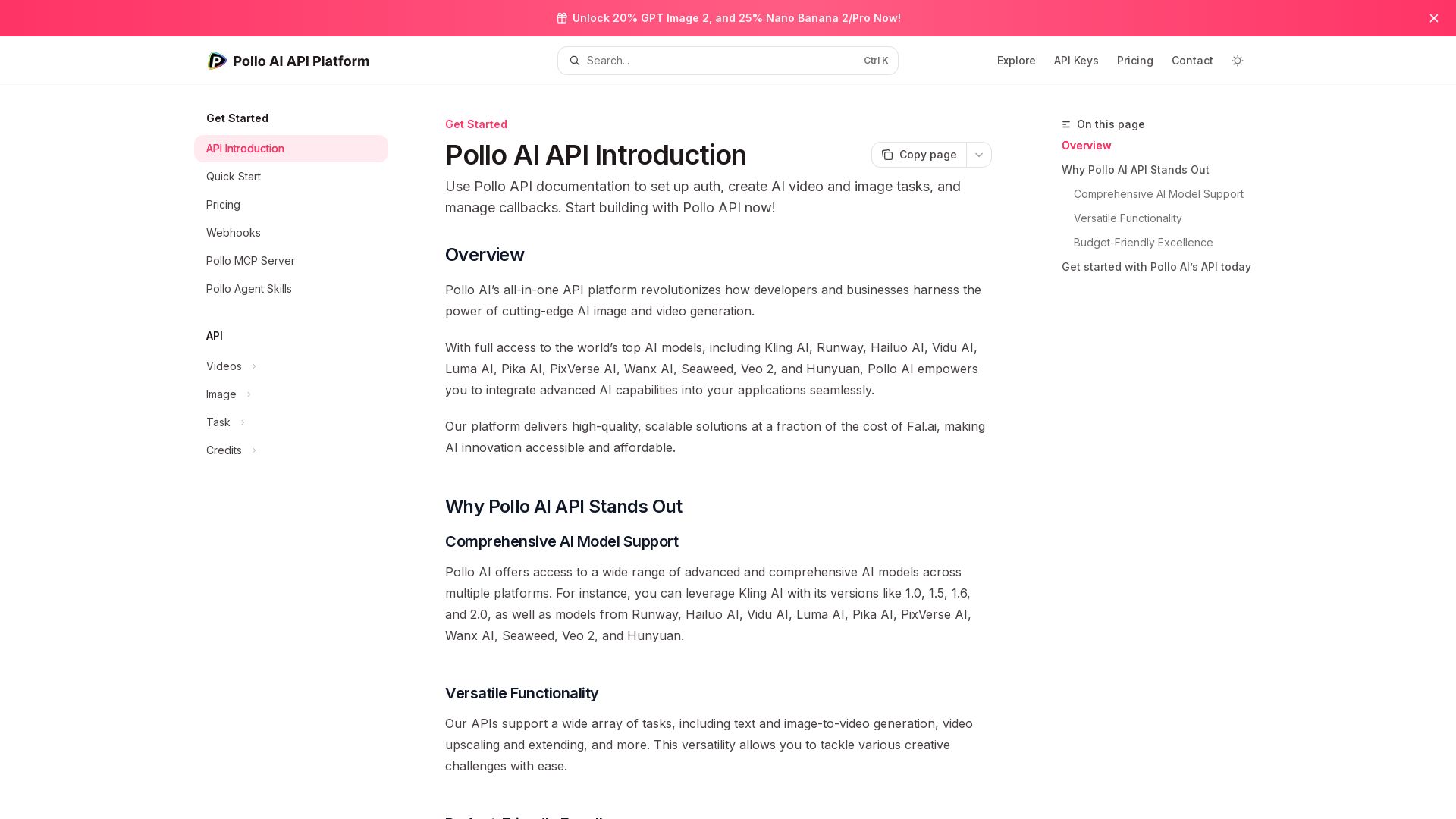
Pollo API
Integrate cutting-edge AI video and image generation with Pollo AI API. Access Kling, Runway, Hailuo, and more. Budget-friendly, high quality.

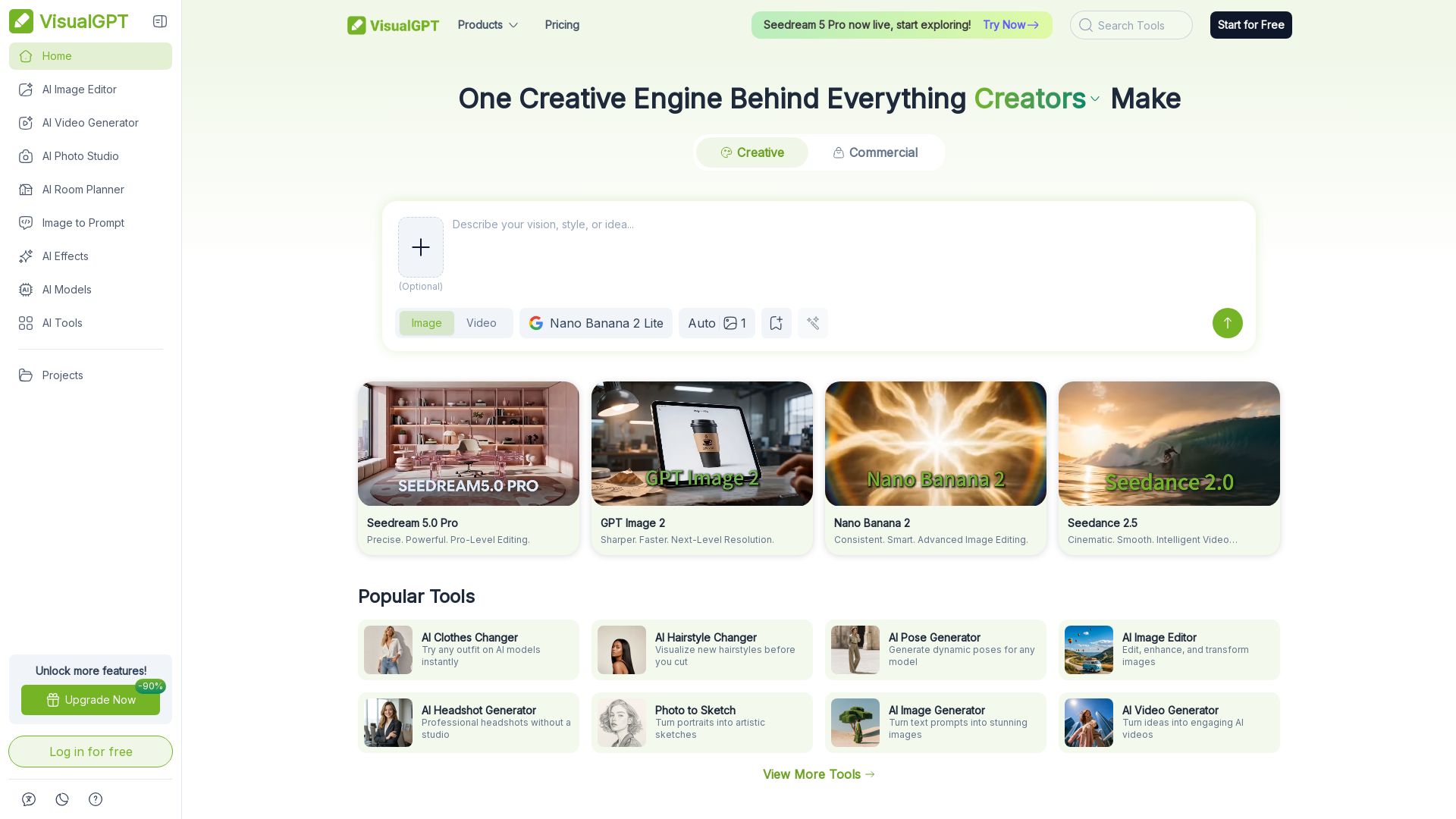
VisualGPT
Create stunning AI images, videos, and portraits. Trusted by 800+ organizations. Try the #1 AI creative suite for free.

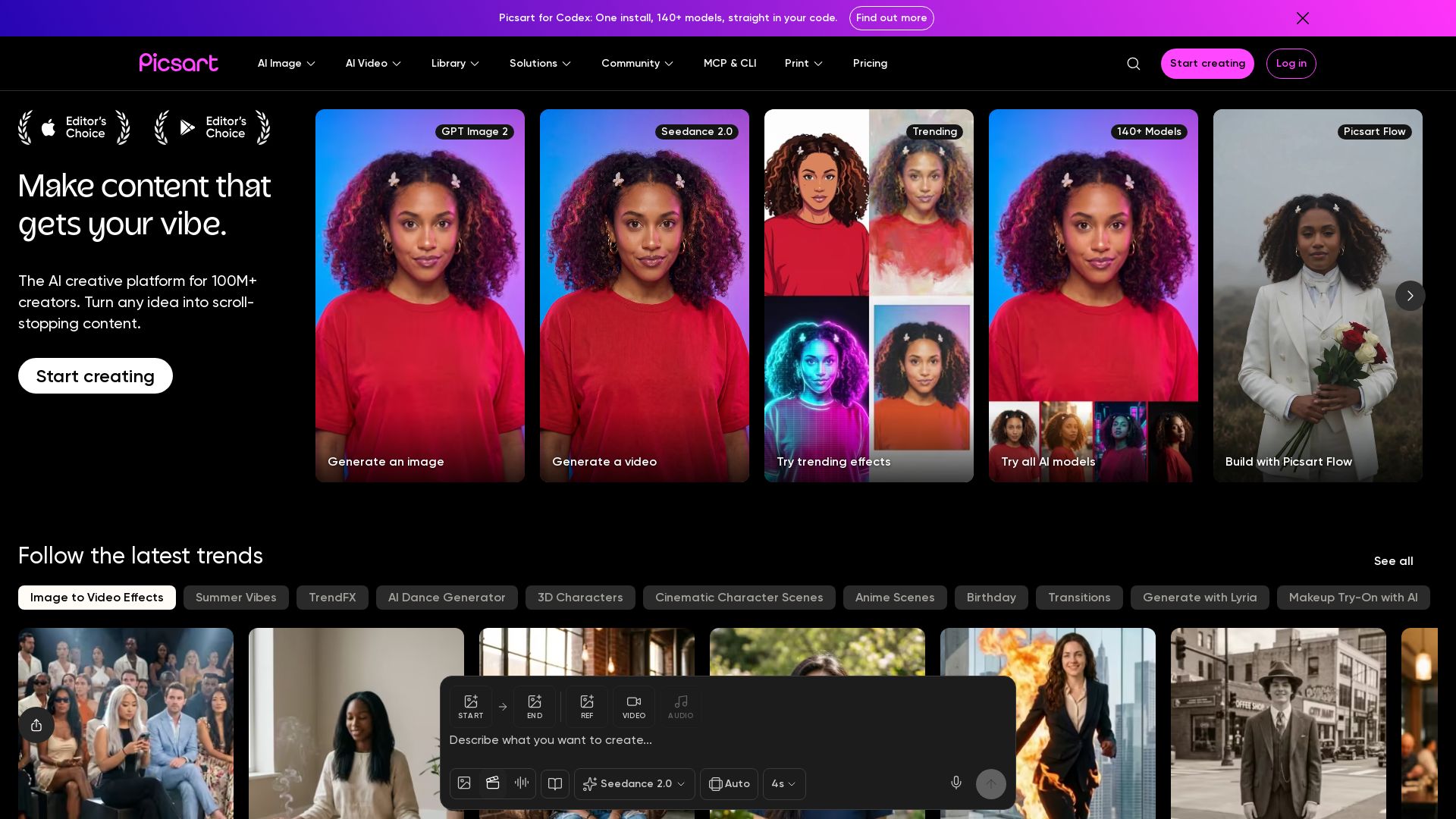
Picsart
Generate AI images & videos, edit photos, and access 140+ models. Picsart's AI creative platform for 100M+ creators. Start for free!

ℹ️ Curation Disclosure: The overview and features of insMind were synthesized using AI and fact-checked by our curation team to ensure accuracy.