
YouMind
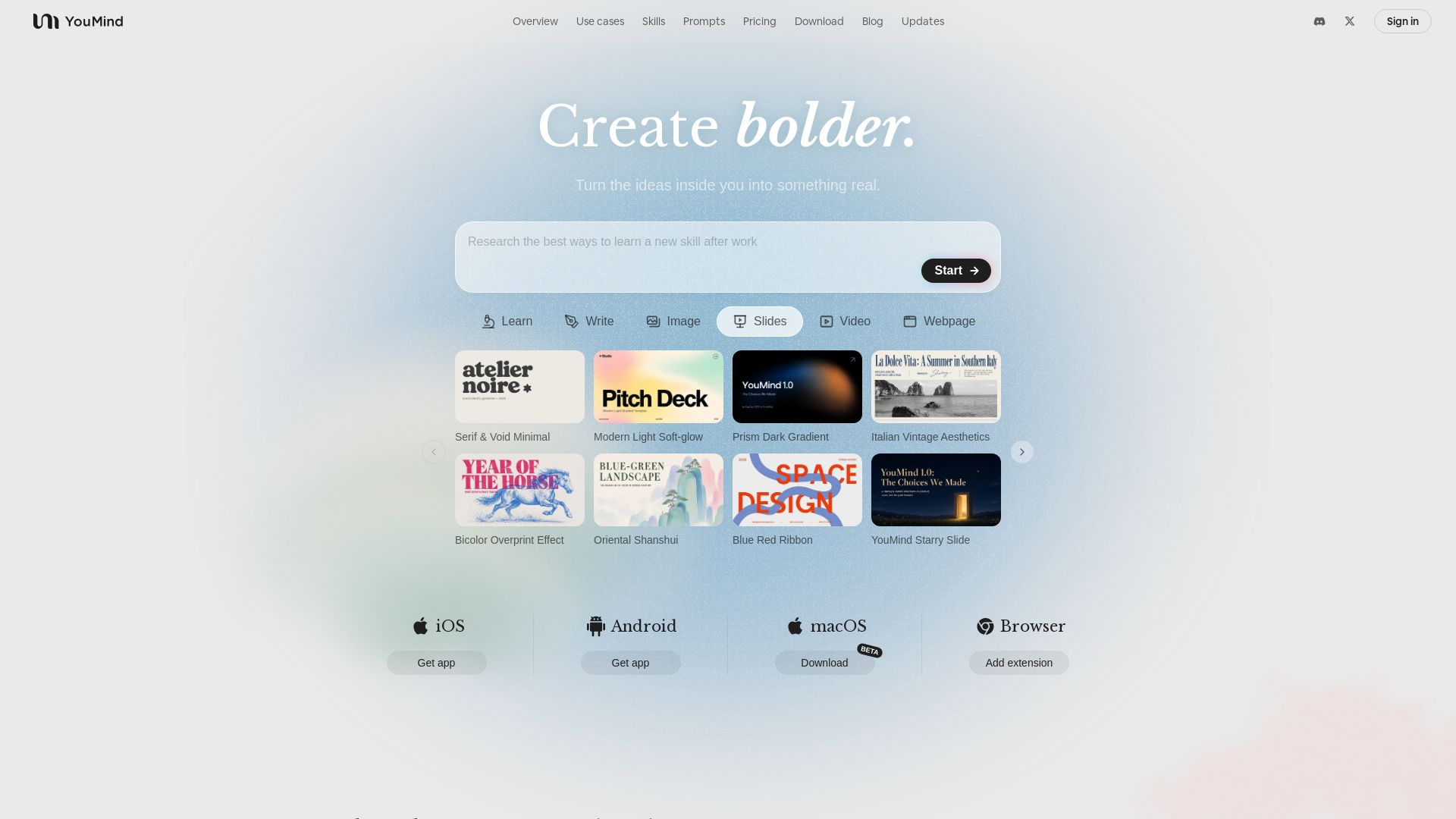
Capture ideas, drive thinking, and create slides, videos, images, webpages with AI. Trusted by 90K+ creators. Start for free.
Editor's Verdict
Key Takeaways
- Idea to Reality
- Capture & Collect
- AI-Driven Thinking
- Refine & Customize
In-Depth Review: What is YouMind?
YouMind is an AI-powered creative studio that helps you transform scattered ideas into finished work. Collect sparks like articles, videos, and thoughts; deepen your thinking with AI that asks the right questions; and shape everything into reports, slides, videos, websites, and more. With tasteful templates and a collaborative workspace, it's designed for creators who want to build bolder. Join over 90,000 creators worldwide and start turning your inner ideas into something real.
Core Features
Idea to Reality
Turn scattered ideas into polished content—articles, slides, videos, and webpages—all within one platform.
Capture & Collect
Save articles, videos, and fragments of thought that matter, keeping them organized for later use.
AI-Driven Thinking
AI asks questions, fills gaps, and maintains context to help you develop ideas further without stalling.
Refine & Customize
Every output is a starting point; rewrite, rearrange, and refine until it sounds like you.
Multi-Format Creation
Generate images, slides, videos, webpages, and documents from a single conversation.
Template Variety
Choose from dozens of designer templates like ‘Serif & Void Minimal’ or ‘Cinematic sci-fi’ to match your style.
Reusable Skills
Build and share custom skills that encode your workflow, making repeat tasks faster and more consistent.
Cross-Platform Access
Available on iOS, Android, macOS, and as a browser extension for seamless workflow integration.
Pricing
Free
- Basic content creation
- Limited templates and exports
Pros and Cons
Pros
- All-in-One Creative SuiteCombines research, writing, design, and presentation in one tool, eliminating the need for multiple apps.
- Intelligent Context AwarenessAI remembers your collected materials and suggests connections, keeping your ideas coherent and evolving.
- High CustomizabilityOutputs are easily editable, letting you fine-tune every aspect from text to visuals to match your brand.
- Rich Template LibraryDozens of professionally designed templates for slides, images, and webpages suit various aesthetics.
- Reusability with SkillsSave your workflows as reusable skills, speeding up future projects and sharing knowledge with teams.
Cons
- Learning CurveThe breadth of features may overwhelm new users; initial setup and mastery take time.
- Output Quality VariabilityAI-generated content sometimes requires significant refinement to meet professional standards.
- Internet DependencyRequires a stable internet connection; offline functionality is limited.
- Limited Free TierThe free plan restricts advanced templates, export formats, and usage limits.
- Data Privacy ConcernsUsers may worry about storing personal ideas and collected content on cloud servers.
Use Cases & Recommended Professions
YouTuber→ View Toolkit
Speeds up topic research, scriptwriting, and thumbnail creation, allowing more time for filming and editing.
Student & Instagramer→ View Toolkit
Transforms photos and half-formed thoughts into polished paragraphs or visuals for social media.
High School Teacher→ View Toolkit
Generates engaging lessons with memes and videos, making subjects like physics interesting for students.
Indie Developer→ View Toolkit
Acts as a product and go-to-market copilot, tracking competitors and user feedback while remembering product decisions.
Small Business Owner→ View Toolkit
Creates professional posters and captions quickly without hiring a design team.
Product Manager→ View Toolkit
Organizes meeting notes, research, and feedback to untangle mess and spot insights, fitting AI into workflow.
Frequently Asked Questions
Alternative AI Tools
View Detailed Comparison →
Figr
Ship better UX faster. Figr builds a living understanding of your product, maps flows, finds edge cases, and generates high-fidelity prototypes from your actual design system.


Figma
Figma is the intelligent, AI-native canvas for designing, prototyping, and building products together. Trusted by 95% of Fortune 500. Explore design and dev tools.


AiPPT
Transform ideas into stunning presentations instantly with AiPPT. Generate slides from text, documents, URLs, or templates. Import from Google Drive. Free and paid plans.

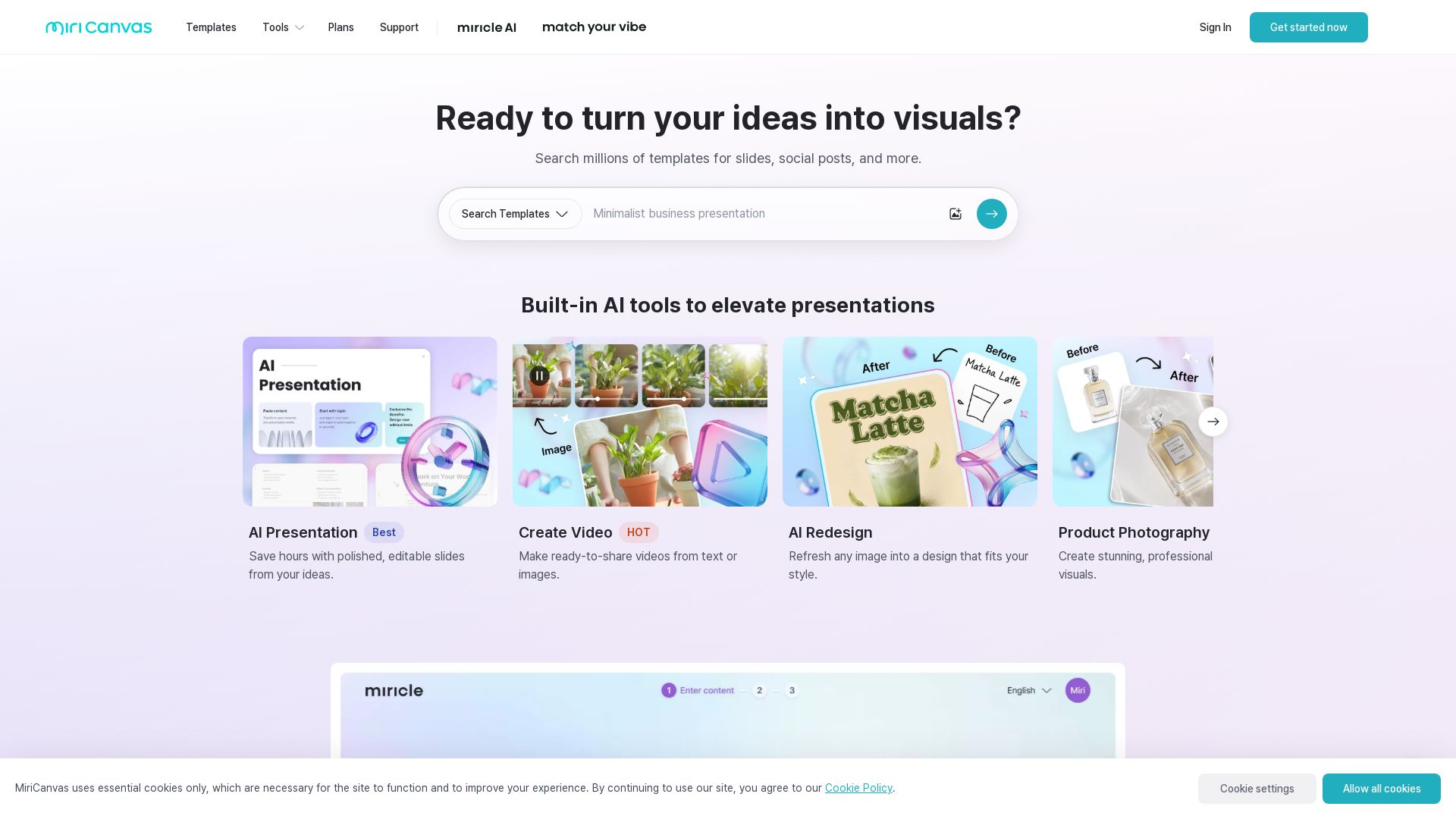
MiriCanvas
Create stunning presentations, videos, and social graphics with MiriCanvas AI. Over 530K templates, 10M+ elements. Try free!


Superdesign
Create stunning designs with AI. Iterate quickly using natural language. Export production-ready code. Browse design prompts and styles.

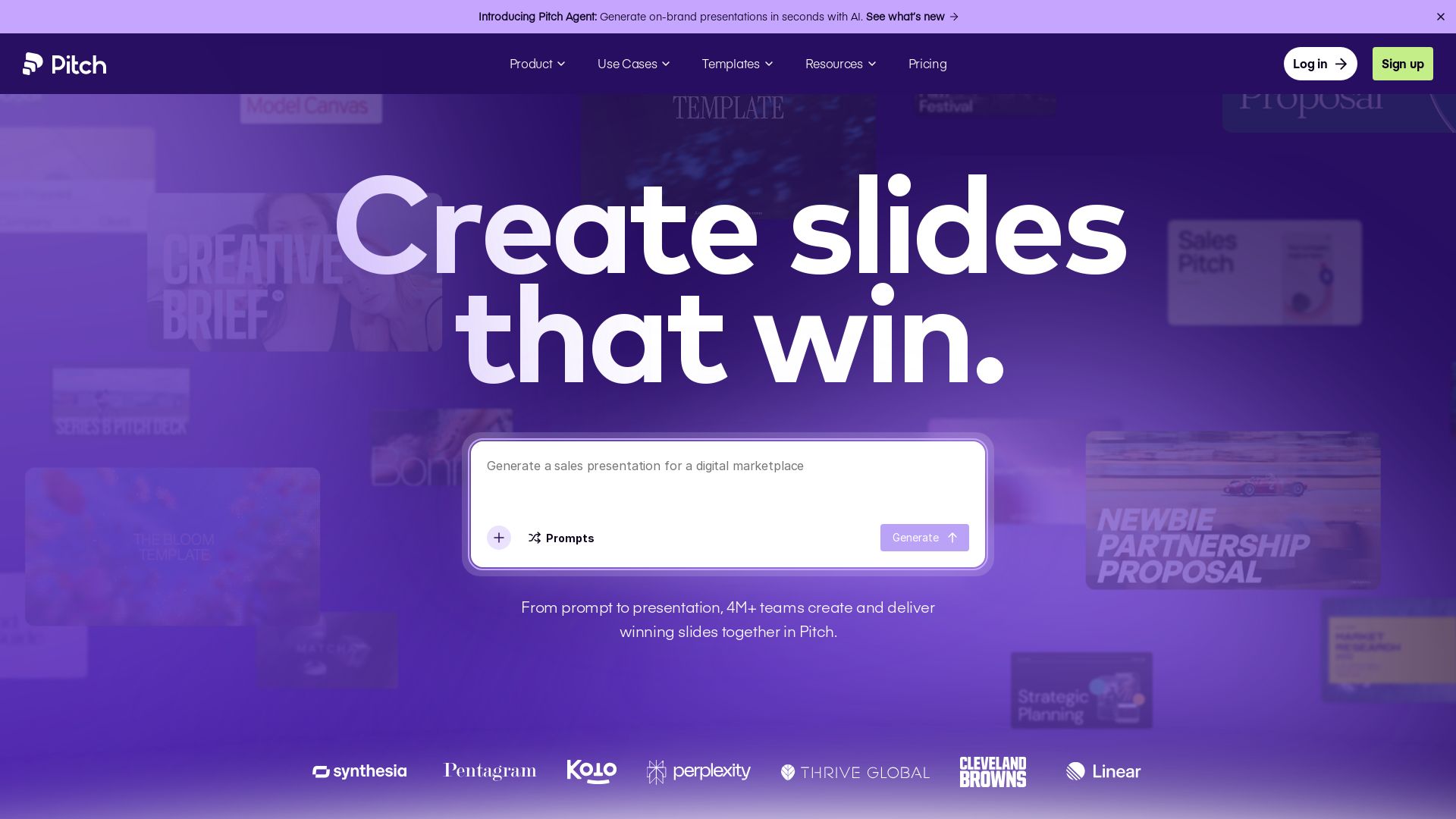
Pitch
Pitch is a presentation workspace where 4M+ teams create stunning slides, collaborate in real time, and track engagement. AI-powered, brand-friendly, and free to start.


Prezi
Prezi AI creates studio-quality presentations from your ideas. Describe or upload, get a polished deck in seconds. Refine via chat, export as PPTX or PDF. No design skills needed.


UX Pilot
Ideate, design, and hand-off web apps in seconds with UX Pilot's AI. Generate wireframes, hi-fi designs, and clean code. Trusted by 1M+ users.


SlidesAI
Create beautiful presentations from notes, prompts, or docs with SlidesAI. Works in Google Slides, PowerPoint, ChatGPT & web. Save 85% time.


Figma Console MCP
Connect AI to Figma for design extraction, token sync, and component creation. Turn your design system into a programmable API.

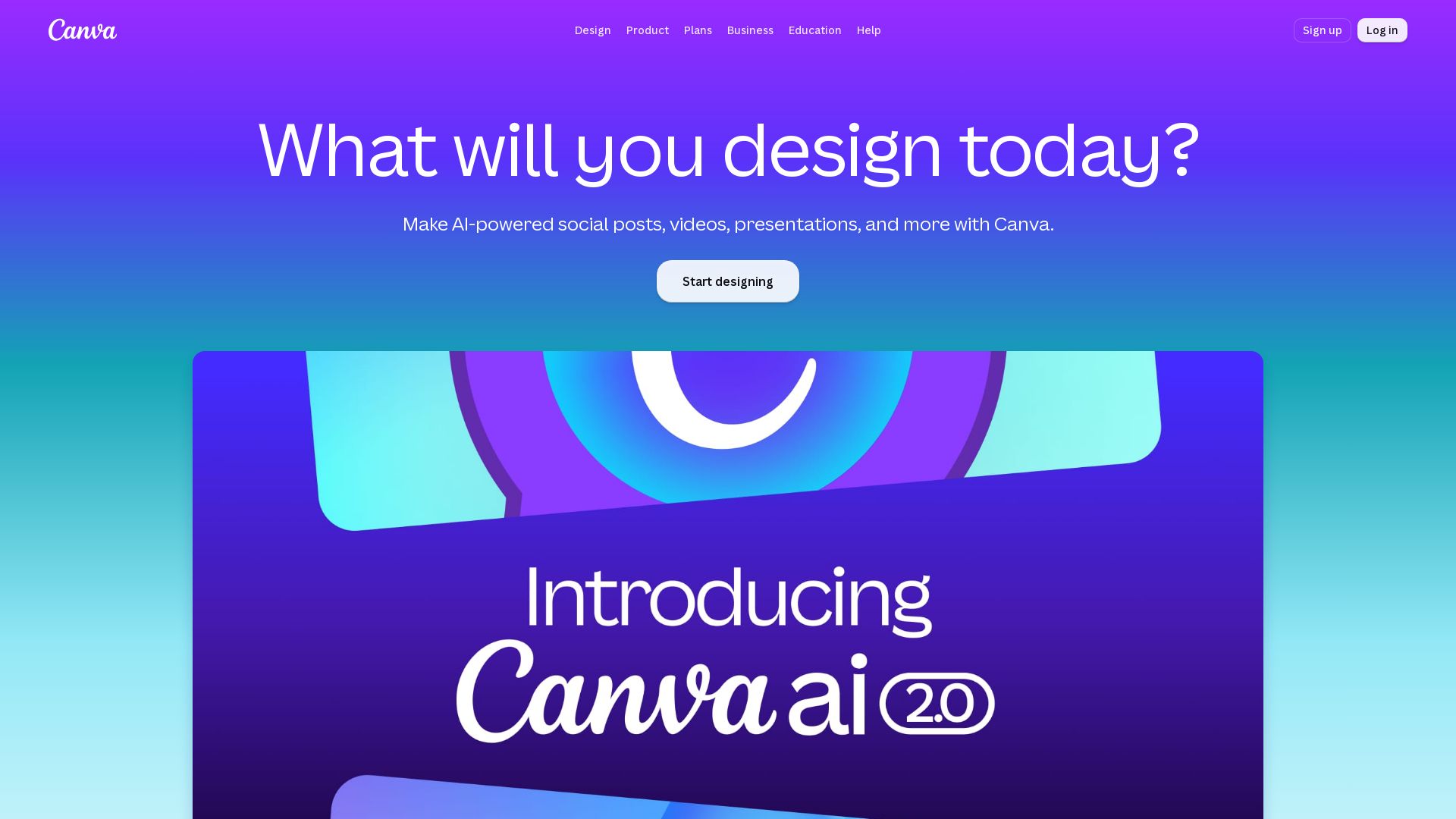
Canva
Create stunning designs, presentations, videos, and more with Canva's AI tools. Start for free.

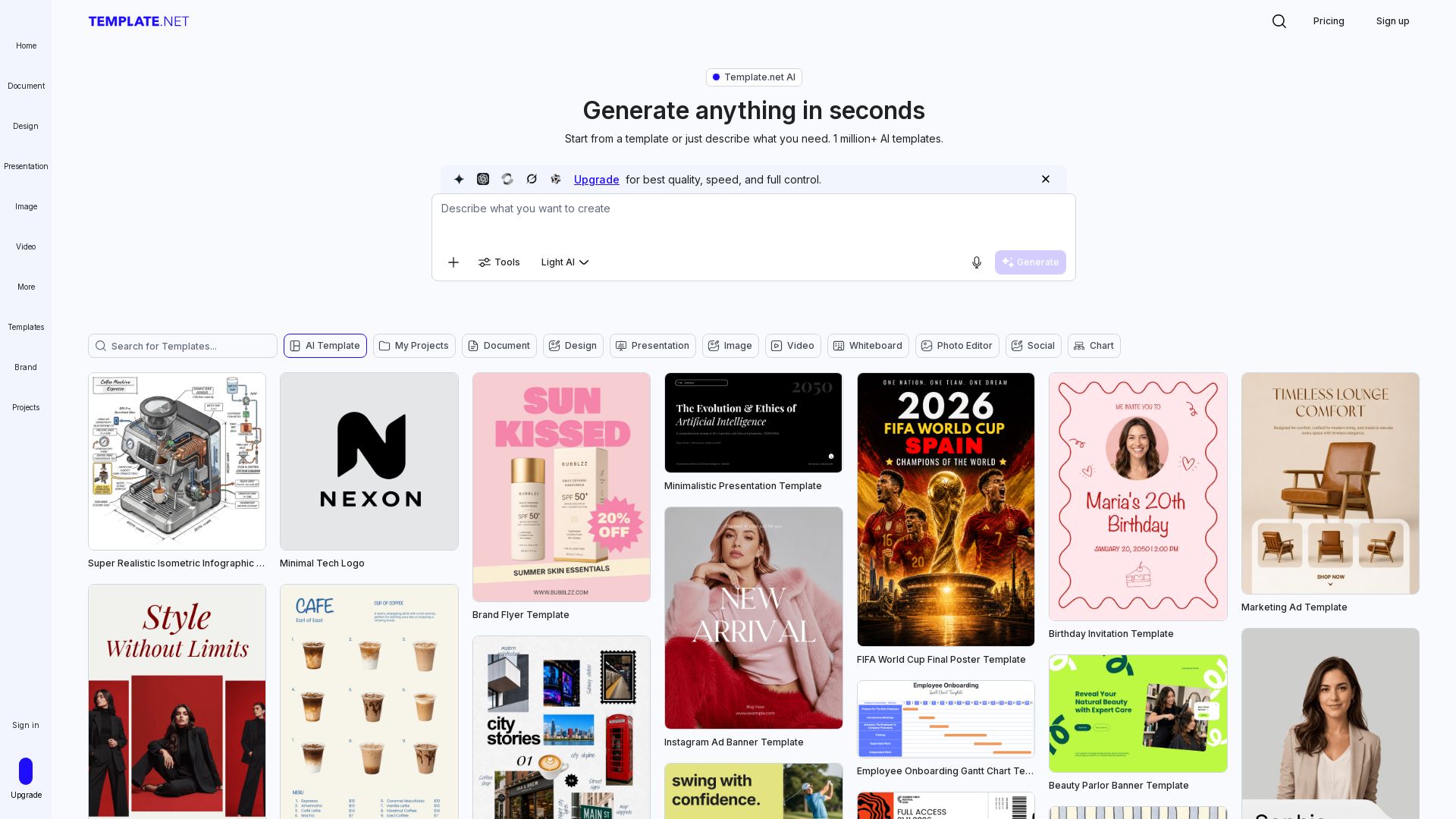
Template.net
Generate production-ready editable templates with AI. Documents, presentations, designs & more. Instantly brand & export to PPTX, DOCX, PDF. Free to start.

ℹ️ Curation Disclosure: The overview and features of YouMind were synthesized using AI and fact-checked by our curation team to ensure accuracy.
