
Template.net
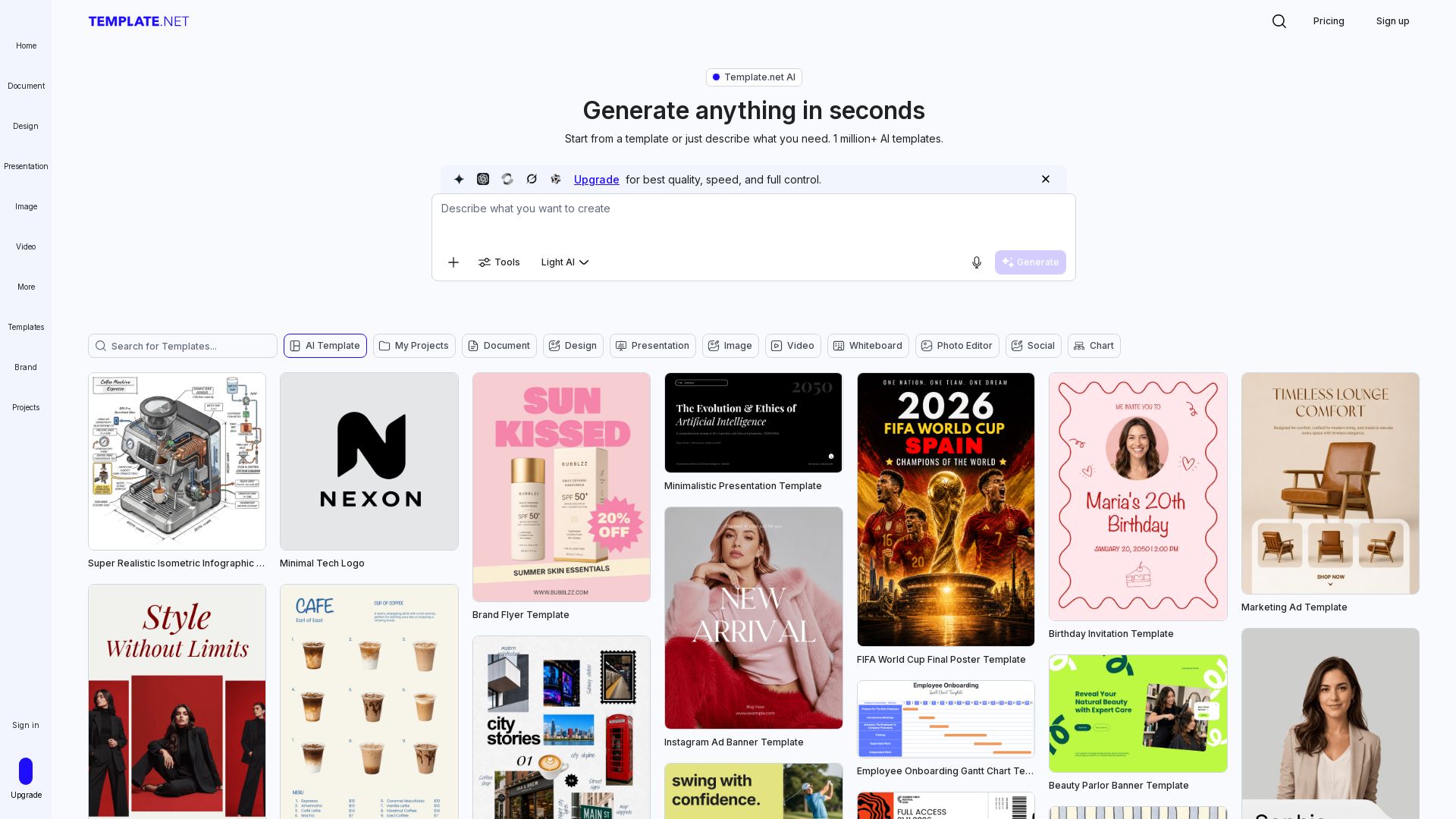
Generate production-ready editable templates with AI. Documents, presentations, designs & more. Instantly brand & export to PPTX, DOCX, PDF. Free to start.
Editor's Verdict
Key Takeaways
- AI Production Engine
- Brand Kit Integration
- Atomic Editing
- File Sovereignty
In-Depth Review: What is Template.net?
Template.net is an AI Production Engine that transforms prompts into fully editable, branded assets. Create documents, slides, infographics, and more - all exportable to native formats like PPTX, DOCX, and PDF. Features include brand kits, team collaboration, and atomic editing. Free tier available; no signup required for basic use.
Core Features
AI Production Engine
Transforms natural language prompts into fully layered, editable, and production-ready assets—documents, presentations, diagrams, charts, and web assets.
Brand Kit Integration
Automatically apply your brand’s logo, fonts, colors, and voice across every AI-generated output for consistent branding.
Atomic Editing
Every output is composed of discrete, editable components (text, layout, visuals) that can be modified individually within the AI-powered canvas.
File Sovereignty
Export in native formats like PPTX, DOCX, HTML, SVG, and PDF, ensuring your work remains usable in any professional software.
Smart Export & Integration
Directly export to Google Drive, Notion, Slack, social platforms, and more, with one-click repurposing for different formats.
No-Signup Production Flow
Start generating and editing immediately without signing up; signup required only for advanced features like team collaboration.
Pricing
Plus
- Unlimited AI Creations
- 5,000 Credits a month
- All in one AI Editor
- Export directly to PPT, SVG, Word, HTML5 & more
- 1 Million+ Premium Templates & Stock
- 1,000 AI Tools & features
- Access to all latest Text Models (OpenAI GPT 5.4, etc.)
- Access to all latest Image Models (Google Banana, etc.)
- Up to 24,000/year images
- Access to all latest Video Models
- Plan & Schedule social media content
- Brand kit and Brand Voice
- No Template.net watermark
- 100 GB Cloud Storage
- 1 Million+ Premium File Format Templates
Max
- Everything in Plus
- Up to 10 free users (just per user/month)
- 50,000 Credits a month
- 1 TB Cloud Storage
- Unlimited Text & Chat Generation
- Unlimited Image Generation
- Unlimited Video generation (Kling, Seedance, etc.)
- Access to all latest Video Models
- Up to 580 videos/year
- 24/7 support via chat, email & phone
- All features: Designs, AI-Writer, Documents, Forms, Whiteboards, Photo Editor, Image, Presentations, Charts, & More
Pros and Cons
Pros
- Production-Ready OutputsGenerates fully editable, layered assets that can be used in professional workflows immediately, not just mockups.
- Brand ConsistencyBuilt-in Brand Kit automatically applies logos, colors, fonts, and voice across all AI-generated content.
- File SovereigntyUsers own their outputs; export to native formats (PPTX, DOCX, HTML, SVG, PDF) without being locked into the platform.
- Multi-Format GenerationFrom a single prompt, create documents, presentations, diagrams, charts, videos, and web assets.
- No Watermark on Paid PlansPlus and Max plans remove the Template.net watermark for professional use.
Cons
- Pricing UnclearThe current prices are not explicitly listed on the page, making it difficult to compare costs without contact.
- Credit SystemFree and Plus plans have credit limits (5,000 credits/month) which may restrict heavy usage.
- Learning Curve for BeginnersWhile AI-driven, users may need time to understand the full range of features and editing capabilities.
- Limited Free TierThe free plan likely has limited credits and features, not explicitly detailed on the page.
- Dependency on InternetAs a web-based tool, requires a stable internet connection for AI generation and editing.
Use Cases & Recommended Professions
Startup Founder→ View Toolkit
Needs to quickly produce pitch decks, proposals, and invoices with minimal effort and professional quality.
Marketing Lead→ View Toolkit
Requires on-brand social media posts, banners, and ad creatives that can be resized and repurposed for various platforms.
HR Policy Specialist→ View Toolkit
Uses templates for employee handbooks, onboarding materials, and policy documents that are consistent and editable.
Corporate Trainer→ View Toolkit
Creates course materials, checklists, and lesson plans efficiently with AI-generated suggestions.
Administrative Officer→ View Toolkit
Needs structured documentation, reports, and policy templates that are fast to generate and export to standard formats.
Operations Manager→ View Toolkit
Requires production-ready assets like flowcharts, project roadmaps, and data visualizations for team collaboration.
Frequently Asked Questions
Alternative AI Tools
View Detailed Comparison →
Figma
Figma is the intelligent, AI-native canvas for designing, prototyping, and building products together. Trusted by 95% of Fortune 500. Explore design and dev tools.


SlideSpeak
Turn PDFs, Word docs, and ideas into professional PowerPoint slides in minutes. AI-powered editor, video, and branding. Trusted by 1M+ users.


Figr
Ship better UX faster. Figr builds a living understanding of your product, maps flows, finds edge cases, and generates high-fidelity prototypes from your actual design system.


AiPPT
Transform ideas into stunning presentations instantly with AiPPT. Generate slides from text, documents, URLs, or templates. Import from Google Drive. Free and paid plans.


Prezi
Prezi AI creates studio-quality presentations from your ideas. Describe or upload, get a polished deck in seconds. Refine via chat, export as PPTX or PDF. No design skills needed.

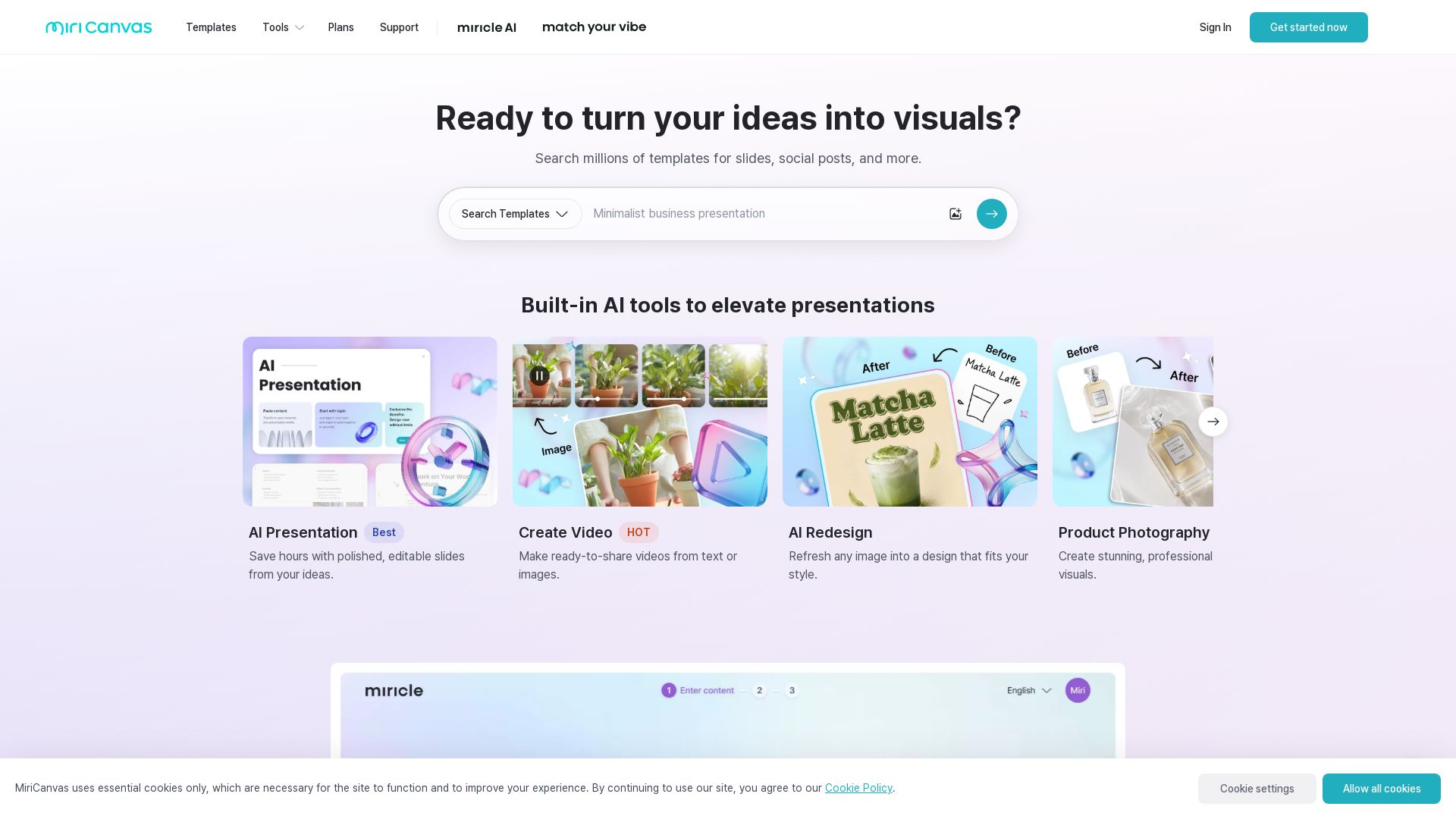
MiriCanvas
Create stunning presentations, videos, and social graphics with MiriCanvas AI. Over 530K templates, 10M+ elements. Try free!

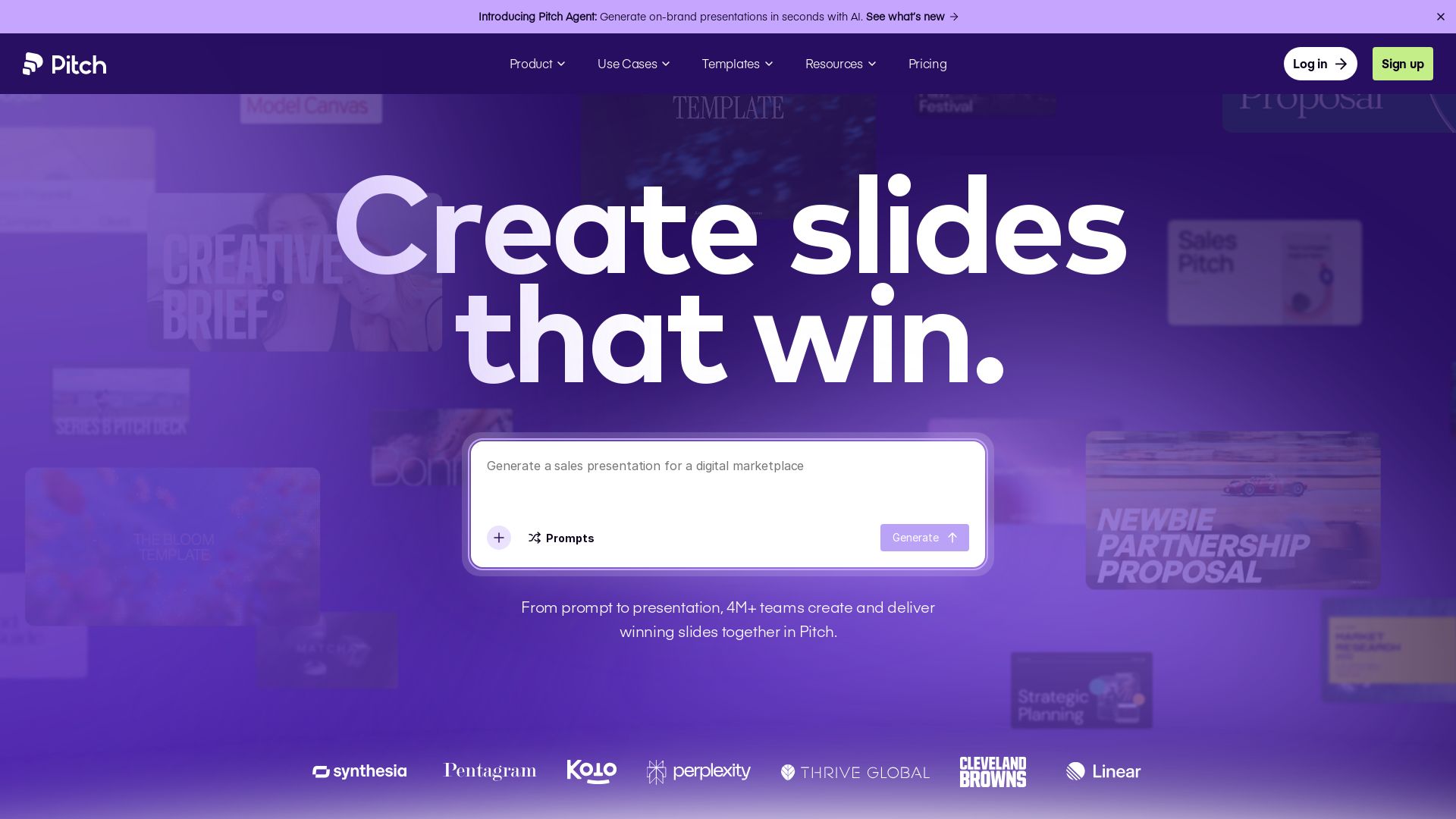
Pitch
Pitch is a presentation workspace where 4M+ teams create stunning slides, collaborate in real time, and track engagement. AI-powered, brand-friendly, and free to start.

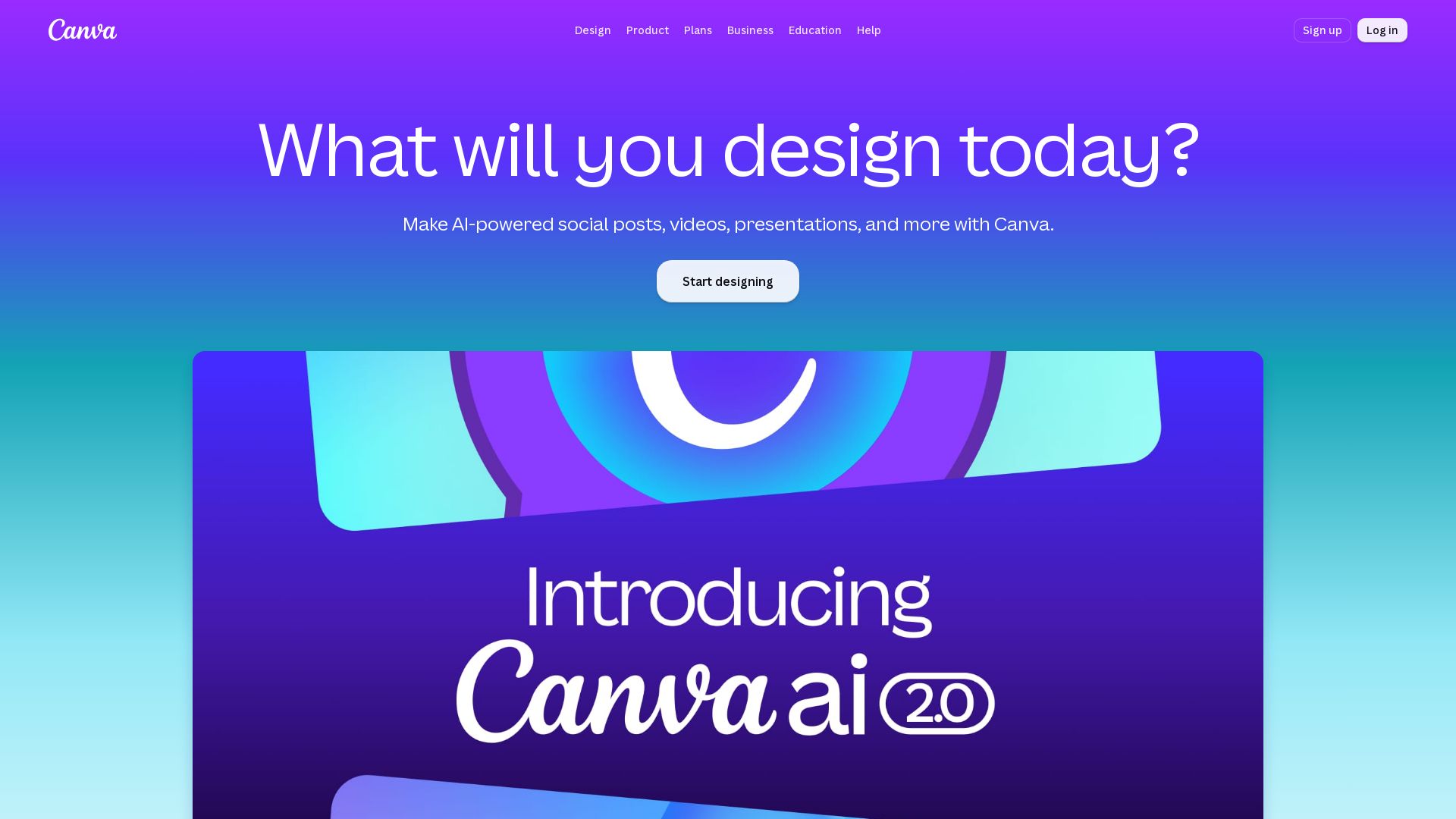
Canva
Create stunning designs, presentations, videos, and more with Canva's AI tools. Start for free.


Superdesign
Create stunning designs with AI. Iterate quickly using natural language. Export production-ready code. Browse design prompts and styles.

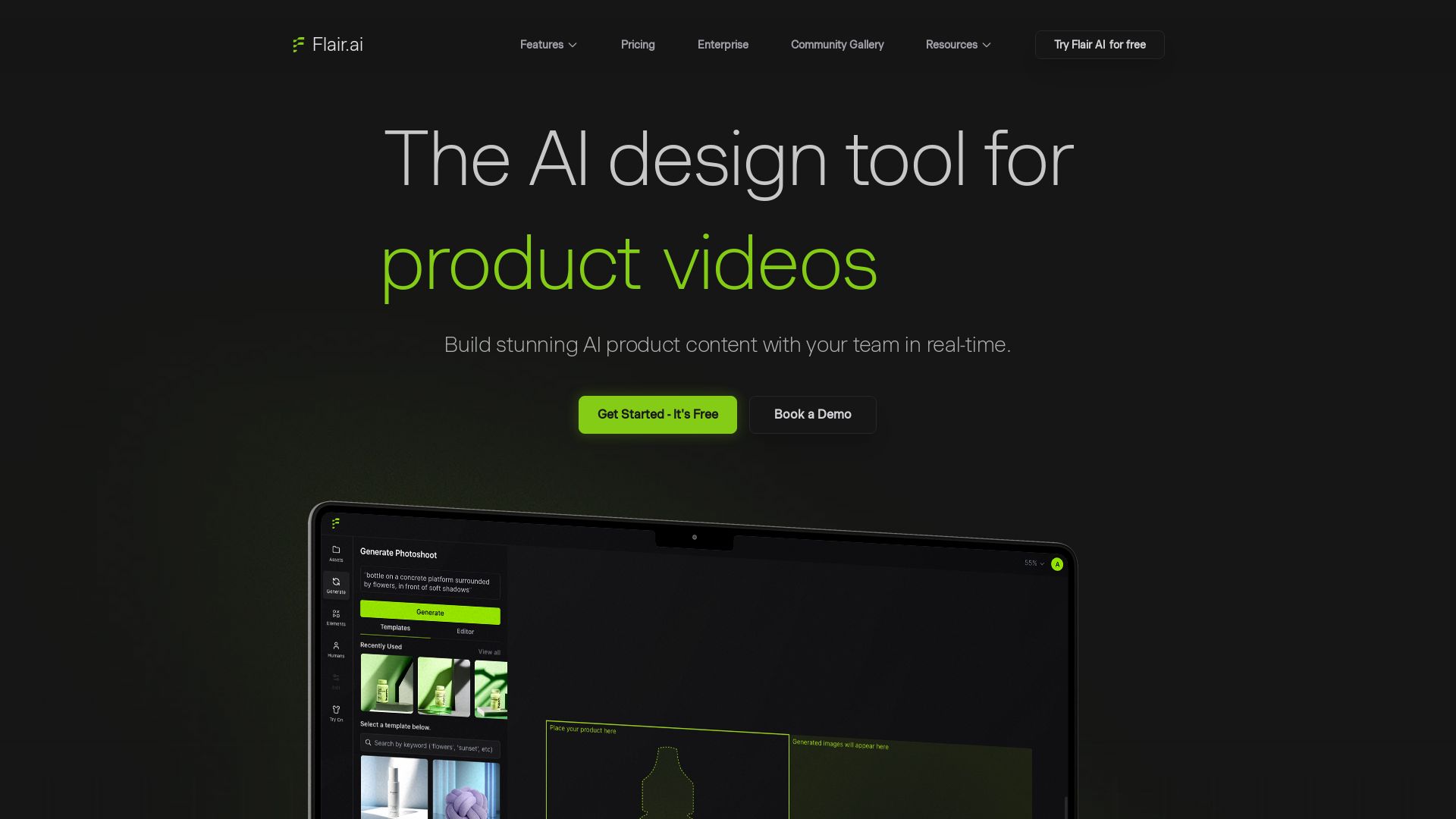
Flair.ai
Create stunning AI product content with on-model photography, videos, ads, and 3D scenes. Used by brands of all sizes. Get started free!


Presentation Maker AI
Create professional presentations in minutes with our AI presentation maker. Ideal for students, teachers, and businesses. No design skills needed. Try free!


Making AI think and act: my approach to the Hugging Face AI ...
Experienced AI engineer specializing in medical imaging and LLM-powered agents. Built globally deployed radiology AI at AZmed. Now building AI agents at Matrix One.

ℹ️ Curation Disclosure: The overview and features of Template.net were synthesized using AI and fact-checked by our curation team to ensure accuracy.
