
NovaVoice App
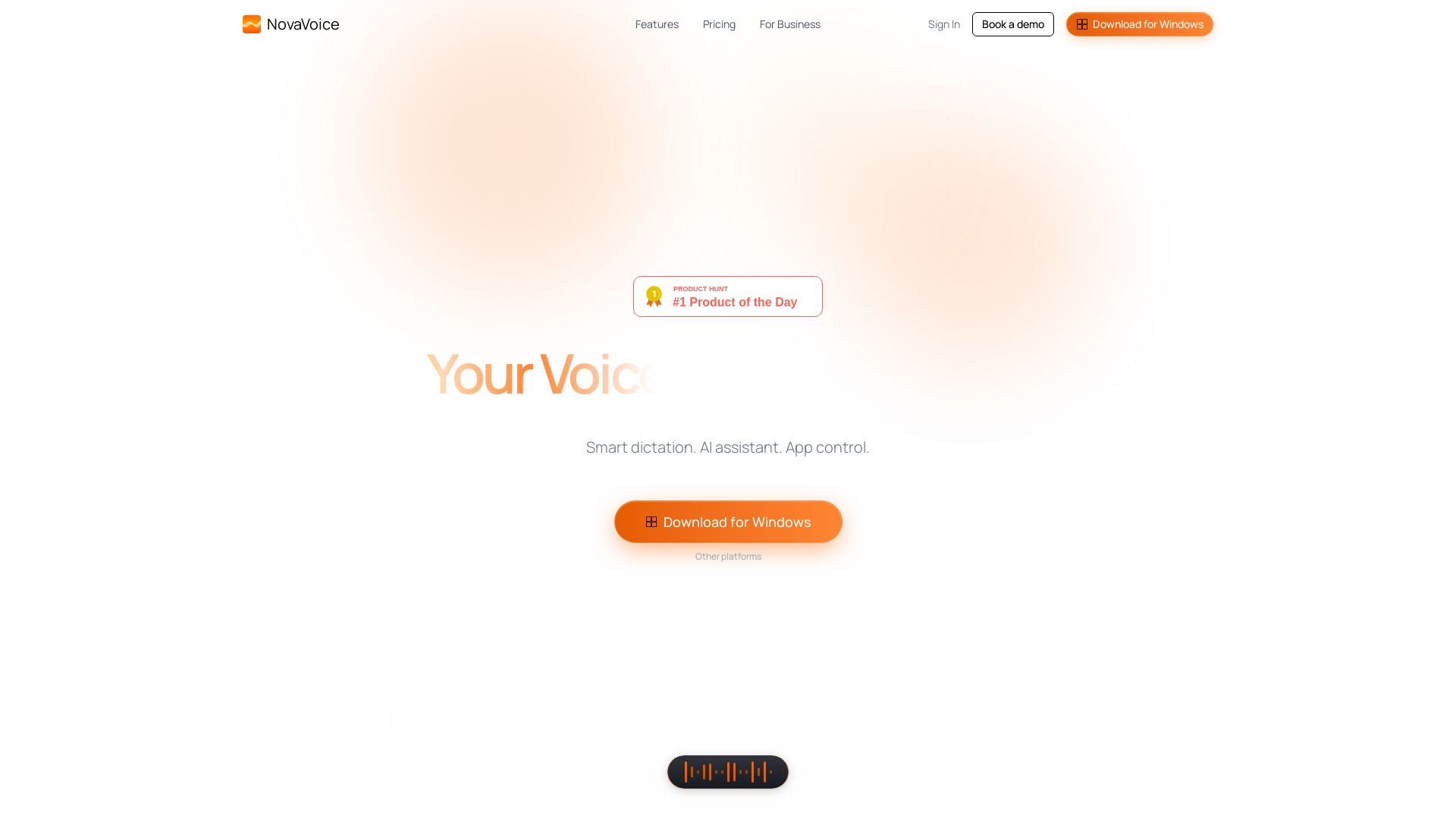
Smart dictation at 200+ WPM, AI formatting, voice control across apps, and instant answers. Transform how you work on Windows.

Editor's Verdict
Key Takeaways
- Dictation Mode
- Formatting Mode
- Agent Mode
- Nova Dictionary
In-Depth Review: What is NovaVoice App?
NovaVoice is your voice-powered productivity copilot for Windows. Speak naturally to dictate text at 4x speed, reformat any text with custom styles, control your apps via voice commands, and ask questions instantly. Features include Agent Mode for real actions across applications, Assistant Mode for on-screen context answers, and a terms dictionary for personalized shortcuts. Choose from Free, Standard ($10/mo), or Team plans.
Core Features
Dictation Mode
Smart dictation that achieves over 200 WPM, 4x faster than typing, with high accuracy.
Formatting Mode
Reformat text to any style instantly without switching to LLM or grammar tools, using voice or hotkey.
Agent Mode
Voice control across applications to execute actions like sending messages or editing code, with user approval for safety.
Nova Dictionary
Personalized terms dictionary for dictating emails, names, and loyalty numbers seamlessly.
Assistant Mode
Voice assistant that answers questions about on-screen content and general knowledge without switching apps.
Pricing
Free
- Limited AI-powered voice dictation
- Limited formatting and personalization
- Limited connectors & actions execution in apps
- Terms dictionary
- Limited AI voice assistant
Standard
- Unlimited AI-powered voice dictation
- Unlimited formatting
- Unlimited connectors & actions execution in apps
- Terms dictionary
- Unlimited AI voice assistant
Team
- Shared formatting styles and preferences
- Shared team dictionary
- Priority support
- Centralized billing and cheaper per seat than Standard
Pros and Cons
Pros
- High Speed DictationAchieves over 200 WPM, 4x faster than manual typing, boosting productivity.
- AI-Powered FormattingInstantly reformat text to any style with voice commands, eliminating manual editing.
- Cross-App Voice ControlExecute actions across apps like sending messages or editing code hands-free.
- Personalized DictionaryTerms dictionary remembers names, addresses, and loyalty numbers for seamless dictation.
- Instant AnswersVoice assistant provides answers about on-screen content and general questions without switching apps.
Cons
- Limited Free PlanFree plan has limited features; full functionality requires Standard or Team subscription.
- Windows-Only Desktop AppCurrently only available for Windows; macOS and Linux users need to wait.
- Internet DependencyRequires internet connection for AI features; offline usage may be limited.
- Action Approval May Slow WorkflowAgent Mode requires user approval for actions, which adds a step in the process.
- Potential Privacy ConcernsVoice data processed by AI may raise privacy concerns for sensitive information.
Use Cases & Recommended Professions
Software Developer→ View Toolkit
Need to dictate code, navigate files, and execute commands hands-free to boost coding speed.
Writer→ View Toolkit
Require fast dictation and formatting to compose articles and books efficiently.
Executive→ View Toolkit
Need to dictate emails, schedule meetings, and control apps by voice for productivity.
Student→ View Toolkit
Benefit from note-taking dictation and quick formatting for assignments and research.
Customer Support Agent→ View Toolkit
Use dictation to respond to tickets and access knowledge base hands-free.
Designer→ View Toolkit
Need to control design tools and dictate comments without interrupting creative flow.
Frequently Asked Questions
Alternative AI Tools
View Detailed Comparison →
Figr
Ship better UX faster. Figr builds a living understanding of your product, maps flows, finds edge cases, and generates high-fidelity prototypes from your actual design system.


Superdesign
Create stunning designs with AI. Iterate quickly using natural language. Export production-ready code. Browse design prompts and styles.


Figma
Figma is the intelligent, AI-native canvas for designing, prototyping, and building products together. Trusted by 95% of Fortune 500. Explore design and dev tools.


Figma Console MCP
Connect AI to Figma for design extraction, token sync, and component creation. Turn your design system into a programmable API.


UX Pilot
Ideate, design, and hand-off web apps in seconds with UX Pilot's AI. Generate wireframes, hi-fi designs, and clean code. Trusted by 1M+ users.




Komposo
Turn product ideas into real, editable designs with AI. Generate, edit, and export UIs using plain language. Trusted by 100k+ users. Start for free.


Motiff AI
Generate production-ready UI from text, wireframes, or screenshots with Motiff AI. Choose preset styles, export to React/HTML. Fast, consistent design.

Speechify
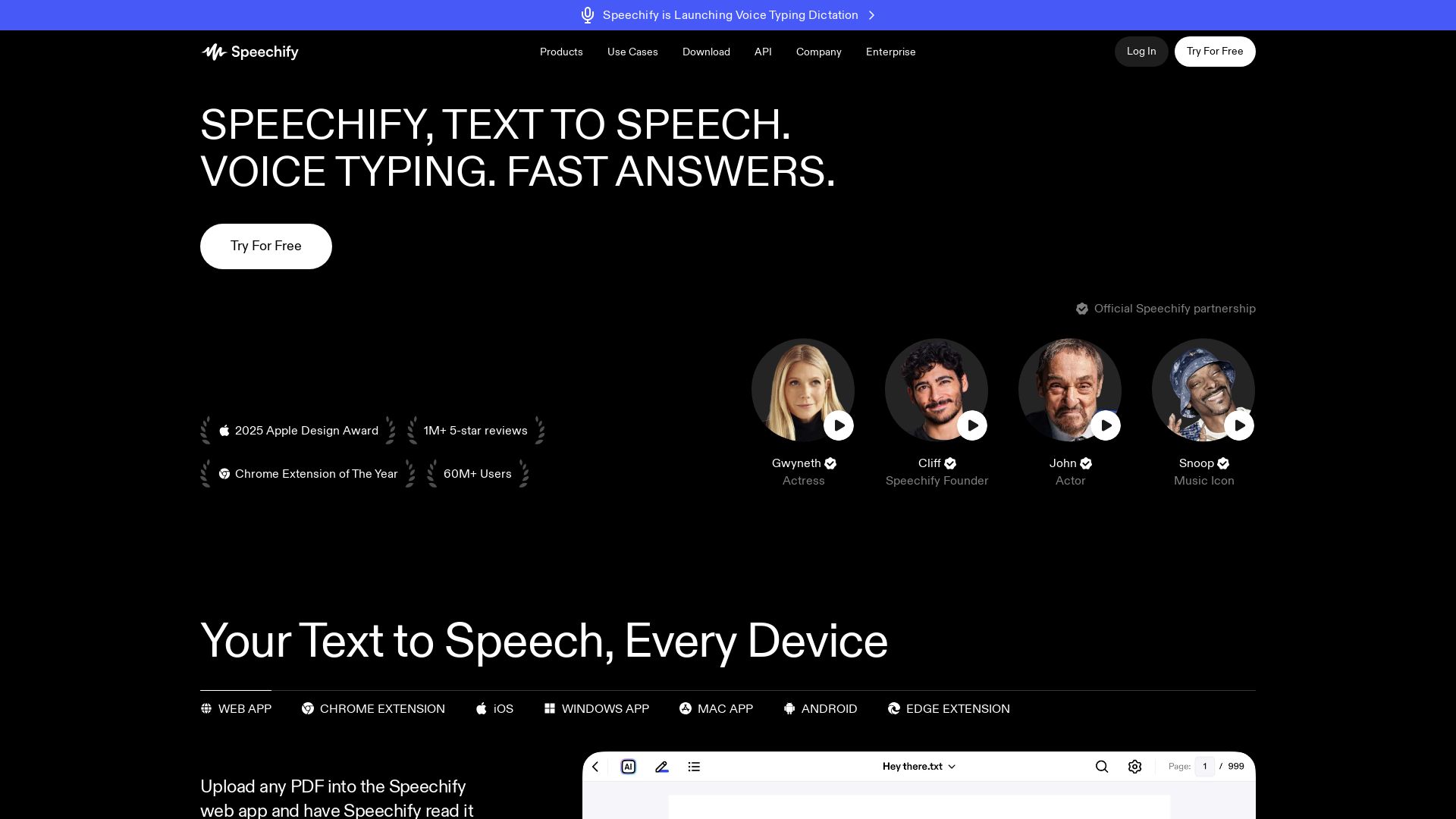
Read text with AI voices, write 5x faster with voice typing, create podcasts, and get answers – all with one Voice AI assistant. Try free!


AIDesigner
Create premium UI, logos, brand kits, and more with AIDesigner. No design experience needed. Free to try, no credit card required. Join 15,000+ users.


Anima
Convert Figma designs, images, and code into live HTML/React apps. AI with design context for developers and agents.

Flux
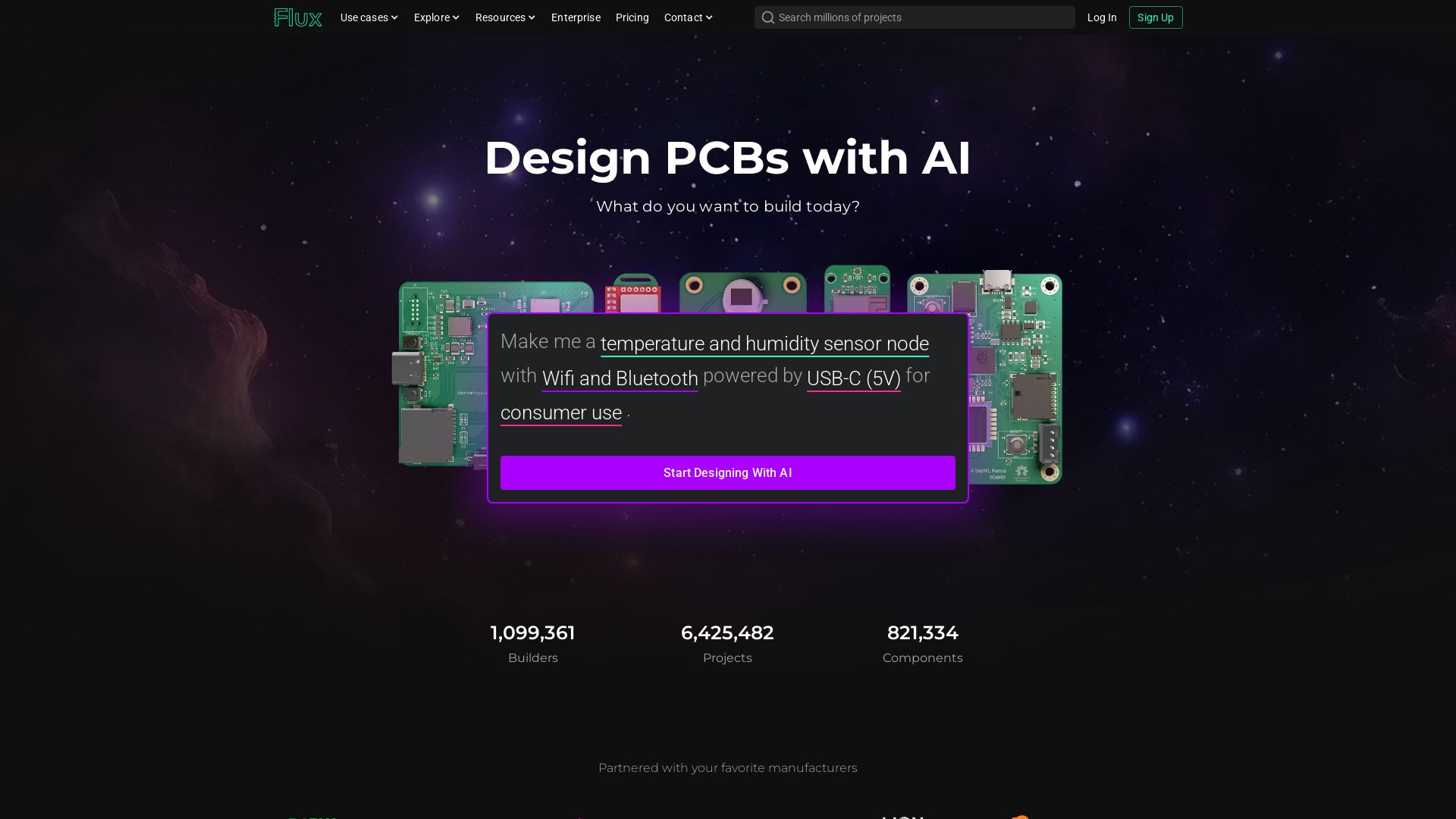
Design PCBs with AI. Flux is a browser-based eCAD with real-time collaboration, live component data, and AI assistance from idea to manufacturing.

ℹ️ Curation Disclosure: The overview and features of NovaVoice App were synthesized using AI and fact-checked by our curation team to ensure accuracy.
