
Speechify
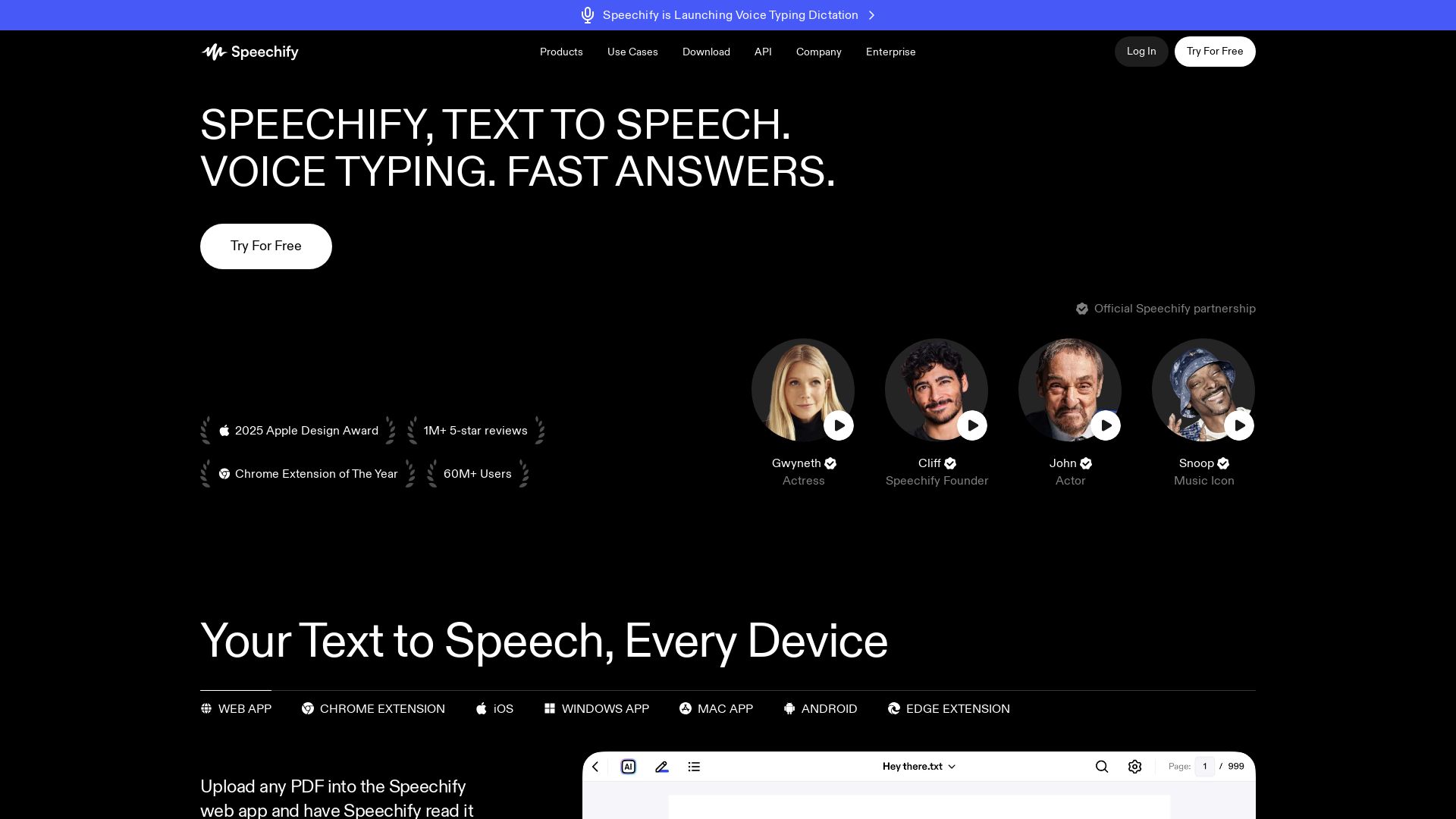
Read text with AI voices, write 5x faster with voice typing, create podcasts, and get answers – all with one Voice AI assistant. Try free!



Editor's Verdict
Key Takeaways
- Text to Speech
- Voice Typing Dictation
- AI Podcasts
- Voice AI Assistant
In-Depth Review: What is Speechify?
Speechify is an all-in-one Voice AI Productivity Assistant that lets you listen to any text with natural-sounding voices, dictate text up to 5x faster than typing, create AI podcasts from any content, have voice conversations to get summaries and answers, and take AI meeting notes. Trusted by over 60 million users, it works across iOS, Android, Chrome, and desktop. Perfect for students, professionals, and anyone wanting to read, write, and learn faster.
Core Features
Text to Speech
Turn PDFs, docs, articles, and more into lifelike AI voices that read aloud with natural intonation and emotion.
Voice Typing Dictation
Write up to 5× faster by speaking instead of typing, with automatic grammar correction and filler word removal.
AI Podcasts
Generate instant AI podcasts from any document or short description with adjustable style and depth.
Voice AI Assistant
Ask questions, get summaries, and understand content faster by talking to Speechify while you read or listen.
AI Meeting Note Taker
Automatically capture meeting notes, get summaries, and ask questions about calls and conversations.
Voice-First Workspace for Docs
Create documents with your voice and get answers from across your files using natural language queries.
Scan & Listen
Snap a photo of any physical text (books, documents) and have it read aloud with OCR technology.
Natural-Sounding Voices
Choose from over 1,000 high-quality, human-like voices in more than 60 languages and accents.
Speed Control & Highlighting
Listen at speeds up to 5× faster with real-time text highlighting to follow along easily.
Multi-Platform Support
Works seamlessly across iOS, Android, Web, Mac, Windows, Chrome, and Edge for consistent experience anywhere.
Pricing
Free
- Listen at speeds up to 1.5x
- Listen anywhere
- 10 robotic sounding voices
- Text to speech features only
Premium
- 1000+ high quality, natural voices
- 60+ different languages
- Listen at 5x faster speeds
- Scan & Listen
- AI Summaries & Chats
- Google Drive, Dropbox, Microsoft OneDrive Integrations
- Voice Typing (Write 5× faster with dictation)
- AI Podcasts (create natural sounding AI podcasts instantly)
- Voice AI Assistant (talk to Speechify about anything)
Pros and Cons
Pros
- Highly Natural VoicesOver 1,000 voices that sound incredibly human-like, making listening engaging and comfortable.
- Voice Typing for SpeedDictation is up to 5× faster than typing, with AI that corrects grammar and removes filler words.
- Cross-Platform AccessibilityAvailable on all major devices and browsers, allowing seamless switching and continuous listening.
- AI Assistant for ProductivityAsk questions, get summaries, and take notes without leaving the app, saving time and effort.
- Great for AccessibilityHelps users with dyslexia, visual impairments, or reading difficulties by converting text to speech.
Cons
- Free Plan LimitationsFree version only offers robotic voices, slow playback (1.5x max), and no premium features like voice typing or AI assistant.
- Premium CostAt $29/month, the premium plan may be expensive for casual users or students on a budget.
- Offline Usage Requires PremiumDownloading audio for offline listening is only available on the paid plan, limiting free use.
- Dependence on InternetMost features require an active internet connection; offline capabilities are limited.
- Learning Curve for Advanced FeaturesNew users may need time to explore and effectively use all features like AI podcast creation and voice assistant.
Use Cases & Recommended Professions
Student→ View Toolkit
Listen to textbooks and articles, take voice notes, create study podcasts, and speed up learning with summaries.
Lawyer→ View Toolkit
Quickly review lengthy documents and contracts by listening, dictate responses, and get instant answers from legal texts.
Researcher / Data Specialist→ View Toolkit
Efficiently process large volumes of papers and reports through listening and voice-created notes, boosting productivity.
Professional / Executive→ View Toolkit
Multitask by listening to emails and reports, dictate messages, and use AI assistant for fast information retrieval.
Creator / Writer→ View Toolkit
Dictate articles and scripts, turn ideas into AI podcasts, and proofread by listening back to written content.
Person with Dyslexia or Visual Impairment→ View Toolkit
Access written content comfortably through natural text-to-speech, reducing eye strain and improving comprehension.
Frequently Asked Questions
Alternative AI Tools
View Detailed Comparison →
Figr
Ship better UX faster. Figr builds a living understanding of your product, maps flows, finds edge cases, and generates high-fidelity prototypes from your actual design system.

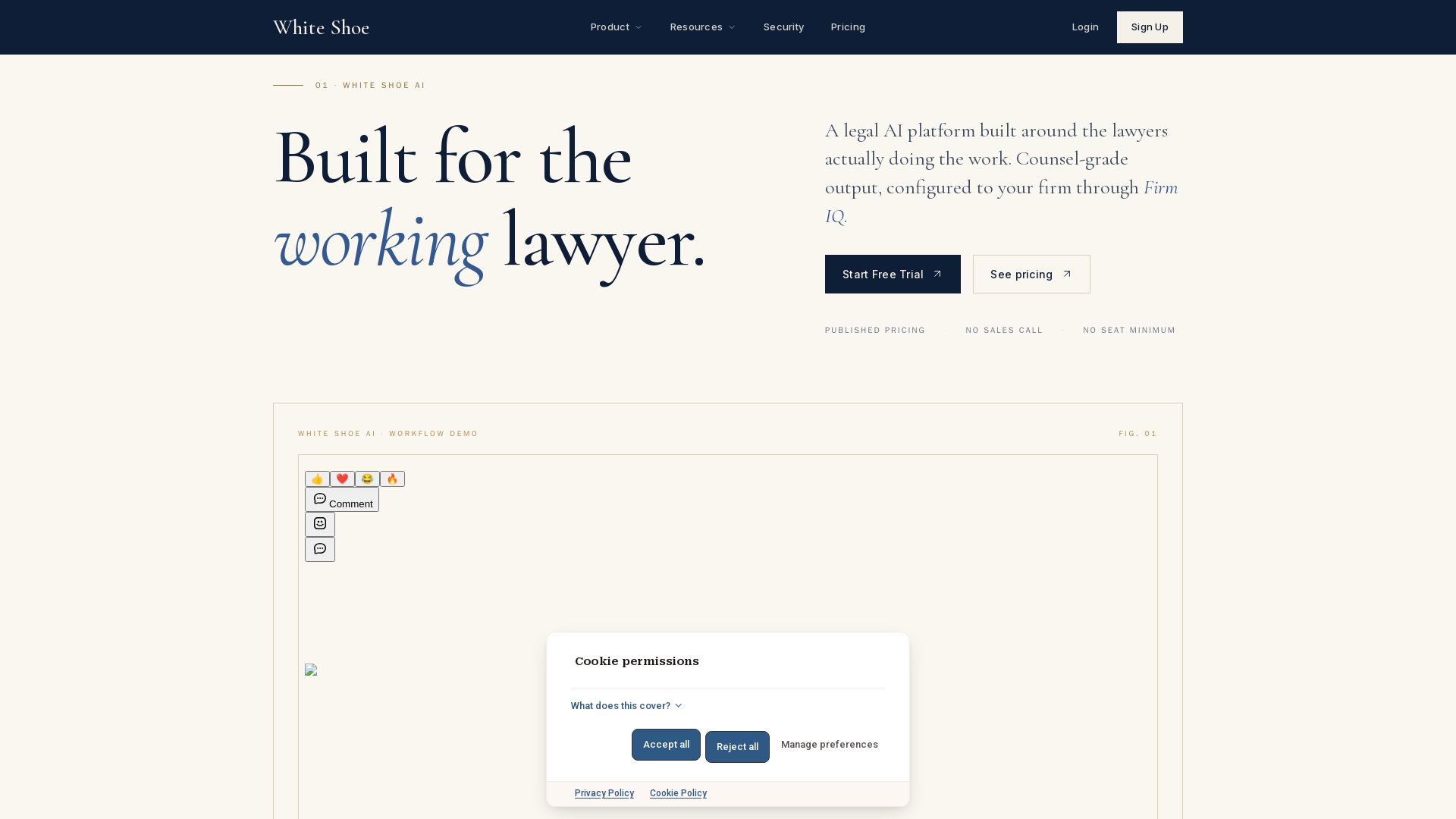
Legal AI Pricing and Plans - White Shoe AI
Counsel-grade legal AI with published pricing, no sales calls. Works in Word, Slack, email, browser, iOS. Try free.


ProductCrafters
Get a free 2-week trial sprint for your AI product. Working prototype in 30 days, production-ready in 90. No contract, no credit card. Test your dev team risk-free.



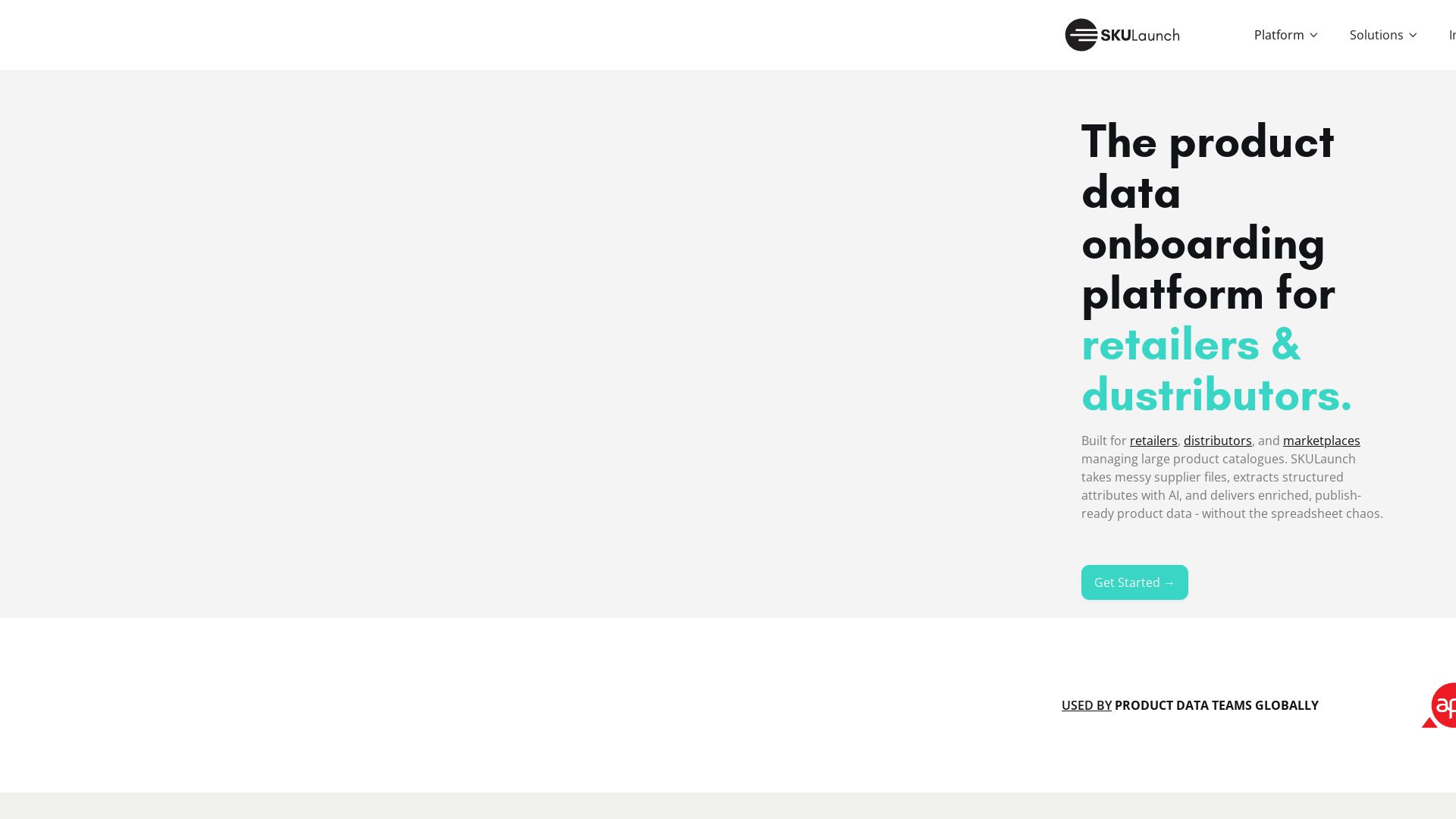
SKULaunch
Automate supplier data onboarding, AI extracts attributes, enrich product catalogs, and publish ready data. From messy files to filterable search.

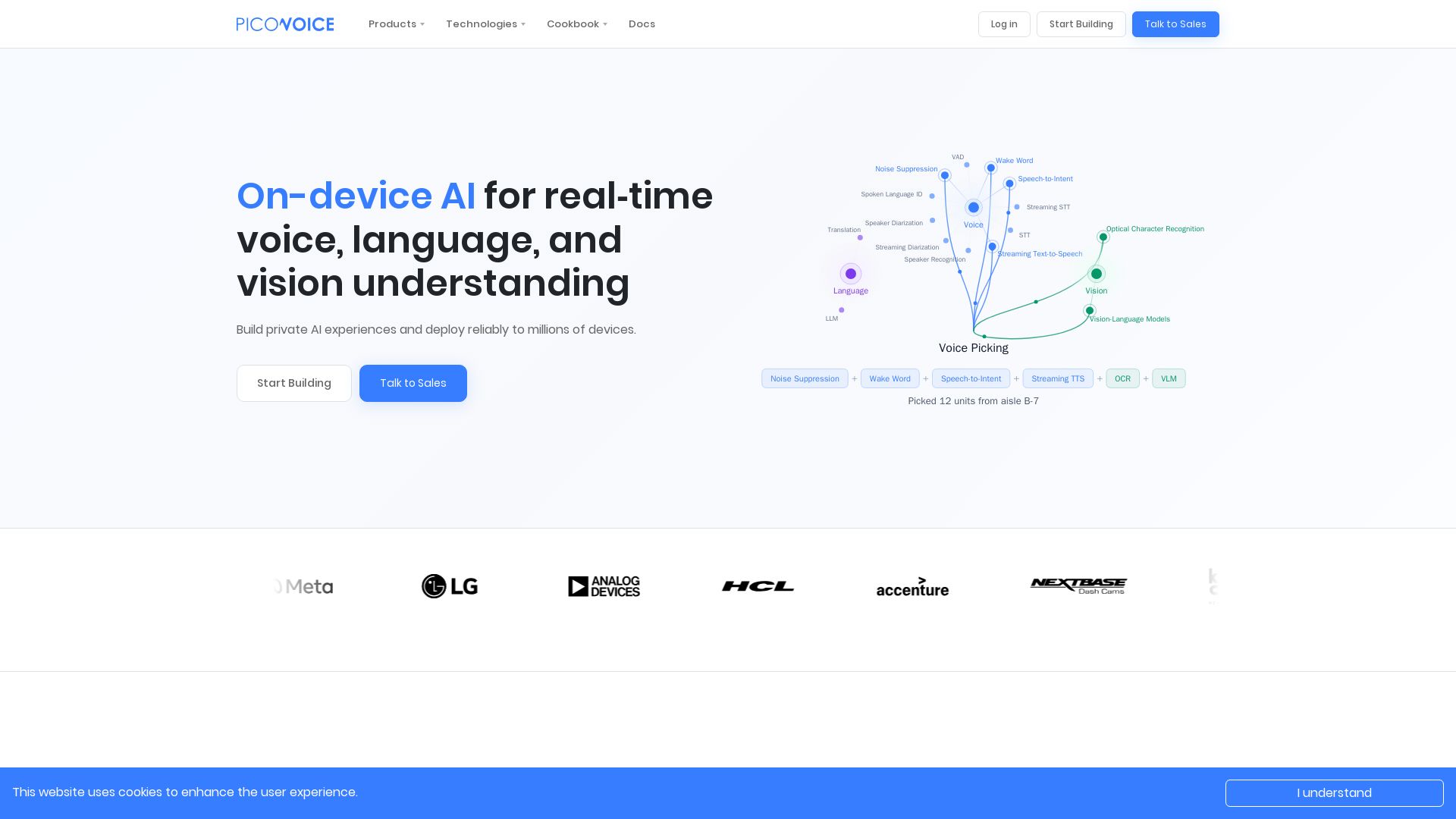
Picovoice
Build private, real-time AI experiences with Picovoice's on-device SDKs. No cloud latency, no data leaving the device. Start building for free.

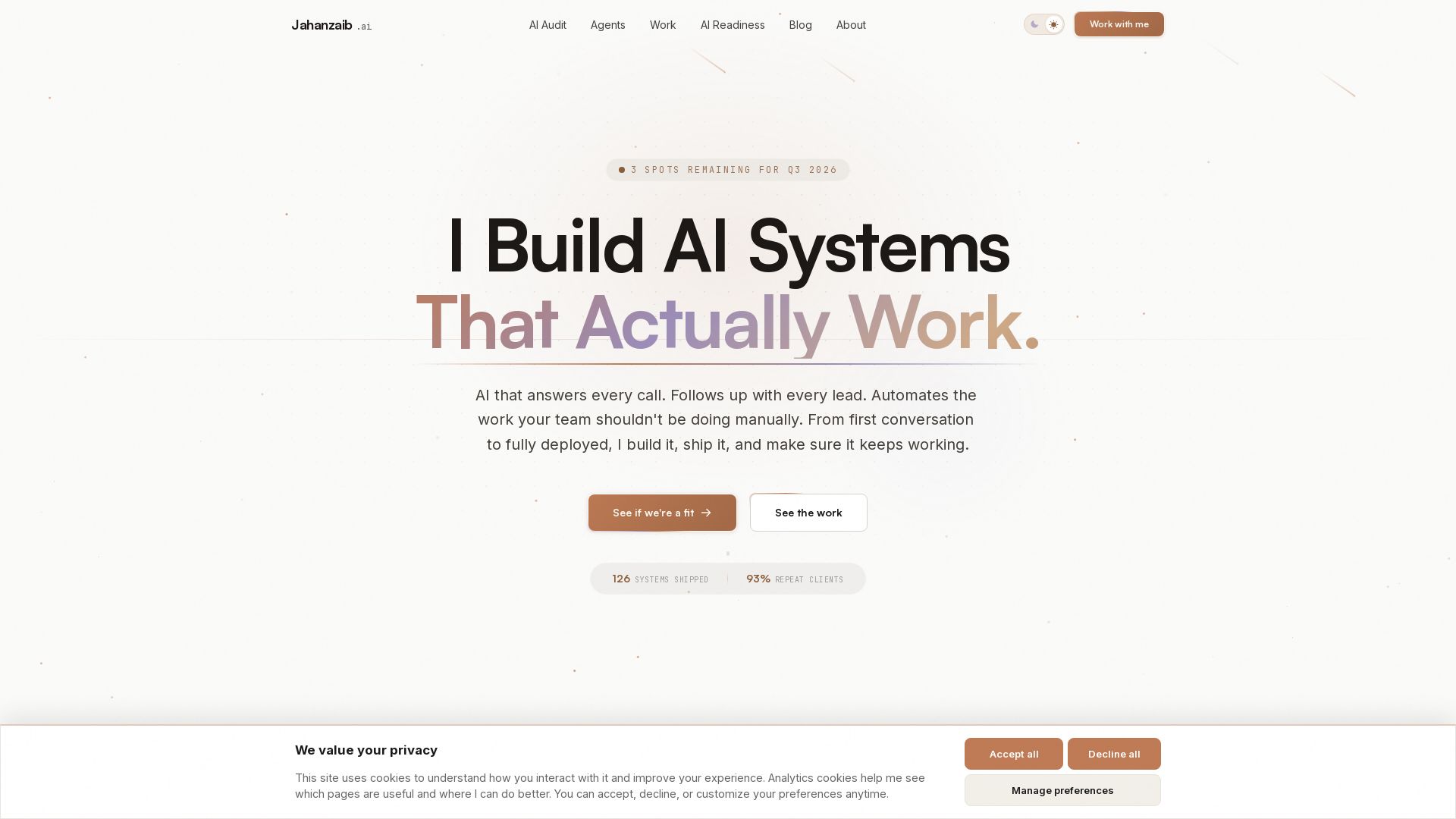
Pydantic AI Tutorial: Type-Safe Agents in Production
Production-ready AI voice agents, automation, and chatbots. 126 systems shipped. 21-day live guarantee. Book a free AI audit.

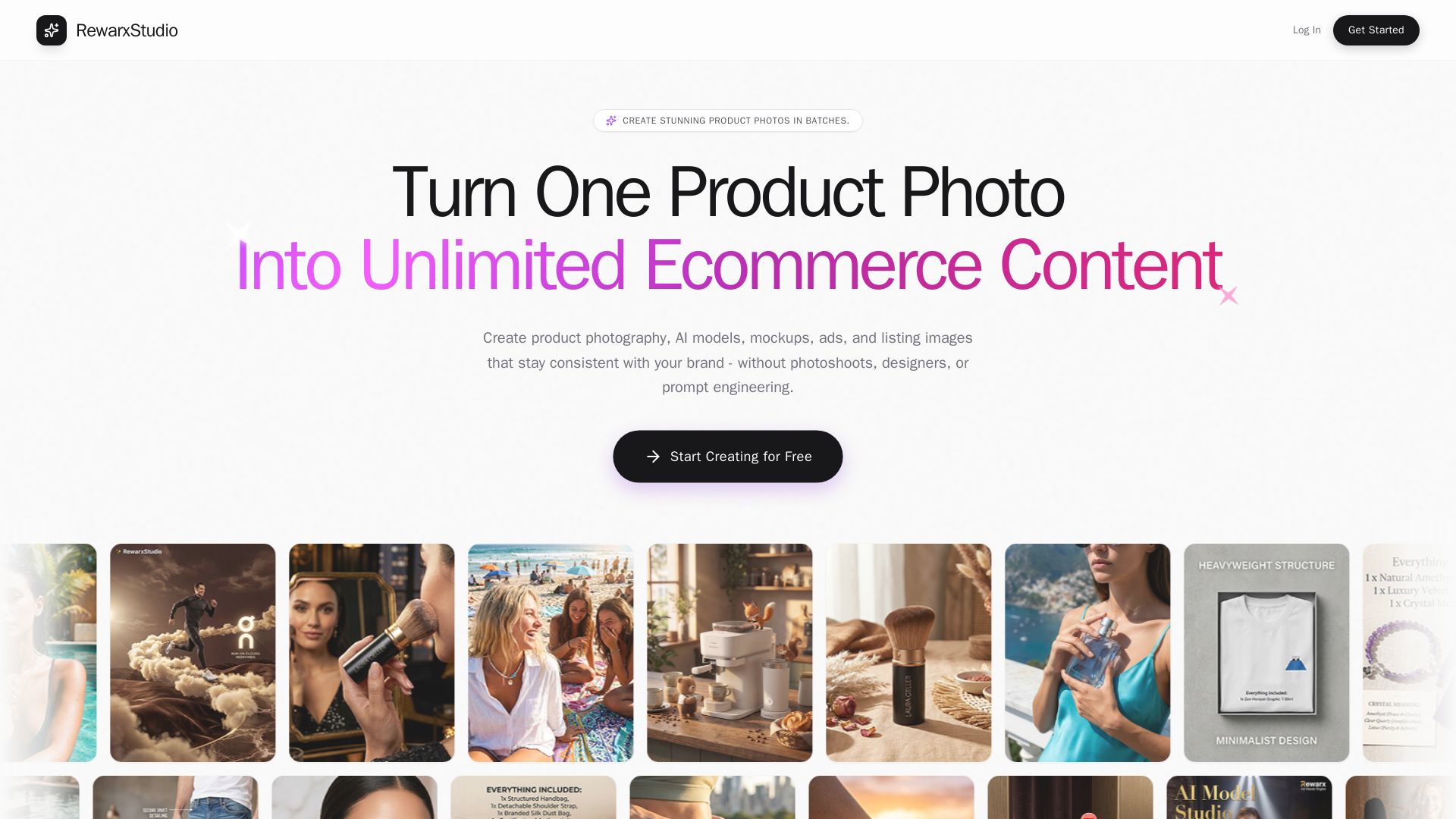
Rewarx Studio
Create professional product photos, AI models, and mockups in batches. Save 90% on content costs. Trusted by 5M+ sellers.

Hypotenuse AI
Enhance product data, generate SEO-optimized descriptions, and perfect images with AI. Trusted by global brands. Try free.

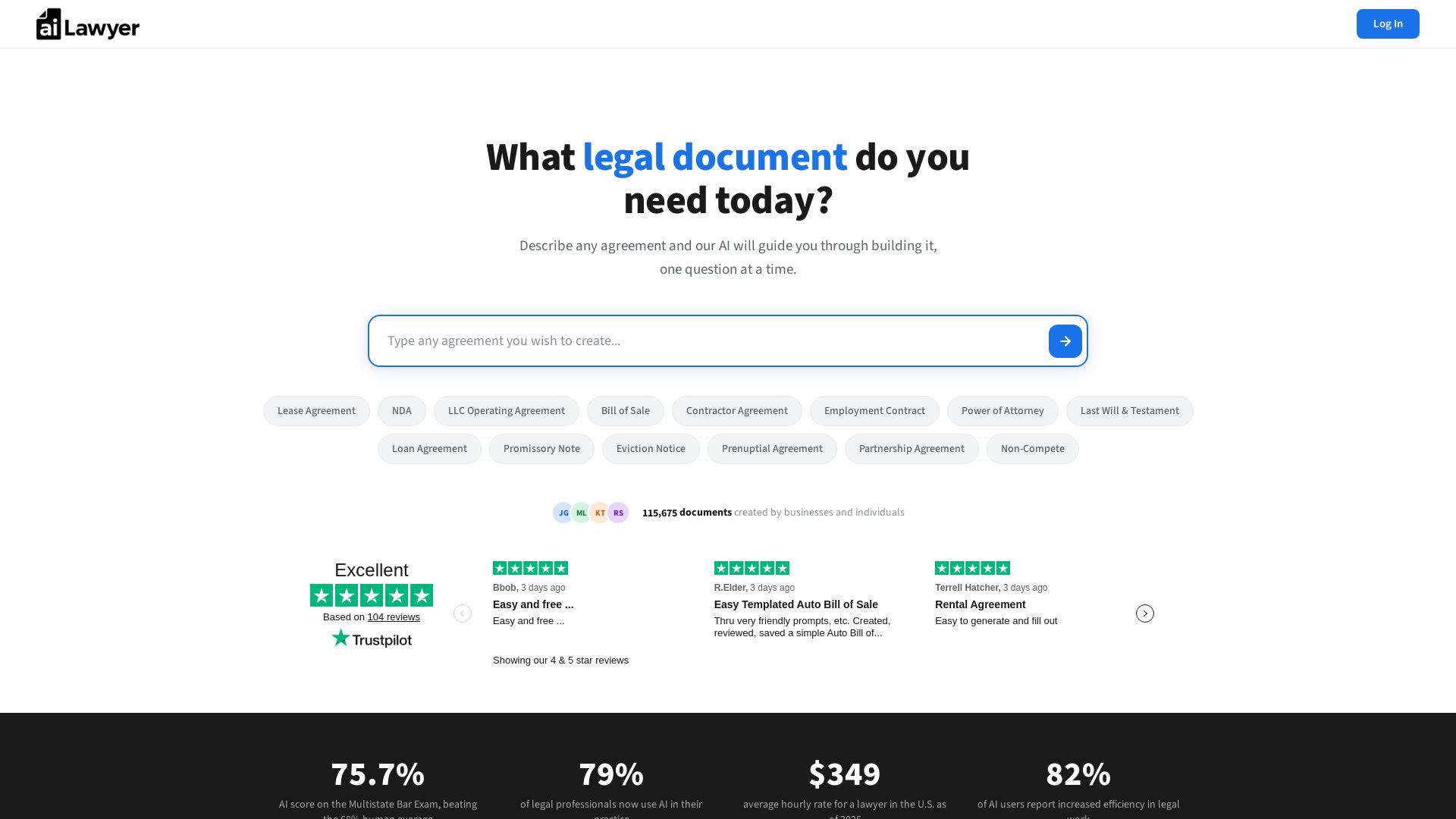
AI Lawyer
Create legally binding, state-specific documents in minutes. No lawyers needed. Save thousands. AI that passed the Bar Exam powers your agreements.

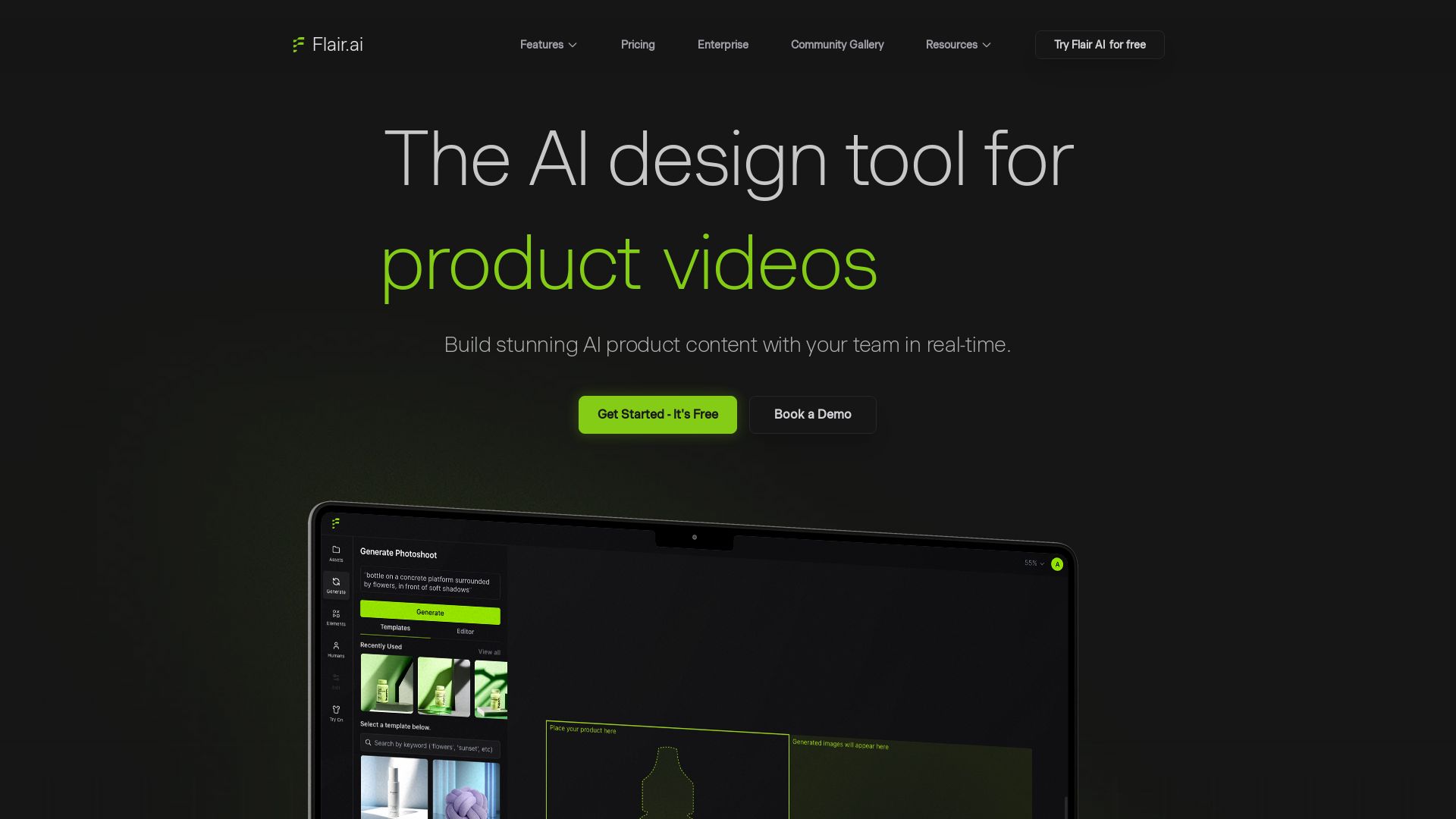
Flair.ai
Create stunning AI product content with on-model photography, videos, ads, and 3D scenes. Used by brands of all sizes. Get started free!

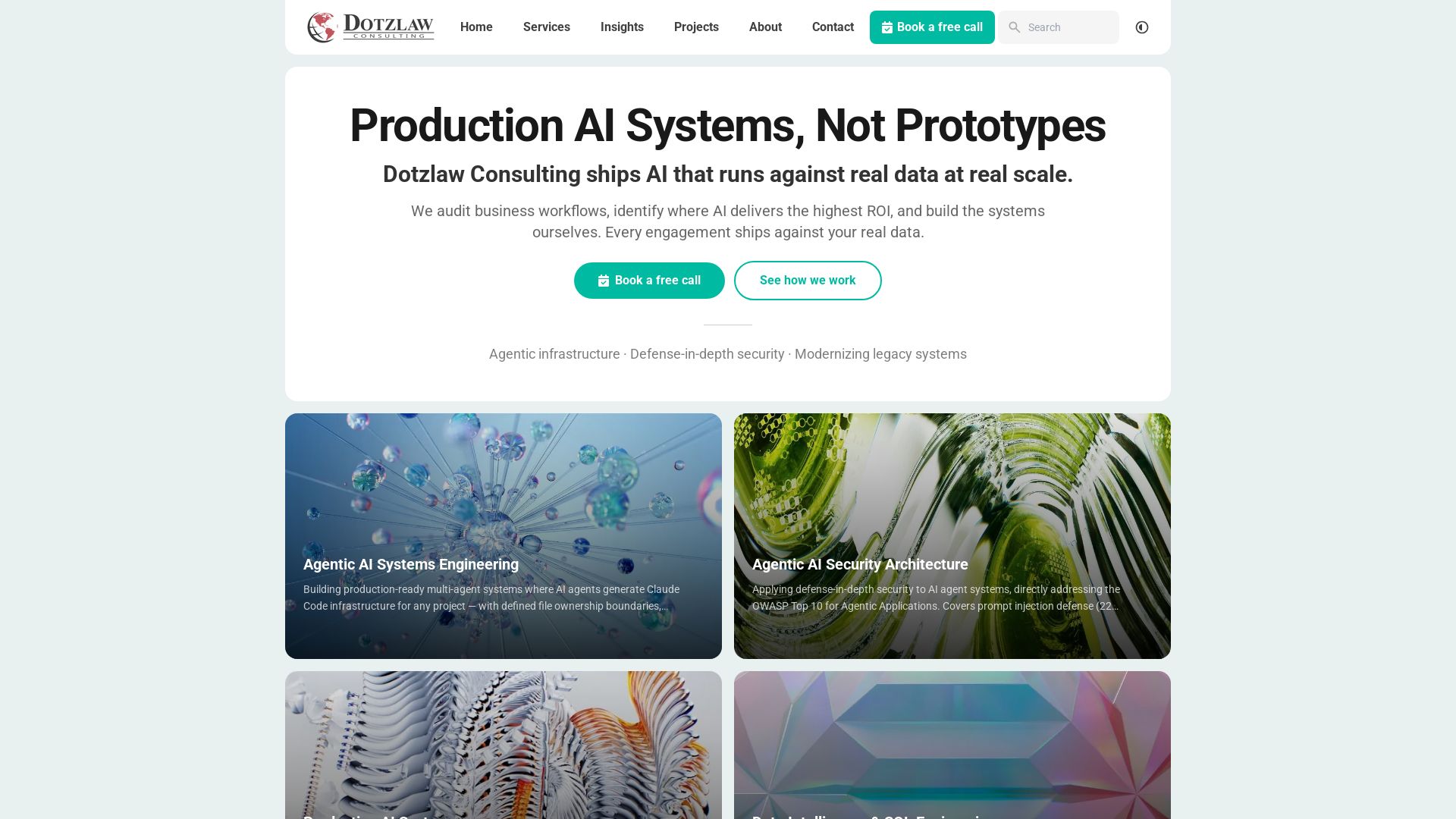
Dotzlaw Consulting
We build production-ready AI systems, multi-agent workflows, and secure architectures. Real data, real scale. Expert SQL & data intelligence.

ℹ️ Curation Disclosure: The overview and features of Speechify were synthesized using AI and fact-checked by our curation team to ensure accuracy.