
Miro
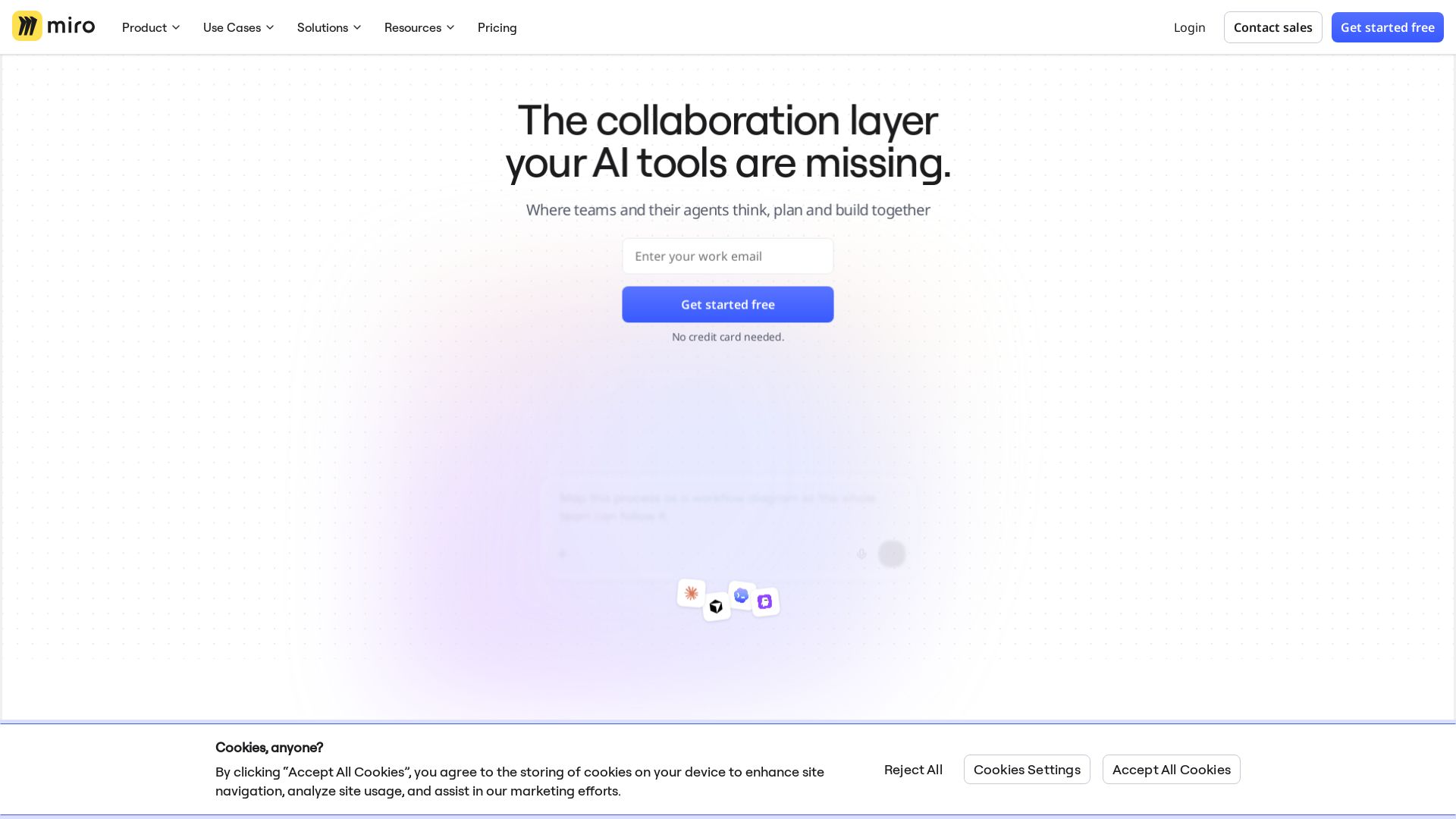
Where teams and agents think, plan, and build together. Turn research into roadmaps, diagrams, and workshops. Trusted by 100M+ users.



Editor's Verdict
Key Takeaways
- Intelligent Canvas
- AI Workflows
- Formats
- Blueprints
In-Depth Review: What is Miro?
Miro is an intelligent collaboration workspace that combines an infinite canvas with AI workflows, formats like Docs and Slides, and 250+ integrations. It helps product, engineering, and design teams accelerate time to market, streamline planning, and align on strategy. Perfect for agile teams, workshops, and enterprise-scale collaboration.
Core Features
Intelligent Canvas
Empower teamwork on one, infinite, multiplayer canvas where teams and AI think, plan, and build together.
AI Workflows
Accelerate your team with collaborative AI workflows, including AI agents and connectors to tools like Claude and Copilot.
Formats
Move quickly from ideas to structured plans with Docs, Tables, Slides, Kanban, Timelines, and Diagrams all on the same canvas.
Blueprints
Automate key processes and ensure your workflows are scalable, repeatable, and efficient with templated blueprints.
Enterprise Security & Scale
Secure and scalable collaboration on an enterprise-grade platform with certifications like ISO 27001, SOC 2, and GDPR compliance.
Integrations
Connects with 250+ apps including Microsoft, Slack, Google, and Adobe to keep teams aligned and productive.
Pricing
Free
- 3 editable boards
- Templates (7000+)
- Formats (Docs, Tables, Slides, Kanban)
- Explore AI (limited trial)
- 250+ integrations
Starter
- Unlimited & private boards
- Visitor editing
- High-resolution exports
- Unlimited project spaces & blueprints
- Timer and voting
- 25 AI credits/member/month
- 500 MCP calls per day
- Custom fonts & styles
Business
- Unlimited workspaces
- Unlimited guests
- Visualize processes & technical systems (4700+ shapes)
- Data tables
- Engage activities (polls, 2x2 matrix)
- Interactive prototypes
- AI workflows & agents
- 50 AI credits/member/month
- 2000 MCP calls per day
- Two-way integrations (Jira, Asana, etc.)
- Single Sign-On (SSO)
Enterprise
- Licenses built for Enterprise scale
- Enterprise-grade security (audit trails, domain control)
- Regional data hosting (EU, US, AU, JP)
- Centralized user management & analytics
- Admin controls for AI
- Starts from 2500 credits per month
- 10000 MCP calls per day
- SCIM provisioning
- Org-wide controls for third party integrations
- Sandbox environment
- Customer success program
- Add Enterprise Guard
- Add Premium support
Pros and Cons
Pros
- All-in-One Collaboration PlatformCombines whiteboard, diagrams, docs, tables, kanban, and slides in one canvas, reducing tool-switching.
- AI-Powered ProductivityAI workflows, agents, and MCP server integration enable automation and intelligent assistance.
- Extensive Template LibraryOver 7,000 templates and community-made blueprints for quick starts in various use cases.
- Scalable for Teams of All SizesFrom free plan for small teams to enterprise with advanced security and compliance.
- Rich Integration Ecosystem250+ integrations with popular tools like Jira, Slack, Microsoft, and Adobe for seamless workflows.
Cons
- Limited Free PlanOnly 3 editable boards on the free plan, which may restrict heavy users.
- Costly for Large TeamsPer-member pricing can become expensive for organizations with many users.
- Advanced Features Require Business PlanFeatures like interactive prototypes, data tables, and AI workflows are only available in higher tiers.
- Performance on Large BoardsVery large boards with many elements can experience lag or slow loading times.
- Learning CurveThe wide range of features and formats can be overwhelming for new users.
Use Cases & Recommended Professions
Product Manager→ View Toolkit
Plan roadmaps, prioritize features, and align cross-functional teams using diagrams, timelines, and collaborative workshops.
UX Designer→ View Toolkit
Create wireframes, prototypes, and customer journey maps on a shared canvas with interactive feedback and user testing.
Software Engineer→ View Toolkit
Design system architecture, flowcharts, and technical documentation; integrate with development tools via MCP.
Project Manager→ View Toolkit
Manage tasks with Kanban boards, timelines, and facilitate meetings with voting and timer features.
Consultant→ View Toolkit
Run workshops, brainstorming sessions, and deliver structured deliverables using templates and blueprints.
Marketing Manager→ View Toolkit
Plan campaigns, create content calendars, and visualize marketing strategies with integrated data tables and diagrams.
Frequently Asked Questions
Alternative AI Tools
View Detailed Comparison →
Figr
Ship better UX faster. Figr builds a living understanding of your product, maps flows, finds edge cases, and generates high-fidelity prototypes from your actual design system.


Figma
Figma is the intelligent, AI-native canvas for designing, prototyping, and building products together. Trusted by 95% of Fortune 500. Explore design and dev tools.


Superdesign
Create stunning designs with AI. Iterate quickly using natural language. Export production-ready code. Browse design prompts and styles.


Prezi
Prezi AI creates studio-quality presentations from your ideas. Describe or upload, get a polished deck in seconds. Refine via chat, export as PPTX or PDF. No design skills needed.

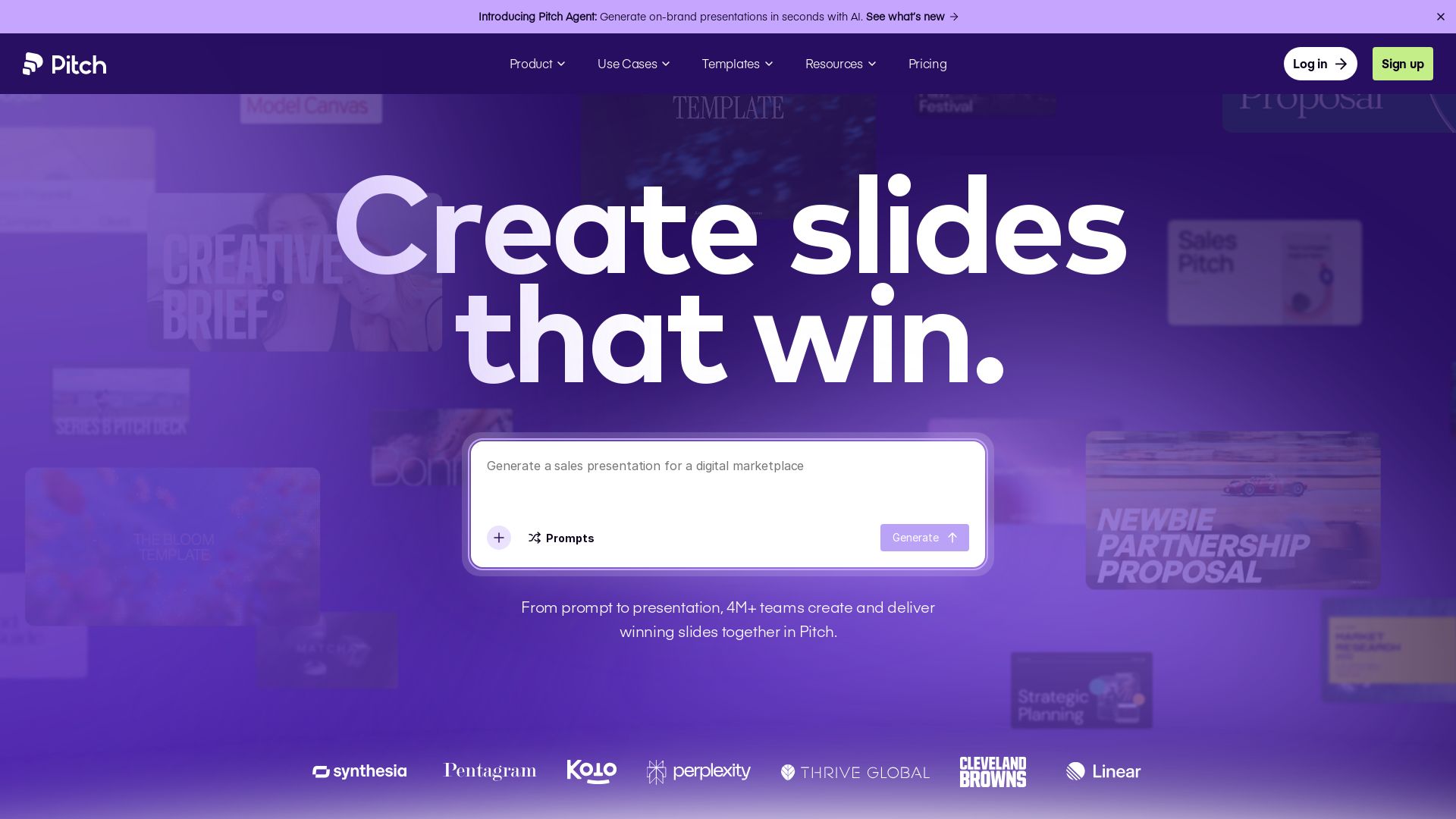
Pitch
Pitch is a presentation workspace where 4M+ teams create stunning slides, collaborate in real time, and track engagement. AI-powered, brand-friendly, and free to start.


SlideSpeak
Turn PDFs, Word docs, and ideas into professional PowerPoint slides in minutes. AI-powered editor, video, and branding. Trusted by 1M+ users.


UX Pilot
Ideate, design, and hand-off web apps in seconds with UX Pilot's AI. Generate wireframes, hi-fi designs, and clean code. Trusted by 1M+ users.

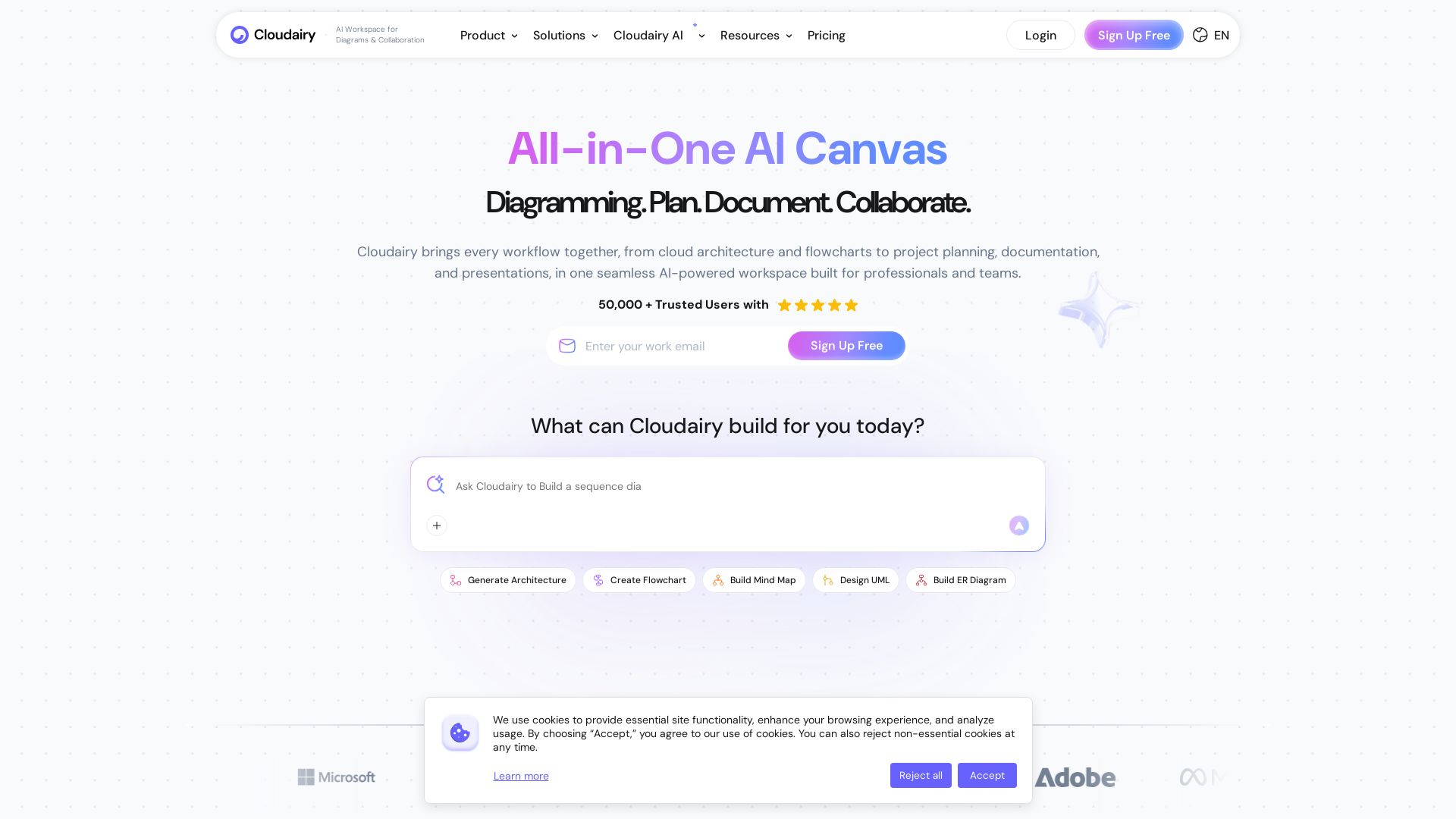
Cloudairy
Create flowcharts, mind maps, cloud architectures & more with AI. All-in-one workspace for diagrams, docs, and project planning. Trusted by 50,000+ professionals.


SlidesAI
Create beautiful presentations from notes, prompts, or docs with SlidesAI. Works in Google Slides, PowerPoint, ChatGPT & web. Save 85% time.


Figma Console MCP
Connect AI to Figma for design extraction, token sync, and component creation. Turn your design system into a programmable API.


AiPPT
Transform ideas into stunning presentations instantly with AiPPT. Generate slides from text, documents, URLs, or templates. Import from Google Drive. Free and paid plans.



ℹ️ Curation Disclosure: The overview and features of Miro were synthesized using AI and fact-checked by our curation team to ensure accuracy.