
Cloudairy
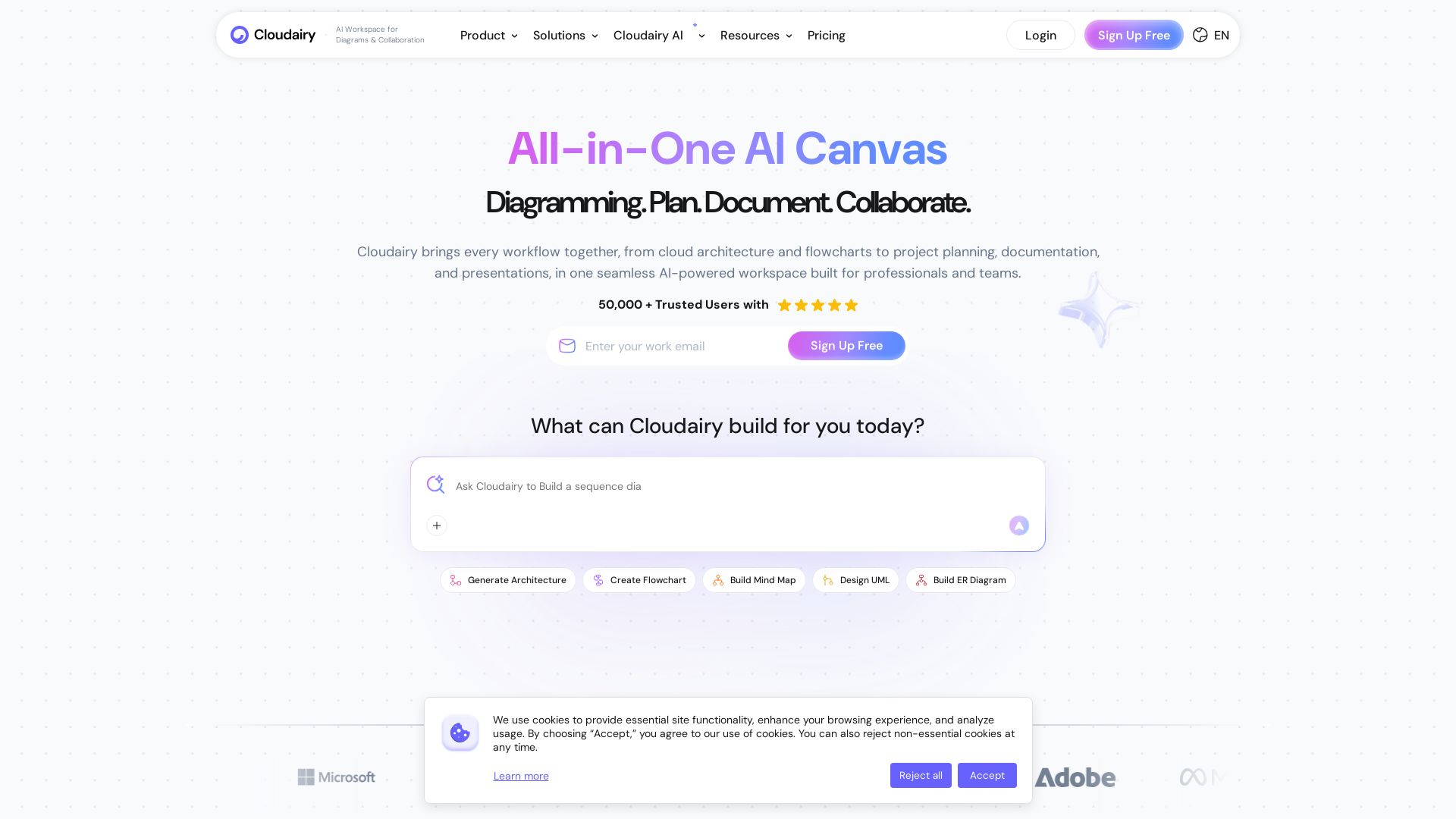
Create flowcharts, mind maps, cloud architectures & more with AI. All-in-one workspace for diagrams, docs, and project planning. Trusted by 50,000+ professionals.



Editor's Verdict
Key Takeaways
- AI Diagram Generator
- Real-time Collaboration
- Cloud Architecture Diagramming
- Project Management
In-Depth Review: What is Cloudairy?
Cloudairy is an all-in-one AI-powered workspace that brings together diagramming, documentation, project planning, and collaboration. From cloud architecture diagrams and flowcharts to mind maps and UML diagrams, Cloudairy uses AI to generate visuals instantly, replacing tools like Lucidchart, Miro, and Visio. It integrates seamlessly with your workflow, enabling teams to brainstorm, plan, design, and deliver in one place. With enterprise-grade security (SOC 2 Type II, ISO 27001, GDPR compliant) and a cost-saving model that replaces multiple subscriptions, Cloudairy is trusted by over 50,000 professionals at companies like Amazon, Google, and IBM.
Core Features
AI Diagram Generator
Generate diagrams from natural language prompts, including flowcharts, mind maps, UML, ERD, and cloud architecture.
Real-time Collaboration
Work together on boards with live cursors, comments, reactions, and built-in presentation mode.
Cloud Architecture Diagramming
Design AWS, Azure, and GCP architectures using drag-and-drop icon libraries and AI assistance.
Project Management
Kanban boards, Gantt charts, sprint planning, backlog management, and time tracking integrated in one workspace.
AI Super Assist
AI-powered idea expansion, smart brainstorming, natural language to task conversion, and multi-document Q&A.
Templates & Themes
Hundreds of professional templates for diagrams, workflows, and brainstorming with custom branding options.
Export & Share
Export boards to PNG, SVG, PDF, PPTX; share via public links or embed in Confluence, Notion, and more.
Enterprise Security
SOC 2 Type II, ISO 27001, GDPR compliant, with SSO, 2FA, audit logs, and data residency options.
Unified Workspace
All-in-one platform combining diagramming, whiteboarding, docs, slides, project management, and AI in one seamless interface.
Real-time Whiteboarding
Infinite canvas with zoom/pan, sticky notes, drawing tools, voting, timer, and AI-powered mind maps.
Pricing
Free
- 3 editable boards
- Public workspace
- Up to 25 shapes per board
- Limited template access
- Low quality board exports
- 25 AI credits per month
- Unlimited members
Starter
- Unlimited editable boards
- High resolution board exports
- 30-day version history
- Unlimited visitors with editing rights
- 150 AI credits per month
- Interactive meetings (Timer, Voting, Video recording, Private mode)
- 12,000+ diagramming shapes and icons (UML, AWS, Azure, ERD, etc.)
- Upload custom shapes
- Share boards publicly via link
- Restrict board access with Private boards
Starter Monthly
- Same as Starter annual but billed monthly
Business
- Unlimited boards with structured formats
- Multiple private workspaces
- 500 AI credits per month
- Single sign-on (SSO) (SAML 2.0)
- Advanced integrations (Azure, GitHub, Okta, etc.)
- Invite unlimited guests with password protection
- Customize each workspace for teams or clients
- Priority support
Business Monthly
- Same as Business annual but billed monthly
Enterprise
- Enhanced privacy and control with multiple workspaces
- Require 2FA (members and guests)
- 1000 AI credits per month
- Single Sign-On (SSO) via Okta, OneLogin, Auth0, etc.
- Enterprise-grade security: SSO, Domain control, SOC 2 Type II, PCI, GDPR, ISO 27001
- Premier support
- Free onboarding user training
Pros and Cons
Pros
- All-in-One PlatformCombines diagramming, whiteboarding, project management, docs, slides, and AI assistance in one workspace, eliminating tool switching.
- AI-Powered ProductivityAI generates diagrams, mind maps, architectures, images, and content from prompts, saving time and effort.
- Real-Time CollaborationTeams can work together instantly with live cursors, comments, voting, and presentations, enhancing remote work.
- Enterprise-Grade SecuritySOC 2 Type II, ISO 27001, GDPR compliance, SSO, audit logs, and data residency options suitable for large organizations.
- Generous Free PlanFree plan supports unlimited members with 3 boards and 25 AI credits per month, allowing users to try without commitment.
Cons
- Limited Free AI CreditsFree plan includes only 25 AI credits per month, which may be insufficient for heavy users.
- Free Plan Board LimitsOnly 3 editable boards per workspace on the free plan, restricting scalability for larger projects.
- No Offline ModeNo mention of offline access; requires internet connection for all features.
- Pricing for Large TeamsBusiness plan at $16/user/month can be costly for large teams compared to some standalone tools.
- Learning CurveWith many integrated features, new users may need time to navigate and utilize all capabilities effectively.
Use Cases & Recommended Professions
Cloud Architect→ View Toolkit
Design and visualize multi-cloud architectures with AI assistance and extensive icon libraries, ensuring precision and speed.
Project Manager→ View Toolkit
Manage projects with Kanban boards, sprint planning, Gantt charts, and AI-driven diagrams for clear communication.
Software Engineer→ View Toolkit
Create UML diagrams, ERDs, flowcharts, and technical documentation using AI prompts and collaborative features.
Product Manager→ View Toolkit
Brainstorm product features with mind maps, create roadmaps, and collaborate with cross-functional teams in one workspace.
Student→ View Toolkit
Generate study materials like flowcharts and mind maps quickly, and collaborate on group projects.
Professor/Educator→ View Toolkit
Teach system design and concepts using interactive diagrams, whiteboards, and AI-generated content in classes.
Frequently Asked Questions
Alternative AI Tools
View Detailed Comparison →
PrometAI
Generate investor-ready business plans in minutes with PrometAI's AI. Trusted by 100,000+ founders. Start for free, no guesswork.


Figr
Ship better UX faster. Figr builds a living understanding of your product, maps flows, finds edge cases, and generates high-fidelity prototypes from your actual design system.

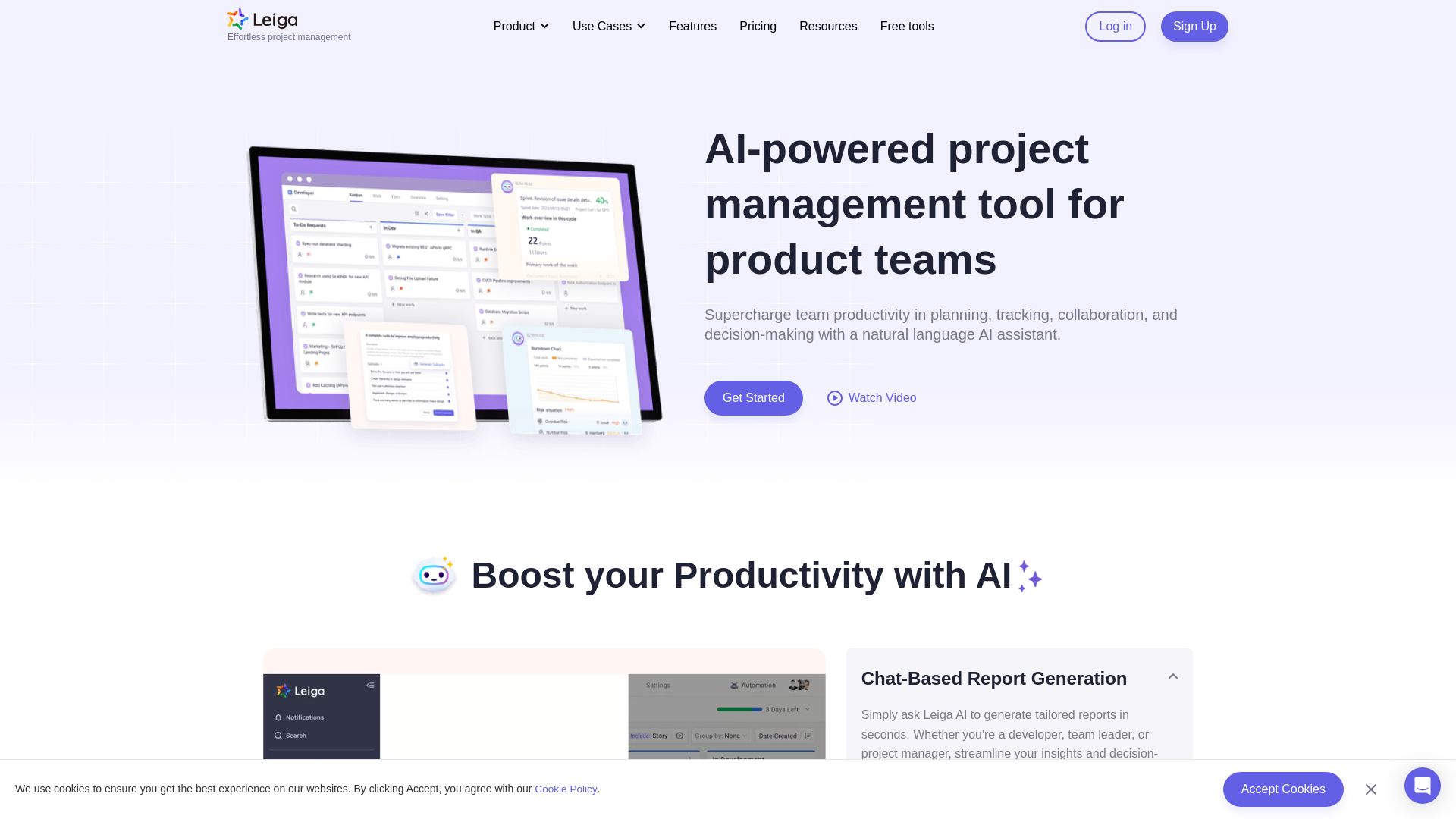
Leiga
Supercharge team productivity with AI-driven planning, tracking, and collaboration. Chat-based reports, automated workflows, and risk warnings. Free forever.

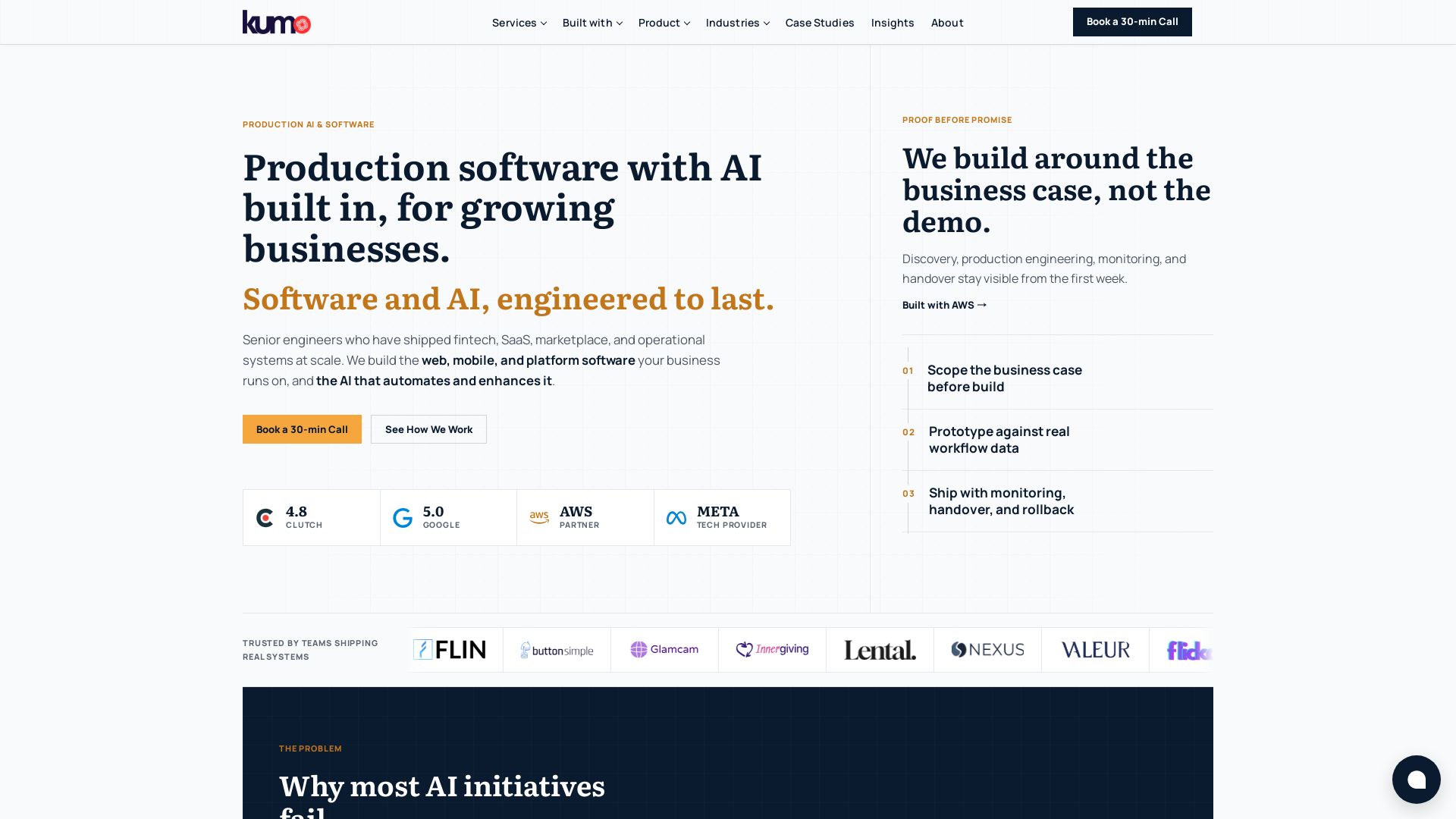
KUMO
Senior engineers build AI-powered software that lasts. Trusted by teams shipping real systems. Book a 30-min call to start building.


AIGenerator
Plan, launch, and grow your business with AI. Generate business plans, ads, and content in minutes. Free to start.

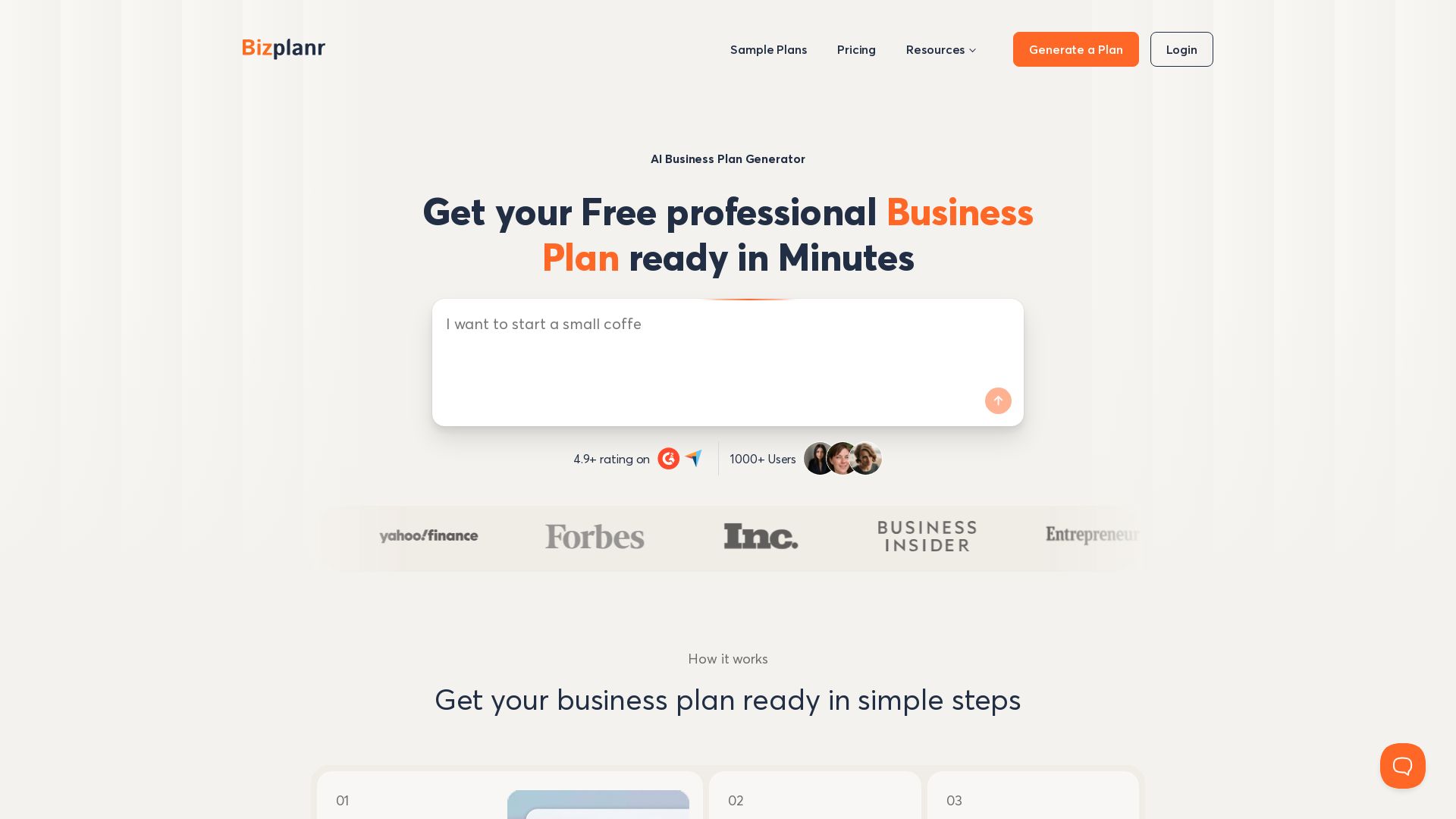
BizPlanr
Create a professional business plan in minutes with our free AI-powered generator. Used by 1000+ users. Get your free draft now!

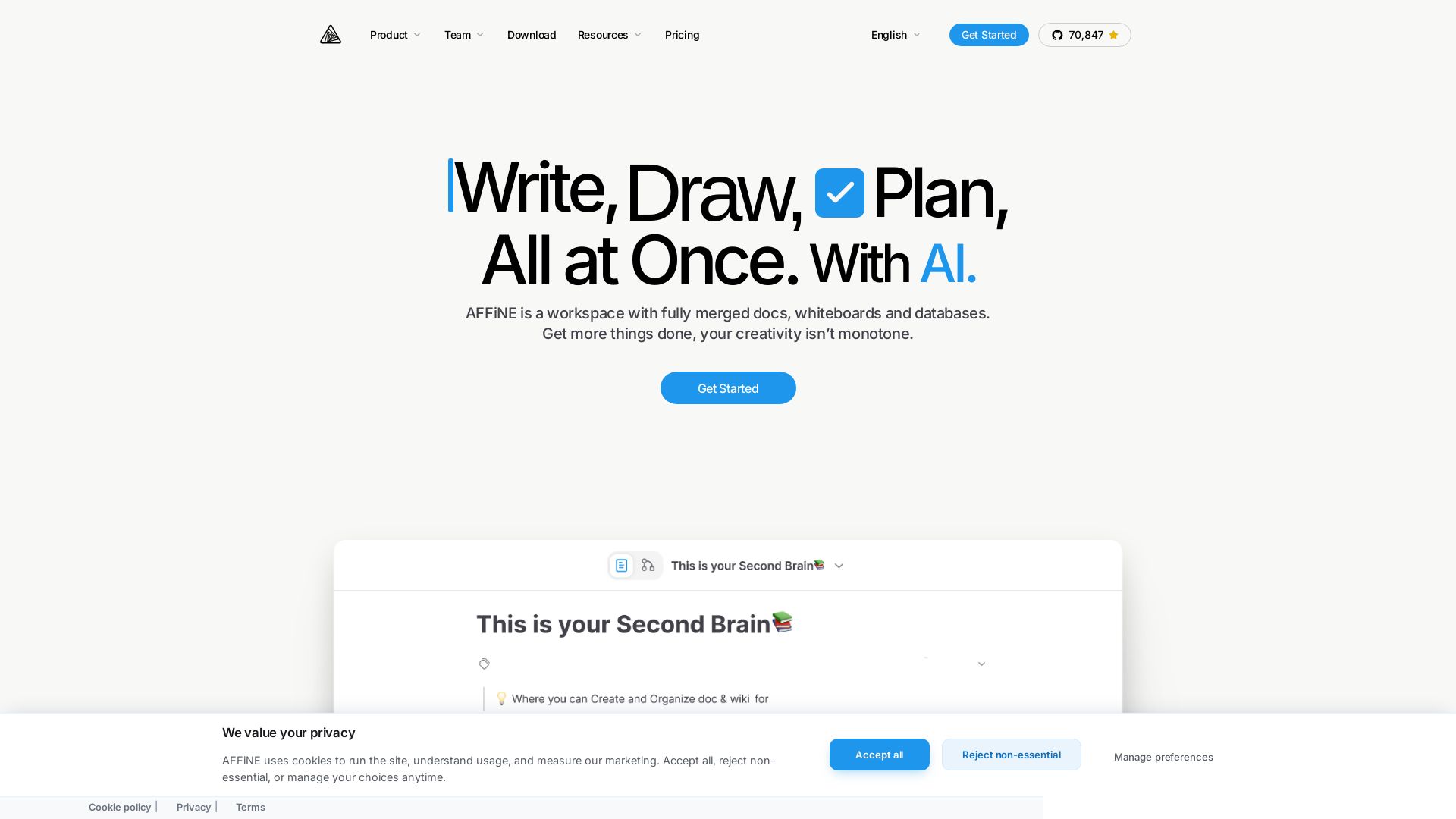
AFFiNE
Replace Notion & Miro with AFFiNE: an open-source, local-first workspace for writing, drawing, planning with AI. Privacy-focused, collaborative, and free.

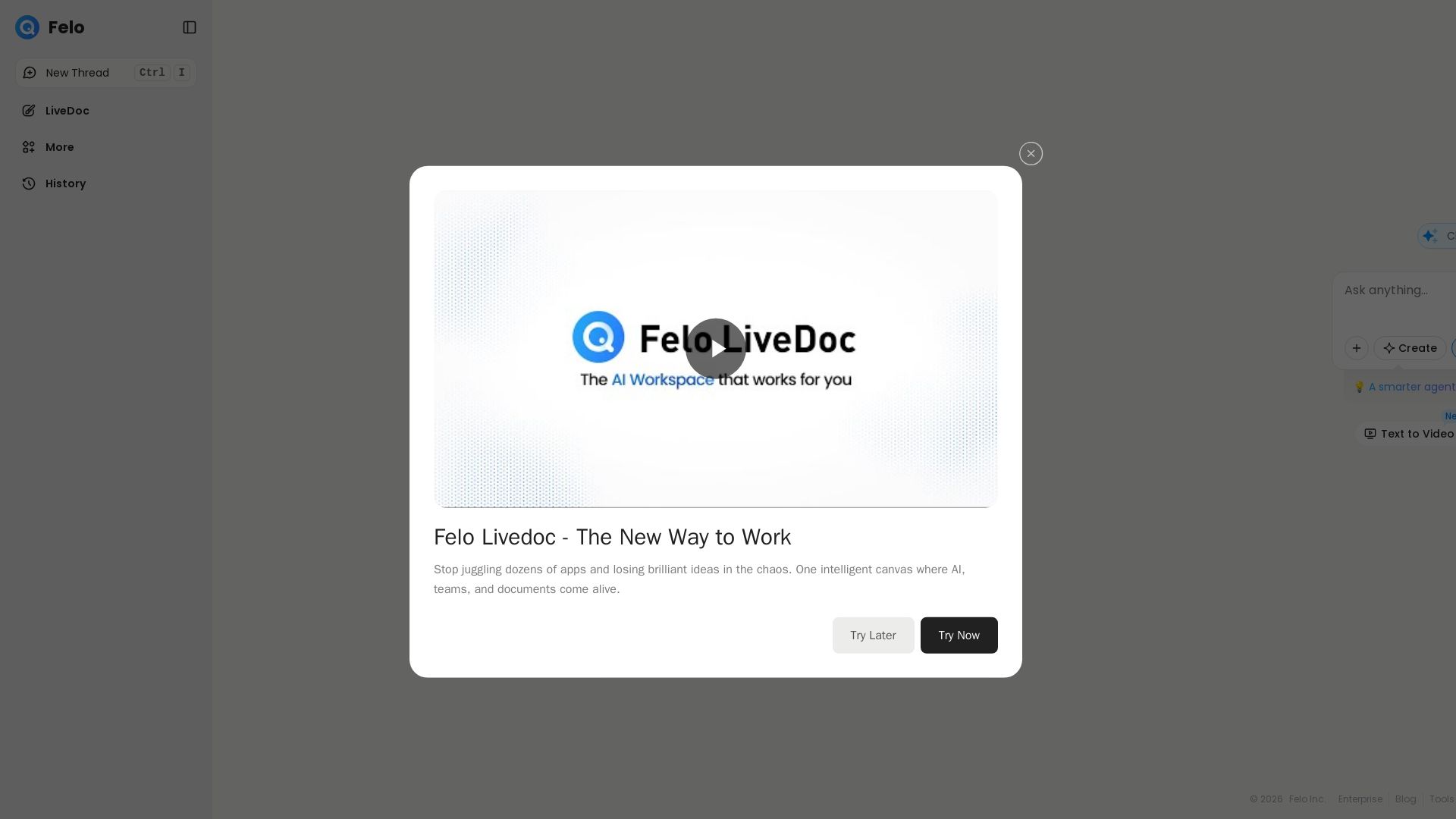
Felo
Stop juggling apps. Felo Livedoc uses AI to unify teams, documents, and ideas on one intelligent canvas. Boost productivity and creativity.

IBM
Discover how IBM's AI agents transformed operations, delivering $4.5 billion in productivity. Explore IBM Bob, watsonx Orchestrate, and more.

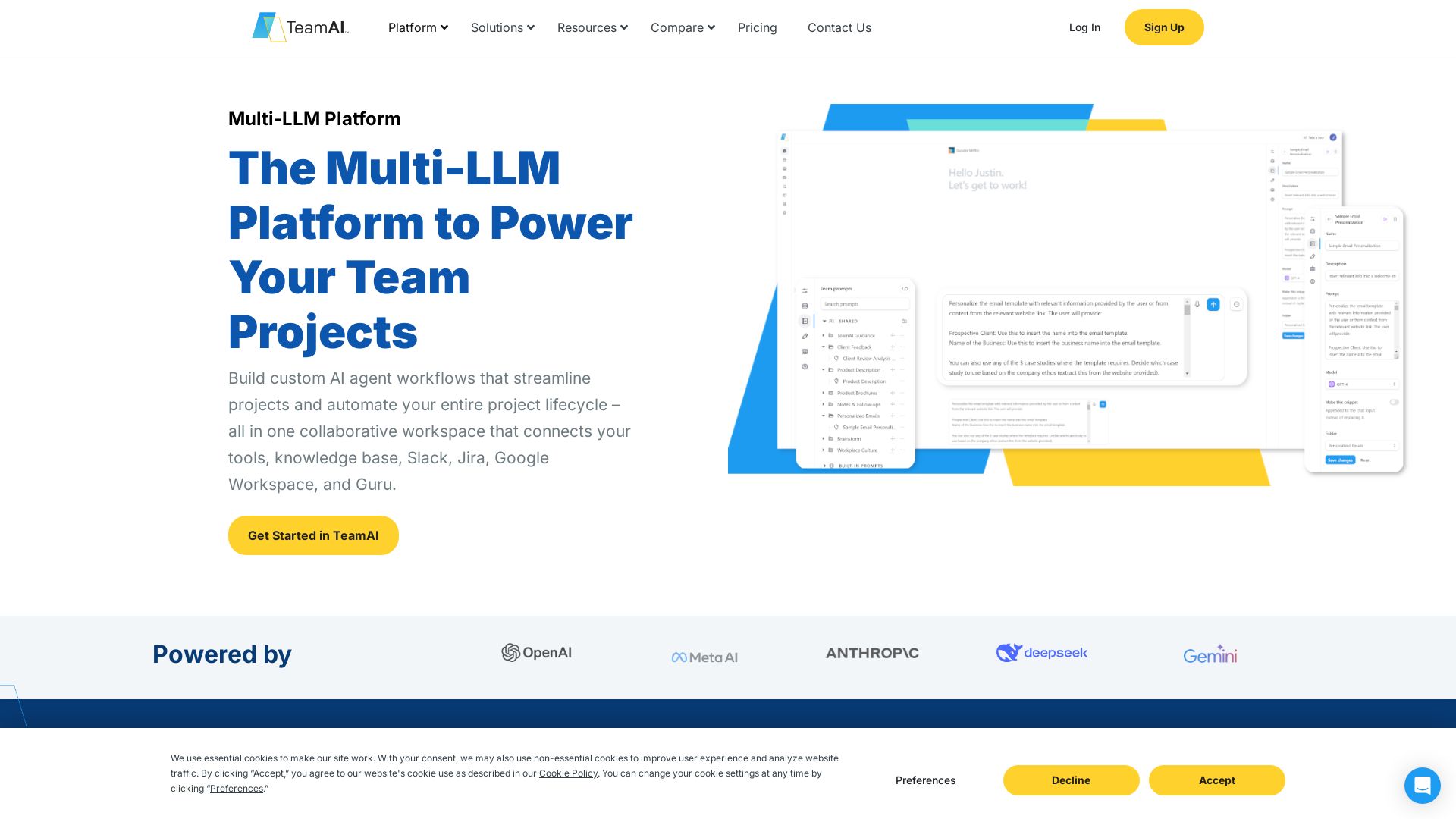
TeamAI
Build custom AI agents, automate workflows, and collaborate with top models in one workspace. Trusted by 1000+ businesses. Start free!



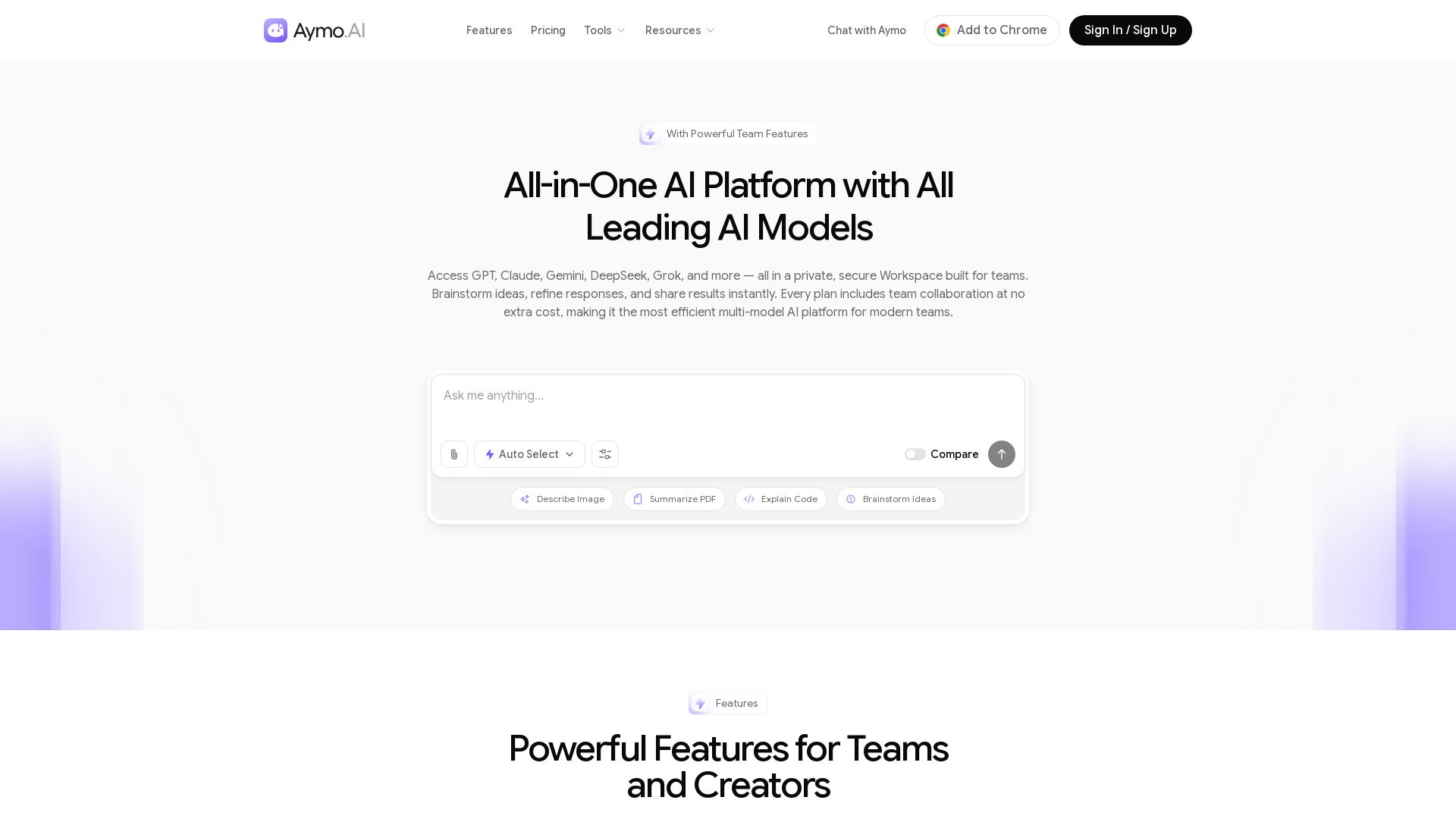
Aymo AI
Access GPT, Claude, Gemini, DeepSeek, Grok & more in one workspace. Save 90% on subscriptions. Built-in team tools. Try free!

ℹ️ Curation Disclosure: The overview and features of Cloudairy were synthesized using AI and fact-checked by our curation team to ensure accuracy.