
Leiga
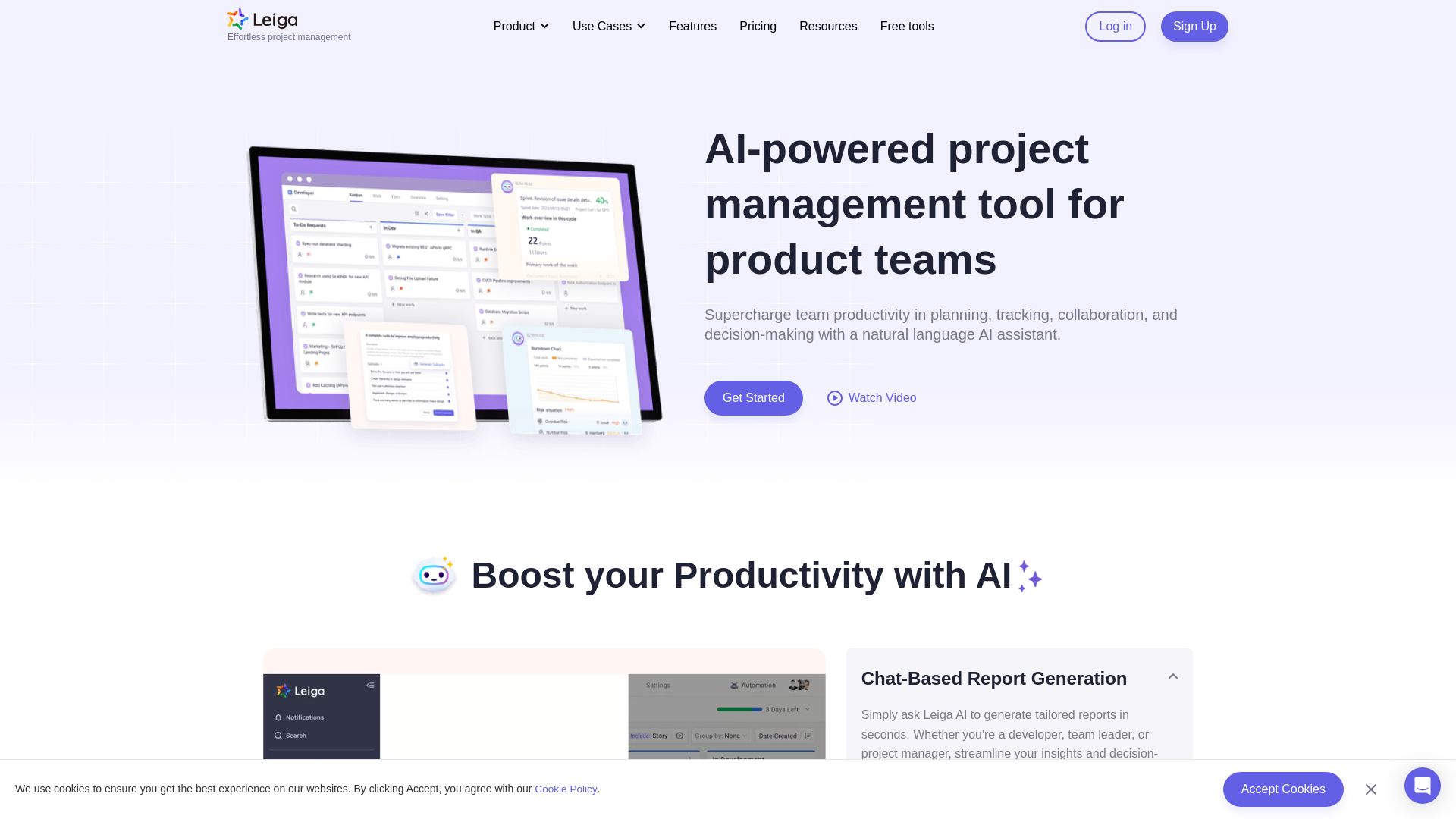
Supercharge team productivity with AI-driven planning, tracking, and collaboration. Chat-based reports, automated workflows, and risk warnings. Free forever.



Editor's Verdict
Key Takeaways
- AI Chat Report Generation
- AI PRD Writing
- Sprint Risk Assessment
- Automated Workflows
In-Depth Review: What is Leiga?
Leiga is an AI-powered project management platform that enables product teams to plan, track, and collaborate effortlessly. With natural language AI assistance, you can generate reports, write PRDs, balance workloads, and automate repetitive tasks. Integrated with popular tools like GitHub, Slack, and Figma, Leiga helps you stop roadblocks before they happen. Get started free – no credit card required.
Core Features
AI Chat Report Generation
Generate tailored reports via chat interface using AI assistant.
AI PRD Writing
Write structured PRD documents with AI in one click.
Sprint Risk Assessment
Real-time sprint progress visualization with schedule risk warnings.
Automated Workflows
Customize automations for repetitive tasks like reminders and task creation.
Screen Recording with AI
Record screen and transcribe videos into task descriptions.
Workload Balancing
Monitor and adjust team workload in real-time to keep assignments fair.
Roadmap Gantt Chart
Plan multiple projects with milestones and targets in Gantt view.
Custom Dashboards
Build dashboards with widgets to get actionable insights.
Integrations
Connect with tools like GitHub, GitLab, Slack, Figma, and more.
Video Recording with AI
Create screen recordings attached to tasks with AI transcription.
Pricing
Free
- 10 users
- 30 days board history
- 20 boards
- Basic table
- 5 mins/video
- 20 AI credits/user/month
- 2GB storage
- 20MB attachment size
Standard
- Unlimited users
- Unlimited boards
- 150 automations
- Advanced table
- 10 mins/video
- 400 AI credits/user/month
- 60 automation runs/user/month
- 90-day storage
- 100GB storage
- 1GB attachment
Professional
- Unlimited users
- Unlimited boards
- 450 automations
- Advanced table
- 30 mins/video
- 1200 AI credits/user/month
- 180 automation runs/user/month
- 180-day storage
- 1TB storage
- 1GB attachment (Dedicated)
Enterprise
- Unlimited users
- Unlimited boards
- Unlimited automations
- Advanced table
- Unlimited video
- Unlimited AI credits
- Unlimited automation runs
- Unlimited storage
- Unlimited attachment
- Dedicated support
Pros and Cons
Pros
- AI-Powered EfficiencyLeverage natural language AI assistant to generate reports, write PRDs, and automate workflows, saving time.
- Comprehensive IntegrationsSeamlessly connect with popular tools like GitHub, Slack, Figma, and more to centralize work.
- Real-Time Risk ManagementGet automatic risk warnings and sprint progress visualization to keep projects on schedule.
- Screen Recording with AIRecord and transcribe videos directly into tasks, reducing the need for lengthy written descriptions.
- Flexible PricingFree plan available for small teams, with scalable plans for growing businesses.
Cons
- Limited Free PlanFree plan is restricted to 10 users and basic features, which may not suffice for larger teams.
- Learning CurveNew users might need time to adapt to the AI features and workflow automation.
- Dependency on AI CreditsAI features consume credits which may require purchasing add-ons for heavy usage.
- No Offline ModeRequires internet connection to access all features, limiting offline productivity.
- Limited Customization in Lower PlansAdvanced customization options like custom formulas and dashboards are only available in higher tiers.
Use Cases & Recommended Professions
Project Manager→ View Toolkit
Plan, track, and manage projects with AI insights, risk warnings, and workload balancing.
Product Manager→ View Toolkit
Write PRDs easily with AI, gather insights, and align team efforts with roadmaps.
Software Developer→ View Toolkit
Streamline development workflows with sprint tracking, task automation, and integration with Git.
Dev Leadership→ View Toolkit
Get a bird's-eye view of projects, monitor team performance, and make data-driven decisions.
QA Engineer→ View Toolkit
Manage bugs and test cases efficiently with screen recording and automated workflows.
Human Resources Manager→ View Toolkit
Use Leiga for recruitment tracking and managing candidate pipelines.
Frequently Asked Questions
Alternative AI Tools
View Detailed Comparison →
PrometAI
Generate investor-ready business plans in minutes with PrometAI's AI. Trusted by 100,000+ founders. Start for free, no guesswork.

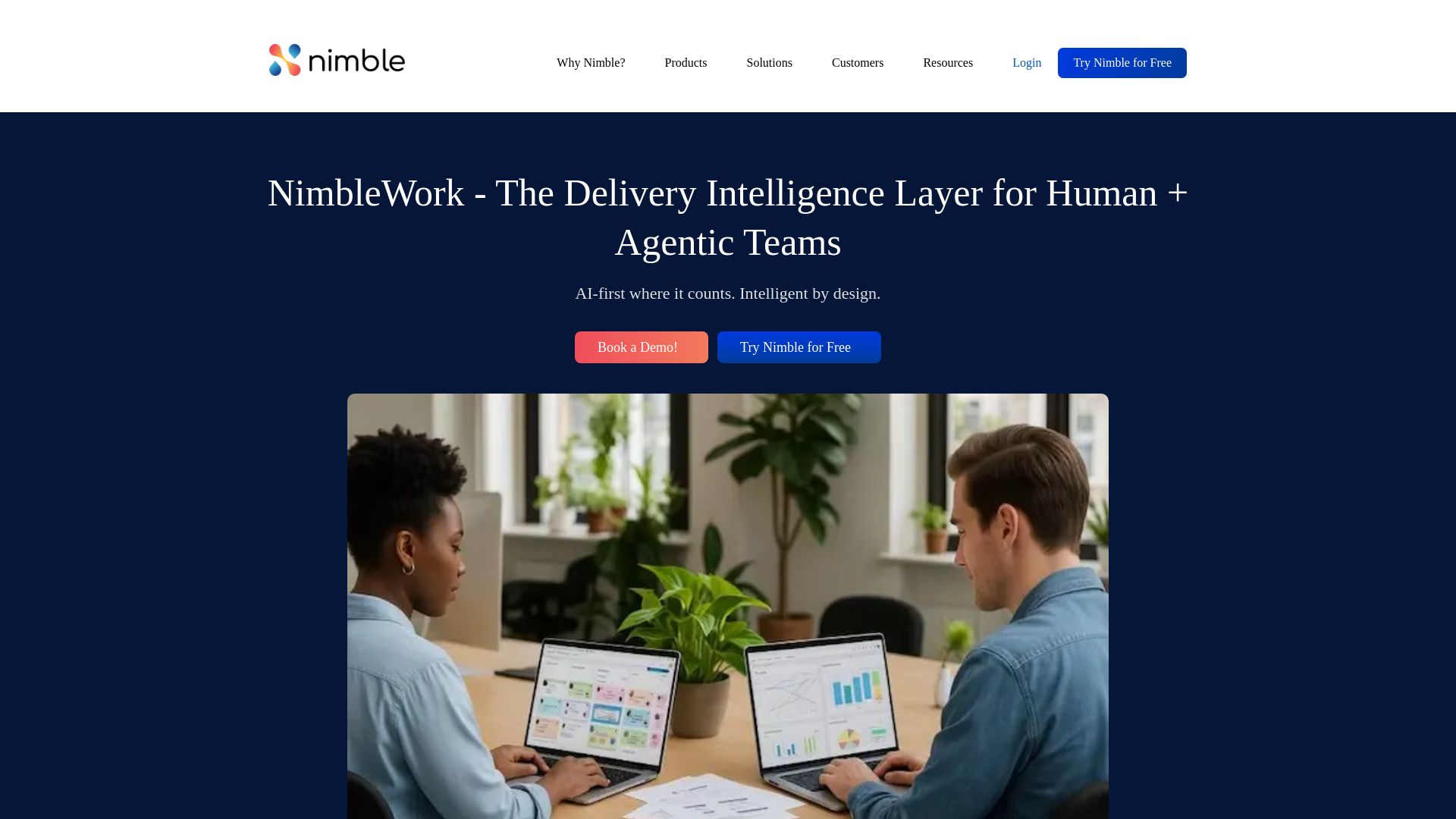
NimbleWork
Boost productivity with AI-driven work management. Visual boards, agile tools, and analytics trusted by industry leaders. Try for free!


Figr
Ship better UX faster. Figr builds a living understanding of your product, maps flows, finds edge cases, and generates high-fidelity prototypes from your actual design system.


Superluminal Software
Award-winning AI and software company. Build AI copilots, reduce cloud costs, and future-proof your business with Microsoft AI integration.

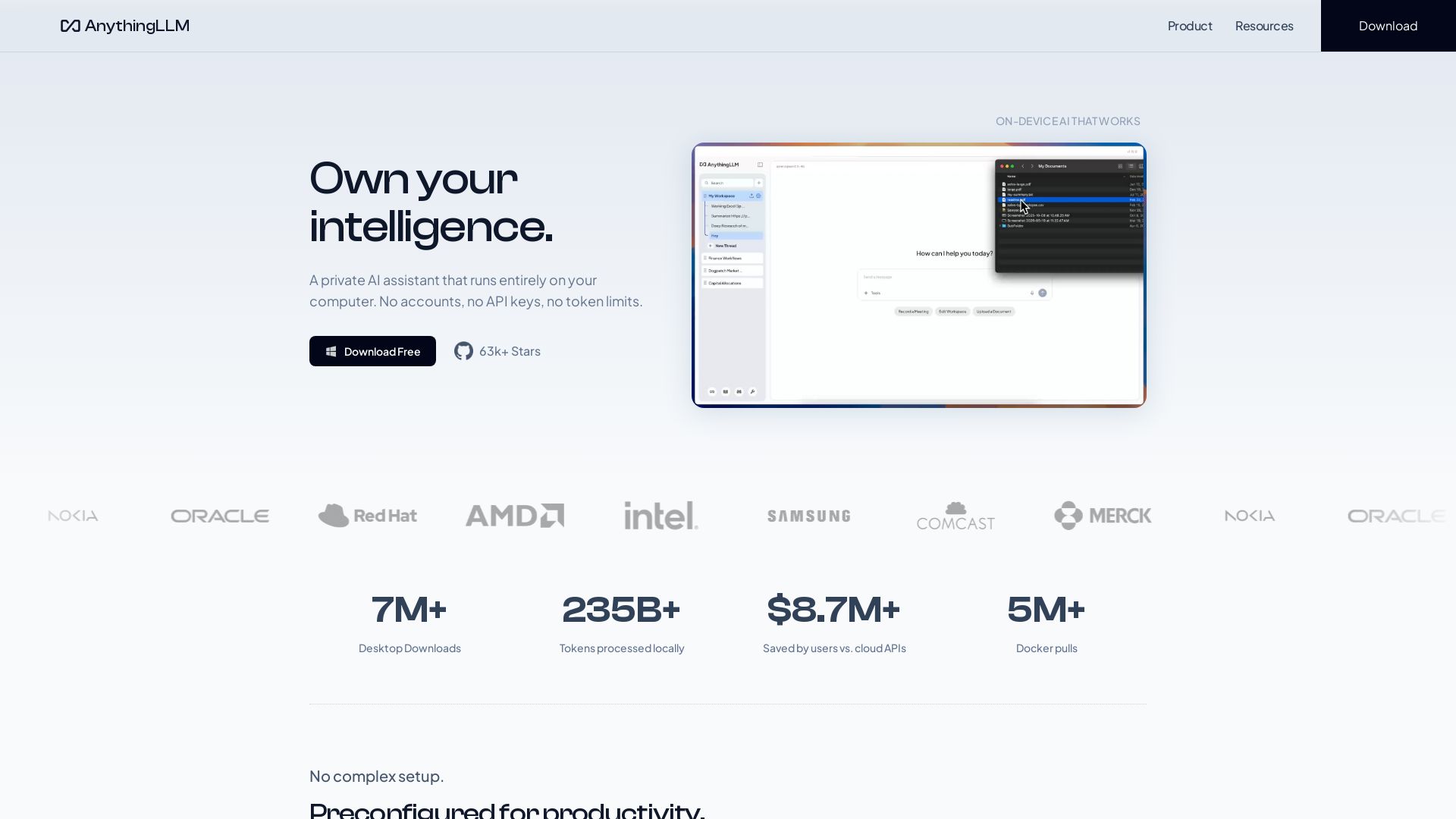
AnythingLLM
Free, open-source private AI assistant. Runs locally on your computer. No cloud, no accounts. Includes document knowledge, meeting assistant, and more.

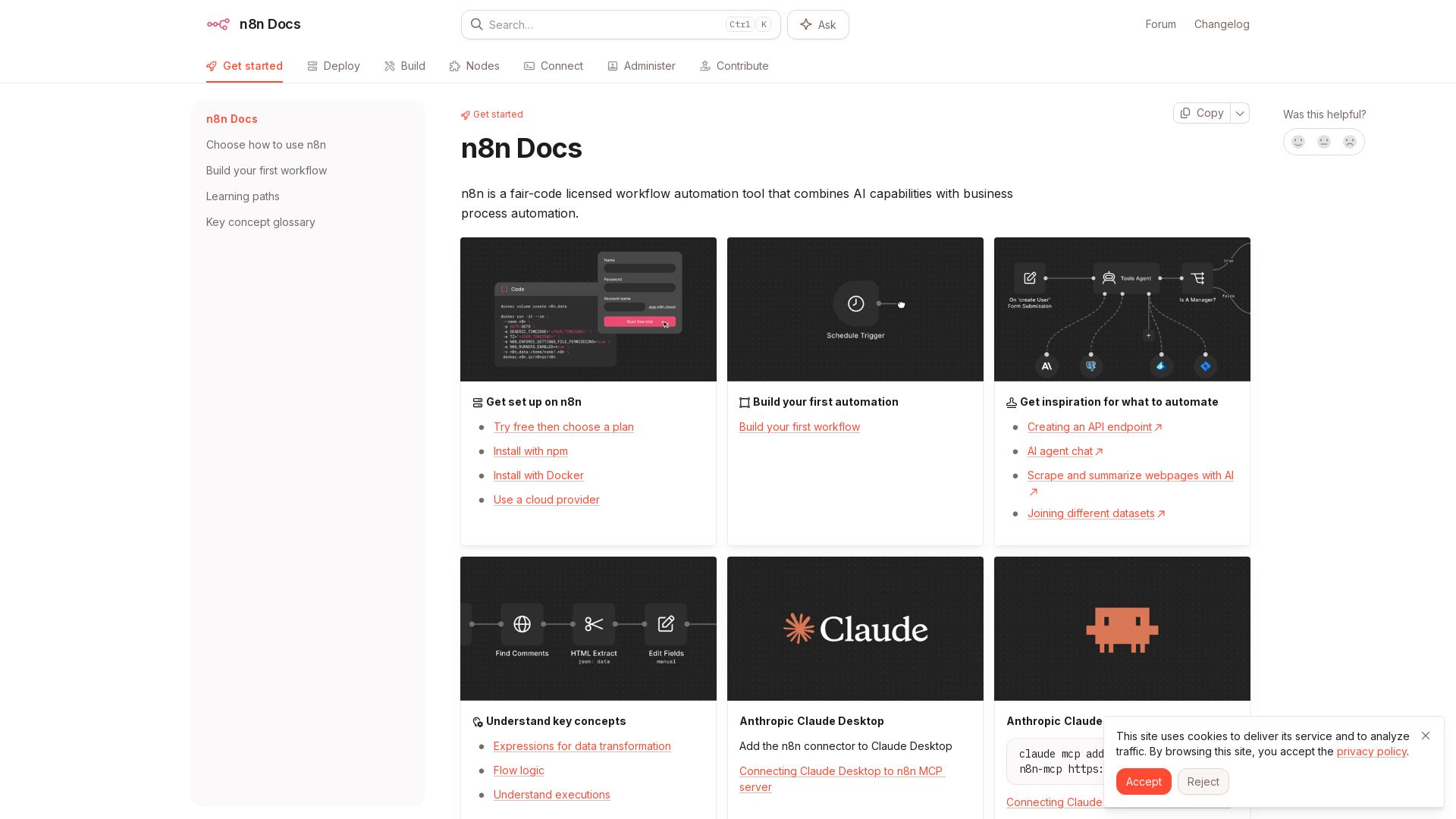
n8n
n8n is a fair-code licensed workflow automation tool that combines AI capabilities with business process automation. Get started with npm, Docker, or cloud.

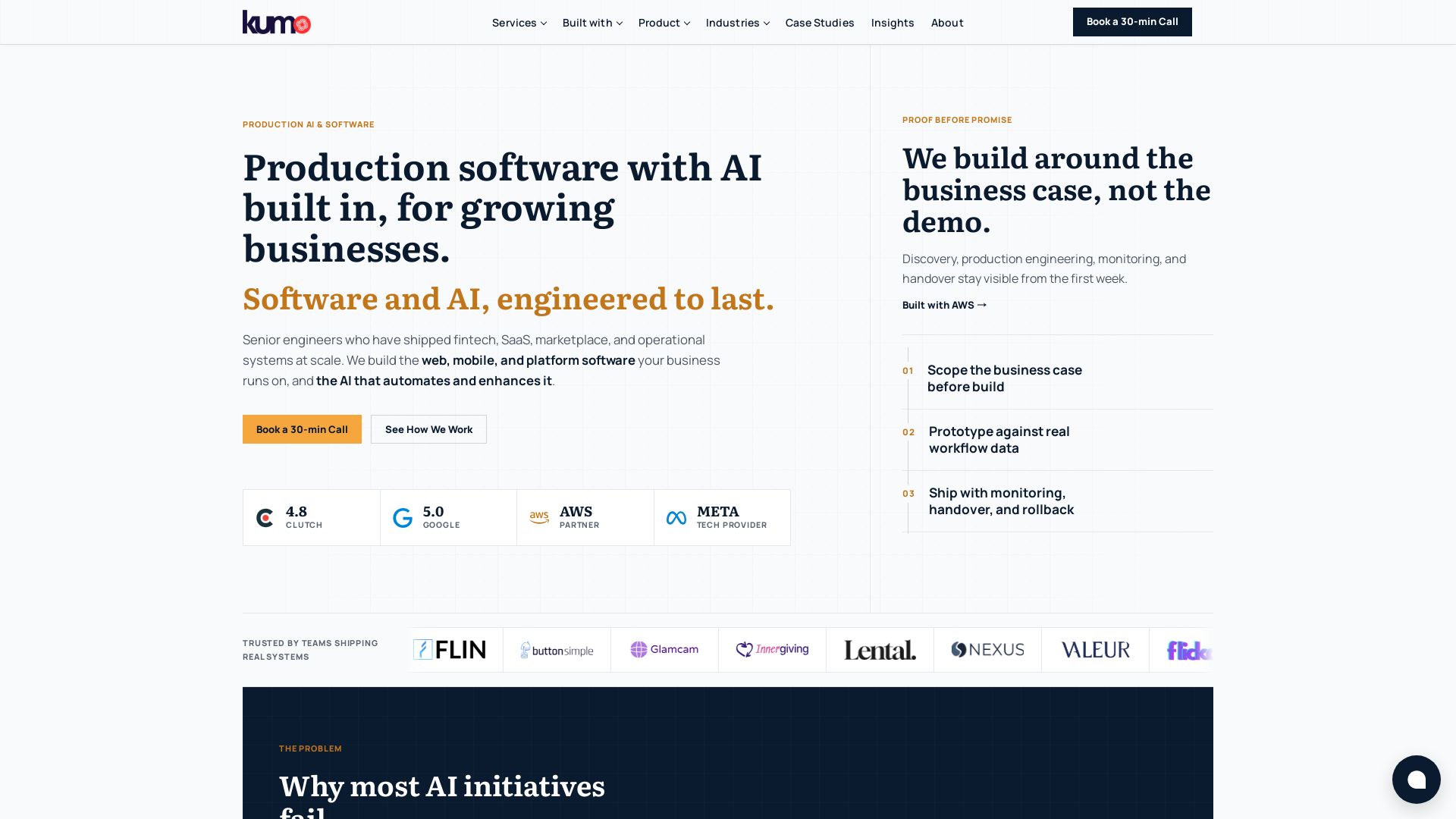
KUMO
Senior engineers build AI-powered software that lasts. Trusted by teams shipping real systems. Book a 30-min call to start building.


ProductCrafters
Get a free 2-week trial sprint for your AI product. Working prototype in 30 days, production-ready in 90. No contract, no credit card. Test your dev team risk-free.

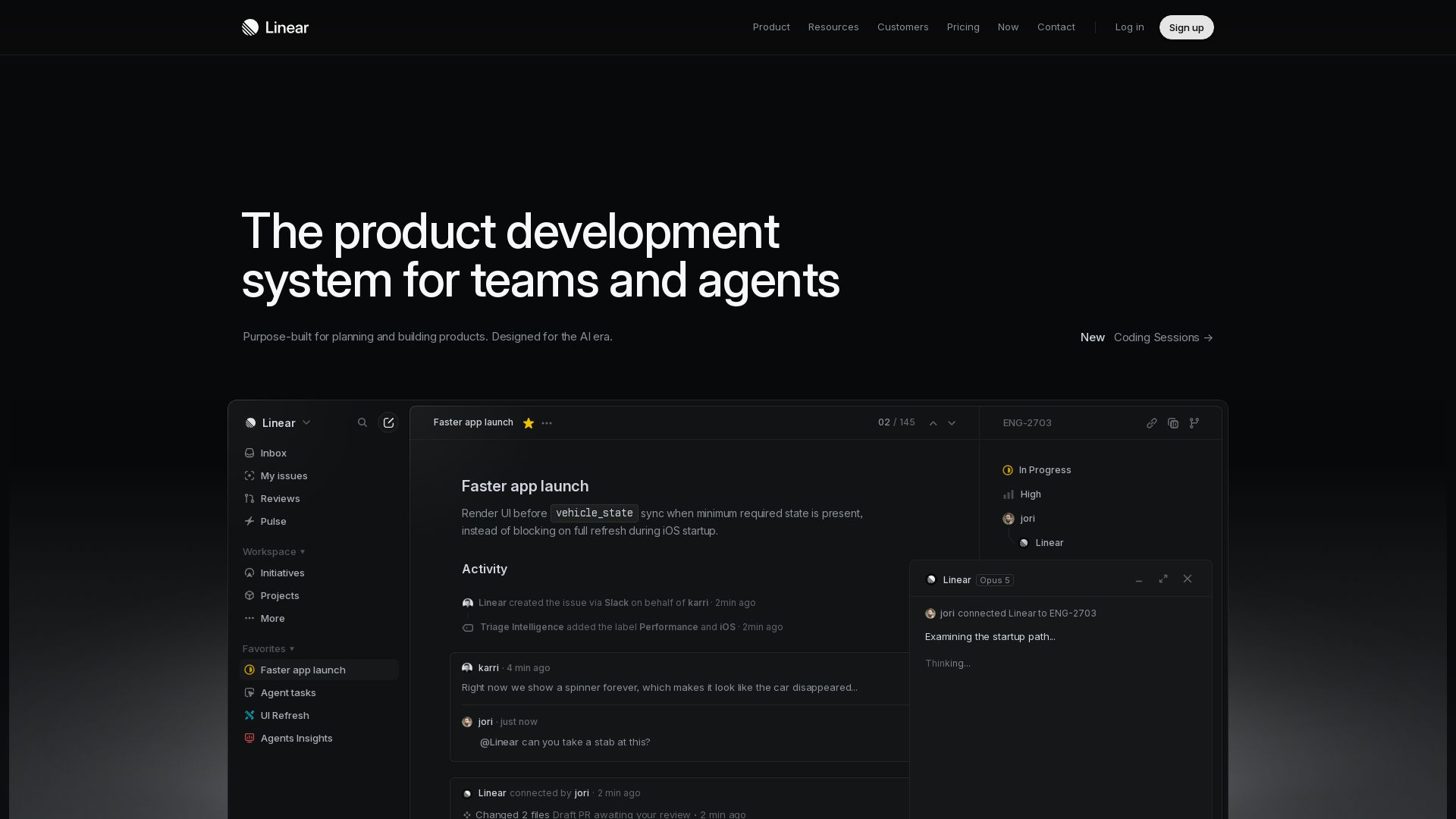
Linear
Purpose-built for modern teams with AI workflows. Plan, build, and ship faster with agents. Trusted by OpenAI, Ramp, and 37,000+ teams.

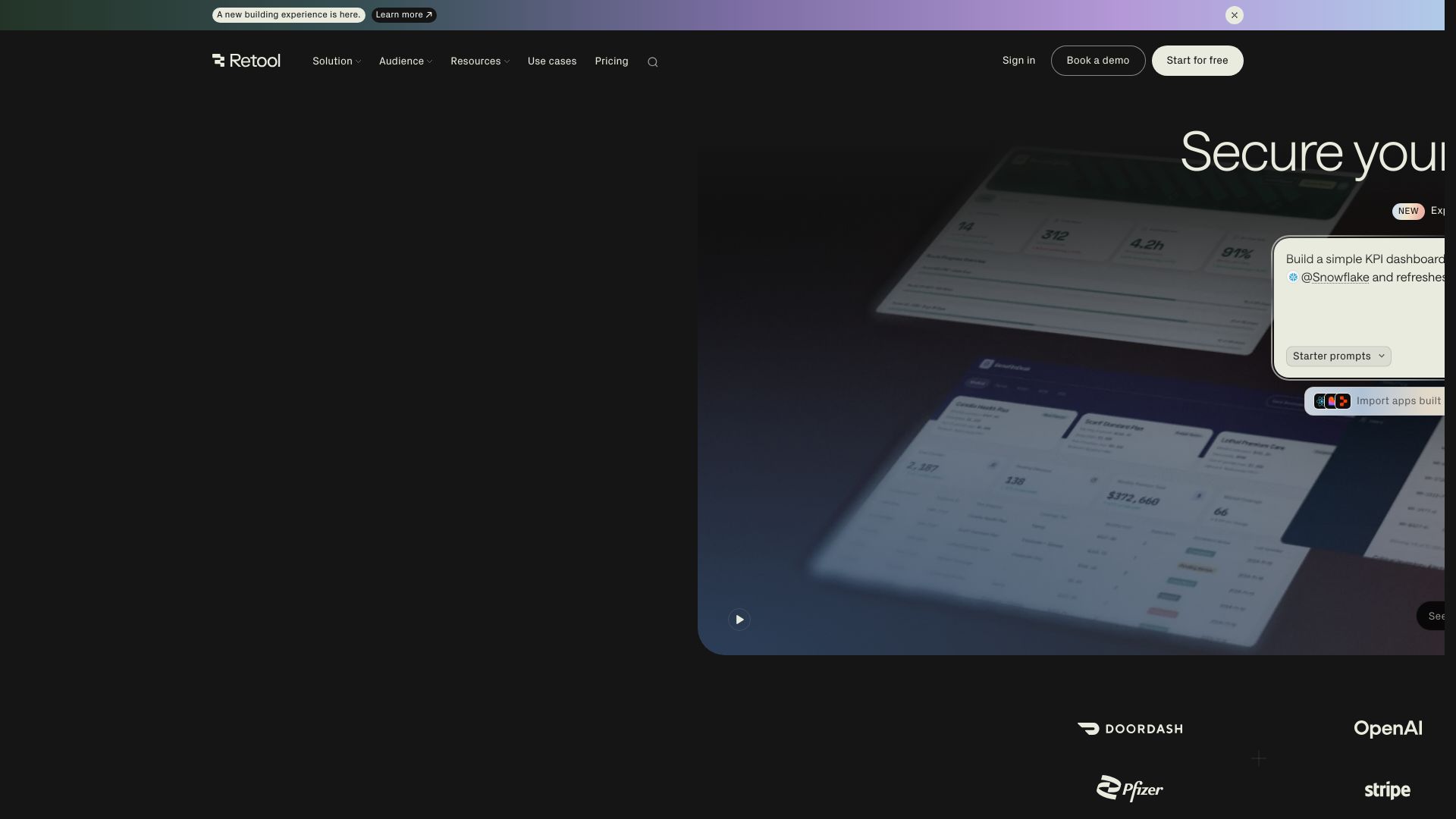
Retool
Build powerful, secure apps on your data with Retool's AI-powered app builder. Connect to any data source, deploy with governance, and scale across your enterprise.

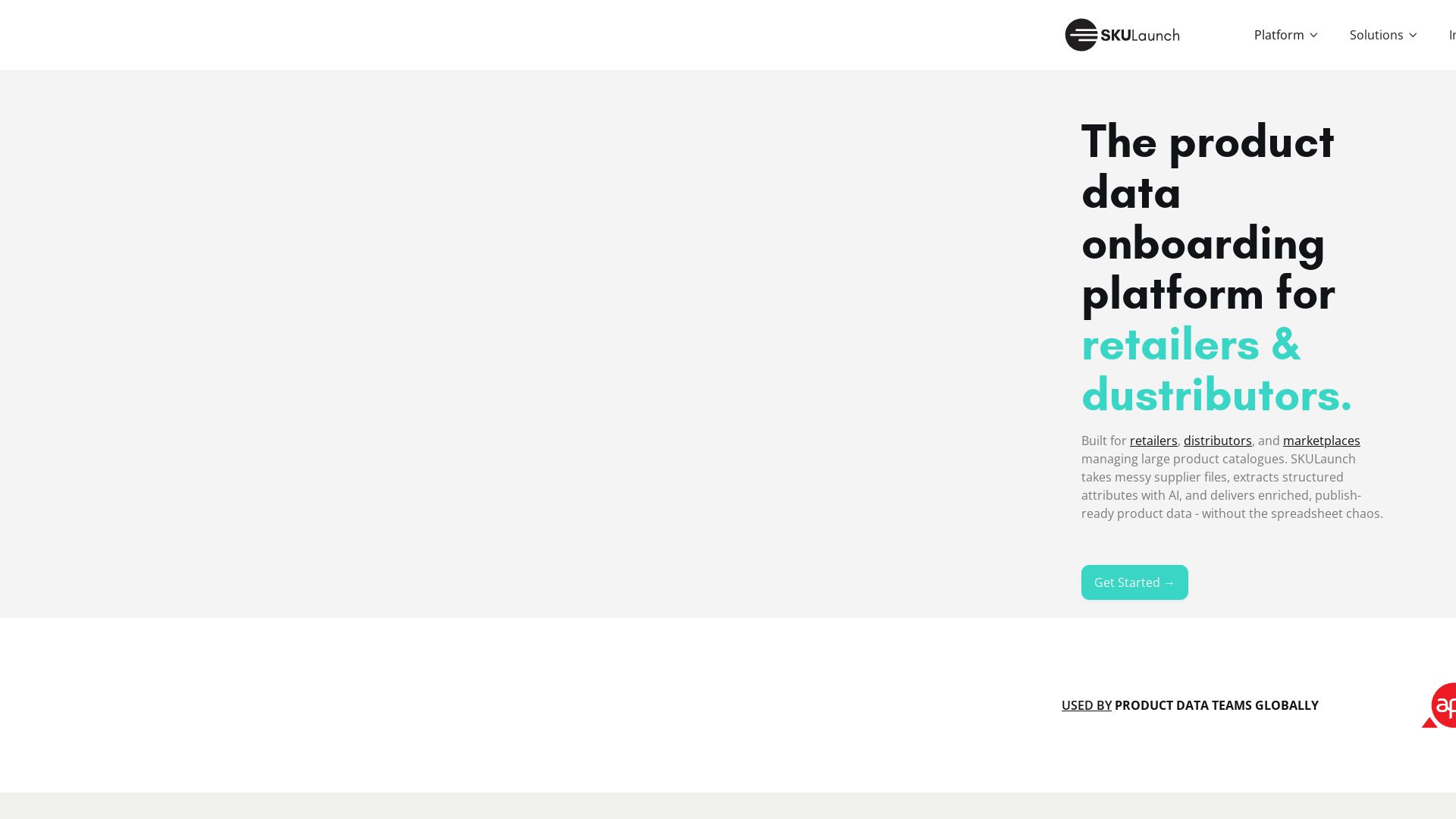
SKULaunch
Automate supplier data onboarding, AI extracts attributes, enrich product catalogs, and publish ready data. From messy files to filterable search.


AIGenerator
Plan, launch, and grow your business with AI. Generate business plans, ads, and content in minutes. Free to start.

ℹ️ Curation Disclosure: The overview and features of Leiga were synthesized using AI and fact-checked by our curation team to ensure accuracy.