
AnythingLLM
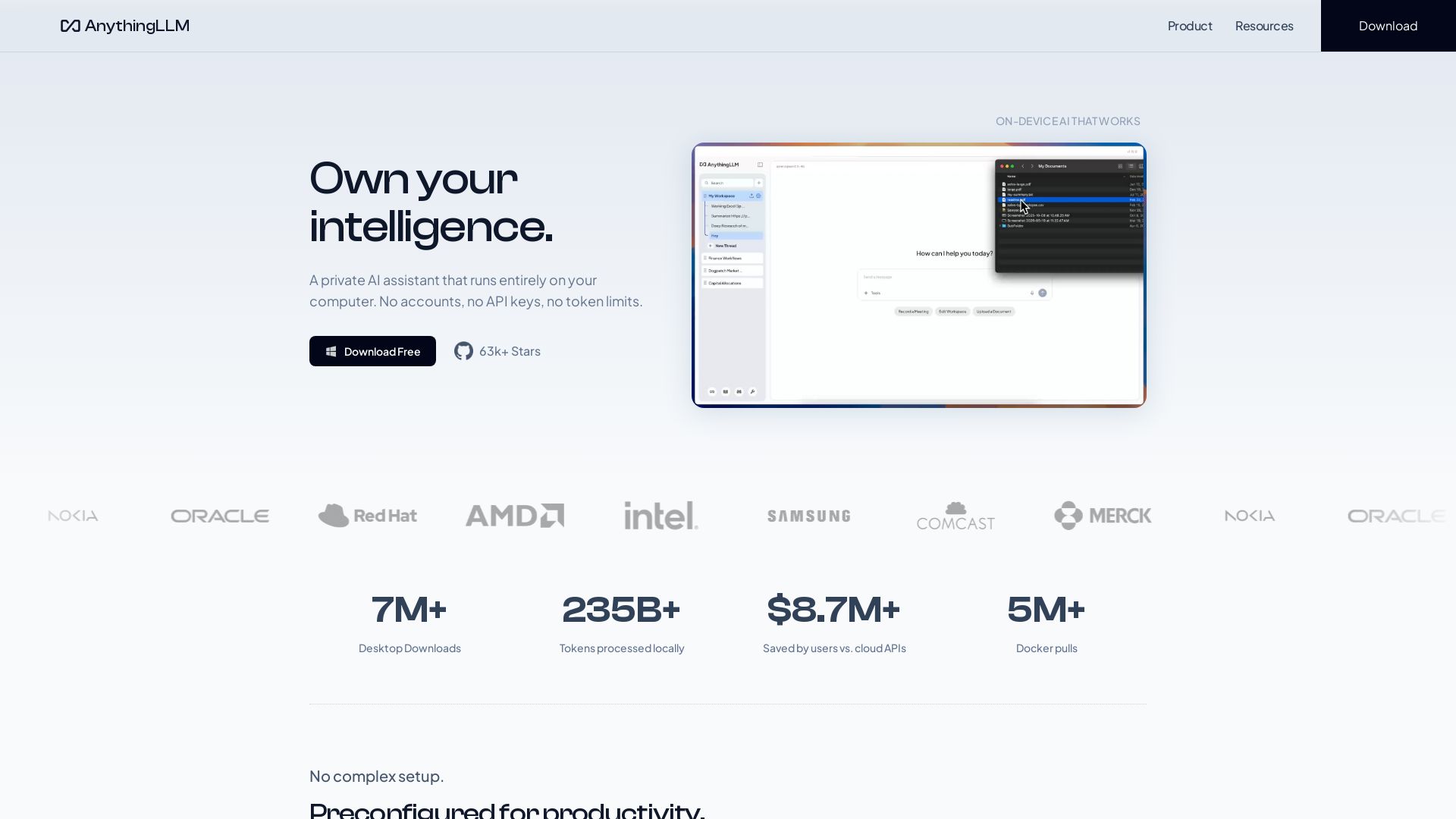
Free, open-source private AI assistant. Runs locally on your computer. No cloud, no accounts. Includes document knowledge, meeting assistant, and more.
Editor's Verdict
Key Takeaways
- Document Knowledge
- Meeting Assistant
- Magic Features
- Web Scraping & Search
In-Depth Review: What is AnythingLLM?
AnythingLLM is a private, open-source AI assistant that runs entirely on your local device. It offers document knowledge, web scraping, dynamic model selection, custom agent skills, and a meeting assistant that automatically transcribes and summarizes calls locally. With Magic Features like intelligent dictation and contextual autocomplete, it enhances productivity without compromising privacy. No cloud APIs, no accounts, no token limits. Download for free on macOS, Windows, and Linux.
Core Features
Document Knowledge
Every document becomes part of your agent's knowledge base with no data leaving your device, enabling private and secure retrieval-augmented generation.
Meeting Assistant
Automatically transcribes and summarizes meetings entirely on your computer, extracting action items and key decisions without any bot joining the call or cloud processing.
Magic Features
Intelligent dictation that refines speech in real time, context-aware autocomplete, and enhanced text highlighting for a seamless productivity boost.
Web Scraping & Search
Scrape and search the web directly from your local AI assistant, enriching responses with up-to-date online information without exposing your queries to external services.
Custom Agent Skills
Extend the agent's capabilities with custom skills and tools, allowing tailored workflows and integrations to fit specific needs.
Dynamic Model Selection
Choose from a wide range of local or cloud models, or let the system auto-recommend the best model for your hardware and use case.
Open Source & Self-Hosted
Fully MIT-licensed with over 63k GitHub stars, allowing self-hosting on your own infrastructure for complete control and privacy.
API Access
Programmatic access via developer API to integrate the AI assistant into other applications and automate tasks.
Pricing
Free Desktop
- Local AI assistant with full privacy
- Document knowledge base (RAG)
- Web scraping and search
- Meeting Assistant (local transcription)
- Magic Features (dictation, autocomplete)
- Custom agent skills and skills marketplace
- Multi-platform (macOS, Windows, Linux)
Pro
- Pro key for premium features
- Additional customization and integrations
- Priority support and early access
- Advanced Magic Echo capabilities
Pros and Cons
Pros
- 100% Privacy-FirstAll processing happens locally on your device. No data leaves your machine, no accounts or API keys needed, ensuring complete data sovereignty.
- No Ongoing CostsFree to download and use. No token limits, no rate limits, and no cloud API fees. Save thousands compared to cloud-based AI services.
- Open Source & TrustedMIT-licensed with 63k+ GitHub stars and 5M+ Docker pulls. Transparent, auditable, and community-driven development.
- Easy SetupDownload a single file, choose a model (or let it auto-recommend), and you're ready. No complex dependencies or cloud configurations.
- Extensible & CustomizableAdd custom skills, integrate with other tools via API, and build agent flows. The system adapts to your workflow, not the other way around.
Cons
- Requires Local HardwareRunning LLMs locally demands a capable CPU/GPU and sufficient RAM. Performance may be limited on older or low-end devices.
- Limited Model SelectionWhile many models are supported, hardware constraints may restrict the size and variety of models you can run effectively.
- No Built-in Cloud SyncData remains only on your device unless you set up your own sync solution. Self-hosted multi-user deployments require additional infrastructure.
- Technical Know-How for Advanced FeaturesCustom skills, API integration, and self-hosting require some technical understanding, which may be a barrier for non-technical users.
- Resource-Intensive FeaturesFeatures like local transcription and real-time dictation can consume significant CPU/GPU resources, potentially impacting other applications.
Use Cases & Recommended Professions
Software Developer→ View Toolkit
Needs a private AI assistant for code documentation, research, and automating repetitive tasks without exposing sensitive code to cloud APIs.
Researcher→ View Toolkit
Requires secure document analysis and literature review capabilities, with full data privacy and offline access to avoid leak of confidential findings.
Privacy Advocate→ View Toolkit
Values complete data sovereignty and wants an AI assistant that does not rely on external servers, ensuring no third-party access to personal or organizational data.
Business Analyst→ View Toolkit
Needs meeting transcription, summarization, and action item extraction to improve productivity while keeping sensitive business discussions on-device.
Student→ View Toolkit
Benefits from a free, local AI tutor for summarizing study materials, answering questions, and organizing notes without internet dependency or subscription costs.
Project Manager→ View Toolkit
Uses the assistant to generate reports, scrape project info, create schedules via agent flows, and manage tasks while ensuring client data remains local.
Frequently Asked Questions
Alternative AI Tools
View Detailed Comparison →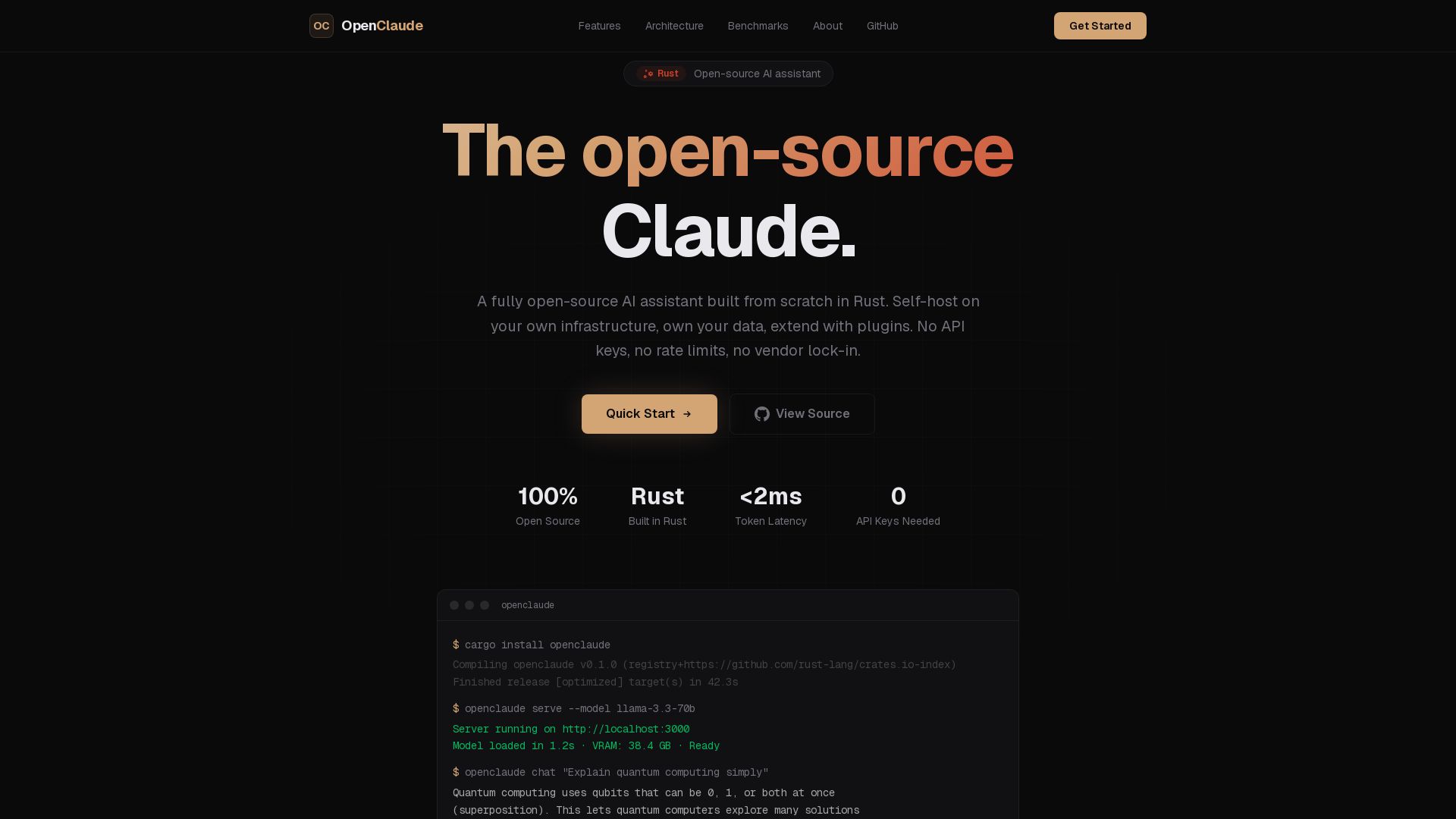
OpenClaude
A fully open-source AI assistant built in Rust. Self-host on your own infrastructure, own your data. No API keys, no vendor lock-in.

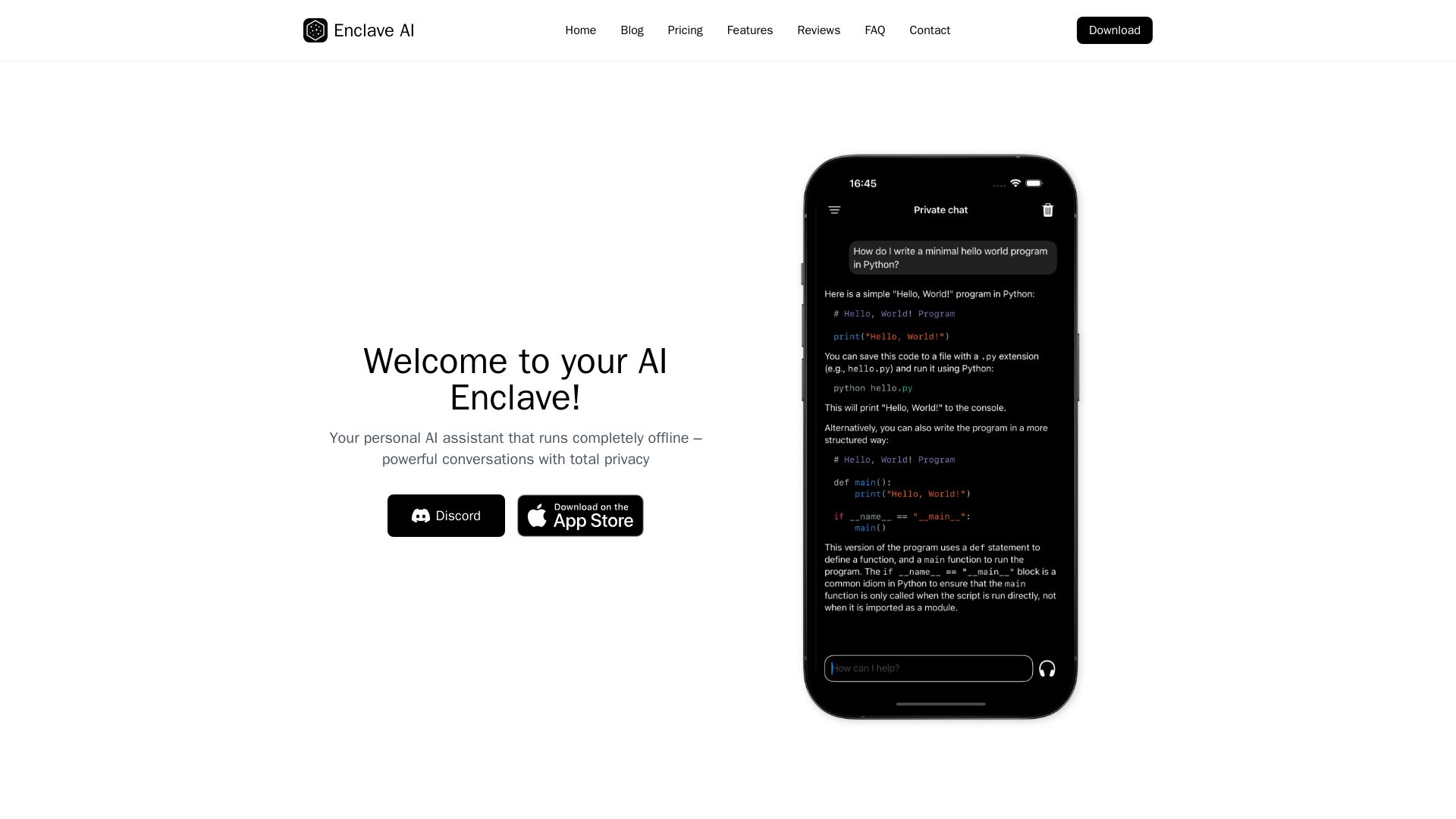
Enclave AI
Private offline AI assistant for iPhone & Mac. Voice chat, document support, custom AI. No cloud needed.

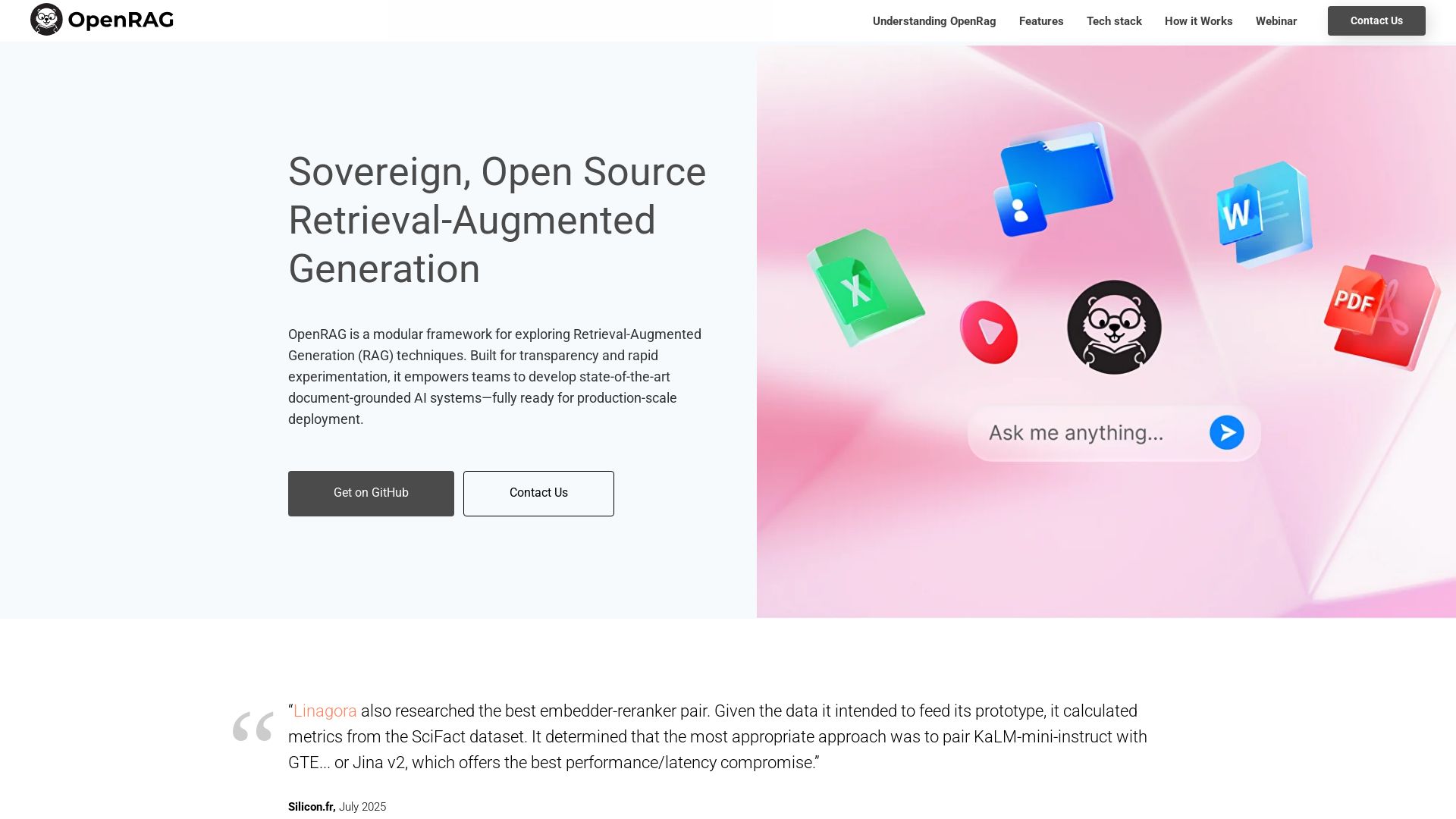
OpenRAG
Build production-ready, document-grounded AI with OpenRAG. Open-source, LLM-agnostic, multimodal, scalable.

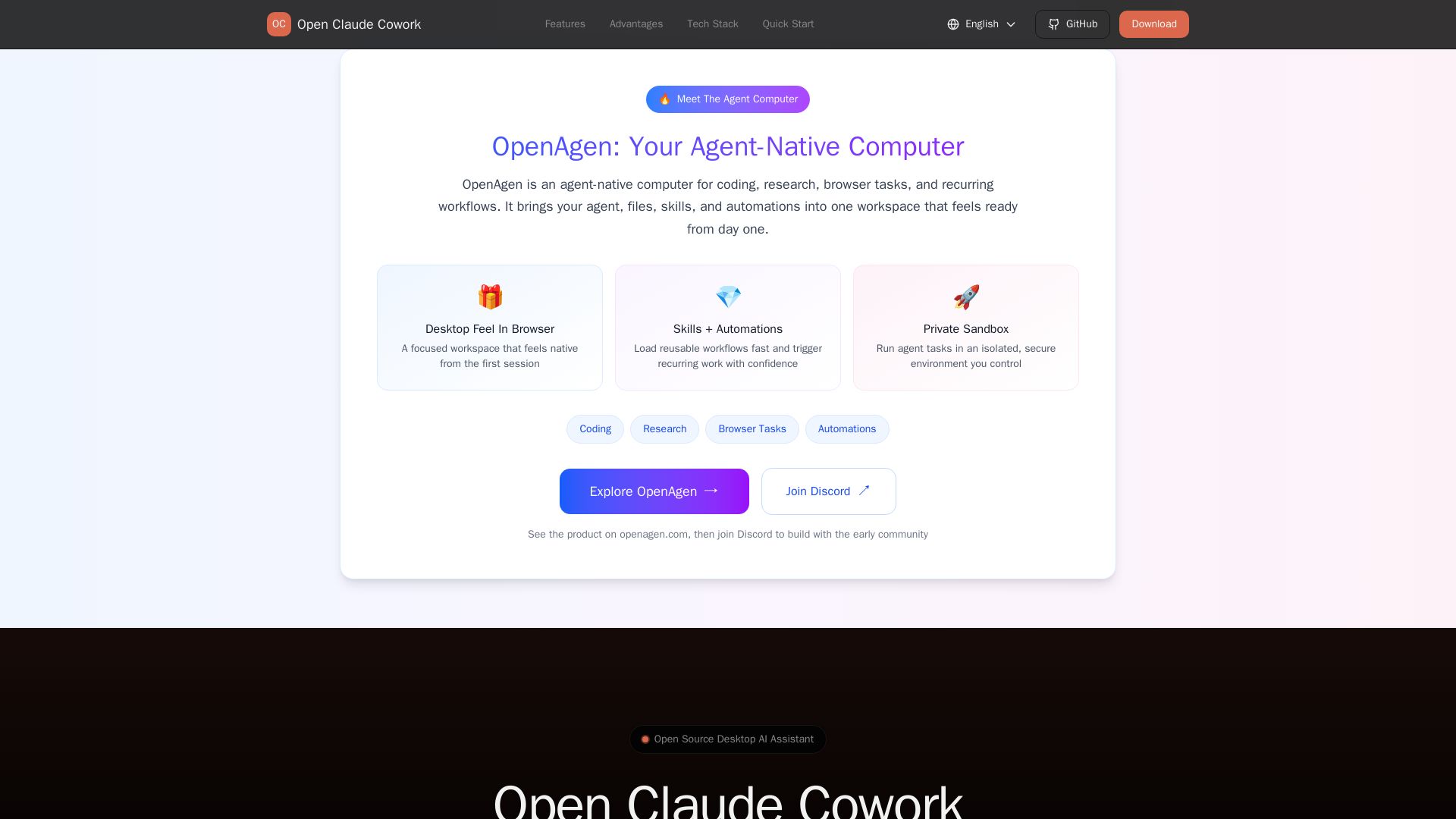
Open Claude Cowork
Bring Claude Code to desktop with visual AI collaboration. Open source assistant for coding, research, browser tasks. Supports Chinese LLMs, session management, and tool control.

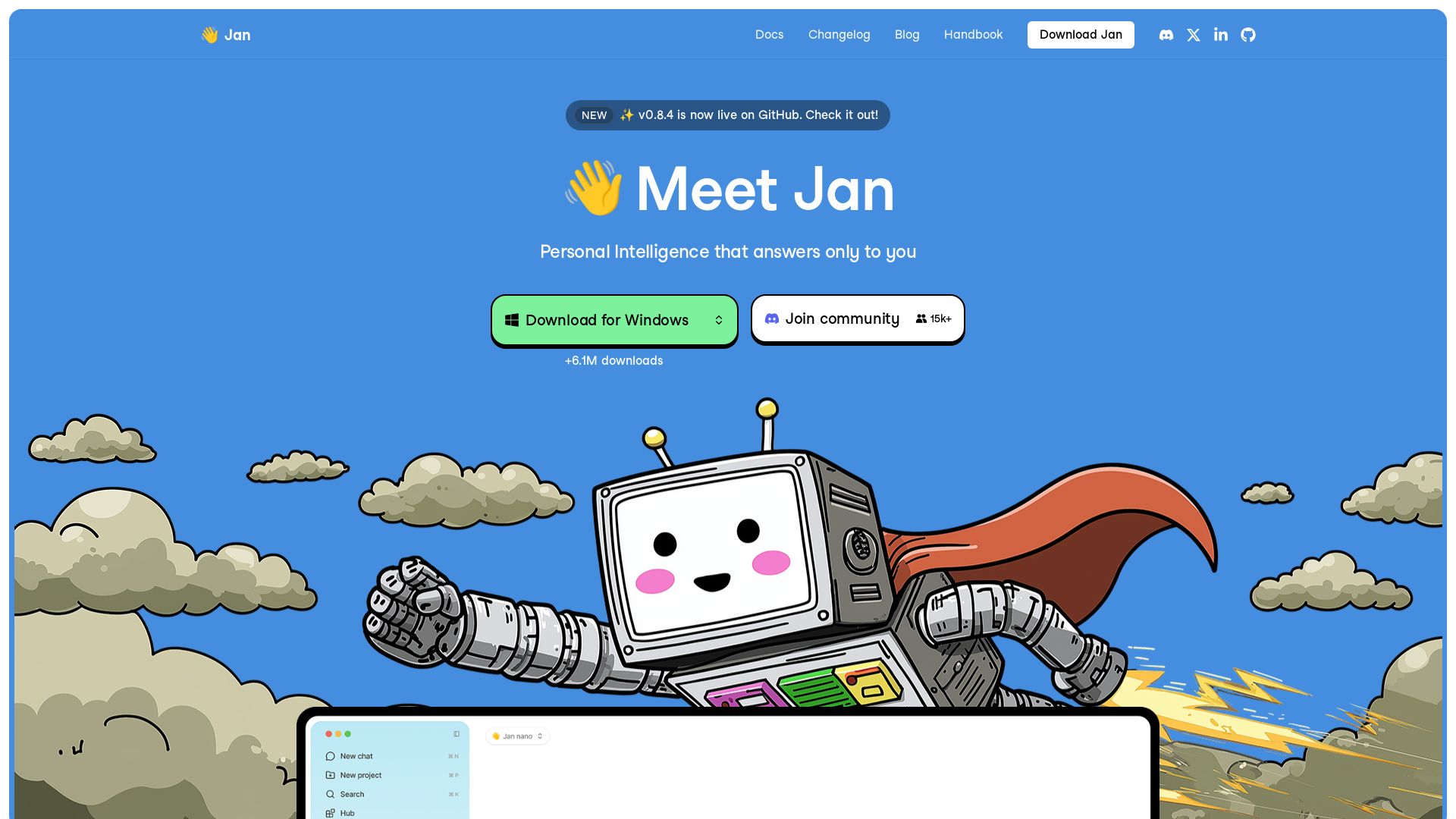
Jan
Meet Jan: your private, open-source AI assistant that runs locally. Free, no API bills, web search, model support. Download for Mac & Windows.

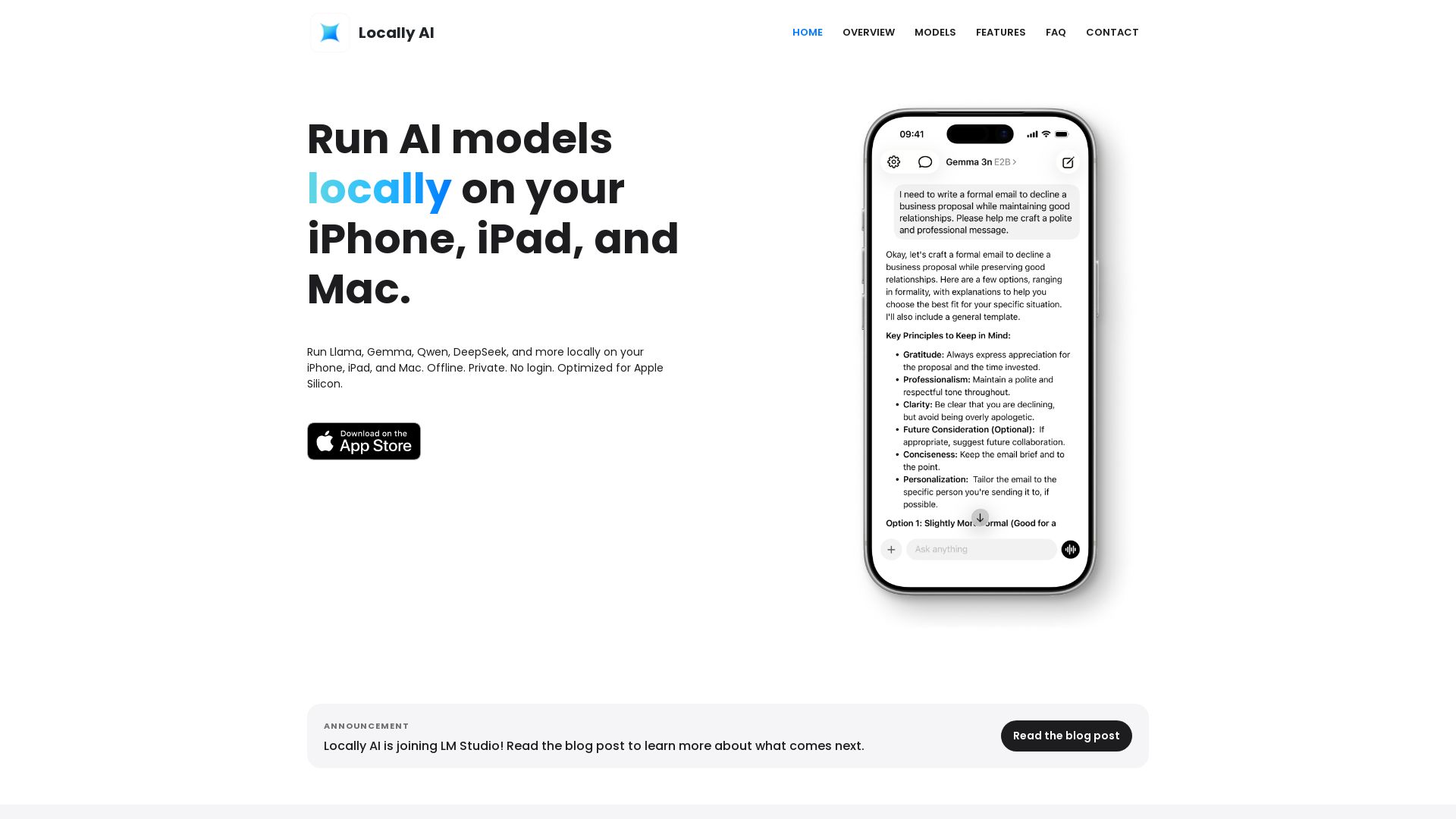
Locally AI
Run Llama, Gemma, DeepSeek & more locally on iPhone, iPad & Mac. Offline, private, no login. Apple Silicon optimized. Download now.


Expo AI Chatbot
Build AI chatbot apps for iOS, Android & web with Expo SDK 54, AI SDK 5, voice, long-term memory, and more. Open-source codebase.

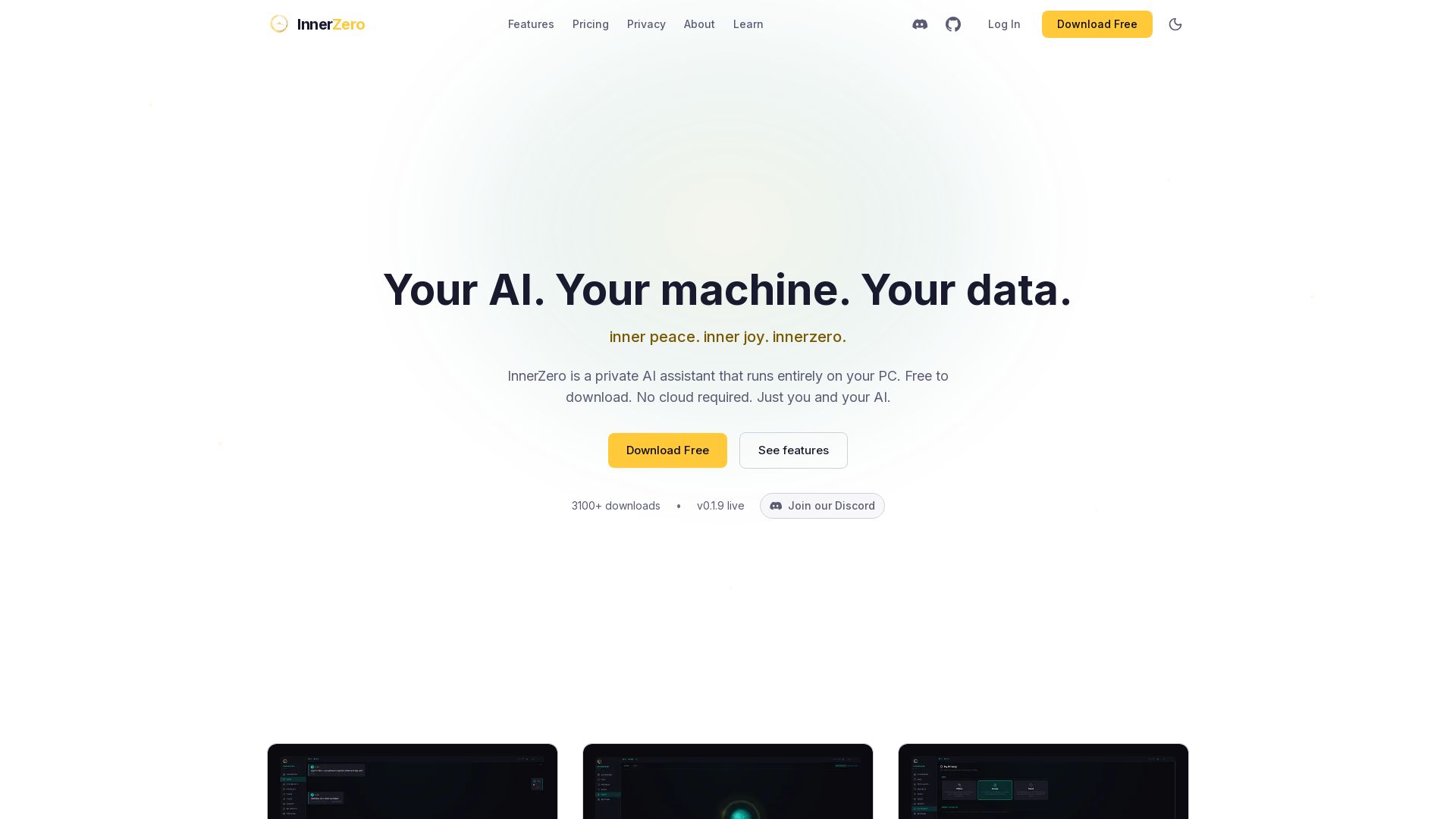
InnerZero
Experience a private AI that runs 100% on your PC. No cloud, no tracking. Voice, memory, multilingual, and free to download. Your data stays yours.


Figr
Ship better UX faster. Figr builds a living understanding of your product, maps flows, finds edge cases, and generates high-fidelity prototypes from your actual design system.

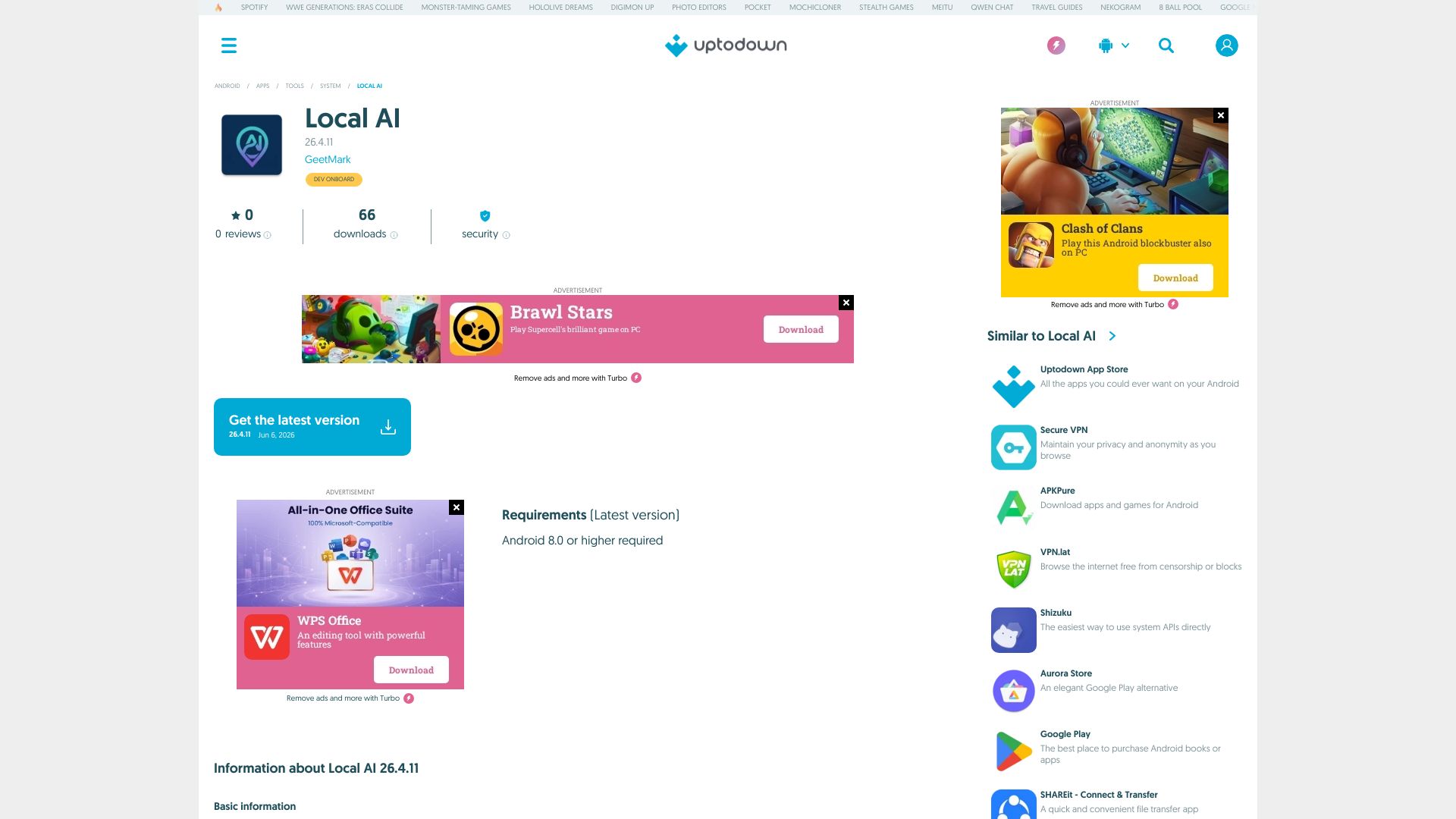
Local AI
Download Local AI for Android. Private, offline AI chat with on-device LLM. No internet needed. Free and secure on Uptodown.

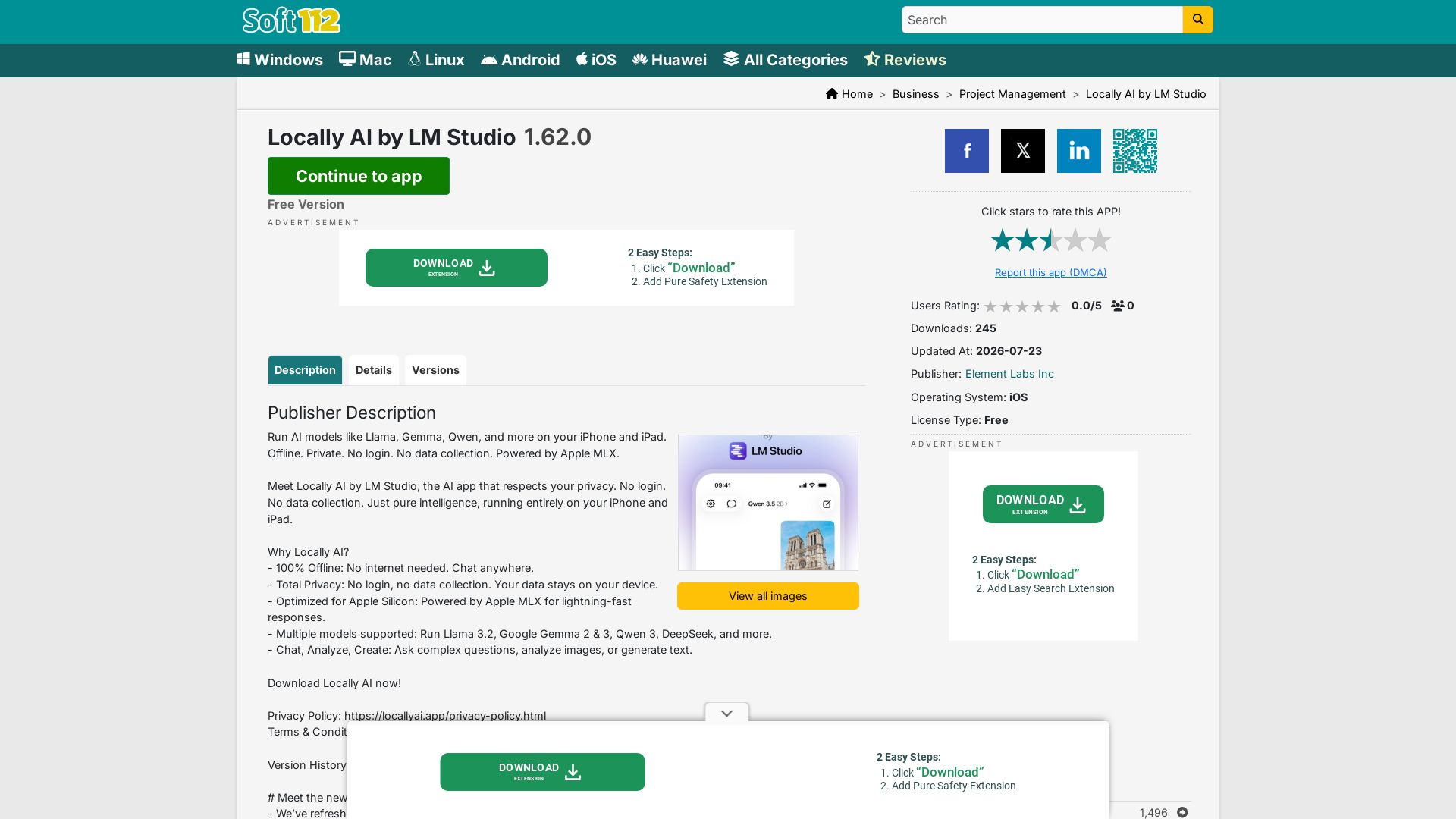
Locally AI
Run AI models like Llama, Gemma, Qwen offline on iPhone/iPad. Private, no login, no data collection. Powered by Apple MLX.

AG2
Build production-ready AI agents in minutes with AG2. Simple syntax, built-in patterns, human-AI collaboration. Open-source multi-agent framework.

ℹ️ Curation Disclosure: The overview and features of AnythingLLM were synthesized using AI and fact-checked by our curation team to ensure accuracy.
