
Open Claude Cowork
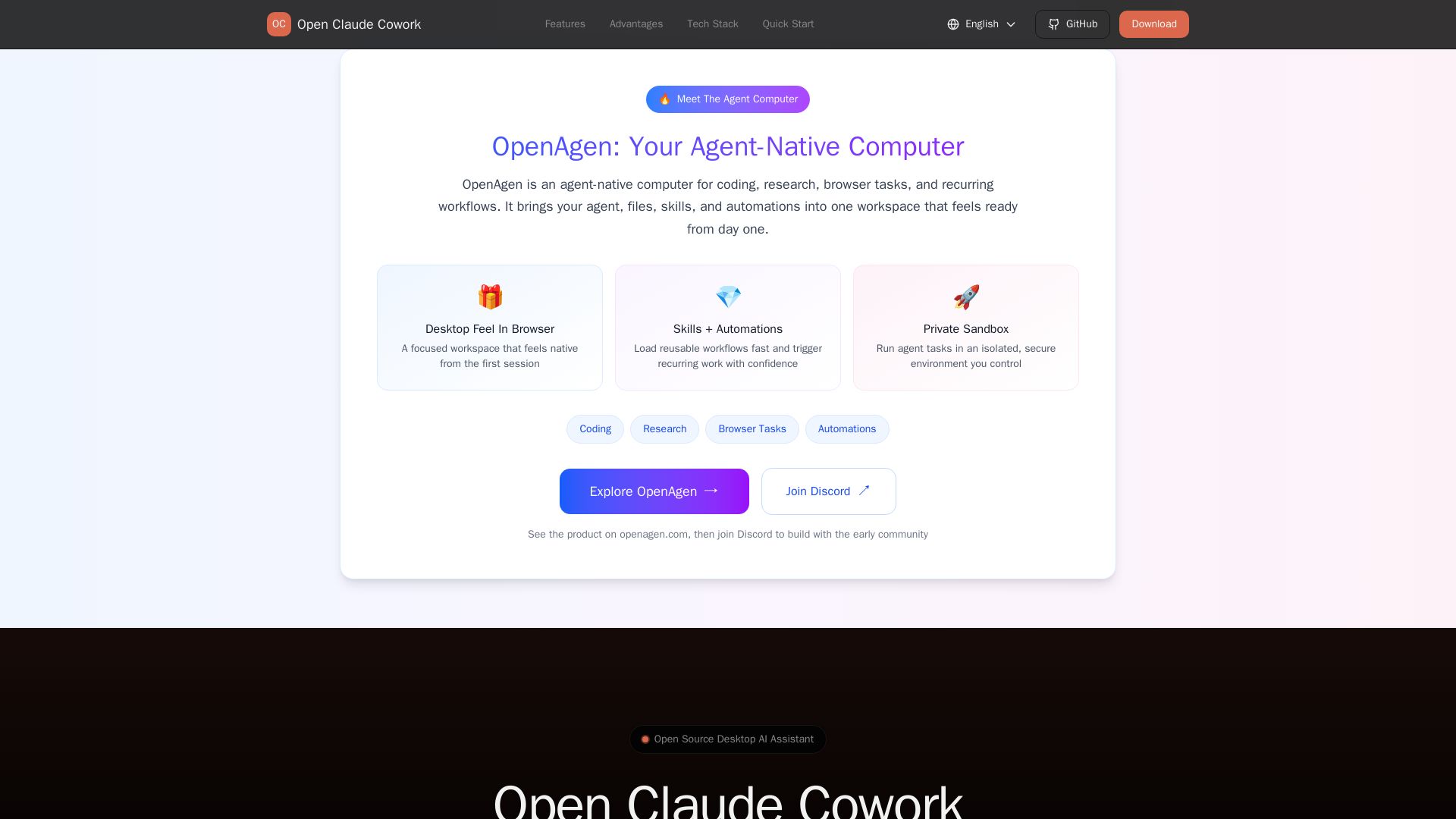
Bring Claude Code to desktop with visual AI collaboration. Open source assistant for coding, research, browser tasks. Supports Chinese LLMs, session management, and tool control.
Editor's Verdict
Key Takeaways
- AI Partner
- Session Management
- Real-time Streaming
- Tool Permission Control
In-Depth Review: What is Open Claude Cowork?
Open Claude Cowork is an open-source desktop application that transforms Claude Code into a visual AI collaboration experience. It provides an AI partner for coding, file management, PPT creation, and research analysis, with a focused workspace that feels native from the first session. Unlike the terminal-only Claude Code, it offers session management with complete history, real-time streaming output, and granular tool permission control, ensuring safe and controllable AI operations. It supports Chinese LLMs like GLM, MiniMax, Kimi, and DeepSeek, and is fully compatible with existing Claude Code configurations. Ideal for developers and researchers seeking a private, secure, and flexible AI assistant.
Core Features
AI Partner
Execute code, manage files, create PPTs, and analyze research using natural language. Supports any programming language.
Session Management
Create sessions with custom working directories and restore any historical conversation. Complete local session history with SQLite storage, supports secure deletion and automatic persistence.
Real-time Streaming
Token-by-token streaming output to see Claude's reasoning process. Supports Markdown rendering and syntax highlighting, visual tool calls and status indicators.
Tool Permission Control
Sensitive operations require explicit approval, allow or deny by tool. Interactive decision panel gives you full control over Claude's behavior.
Configuration Reuse
Directly reuse ~/.claude/settings.json configuration, same API keys, base URL, models. Configure once, use everywhere.
Desktop Feel In Browser
A focused workspace that feels native from the first session.
Skills + Automations
Load reusable workflows fast and trigger recurring work with confidence.
Private Sandbox
Run agent tasks in an isolated, secure environment you control.
Pricing
Free
- AI Partner (code, files, PPT, research & analysis)
- Session Management (history saved, resume anytime)
- Real-time Streaming
- Tool Permission Control
- Configuration Reuse
- No Claude Max subscription required
- Supports Chinese LLMs (GLM, MiniMax, Kimi, DeepSeek etc.)
- Visual desktop interface
- Private sandbox
Pros and Cons
Pros
- No Claude Max Subscription RequiredUnlike Claude Code, Open Claude Cowork does not require a Claude Max subscription, making it more accessible.
- Supports Chinese LLMsSupports Zhipu GLM, MiniMax, Kimi, DeepSeek and other Chinese LLMs, offering lower cost and more options.
- Visual InterfaceProvides a desktop graphical interface instead of terminal-only, making it more user-friendly.
- Session PersistenceComplete session history stored locally, allowing you to resume anytime, unlike Claude Code which has no session history.
- Tool Permission ControlSensitive operations require explicit authorization, giving you full control over AI behavior.
Cons
Use Cases & Recommended Professions
Software Engineer→ View Toolkit
Use natural language to write code, manage files, and automate repetitive tasks, improving productivity.
Data Scientist→ View Toolkit
Analyze research data, run experiments, and create visualizations with AI assistance in a sandboxed environment.
Content Creator→ View Toolkit
Generate presentations (PPT), write content, and manage files using AI, saving time on creative tasks.
Researcher→ View Toolkit
Perform browser-based research, summarize findings, and organize information with session history for later reference.
Product Manager→ View Toolkit
Automate recurring workflows and coordinate tasks using AI skills, streamlining project management.
Technical Writer→ View Toolkit
Create documentation, edit code snippets, and collaborate with AI in a focused workspace with permission control.
Frequently Asked Questions
Alternative AI Tools
View Detailed Comparison →
Figr
Ship better UX faster. Figr builds a living understanding of your product, maps flows, finds edge cases, and generates high-fidelity prototypes from your actual design system.

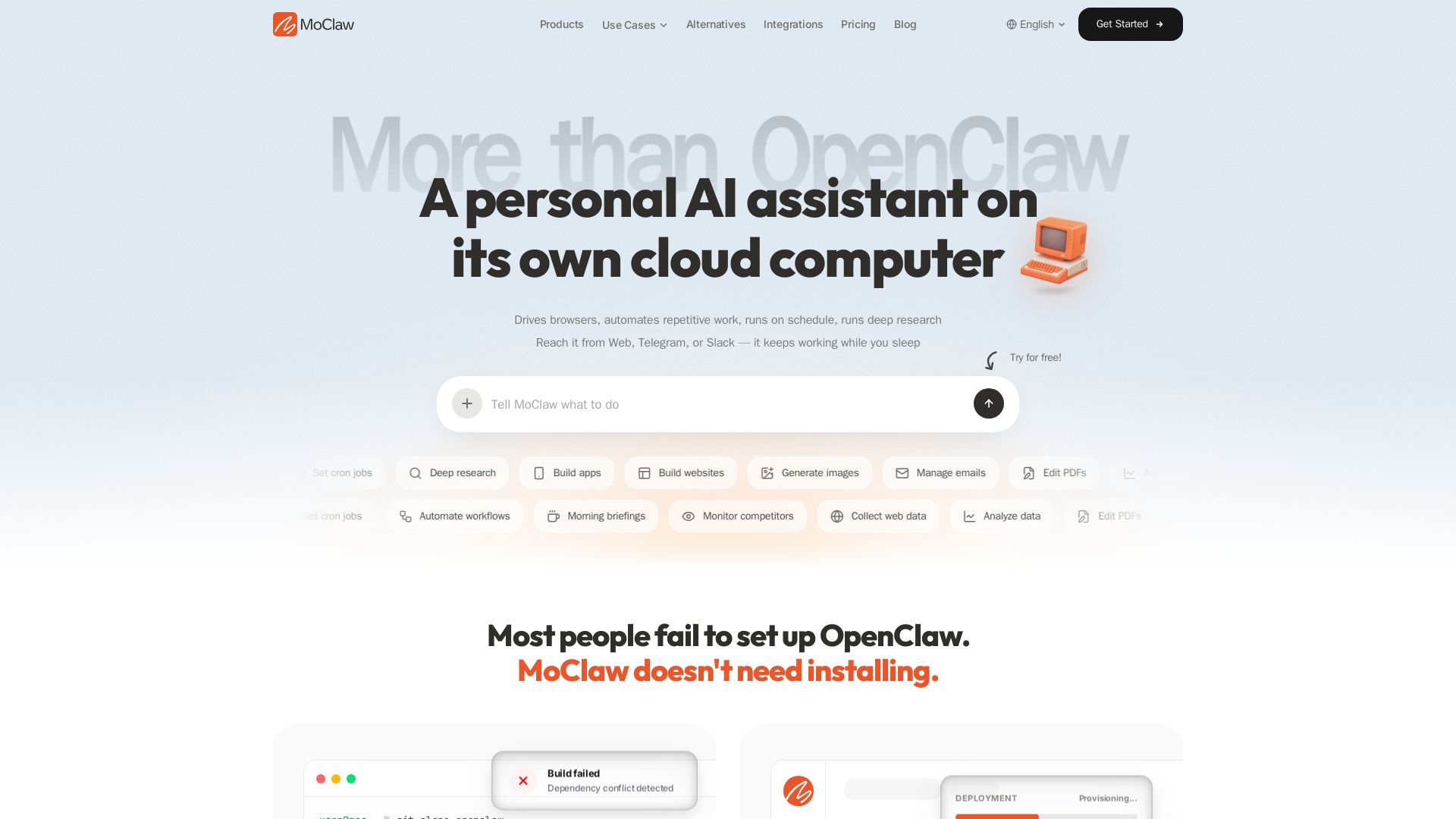
MoClaw
Automate tasks, research, and workflows with MoClaw's always-on AI computer. No setup, no crashes. Deep research, browser control, scheduling. Try free.


OpenCode
OpenCode is a free, open-source AI coding assistant supporting multiple providers (OpenAI, Anthropic, local models) with CLI/TUI, custom tools, and privacy-centric local execution.

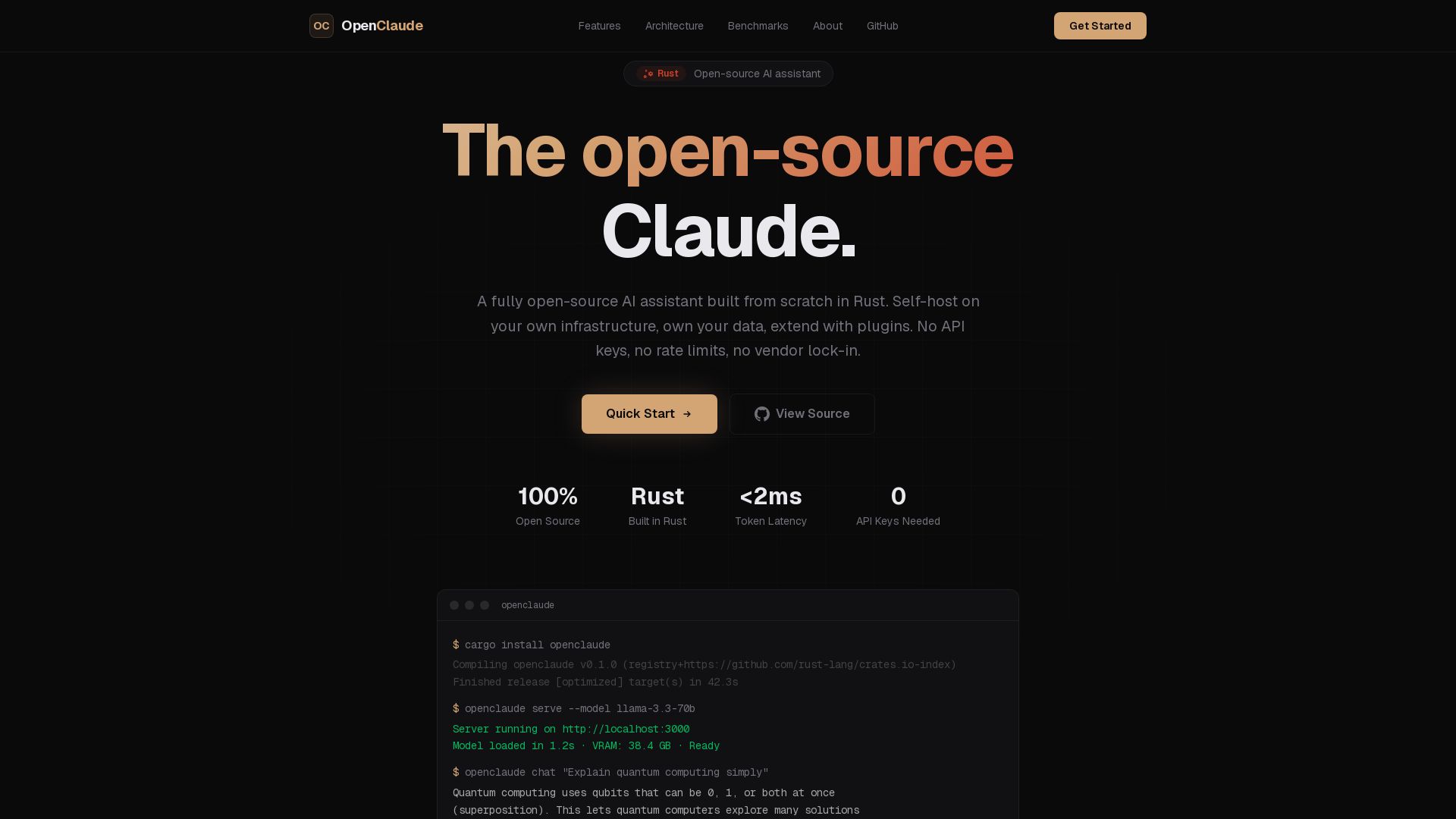
OpenClaude
A fully open-source AI assistant built in Rust. Self-host on your own infrastructure, own your data. No API keys, no vendor lock-in.


Continue
Create, share, and use custom AI code agents with Continue. Features agent, chat, edit modes, and autocomplete for VS Code and JetBrains.


HIX AI
HIX AI is an AI agent workspace that lets you research, create slides, videos, images, and more with one tool. Boost productivity with deep research and automated content creation.

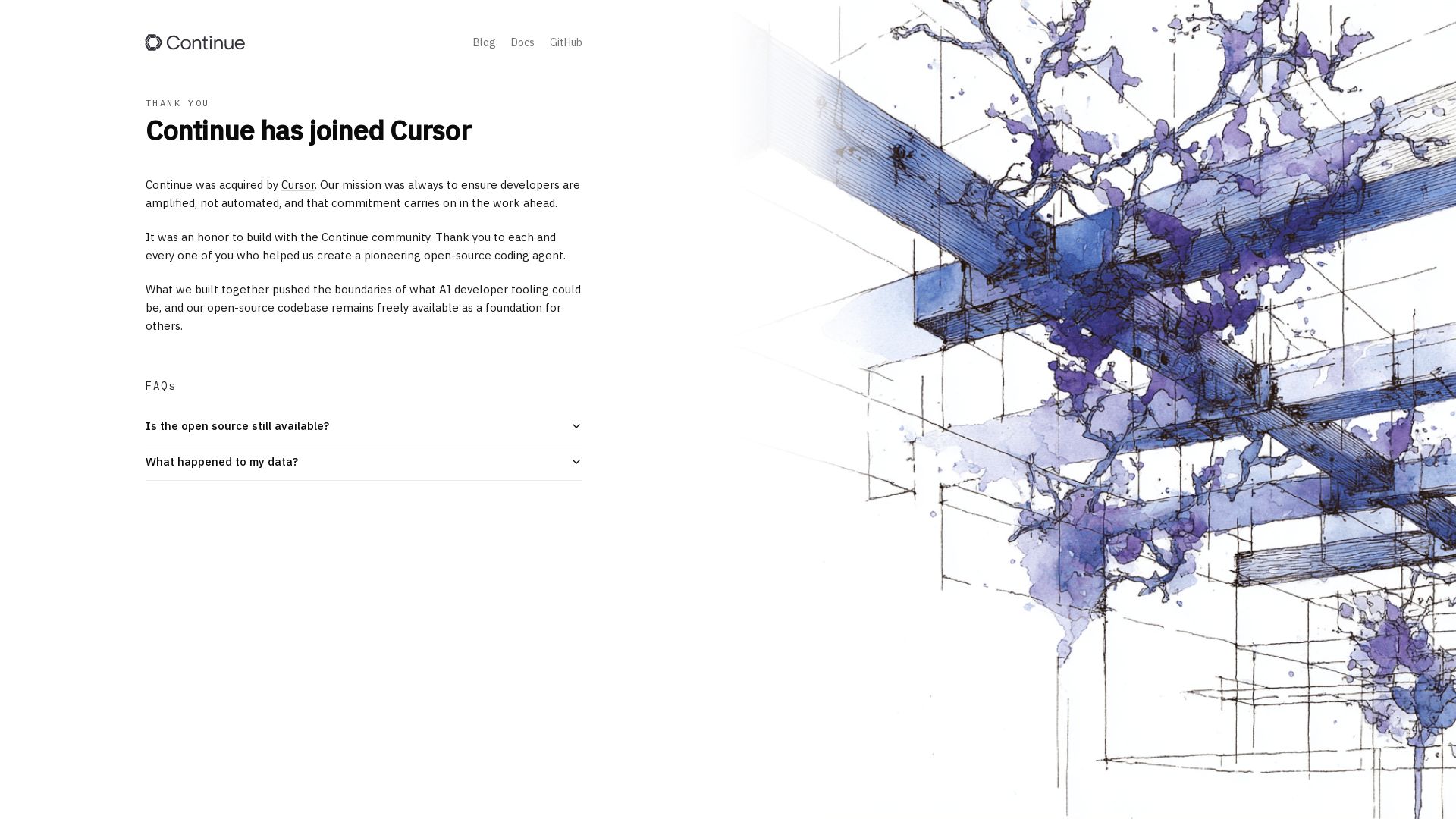
Continue
Continue, the pioneering open-source coding agent, has been acquired by Cursor. Our mission to amplify developers continues. Explore FAQs and more.

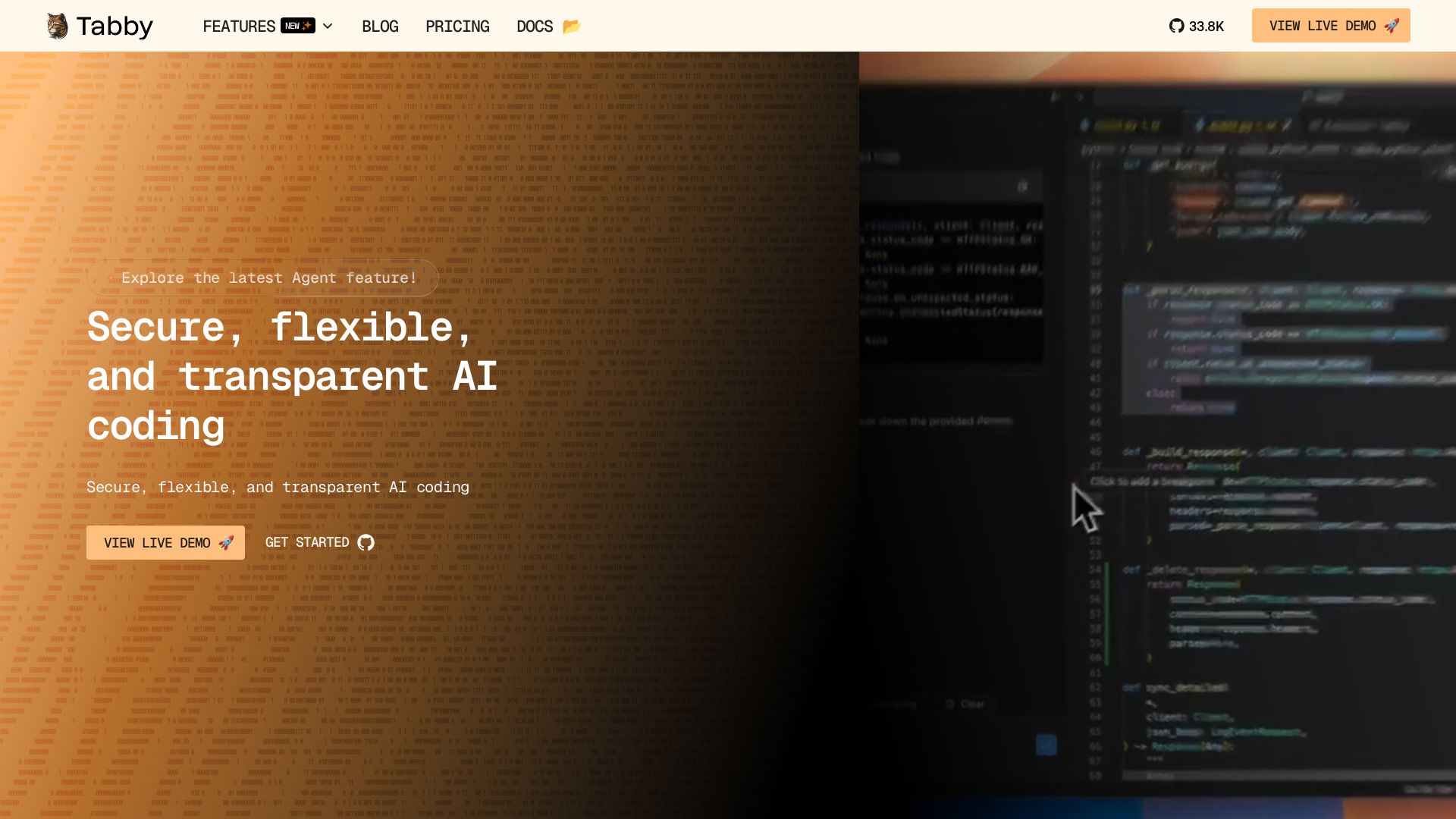
Tabby
Self-hosted, secure AI coding assistant with code completion, answer engine, and inline chat. Private and flexible.

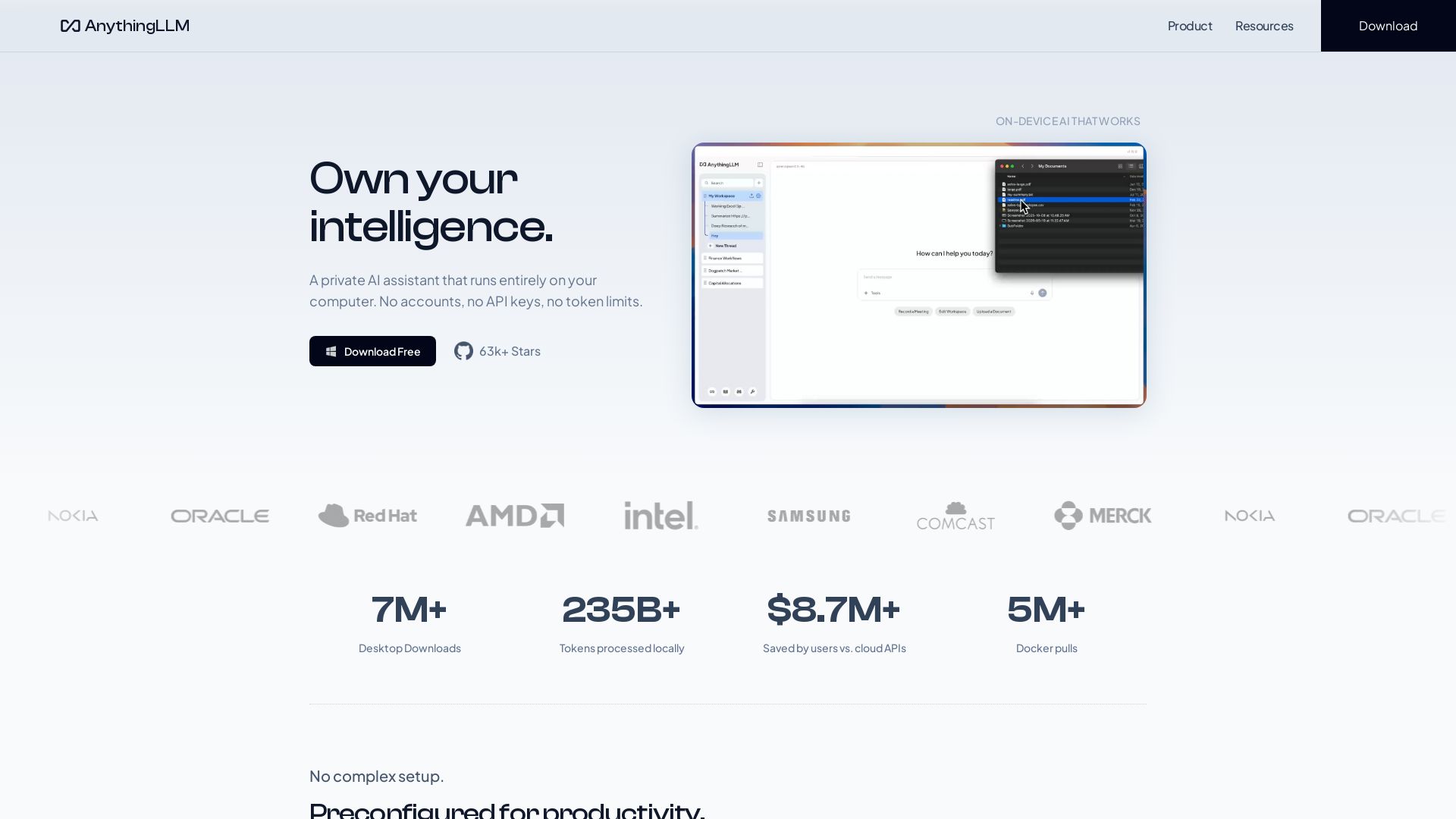
AnythingLLM
Free, open-source private AI assistant. Runs locally on your computer. No cloud, no accounts. Includes document knowledge, meeting assistant, and more.

OpenCode
OpenCode is an open-source, terminal-native AI coding assistant supporting Claude, GPT-4, Gemini, and local models. Boost productivity with agent mode and seamless CLI integration.

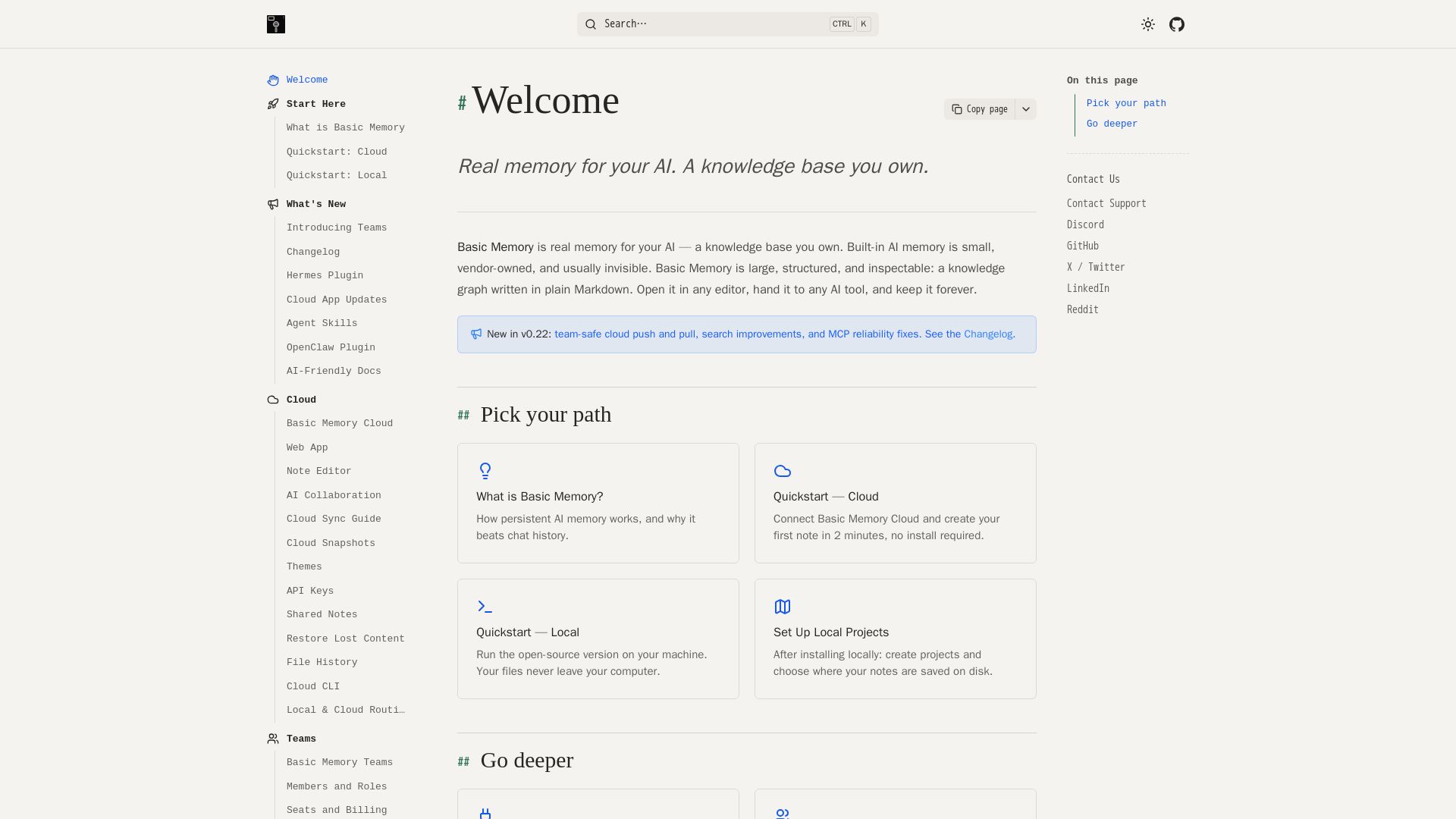
Basic Memory
Persistent, structured, and inspectable AI memory in Markdown. Open source, works with Claude, ChatGPT, and more. Own your knowledge graph.

ChatGPT
ChatGPT is an AI assistant that lets you chat, generate images, do deep research, and more. Sign up for free.

ℹ️ Curation Disclosure: The overview and features of Open Claude Cowork were synthesized using AI and fact-checked by our curation team to ensure accuracy.
