
OpenCode
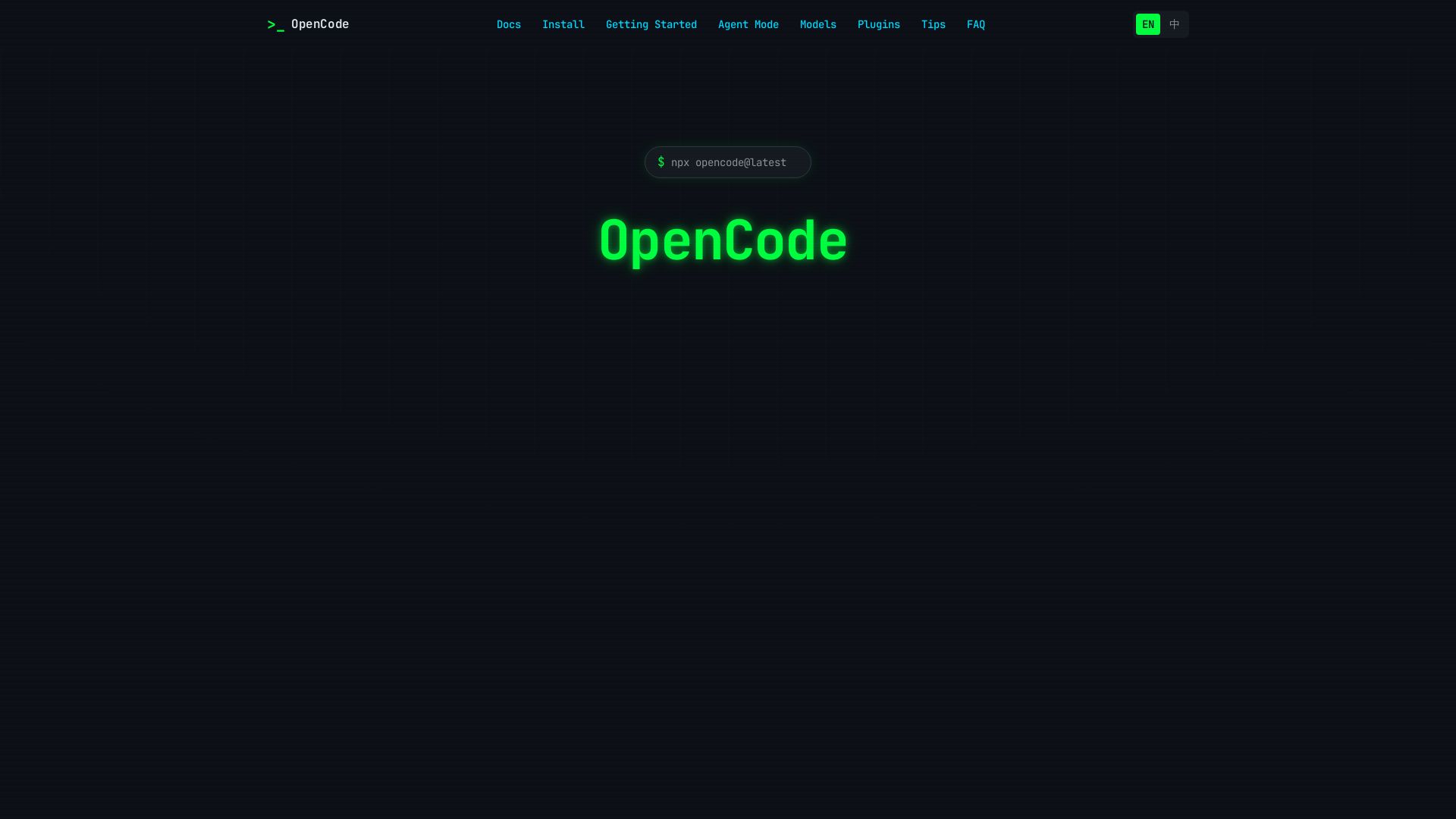
OpenCode is an open-source, terminal-native AI coding assistant supporting Claude, GPT-4, Gemini, and local models. Boost productivity with agent mode and seamless CLI integration.
Editor's Verdict
Key Takeaways
- Terminal Native
- Multiple Models
- Agent Mode
- Open Source
In-Depth Review: What is OpenCode?
OpenCode brings powerful AI assistance directly to your terminal. As an open-source tool, it supports multiple AI models including Claude, GPT-4, and Gemini. With agent mode, it can autonomously handle complex coding tasks like refactoring and debugging. Get started in seconds with a single command and write better code faster.
Core Features
Terminal Native
Works directly in your terminal without the need for a browser or IDE plugin.
Multiple Models
Support for Claude, GPT-4, Gemini, and local models via Ollama.
Agent Mode
Let AI handle complex tasks autonomously with file editing and command execution.
Open Source
Fully open source. Inspect, modify, and contribute to the codebase.
Pros and Cons
Pros
- Terminal NativeSeamless integration into your command-line workflow without leaving the terminal.
- Multiple Model SupportFlexibility to choose from various AI models including local ones via Ollama.
- Agent ModeAutonomous task handling saves time on complex coding tasks.
- Open SourceTransparency and community contributions enhance trust and customizability.
- Easy SetupQuick installation via npx or curl script and simple API key configuration.
Cons
- Requires API KeyUsers must obtain and configure an API key for cloud models.
- Terminal-Only InterfaceNo graphical user interface may be less intuitive for some users.
- Learning CurveNew users may need to familiarize themselves with command-line AI interactions.
Use Cases & Recommended Professions
Software Engineer→ View Toolkit
Speed up coding tasks, refactor code, and get AI assistance directly in the terminal.
DevOps Engineer→ View Toolkit
Automate infrastructure scripts and command-line operations with AI.
Data Scientist→ View Toolkit
Write and debug data processing scripts efficiently in the terminal.
Full Stack Developer→ View Toolkit
Get help with frontend and backend code without switching tools.
Technical Writer→ View Toolkit
Generate code snippets and documentation examples quickly.
System Administrator→ View Toolkit
Automate repetitive command-line tasks and system scripts.
Frequently Asked Questions
Alternative AI Tools
View Detailed Comparison →
Continue
Create, share, and use custom AI code agents with Continue. Features agent, chat, edit modes, and autocomplete for VS Code and JetBrains.


OpenCode
OpenCode is a free, open-source AI coding assistant supporting multiple providers (OpenAI, Anthropic, local models) with CLI/TUI, custom tools, and privacy-centric local execution.


AI Hero
Master AI-assisted coding with proven engineering fundamentals. Learn to make codebases agents love, control AI output quality, and build real skills. Join 70k+ developers.

Tabby
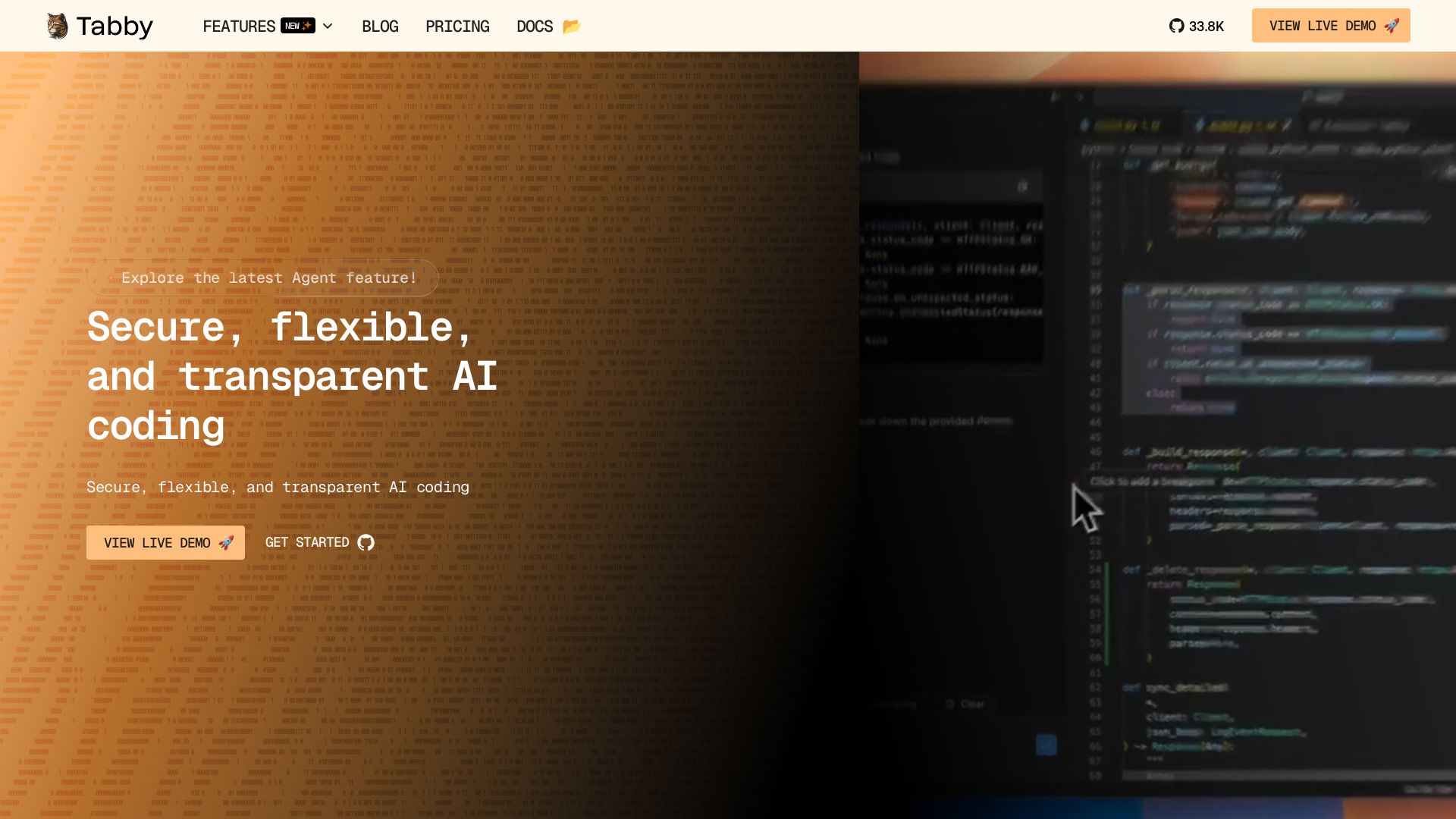
Self-hosted, secure AI coding assistant with code completion, answer engine, and inline chat. Private and flexible.

Tabby
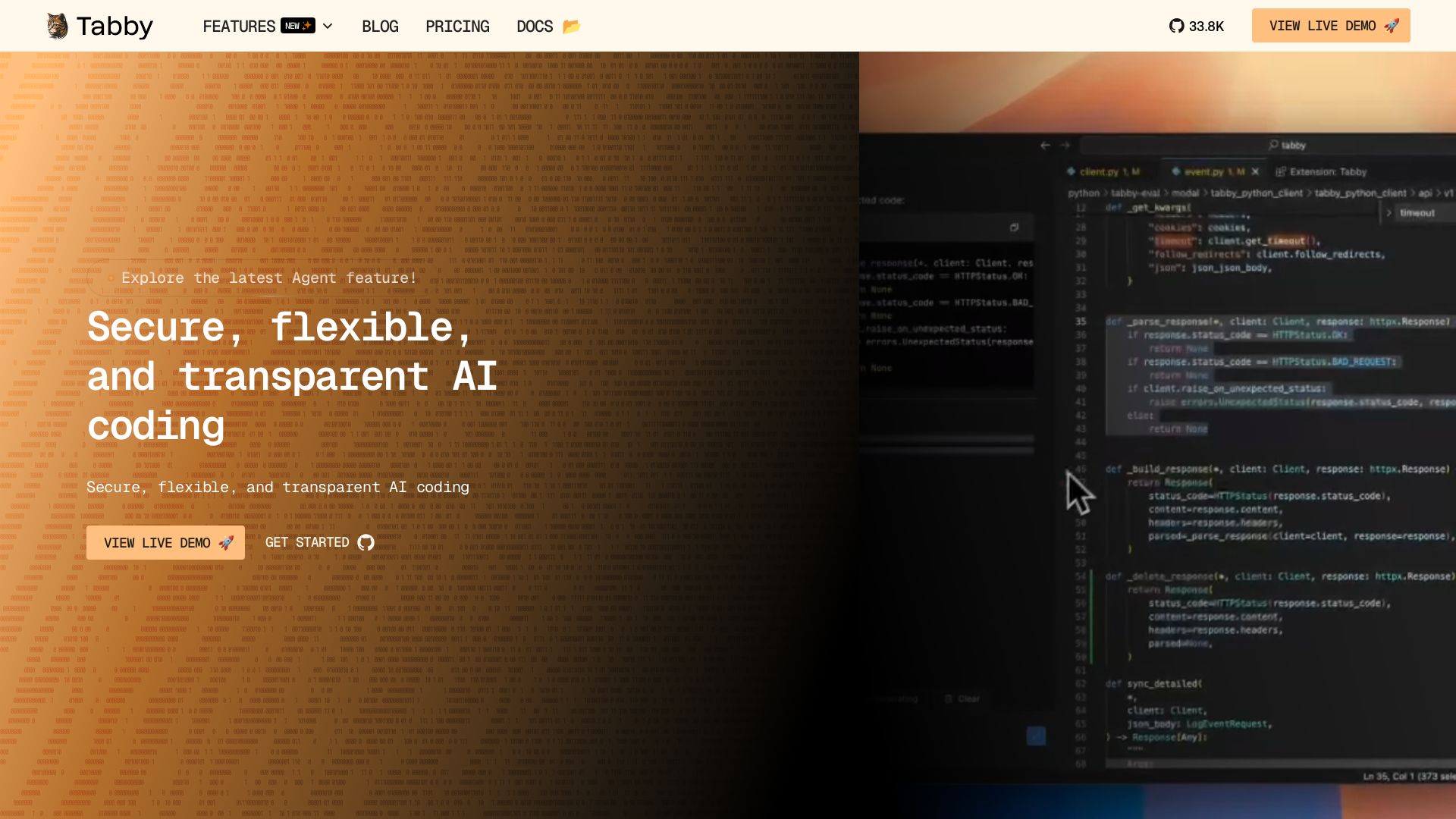
Accelerate coding with Tabby's AI-powered code completion, answer engine, and inline chat. Self-hosted, secure, and flexible. Supports VS Code, Neovim, IntelliJ, and more.

CodeGPT
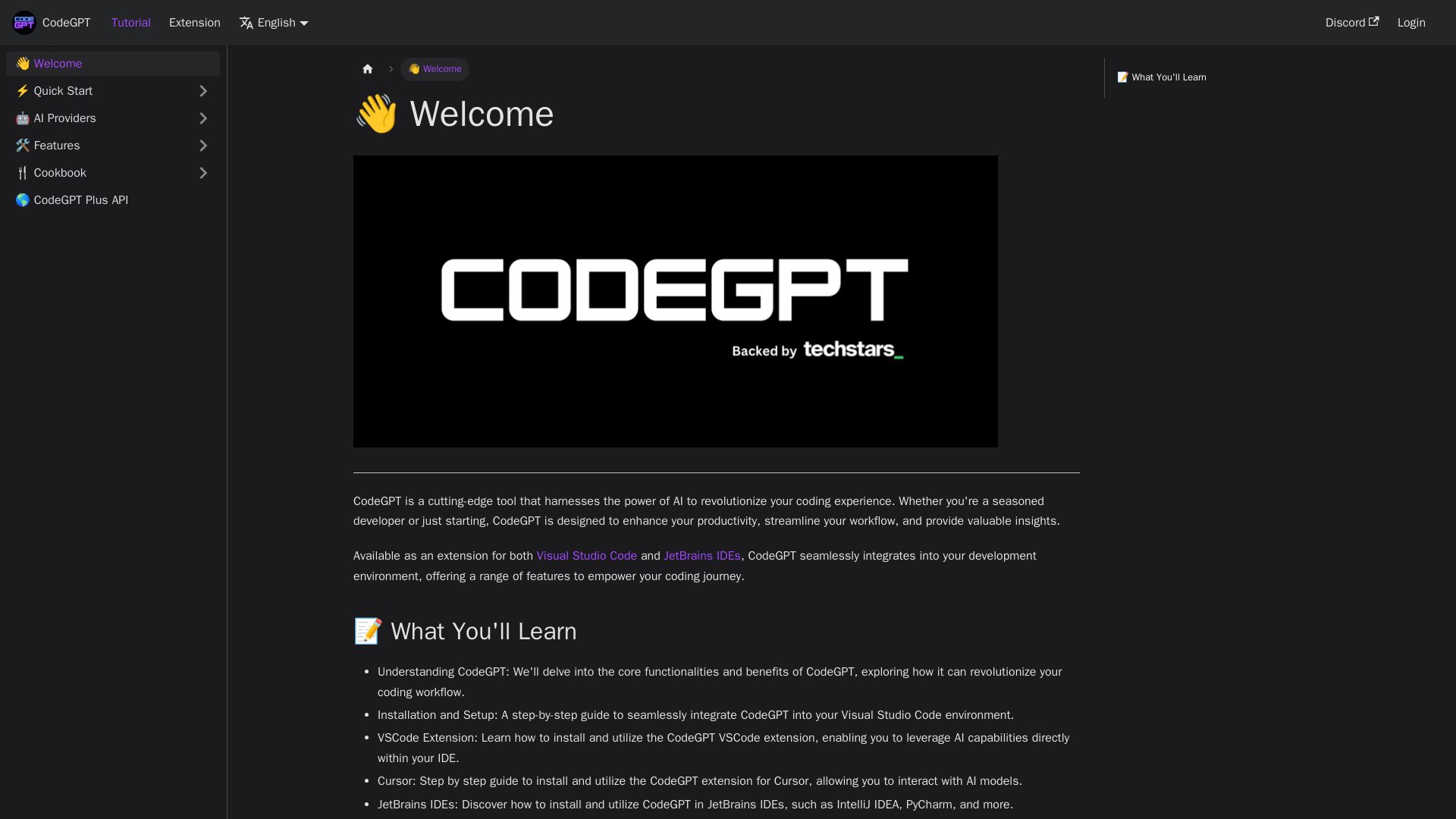
Supercharge your coding with CodeGPT. AI-driven code generation, debugging, and agents. Seamlessly integrates with VS Code and JetBrains IDEs.

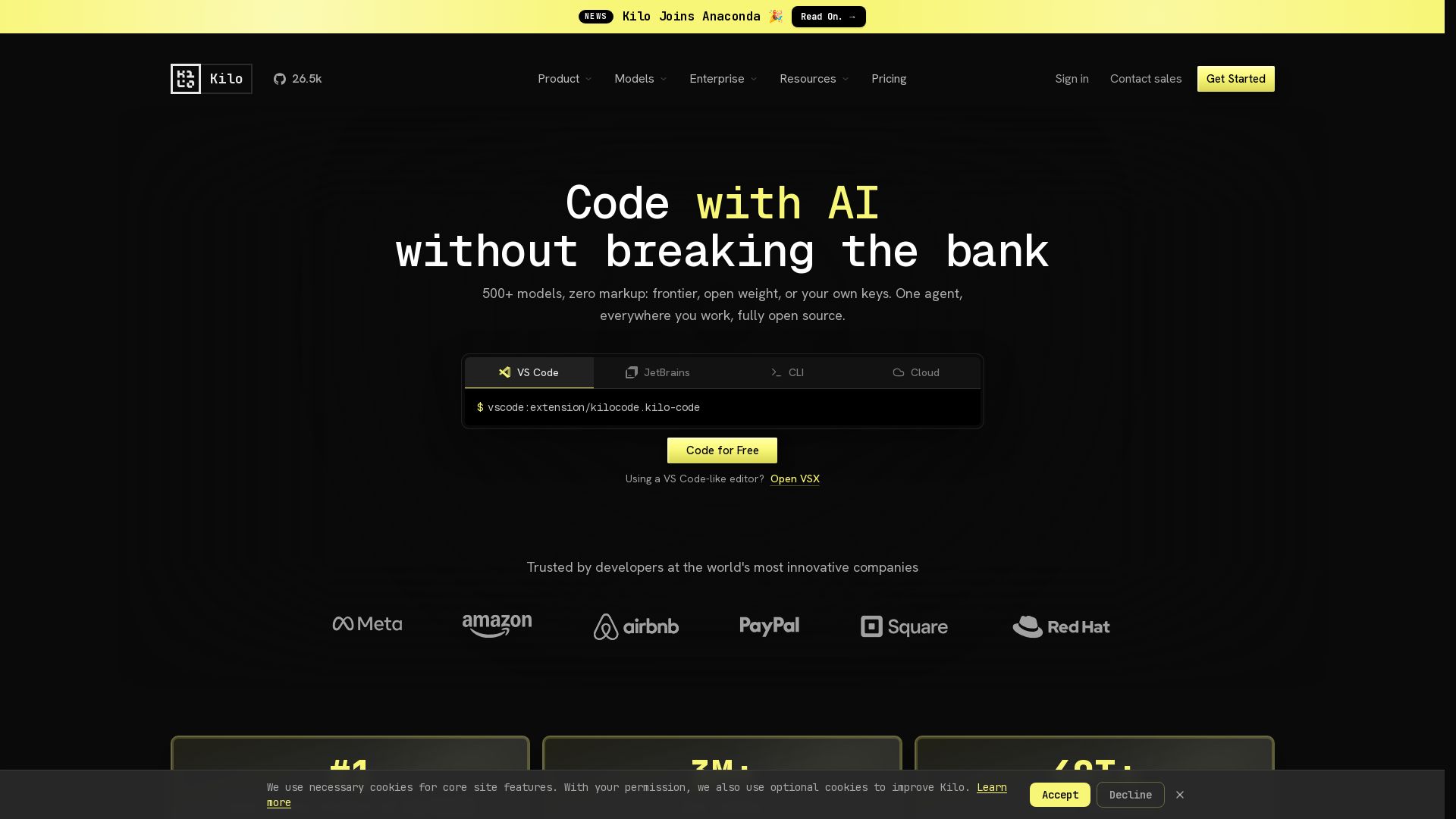
Kilo
Free AI coding tool with 500+ models at cost. Open source, no lock-in. Works in VS Code, JetBrains, CLI, and cloud. Trusted by 3M+ developers.

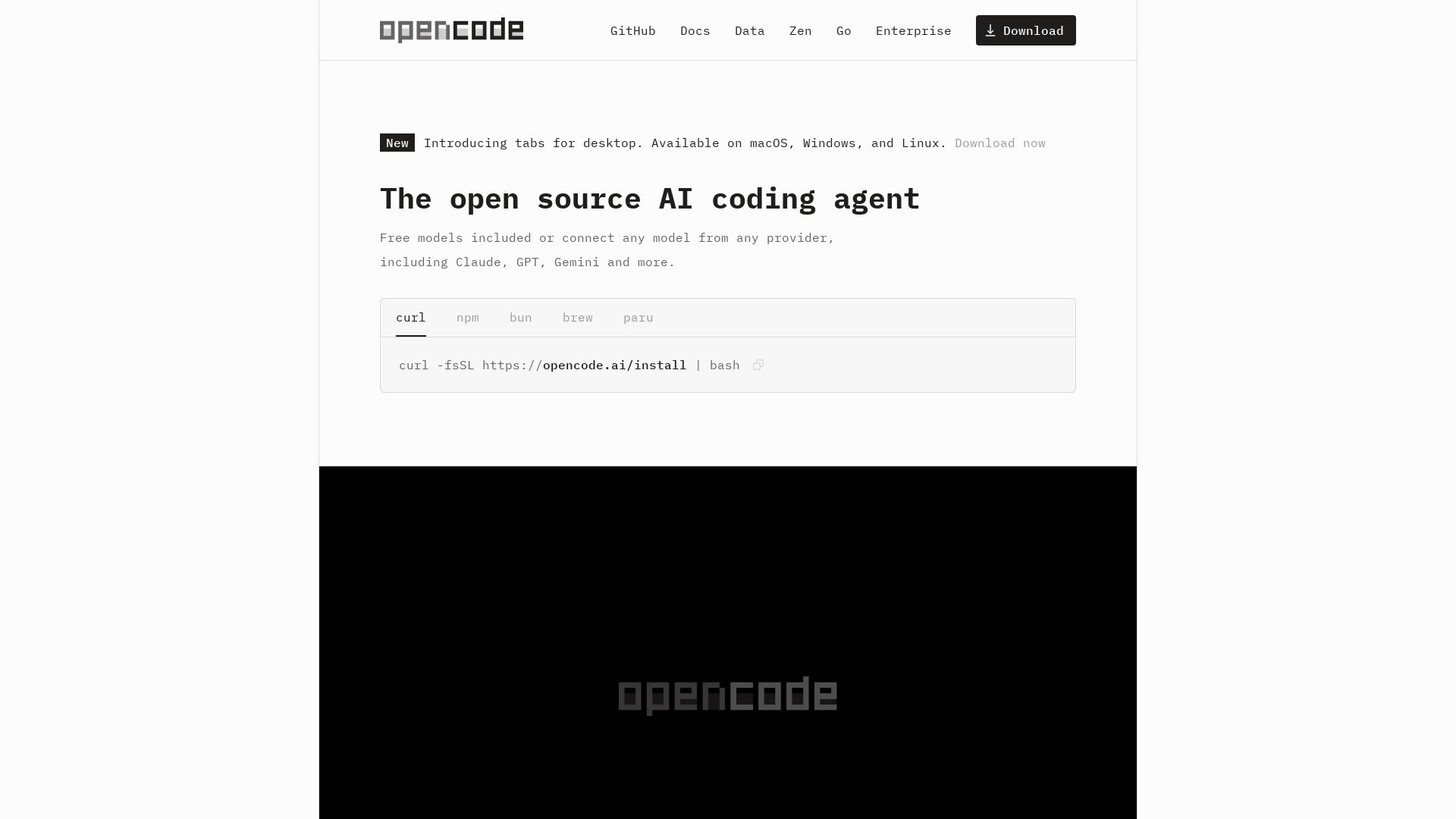
OpenCode
OpenCode: open source AI coding agent for terminal, IDE, or desktop. Free models, any provider, privacy-first. 160K+ GitHub stars.

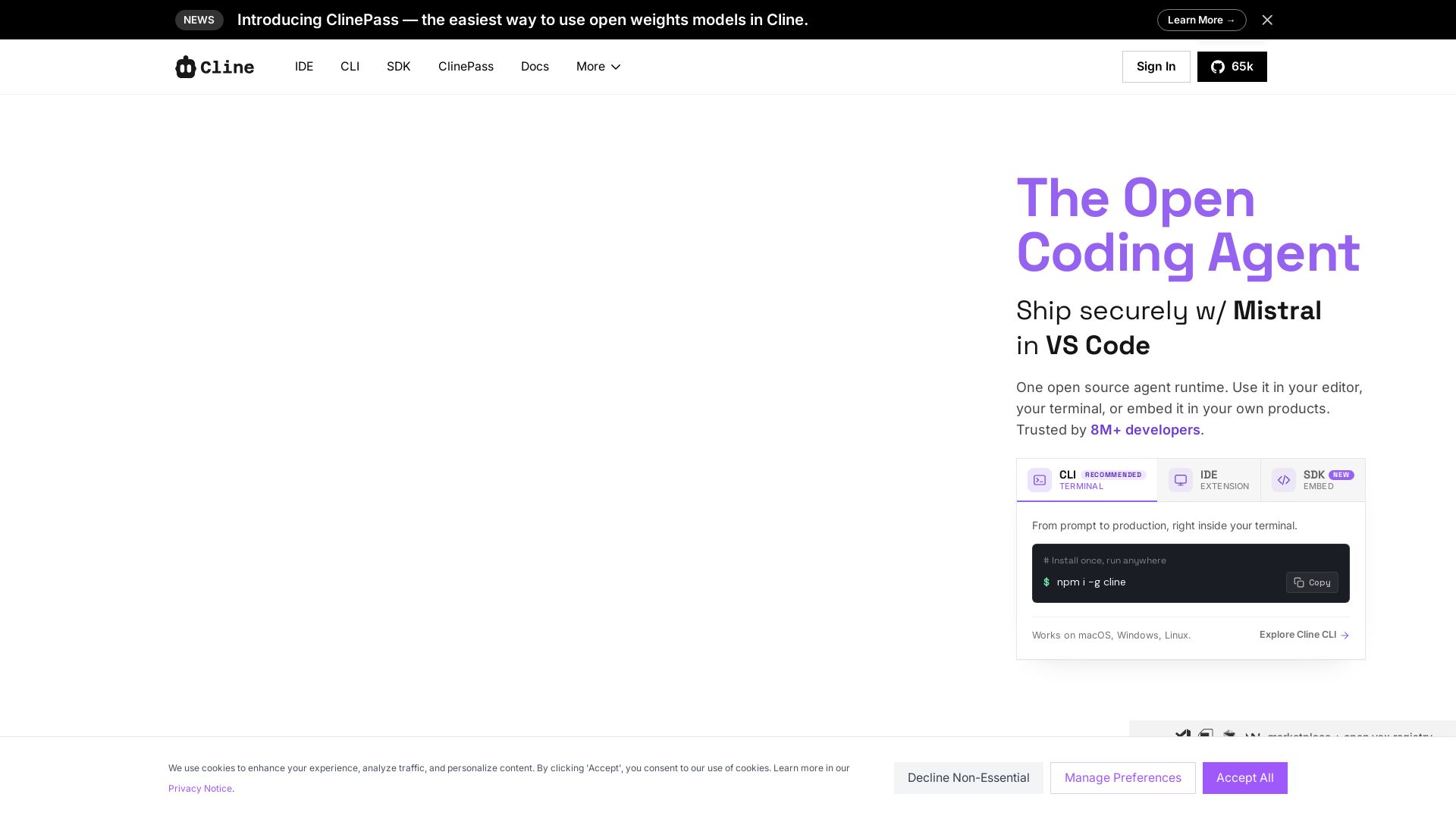
Cline
Cline is the open source AI coding agent that helps you ship secure code with Claude in VS Code, terminal, and more. Plan, act, and automate across your workflow.

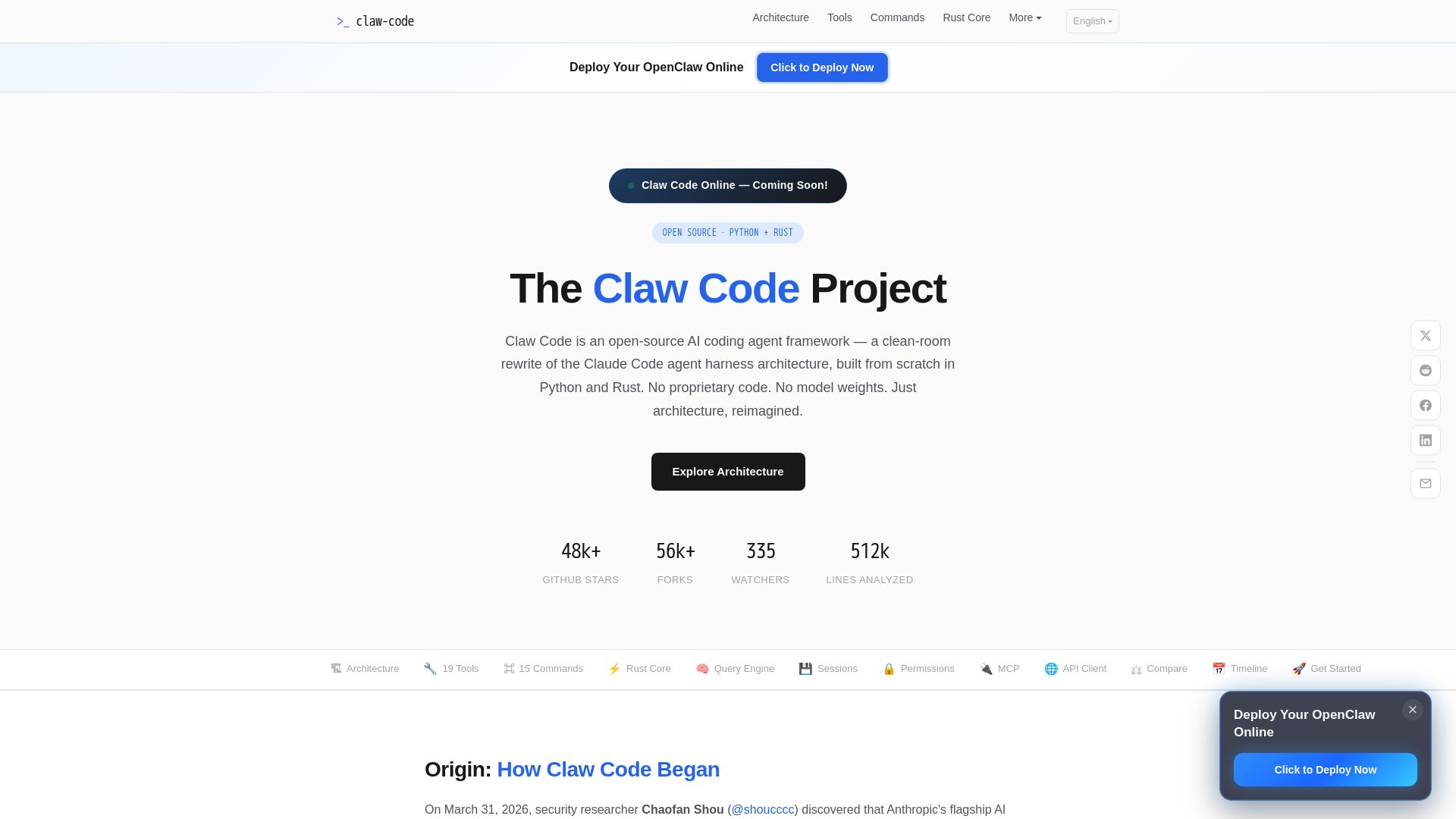
Claw Code
Clean-room Python & Rust rewrite of Claude Code architecture. 19 tools, multi-agent orchestration, MCP support. Free & open-source.

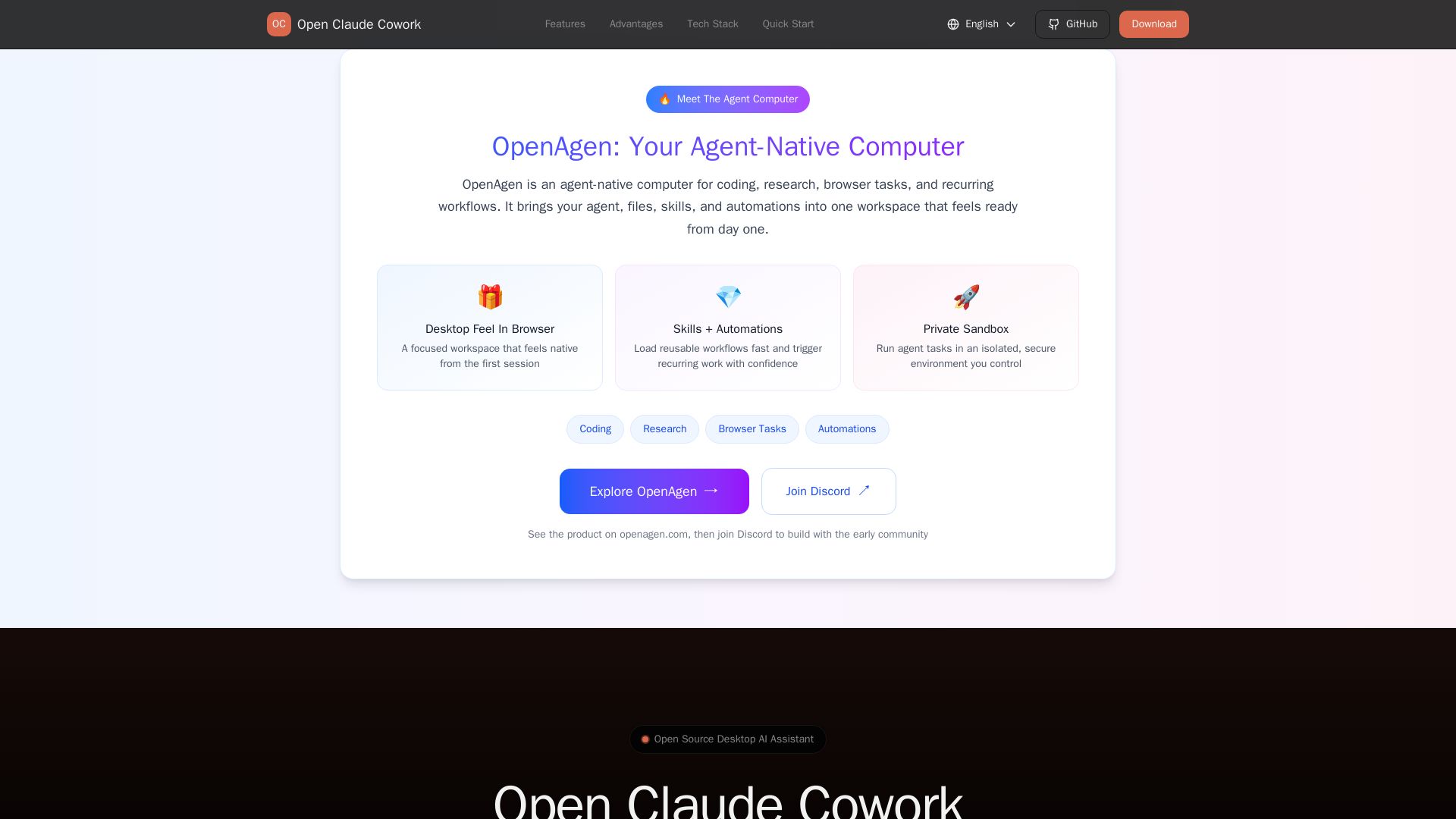
Open Claude Cowork
Bring Claude Code to desktop with visual AI collaboration. Open source assistant for coding, research, browser tasks. Supports Chinese LLMs, session management, and tool control.

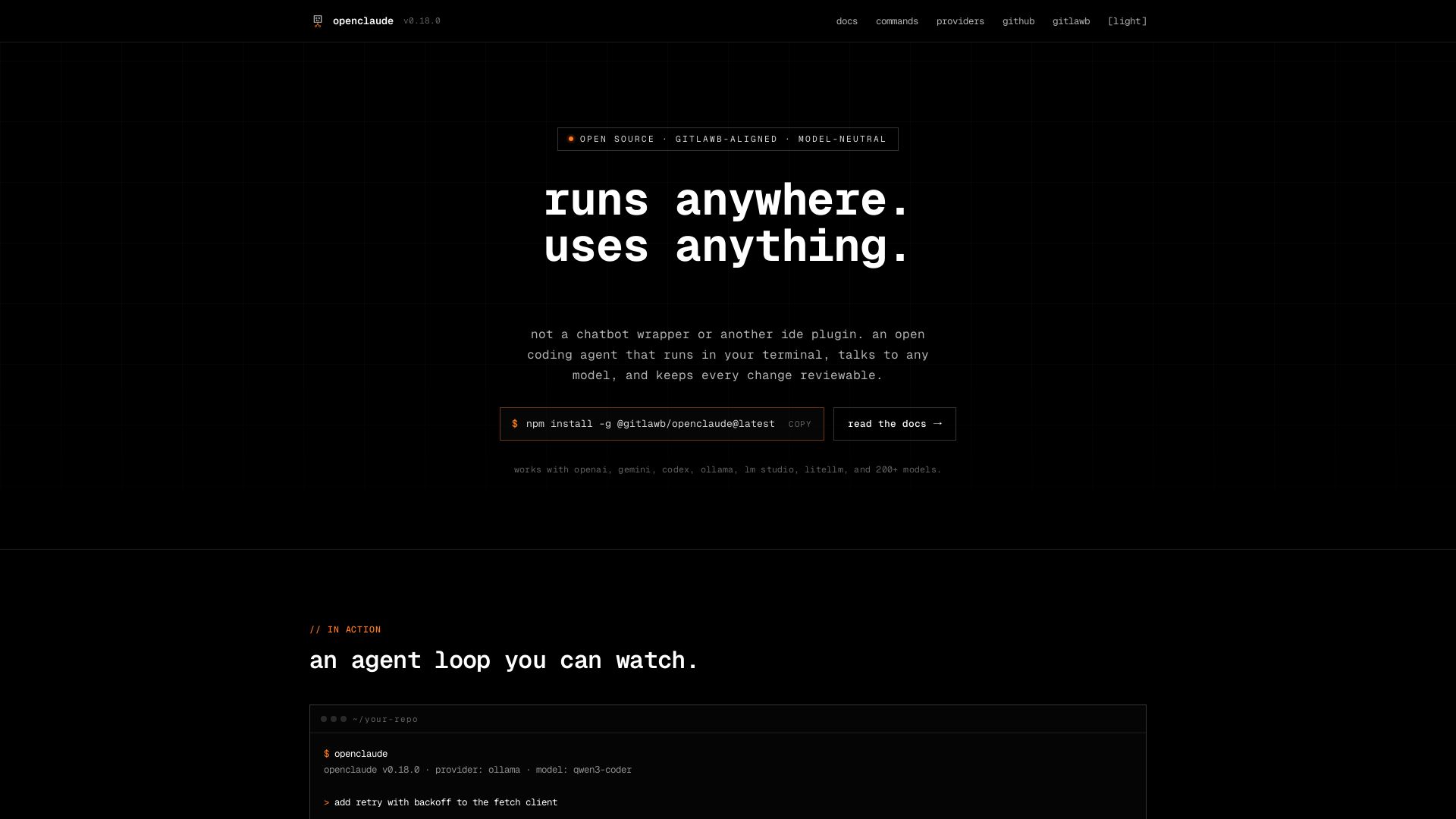
openclaude
An open coding agent that runs in your terminal, talks to any model, and keeps every change reviewable. Works with OpenAI, Gemini, Ollama, and 200+ models.
ℹ️ Curation Disclosure: The overview and features of OpenCode were synthesized using AI and fact-checked by our curation team to ensure accuracy.
