
Claw Code
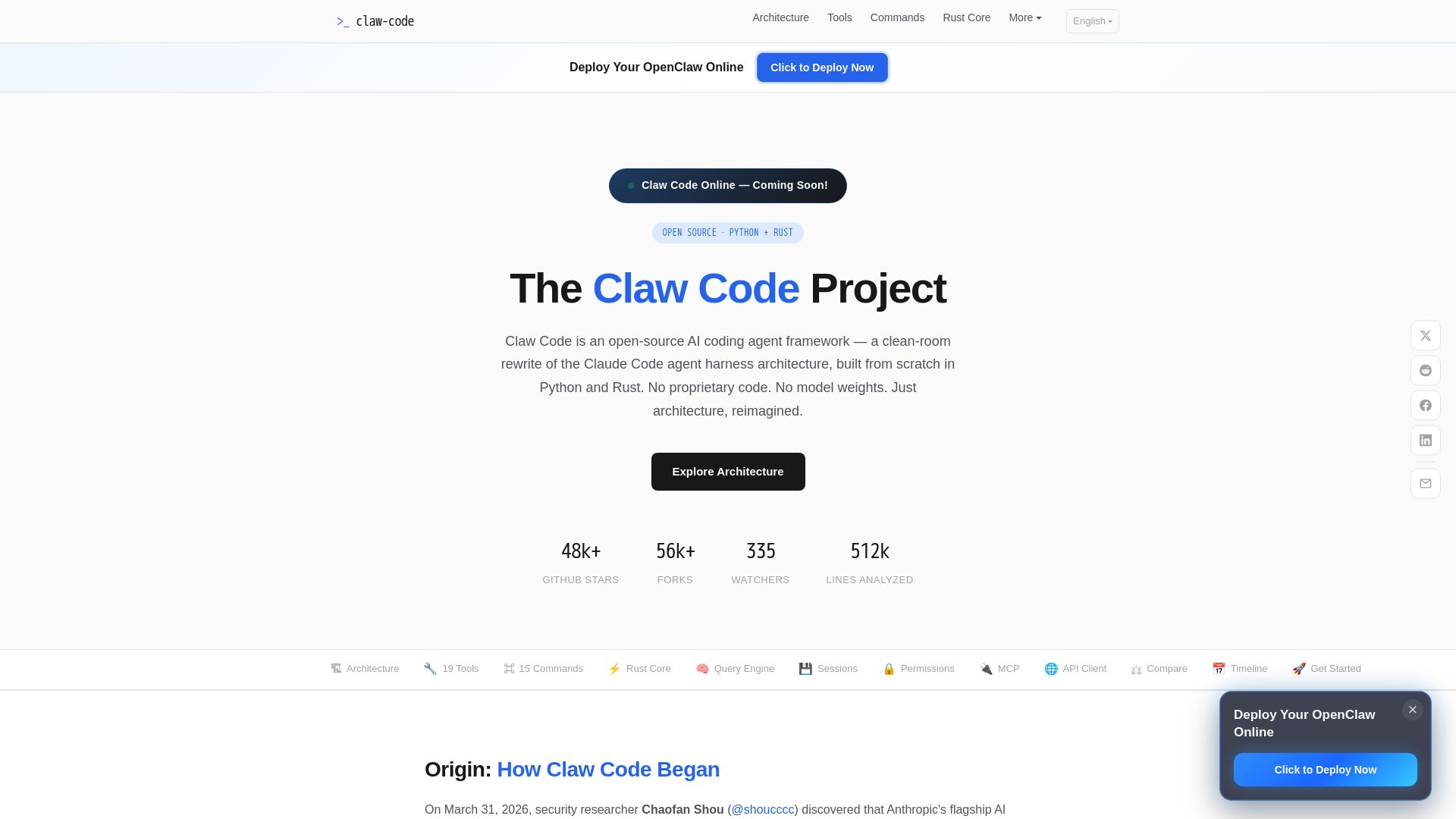
Clean-room Python & Rust rewrite of Claude Code architecture. 19 tools, multi-agent orchestration, MCP support. Free & open-source.
Editor's Verdict
Key Takeaways
- Plugin-Based Tool System
- Autonomous Agent Loop
- 15 Slash Commands
- Session & Memory Management
In-Depth Review: What is Claw Code?
Claw Code is an open-source AI coding agent framework that reimagines the Claude Code architecture from scratch using Python and Rust. It features a plugin-based tool system with 19 permission-gated tools, a provider-agnostic query engine, multi-agent orchestration, MCP integration, and a Rust performance core. Built entirely without proprietary code, Claw Code offers a modular, extensible alternative for developers seeking a self-hosted, customizable AI coding agent.
Core Features
Plugin-Based Tool System
19 permission-gated tools for file I/O, shell execution, Git operations, web scraping, notebook editing, each independently sandboxed with configurable access controls.
Autonomous Agent Loop
Terminal-native agent that reads your entire codebase, edits files, executes commands, runs tests, handles Git, and iterates autonomously until the task is complete.
15 Slash Commands
Full interactive command system including /compact, /model, /permissions, /cost, /session with resume support, command graph categorization, and REPL integration.
Session & Memory Management
Multi-layer memory system with session persistence, transcript compaction, context discovery, and persistent knowledge across conversations with automatic cleanup.
Rust Performance Core
6-crate Rust workspace with 16 runtime modules for performance-critical paths, zero-dependency JSON parser, OAuth PKCE flow, and syntax-highlighted terminal rendering.
LLM API Client
Provider-agnostic API client with automatic retry, SSE streaming, OAuth authentication, and token usage tracking with cost estimation.
Multi-Agent Orchestration
Supports spawning sub-agents (swarms) to parallelize complex tasks, decomposing large challenges into independently executable subtasks with isolated contexts.
MCP Integration
Full Model Context Protocol support with 6 transport types: Stdio, SSE, HTTP, WebSocket, SDK, and ClaudeAiProxy, with automatic name normalization and OAuth.
Pricing
Free and Open Source
- Access to all 19 built-in tools
- 15 slash commands
- Session and memory management
- Multi-agent orchestration
- MCP integration
- Rust performance core
- Provider-agnostic LLM support (Claude, OpenAI, local models)
Pros and Cons
Pros
- Open Source and FreeCompletely free and open-source, with no subscription required. Supports multiple LLM providers, offering flexibility.
- Clean-Room ImplementationIndependent rewrite from scratch, containing no proprietary code, ensuring legal safety and transparency.
- High Performance with RustRust core handles performance-critical paths, delivering fast execution and memory safety.
- Extensible Plugin ArchitecturePlugin-based tool system allows customization and extension of agent capabilities.
- Comprehensive ToolingIncludes 19 built-in tools, 15 slash commands, session management, and multi-agent support, making it a full-featured AI coding agent framework.
Cons
- Newer and Less MatureAs a recent project (post-March 2026), it may have fewer features and less stability compared to the established Claude Code.
- Requires Self-HostingUsers need to clone and set up the project themselves, which may be a barrier for less technical users.
- Limited GUI SupportPrimarily terminal-based; GUI options are separate community projects and not built-in.
Use Cases & Recommended Professions
Software Developer→ View Toolkit
Automates coding tasks, codebase exploration, file editing, and Git operations, boosting productivity in daily development workflows.
AI Engineer→ View Toolkit
Integrates with multiple LLMs and provides an agent framework for building and testing AI-powered coding assistants.
DevOps Engineer→ View Toolkit
Uses shell execution, Git integration, and multi-agent orchestration to automate infrastructure tasks and CI/CD pipelines.
Data Scientist→ View Toolkit
Leverages notebook editing, web scraping, and file I/O tools to streamline data analysis and model experimentation in Jupyter environments.
Security Researcher→ View Toolkit
Analyzes source code, performs vulnerability scanning with Bash and file tools, and uses session management for long-term investigations.
Open Source Contributor→ View Toolkit
Contributes to or forks the framework for custom agent needs, benefiting from the clean-room architecture and extensible design.
Frequently Asked Questions
Alternative AI Tools
View Detailed Comparison →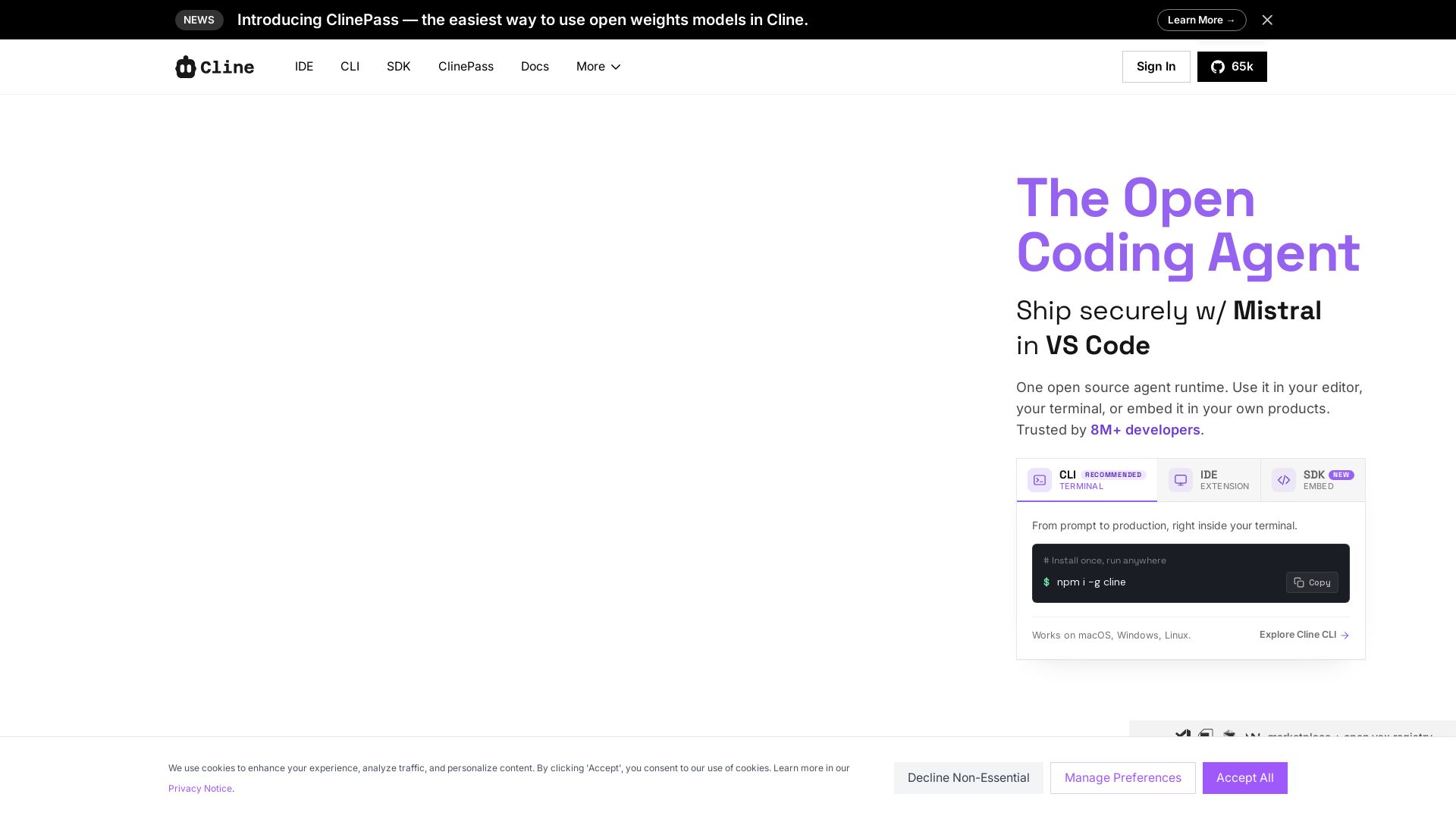
Cline
Cline is the open source AI coding agent that helps you ship secure code with Claude in VS Code, terminal, and more. Plan, act, and automate across your workflow.


OpenCode
OpenCode is a free, open-source AI coding assistant supporting multiple providers (OpenAI, Anthropic, local models) with CLI/TUI, custom tools, and privacy-centric local execution.


Continue
Create, share, and use custom AI code agents with Continue. Features agent, chat, edit modes, and autocomplete for VS Code and JetBrains.

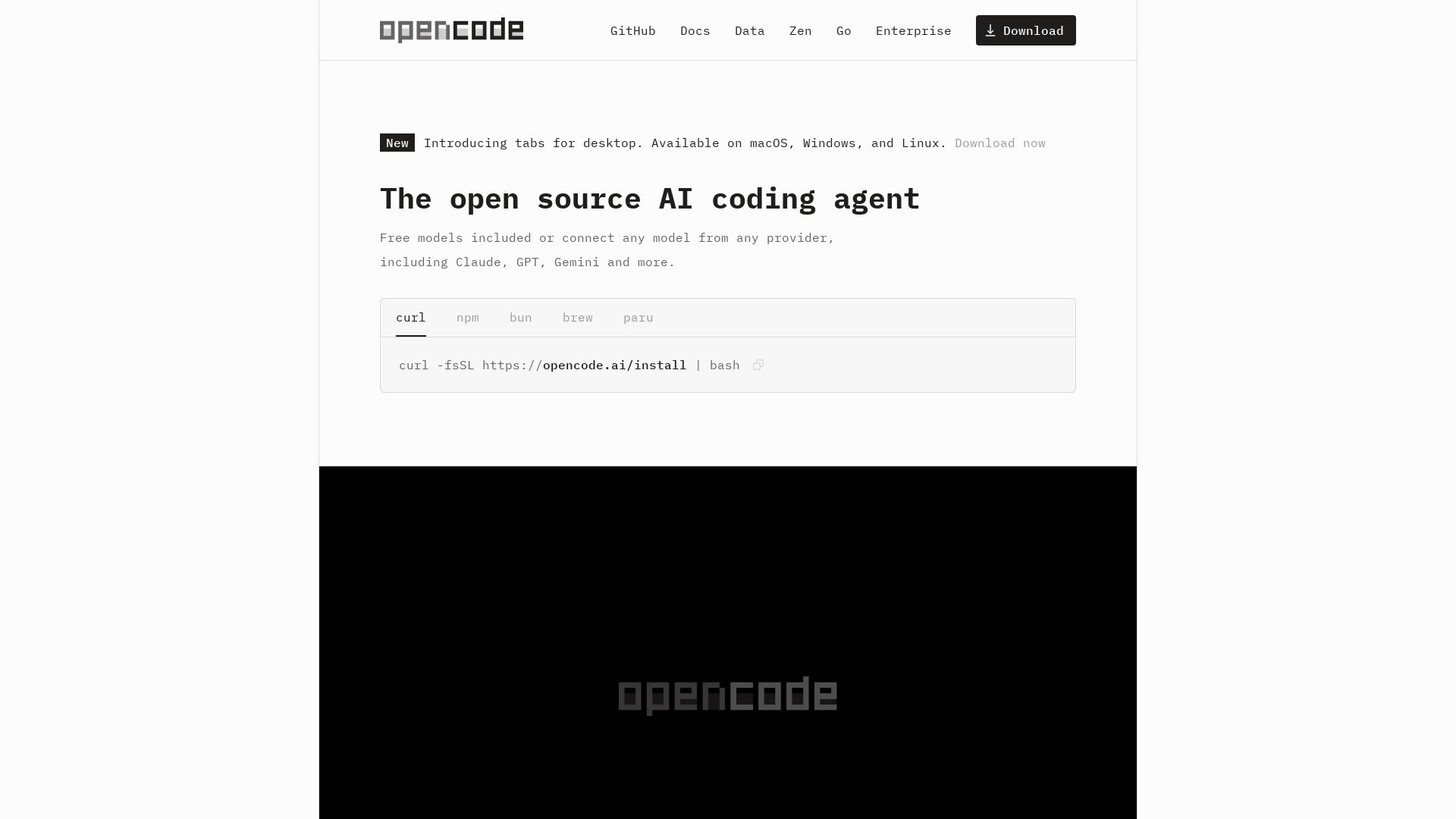
OpenCode
OpenCode: open source AI coding agent for terminal, IDE, or desktop. Free models, any provider, privacy-first. 160K+ GitHub stars.

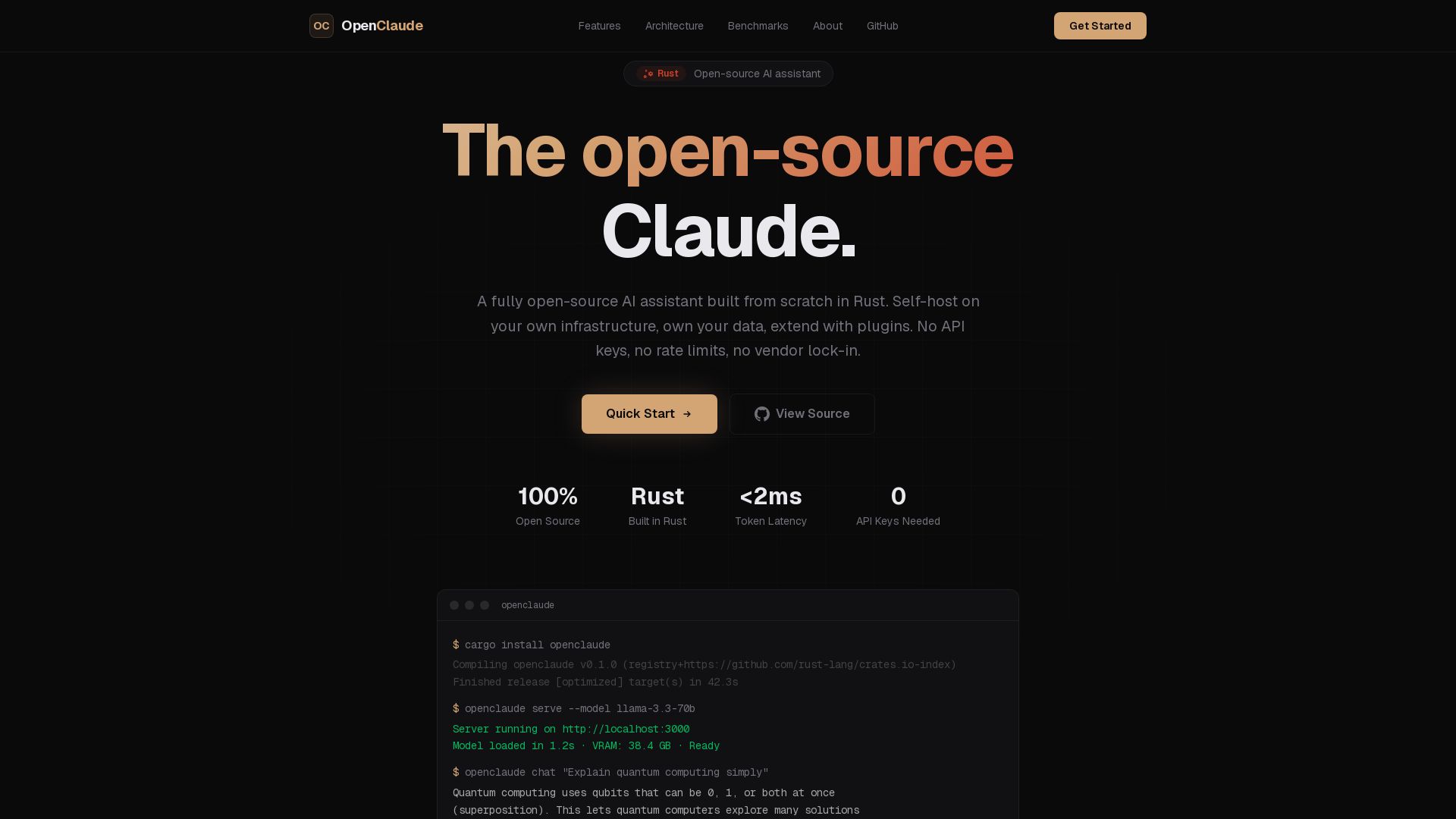
OpenClaude
A fully open-source AI assistant built in Rust. Self-host on your own infrastructure, own your data. No API keys, no vendor lock-in.

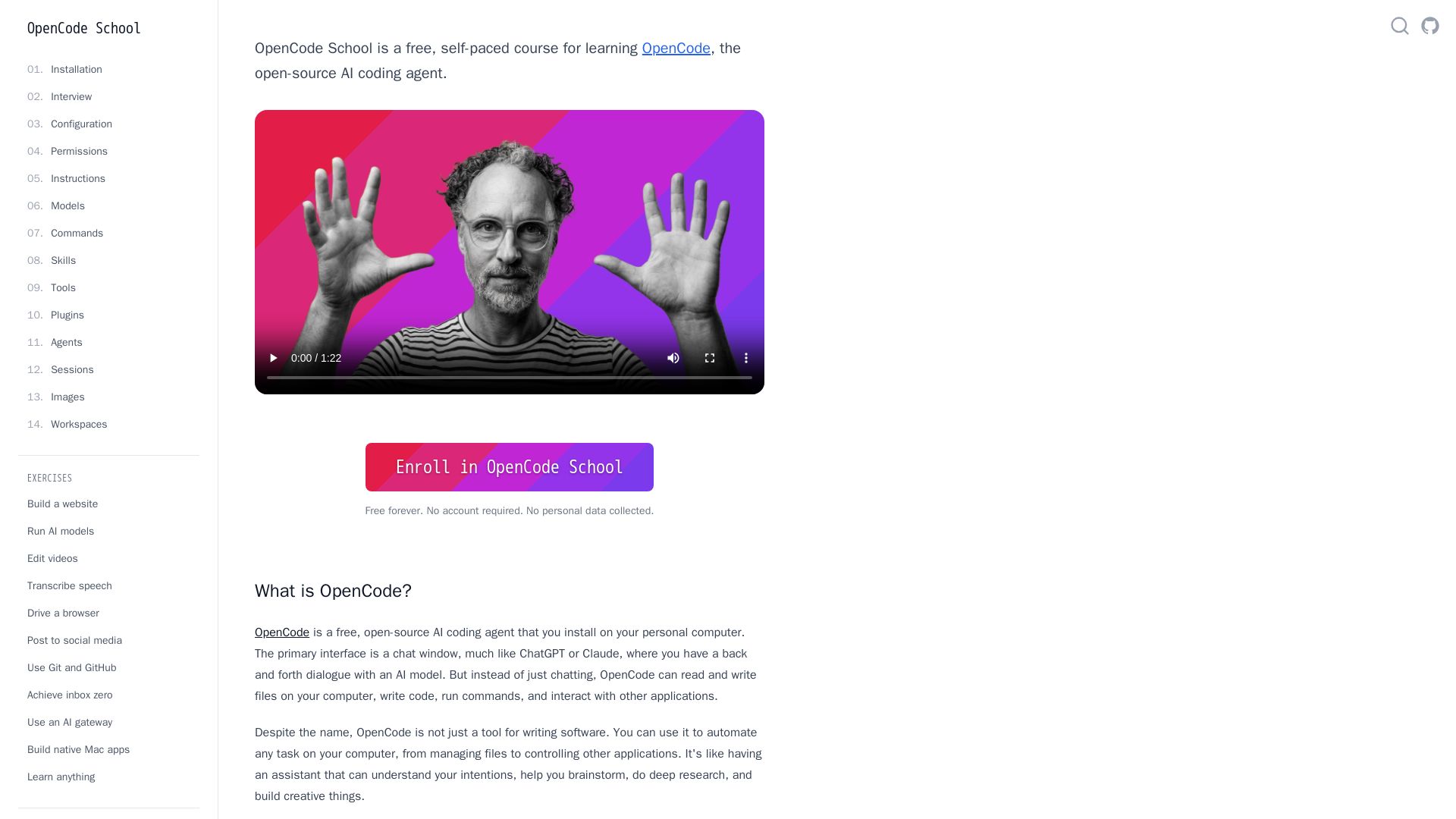
OpenCode
Free self-paced course to master OpenCode, the open-source AI coding agent. Works with 75+ models, automates tasks, helps you build projects.

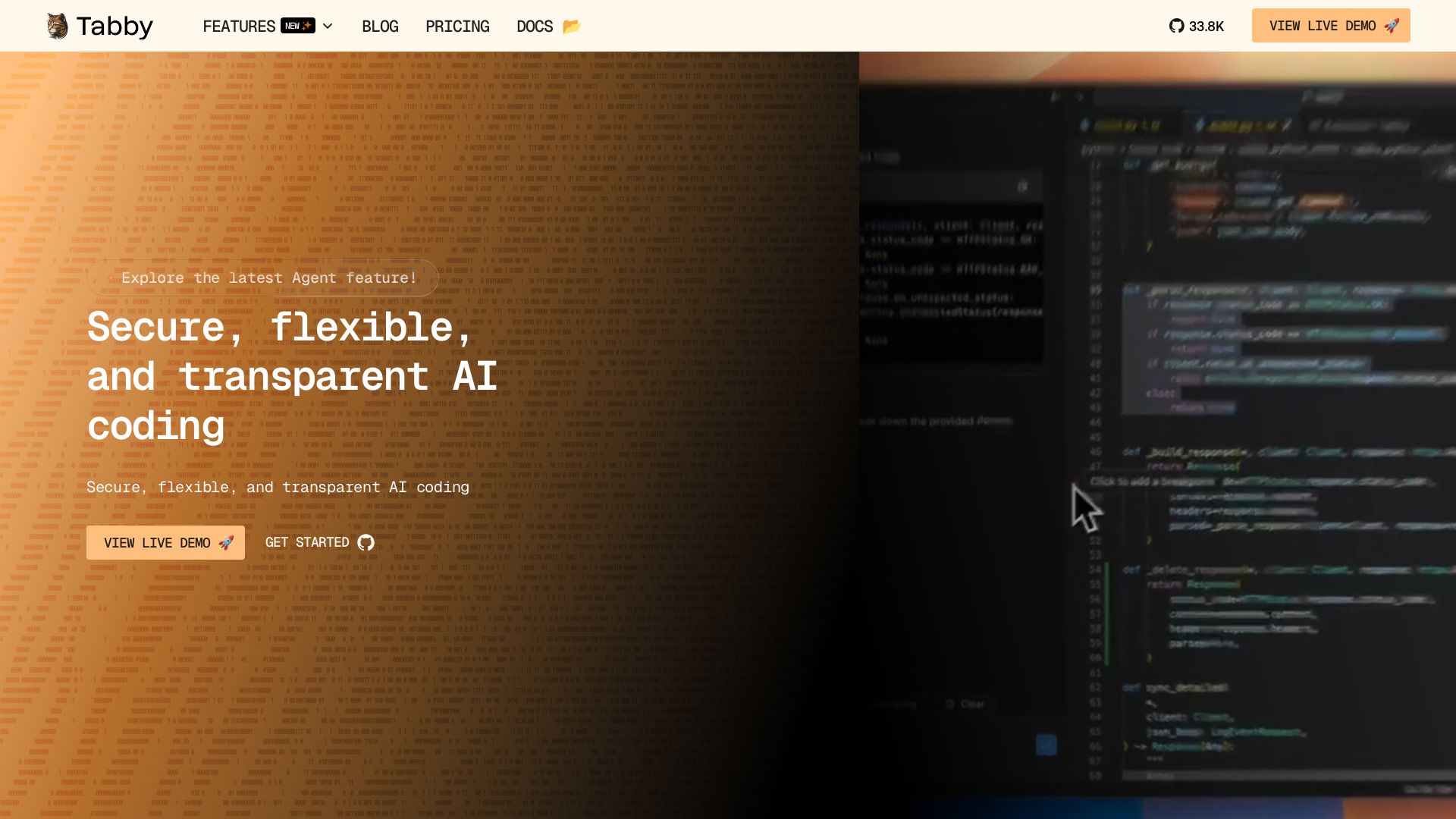
Tabby
Self-hosted, secure AI coding assistant with code completion, answer engine, and inline chat. Private and flexible.

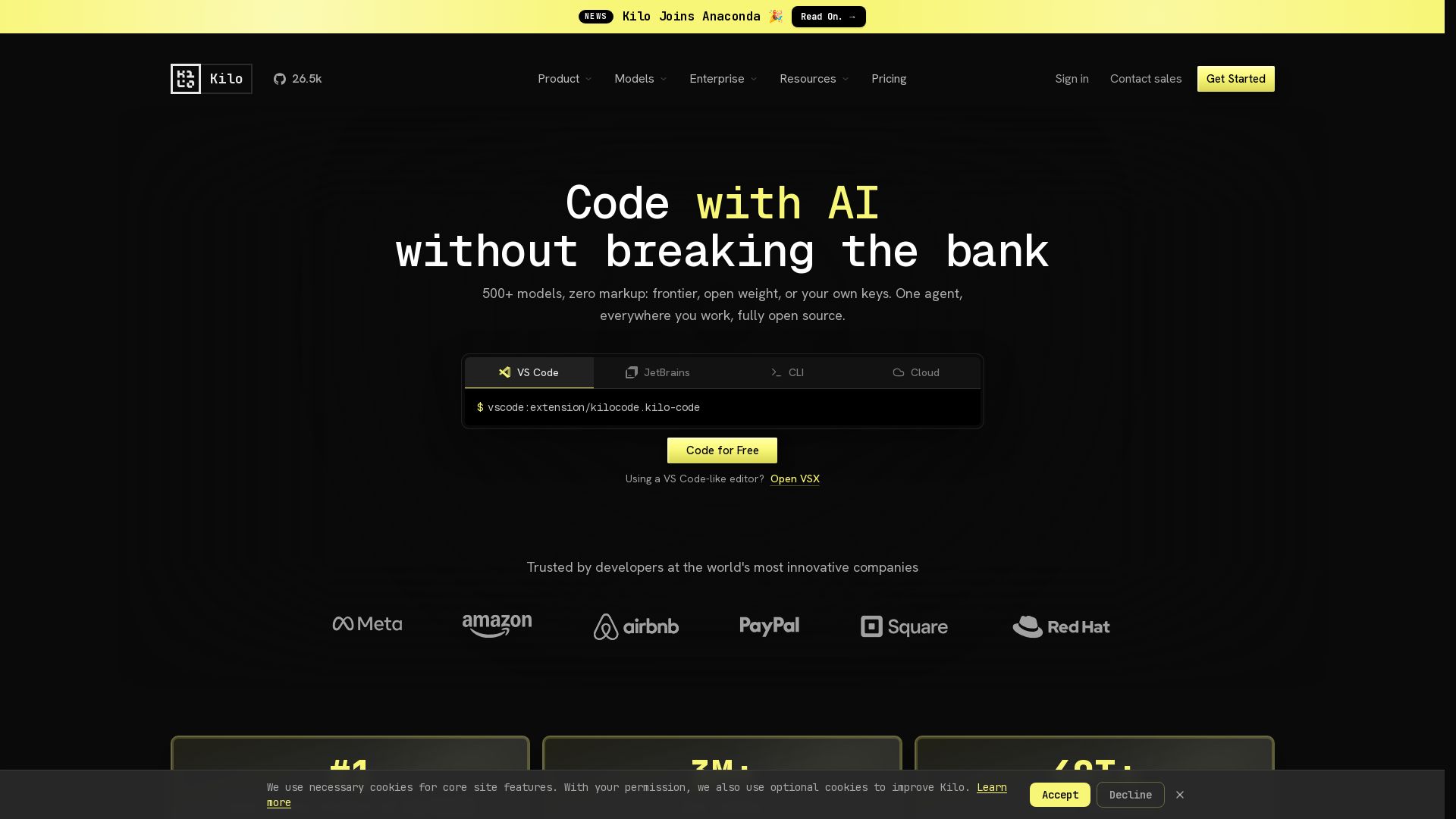
Kilo
Free AI coding tool with 500+ models at cost. Open source, no lock-in. Works in VS Code, JetBrains, CLI, and cloud. Trusted by 3M+ developers.


Continue
Continue, the pioneering open-source coding agent, has been acquired by Cursor. Our mission to amplify developers continues. Explore FAQs and more.

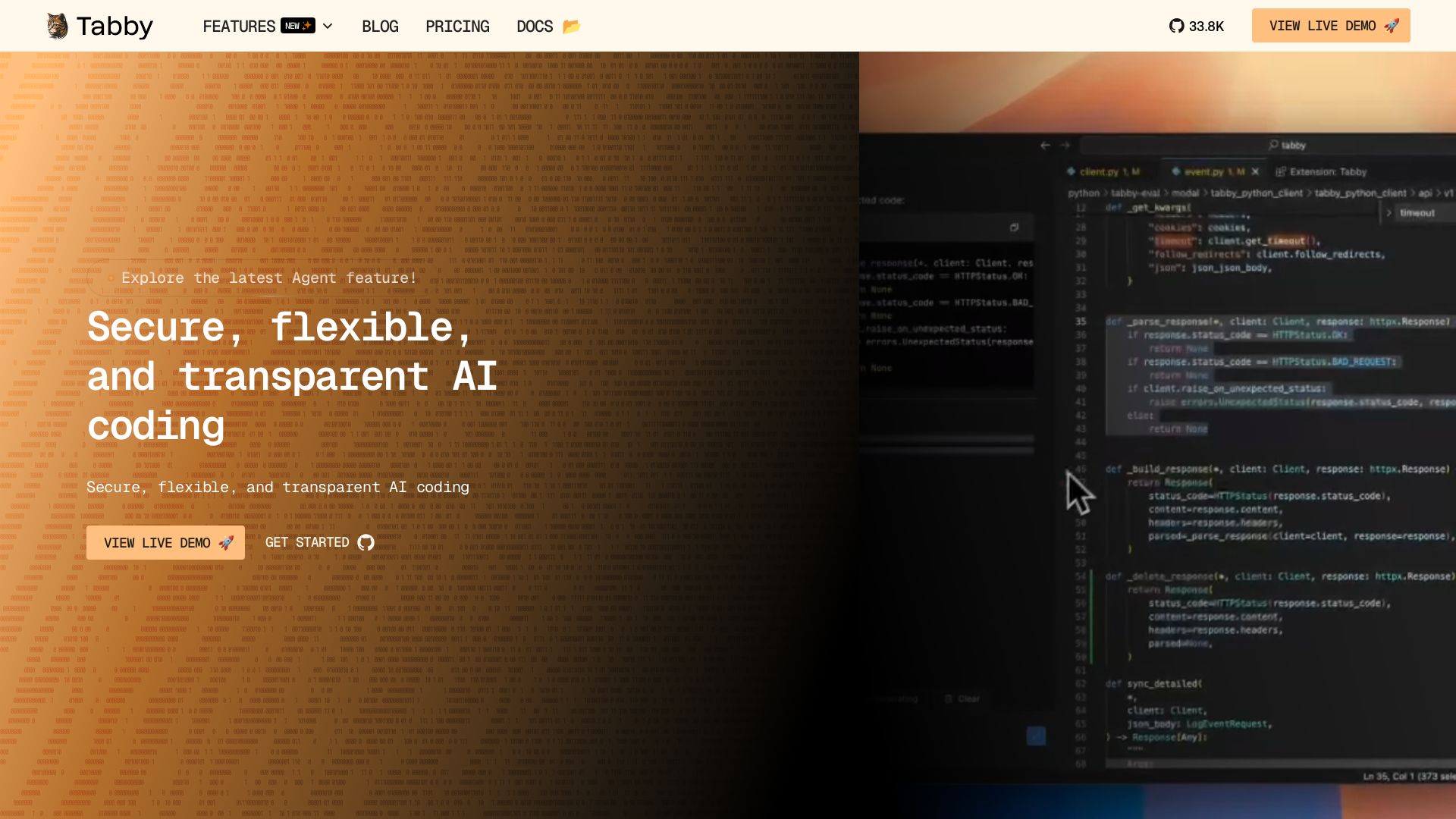
Tabby
Accelerate coding with Tabby's AI-powered code completion, answer engine, and inline chat. Self-hosted, secure, and flexible. Supports VS Code, Neovim, IntelliJ, and more.

OpenCode
OpenCode is an open-source, terminal-native AI coding assistant supporting Claude, GPT-4, Gemini, and local models. Boost productivity with agent mode and seamless CLI integration.

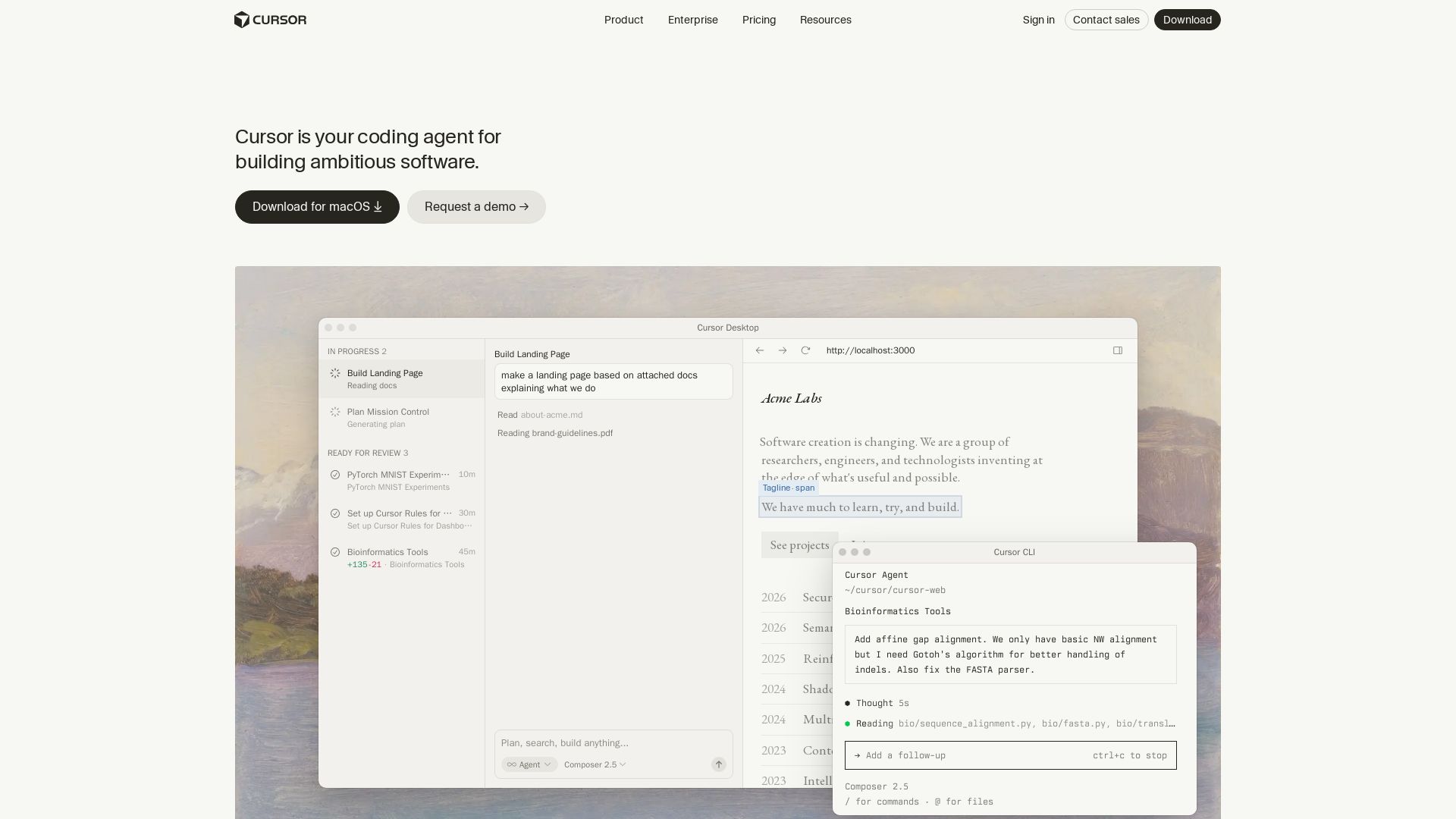
Cursor
Cursor is the AI coding agent that helps you build software faster with autonomous agents, IDE integration, and team collaboration. Trusted by top companies.

ℹ️ Curation Disclosure: The overview and features of Claw Code were synthesized using AI and fact-checked by our curation team to ensure accuracy.
