
Cline
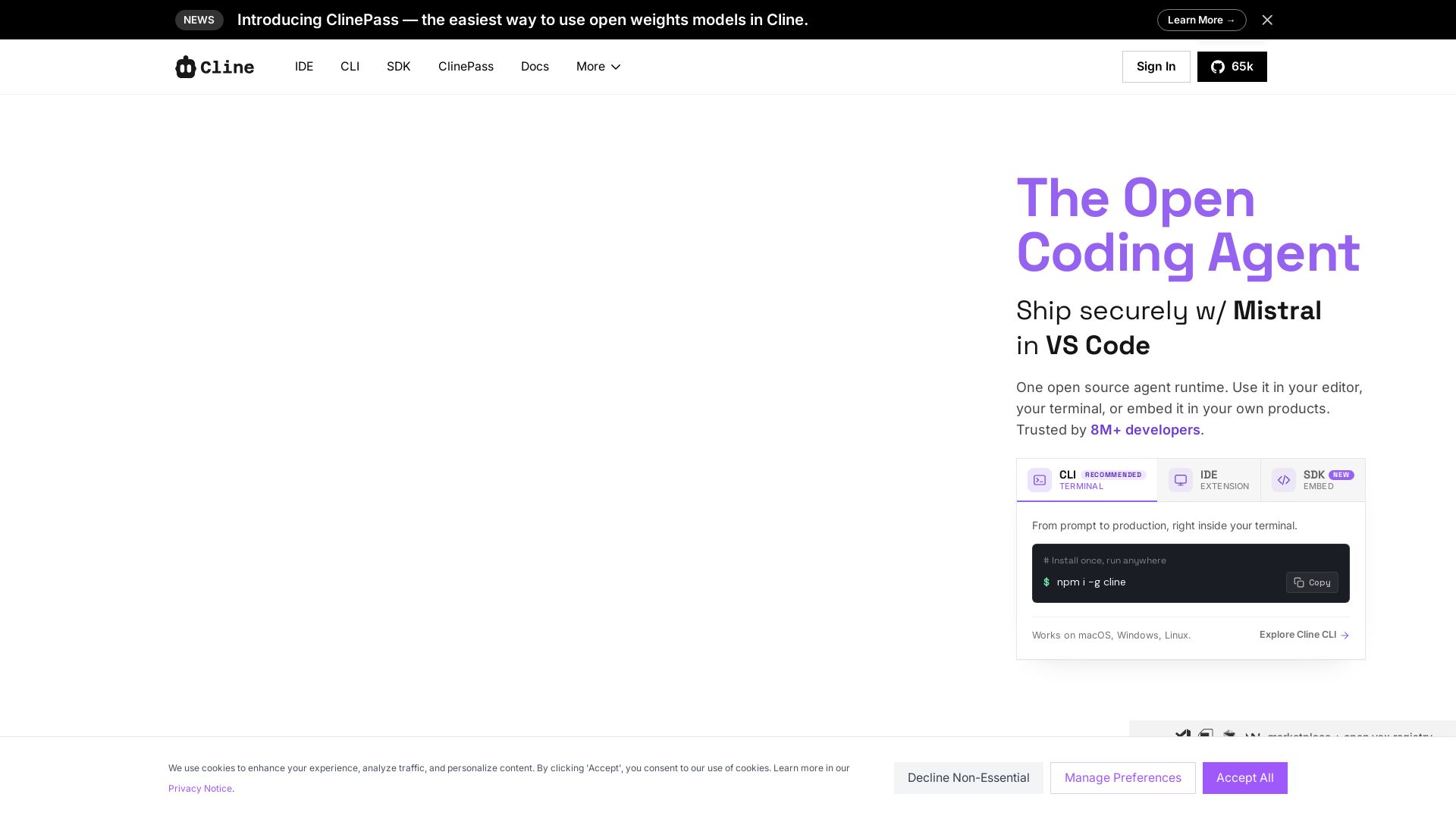
Cline is the open source AI coding agent that helps you ship secure code with Claude in VS Code, terminal, and more. Plan, act, and automate across your workflow.
Editor's Verdict
Key Takeaways
- Multi-file Edits
- Bash Command Execution
- Plan-and-Act Mode
- Rules and Skills
In-Depth Review: What is Cline?
Cline is an open source AI coding agent that integrates seamlessly into your IDE, CLI, and SDK. It enables coordinated multi-file edits, live bash command execution, and a Plan then Act workflow. Supports every major model (Claude, GPT, Gemini, local Ollama, etc.), extends via MCP and plugins, and can run multi-agent teams on cron or in CI. Trusted by 8M+ developers.
Core Features
Multi-file Edits
Coordinated multi-file changes with linter-aware fixes, diffs, checkpoints, and one-click undo on every step.
Bash Command Execution
Executes bash commands in your terminal and reacts to output live, handling long-running dev servers, tests, and deploys.
Plan-and-Act Mode
Toggle Plan mode to align on a strategy, then Act to execute, with approval on every step or auto-approve for autopilot.
Rules and Skills
Ship .clinerules with your repo to teach the agent your coding standards, architecture, and deployment conventions.
Multi-Model Support
Choose from Claude, GPT, Gemini, local Ollama/LM Studio, or any OpenAI-compatible endpoint. Bring your own key or weights.
MCP and Plugin Extensibility
Register custom tools and lifecycle hooks via the SDK; plug in MCP servers for databases, APIs, and infrastructure.
Multi-Agent Teams and Scheduling
Coordinator agents delegate to specialists with their own tools and context; run on cron for recurring automations.
Slack, Linear, CI Integration
Chat with the agent from Slack, Discord, Telegram, or Linear; run headlessly inside GitHub Actions, GitLab, or any pipeline.
Pricing
Free (Open Source)
- All core features: multi-file edits, bash execution, plan-and-act
- Use any model with your own API key or local weights
- Community support via GitHub and Discord
- Unlimited usage for personal and commercial projects
ClinePass
- Easiest way to use open weights models without managing keys
- Access to premium models and faster inference
- Priority support
- Enterprise-grade security
Pros and Cons
Pros
- Completely Open SourceApache 2.0 licensed, 250+ contributors, transparent and customizable.
- Multi-Model FlexibilityWorks with Claude, GPT, Gemini, local models, and any OpenAI-compatible API, avoiding vendor lock-in.
- Integrated EverywhereAvailable as VS Code extension, CLI tool, and SDK for embedding in your own products.
- Collaborative FeaturesMulti-agent teams, cron scheduling, and Slack/Linear integration enable automated workflows.
- Developer TrustedOver 8 million installs, 65k GitHub stars, and high ratings on VS Code Marketplace.
Cons
- Requires API Key or Local SetupUsers need to bring their own API keys or run local models, which may require technical expertise.
- Learning Curve for FeaturesAdvanced features like MCP plugins and multi-agent teams may require initial investment to learn.
- Limited Built-in Model AccessFree plan does not include bundled model access; ClinePass pricing is not publicly listed.
Use Cases & Recommended Professions
Software Engineer→ View Toolkit
Automate code refactoring, understand codebases quickly, and integrate AI coding assistance directly into VS Code.
DevOps Engineer→ View Toolkit
Use Cline CLI in CI/CD pipelines, manage infrastructure as code, and automate deployments with bash scripts.
Data Scientist→ View Toolkit
Leverage local models for data analysis scripts, automate data pipeline tasks, and collaborate via Slack/Linear.
Technical Product Manager→ View Toolkit
Orchestrate multi-agent teams for product development tasks, schedule recurring checks, and maintain coding standards.
Open Source Contributor→ View Toolkit
Extend Cline's capabilities via SDK and MCP, contribute to the project, and build custom plugins.
Freelance Developer→ View Toolkit
Integrate AI coding agent into client projects, run automated tests and deploys, and offer efficient code review.
Frequently Asked Questions
Alternative AI Tools
View Detailed Comparison →
OpenCode
OpenCode is a free, open-source AI coding assistant supporting multiple providers (OpenAI, Anthropic, local models) with CLI/TUI, custom tools, and privacy-centric local execution.

Kilo
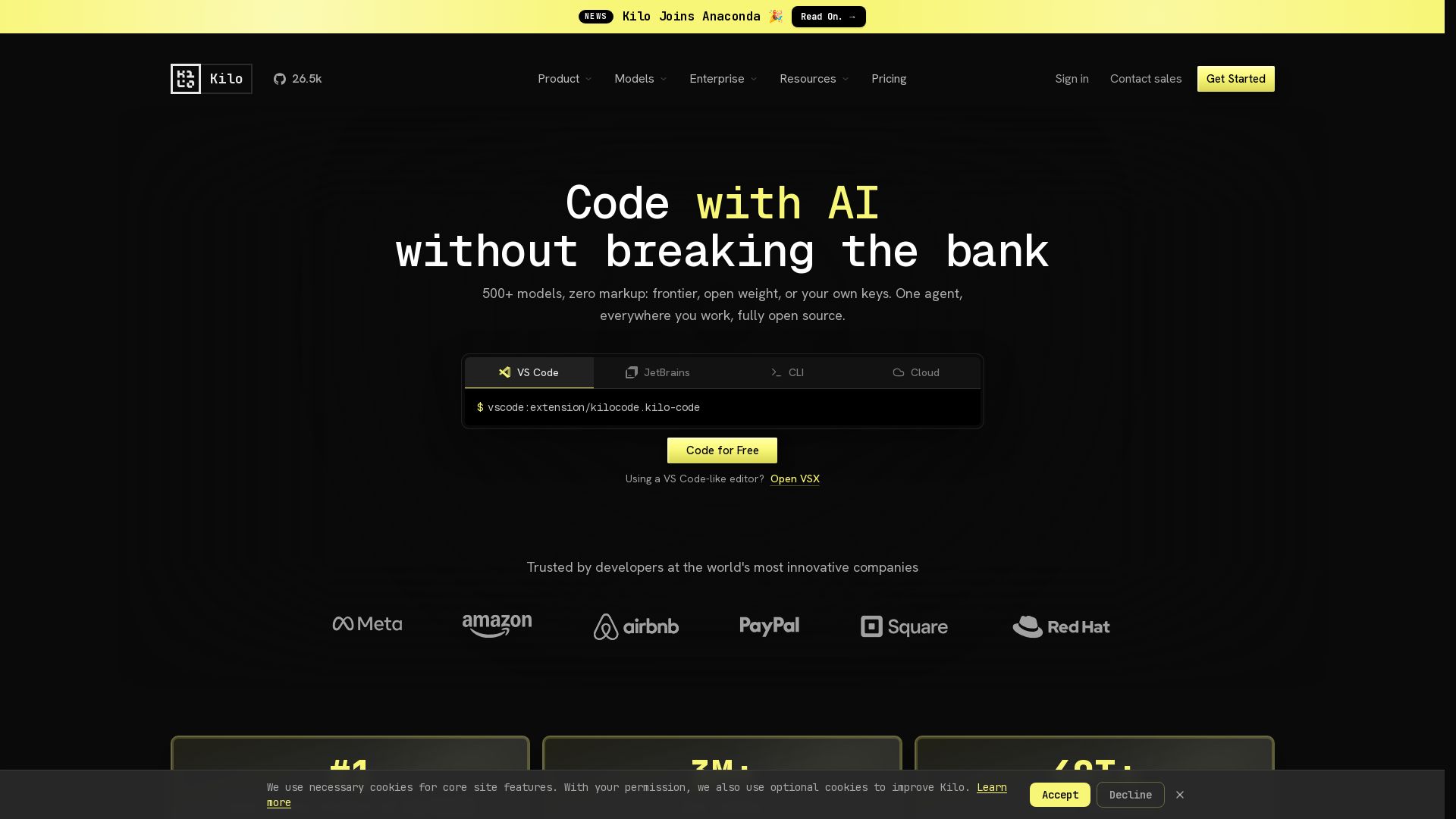
Free AI coding tool with 500+ models at cost. Open source, no lock-in. Works in VS Code, JetBrains, CLI, and cloud. Trusted by 3M+ developers.

Claw Code
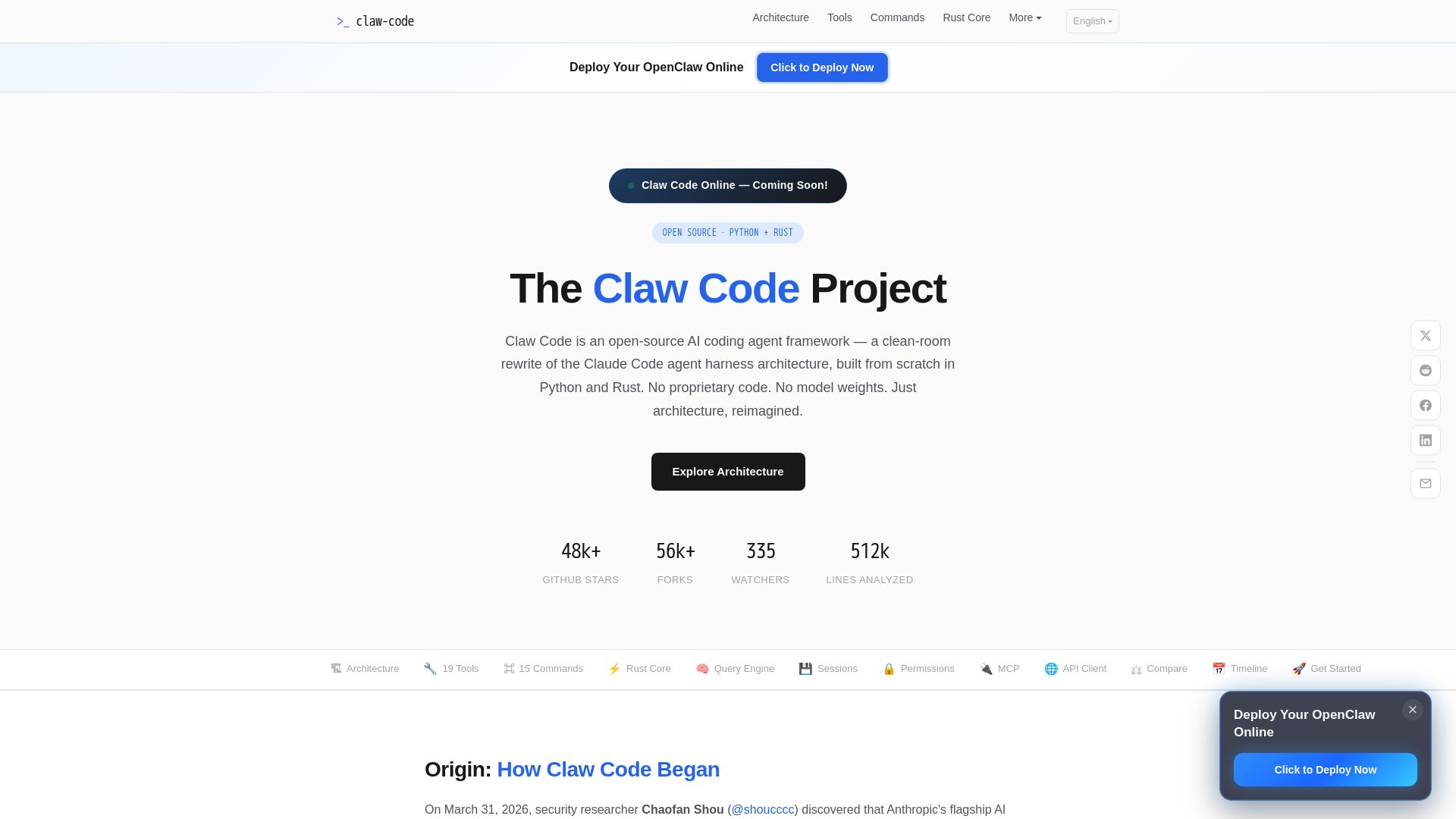
Clean-room Python & Rust rewrite of Claude Code architecture. 19 tools, multi-agent orchestration, MCP support. Free & open-source.


Continue
Create, share, and use custom AI code agents with Continue. Features agent, chat, edit modes, and autocomplete for VS Code and JetBrains.

OpenCode
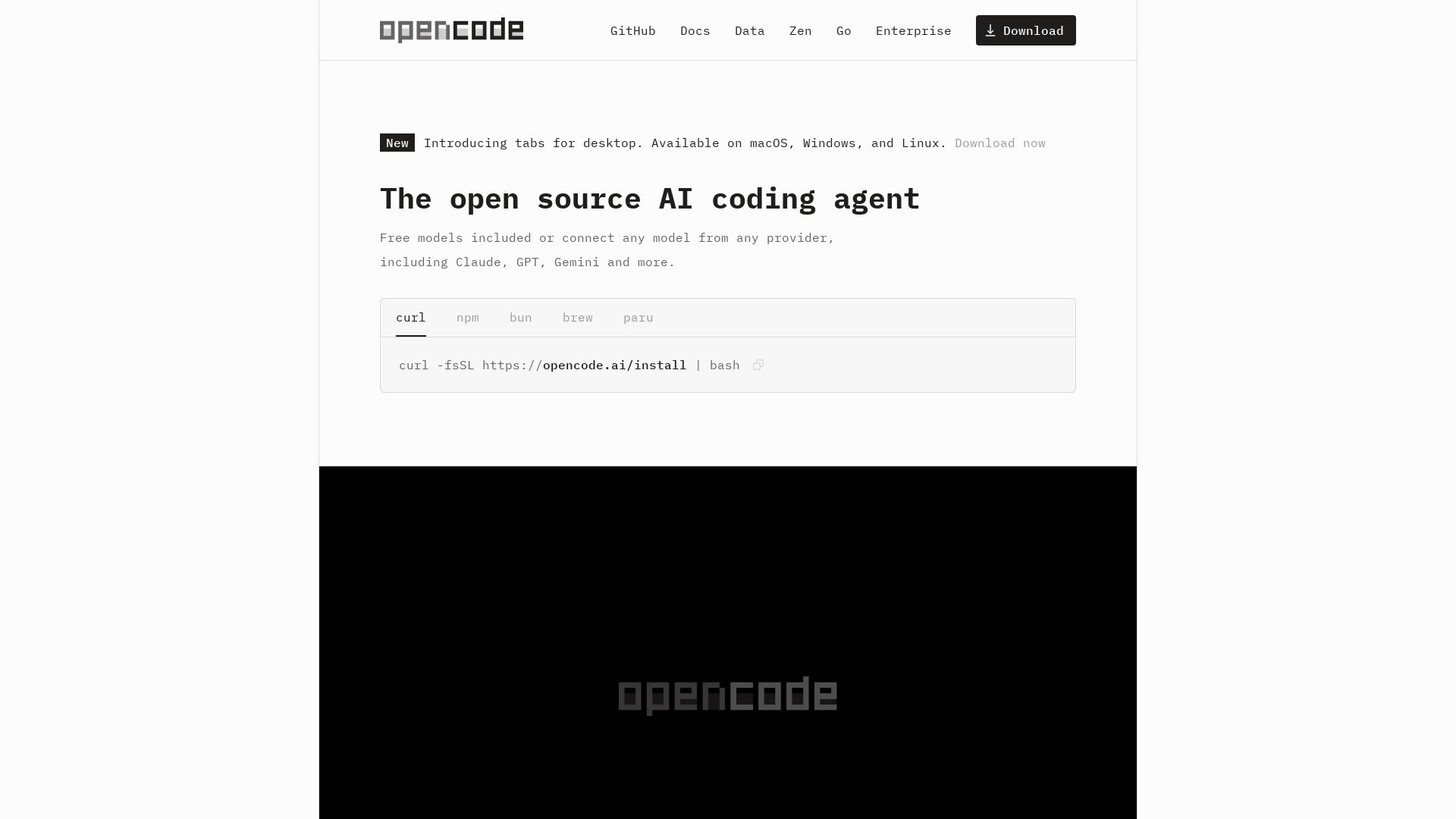
OpenCode: open source AI coding agent for terminal, IDE, or desktop. Free models, any provider, privacy-first. 160K+ GitHub stars.

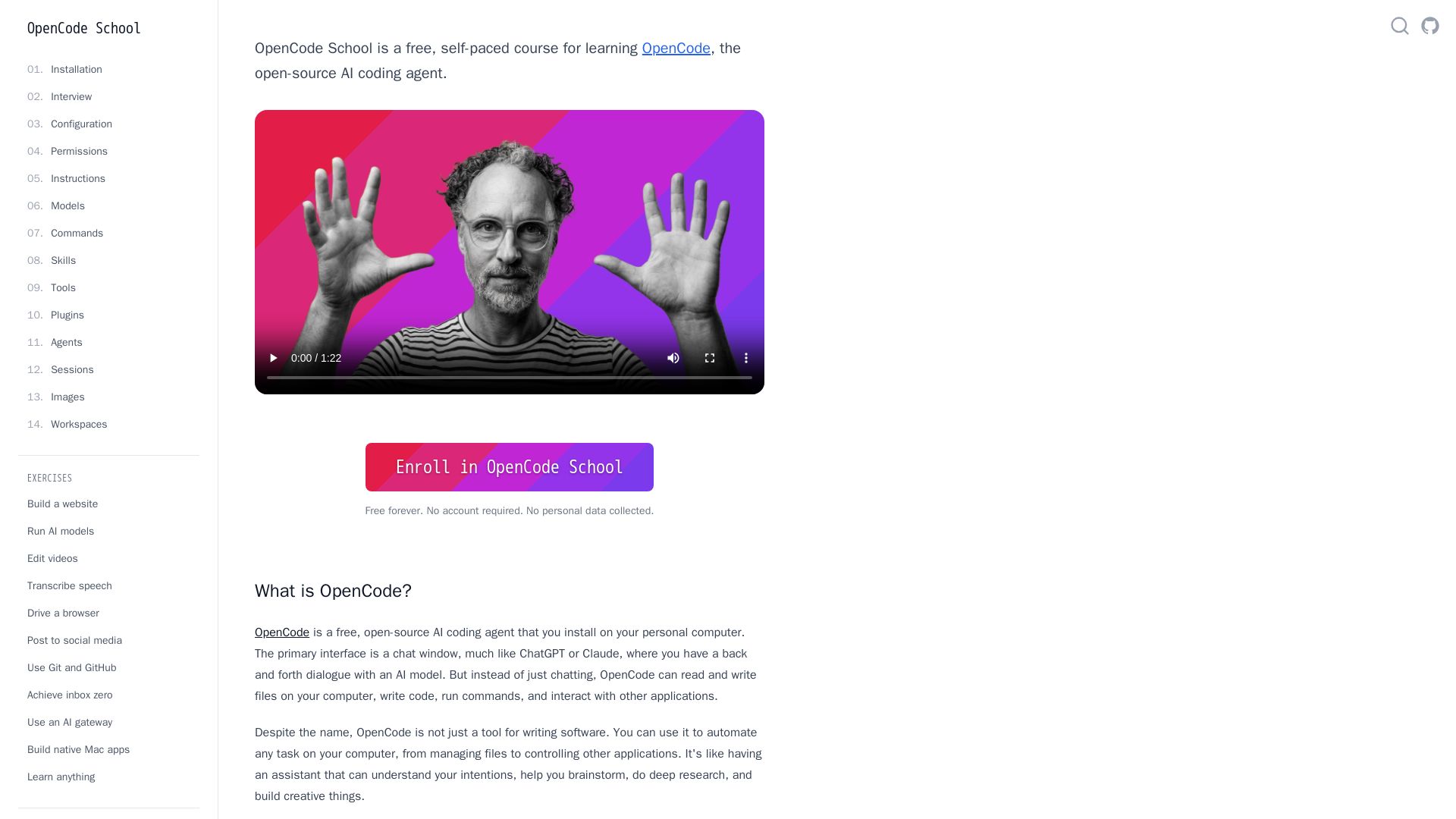
OpenCode
Free self-paced course to master OpenCode, the open-source AI coding agent. Works with 75+ models, automates tasks, helps you build projects.

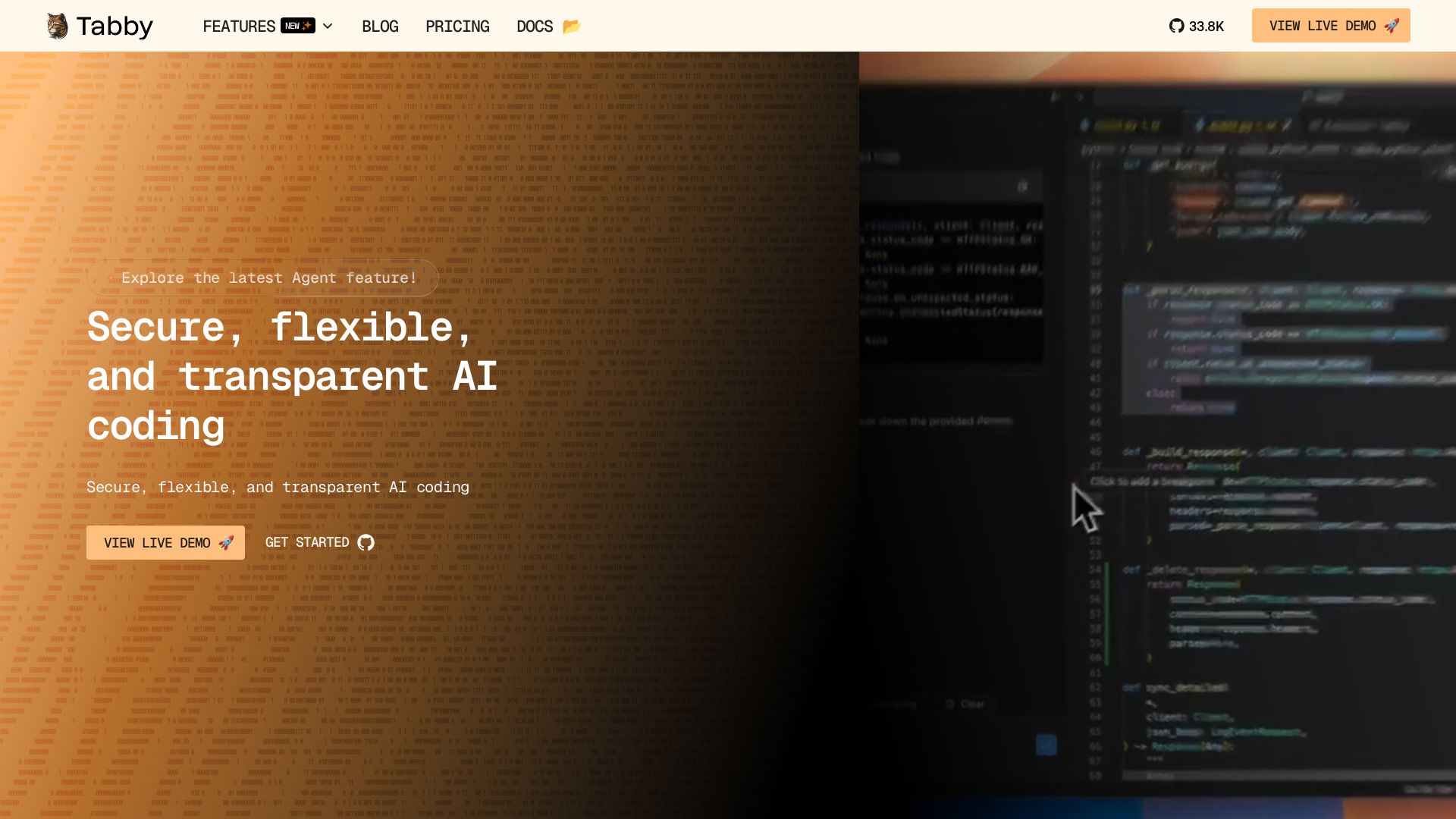
Tabby
Self-hosted, secure AI coding assistant with code completion, answer engine, and inline chat. Private and flexible.


Continue
Continue, the pioneering open-source coding agent, has been acquired by Cursor. Our mission to amplify developers continues. Explore FAQs and more.

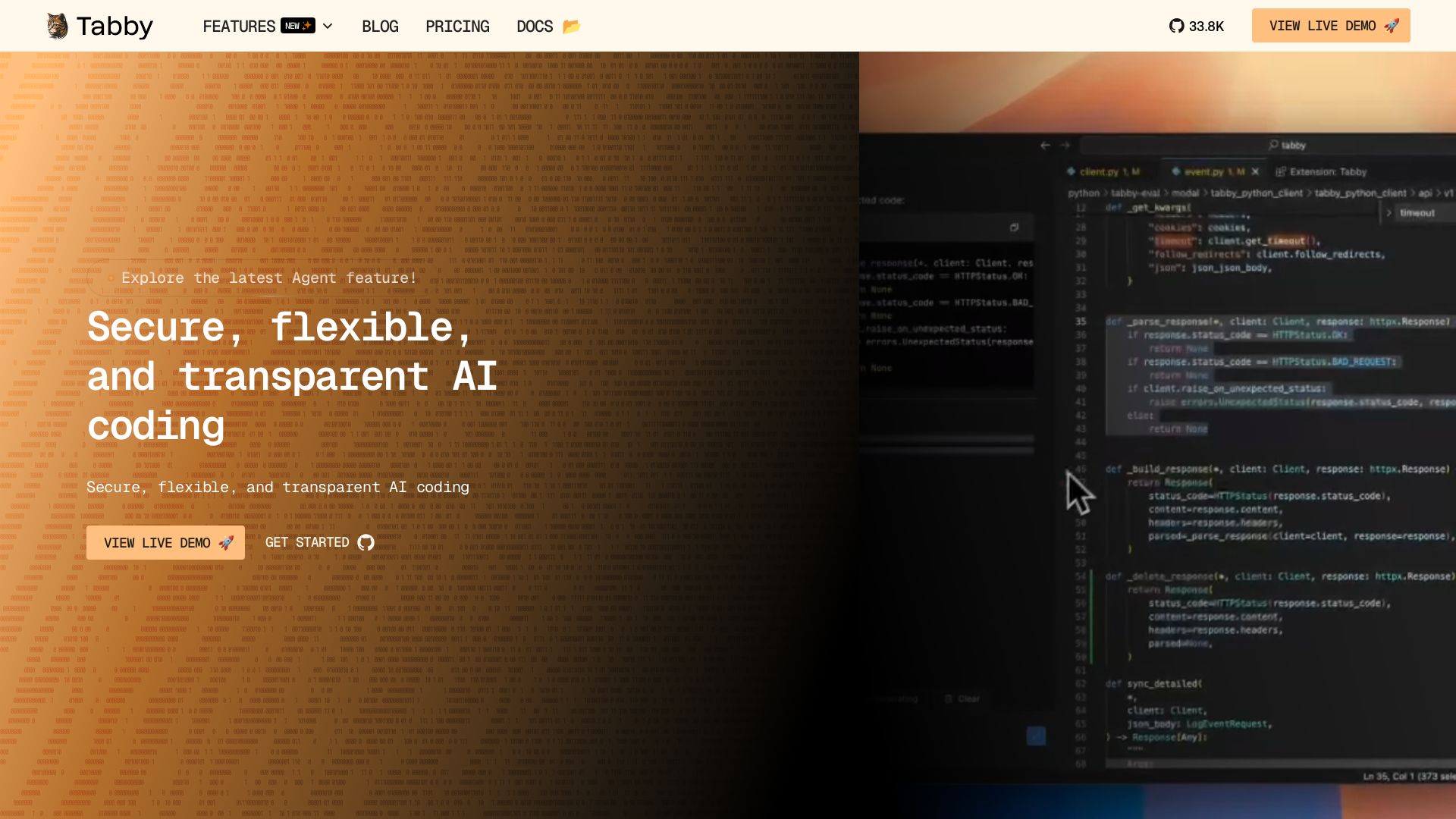
Tabby
Accelerate coding with Tabby's AI-powered code completion, answer engine, and inline chat. Self-hosted, secure, and flexible. Supports VS Code, Neovim, IntelliJ, and more.

OpenCode
OpenCode is an open-source, terminal-native AI coding assistant supporting Claude, GPT-4, Gemini, and local models. Boost productivity with agent mode and seamless CLI integration.

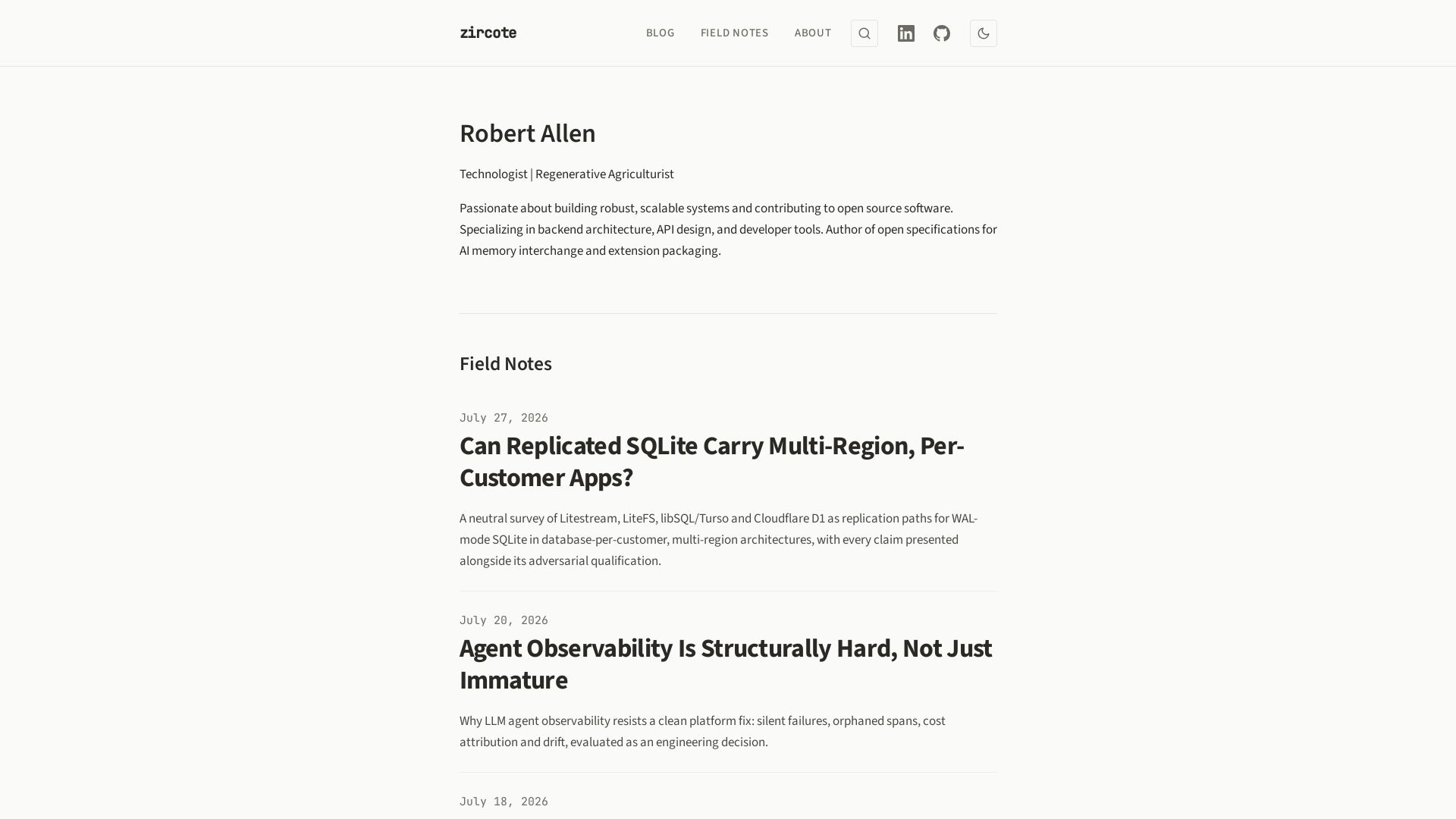
zircote
Explore insights on backend architecture, AI development, observability, and regenerative agriculture by technologist Robert Allen.
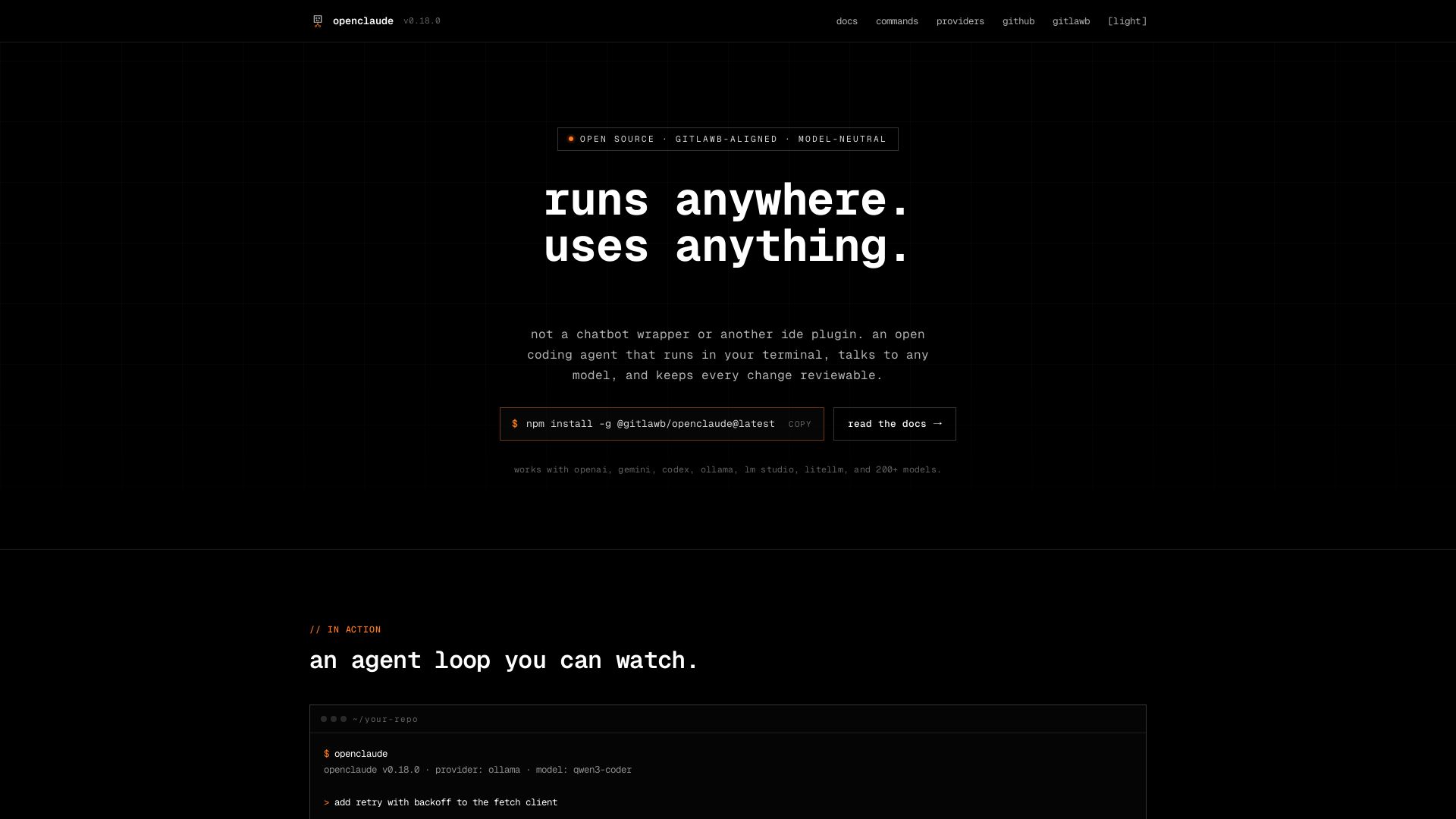
openclaude
An open coding agent that runs in your terminal, talks to any model, and keeps every change reviewable. Works with OpenAI, Gemini, Ollama, and 200+ models.

ℹ️ Curation Disclosure: The overview and features of Cline were synthesized using AI and fact-checked by our curation team to ensure accuracy.
