
OpenCode

OpenCode is a free, open-source AI coding assistant supporting multiple providers (OpenAI, Anthropic, local models) with CLI/TUI, custom tools, and privacy-centric local execution.
Editor's Verdict
Key Takeaways
- Intelligent Code Completion
- Code Generation
- Conversational Programming
- Multiple AI Providers
In-Depth Review: What is OpenCode?
OpenCode is a powerful, fully open-source AI coding assistant that empowers developers with intelligent code completion, generation, and conversational programming—all for free. Unlike paid tools, OpenCode supports multiple AI providers (including OpenAI, Anthropic, and local models), offers both a CLI and TUI interface, and prioritizes privacy by allowing code to stay on your machine. Highly customizable and extensible with custom tools and agent skills, OpenCode is the ideal choice for developers seeking a free, flexible, and private coding companion.
Core Features
Intelligent Code Completion
Context-aware code suggestions to speed up development.
Code Generation
Generate entire functions, tests, or boilerplate from natural language descriptions.
Conversational Programming
Interact with the AI to debug, refactor, and explain code in real-time.
Multiple AI Providers
Supports OpenAI, Anthropic, local models, and more, giving you flexibility.
Self-Hosted
Run OpenCode on your own infrastructure for complete data control.
CLI & TUI Interface
Use via command line or interactive terminal UI for seamless workflow integration.
Pricing
Free
- Fully open source
- Multiple provider support
- Self-hosted capability
- Code stays local (optional)
- High customizability
Pros and Cons
Pros
- Open SourceFully transparent and community-driven, with no vendor lock-in.
- Free to UseNo subscription fees, making it accessible to everyone.
- Multiple Provider SupportWorks with OpenAI, Anthropic, local models, and more.
- Privacy-FocusedOption to keep code and data entirely local.
- Highly CustomizableExtend functionality with custom tools, agent skills, and MCP servers.
Cons
- Community-Maintained DocumentationDocumentation is not official and may lack completeness.
- Requires Technical SetupInitial configuration of providers and network settings may be complex for beginners.
- Limited to TerminalNo dedicated IDE plugin; primarily a terminal-based tool.
Use Cases & Recommended Professions
Software Engineer→ View Toolkit
Accelerates coding, debugging, and refactoring tasks directly in the terminal.
Data Scientist→ View Toolkit
Helps generate data processing scripts and analyze code logic.
DevOps Engineer→ View Toolkit
Automates infrastructure-as-code and system administration scripts.
Machine Learning Engineer→ View Toolkit
Supports model training pipelines and integration with AI APIs.
Open Source Contributor→ View Toolkit
Provides a free, open-source tool for community projects.
Technical Writer→ View Toolkit
Assists in generating code examples and documentation snippets.
Frequently Asked Questions
Alternative AI Tools
View Detailed Comparison →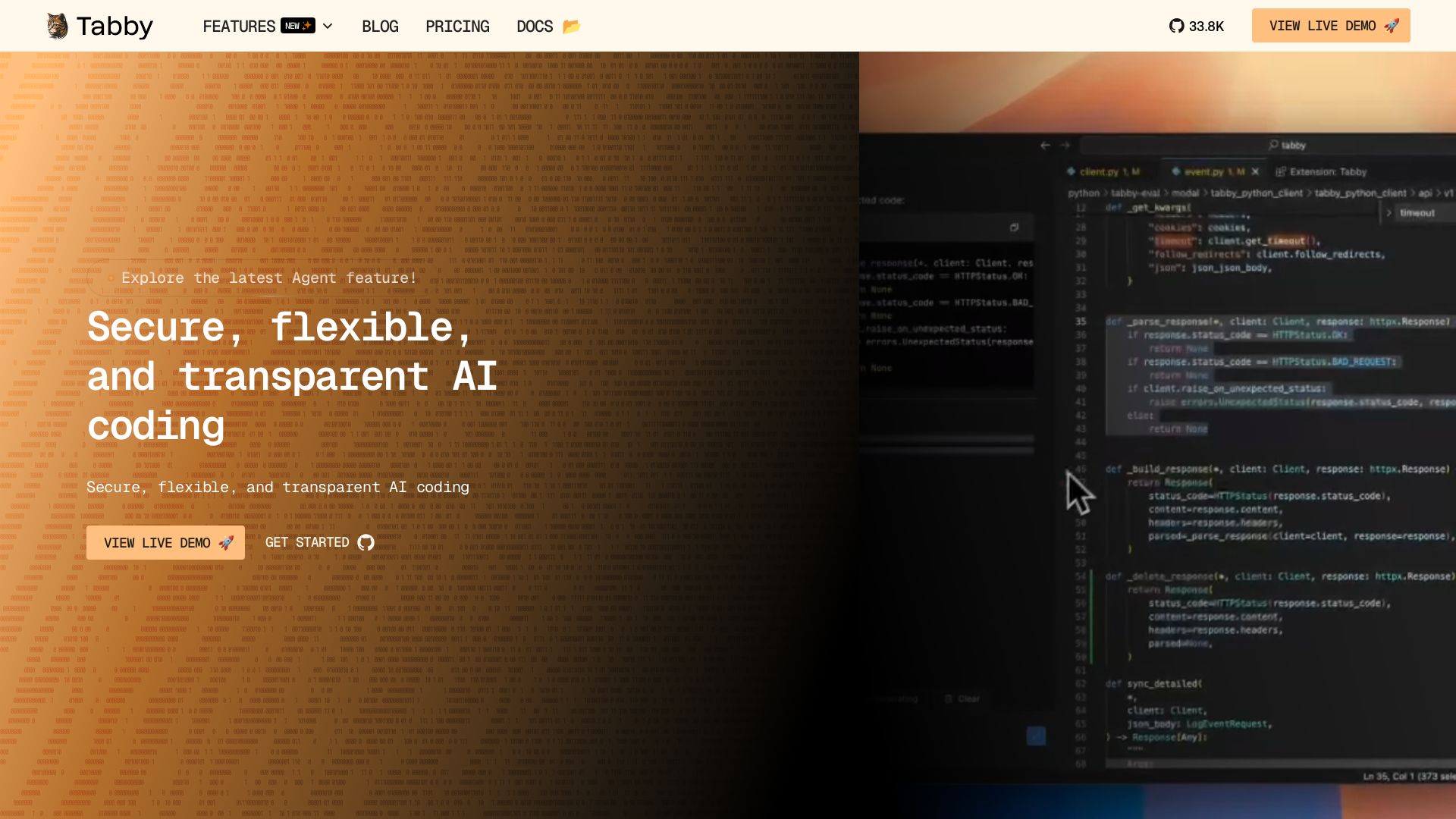
Tabby
Accelerate coding with Tabby's AI-powered code completion, answer engine, and inline chat. Self-hosted, secure, and flexible. Supports VS Code, Neovim, IntelliJ, and more.

Tabby
Self-hosted, secure AI coding assistant with code completion, answer engine, and inline chat. Private and flexible.


Continue
Create, share, and use custom AI code agents with Continue. Features agent, chat, edit modes, and autocomplete for VS Code and JetBrains.


Continue
Continue, the pioneering open-source coding agent, has been acquired by Cursor. Our mission to amplify developers continues. Explore FAQs and more.

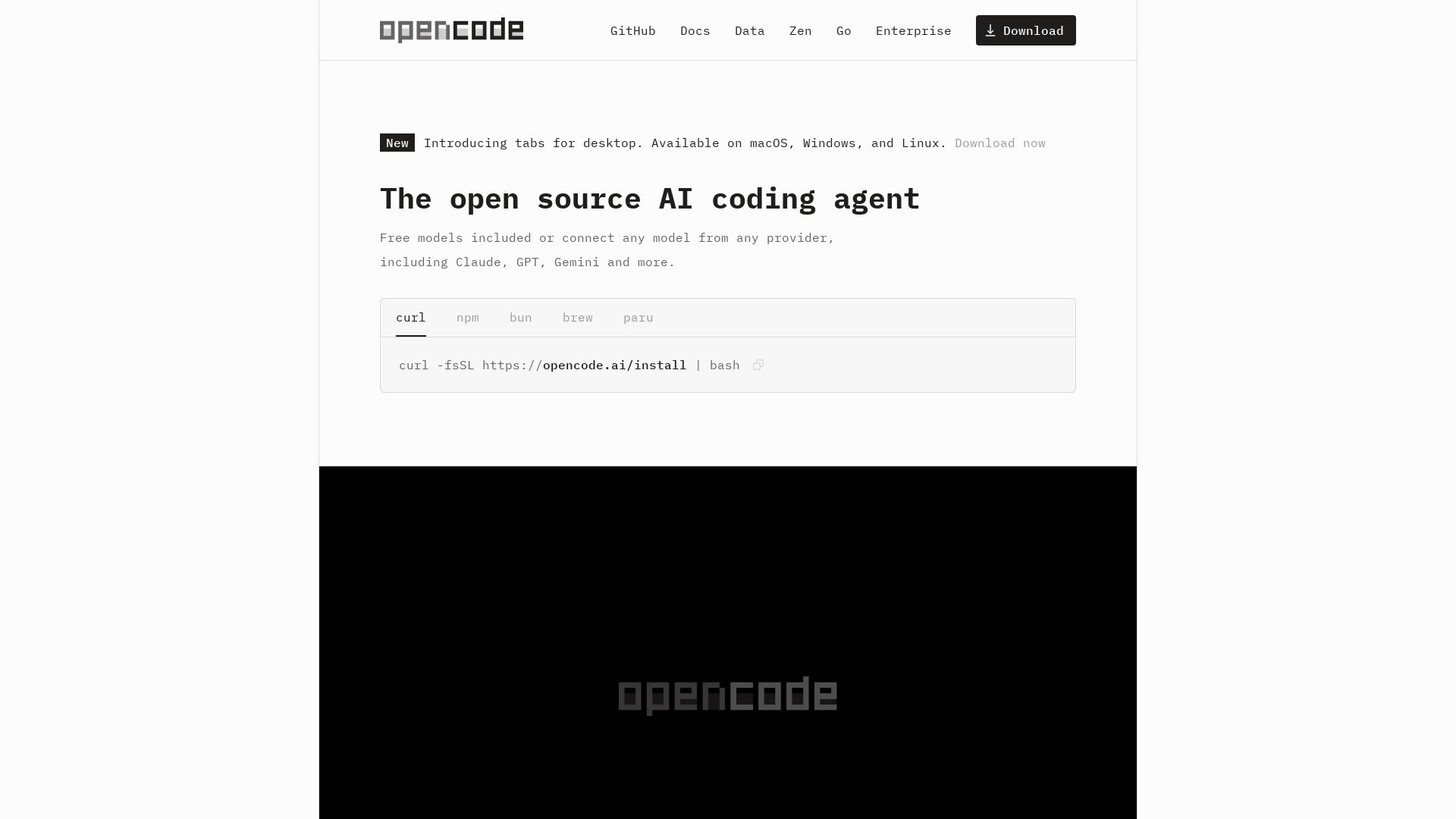
OpenCode
OpenCode: open source AI coding agent for terminal, IDE, or desktop. Free models, any provider, privacy-first. 160K+ GitHub stars.

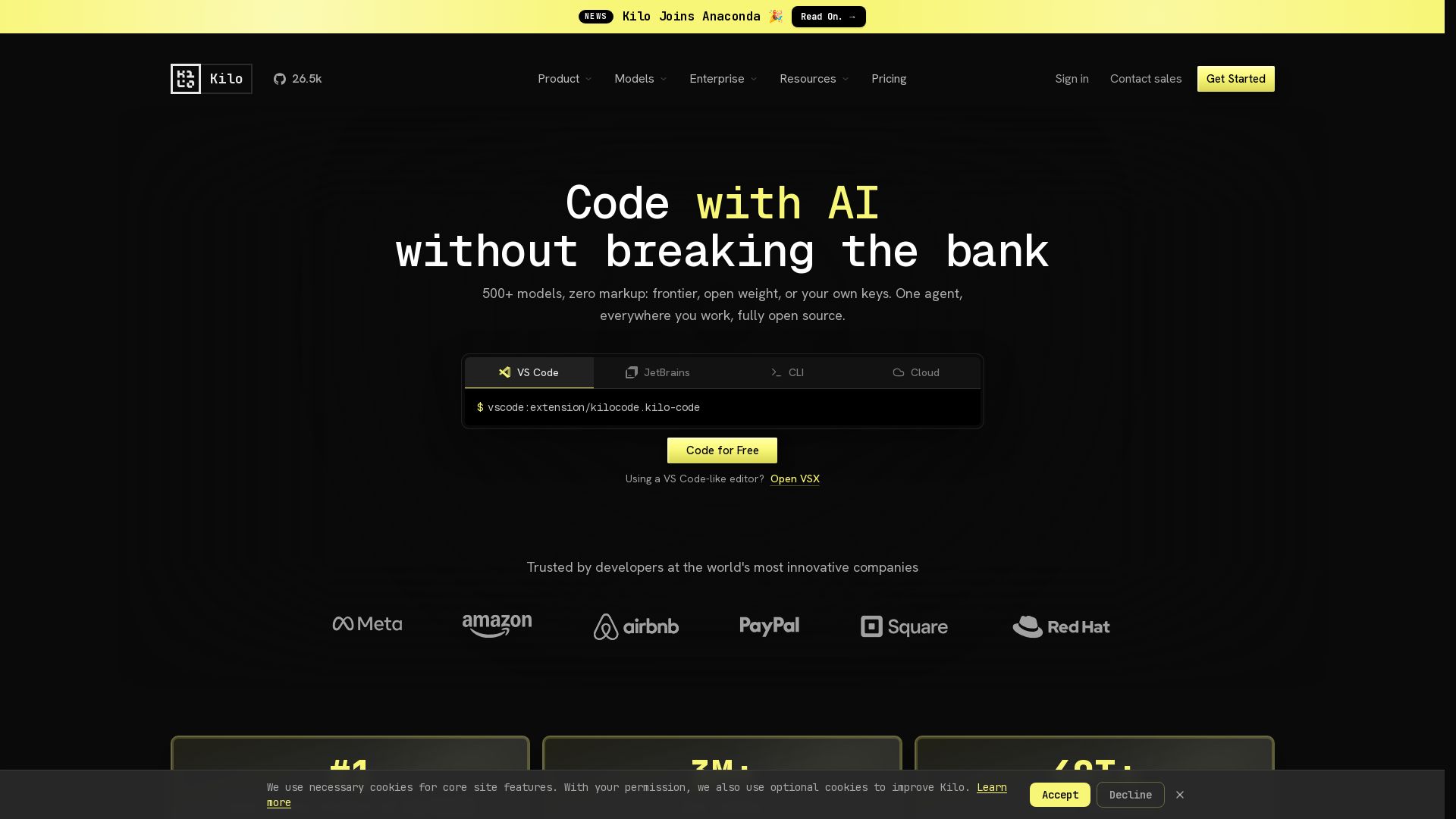
Kilo
Free AI coding tool with 500+ models at cost. Open source, no lock-in. Works in VS Code, JetBrains, CLI, and cloud. Trusted by 3M+ developers.

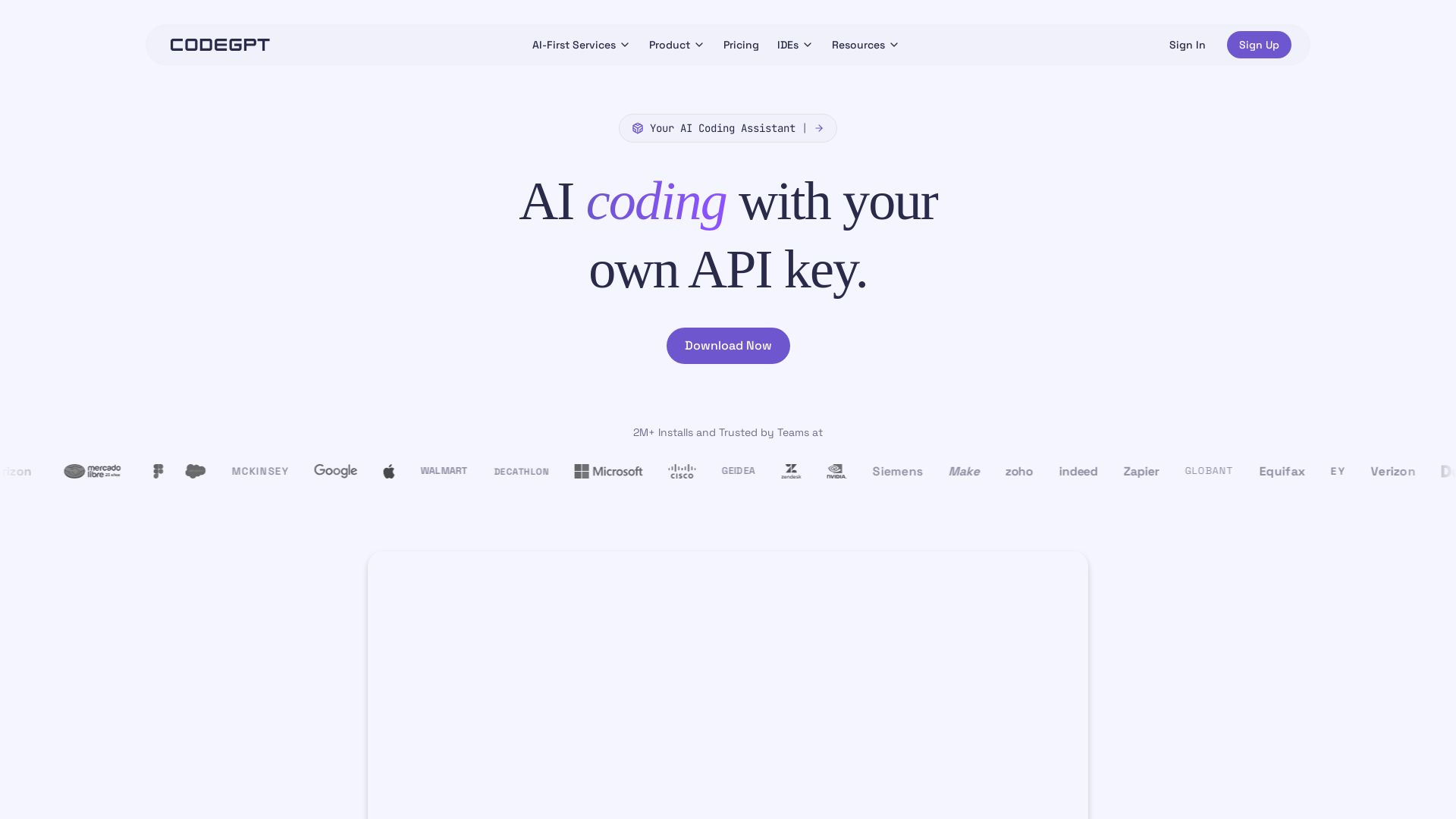
CodeGPT
Bring your own API key for transparent, unlimited AI coding. Supports Claude, Gemini, OpenAI. Privacy-first, no middlemen. Trusted by 2M+ developers.
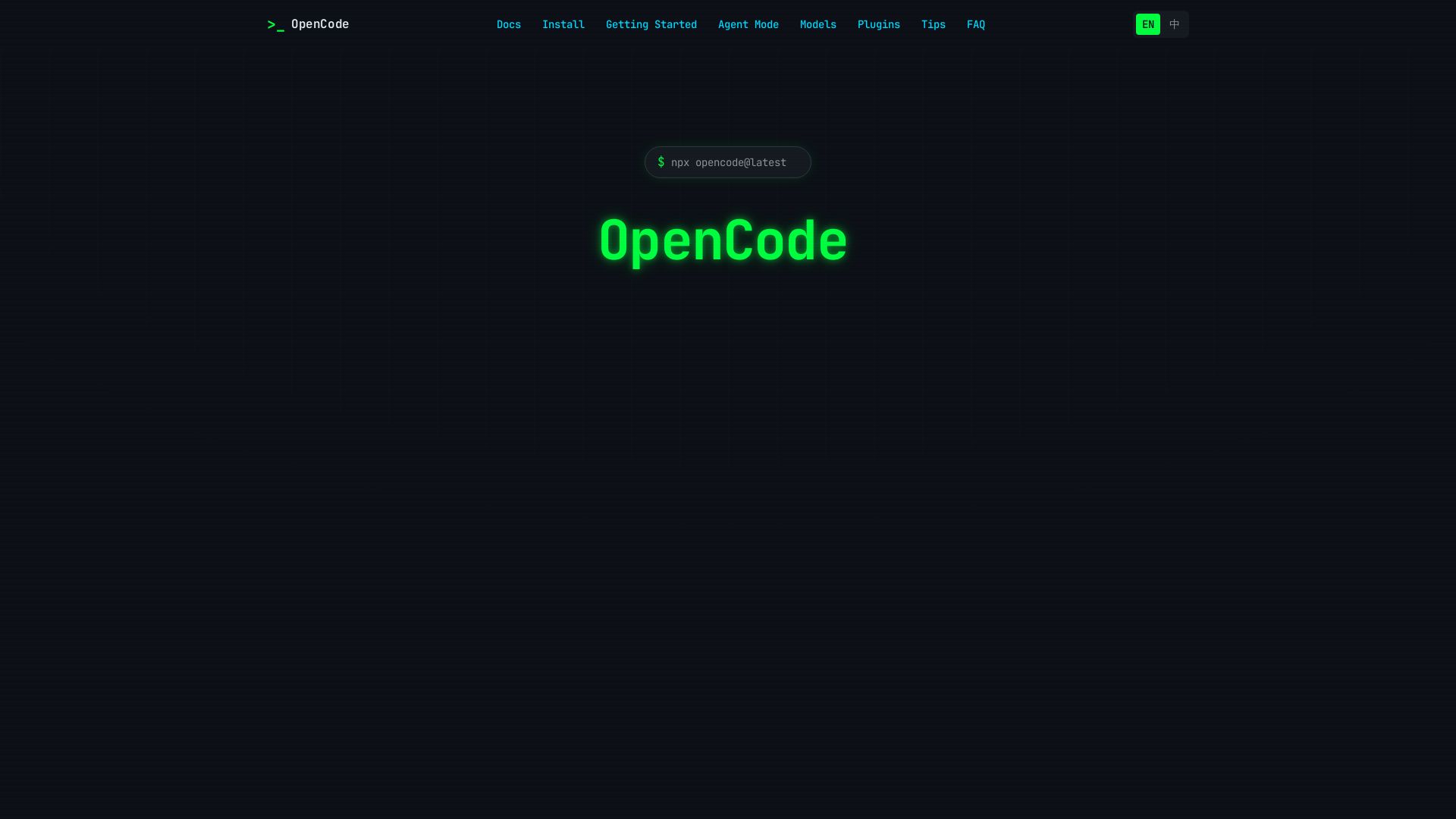
OpenCode
OpenCode is an open-source, terminal-native AI coding assistant supporting Claude, GPT-4, Gemini, and local models. Boost productivity with agent mode and seamless CLI integration.

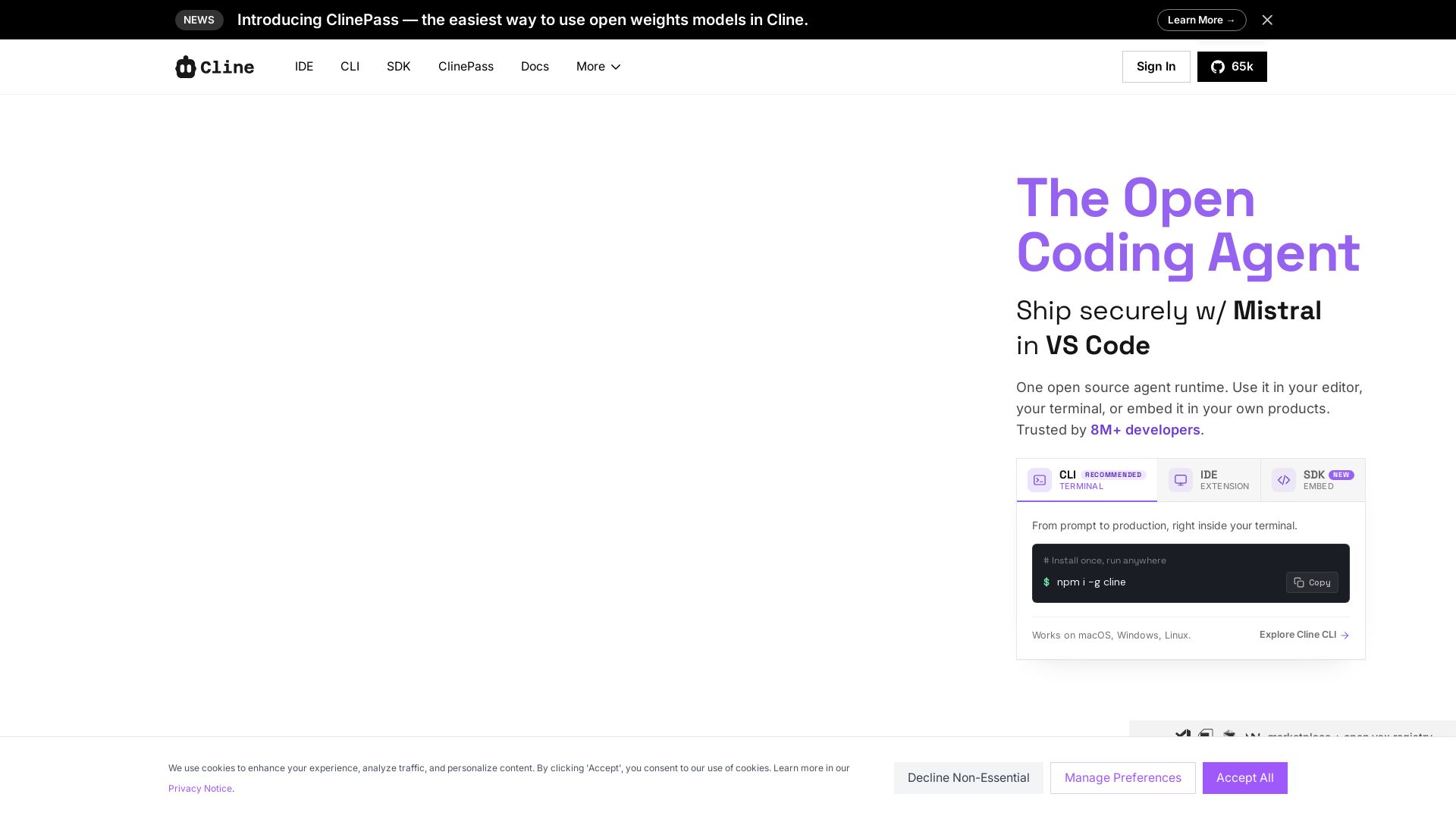
Cline
Cline is the open source AI coding agent that helps you ship secure code with Claude in VS Code, terminal, and more. Plan, act, and automate across your workflow.

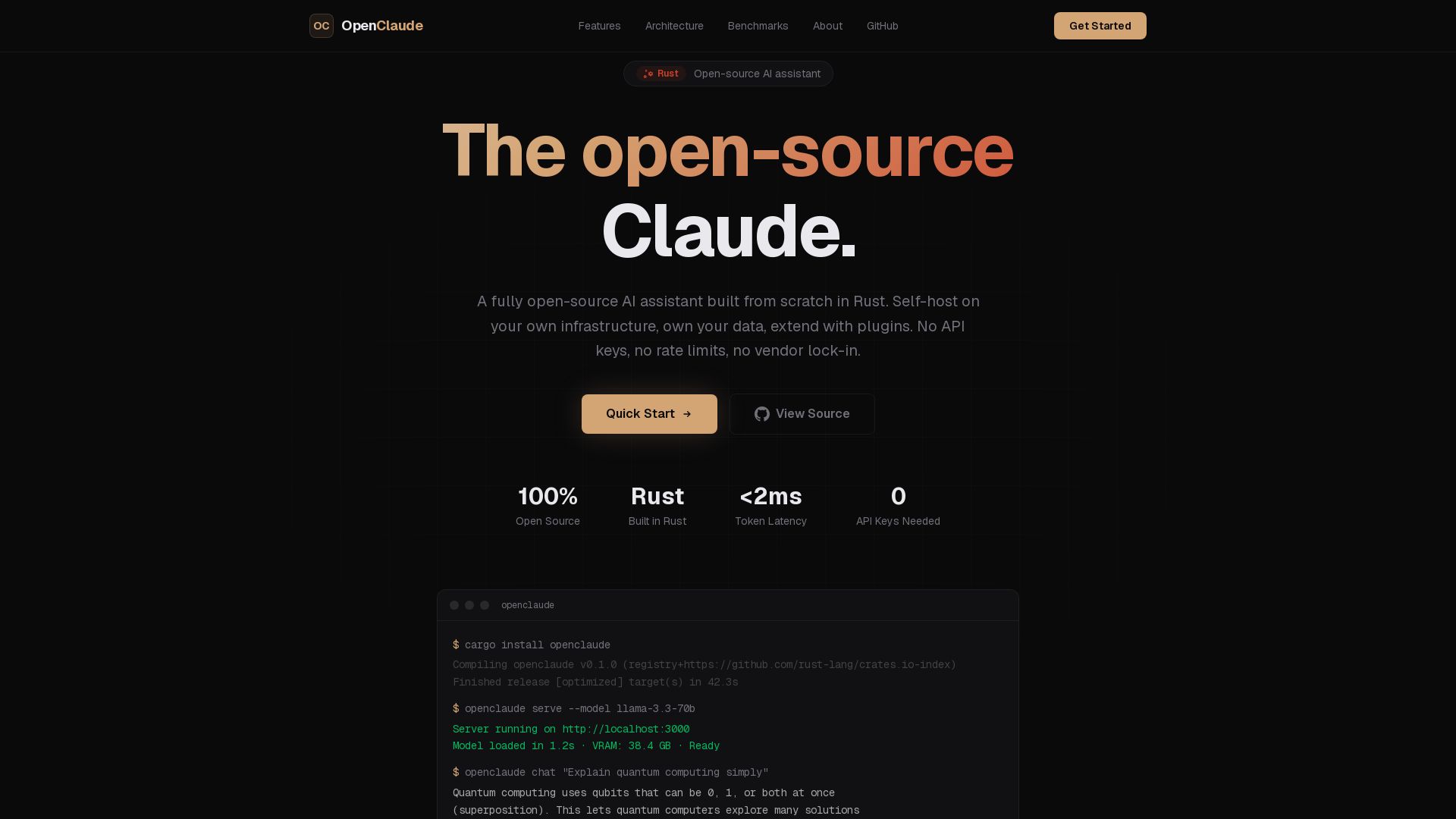
OpenClaude
A fully open-source AI assistant built in Rust. Self-host on your own infrastructure, own your data. No API keys, no vendor lock-in.

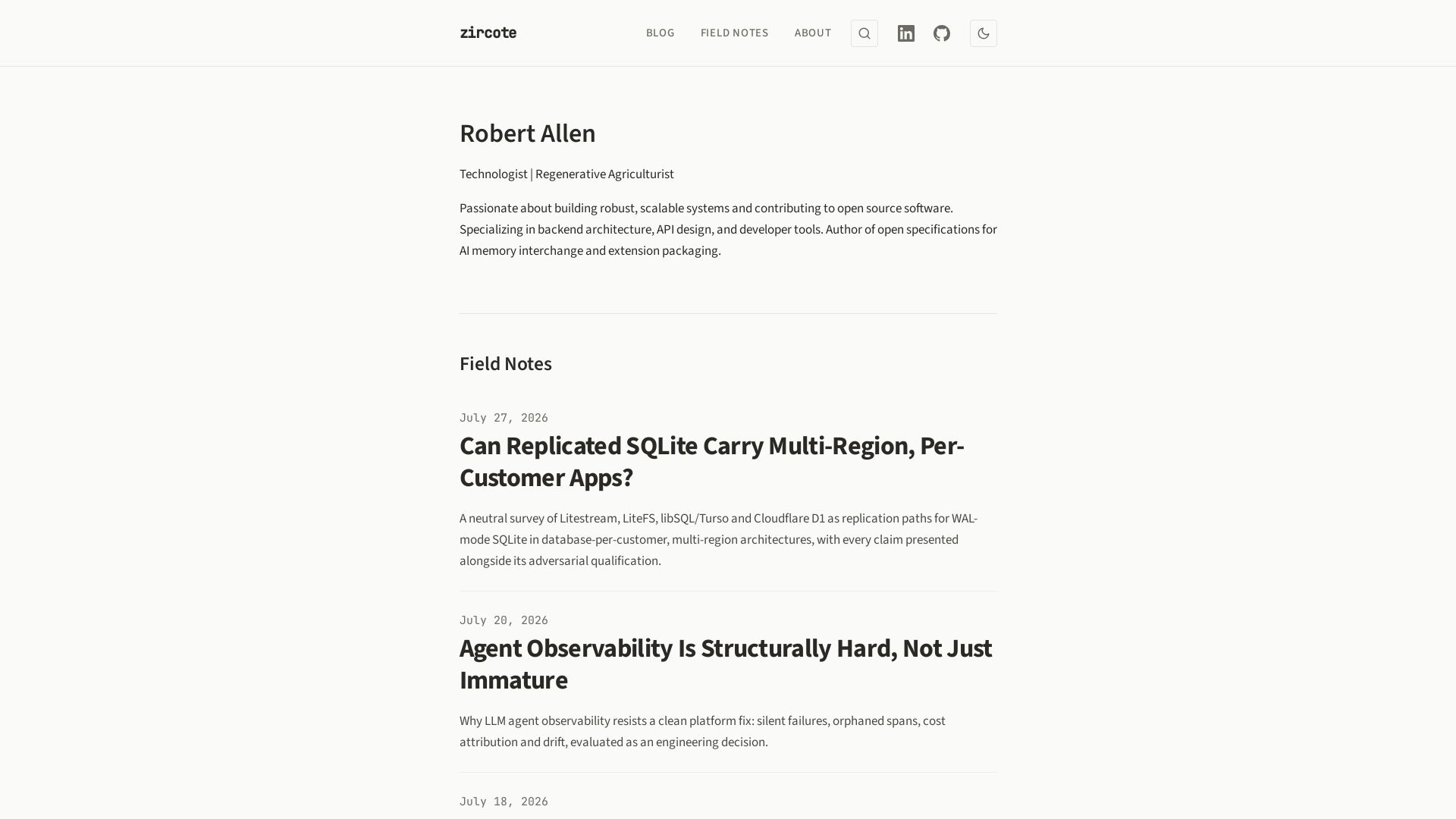
zircote
Explore insights on backend architecture, AI development, observability, and regenerative agriculture by technologist Robert Allen.

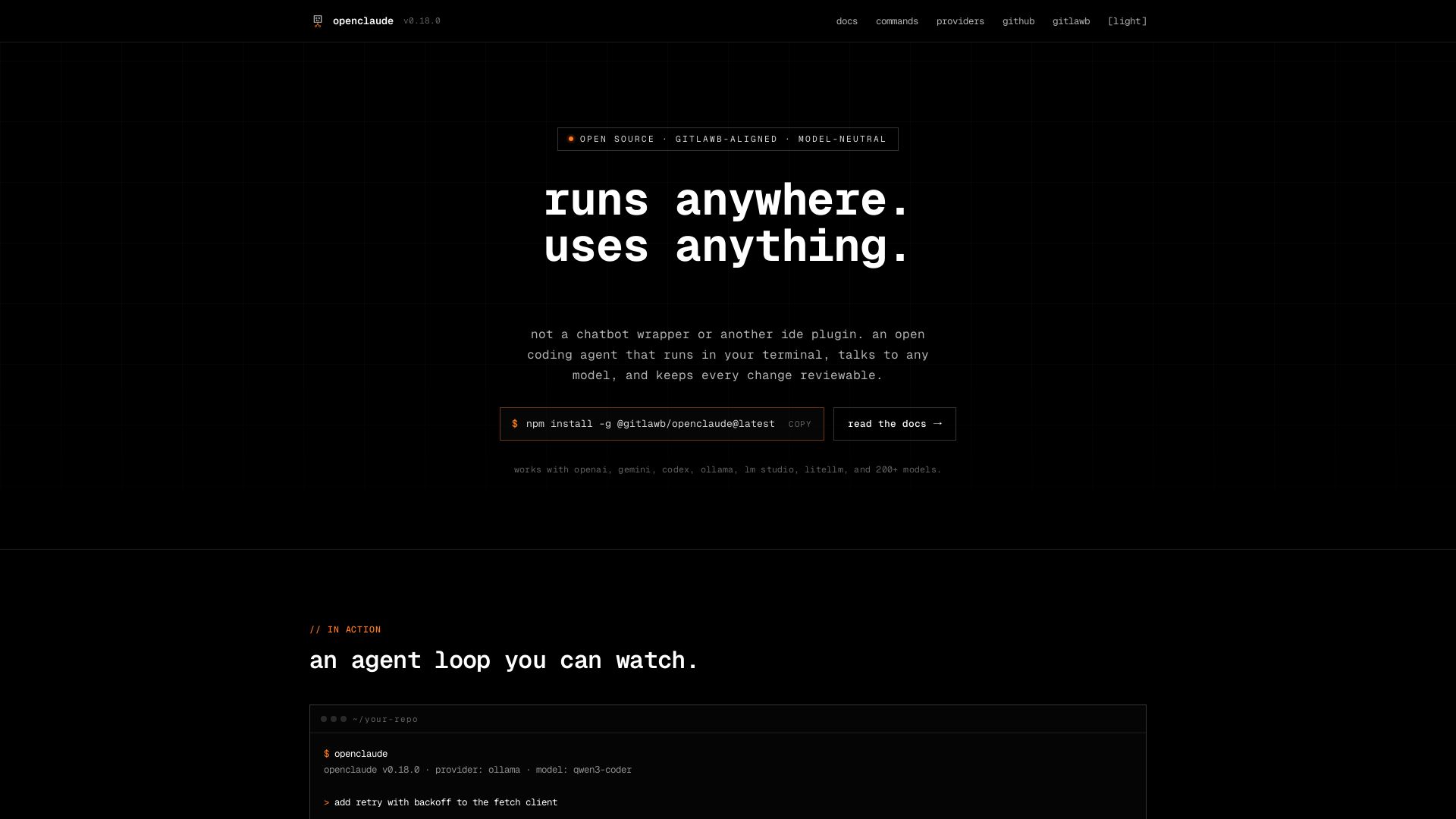
openclaude
An open coding agent that runs in your terminal, talks to any model, and keeps every change reviewable. Works with OpenAI, Gemini, Ollama, and 200+ models.

ℹ️ Curation Disclosure: The overview and features of OpenCode were synthesized using AI and fact-checked by our curation team to ensure accuracy.
