
Continue

Create, share, and use custom AI code agents with Continue. Features agent, chat, edit modes, and autocomplete for VS Code and JetBrains.
Editor's Verdict
Key Takeaways
- Agent mode
- Chat mode
- Autocomplete
- Edit mode
In-Depth Review: What is Continue?
Continue is an open source AI code assistant that integrates with VS Code and JetBrains. It offers multiple modes: Agent mode for collaborative development, Chat mode for code questions, Edit mode for inline modifications, and Autocomplete for real-time suggestions. Additionally, the Continue CLI enables terminal-native AI coding assistance. Empower your development workflow with custom AI agents.
Core Features
Agent mode
Work on development tasks together with AI, enabling collaborative problem-solving.
Chat mode
Ask general questions and clarify code sections interactively.
Autocomplete
Receive inline code suggestions as you type, boosting coding speed.
Edit mode
Modify code sections without leaving your current file, streamlining edits.
Continue CLI
Terminal-native AI coding assistance for command-line workflows.
Pros and Cons
Pros
- Open SourceFully open source, allowing customization and community contributions.
- Multi-IDE SupportWorks with both VS Code and JetBrains, covering popular editors.
- Versatile ModesOffers Agent, Chat, Edit, Autocomplete, and CLI for various tasks.
- CustomizableFeatures rules, prompts, and model configuration for tailored experiences.
- No Vendor Lock-inSupports multiple model providers and local models.
Cons
- Limited IDE SupportOnly supports VS Code and JetBrains, excluding other editors.
- Dependency on ExtensionsRequires installing browser-like extensions for full functionality.
- Learning CurveCustomization options may overwhelm new users.
- Internet RequirementSome features may need internet access for model queries.
- No Pricing ClarityPricing not explicitly stated, potentially leading to uncertainty.
Use Cases & Recommended Professions
Software Engineer→ View Toolkit
Needs AI assistance for code generation, refactoring, and debugging across projects.
Web Developer→ View Toolkit
Benefits from autocomplete and chat to quickly build and debug web applications.
Data Scientist→ View Toolkit
Uses code assistant for writing scripts, analyzing data, and integrating models.
DevOps Engineer→ View Toolkit
Leverages CLI and agent mode for infrastructure-as-code and automation tasks.
Student Developer→ View Toolkit
Learns coding with interactive chat and explanations, speeding up skill acquisition.
Technical Writer→ View Toolkit
Uses code assistant to generate and review code examples in documentation.
Frequently Asked Questions
Alternative AI Tools
View Detailed Comparison →
Kilo
Free AI coding tool with 500+ models at cost. Open source, no lock-in. Works in VS Code, JetBrains, CLI, and cloud. Trusted by 3M+ developers.

AI Hero
Master AI-assisted coding with proven engineering fundamentals. Learn to make codebases agents love, control AI output quality, and build real skills. Join 70k+ developers.

CodeGPT
Supercharge your coding with CodeGPT. AI-driven code generation, debugging, and agents. Seamlessly integrates with VS Code and JetBrains IDEs.

Cline
Cline is the open source AI coding agent that helps you ship secure code with Claude in VS Code, terminal, and more. Plan, act, and automate across your workflow.


AI SDK AGENTS
The toolkit for AI engineers. Install, copy, or export 125 AI SDK patterns for agents, tool calling, human-in-the-loop, and generative UI. Full source code, own your stack.

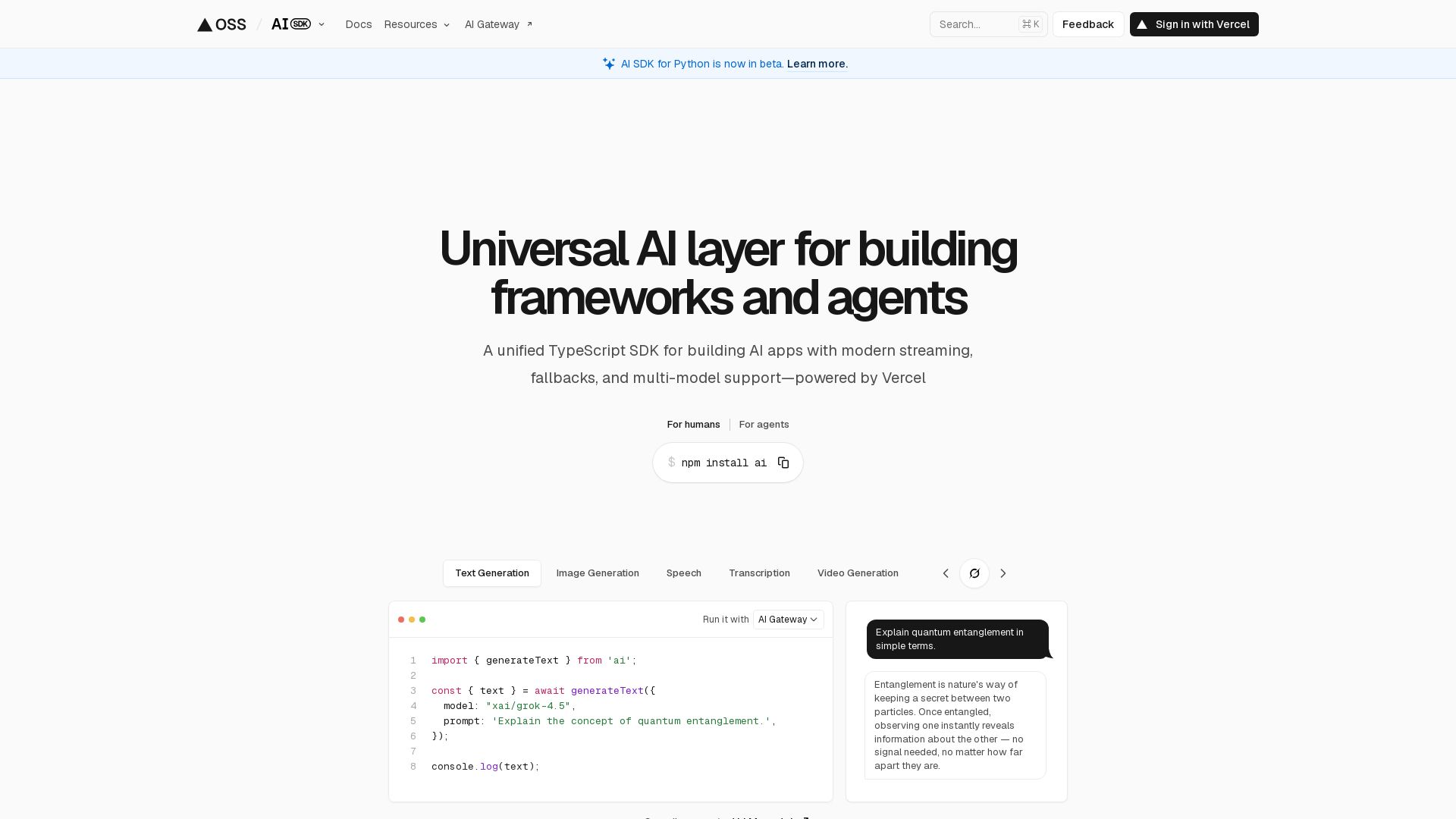
AI SDK
Unified TypeScript SDK for AI apps with streaming, fallbacks, multi-model support. Open-source, 100+ models, 18.5M weekly downloads.


OpenCode
OpenCode is a free, open-source AI coding assistant supporting multiple providers (OpenAI, Anthropic, local models) with CLI/TUI, custom tools, and privacy-centric local execution.

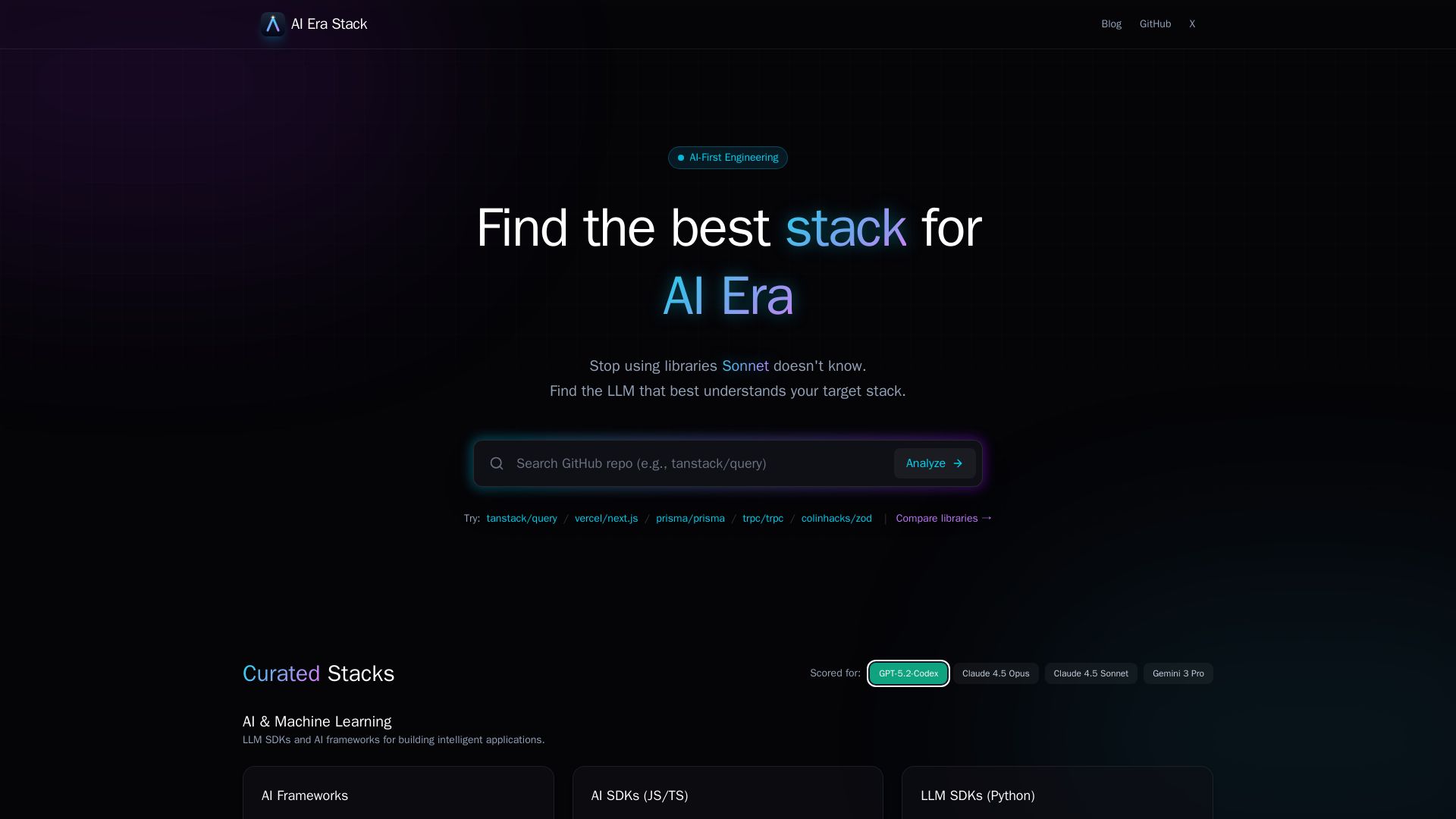
AI Era Stack
Discover which GitHub projects are best understood by LLMs like GPT, Claude, Gemini. Score based on AI coverage, adoption, and more. Choose stacks AI knows.

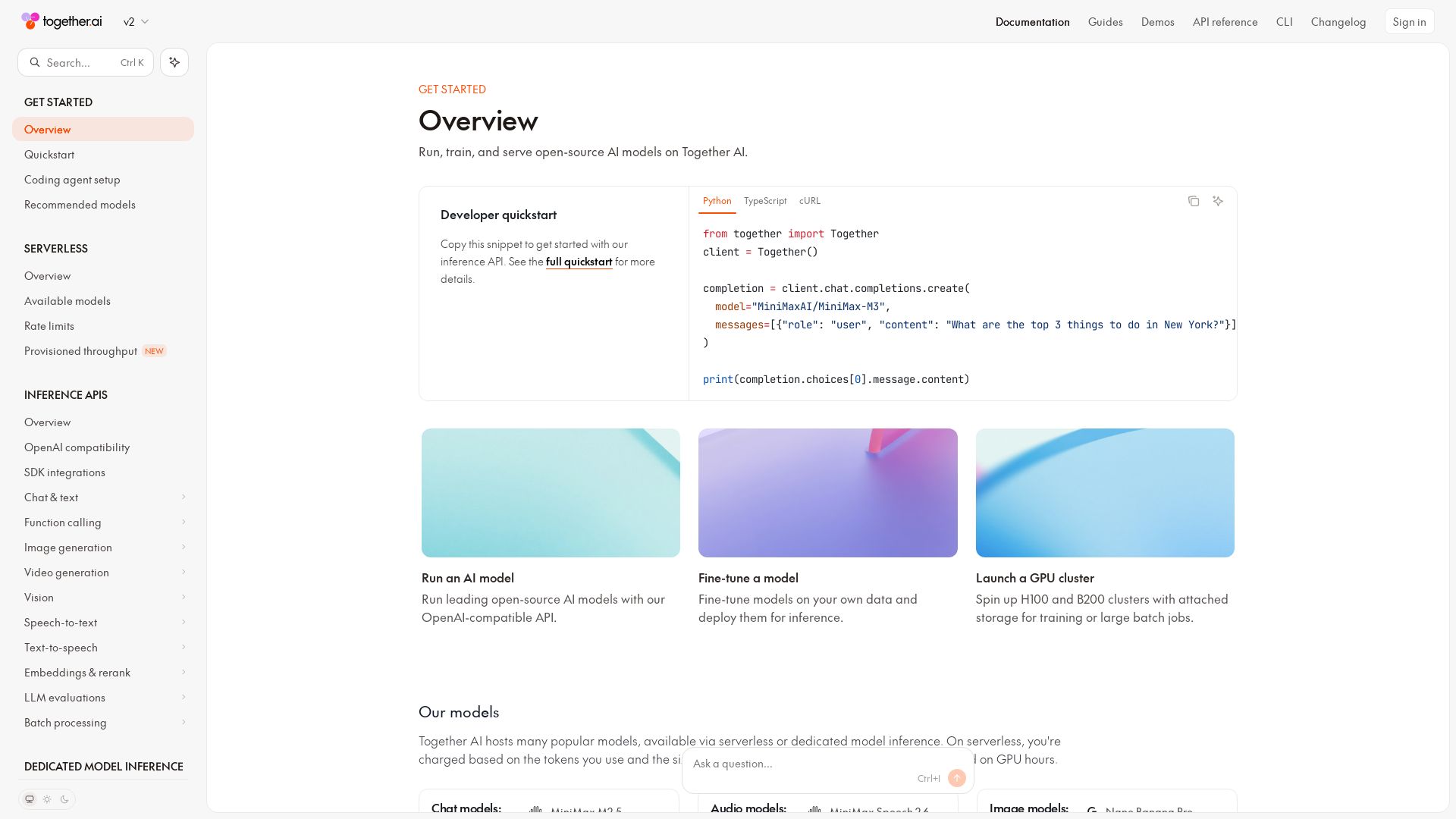
Together AI
Explore Together AI's comprehensive docs for running, training, and serving open-source AI models. Includes APIs, fine-tuning, GPU clusters, and more.


Making AI think and act: my approach to the Hugging Face AI ...
Experienced AI engineer specializing in medical imaging and LLM-powered agents. Built globally deployed radiology AI at AZmed. Now building AI agents at Matrix One.

I Tested Every Major Open-Source AI Agent SDK So You Don't ...
Explore insights on Voice AI Agents, Multi-Agent Systems, and Developer Tools from a 30+ hackathon winner. Practical guides and cutting-edge research.

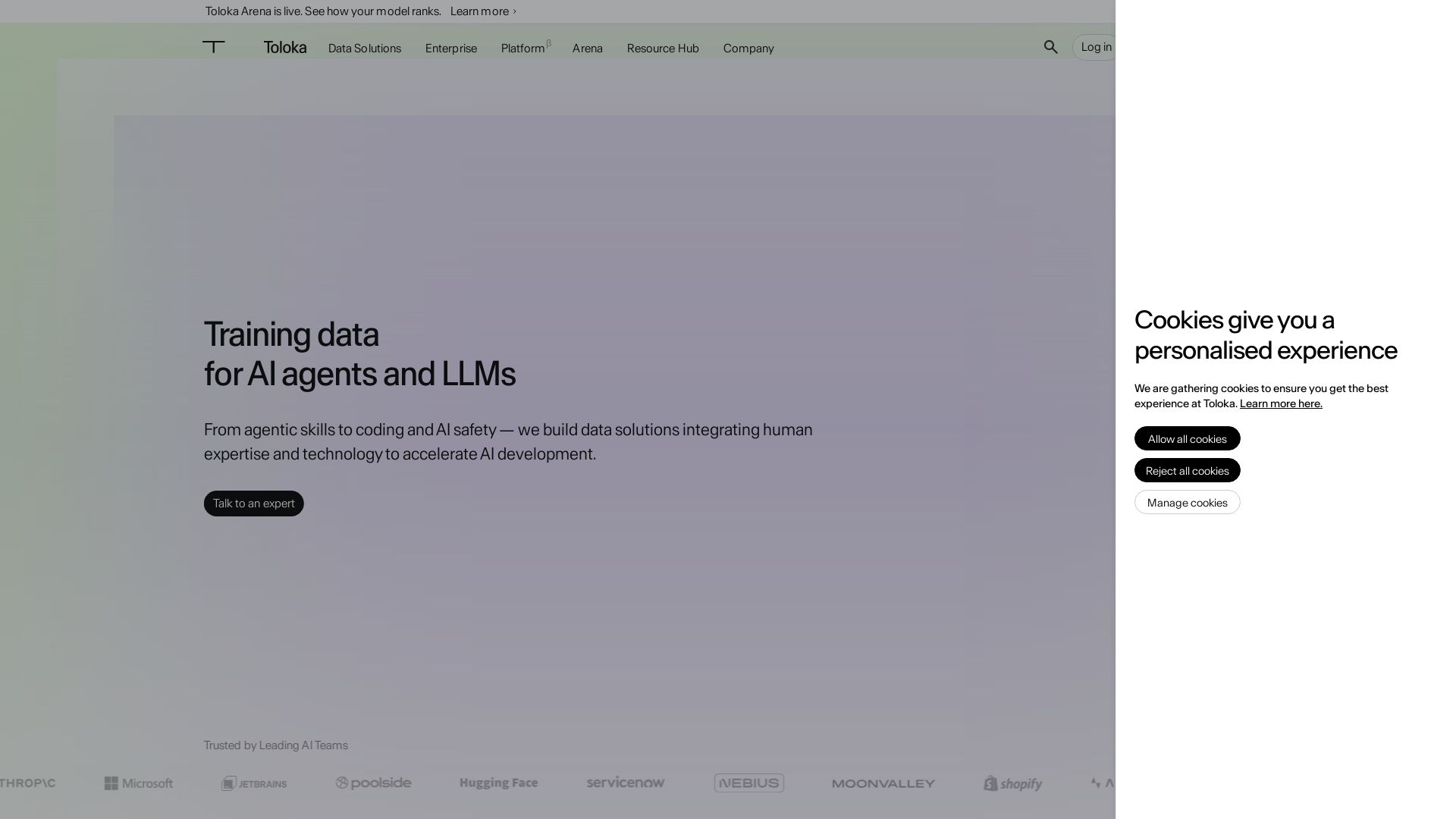
Toloka
High-quality training data for AI agents, LLMs, and coding assistants. Trusted by leading AI teams. 90+ domains, expert network.

ℹ️ Curation Disclosure: The overview and features of Continue were synthesized using AI and fact-checked by our curation team to ensure accuracy.
