
CodeGPT
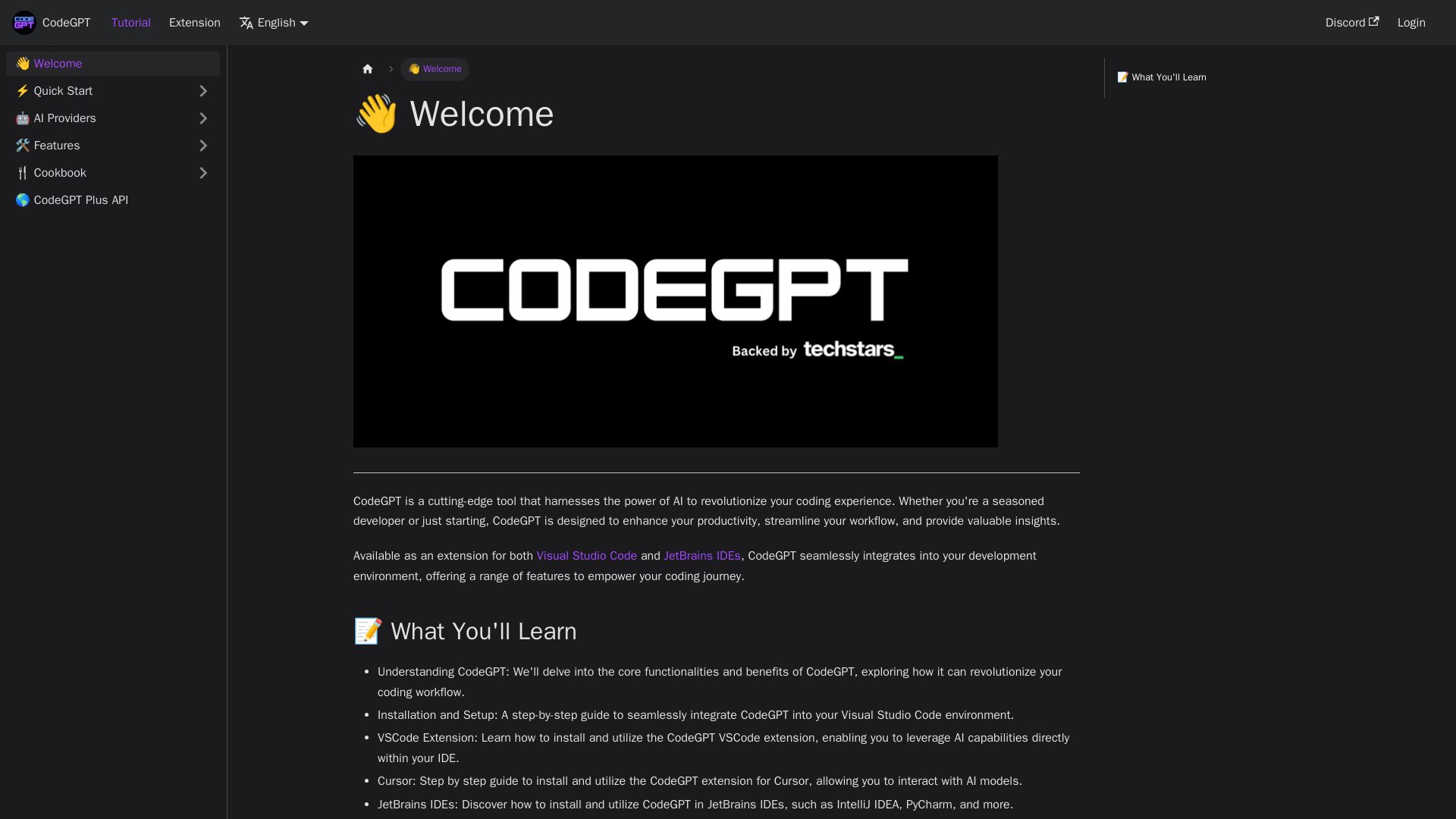
Supercharge your coding with CodeGPT. AI-driven code generation, debugging, and agents. Seamlessly integrates with VS Code and JetBrains IDEs.
Editor's Verdict
Key Takeaways
- AI Code Generation
- Intelligent Code Completion
- Debugging Assistance
- AI Agent Creation
In-Depth Review: What is CodeGPT?
CodeGPT is a cutting-edge AI tool that revolutionizes your coding experience. Available as an extension for Visual Studio Code and JetBrains IDEs, it offers code generation, completion, debugging assistance, and the ability to create custom AI Agents. CodeGPT seamlessly integrates into your workflow, enhancing productivity and providing valuable insights. Whether you're a seasoned developer or just starting, CodeGPT empowers your coding journey with advanced features and practical examples.
Core Features
AI Code Generation
Generate code snippets and full functions using AI, boosting productivity and reducing manual coding.
Intelligent Code Completion
Get context-aware code completions as you type, improving accuracy and speed.
Debugging Assistance
Receive AI-powered suggestions to identify and fix bugs in your code efficiently.
AI Agent Creation
Create custom AI agents enriched with your own data, such as API docs, PDFs, or entire codebases.
Multi-IDE Support
Seamlessly integrate with Visual Studio Code, JetBrains IDEs, and Cursor for a unified AI coding experience.
Flexible AI Provider Selection
Choose from top AI providers or use CodeGPT Plus for premium features and enhanced capabilities.
Pricing
Free
- Basic AI code generation and completion
- Limited API calls per day
- Standard support
CodeGPT Plus
- Unlimited API calls
- Priority access to premium models
- Advanced AI agent creation
- Priority support
Teams
- All Plus features
- Team collaboration and management
- Custom AI agents with private data
- Dedicated account manager
Pros and Cons
Pros
- Seamless IDE IntegrationWorks directly within popular IDEs like VS Code and JetBrains, minimizing context switching.
- Custom AI AgentsAbility to create AI agents tailored to specific projects by adding custom data.
- Enhanced ProductivityAI assists with code generation, completion, and debugging, speeding up development.
- Multi-Provider FlexibilitySupports various AI providers, allowing users to choose based on preference or cost.
- Practical Learning ResourcesOffers tutorials and examples to help users get started quickly.
Cons
- Internet DependencyRequires a stable internet connection to access AI models, limiting offline use.
- Learning CurveNew users may need time to understand how to effectively use AI agents and features.
- Provider LimitationsFree tier may have limited API calls, and some advanced features require a paid plan.
- Data Privacy ConcernsUsing external AI providers may raise data privacy issues for sensitive codebases.
- Potential InaccuraciesAI-generated code may contain errors or require careful review before use.
Use Cases & Recommended Professions
Software Engineer→ View Toolkit
Uses CodeGPT to generate boilerplate code, debug efficiently, and integrate AI into daily development tasks.
Data Scientist→ View Toolkit
Leverages AI agents to process and analyze data, generate data pipelines, and speed up model development.
Web Developer→ View Toolkit
Benefits from code completion and generation for frontend and backend tasks, improving workflow.
DevOps Engineer→ View Toolkit
Utilizes AI for scripting, configuration generation, and troubleshooting infrastructure code.
Technical Writer→ View Toolkit
Employs CodeGPT to draft documentation, generate code examples, and clarify technical concepts.
Student→ View Toolkit
Learns programming with AI-assisted explanations, code examples, and interactive help.
Frequently Asked Questions
Alternative AI Tools
View Detailed Comparison →
Wizr AI
Build autonomous enterprises with AI-powered automation. Accelerate software delivery by 50% with production-ready AI systems. Trusted by world-class enterprises.

AI Hero
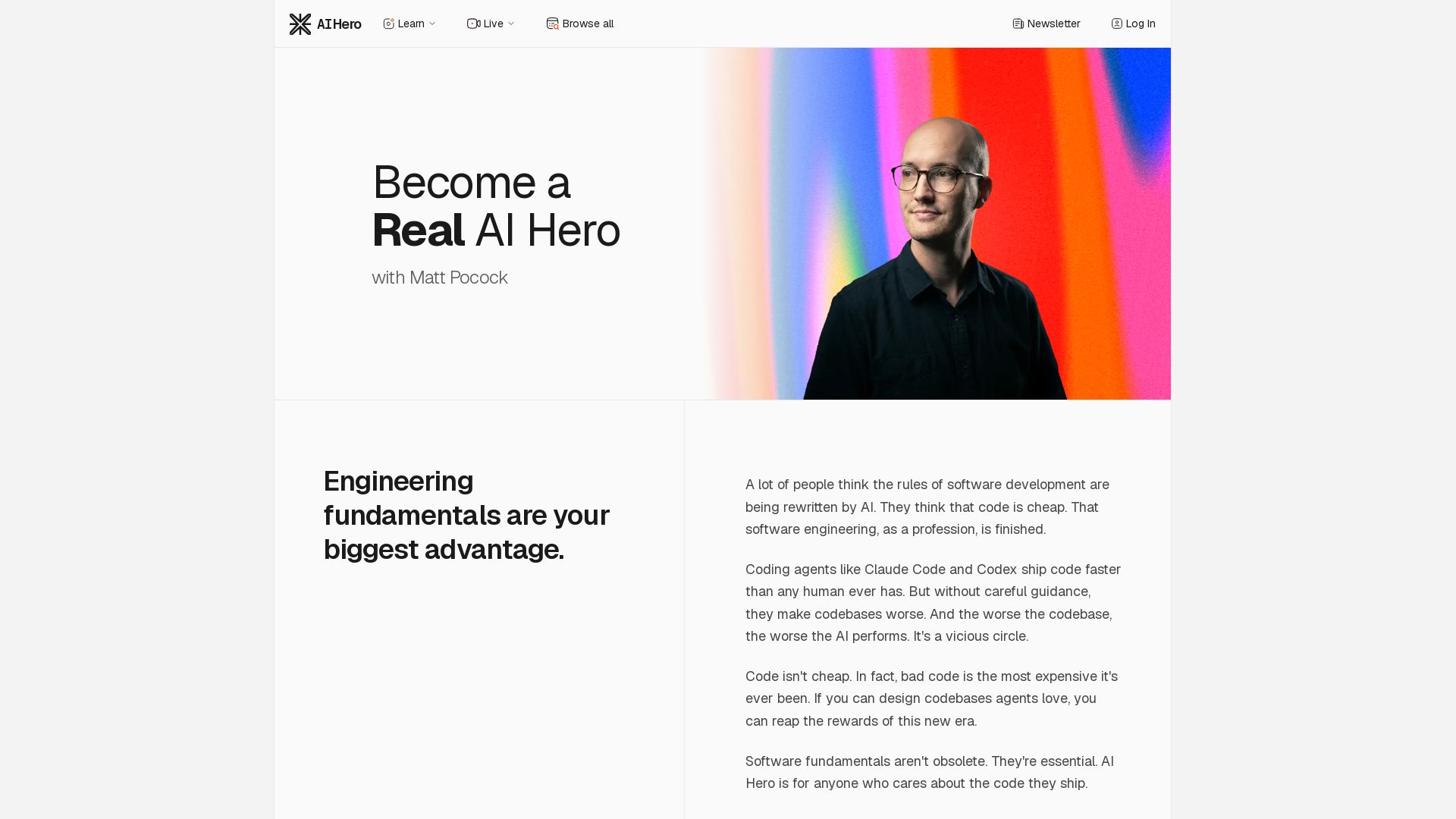
Master AI-assisted coding with proven engineering fundamentals. Learn to make codebases agents love, control AI output quality, and build real skills. Join 70k+ developers.


Zapier
Connect AI to 9,000+ apps. Build AI agents, chatbots, and workflows without code. Trusted by Fortune 500. Start free.


Agentic Workers
Automate tasks with 100+ pre-built AI workflows. Connect 800+ tools, save 10+ hours/week. No coding needed. Join 13,000+ professionals.


Scuti AI
We specialize in generative AI, AI-OCR, RAG, and offshore development. Combining Vietnam's speed with Japan's quality to automate tasks and boost business.

AI Era Stack
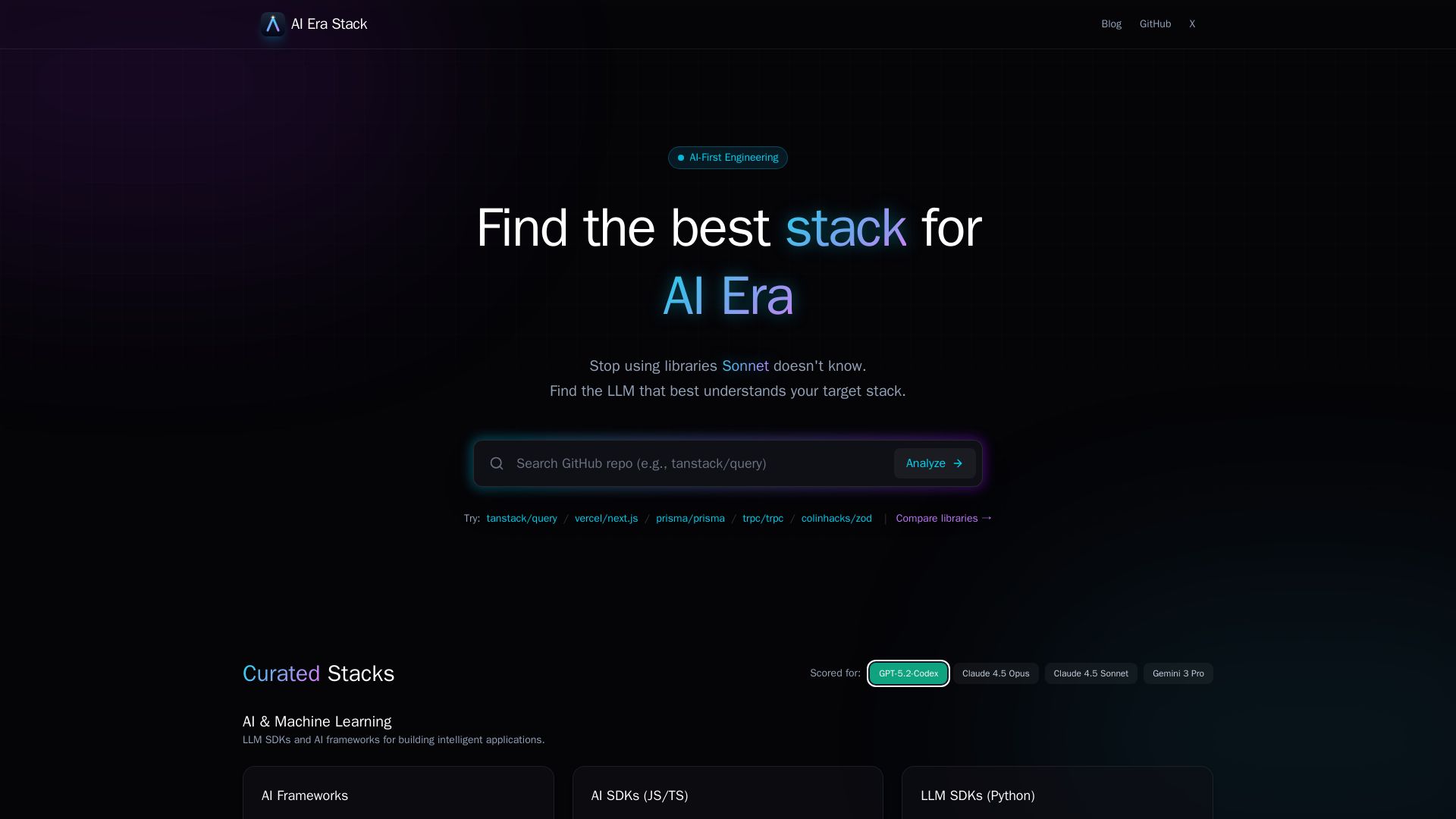
Discover which GitHub projects are best understood by LLMs like GPT, Claude, Gemini. Score based on AI coverage, adoption, and more. Choose stacks AI knows.


AI SDK AGENTS
The toolkit for AI engineers. Install, copy, or export 125 AI SDK patterns for agents, tool calling, human-in-the-loop, and generative UI. Full source code, own your stack.

Toloka
High-quality training data for AI agents, LLMs, and coding assistants. Trusted by leading AI teams. 90+ domains, expert network.

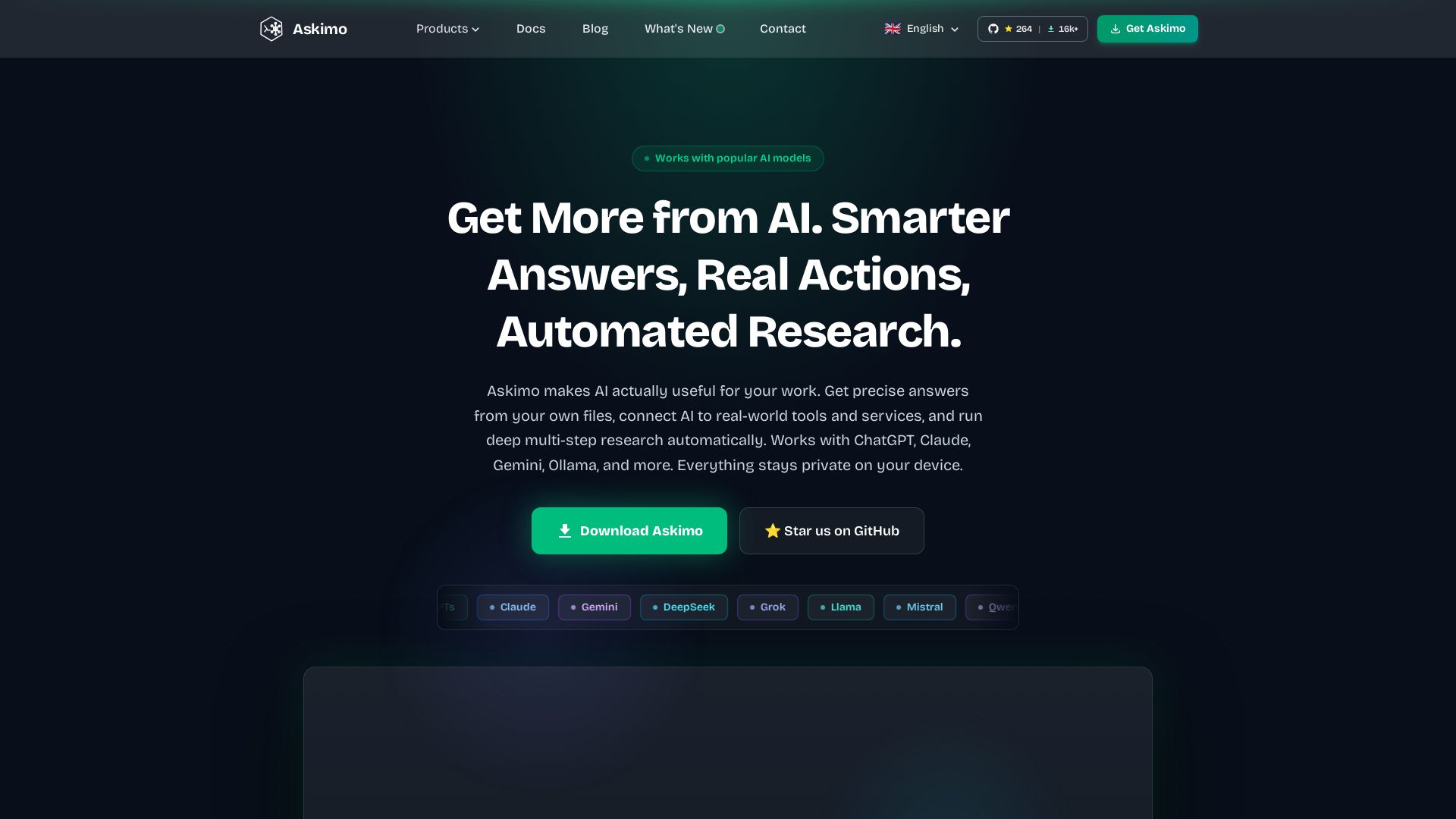
Askimo
Use ChatGPT, Claude, Gemini & more in one desktop app. AI knows your files, runs multi-step workflows, and keeps data private.


Making AI think and act: my approach to the Hugging Face AI ...
Experienced AI engineer specializing in medical imaging and LLM-powered agents. Built globally deployed radiology AI at AZmed. Now building AI agents at Matrix One.

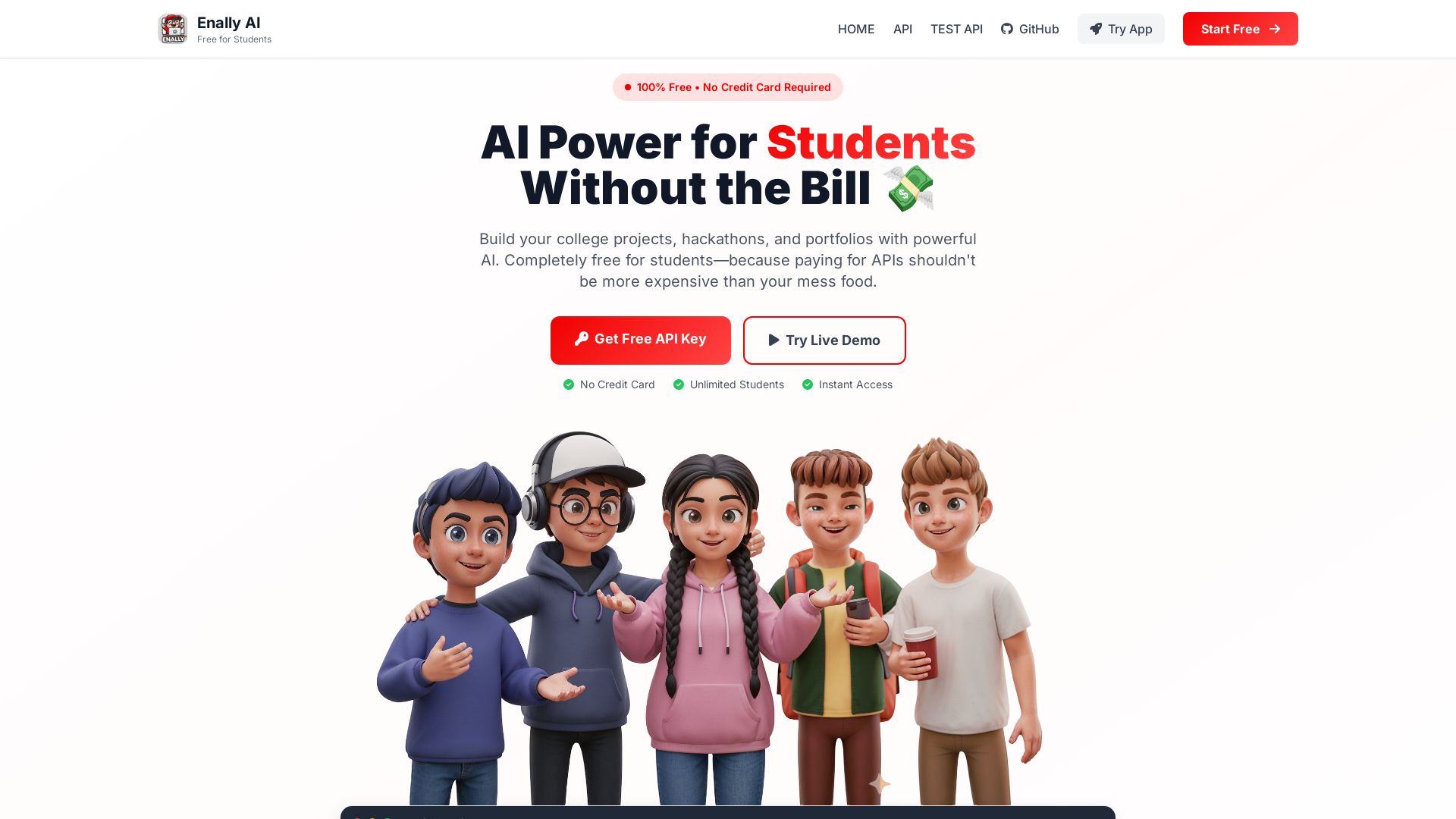
Enally AI
Get unlimited free AI APIs for college projects, hackathons, and portfolios. Chat, multimodal, reasoning. No credit card required. Start building now!

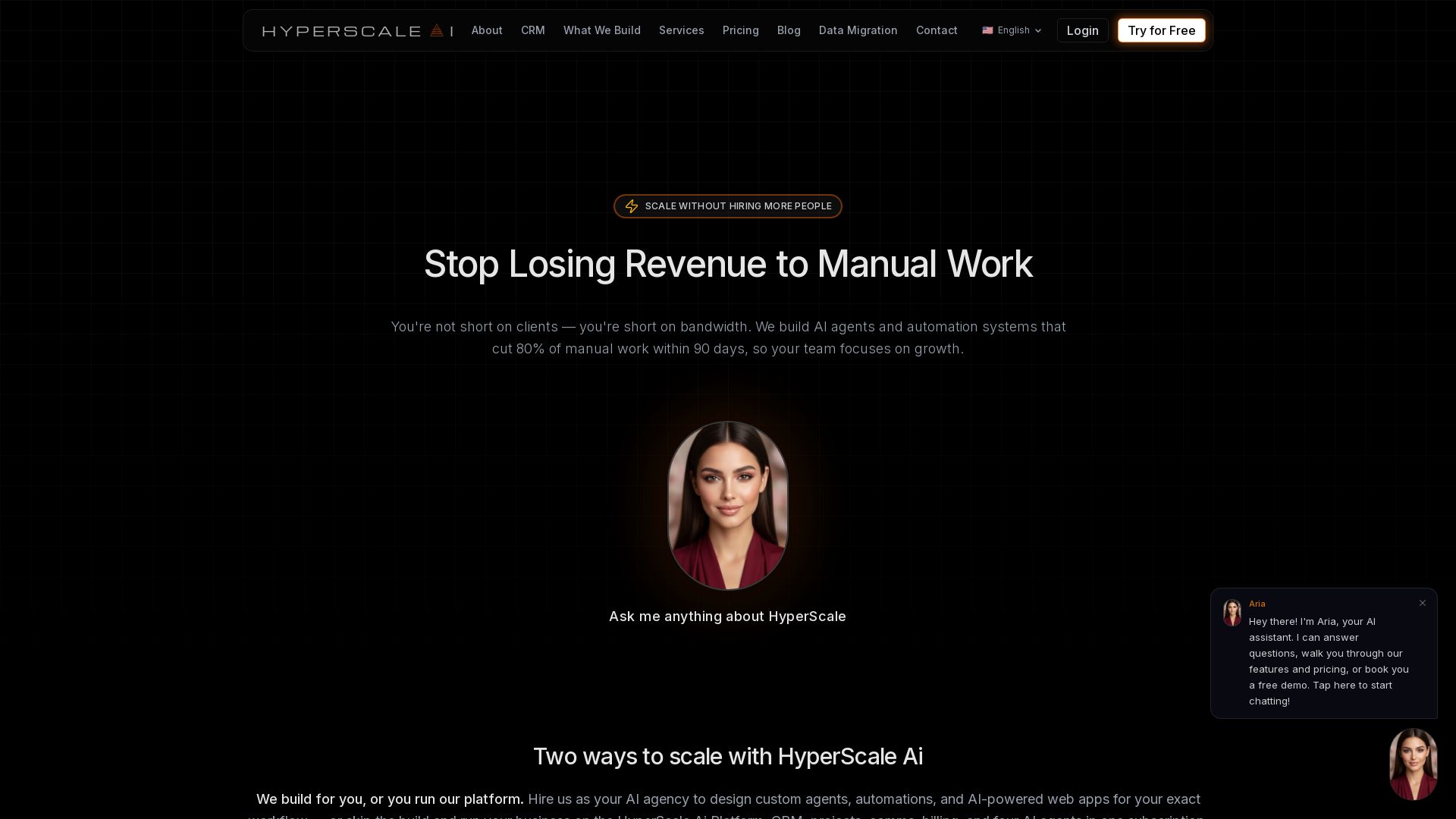
HyperScale Ai
Replace 8+ tools with one AI-native platform: CRM, projects, chat, billing, and 4 AI agents. Or hire us to build custom AI agents and automation. Scale without hiring.

ℹ️ Curation Disclosure: The overview and features of CodeGPT were synthesized using AI and fact-checked by our curation team to ensure accuracy.
