Askimo
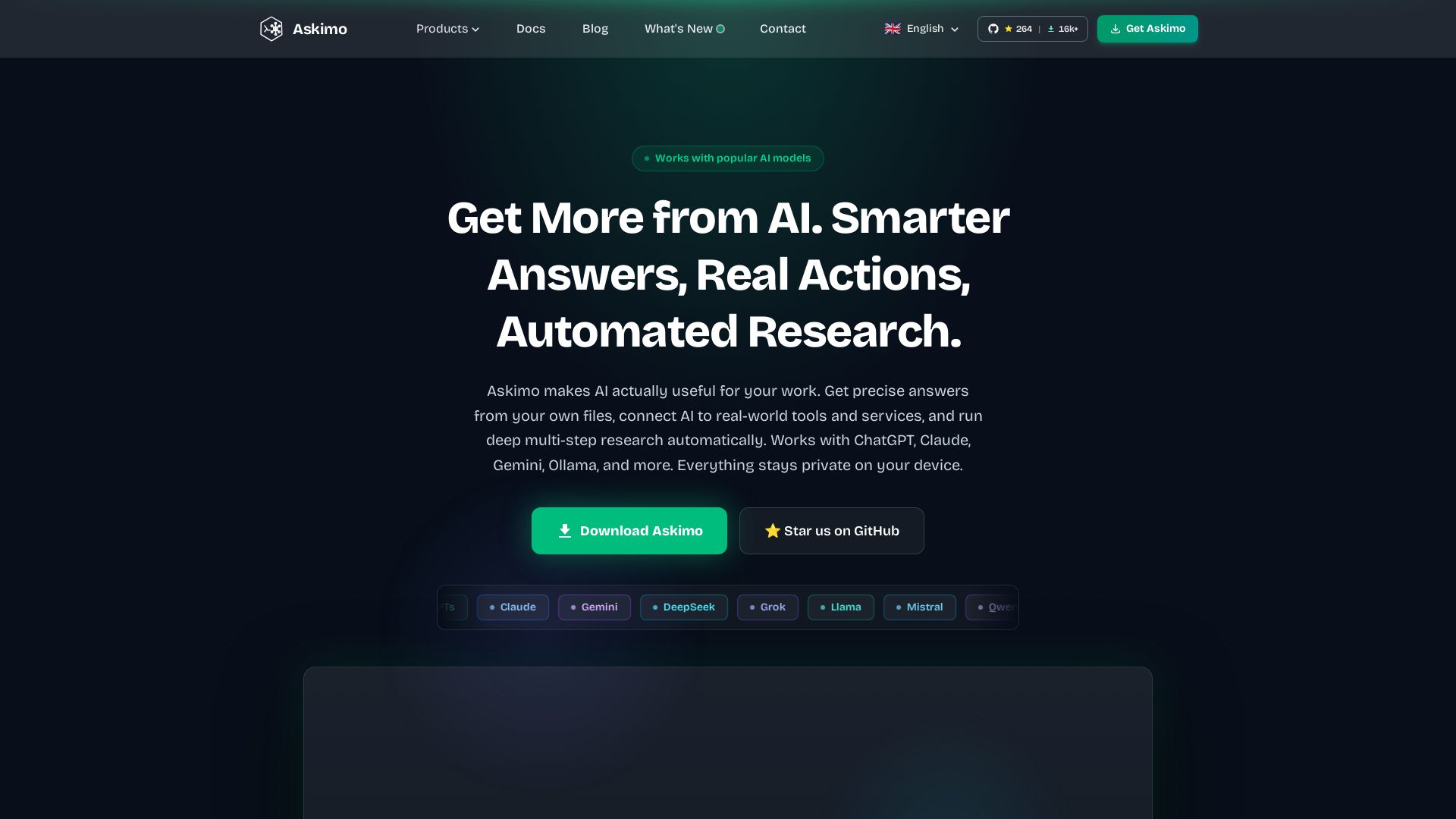
Use ChatGPT, Claude, Gemini & more in one desktop app. AI knows your files, runs multi-step workflows, and keeps data private.
Editor's Verdict
Key Takeaways
- Multi-Model Chat
- RAG (Retrieval-Augmented Generation)
- AI Plans (Multi-Step Workflows)
- MCP Tools Integration
In-Depth Review: What is Askimo?
Askimo is a powerful desktop client that unifies all major AI models (GPT, Claude, Gemini, Ollama, etc.) in a single interface. Unlike typical chat tools, Askimo indexes your local files so AI answers from your actual documents and code. It supports MCP tools for real-world actions (web, APIs, terminal) and Plans for automated multi-step workflows. All data stays on your device—100% private and offline capable. Perfect for developers, researchers, and professionals who need smarter, actionable AI without vendor lock-in.
Core Features
Multi-Model Chat
Chat with ChatGPT, Claude, Gemini, Ollama, and more from a single desktop app with seamless model switching and persistent conversation history.
RAG (Retrieval-Augmented Generation)
Index your local files and documents so AI answers questions based on your actual work, not general knowledge. Supports PDFs, code, text files, and more.
AI Plans (Multi-Step Workflows)
Chain multiple AI prompts into automated workflows where each step builds on the last. Generate research reports, competitor analysis, and more with a single click.
MCP Tools Integration
Connect to any MCP-compatible tool server to give AI real-world capabilities: browse the web, run terminal commands, query databases, call APIs, and more.
Script Runner
Run AI-generated Python, Bash, and Node.js scripts directly inside the app in a sandboxed environment with one click, without switching to a terminal.
Local & Private
All data stays on your device. API keys are encrypted with AES-256 or stored in the system keychain. No telemetry or data collection.
Pricing
Individual (Free)
- Native desktop app (macOS, Windows, Linux)
- Unlimited local chat history
- 8+ AI providers: OpenAI, Claude, Gemini, Ollama, Grok, LM Studio, LocalAI, Docker AI
- Project-based RAG with local document indexing
- Built-in terminal emulator
- MCP tool integrations
- Script Runner (Python, Bash, Node.js)
- Custom directives and system prompts
- File & image attachments
- Full-text search across all conversations
- Encrypted local storage, zero data collection
- AGPLv3 open source
Team Edition
- Everything in Individual, for every team member
- Shared knowledge bases across the team
- Shared prompt and directive library
- Role-based access control
- Centralised AI provider configuration
- Audit and activity log
- Encrypted cloud sync (opt-in)
- Self-hosted deployment supported
- Priority support
Pros and Cons
Pros
- 100% Private & LocalAll data stays on your machine. No cloud dependency, no telemetry, and API keys are encrypted locally.
- Multi-Model FlexibilityUse ChatGPT, Claude, Gemini, Ollama, and others from one interface. Switch models mid-conversation without losing context.
- AI That Knows Your FilesRAG indexing allows AI to answer questions based on your actual documents, code, and PDFs, not just general knowledge.
- Free for IndividualsThe Individual plan is completely free with no usage limits imposed by Askimo. You only pay for the AI APIs you connect.
- Open Source & AuditableLicensed under AGPLv3, so you can inspect every line of code and contribute to the project.
Cons
- Team Edition Still in DevelopmentCollaboration features like shared knowledge bases and role-based access are planned for H2 2026 and not yet available.
- No Built-in Cloud SyncData is stored locally only; optional encrypted cloud sync is only coming with the Team Edition.
- Requires Separate API KeysYou need to bring your own API keys for cloud providers like OpenAI and Claude, which incur separate costs.
- Limited to DesktopCurrently only available as a desktop app (macOS, Windows, Linux); no web or mobile versions.
- AI Agent Skills Require SetupAutonomous agent runtimes (Claude Code, Gemini CLI, Codex) need to be installed separately and configured.
Use Cases & Recommended Professions
Software Engineer→ View Toolkit
Index codebases with RAG for instant answers about functions and architecture, automate multi-step engineering tasks with AI Plans, and run AI-generated scripts safely.
Content Creator / Marketer→ View Toolkit
Upload brand guidelines for consistent AI output, use AI Plans to automate content pipelines (research → draft → repurpose), and compare model responses.
Researcher / Data Analyst→ View Toolkit
Query across hundreds of papers and notes with RAG, run multi-step research workflows, and execute data analysis scripts directly in the app.
Product Manager→ View Toolkit
Get instant answers from internal documents, automate reporting with AI Plans, and leverage MCP tools to pull data from business systems.
DevOps Engineer→ View Toolkit
Use MCP integrations to run commands, query databases, and trigger CI/CD pipelines from chat. Run Bash scripts generated by AI.
AI Researcher→ View Toolkit
Compare outputs from multiple AI models side-by-side, automate evaluation workflows with Plans, and work with local models for privacy.
Frequently Asked Questions
Alternative AI Tools
View Detailed Comparison →
Figr
Ship better UX faster. Figr builds a living understanding of your product, maps flows, finds edge cases, and generates high-fidelity prototypes from your actual design system.

HazelJS
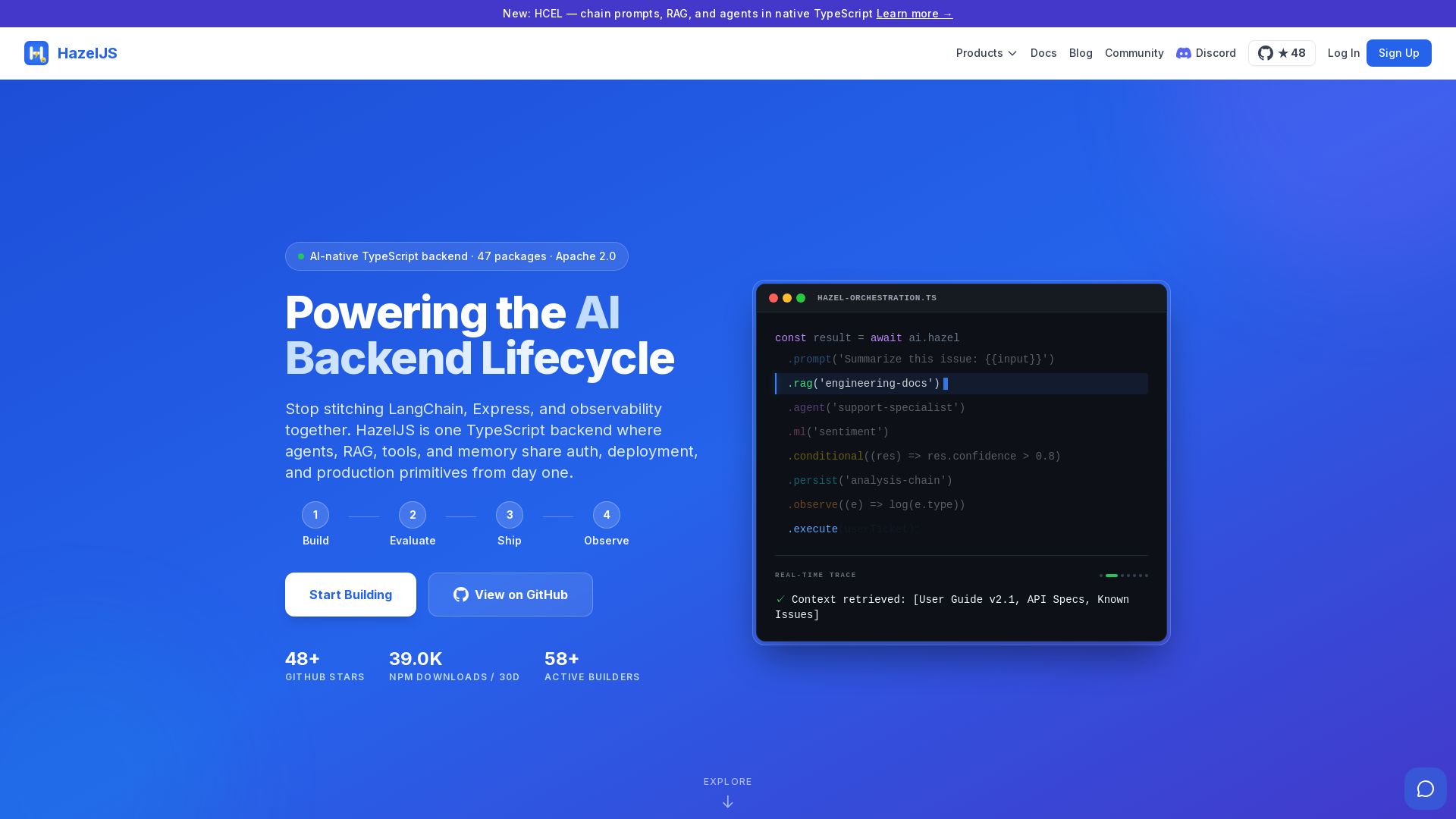
Ship production AI agents, RAG pipelines, and workflows in one TypeScript backend. Stateful, open-source, with 47 packages under Apache 2.0.

Dotzlaw Consulting
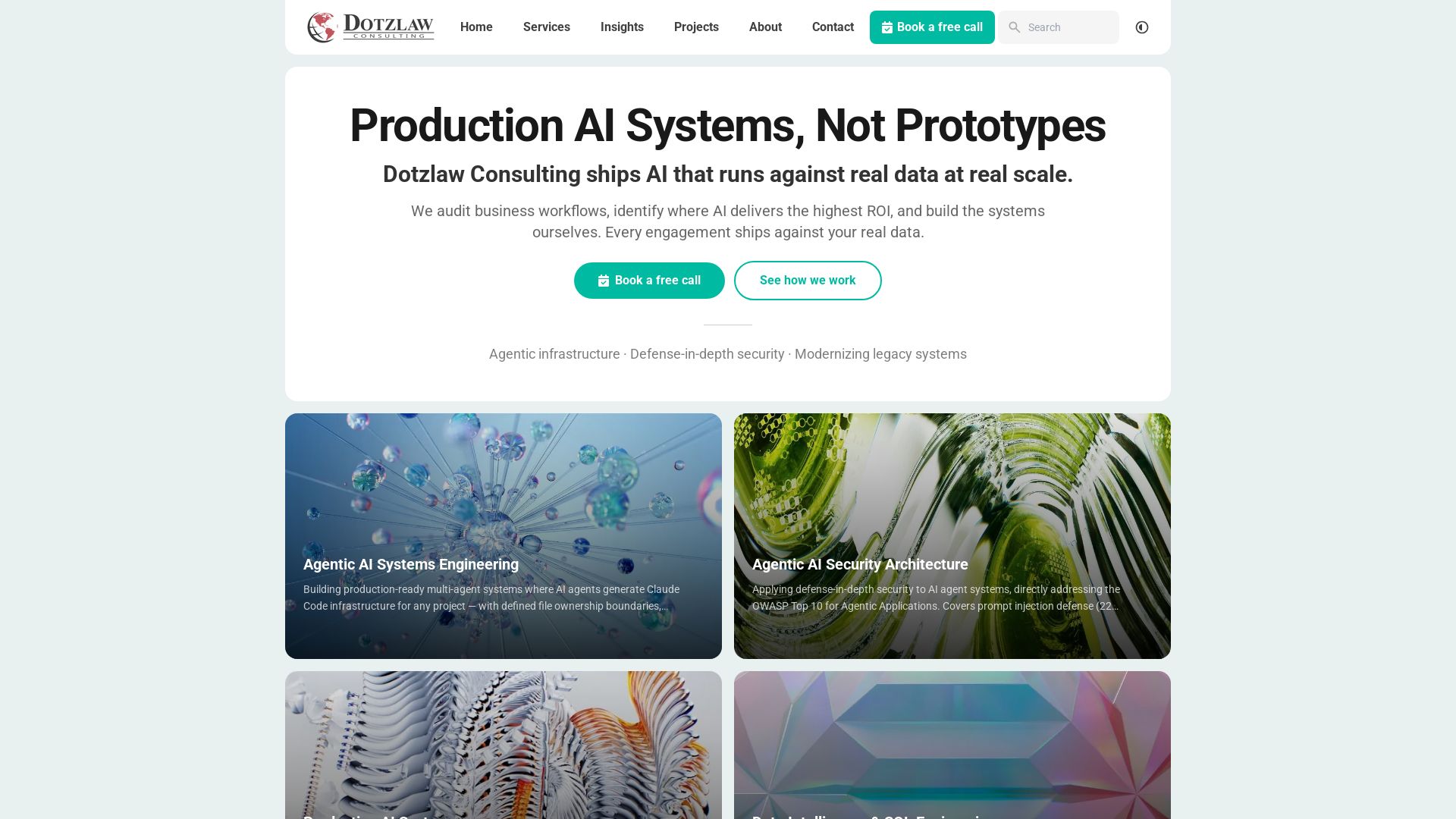
We build production-ready AI systems, multi-agent workflows, and secure architectures. Real data, real scale. Expert SQL & data intelligence.

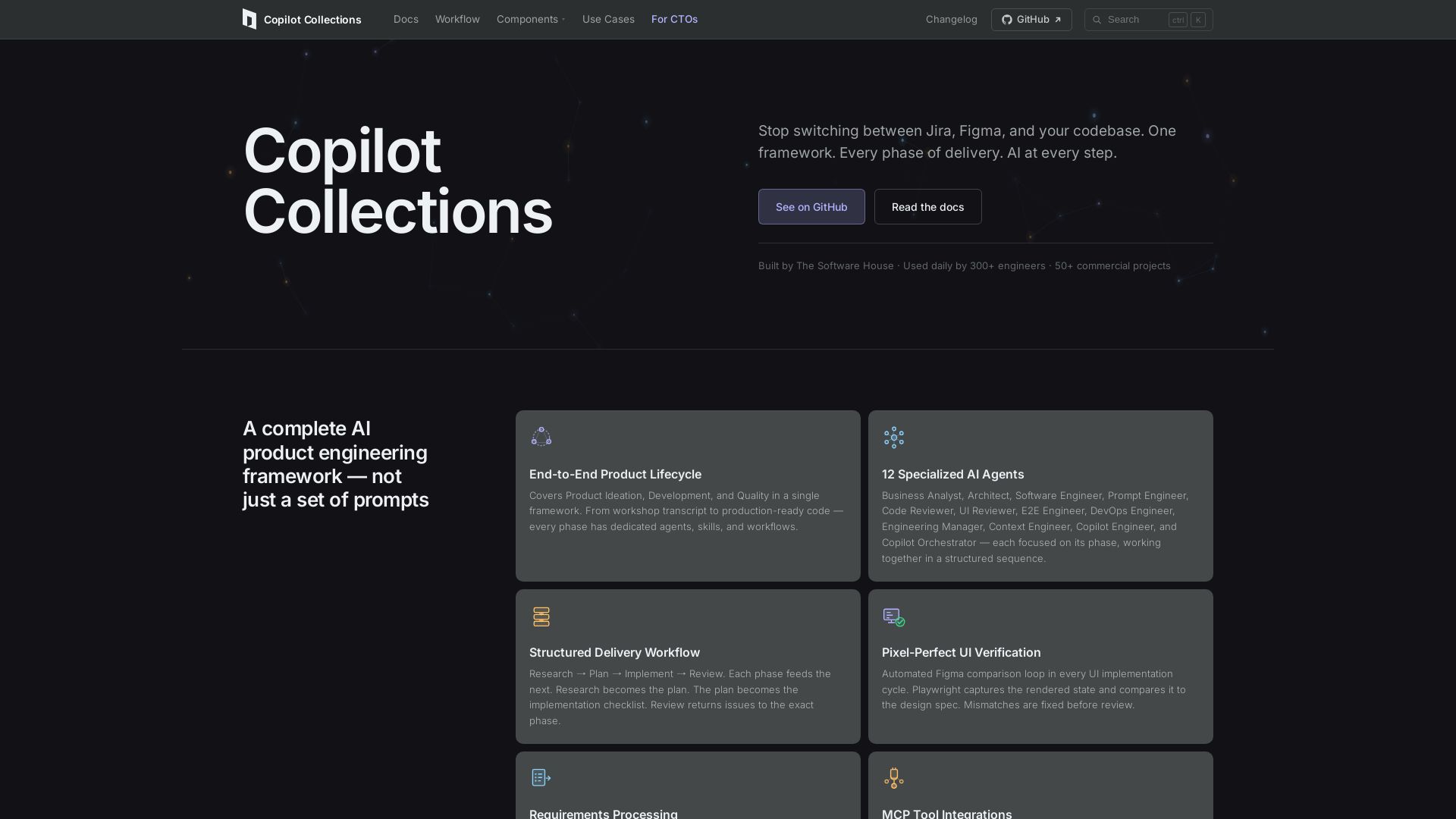
Copilot Collections
Turn ideas into production code with 12 AI agents, MCP integrations, and pixel-perfect UI verification. Used by 300+ engineers. Reduce lead time by 30%.


ProductCrafters
Get a free 2-week trial sprint for your AI product. Working prototype in 30 days, production-ready in 90. No contract, no credit card. Test your dev team risk-free.

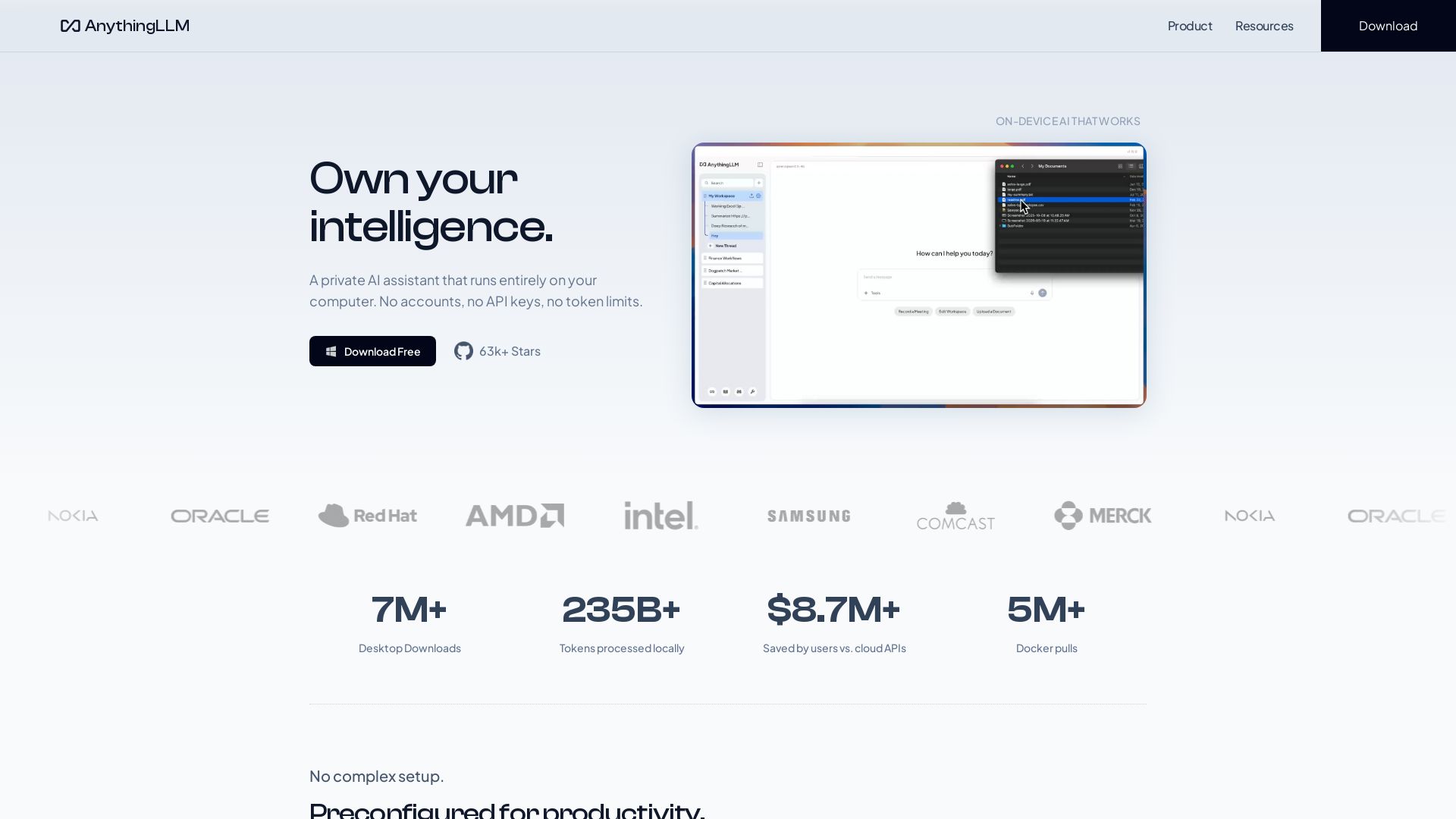
AnythingLLM
Free, open-source private AI assistant. Runs locally on your computer. No cloud, no accounts. Includes document knowledge, meeting assistant, and more.
SKULaunch
Automate supplier data onboarding, AI extracts attributes, enrich product catalogs, and publish ready data. From messy files to filterable search.

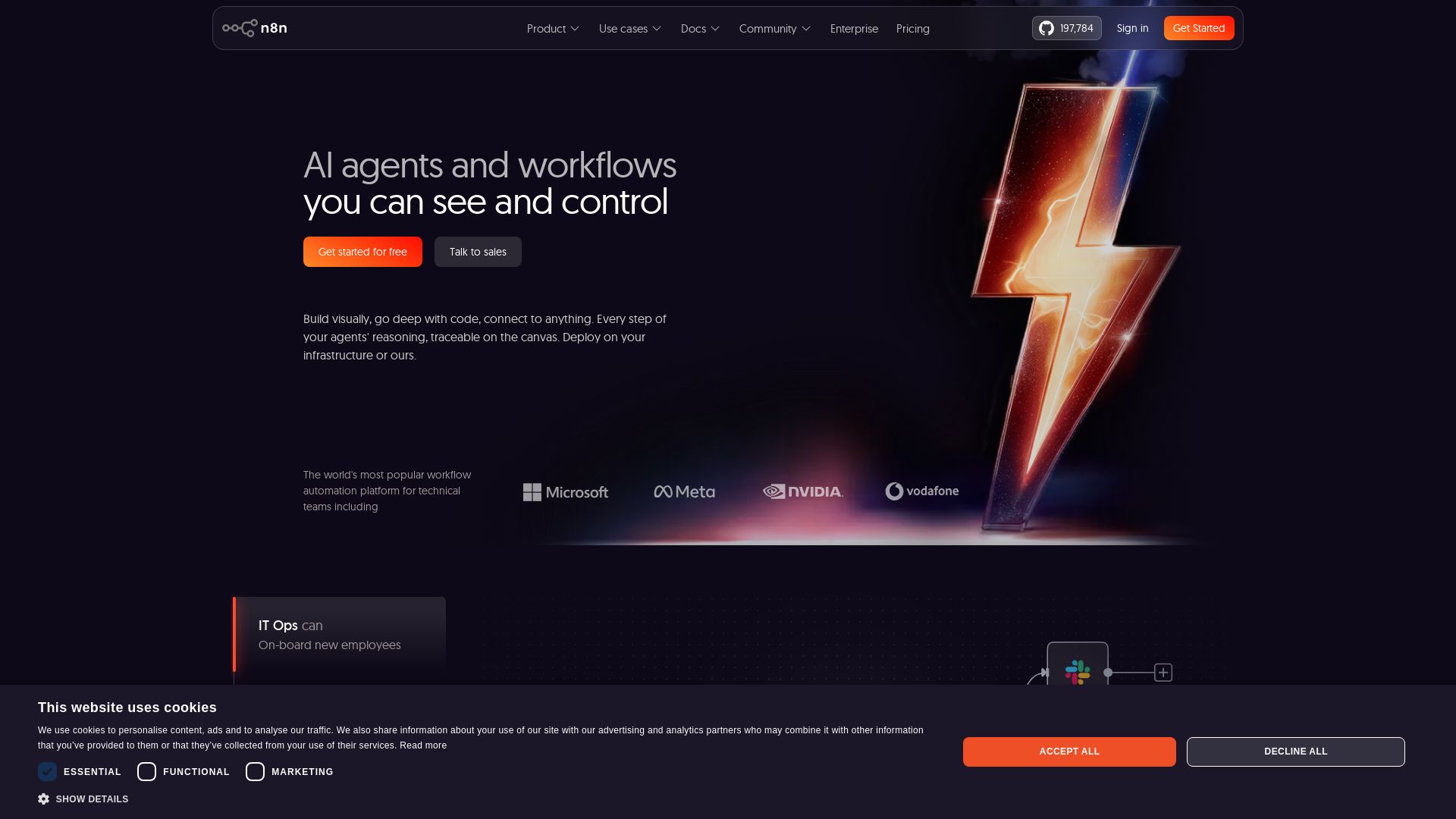
n8n
Build AI agents visually, code when needed. Connect 500+ integrations, deploy on-prem. Traceable reasoning, human-in-the-loop. Trusted by 200k+ community.

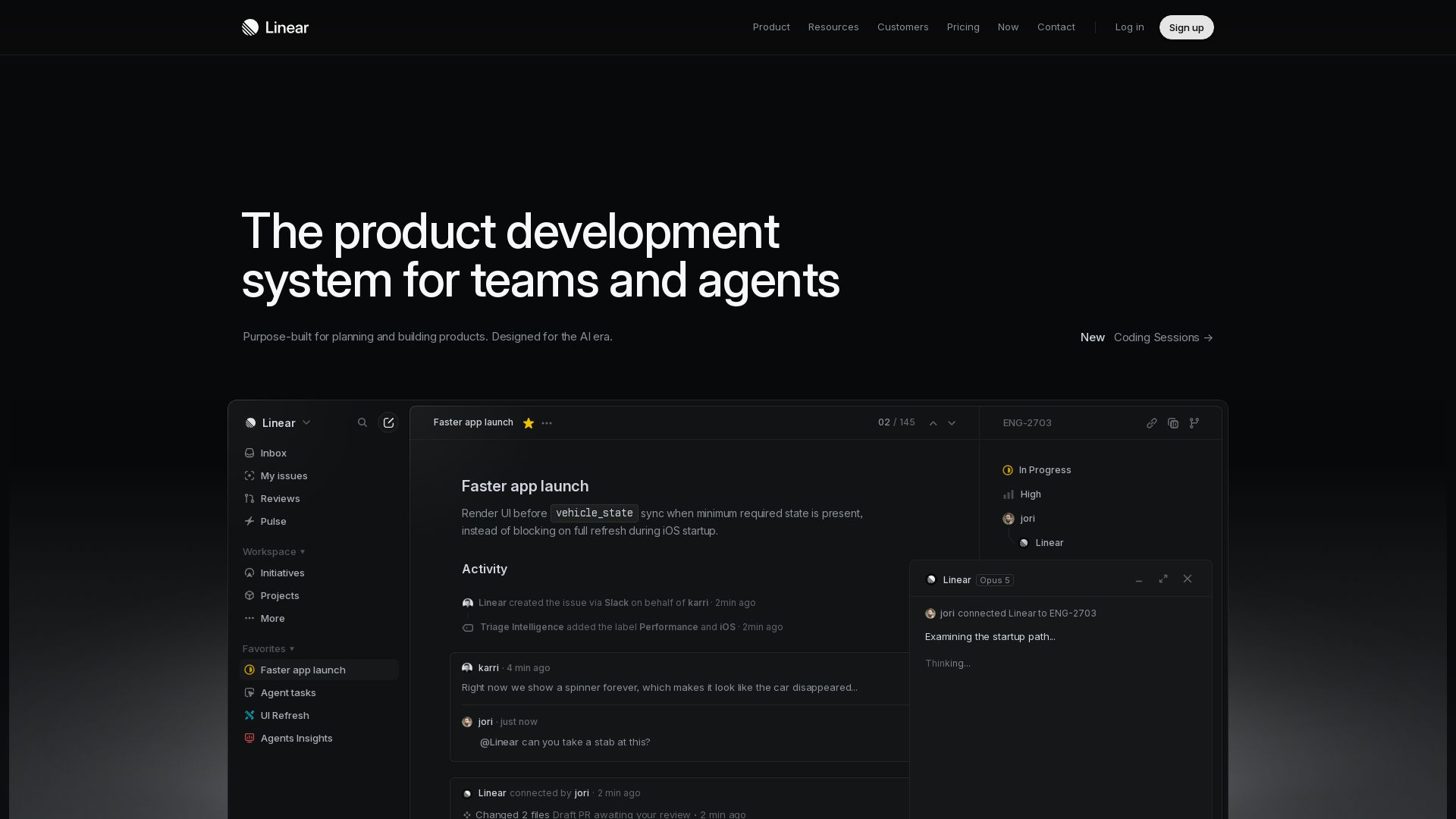
Linear
Purpose-built for modern teams with AI workflows. Plan, build, and ship faster with agents. Trusted by OpenAI, Ramp, and 37,000+ teams.

Hybrid RAG Architecture: Definition, Benefits and Use Cases
Build AI-native apps, platforms & agentic systems at scale. Trusted by 1200+ global brands. Certified, secure, production-grade AI.

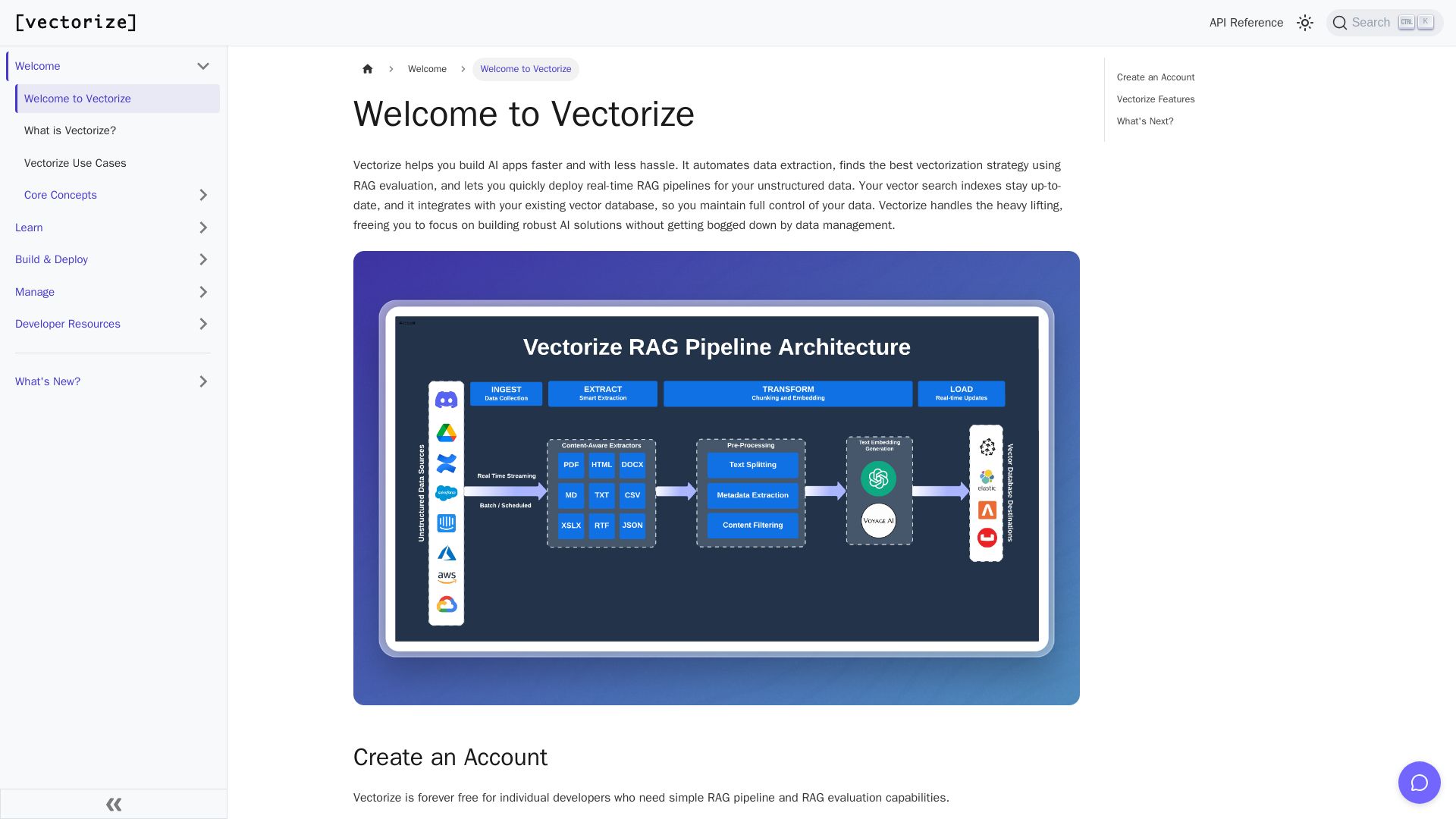
Vectorize
Automate data extraction, evaluate RAG strategies, and deploy real-time pipelines. Forever free for individual developers.

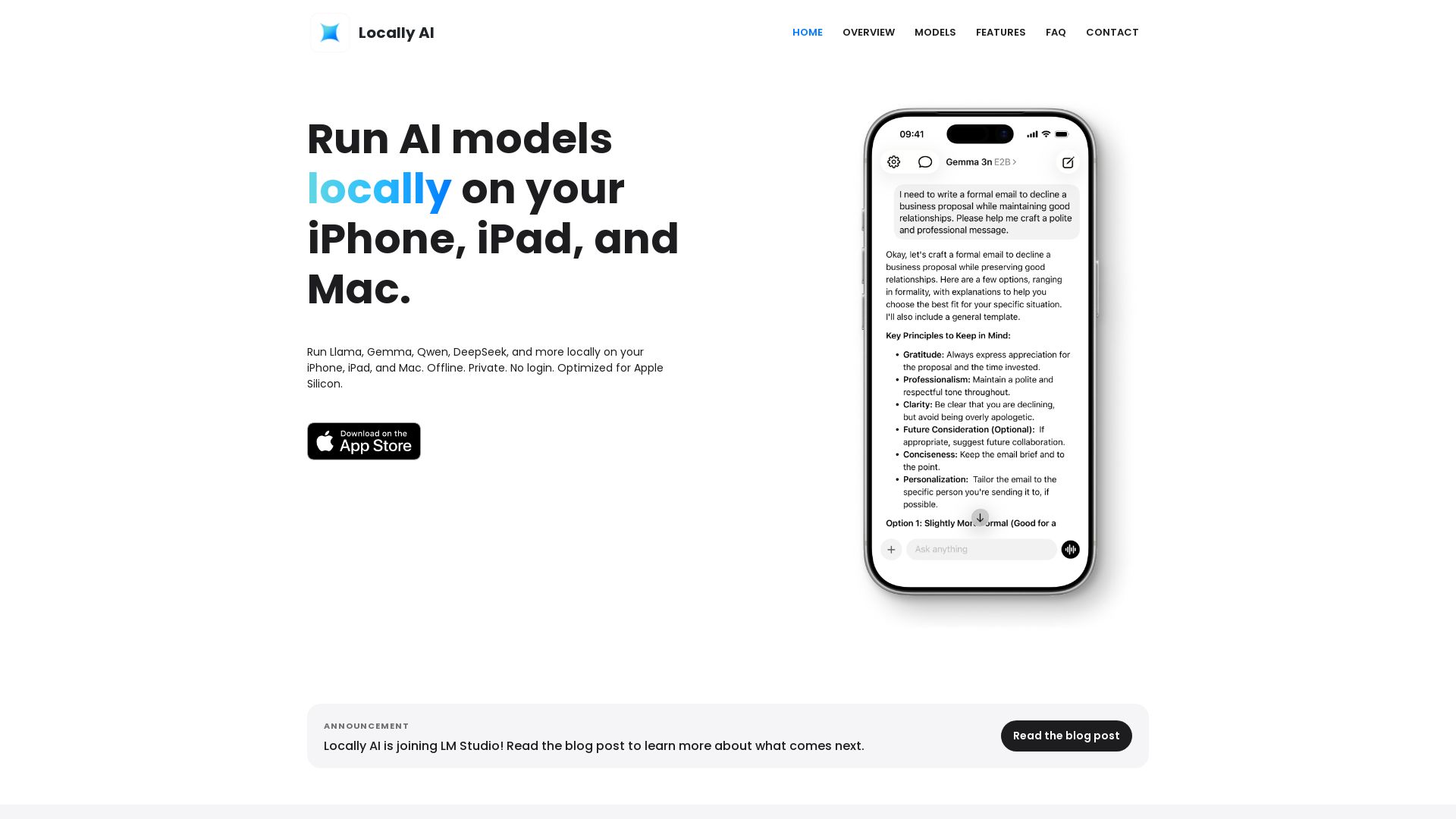
Locally AI
Run Llama, Gemma, DeepSeek & more locally on iPhone, iPad & Mac. Offline, private, no login. Apple Silicon optimized. Download now.

ℹ️ Curation Disclosure: The overview and features of Askimo were synthesized using AI and fact-checked by our curation team to ensure accuracy.
