
Copilot Collections
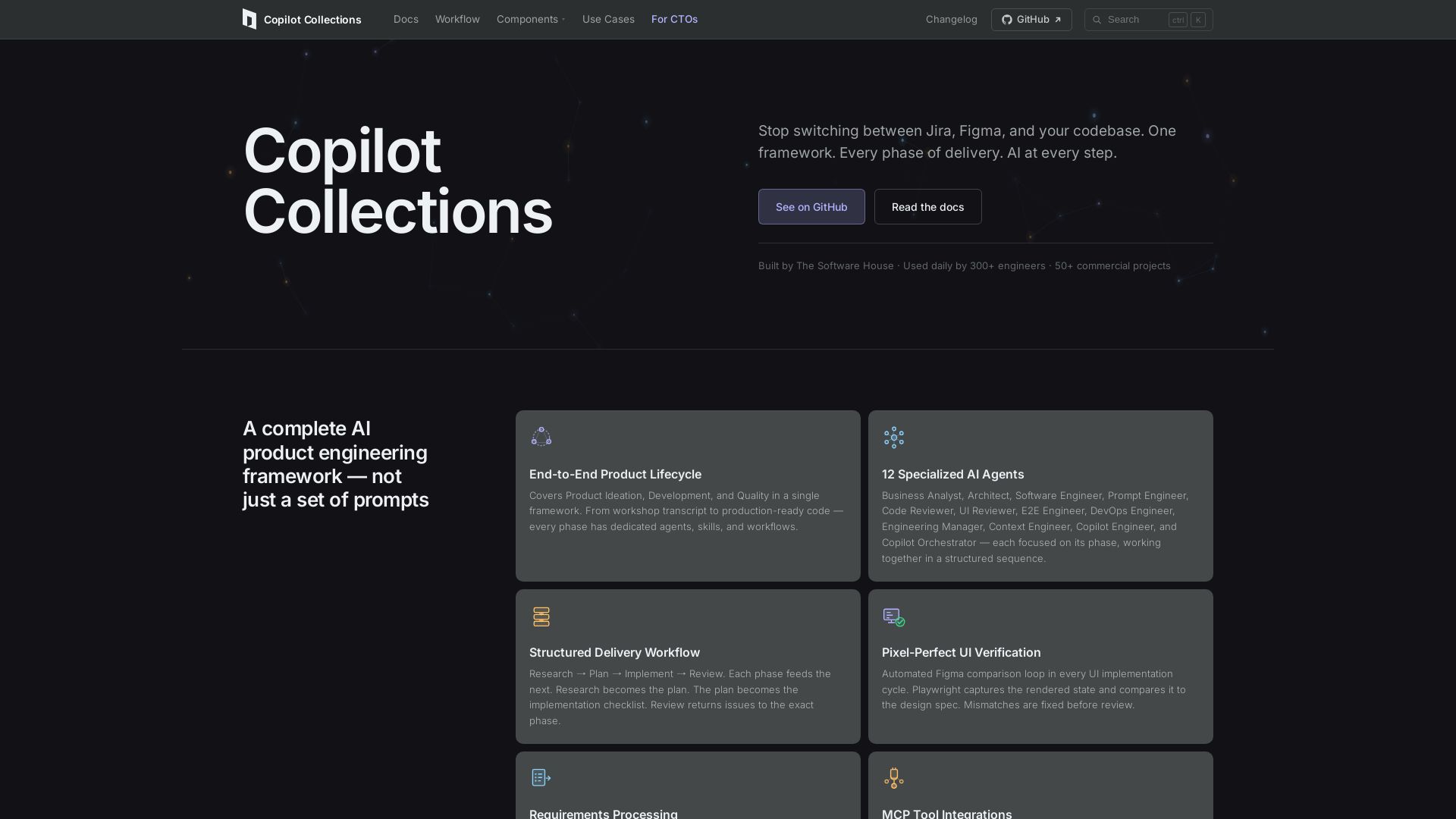
Turn ideas into production code with 12 AI agents, MCP integrations, and pixel-perfect UI verification. Used by 300+ engineers. Reduce lead time by 30%.
Editor's Verdict
Key Takeaways
- End-to-End Product Lifecycle
- 12 Specialized AI Agents
- Structured Delivery Workflow
- Pixel-Perfect UI Verification
In-Depth Review: What is Copilot Collections?
Copilot Collections is a complete AI product engineering framework that covers the entire delivery lifecycle — from workshop transcripts to production-ready code. It features 12 specialized AI agents (Business Analyst, Architect, Software Engineer, and more) working in a structured workflow: Research → Plan → Implement → Review. Key capabilities include automated Figma comparison for pixel-perfect UI, MCP integrations with Jira, Figma, and Playwright, and built-in security reviews. Open source and used daily by 300+ engineers, it reduces average lead time by 30% across 50+ commercial projects.
Core Features
End-to-End Product Lifecycle
Covers Product Ideation, Development, and Quality in a single framework, from workshop transcript to production-ready code.
12 Specialized AI Agents
Includes Business Analyst, Architect, Software Engineer, and more, each focused on its phase and working in structured sequence.
Structured Delivery Workflow
Research → Plan → Implement → Review, with each phase feeding the next for seamless context flow.
Pixel-Perfect UI Verification
Automated Figma comparison loop using Playwright to catch design mismatches before human review, achieving 95-99% accuracy.
Requirements Processing
Turn workshop transcripts and meeting notes into Jira-ready user stories with full acceptance criteria.
MCP Tool Integrations
Integrated with Jira, Figma, Playwright, AWS, GCP, and more, with context flowing through every step automatically.
Pricing
Free (Open Source)
- All core features: 12 AI agents, structured workflow, UI verification, MCP integrations
- Used daily by 300+ engineers at TSH
- MIT licensed
Pros and Cons
Pros
- Comprehensive FrameworkCovers entire product lifecycle from ideation to quality, reducing context switching.
- Specialized AI Agents12 dedicated agents for different roles ensure expert-level handling of each phase.
- Proven Efficiency GainsAverage 30% lead time reduction measured across 50+ commercial projects.
- Pixel-Perfect UI AssuranceAutomated Figma comparison loop catches design deviations early, saving rework.
- Security Built-InSecurity checks integrated into planning and review phases by default.
Cons
- Requires Manual ReviewEvery step requires human review; the framework provides structure but judgment stays with the team.
- Setup ComplexityCloning repo, configuring VS Code settings, and MCP servers may be non-trivial for new users.
- Limited to Certain EcosystemsHeavily reliant on Jira, Figma, Playwright, and specific cloud providers; less useful for other tools.
Use Cases & Recommended Professions
Software Engineer→ View Toolkit
Gets structured context, architecture plans, and automated code review to implement features faster with fewer errors.
Engineering Manager→ View Toolkit
Orchestrates the full delivery cycle, delegates to specialized agents, and tracks progress through structured workflows.
DevOps Engineer→ View Toolkit
Uses DevOps Engineer agent for cloud cost optimization and IaC audits, integrated with AWS/GCP APIs.
QA Engineer→ View Toolkit
Benefits from automated E2E test generation, UI verification, and integrated code review for quality assurance.
Product Manager→ View Toolkit
Converts workshop transcripts into Jira-ready stories and gets visibility into delivery progress via structured phases.
CTO→ View Toolkit
Adopts a standardized AI-driven SDLC across teams, improving consistency and reducing lead times.
Frequently Asked Questions
Alternative AI Tools
View Detailed Comparison →
Figr
Ship better UX faster. Figr builds a living understanding of your product, maps flows, finds edge cases, and generates high-fidelity prototypes from your actual design system.


Figma
Figma is the intelligent, AI-native canvas for designing, prototyping, and building products together. Trusted by 95% of Fortune 500. Explore design and dev tools.


Figma Console MCP
Connect AI to Figma for design extraction, token sync, and component creation. Turn your design system into a programmable API.


Superdesign
Create stunning designs with AI. Iterate quickly using natural language. Export production-ready code. Browse design prompts and styles.


Komposo
Turn product ideas into real, editable designs with AI. Generate, edit, and export UIs using plain language. Trusted by 100k+ users. Start for free.


UX Pilot
Ideate, design, and hand-off web apps in seconds with UX Pilot's AI. Generate wireframes, hi-fi designs, and clean code. Trusted by 1M+ users.


Motiff AI
Generate production-ready UI from text, wireframes, or screenshots with Motiff AI. Choose preset styles, export to React/HTML. Fast, consistent design.




Anima
Convert Figma designs, images, and code into live HTML/React apps. AI with design context for developers and agents.

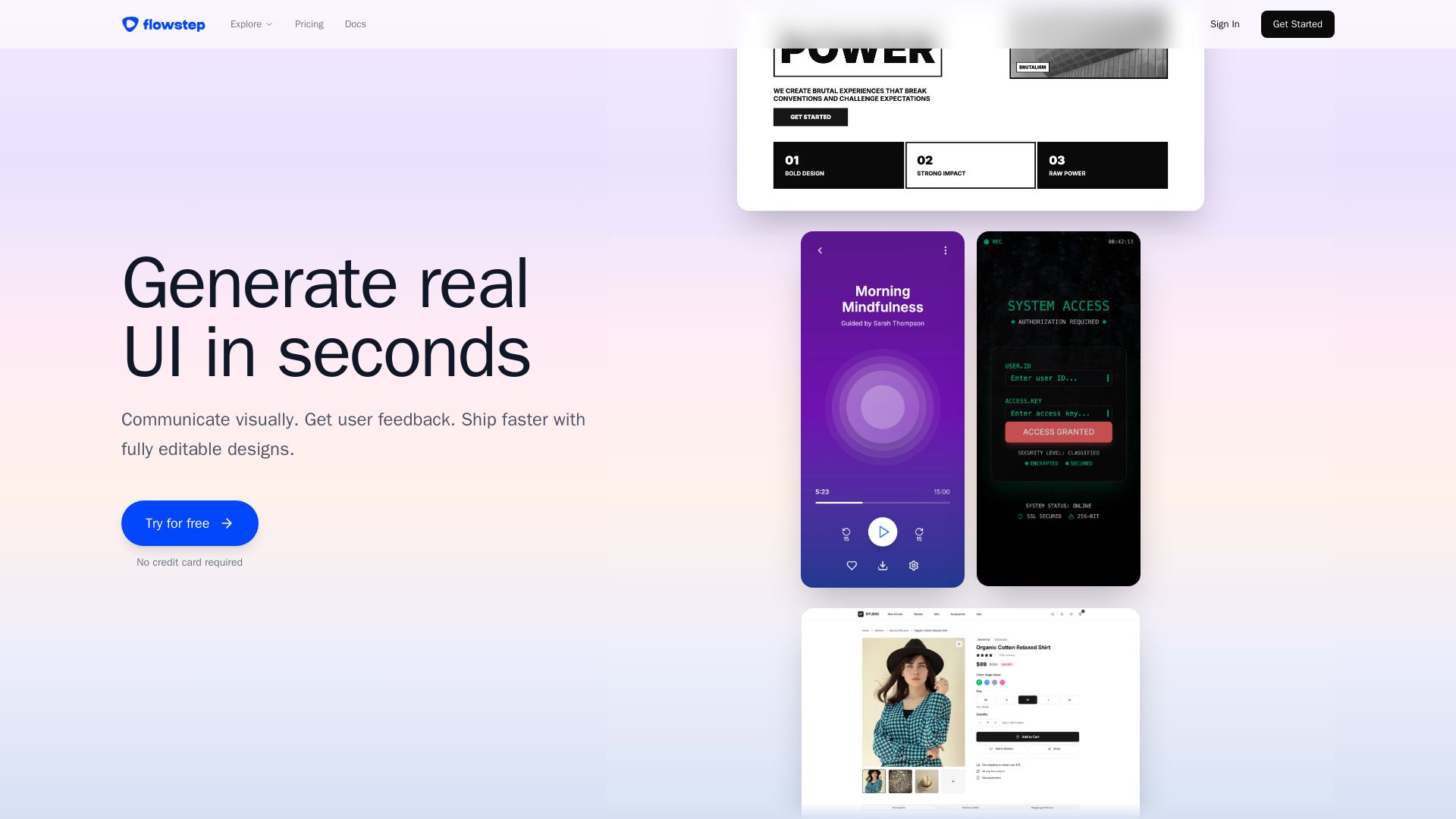
Flowstep
Describe your idea and watch it become editable UI. Collaborate, export code, and copy to Figma instantly. Ship faster.


AIDesigner
Create premium UI, logos, brand kits, and more with AIDesigner. No design experience needed. Free to try, no credit card required. Join 15,000+ users.

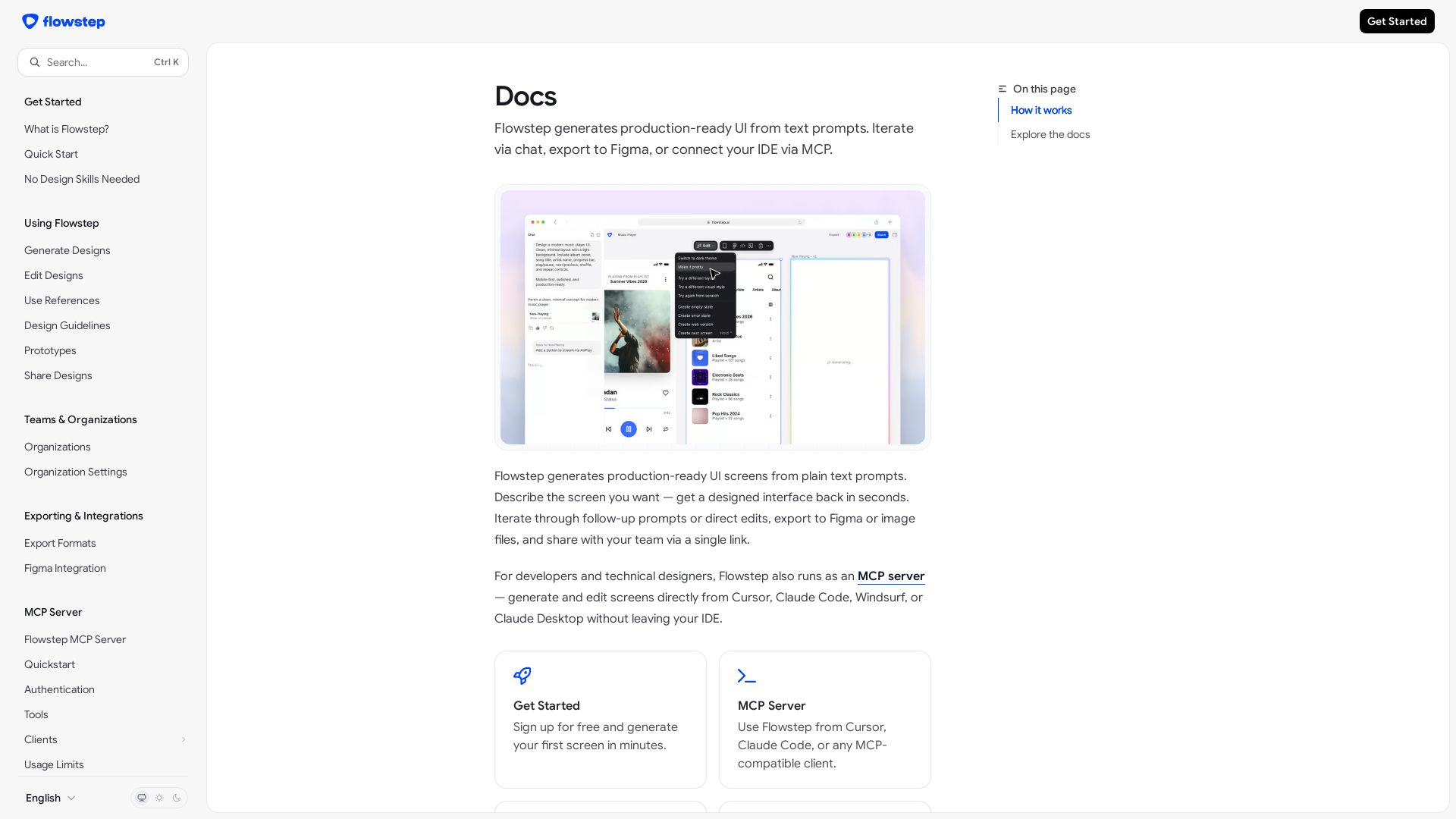
Flowstep
Create production-ready UI screens from plain text. Iterate via chat, export to Figma, or use MCP in your IDE. Try Flowstep free.

ℹ️ Curation Disclosure: The overview and features of Copilot Collections were synthesized using AI and fact-checked by our curation team to ensure accuracy.
