
Linear
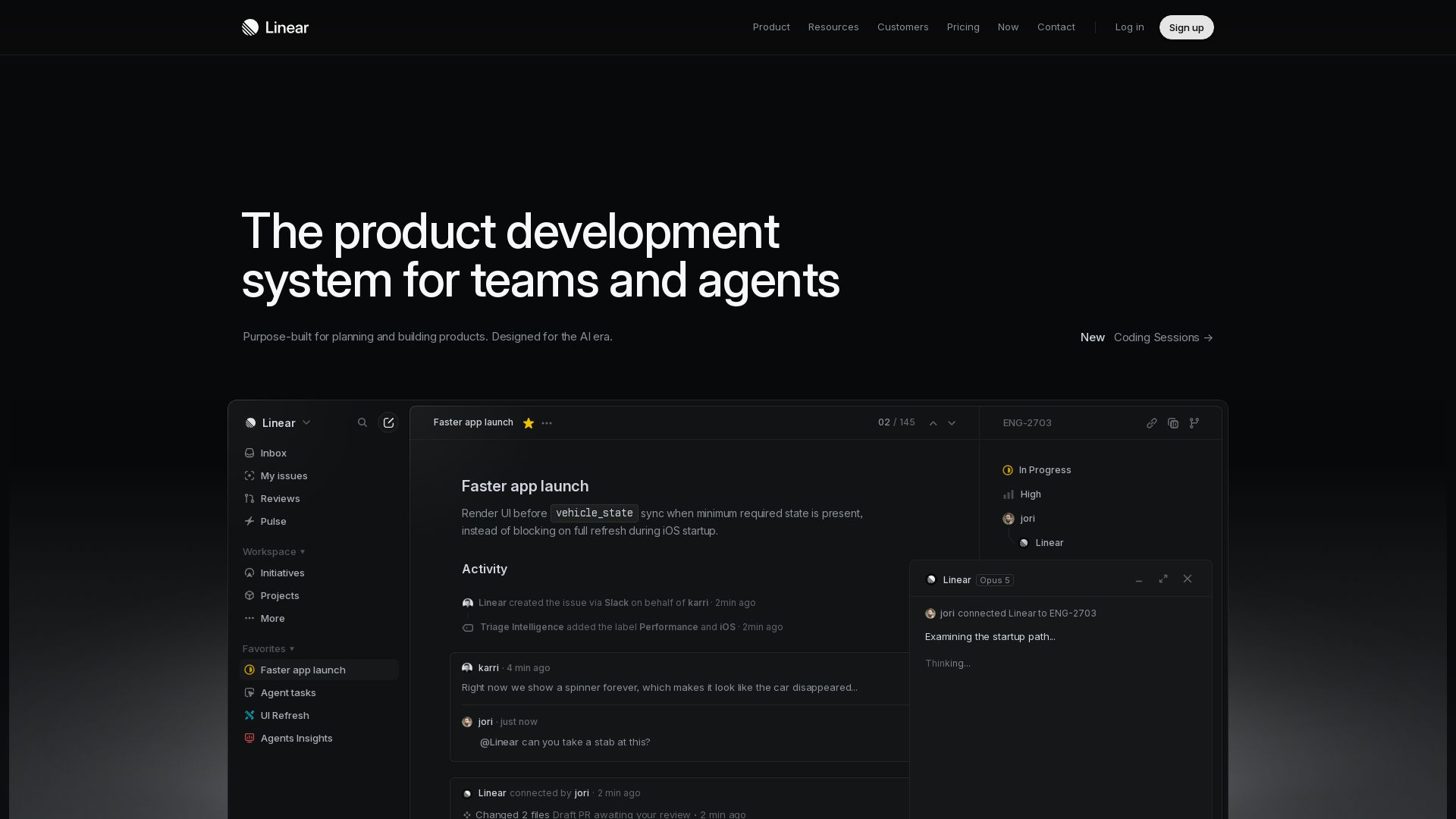
Purpose-built for modern teams with AI workflows. Plan, build, and ship faster with agents. Trusted by OpenAI, Ramp, and 37,000+ teams.
Editor's Verdict
Key Takeaways
- Intake
- Plan
- Build
- Diffs
In-Depth Review: What is Linear?
Linear is a new species of product tool that combines world-class product development practices with AI agents. It streamlines intake, planning, building, reviewing, and monitoring—all in one place. Features like Triage, Coding Sessions, and Pulse help teams move faster with less noise. Whether you're an early-stage startup or a major enterprise, Linear helps you ship with high velocity and focus.
Core Features
Intake
Turn conversations and customer feedback into actionable issues that are routed, labeled, and prioritized for the right team.
Plan
Define product direction with initiatives, roadmaps, and up-to-date PRDs to align teams from idea to launch.
Build
Move work forward with AI agents that work alongside teams, automating tasks and delegating entire issues.
Diffs
Review PRs and agent output with structural diffs for clear code change understanding within Linear.
Monitor
Track progress at scale with project updates, analytics, and dashboards that surface priorities.
AI Agents
Deploy AI agents (Linear Agent, Triage Intelligence, etc.) to automate workflows and reduce manual effort.
Coding Sessions
Collaborate with AI agents in real-time coding sessions to build and iterate faster.
Insights
Gain analytics and dashboards to measure cycle time, issue count, and team performance.
Pricing
Free
- Unlimited members
- 2 teams
- 250 issues
- Agent platform
- Linear Agent
Basic
- All Free features
- 5 teams
- Unlimited issues
- Unlimited file uploads
- Admin roles
Business
- All Basic features
- Unlimited teams
- Private teams and guests
- Triage Intelligence
- Loops
- Code Intelligence (beta)
- Linear Insights
- Linear Asks
- Zendesk and Intercom integrations
Enterprise
- All Business features
- Invoice/PO billing
- SAML and SCIM
- Granular admin controls
- Enterprise-grade security
- Advanced org modeling
- Migration & onboarding support
- Priority support
- Account management
Pros and Cons
Pros
- Purpose-built for modern teamsDesigned with practices of world-class product teams, integrating AI workflows for planning and building.
- AI-powered automationAgents handle intake, triage, coding, and reviews, reducing manual work and speeding up processes.
- Fast and focusedReduces noise and restores momentum, helping teams ship with high velocity.
- Comprehensive planning toolsIncludes initiatives, roadmaps, PRDs, and visual planning to align teams from idea to launch.
- Transparent progress trackingDashboards, pulse updates, and insights provide clear visibility into project health and team performance.
Cons
- Learning curve for AI featuresTeams may need time to adapt to AI agent workflows and understand how to delegate tasks effectively.
- Limited free planFree tier restricts to 2 teams and 250 issues, which may not scale for larger projects.
- Cost for advanced featuresBusiness plan and above are required for premium AI tools like Triage Intelligence, increasing cost per user.
- Dependency on internet connectivityAs a cloud-based tool, offline access is limited, which can be a challenge for remote or low-connectivity environments.
- Not a full code hosting platformLinear focuses on project management and reviews, but code storage and CI/CD require separate tools like GitHub.
Use Cases & Recommended Professions
Software Engineer→ View Toolkit
Needs to track issues, collaborate on code reviews, and automate mundane tasks with AI agents to stay focused on coding.
Product Manager→ View Toolkit
Uses roadmaps, initiatives, and intake features to gather feedback, prioritize features, and align team efforts.
Engineering Manager→ View Toolkit
Relies on dashboards and pulse updates to monitor team progress, identify blockers, and ensure delivery on time.
Technical Team Lead→ View Toolkit
Benefits from AI-assisted code reviews and diffs to maintain code quality while delegating issues to agents.
Startup Founder→ View Toolkit
Needs a lightweight but scalable system to manage product development with limited team and resources.
QA Engineer→ View Toolkit
Uses issue tracking and triage features to report bugs and track fixes, with AI helping to prioritize.
Frequently Asked Questions
Alternative AI Tools
View Detailed Comparison →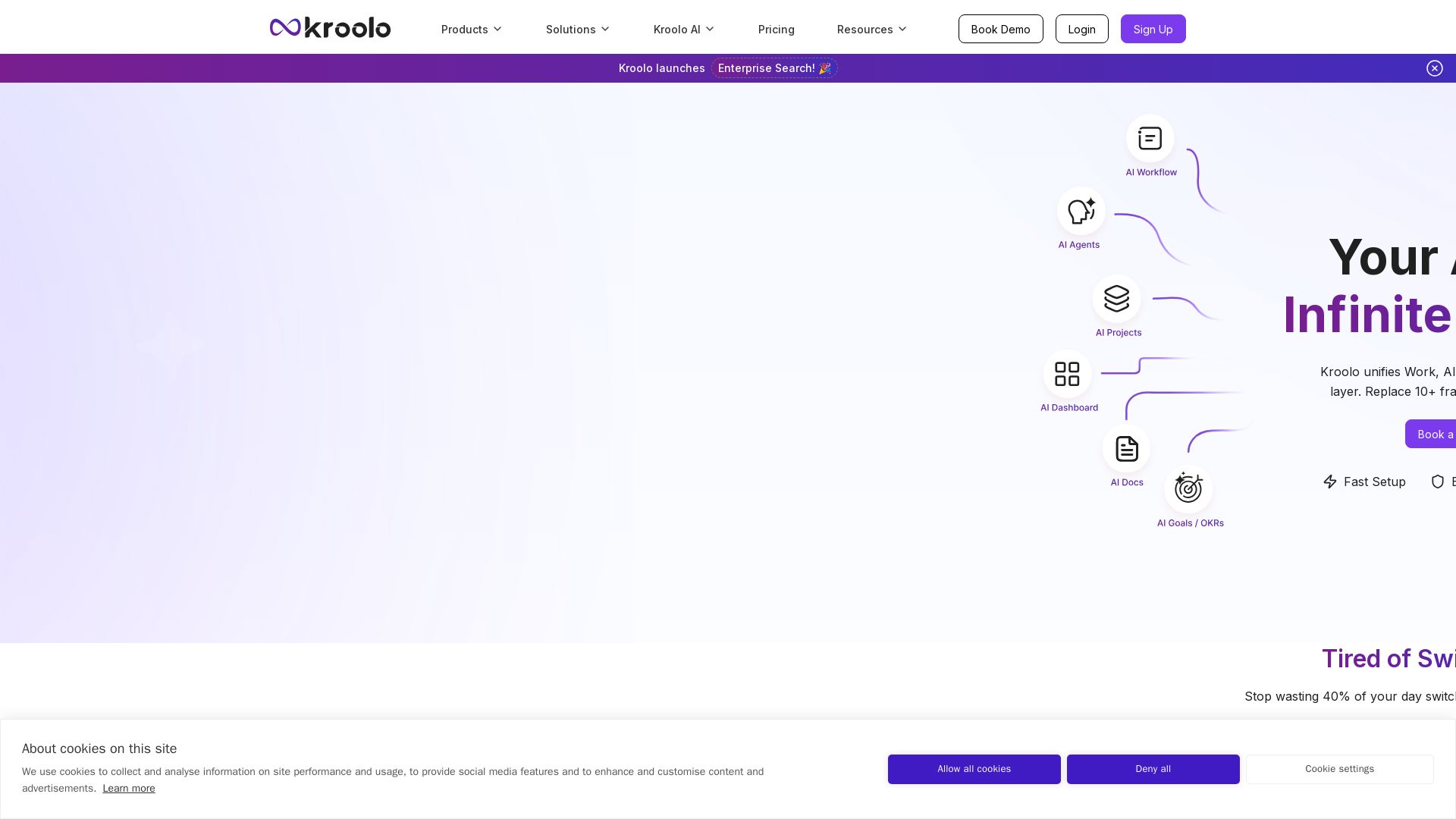
Kroolo
Replace 10+ fragmented apps with one AI-native platform. Kroolo unifies work, AI agents, and enterprise search to boost productivity up to 70%.


Figr
Ship better UX faster. Figr builds a living understanding of your product, maps flows, finds edge cases, and generates high-fidelity prototypes from your actual design system.

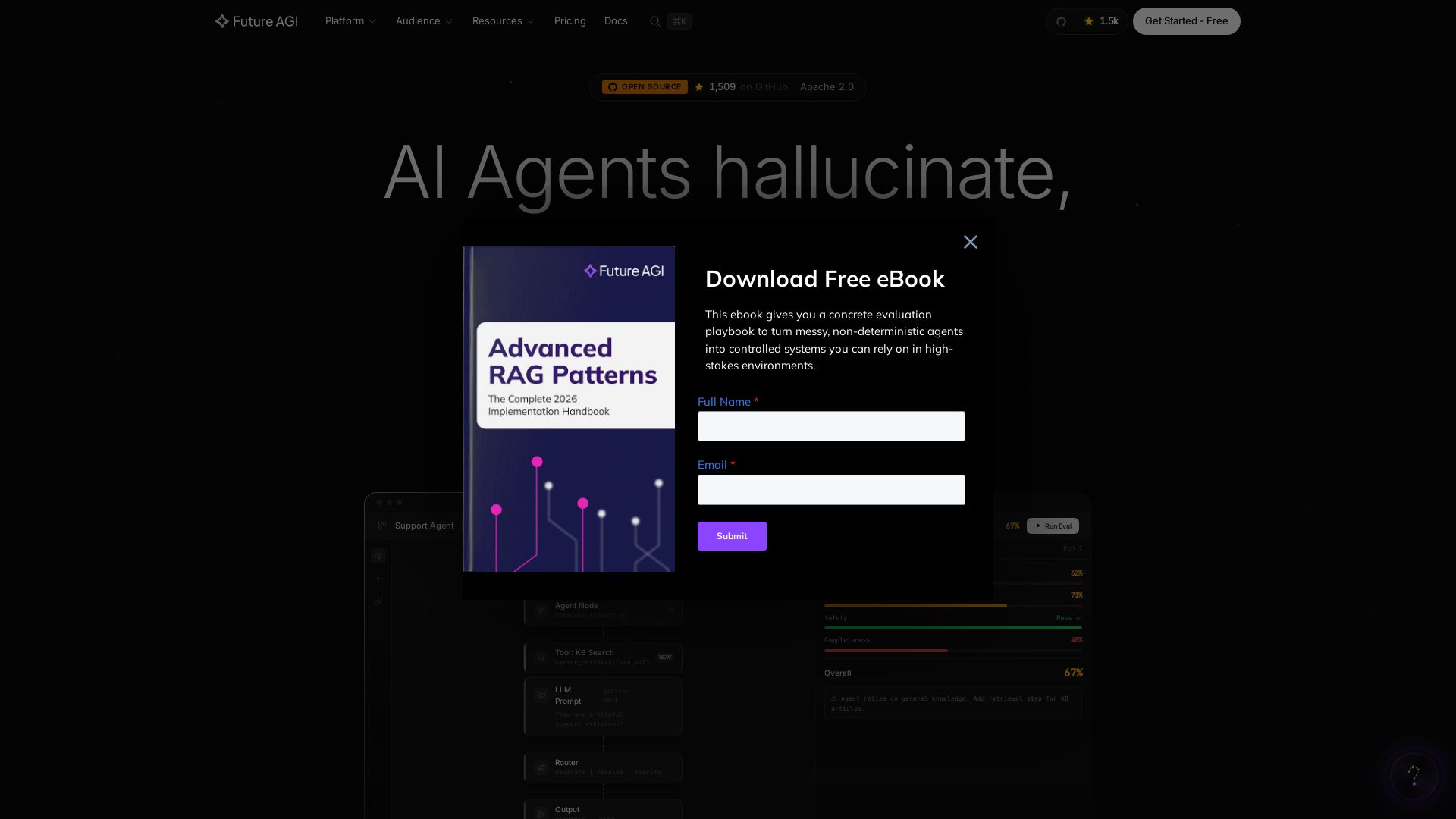
Future AGI
Catch AI hallucinations, evaluate accuracy, and deploy guardrails. Open-source platform to simulate, test, and monitor AI agents in production.

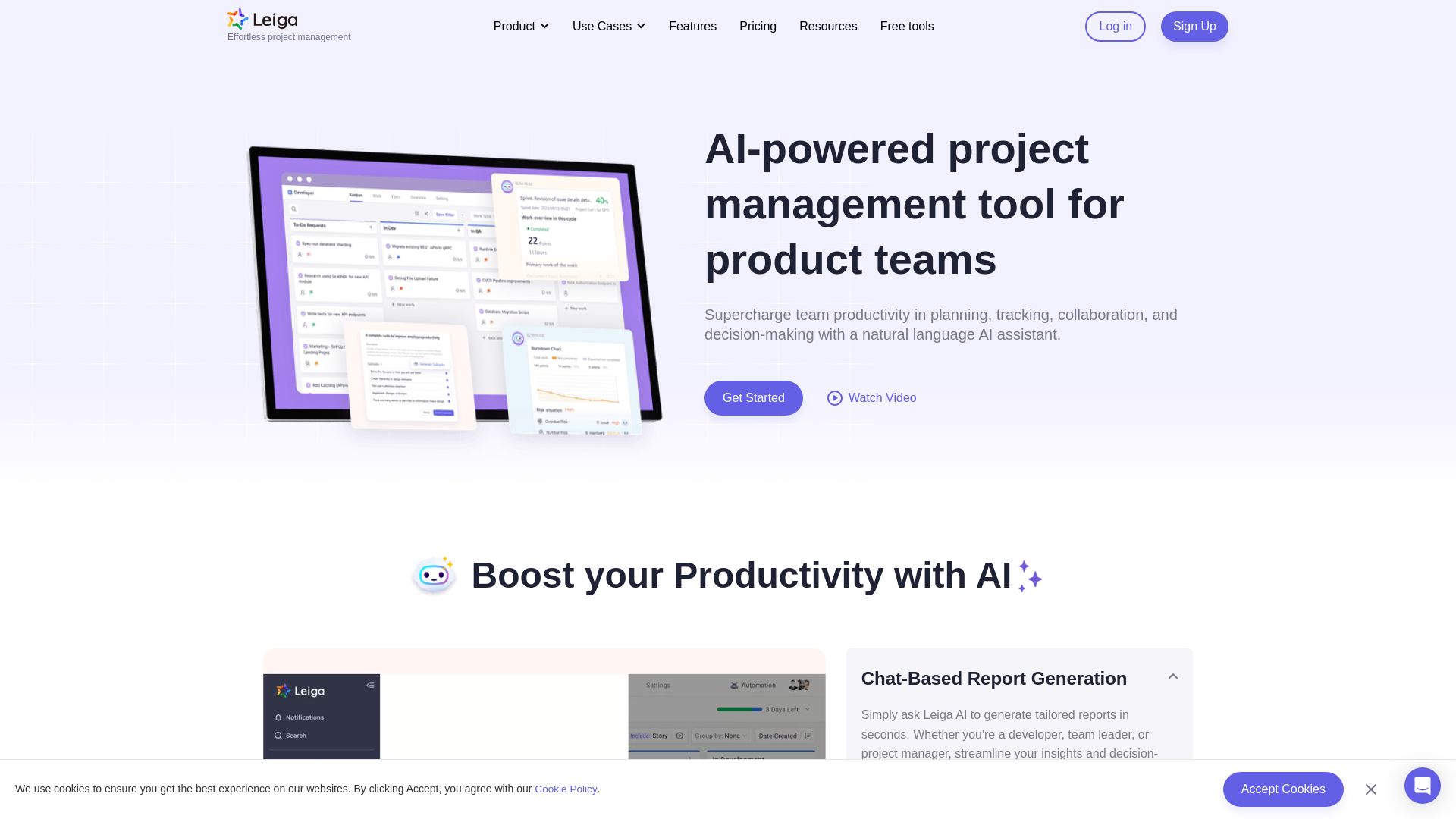
Leiga
Supercharge team productivity with AI-driven planning, tracking, and collaboration. Chat-based reports, automated workflows, and risk warnings. Free forever.

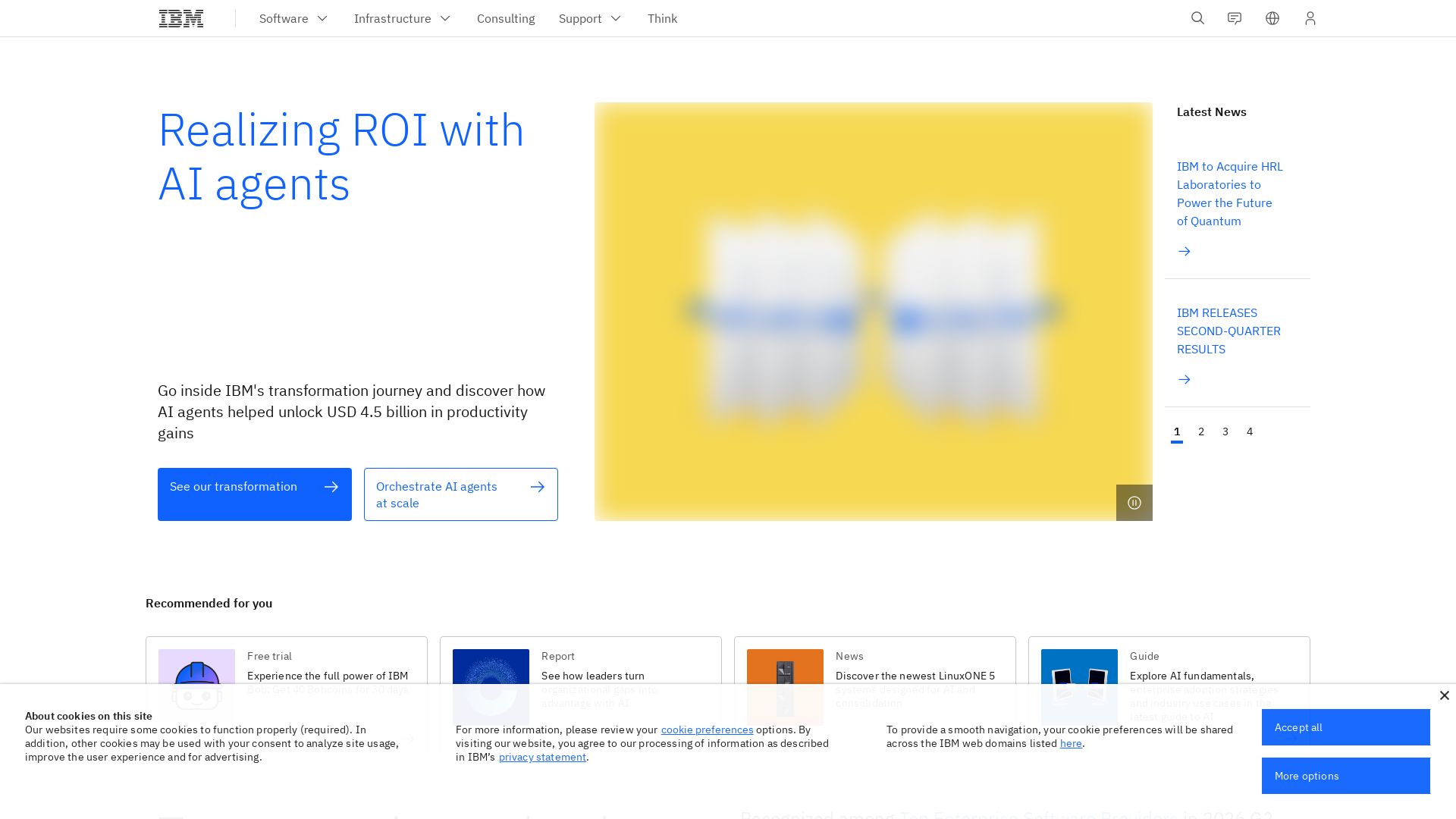
IBM
Discover how IBM's AI agents transformed operations, delivering $4.5 billion in productivity. Explore IBM Bob, watsonx Orchestrate, and more.

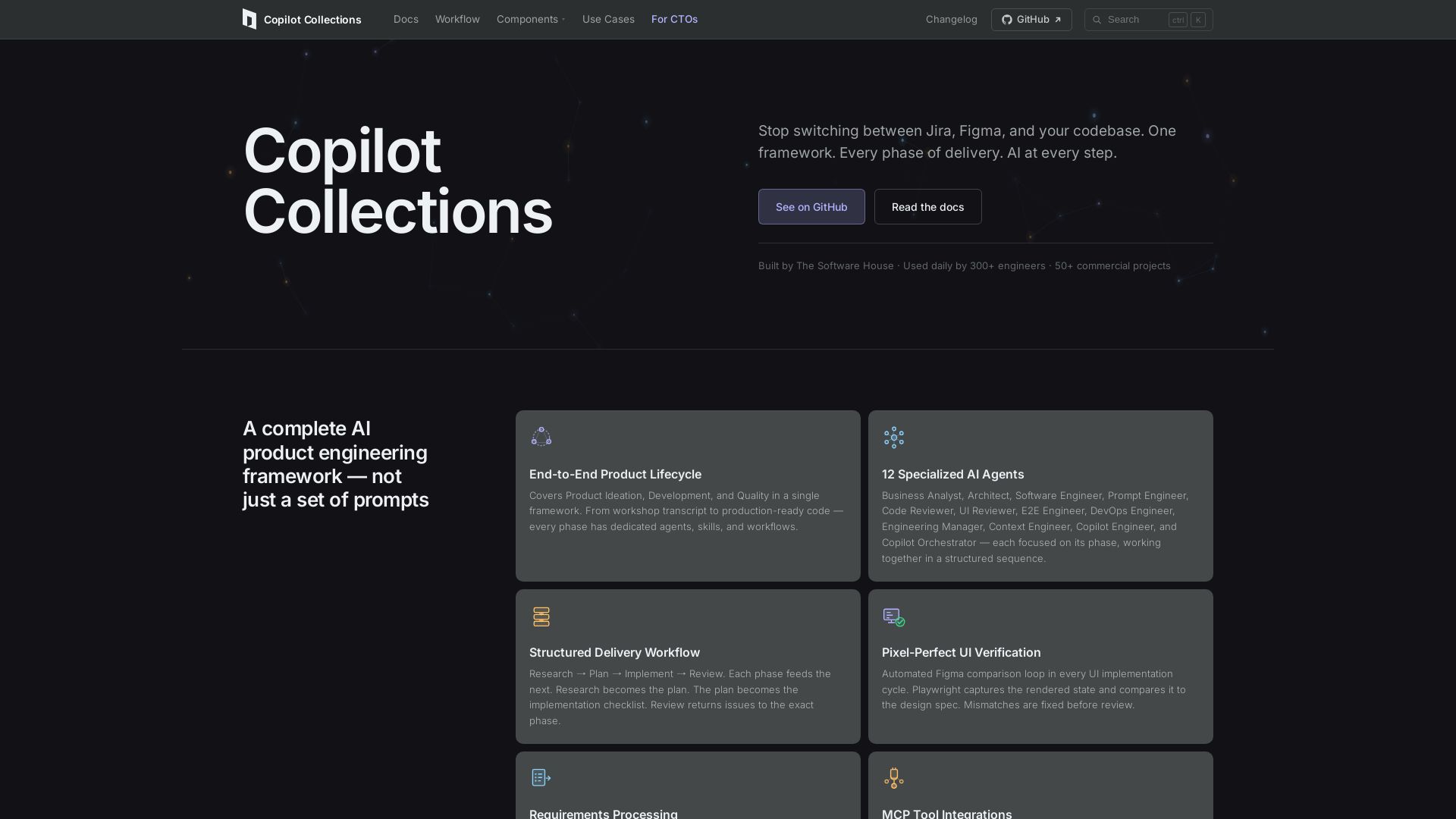
Copilot Collections
Turn ideas into production code with 12 AI agents, MCP integrations, and pixel-perfect UI verification. Used by 300+ engineers. Reduce lead time by 30%.

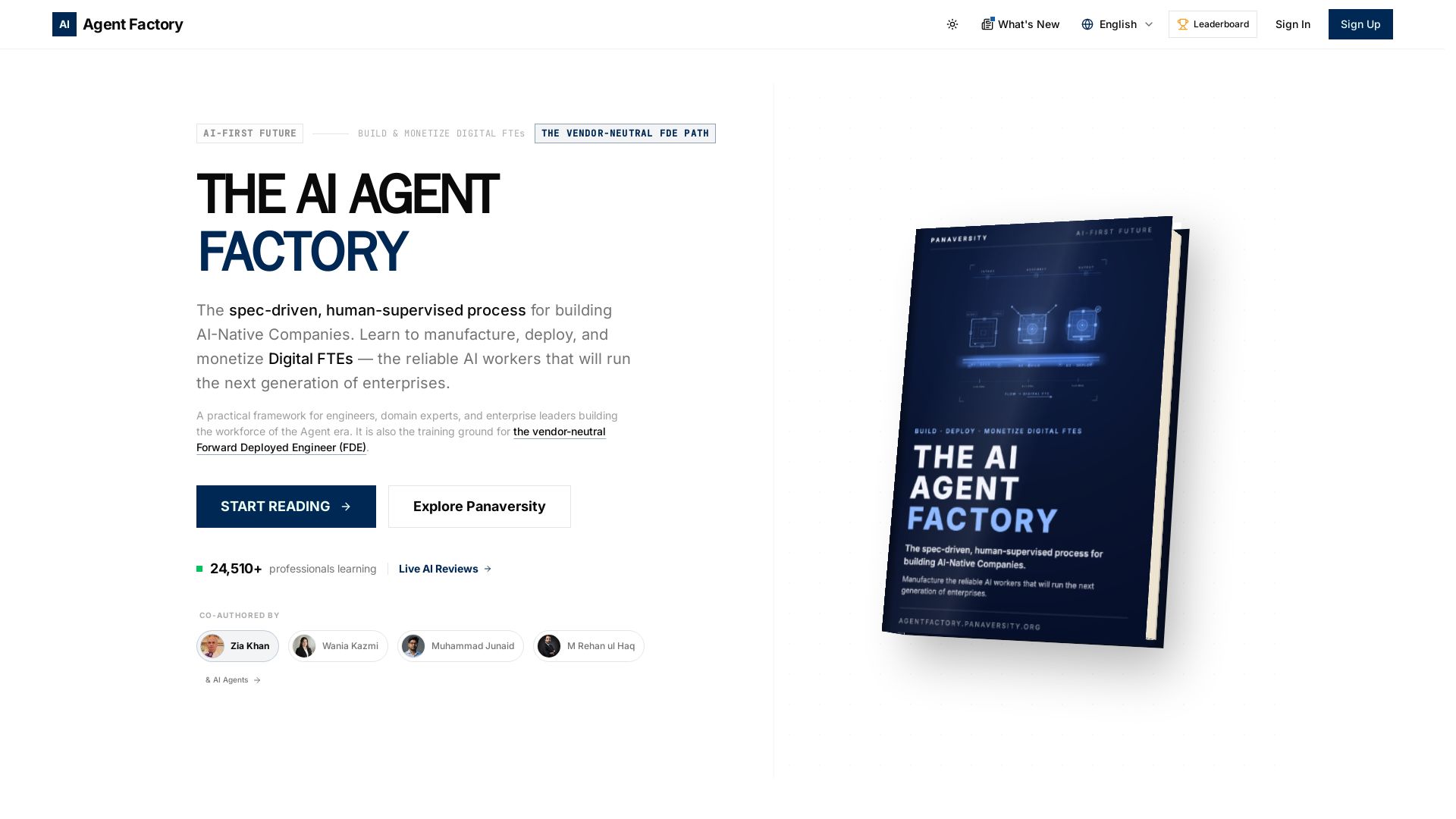
AI Agent Factory
Learn to manufacture, deploy, and monetize AI workers that work 24/7. Spec-driven framework for engineers and domain experts.

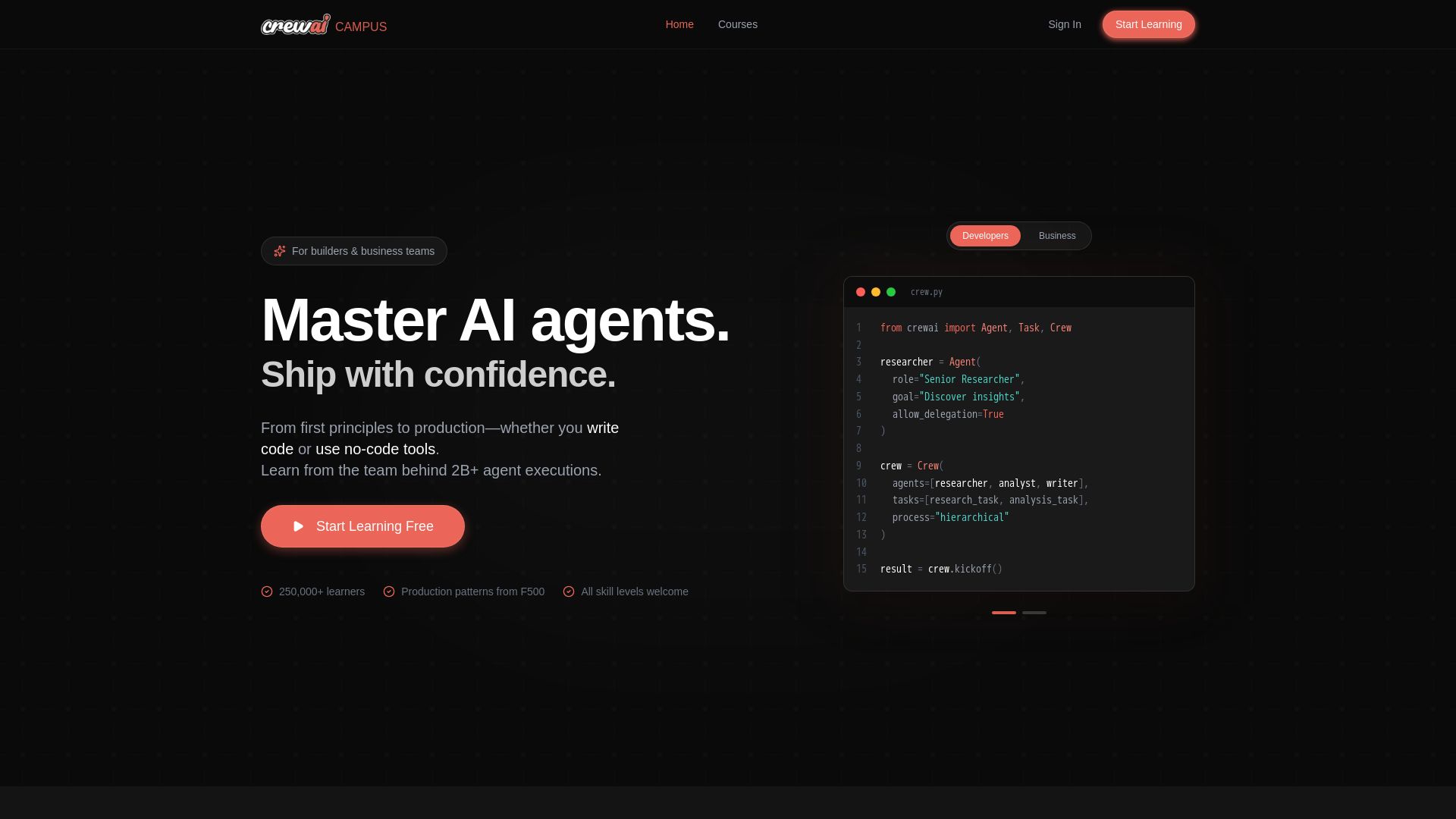
CrewAI Campus
Build production AI agents with hands-on courses from the team behind 2B+ agent executions. For developers and business teams. Start free.

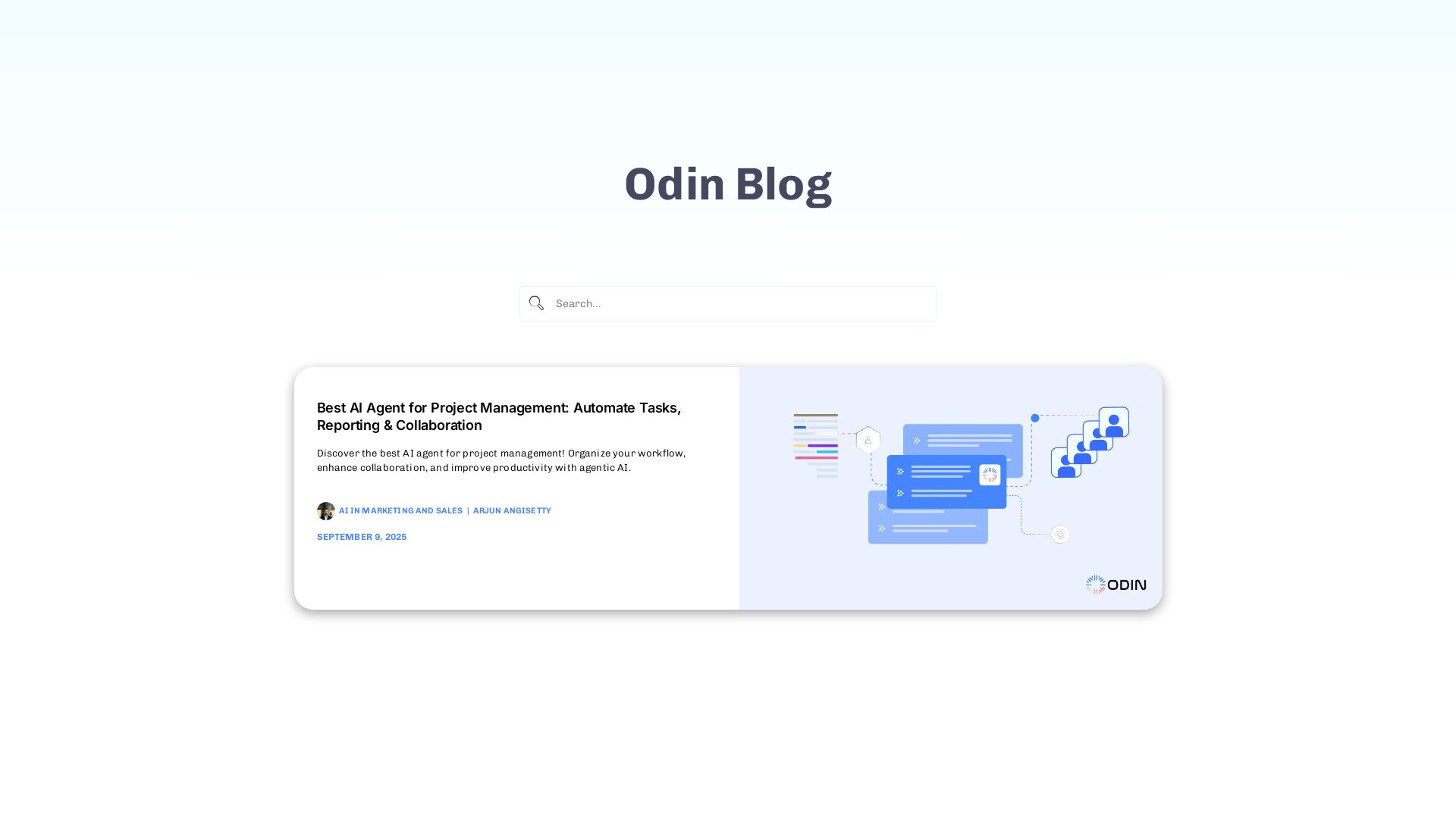
Odin AI
Automate tasks, document summarization, and collaboration with Odin AI's no-code platform. Boost productivity with intelligent AI agents.

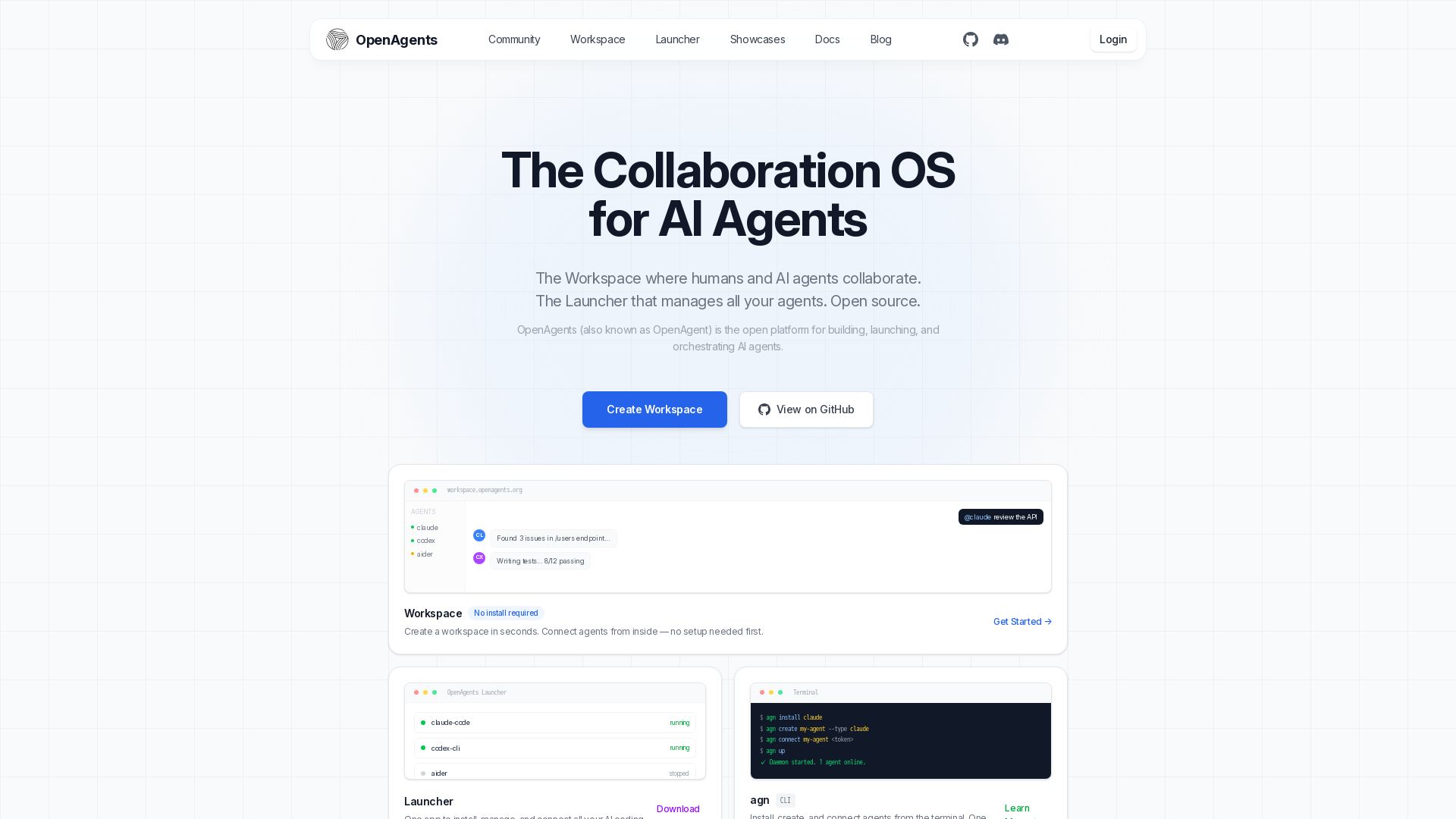
OpenAgents
Open-source AI agent platform: Collaborate with agents in a shared workspace. Manage Claude, Codex, Aider & more with the Launcher. Free, MIT license.


CrewAI
Design, orchestrate, and deploy multi-agent systems with guardrails, memory, and observability. Production-ready from day one.


ProductCrafters
Get a free 2-week trial sprint for your AI product. Working prototype in 30 days, production-ready in 90. No contract, no credit card. Test your dev team risk-free.

ℹ️ Curation Disclosure: The overview and features of Linear were synthesized using AI and fact-checked by our curation team to ensure accuracy.
