
CrewAI

Design, orchestrate, and deploy multi-agent systems with guardrails, memory, and observability. Production-ready from day one.
Editor's Verdict
Key Takeaways
- Agent Design
- Flow Orchestration
- Task & Process Management
- Deployment Automation
In-Depth Review: What is CrewAI?
CrewAI enables you to build collaborative AI agents, crews, and flows — production ready from day one. Ship multi-agent systems with confidence using built-in guardrails, memory, knowledge, and observability. Get started quickly with installation, quickstart, and comprehensive guides for agents, flows, tasks, and processes.
Core Features
Agent Design
Compose agents with tools, memory, knowledge, and structured outputs using Pydantic.
Flow Orchestration
Orchestrate start/listen/router steps, manage state, persist execution, and resume long-running workflows.
Task & Process Management
Define sequential, hierarchical, or hybrid processes with guardrails, callbacks, and human-in-the-loop triggers.
Deployment Automation
Manage environments, redeploy safely, and monitor live runs from the Enterprise console.
Trigger Integrations
Connect Gmail, Slack, Salesforce, and more to automatically trigger crews and flows.
Team Management
Invite teammates, configure RBAC, and control access to production automations.
Pros and Cons
Pros
- Production-ReadyBuilt for real-world deployment with guardrails, memory, and observability from day one.
- Collaborative Multi-Agent SystemDesign and orchestrate multiple AI agents working together on complex tasks.
- Comprehensive DocumentationWell-structured docs with quickstarts, examples, and API references.
- Enterprise FeaturesIncludes RBAC, environment management, and integration with major business tools.
- Support for Custom WorkflowsFlexible flows with state persistence and human-in-the-loop handling.
Cons
- Learning CurveComplex concepts like hierarchical processes and flow orchestration may be challenging for beginners.
- Pricing Not TransparentNo public pricing details available, requiring potential users to contact sales.
Use Cases & Recommended Professions
Software Engineer→ View Toolkit
Integrate AI agents into applications and automate backend workflows efficiently.
AI/ML Engineer→ View Toolkit
Design and deploy multi-agent systems for tasks like data processing and model orchestration.
Product Manager→ View Toolkit
Orchestrate AI-driven product features with guardrails and human oversight.
Automation Specialist→ View Toolkit
Automate repetitive business processes using trigger-based flows and integrations.
Data Scientist→ View Toolkit
Leverage structured outputs and memory for complex data analysis pipelines.
DevOps Engineer→ View Toolkit
Manage deployment, environment, and monitoring of AI crew systems in production.
Frequently Asked Questions
Alternative AI Tools
View Detailed Comparison →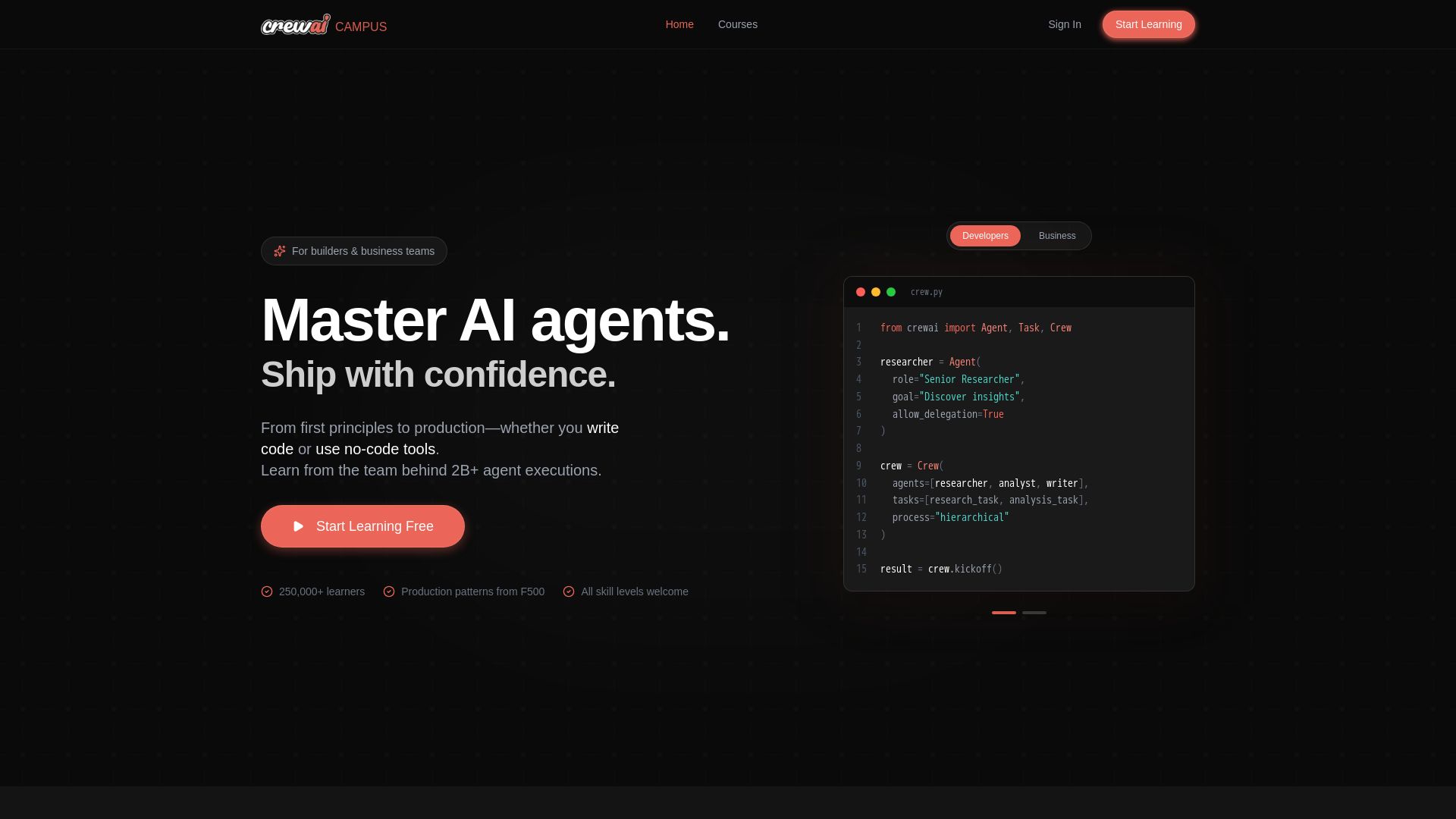
CrewAI Campus
Build production AI agents with hands-on courses from the team behind 2B+ agent executions. For developers and business teams. Start free.

What is crewAI?
Discover how IBM's AI agents unlocked $4.5B in productivity gains. Explore watsonx, IBM Bob, and hybrid cloud to drive smarter business outcomes.

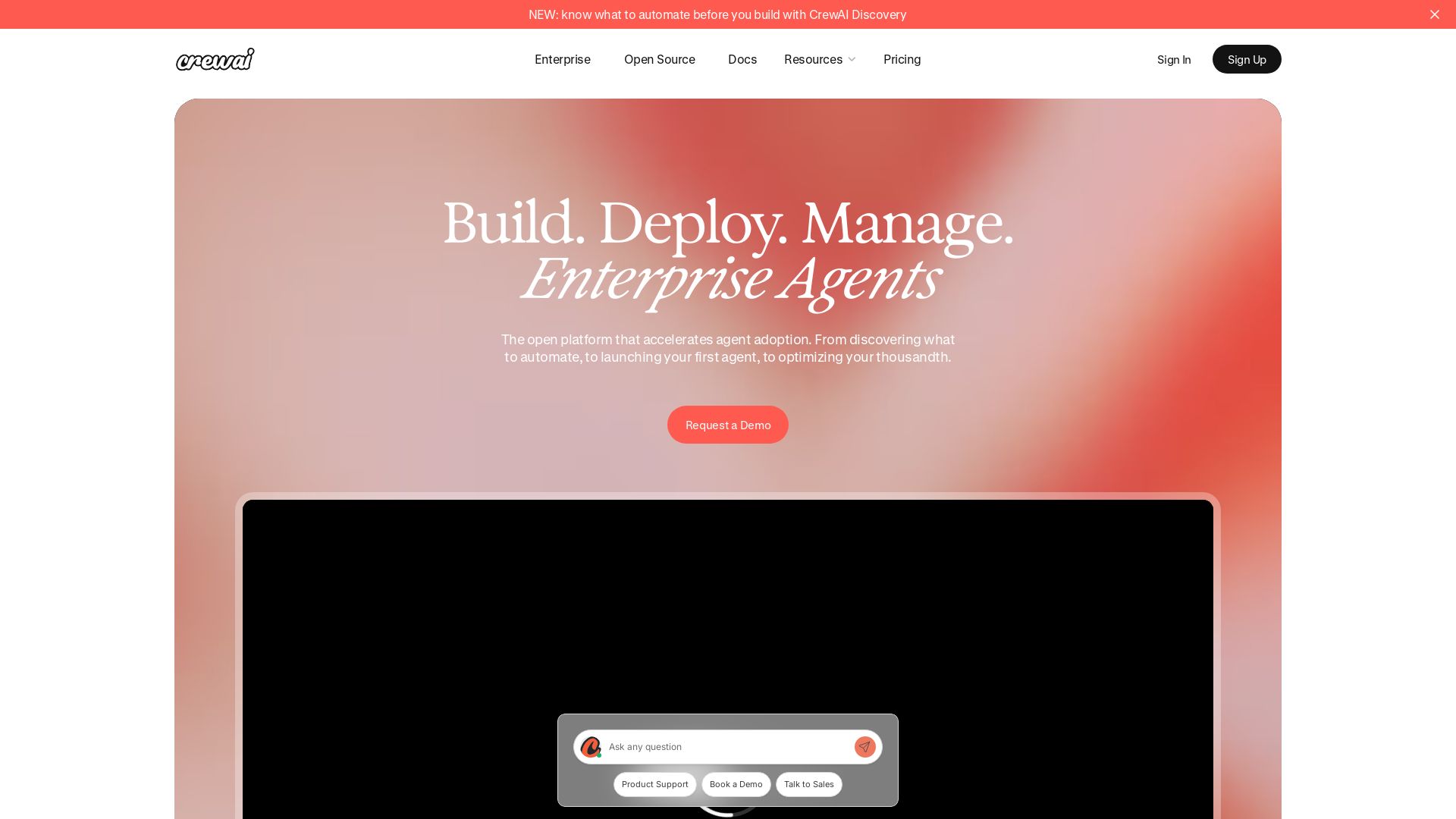
CrewAI
Accelerate agent adoption from discovery to production. Used by 63% of Fortune 500. No-code to CLI. Get started free.

IBM
Discover how IBM's AI agents transformed operations, delivering $4.5 billion in productivity. Explore IBM Bob, watsonx Orchestrate, and more.

CrewAI
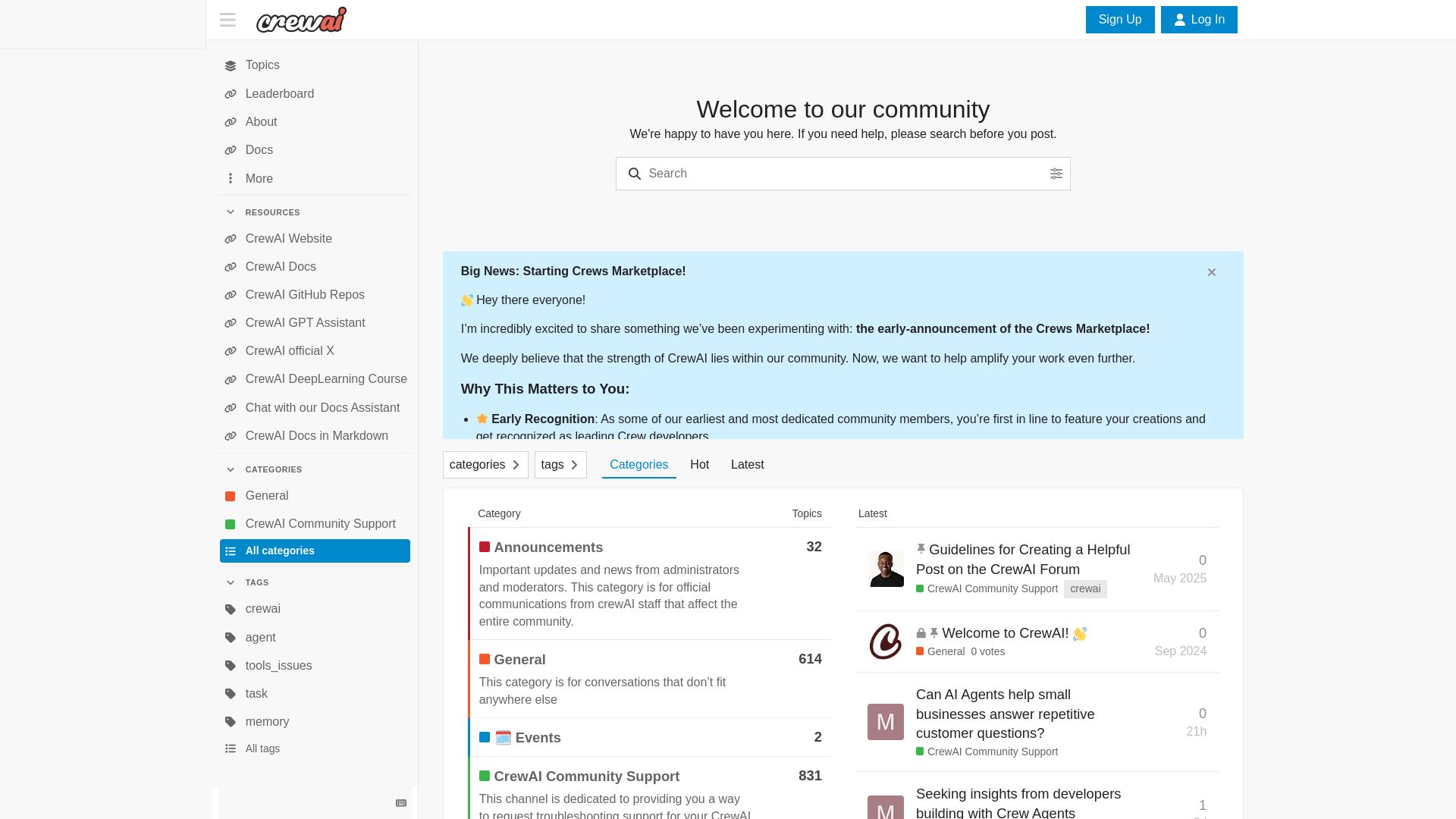
Join the CrewAI community to discuss AI agents, get support, showcase your crews, and stay updated on the Crews Marketplace. Official forum for CrewAI users.


Cequence AI Gateway
Safely connect AI agents to business apps with enterprise-grade security, OAuth 2.1, and MCP. Unlock agentic AI productivity.

n8n
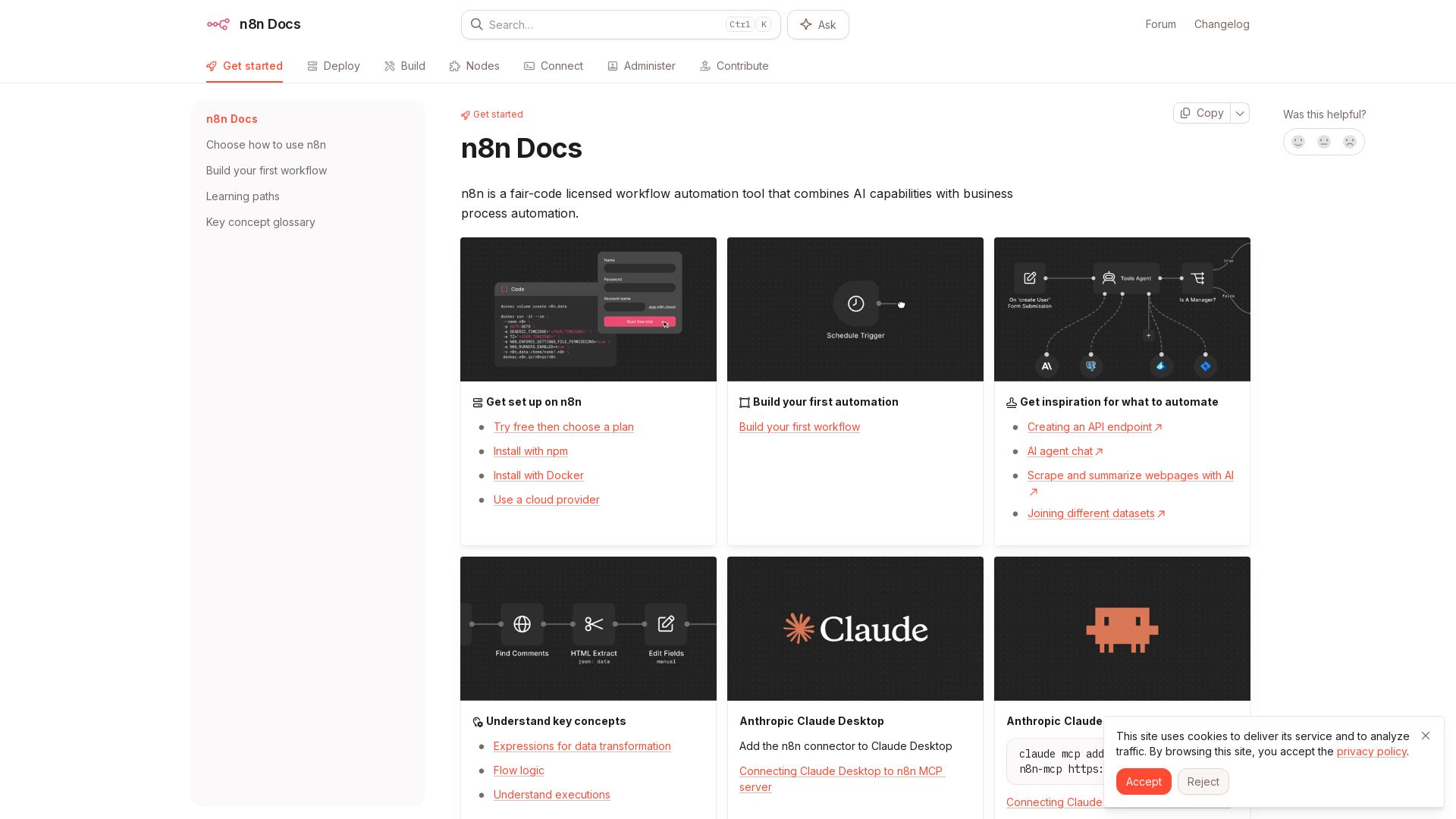
n8n is a fair-code licensed workflow automation tool that combines AI capabilities with business process automation. Get started with npm, Docker, or cloud.


PrometAI
Generate investor-ready business plans in minutes with PrometAI's AI. Trusted by 100,000+ founders. Start for free, no guesswork.

AI Agent Factory
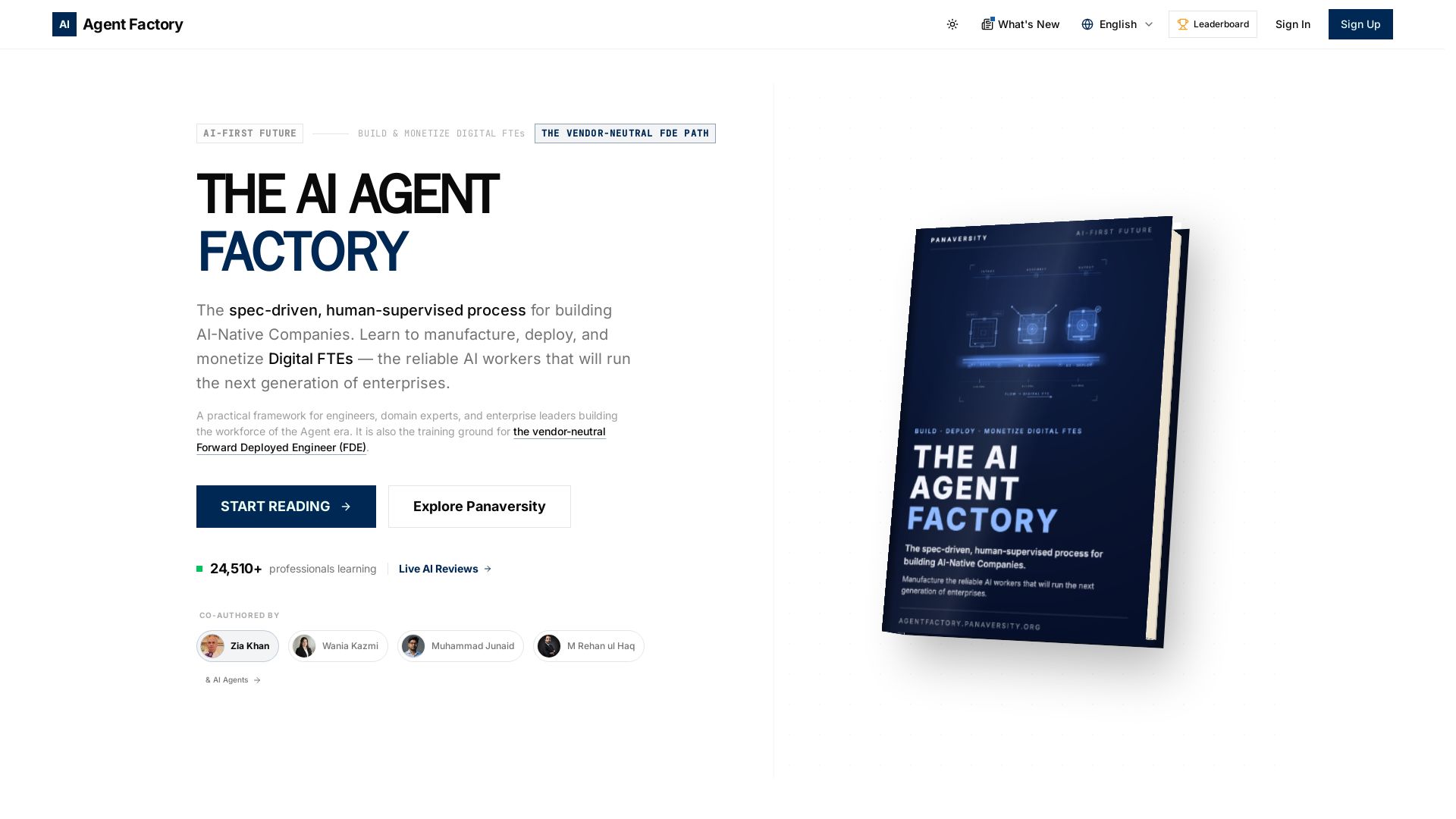
Learn to manufacture, deploy, and monetize AI workers that work 24/7. Spec-driven framework for engineers and domain experts.


Figr
Ship better UX faster. Figr builds a living understanding of your product, maps flows, finds edge cases, and generates high-fidelity prototypes from your actual design system.


Arcade
Arcade handles OAuth, enforces security policies, and provides 7,500+ agent-optimized tools for AI agents in production.

Kroolo
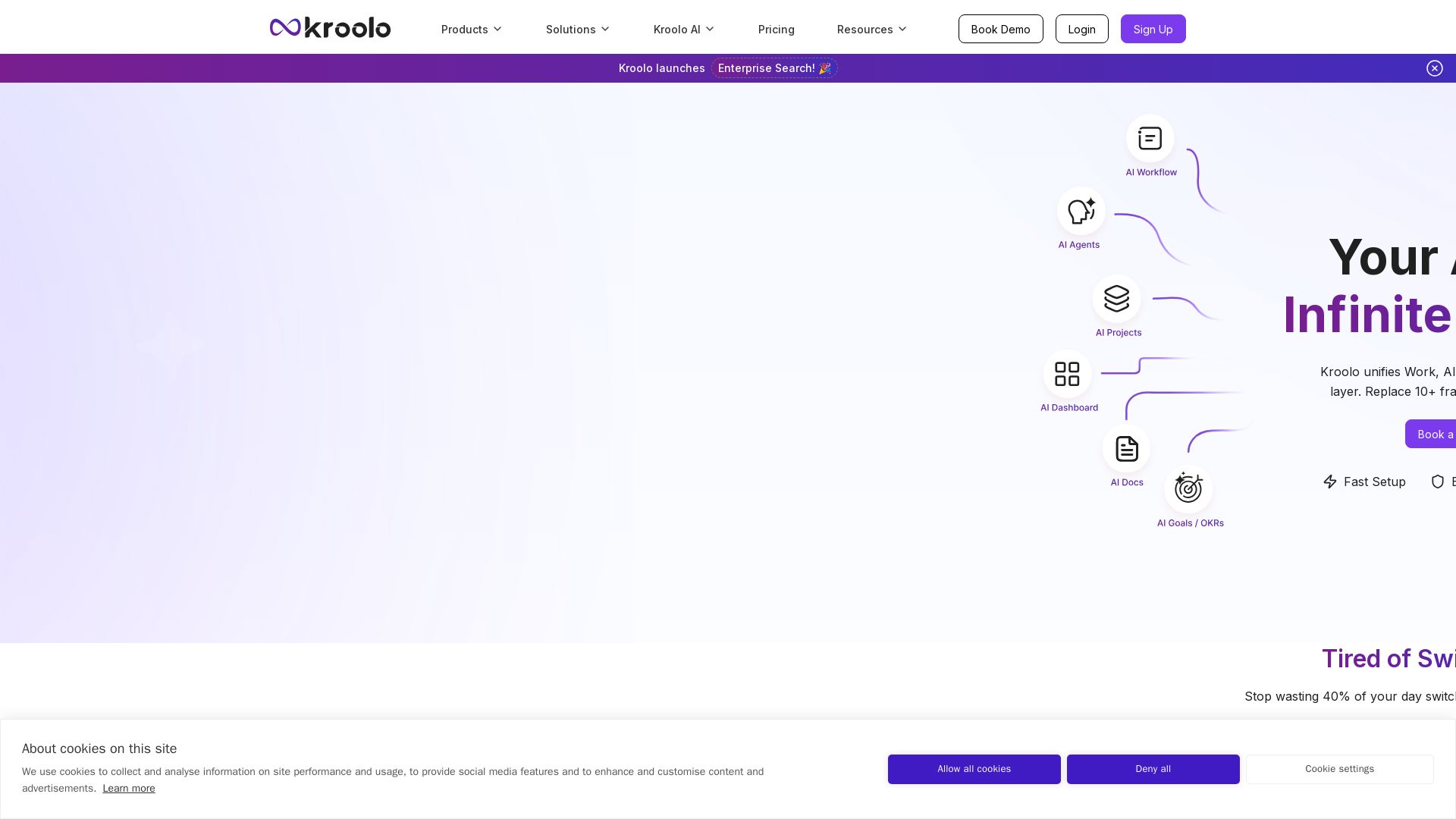
Replace 10+ fragmented apps with one AI-native platform. Kroolo unifies work, AI agents, and enterprise search to boost productivity up to 70%.

ℹ️ Curation Disclosure: The overview and features of CrewAI were synthesized using AI and fact-checked by our curation team to ensure accuracy.
