
Arcade

Arcade handles OAuth, enforces security policies, and provides 7,500+ agent-optimized tools for AI agents in production.
Editor's Verdict
Key Takeaways
- Agent Authorization
- Pre-built Integrations
- Custom Tool Building
- IDE & Agent Framework Integration
In-Depth Review: What is Arcade?
Arcade is an enterprise-ready runtime that enables AI agents to take real action across business systems. It manages OAuth tokens, enforces per-action security policies, and offers over 7,500 pre-built integrations (Gmail, Slack, GitHub, etc.) as MCP servers. Arcade works with popular agent frameworks (LangChain, OpenAI Agents, CrewAI) and provides a central control plane for governance, audit logging, and policy enforcement.
Core Features
Agent Authorization
Enforce security policies on every action with OAuth, token management, and integration with existing IdP, DLP, and compliance policies for runtime authorization.
Pre-built Integrations
Access over 7,500 ready-to-use agent-optimized tools across 81 MCP servers, including Gmail, Slack, GitHub, Google Sheets, and more.
Custom Tool Building
Create your own MCP servers and custom tools using the Arcade SDK, enabling tailored actions for your specific workflows.
IDE & Agent Framework Integration
Seamlessly add tools to Cursor, VS Code, Claude Desktop, or any MCP client, and integrate with popular frameworks like LangChain, OpenAI Agents, AG2, and CrewAI.
Agent Lifecycle Governance
Scale agents across your organization with a central control plane, shared registry, version control, visibility filtering, and OpenTelemetry audit logs.
Reliable Execution
Execute agent actions reliably at scale with tool sets optimized for production use, not thin API wrappers.
Contextual Access
Implement fine-grained access control through contextual access webhooks and hooks, ensuring secure and compliant tool usage.
Multi-Environment Support
Deploy via Arcade Cloud, AWS Marketplace, Azure Marketplace, or self-host with Helm, with support for hybrid MCP servers.
Pricing
Free
- Limited tool usage
- Basic authorization
- Community support
Pro
- Full access to 7,500+ tools
- Custom tool building
- Advanced authorization policies
- Audit logs
- Email support
Enterprise
- Everything in Pro
- Dedicated onboarding
- SSO & compliance integrations
- On-premise deployment options
- Priority support
- SLA guarantees
Pros and Cons
Pros
- Vast Tool EcosystemOver 7,500 pre-built integrations across 81 MCP servers provide extensive coverage for common business applications.
- Enterprise-Grade SecurityOAuth, token management, and runtime authorization enforcement ensure compliance and security for production agent deployments.
- Flexible CustomizationAbility to build custom tools and MCP servers allows tailoring the platform to unique organizational needs.
- Framework AgnosticWorks with major AI agent frameworks and LLM providers, preventing vendor lock-in.
- Centralized GovernanceShared registry, version control, and audit logs provide oversight and control over agent usage across the org.
Cons
- Learning CurveThe breadth of features and configuration options may require significant time to understand and implement effectively.
- Pricing TransparencyEnterprise pricing is not publicly listed, potentially making it harder for organizations to budget upfront.
- Dependency on CloudWhile self-hosting is available, the default cloud offering may raise data residency concerns for some enterprises.
- Integration MaturitySome integrations may still be in beta or have limited functionality compared to native APIs.
- Documentation DepthWhile extensive, some advanced features like contextual access may require deeper technical expertise to implement.
Use Cases & Recommended Professions
AI/ML Engineer→ View Toolkit
Needs a reliable platform to deploy AI agents with pre-built tools and custom actions, reducing development time and ensuring secure execution.
Software Developer→ View Toolkit
Integrates tools into IDEs and builds custom MCP servers to automate workflows and enhance productivity.
Security Engineer→ View Toolkit
Requires robust authorization, audit logs, and compliance controls to govern agent actions and protect sensitive data.
Product Manager→ View Toolkit
Leverages agent governance and integrations to roll out AI features across the organization with visibility and control.
DevOps Engineer→ View Toolkit
Manages deployment and scaling of agent infrastructure, benefiting from flexible hosting options and monitoring capabilities.
IT Administrator→ View Toolkit
Oversees user access and tool provisioning, using centralized policies and contextual access to maintain security compliance.
Frequently Asked Questions
Alternative AI Tools
View Detailed Comparison →
MCP Labs
Connect Claude to n8n & GitHub. 165+ automation tools. 98% token reduction. UK support. Official MCP Registry. Start free trial.
Gopher-MCP
Deploy secure MCP servers in minutes with 4D security: deep inspection, zero-trust access, granular policies, and post-quantum encryption.


Cequence AI Gateway
Safely connect AI agents to business apps with enterprise-grade security, OAuth 2.1, and MCP. Unlock agentic AI productivity.

Automation Anywhere
Automate mission-critical processes with agentic AI. Trusted by global leaders. Boost efficiency, ensure compliance. Request a demo.

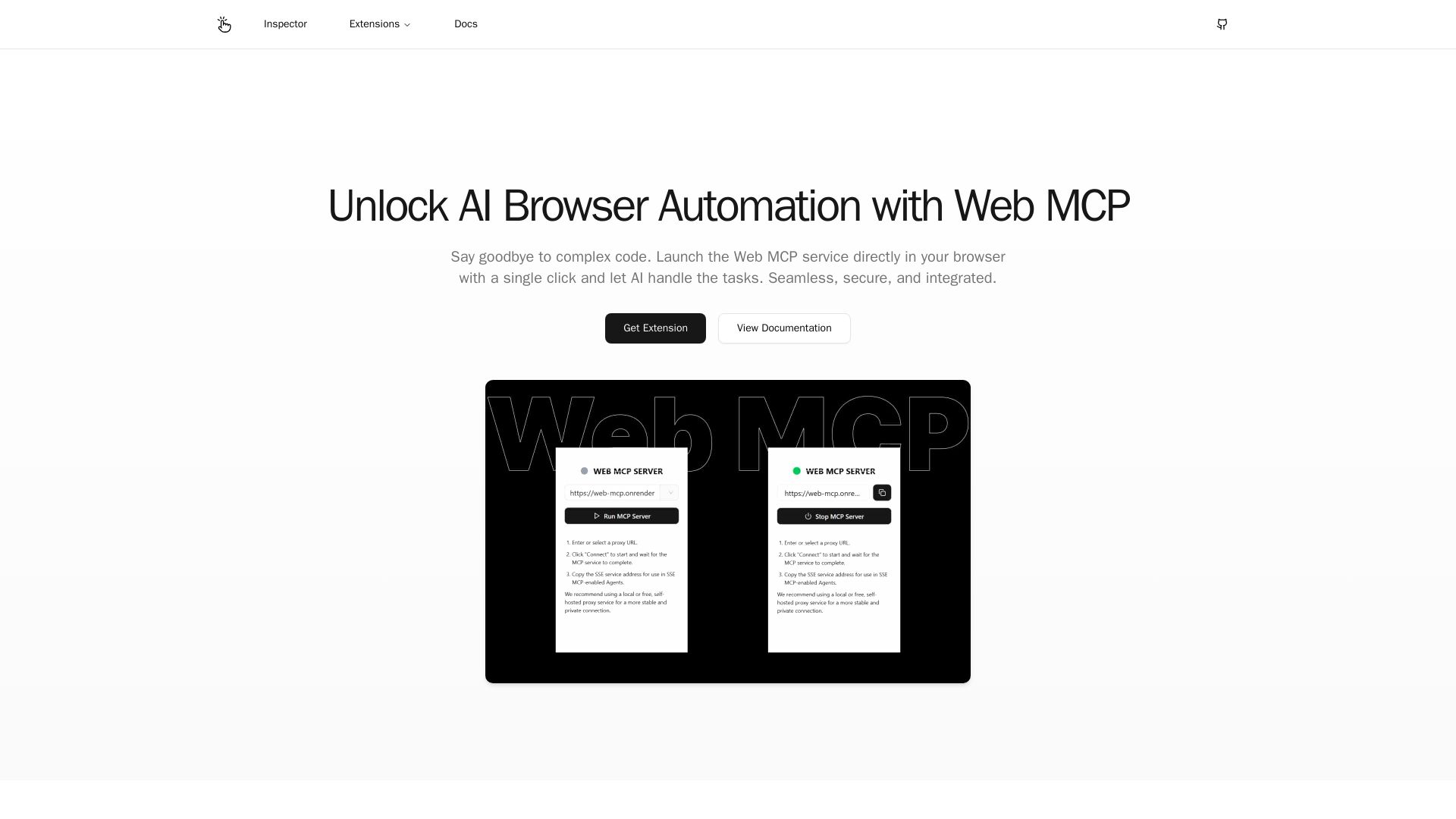
Web MCP
Seamlessly automate your browser with Web MCP. AI-powered, secure, and easy to use. No complex code needed. Try the Chrome Extension today!

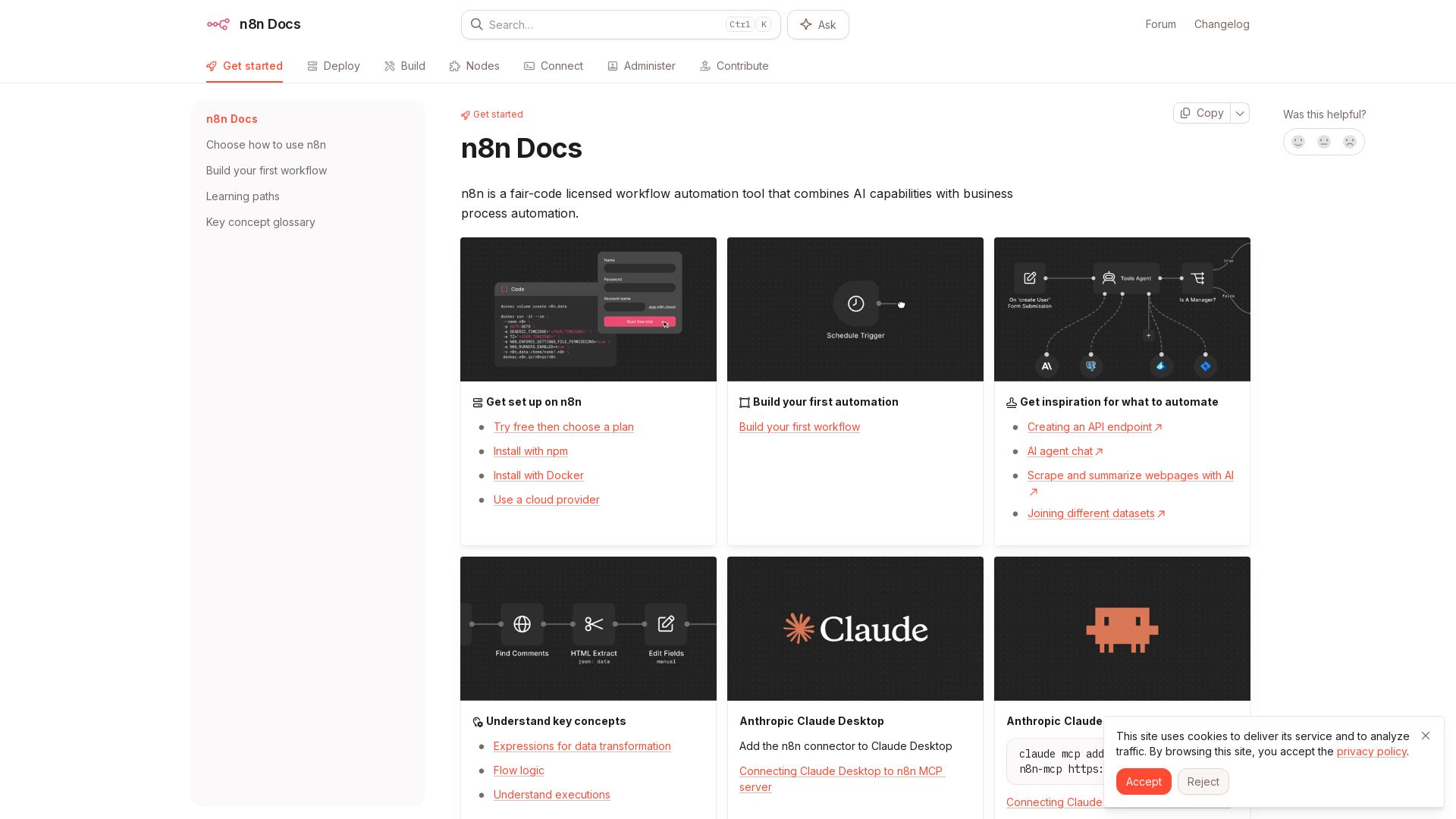
n8n
n8n is a fair-code licensed workflow automation tool that combines AI capabilities with business process automation. Get started with npm, Docker, or cloud.

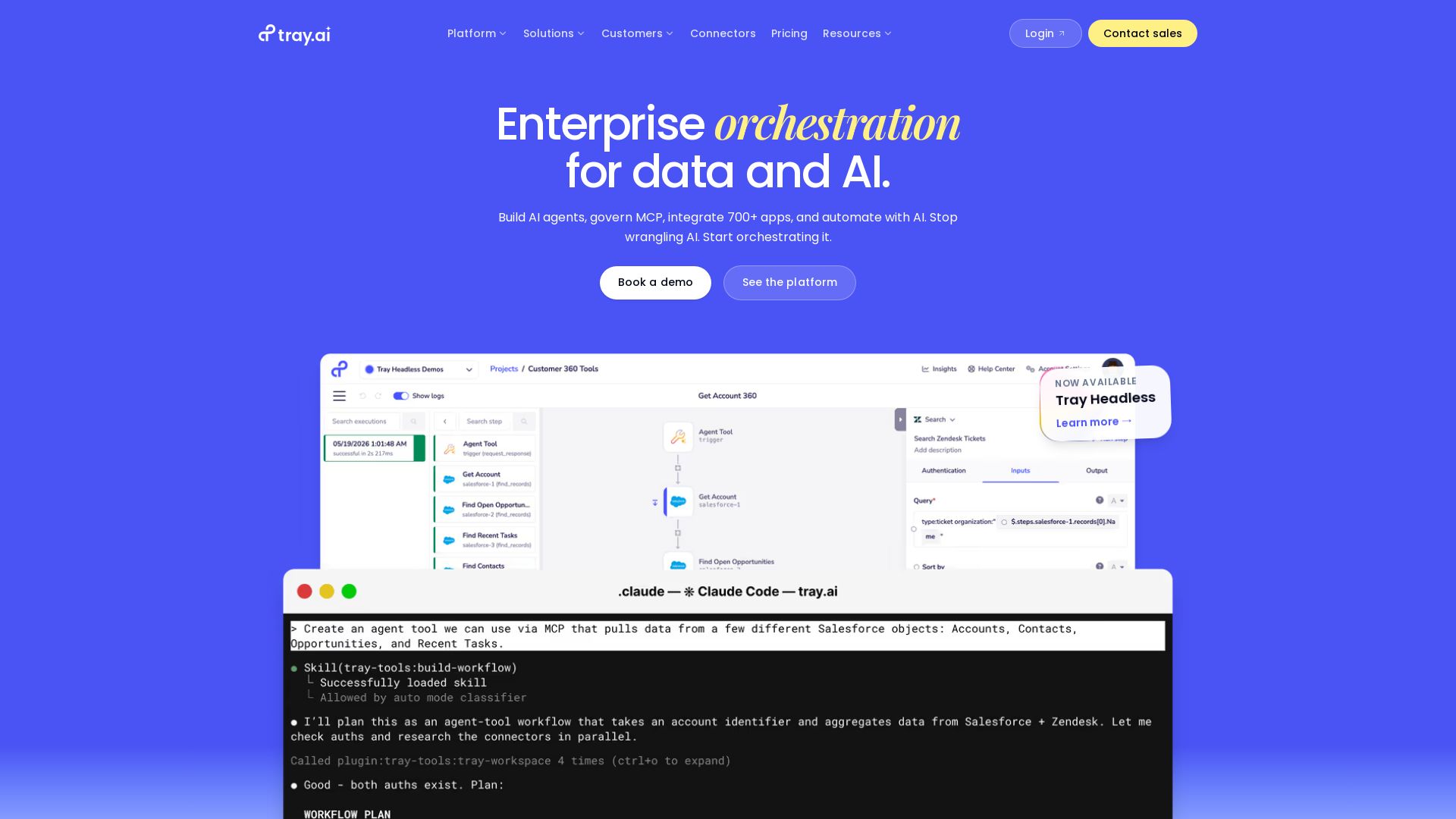
Tray.ai
Build AI agents, govern MCP, integrate 700+ apps, and automate workflows. One platform for data, integration, automation, MCP, and agents. Trusted by leading enterprises.

Browser MCP
Connect AI apps like Cursor and Claude to your browser for fast, private, and stealthy automation. Automate testing, form filling, and more without remote servers.

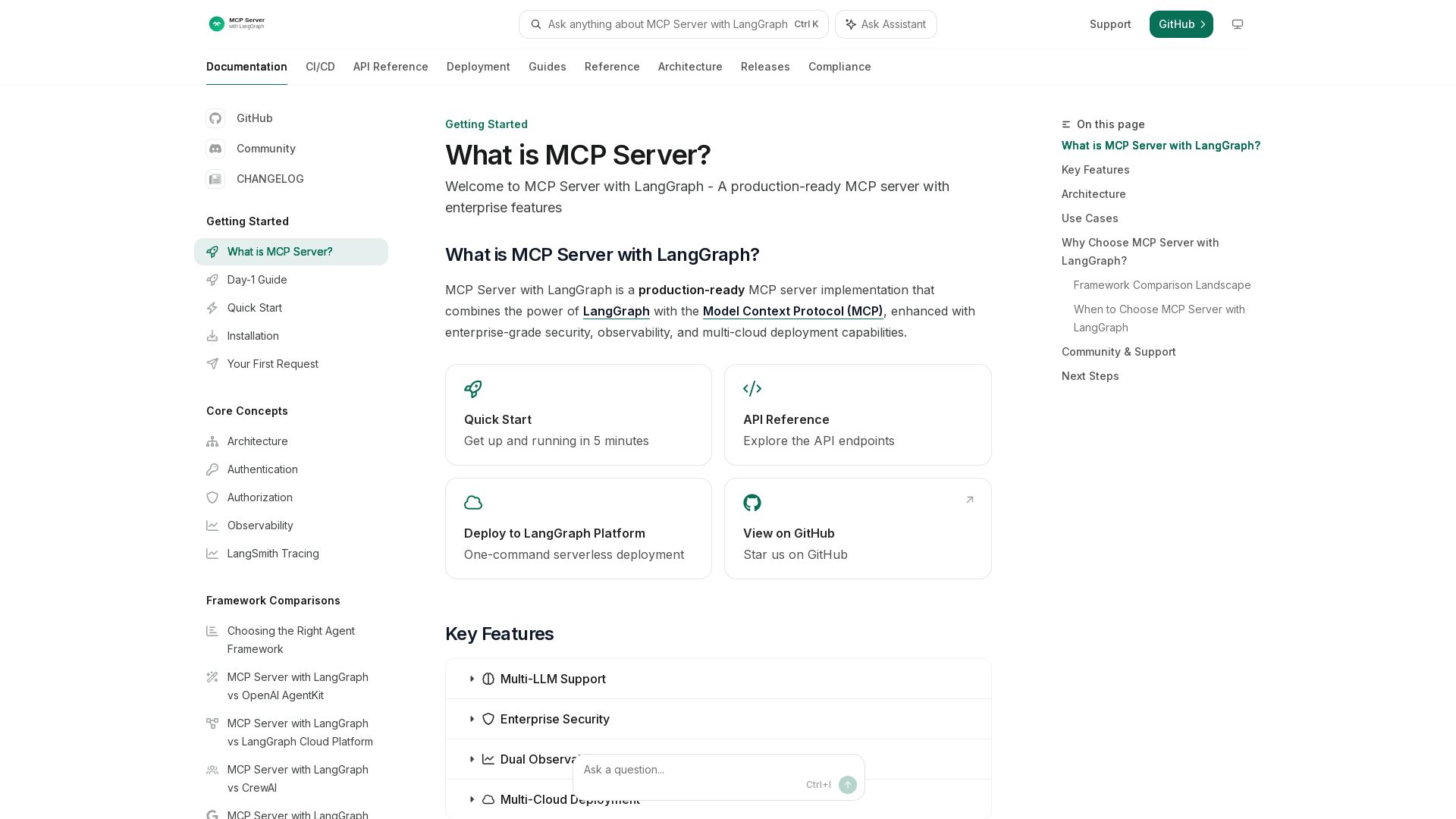
MCP Server with LangGraph
Production-ready MCP server with LangGraph, enterprise-grade security, multi-LLM support, and multi-cloud deployment. Start in 5 minutes.

Arcade
Arcade is the MCP runtime for AI agents that handles authorization, reliability, and governance. Ship agents that work and pass security reviews.

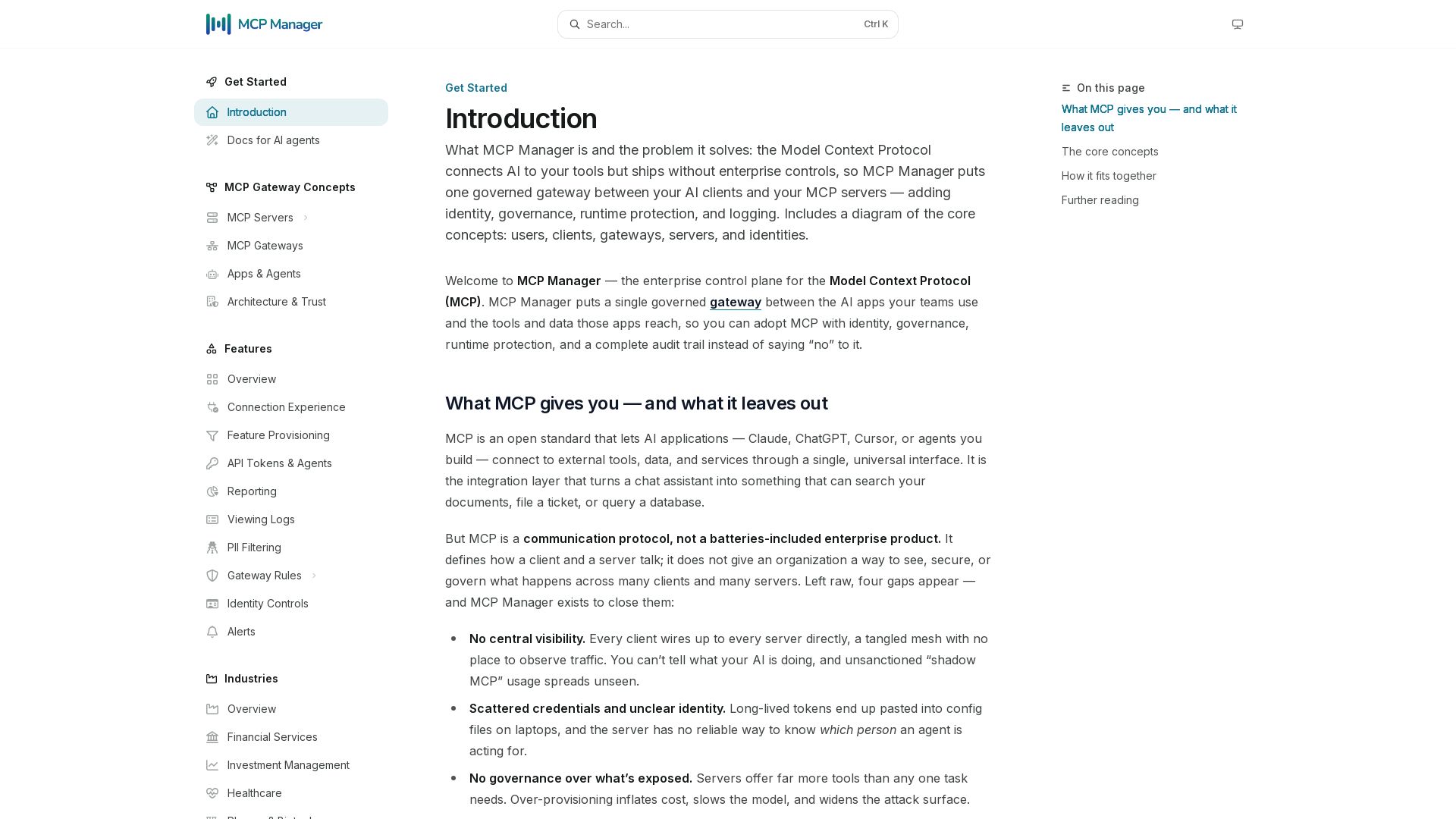
MCP Manager
Secure, govern, and observe AI tool connections. Single gateway for identity, rules, audit, and runtime protection.

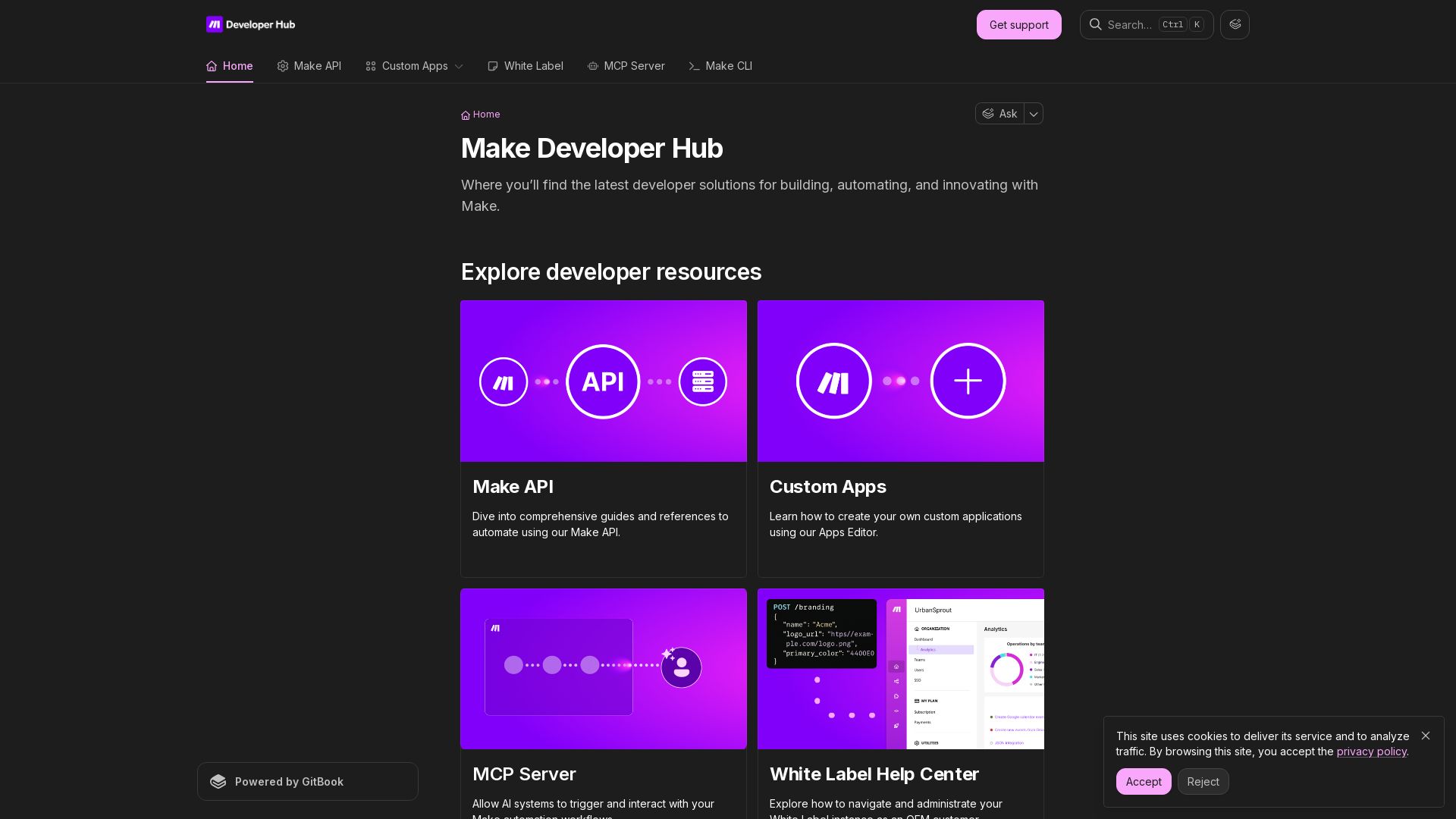
Make
Build, automate, and innovate with Make. Explore Make API, Custom Apps, MCP Server, White Label, and CLI. Get developer resources for automation.

ℹ️ Curation Disclosure: The overview and features of Arcade were synthesized using AI and fact-checked by our curation team to ensure accuracy.
