
Web MCP
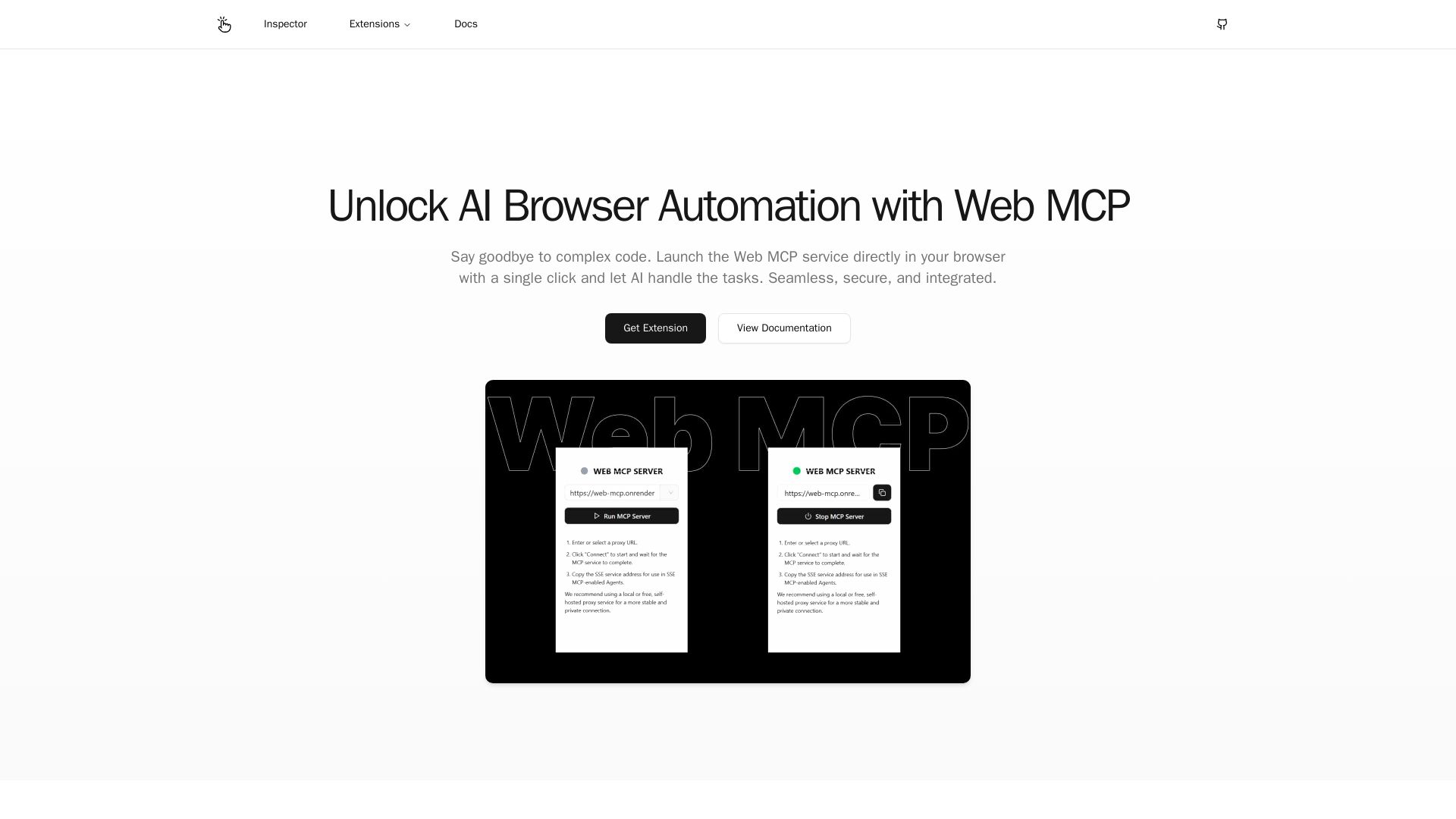
Seamlessly automate your browser with Web MCP. AI-powered, secure, and easy to use. No complex code needed. Try the Chrome Extension today!
Editor's Verdict
Key Takeaways
- Direct Browser Control
- Complete Security Control
- Flexible & Secure Connections
In-Depth Review: What is Web MCP?
Web MCP is an AI-powered browser automation service that lets you control your current browser session directly, eliminating the need for complex setups. With features like direct browser control, complete security oversight, and flexible connections via local network or proxy, it simplifies web operations. Extensions for Chrome and Edge, plus an online MCP Inspector, make it accessible. Start, stop, or restart the service anytime, ensuring privacy and control. Ideal for developers and power users seeking efficient, secure automation.
Core Features
Direct Browser Control
Seamlessly replaces complex automation setups. AI directly interacts with your current browser session, eliminating the need for separate automation windows.
Complete Security Control
You're in charge. Start, stop, or restart the MCP service at any time, giving you full control over access and ensuring the privacy of your Browse activity.
Flexible & Secure Connections
Supports connections via your local network or through your own proxy service, guaranteeing stable, private, and reliable data transmission for AI interactions.
Pricing
Free
- Direct Browser Control
- Complete Security Control
- Flexible & Secure Connections
Pros and Cons
Pros
- Direct Browser ControlAI interacts directly with your current browser session, eliminating the need for complex automation setups.
- Complete Security ControlYou can start, stop, or restart the MCP service at any time, ensuring full control and privacy.
- Flexible & Secure ConnectionsSupports local network or proxy connections for stable and private data transmission.
Cons
- Requires Browser ExtensionTo use Web MCP, you need to install the Chrome or Edge extension, which may not be available for all browsers.
- Limited to Web TasksWeb MCP is designed specifically for browser automation and may not be suitable for other types of AI tasks.
- Dependence on External AI ServiceThe automation relies on an external AI service, which may introduce latency or require internet connectivity.
Use Cases & Recommended Professions
Software Engineer→ View Toolkit
Automates repetitive web interactions and testing with AI-driven browser control.
Data Analyst→ View Toolkit
Extracts and processes web data efficiently without manual scripting.
QA Tester→ View Toolkit
Creates and runs automated browser tests with minimal code.
Researcher→ View Toolkit
Gathers large amounts of web-based research data quickly.
Product Manager→ View Toolkit
Validates product features and user flows through automated browser sessions.
Marketing Specialist→ View Toolkit
Monitors competitor websites and gathers market intelligence automatically.
Frequently Asked Questions
Alternative AI Tools
View Detailed Comparison →
Making AI think and act: my approach to the Hugging Face AI ...
Experienced AI engineer specializing in medical imaging and LLM-powered agents. Built globally deployed radiology AI at AZmed. Now building AI agents at Matrix One.


Agentic Workers
Automate tasks with 100+ pre-built AI workflows. Connect 800+ tools, save 10+ hours/week. No coding needed. Join 13,000+ professionals.


Scuti AI
We specialize in generative AI, AI-OCR, RAG, and offshore development. Combining Vietnam's speed with Japan's quality to automate tasks and boost business.

Askimo
Use ChatGPT, Claude, Gemini & more in one desktop app. AI knows your files, runs multi-step workflows, and keeps data private.
Browser MCP
Connect AI apps like Cursor and Claude to your browser for fast, private, and stealthy automation. Automate testing, form filling, and more without remote servers.


Wizr AI
Build autonomous enterprises with AI-powered automation. Accelerate software delivery by 50% with production-ready AI systems. Trusted by world-class enterprises.


Cequence AI Gateway
Safely connect AI agents to business apps with enterprise-grade security, OAuth 2.1, and MCP. Unlock agentic AI productivity.

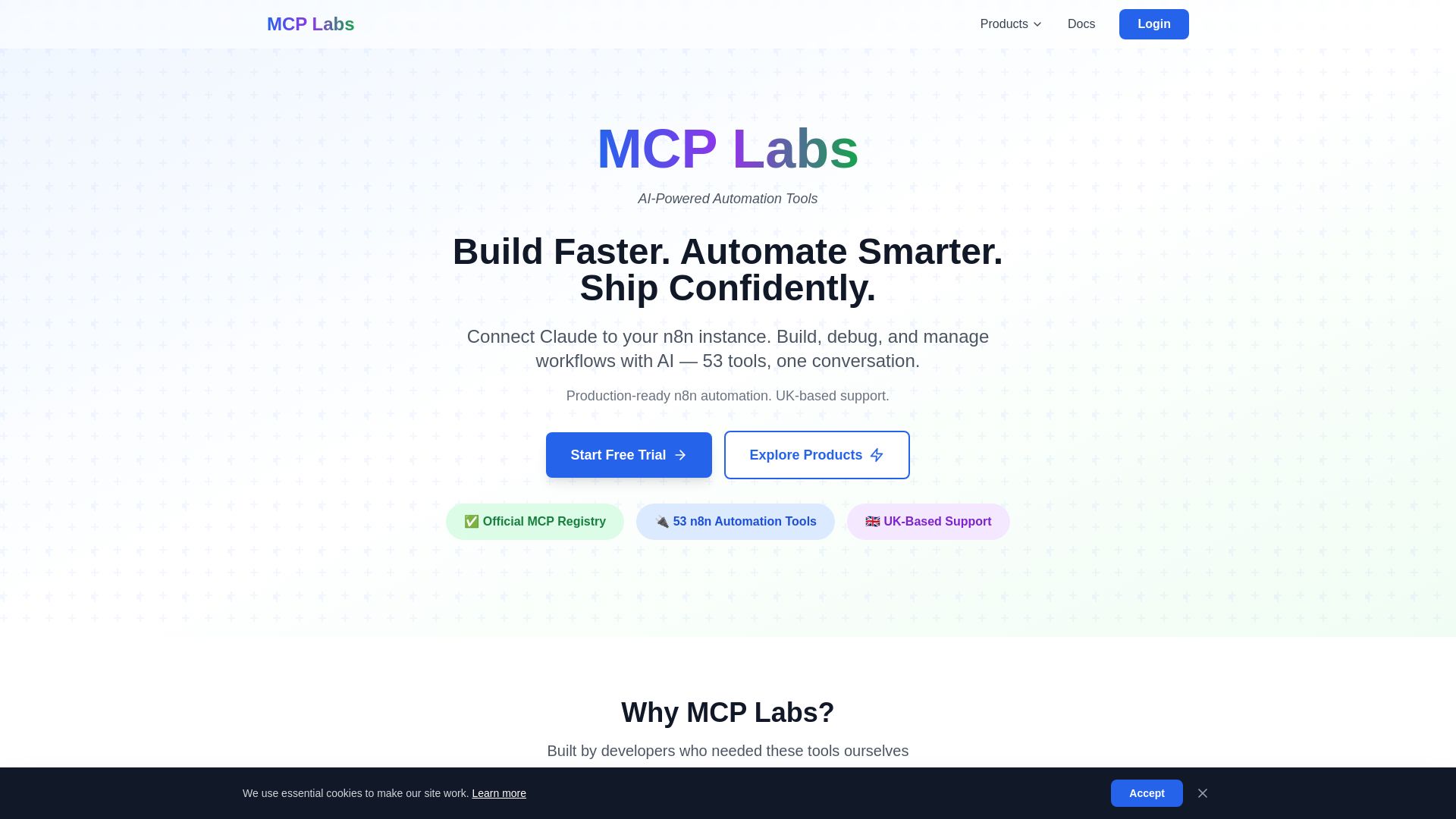
MCP Labs
Connect Claude to n8n & GitHub. 165+ automation tools. 98% token reduction. UK support. Official MCP Registry. Start free trial.
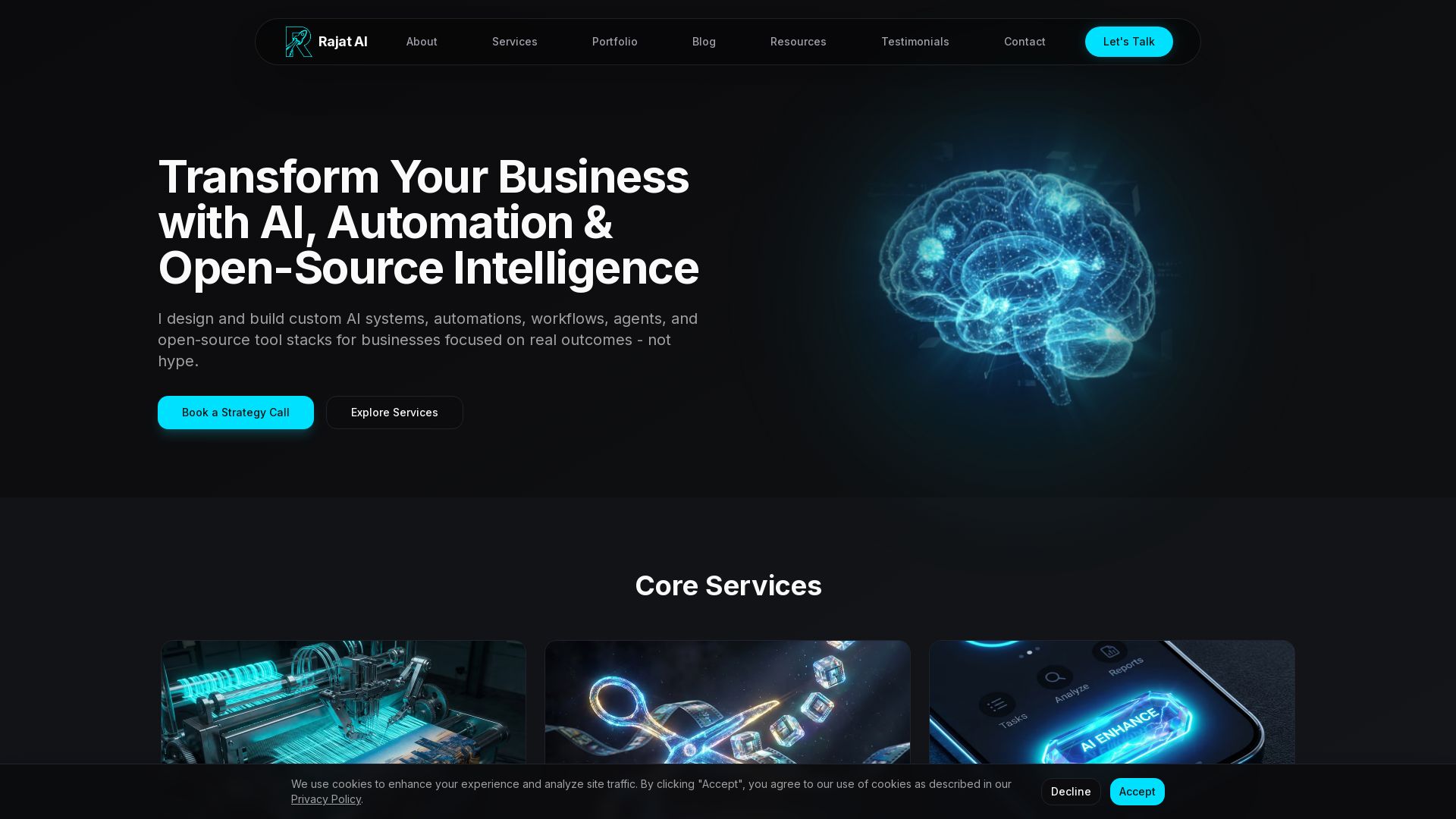


SF AI Labs
End-to-end AI services from strategy to launch. Proven delivery framework, expert network in San Francisco. Maximize ROI with custom AI solutions for modern companies.


HIX AI
HIX AI is an AI agent workspace that lets you research, create slides, videos, images, and more with one tool. Boost productivity with deep research and automated content creation.

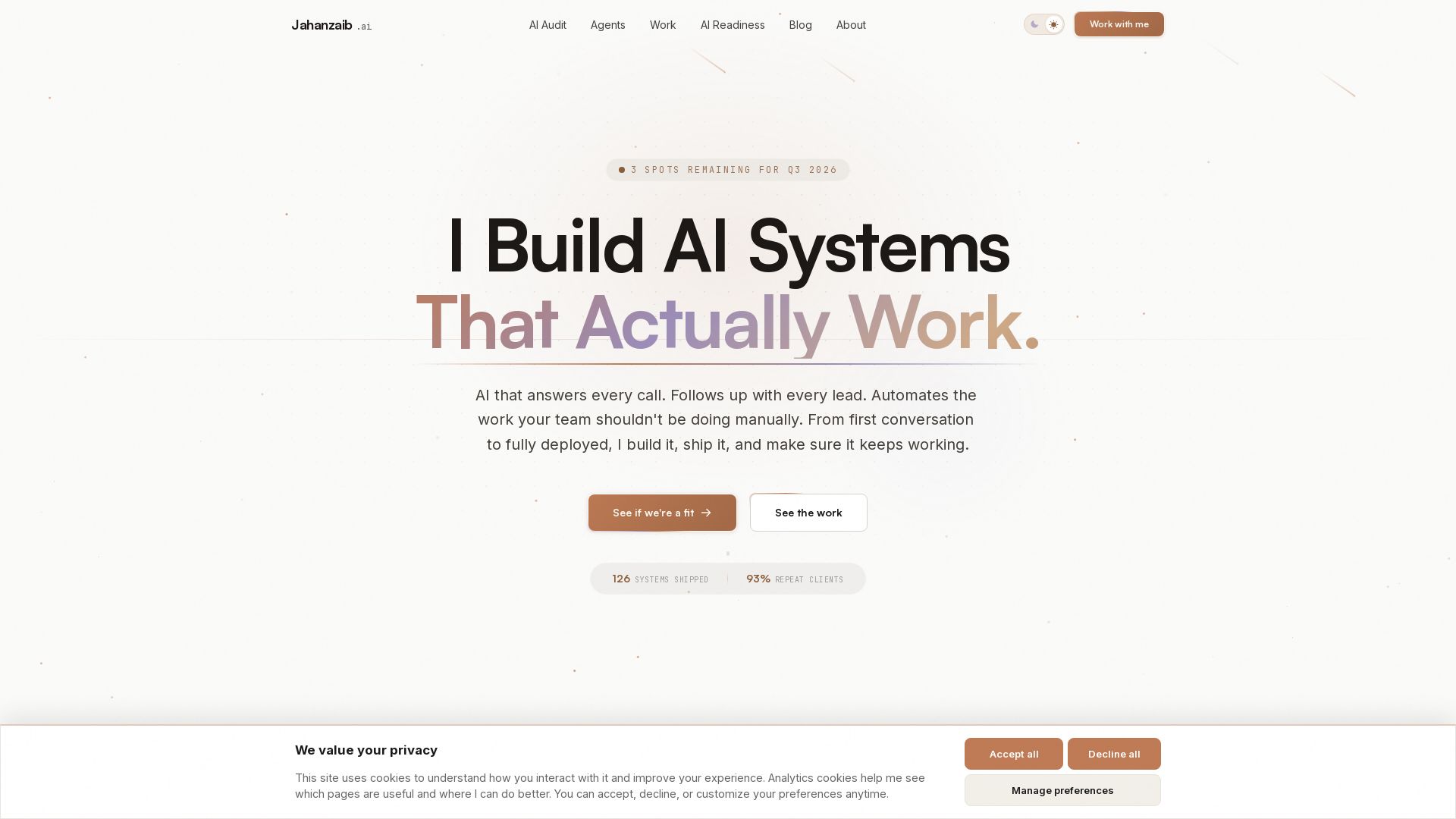
Pydantic AI Tutorial: Type-Safe Agents in Production
Production-ready AI voice agents, automation, and chatbots. 126 systems shipped. 21-day live guarantee. Book a free AI audit.

ℹ️ Curation Disclosure: The overview and features of Web MCP were synthesized using AI and fact-checked by our curation team to ensure accuracy.
