
Browser MCP
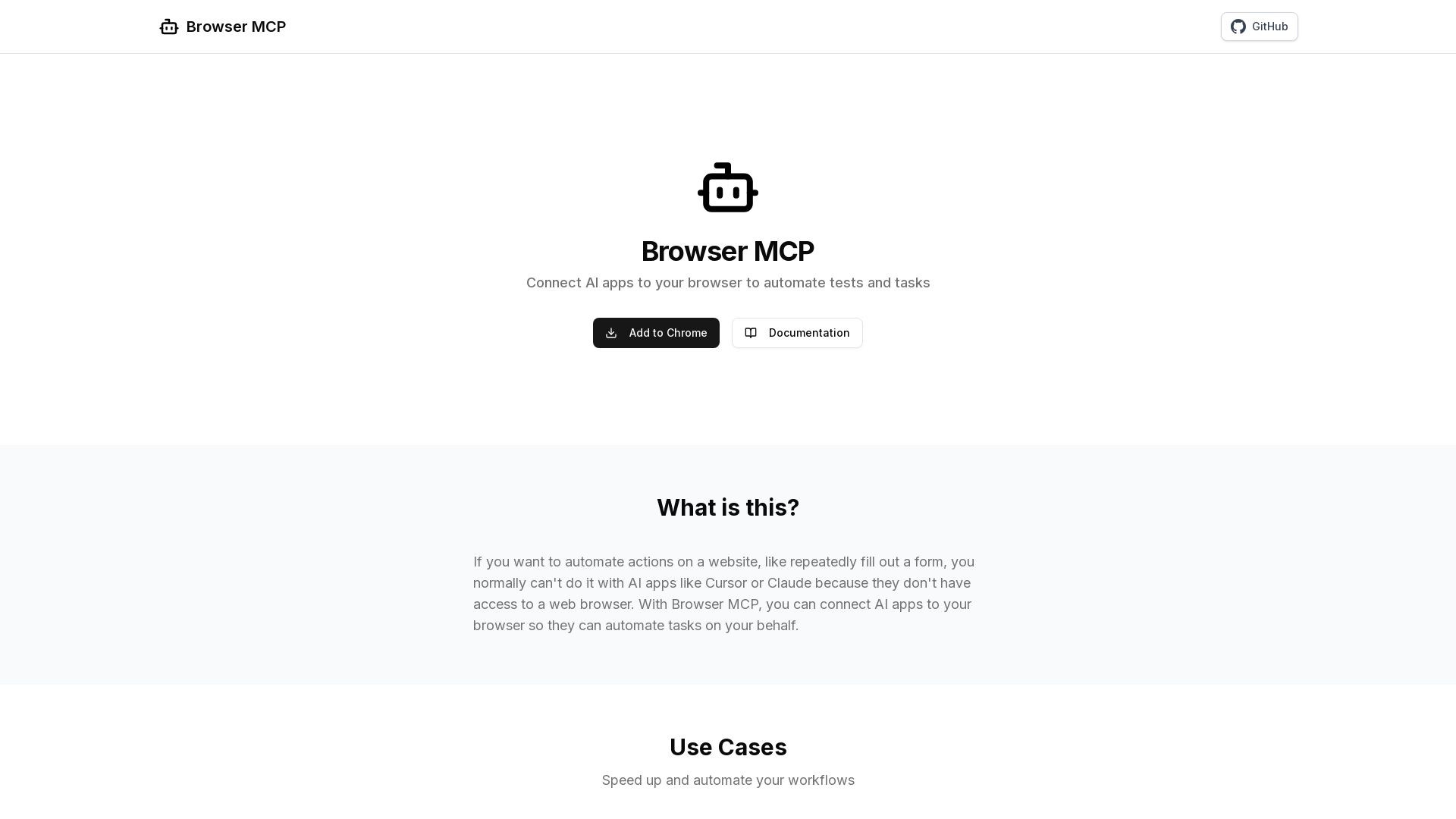
Connect AI apps like Cursor and Claude to your browser for fast, private, and stealthy automation. Automate testing, form filling, and more without remote servers.
Editor's Verdict
Key Takeaways
- Automated Testing
- Task Automation
- Navigate
- Go Back
In-Depth Review: What is Browser MCP?
Browser MCP enables you to connect AI applications directly to your web browser, allowing automated execution of tasks such as form filling, data collection, and end-to-end testing. It runs locally, ensuring privacy and speed while using your existing logged-in sessions to avoid CAPTCHAs and bot detection. With simple setup—install the extension, add the MCP server to your AI app—you can start automating repetitive web workflows seamlessly.
Core Features
Automated Testing
Enable your AI editor to automatically test your code end-to-end. Test user flows, validate UI elements, and ensure your application works as expected across different scenarios.
Task Automation
Automate repetitive web-based tasks with ease. From data collection and form filling to workflow automation, save time and reduce errors in your day-to-day operations.
Navigate
Navigate to a URL
Go Back
Go back to the previous page
Go Forward
Go forward to the next page
Wait
Wait for a specified time in seconds
Press Key
Press a key on the keyboard
Snapshot
Capture accessibility snapshot of the current page
Click
Perform click on a web page
Drag & Drop
Perform drag and drop between two elements
Hover
Hover over element on page
Type Text
Type text into editable element
Get Console Logs
Get the console logs from the browser
Screenshot
Take a screenshot of the current page
Pros and Cons
Pros
- FastAutomation happens locally on your machine, resulting in better performance without network latency.
- PrivateSince automation happens locally, your browser activity stays on your device and isn't sent to remote servers.
- Logged InUses your existing browser profile, keeping you logged into all your services.
- StealthAvoids basic bot detection and CAPTCHAs by using your real browser fingerprint.
Cons
Use Cases & Recommended Professions
Software Engineer→ View Toolkit
Enable your AI editor to automatically test your code end-to-end, ensuring application works as expected.
QA Tester→ View Toolkit
Test user flows, validate UI elements, and automate regression testing across different scenarios.
Data Analyst→ View Toolkit
Automate data collection from websites for analysis without manual effort.
Operations Manager→ View Toolkit
Automate repetitive web-based tasks like form filling and data entry to save time and reduce errors.
Business Analyst→ View Toolkit
Workflow automation for web-based processes to improve efficiency and accuracy.
Developer (Using AI tools)→ View Toolkit
Integrate AI with browser for automated tasks like testing and data scraping directly from development environment.
Frequently Asked Questions
Alternative AI Tools
View Detailed Comparison →
Scuti AI
We specialize in generative AI, AI-OCR, RAG, and offshore development. Combining Vietnam's speed with Japan's quality to automate tasks and boost business.


SF AI Labs
End-to-end AI services from strategy to launch. Proven delivery framework, expert network in San Francisco. Maximize ROI with custom AI solutions for modern companies.


Making AI think and act: my approach to the Hugging Face AI ...
Experienced AI engineer specializing in medical imaging and LLM-powered agents. Built globally deployed radiology AI at AZmed. Now building AI agents at Matrix One.


Cequence AI Gateway
Safely connect AI agents to business apps with enterprise-grade security, OAuth 2.1, and MCP. Unlock agentic AI productivity.

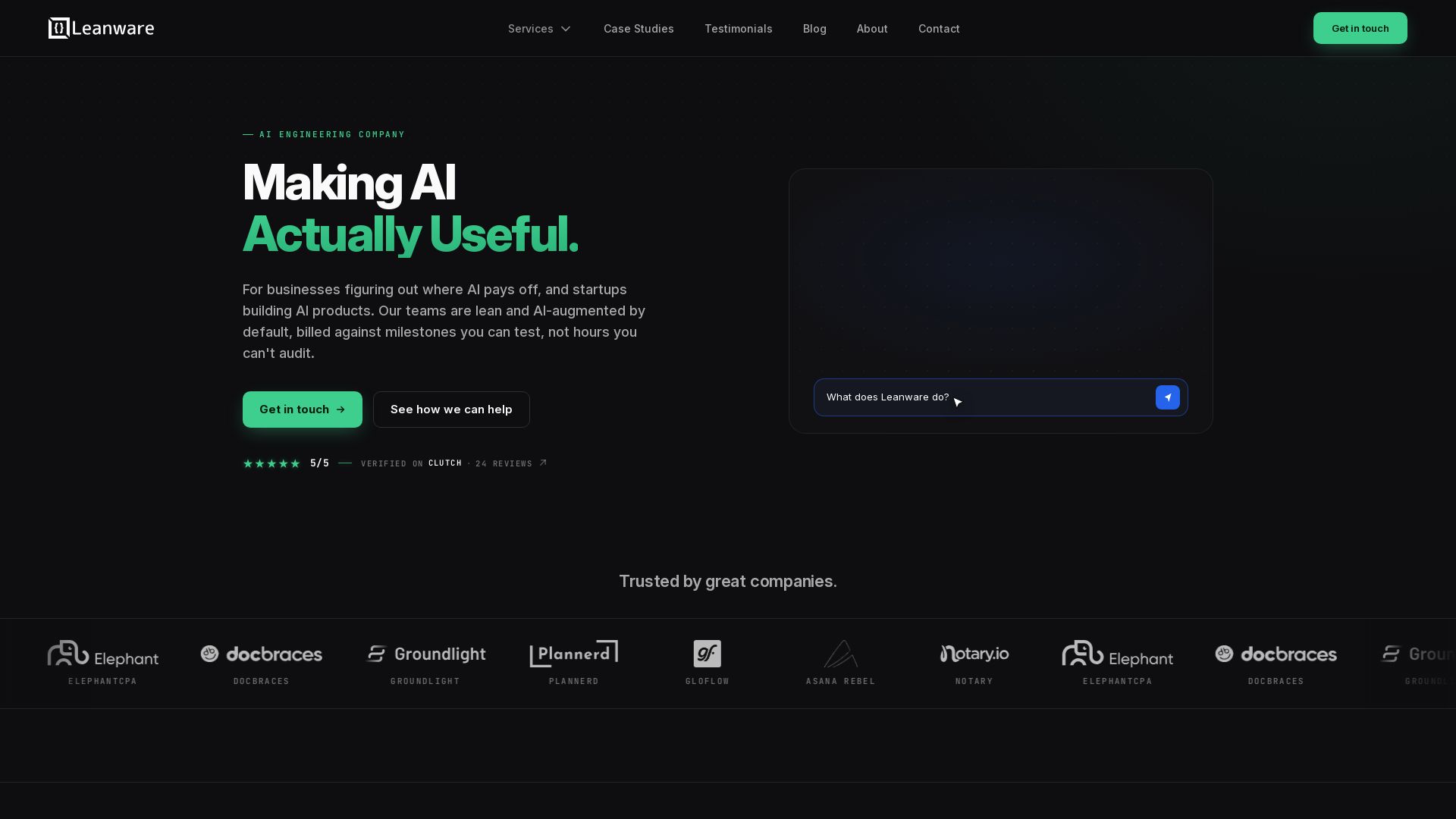
Leanware
We build custom AI agents, ship AI products, and assess AI ROI. Milestone-billed, lean teams, no handoffs. Trusted by startups and businesses.


Section AI
Turn AI investment into workforce transformation with Section. Command center, coaching, and strategic support to drive measurable ROI.


ProductCrafters
Get a free 2-week trial sprint for your AI product. Working prototype in 30 days, production-ready in 90. No contract, no credit card. Test your dev team risk-free.


Wizr AI
Build autonomous enterprises with AI-powered automation. Accelerate software delivery by 50% with production-ready AI systems. Trusted by world-class enterprises.


Faros
Trace every AI dollar to outcomes. Improve engineering productivity, measure AI impact, and provide context for AI agents. Trusted by top teams.

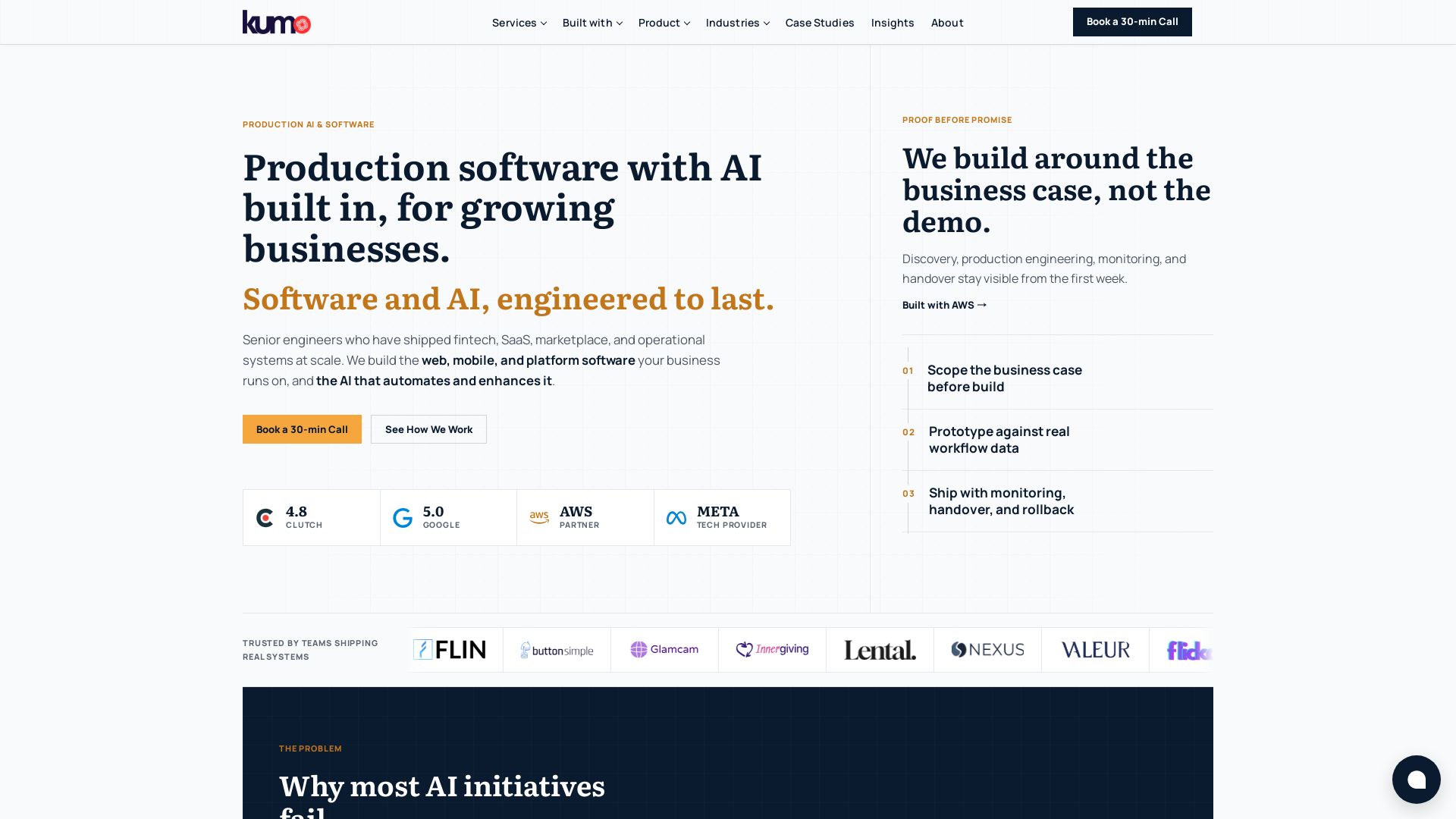
KUMO
Senior engineers build AI-powered software that lasts. Trusted by teams shipping real systems. Book a 30-min call to start building.


I Tested Every Major Open-Source AI Agent SDK So You Don't ...
Explore insights on Voice AI Agents, Multi-Agent Systems, and Developer Tools from a 30+ hackathon winner. Practical guides and cutting-edge research.

ℹ️ Curation Disclosure: The overview and features of Browser MCP were synthesized using AI and fact-checked by our curation team to ensure accuracy.
