
Make
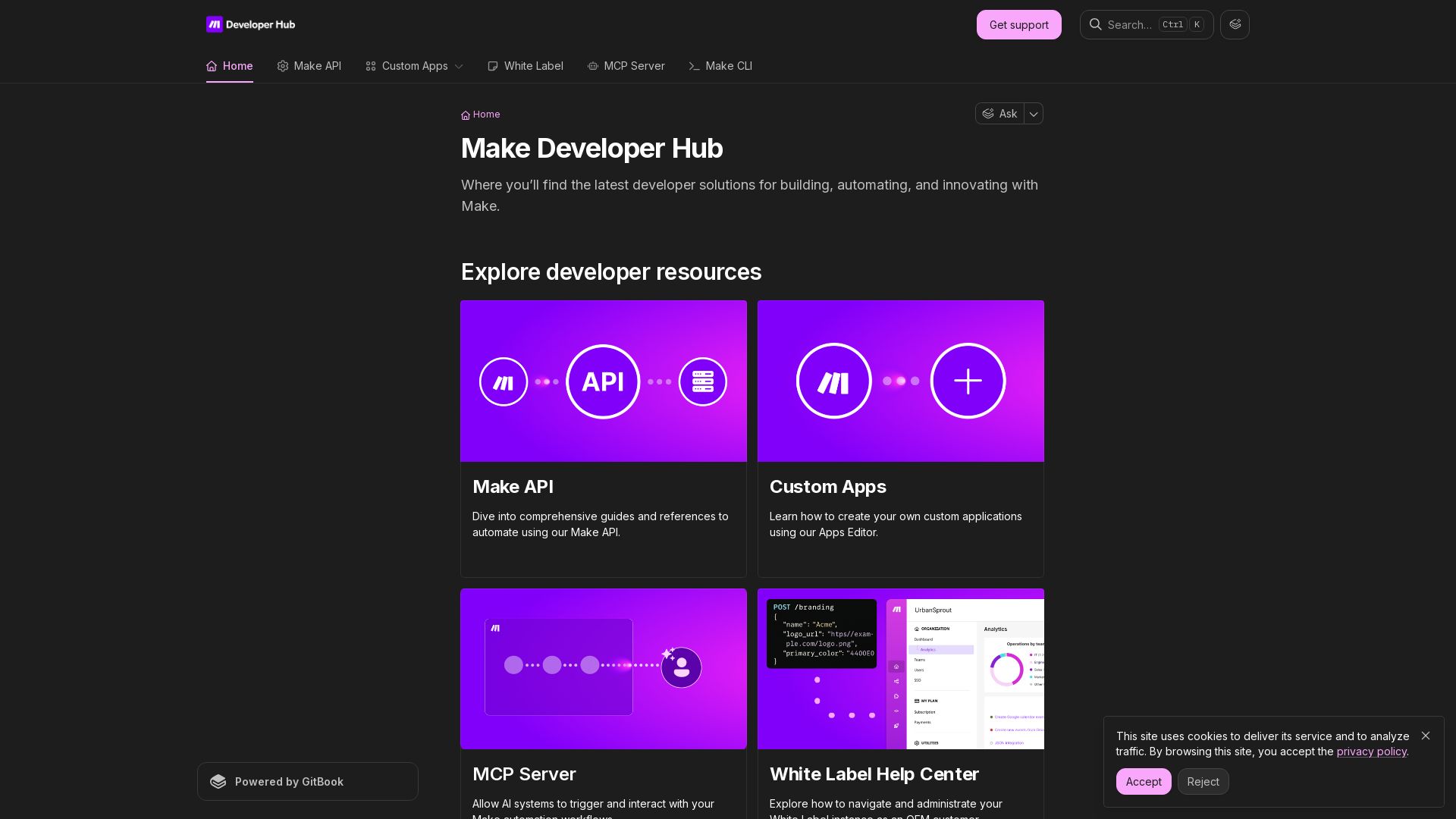
Build, automate, and innovate with Make. Explore Make API, Custom Apps, MCP Server, White Label, and CLI. Get developer resources for automation.



Editor's Verdict
Key Takeaways
- Make API
- Custom Apps
- MCP Server
- White Label
In-Depth Review: What is Make?
The Make Developer Hub is your central resource for building automation workflows and integrating with Make. It provides comprehensive documentation, API references, and tools for creating custom apps, managing resources via CLI, and enabling AI-to-Make interactions through MCP Server. Whether you are an OEM customer using White Label or a developer seeking to automate with the Make API, the hub offers guides, community support, and courses to help you innovate and scale your automations.
Core Features
Make API
Comprehensive API for automating workflows, building custom integrations, and managing resources programmatically.
Custom Apps
Create custom applications using the Apps Editor to extend functionality and tailor integrations to specific needs.
MCP Server
Allow AI systems to trigger and interact with Make automation workflows, enabling intelligent automation. (Early Access)
White Label
Rebrand and resell Make as your own automation platform with full administrative control and customization options.
Make CLI
Build, test, and manage Make resources directly from the command line for efficient development and deployment.
Pricing
Free
- Limited operations per month
- Basic integrations
- Community support
Pro
- Increased operations
- All integrations
- Email support
Teams
- Higher operations limit
- Team collaboration
- Priority support
Enterprise
- Custom operations
- White label
- Dedicated support
- SLA
Pros and Cons
Pros
- Powerful No-Code AutomationBuild complex workflows without writing code, saving time and resources.
- Extensive Integration LibraryConnect with hundreds of apps and services to streamline data flow.
- Developer-Friendly APIsRobust API and CLI for custom integrations and automation scripting.
- Scalable for TeamsMulti-user support and enterprise-grade features like white label.
- AI Integration CapabilitiesMCP Server enables AI to trigger workflows, opening intelligent automation possibilities.
Cons
- Learning CurveDespite being no-code, complex scenarios can be challenging to set up initially.
- Pricing TiersCosts can escalate quickly for high-volume operations, especially on lower plans.
- Limited Free TierFree plan has restrictive operation limits, making it mostly for evaluation.
- Performance IssuesSome users report occasional delays or failures in high-frequency scenarios.
- Dependency on InternetRequires constant internet connection to run and manage workflows.
Use Cases & Recommended Professions
Software Engineer→ View Toolkit
Automate CI/CD pipelines, integrate APIs, and build custom tools using Make's API and CLI.
Business Analyst→ View Toolkit
Create automated reports, sync data across platforms, and streamline business processes.
Marketing Manager→ View Toolkit
Automate lead generation, email campaigns, and social media posting with no-code workflows.
DevOps Engineer→ View Toolkit
Manage infrastructure automation, monitor alerts, and orchestrate cloud services.
Data Analyst→ View Toolkit
Automate data collection, transformation, and loading into databases or dashboards.
Product Manager→ View Toolkit
Oversee automation projects, define workflows, and ensure efficient team collaboration.
Frequently Asked Questions
Alternative AI Tools
View Detailed Comparison →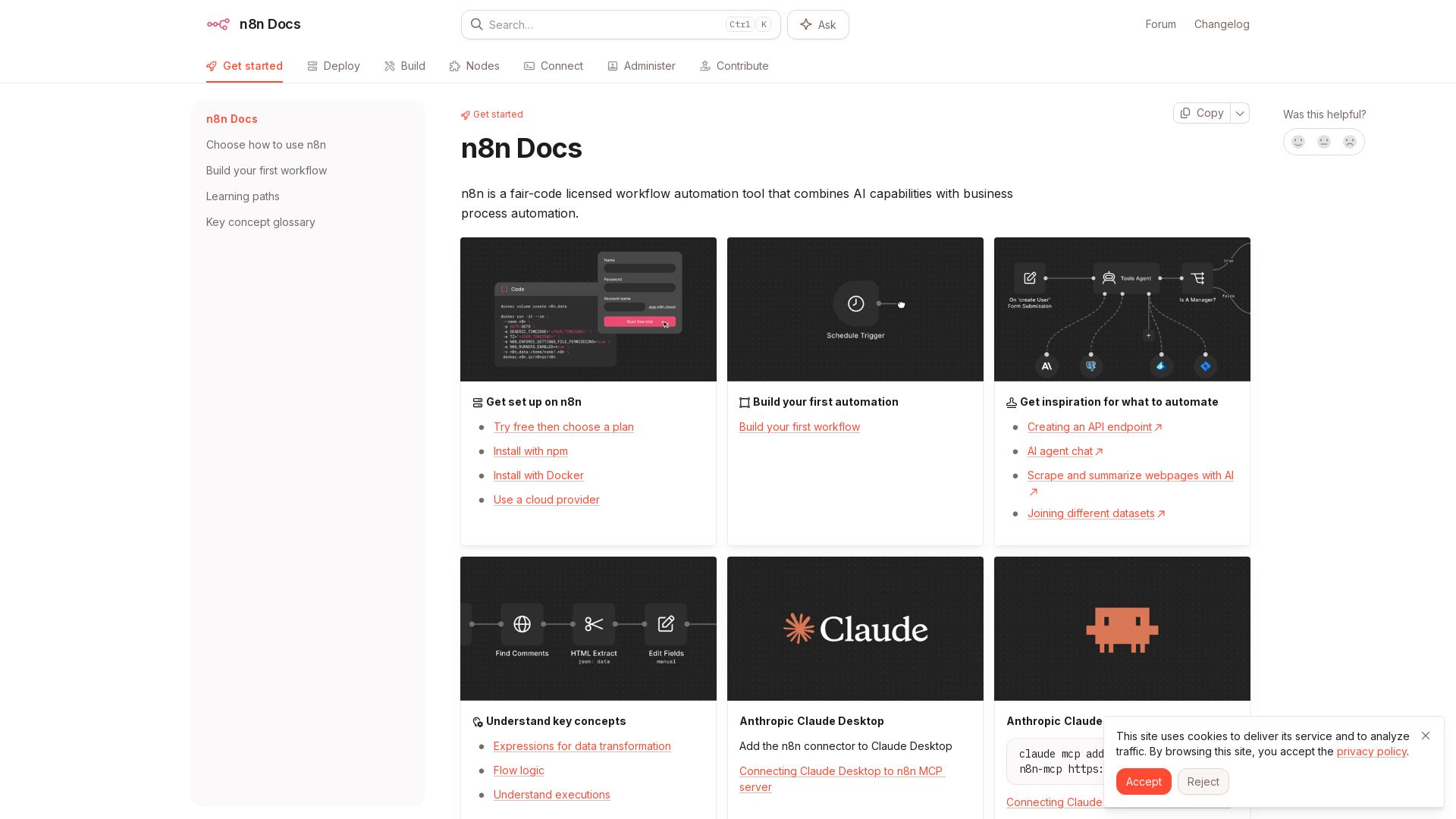
n8n
n8n is a fair-code licensed workflow automation tool that combines AI capabilities with business process automation. Get started with npm, Docker, or cloud.

Notion
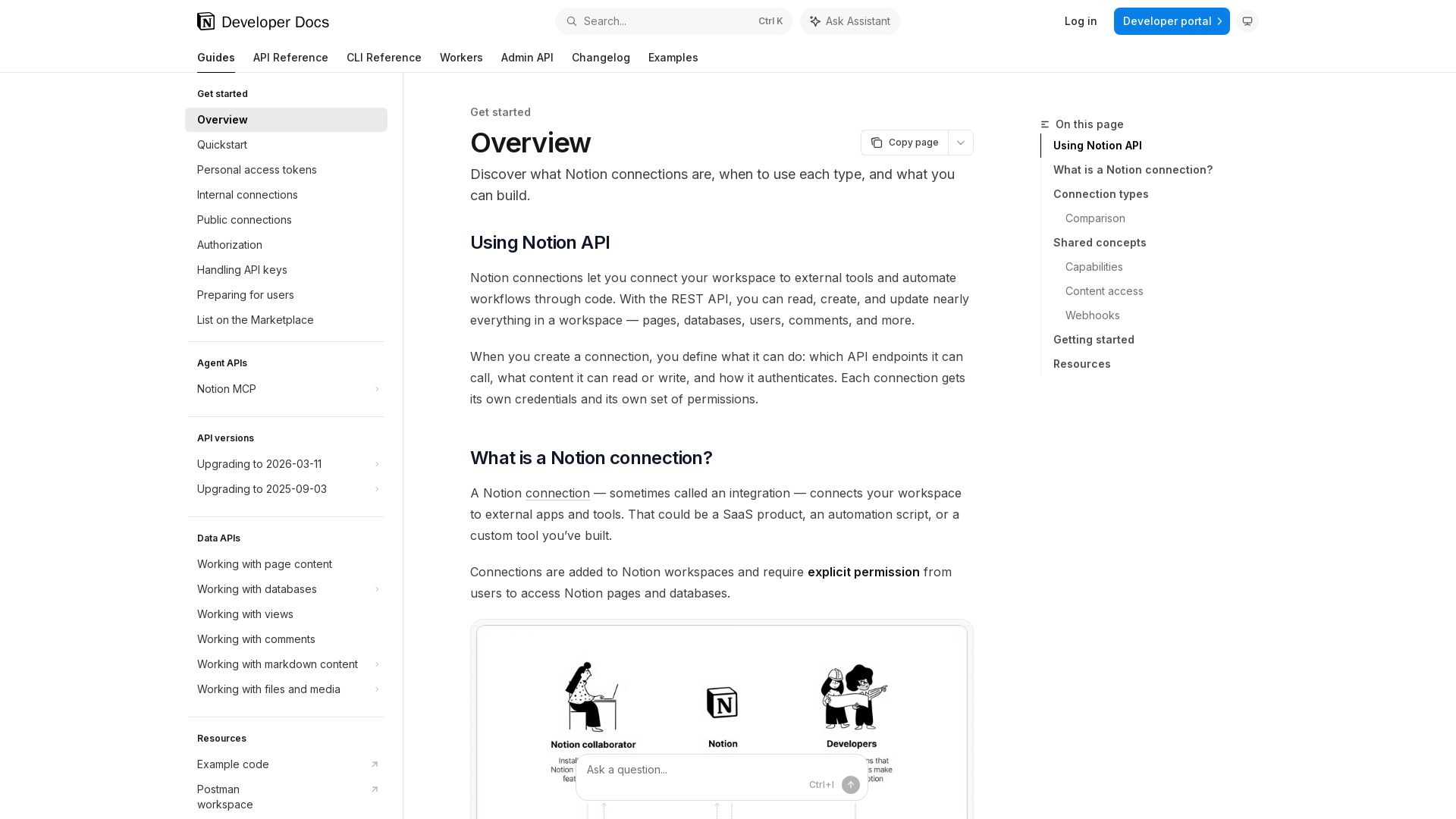
Learn how to use Notion connections, REST API, OAuth, and personal access tokens to read, create, and update workspace content. Build powerful integrations.

Knit
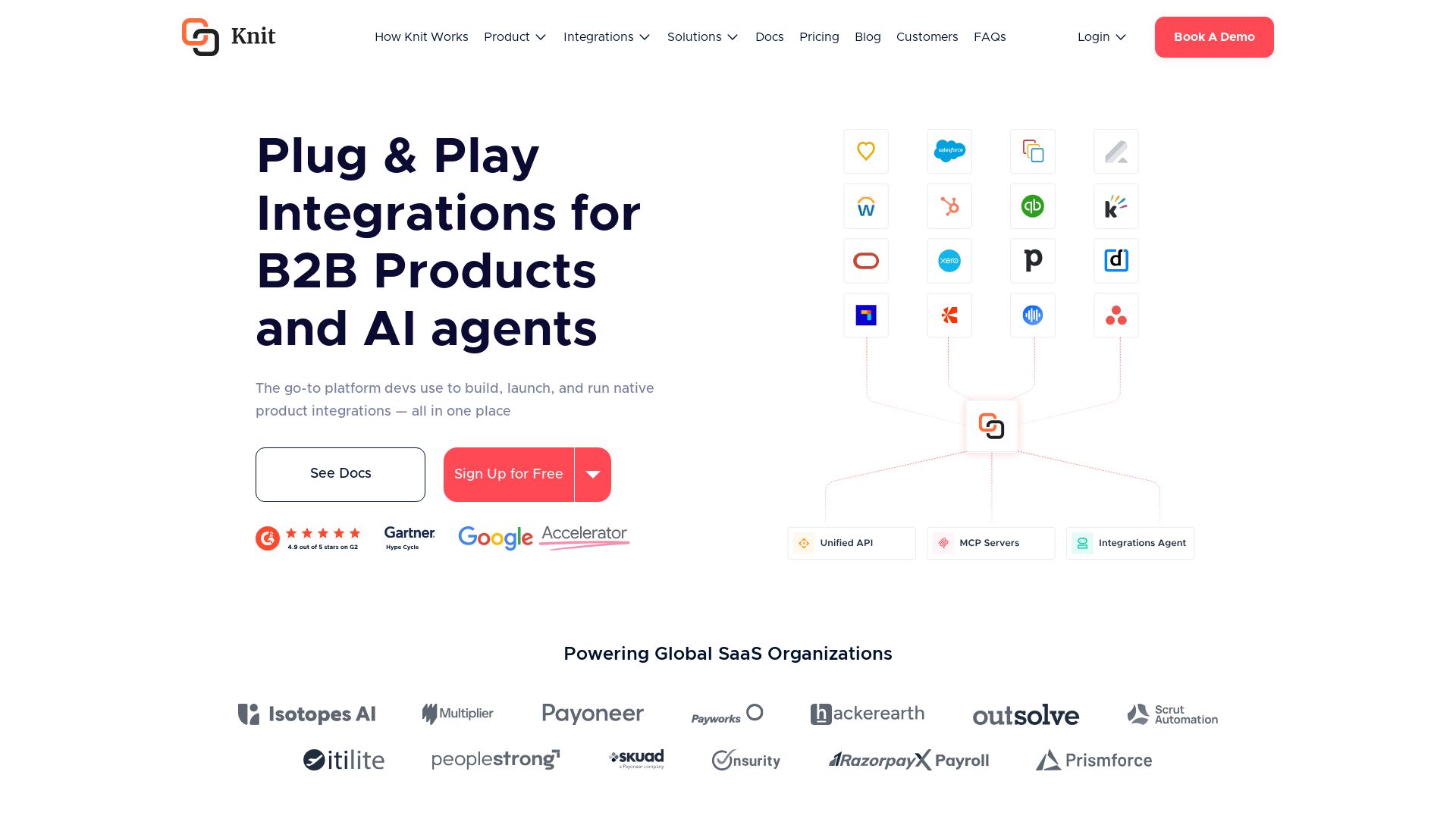
Build, launch, and run native product integrations with Unified APIs, MCP Servers, and AI Integrations Agent. Powering global SaaS organizations.

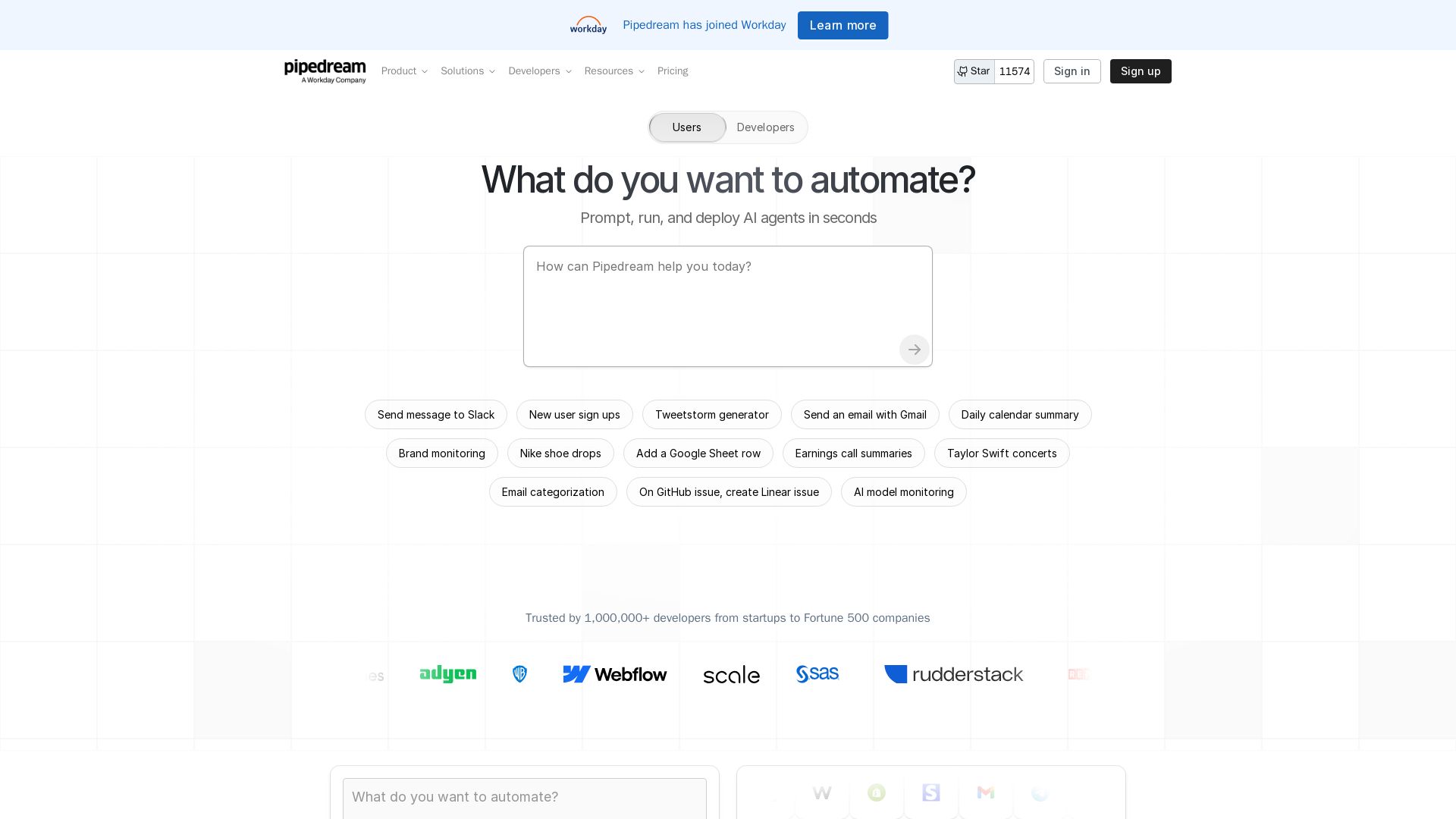
Pipedream
Automate any process with Pipedream. Build AI agents, connect 3,000+ apps, and run workflows in seconds. Secure, scalable, and developer-friendly.


Agentic Workers
Automate tasks with 100+ pre-built AI workflows. Connect 800+ tools, save 10+ hours/week. No coding needed. Join 13,000+ professionals.

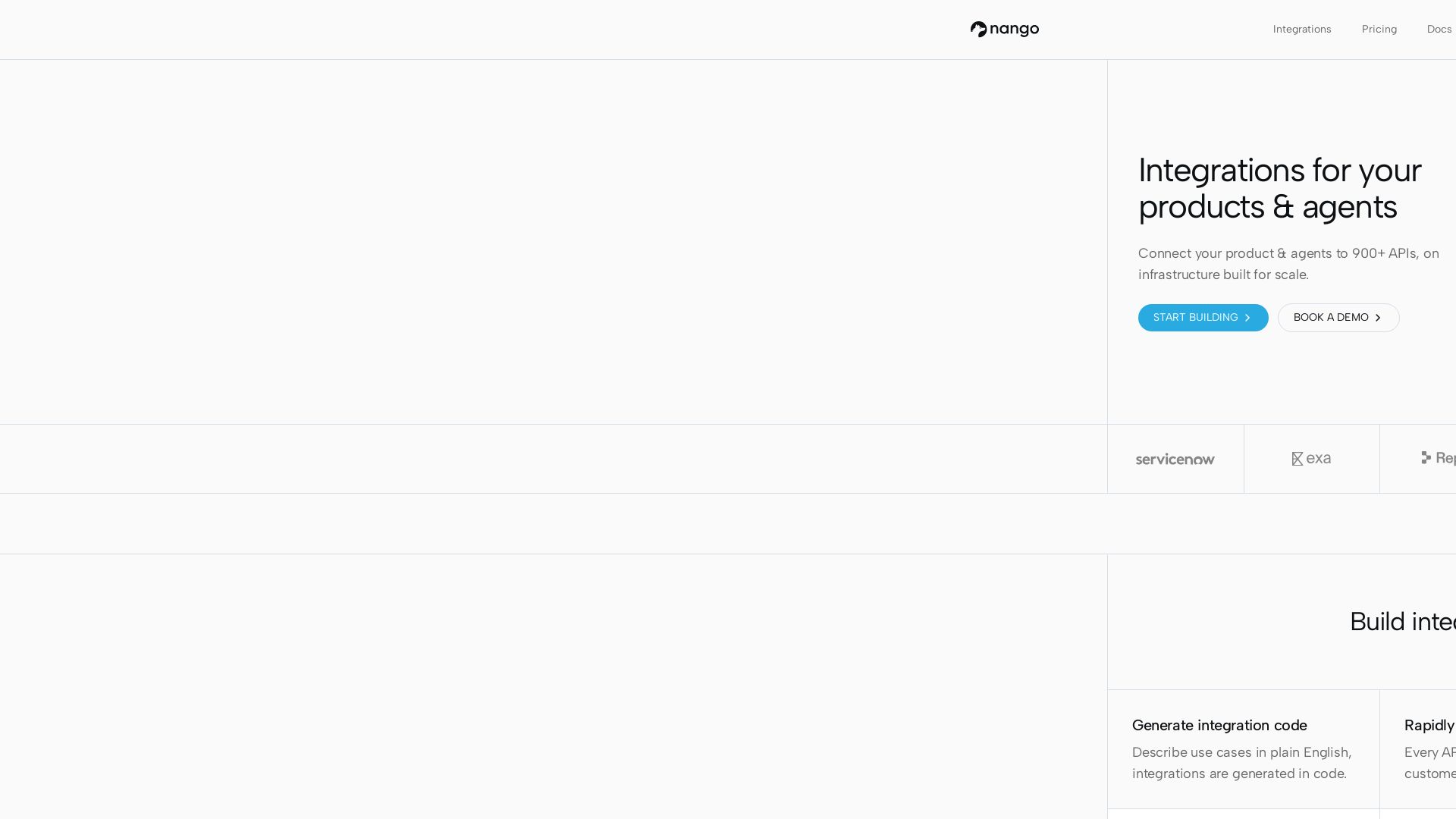
Nango
Connect your product & AI agents to 900+ APIs with code-first integrations. Scalable, reliable, developer-friendly. Start building for free.

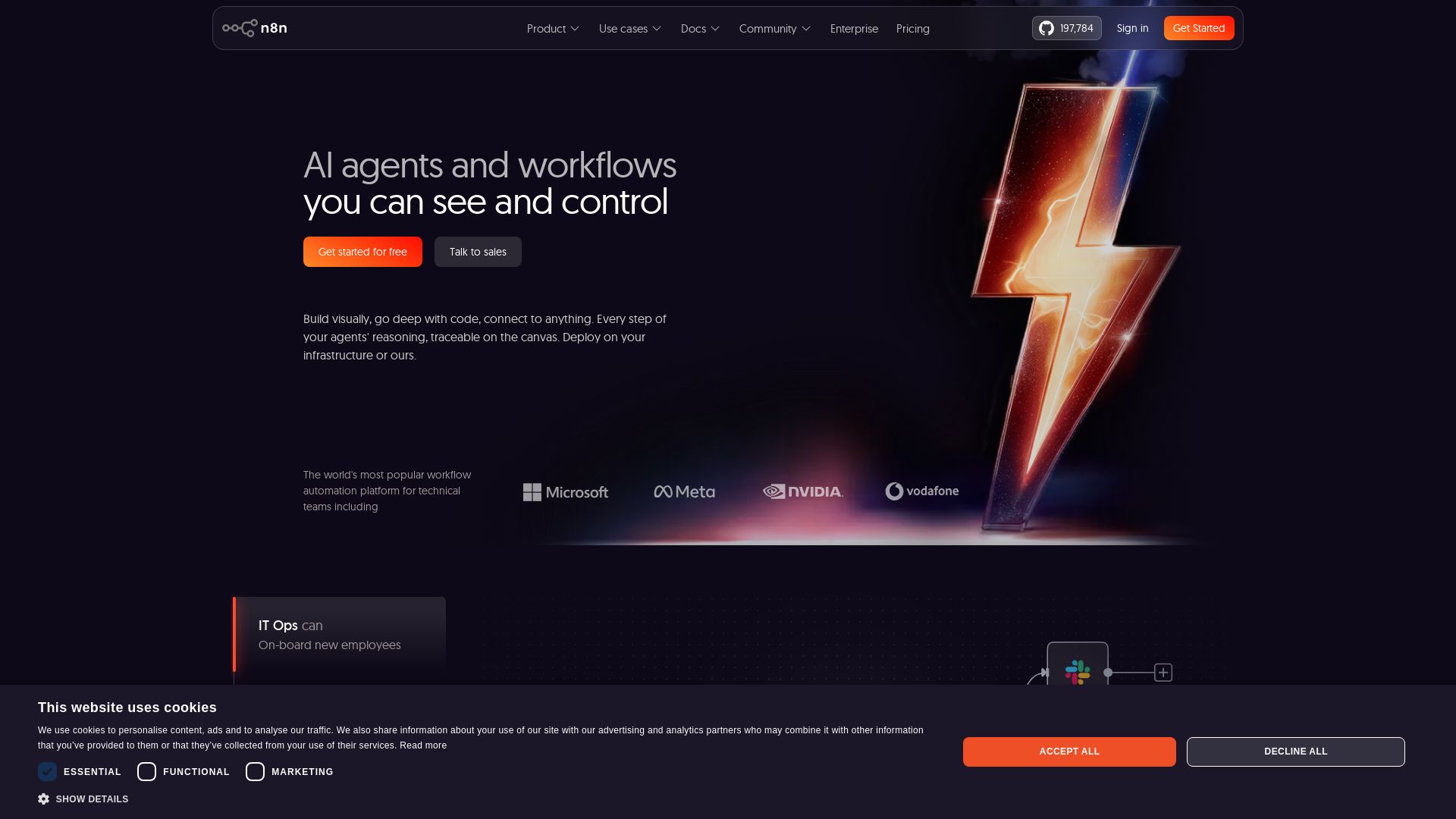
n8n
Build AI agents visually, code when needed. Connect 500+ integrations, deploy on-prem. Traceable reasoning, human-in-the-loop. Trusted by 200k+ community.

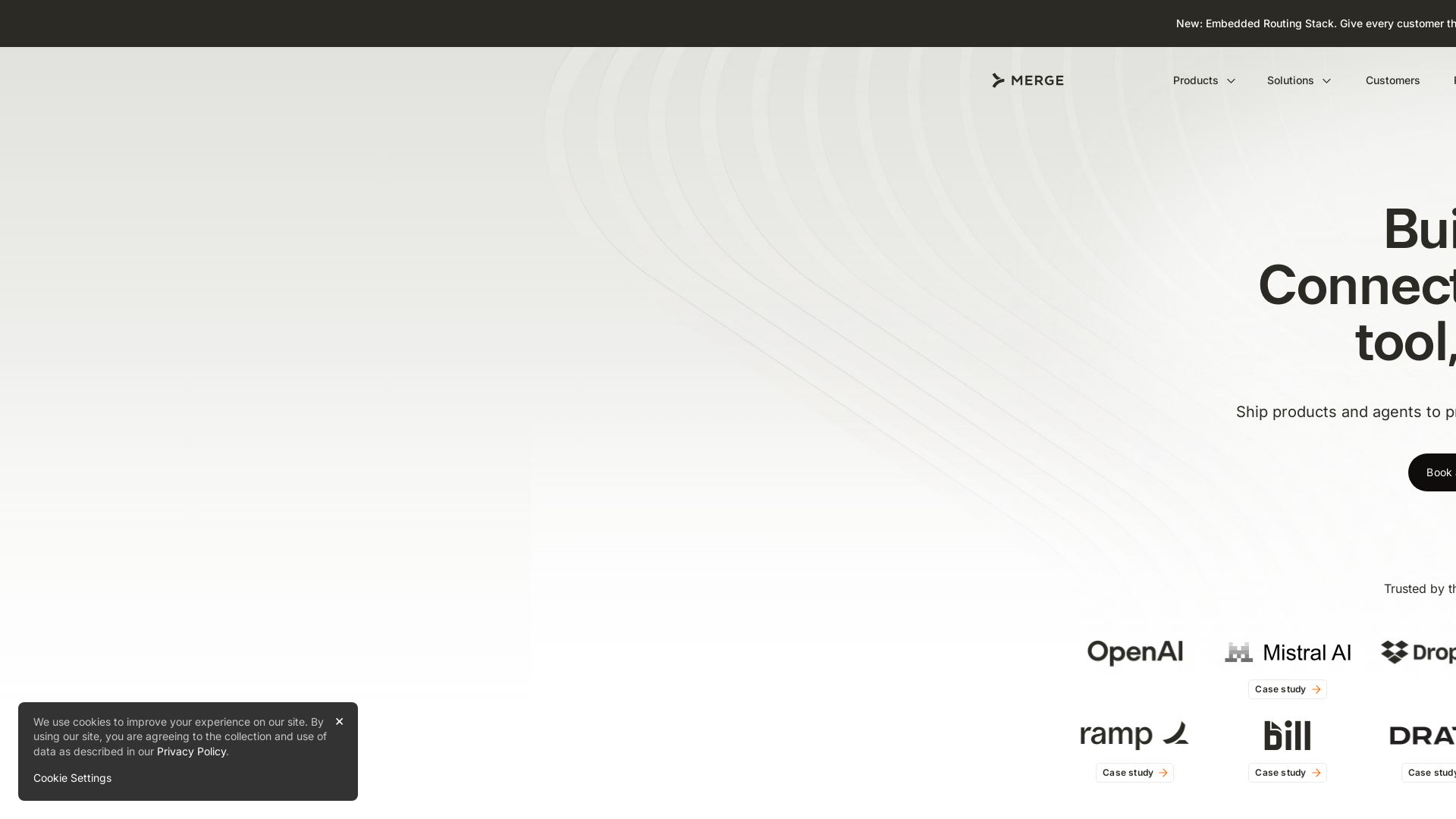
Merge
Ship products and agents to production without owning the integration stack. Unified API, governed agents, model routing. Trusted by companies building the future.


Zapier
Connect AI to 9,000+ apps. Build AI agents, chatbots, and workflows without code. Trusted by Fortune 500. Start free.

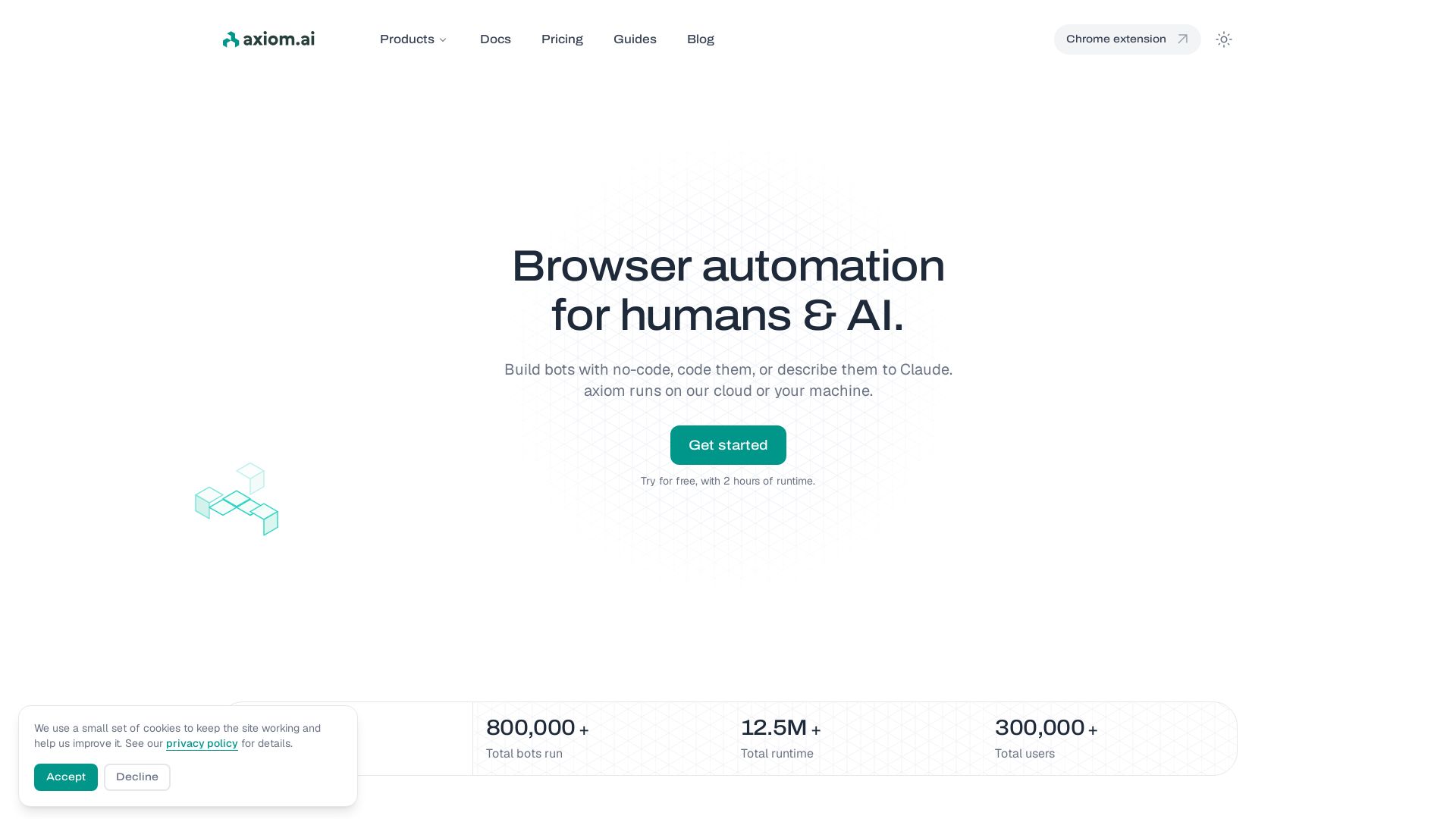
axiom
Build bots visually, with code, or describe them to Claude. Run in cloud or on your machine. 800K+ bots run. Try free.

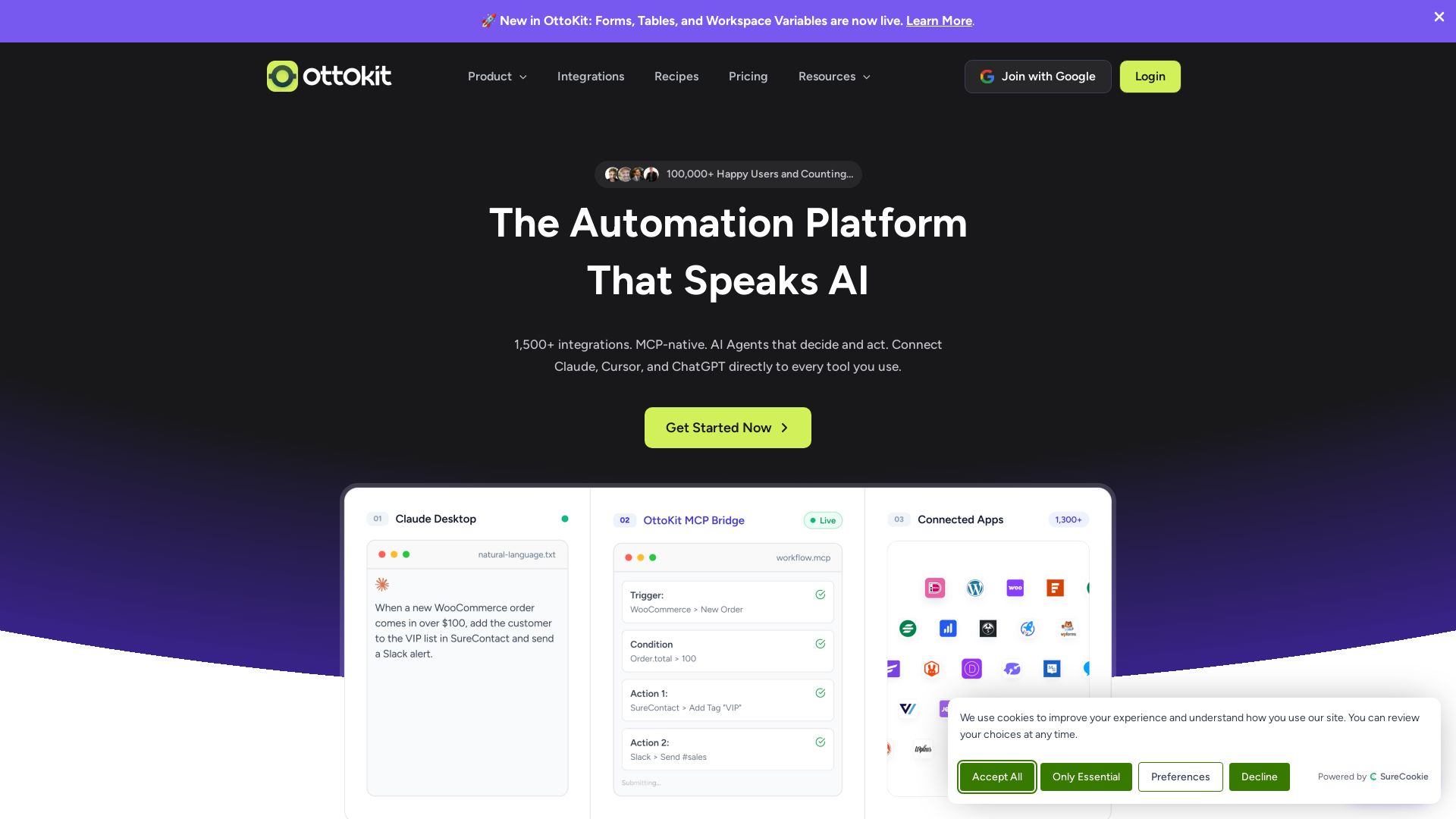
OttoKit
Automate workflows with AI Agents, 1500+ apps, and visual builder. Trusted by 100k+ businesses. Save thousands vs Zapier. Start free!

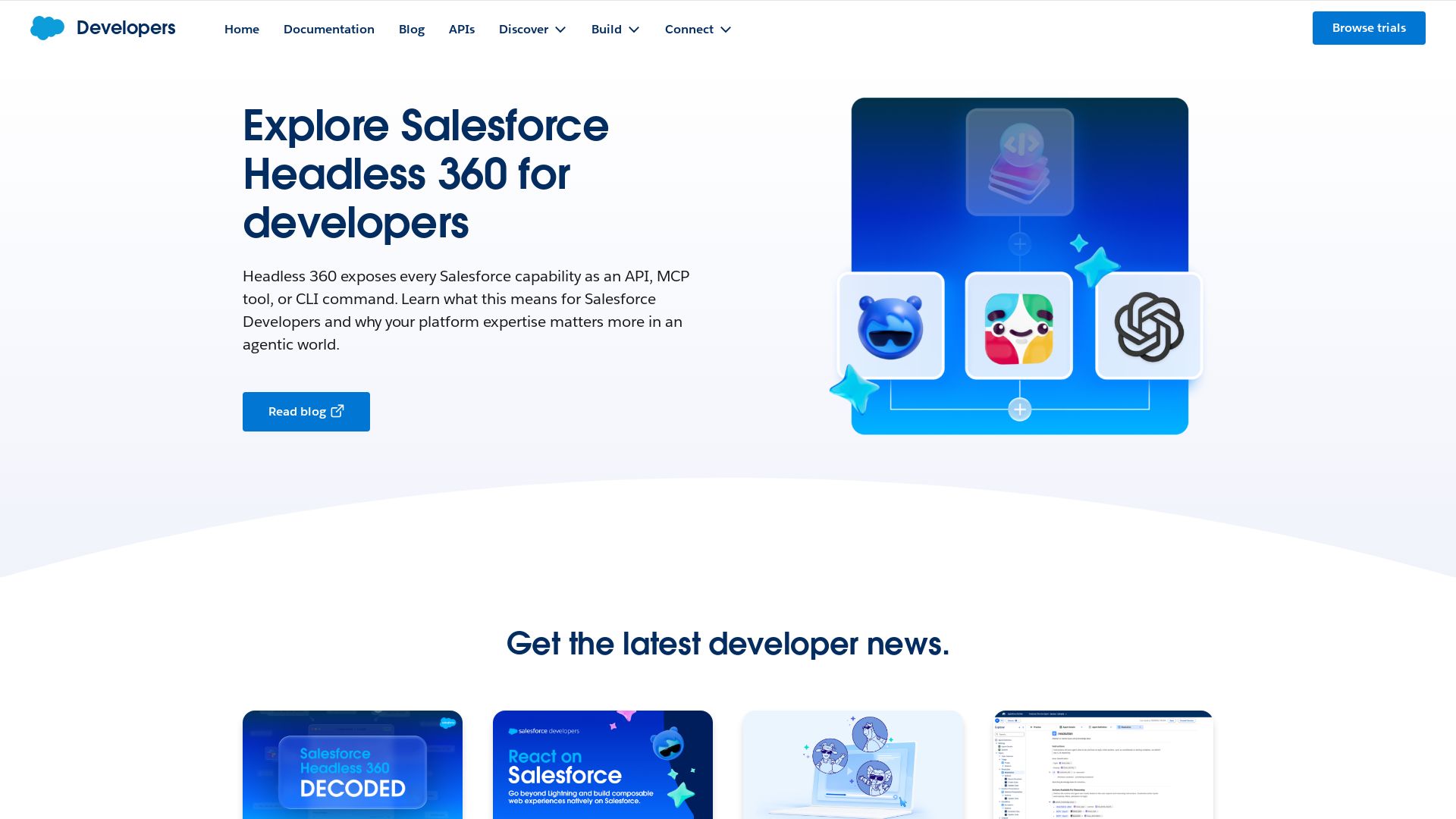
Salesforce
Build beyond the UI with Salesforce Headless 360—every capability as an API, MCP tool, or CLI. Explore React on Salesforce, Agent Script recipes, developer events, and more.

ℹ️ Curation Disclosure: The overview and features of Make were synthesized using AI and fact-checked by our curation team to ensure accuracy.