
Notion
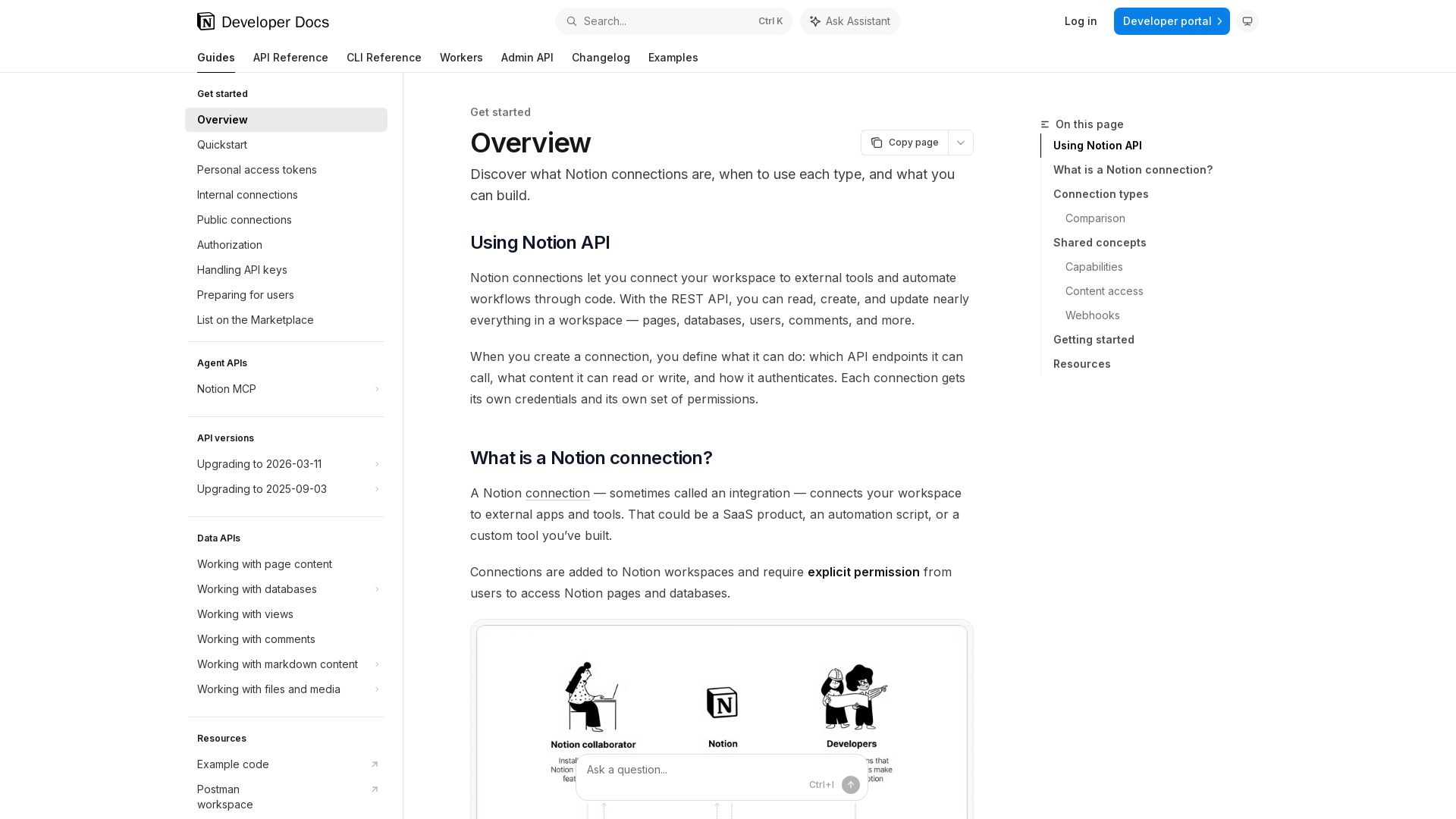
Learn how to use Notion connections, REST API, OAuth, and personal access tokens to read, create, and update workspace content. Build powerful integrations.
Editor's Verdict
Key Takeaways
- REST API
- Multiple Authentication Models
- Webhooks
- Content Access Control
In-Depth Review: What is Notion?
The Notion API enables developers to connect external tools and automate workflows within Notion workspaces. It supports three authentication models: internal connections for single-workspace automations, public connections with OAuth 2.0 for multi-user apps, and personal access tokens for user-scoped scripts. With capabilities ranging from page and database management to webhooks and file uploads, you can read, create, and update nearly any content in Notion. Get started quickly with a personal access token and explore the REST API reference for detailed endpoint usage.
Core Features
REST API
Read, create, update, and delete pages, databases, users, comments, and more via REST API endpoints.
Multiple Authentication Models
Support for internal connections (static tokens), public connections (OAuth 2.0), and personal access tokens (PATs) to suit different use cases.
Webhooks
Subscribe to real-time events like page updates, property changes, and new comments to react without polling.
Content Access Control
Granular permissions: connections require explicit page sharing; PATs use creator's permissions; public connections use OAuth scope.
Capabilities System
Configure capabilities (read, update, insert, etc.) for pages, databases, views, comments, file uploads, content queries, and users.
Marketplace Integration
List public connections on the Notion Marketplace after security review to reach all users.
SDK & Tools
JavaScript SDK, Postman collection, starter templates, and example code for rapid development.
Pricing
Free
- Access to REST API
- Personal access tokens
- Internal connections
- Webhooks
- Up to X API requests per month (not specified)
Pros and Cons
Pros
- Comprehensive API CoverageNearly all Notion features (pages, databases, comments, views, etc.) are accessible via REST API, enabling deep integration.
- Flexible AuthenticationThree models (internal, public, PAT) cover individual scripts, team automations, and public apps.
- Real-time WebhooksWebhooks allow event-driven automations without polling, reducing latency and resource usage.
- Developer-Focused DocumentationDetailed guides, quickstart, changelogs, and SDKs lower the learning curve.
- Marketplace OptionPublic connections can be listed for broad distribution, increasing reach.
Cons
- Steep Learning CurveUnderstanding capabilities, OAuth flow, and permission model requires upfront effort.
- OAuth ComplexityPublic connections require implementing OAuth 2.0, which can be complex for simple integrations.
- Rate Limits Not Clearly StatedThe documentation does not specify API rate limits, leading to potential unpredictability under heavy usage.
- Dependency on Workspace PermissionsContent access relies on manual page sharing or user permissions, which can be a bottleneck in automation.
- Limited Offline CapabilitiesAPI is fully online; no offline or batch processing mode for disconnected environments.
Use Cases & Recommended Professions
Software Developer→ View Toolkit
To build custom integrations, automations, and tools that extend Notion's functionality for teams.
Product Manager→ View Toolkit
To automate reporting, sync data between Notion and other tools, and create dashboards.
Automation Engineer→ View Toolkit
To design workflows using webhooks and API calls to streamline operations like content updates and notifications.
Data Analyst→ View Toolkit
To extract data from Notion databases for analysis, or update databases programmatically from external sources.
DevOps Engineer→ View Toolkit
To manage infrastructure documentation, integrate Notion with CI/CD pipelines, and automate incident tracking.
Entrepreneur / Startup Founder→ View Toolkit
To build no-code/low-code tools on top of Notion or create public applications for the Marketplace.
Frequently Asked Questions
Alternative AI Tools
View Detailed Comparison →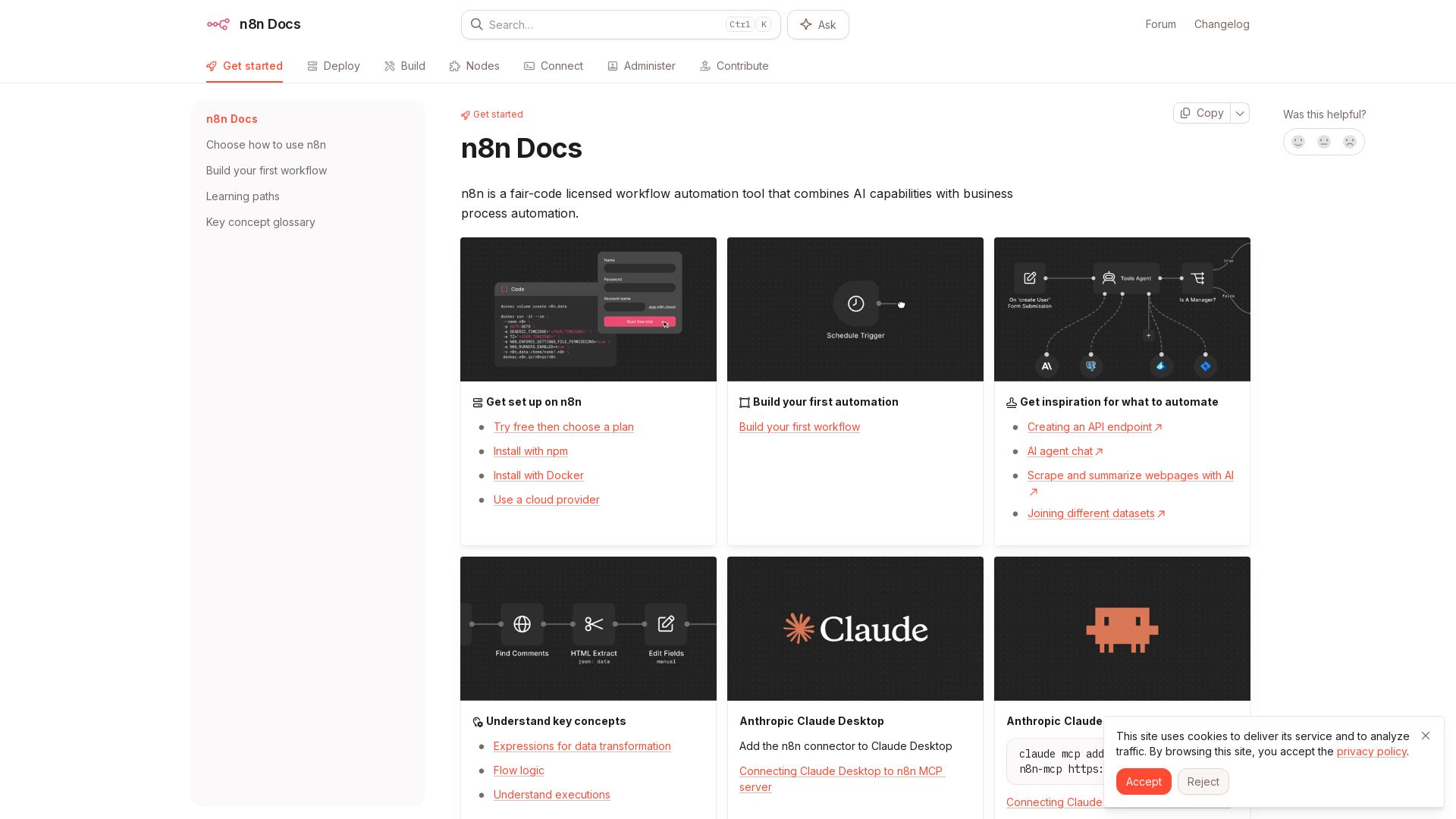
n8n
n8n is a fair-code licensed workflow automation tool that combines AI capabilities with business process automation. Get started with npm, Docker, or cloud.

Knit
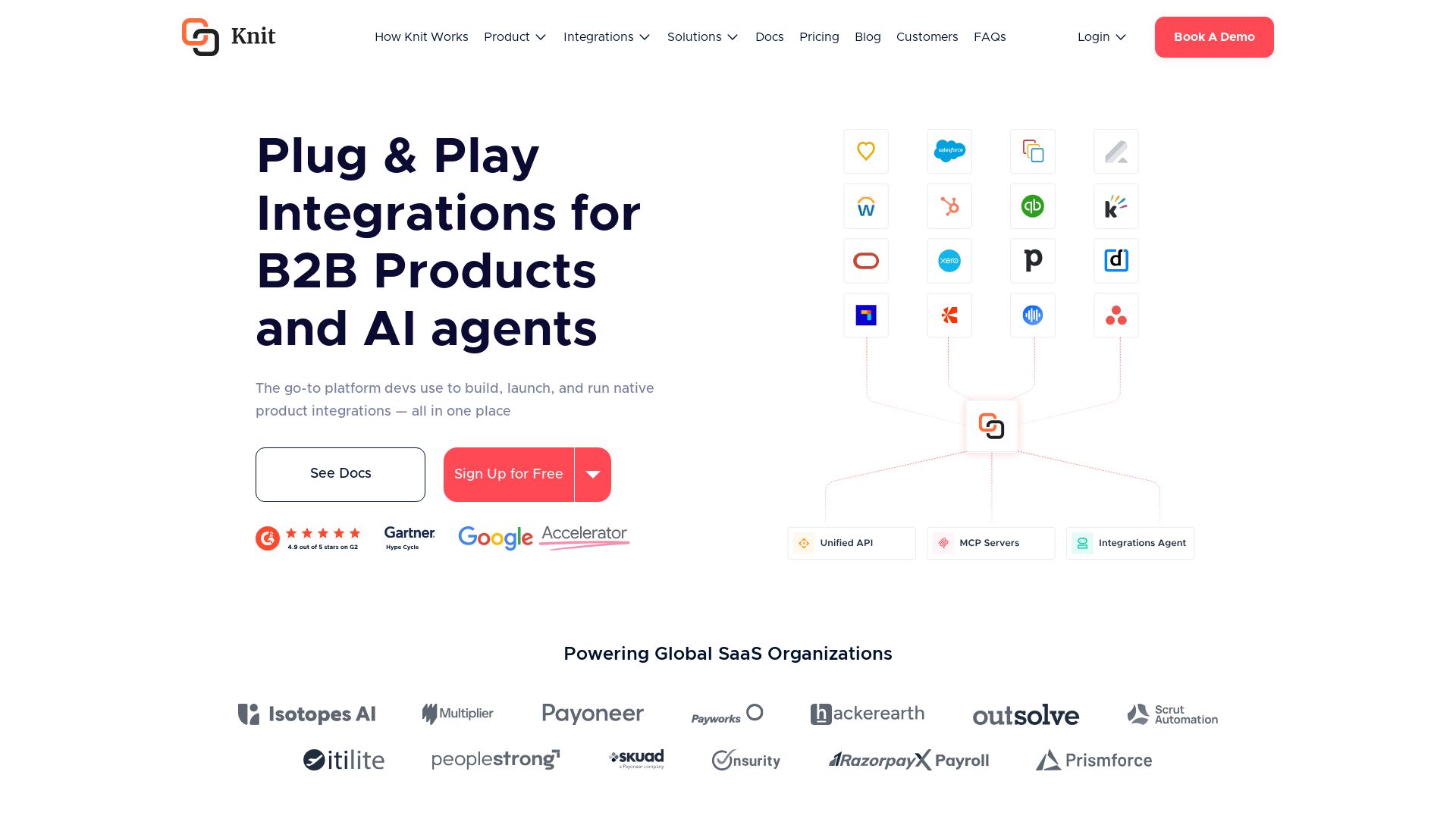
Build, launch, and run native product integrations with Unified APIs, MCP Servers, and AI Integrations Agent. Powering global SaaS organizations.

n8n
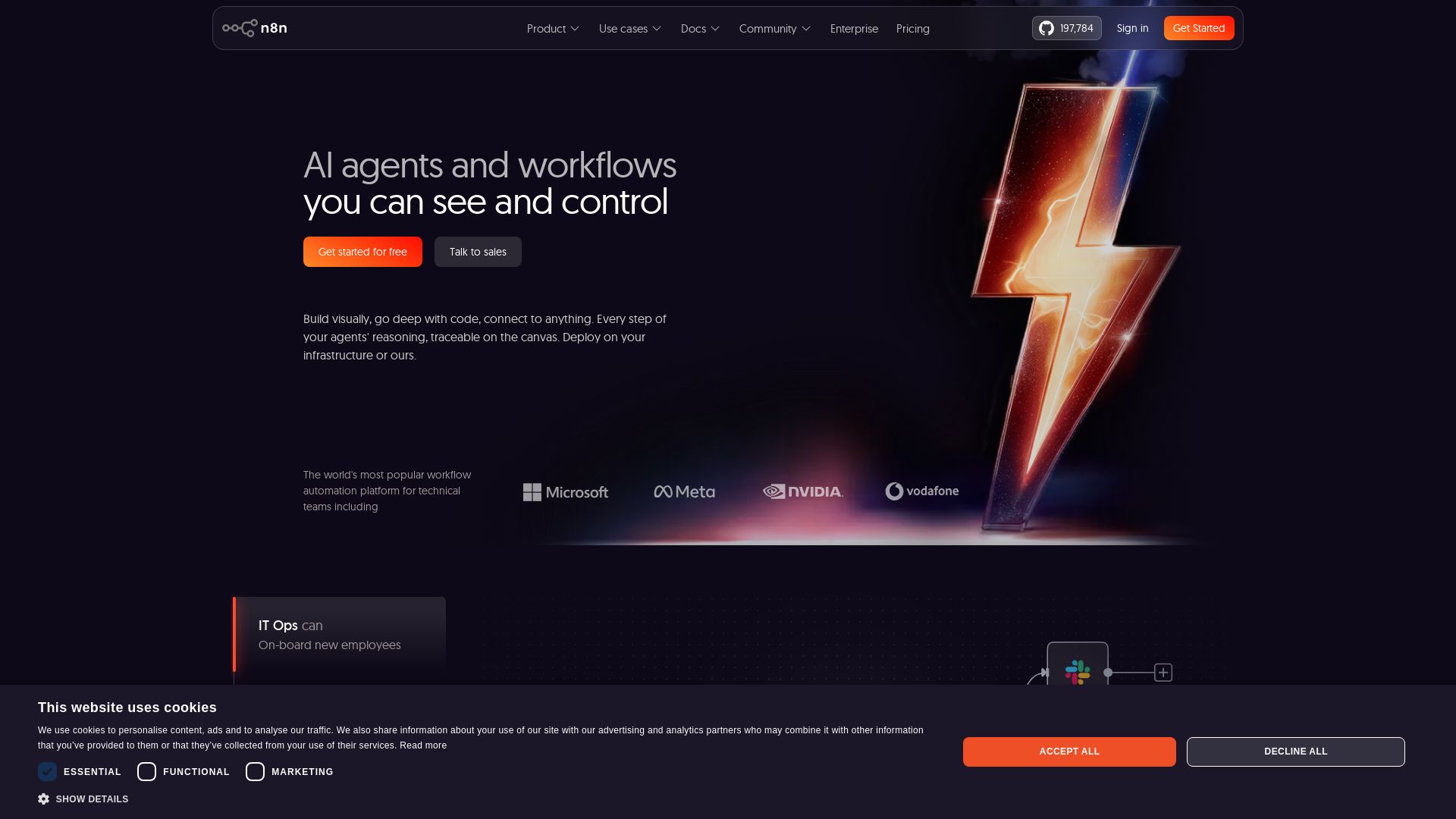
Build AI agents visually, code when needed. Connect 500+ integrations, deploy on-prem. Traceable reasoning, human-in-the-loop. Trusted by 200k+ community.


Agentic Workers
Automate tasks with 100+ pre-built AI workflows. Connect 800+ tools, save 10+ hours/week. No coding needed. Join 13,000+ professionals.

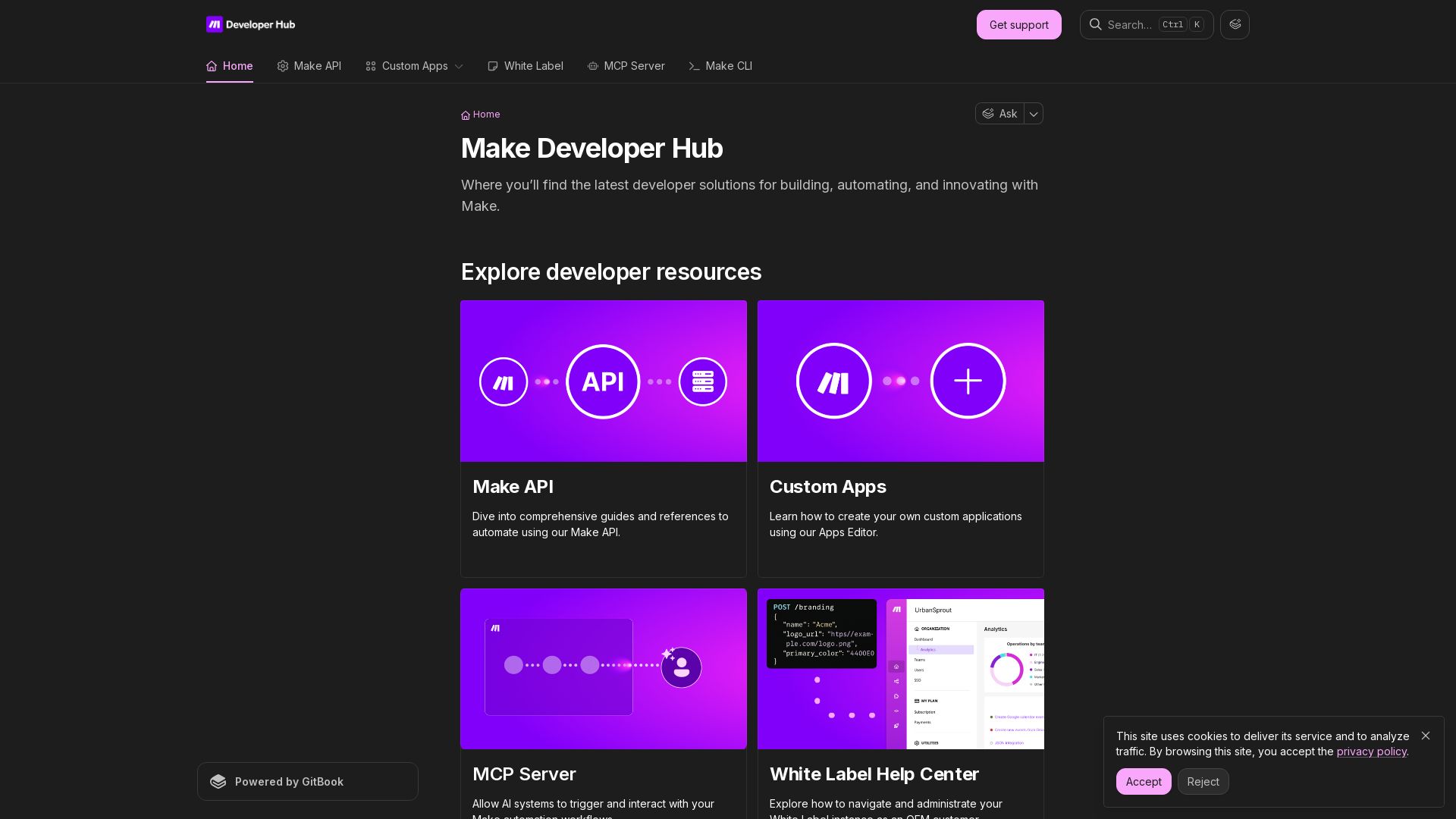
Make
Build, automate, and innovate with Make. Explore Make API, Custom Apps, MCP Server, White Label, and CLI. Get developer resources for automation.

Nango
Connect your product & AI agents to 900+ APIs with code-first integrations. Scalable, reliable, developer-friendly. Start building for free.

Scalevise
Scalevise designs intelligent systems and automations to connect applications, streamline workflows, and drive scalable growth with security and compliance.

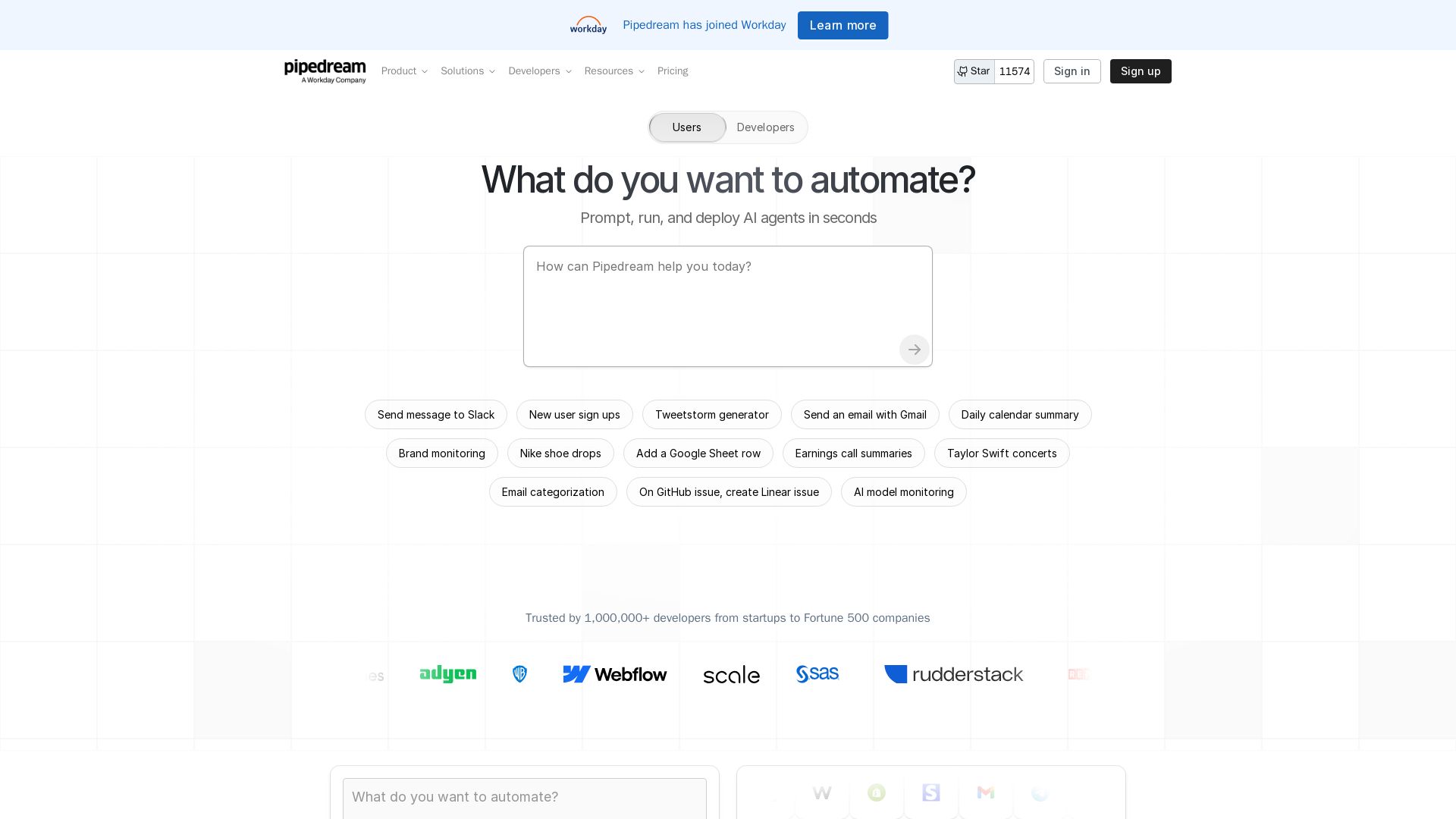
Pipedream
Automate any process with Pipedream. Build AI agents, connect 3,000+ apps, and run workflows in seconds. Secure, scalable, and developer-friendly.

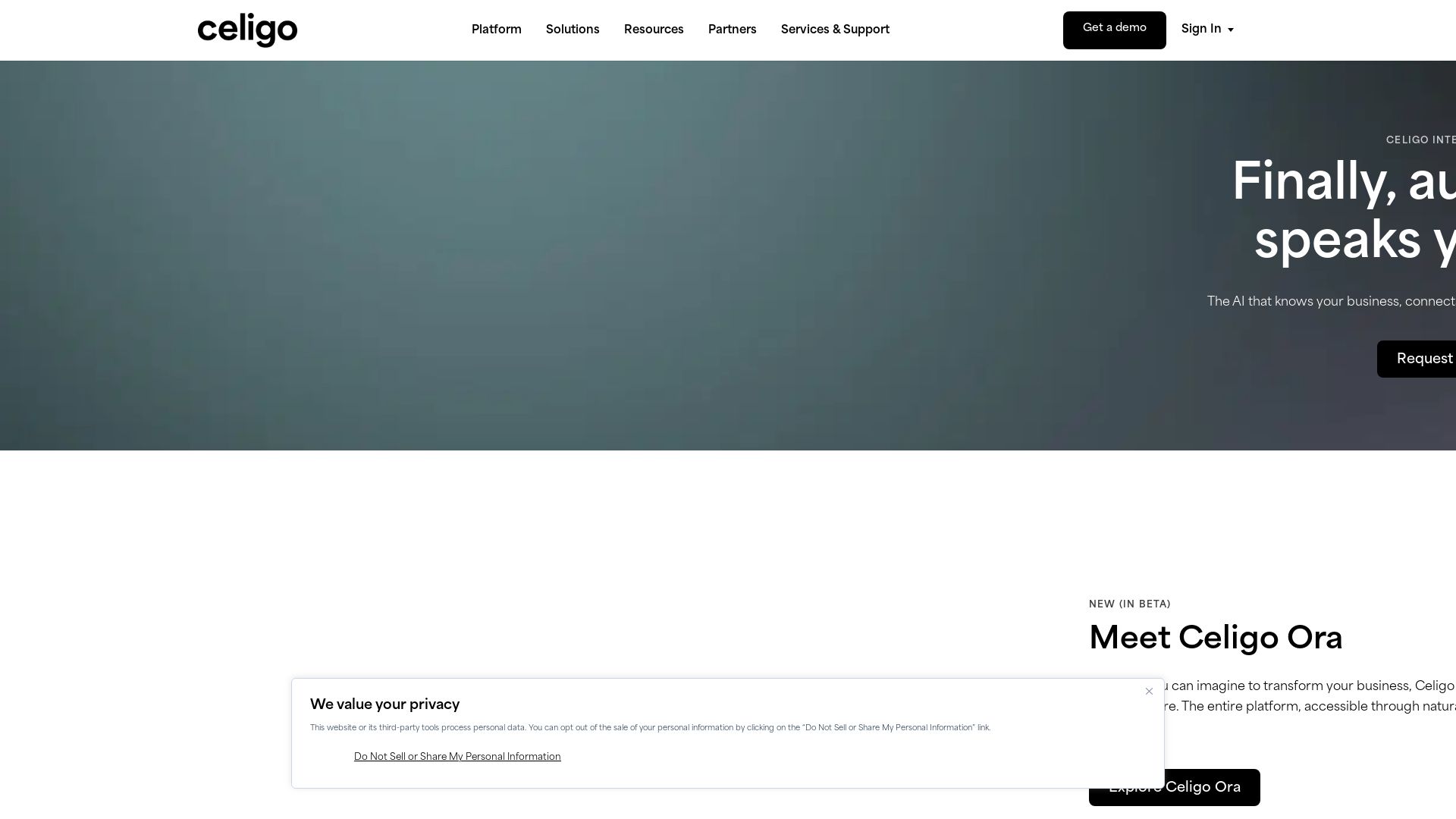
Celigo
Automate your business with Celigo's AI-driven platform. Connect 1,000+ apps, streamline workflows, and empower teams. Start free trial.


Zapier
Connect AI to 9,000+ apps. Build AI agents, chatbots, and workflows without code. Trusted by Fortune 500. Start free.

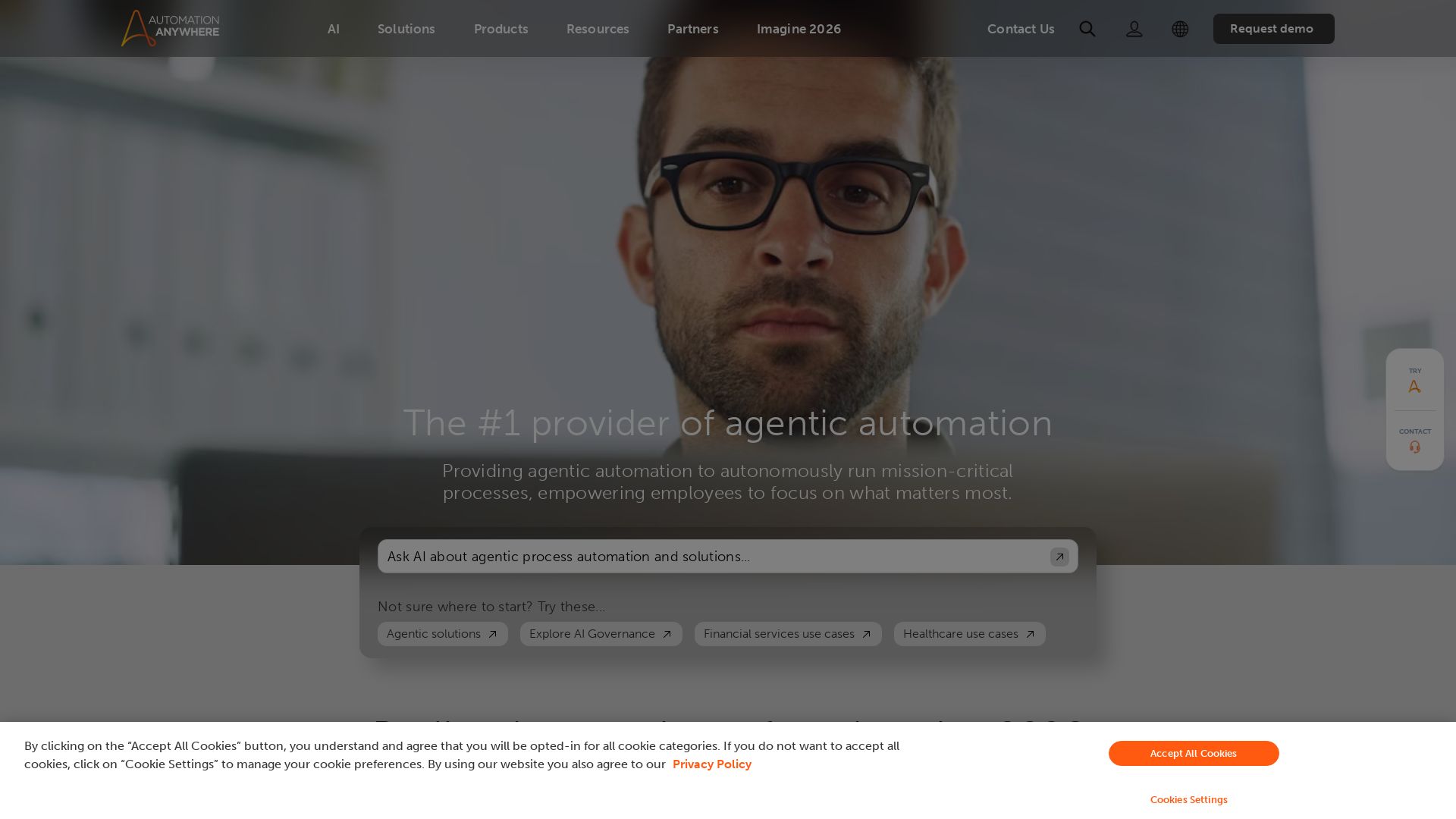
Automation Anywhere
Automate mission-critical processes with agentic AI. Trusted by global leaders. Boost efficiency, ensure compliance. Request a demo.

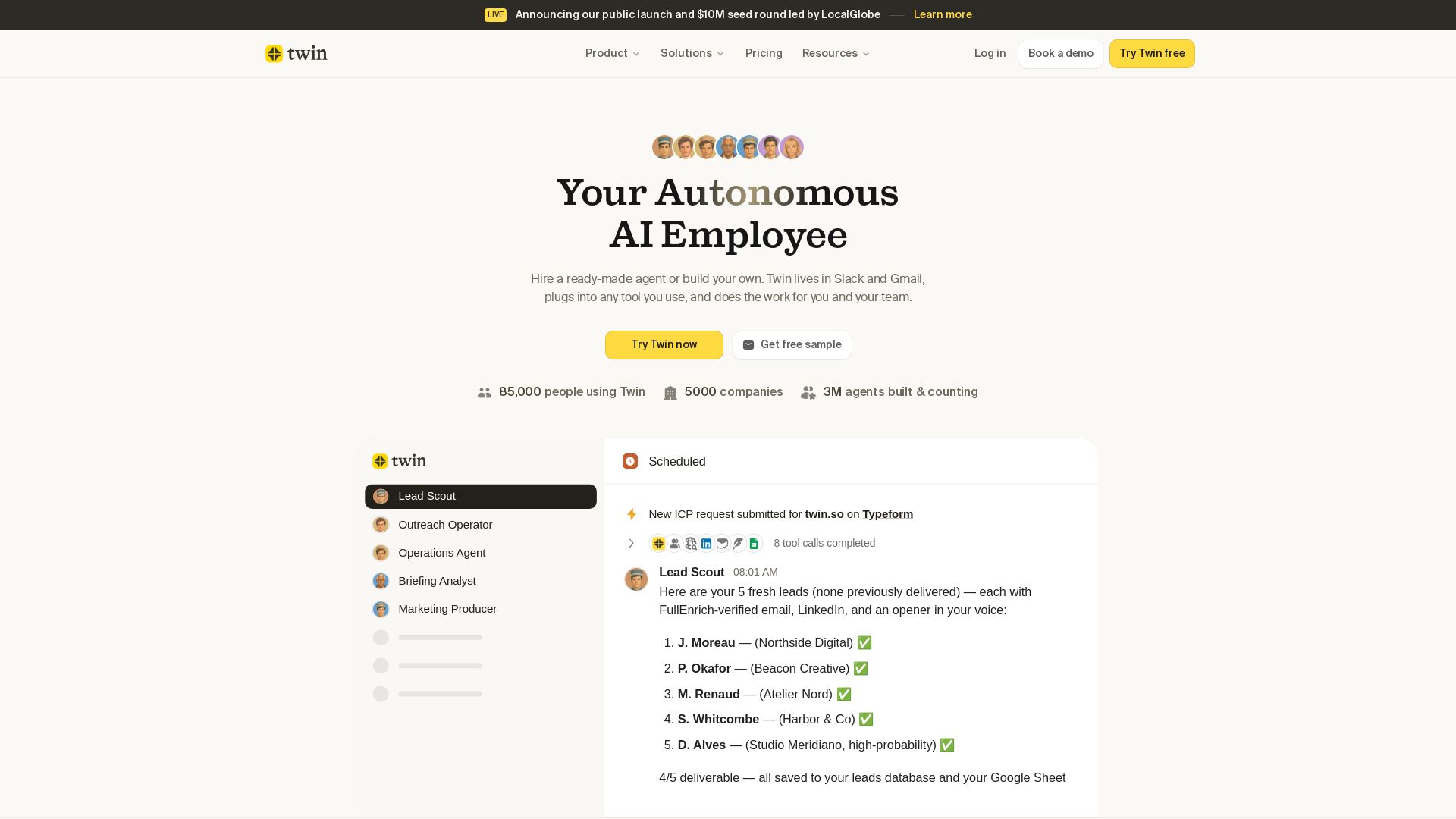
Twin
Twin: ready-made AI agents that work in Slack & Gmail. Automate prospecting, outreach, and more. Trusted by 85,000 users. Start free.

ℹ️ Curation Disclosure: The overview and features of Notion were synthesized using AI and fact-checked by our curation team to ensure accuracy.
