
n8n
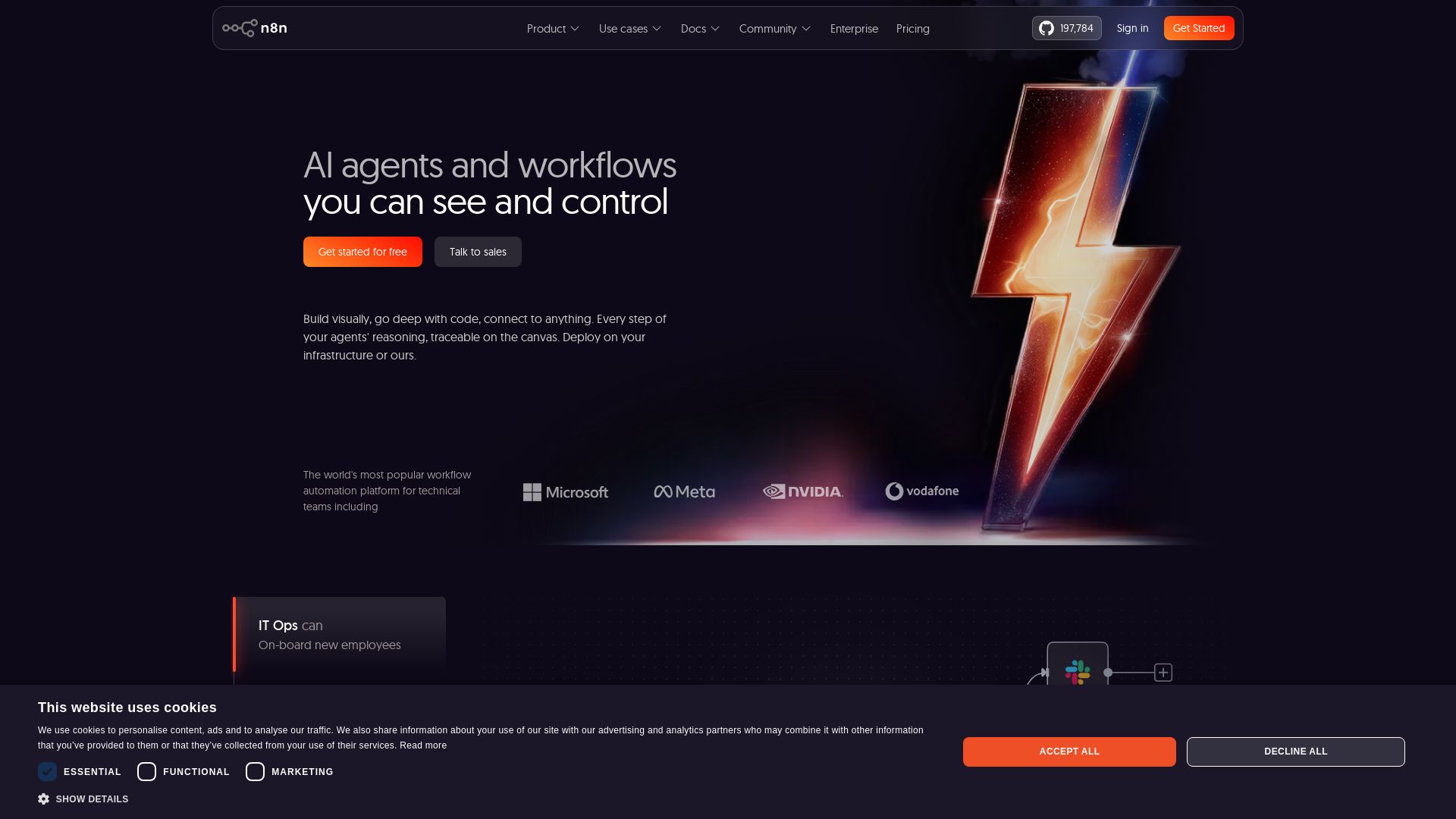
Build AI agents visually, code when needed. Connect 500+ integrations, deploy on-prem. Traceable reasoning, human-in-the-loop. Trusted by 200k+ community.
Editor's Verdict
Key Takeaways
- Visual AI Agent Builder
- 500+ Integrations
- Human-in-the-Loop
- Self-Hosted Deployment
In-Depth Review: What is n8n?
n8n is a powerful AI workflow automation platform that lets technical teams build complex automations visually, with the flexibility to add custom code. It offers over 500 integrations, on-prem deployment options, and full traceability of AI agents' reasoning. With features like human-in-the-loop and guardrails, n8n ensures safe and controlled AI automation. Trusted by over 200,000 community members and rated 4.7/5 on G2, it's the go-to tool for IT, SecOps, DevOps, and Sales teams looking to automate processes with AI while maintaining security and governance.
Core Features
Visual AI Agent Builder
Build AI agents visually on a canvas with full traceability of reasoning, and drop into code whenever needed.
500+ Integrations
Pre-built nodes for common apps and custom API connections for everything else, enabling connection to any system.
Human-in-the-Loop
Combine structured inputs/outputs with rule-based automation and human approvals to control AI actions safely.
Self-Hosted Deployment
Deploy on your own infrastructure with Docker, access full source code on GitHub, or use the hosted cloud version.
Code & No-Code Combined
Write JavaScript or Python anywhere in the workflow alongside visual building, with real-time input/output inspection.
Multi-Model & RAG Support
Use multiple cloud or offline AI models, handle multi-agent setups and RAG systems, with MCP support for future-proofing.
Enterprise Governance
SSO/SAML/LDAP, role-based access, audit logs, log streaming to SIEM, version control, and AI governance with guardrails.
Efficient Debugging
Re-run single steps, replay or mock data, built-in logs view, and native AI evaluation to optimize performance.
Pricing
Starter
- 2,500 workflow executions per month
- Unlimited steps per execution
- 1 shared project
- 5 concurrent executions
- Unlimited users
- 2,300 AI credits/month
- Forum support
Pro
- 10,000 workflow executions per month
- Unlimited steps per execution
- 3 shared projects
- 20 concurrent executions
- 7 days insights
- Up to 13,700 AI credits/month
- Admin roles
- Global variables
- Workflow history
- Execution search
Business
- 40,000 workflow executions per month
- Unlimited steps per execution
- 6 shared projects
- SSO, SAML and LDAP
- 30 days insights
- AI Assistant (coming soon)
- Different environments
- Scaling options
- Version control using Git
- Forum support
Enterprise
- Custom number of workflow executions
- Unlimited shared projects
- 200+ concurrent executions
- 365 days insights
- AI Assistant (coming soon)
- External secret store integration
- Log streaming
- Extended data retention
- Dedicated support with SLA
- Invoice billing
Community Edition
- Self-hosted on GitHub
- Full source code access
- Unlimited workflows and users
- All integrations
- Community support
Pros and Cons
Pros
- Visual + Code FlexibilityCombine drag-and-drop UI with custom JavaScript/Python nodes, allowing both speed and deep customization.
- Self-Hosting AvailableFull on-premise deployment with Docker and open-source code, giving complete control over data.
- Strong Community & IntegrationsOver 500 pre-built integrations, 200k+ community members, and 197k GitHub stars ensure rich support and ecosystem.
- Transparent AI DecisioningEvery reasoning step is visible on the canvas, with human-in-the-loop controls for safe AI automation.
- Enterprise-Ready SecuritySSO, RBAC, audit logs, log streaming, and version control meet strict compliance needs.
Cons
- Execution Limits on Lower PlansStarter and Pro plans cap monthly executions (2.5k and 10k), which may not suit high-volume use cases.
- Learning Curve for Non-Technical UsersWhile visual, the platform targets technical teams; absolute beginners may need time to grasp workflow logic.
- Limited AI Credits on StarterOnly 2,300 AI credits per month on the cheapest plan, restricting heavy AI usage.
- No Free Cloud Tier with Full FeaturesThe free Community Edition is self-hosted only; cloud free trial is time-limited and feature-restricted.
- Business Plan Price JumpFrom €50 to €667 per month, the steep increase may surprise small teams scaling up.
Use Cases & Recommended Professions
IT Operations Manager→ View Toolkit
Automate employee onboarding, system provisioning, and routine maintenance tasks.
Security Operations Analyst→ View Toolkit
Enrich security incident tickets, automate threat intelligence workflows, and integrate with SIEM.
DevOps Engineer→ View Toolkit
Convert natural language into API calls, manage CI/CD pipelines, and automate infrastructure responses.
Sales Operations Manager→ View Toolkit
Generate customer insights from reviews, automate lead enrichment, and integrate CRM with AI agents.
Product Manager→ View Toolkit
Build AI-driven prototypes quickly, connect user feedback to development tools, and automate data retrieval.
Data Engineer→ View Toolkit
Orchestrate complex data pipelines with RAG systems, handle multi-model AI, and transform data without coding every step.
Frequently Asked Questions
Alternative AI Tools
View Detailed Comparison →
StackOne
Connect AI agents to 450+ enterprise apps with secure, token-optimized integrations. Deploy in minutes.

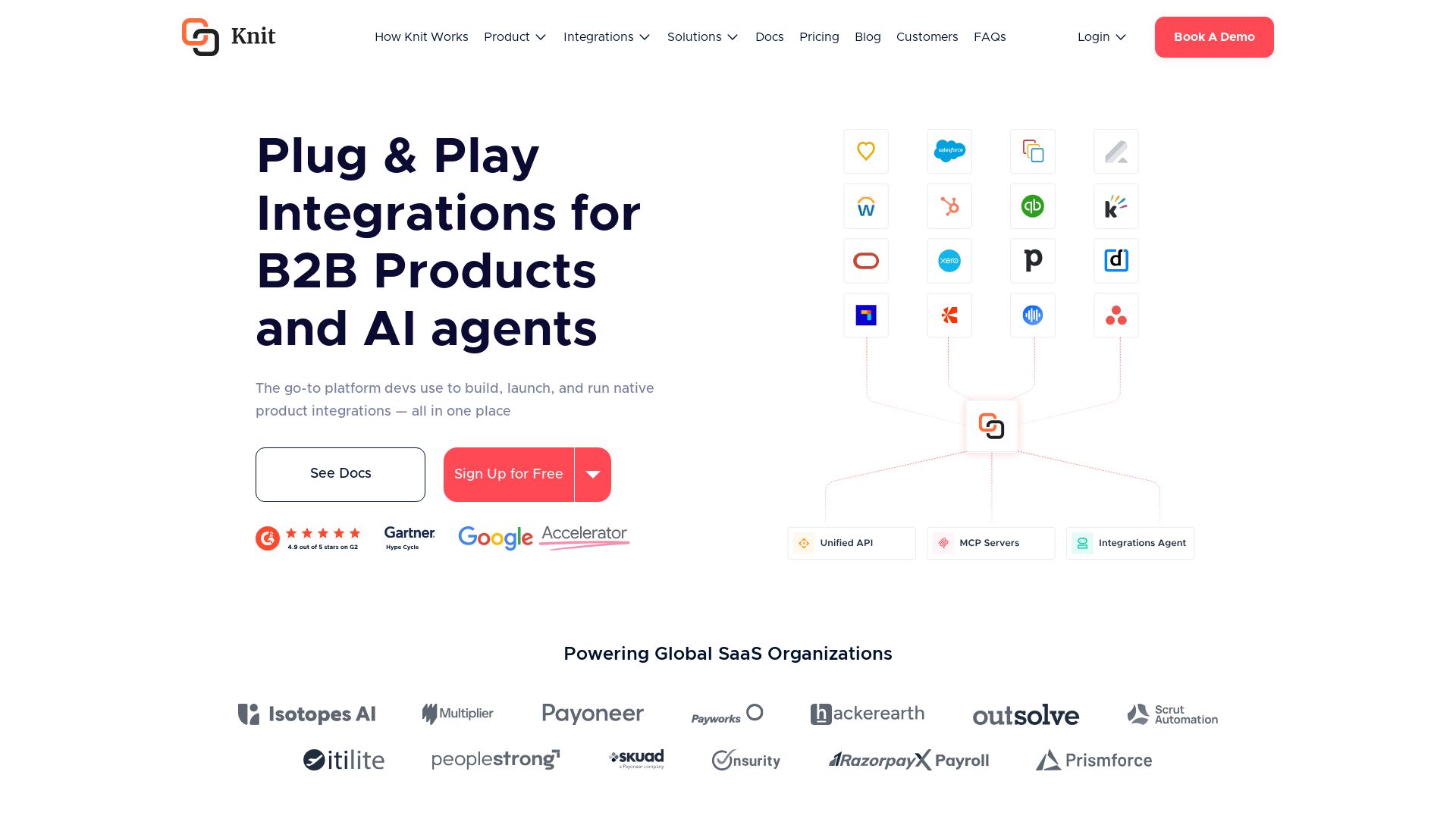
Knit
Build, launch, and run native product integrations with Unified APIs, MCP Servers, and AI Integrations Agent. Powering global SaaS organizations.

What is crewAI?
Discover how IBM's AI agents unlocked $4.5B in productivity gains. Explore watsonx, IBM Bob, and hybrid cloud to drive smarter business outcomes.


Agentic Workers
Automate tasks with 100+ pre-built AI workflows. Connect 800+ tools, save 10+ hours/week. No coding needed. Join 13,000+ professionals.

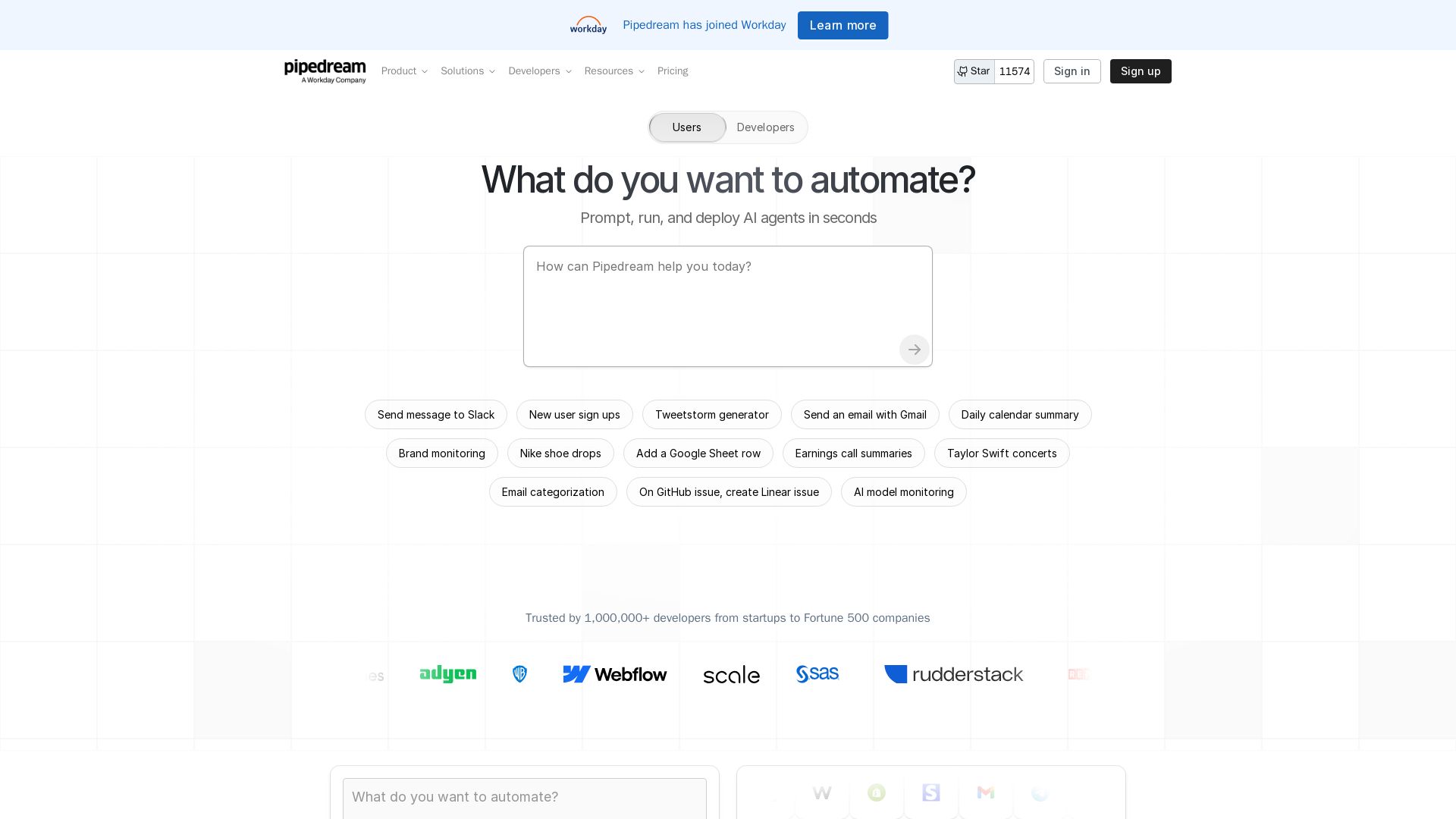
Pipedream
Automate any process with Pipedream. Build AI agents, connect 3,000+ apps, and run workflows in seconds. Secure, scalable, and developer-friendly.

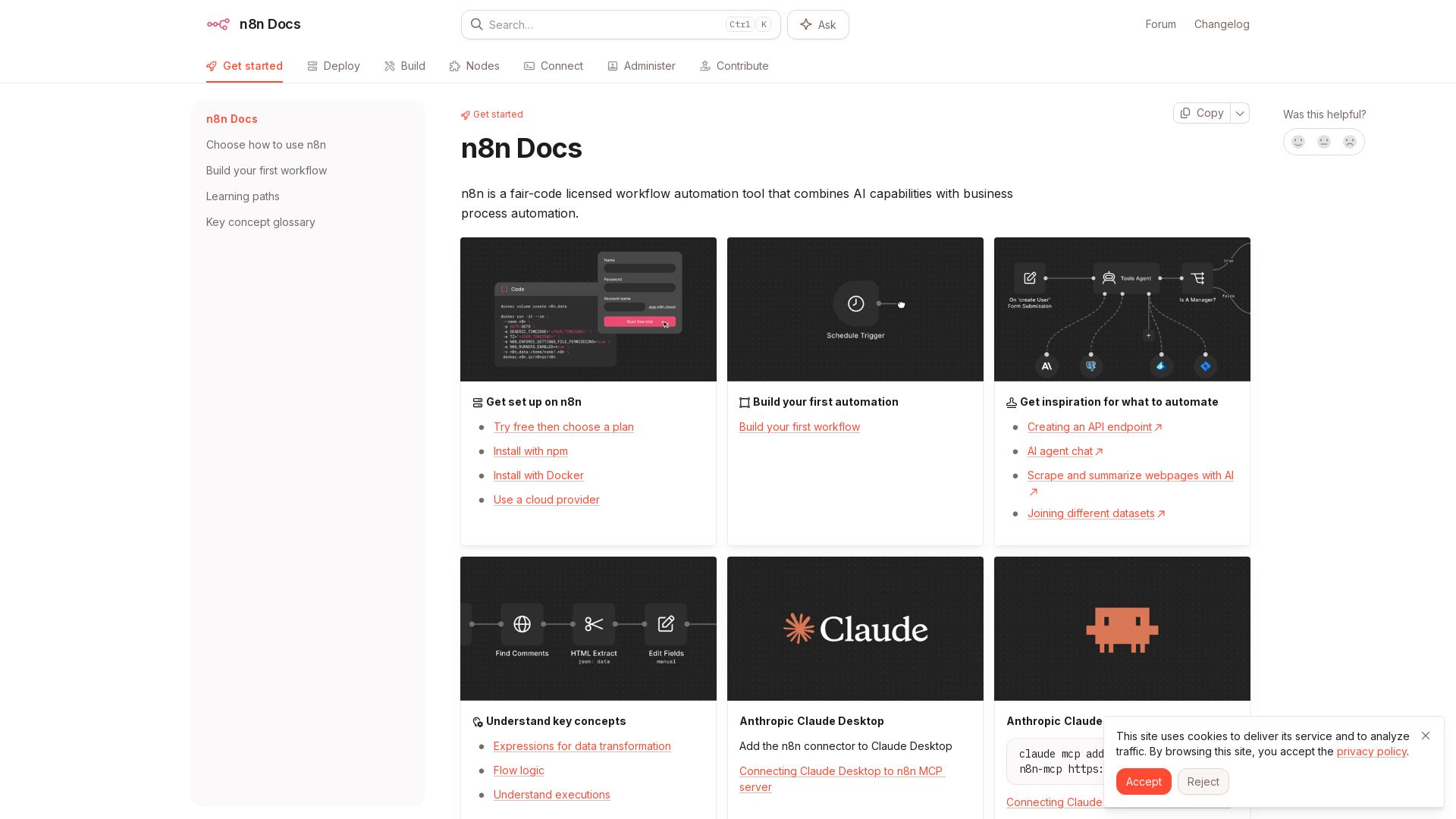
n8n
n8n is a fair-code licensed workflow automation tool that combines AI capabilities with business process automation. Get started with npm, Docker, or cloud.

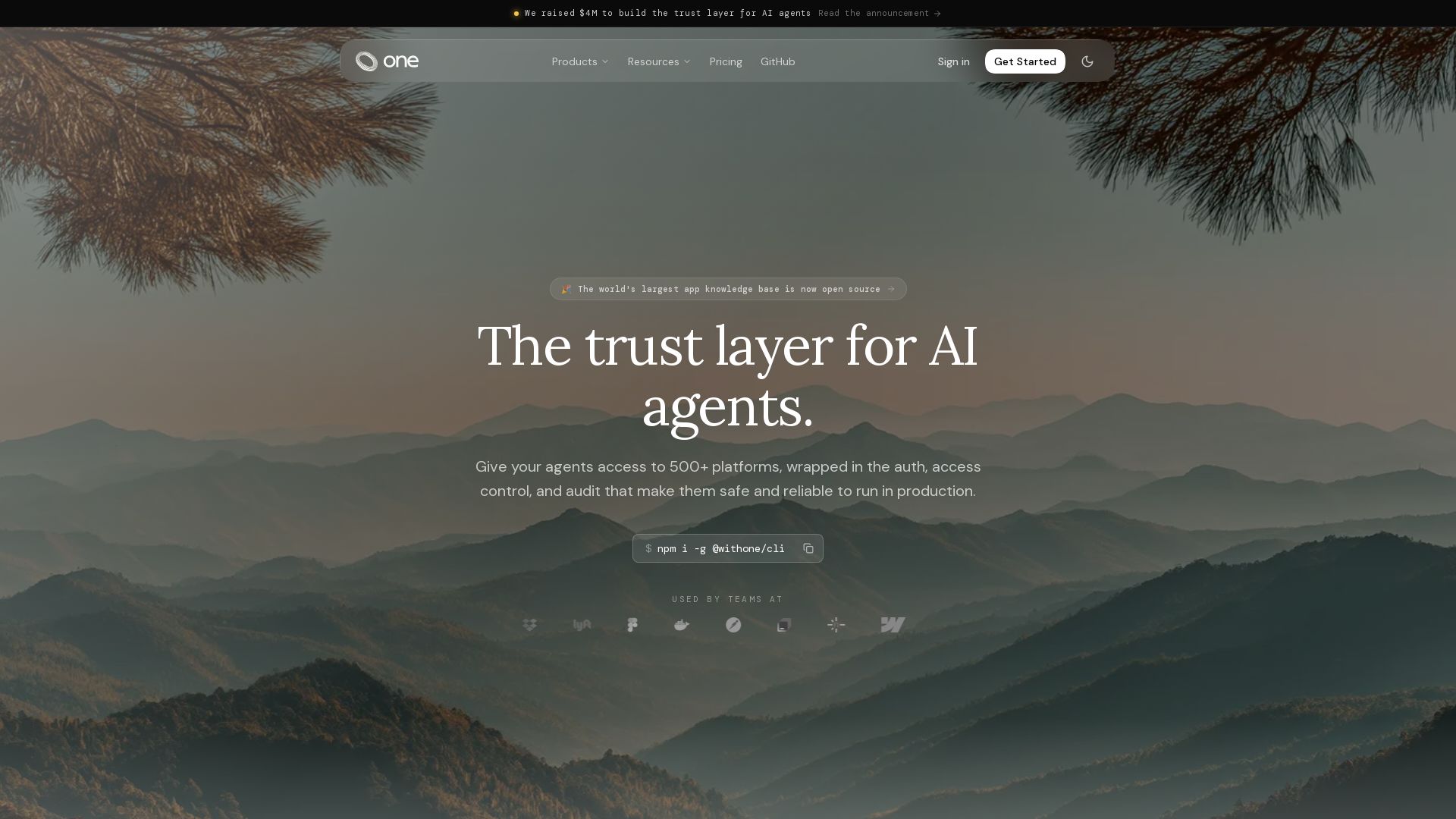
One
Give your AI agents secure access to 500+ platforms with one CLI. Managed auth, 80k+ tools, and production-ready runtime. Free to start.

AY Automate
AI automation agency embedding engineers to build custom AI agents. Automate workflows with n8n, Claude Code. Month one refundable. Free strategy call.

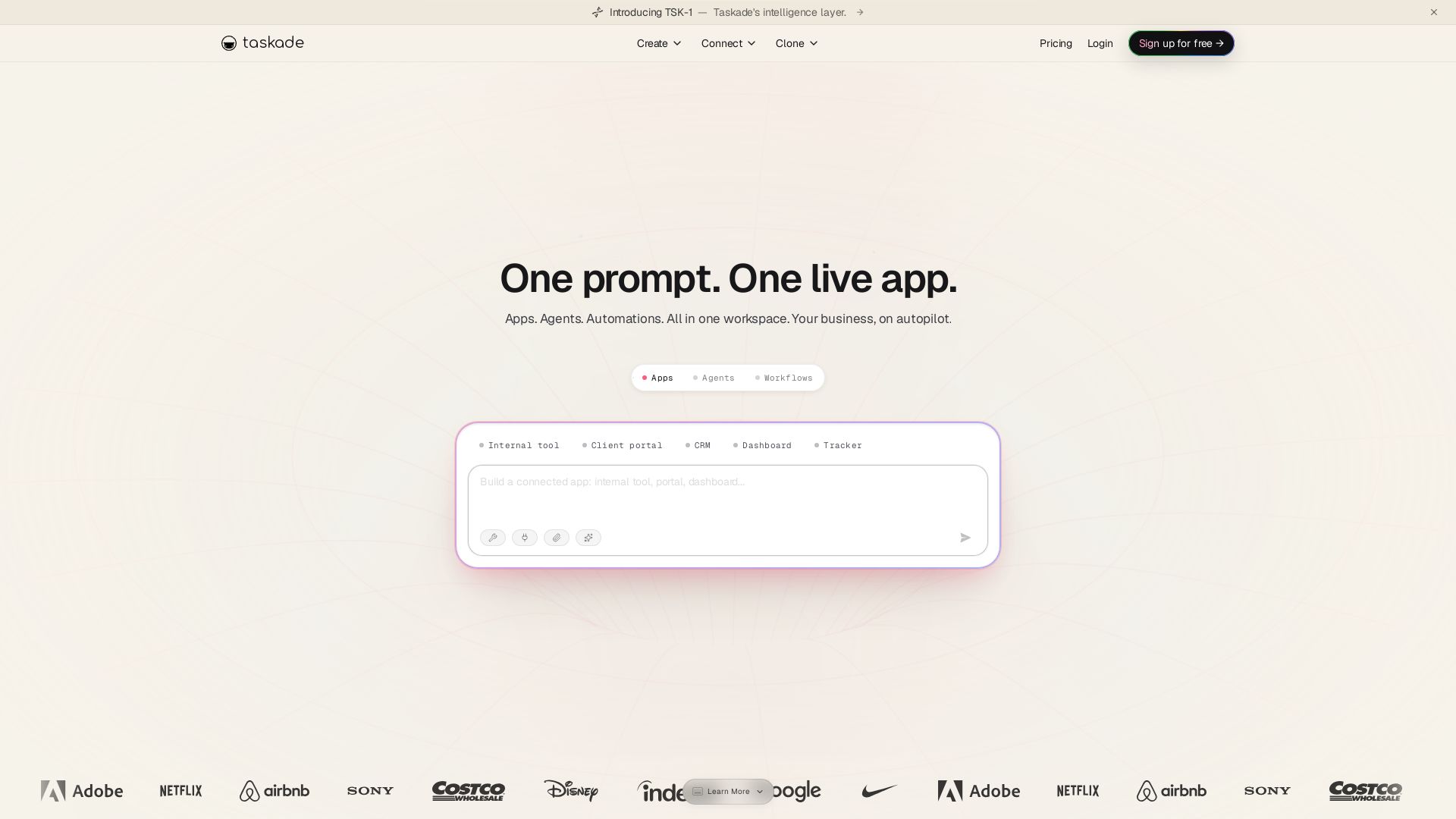
Taskade
Turn one prompt into living apps with AI agents and automations. Clone CRMs, dashboards, portals. No code. Your business on autopilot.

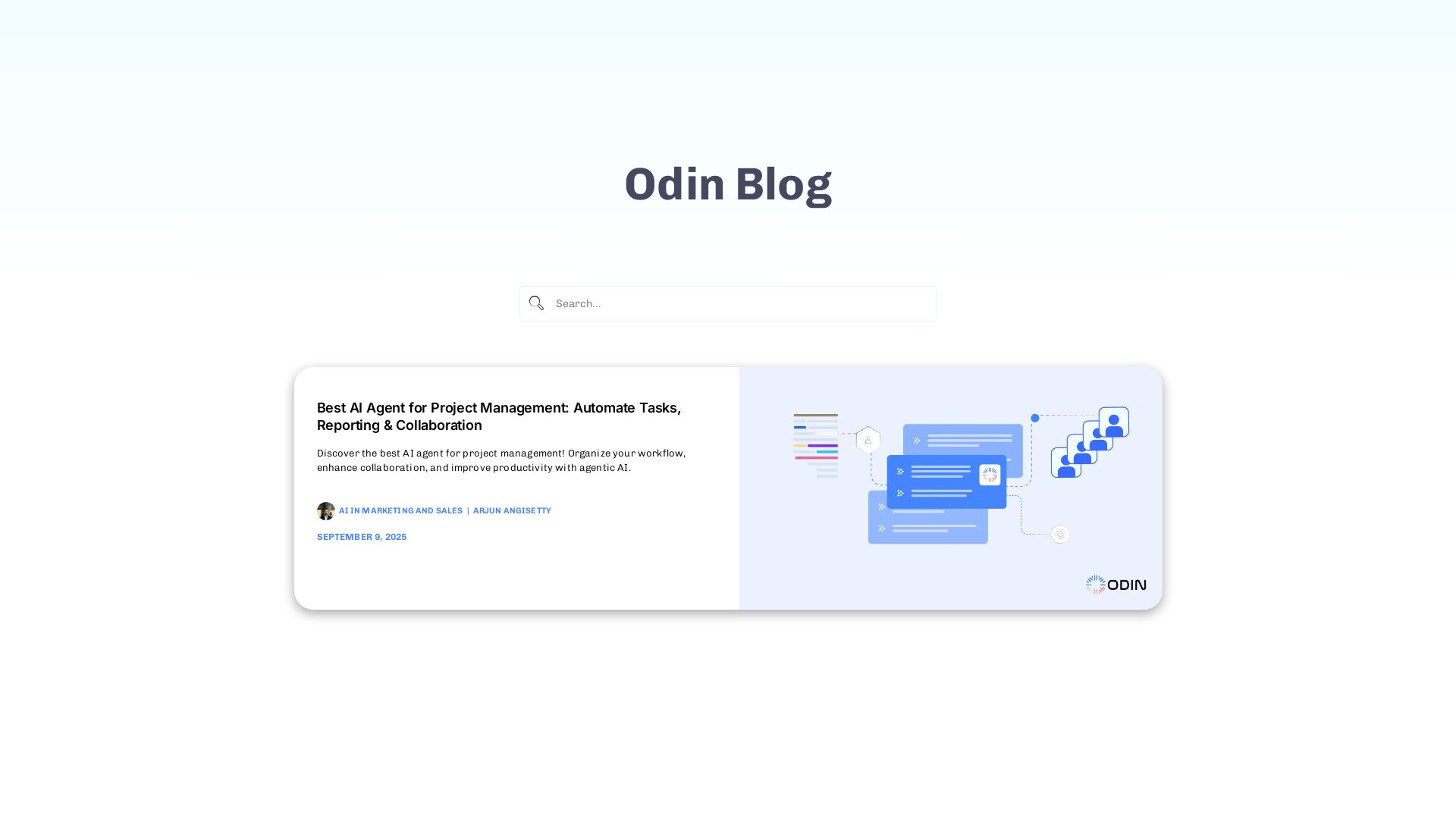
Odin AI
Automate tasks, document summarization, and collaboration with Odin AI's no-code platform. Boost productivity with intelligent AI agents.

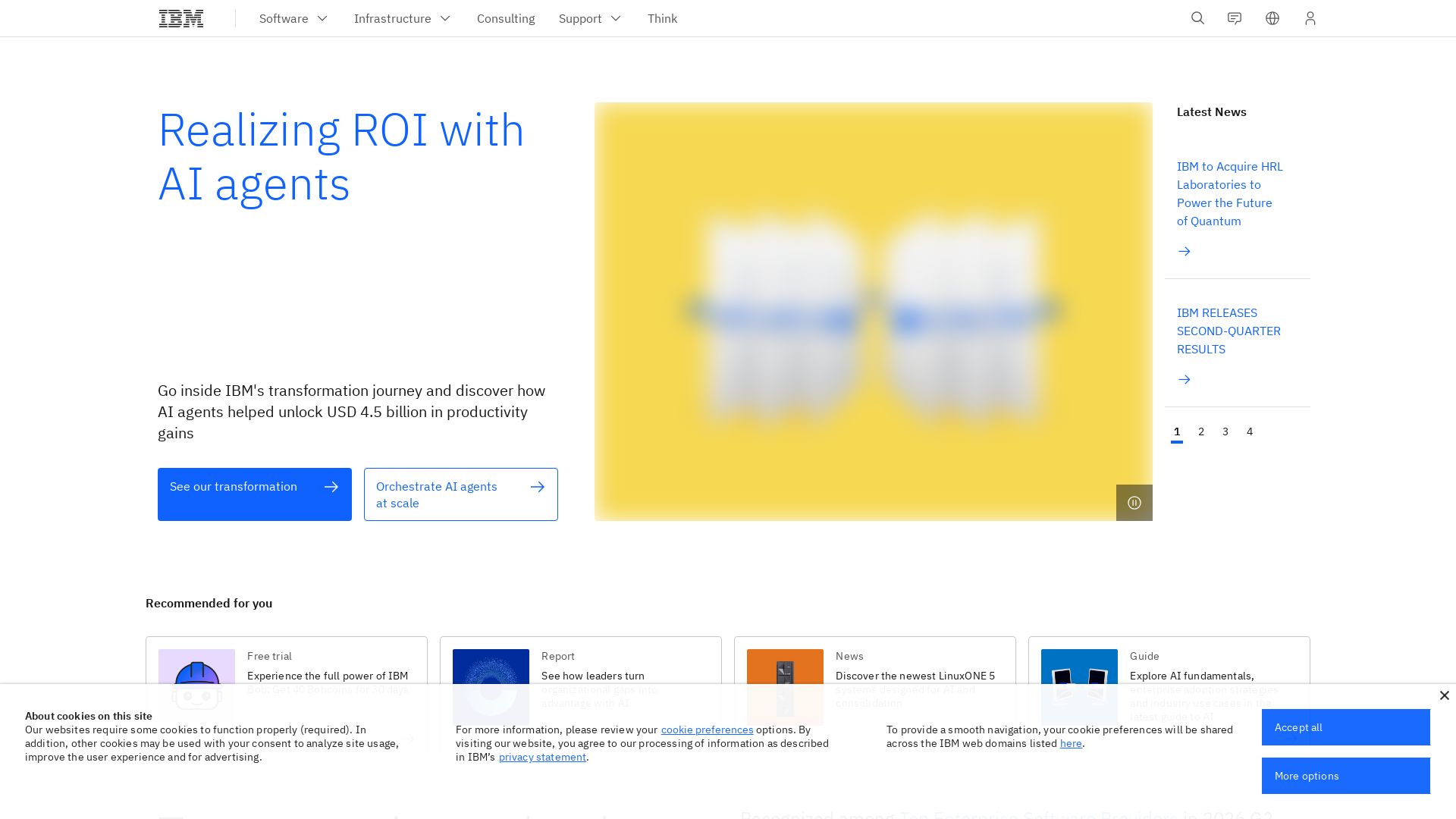
IBM
Discover how IBM's AI agents transformed operations, delivering $4.5 billion in productivity. Explore IBM Bob, watsonx Orchestrate, and more.

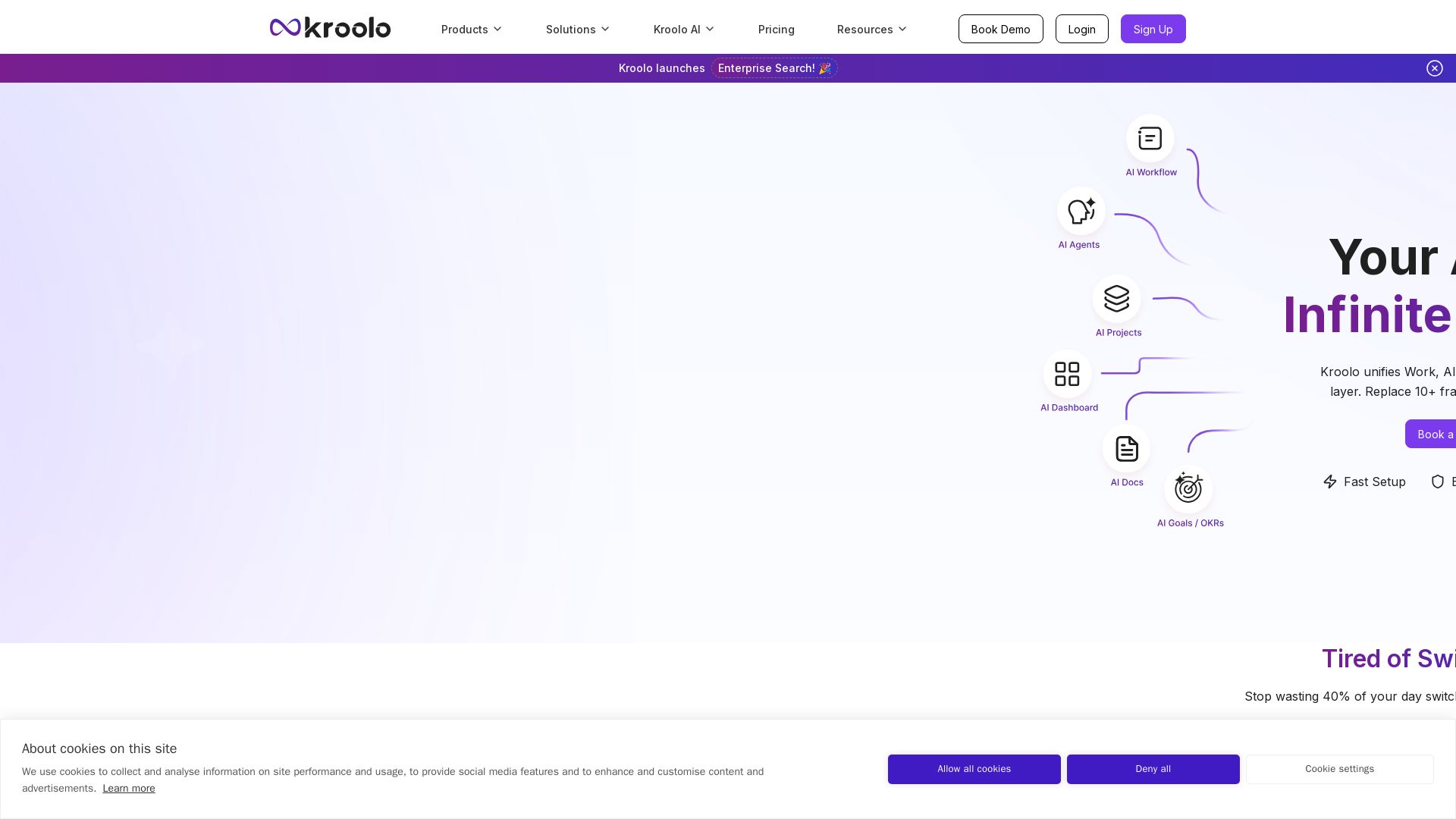
Kroolo
Replace 10+ fragmented apps with one AI-native platform. Kroolo unifies work, AI agents, and enterprise search to boost productivity up to 70%.

ℹ️ Curation Disclosure: The overview and features of n8n were synthesized using AI and fact-checked by our curation team to ensure accuracy.
