
Salesforce
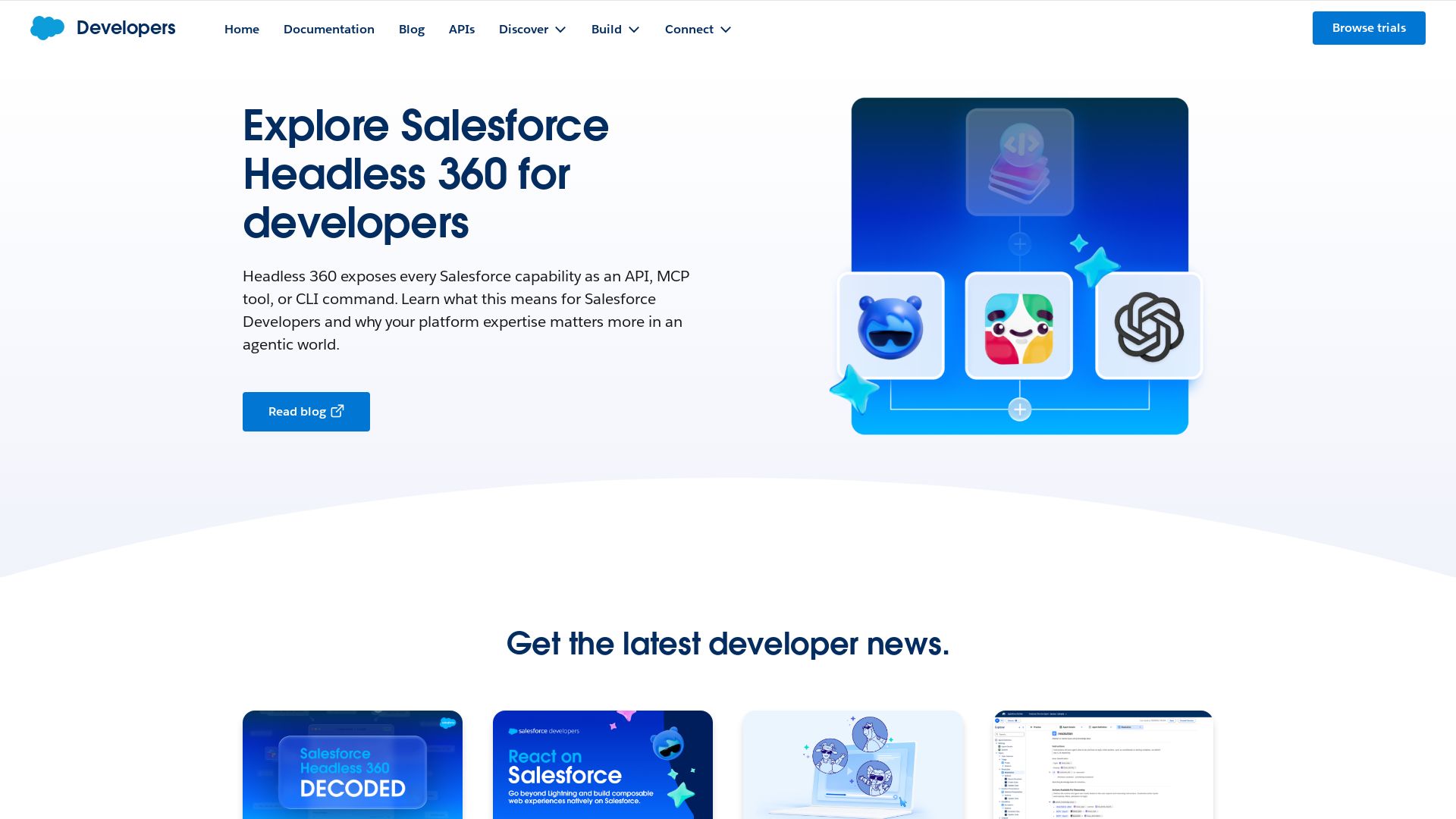
Build beyond the UI with Salesforce Headless 360—every capability as an API, MCP tool, or CLI. Explore React on Salesforce, Agent Script recipes, developer events, and more.
Editor's Verdict
Key Takeaways
- Headless 360
- React on Salesforce
- Agent Script Recipes
- Developer Blog & Community
In-Depth Review: What is Salesforce?
Salesforce Headless 360 exposes every Salesforce capability as an API, MCP tool, or CLI command, enabling developers to build agents, apps, and experiences from their preferred tools. The developer hub features video series like React on Salesforce, practical Agent Script recipes, upcoming virtual events, and a blog on the future of Salesforce developers in the agentic AI era. Explore APIs (REST, B2C Commerce, Marketing Cloud, Metadata) and developer centers for Agentforce, Platform, Data Cloud, Marketing Cloud, Service Cloud, Commerce Cloud, MuleSoft, Tableau, and Slack. Sign up for the monthly newsletter to stay updated.
Core Features
Headless 360
Exposes every Salesforce capability as an API, MCP tool, or CLI command, enabling building beyond the UI and bringing Salesforce to any agent, app, or experience.
React on Salesforce
Go beyond Lightning to build composable web experiences natively on Salesforce using modern frontend frameworks like React.
Agent Script Recipes
A collection of 20+ practical examples to build powerful autonomous agents with hybrid reasoning and actionable patterns.
Developer Blog & Community
Stay updated with the latest developer news, insights, and best practices from Salesforce experts and the community.
Virtual Events & Workshops
Expert-led sessions, AMAs, and technical workshops to build skills and deliver real business outcomes.
Comprehensive APIs
Integrate Salesforce data using REST, B2C Commerce, Marketing Cloud, Metadata, and many more APIs for scalable operations.
Developer Centers
Specialized centers for Agentforce, Platform, Data Cloud, Marketing Cloud, Service Cloud, Commerce Cloud, MuleSoft, Tableau, and Slack to extend Salesforce capabilities.
Pricing
Developer Edition
- Full access to Salesforce platform for development and testing
- REST, SOAP, and Metadata API access
- Developer sandbox and tools
- Community support and forums
- Monthly newsletter
Enterprise
- All Developer Edition features
- Unlimited API calls and data storage
- Premium support and dedicated success manager
- Advanced security and compliance
- Custom MCP tools and CLI integrations
- Early access to new features and betas
Pros and Cons
Pros
- Headless FlexibilityBuild and deploy Salesforce capabilities across any platform, agent, or app without UI constraints.
- Rich API EcosystemAccess a wide range of well-documented APIs (REST, B2C, Marketing Cloud, Metadata) for seamless integration.
- Strong Community & EventsRegular virtual events, AMAs, and workshops provide continuous learning and networking opportunities.
- Modern Development SupportSupport for React, MCP tools, and CLI commands keeps developers using cutting-edge workflows.
- Scalable for EnterprisesPlatform and Data Cloud enable enterprise-grade apps with real-time data harmonization and AI capabilities.
Cons
- Steep Learning CurveSalesforce's vast ecosystem and multiple APIs can be overwhelming for newcomers.
- Limited Free TierDeveloper Edition has restrictions on API calls and data storage for production use.
- Pricing Not TransparentEnterprise plan requires contacting sales, which may deter small teams or individual developers.
- Platform Lock-inHeavy reliance on Salesforce-specific tools and paradigms may reduce portability to other platforms.
- Documentation GapsSome newer features like Agent Script or MCP tools may lack extensive documentation or community examples.
Use Cases & Recommended Professions
Salesforce Developer→ View Toolkit
Needs to build custom applications, integrate APIs, and leverage headless capabilities to extend Salesforce beyond the standard UI.
Software Engineer→ View Toolkit
Builds enterprise-grade apps using modern frameworks like React and needs to connect to Salesforce data via APIs.
Solution Architect→ View Toolkit
Designs scalable system architectures that leverage Salesforce as a backend and requires knowledge of available APIs and integration patterns.
Data Analyst→ View Toolkit
Uses Data Cloud and Tableau integration to harmonize and visualize data from multiple sources within Salesforce.
Marketing Manager→ View Toolkit
Leverages Marketing Cloud APIs to build custom marketing campaigns and integrate with other tools.
IT Manager→ View Toolkit
Oversees system integrations and needs to understand Salesforce's capabilities for platform decisions and team training.
Frequently Asked Questions
Alternative AI Tools
View Detailed Comparison →
Make
Build, automate, and innovate with Make. Explore Make API, Custom Apps, MCP Server, White Label, and CLI. Get developer resources for automation.

API7.ai
Manage, secure, and scale your APIs with API7, crafted by the creator of Apache APISIX. Unified north-south & east-west traffic, 100+ plugins, canary releases. Get a demo.

MCP Manager
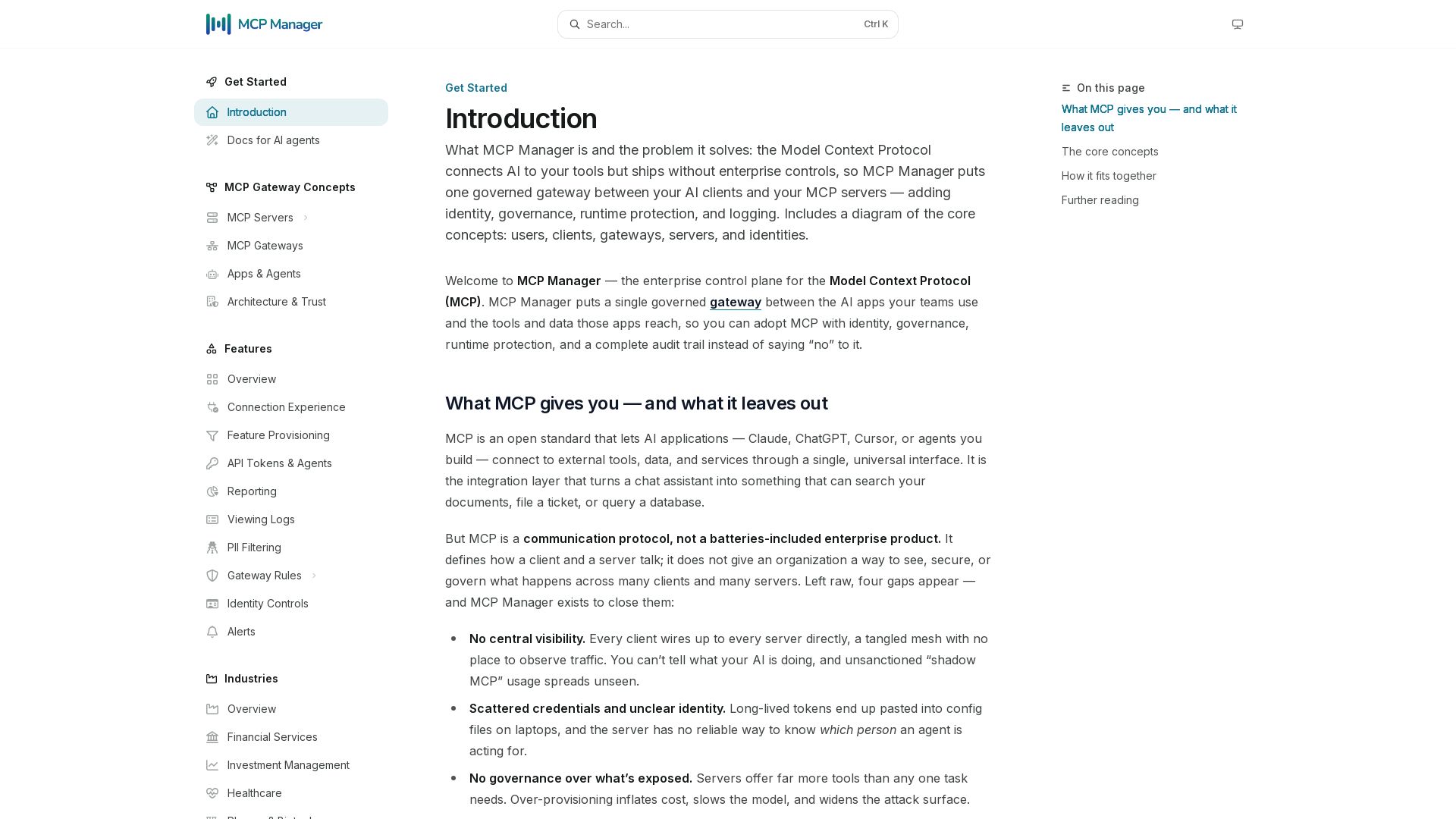
Secure, govern, and observe AI tool connections. Single gateway for identity, rules, audit, and runtime protection.

Gopher-MCP
Deploy secure MCP servers in minutes with 4D security: deep inspection, zero-trust access, granular policies, and post-quantum encryption.

DigitalAPI
Turn every API from Apigee, Kong, AWS, Azure into a self-serve catalog. One platform for developers, partners, and AI agents. Start free.

Zuplo
Secure, govern, and observe every API, LLM, and MCP call with one programmable policy engine. Live in minutes. Reduce costs, shrink attack surface, gain visibility.

Kong
Secure, manage, and monetize every API, LLM, MCP, and event. Unify AI cost, security, and risk. Build agents fast, safely, and profitably.

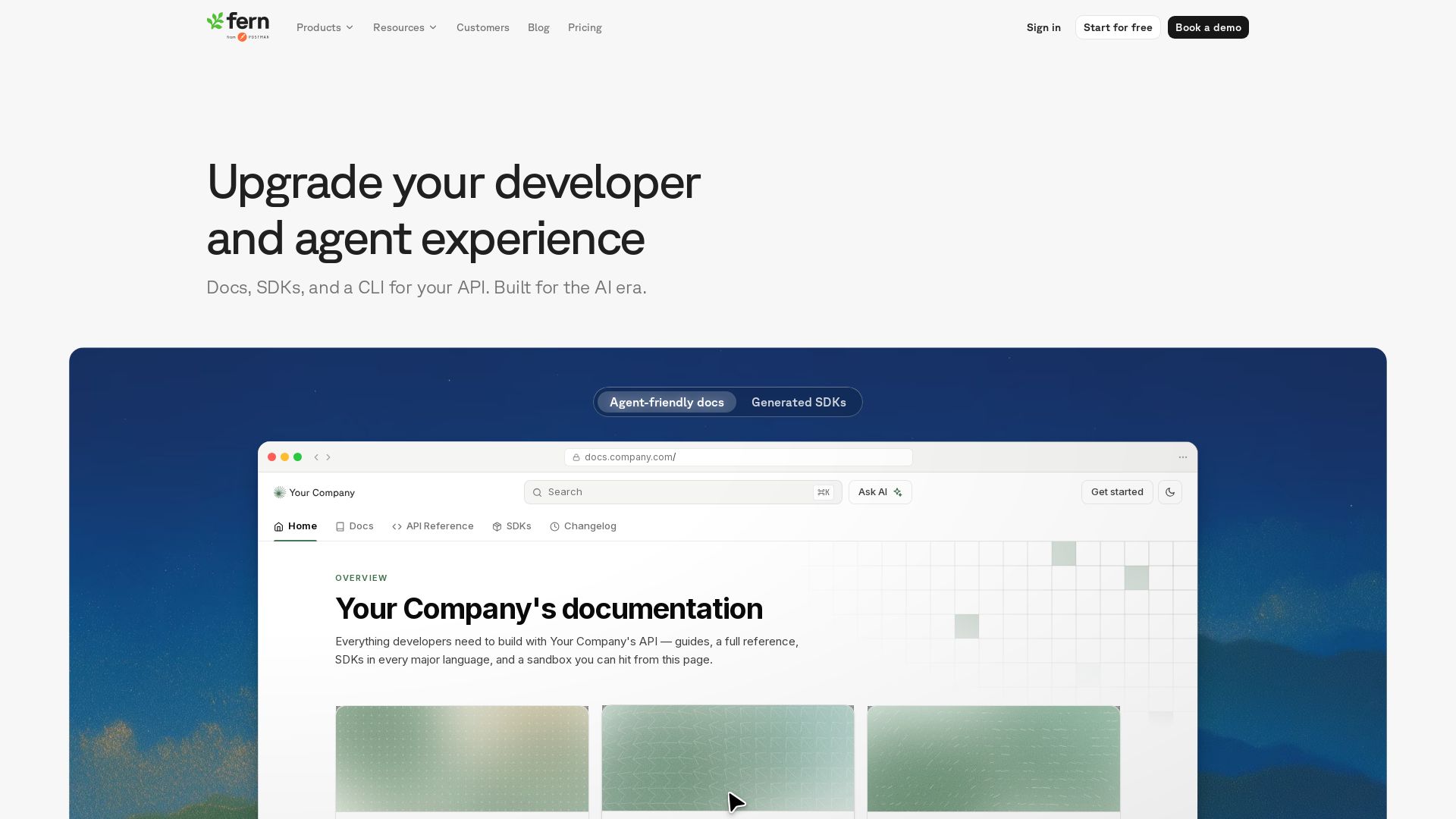
Fern
Generate beautiful docs, idiomatic SDKs, and an agent-first CLI from your API spec. One source of truth, everything in sync.

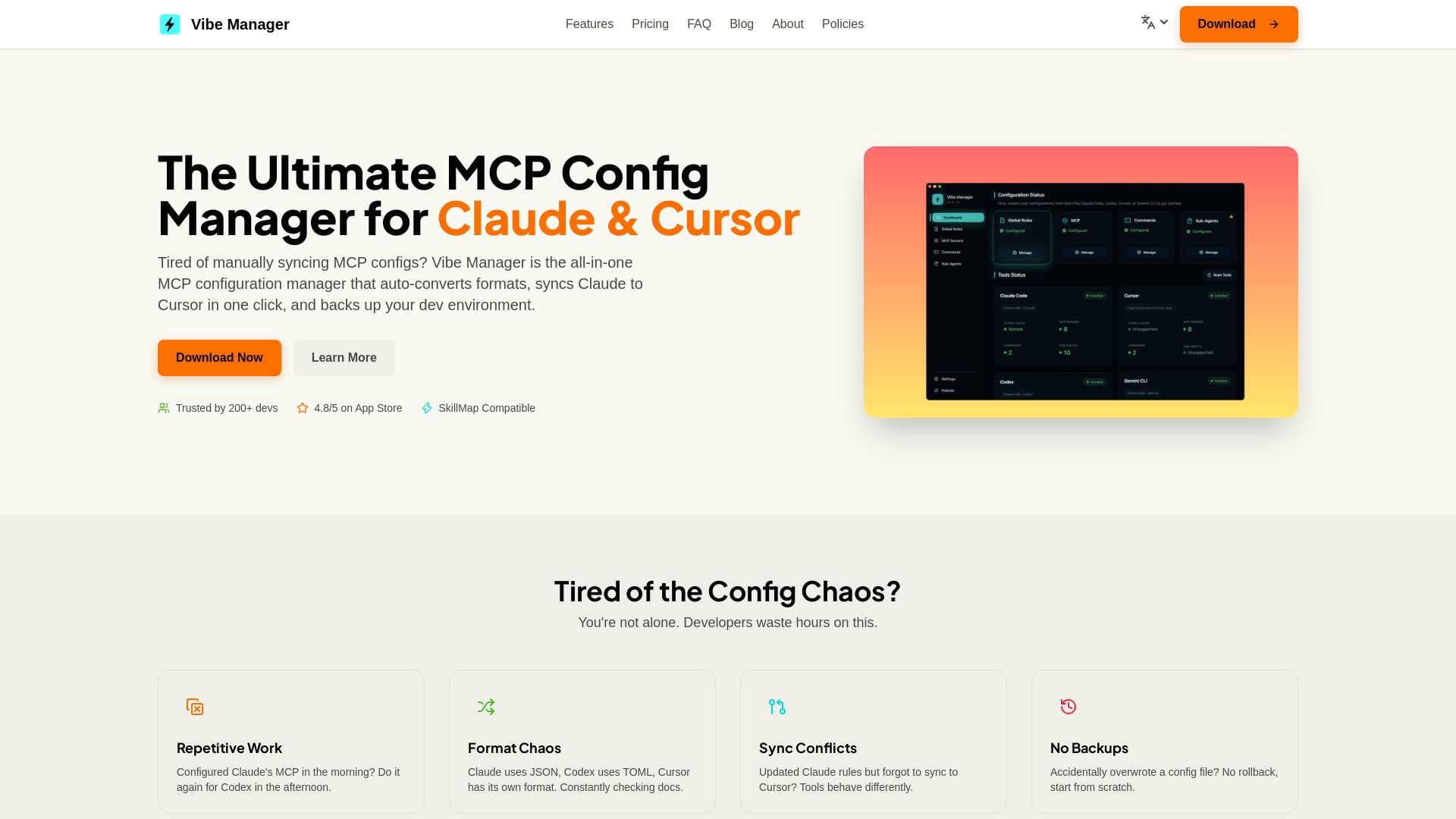
Vibe Manager
Tired of manually syncing MCP configs? Vibe Manager auto-converts & syncs Claude, Cursor & more with one click. Save 80% time. $4.99 one-time.


Gravitee
Secure and govern AI agents, APIs, and events on one platform. Protect against unsecured agents, control LLM costs, and gain visibility. Trusted by top enterprises.

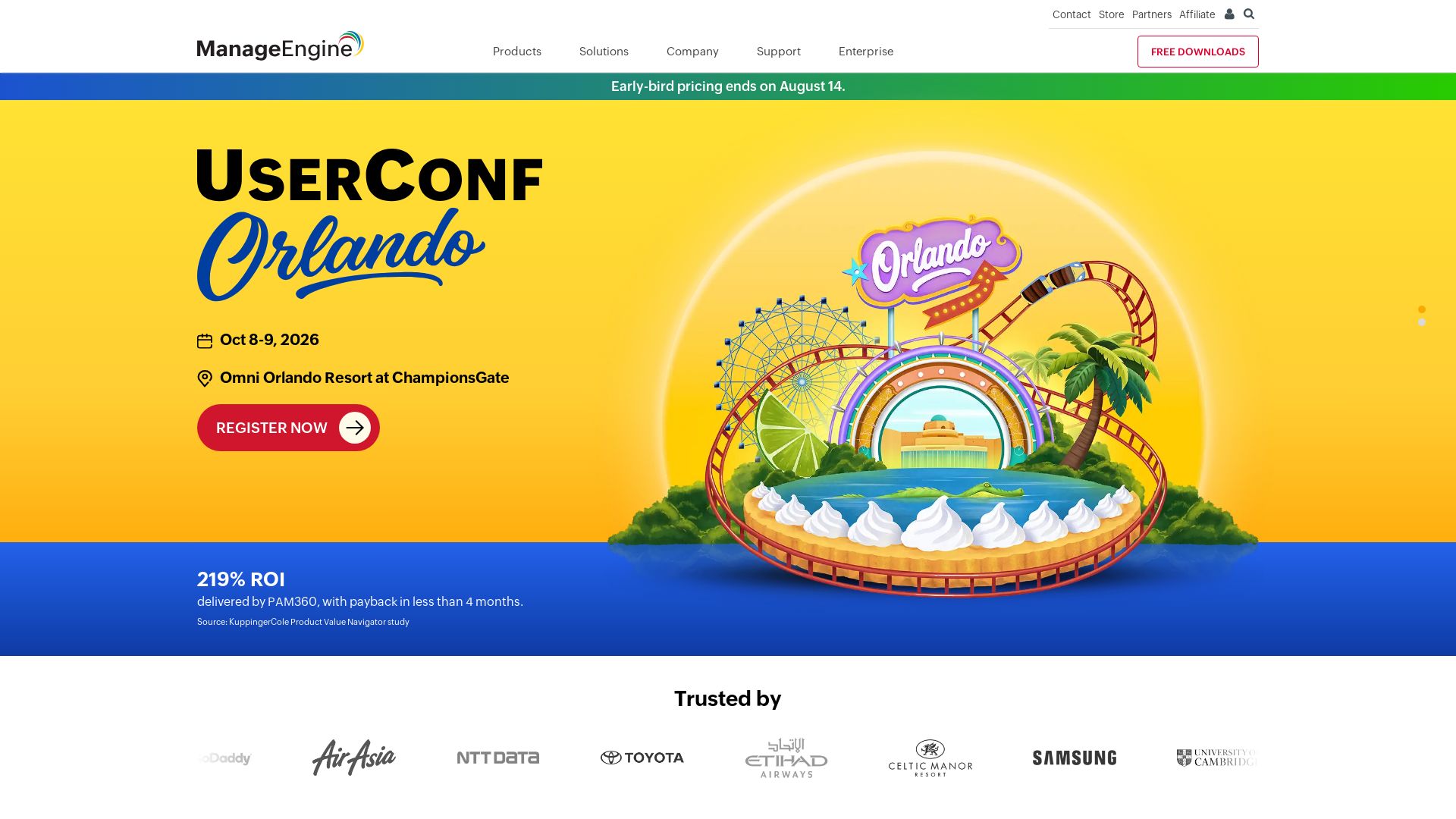
ManageEngine
Total visibility and control. Manage identity, endpoints, IT services, security, and more with AI-powered tools. Trusted by enterprises. Free 30-day trials.

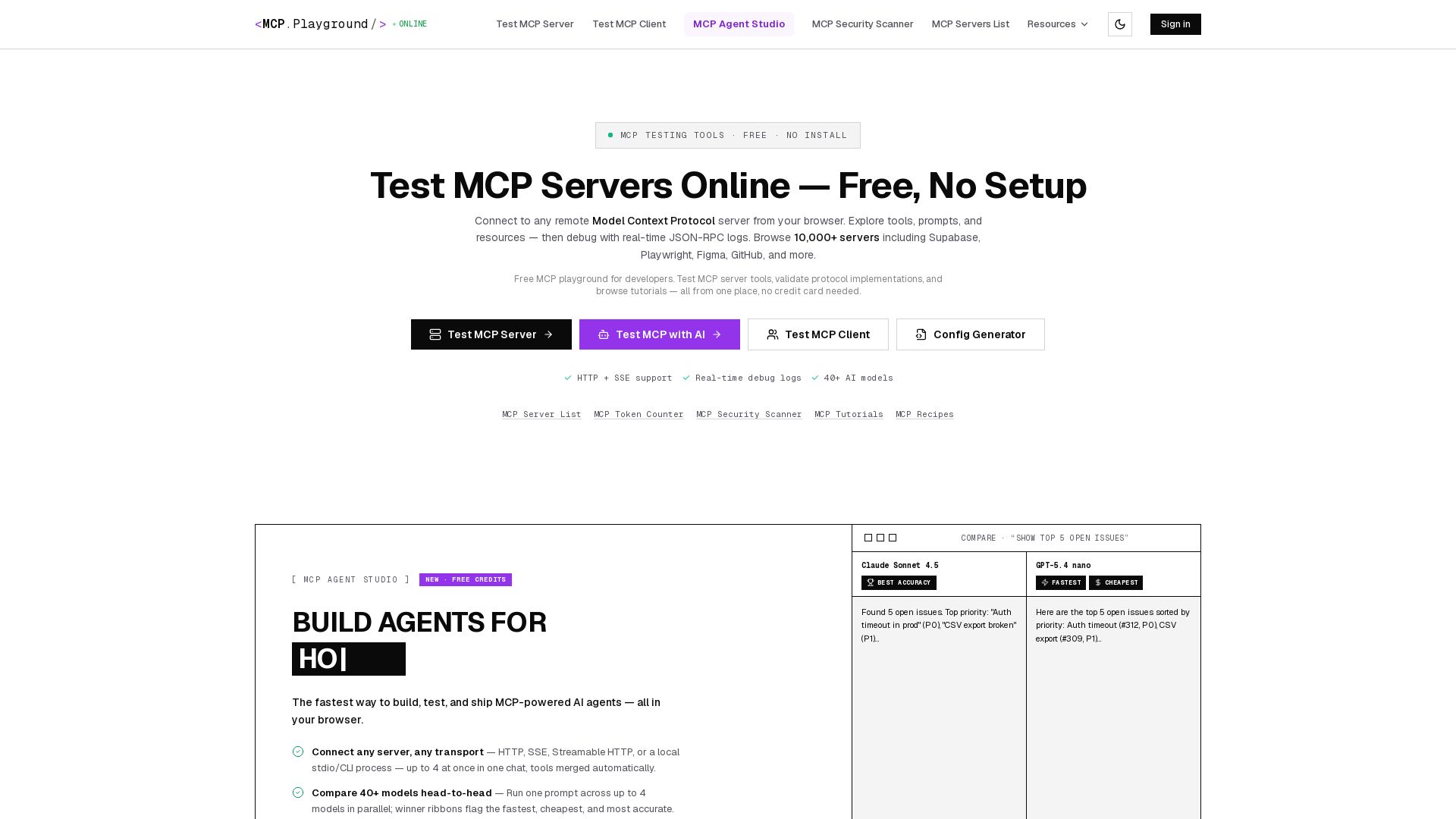
MCP Playground Online
Free browser-based MCP testing tool. Connect to any server, browse tools, execute commands, and view live JSON-RPC logs. No install required.

ℹ️ Curation Disclosure: The overview and features of Salesforce were synthesized using AI and fact-checked by our curation team to ensure accuracy.
