
Fern
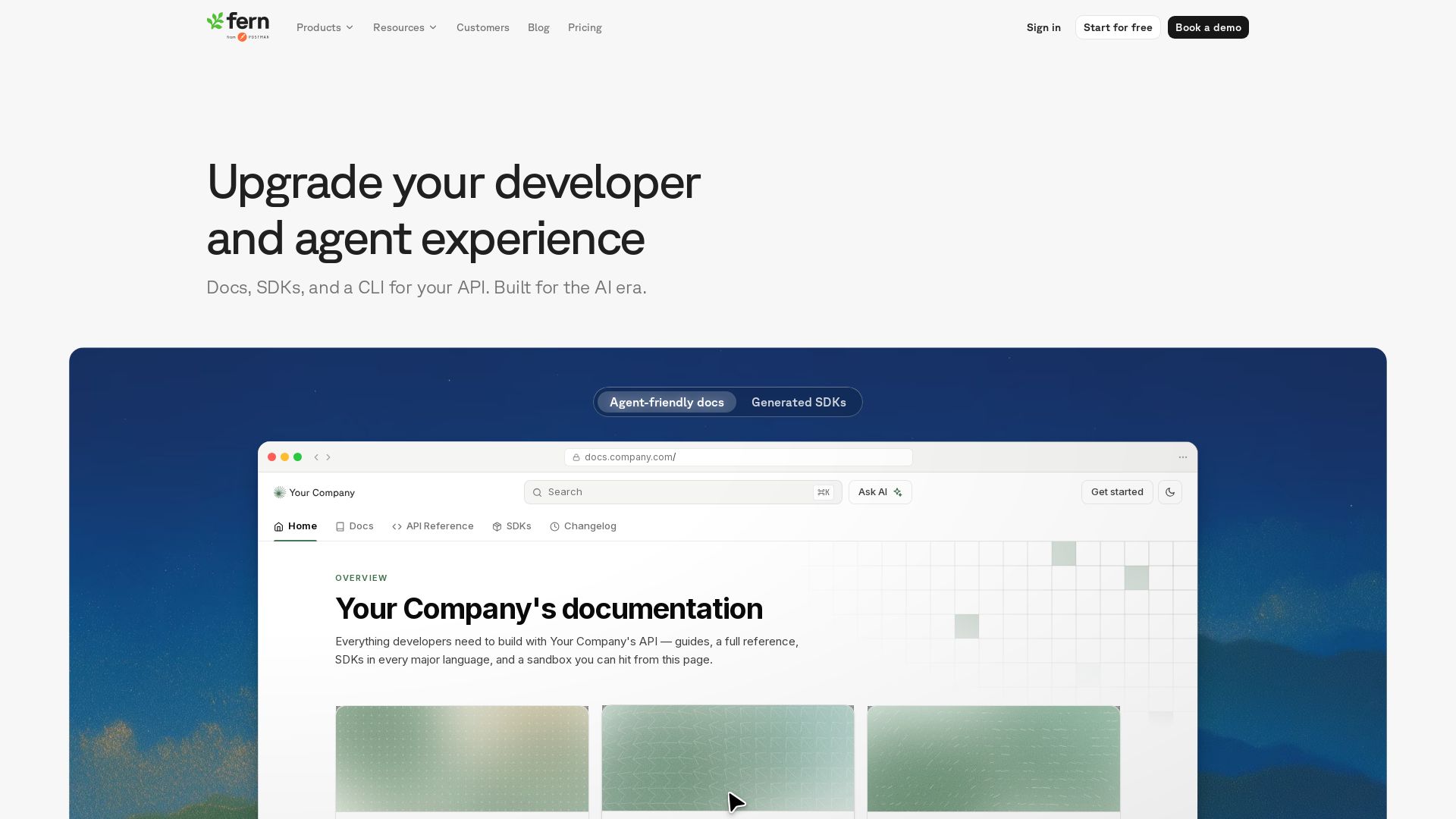
Generate beautiful docs, idiomatic SDKs, and an agent-first CLI from your API spec. One source of truth, everything in sync.
Editor's Verdict
Key Takeaways
- Agent-friendly docs
- Generated SDKs
- CLI
- AI search and chat
In-Depth Review: What is Fern?
Fern provides a unified platform to create stunning documentation, type-safe SDKs in major languages, and an interactive CLI from your API spec. Built for the AI era, it features AI-assisted authoring, AI chat in docs, MCP server support, and llms.txt for LLMs. Over 8,000 customers use Fern to reduce time-to-first-API-call by 99% and serve 20M+ docs pages yearly.
Core Features
Agent-friendly docs
Documentation optimized for both human developers and AI agents, with search, MCP server, llms.txt, and AI chat.
Generated SDKs
Type-safe client libraries in every major language automatically generated from your OpenAPI spec.
CLI
Interact with your API from the terminal, generate docs and SDKs, and manage deployments.
AI search and chat
Built-in AI chat grounded in your docs, answering developer questions without hallucinations.
Docs as code
Manage documentation in Git, review with pull requests, and use any coding agent to write updates.
llms.txt and MCP server
Auto-generated llms.txt and MCP server for seamless integration with LLMs and AI tools.
AI-assisted authoring
Tag @Fern Writer to draft content, open PRs, and keep docs in sync with your code.
Multi-source docs
Aggregate content from multiple repos into one site with product and version switching.
Enterprise security
SOC 2 Type II, SSO, RBAC, self-hosting, and dedicated support for enterprise compliance.
Native Postman support
Generate and publish Postman collections from the same source of truth as your docs and SDKs.
Pricing
Hobby
- 2 team members
- 250 AI credits
- Custom domain
- Password-protected docs
- Guides, API refs, and changelogs
- API explorer
- Web editor
Team
- Everything in Hobby
- 5 team members
- 1,000 AI credits
- Custom subpath
- Version and product switching
- PDF exports
Enterprise
- Everything in Team
- Visitor authentication (JWT, SSO)
- Role-based access control (RBAC)
- Translated content
- Self-hosting
- Enterprise SSO
- Dedicated Slack & Teams channel
Pros and Cons
Pros
- Reduced time to first API callFern reduces time to first API call by 99% through clear documentation and generated SDKs.
- Consistent multi-language SDKsGenerate SDKs in every major language from a single OpenAPI spec, ensuring consistency and reducing drift.
- AI-powered developer experienceIntegrated AI search, chat, and writing agent improve documentation engagement and developer productivity.
- Open source and extensibleFern is open source, allowing custom generators and integration into existing workflows.
- Enterprise-grade security and complianceSOC 2 Type II, SSO, RBAC, self-hosting, and dedicated support meet enterprise requirements.
Cons
- Requires well-defined OpenAPI specFern relies on a complete and accurate OpenAPI specification; incomplete specs require additional effort.
- Learning curve for docs-as-codeTeams new to Git-based documentation workflows may face a learning curve.
- Limited free tierThe Hobby plan restricts team members (2) and AI credits (250), which may not suit larger teams.
- Customization requires CSS/JS expertiseAdvanced visual customization may require knowledge of CSS, JavaScript, or React.
- Advanced features locked in higher tiersFeatures like SSO, RBAC, and self-hosting are only available in the Enterprise plan.
Use Cases & Recommended Professions
Software Engineer→ View Toolkit
Needs quick API integration with clear documentation, SDKs, and sandbox for testing.
API Developer→ View Toolkit
Designs APIs and requires auto-generated docs and SDKs for multiple languages to streamline delivery.
Technical Writer→ View Toolkit
Creates and maintains developer documentation; benefits from version control and AI-assisted authoring.
DevOps Engineer→ View Toolkit
Uses CLI for API interactions and automated deployments; needs versioned, secure docs.
Product Manager (Developer Tools)→ View Toolkit
Oversees developer experience and reduces friction by providing consistent SDKs and docs.
Solutions Architect→ View Toolkit
Evaluates tools for API documentation and SDK generation; requires enterprise compliance and scalability.
Frequently Asked Questions
Alternative AI Tools
View Detailed Comparison →
Continue
Create, share, and use custom AI code agents with Continue. Features agent, chat, edit modes, and autocomplete for VS Code and JetBrains.


OpenCode
OpenCode is a free, open-source AI coding assistant supporting multiple providers (OpenAI, Anthropic, local models) with CLI/TUI, custom tools, and privacy-centric local execution.


Stainless
Generate robust, idiomatic SDKs, documentation, and MCP servers directly from your OpenAPI spec. Now part of Anthropic, we deliver best-in-class developer and agent experiences.

OpenCode
OpenCode is an open-source, terminal-native AI coding assistant supporting Claude, GPT-4, Gemini, and local models. Boost productivity with agent mode and seamless CLI integration.

Tabby
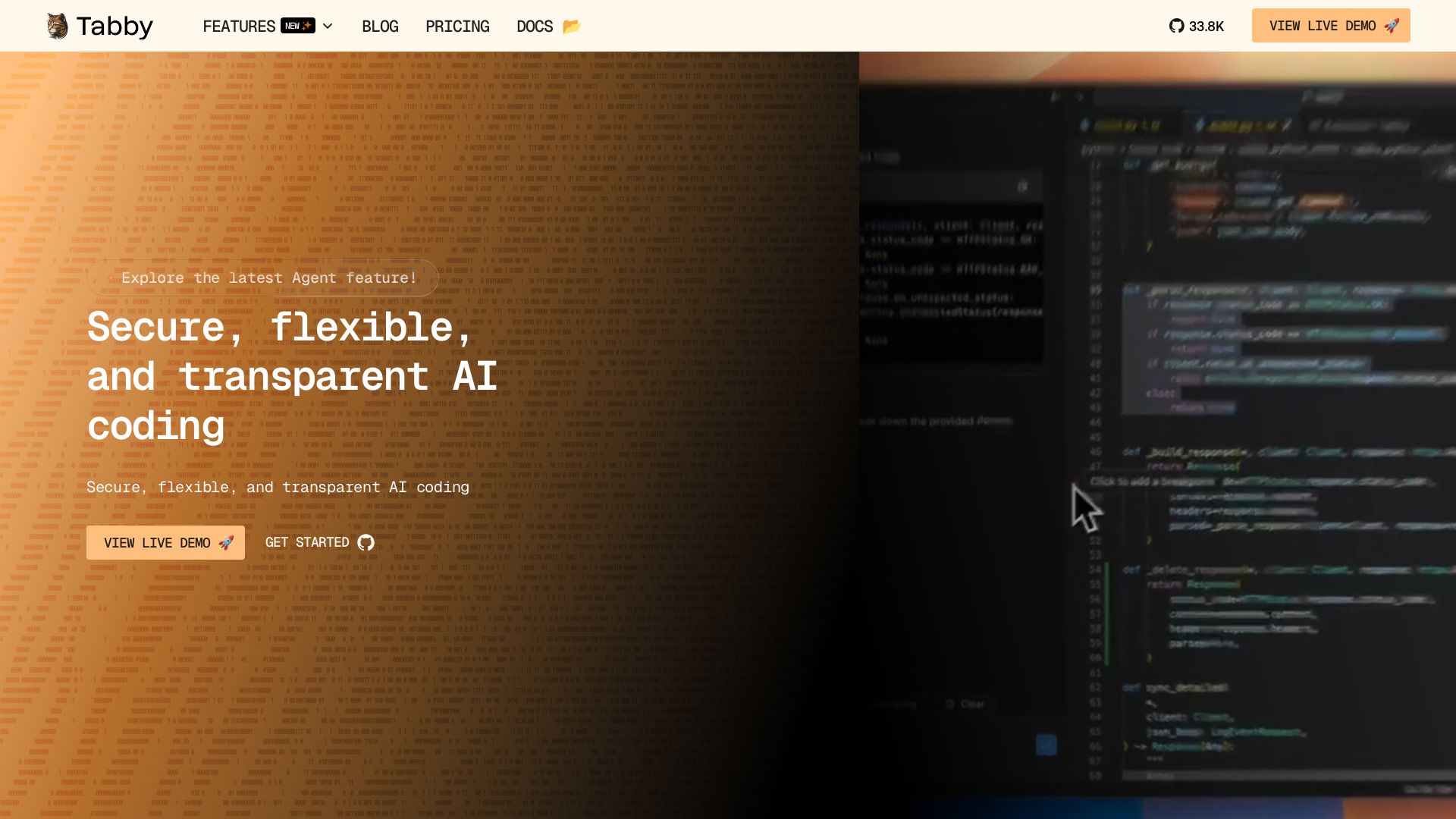
Self-hosted, secure AI coding assistant with code completion, answer engine, and inline chat. Private and flexible.

CodeGPT
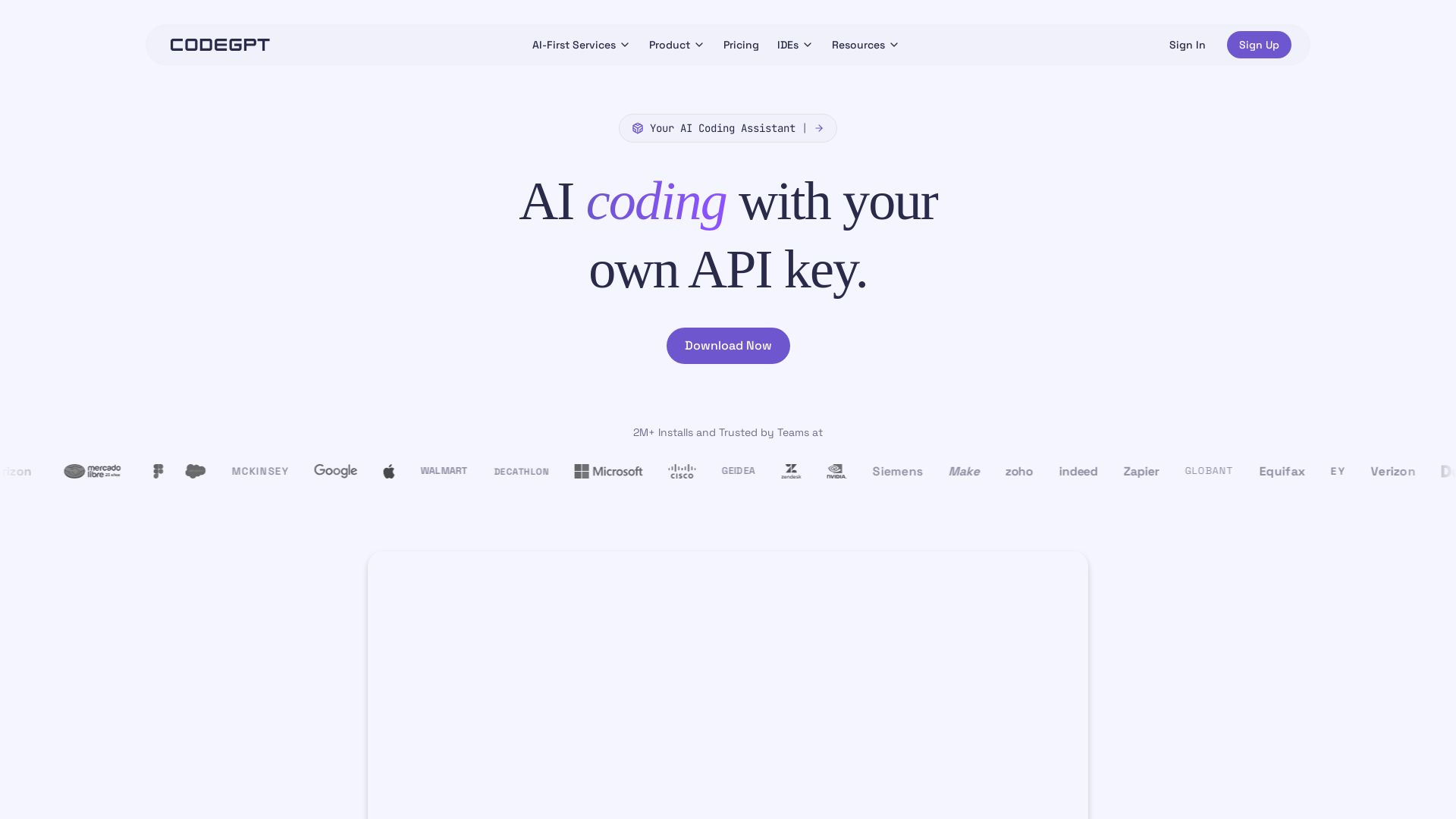
Bring your own API key for transparent, unlimited AI coding. Supports Claude, Gemini, OpenAI. Privacy-first, no middlemen. Trusted by 2M+ developers.

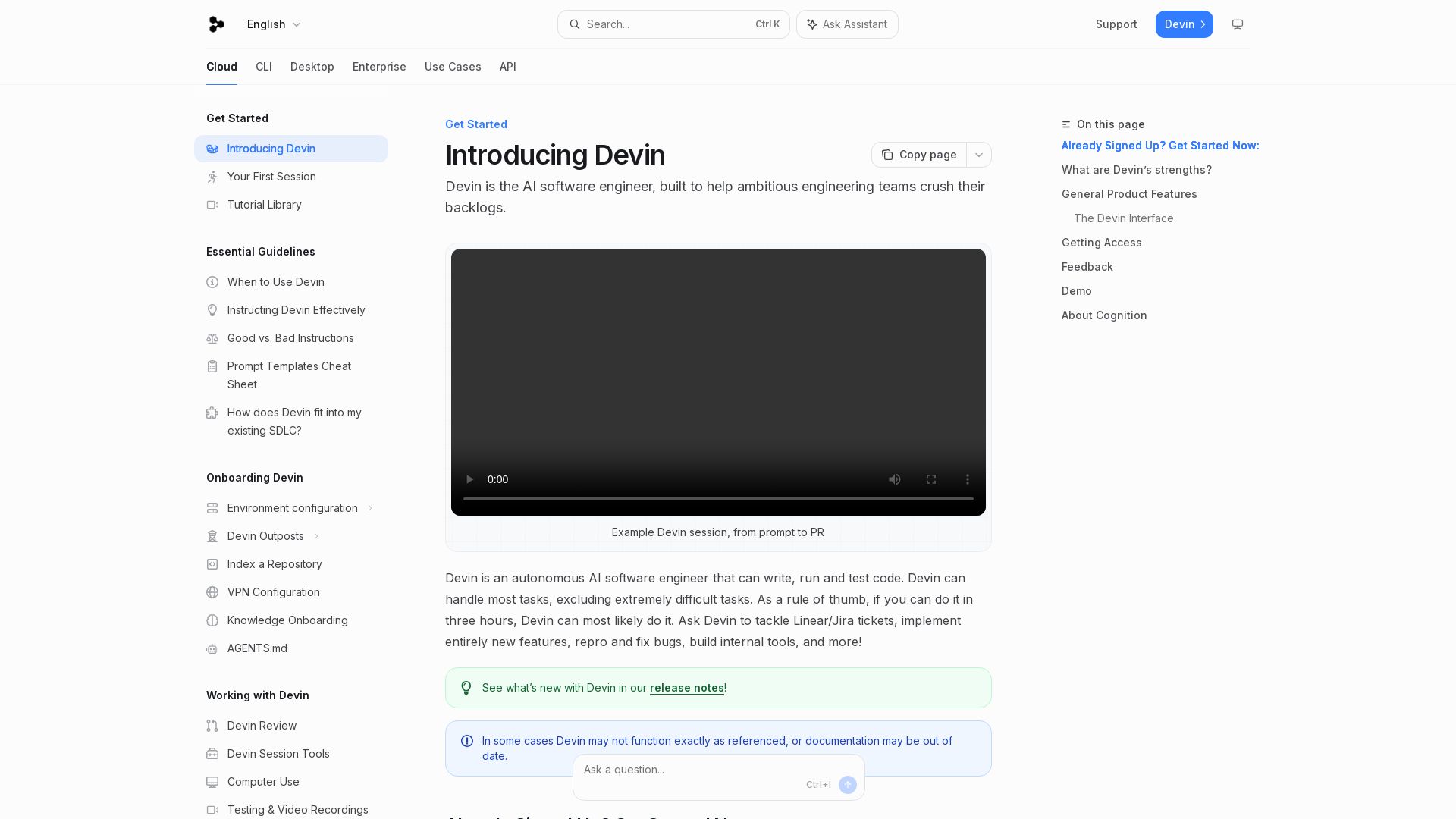
Devin
Devin is an autonomous AI software engineer that writes, runs, and tests code. Automate coding tasks, fix bugs, and crush backlogs.

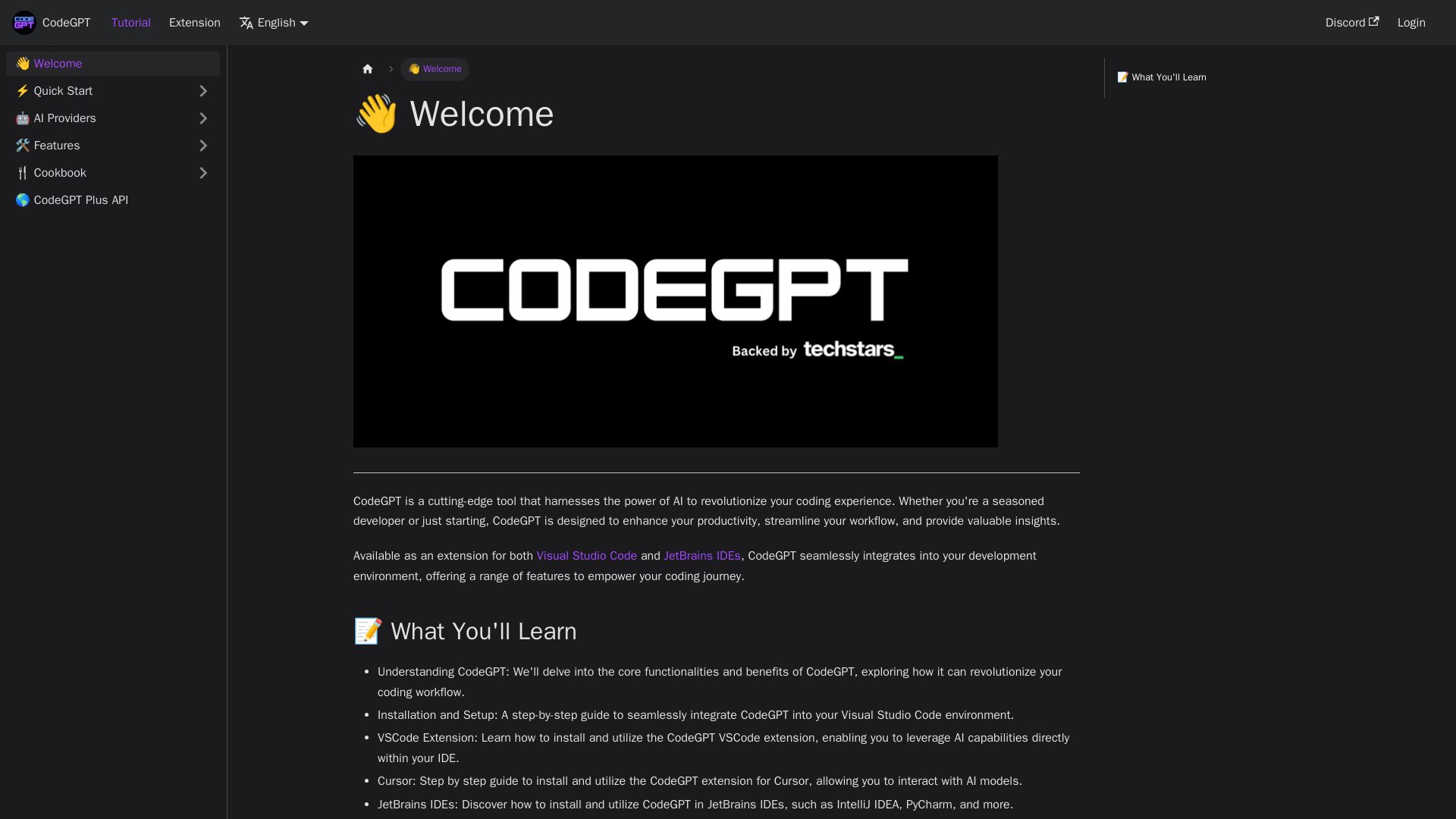
CodeGPT
Supercharge your coding with CodeGPT. AI-driven code generation, debugging, and agents. Seamlessly integrates with VS Code and JetBrains IDEs.

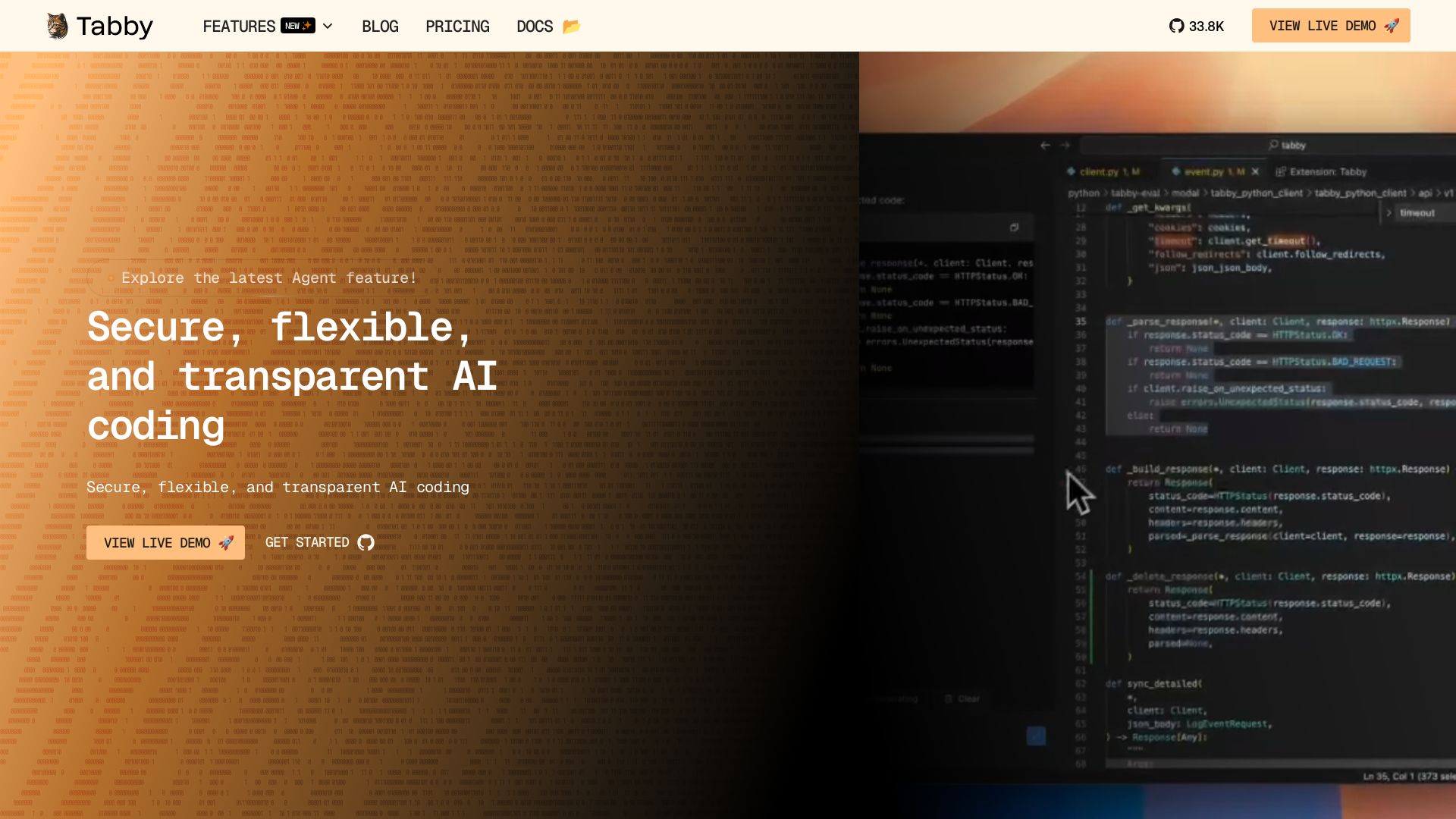
Tabby
Accelerate coding with Tabby's AI-powered code completion, answer engine, and inline chat. Self-hosted, secure, and flexible. Supports VS Code, Neovim, IntelliJ, and more.

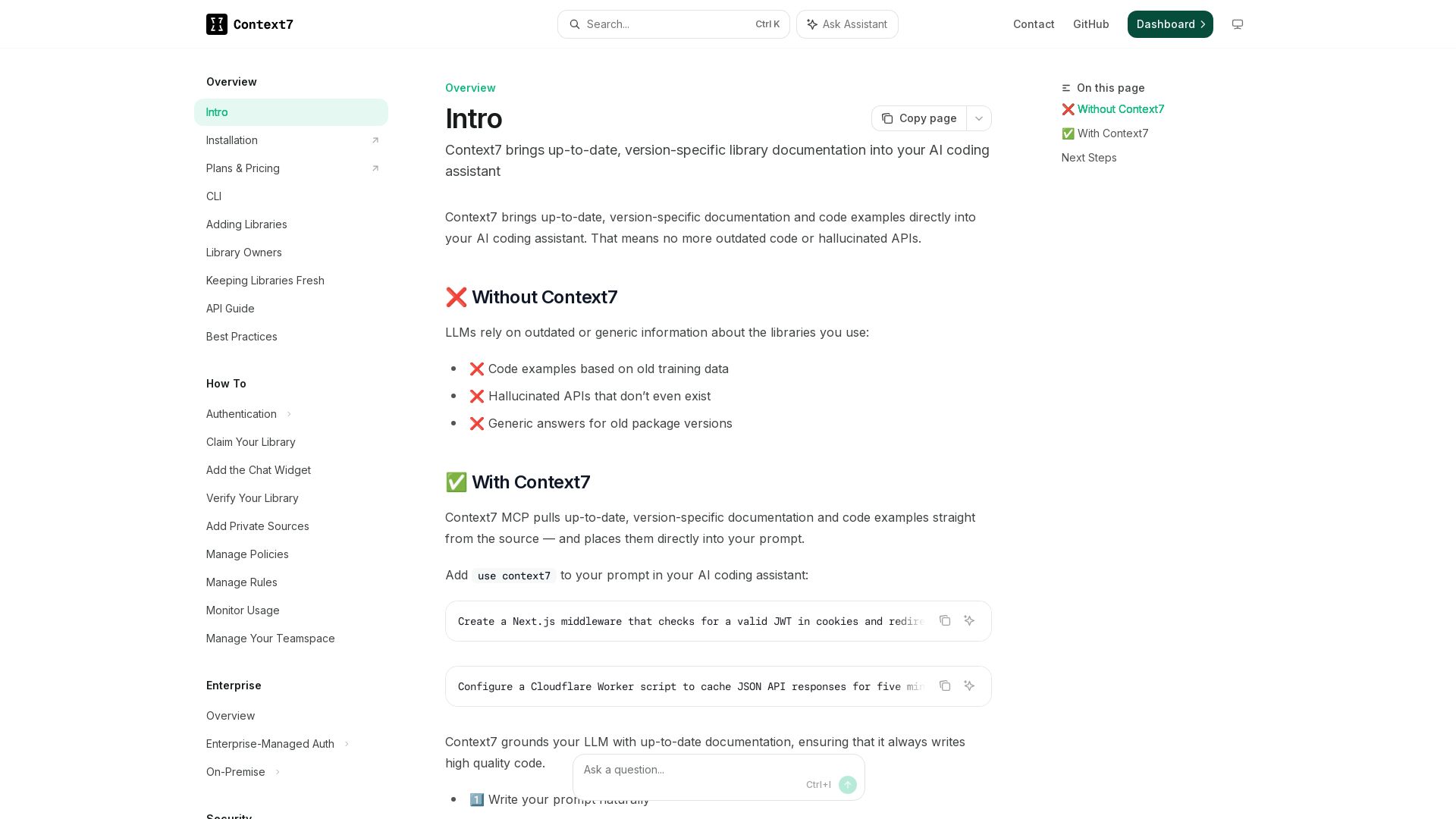
Context7
Get version-specific, current documentation and code examples directly in your AI assistant. No more outdated APIs or hallucinations.

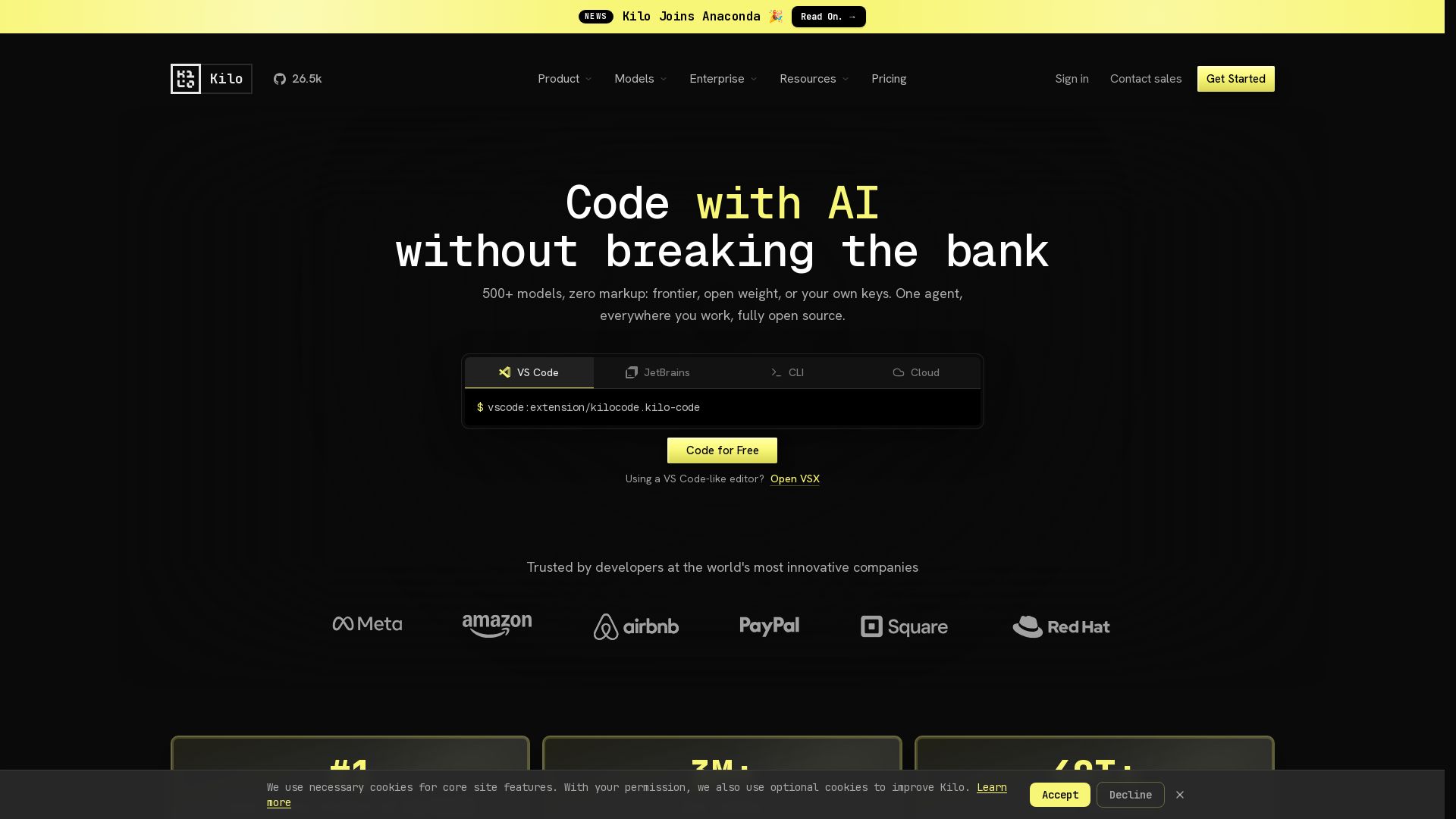
Kilo
Free AI coding tool with 500+ models at cost. Open source, no lock-in. Works in VS Code, JetBrains, CLI, and cloud. Trusted by 3M+ developers.

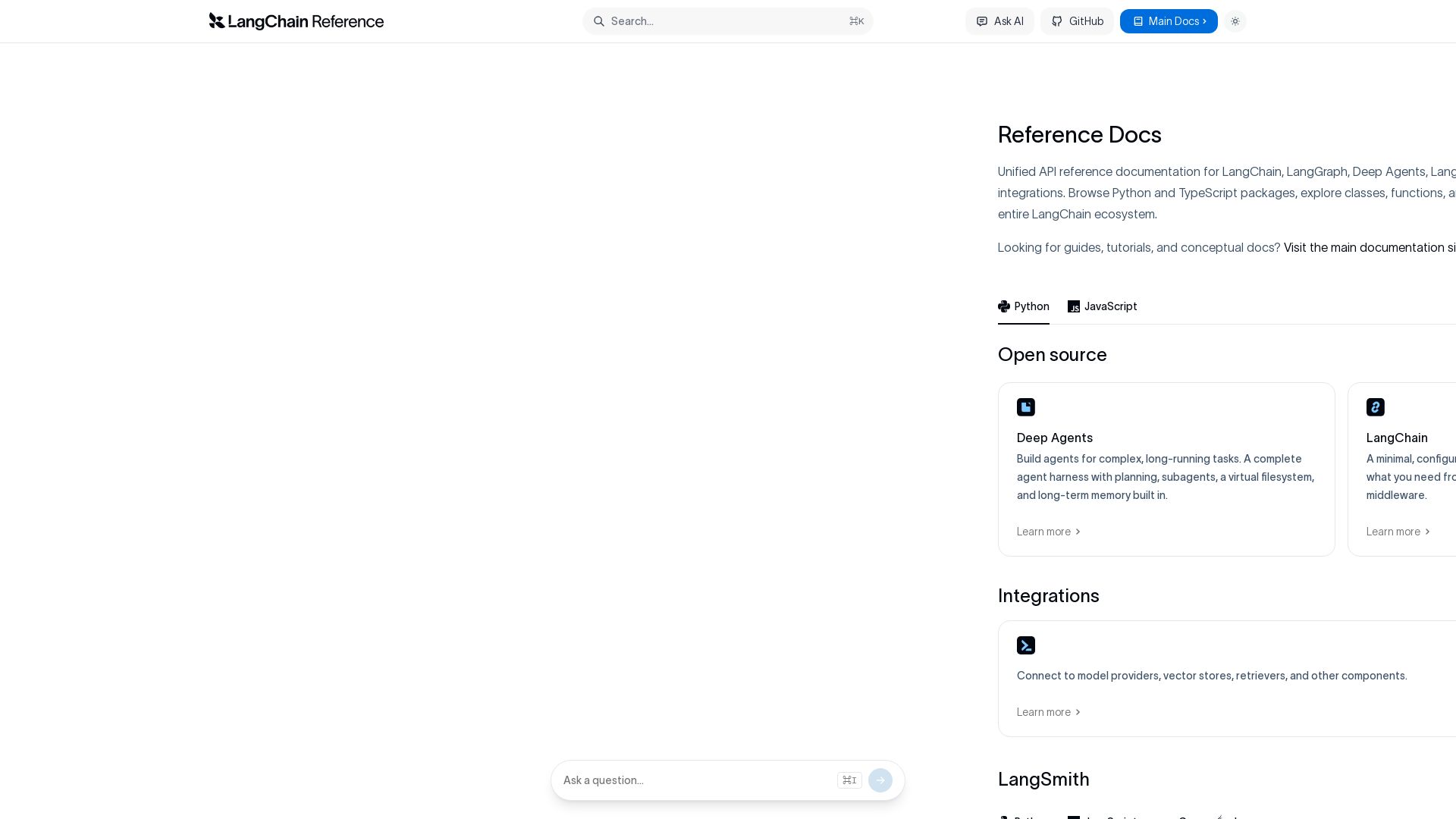
LangChain
Explore comprehensive API reference for LangChain ecosystem: LangChain, LangGraph, Deep Agents, LangSmith, and integrations. Python & TypeScript.

ℹ️ Curation Disclosure: The overview and features of Fern were synthesized using AI and fact-checked by our curation team to ensure accuracy.
