
Kilo
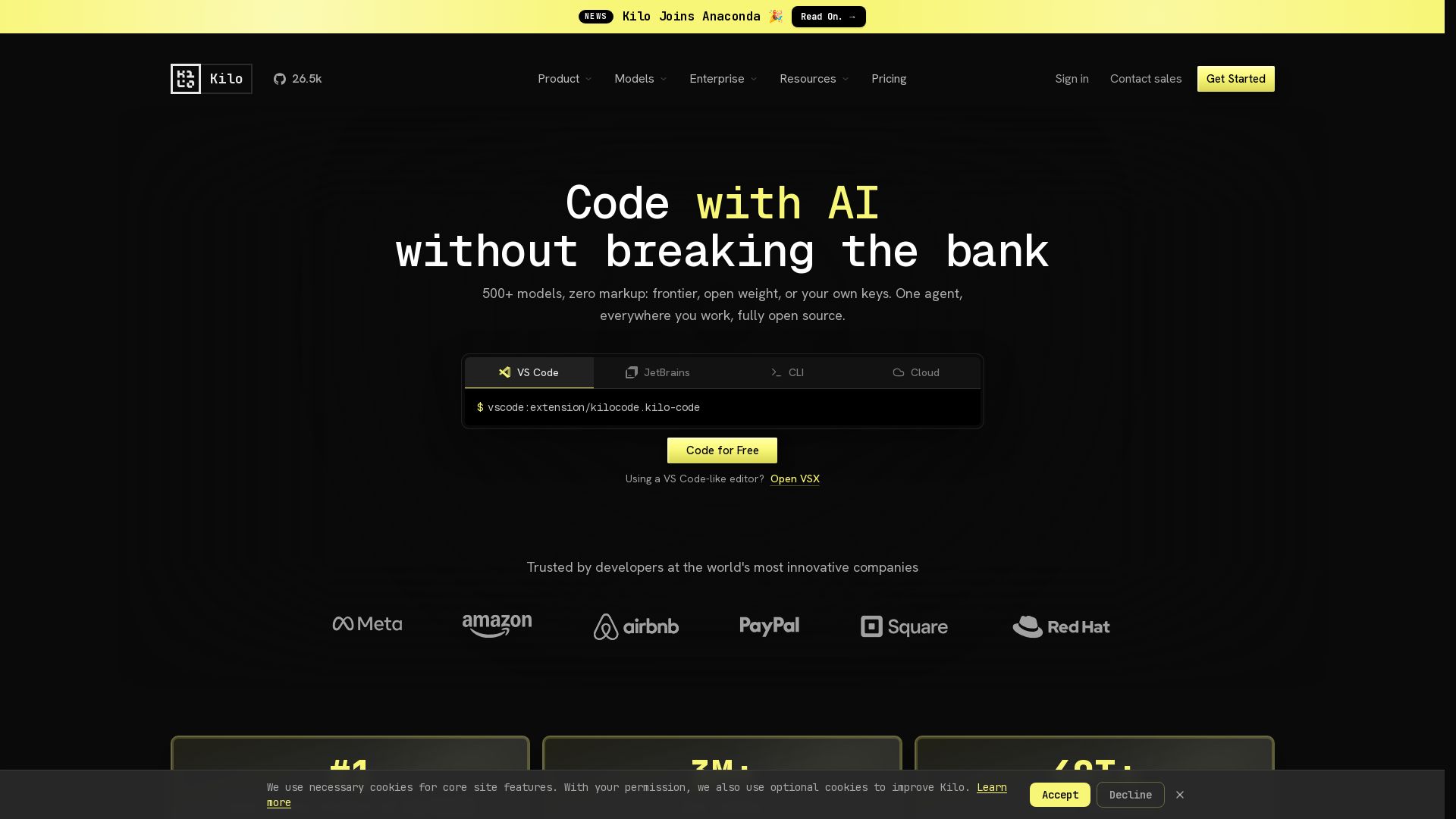
Free AI coding tool with 500+ models at cost. Open source, no lock-in. Works in VS Code, JetBrains, CLI, and cloud. Trusted by 3M+ developers.
Editor's Verdict
Key Takeaways
- Agent Command Center
- Aligned Pricing
- Open Source
- Multi-Mode Agent
In-Depth Review: What is Kilo?
Kilo is an open-source AI coding assistant that gives you access to 500+ AI models with zero markup. Use it in your favorite IDE, CLI, or cloud. It offers specialized agent modes for coding, architecture, debugging, and more. Bring your own keys or use the free tier. Trusted by over 3 million developers and ranked #1 Open Source Product of the Month.
Core Features
Agent Command Center
One portal to control every agent across IDEs, CLI, and cloud, with local and cloud agents, parallel isolated worktrees, and IDE/CLI session management.
Aligned Pricing
No markup on AI inference, no lock-in; choose models at cost, bring your own keys, or use local models with zero provider limits.
Open Source
MIT-licensed code with full visibility into prompts, context windows, and decisions; allows forking, modification, and self-hosting.
Multi-Mode Agent
Supports Code Mode, Architect Mode, Debug Mode, and Ask mode for switching contexts without switching tools.
KiloClaw Always-On Agent
Hosted OpenClaw agent that works beyond the IDE, connecting via Telegram, Discord, or Slack for shell commands, browser control, and scheduled automations.
Auto Model Routing
Automatically selects the best model for the task based on budget and complexity, with tiers: Efficient, Frontier, Balanced, and Free.
Pricing
Free & Open Source
- Open source VS Code, JetBrains & CLI extensions
- Agentic coding assistant
- Code completion & generation
- Works with any AI model
- AI usage billed separately
Teams
- Everything in Free, plus team management
- Usage analytics & reporting
- AI adoption score
- Shared agent modes
- Centralized billing
- Shared BYOK
- Team management
- Data privacy controls
- Priority support
Enterprise
- Everything in Teams, plus security & compliance
- SSO, audit logs & SLA
- Limit models and/or providers
- Shared Private Gateway BYOK
- Audit logs
- SSO, OIDC, & SCIM support
- SLA commitments
- Dedicated support channels
Auto Free / BYOK / Local
- No hosted credit required
- Auto Free routes to free models through Kilo Gateway where available
- Bring your own Anthropic, OpenAI, Google, Azure, AWS Bedrock, or other provider keys
- Run local models with Ollama or LM Studio
Kilo Gateway
- Exact provider rates
- 500+ models across 60+ providers
- Auto Model routes through Frontier, Balanced, or Free
- Pay exact provider rates with no markup
- Top up credits only when you need them
Kilo Pass
- Up to 50% bonus credits
- Monthly AI credit subscription for regular usage
- Earn up to 50% bonus credits on top of subscribed credits
- Auto Model helps credits stretch further by matching model strategy to selected tier and task complexity
Pros and Cons
Pros
- Full Open SourceMIT-licensed code allows forking, modification, and self-hosting, with full visibility into prompts and decisions.
- Multi-IDE SupportWorks with VS Code, JetBrains (IntelliJ, PyCharm, WebStorm), and CLI, plus cloud agents and Slack integration.
- Zero Markup on AIPay exact provider rates or bring your own keys; no lock-in and no hidden costs on AI inference.
- Agent ModesCode, Architect, Debug, and Ask modes let you switch contexts without switching tools, boosting productivity.
- Auto Model RoutingIntelligent routing selects the best model for the task, balancing capability and cost efficiently.
Cons
- Separate Inference CostAI inference is billed separately from the free open-source extension, which can become expensive for heavy users without BYOK.
- Teams Plan CostTeam management features require a $15/user/month subscription, which may be steep for small teams.
- Limited Free Model SelectionFree tier only routes to free models, which may be less capable or slower than paid options.
- Complex Pricing StructureMultiple plans (Free, Teams, Enterprise, Gateway, Kilo Pass) and inference options can be confusing to navigate.
- No Offline ModeMany features rely on cloud connectivity and hosted agents, limiting use in fully offline environments.
Use Cases & Recommended Professions
Software Engineer→ View Toolkit
Needs an AI coding agent that integrates with IDEs like VS Code and JetBrains for writing, refactoring, and debugging code efficiently.
AI/ML Engineer→ View Toolkit
Benefit from multi-model support and ability to bring own keys for fine-tuning and experimentation with various AI models.
DevOps Engineer→ View Toolkit
Leverages cloud agents and KiloClaw for always-on automation, shell commands, and scheduled tasks across environments.
Data Scientist→ View Toolkit
Uses code generation and model routing to accelerate data analysis, prototyping, and integration with Jupyter or other tools.
Technical Lead / Architect→ View Toolkit
Employs Architect mode to plan complex features and get structured guidance before implementation, improving team coordination.
Freelance Developer→ View Toolkit
Appreciates the free open-source tier and ability to bring own keys, keeping costs low while accessing powerful AI assistance.
Frequently Asked Questions
Alternative AI Tools
View Detailed Comparison →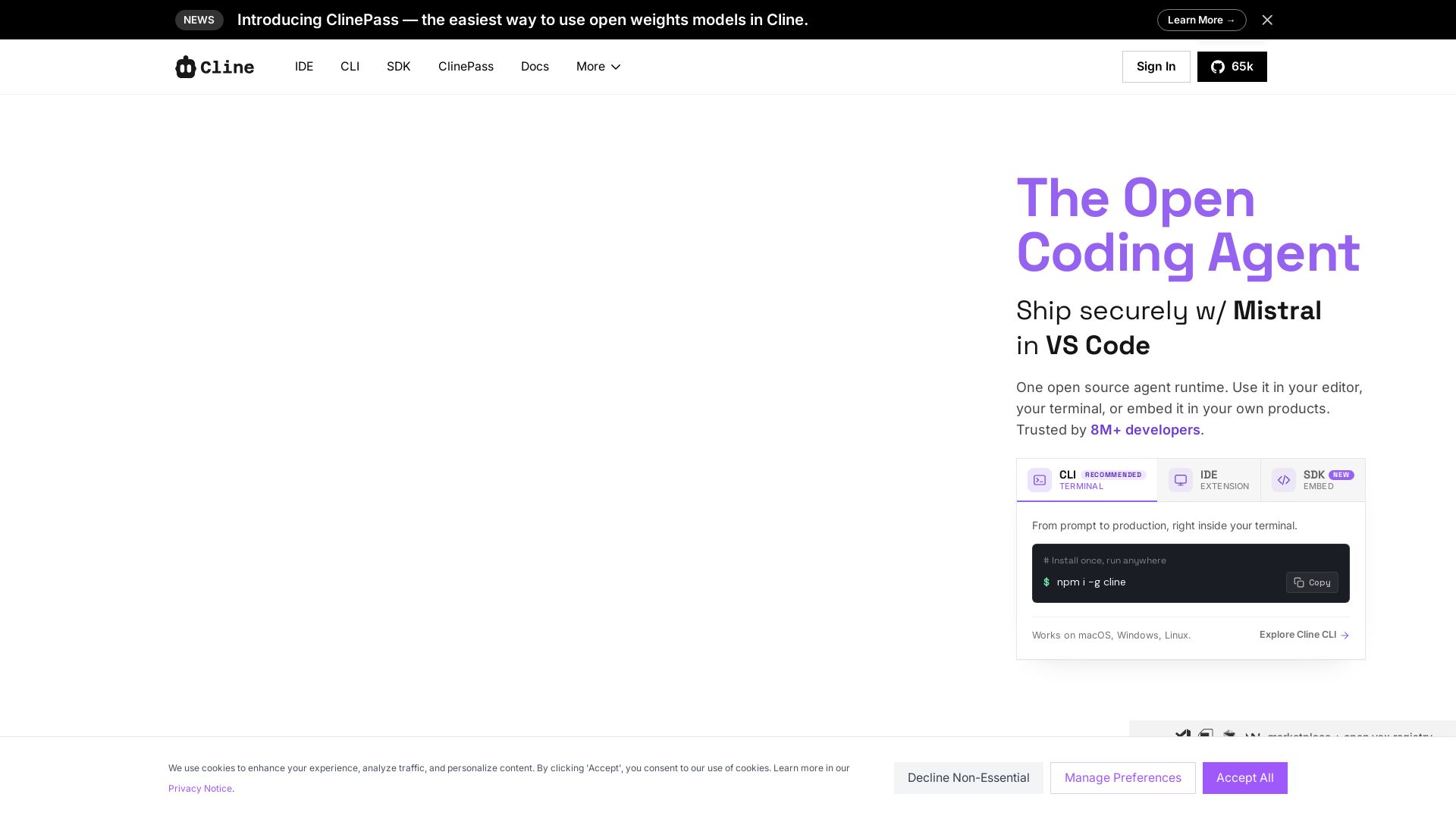
Cline
Cline is the open source AI coding agent that helps you ship secure code with Claude in VS Code, terminal, and more. Plan, act, and automate across your workflow.

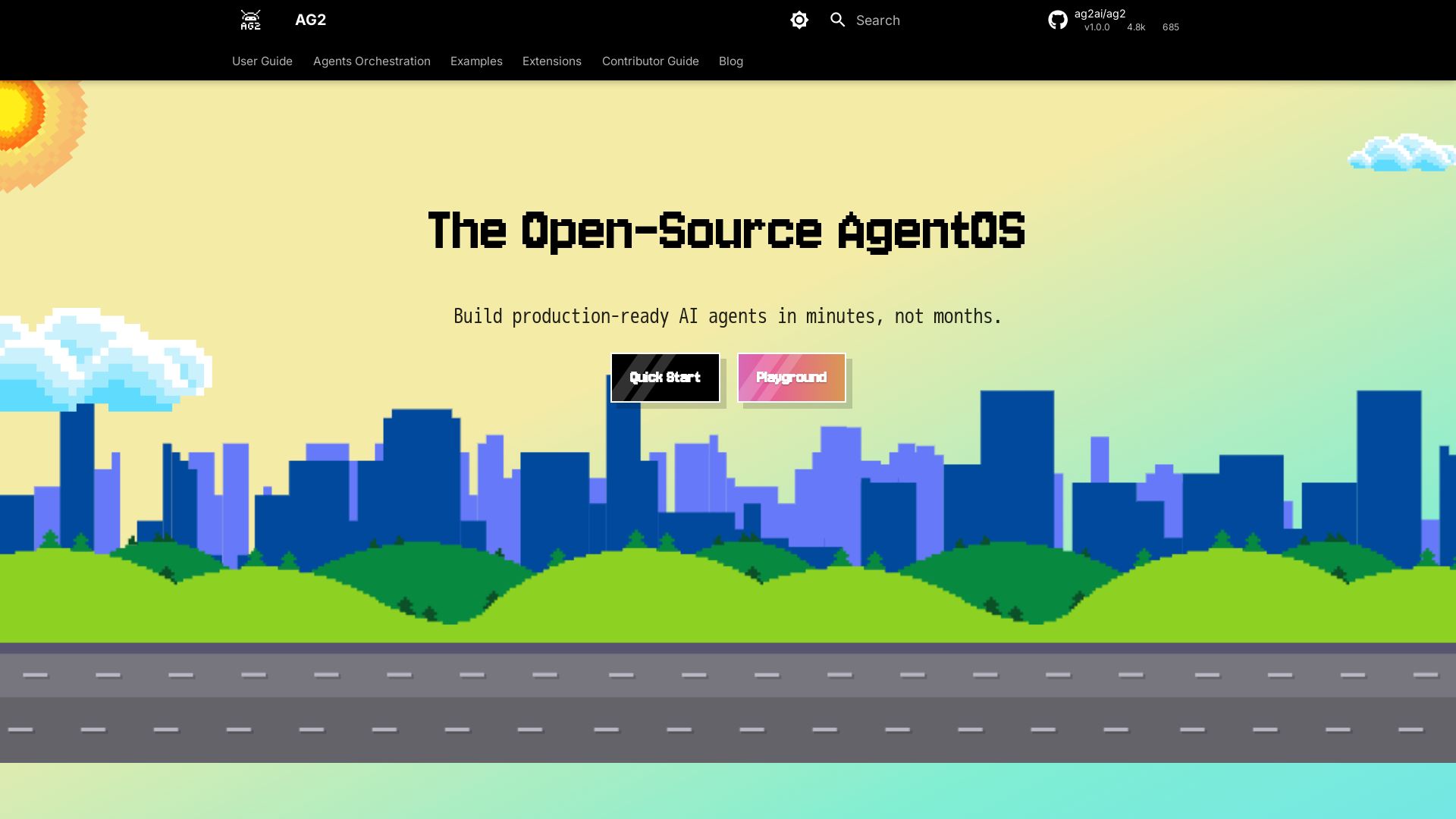
AG2
Build production-ready AI agents in minutes with AG2. Simple syntax, built-in patterns, human-AI collaboration. Open-source multi-agent framework.

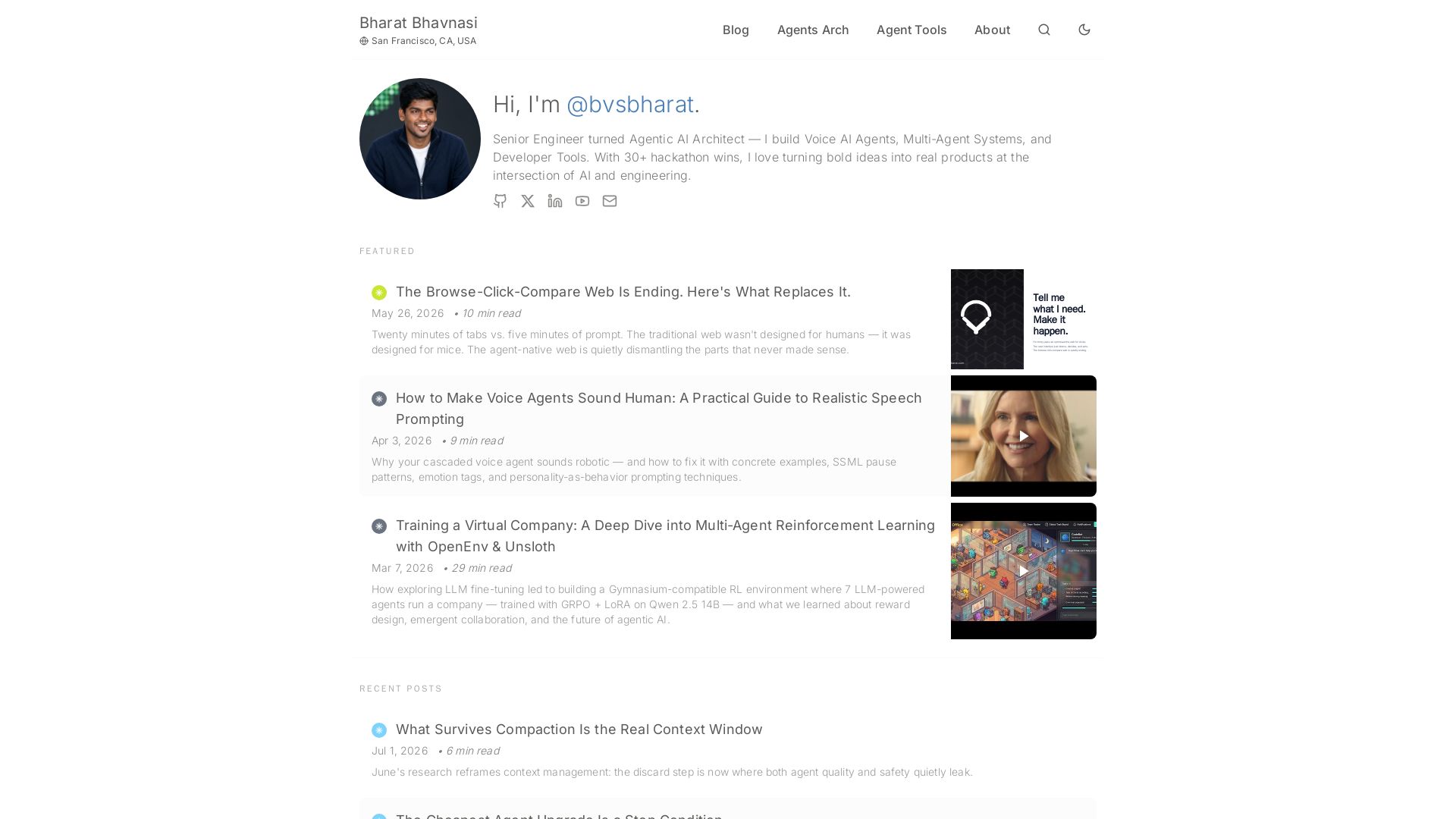
I Tested Every Major Open-Source AI Agent SDK So You Don't ...
Explore insights on Voice AI Agents, Multi-Agent Systems, and Developer Tools from a 30+ hackathon winner. Practical guides and cutting-edge research.

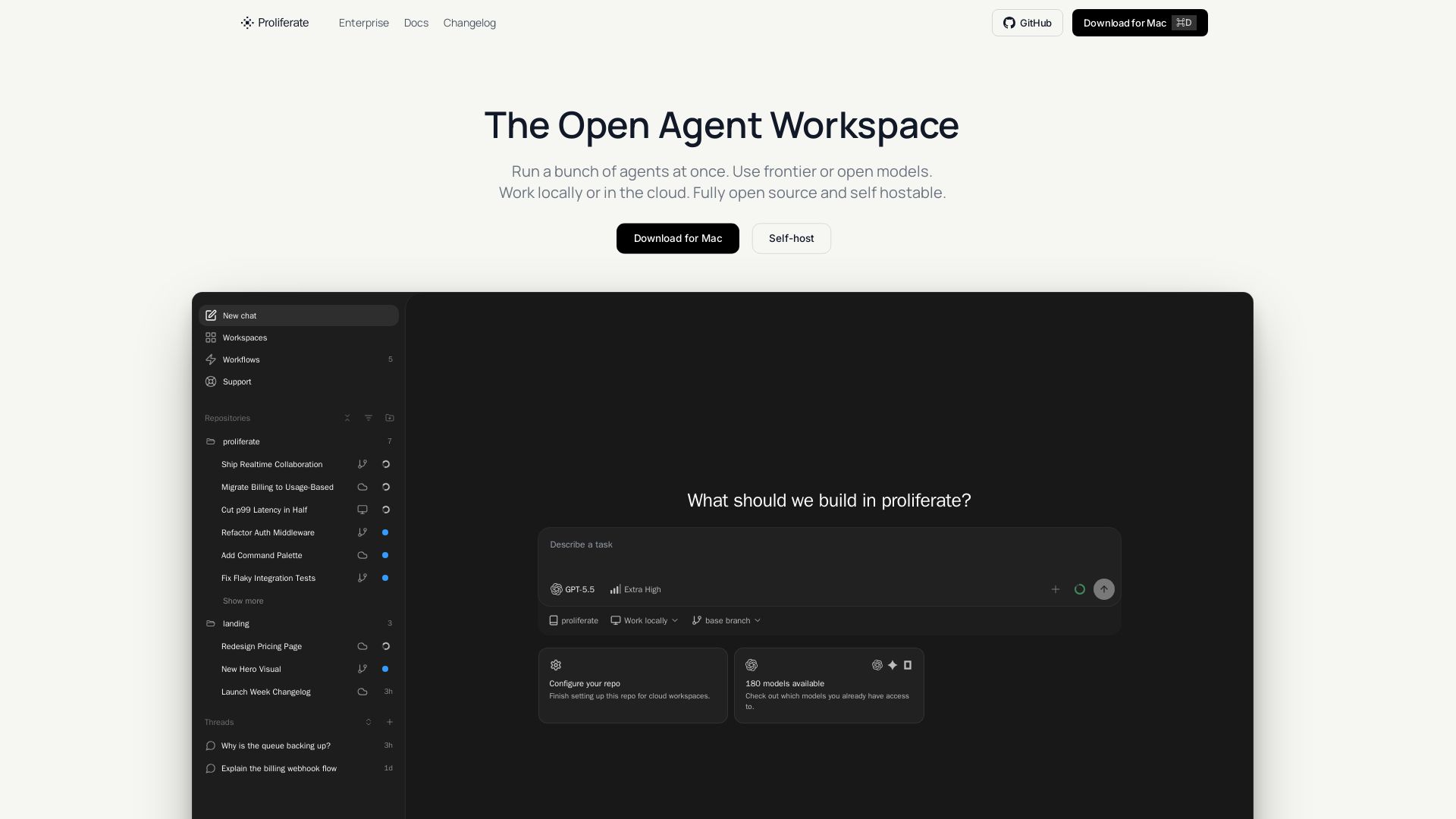
Proliferate
Orchestrate multiple AI coding agents in parallel, locally or in the cloud. Fully open source & self-hostable. Own your workflows.

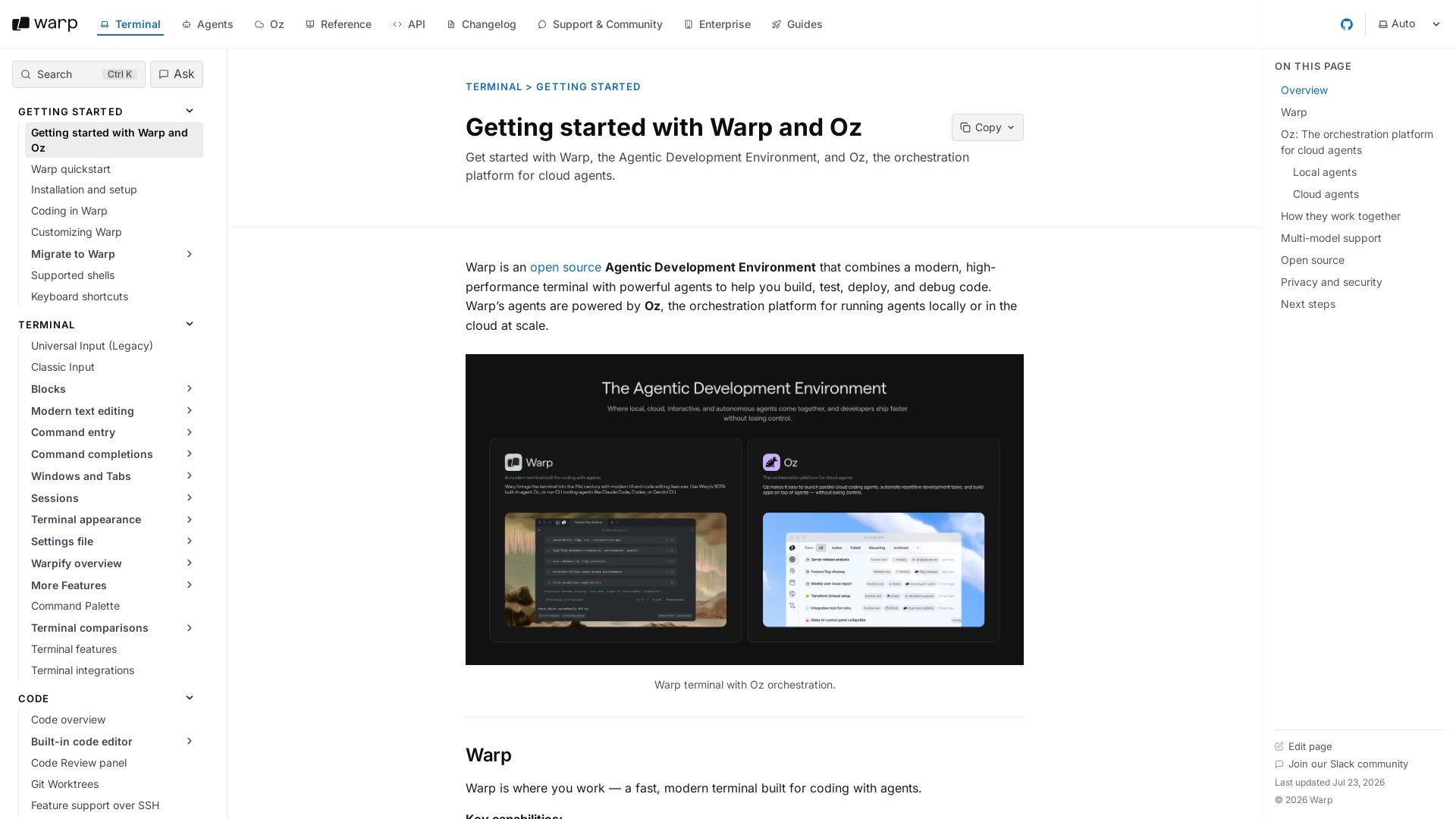
Warp
Warp combines a high-performance terminal with AI agents powered by Oz. Write, debug, and deploy code faster with local and cloud agents. Open source and privacy-first.

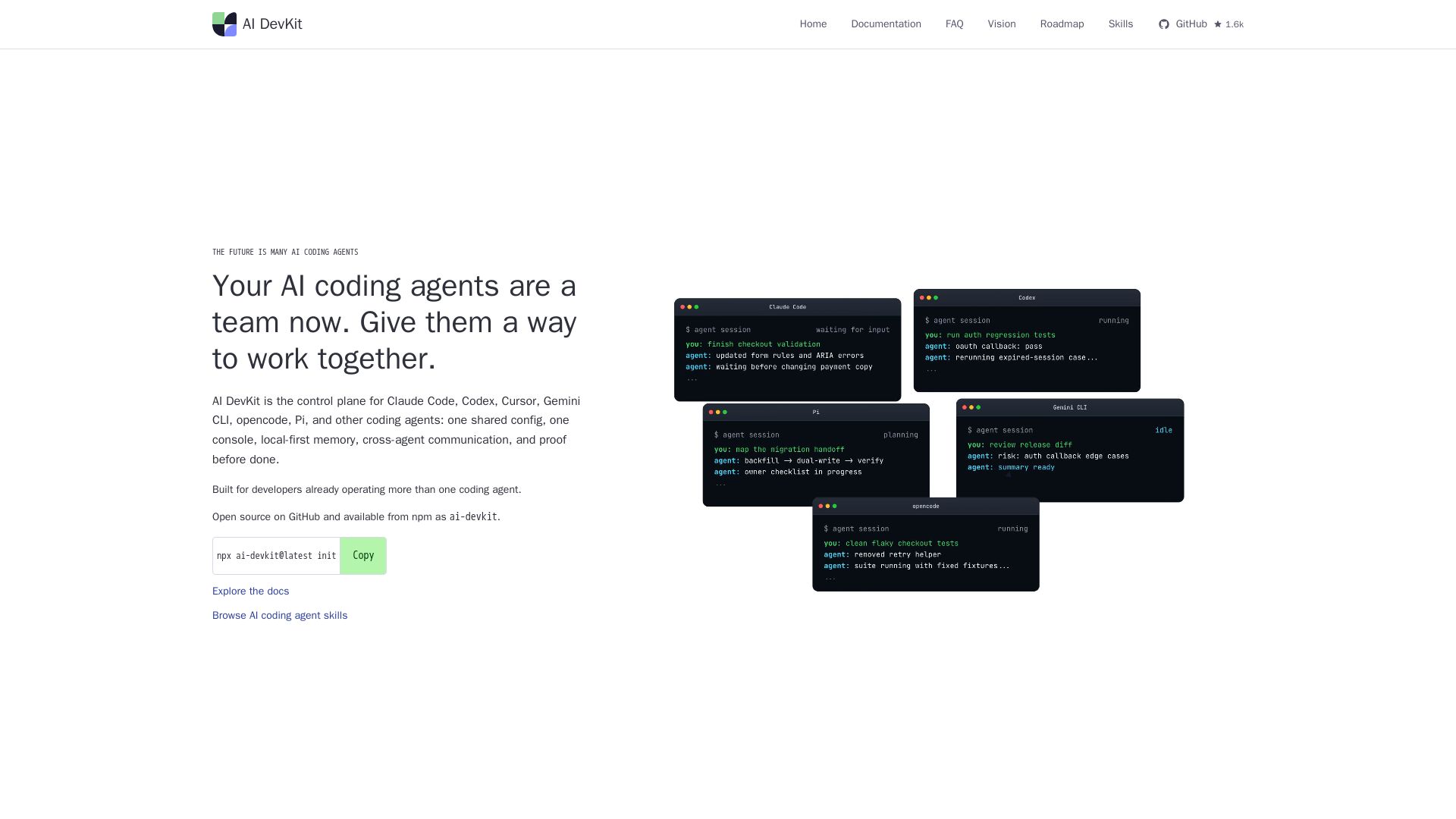
AI DevKit
One shared config, console, memory, and verification for Claude Code, Codex, Cursor & more. Local-first, open source.

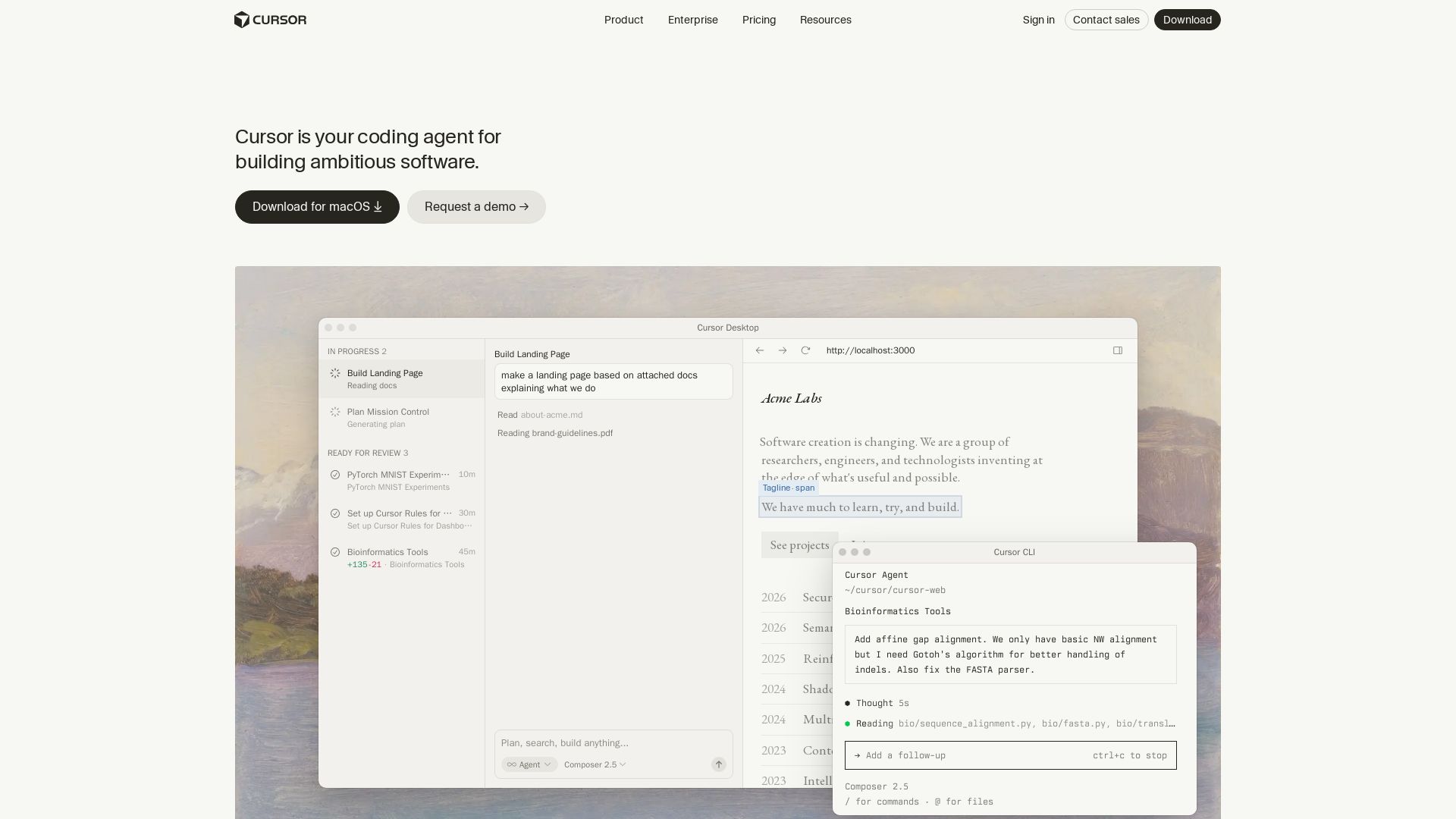
Cursor
Cursor is the AI coding agent that helps you build software faster with autonomous agents, IDE integration, and team collaboration. Trusted by top companies.

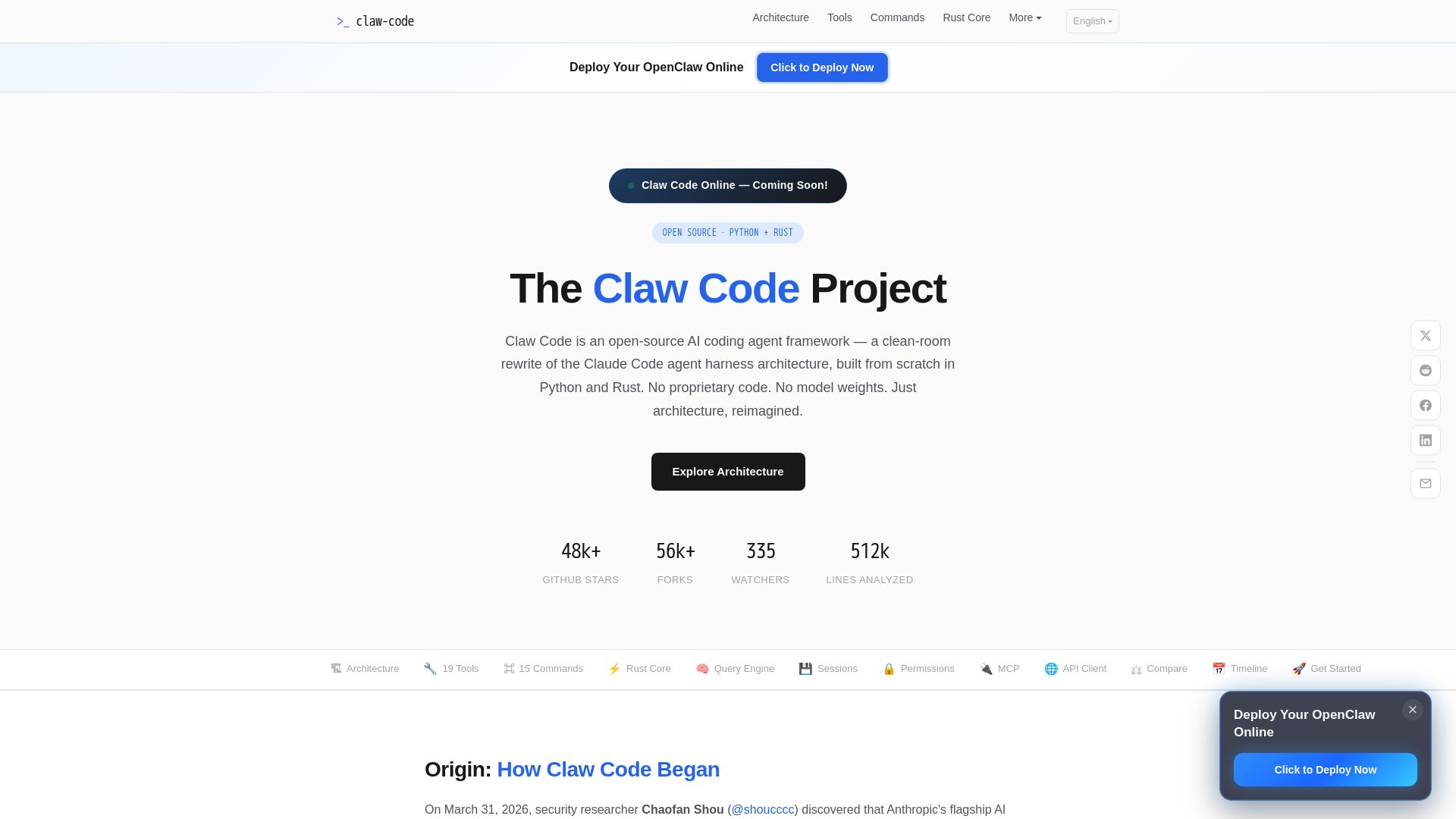
Claw Code
Clean-room Python & Rust rewrite of Claude Code architecture. 19 tools, multi-agent orchestration, MCP support. Free & open-source.

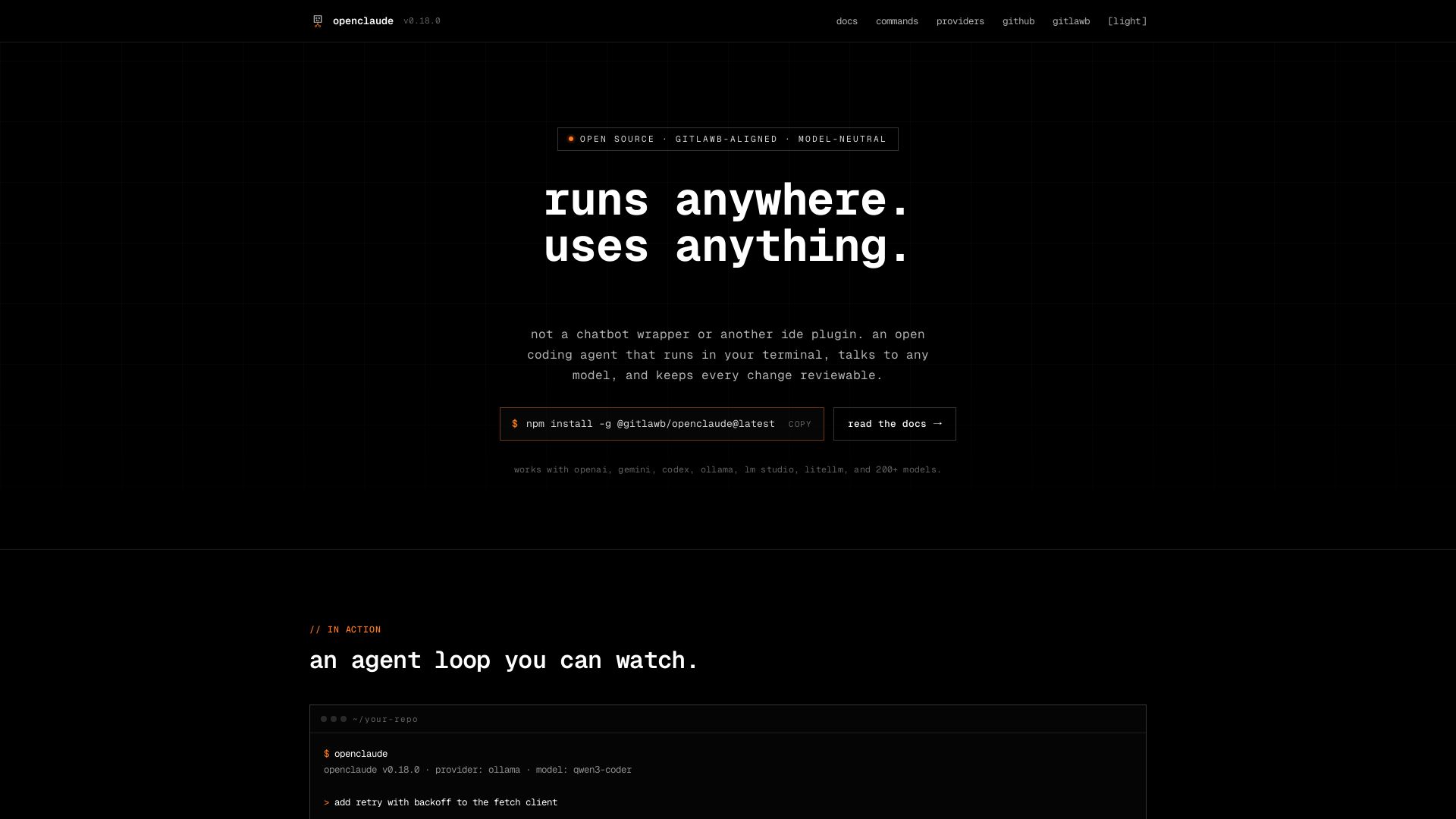
openclaude
An open coding agent that runs in your terminal, talks to any model, and keeps every change reviewable. Works with OpenAI, Gemini, Ollama, and 200+ models.

SmythOS
Build, test, and deploy secure AI agents at scale with SmythOS. Open-source runtime, SDK, and visual studio. Democratizing AI agent development.

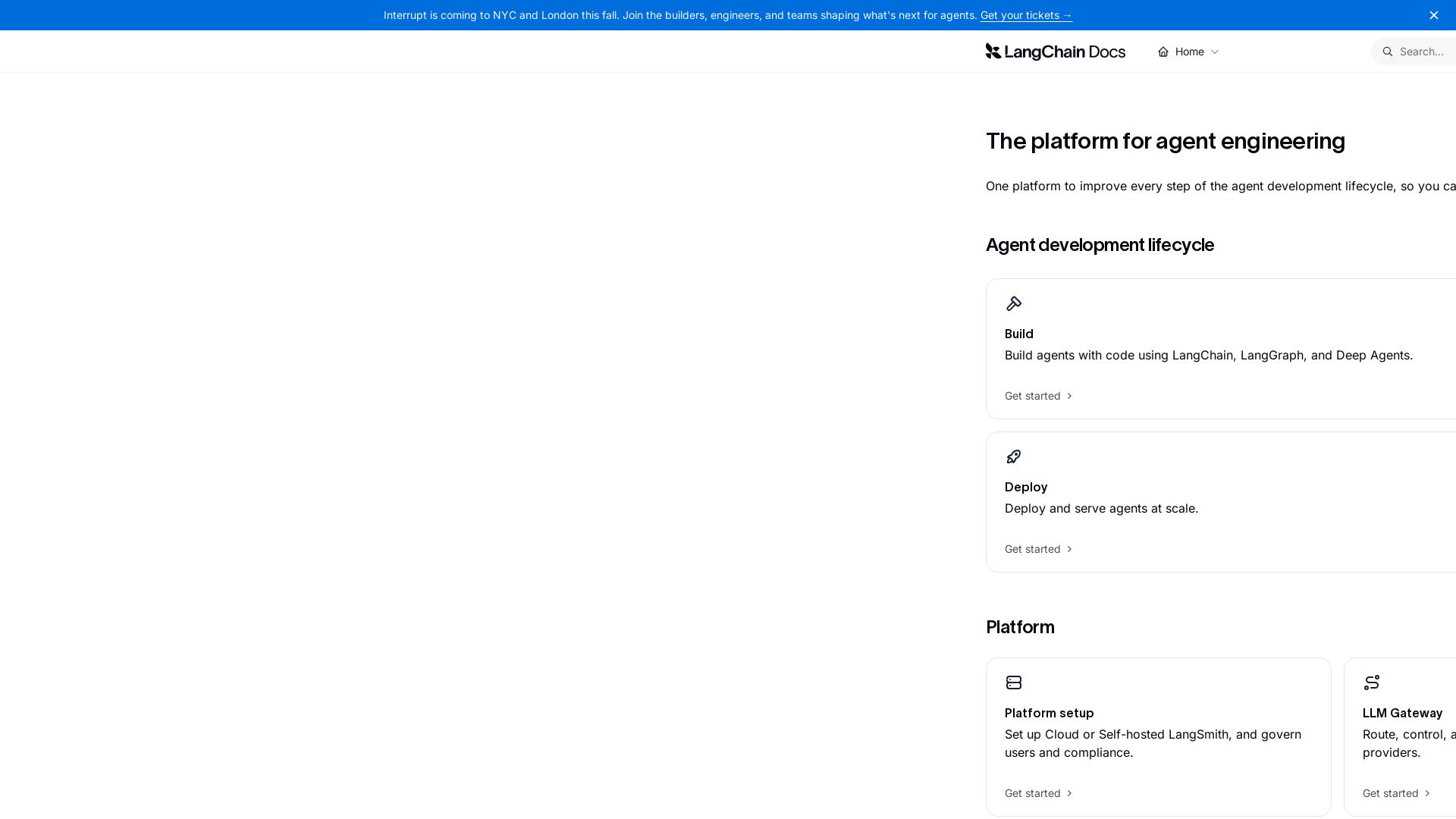
LangChain
The platform for agent engineering. Build, test, deploy, and monitor AI agents with ease. Ship reliable agents faster.

LobeHub
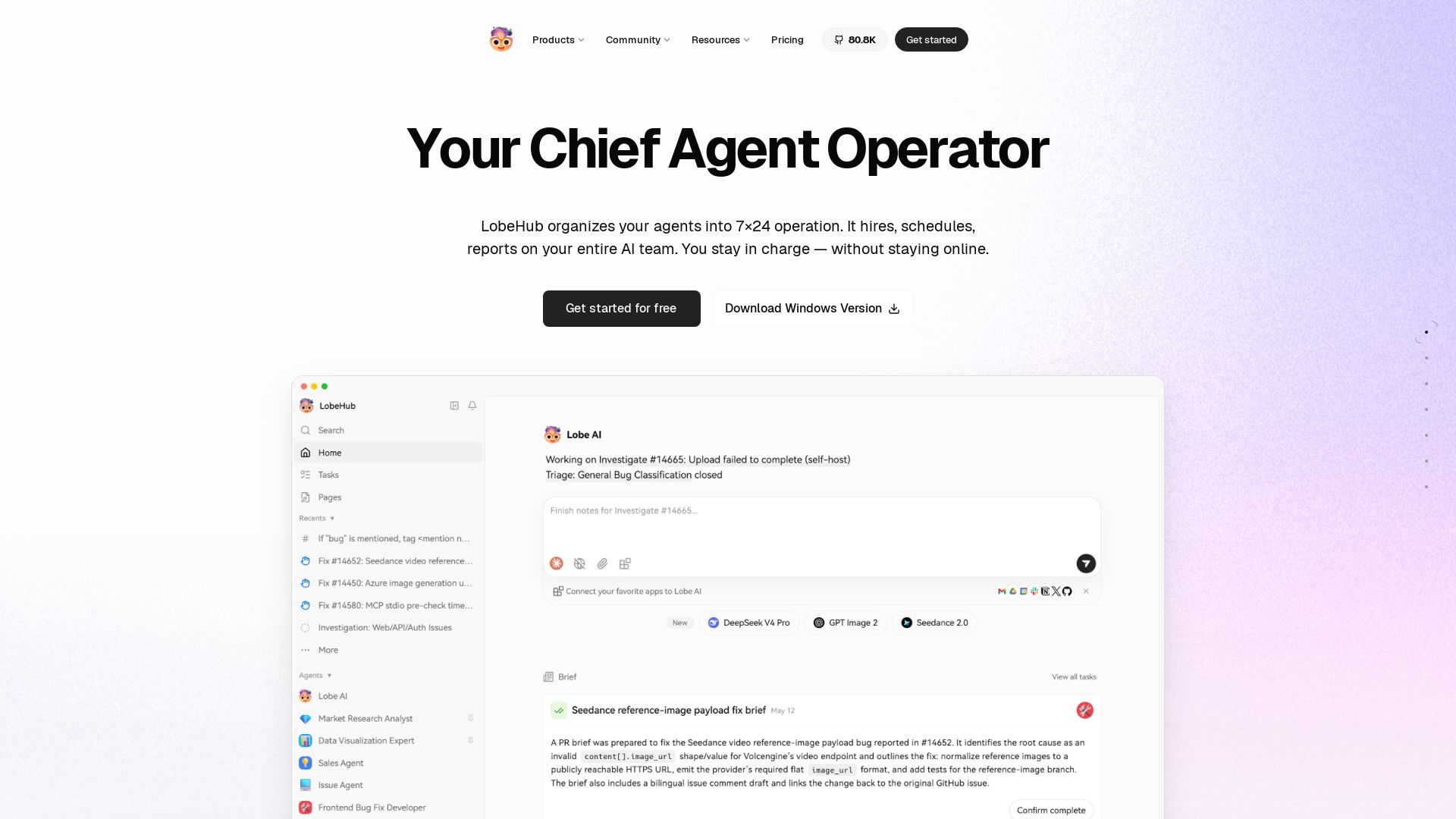
LobeHub organizes your AI agents into 7x24 operations. Hire, schedule, and manage your entire AI team with a Chief Agent Operator. Open source, multi-model, and collaborative.

ℹ️ Curation Disclosure: The overview and features of Kilo were synthesized using AI and fact-checked by our curation team to ensure accuracy.
