
AI DevKit
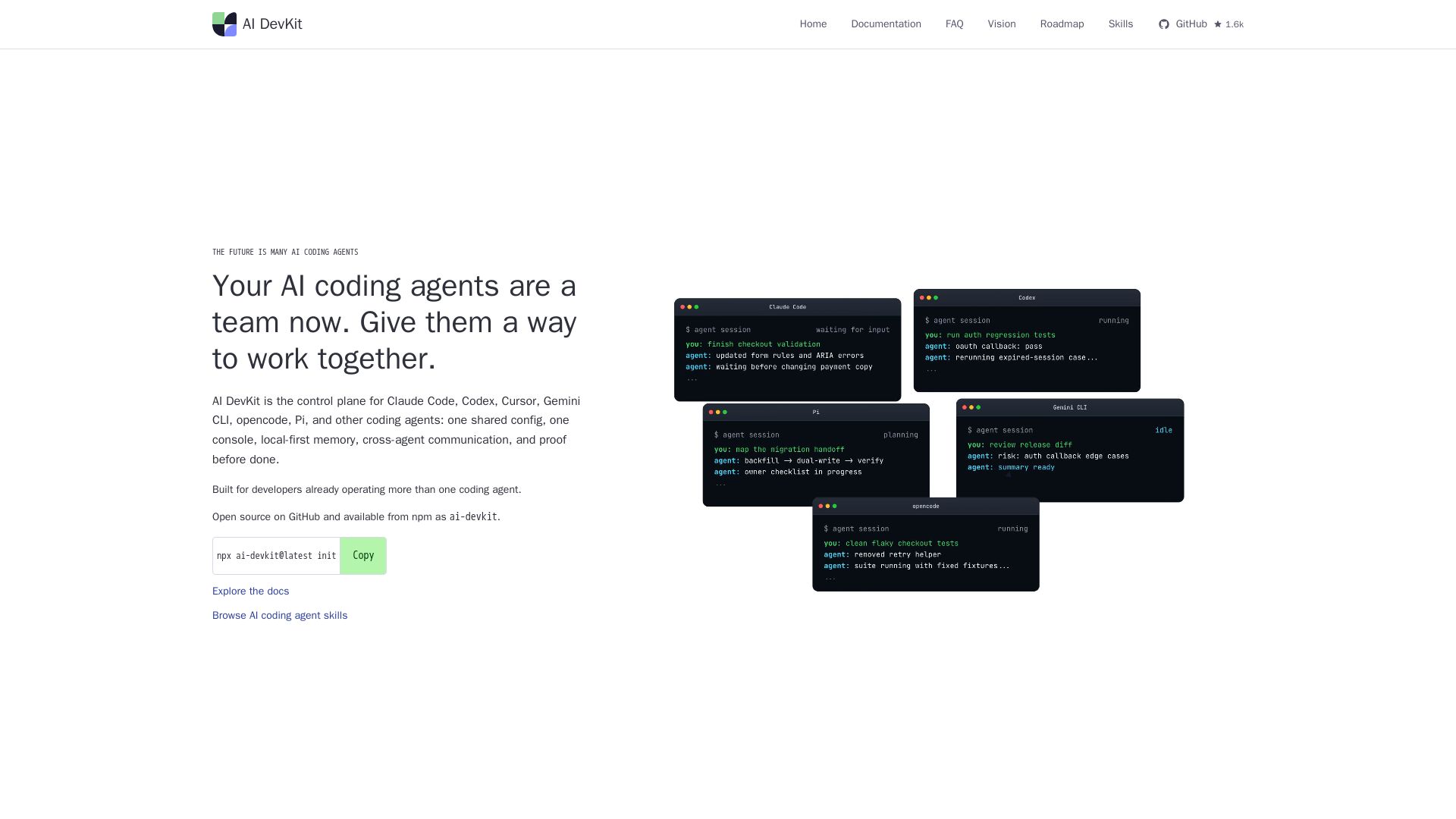
One shared config, console, memory, and verification for Claude Code, Codex, Cursor & more. Local-first, open source.
Editor's Verdict
Key Takeaways
- Shared Config
- Agent Console
- Agent Send
- Local SQLite Memory
In-Depth Review: What is AI DevKit?
AI DevKit is the control plane for multi-agent AI coding. It provides a unified setup, local console, cross-agent communication with agent send, local SQLite memory, and verification gates. Works with all major coding agents. Open source and free.
Core Features
Shared Config
One .ai-devkit.json to reconcile supported coding agents from a single project-local source of truth, easily re-runnable as stack changes.
Agent Console
See every running agent in a unified local console instead of scattered terminal tabs, inspect sessions, and keep long-running agents organized.
Agent Send
Send prompts, logs, test output, and review tasks to the right running agent or saved agent group, eliminating copy-pasted context.
Local SQLite Memory
Store conventions, decisions, and reusable fixes locally so agents search when context is needed, avoiding bloated prompts.
Verification Gates
Use workflow skills and verification gates to require fresh build or test output before marking tasks as done, ensuring proof before done.
Reusable Skills
Extend the operating model with reusable AI coding agent skills for planning, debugging, memory, verification, documentation, and review.
Multi-Agent Orchestration
Sits above coding agents like Claude Code, Codex, Cursor, Gemini CLI, opencode, and Pi to provide a control plane for team-based AI coding.
Pricing
Open Source (MIT)
- Shared config for all supported agents
- Agent console for session management
- Agent send for cross-agent communication
- Local SQLite memory storage
- Verification gates for proof-before-done
- Reusable AI coding agent skills
- Supports Claude Code, Codex, Cursor, Gemini CLI, opencode, Pi, and others
Pros and Cons
Pros
- Open Source (MIT License)Completely free and transparent, with the ability to inspect, modify, and contribute to the codebase.
- Local-First PrivacyAll memory and configuration stay local, ensuring no external data leak and reducing prompt bloat.
- Multi-Agent SupportWorks with numerous popular coding agents, unifying their operation under one control plane.
- Reduces Operational MessEliminates scattered terminal tabs, duplicated rules, and copy-pasted logs by centralizing orchestration.
- Quick SetupStart with a single command (npx ai-devkit@latest init) and have a working control plane in under 30 seconds.
Cons
- Requires Multiple AgentsThe tool's value is limited if you only use a single coding agent; it's designed for teams of agents.
- Limited Agent CompatibilityOnly supports the listed agents (Claude Code, Codex, etc.), so users of other agents may be left out.
- Learning CurveDevelopers must learn new commands (agent send, agent console, memory search) and configure the JSON file.
- Early Development StageAs an open-source project, it may have bugs, limited documentation, or rapid changes in releases.
- Developer-CentricGeared solely toward software developers and AI engineers; non-technical users cannot benefit.
Use Cases & Recommended Professions
Software Engineer→ View Toolkit
Manages multiple AI coding agents across projects, needs unified orchestration to reduce context switching and operational overhead.
AI/ML Engineer→ View Toolkit
Uses several specialized agents for different tasks (code, debug, review) and requires a central console and memory for consistency.
DevOps Engineer→ View Toolkit
Automates CI/CD pipelines with AI agents and needs verification gates to ensure code quality before deployment.
Technical Lead→ View Toolkit
Oversees team of developers using AI agents; wants shared config and communication to enforce standards and track progress.
Freelance Developer→ View Toolkit
Works on multiple client projects with different agent setups; needs a local-first solution to avoid repeating configuration.
AI Agent Developer→ View Toolkit
Builds or customizes coding agents; requires a control plane to test and orchestrate multiple agent instances.
Frequently Asked Questions
Alternative AI Tools
View Detailed Comparison →
Figr
Ship better UX faster. Figr builds a living understanding of your product, maps flows, finds edge cases, and generates high-fidelity prototypes from your actual design system.

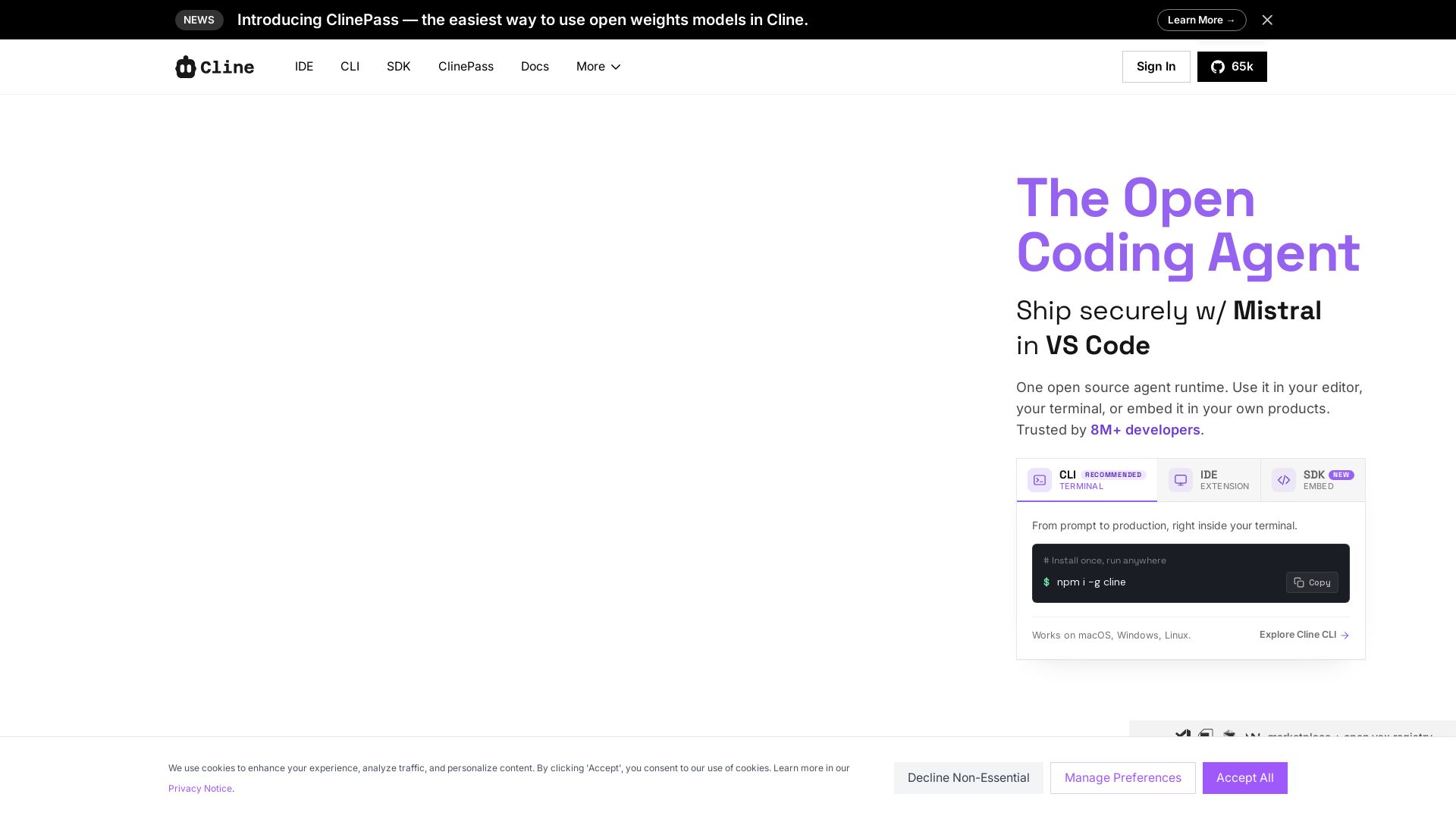
Cline
Cline is the open source AI coding agent that helps you ship secure code with Claude in VS Code, terminal, and more. Plan, act, and automate across your workflow.

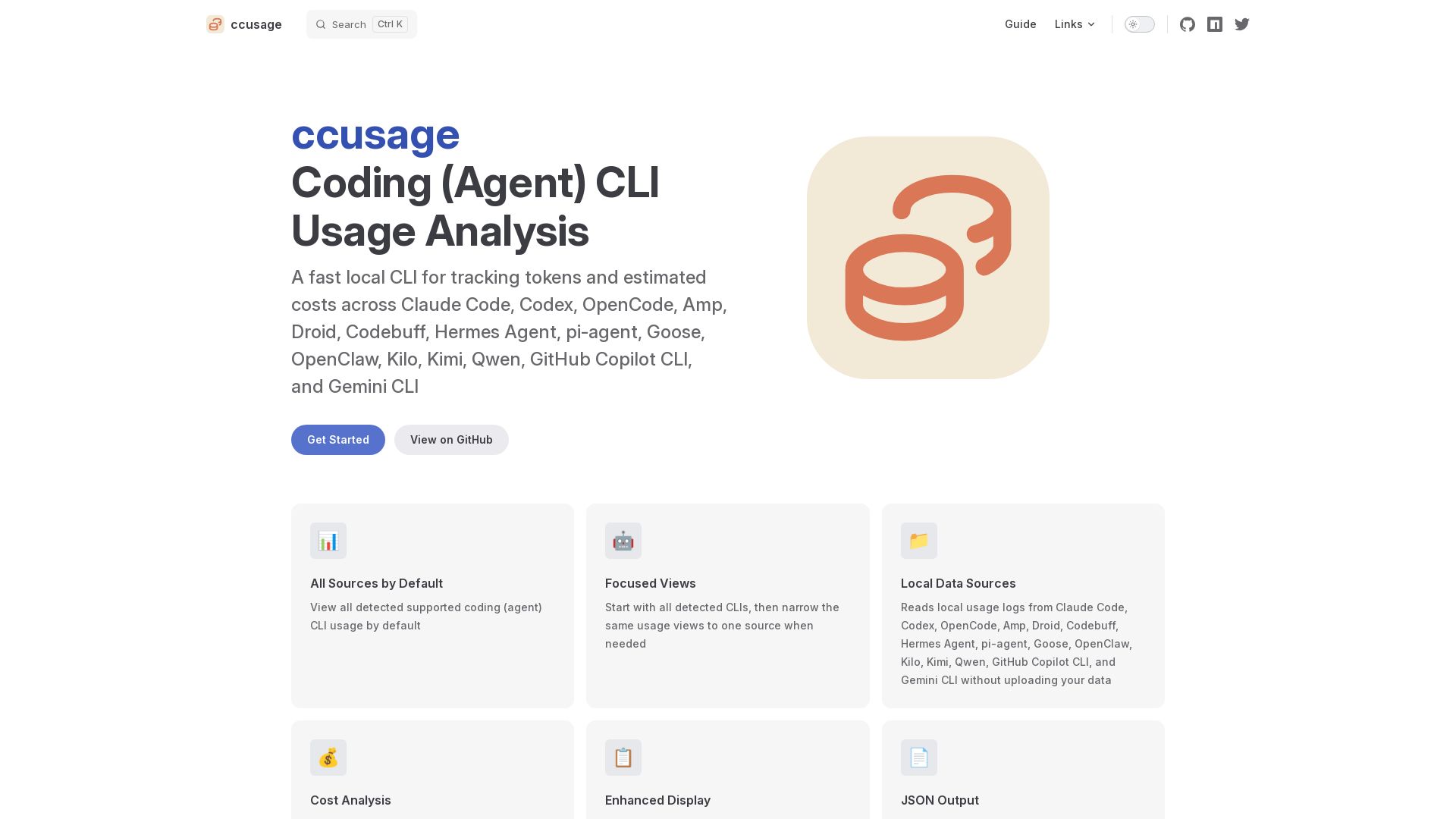
ccusage
Fast local CLI to track tokens and estimated costs across Claude Code, Codex, and 12+ other coding agents. No data upload. Cache support. Offline mode.

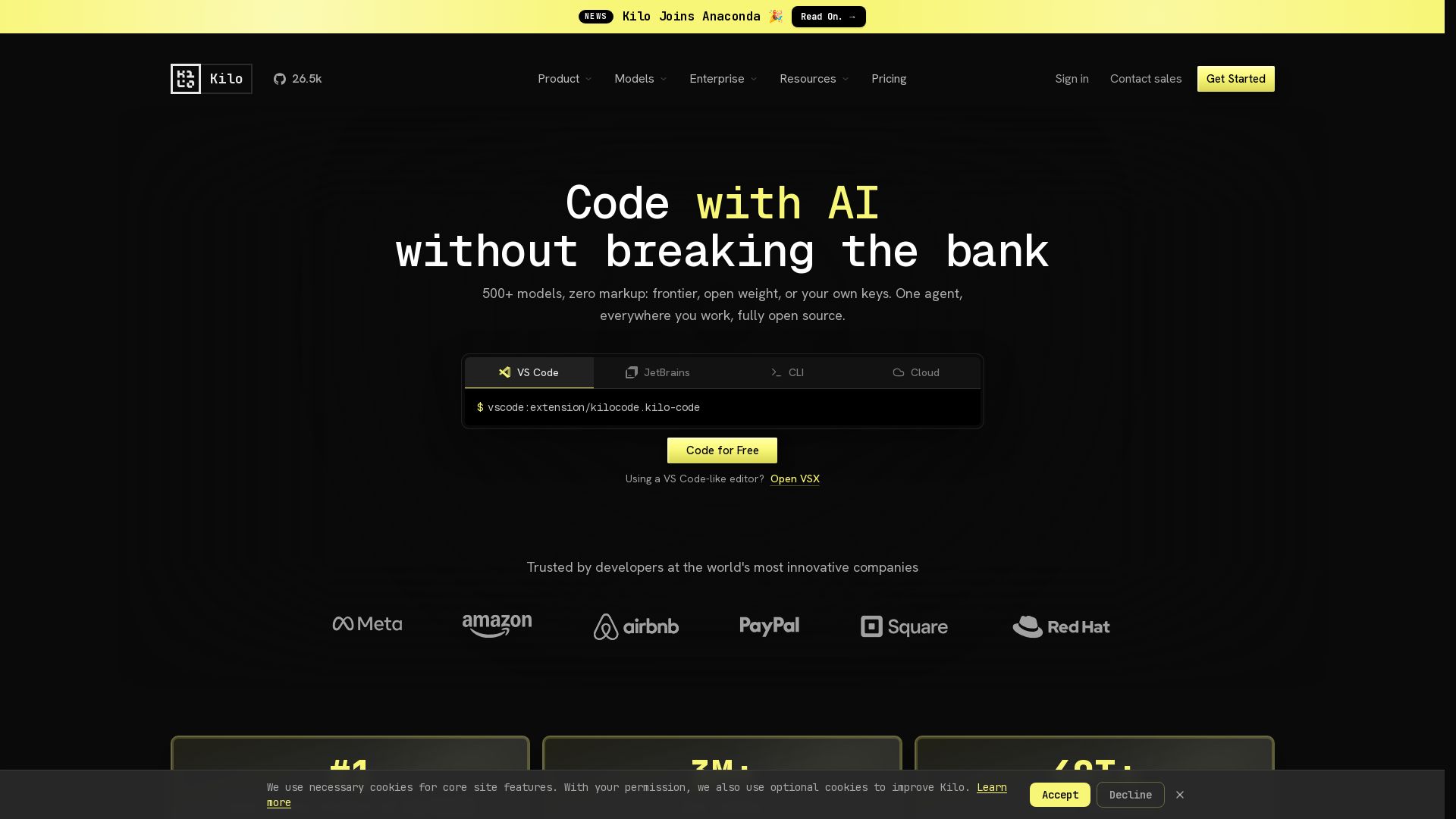
Kilo
Free AI coding tool with 500+ models at cost. Open source, no lock-in. Works in VS Code, JetBrains, CLI, and cloud. Trusted by 3M+ developers.


ProductCrafters
Get a free 2-week trial sprint for your AI product. Working prototype in 30 days, production-ready in 90. No contract, no credit card. Test your dev team risk-free.

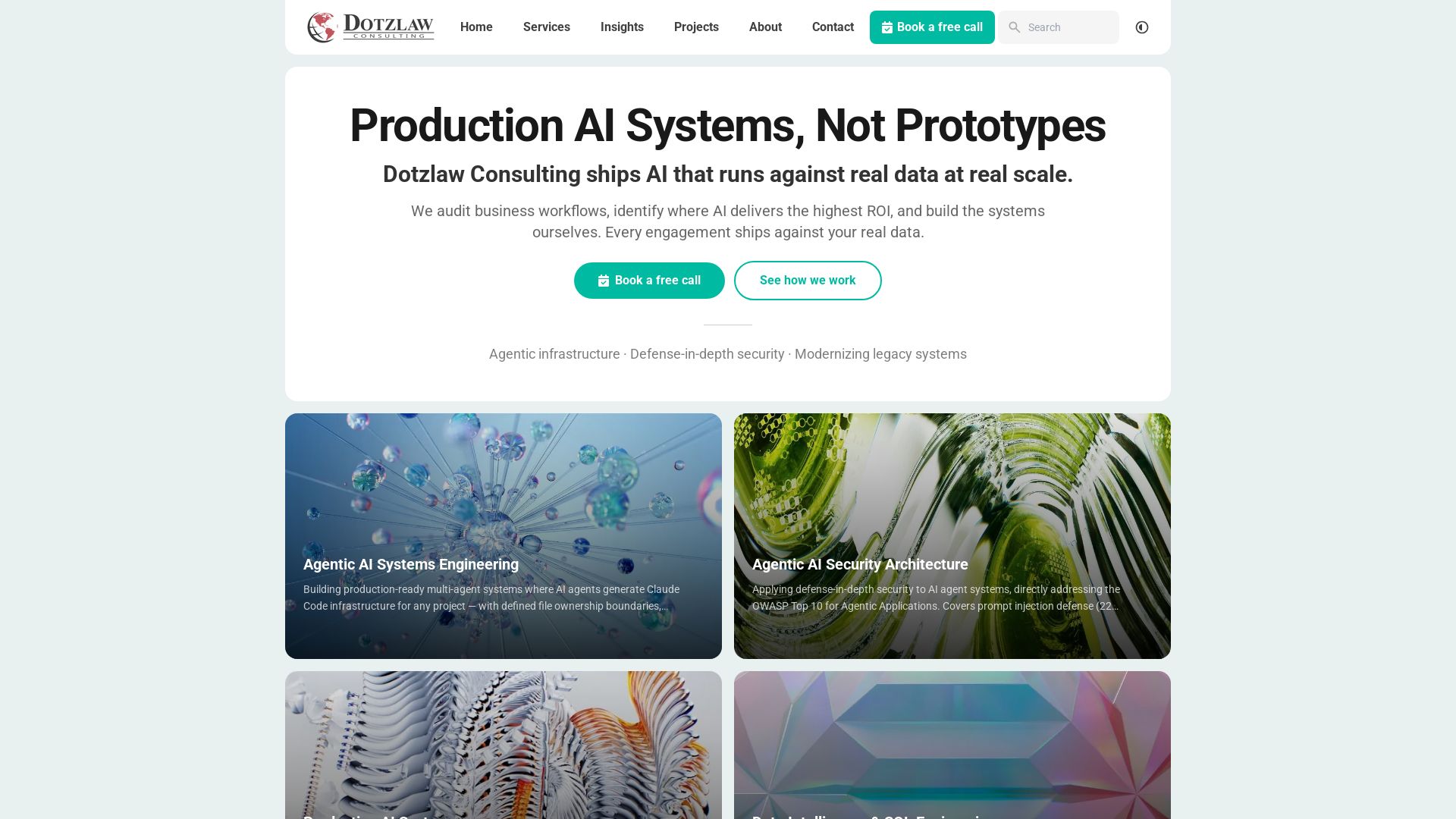
Dotzlaw Consulting
We build production-ready AI systems, multi-agent workflows, and secure architectures. Real data, real scale. Expert SQL & data intelligence.

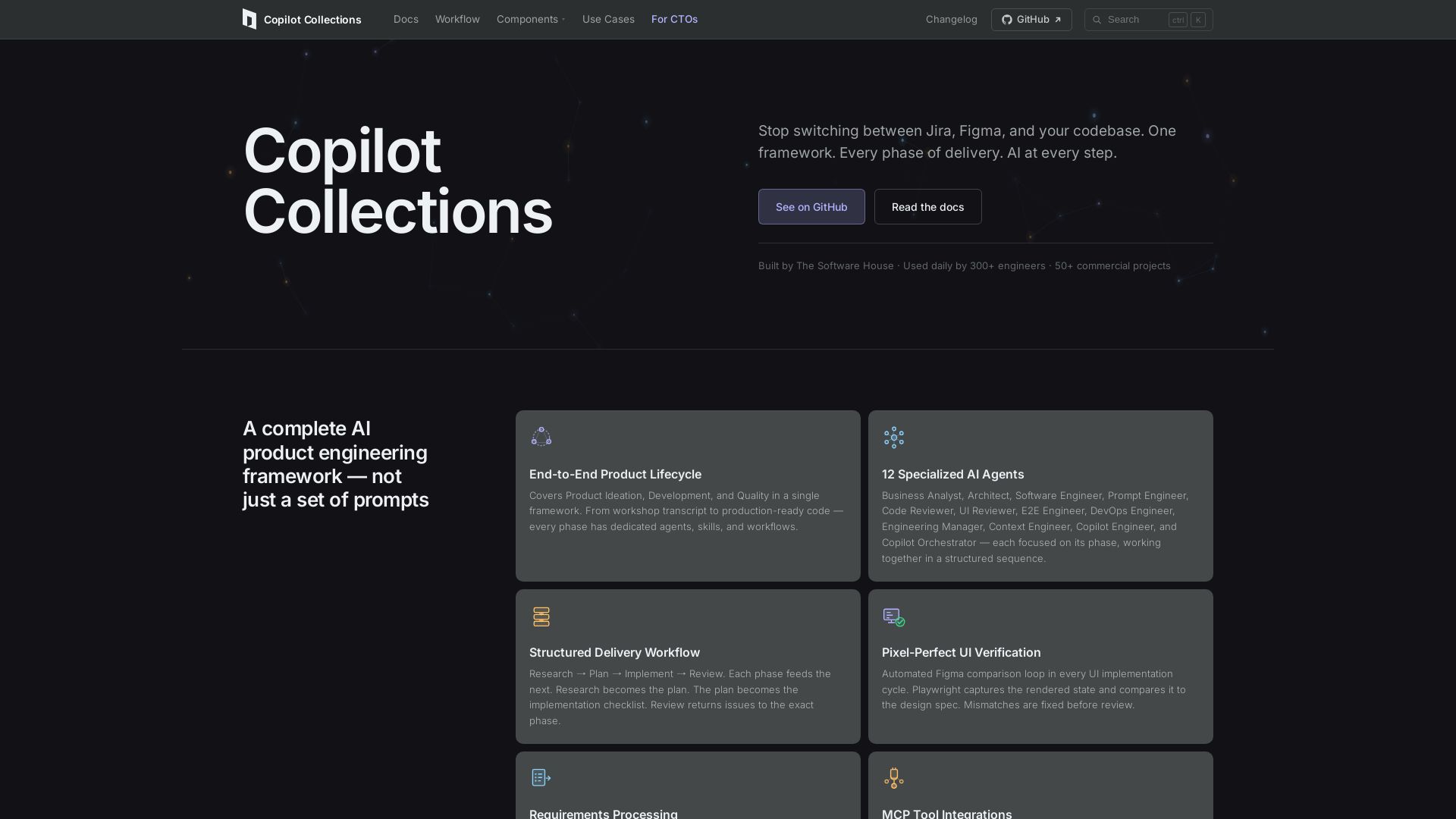
Copilot Collections
Turn ideas into production code with 12 AI agents, MCP integrations, and pixel-perfect UI verification. Used by 300+ engineers. Reduce lead time by 30%.

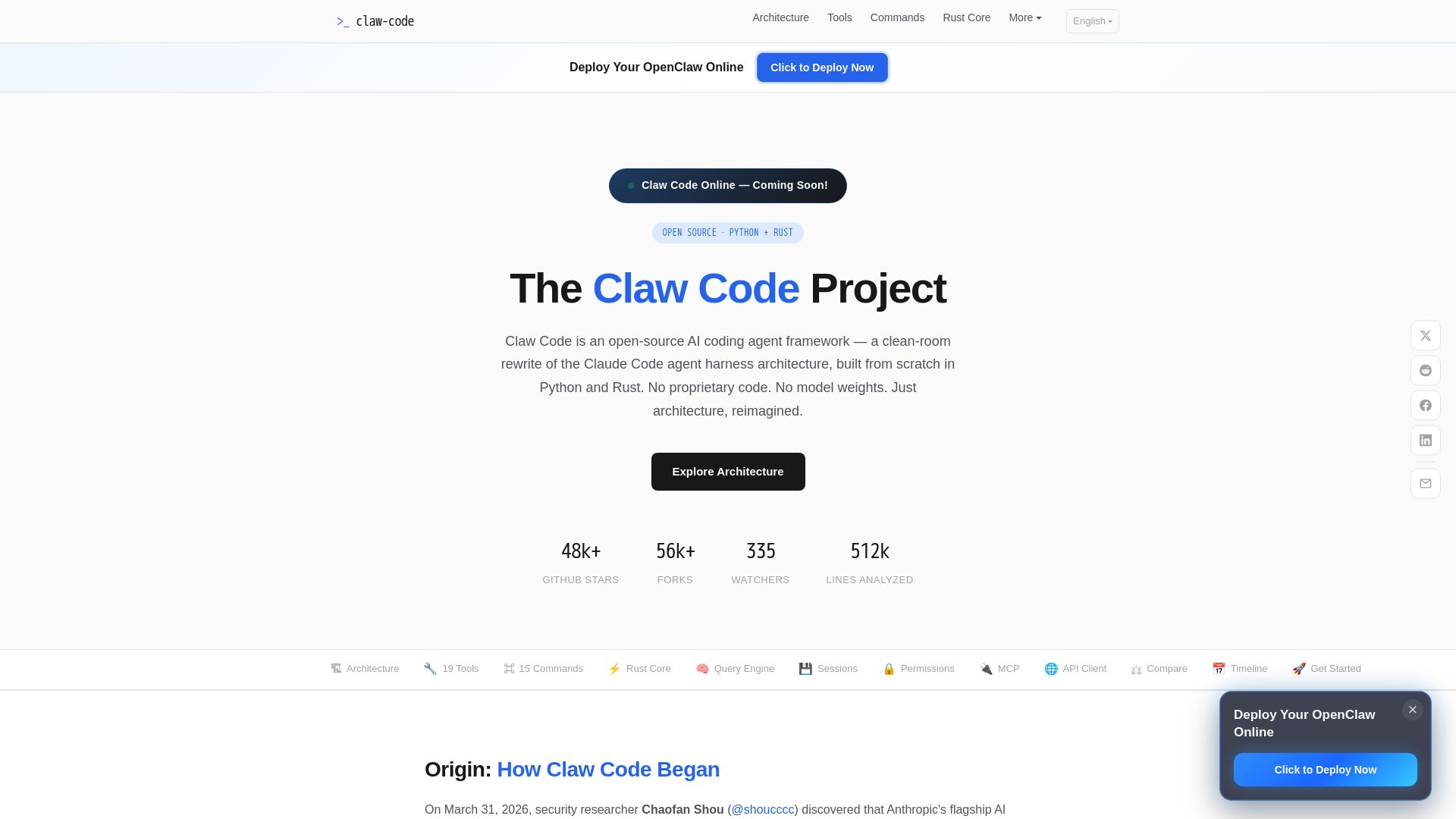
Claw Code
Clean-room Python & Rust rewrite of Claude Code architecture. 19 tools, multi-agent orchestration, MCP support. Free & open-source.

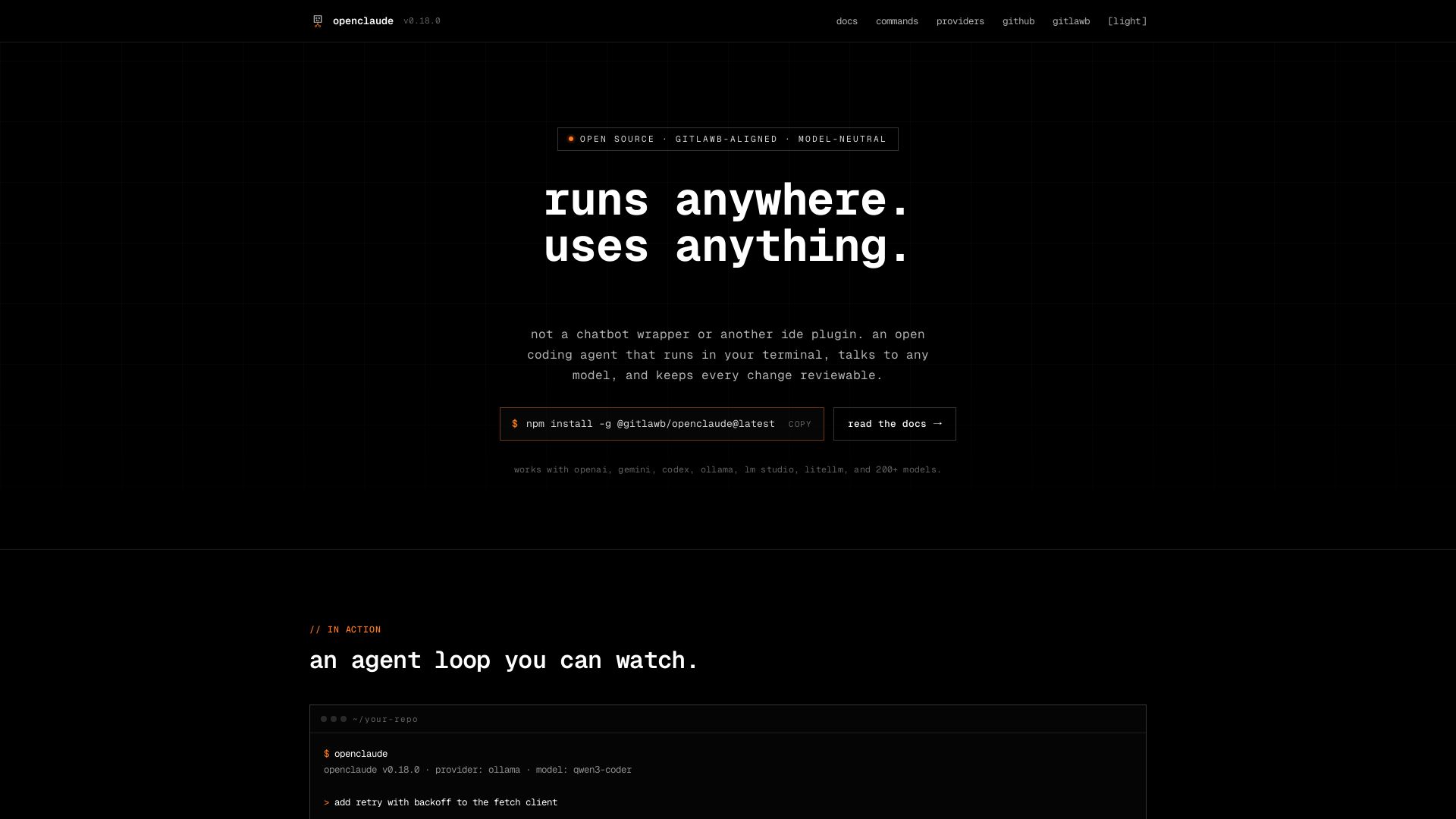
openclaude
An open coding agent that runs in your terminal, talks to any model, and keeps every change reviewable. Works with OpenAI, Gemini, Ollama, and 200+ models.

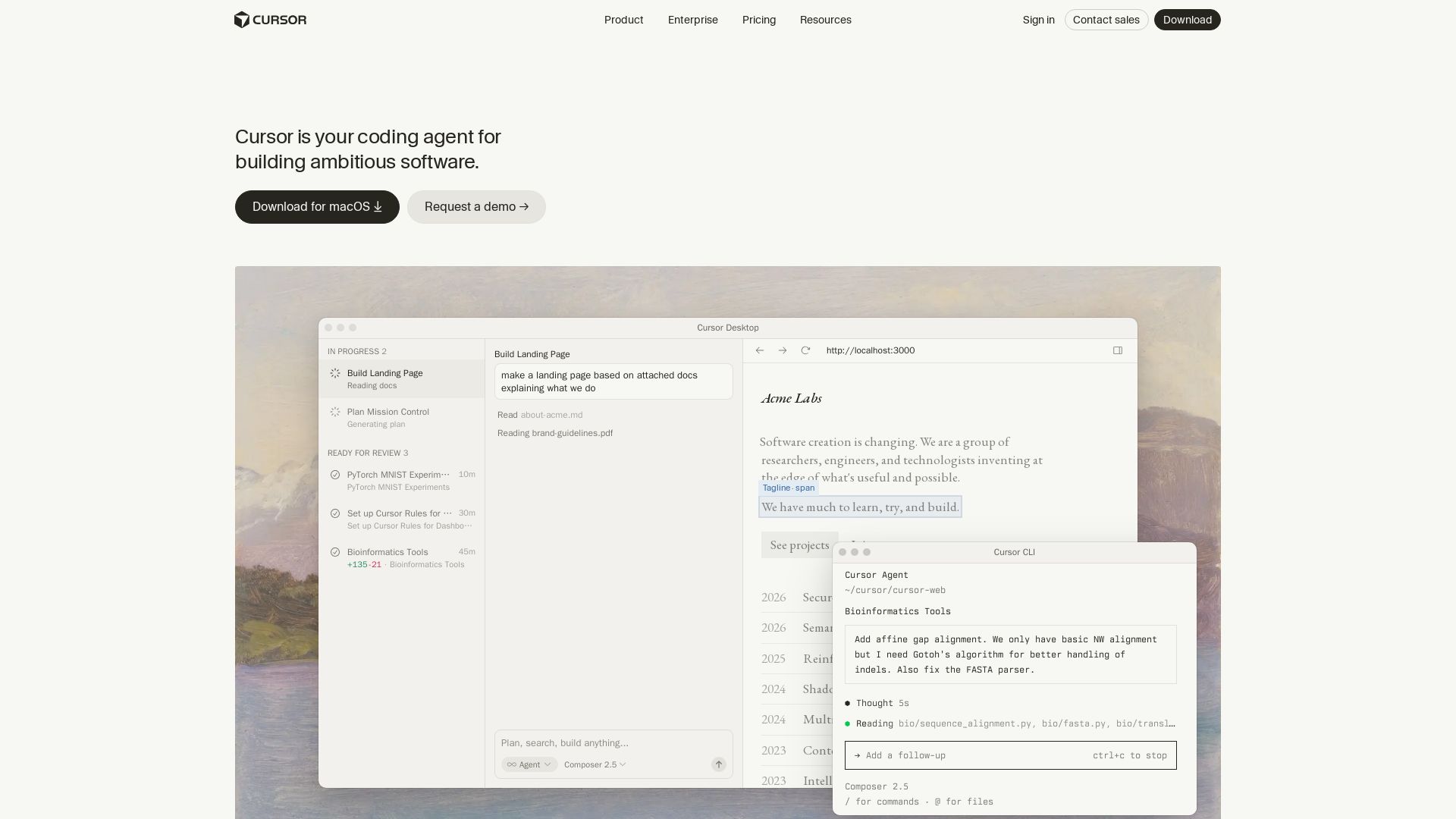
Cursor
Cursor is the AI coding agent that helps you build software faster with autonomous agents, IDE integration, and team collaboration. Trusted by top companies.

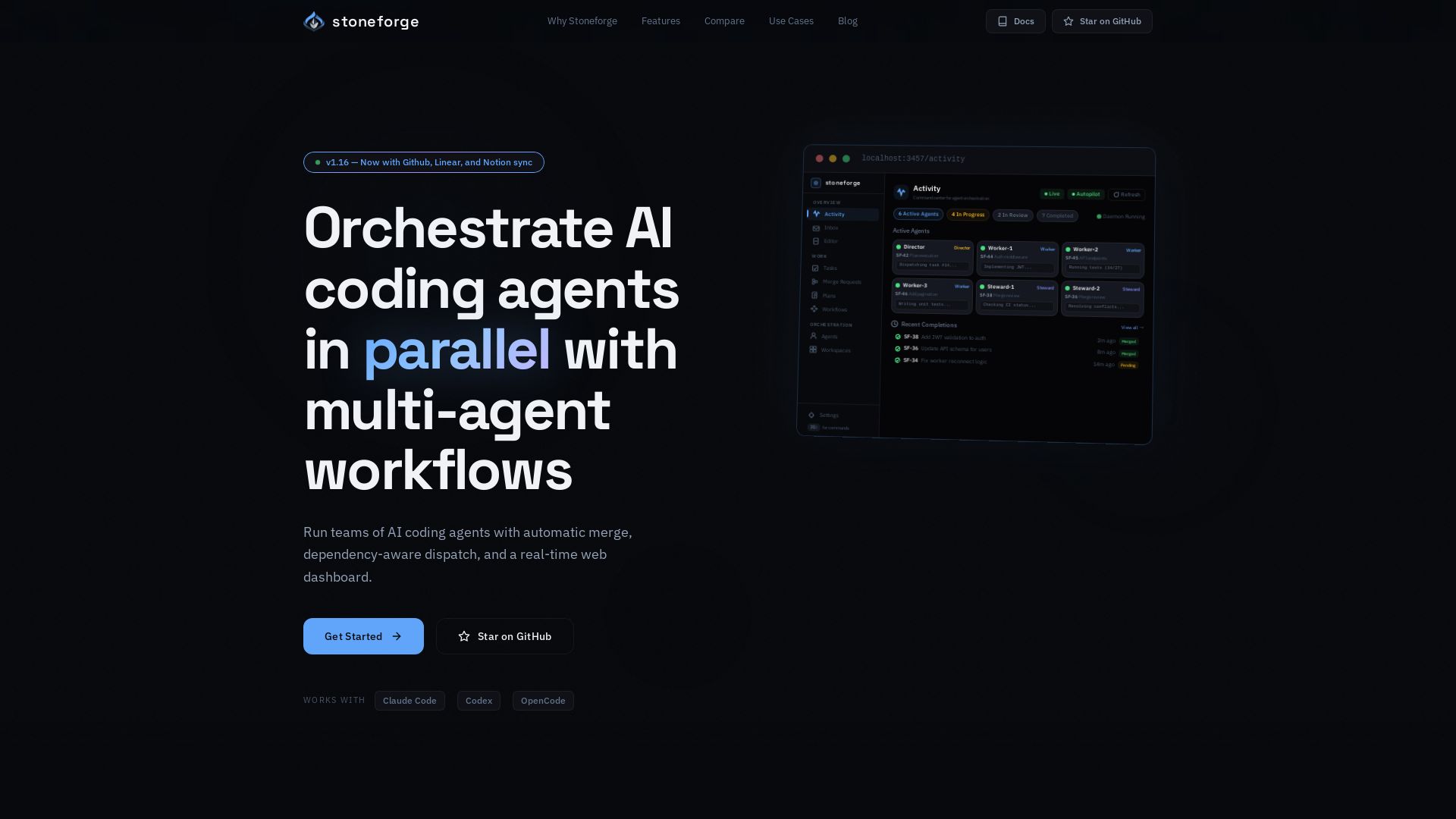
Stoneforge
Open-source platform to run teams of AI coding agents with auto-merge, dependency dispatch, and real-time dashboard. No merge conflicts, no duplicated work.

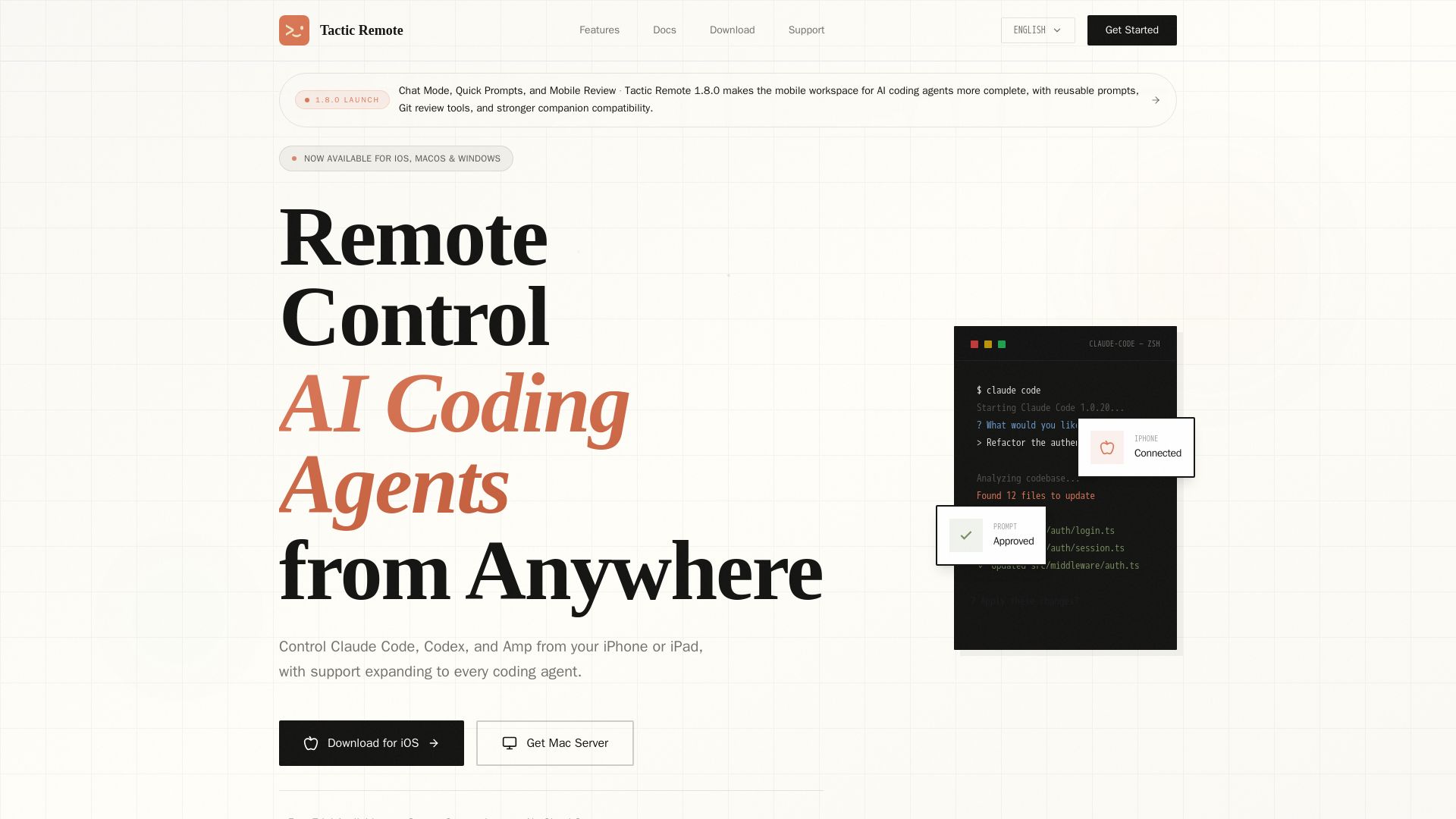
Tactic Remote
Monitor, approve, and manage AI coding agent sessions from your iPhone or iPad. Secure remote access for Claude Code, Codex, and Amp.

ℹ️ Curation Disclosure: The overview and features of AI DevKit were synthesized using AI and fact-checked by our curation team to ensure accuracy.
