
Cursor
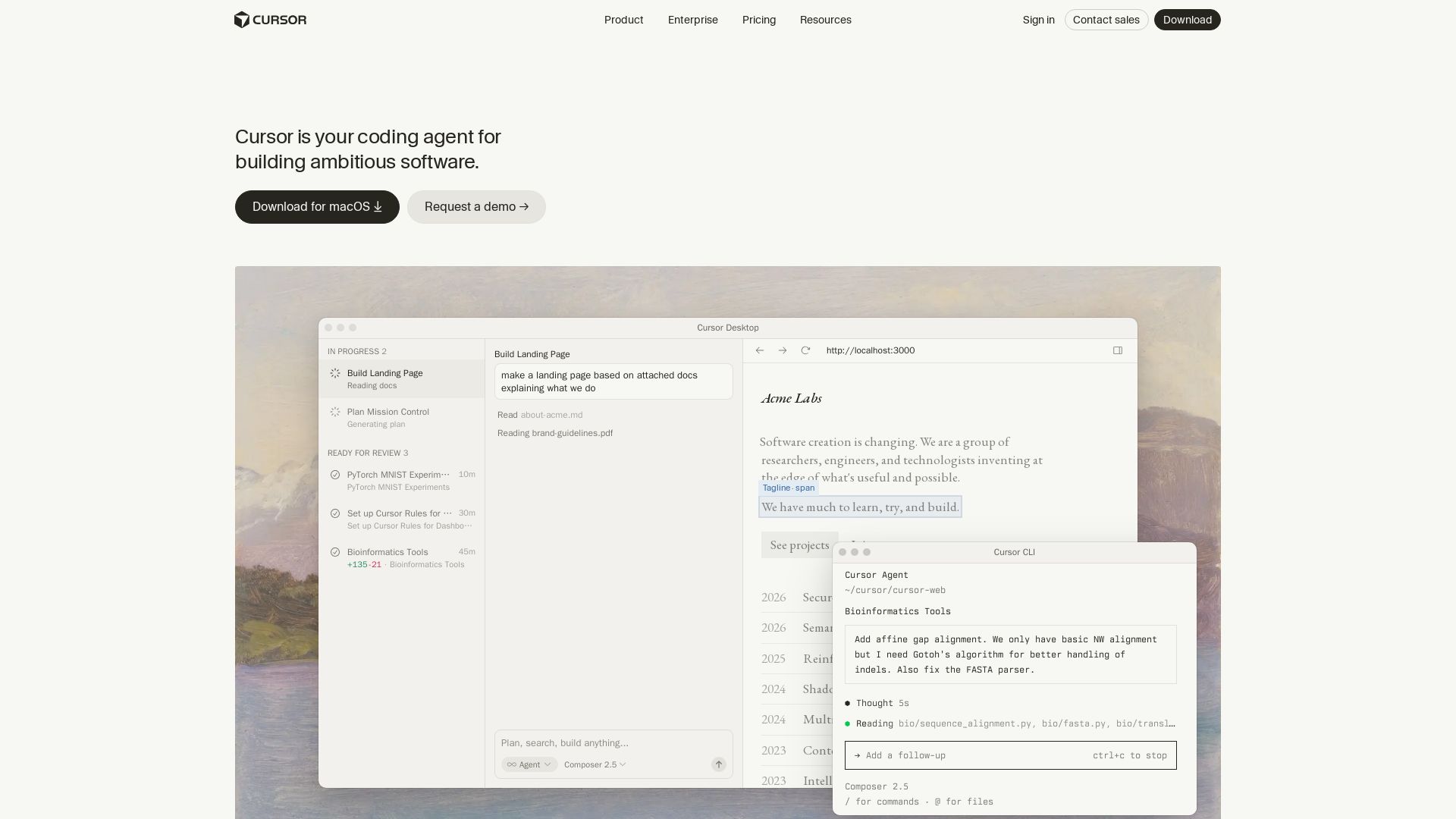
Cursor is the AI coding agent that helps you build software faster with autonomous agents, IDE integration, and team collaboration. Trusted by top companies.
Editor's Verdict
Key Takeaways
- Agentic Development
- Cloud Agents
- Automations
- Multi-Model Support
In-Depth Review: What is Cursor?
Cursor is an applied research team building the future of software development. It offers a coding agent that works across IDE, CLI, Slack, and GitHub, enabling autonomous cloud agents, context-aware completions, and multi-agent collaboration. Trusted by over half the Fortune 500 and top developers, Cursor accelerates development and makes software creation more efficient.
Core Features
Agentic Development
Accelerate development by handing off tasks to Cursor's AI agents, allowing you to focus on decision-making.
Cloud Agents
Launch fleets of autonomous agents that work in parallel on ambitious tasks for hours or days.
Automations
Set up always-on agents that run on schedules or triggers to build, maintain, and fix your software.
Multi-Model Support
Choose between every cutting-edge model from OpenAI, Anthropic, Gemini, SpaceXAI, and Cursor.
Cursor CLI
Get AI-powered coding assistance directly in your terminal, with command-line support for agentic workflows.
Slack Integration
Collaborate with Cursor agents directly in Slack channels, enabling team-wide code assistance and PR reviews.
Code Review
Agentic code reviews with Bugbot that help catch issues and improve code quality.
Composer
An advanced AI composer that can plan, search, and build anything with natural language commands.
Mission Control Interface
A grid view of all open windows as scaled previews for quick selection, similar to macOS Exposé.
Enterprise-Grade Security
SOC 2 certified, with audit logs, SAML/OIDC SSO, and AI code tracking API for secure and compliant usage.
Pricing
Hobby
- No credit card required
- Limited Agent requests
- Access to Composer
Individual
- Everything in Hobby
- Extended limits on Agent
- Generous limits for Grok & Composer
- Access to frontier models
- MCPs, skills, and hooks
- Cloud agents
- Bugbot on usage-based billing
Teams
- Everything on Individual
- Centralized team billing and administration
- Team marketplace for internal rules, skills, and plugins
- Agentic code reviews with Bugbot
- Cloud agents and automations with shared team context
- Usage analytics to understand team behavior
- Team-wide privacy mode
- SAML/OIDC SSO
Enterprise
- Everything on Teams
- Pooled usage
- Invoice/PO billing
- SCIM seat management
- Repository, model, and MCP access controls
- Auto-run, browser, and network controls
- Audit logs and service accounts
- AI code tracking API
- Priority support and account management
Pros and Cons
Pros
- Accelerated DevelopmentCursor's AI agents handle routine tasks, allowing developers to focus on higher-level decisions, boosting productivity significantly.
- Autonomous AgentsCloud agents can work in parallel for hours or days on complex tasks, handling end-to-end feature development and testing.
- Multi-Model FlexibilityAccess to multiple cutting-edge AI models (OpenAI, Anthropic, Gemini, etc.) ensures you can choose the best tool for each task.
- Integrated EcosystemSeamless integration with CLI, Slack, and GitHub, enabling AI assistance across the entire development workflow.
- Enterprise-ReadySOC 2 certified, with robust security, audit logs, SSO, and compliance features suitable for large organizations.
Cons
- Learning CurveNew users may need time to understand how to effectively leverage agents, automations, and the various interfaces.
- Dependency on AIOver-reliance on AI assistance might reduce fundamental coding skills or lead to errors if not reviewed carefully.
- Cost for Advanced FeaturesWhile the Hobby plan is free, advanced features like cloud agents and team management require paid plans, which can be costly for large teams.
- Privacy ConcernsDespite privacy modes, some organizations may be hesitant to send code to external AI services.
- Limited Offline CapabilitiesThe tool heavily relies on cloud connectivity; offline functionality is minimal.
Use Cases & Recommended Professions
Software Engineer→ View Toolkit
Accelerate coding, debugging, and refactoring with AI agents that handle repetitive tasks and generate code from natural language.
Research Scientist→ View Toolkit
Quickly prototype algorithms, analyze data, and explore new ideas using autonomous agents and interactive coding sessions.
Engineering Manager→ View Toolkit
Oversee team productivity with usage analytics, automate code reviews, and enable faster feature delivery through agentic workflows.
Product Manager→ View Toolkit
Translate product requirements into actionable development tasks, coordinate with agents for rapid prototyping and verification.
DevOps Engineer→ View Toolkit
Automate CI/CD pipelines, infrastructure management, and incident response using always-on agents and shell integration.
Data Scientist→ View Toolkit
Build and deploy machine learning models, perform data analysis, and generate reports with AI-powered assistance in notebooks and scripts.
Frequently Asked Questions
Alternative AI Tools
View Detailed Comparison →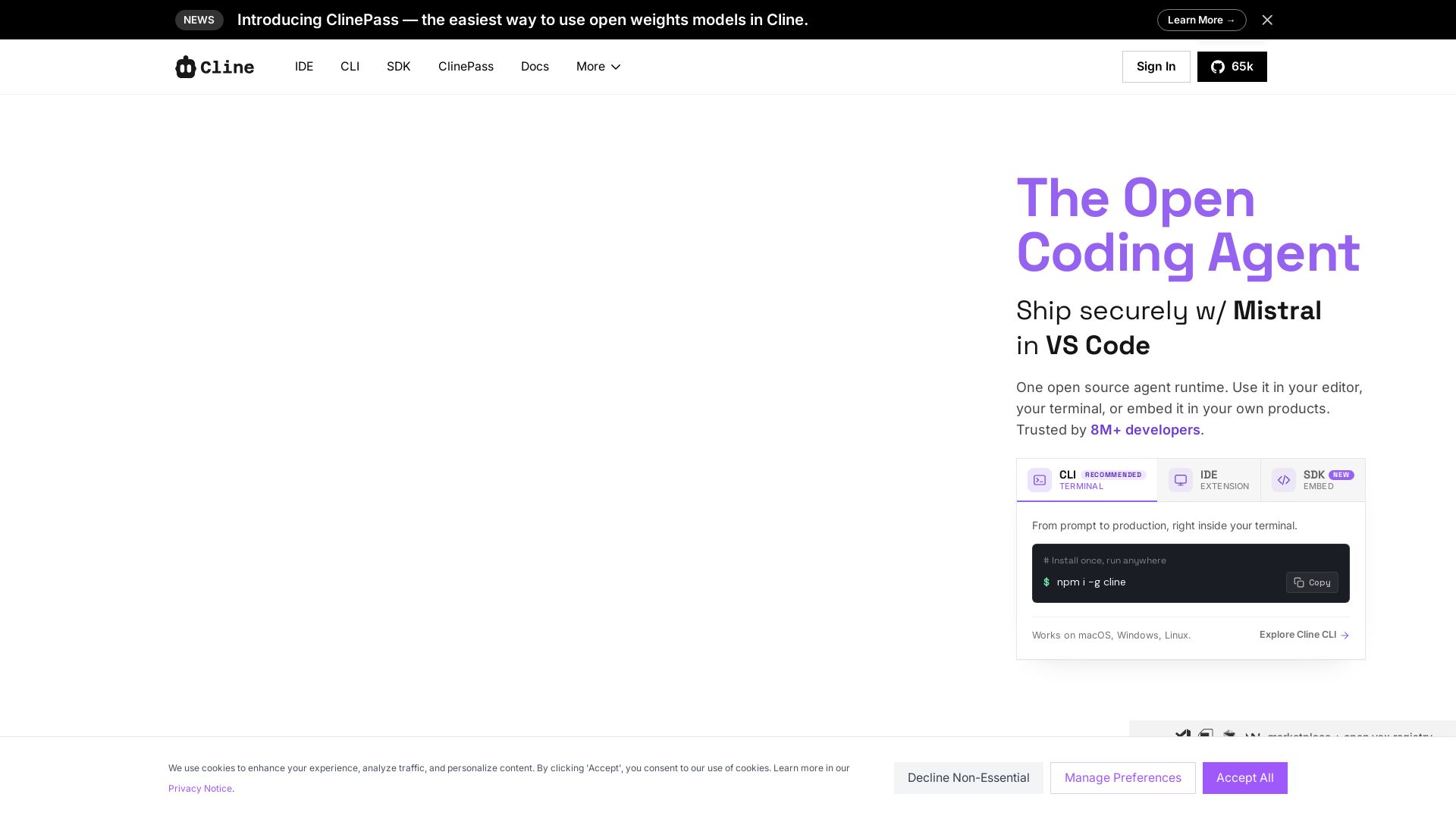
Cline
Cline is the open source AI coding agent that helps you ship secure code with Claude in VS Code, terminal, and more. Plan, act, and automate across your workflow.

Kilo
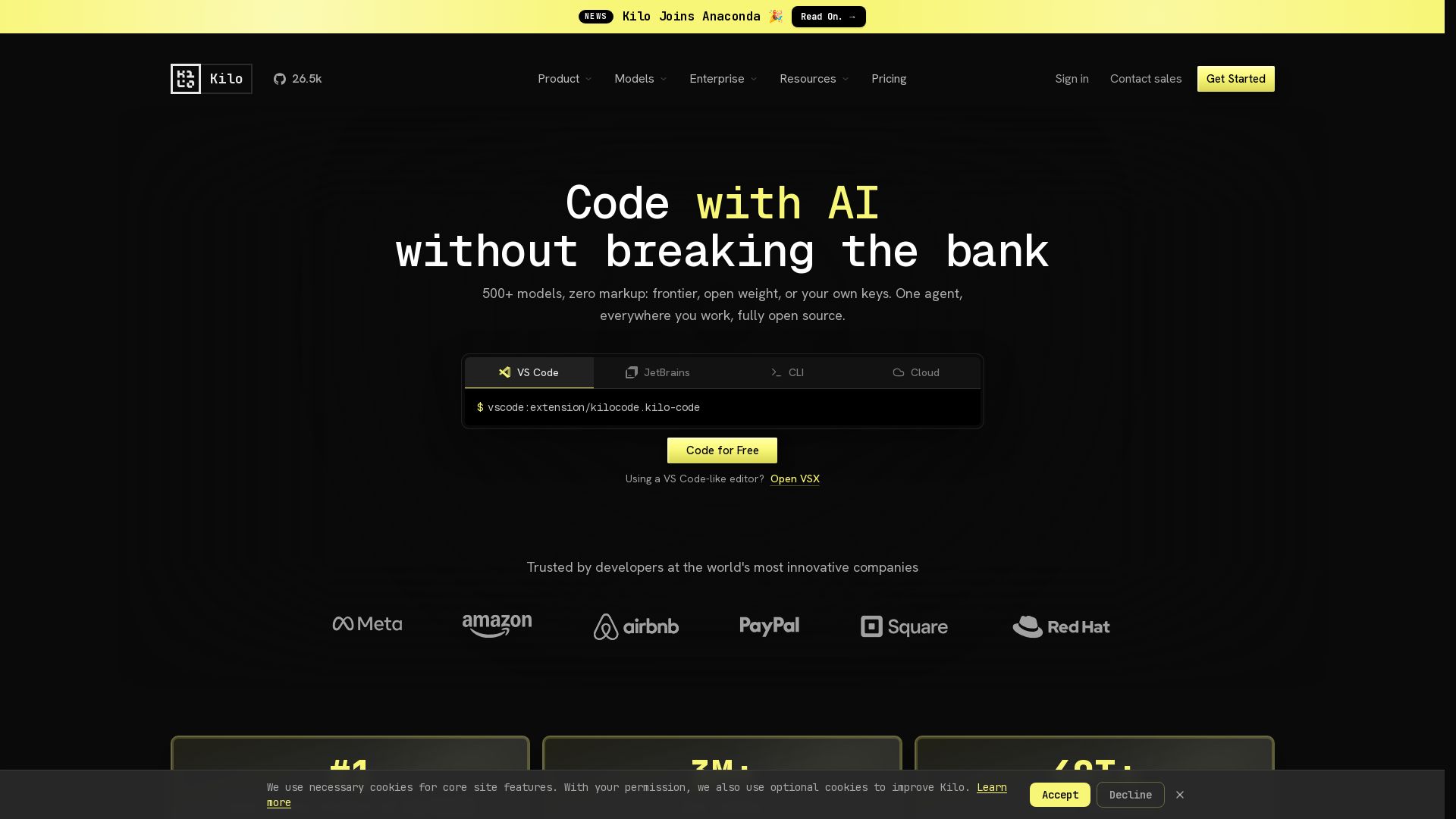
Free AI coding tool with 500+ models at cost. Open source, no lock-in. Works in VS Code, JetBrains, CLI, and cloud. Trusted by 3M+ developers.

Warp
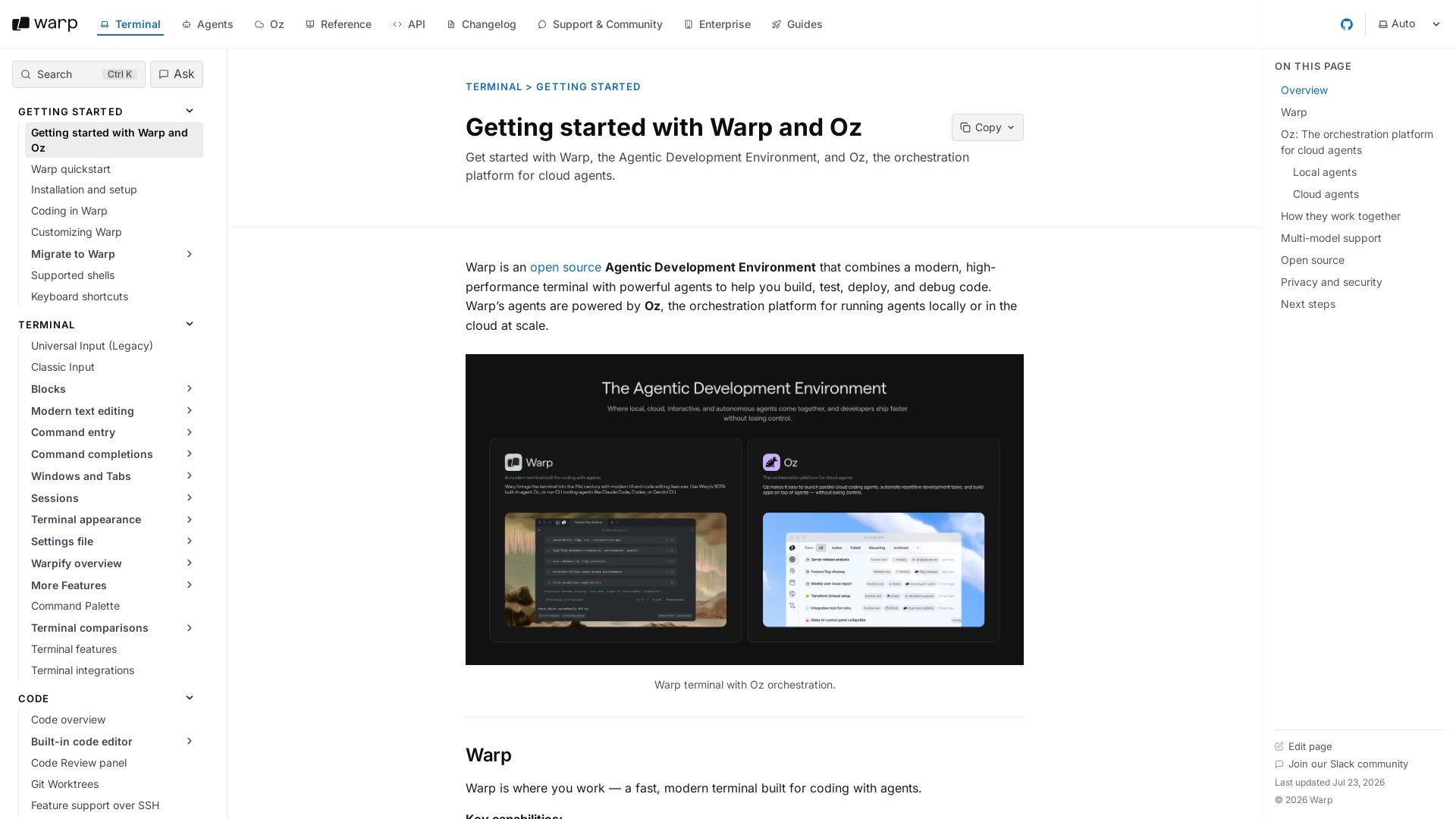
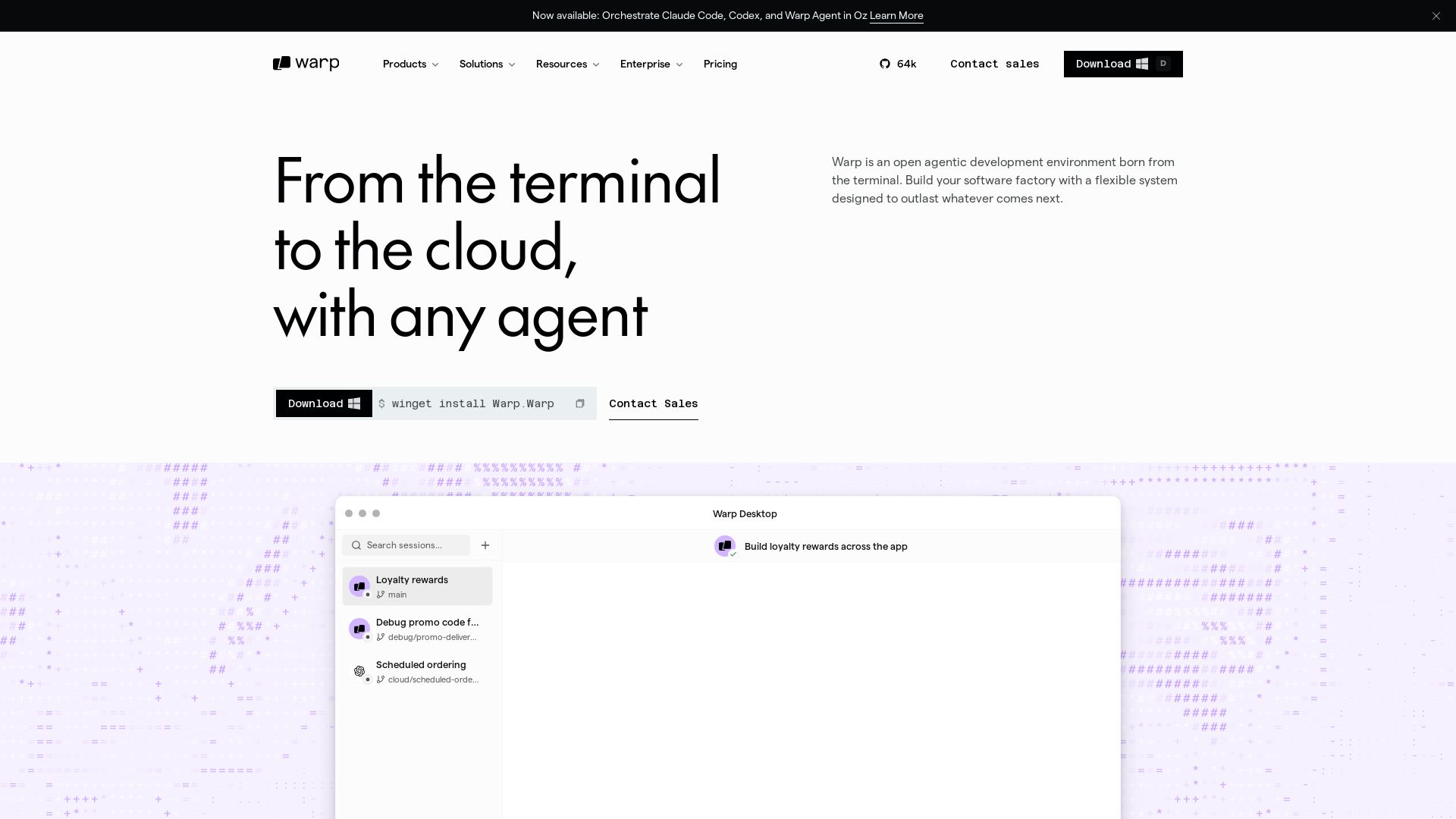
Warp combines a high-performance terminal with AI agents powered by Oz. Write, debug, and deploy code faster with local and cloud agents. Open source and privacy-first.

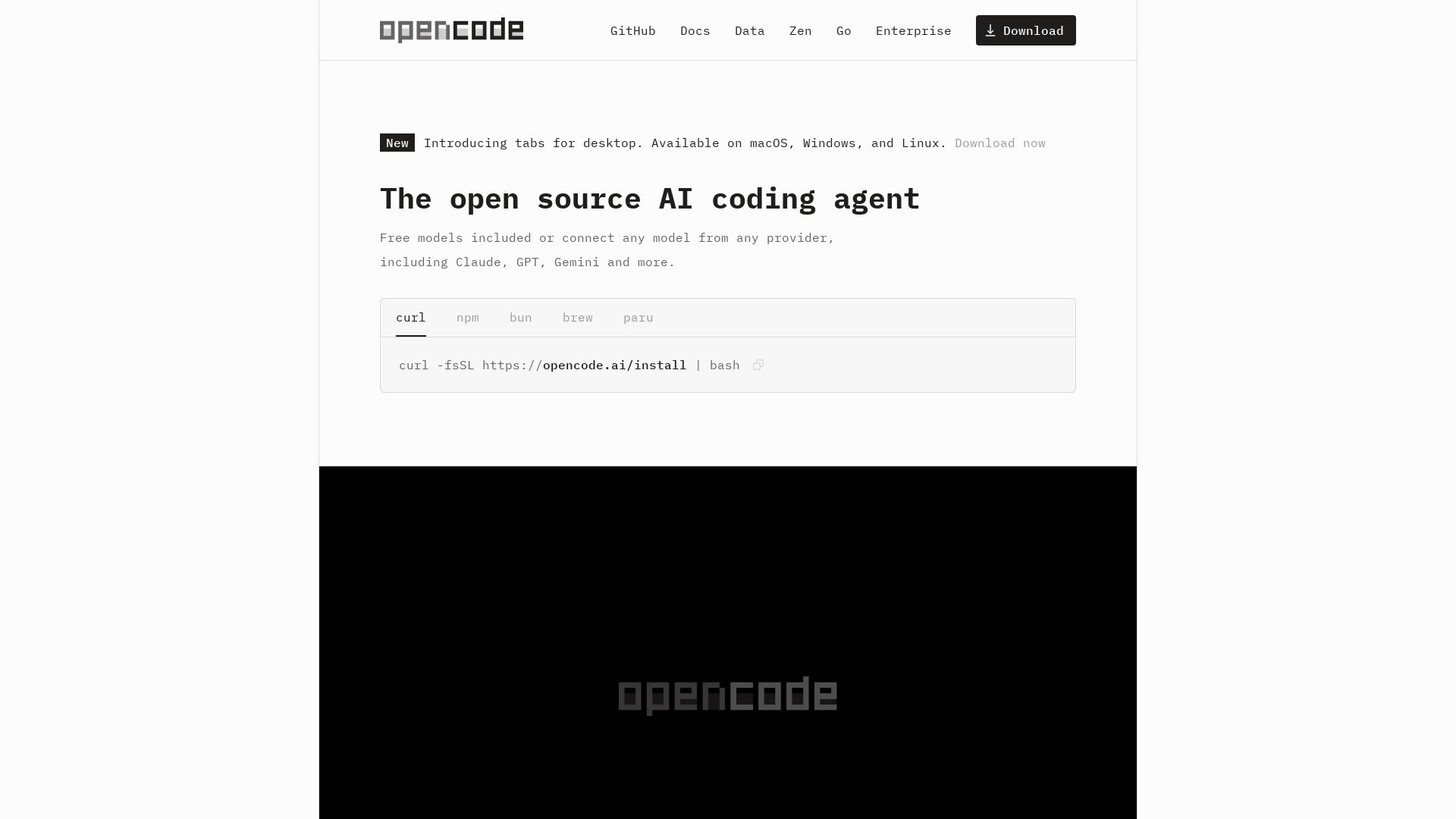
OpenCode
OpenCode: open source AI coding agent for terminal, IDE, or desktop. Free models, any provider, privacy-first. 160K+ GitHub stars.

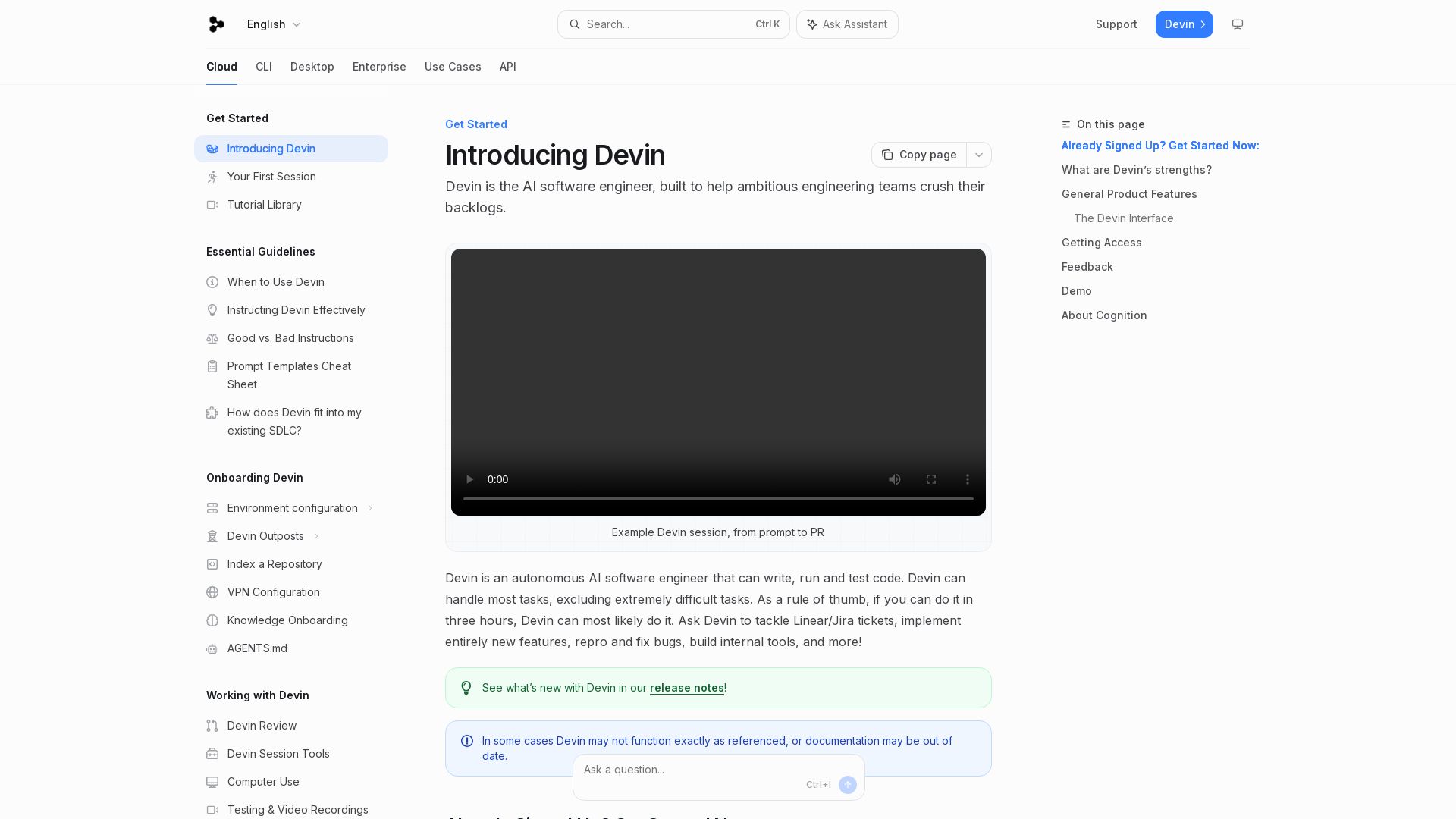
Devin
Devin is an autonomous AI software engineer that writes, runs, and tests code. Automate coding tasks, fix bugs, and crush backlogs.


Continue
Create, share, and use custom AI code agents with Continue. Features agent, chat, edit modes, and autocomplete for VS Code and JetBrains.

Tabby
Accelerate coding with Tabby's AI-powered code completion, answer engine, and inline chat. Self-hosted, secure, and flexible. Supports VS Code, Neovim, IntelliJ, and more.

CodeGPT
Bring your own API key for transparent, unlimited AI coding. Supports Claude, Gemini, OpenAI. Privacy-first, no middlemen. Trusted by 2M+ developers.

Tabby
Self-hosted, secure AI coding assistant with code completion, answer engine, and inline chat. Private and flexible.

Warp
Build software factories with any agent. Self-host or cloud, connect any tool, own your data, access any model. Scale with Warp.


OpenCode
OpenCode is a free, open-source AI coding assistant supporting multiple providers (OpenAI, Anthropic, local models) with CLI/TUI, custom tools, and privacy-centric local execution.

Augment
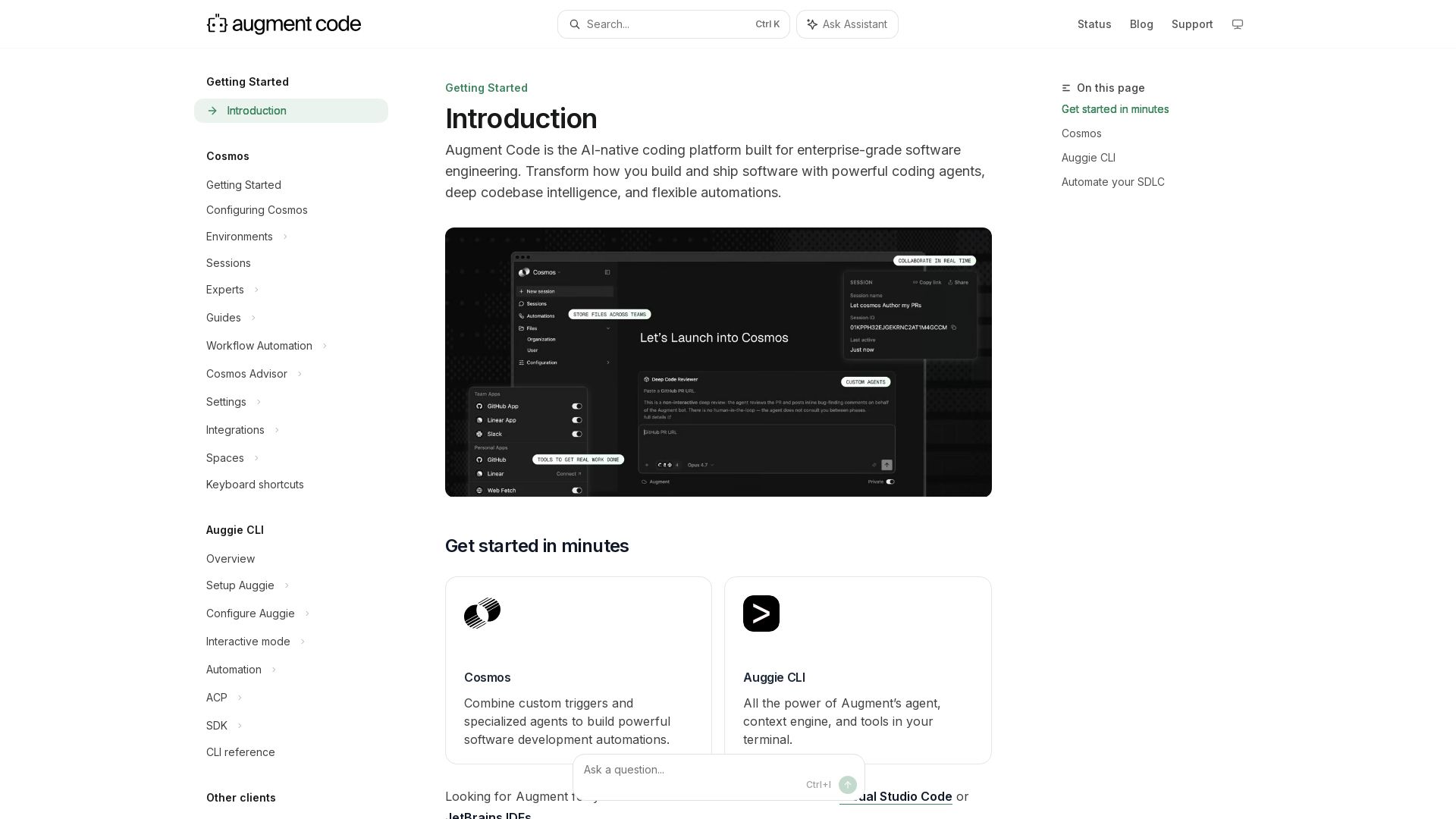
Build and ship software faster with Augment Code's AI agents, deep codebase intelligence, and automations. Get started with Cosmos, Auggie CLI, and IDE integrations.

ℹ️ Curation Disclosure: The overview and features of Cursor were synthesized using AI and fact-checked by our curation team to ensure accuracy.
