
Warp
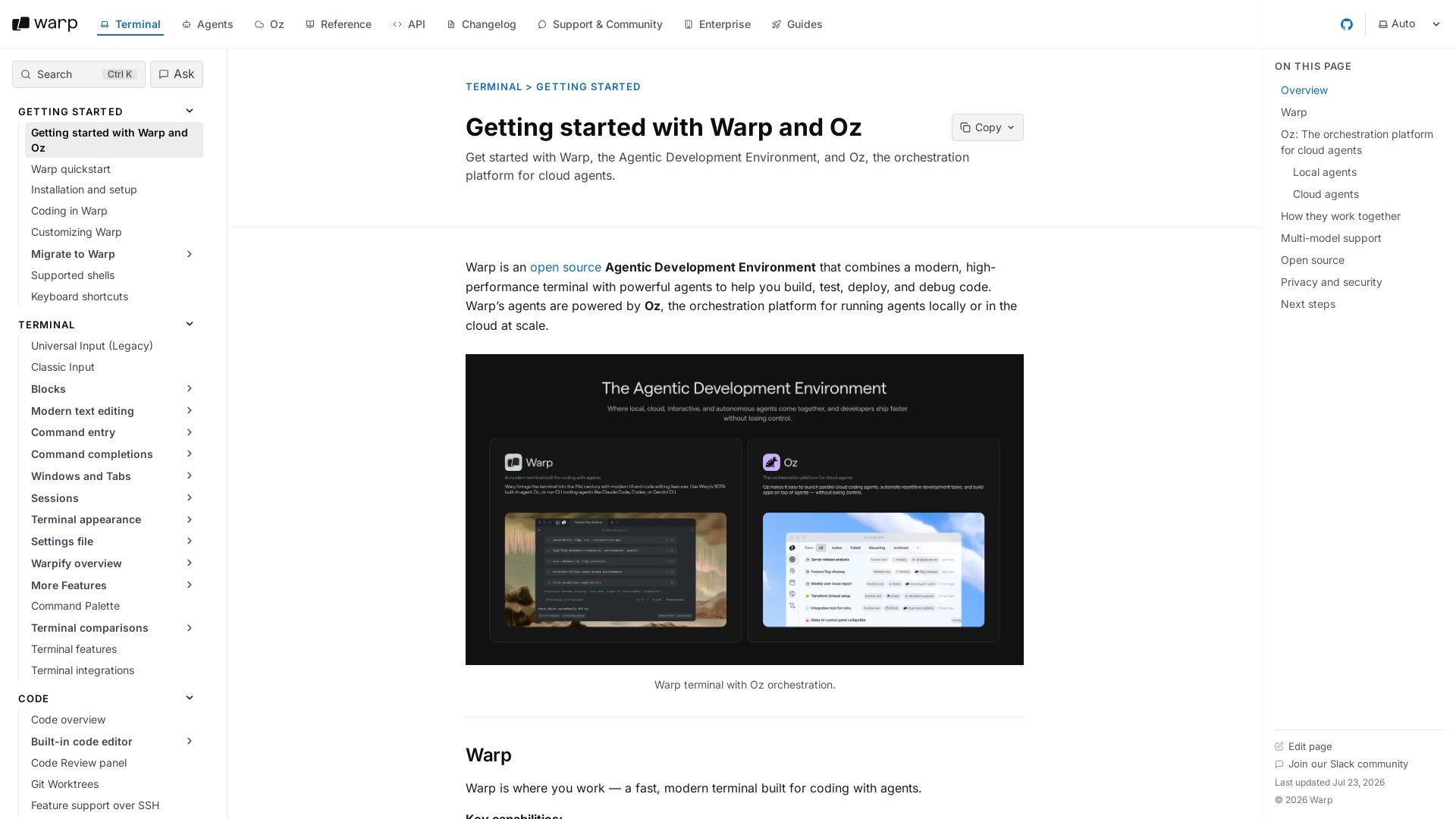
Warp combines a high-performance terminal with AI agents powered by Oz. Write, debug, and deploy code faster with local and cloud agents. Open source and privacy-first.
Editor's Verdict
Key Takeaways
- Terminal and Agent modes
- Modern terminal UX
- Built-in code editor
- Third-party CLI agents
In-Depth Review: What is Warp?
Warp is an open-source Agentic Development Environment that merges a fast, modern terminal with powerful AI agents orchestrated by Oz. It enables seamless coding assistance, autonomous cloud agents for automation, and multi-model LLM support—all while prioritizing privacy and team collaboration.
Core Features
Terminal and Agent modes
Switch between a clean terminal for commands and a dedicated conversation view for multi-turn agent workflows.
Modern terminal UX
Cursor movement, block-based navigation, multi-line editing, syntax highlighting, and rich completions. Built with Rust for high performance.
Built-in code editor
File tree, code editor with LSP support, and interactive code review experience.
Third-party CLI agents
Run third-party CLI agents like Claude Code, Codex, and OpenCode with Warp’s agent toolbelt — rich input, code review, notifications, and more.
Local agents
Run directly in the Warp app for real-time, interactive coding assistance: write and refactor code, debug issues, run commands, and plan multi-step tasks.
Cloud agents
Run in the background on Warp’s infrastructure for automation at scale: triggers, schedules, parallelism, and observability.
Multi-model support
Choose your preferred LLM from a curated set of top models for flexibility.
Open source
Warp’s client is open source under AGPL v3, allowing contributions and code review.
Privacy and security
SOC 2 compliant, Zero Data Retention policies with LLM providers, and no customer AI data retained or used for training.
SSH extension
Brings local Warp experience to remote macOS and Linux hosts with real file tree, code editing, code review, codebase indexing, and reliable completions over SSH.
File tree over SSH
Left panel reflects remote project’s structure and updates as you navigate between directories.
Code editor on remote files
Open, edit, and save remote files with buffer sync and conflict resolution.
Code review and git operations
Review diffs, commit, push, and create PRs on remote repositories. AI-generated commit messages and PR descriptions produced on the remote host.
Codebase indexing
Index remote repository for semantic search by agents, similar to local Codebase Context.
File search
Search for remote files by name from the Command Palette.
Project rules and skills
Agents discover and use the remote project’s rules (WARP.md) and skills.
Native file reads and code diffs
Agent reads files and applies edits through built-in diff tool with inline diffs for review and approval.
Reliable completions
Generators run in parallel over a single multiplexed connection, avoiding MaxSessions limits and errors.
Pros and Cons
Pros
- All-in-one development environmentCombines terminal, code editor, and AI agents in one application, streamlining workflows.
- SSH extension for remote workSeamlessly extends local features to remote hosts, enhancing productivity for remote development.
- Multi-model AI agent supportFlexibility to choose from top LLMs for different tasks, both locally and in the cloud.
- Open source and privacy-focusedAGPL v3 licensed, SOC 2 compliant, with zero data retention policies for AI interactions.
- Rich terminal featuresModern UX with blocks, syntax highlighting, completions, and high performance in Rust.
Cons
- Limited SSH host supportSSH extension supports only Linux and macOS; Windows remote hosts are not supported. Additionally, older Linux distributions with glibc <2.31 are incompatible.
- Outbound HTTPS required for installInstalling the SSH extension requires outbound HTTPS access to app.warp.dev, which may not be available in some restricted environments.
- Deprecated tmux-based WarpificationThe older tmux approach is deprecated and will be removed; users must migrate to the SSH extension.
- AI features require accountSome features like codebase indexing and AI commit messages require a Warp account and outbound HTTPS access from the remote host.
- Not fully automatedManual installation prompt on first SSH connection, and some hosts may need manual Warpification if automatic detection fails.
Use Cases & Recommended Professions
Software Engineer→ View Toolkit
Needs a modern terminal with AI agents for coding, debugging, and code review, both locally and over SSH.
DevOps Engineer→ View Toolkit
Benefits from cloud agents for automation, SSH extension for managing remote servers, and multi-model LLM support for infrastructure tasks.
Data Scientist→ View Toolkit
Can use local agents for exploratory analysis, code editing, and running scripts, with cloud agents for batch jobs.
System Administrator→ View Toolkit
Requires reliable SSH features, file tree, and code editing on remote hosts for maintenance and scripting.
Frontend Developer→ View Toolkit
Utilizes built-in code editor, code review, and agent assistance for building and deploying frontend applications.
Backend Developer→ View Toolkit
Leverages terminal, Git integration, and cloud agents for backend services, API development, and deployments.
Frequently Asked Questions
Alternative AI Tools
View Detailed Comparison →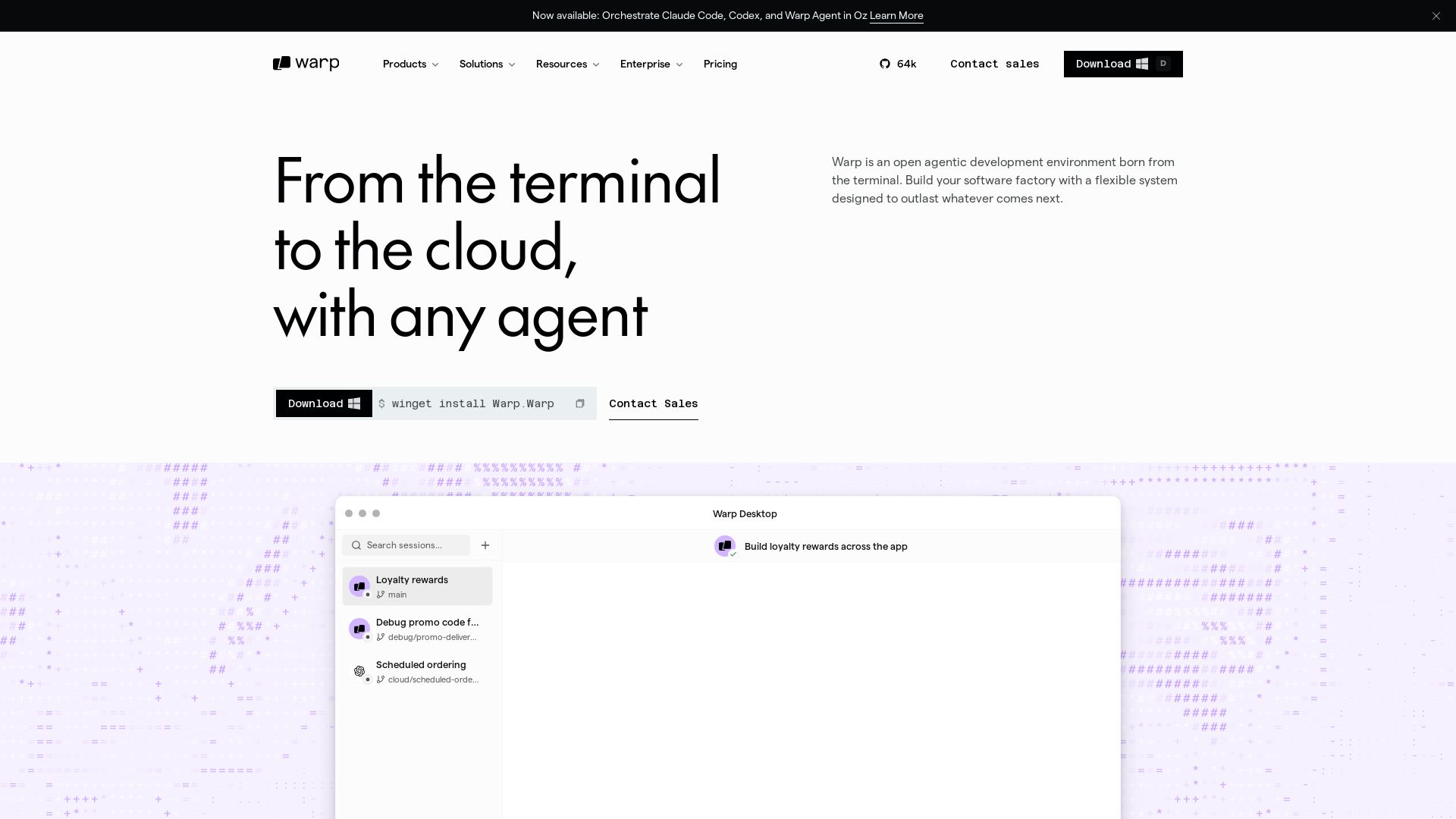
Warp
Build software factories with any agent. Self-host or cloud, connect any tool, own your data, access any model. Scale with Warp.

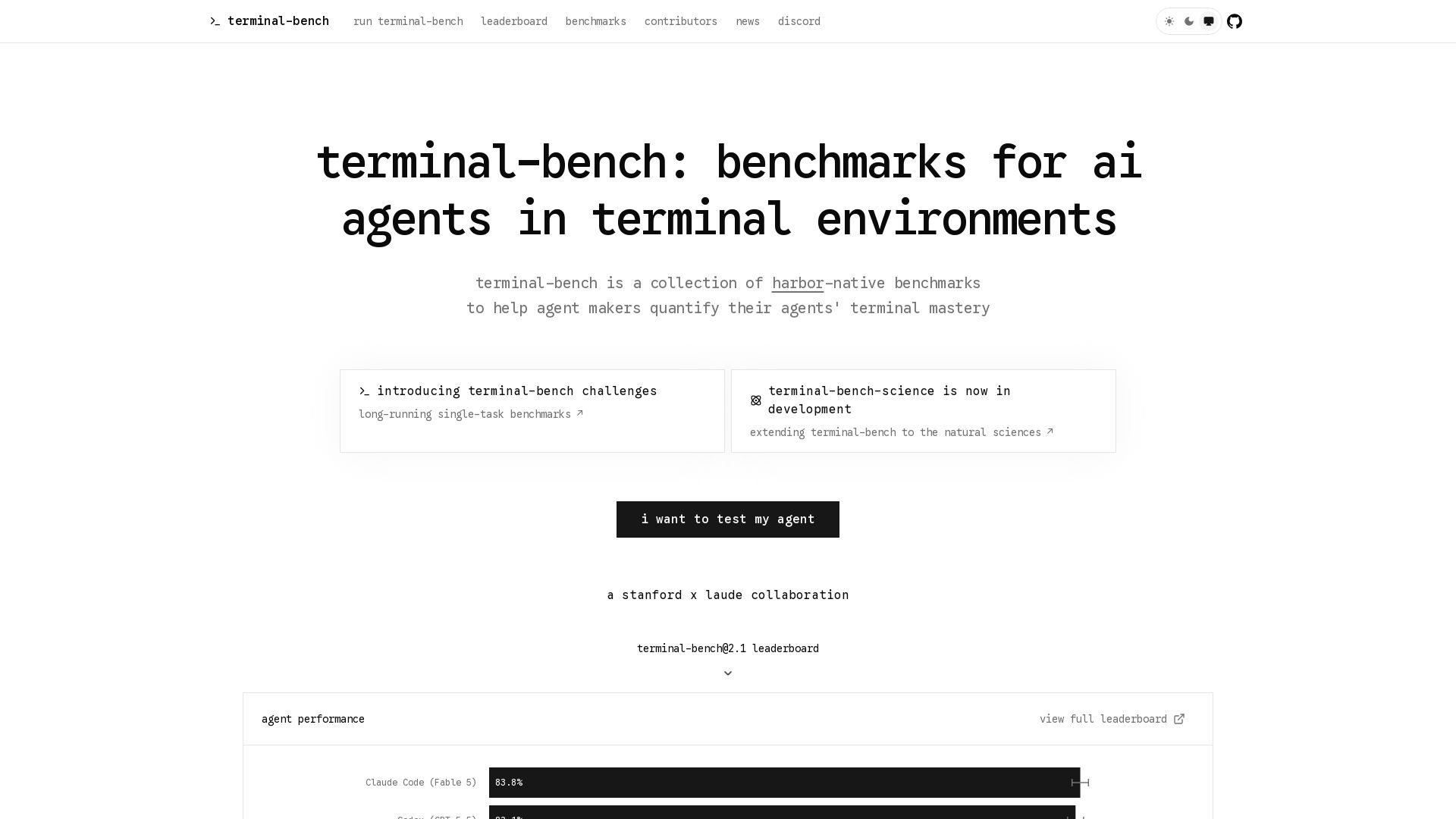
Terminal-Bench
Measure your AI agent's terminal skills with open-source benchmarks. Leaderboard, tasks, and challenges for coding, security, data science, and more.
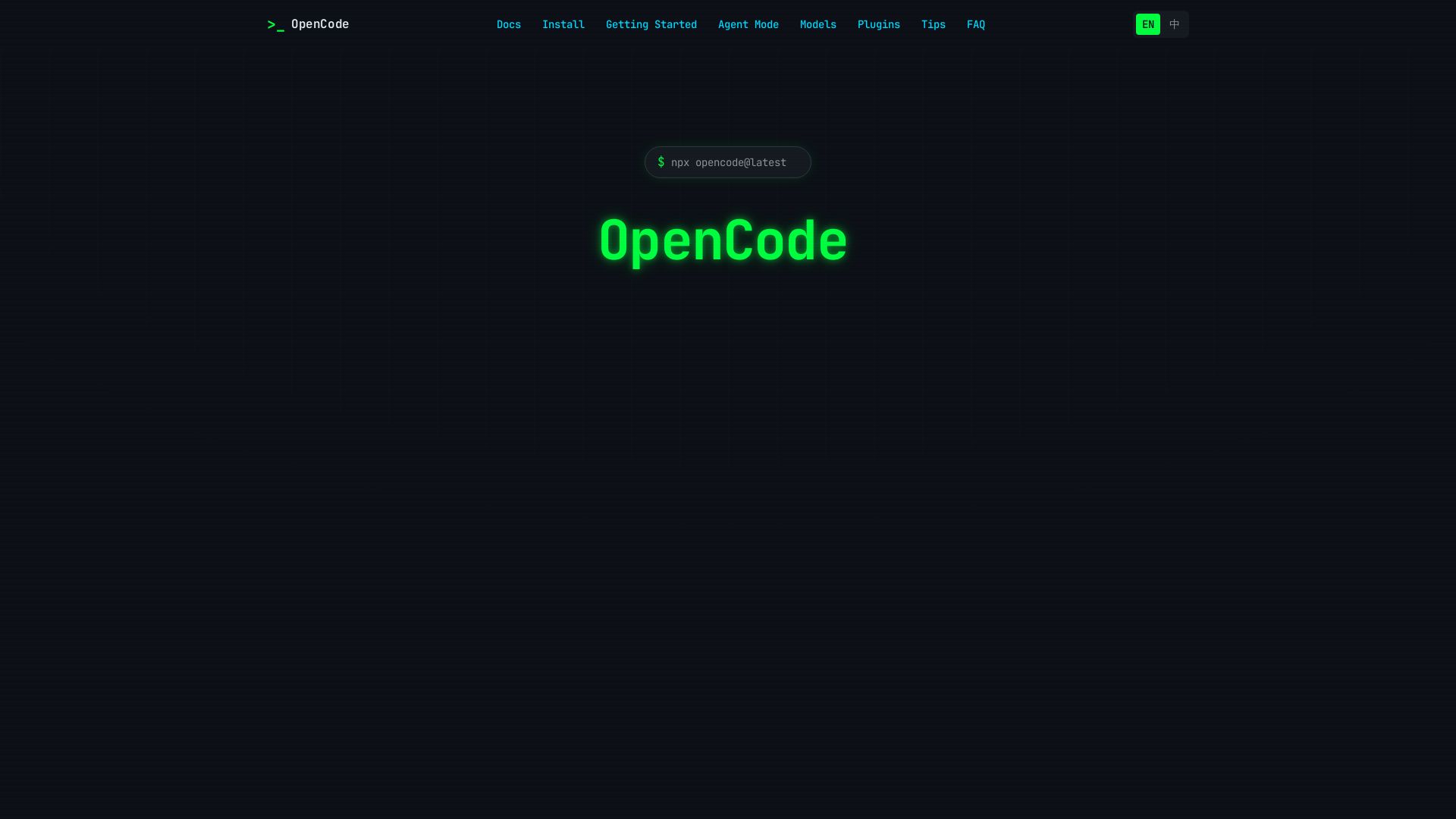
OpenCode
OpenCode is an open-source, terminal-native AI coding assistant supporting Claude, GPT-4, Gemini, and local models. Boost productivity with agent mode and seamless CLI integration.

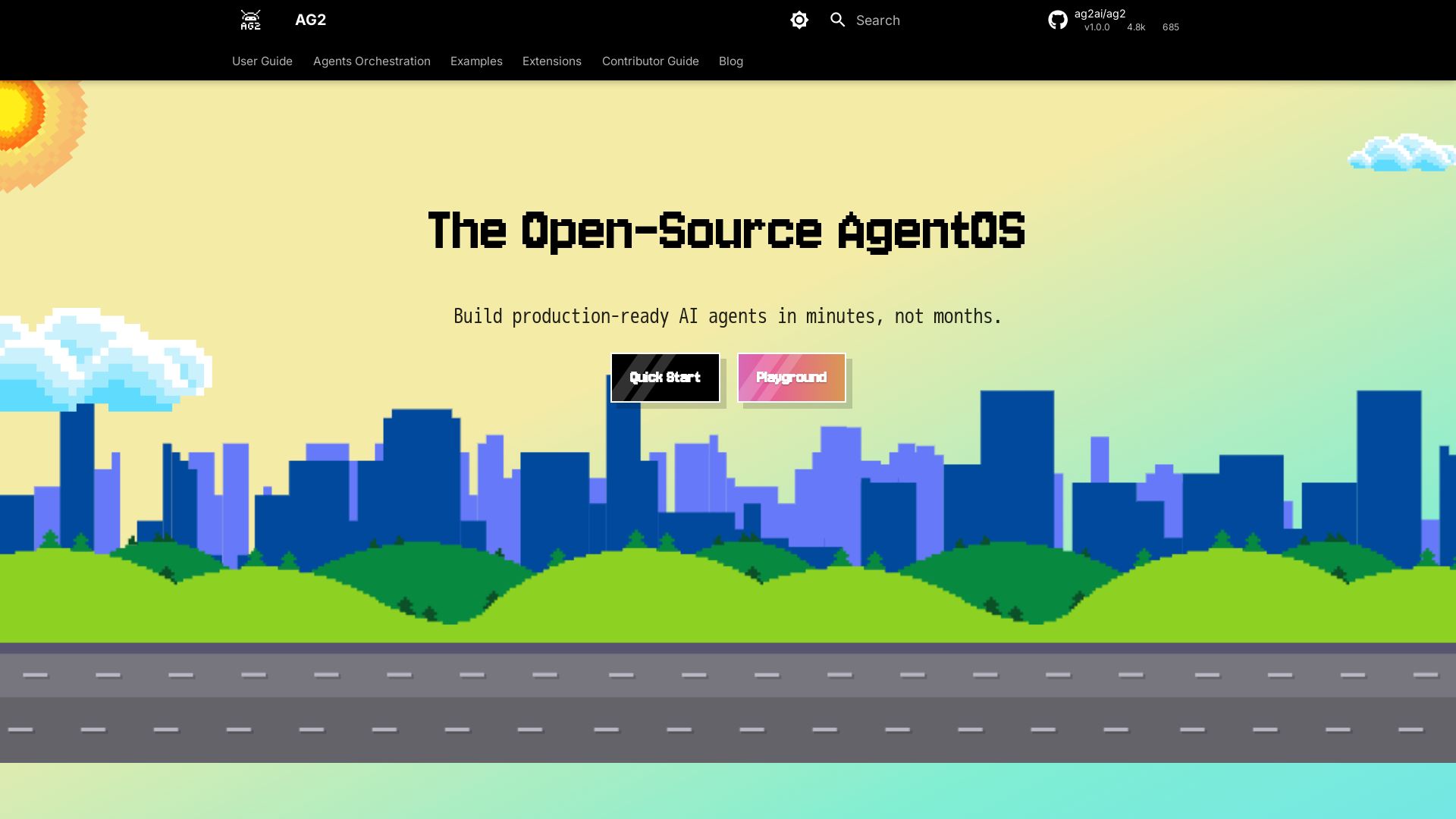
AG2
Build production-ready AI agents in minutes with AG2. Simple syntax, built-in patterns, human-AI collaboration. Open-source multi-agent framework.


OpenCode
OpenCode is a free, open-source AI coding assistant supporting multiple providers (OpenAI, Anthropic, local models) with CLI/TUI, custom tools, and privacy-centric local execution.

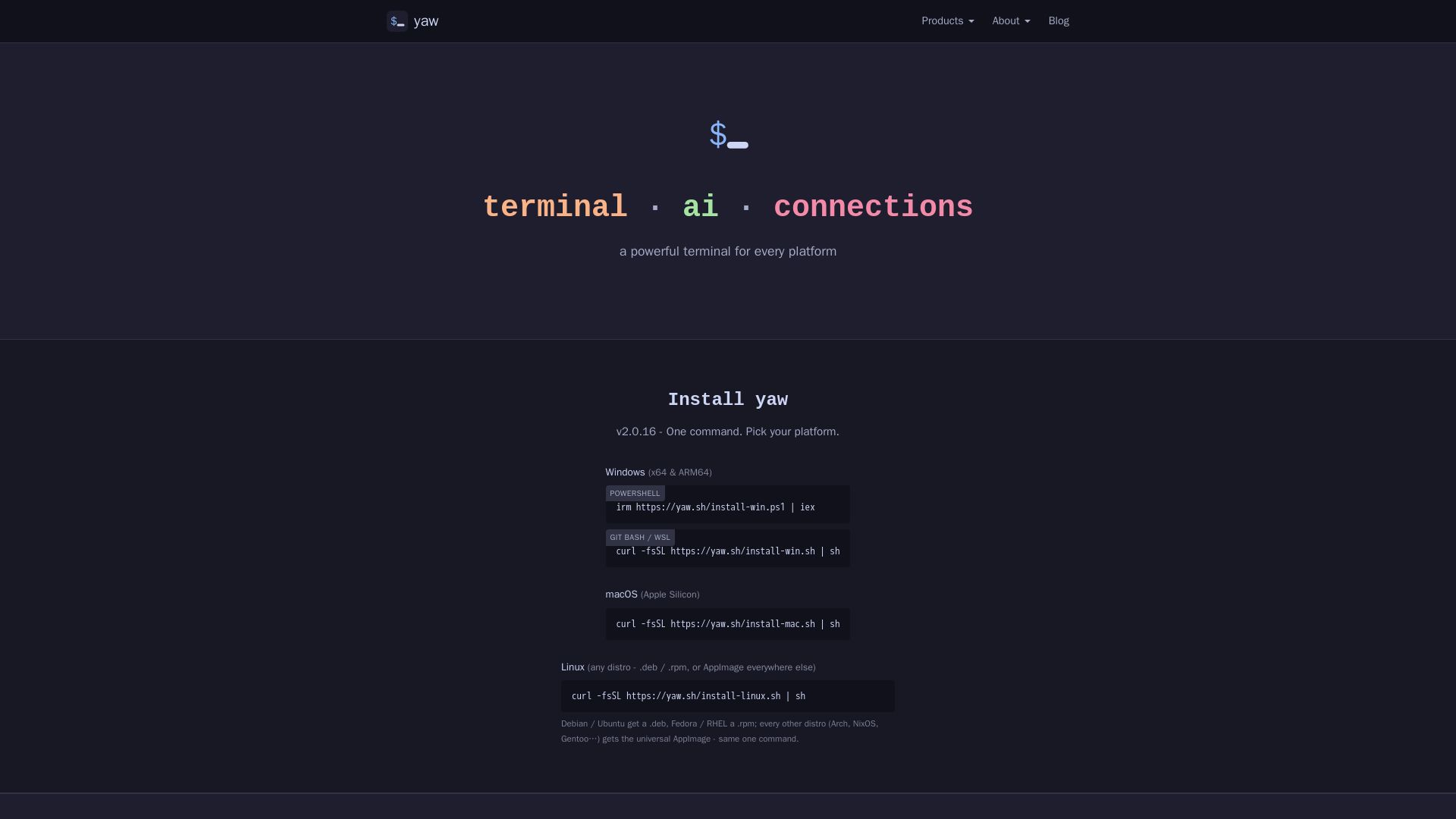
yaw
A powerful terminal for Windows, macOS, and Linux. Features AI CLI tools, built-in file editor, and Claude Code Yaw Mode. Install with one command.

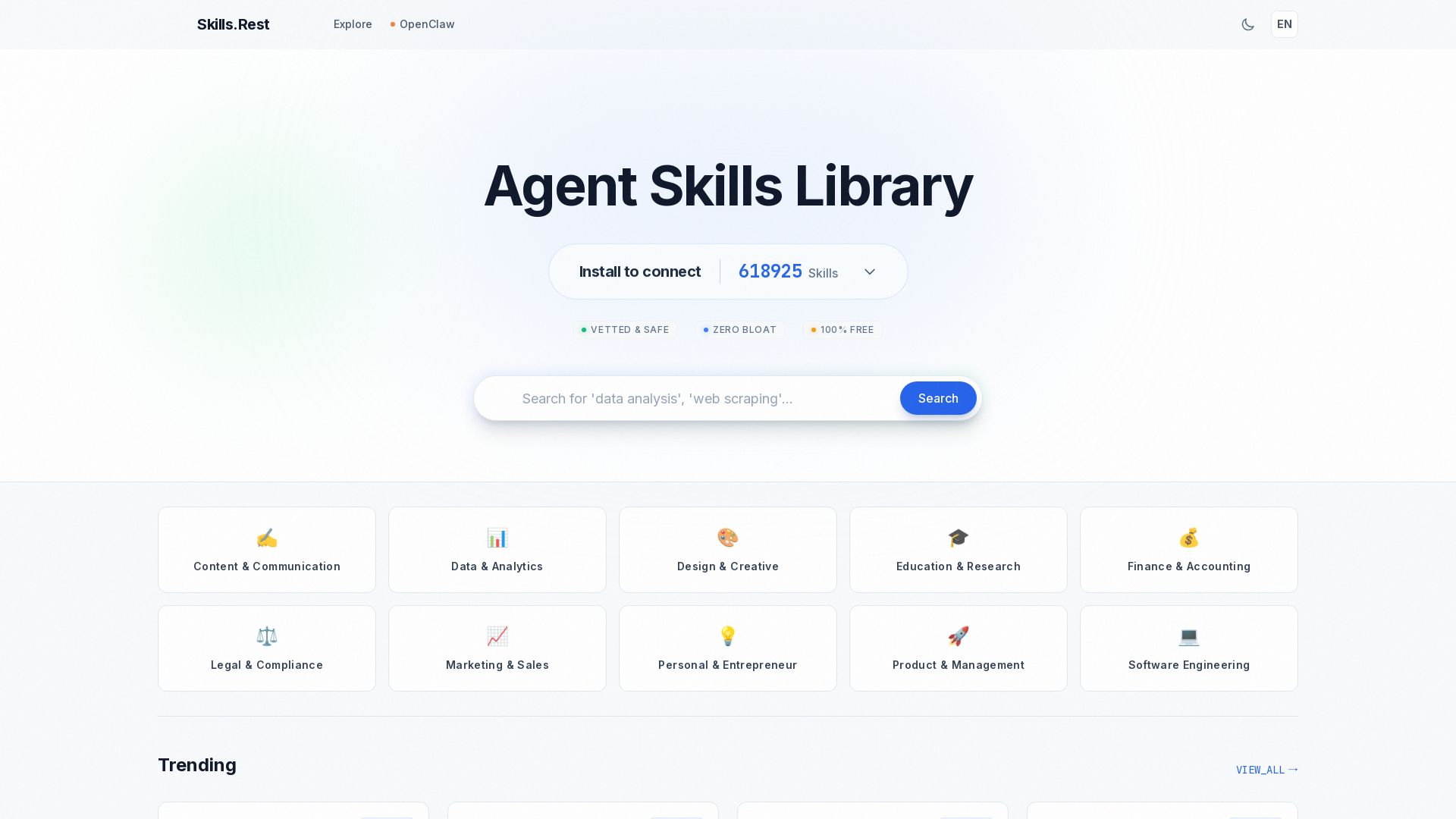
Skills.rest
Discover a curated library of free, safe, and zero-bloat AI agent skills. Install instantly via PowerShell and enhance your Claude Code workflows.

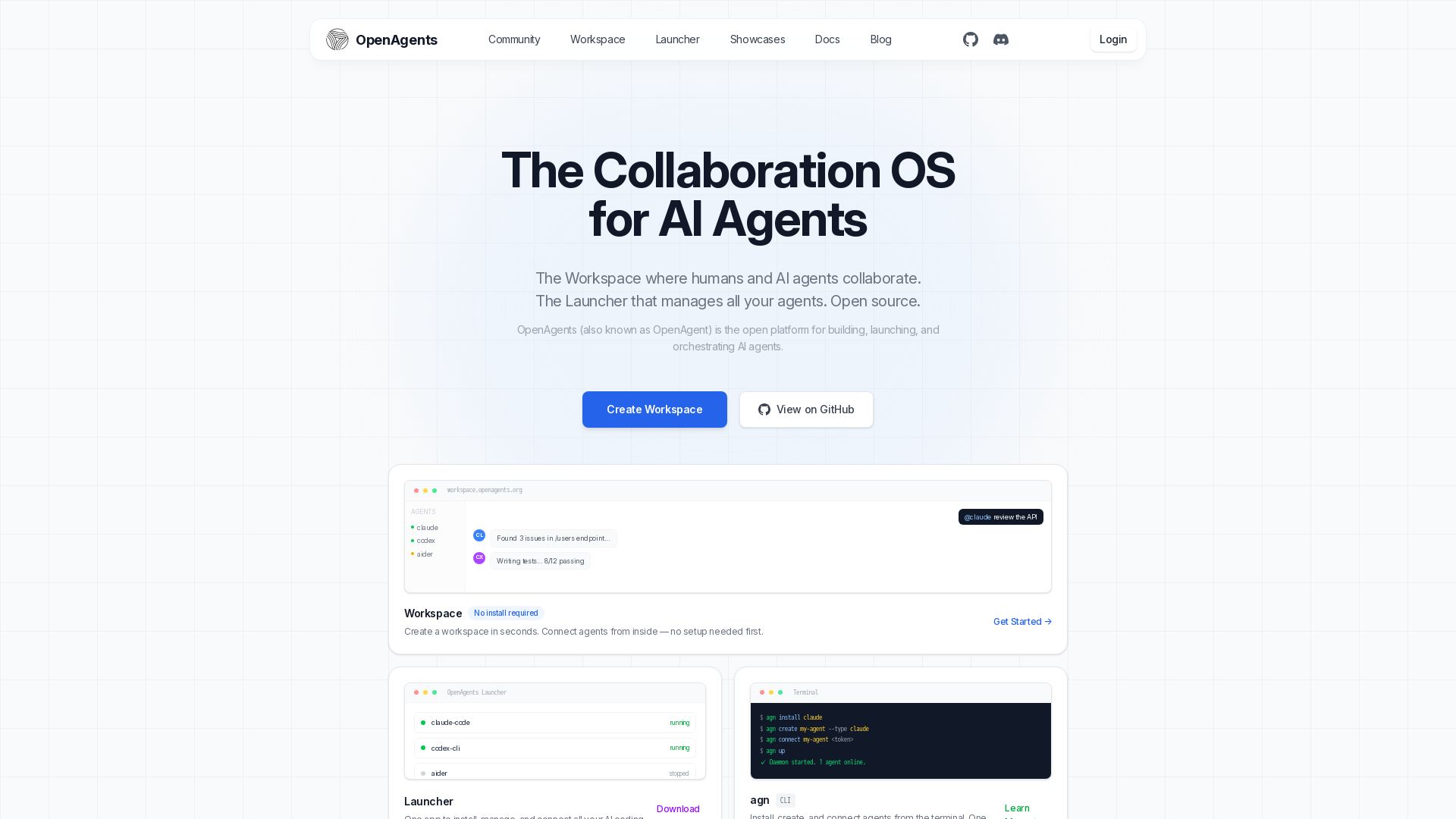
OpenAgents
Open-source AI agent platform: Collaborate with agents in a shared workspace. Manage Claude, Codex, Aider & more with the Launcher. Free, MIT license.


Figr
Ship better UX faster. Figr builds a living understanding of your product, maps flows, finds edge cases, and generates high-fidelity prototypes from your actual design system.

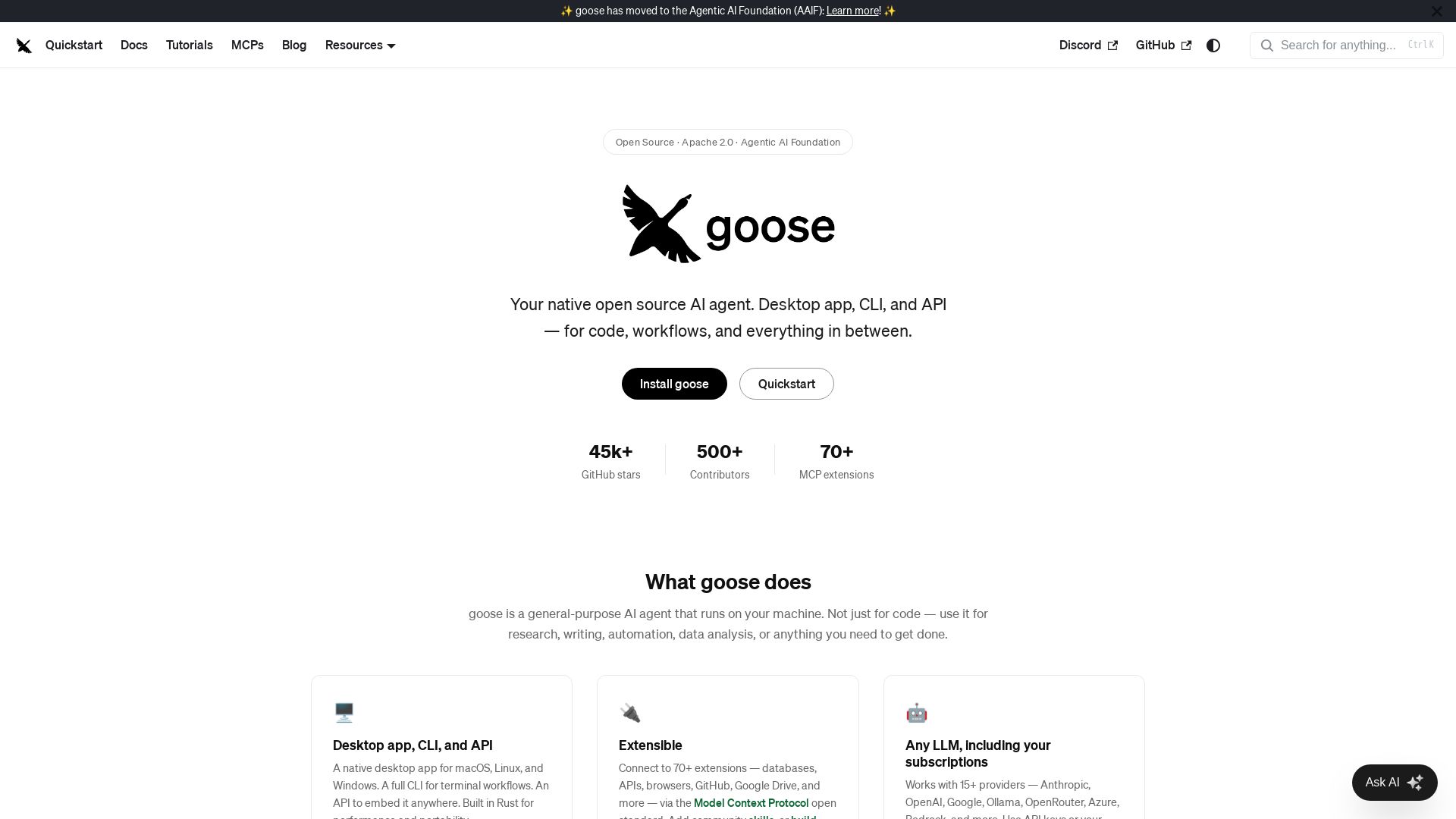
goose
Goose: open source AI agent for desktop, CLI, API. Code, research, automation. Extensible with 70+ MCP extensions, supports 15+ LLM providers.

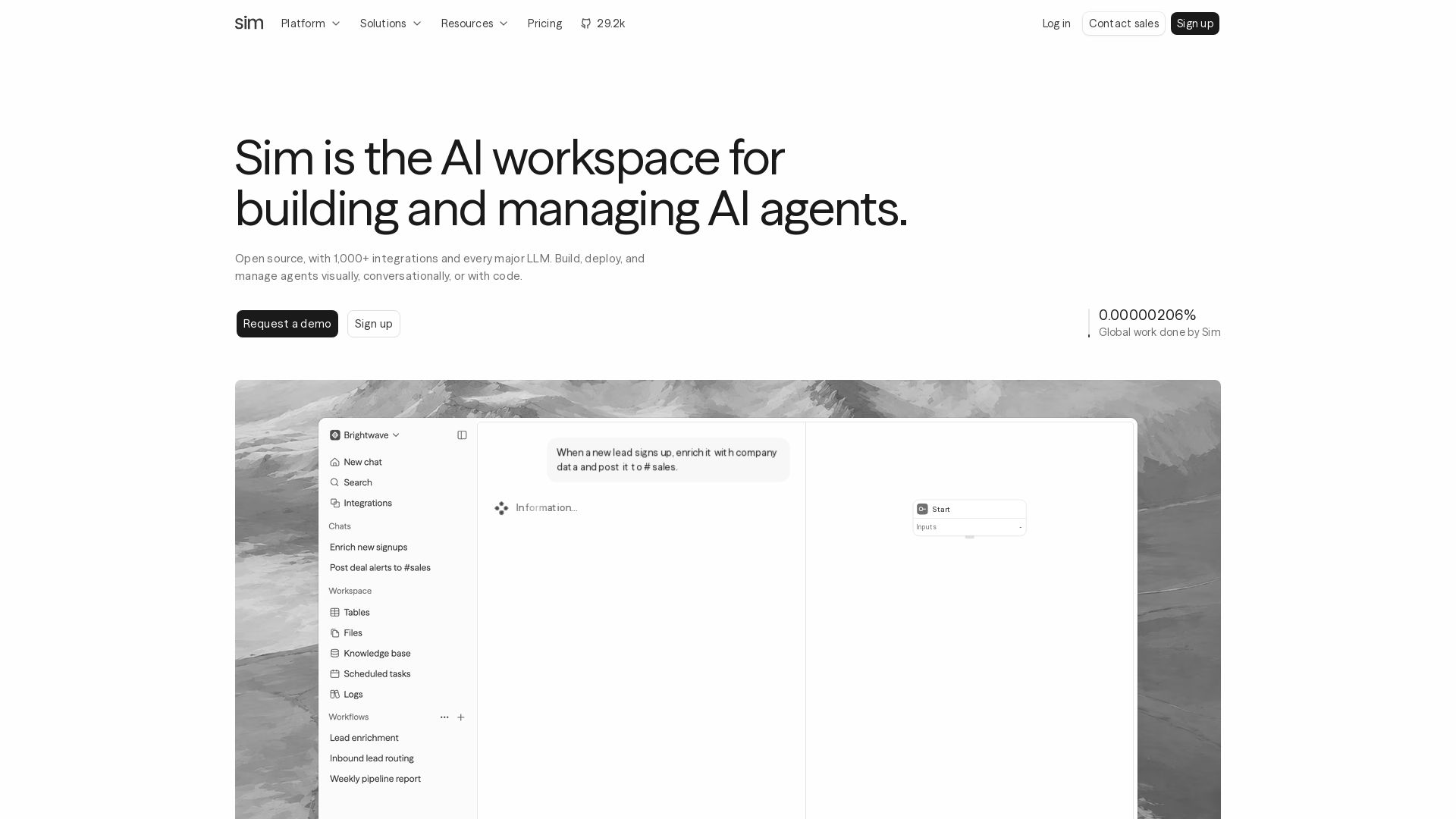
Sim
Build, deploy, and manage AI agents with 1,000+ integrations and every major LLM. Visually, conversationally, or with code. Get started free.

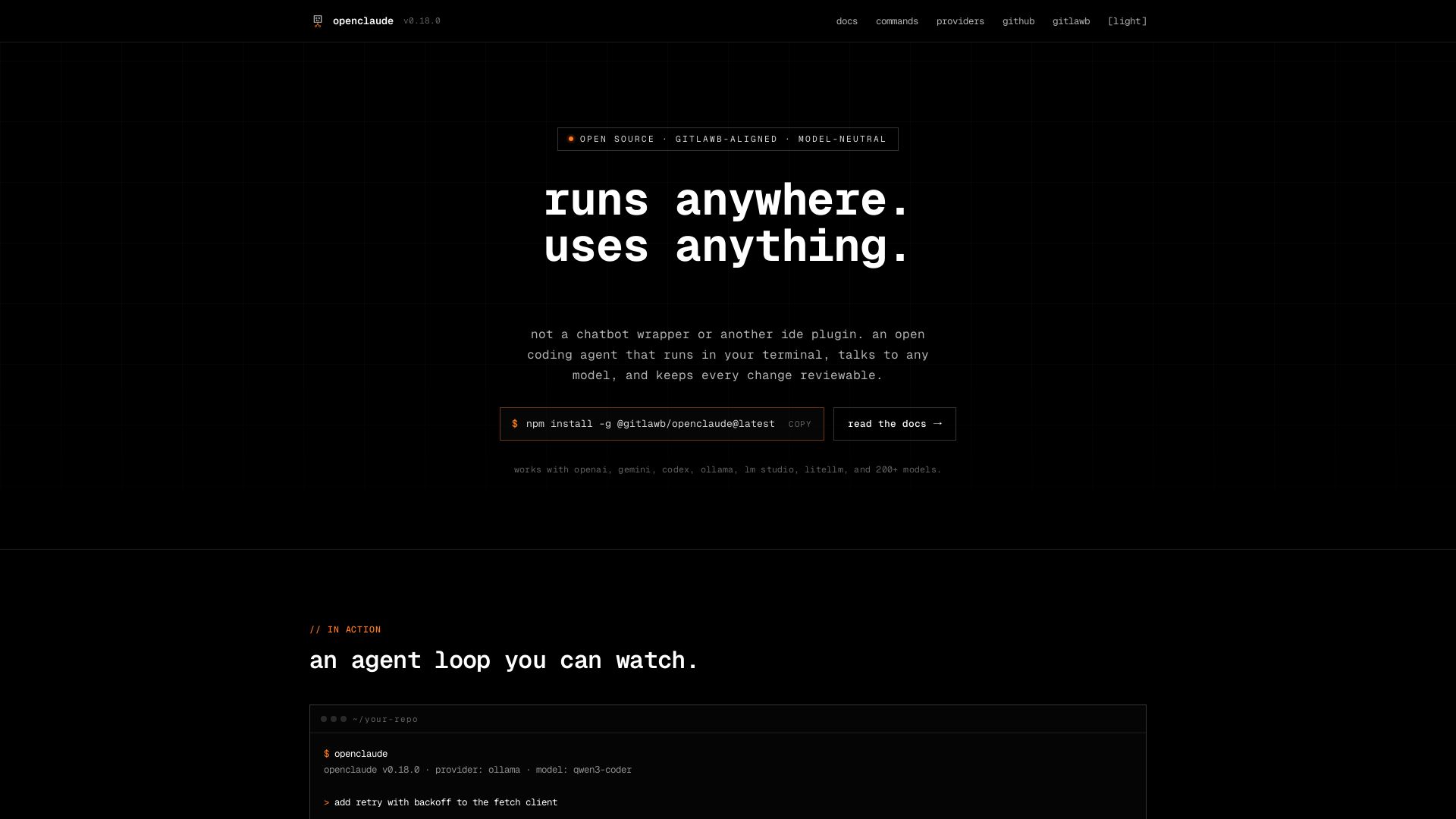
openclaude
An open coding agent that runs in your terminal, talks to any model, and keeps every change reviewable. Works with OpenAI, Gemini, Ollama, and 200+ models.

ℹ️ Curation Disclosure: The overview and features of Warp were synthesized using AI and fact-checked by our curation team to ensure accuracy.
