
OpenAgents
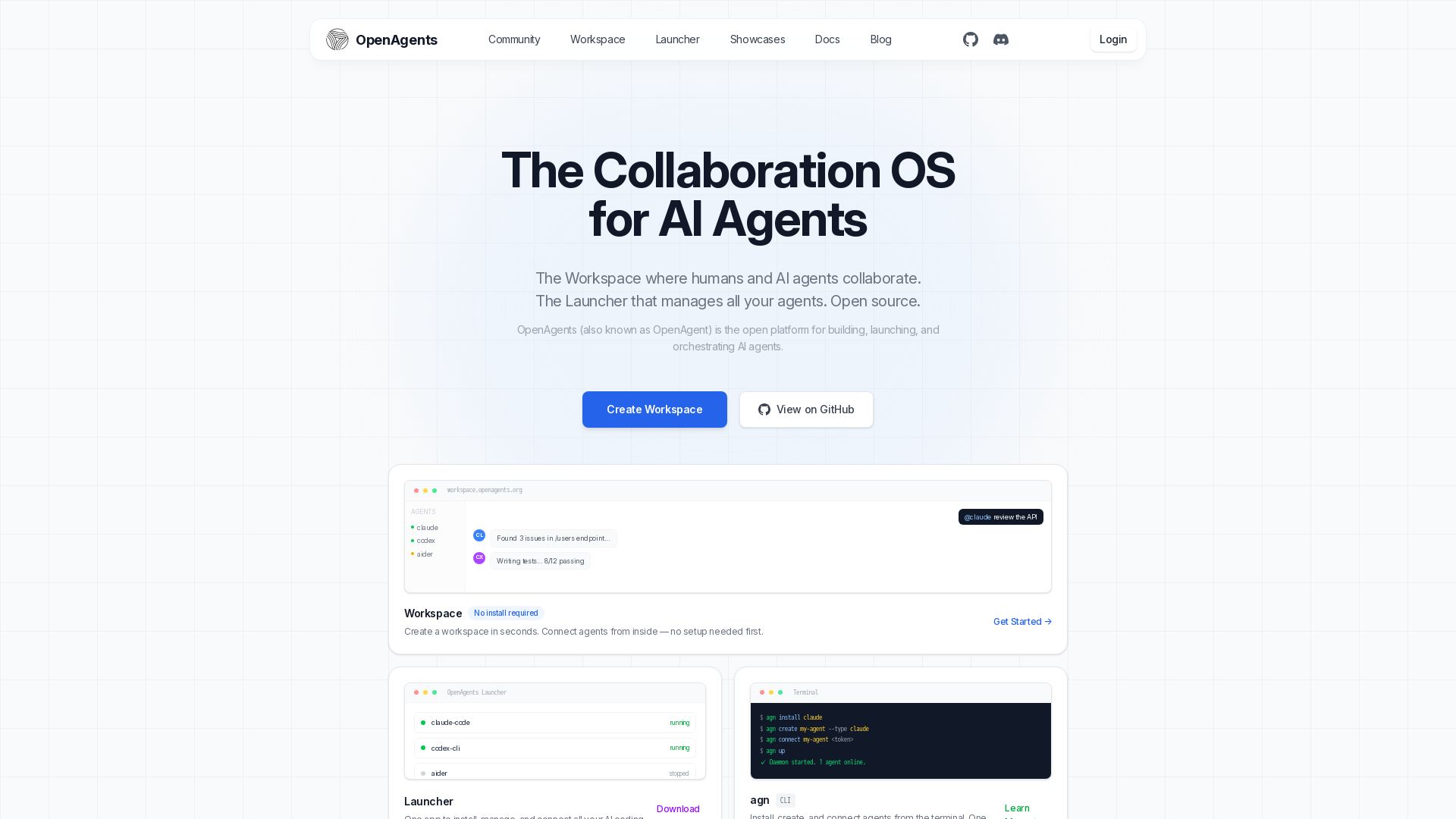
Open-source AI agent platform: Collaborate with agents in a shared workspace. Manage Claude, Codex, Aider & more with the Launcher. Free, MIT license.
Editor's Verdict
Key Takeaways
- Collaboration OS
- Launcher
- CLI
- Workspace
In-Depth Review: What is OpenAgents?
OpenAgents is the open-source platform for building, launching, and orchestrating AI agents. It features Workspace, a browser-based collaboration OS where humans and AI agents share threads, files, and a live browser, with @mention delegation and real-time status streaming. The Launcher is a desktop app and CLI that installs, configures, and connects coding agents like Claude Code, Codex CLI, and Aider—all in one place. Fully open source under the MIT license, you only pay for LLM API calls. Create a workspace in seconds, no install required to start.
Core Features
Collaboration OS
The Workspace where humans and AI agents collaborate in shared threads, files, and live browser sessions.
Launcher
One app to install, manage, and connect all your AI coding agents with visual configuration.
CLI
Install, create, and connect agents from the terminal with a single command.
Workspace
Browser-based collaborative environment with @mention delegation, shared files, and live status streaming.
Network SDK
Python SDK for building agents that register on the network, respond to events, and collaborate through workspaces.
Agent Integrations
Supports Claude Code, Codex CLI, OpenClaw, and many more agents with one-click install.
Open Source
Fully open source under MIT license, free to use and modify.
Pricing
Free
- Unlimited workspaces
- Unlimited agents
- Launcher desktop app
- CLI tool
- Network SDK
- Open source code
- Community support
Pros and Cons
Pros
- Open Source and FreeFully open source under MIT license, no licensing fees, only pay for LLM API calls.
- Multi-Agent CollaborationMultiple AI agents can work together in a shared workspace with human oversight.
- Easy SetupCreate a workspace in seconds with no install required; Launcher provides one-click agent installation.
- Cross-PlatformLauncher works on Windows, macOS, and Linux, with both desktop app and CLI.
- Extensible SDKPython SDK allows building custom agents that integrate seamlessly with the network.
Cons
- Requires API KeysUsers need to bring their own API keys for LLM providers (Anthropic, OpenAI, etc.), adding cost and setup.
- Limited Agent SupportSome agents like Aider, Goose, and Gemini CLI are listed as 'coming soon', limiting current options.
- Learning CurveSDK and CLI may require technical knowledge for advanced customization and agent development.
- Dependency on External ProvidersFunctionality depends on third-party AI services, which may have outages or rate limits.
- Early StagePlatform is relatively new; some features may be beta, with potential bugs or missing documentation.
Use Cases & Recommended Professions
Software Engineer→ View Toolkit
Collaborate with AI agents on code reviews, debugging, and pull request management in a shared workspace.
AI Researcher→ View Toolkit
Orchestrate multiple AI agents for experiments, data collection, and model evaluation.
DevOps Engineer→ View Toolkit
Automate CI/CD pipelines by delegating tasks to agents and monitoring their status in real time.
Product Manager→ View Toolkit
Use workspaces to assign tasks to AI agents for research, documentation, and prototyping.
Data Scientist→ View Toolkit
Leverage agents for data cleaning, analysis, and model training with shared notebooks and files.
Technical Writer→ View Toolkit
Assign AI agents to review, edit, and generate documentation using shared browser and version control.
Frequently Asked Questions
Alternative AI Tools
View Detailed Comparison →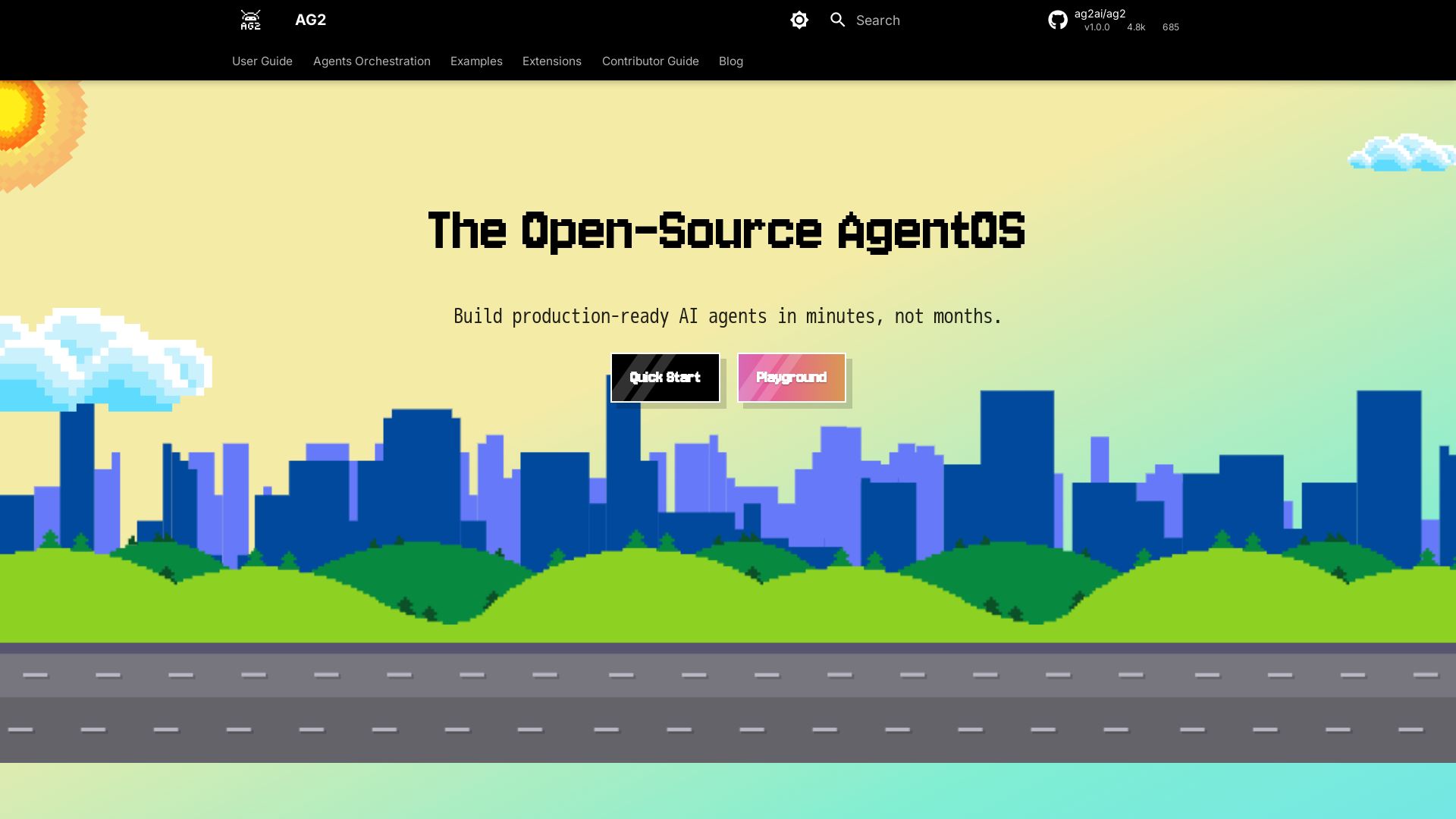
AG2
Build production-ready AI agents in minutes with AG2. Simple syntax, built-in patterns, human-AI collaboration. Open-source multi-agent framework.

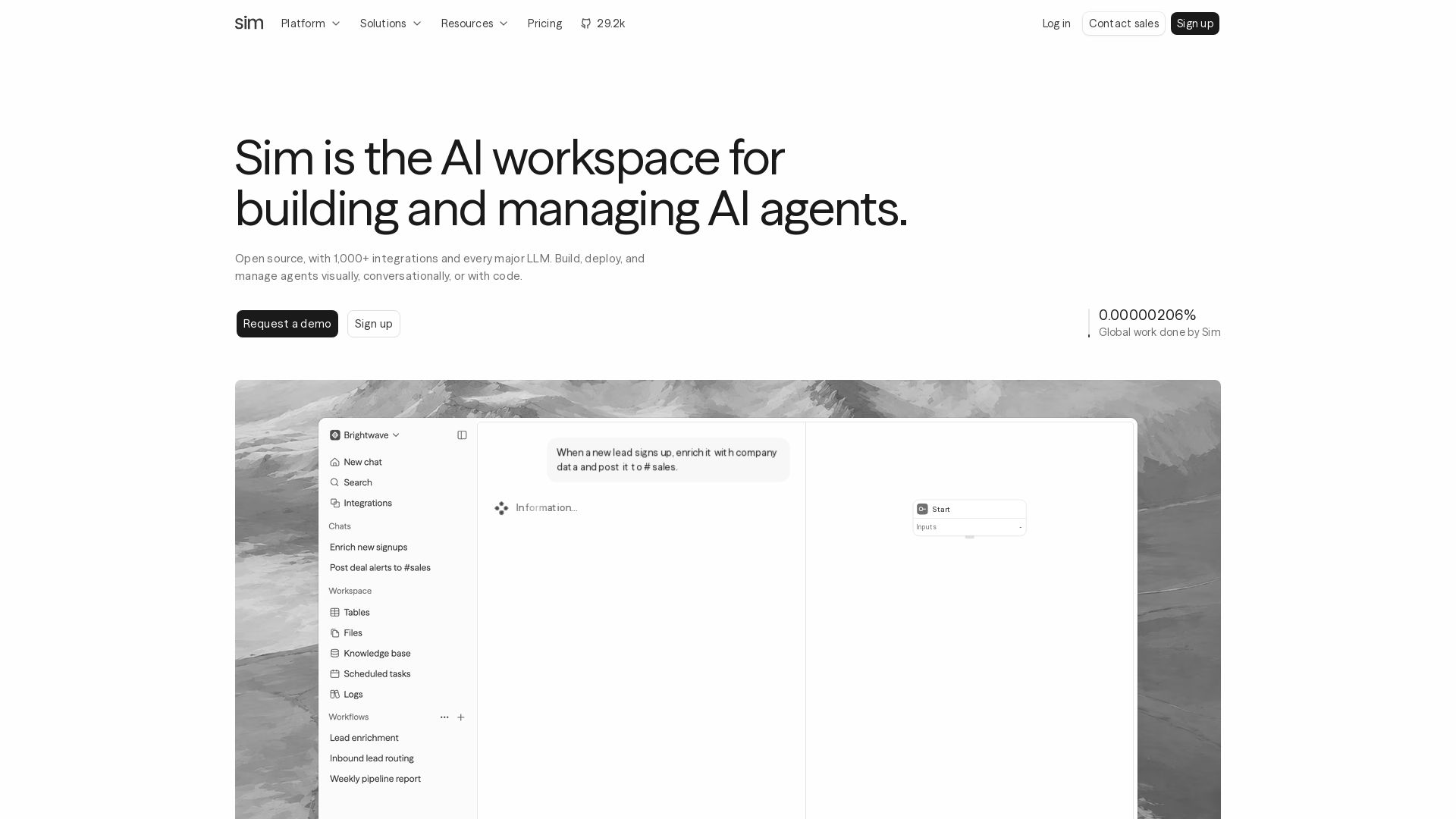
Sim
Build, deploy, and manage AI agents with 1,000+ integrations and every major LLM. Visually, conversationally, or with code. Get started free.

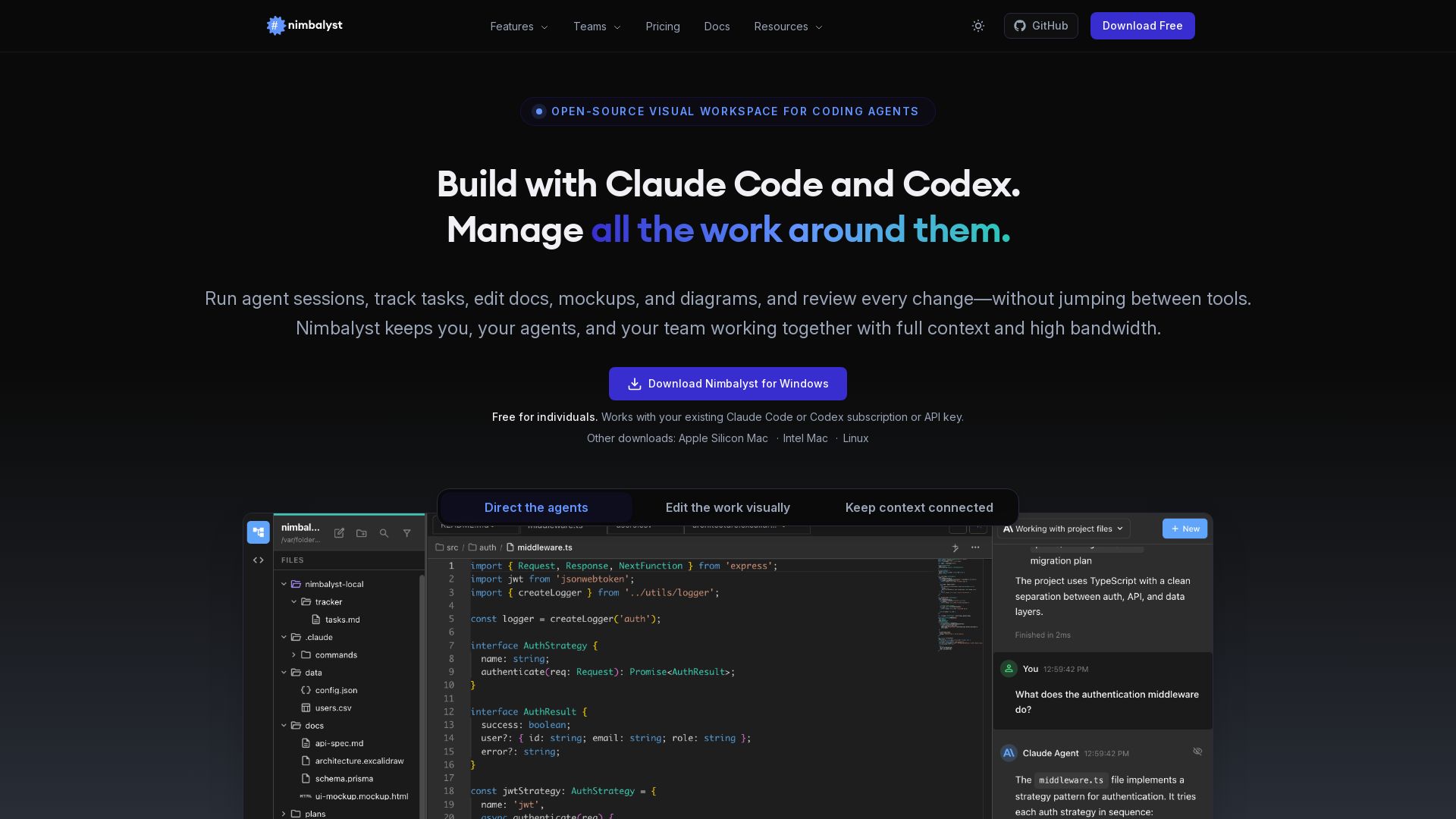
Nimbalyst
Manage agent sessions, edit docs visually, track tasks, and review AI changes—all in one place. Free for individuals.

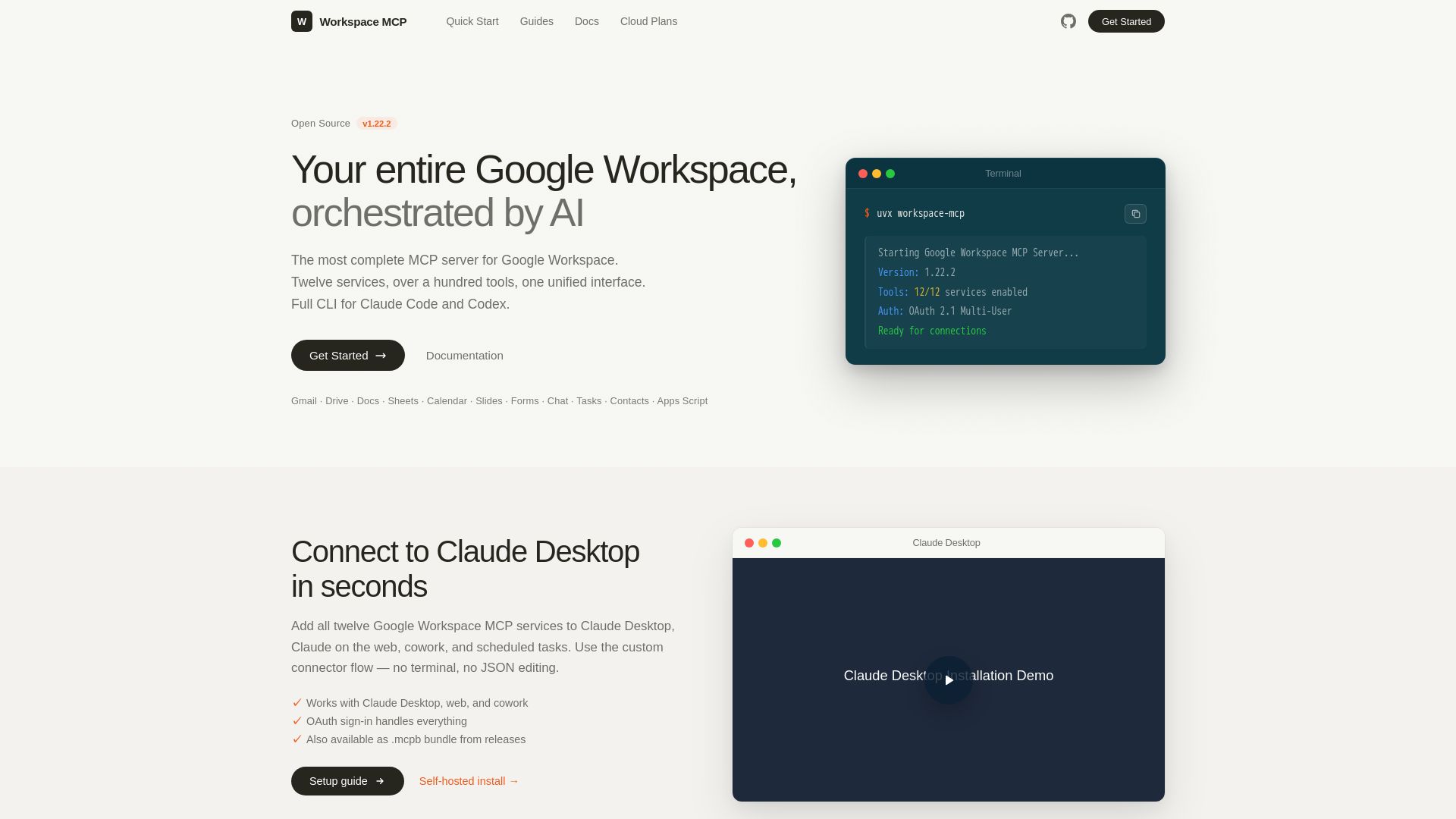
Google Workspace MCP Server
The most complete MCP server for Google Workspace. Connect AI to Gmail, Drive, Docs, Calendar, and more. Open source, OAuth 2.1, 100+ tools.
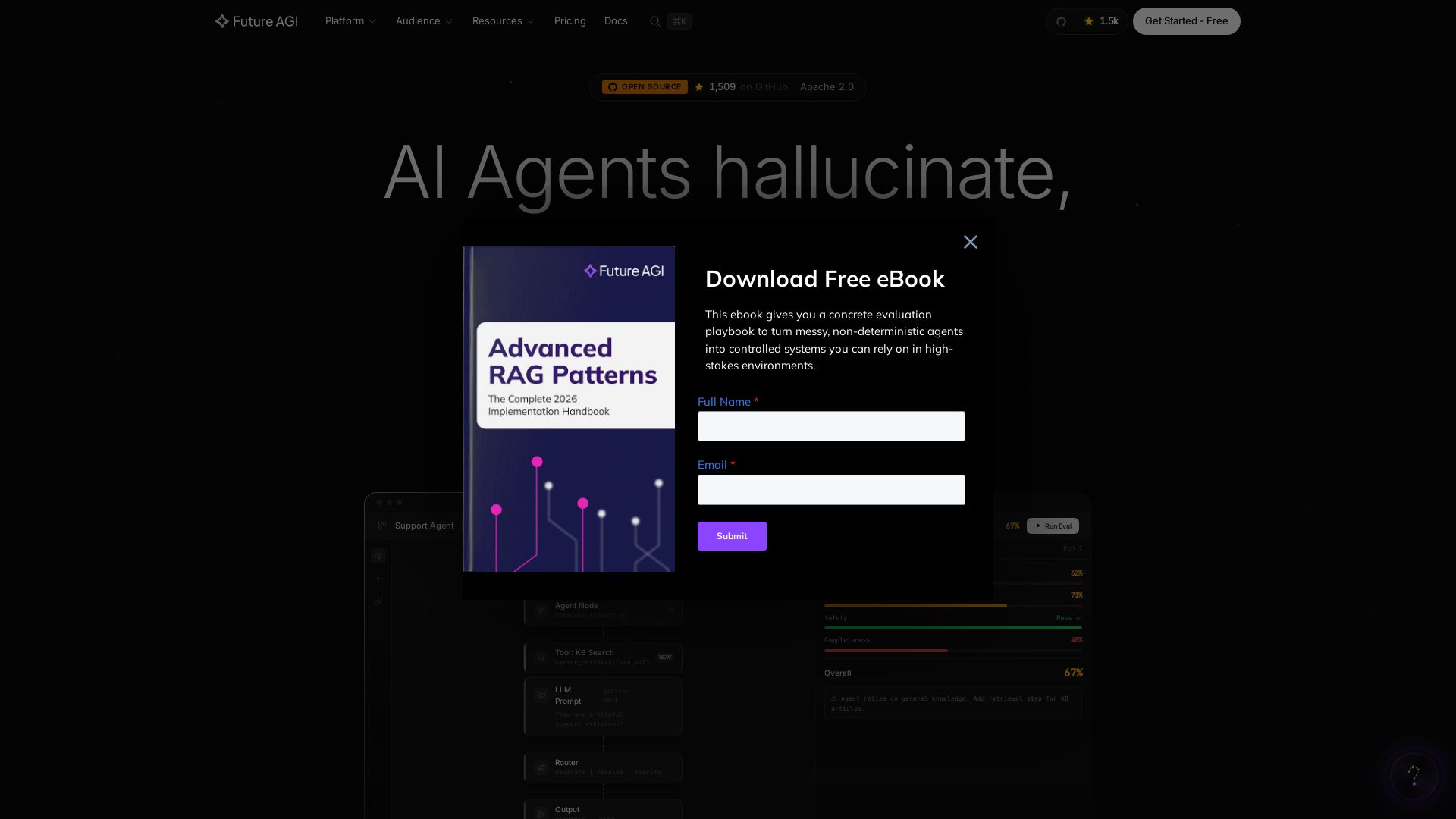
Future AGI
Catch AI hallucinations, evaluate accuracy, and deploy guardrails. Open-source platform to simulate, test, and monitor AI agents in production.

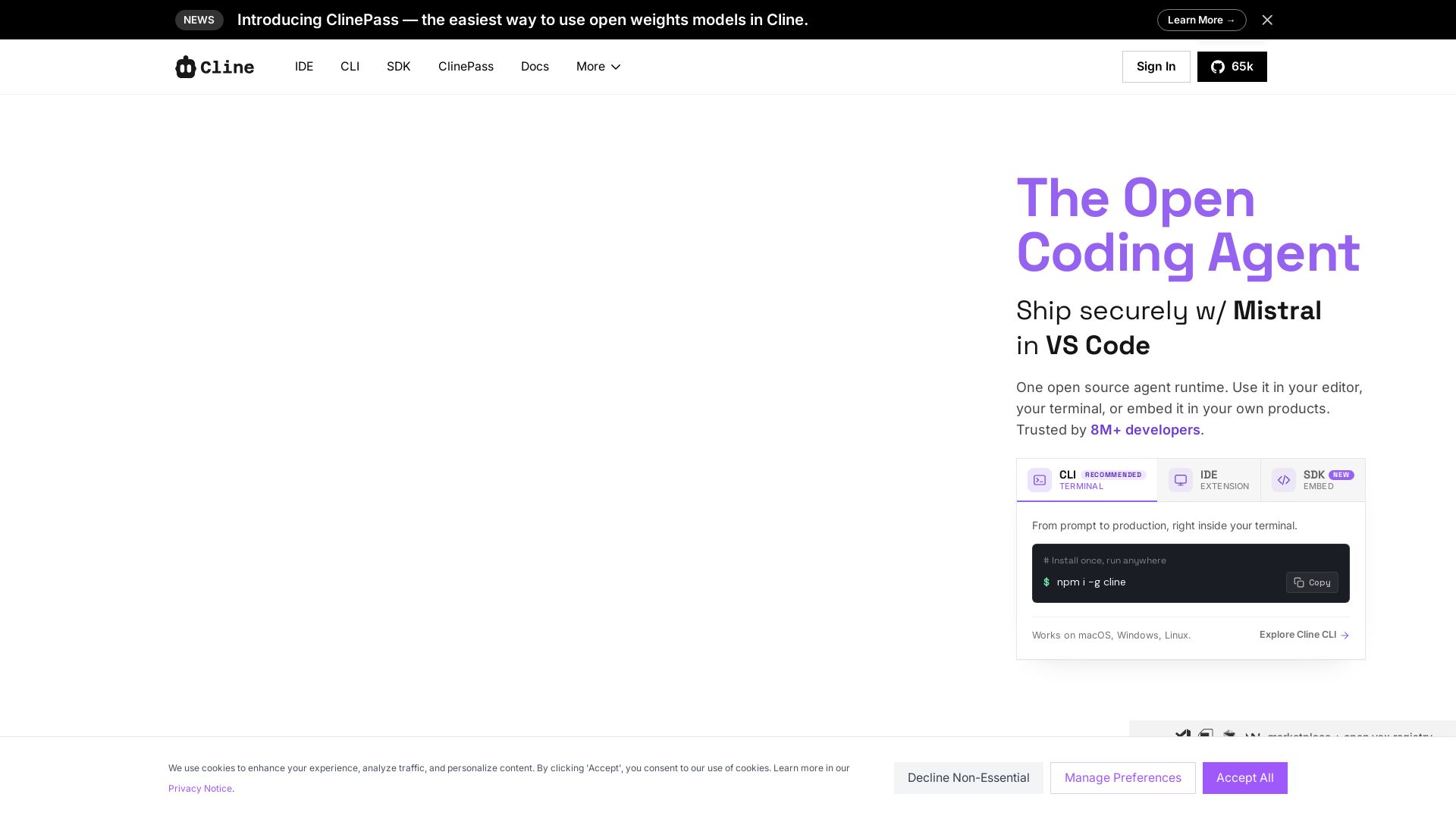
Cline
Cline is the open source AI coding agent that helps you ship secure code with Claude in VS Code, terminal, and more. Plan, act, and automate across your workflow.

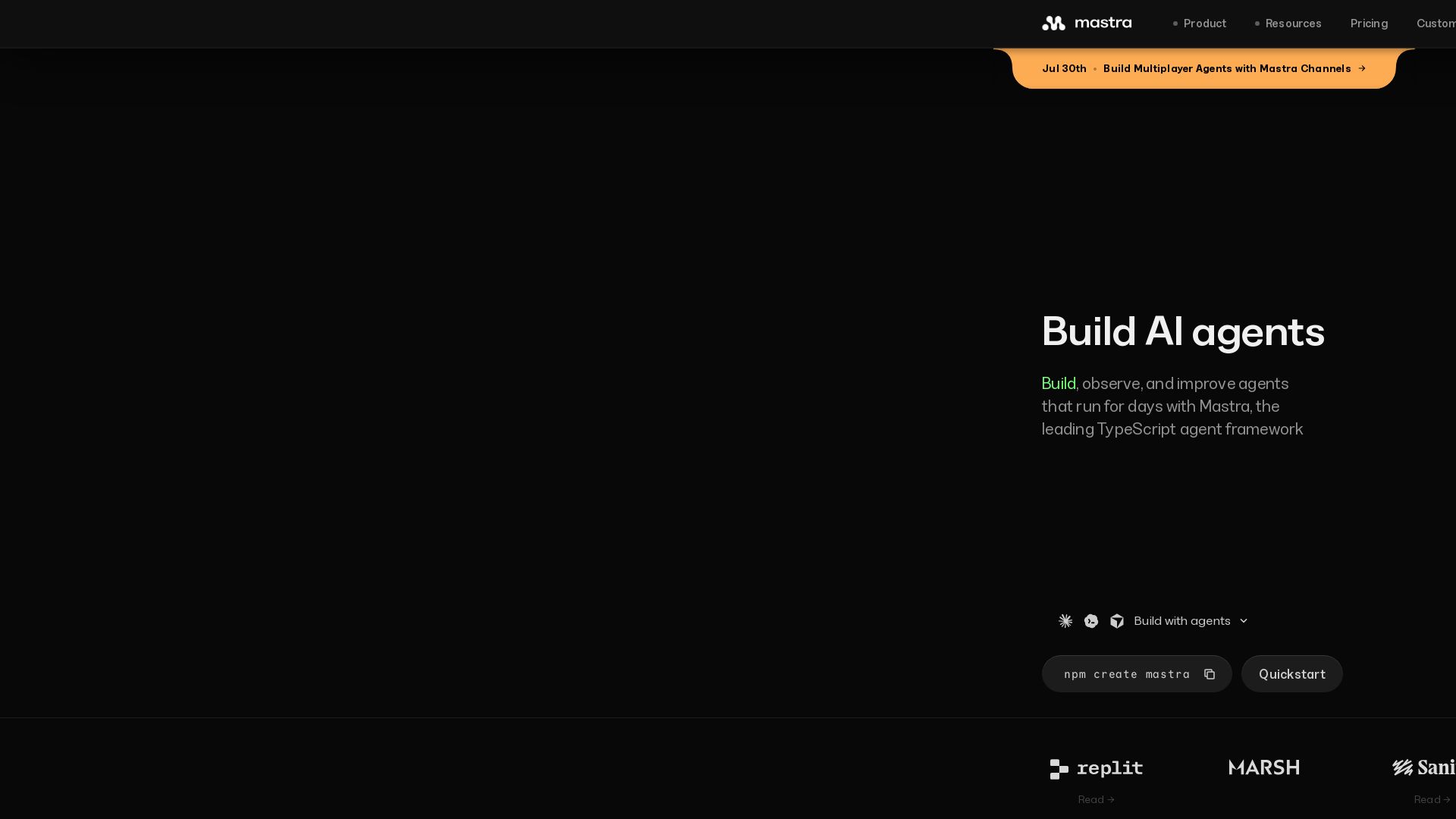
Mastra
Build, observe, and improve AI agents with Mastra. Workflows, memory, observability, and evals in one TypeScript framework.


Expo AI Chatbot
Build AI chatbot apps for iOS, Android & web with Expo SDK 54, AI SDK 5, voice, long-term memory, and more. Open-source codebase.

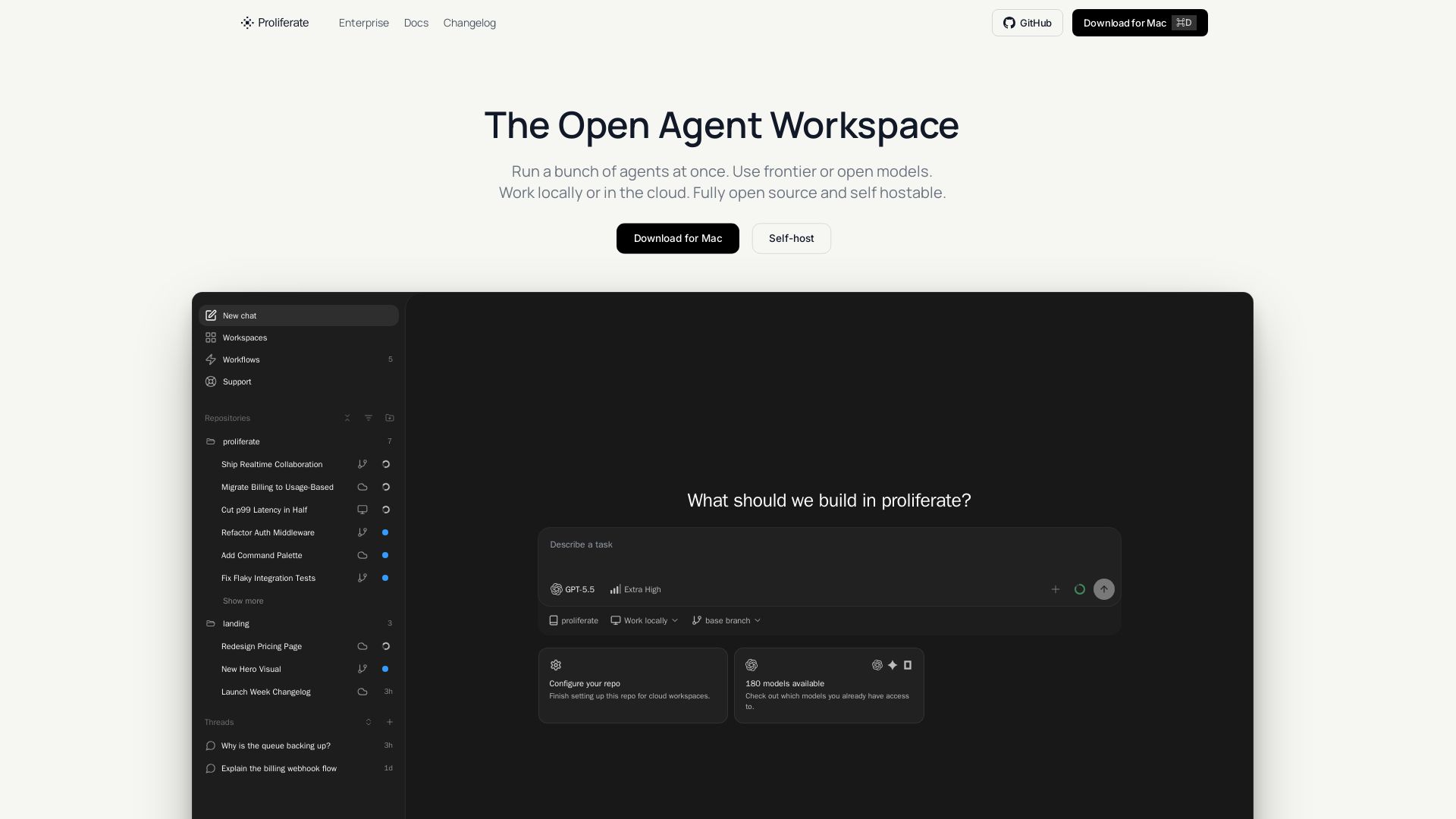
Proliferate
Orchestrate multiple AI coding agents in parallel, locally or in the cloud. Fully open source & self-hostable. Own your workflows.


Figr
Ship better UX faster. Figr builds a living understanding of your product, maps flows, finds edge cases, and generates high-fidelity prototypes from your actual design system.

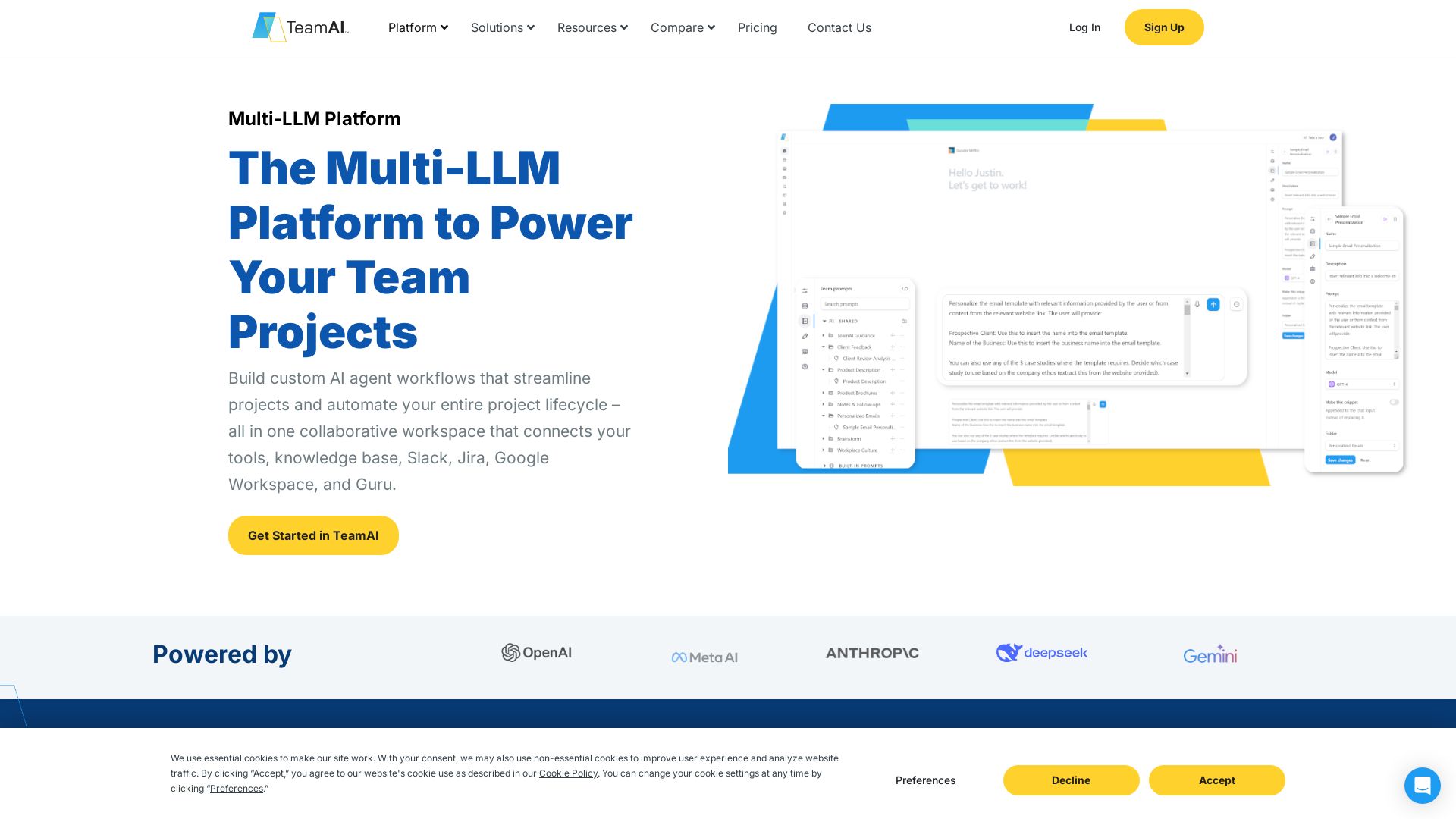
TeamAI
Build custom AI agents, automate workflows, and collaborate with top models in one workspace. Trusted by 1000+ businesses. Start free!

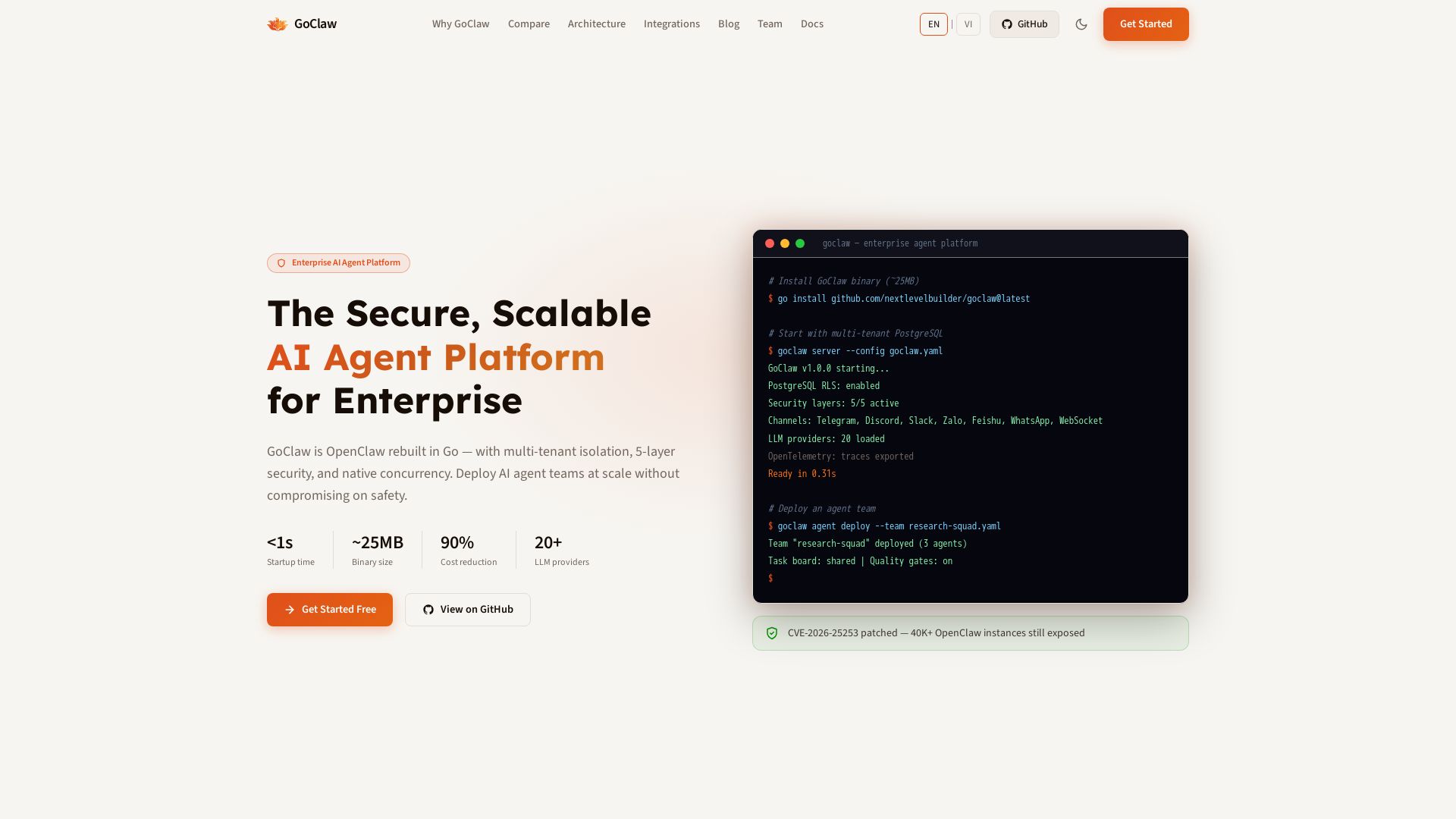
GoClaw
Deploy AI agent teams at scale with multi-tenant isolation, 5-layer security, and 90% cost reduction. Fast startup, ~25MB binary, 20+ LLMs.

ℹ️ Curation Disclosure: The overview and features of OpenAgents were synthesized using AI and fact-checked by our curation team to ensure accuracy.
