Google Workspace MCP Server
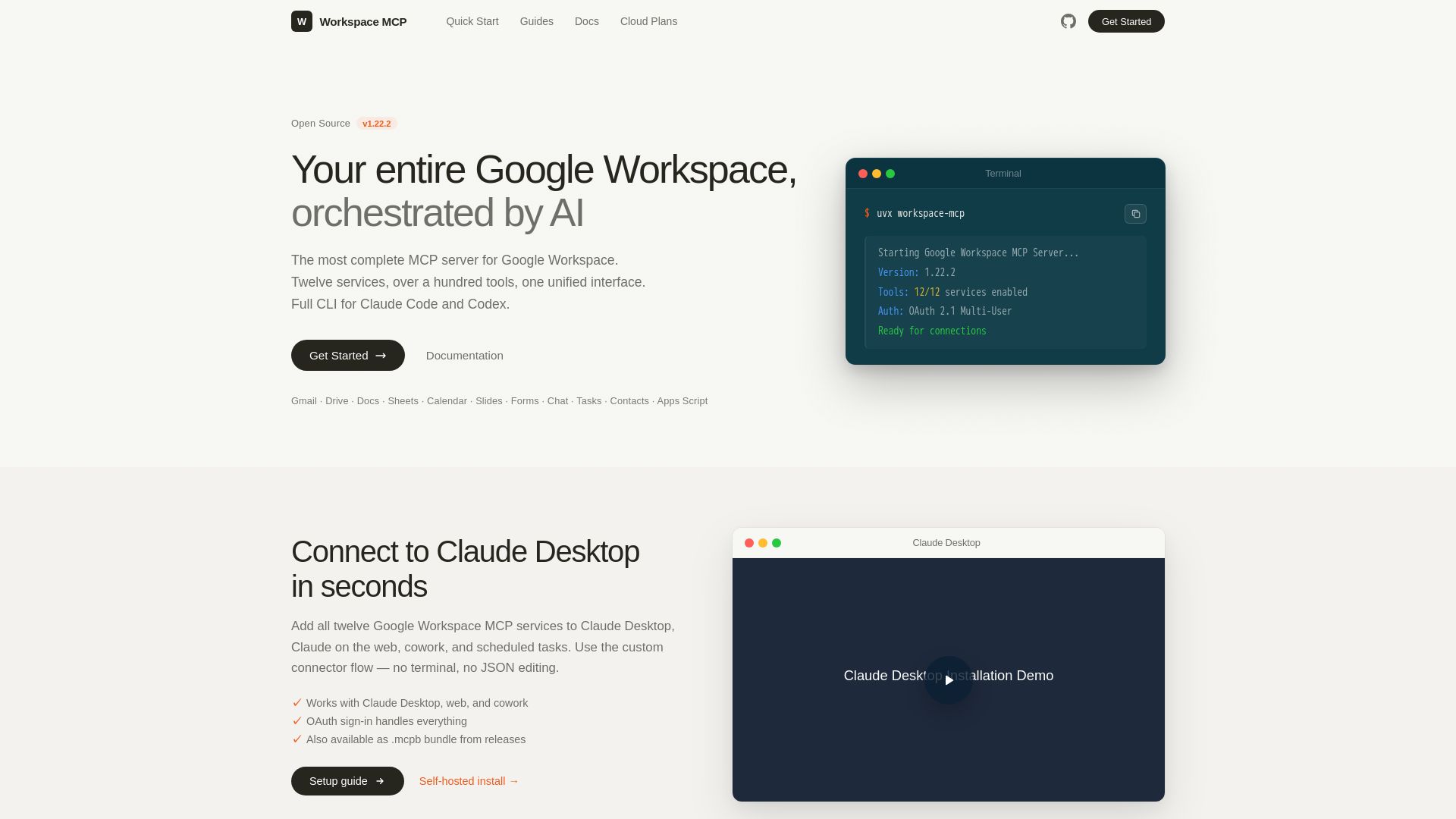
The most complete MCP server for Google Workspace. Connect AI to Gmail, Drive, Docs, Calendar, and more. Open source, OAuth 2.1, 100+ tools.
Editor's Verdict
Key Takeaways
- AI Orchestration
- Unified Interface
- Full CLI Mode
- OAuth 2.1 Multi-User Auth
In-Depth Review: What is Google Workspace MCP Server?
Workspace MCP is an open-source, production-ready MCP server that provides a unified AI interface to twelve Google Workspace services, including Gmail, Drive, Docs, Sheets, Calendar, Slides, Forms, Chat, Tasks, Contacts, Apps Script, and Custom Search. It offers over a hundred tools, flexible tool tiers, read-only mode, and OAuth 2.1 multi-user authentication. With full CLI support for Claude Code and Codex, it enables developers to automate workflows, manage emails, documents, calendars, and more using natural language. The server can be self-hosted or used via managed cloud hosting, ensuring data directly reaches Google's APIs without third-party telemetry.
Core Features
AI Orchestration
Orchestrate your entire Google Workspace with natural language commands, automating tasks across multiple services.
Unified Interface
Access twelve Google services (Gmail, Drive, Docs, Sheets, etc.) and over a hundred tools through a single MCP server.
Full CLI Mode
Supports CLI for coding agents like Claude Code and Codex, allowing direct tool invocation and JSON piping.
OAuth 2.1 Multi-User Auth
Production-ready authentication with OAuth 2.1 bearer tokens, pluggable storage backends, and stateless container support.
Flexible Tool Control
Three progressive tool tiers, per-service selection, and read-only mode that limits scopes and disables write tools.
Quick Start Guide
Install, configure OAuth, and connect your first MCP client in five minutes with a straightforward setup guide.
Managed Cloud Hosting
Let maintainers run your deployment with automatic upgrades, flat pricing, and direct support.
Open Source (MIT)
Fully open source with MIT license, no telemetry, no SaaS dependency, and every line auditable.
Read-Only Mode
Request only readonly scopes and disable all write tools for secure, non-destructive access.
Twelve Integrated Services
Includes Gmail, Drive, Calendar, Tasks, Docs, Chat, Sheets, Slides, Forms, Contacts, Apps Script, and Custom Search.
Pricing
Student
- Shared Workspace MCP Cloud endpoint
- Access for one student account
- Allowlist-only access control
- Fully managed system upgrades
- Cancel anytime, no lock-in
- 1 user
- One allowlisted Google account
- Managed cloud hosting
Standard
- Shared Workspace MCP Cloud endpoint
- Allowlist-only access control
- Fully managed system upgrades
- Direct line to maintainers
- Cancel anytime, no lock-in
- Unlimited users
- Add your whole team — one flat price, no per-seat billing
- Managed cloud hosting
Custom
- Everything in Standard, plus: Bring your own custom client ID deployment
- Google Chat & Chat Spaces support
- Complete internal control of APIs and access
- Your config in secured, managed environment
- Branded subdomain
- Custom workspacemcp.com hostname + SSL
- Your own domain
- Point a company subdomain transparently to your dedicated endpoint
Enterprise Unlimited
- Everything in Custom, plus: We run it or deploy it in your environment
- Real engineering time available on setup
- White glove setup and configuration
- Priority support for life of plan
- Your infrastructure
- Deployed on your own cloud or internal environment
- Live onboarding
- 1-on-1 setup call with a project maintainer
Pros and Cons
Pros
- Comprehensive IntegrationSupports 12 Google services and 100+ tools, enabling end-to-end automation of Workspace workflows.
- Open Source & TransparentMIT licensed, fully auditable code, no telemetry, and no external dependencies—ideal for security-conscious teams.
- Flexible AuthenticationOAuth 2.1 multi-user auth with pluggable storage backends and stateless container mode for production use.
- Easy Setup with ClaudeConnect to Claude Desktop, web, or cowork in seconds using the custom connector flow without terminal editing.
- Granular Access ControlTool tiers, per-service selection, and read-only mode allow precise scope management and safe operation.
Cons
- Requires Self-Hosting or Paid CloudThe open-source version needs manual setup; managed cloud plans start at $4/month, which may add cost.
- Limited to Google WorkspaceOnly integrates with Google services, so users relying on Microsoft 365 or other platforms need separate tools.
- Chat Support Only on Higher TiersGoogle Chat & Spaces functionality is only available on the Custom plan ($20/month) or above.
- Non-Developer Friendly UIWhile quick start is simple, advanced configuration (OAuth, CLI) may require technical expertise.
- No Offline ModeRequires internet connectivity to access Google APIs; no offline caching or local processing support.
Use Cases & Recommended Professions
Software Engineer→ View Toolkit
Needs to automate Google Workspace tasks such as email sending, document generation, and calendar management directly from code or AI assistants.
Data Analyst→ View Toolkit
Can extract data from Google Sheets, Drive, and Forms programmatically, and integrate with analytics pipelines without manual exports.
Project Manager→ View Toolkit
Uses the tool to manage tasks, calendars, and team communication across multiple Google Workspace accounts through a single interface.
Marketing Manager→ View Toolkit
Automates email campaigns, creates presentations, and monitors form responses, all via AI-driven commands or scripts.
IT Administrator→ View Toolkit
Manages user access, deploys the server with OAuth, and ensures security compliance with read-only modes and auditability.
AI/ML Engineer→ View Toolkit
Integrates large language models with Google Workspace to build intelligent agents that can read, write, and organize data autonomously.
Frequently Asked Questions
Alternative AI Tools
View Detailed Comparison →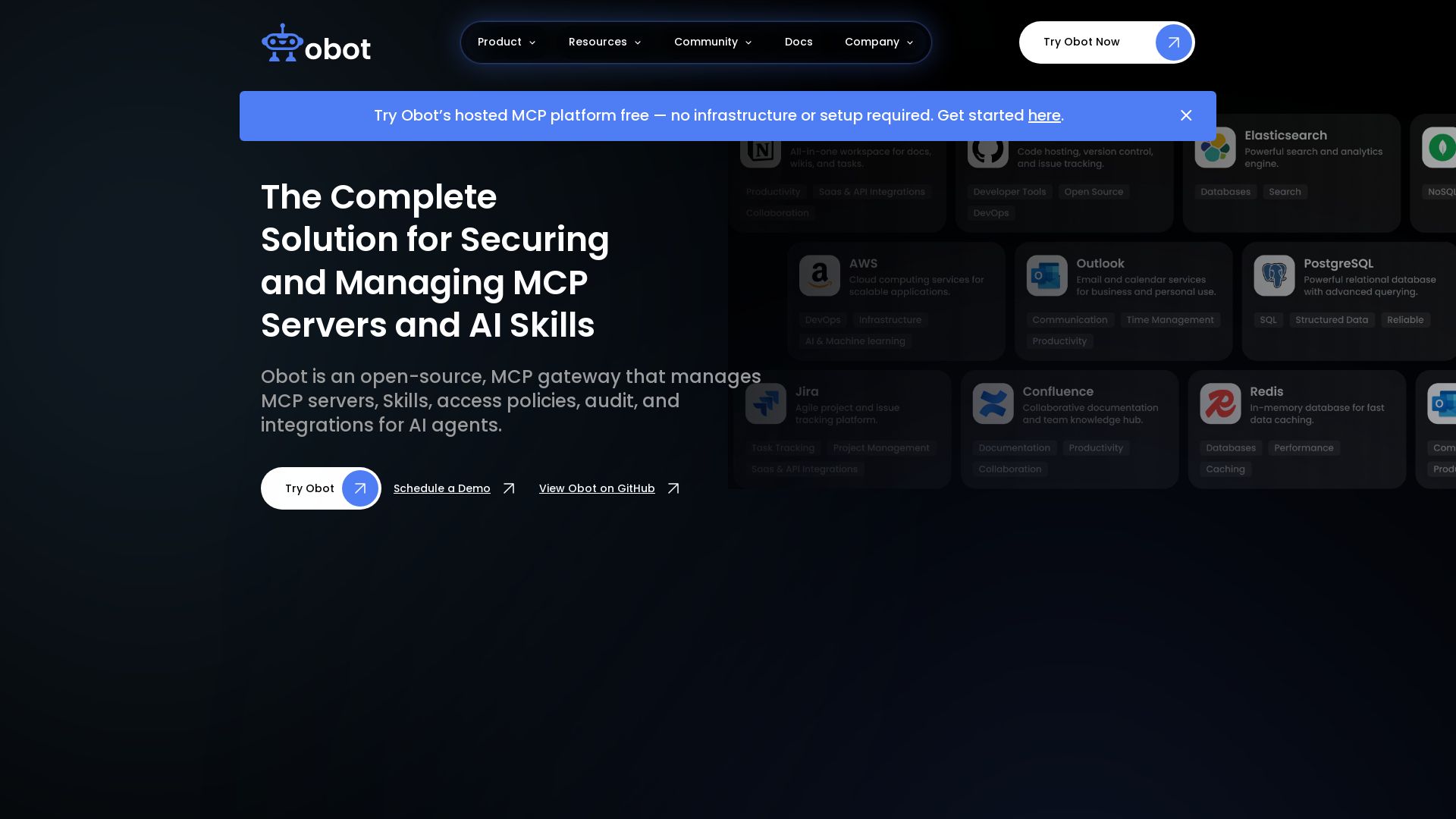
Obot
Secure, manage, and govern MCP servers and AI skills with an open-source gateway. OAuth, access control, audit logs, and discovery.

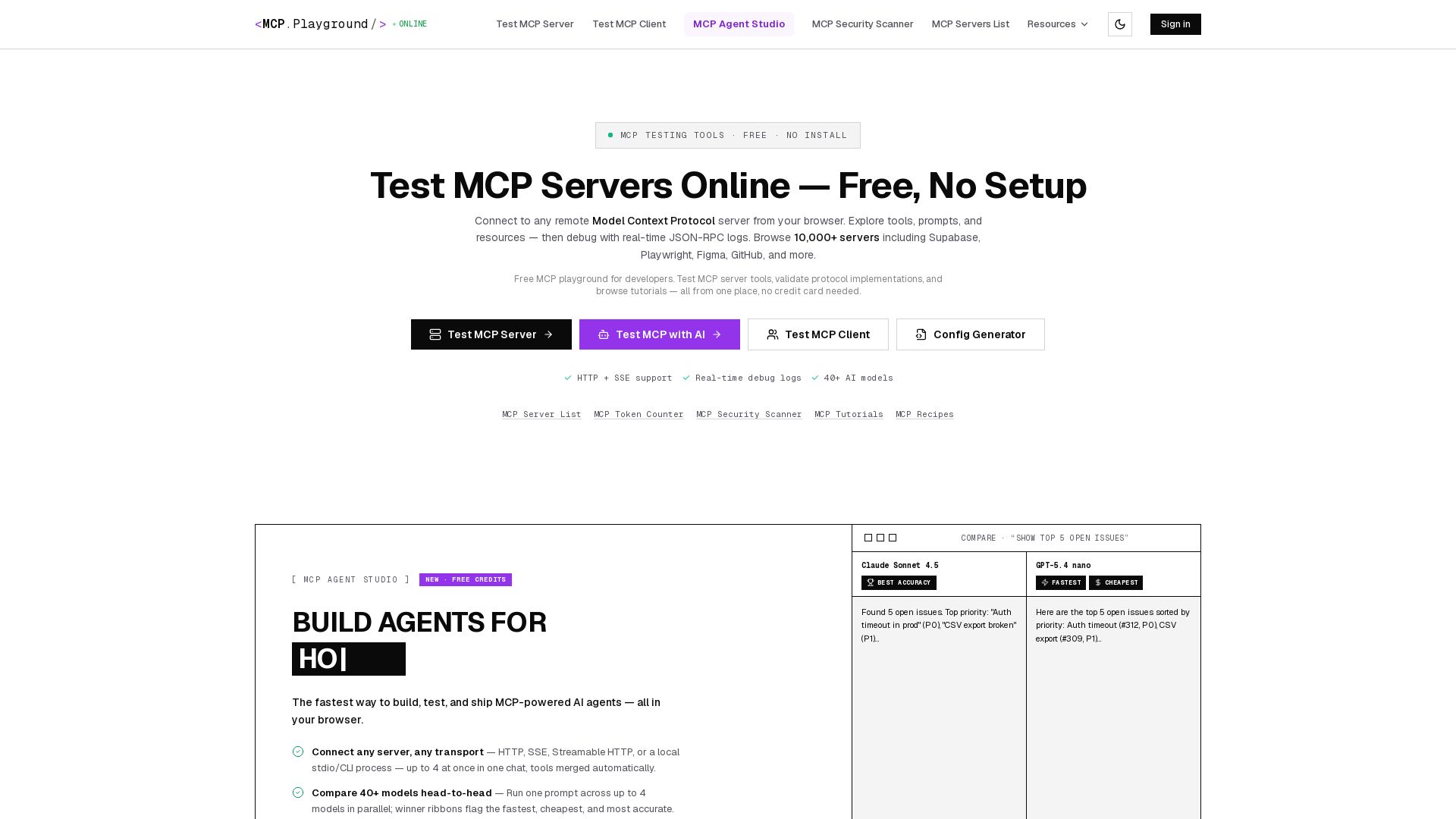
MCP Playground Online
Free browser-based MCP testing tool. Connect to any server, browse tools, execute commands, and view live JSON-RPC logs. No install required.

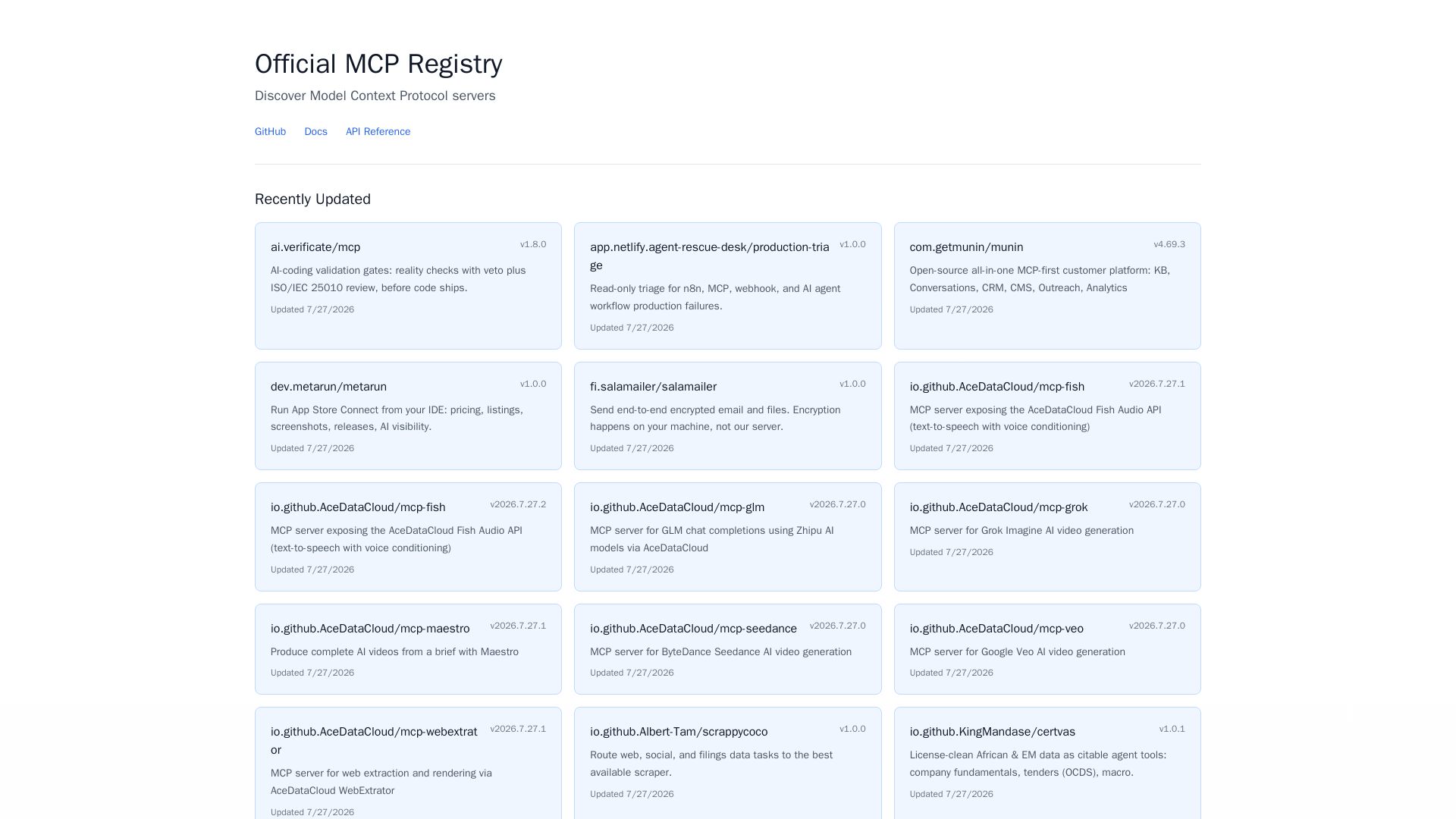
MCP Registry
Explore the official directory of MCP servers for AI integration, data processing, automation, and more. Find vetted servers with descriptions and updates.

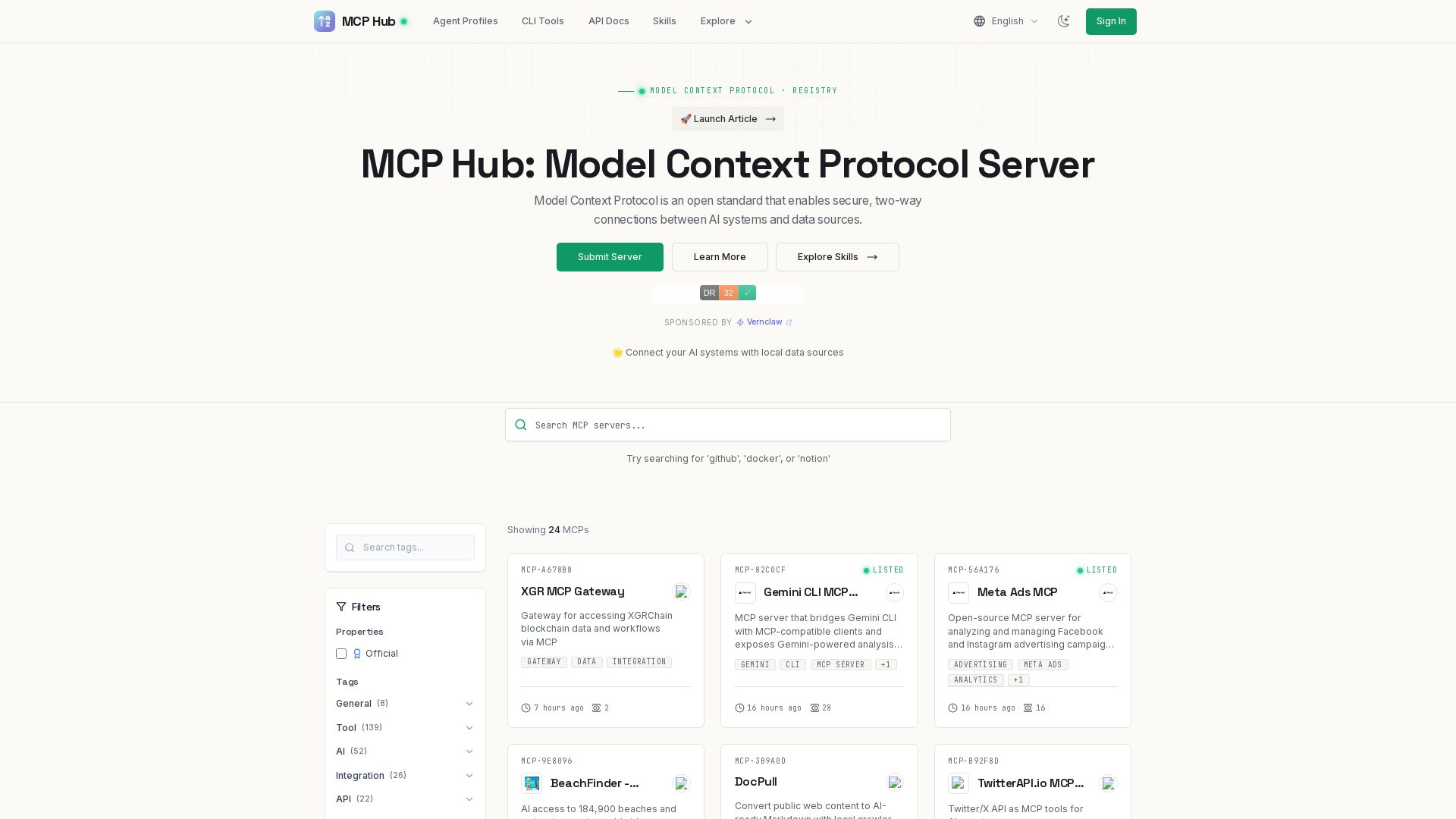
MCP Hub
Explore hundreds of MCP servers for secure AI-data connections. Find tools for GitHub, Docker, Notion, and more. Submit your own MCP implementation.

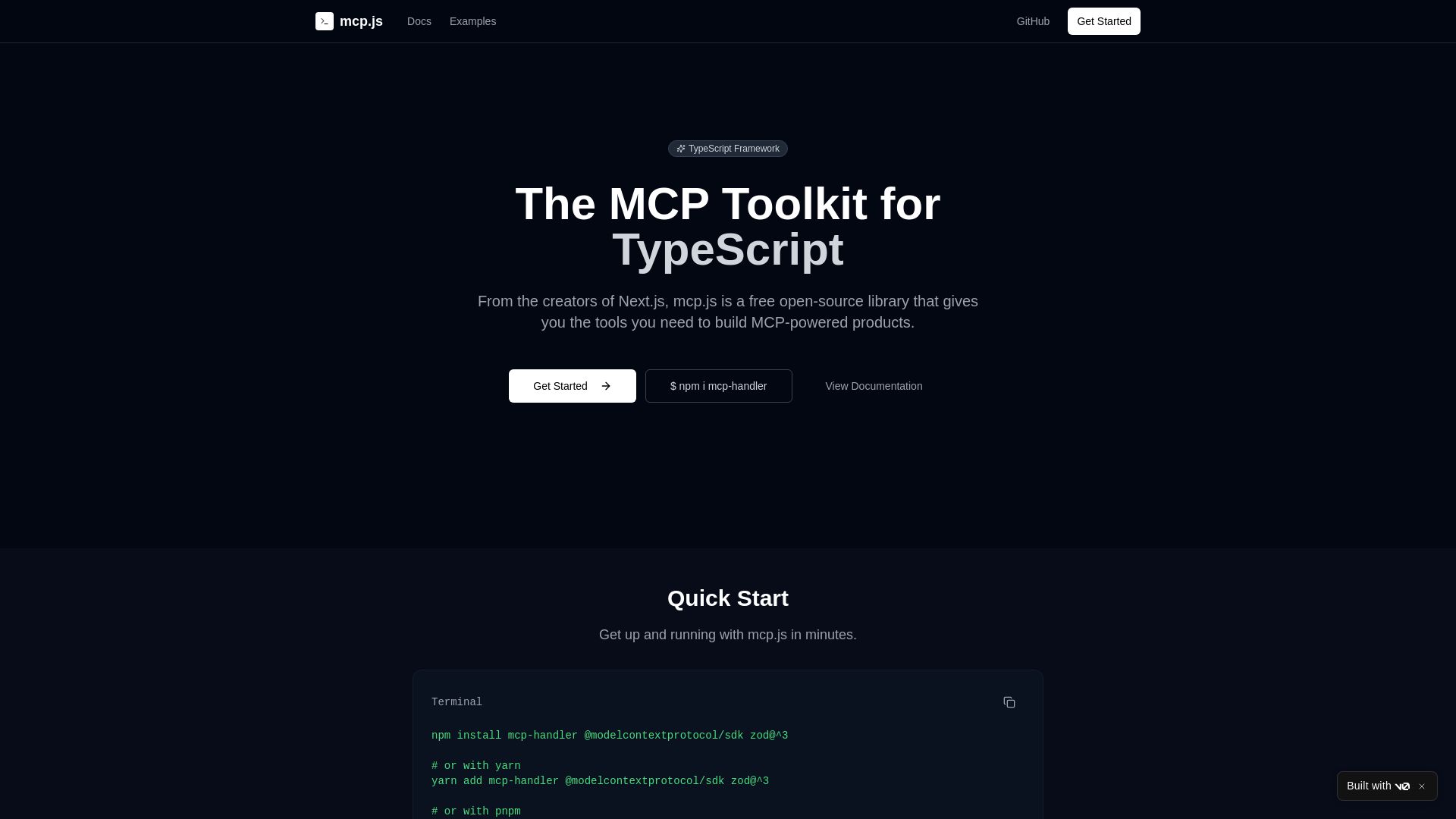
v0
Build type-safe MCP servers with ease. From Next.js creators, mcp.js is a free, open-source library for robust, production-ready MCP applications.
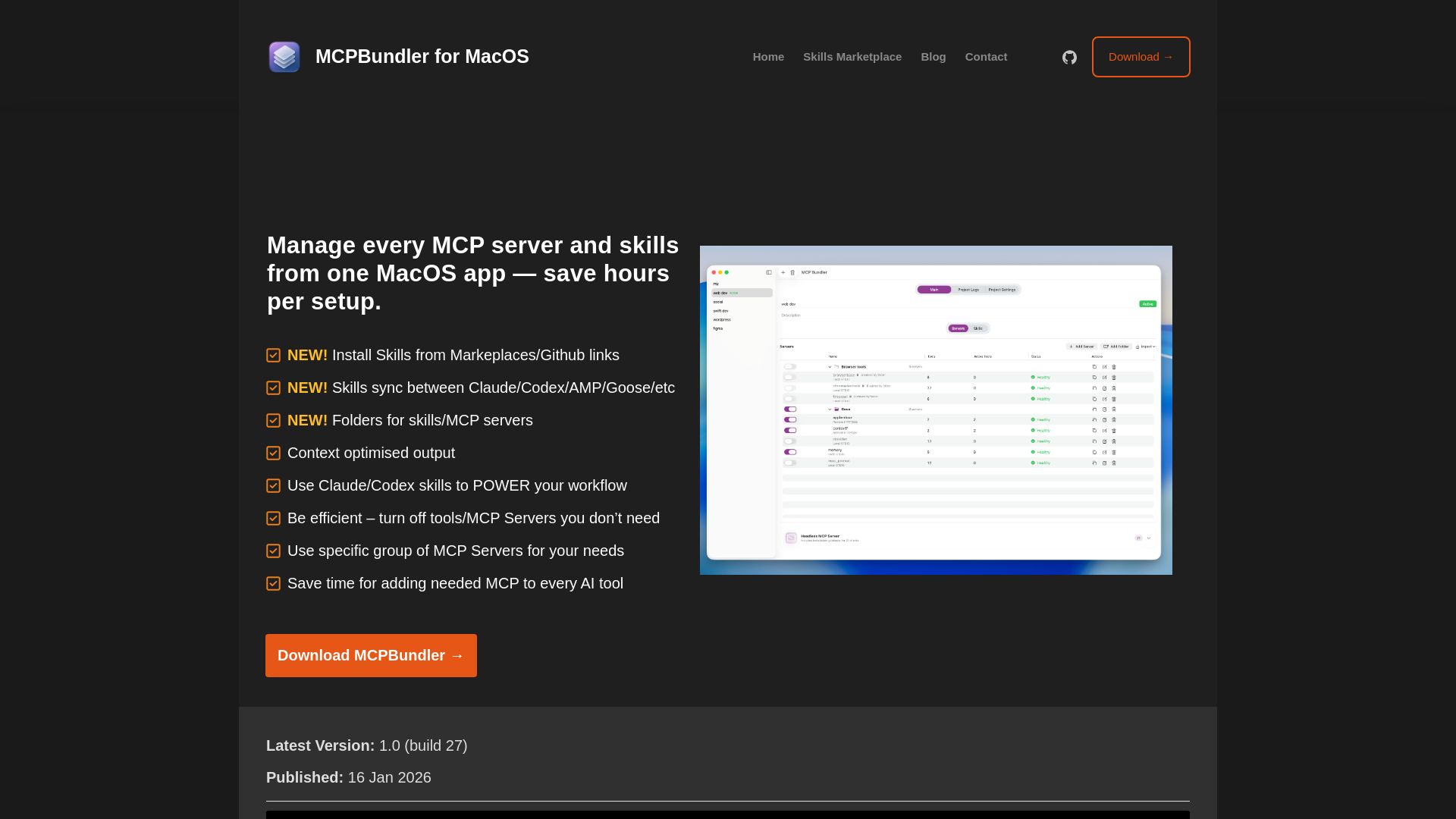
MCPBundler
Manage all MCP servers and AI skills from one macOS app. Toggle, group, import, and sync across tools. Now free and open source!

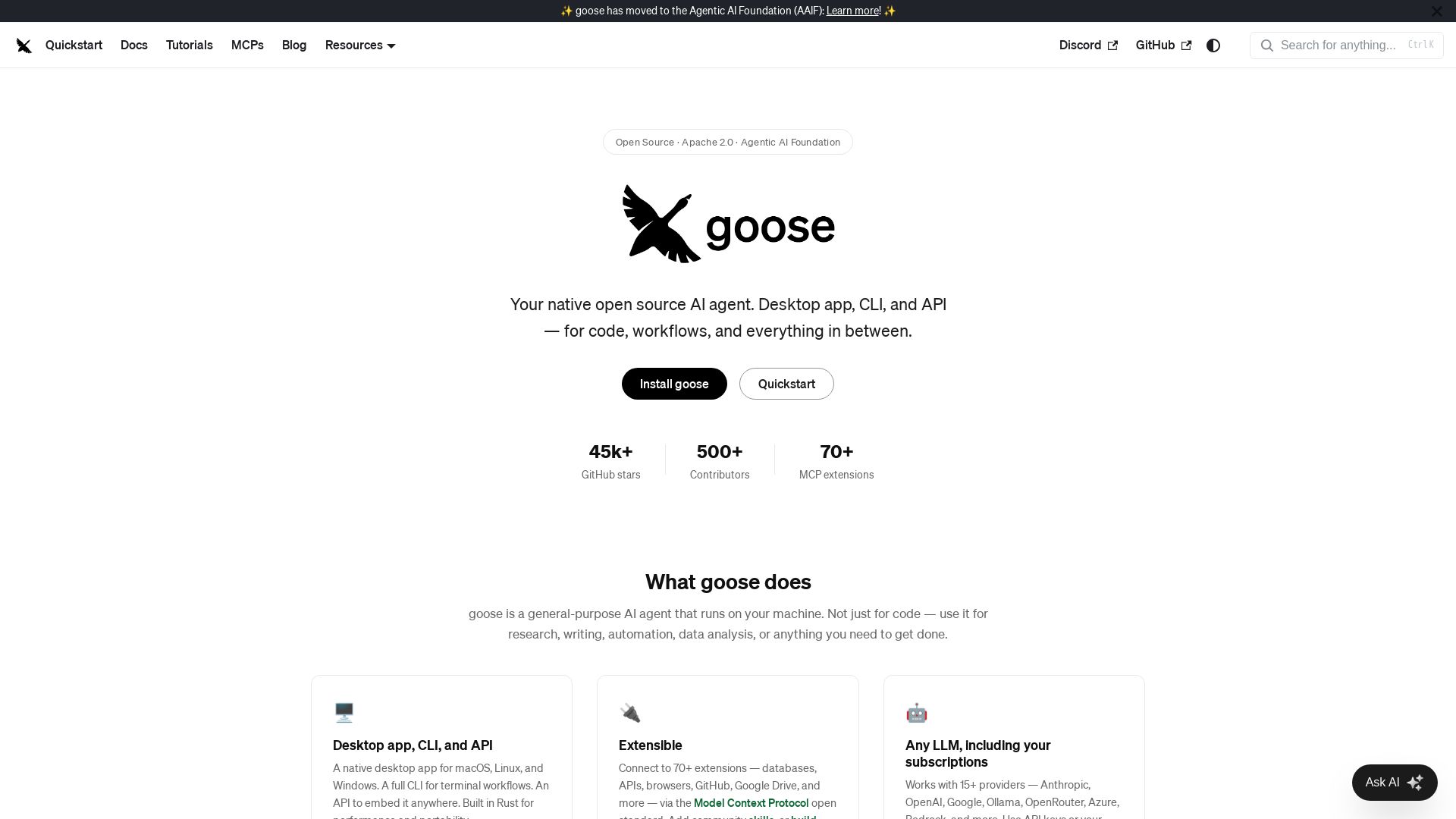
goose
Goose: open source AI agent for desktop, CLI, API. Code, research, automation. Extensible with 70+ MCP extensions, supports 15+ LLM providers.


Figr
Ship better UX faster. Figr builds a living understanding of your product, maps flows, finds edge cases, and generates high-fidelity prototypes from your actual design system.

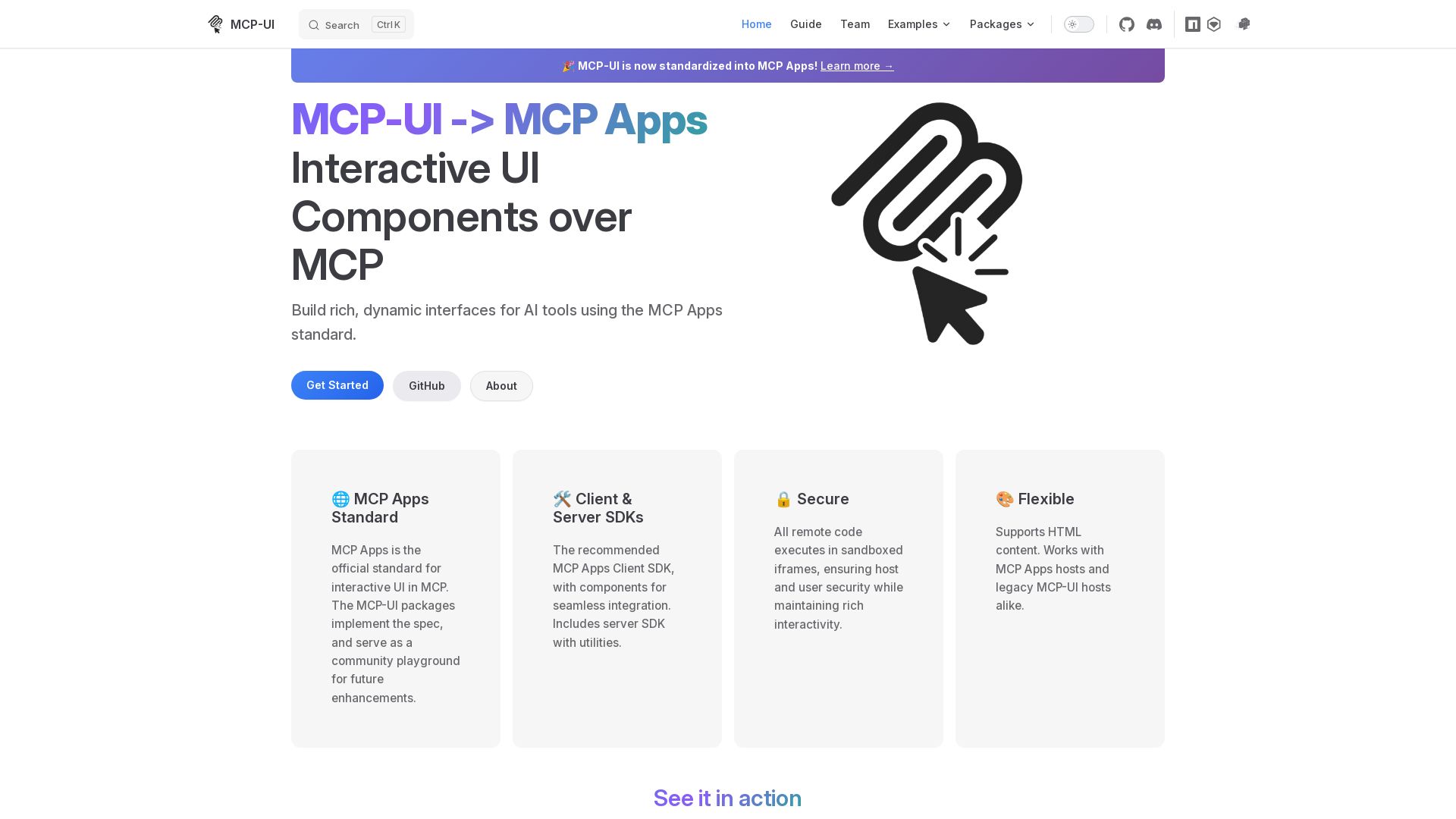
MCP-UI
Build rich, dynamic interfaces for AI tools with MCP Apps. Secure sandboxed execution, HTML support, client & server SDKs.

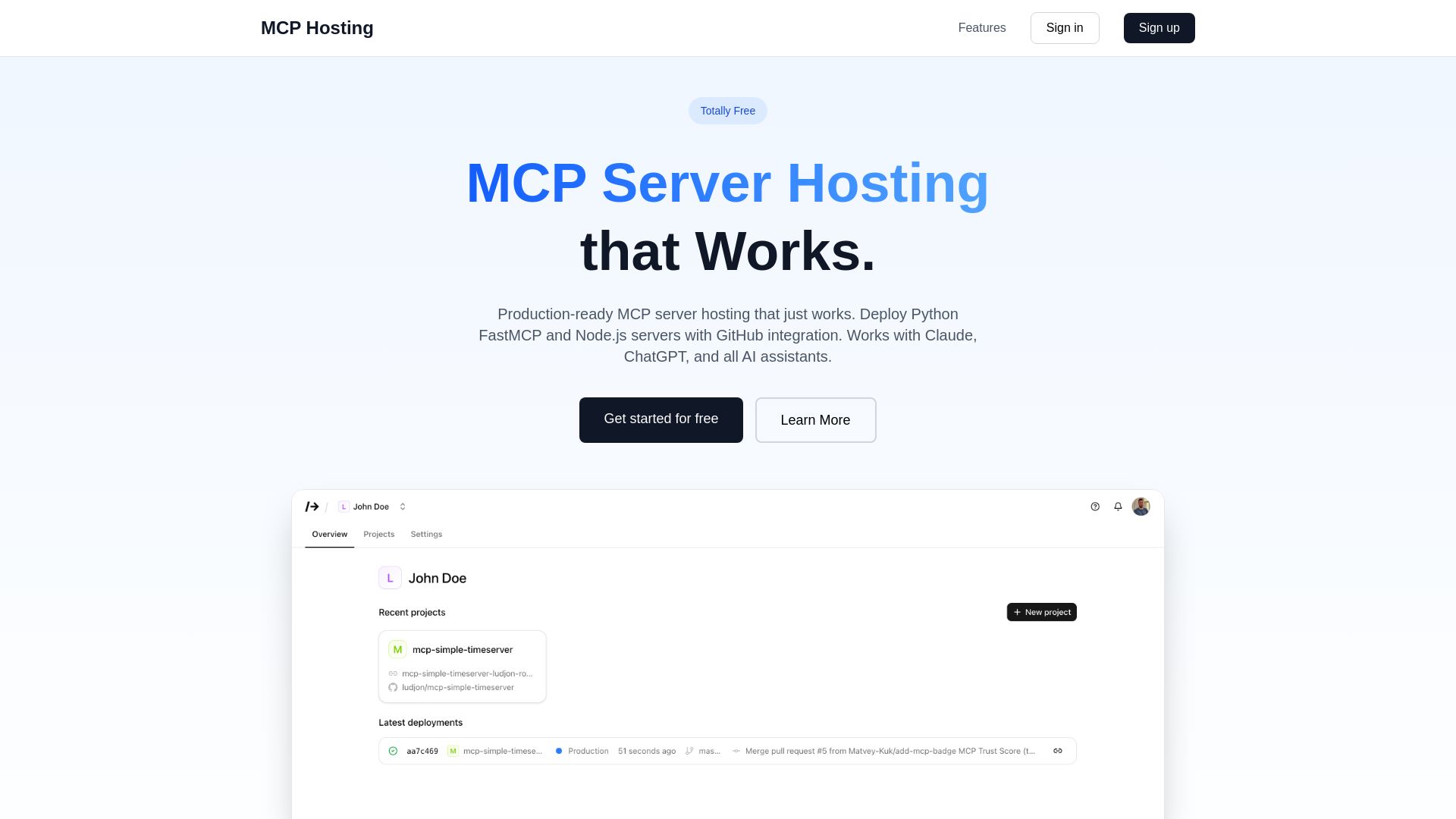
MCP Hosting
Production-ready MCP server hosting with GitHub integration. Deploy Python FastMCP & Node.js servers instantly. Free tier available. Works with Claude, ChatGPT, and all AI assistants.
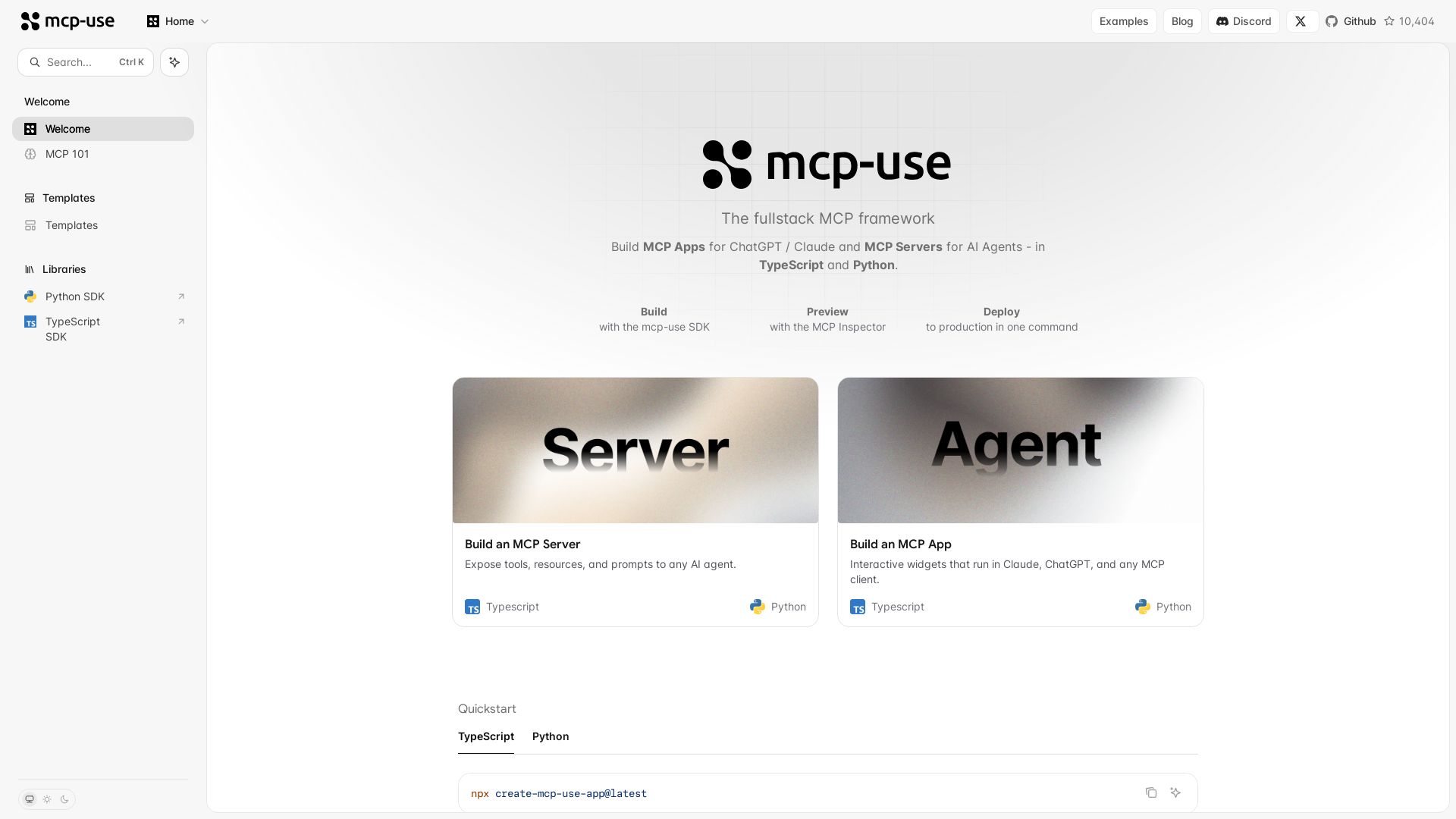
mcp-use
Build MCP apps for ChatGPT/Claude and MCP servers for AI agents. TypeScript & Python. Deploy in one command.

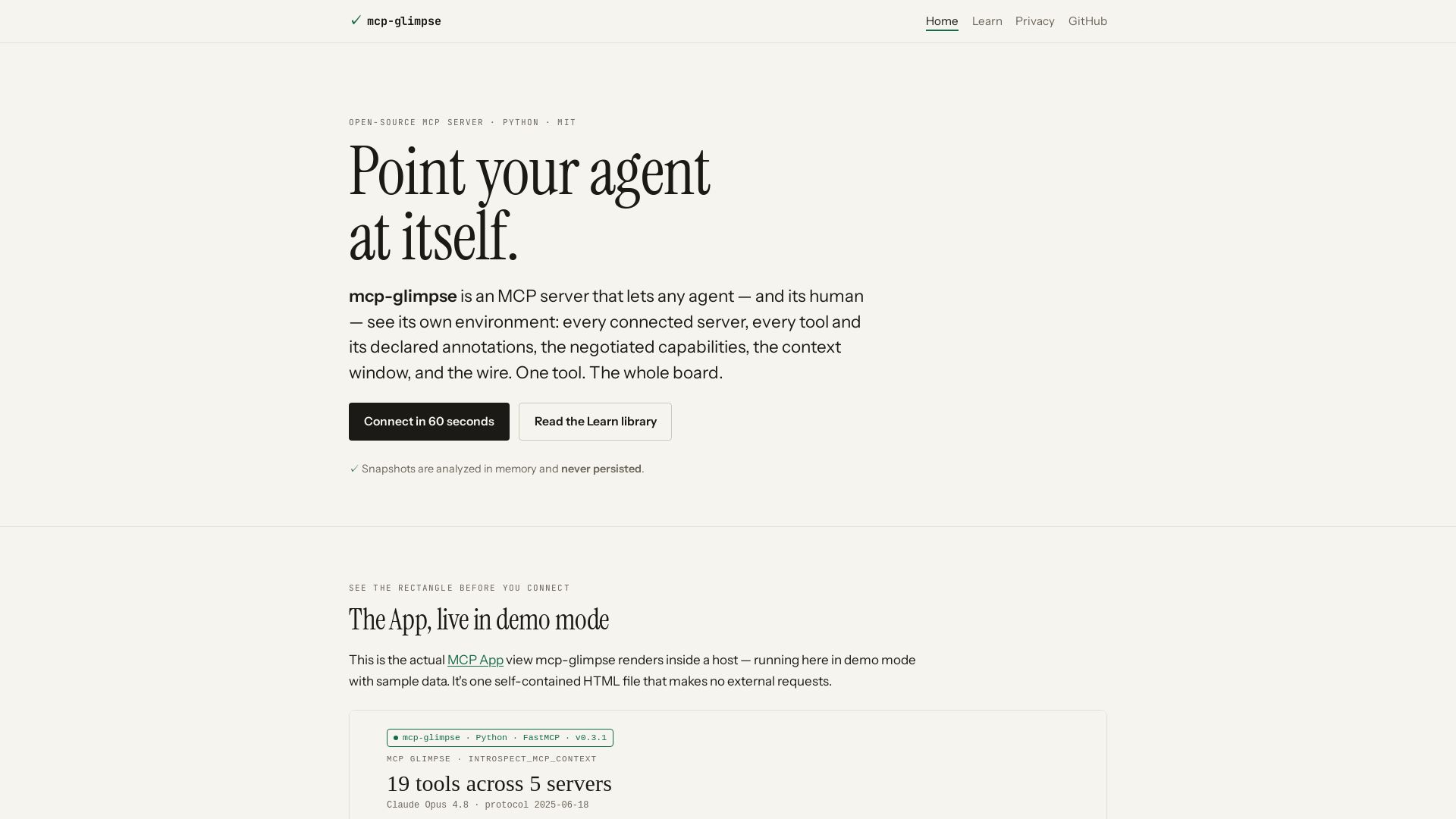
mcp-glimpse
Open-source MCP server that lets agents and humans introspect every tool, capability, and context. Privacy-first, no persistence.

ℹ️ Curation Disclosure: The overview and features of Google Workspace MCP Server were synthesized using AI and fact-checked by our curation team to ensure accuracy.
