
MCPBundler
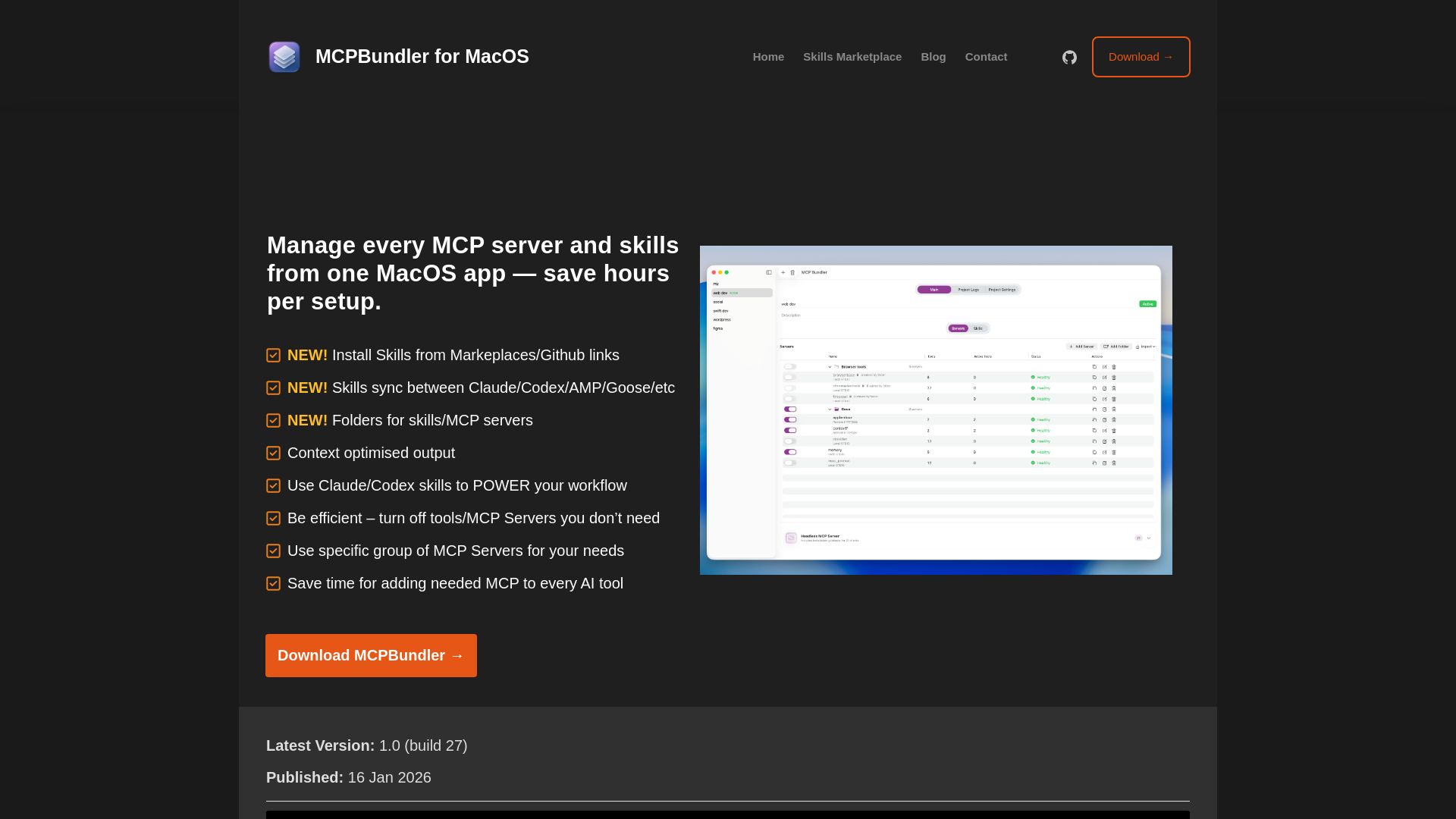
Manage all MCP servers and AI skills from one macOS app. Toggle, group, import, and sync across tools. Now free and open source!
Editor's Verdict
Key Takeaways
- Unified MCP Server Management
- Skills Marketplace & Install
- One-Click Bundle Switching
- Per-Tool Control
In-Depth Review: What is MCPBundler?
MCPBundler is a macOS app that unifies MCP server and AI skill management. It provides a single control panel to start, stop, and group local or remote MCP servers, with per-tool control and real-time health logs. Easily import configurations from Claude, Cursor, VS Code, and more. Supports hiding tools to optimize context, auto-archiving oversized responses, and syncing skills across multiple AI tools. Now free with an upcoming open-source release.
Core Features
Unified MCP Server Management
Manage all MCP servers (local STDIO and remote HTTP/SSE) from one macOS window, with instant start/stop/edit without touching config files.
Skills Marketplace & Install
Install skills from marketplaces or GitHub links, with preview and confirmation, and sync skills across Claude, Codex, AMP, Goose, and other AI tools.
One-Click Bundle Switching
Launch or disable entire MCP setups with one toggle, and switch bundles per project or workspace with automatic syncing to AI tools.
Per-Tool Control
Enable or hide individual tools inside each server to keep bundles clean and tailored for each AI workflow.
Instant Health & Logs
Real-time health indicators and request logs show what's running, helping diagnose connection issues without leaving the app.
Auto-Generate MCP Config
Copy a ready-made JSON snippet for any client in seconds, connecting the Bundler as a single MCP endpoint without manual wiring.
Context Optimization
Hide all enabled MCP tools under a single search/call tool to improve context utilization when multiple servers are active.
Auto-Archive Oversized Responses
Save huge responses from MCP servers to files with links, keeping the context snappy even when tools return large data.
Import MCP Servers
Import servers from Claude, Cursor, VS Code, Jan, Codex, and more with a single click, with preview and inline error callouts.
Pricing
Free
- All current features
- Open source soon
Pros and Cons
Pros
- Centralized ManagementEliminates the need to configure MCP servers separately for each AI tool, saving hours of setup time.
- Cross-Tool SyncSkills and MCP configurations sync seamlessly between Claude, Codex, AMP, Goose, and more.
- Time SavingsOne-click bundle switching and auto-generated configs eliminate repetitive manual wiring.
- Flexible ControlPer-tool enable/disable and folder grouping allow fine-grained control over server capabilities.
- Future-ProofFree and planned open-source, ensuring long-term availability and community contributions.
Cons
- MacOS OnlyCurrently only available for macOS, limiting use for Windows or Linux users.
- Experimental FeaturesSome features like Hide tools may not work in all AI tools (e.g., Jan), though they work in Codex, Claude Code, and LM Studio.
- Dependency on EcosystemOptimized for AI tools that support MCP, which may still be evolving or limited in some environments.
- Learning CurveNew users may need time to understand MCP concepts and the app's interface before full productivity.
- Snapshot HardeningWhile robust, duplicate tools/prompts/resources are tolerated rather than fully prevented, potentially causing edge-case issues.
Use Cases & Recommended Professions
Machine Learning Engineer→ View Toolkit
Needs to manage multiple MCP servers for different AI models and tools, centralizing configuration to save time and ensure consistency.
Software Developer→ View Toolkit
Uses Claude, Codex, or other AI coding assistants and wants to streamline MCP setup across projects and tools.
Data Scientist→ View Toolkit
Relies on AI tools for data analysis and needs to quickly switch between MCP server bundles for different tasks.
IT Administrator→ View Toolkit
Manages MCP infrastructure for a team and needs a centralized dashboard to configure, monitor, and troubleshoot servers.
AI Product Manager→ View Toolkit
Oversees multiple AI tools and workflows, requiring efficient MCP management to improve team productivity.
Prompt Engineer→ View Toolkit
Works with various AI models and needs to optimize context usage by turning off unnecessary MCP tools per session.
Frequently Asked Questions
Alternative AI Tools
View Detailed Comparison →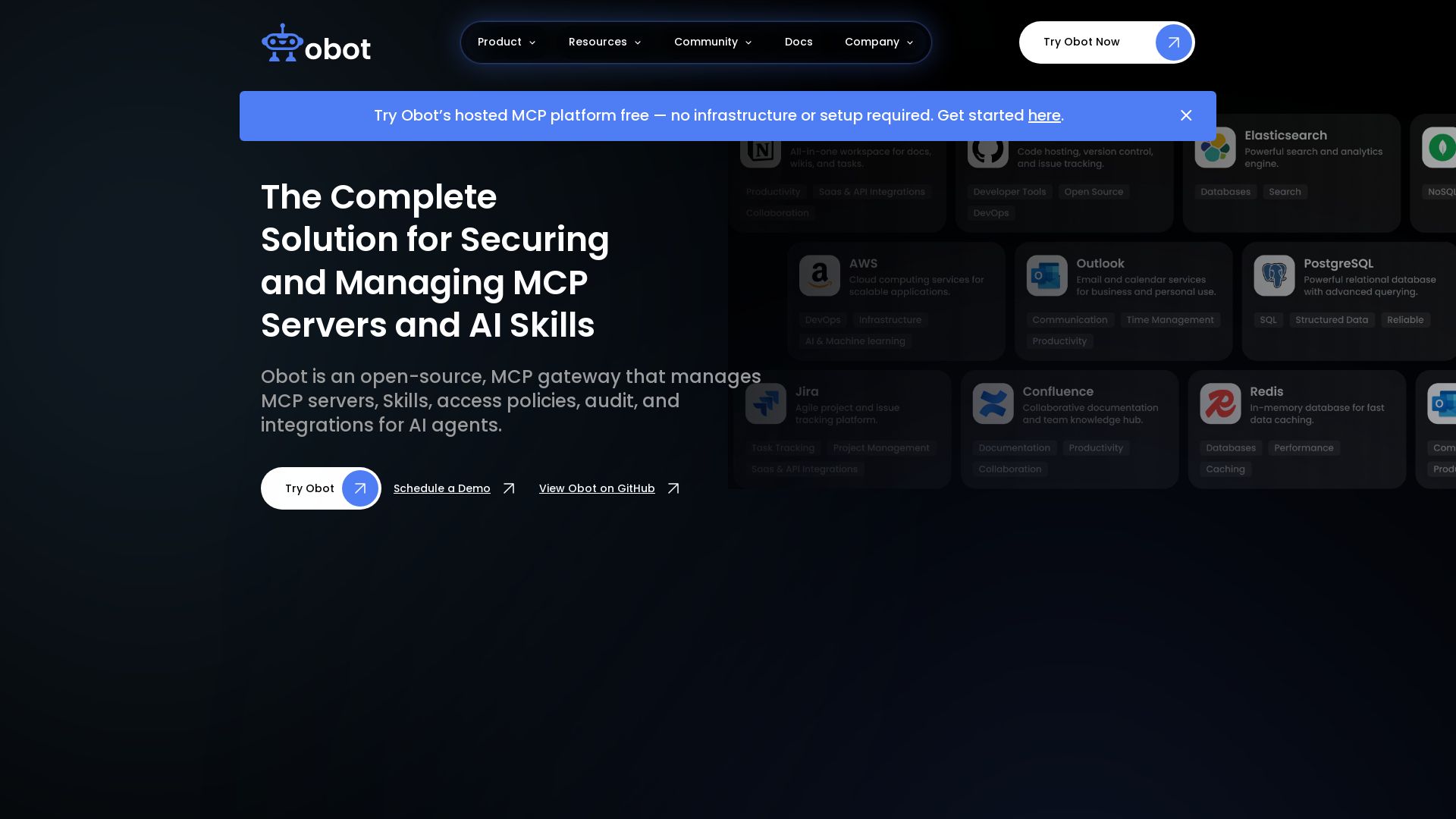
Obot
Secure, manage, and govern MCP servers and AI skills with an open-source gateway. OAuth, access control, audit logs, and discovery.

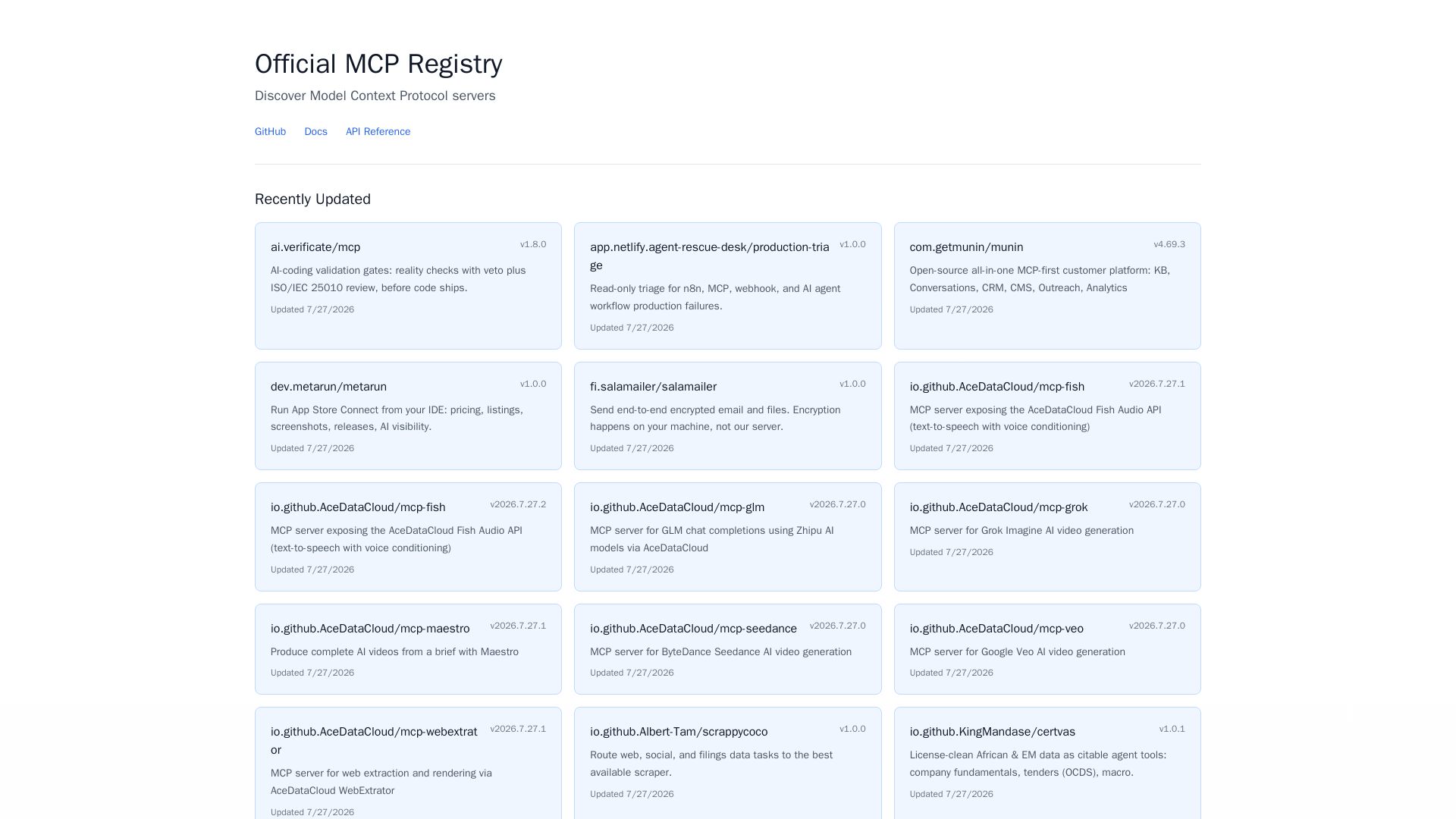
MCP Registry
Explore the official directory of MCP servers for AI integration, data processing, automation, and more. Find vetted servers with descriptions and updates.

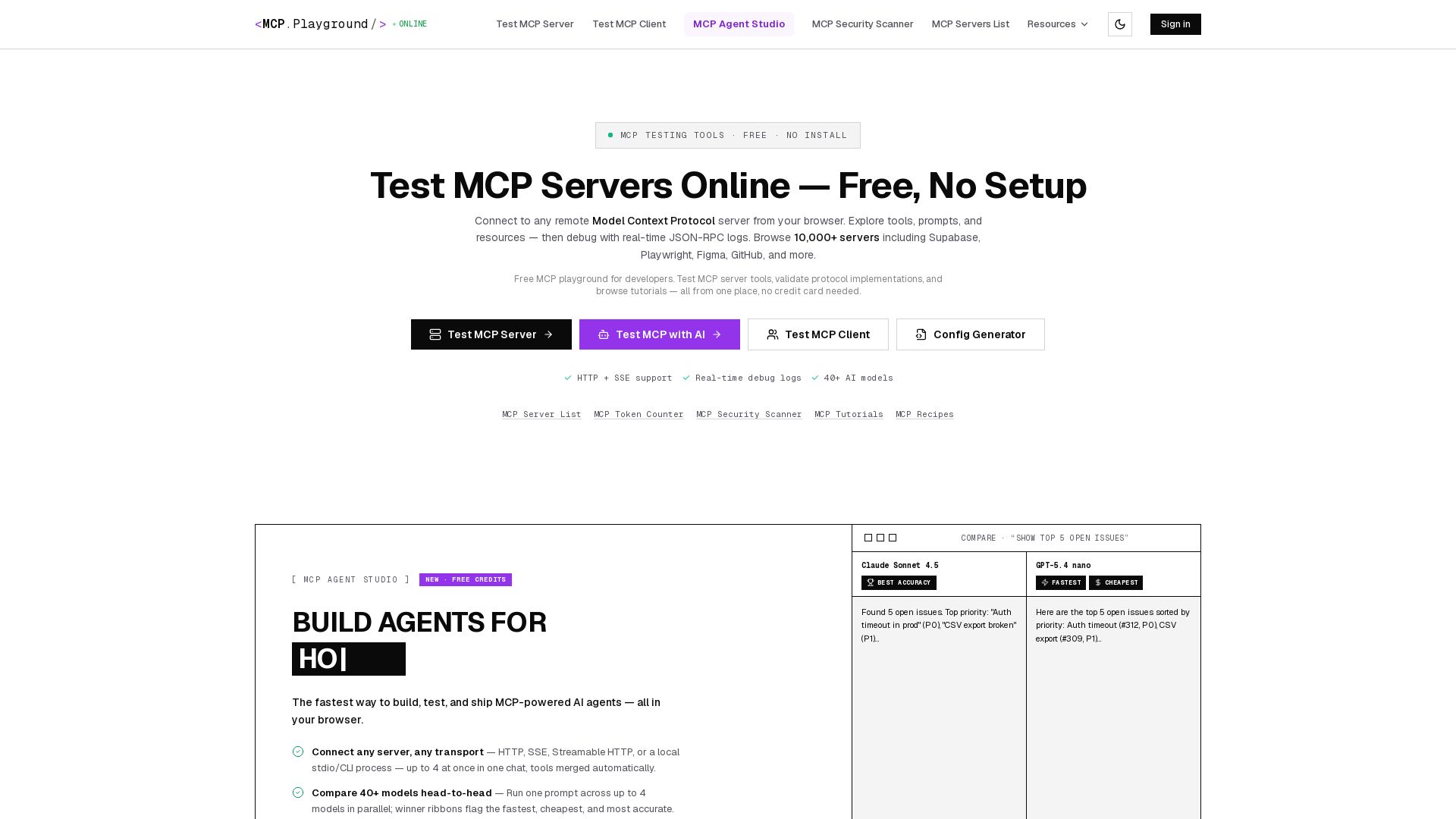
MCP Playground Online
Free browser-based MCP testing tool. Connect to any server, browse tools, execute commands, and view live JSON-RPC logs. No install required.

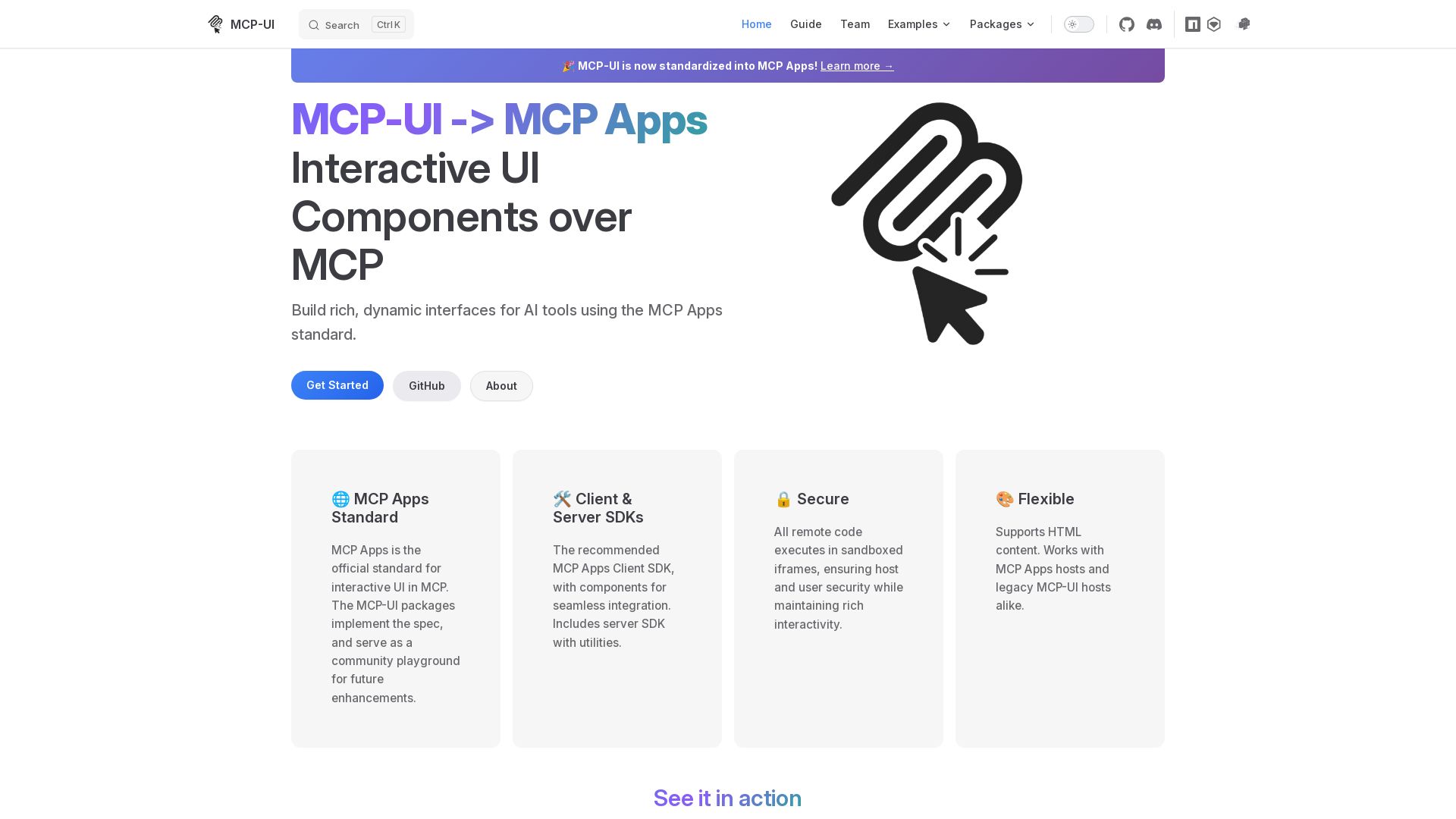
MCP-UI
Build rich, dynamic interfaces for AI tools with MCP Apps. Secure sandboxed execution, HTML support, client & server SDKs.

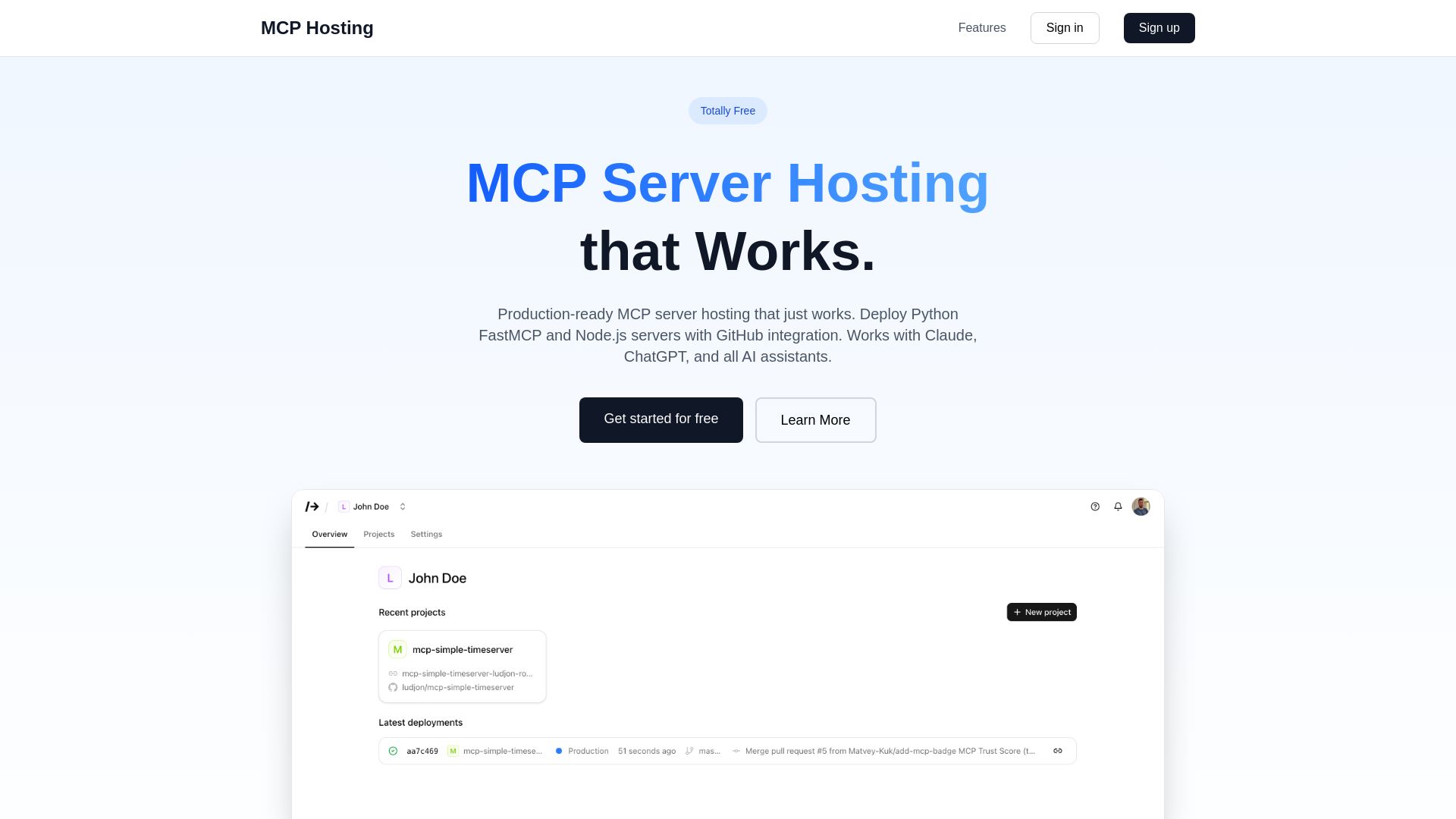
MCP Hosting
Production-ready MCP server hosting with GitHub integration. Deploy Python FastMCP & Node.js servers instantly. Free tier available. Works with Claude, ChatGPT, and all AI assistants.

Figr
Ship better UX faster. Figr builds a living understanding of your product, maps flows, finds edge cases, and generates high-fidelity prototypes from your actual design system.

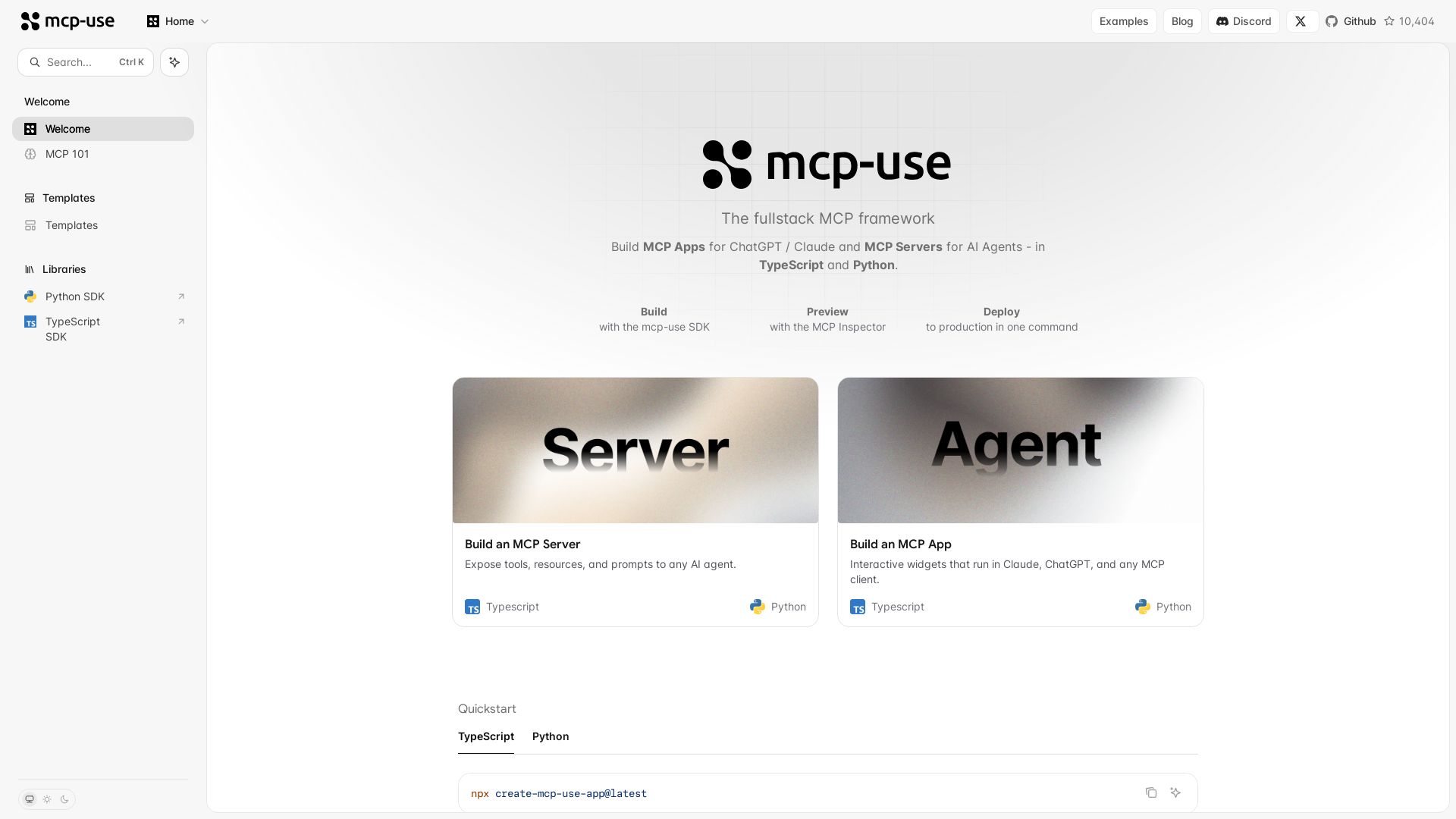
mcp-use
Build MCP apps for ChatGPT/Claude and MCP servers for AI agents. TypeScript & Python. Deploy in one command.

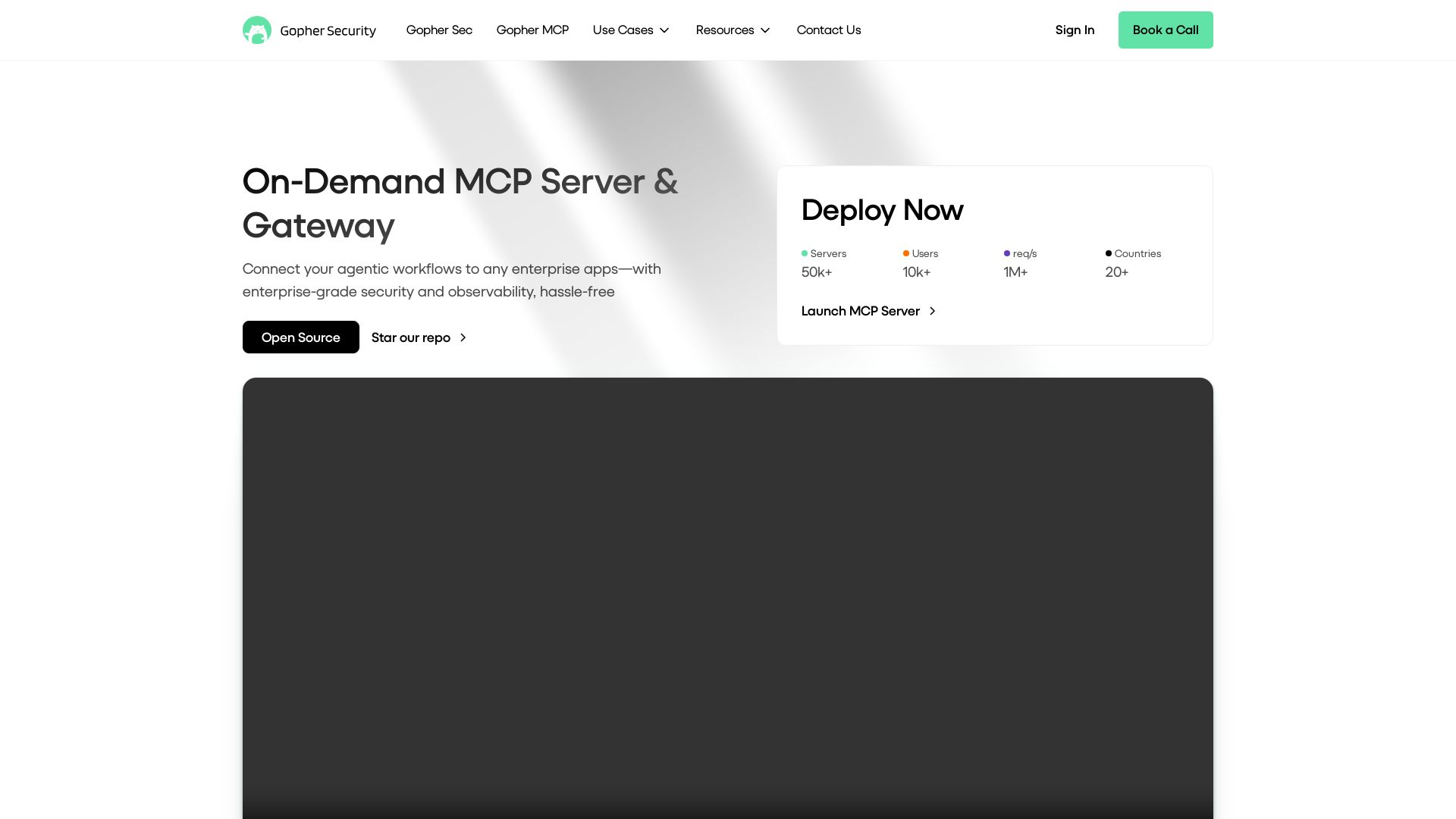
Gopher-MCP
Deploy secure MCP servers in minutes with 4D security: deep inspection, zero-trust access, granular policies, and post-quantum encryption.

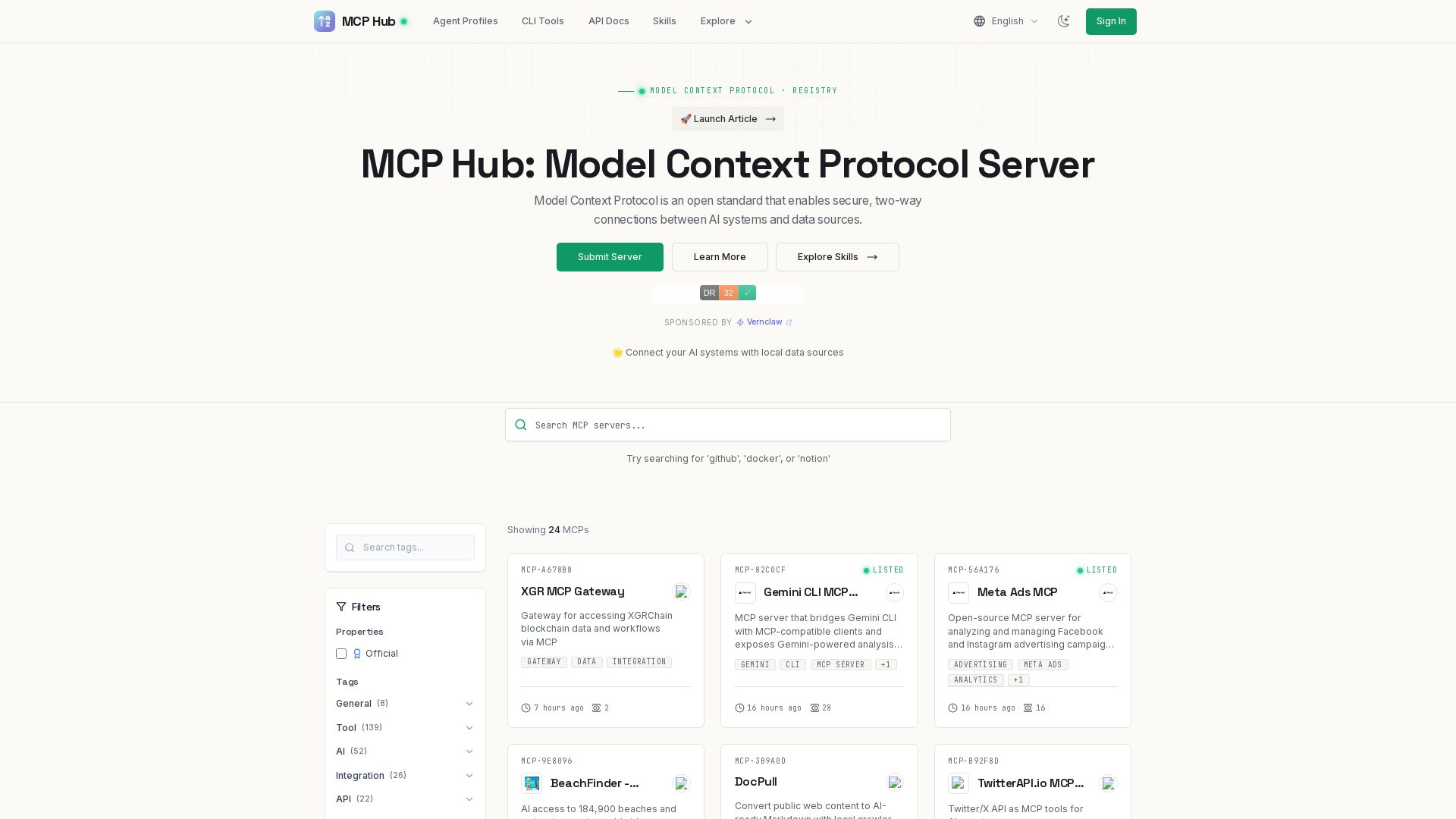
MCP Hub
Explore hundreds of MCP servers for secure AI-data connections. Find tools for GitHub, Docker, Notion, and more. Submit your own MCP implementation.

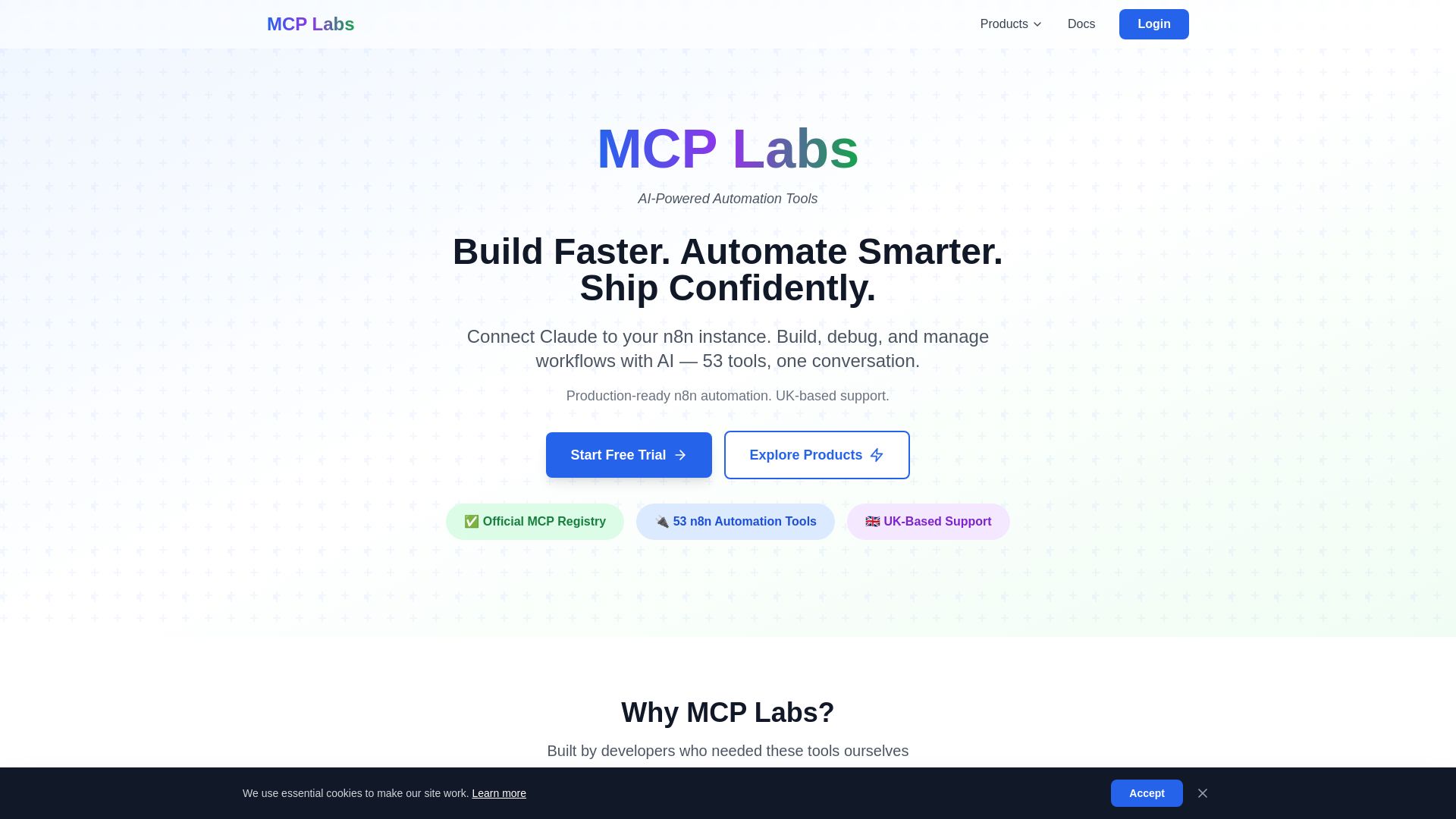
MCP Labs
Connect Claude to n8n & GitHub. 165+ automation tools. 98% token reduction. UK support. Official MCP Registry. Start free trial.
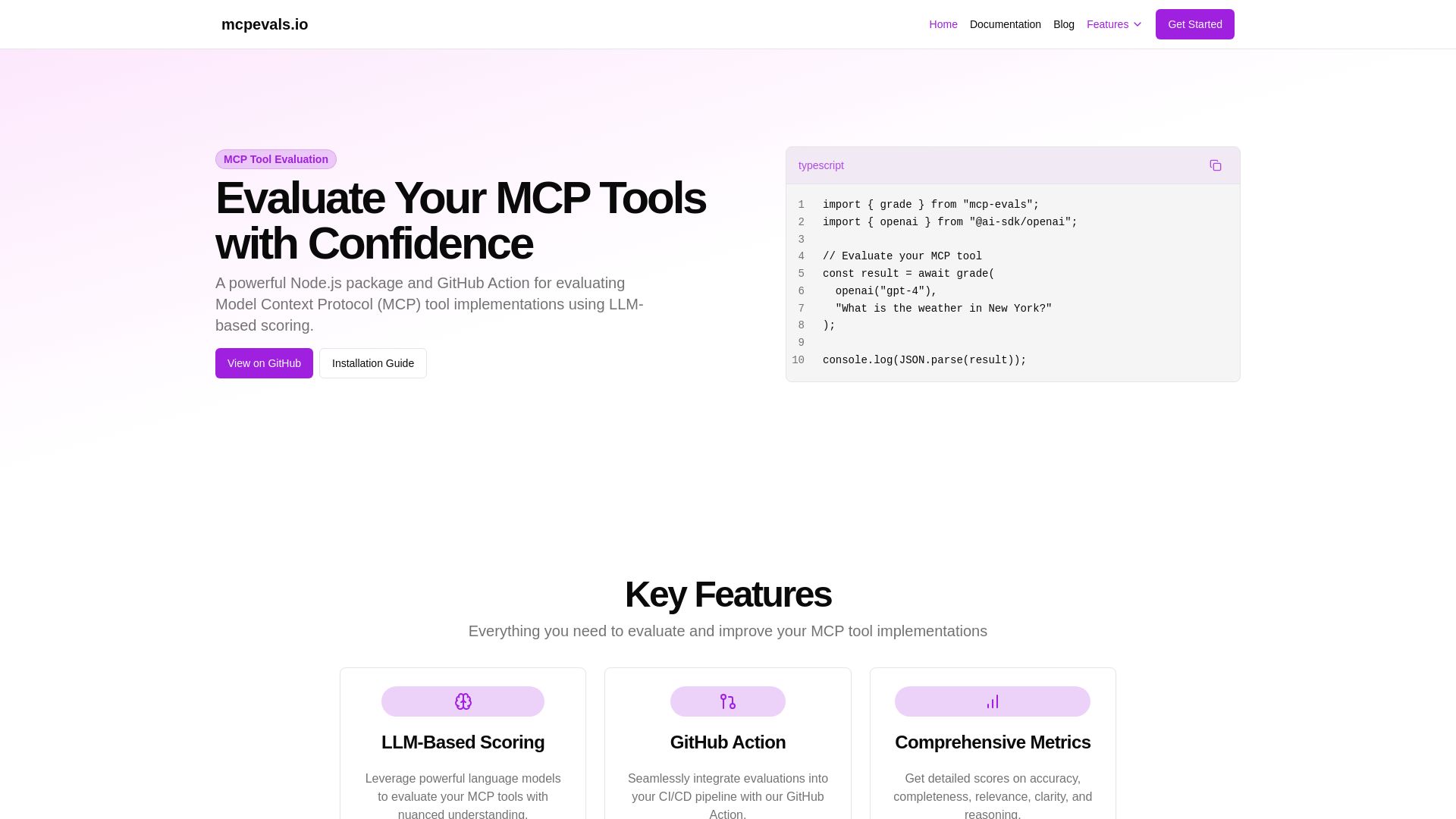
MCP Evals
A powerful Node.js package and GitHub Action for evaluating Model Context Protocol tool implementations using AI scoring. Get accurate metrics & feedback.

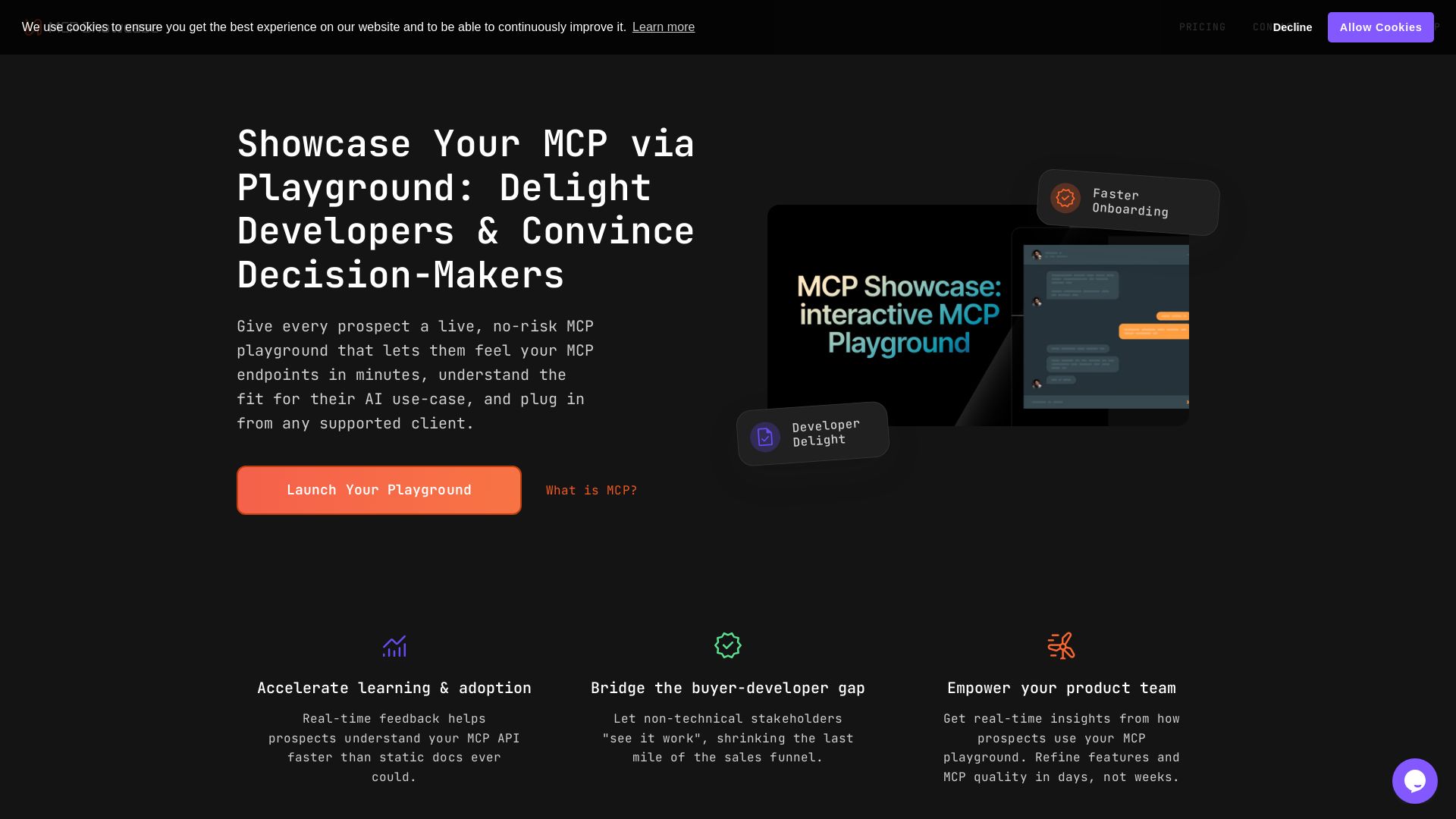
MCP Playground
Create a no-risk MCP playground to let prospects test your endpoints live. Accelerate onboarding, bridge the buyer-developer gap, and gain real-time insights.

ℹ️ Curation Disclosure: The overview and features of MCPBundler were synthesized using AI and fact-checked by our curation team to ensure accuracy.
