
goose
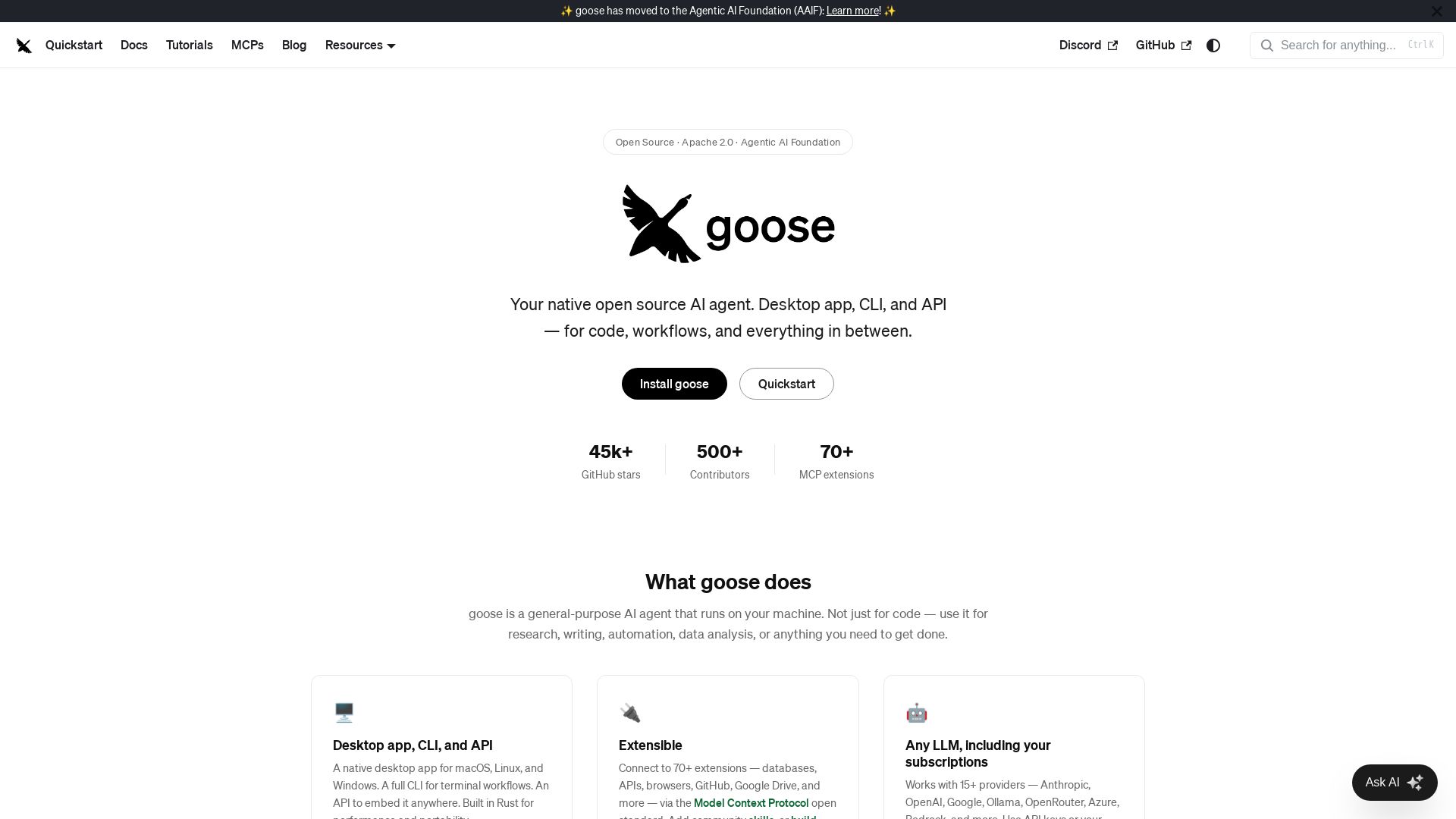
Goose: open source AI agent for desktop, CLI, API. Code, research, automation. Extensible with 70+ MCP extensions, supports 15+ LLM providers.
Editor's Verdict
Key Takeaways
- Desktop App, CLI, and API
- Extensible with 70+ MCP Extensions
- Any LLM Support
- Recipes (Portable Workflows)
In-Depth Review: What is goose?
Goose is a native open-source AI agent that runs locally on your machine. It provides a desktop app, CLI, and API for tasks like coding, research, data analysis, and automation. Extensible with 70+ MCP extensions and supports 15+ LLM providers (including your existing subscriptions). Features subagents, portable YAML recipes, interactive MCP apps, and robust security. Built on open standards and governed by the Agentic AI Foundation.
Core Features
Desktop App, CLI, and API
A native desktop app for macOS, Linux, and Windows, a full CLI for terminal workflows, and an API to embed the agent anywhere, all built in Rust for performance and portability.
Extensible with 70+ MCP Extensions
Connect to databases, APIs, browsers, GitHub, Google Drive, and more via the Model Context Protocol open standard. Add community skills or build your own.
Any LLM Support
Works with 15+ providers including Anthropic, OpenAI, Google, Ollama, OpenRouter, Azure, Bedrock, and more. Use API keys or existing subscriptions via ACP.
Recipes (Portable Workflows)
Capture workflows as portable YAML configs. Share with your team, run in CI, and include instructions, extensions, parameters, and subrecipes.
MCP Apps (Interactive UIs)
Extensions can render interactive UIs directly inside goose Desktop, including buttons, forms, and visualizations, enabling agent-powered tools.
Subagents for Parallel Tasks
Spawn independent subagents to handle tasks in parallel such as code review, research, and file processing, keeping the main conversation clean.
Security Features
Includes prompt injection detection, tool permission controls, sandbox mode, and an adversary reviewer that watches for unsafe actions.
Open Source & Community-Governed
Licensed under Apache 2.0, part of the Agentic AI Foundation at the Linux Foundation, ensuring vendor-neutral, community-governed development.
Pricing
Free
- Desktop app for macOS, Linux, and Windows
- CLI and API access
- Connect to 70+ MCP extensions
- Support for 15+ LLM providers
- Recipes and subagents
- MCP Apps interactive UIs
- Security features
- Open source (Apache 2.0)
Pros and Cons
Pros
- Open Source & FreeFully open source under Apache 2.0, no licensing fees, and community-driven.
- Wide LLM CompatibilityWorks with 15+ providers and uses existing subscriptions via ACP, offering flexibility.
- Extensible Ecosystem70+ MCP extensions and the ability to build custom skills, enabling diverse automation.
- Local & SecureRuns on your machine with built-in security features like injection detection and sandbox mode.
- Multi-Platform & Multi-InterfaceAvailable as desktop app, CLI, and API across macOS, Linux, and Windows.
Cons
- Requires LLM API Keys or SubscriptionsWhile the agent is free, you may need to provide your own LLM API keys or subscriptions, which can incur costs.
- Technical Setup RequiredInitial installation and configuration may be challenging for non-technical users.
- Reliance on MCP EcosystemThe full potential depends on the availability and quality of MCP extensions, which are community-maintained.
Use Cases & Recommended Professions
Software Engineer→ View Toolkit
Use goose for code generation, review, debugging, and automating development workflows directly in the IDE or terminal.
Data Analyst→ View Toolkit
Leverage goose for data analysis, visualization, and report generation using natural language commands and extensions.
Researcher→ View Toolkit
Automate literature reviews, data collection, and experiment documentation with parallel subagents and custom recipes.
Writer→ View Toolkit
Use goose for drafting articles, editing, research, and content management through its extensible tool integrations.
DevOps Engineer→ View Toolkit
Integrate goose into CI/CD pipelines via CLI or API for automated infrastructure management, monitoring, and incident response.
Automation Specialist→ View Toolkit
Build and share reusable recipes to automate repetitive tasks across multiple tools and services using MCP extensions.
Frequently Asked Questions
Alternative AI Tools
View Detailed Comparison →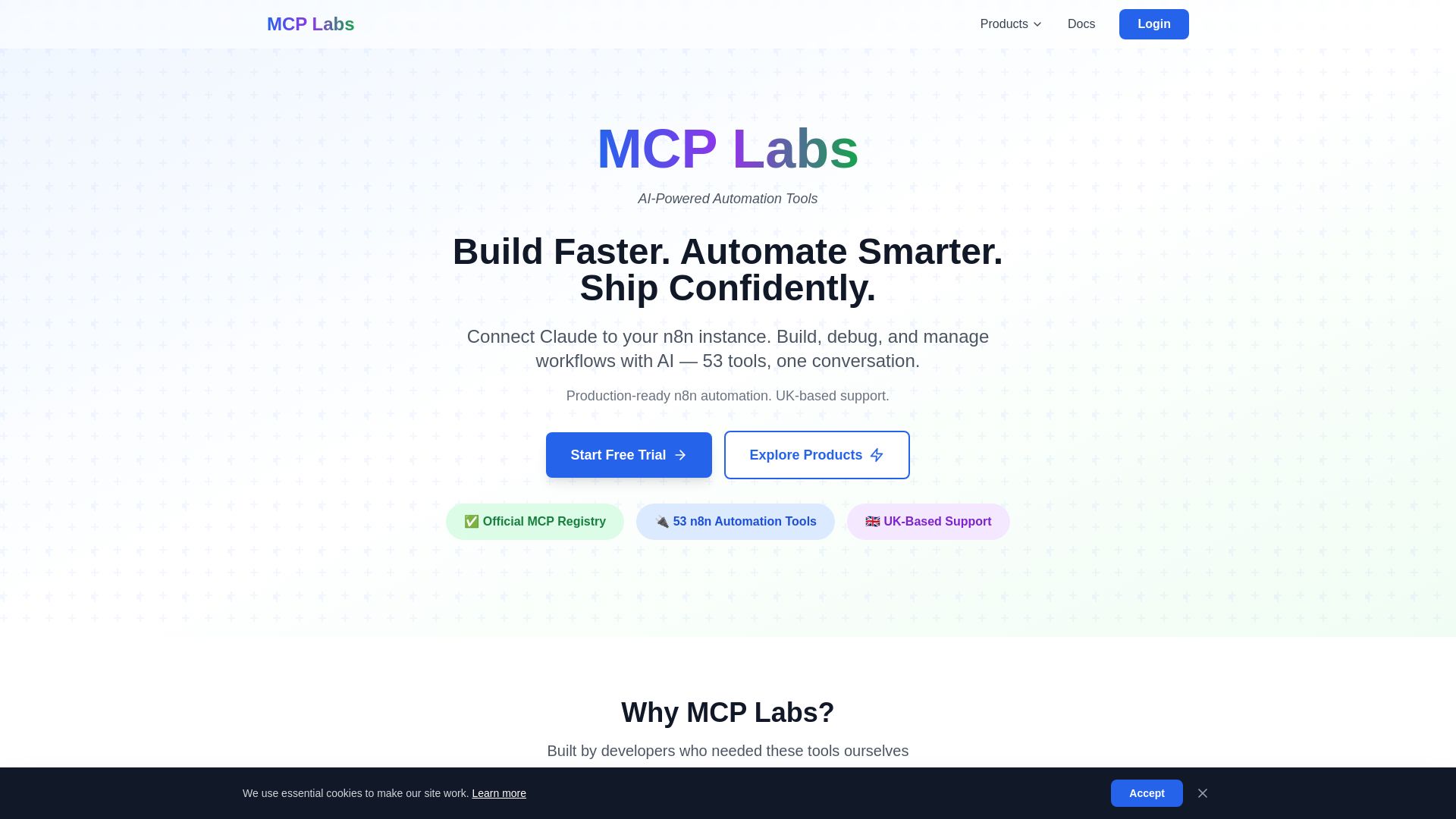
MCP Labs
Connect Claude to n8n & GitHub. 165+ automation tools. 98% token reduction. UK support. Official MCP Registry. Start free trial.
Web MCP
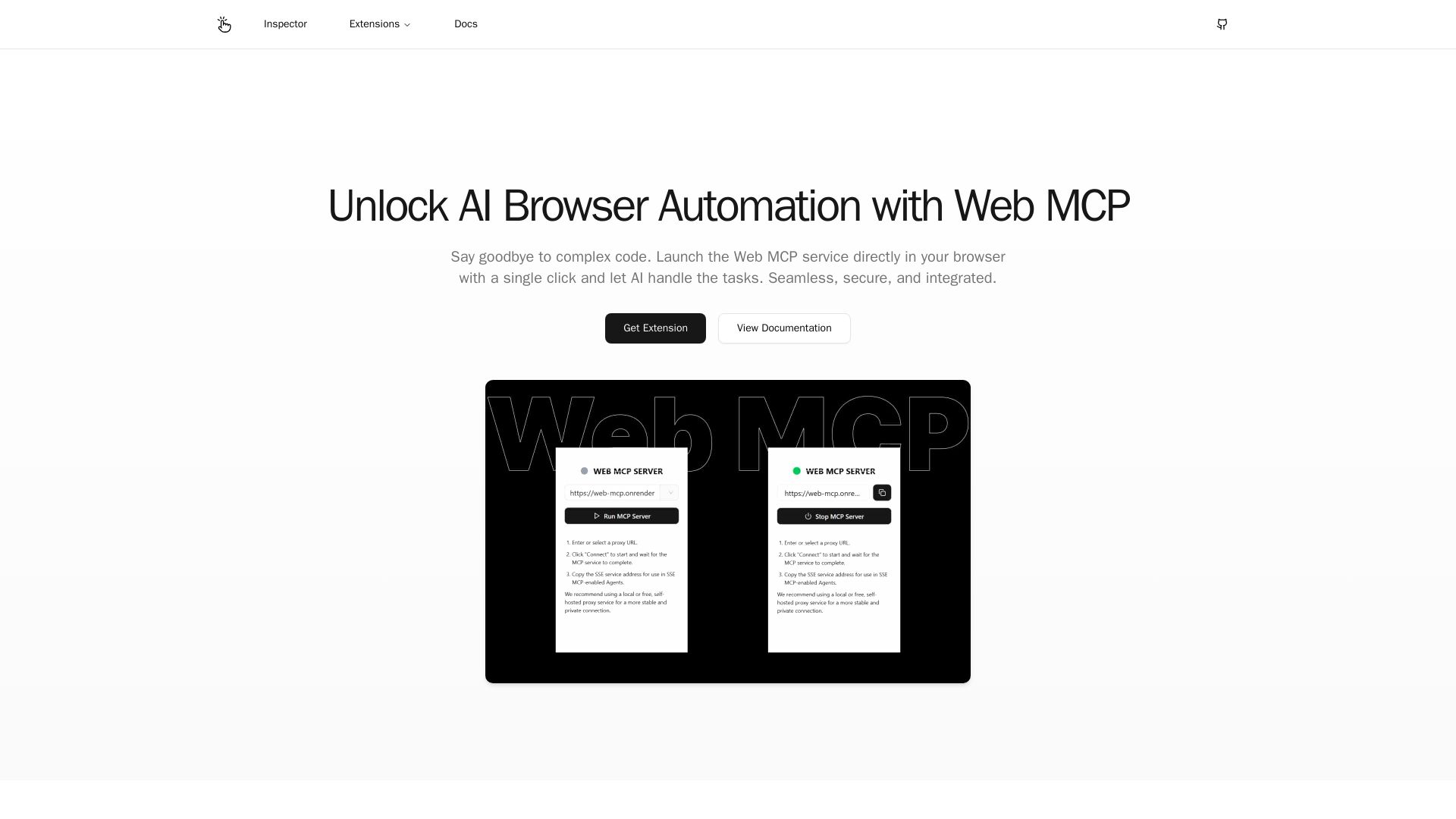
Seamlessly automate your browser with Web MCP. AI-powered, secure, and easy to use. No complex code needed. Try the Chrome Extension today!

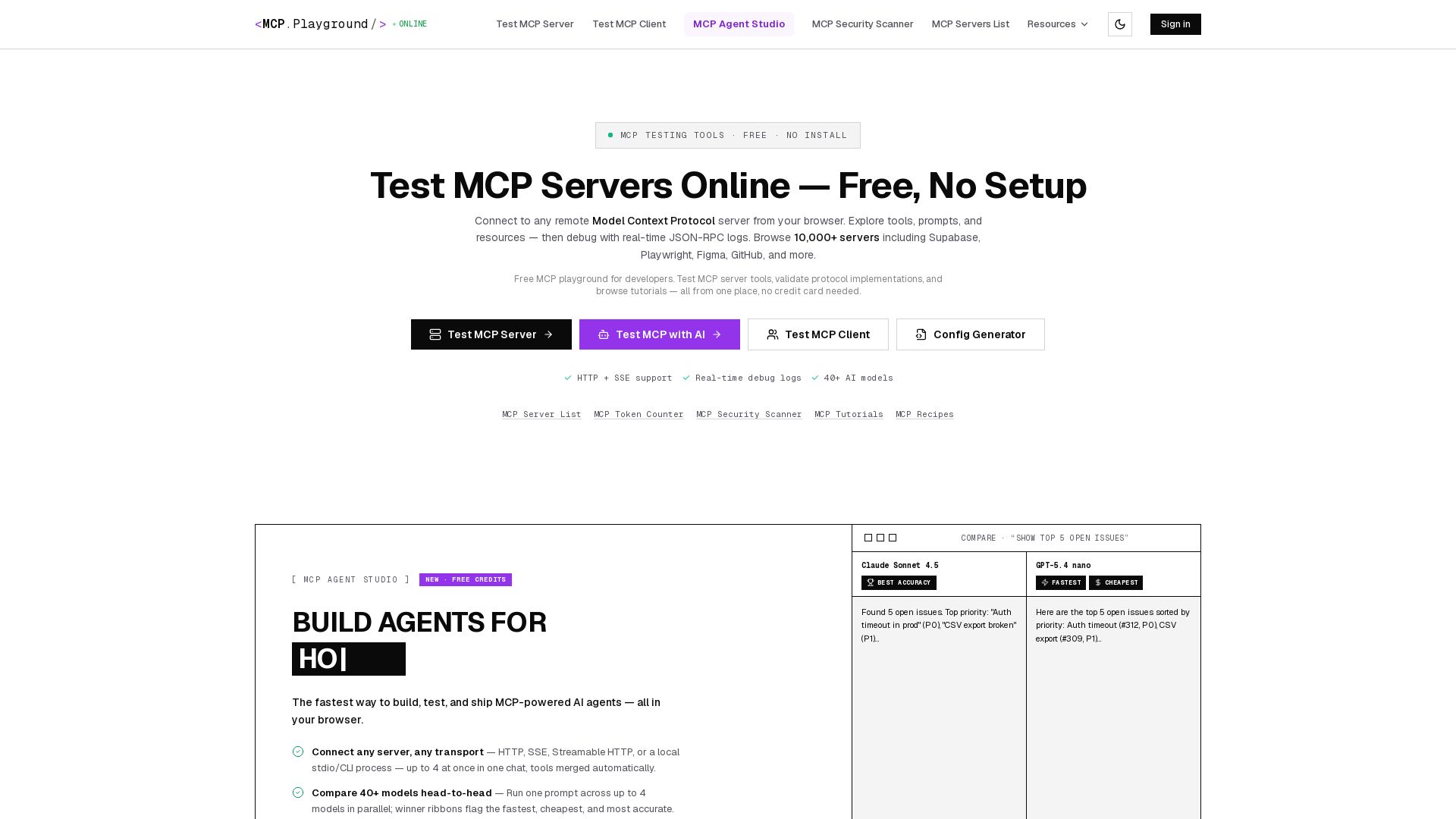
MCP Playground Online
Free browser-based MCP testing tool. Connect to any server, browse tools, execute commands, and view live JSON-RPC logs. No install required.

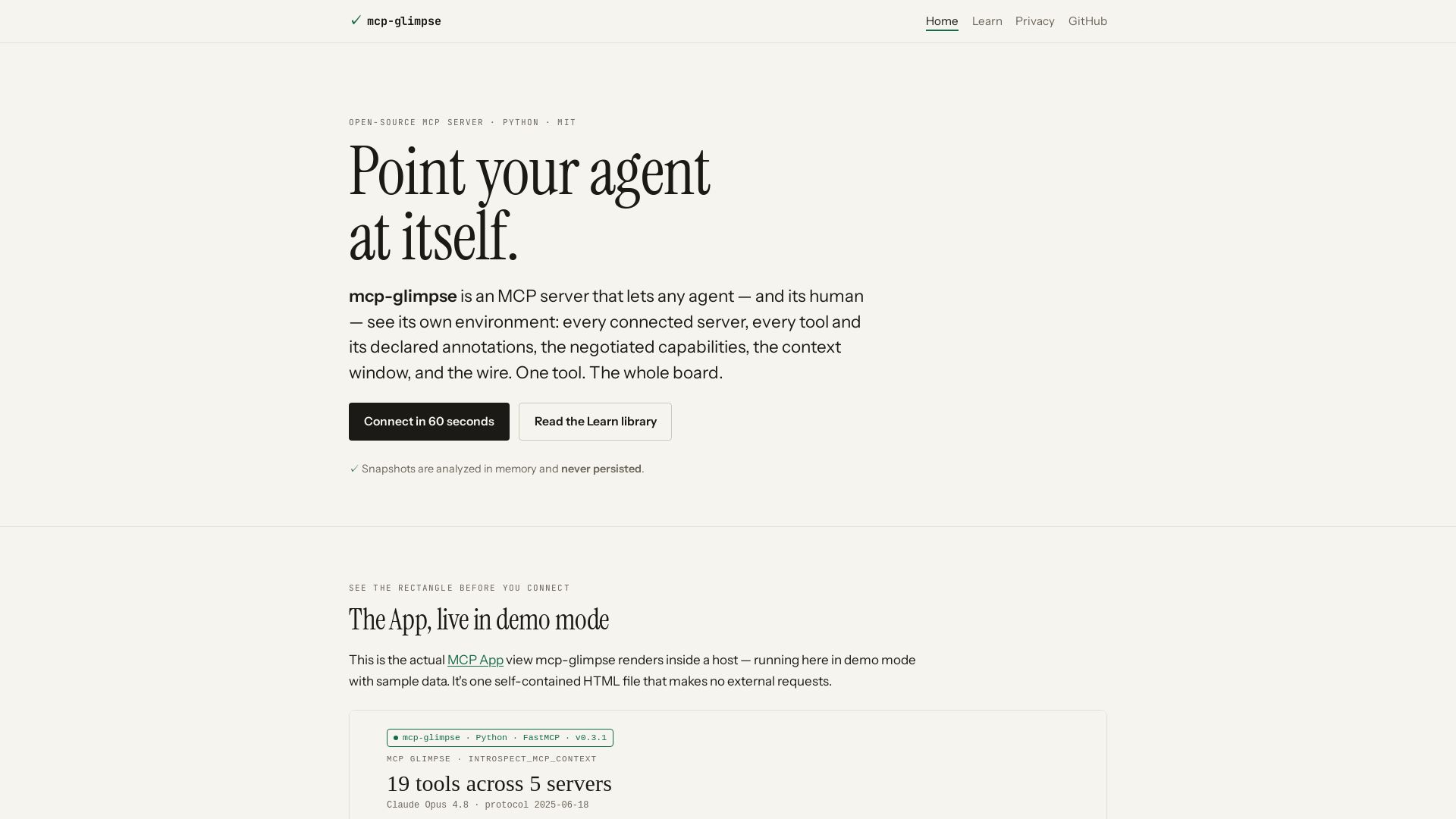
mcp-glimpse
Open-source MCP server that lets agents and humans introspect every tool, capability, and context. Privacy-first, no persistence.

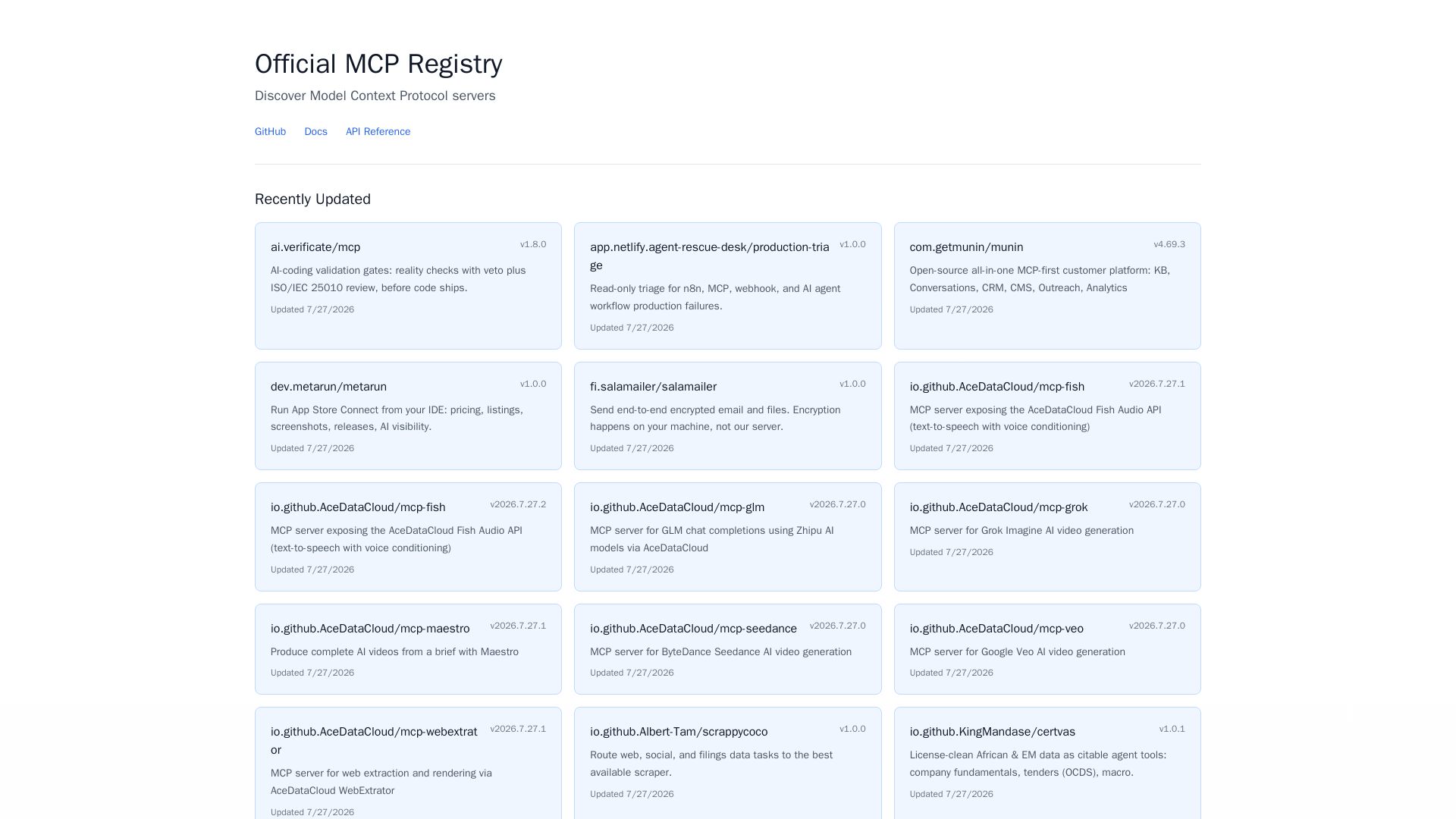
MCP Registry
Explore the official directory of MCP servers for AI integration, data processing, automation, and more. Find vetted servers with descriptions and updates.

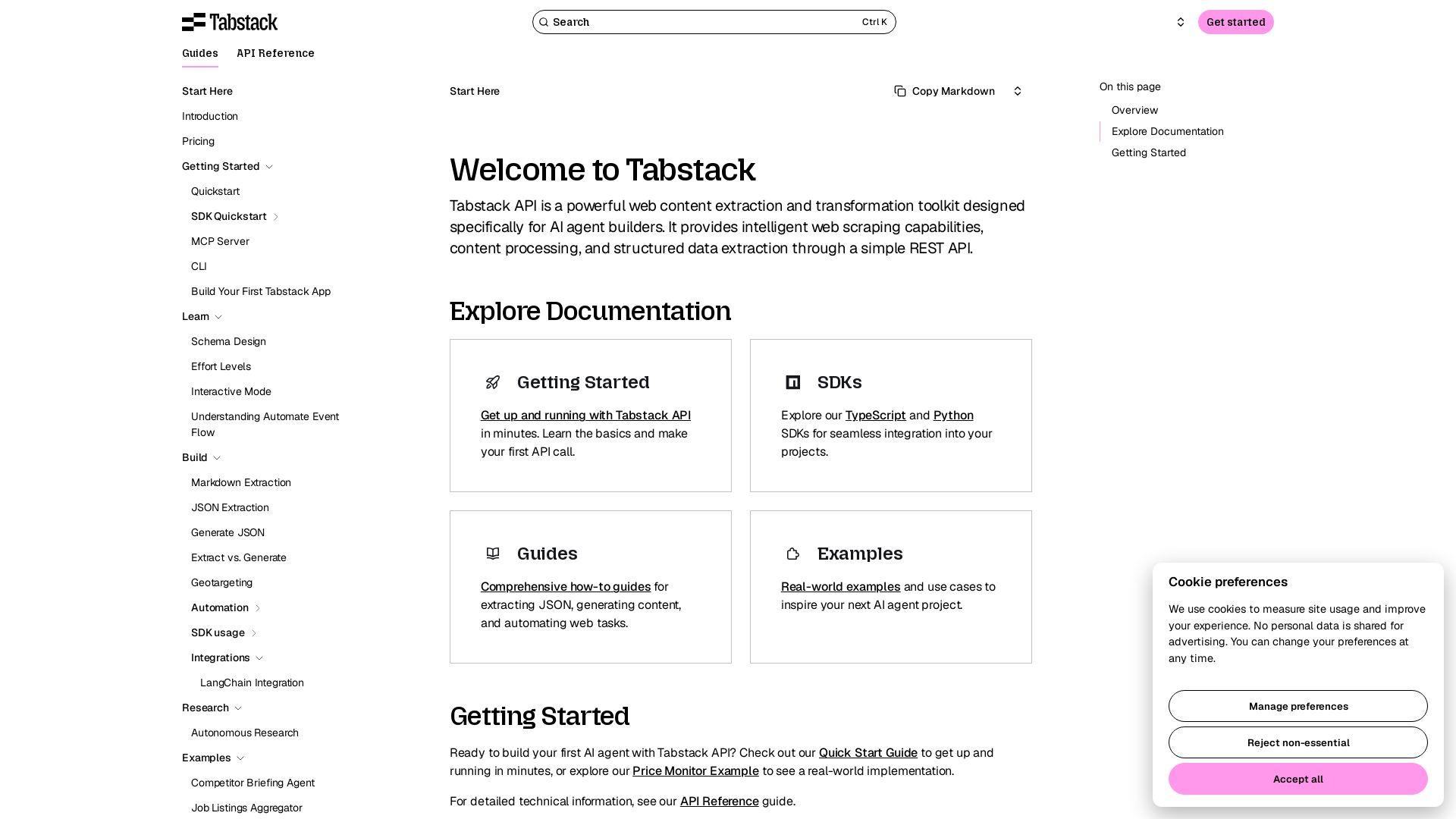
Tabstack
Empower your AI agents with intelligent web scraping, structured data extraction, and automation via a simple REST API. Get started in minutes.

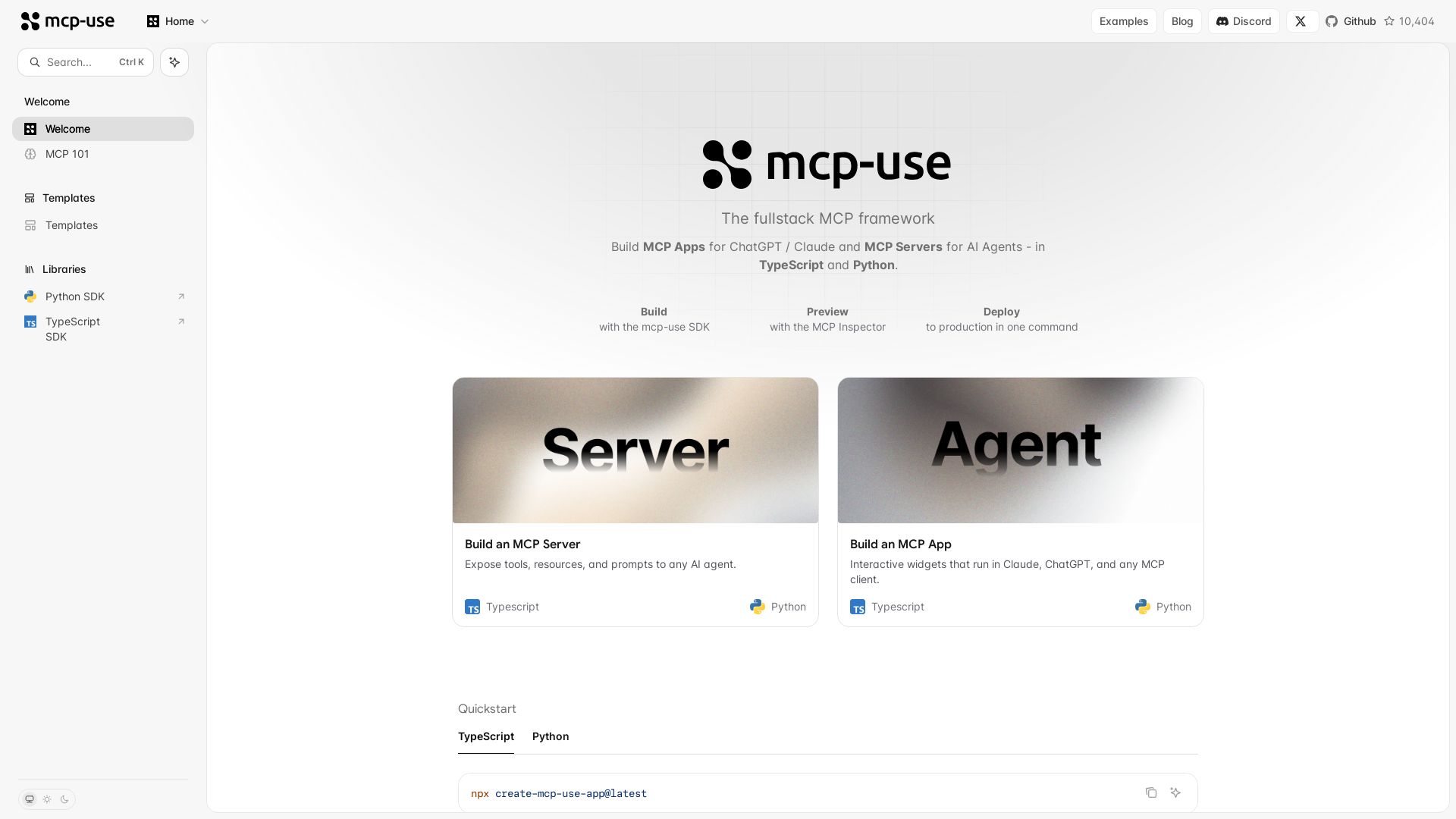
mcp-use
Build MCP apps for ChatGPT/Claude and MCP servers for AI agents. TypeScript & Python. Deploy in one command.

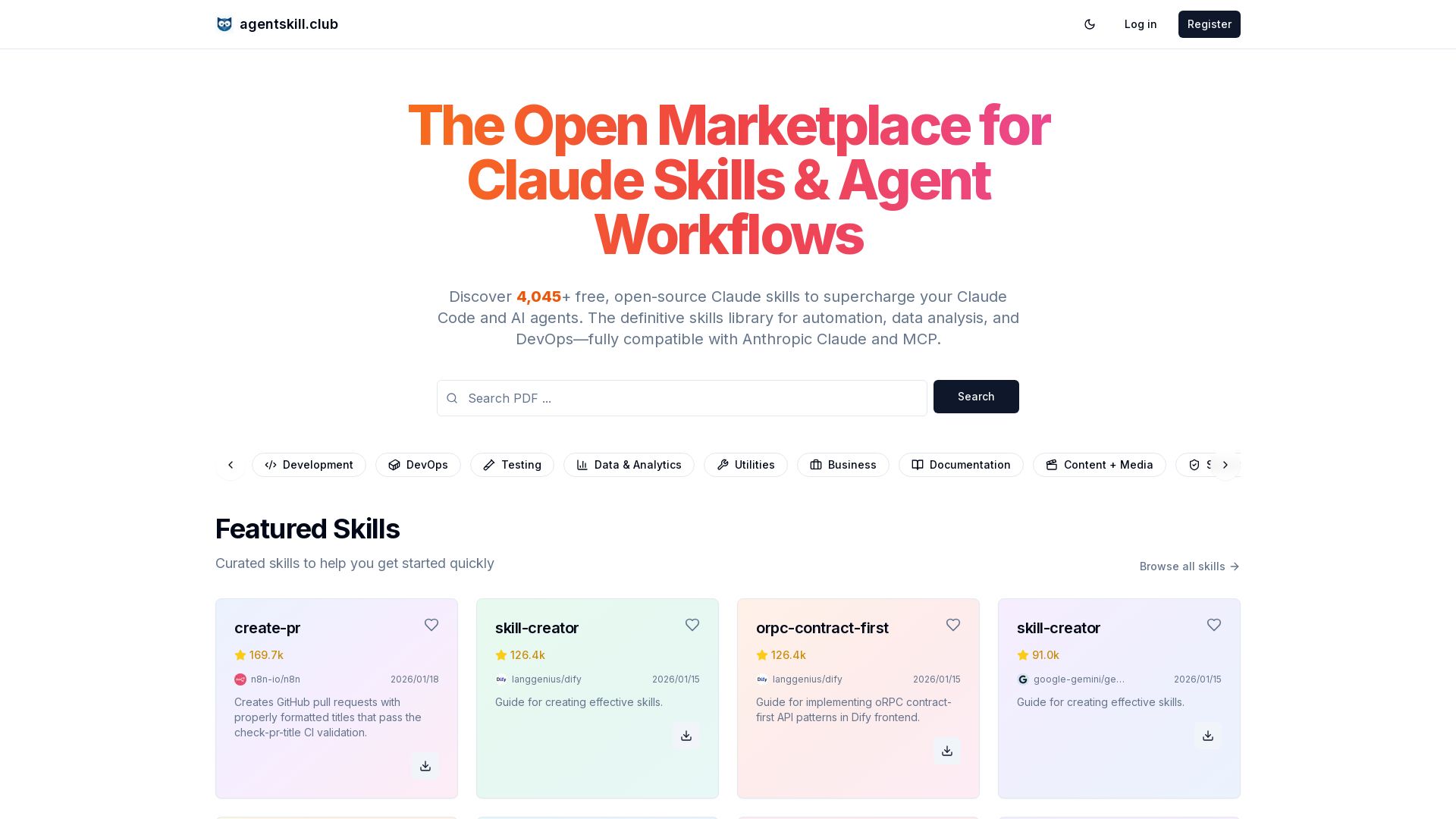
Claude Skills Marketplace
4,045+ free open-source Claude skills for Claude Code & AI agents. Library for automation, data analysis, DevOps, compatible with Anthropic Claude & MCP.


HIX AI
HIX AI is an AI agent workspace that lets you research, create slides, videos, images, and more with one tool. Boost productivity with deep research and automated content creation.

MCPCursor
Connect Cursor to specialized MCP servers for database access, API integration, and real-time data. Boost your coding workflow.

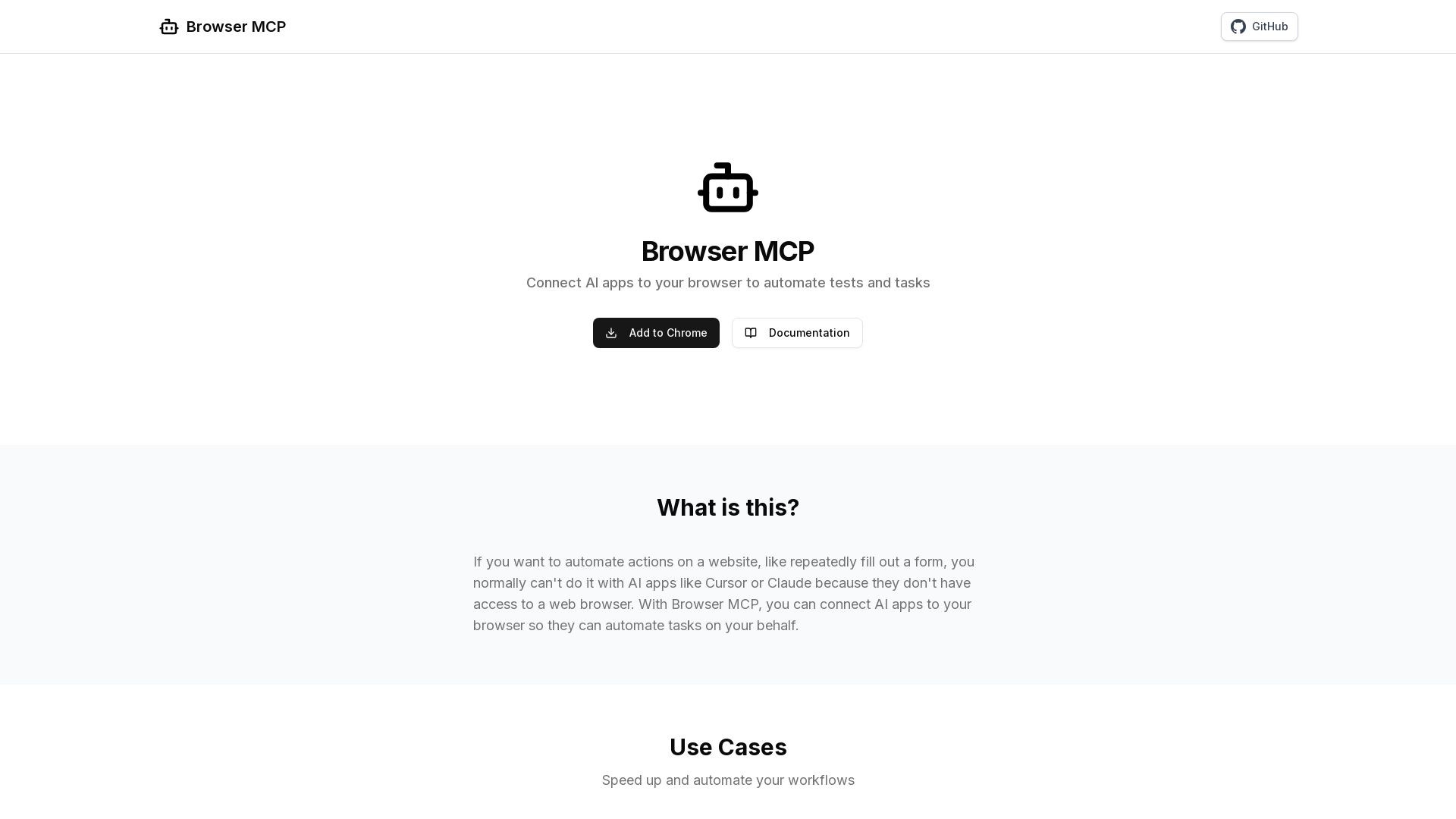
Browser MCP
Connect AI apps like Cursor and Claude to your browser for fast, private, and stealthy automation. Automate testing, form filling, and more without remote servers.

AG2
Build production-ready AI agents in minutes with AG2. Simple syntax, built-in patterns, human-AI collaboration. Open-source multi-agent framework.

ℹ️ Curation Disclosure: The overview and features of goose were synthesized using AI and fact-checked by our curation team to ensure accuracy.
