
MCPCursor
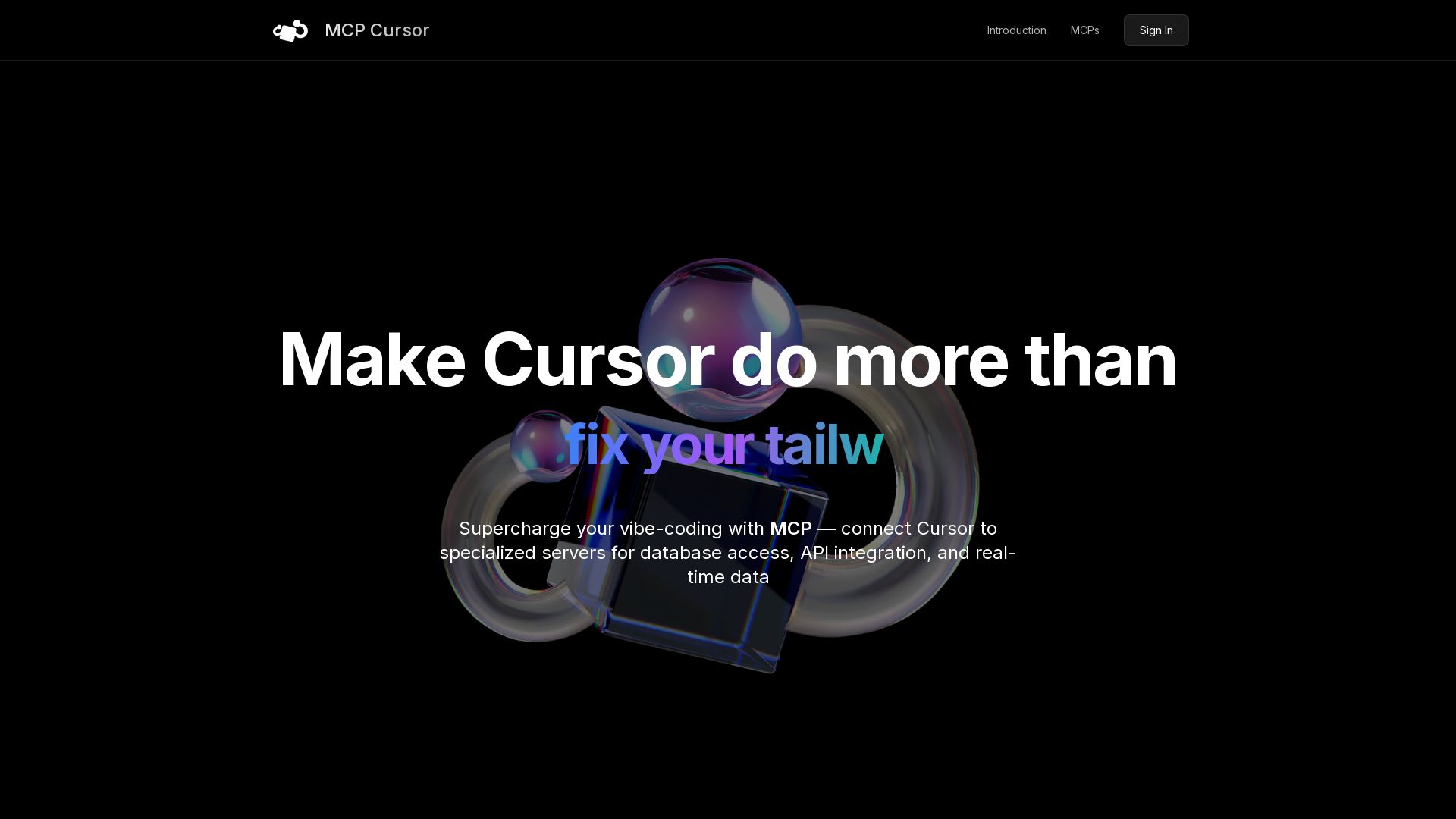
Connect Cursor to specialized MCP servers for database access, API integration, and real-time data. Boost your coding workflow.

Editor's Verdict
Key Takeaways
- GitHub Issue Integration
- Structured Problem Solving
- Database Read-Only Access
- Real-Time Error Monitoring
In-Depth Review: What is MCPCursor?
MCP Cursor is a platform that integrates Model Context Protocol (MCP) servers with Cursor IDE, enabling AI agents to interact with databases, APIs, and real-time data. With a growing collection of servers for GitHub, PostgreSQL, Slack, Figma, and more, developers can automate tasks, debug errors, and streamline their workflow. Supercharge your vibe-coding with MCP Cursor.
Core Features
GitHub Issue Integration
Allow LLMs to interact with GitHub issues directly from Cursor, streamlining issue tracking and management.
Structured Problem Solving
Use Sequential Thinking to break down complex problems into manageable steps, with dynamic refinement.
Database Read-Only Access
Enable secure inspection of PostgreSQL database schemas and execution of read-only queries.
Real-Time Error Monitoring
Retrieve and analyze issues from Sentry, including stacktraces and debugging information.
Slack Workspace Interaction
Manage channels, messages, reactions, and user info in Slack through natural language.
Browser Automation
Automate web interactions, take screenshots, execute JavaScript, and scrape content using Puppeteer.
Pros and Cons
Pros
- Extensive Integration LibraryAccess a growing collection of MCP servers for code hosting, databases, APIs, cloud services, and more.
- AI-Powered WorkflowsLeverage LLMs to automate complex tasks like debugging, data retrieval, and content management.
- Real-Time Data AccessConnect to live services such as Slack, Sentry, and PostgreSQL for up-to-date information.
- Seamless Cursor IntegrationExtend the Agent in Cursor's Composer feature without leaving the editor.
- Open Source & Community DrivenMany servers are open source, allowing customization and contributions from the community.
Cons
- Dependency on External ServersFunctionality relies on external MCP servers; if they go down, features may be unavailable.
- Complex SetupSome servers require API keys, authentication, or additional configuration, which can be cumbersome.
- Limited to Cursor EcosystemThe MCP integration is designed specifically for Cursor, not usable with other editors without adaptation.
- Potential Security RisksAllowing LLMs to interact with services like databases or Slack could expose sensitive data if not properly secured.
- Learning CurveUsers need to understand MCP protocol and server capabilities to effectively utilize the tools.
Use Cases & Recommended Professions
Software Engineer→ View Toolkit
Enhance coding productivity by integrating with GitHub, databases, and debugging tools directly in the editor.
Data Analyst→ View Toolkit
Query databases and retrieve real-time data from services like PostgreSQL and Snowflake using natural language.
DevOps Engineer→ View Toolkit
Manage cloud resources (Cloudflare, GCP) and monitor errors (Sentry) through conversational AI.
Product Manager→ View Toolkit
Track tasks via Slack and GitHub issues, and gather insights from data without leaving Cursor.
Content Creator→ View Toolkit
Automate web scraping, video editing, and note-taking using MCP servers like Obsidian and Browserbase.
QA Tester→ View Toolkit
Perform browser automation and log analysis for debugging and testing web applications.
Frequently Asked Questions
Alternative AI Tools
View Detailed Comparison →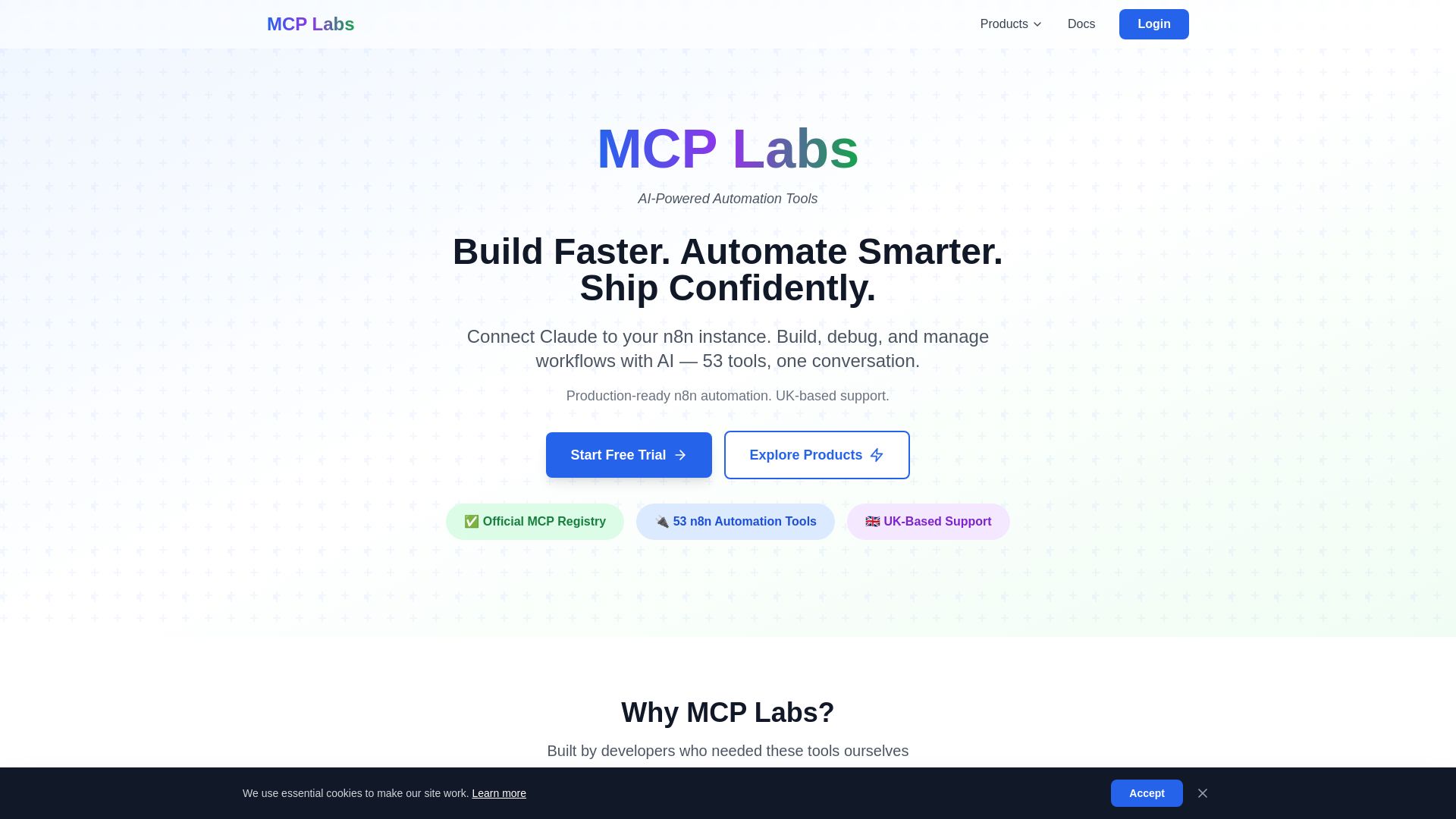
MCP Labs
Connect Claude to n8n & GitHub. 165+ automation tools. 98% token reduction. UK support. Official MCP Registry. Start free trial.
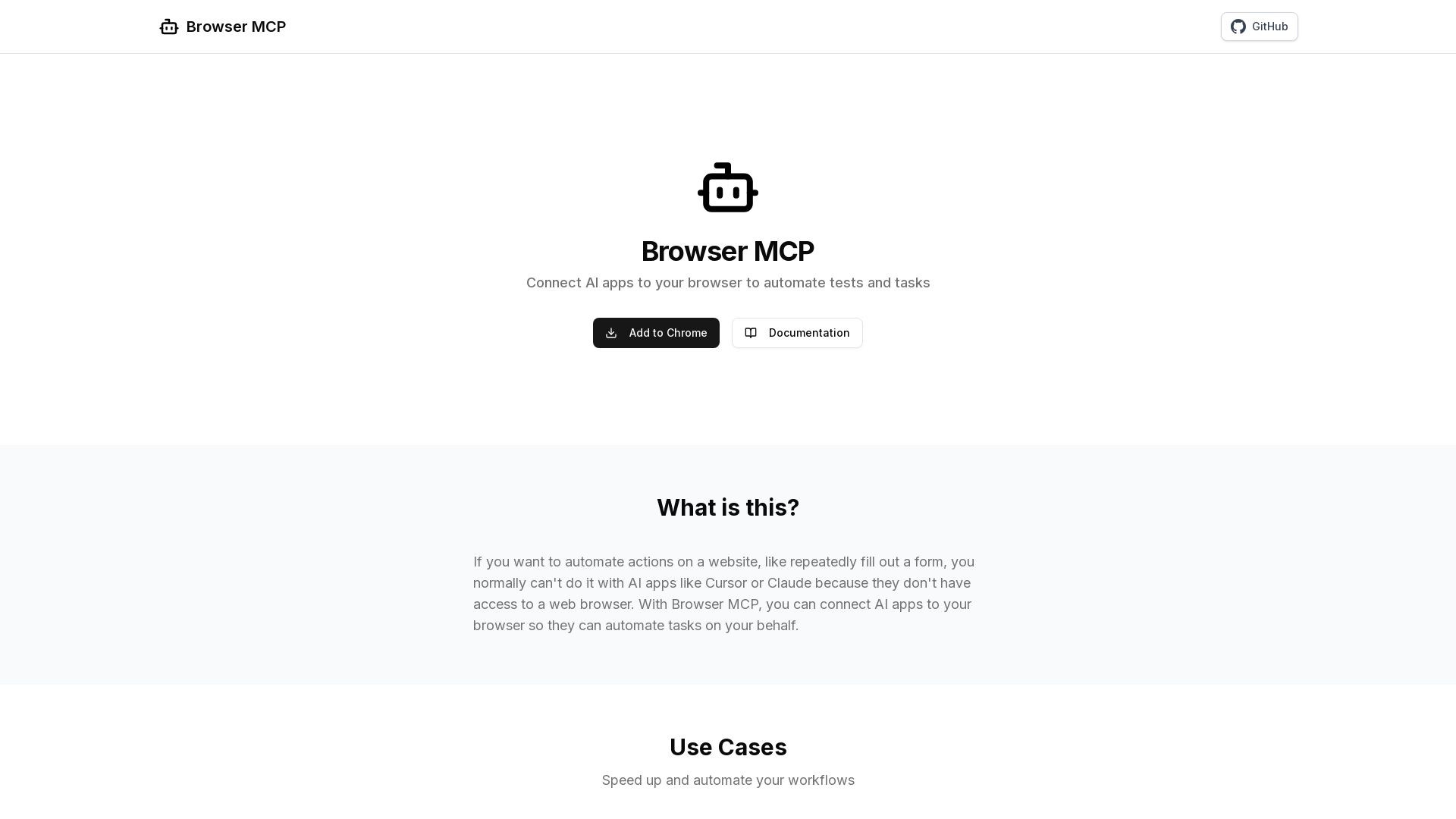
Browser MCP
Connect AI apps like Cursor and Claude to your browser for fast, private, and stealthy automation. Automate testing, form filling, and more without remote servers.

Epic AI Pro
Master AI app architecture with MCP. Build production-ready servers. Future-proof your skills with Kent C. Dodds.


Scuti AI
We specialize in generative AI, AI-OCR, RAG, and offshore development. Combining Vietnam's speed with Japan's quality to automate tasks and boost business.

I Turned My Android Phone Into an MCP Server
Practical insights on agentic DevOps, AI workflows, and building with GitHub Copilot. Learn from software engineer Hector Flores.


SF AI Labs
End-to-end AI services from strategy to launch. Proven delivery framework, expert network in San Francisco. Maximize ROI with custom AI solutions for modern companies.

AI Hero
Master AI-assisted coding with proven engineering fundamentals. Learn to make codebases agents love, control AI output quality, and build real skills. Join 70k+ developers.

Askimo
Use ChatGPT, Claude, Gemini & more in one desktop app. AI knows your files, runs multi-step workflows, and keeps data private.


Wizr AI
Build autonomous enterprises with AI-powered automation. Accelerate software delivery by 50% with production-ready AI systems. Trusted by world-class enterprises.

HaiHai Labs
Learn AI development with tutorials on Claude Code, MCP servers, Cursor, and more. Insights from a Twilio alum and NY developer.


Faros
Trace every AI dollar to outcomes. Improve engineering productivity, measure AI impact, and provide context for AI agents. Trusted by top teams.

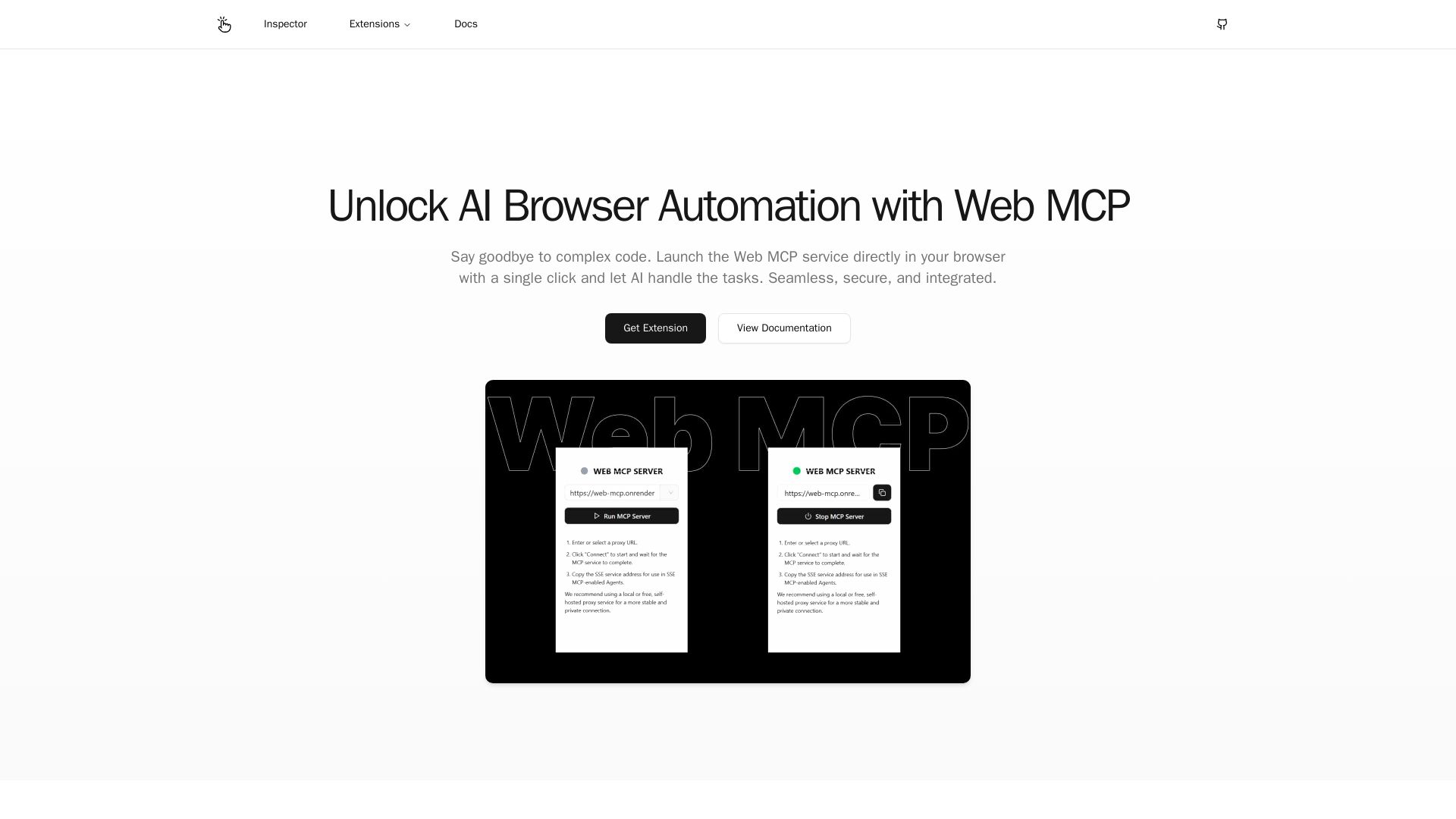
Web MCP
Seamlessly automate your browser with Web MCP. AI-powered, secure, and easy to use. No complex code needed. Try the Chrome Extension today!

ℹ️ Curation Disclosure: The overview and features of MCPCursor were synthesized using AI and fact-checked by our curation team to ensure accuracy.