
Nimbalyst
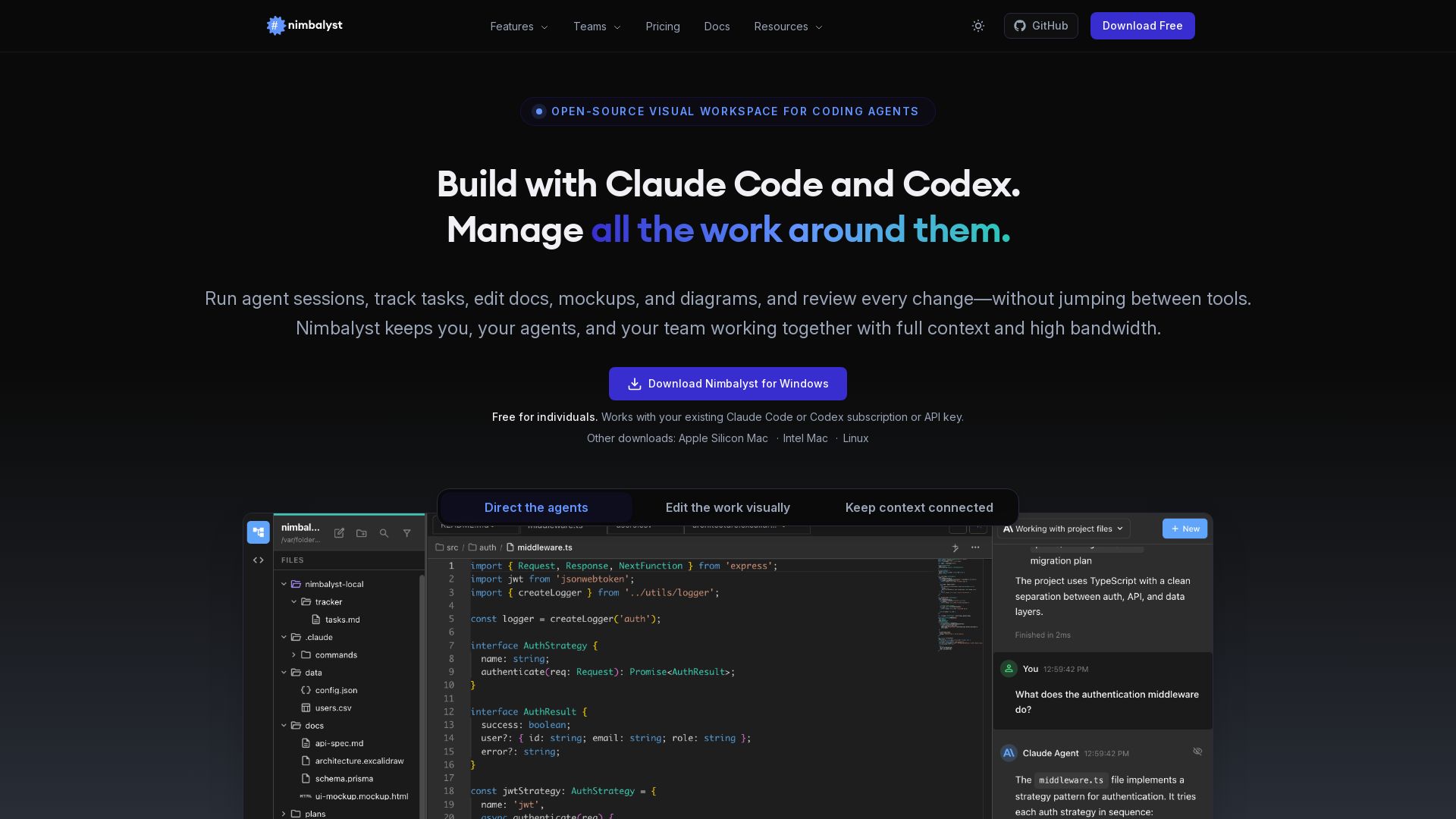
Manage agent sessions, edit docs visually, track tasks, and review AI changes—all in one place. Free for individuals.

Editor's Verdict
Key Takeaways
- Visual Workspace for Coding Agents
- WYSIWYG Markdown Editor
- Drawing & Diagrams
- Agent Sessions
In-Depth Review: What is Nimbalyst?
Nimbalyst is an open-source desktop app that transforms how you work with AI coding agents like Claude Code and Codex. It provides a visual interface to run parallel agent sessions, edit markdown, mockups, and diagrams, track tasks on kanban boards, and review diffs—all while keeping full context. Teams can collaborate in real-time on shared documents and trackers. Trusted by thousands, Nimbalyst is MIT-licensed and available for Windows, Mac, and Linux.
Core Features
Visual Workspace for Coding Agents
Build with Claude Code and Codex in a unified visual interface that manages sessions, tasks, and files without switching tools.
WYSIWYG Markdown Editor
AI-powered markdown editing with red/green diff approval, tables, code blocks, images, and file history with restore.
Drawing & Diagrams
Create Mermaid diagrams and Excalidraw drawings with AI generation; edit visually or conversationally.
Agent Sessions
Run multiple parallel AI agent sessions, search and resume, tie sessions to files for full context.
Developer Tools
Monaco editor, integrated terminal, visual git management with AI commits, worktree support.
Planning & Tracking
Task management inside the workspace with kanban boards, priority, status; agents read and update tasks automatically.
Team Collaboration
Real-time multiplayer editing on shared docs, mockups, and diagrams; collaborative trackers and kanban boards.
Context Graph
Every artifact is a node with typed edges; agents traverse the graph in one call for full context.
Agent Integration
Multi-agent support for Claude Code, Codex, OpenCode, GitHub Copilot; MCP servers, slash commands, and project-level instruction files.
Extensions
First-class extension system with the same EditorHost contract; marketplace and custom editors for any file type.
Open & Secure
Local-first, open source (MIT), SOC 2 Type 2 certified, BYOK, no data collection; content in plain markdown files.
Mobile App
iOS app to manage sessions, review diffs, and receive push notifications; syncs with desktop.
Pricing
Individual
- Nimbalyst visual editor and workspace
- Claude Code, Codex, OpenCode, CoPilot agents
- WYSIWYG markdown editor, approve AI changes
- Mockups, diagrams, Excalidraw, CSV editors
- Session manager with searchable history
- Integrated, agent-powered task management
- Code editor, terminal, AI git manage, commit, worktrees
- Extension system to build your own visual workspace
- Mobile app for remote session and file management
- MCP server support and extensions
- File link sharing
Teams
- Everything in Individual
- Multiplayer collaboration on markdown docs, mockups, Excalidraw, diagrams, and every extension
- Promote any local file to a shared doc, with full change history
- Collaborative trackers and kanban, worked by your agents
Pros and Cons
Pros
- Open Source & Local-FirstMIT-licensed desktop app with open formats; your data stays on your filesystem, no lock-in.
- Multi-Agent SupportRun Claude Code, Codex, OpenCode, and Copilot side-by-side with shared context via MCP and slash commands.
- Visual Diff ReviewApprove or reject AI changes inline with red/green diffs across markdown, code, and diagrams.
- Integrated Context GraphAll artifacts are connected with typed edges, enabling agents to traverse full context in one call.
- Free for IndividualsFull core features free forever, no credit card required; works with existing Claude Code or Codex subscriptions.
Cons
- Teams Still in WaitlistCollaboration features are not yet available; Teams pricing and release date are TBD.
- Mobile App Limited to iOSThe companion app is currently only available on iOS; Android support is not mentioned.
- Requires Own AI SubscriptionsIndividual plan is free, but you need your own Claude Code or Codex subscription or API key to use AI features.
- Limited Agent ProvidersOfficially supports Claude Code and Codex; OpenCode and Copilot are in alpha, and other agents may not be integrated.
- Steep Learning Curve for New UsersThe workspace combines many tools (editor, sessions, git, tasks), which may be overwhelming for beginners.
Use Cases & Recommended Professions
Software Engineer→ View Toolkit
Needs to manage AI coding sessions, review diffs, and integrate agent workflows without switching between terminal and editor.
Product Manager→ View Toolkit
Writes specs, plans, and trackers; wants agents to read and update tasks automatically, reducing manual syncing.
Data Scientist→ View Toolkit
Works with markdown, CSV, and diagrams; benefits from AI-assisted editing and parallel agent sessions for experiments.
DevOps Engineer→ View Toolkit
Manages infrastructure as code; uses integrated terminal, git, and worktrees alongside agent sessions for automation.
Technical Writer→ View Toolkit
Creates documentation in markdown; appreciates WYSIWYG editing, AI suggestions, and collaborative review features.
Team Lead / Engineering Manager→ View Toolkit
Oversees team agent usage; needs shared workspaces, task boards, and visibility into agent actions across the team.
Frequently Asked Questions
Alternative AI Tools
View Detailed Comparison →
Making AI think and act: my approach to the Hugging Face AI ...
Experienced AI engineer specializing in medical imaging and LLM-powered agents. Built globally deployed radiology AI at AZmed. Now building AI agents at Matrix One.

AG2
Build production-ready AI agents in minutes with AG2. Simple syntax, built-in patterns, human-AI collaboration. Open-source multi-agent framework.

OpenAgents
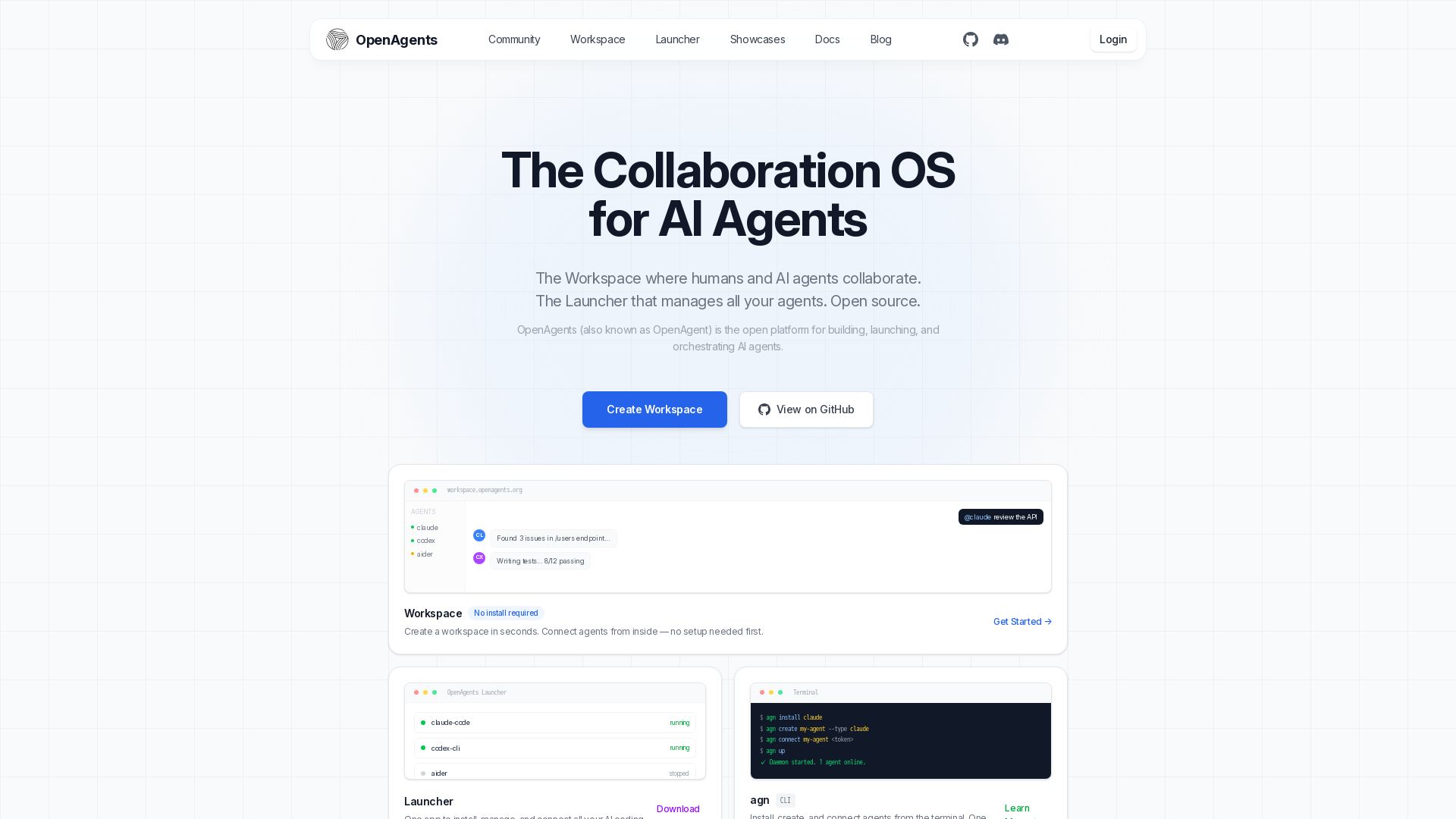
Open-source AI agent platform: Collaborate with agents in a shared workspace. Manage Claude, Codex, Aider & more with the Launcher. Free, MIT license.

I Tested Every Major Open-Source AI Agent SDK So You Don't ...
Explore insights on Voice AI Agents, Multi-Agent Systems, and Developer Tools from a 30+ hackathon winner. Practical guides and cutting-edge research.


Faros
Trace every AI dollar to outcomes. Improve engineering productivity, measure AI impact, and provide context for AI agents. Trusted by top teams.

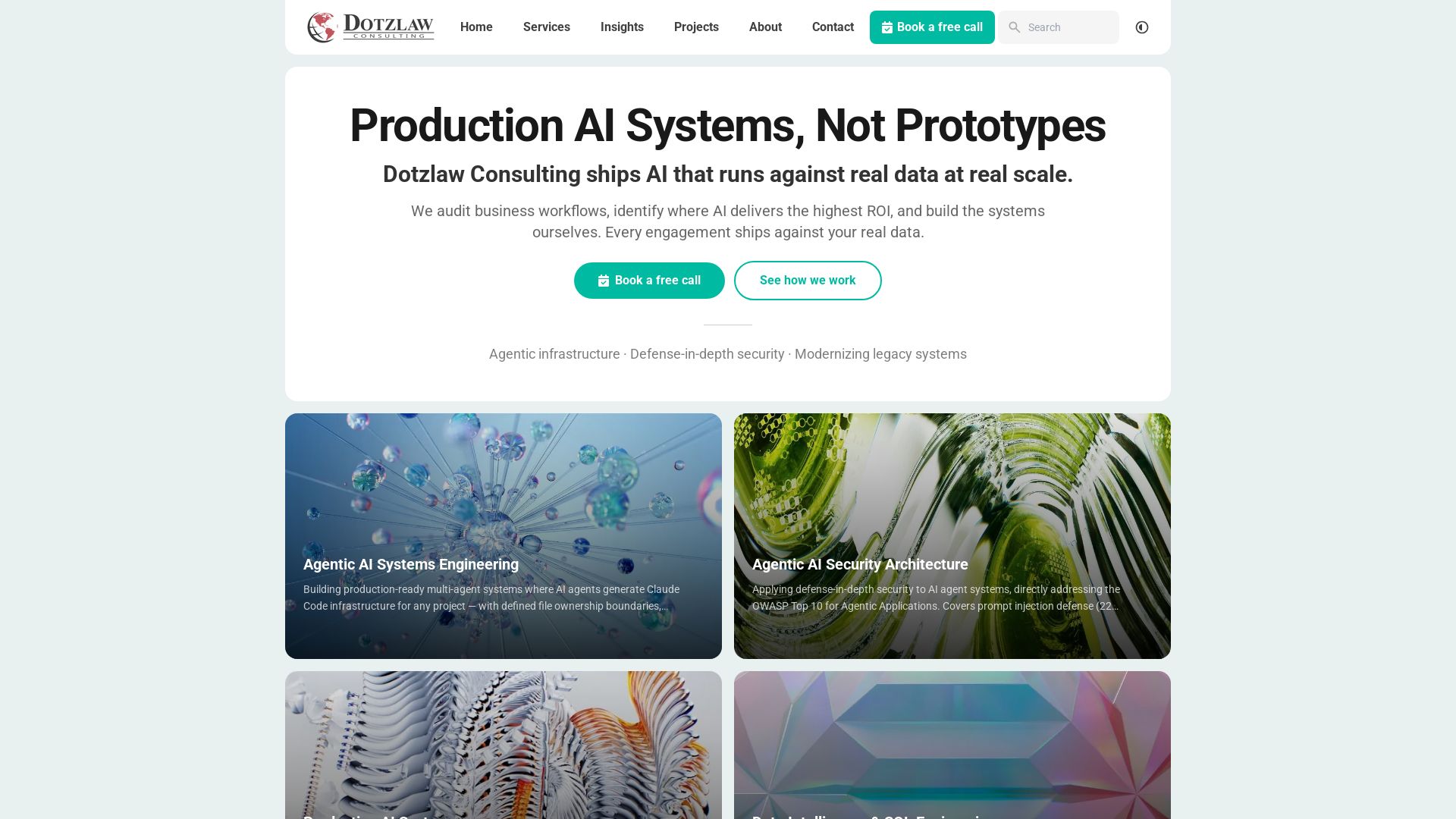
Dotzlaw Consulting
We build production-ready AI systems, multi-agent workflows, and secure architectures. Real data, real scale. Expert SQL & data intelligence.


AI SDK AGENTS
The toolkit for AI engineers. Install, copy, or export 125 AI SDK patterns for agents, tool calling, human-in-the-loop, and generative UI. Full source code, own your stack.


Section AI
Turn AI investment into workforce transformation with Section. Command center, coaching, and strategic support to drive measurable ROI.


SF AI Labs
End-to-end AI services from strategy to launch. Proven delivery framework, expert network in San Francisco. Maximize ROI with custom AI solutions for modern companies.


Wizr AI
Build autonomous enterprises with AI-powered automation. Accelerate software delivery by 50% with production-ready AI systems. Trusted by world-class enterprises.


Cequence AI Gateway
Safely connect AI agents to business apps with enterprise-grade security, OAuth 2.1, and MCP. Unlock agentic AI productivity.

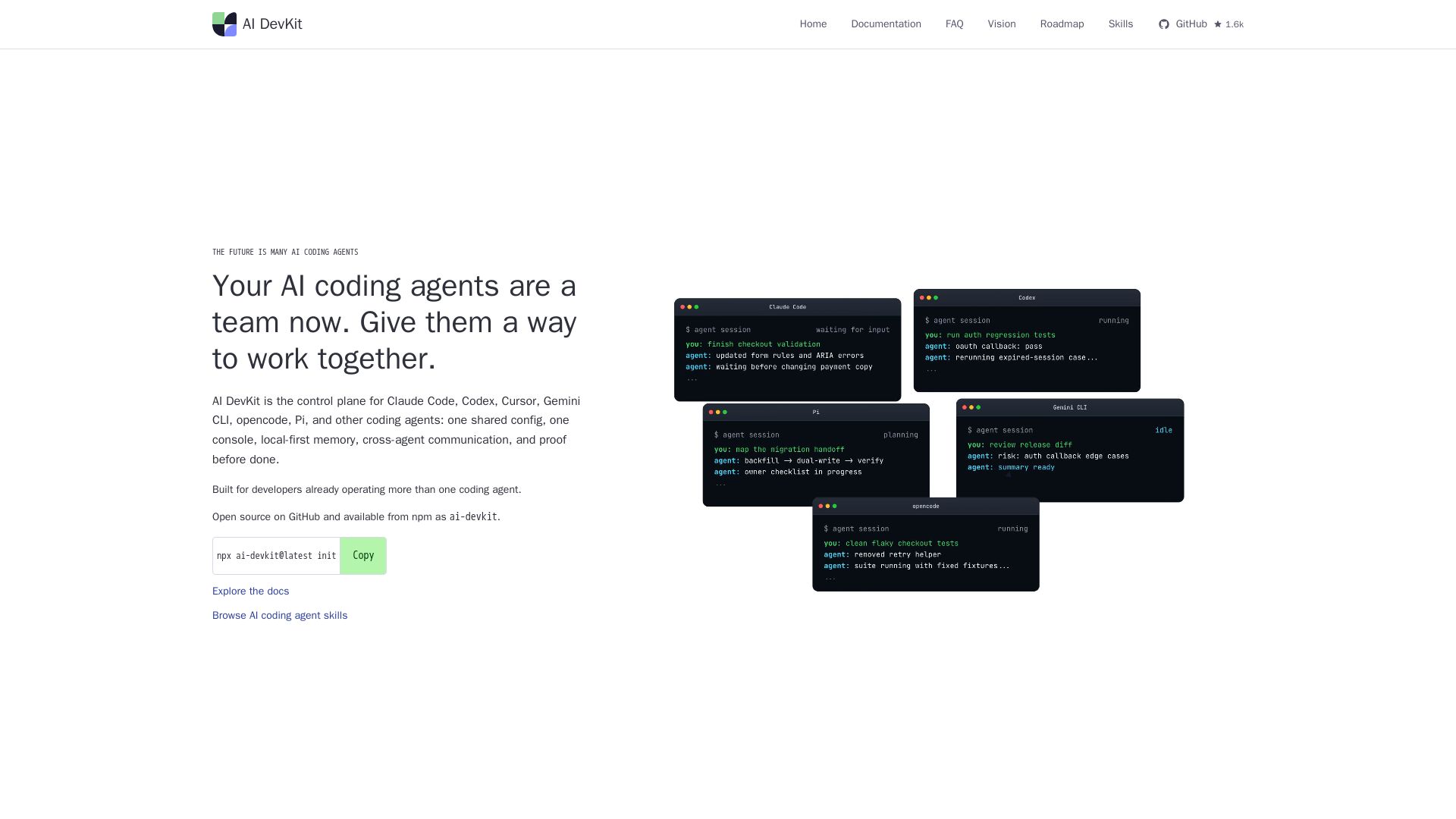
AI DevKit
One shared config, console, memory, and verification for Claude Code, Codex, Cursor & more. Local-first, open source.

ℹ️ Curation Disclosure: The overview and features of Nimbalyst were synthesized using AI and fact-checked by our curation team to ensure accuracy.
