
Sim
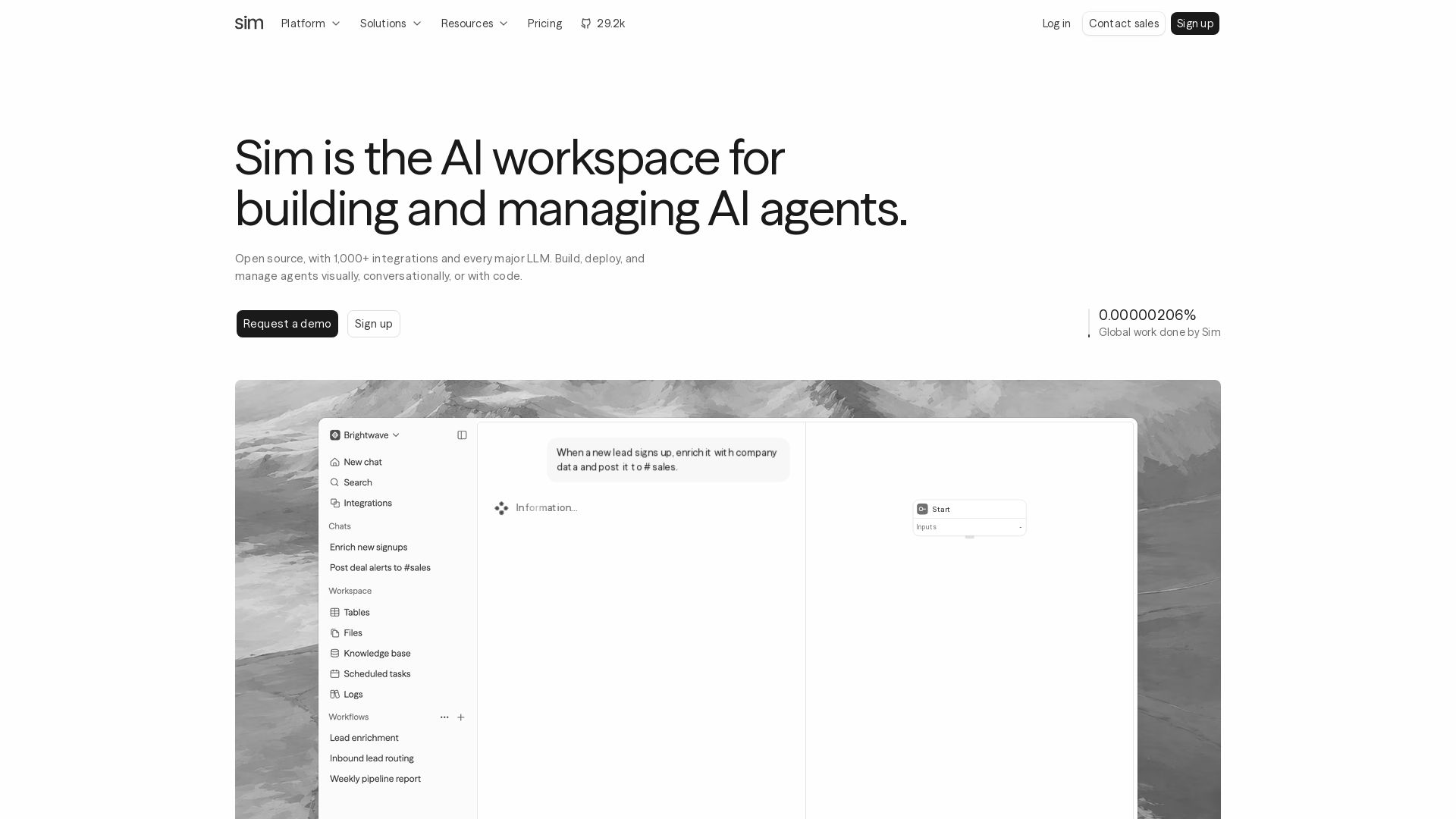
Build, deploy, and manage AI agents with 1,000+ integrations and every major LLM. Visually, conversationally, or with code. Get started free.
Editor's Verdict
Key Takeaways
- Open-Source AI Workspace
- 1,000+ Integrations
- Multi-LLM Support
- Visual Agent Builder
In-Depth Review: What is Sim?
Sim is the open-source AI workspace where teams build, deploy, and manage AI agents. With 1,000+ integrations and support for every major LLM, you can automate real work visually, conversationally, or with code. Contextual memory, live monitoring, and a visual builder make it easy to create agents that solve real problems. Trusted by 100,000+ builders and SOC2 compliant.
Core Features
Open-Source AI Workspace
Sim is an open-source platform where teams build, deploy, and manage AI agents, offering full transparency and community-driven innovation.
1,000+ Integrations
Connect with popular tools like Slack, HubSpot, Salesforce, and Notion, enabling agents to act across your existing stack.
Multi-LLM Support
Supports every major LLM including OpenAI, Anthropic, Google, DeepSeek, xAI, and more, giving you flexibility in model selection.
Visual Agent Builder
Compose agent logic visually using a drag-and-drop interface, or describe the workflow in plain English for automatic generation.
Monitoring & Observability
Live traces, logs, and real cost tracking for every run, providing end-to-end visibility into agent behavior and performance.
Semantic Memory
Store data in tables, files, and knowledge bases that agents use as contextual memory to ground responses and actions.
SOC2 Compliant
Meets SOC2 compliance standards, ensuring enterprise-grade security for data and workflows.
Pricing
Free
- 1,000 monthly credits
- 1 workspace
- 10 concurrent executions
- Sync runs: 50/min, Async: 200/min, API: 30/min
- Sync timeout: 5 min, Async timeout: 90 min
- 5 GB file storage
- Max 5 tables, 50,000 rows per table
- 30-day log retention
Pro
- 6,000 monthly credits + 50 daily refresh
- 3 workspaces
- 50 concurrent executions
- Sync runs: 150/min, Async: 1,000/min, API: 100/min
- Sync timeout: 50 min, Async timeout: 90 min
- 50 GB file storage
- Max 100 tables, 100,000 rows per table
- Unlimited log retention
- Sim Mailer (Inbox), KB Live Sync, Slack Connect
Max
- 25,000 monthly credits + 200 daily refresh
- Unlimited workspaces
- 200 concurrent executions
- Sync runs: 300/min, Async: 2,500/min, API: 200/min
- Sync timeout: 50 min, Async timeout: 90 min
- 500 GB file storage
- Max 1,000 tables, 500,000 rows per table
- Unlimited log retention
- Sim Mailer (Inbox), KB Live Sync, Slack Connect, Access Control
Enterprise
- Custom monthly credits and daily refresh
- Unlimited workspaces
- 1,000+ concurrent executions (customizable)
- Custom rate limits and timeouts
- Custom storage, tables, and rows
- Unlimited log retention
- Includes Sim Mailer, KB Live Sync, Slack Connect, Access Control
- SSO, SOC2 Compliance, Self Hosting, Dedicated Support
Pros and Cons
Pros
- Open SourceFull access to the source code, allowing customization, self-hosting, and community contributions.
- Extensive IntegrationsOver 1,000 pre-built integrations with popular tools, reducing manual setup.
- Multi-Model FlexibilitySupport for all major LLMs, enabling users to choose the best model for each task.
- Visual & Natural Language BuilderBuild agents using a visual interface or describe workflows in English, lowering the barrier to automation.
- Built-in MonitoringComprehensive traces, logs, and cost tracking per run, aiding in debugging and optimization.
Cons
- Limited Free TierFree plan has only 1,000 monthly credits and restrictive concurrency, which may not suffice for heavy use.
- Per-User Pricing for Pro/MaxCosts scale linearly with team size, which can become expensive for large teams.
- Feature Gaps in Lower PlansEssential features like SSO, self-hosting, and dedicated support are only available in Enterprise.
- Learning Curve for Complex WorkflowsWhile simple automation is easy, advanced multi-agent orchestration may require technical expertise.
- Dependency on IntegrationsEffectiveness relies heavily on the quality and availability of third-party integrations.
Use Cases & Recommended Professions
Software Engineer→ View Toolkit
Automate code reviews, deployment pipelines, and incident response workflows using AI agents integrated with GitHub, Jira, and Slack.
Data Scientist→ View Toolkit
Orchestrate data enrichment, model inference, and reporting pipelines without manual coding by connecting databases and APIs.
Product Manager→ View Toolkit
Streamline product feedback analysis, feature request triage, and cross-team notification workflows using natural language descriptions.
Operations Manager→ View Toolkit
Automate routine operational tasks like lead enrichment, ticket routing, and onboarding processes with minimal setup.
Customer Support Lead→ View Toolkit
Create AI agents that triage support tickets, draft responses, and escalate issues, improving response times and consistency.
Sales Operations Specialist→ View Toolkit
Enrich leads, score fit, post to CRM, and manage follow-ups automatically using Sim's integration with Salesforce and Slack.
Frequently Asked Questions
Alternative AI Tools
View Detailed Comparison →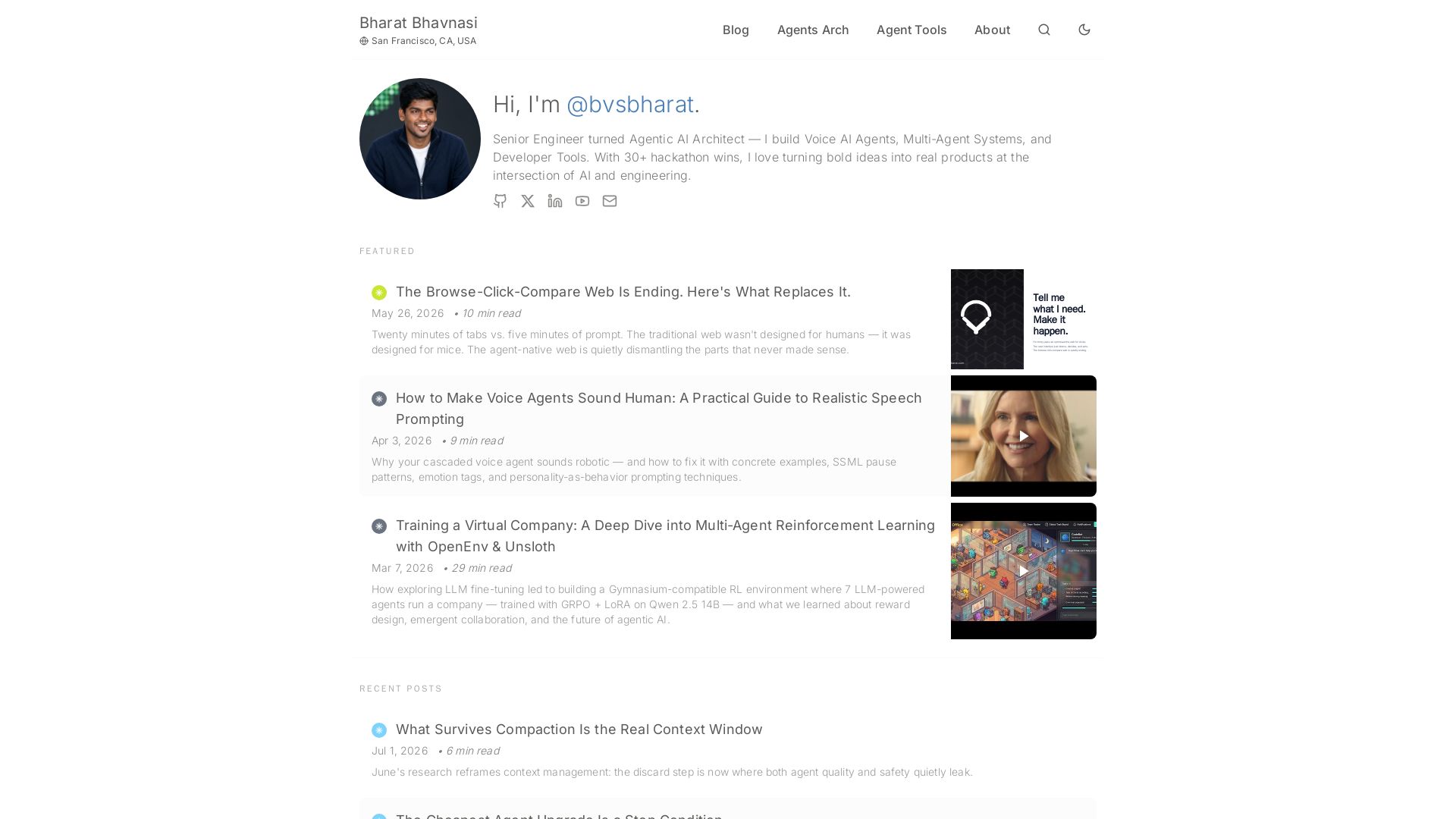
I Tested Every Major Open-Source AI Agent SDK So You Don't ...
Explore insights on Voice AI Agents, Multi-Agent Systems, and Developer Tools from a 30+ hackathon winner. Practical guides and cutting-edge research.

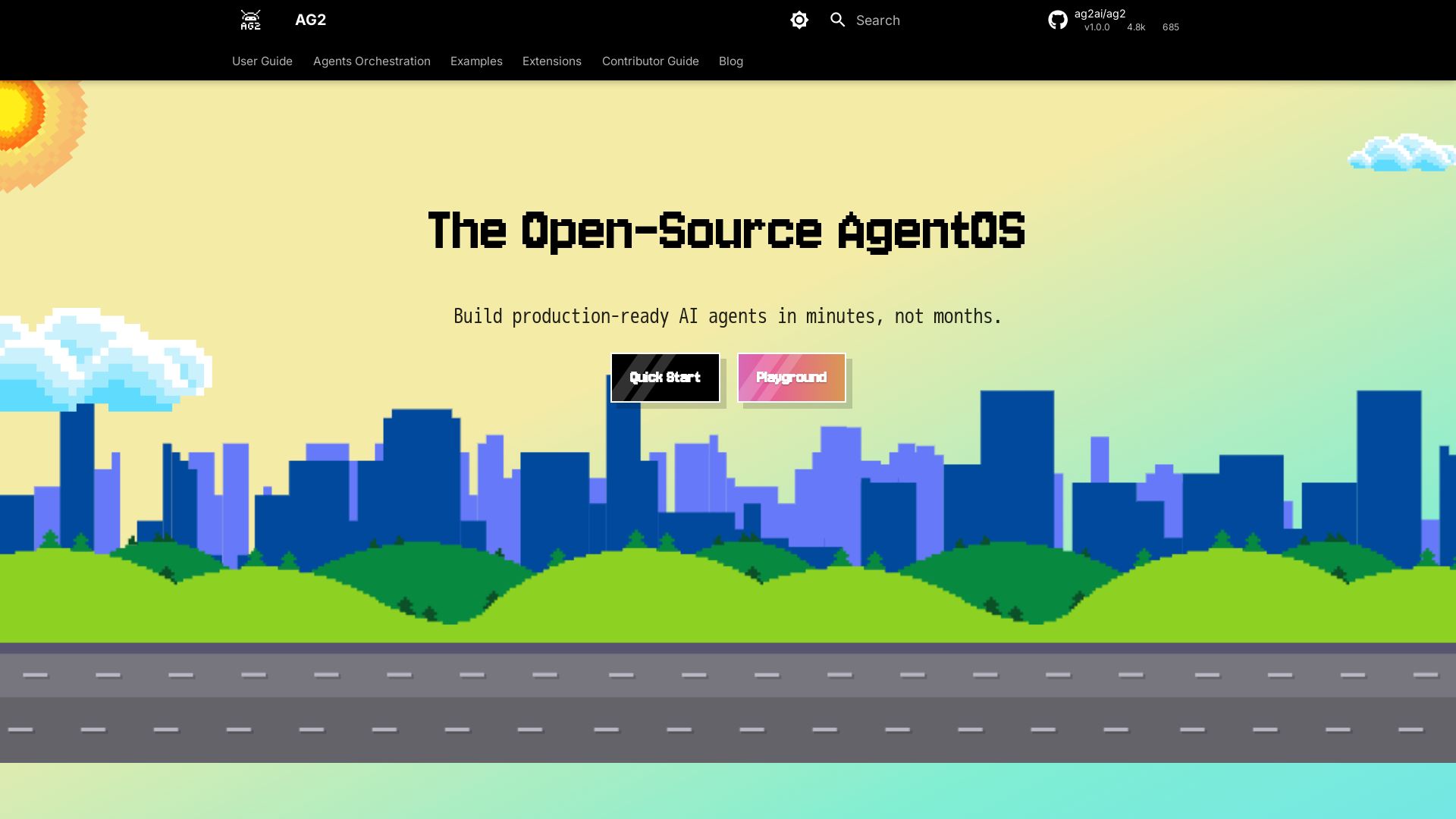
AG2
Build production-ready AI agents in minutes with AG2. Simple syntax, built-in patterns, human-AI collaboration. Open-source multi-agent framework.


AI SDK AGENTS
The toolkit for AI engineers. Install, copy, or export 125 AI SDK patterns for agents, tool calling, human-in-the-loop, and generative UI. Full source code, own your stack.


Making AI think and act: my approach to the Hugging Face AI ...
Experienced AI engineer specializing in medical imaging and LLM-powered agents. Built globally deployed radiology AI at AZmed. Now building AI agents at Matrix One.

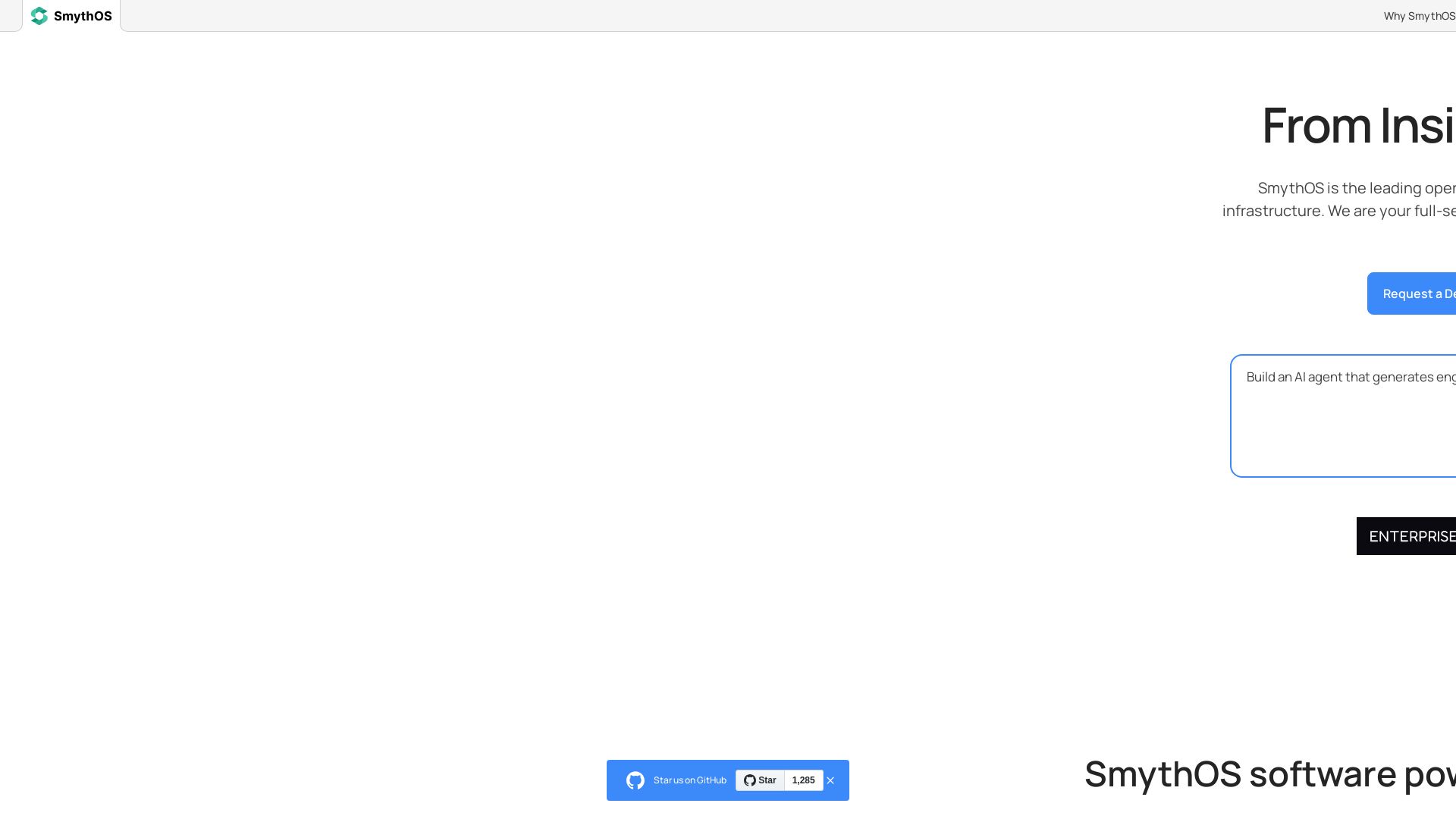
SmythOS
Build, test, and deploy secure AI agents at scale with SmythOS. Open-source runtime, SDK, and visual studio. Democratizing AI agent development.

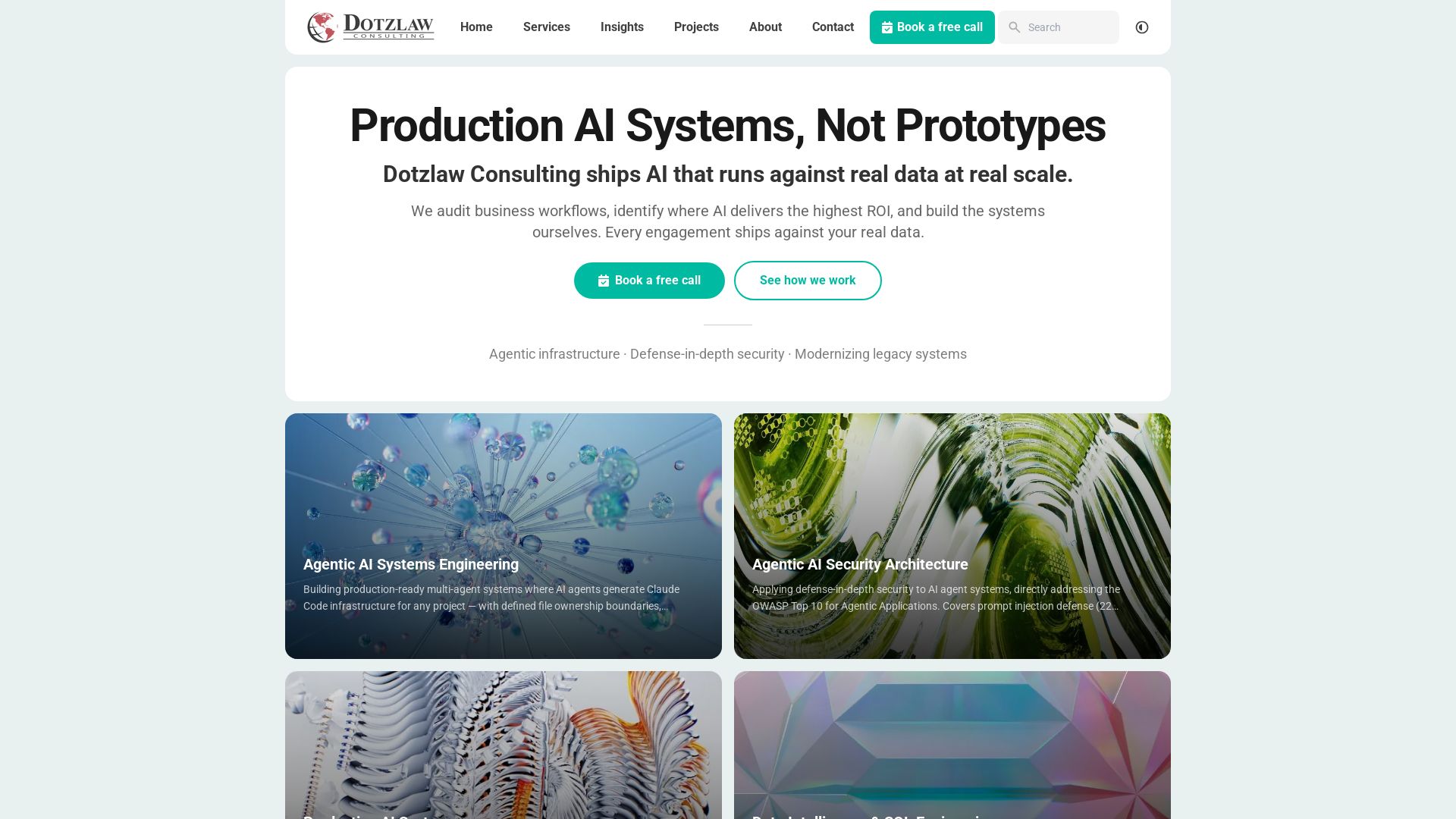
Dotzlaw Consulting
We build production-ready AI systems, multi-agent workflows, and secure architectures. Real data, real scale. Expert SQL & data intelligence.


Cequence AI Gateway
Safely connect AI agents to business apps with enterprise-grade security, OAuth 2.1, and MCP. Unlock agentic AI productivity.

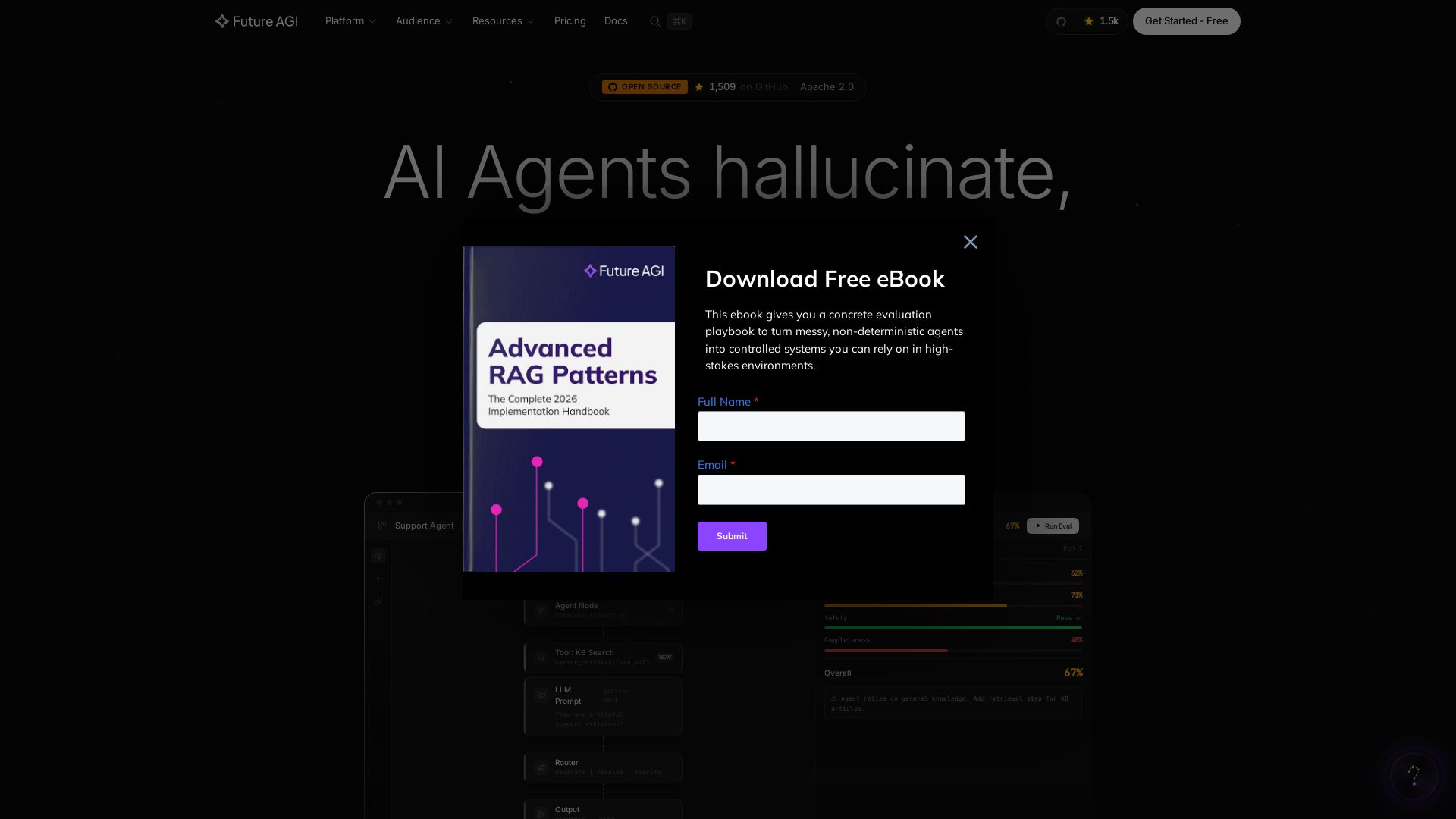
Future AGI
Catch AI hallucinations, evaluate accuracy, and deploy guardrails. Open-source platform to simulate, test, and monitor AI agents in production.


Expo AI Chatbot
Build AI chatbot apps for iOS, Android & web with Expo SDK 54, AI SDK 5, voice, long-term memory, and more. Open-source codebase.

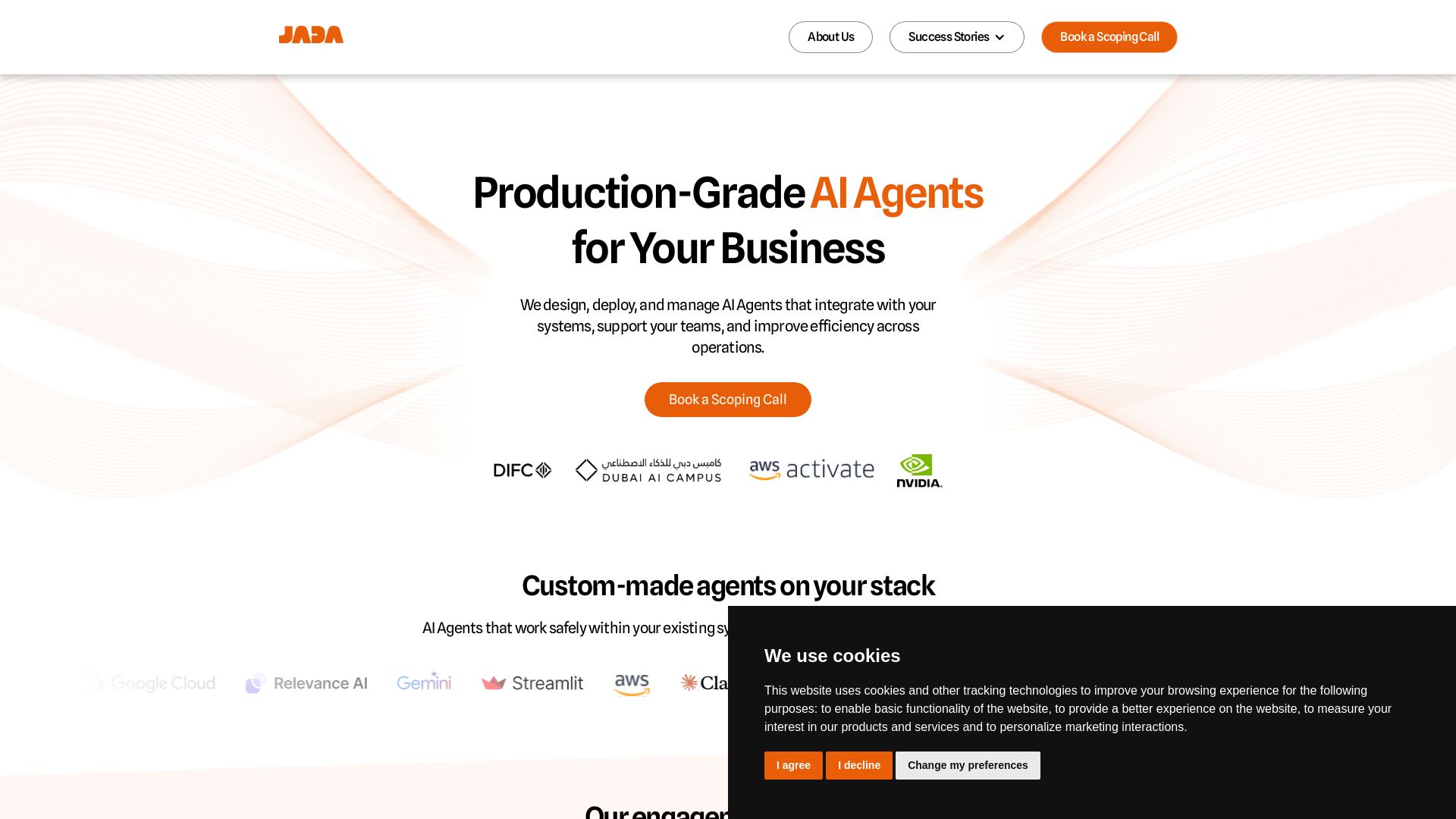
JADA
Design, deploy, and manage AI agents that integrate with your systems. From strategy to handover, we ship agents that work.

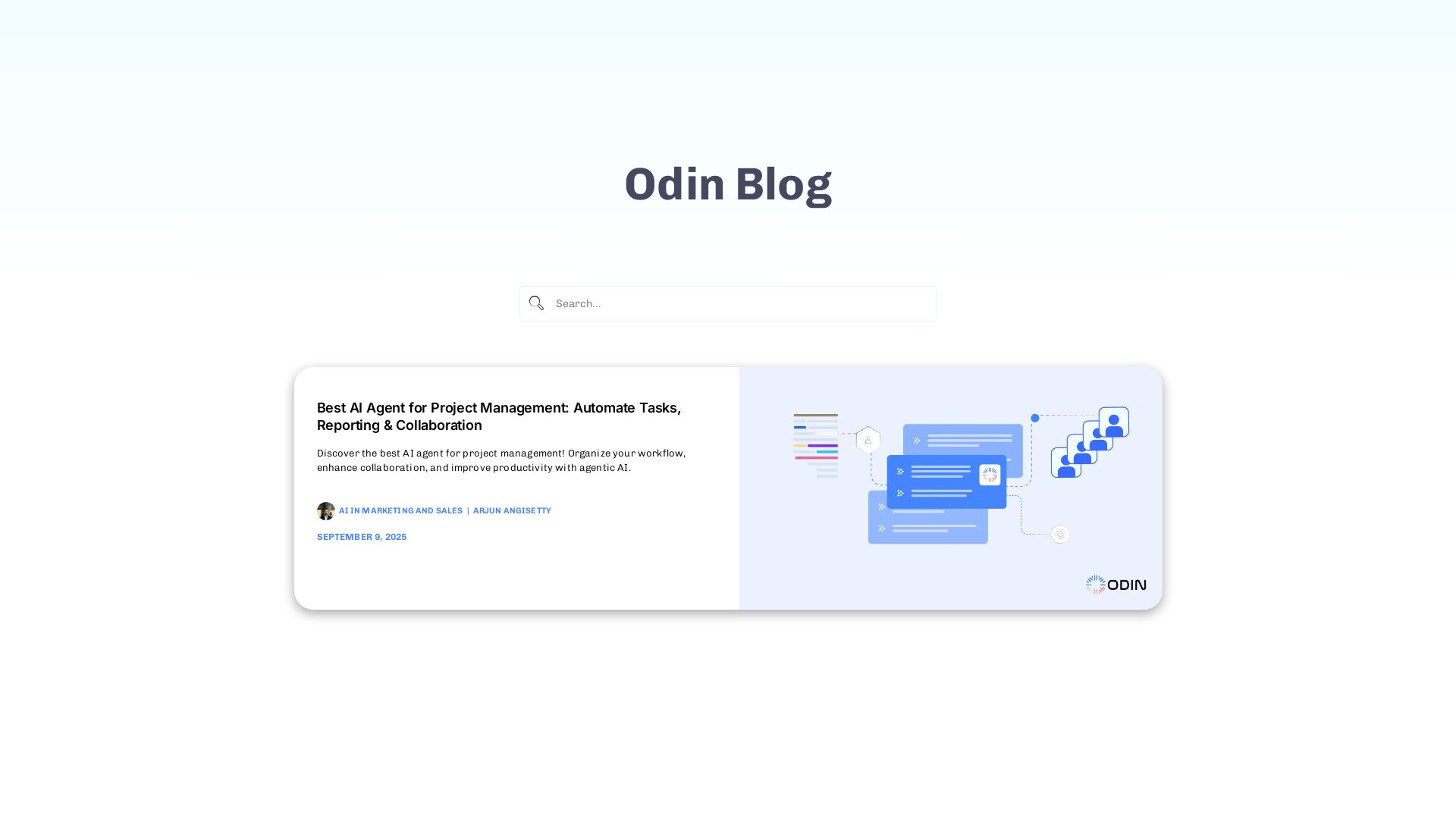
Odin AI
Automate tasks, document summarization, and collaboration with Odin AI's no-code platform. Boost productivity with intelligent AI agents.

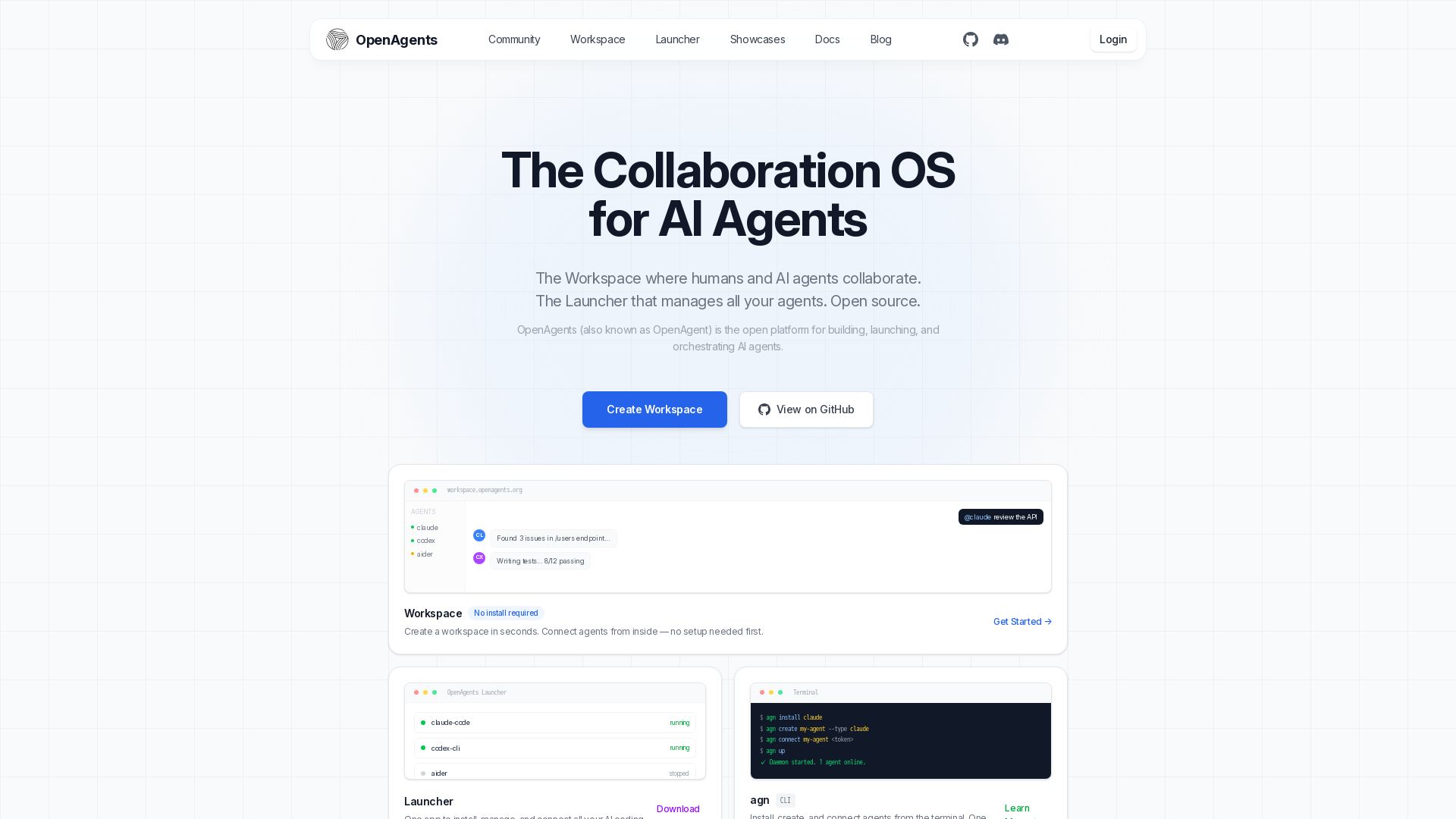
OpenAgents
Open-source AI agent platform: Collaborate with agents in a shared workspace. Manage Claude, Codex, Aider & more with the Launcher. Free, MIT license.

ℹ️ Curation Disclosure: The overview and features of Sim were synthesized using AI and fact-checked by our curation team to ensure accuracy.
