
yaw
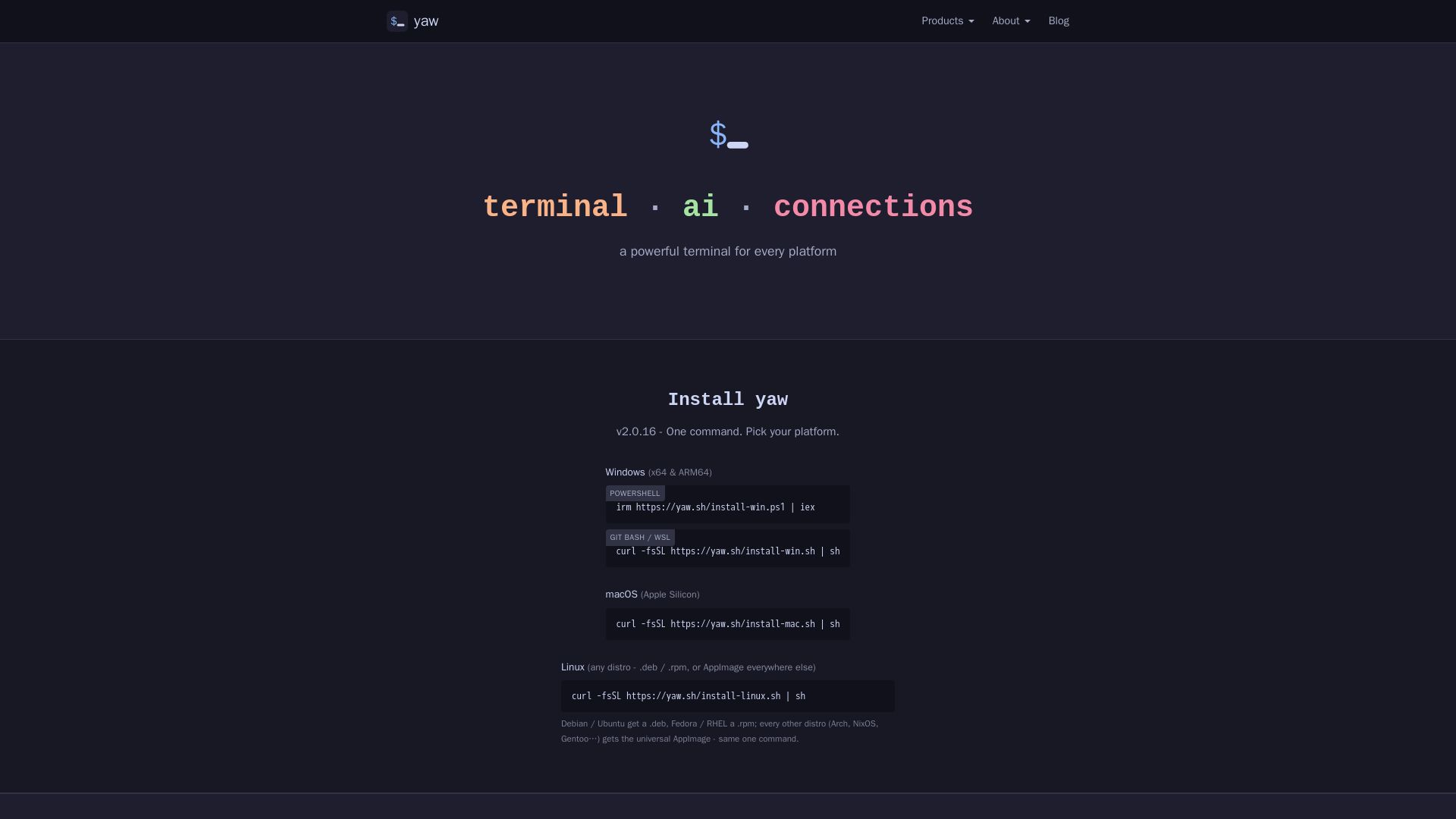
A powerful terminal for Windows, macOS, and Linux. Features AI CLI tools, built-in file editor, and Claude Code Yaw Mode. Install with one command.
Editor's Verdict
Key Takeaways
- Cross-Platform Terminal
- Built-in File Editor
- AI Assistant Integration
- Split Pane and Tab Management
In-Depth Review: What is yaw?
Yaw is a modern terminal emulator designed for developers who need a seamless experience across Windows, macOS, and Linux. It offers a built-in file editor with syntax highlighting and git diff, AI CLI tools integration (Claude Code, Codex, Gemini CLI), and a unique Yaw Mode that enhances Claude Code sessions with pre-baked context rules. With one-command installation, split panes, and smart connection management, Yaw streamlines your workflow whether you're editing files, connecting to servers, or working with AI.
Core Features
Cross-Platform Terminal
Available on Windows, macOS, and Linux with native installers (exe, dmg, deb/rpm, AppImage). Provides a consistent terminal experience across all major platforms.
Built-in File Editor
Edit files directly from the terminal using an embedded micro editor with syntax highlighting, Catppuccin Mocha theme, git diff gutter, auto-close brackets, and soft-wrap. No external dependencies needed.
AI Assistant Integration
Integrated AI assistant accessible via Ctrl+Shift+A. Supports bring-your-own-key (BYOK) to connect to providers like Claude Code, Codex, Gemini CLI, and Vibe CLI for context-aware help.
Split Pane and Tab Management
Supports multiple tabs and split panes (vertical/horizontal) for multitasking. Keyboard shortcuts allow quick navigation and workflow organization.
SSH and Database Connections
Connect to remote servers (including Tailscale nodes) and databases directly from the terminal. Provides a unified interface for managing infrastructure.
Claude Code Yaw Mode
An opinionated overlay for Claude Code sessions that enforces context-discipline patterns, skill loading, and cache-stable rule bundles. Helps maintain clean AI interactions without manual configuration.
Pricing
Free
- All terminal features
- Built-in file editor
- SSH and database connections
- AI assistant (BYOK)
- Up to 5 devices
- Occasional reminder to purchase a license
- Shows '(Unregistered)' in title bar
Yaw Terminal
- All terminal features
- Built-in file editor
- SSH and database connections
- AI assistant (BYOK)
- Up to 5 devices
- No reminder
- No title bar text
- Supports continued development
Yaw Terminal
- All terminal features
- Built-in file editor
- SSH and database connections
- AI assistant (BYOK)
- Up to 5 devices
- No reminder
- No title bar text
- Supports continued development
Pros and Cons
Pros
- Full-featured free tierAll terminal features, file editor, SSH connections, and AI assistant are available without any payment. The only difference is an occasional reminder and title bar text.
- Cross-platform supportYaw runs on Windows, macOS, and Linux with native installers, ensuring a consistent experience on any operating system.
- Built-in file editorThe embedded micro editor provides syntax highlighting, git integration, and a modern theme out of the box, eliminating the need for separate editors.
- AI tool integrationSeamlessly works with Claude Code, Codex, Gemini CLI, and Vibe CLI in a split-pane workflow, boosting developer productivity with AI assistance.
- One-time license honored permanentlyExisting one-time license holders retain full access to all future updates without any subscription requirement, ensuring long-term value.
Cons
- Reminder for free usersFree users see a periodic reminder to purchase a license and '(Unregistered)' in the title bar, which can be distracting during extended use.
- Subscription-based license for new usersNew licenses are only available via monthly or yearly subscription, with no option for a one-time purchase.
- Device limitBoth free and paid plans are limited to 5 devices, which may not be sufficient for large teams or multiple workstations.
- Proprietary softwareYaw is not open-source, which may be a concern for users who prefer transparency or the ability to modify the software.
- AI features require BYOKThe integrated AI assistant requires users to bring their own API keys, adding an extra setup step and potential cost for those without existing subscriptions.
Use Cases & Recommended Professions
Software Engineer→ View Toolkit
Needs a powerful, cross-platform terminal with built-in file editing and AI integration to streamline coding, debugging, and managing development environments.
System Administrator→ View Toolkit
Manages servers and databases via SSH connections from a single terminal interface, benefiting from split panes and quick access to remote infrastructure.
Database Administrator→ View Toolkit
Uses built-in database connections to manage databases directly from the terminal, reducing context switching and improving efficiency.
DevOps Engineer→ View Toolkit
Requires a terminal that supports multiple AI CLI tools and split-pane workflows to orchestrate deployments, monitor systems, and automate tasks.
Data Scientist→ View Toolkit
Leverages AI assistant and file editor to edit scripts, analyze data, and connect to remote ML servers within a unified terminal environment.
IT Manager→ View Toolkit
Oversees multiple devices and needs a consistent terminal tool across platforms, with easy connection to Tailscale nodes and cloud servers for remote management.
Frequently Asked Questions
Alternative AI Tools
View Detailed Comparison →
ManageEngine
Total visibility and control. Manage identity, endpoints, IT services, security, and more with AI-powered tools. Trusted by enterprises. Free 30-day trials.

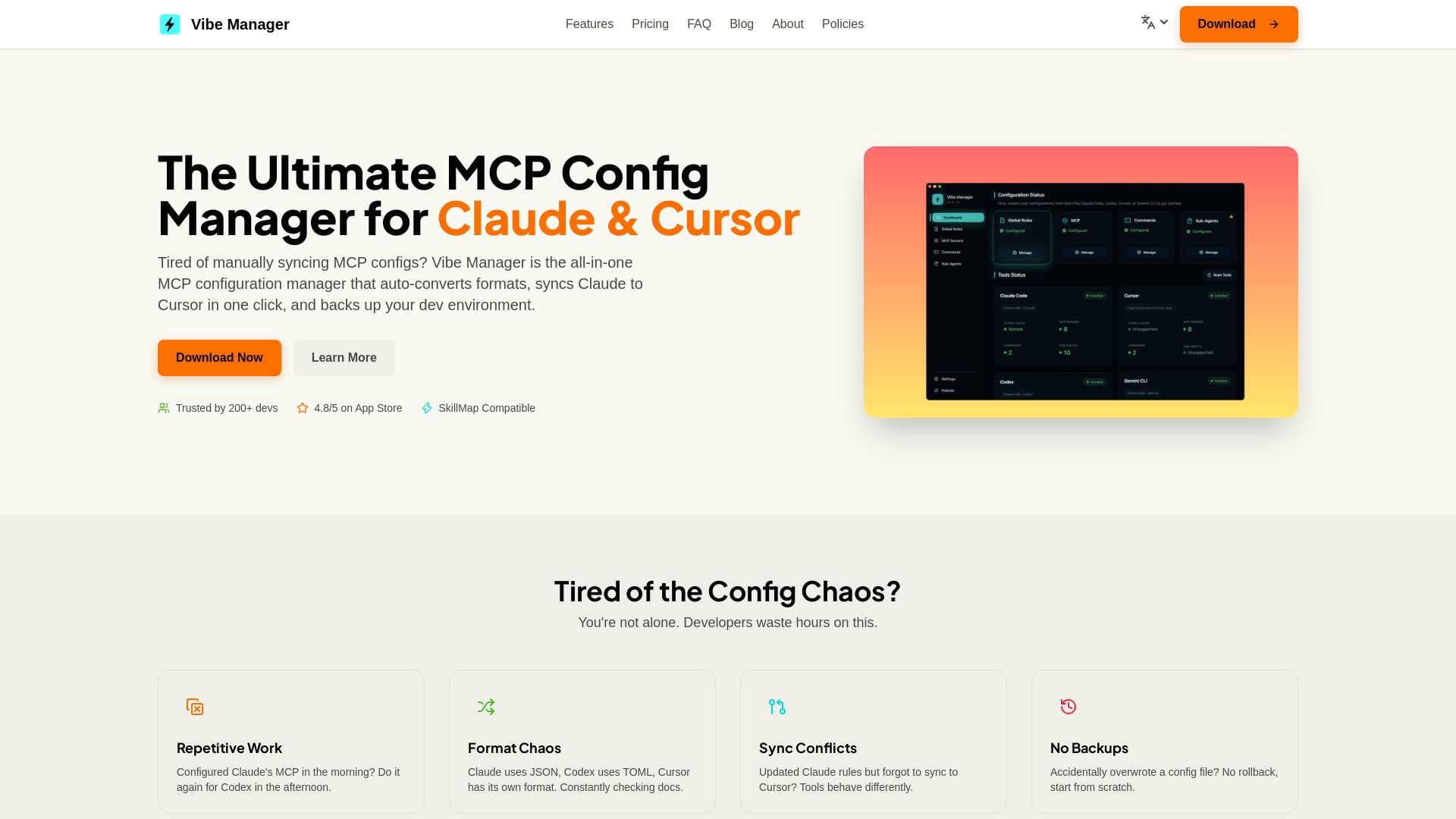
Vibe Manager
Tired of manually syncing MCP configs? Vibe Manager auto-converts & syncs Claude, Cursor & more with one click. Save 80% time. $4.99 one-time.

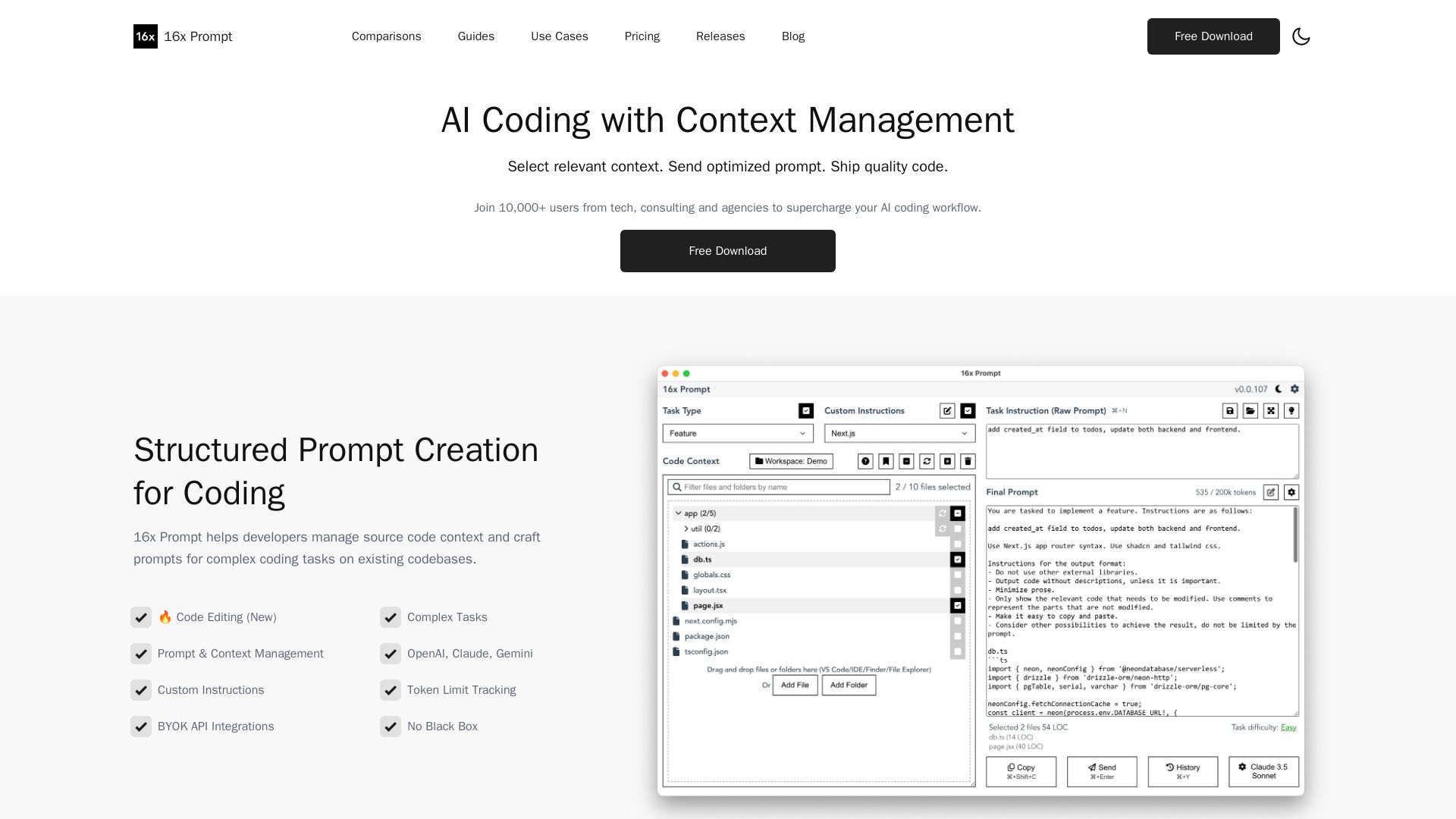
16x Prompt
Manage source code context, craft optimized prompts for complex coding tasks. Supports OpenAI, Claude, Gemini. Ship quality code faster with 16x Prompt.


OpenCode
OpenCode is a free, open-source AI coding assistant supporting multiple providers (OpenAI, Anthropic, local models) with CLI/TUI, custom tools, and privacy-centric local execution.

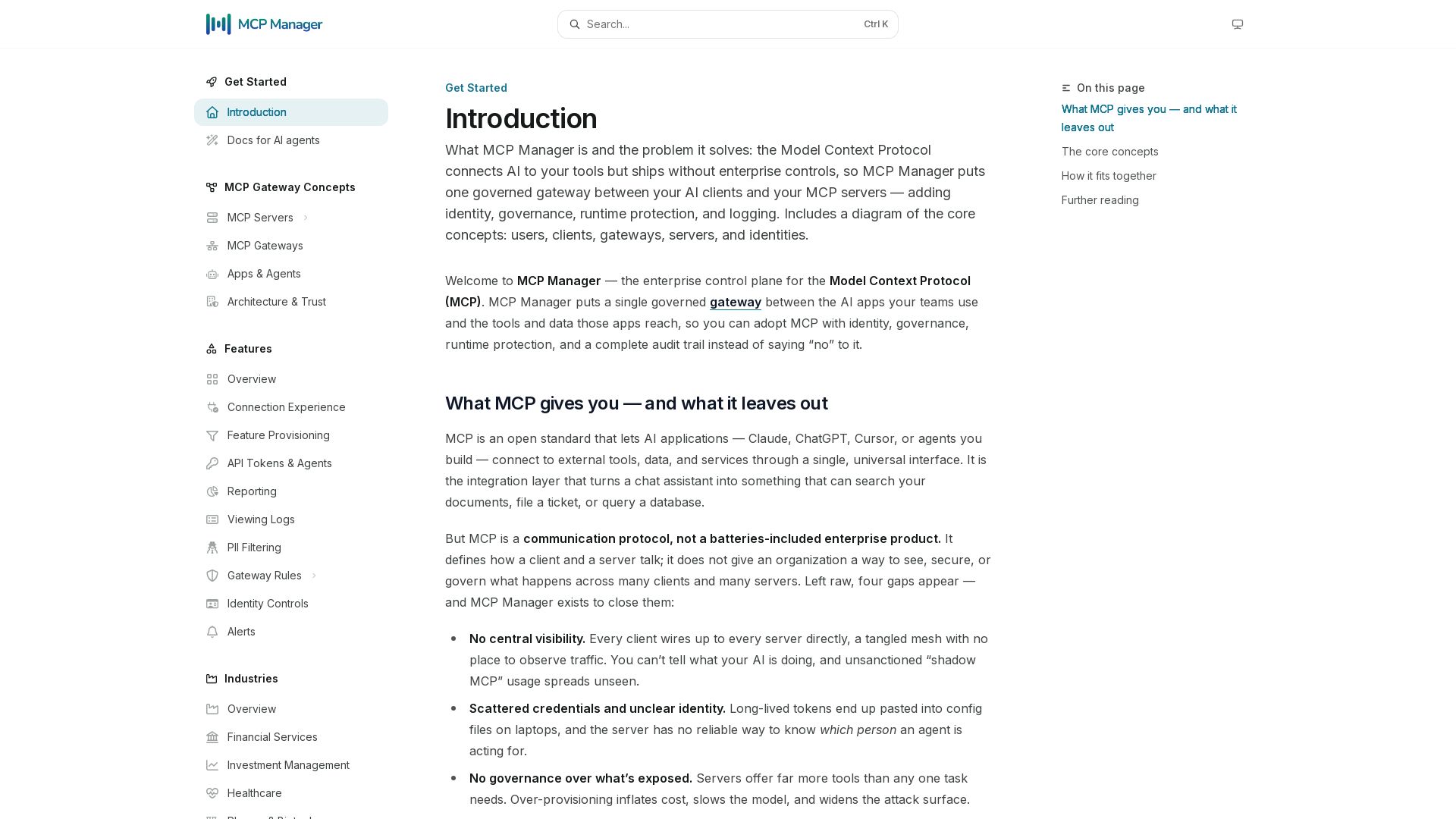
MCP Manager
Secure, govern, and observe AI tool connections. Single gateway for identity, rules, audit, and runtime protection.

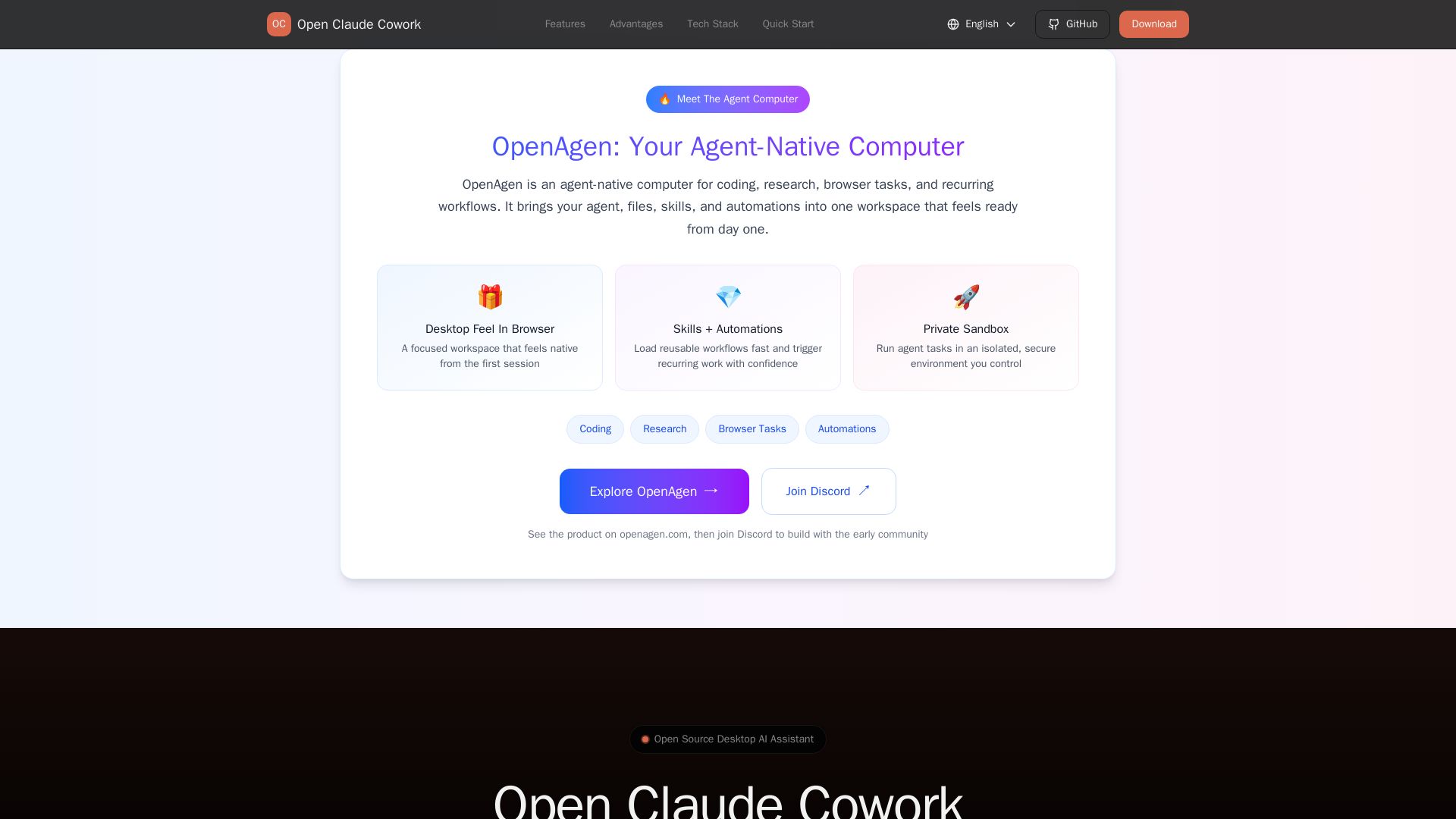
Open Claude Cowork
Bring Claude Code to desktop with visual AI collaboration. Open source assistant for coding, research, browser tasks. Supports Chinese LLMs, session management, and tool control.

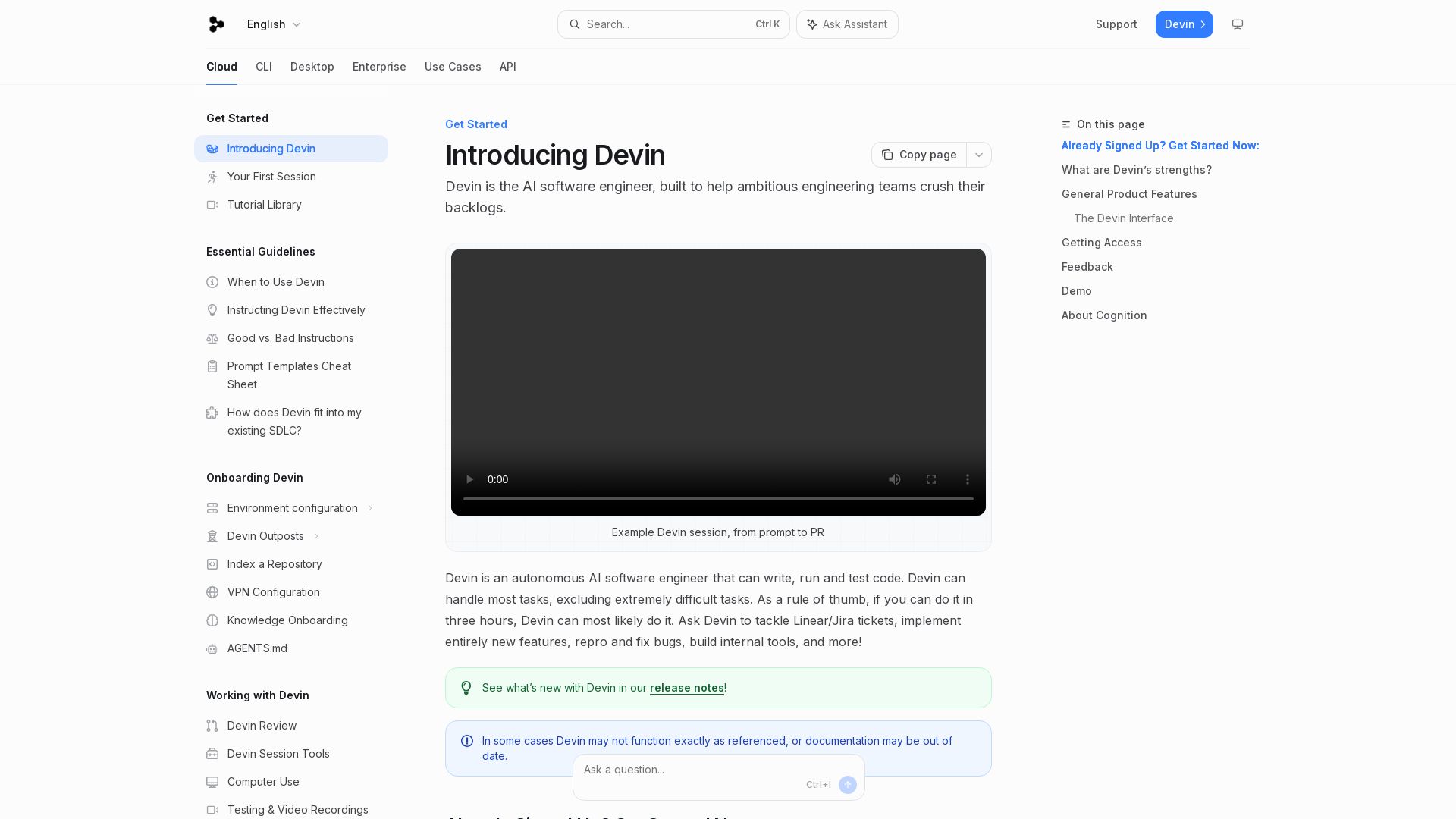
Devin
Devin is an autonomous AI software engineer that writes, runs, and tests code. Automate coding tasks, fix bugs, and crush backlogs.


RightResponse AI
Turn Google reviews into growth with AI review responses, requests, sentiment analysis, competitor insights, and Maps rank tracking. Try it free.

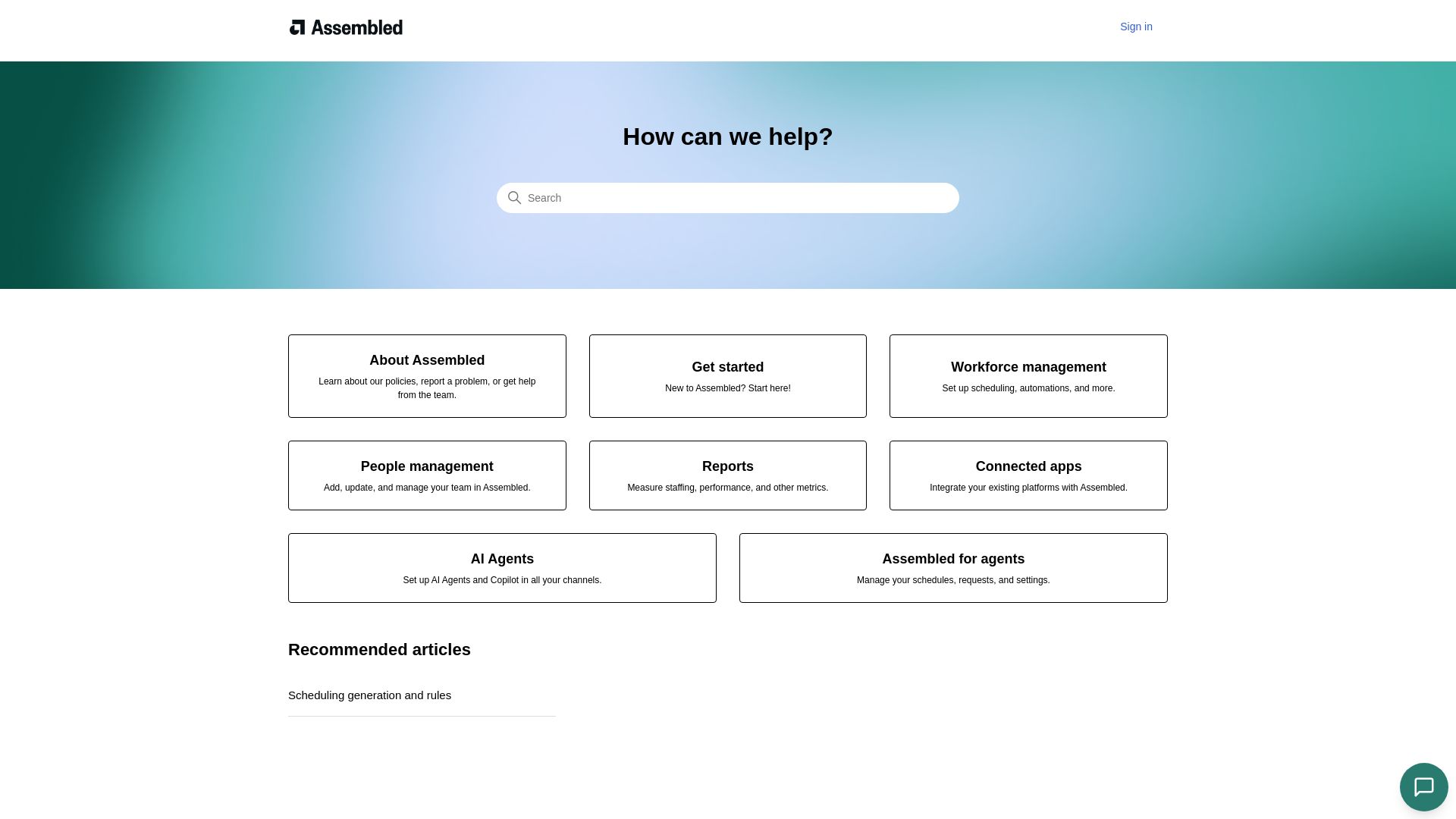
Assembled
Streamline scheduling, people management, and reports with Assembled. Integrate your platforms and deploy AI agents to boost team productivity.

OpenCode
OpenCode is an open-source, terminal-native AI coding assistant supporting Claude, GPT-4, Gemini, and local models. Boost productivity with agent mode and seamless CLI integration.


Continue
Create, share, and use custom AI code agents with Continue. Features agent, chat, edit modes, and autocomplete for VS Code and JetBrains.

Skills.rest
Discover a curated library of free, safe, and zero-bloat AI agent skills. Install instantly via PowerShell and enhance your Claude Code workflows.

ℹ️ Curation Disclosure: The overview and features of yaw were synthesized using AI and fact-checked by our curation team to ensure accuracy.
