
16x Prompt
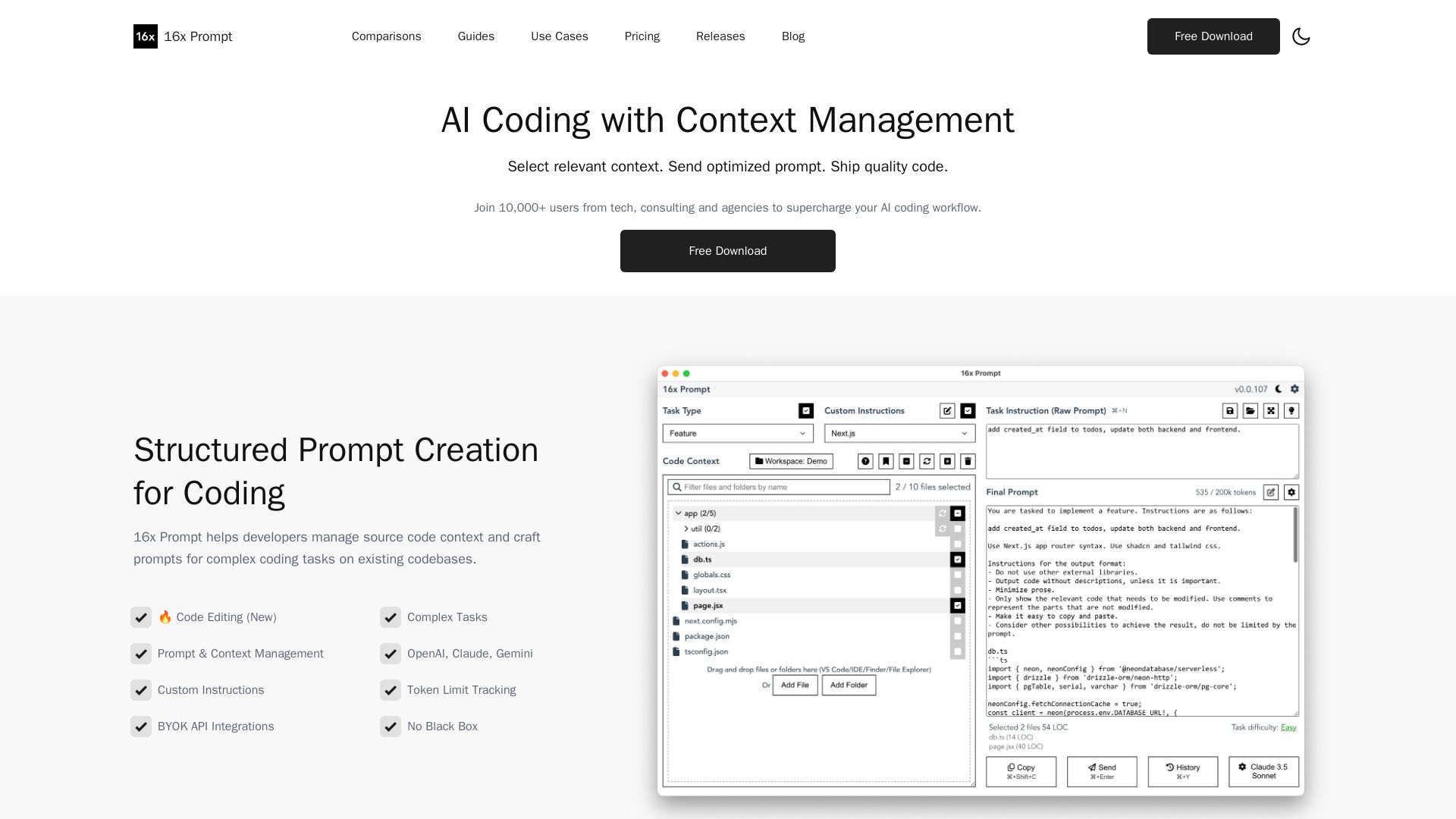
Manage source code context, craft optimized prompts for complex coding tasks. Supports OpenAI, Claude, Gemini. Ship quality code faster with 16x Prompt.

Editor's Verdict
Key Takeaways
- Context Management
- Code Editing
- API Integrations
- Prompt Optimization
In-Depth Review: What is 16x Prompt?
16x Prompt helps developers manage source code context and craft optimized prompts for AI coding. It organizes code files, adds formatting instructions, tracks token limits, and supports multiple AI providers like OpenAI, Claude, and Gemini. With features like code editing with visual diffs, custom instructions, and workspace management, developers can ship quality code efficiently. Works locally for privacy and integrates with ChatGPT Plus or Claude Pro. Join 10,000+ users.
Core Features
Context Management
Manage source code context from multiple repositories and projects in one place for efficient prompt creation.
Code Editing
Automatically apply code changes with visual diffs, backups, and rollback capability for safe coding.
API Integrations
Integrate with OpenAI, Claude, Gemini, DeepSeek, and more; bring your own API key to send prompts directly.
Prompt Optimization
Automatically optimize source code and prompts with formatting instructions, token limit tracking, and customizable settings.
Workspaces
Organize projects in workspaces and switch between multiple repos or combine frontend/backend repos in one workspace.
Compare LLM Responses
Side-by-side comparison of code outputs from different models like GPT-4.1 vs Gemini 2.5 Pro to choose the best result.
Custom Instructions
Craft and save custom instructions for different tech stacks and reuse them for repetitive tasks like refactoring or documentation.
Local Data Privacy
App works locally without internet; copy final prompt to local LLMs to protect proprietary code.
Pricing
Free
- Basic context management
- Copy prompt to clipboard
- Supports all LLMs (bring your own subscription or local model)
- Token limit tracking
- Community support
Pro License
- All features including Code Edit
- API integration with BYOK
- Compare LLM responses
- Prompt management and custom instructions
- Workspaces with multiple repositories
- Priority support
- Free updates (license includes)
Pros and Cons
Pros
- Efficient Context SelectionSelect only relevant source files and automatically optimize prompts, saving time and reducing token waste.
- Multiple Model SupportWorks with OpenAI, Claude, Gemini, DeepSeek, and locally hosted models; use existing subscriptions or APIs.
- Safe Code EditingVisual diffs and automatic backups allow confident code changes with easy rollback.
- Local PrivacyNo internet required for app operation; final prompts can be used with local models to keep code private.
- Prompt ReusabilitySave custom instructions and task prompts for repetitive coding tasks, improving consistency and speed.
Cons
- No Free Cloud APIDoes not include API keys; users must bring their own subscriptions or keys, which may incur additional costs.
- Learning CurveMaximizing the tool's potential requires understanding prompt engineering and context management concepts.
- Limited Pricing TransparencyExact price for the Pro license is not shown on the page, requiring users to contact support or purchase to see cost.
- Desktop OnlyCurrently a desktop application, not web-based, which may limit accessibility for some users.
- Dependency on External ModelsQuality of results heavily depends on the underlying LLM used; no built-in model is provided.
Use Cases & Recommended Professions
Software Developer→ View Toolkit
Needs to quickly refactor code, add features, or generate boilerplate while keeping context from large codebases.
Tech Consultant→ View Toolkit
Works on multiple client projects and requires efficient prompt management with custom instructions for different tech stacks.
Agency Developer→ View Toolkit
Manages multiple repositories simultaneously; benefits from workspace organization and prompt reusability.
Prompt Engineer→ View Toolkit
Focuses on optimizing prompts for AI coding; uses 16x Prompt to test different models and instructions systematically.
Data Scientist→ View Toolkit
Uses Python and Jupyter; needs to automate code generation and documentation while maintaining privacy.
Freelance Developer→ View Toolkit
Juggles multiple small projects; requires a cost-effective tool with one-time pricing and local data control.
Frequently Asked Questions
Alternative AI Tools
View Detailed Comparison →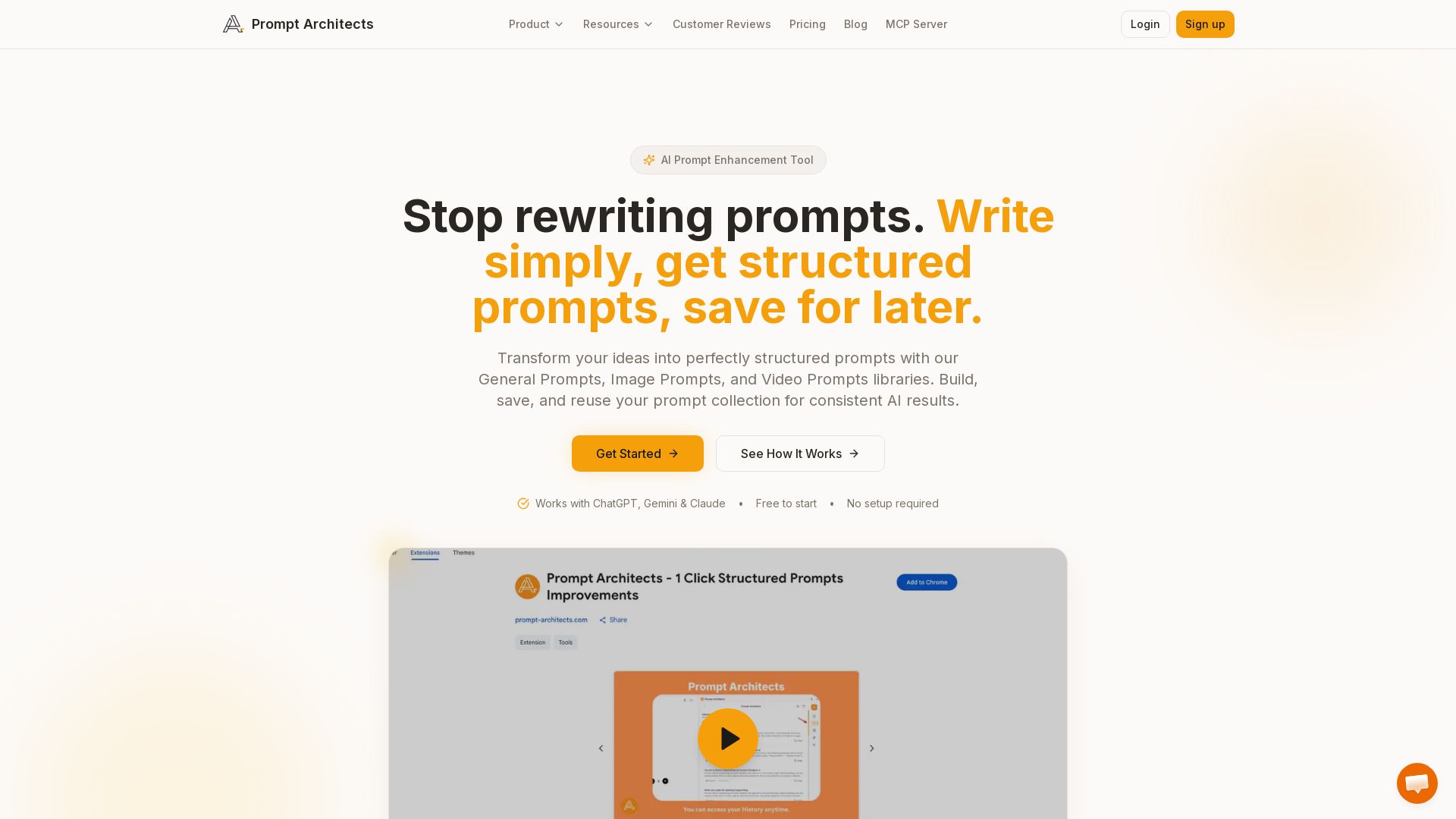
Prompt Architects
Stop rewriting prompts. Write simply, get perfectly structured prompts for ChatGPT, Gemini & Claude. Enhance, save, and reuse for better AI output.

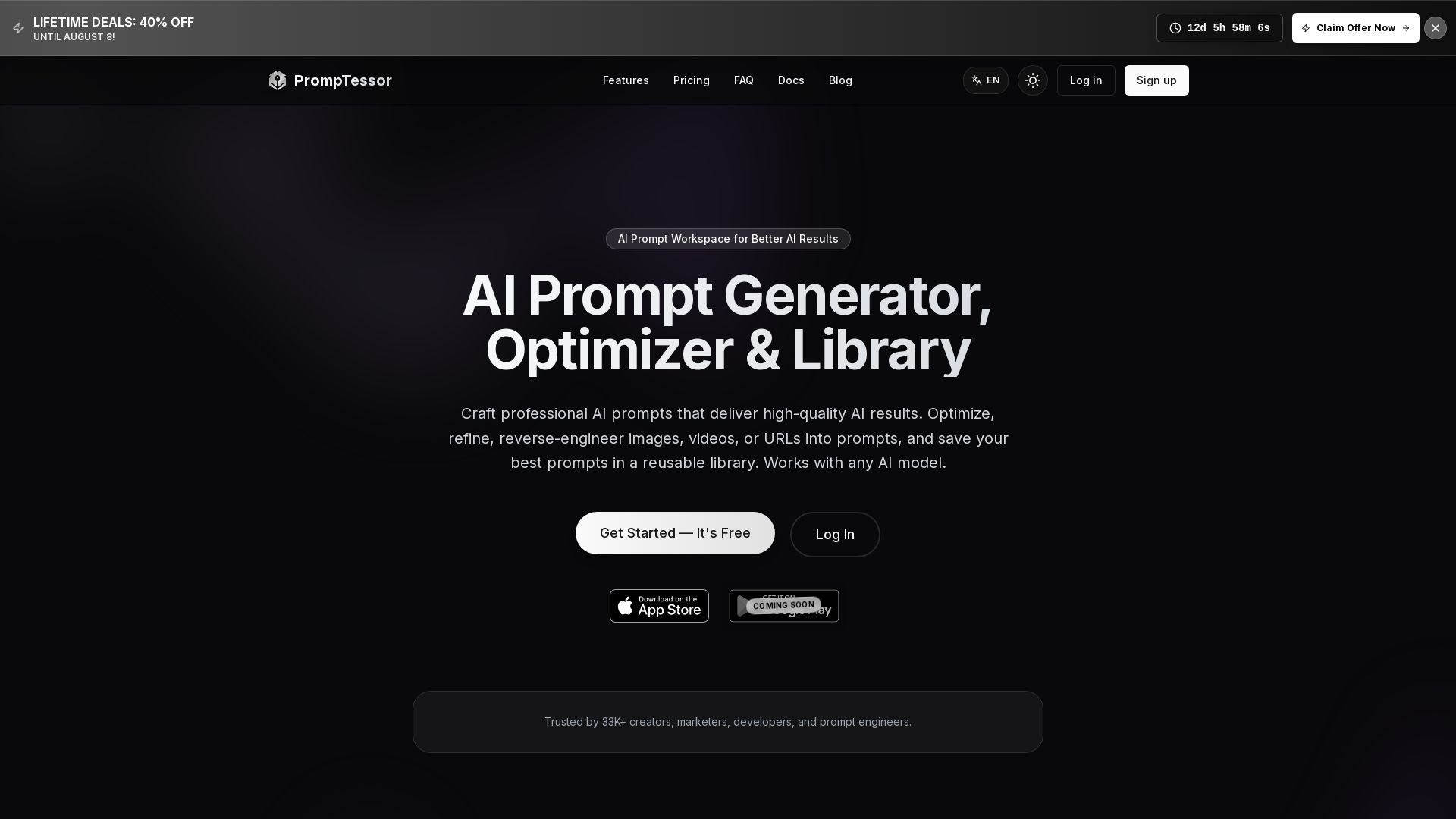
PrompTessor
Craft professional AI prompts, optimize, reverse-engineer, and save in a library. Works with ChatGPT, Claude, Gemini, and more. Free plan available.

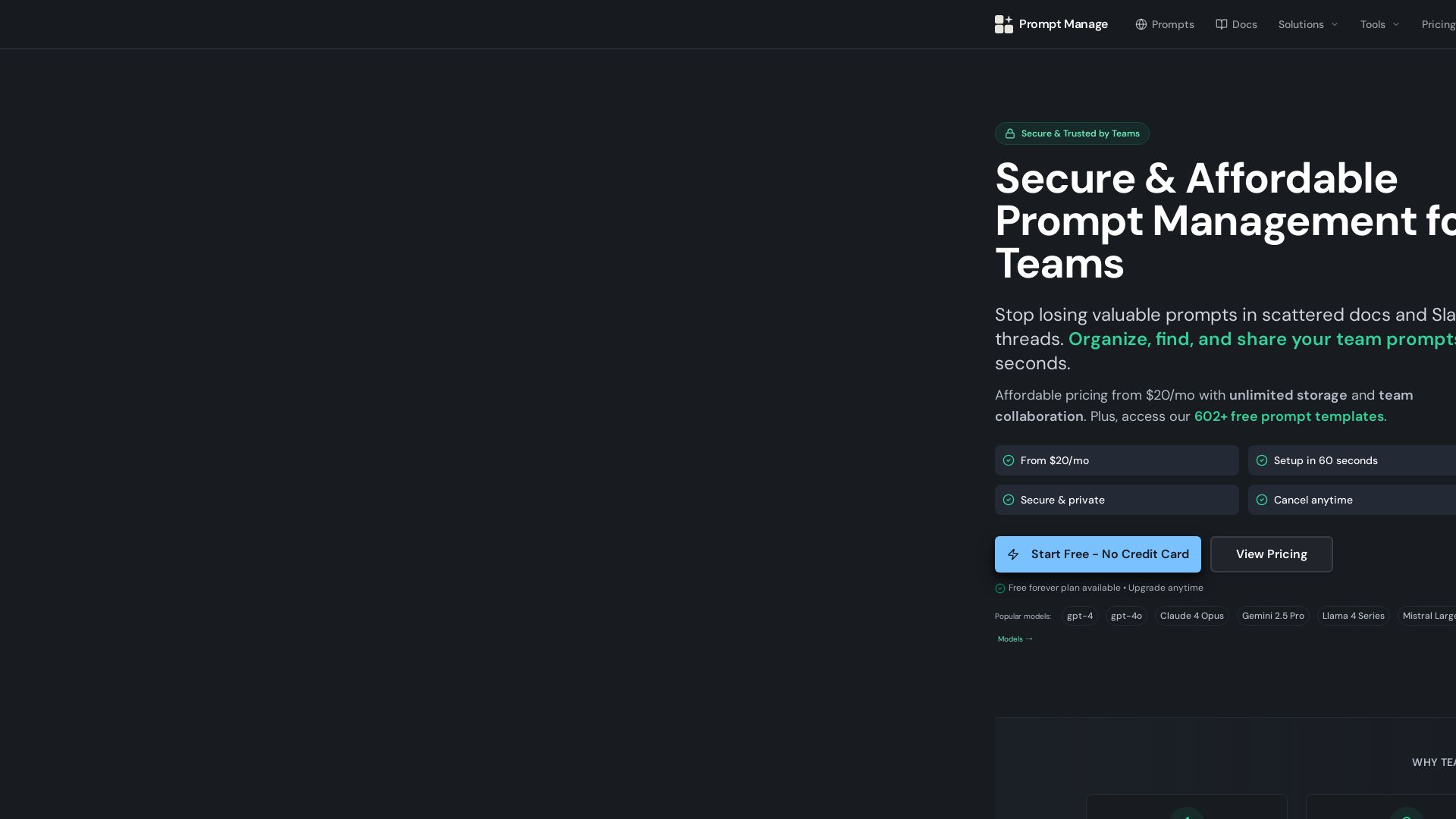
Prompt Manage
Stop losing valuable prompts. Organize, find, and share team prompts securely. Affordable from $20/mo. Start free, no credit card needed.

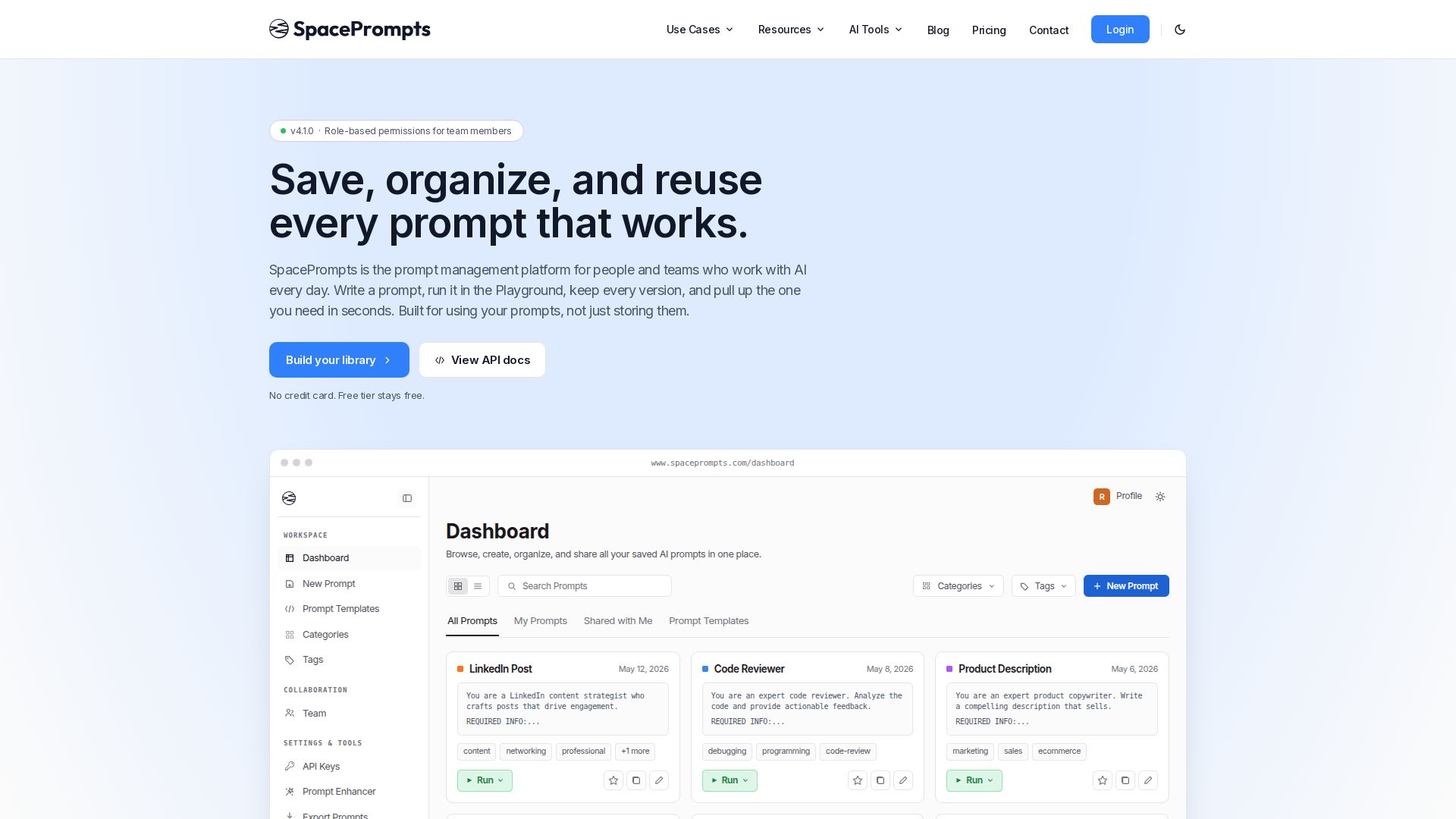
SpacePrompts
Save, organize, and reuse AI prompts with version control. Run in Playground, deploy via API, enhance with AI. Free tier available.


GPT Image Prompt
Discover thousands of structured AI image prompts. Edit variables, translate, and generate stunning images instantly. Free library for creators.

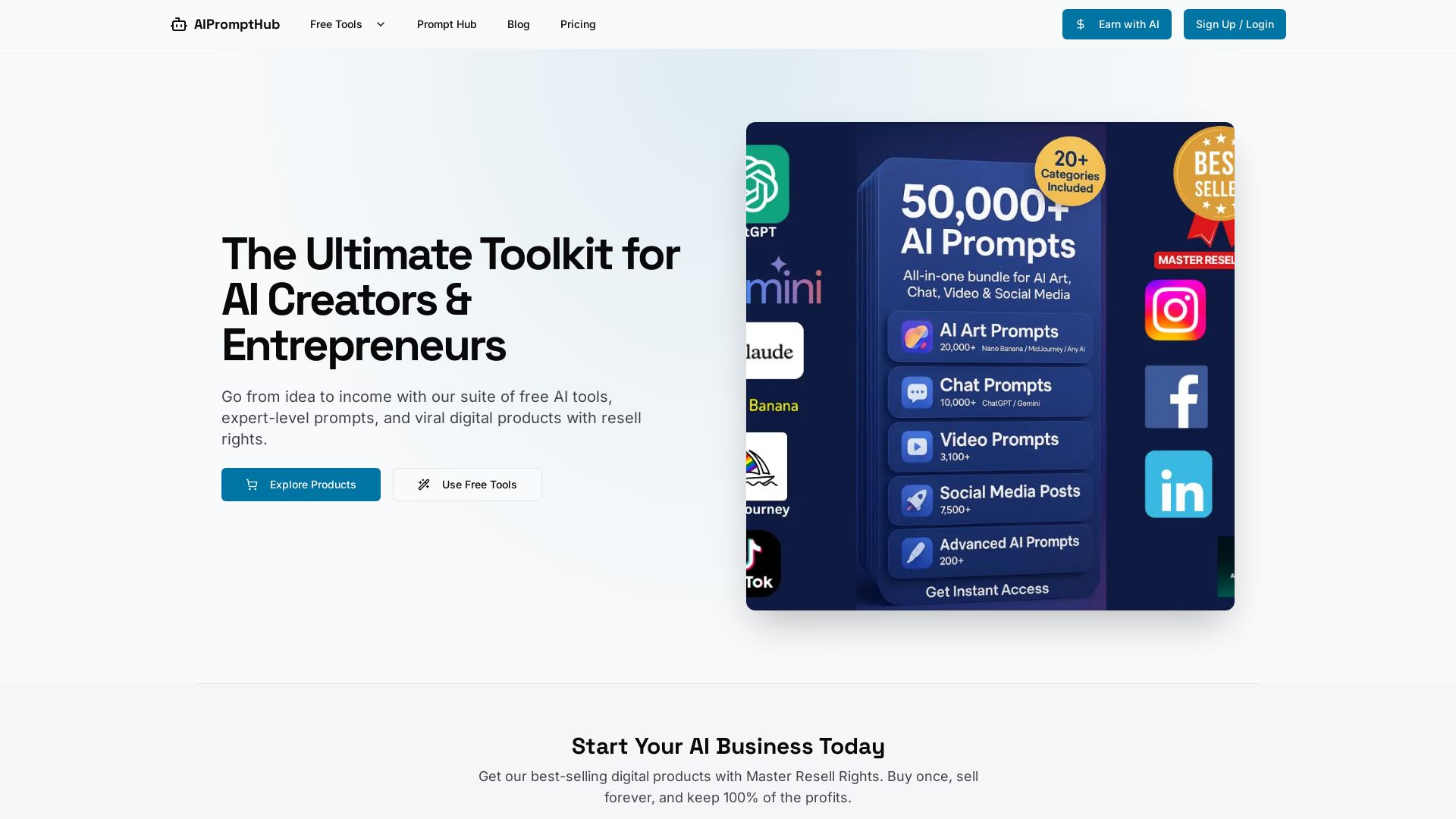
AIPromptHub
Free AI tools, expert prompts, and digital products with Master Resell Rights. Start your AI business today. Explore Claude Prompt Generator and more.


GeneratePromptAI
Create professional AI prompts for ChatGPT, Claude, Gemini & more. Free tools for generating, checking, and optimizing prompts. Boost your AI productivity instantly.

Video to Prompt
Convert any video into detailed AI prompts instantly. Supports multiple languages, secure processing, and integrates with top AI video generators like Runway, Kling AI. Free to try.

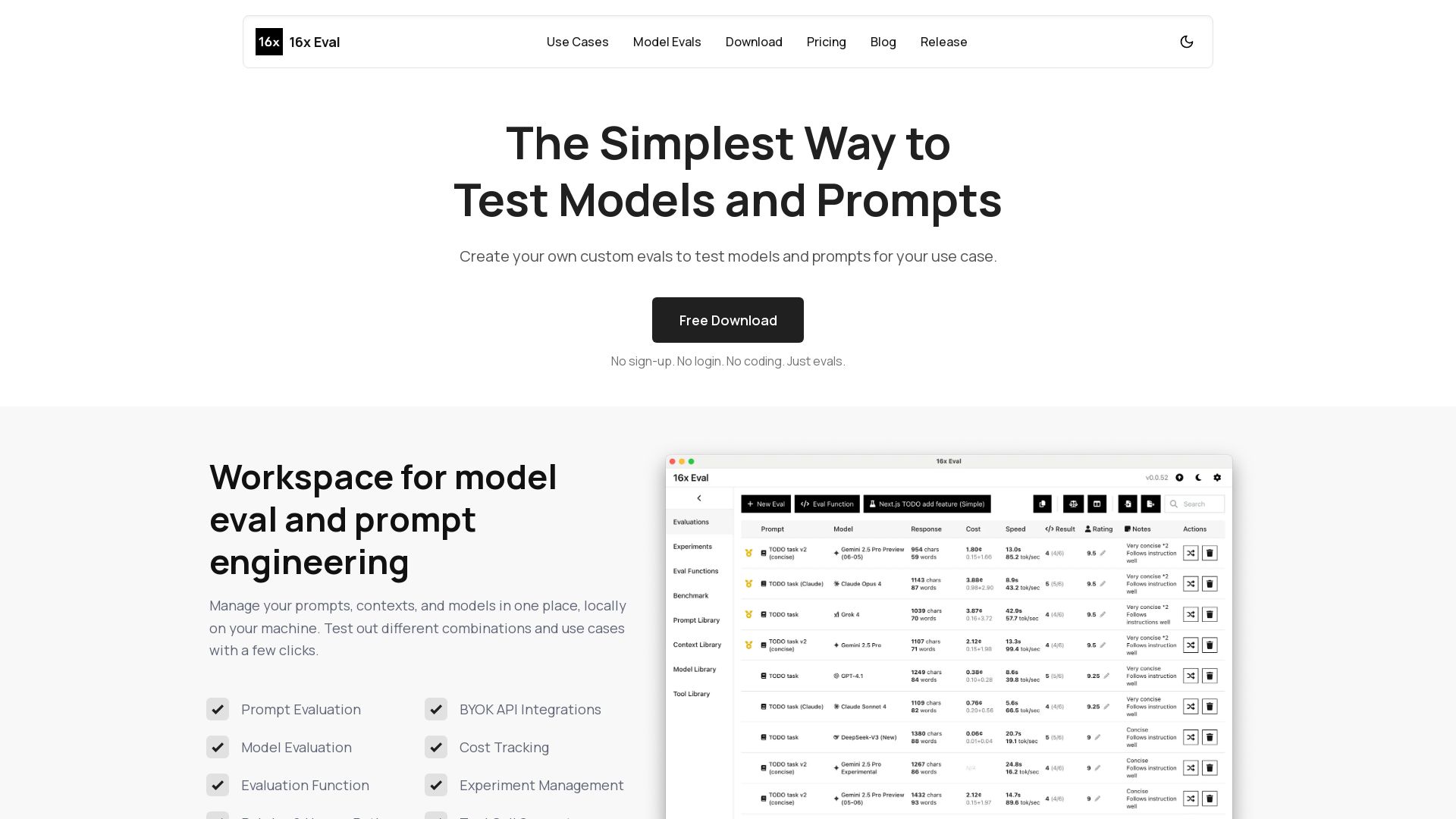
16x Eval
Create custom evals to test models and prompts for your use case. Free, no sign-up. Compare models side-by-side with metrics and custom evaluation functions.

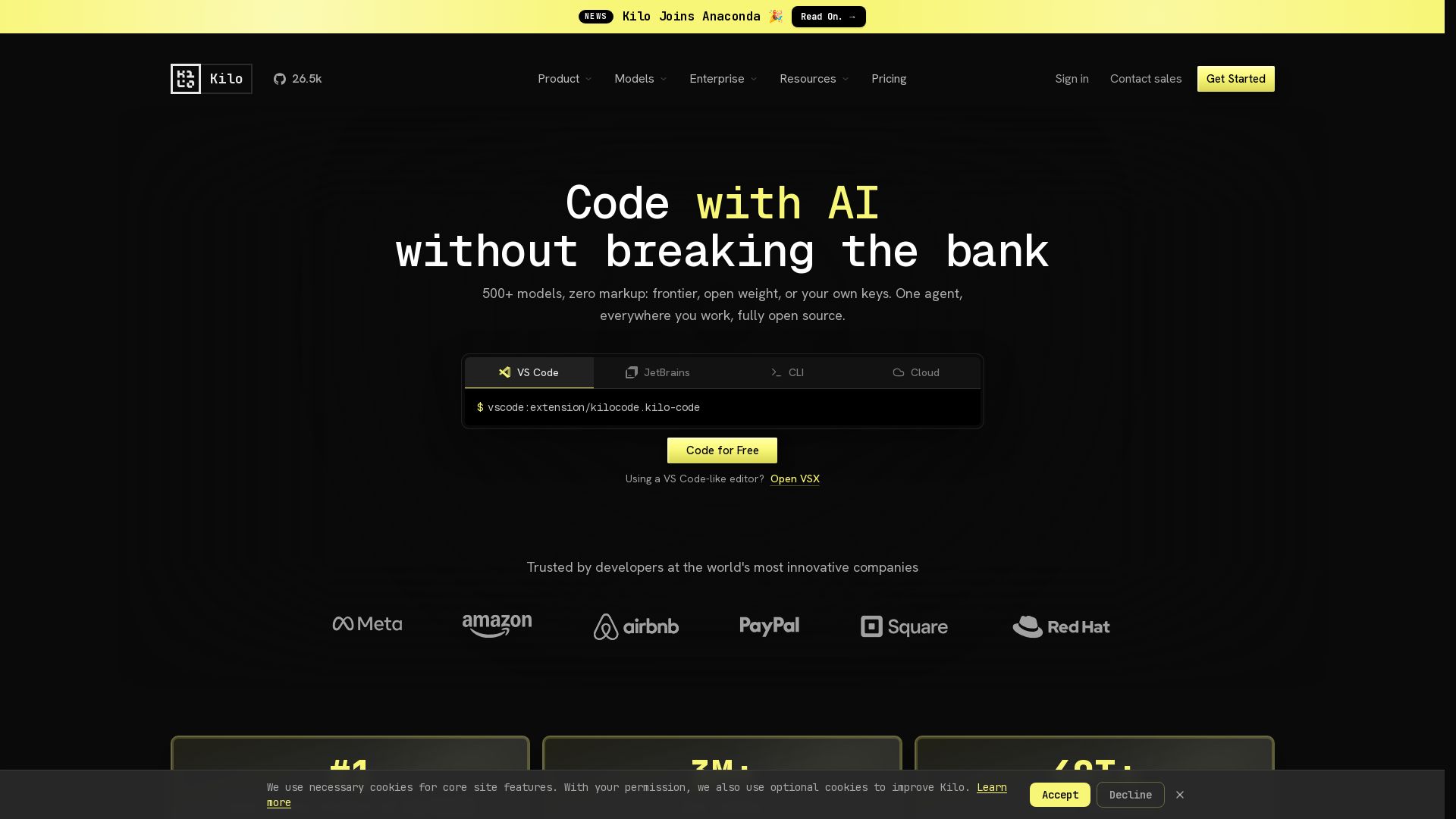
Kilo
Free AI coding tool with 500+ models at cost. Open source, no lock-in. Works in VS Code, JetBrains, CLI, and cloud. Trusted by 3M+ developers.


OpenCode
OpenCode is a free, open-source AI coding assistant supporting multiple providers (OpenAI, Anthropic, local models) with CLI/TUI, custom tools, and privacy-centric local execution.

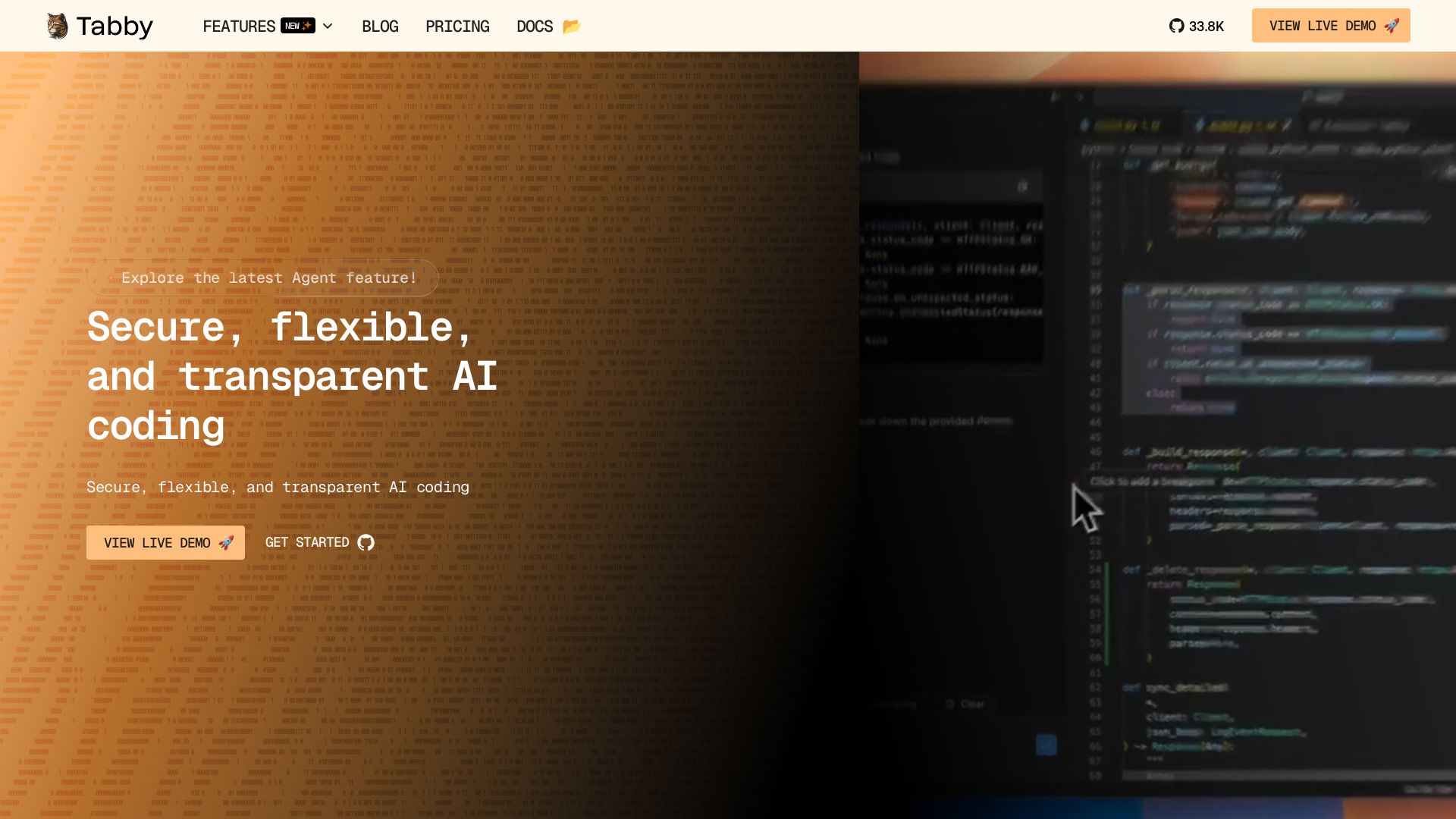
Tabby
Self-hosted, secure AI coding assistant with code completion, answer engine, and inline chat. Private and flexible.

ℹ️ Curation Disclosure: The overview and features of 16x Prompt were synthesized using AI and fact-checked by our curation team to ensure accuracy.