
16x Eval
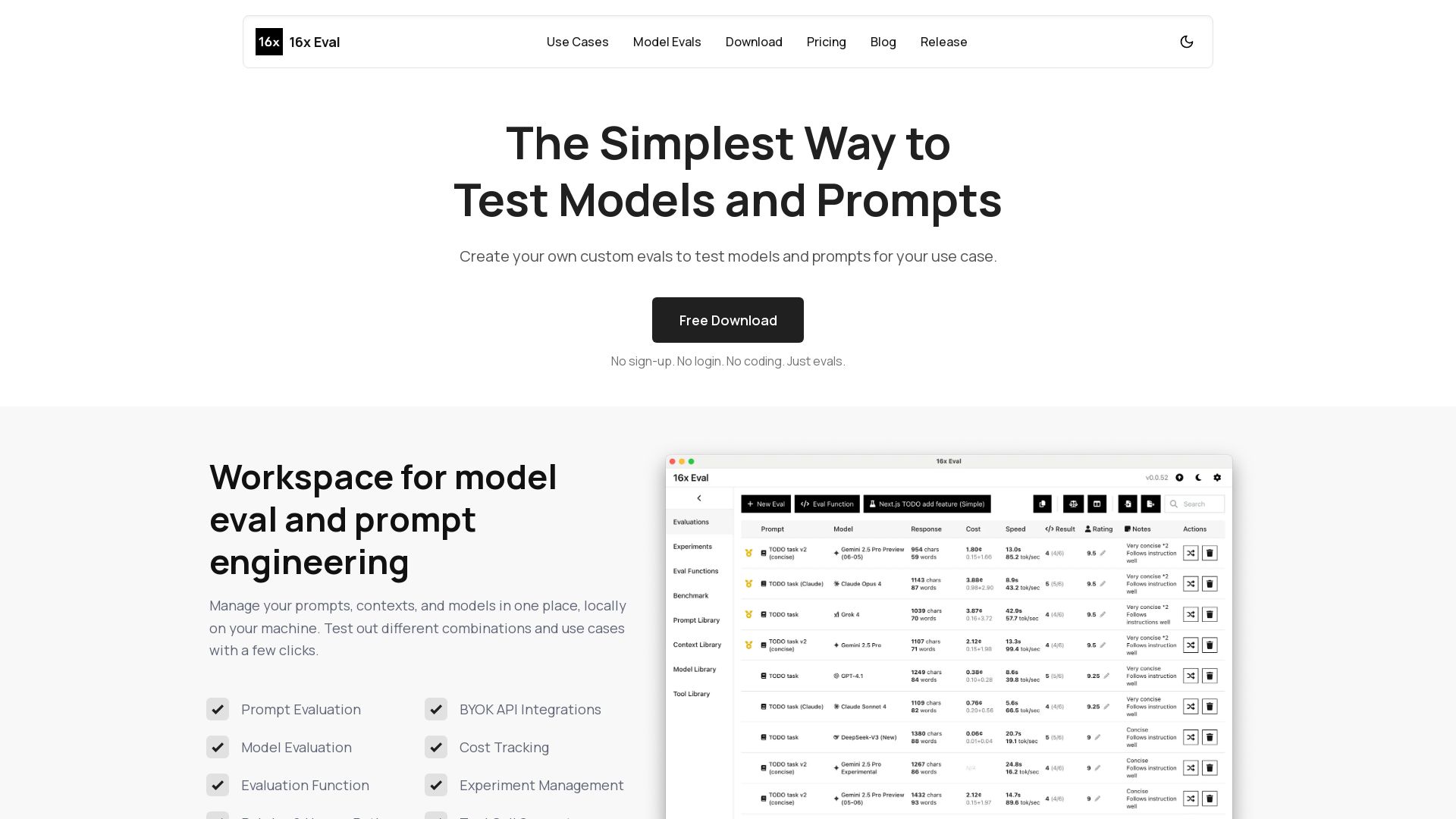
Create custom evals to test models and prompts for your use case. Free, no sign-up. Compare models side-by-side with metrics and custom evaluation functions.
Editor's Verdict
Key Takeaways
- Prompt Evaluation
- Model Evaluation
- Evaluation Function
- Rubrics & Human Rating
In-Depth Review: What is 16x Eval?
16x Eval provides a free, local workspace for prompt engineering and model evaluation. Easily manage prompts, contexts, and models, run evaluations across multiple models simultaneously, and compare results with detailed metrics like cost, speed, and ratings. Use simple target/penalty strings or custom JavaScript functions for automatic scoring, or define rubrics for human rating. Supports top providers (OpenAI, Anthropic, Google, etc.) and BYOK API keys. Ideal for developers, data scientists, and product leaders to optimize AI performance for their specific tasks.
Core Features
Prompt Evaluation
Manage prompts, contexts, and models locally to test different combinations with ease.
Model Evaluation
Evaluate multiple models in parallel on the same prompts and contexts.
Evaluation Function
Create custom criteria using target and penalty strings for automated scoring.
Rubrics & Human Rating
Define consistent rubrics and add notes for systematic human assessment.
BYOK API Integrations
Bring your own API keys for providers like OpenAI, Anthropic, Google, and more.
Cost Tracking
Track input/output tokens, price, cost, and throughput across evaluations.
Experiment Management
Organize evaluations into experiments with categories, archiving, and linked evaluation functions.
Tool Call Support
Support for tool call validation and advanced evaluation logic.
Side-by-Side Comparison
Compare results from different models and prompts with detailed metrics in a table.
Customizable Columns
Tailor the evaluation table to show only the most relevant metrics.
JavaScript Evaluation Functions
Write custom JavaScript for complex evaluation logic and scoring algorithms.
Local Data Storage
All data stays on your machine, ensuring privacy and security.
Benchmark Page
View and compare model performance across categories in a local benchmark.
Built-in and Custom Models
Supports top models from major providers and any OpenAI-compatible API.
Pricing
Free
- Prompt library and context library
- Store up to 20 evaluations
- Metrics and evaluation functions
- Import and export for collaboration
- Local data storage for privacy
Life-time License
- Everything in Free
- Store unlimited evaluations
- Activate up to 10 devices
- Invoice for purchases
- Priority support
Pros and Cons
Pros
- Privacy-First Local StorageAll data stays on your local machine, ensuring full control and privacy without cloud dependency.
- No Sign-Up RequiredFree version requires no account creation, login, or personal information, making it easy to start.
- Multi-Model SupportEvaluate and compare multiple models from various providers simultaneously, including custom OpenAI-compatible endpoints.
- Flexible Evaluation CriteriaUse simple target/penalty strings or write custom JavaScript functions to score responses exactly as needed.
- Comprehensive MetricsTrack cost, tokens, speed, and ratings with customizable columns for in-depth analysis.
Cons
- Requires Own API KeysYou must provide your own API keys for model providers, which means you are billed separately for API usage.
- Limited Free PlanThe free version only supports up to 20 evaluations, which may be restrictive for extensive testing.
- No Cloud CollaborationSince data is stored locally, collaborating with a team in real-time or syncing across devices is not built-in.
- Desktop-Only Application16x Eval is a local application, not a web service, so it requires installation and runs on your machine.
- Uncertainty About UpdatesThe life-time license cost is low, but it's unclear if future updates require additional payment or are included.
Use Cases & Recommended Professions
Software Engineer→ View Toolkit
Evaluate AI models for coding tasks, compare code generation quality, and test prompts for code completion or feature addition.
Data Scientist→ View Toolkit
Assess model performance on data analysis and extraction tasks, compare outputs for accuracy and consistency.
Product Manager→ View Toolkit
Make informed decisions on which model to integrate into products by comparing evaluation results across use cases.
AI Researcher→ View Toolkit
Conduct systematic experiments on model behaviors, test custom evaluation functions, and analyze metrics.
Content Creator→ View Toolkit
Evaluate AI writing assistants, compare text quality for different prompts, and fine-tune for brand voice.
Prompt Engineer→ View Toolkit
Iterate on prompt designs, A/B test variations, and optimize prompts for specific model responses.
Frequently Asked Questions
Alternative AI Tools
View Detailed Comparison →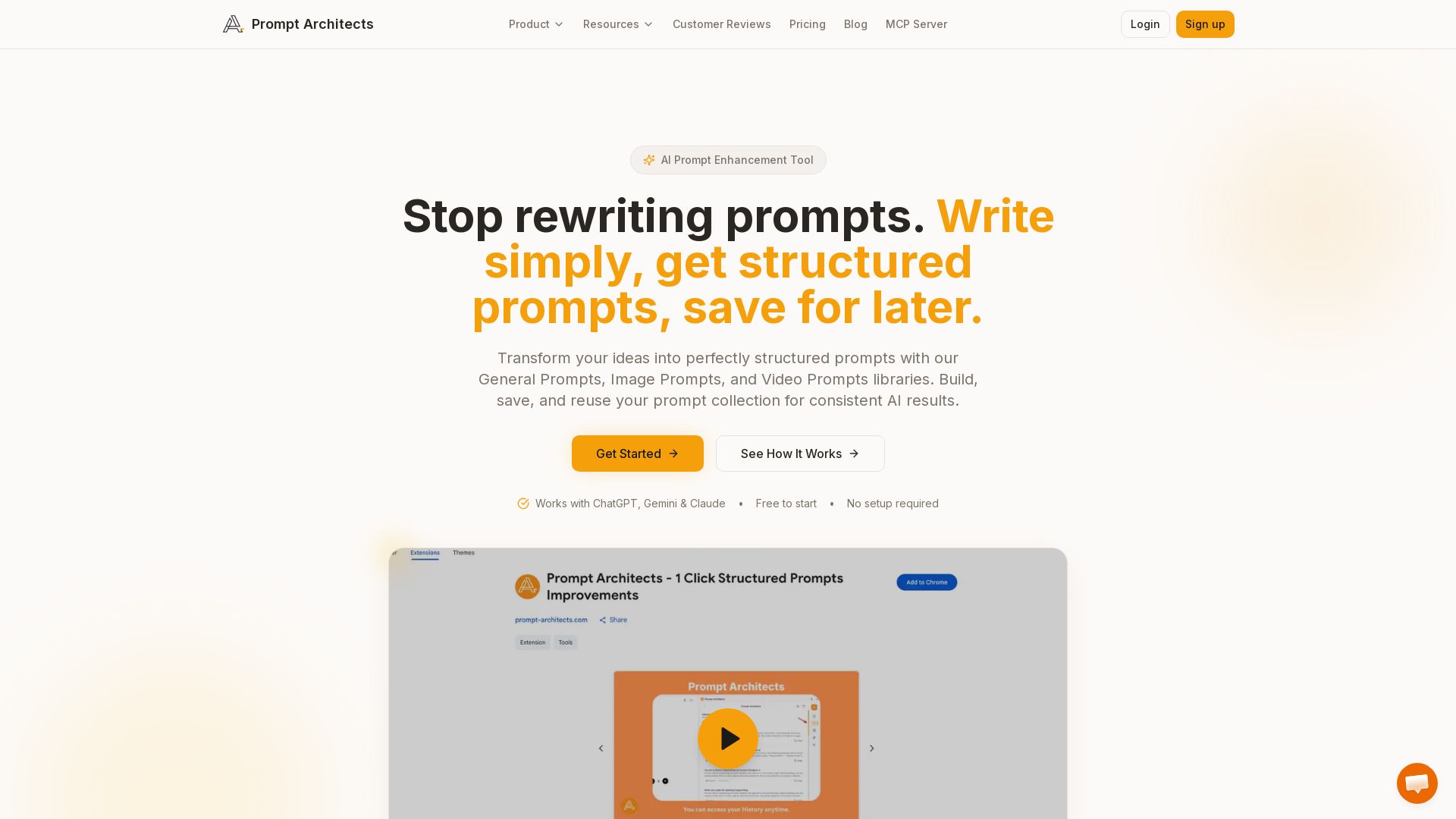
Prompt Architects
Stop rewriting prompts. Write simply, get perfectly structured prompts for ChatGPT, Gemini & Claude. Enhance, save, and reuse for better AI output.


Prompt Manage
Stop losing valuable prompts. Organize, find, and share team prompts securely. Affordable from $20/mo. Start free, no credit card needed.

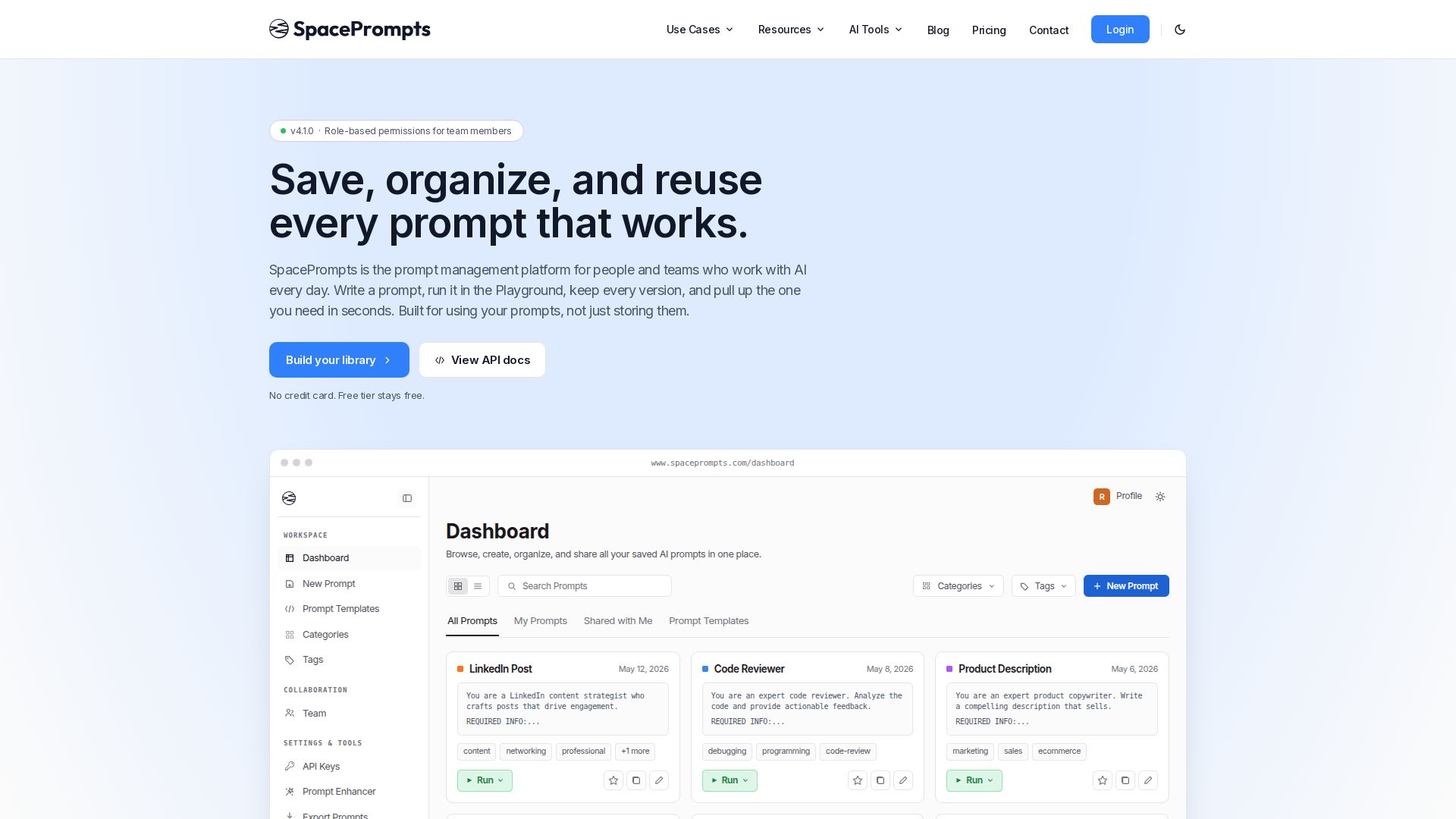
SpacePrompts
Save, organize, and reuse AI prompts with version control. Run in Playground, deploy via API, enhance with AI. Free tier available.

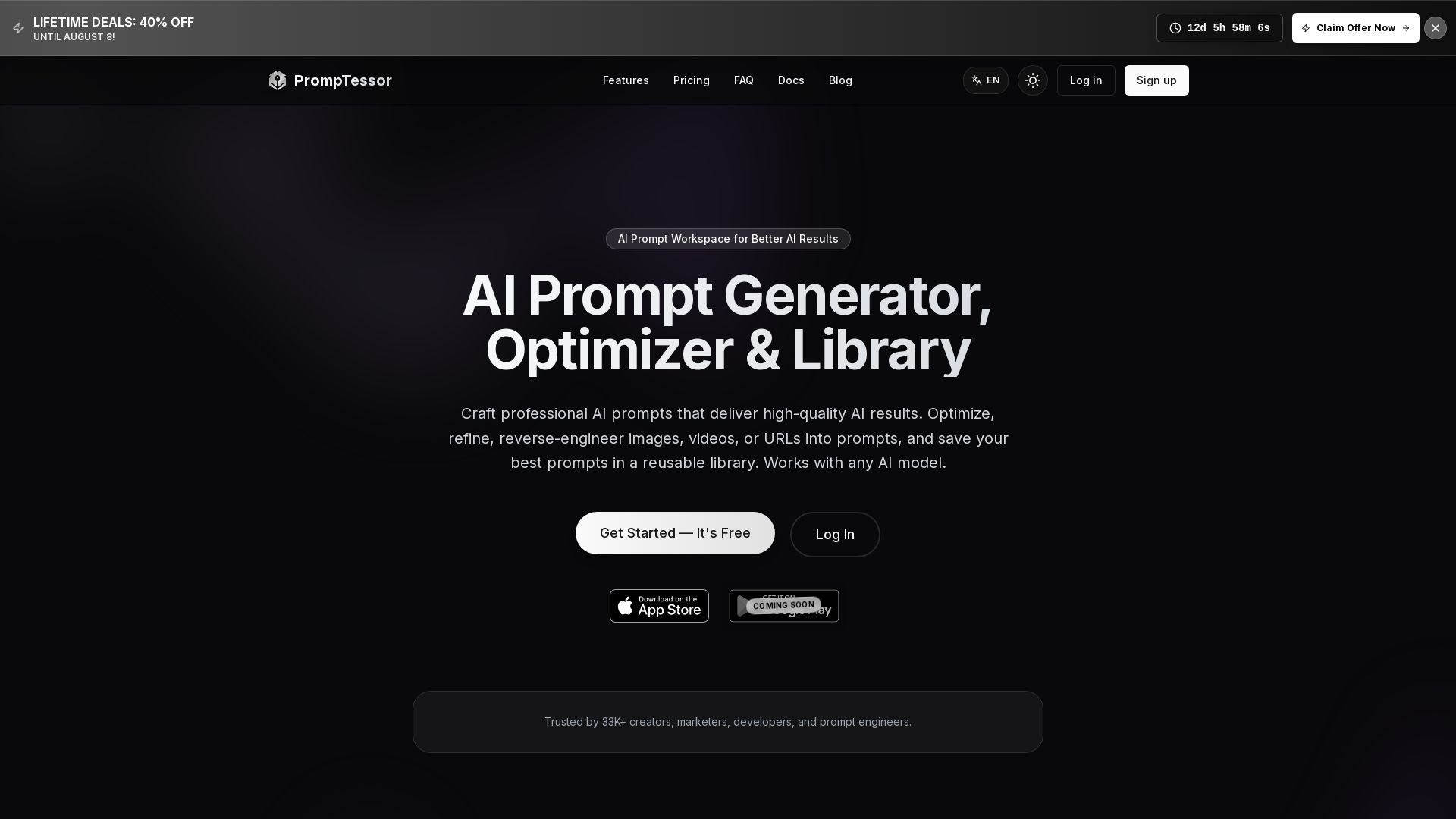
PrompTessor
Craft professional AI prompts, optimize, reverse-engineer, and save in a library. Works with ChatGPT, Claude, Gemini, and more. Free plan available.


Video to Prompt
Convert any video into detailed AI prompts instantly. Supports multiple languages, secure processing, and integrates with top AI video generators like Runway, Kling AI. Free to try.

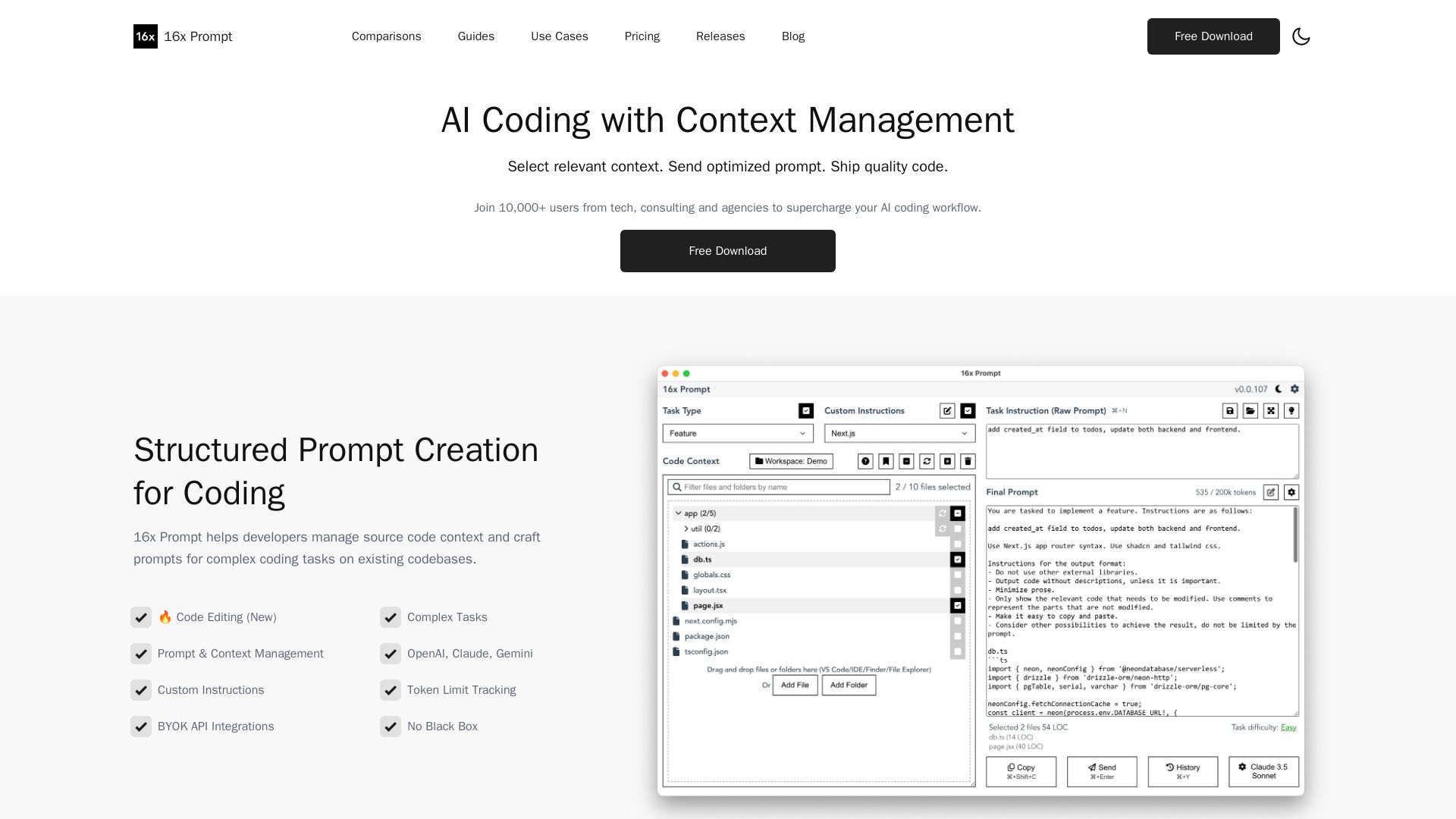
16x Prompt
Manage source code context, craft optimized prompts for complex coding tasks. Supports OpenAI, Claude, Gemini. Ship quality code faster with 16x Prompt.

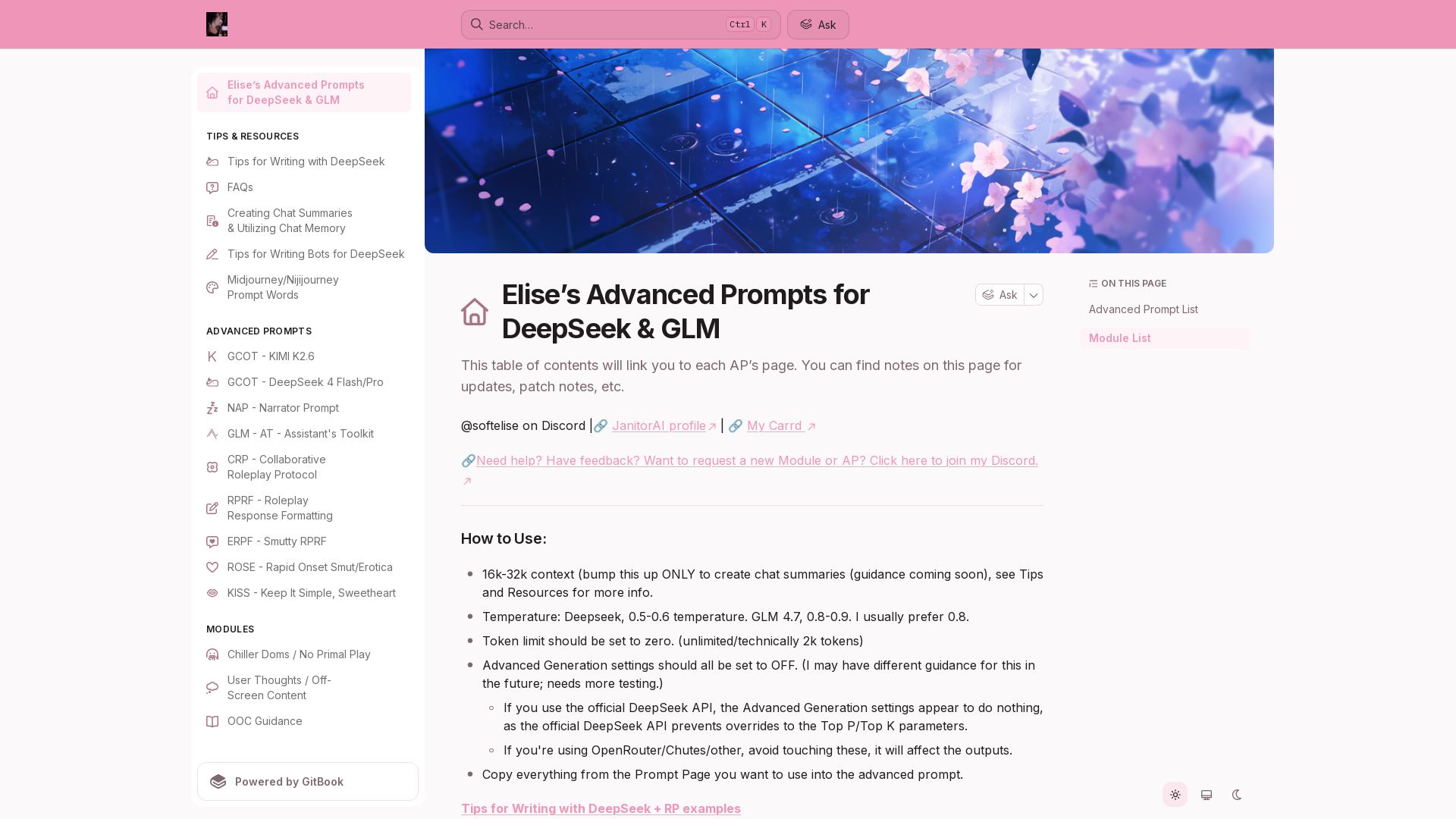
Elise's Advanced Prompts
Elite prompt collection for DeepSeek, GLM, Kimi. Enhance roleplay, storytelling, and smut with pro-level templates and modules.


GPT Image Prompt
Discover thousands of structured AI image prompts. Edit variables, translate, and generate stunning images instantly. Free library for creators.

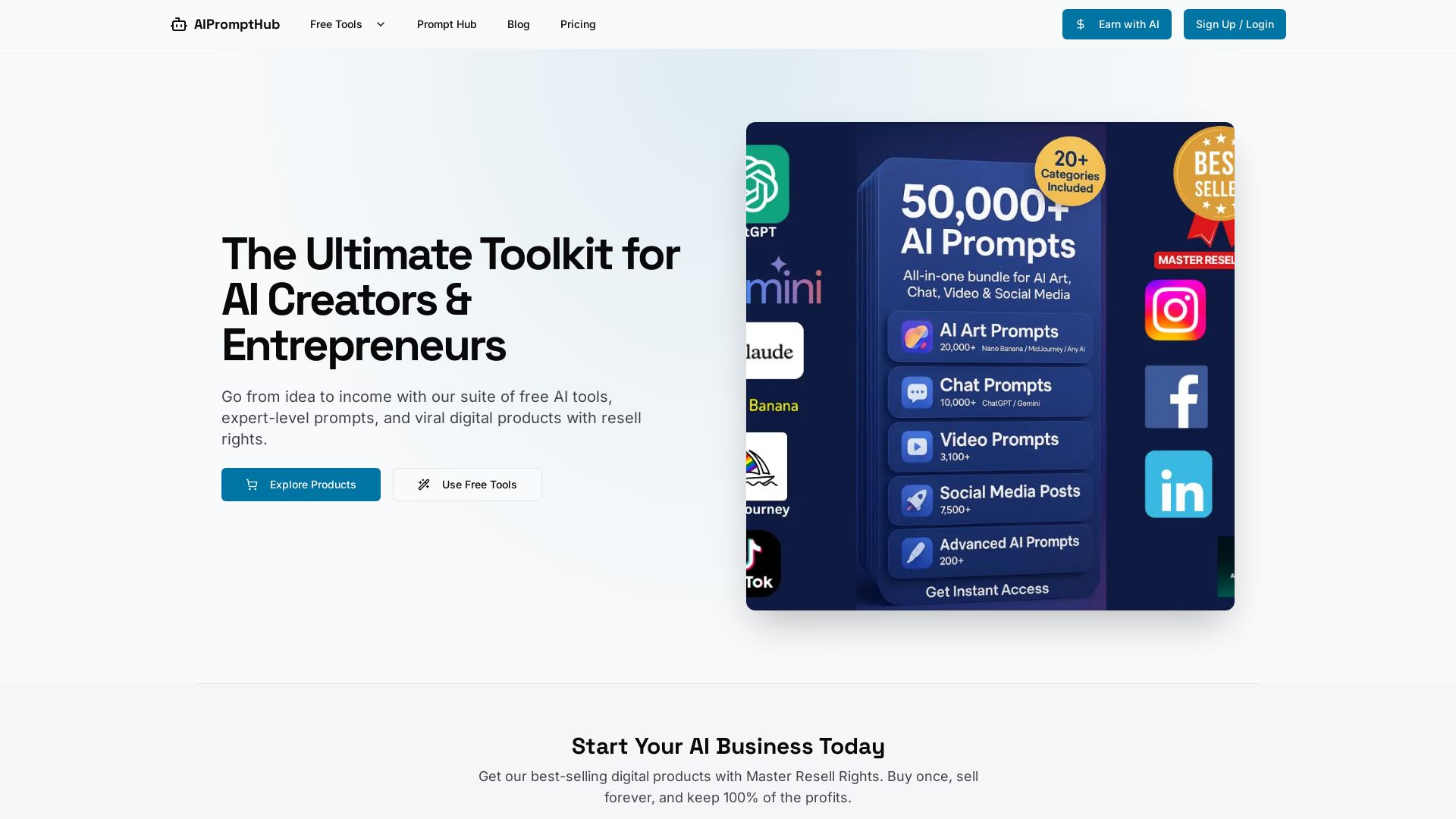
AIPromptHub
Free AI tools, expert prompts, and digital products with Master Resell Rights. Start your AI business today. Explore Claude Prompt Generator and more.

Humanloop
Humanloop, the first LLM dev platform, is now part of Anthropic. We're sunsetting our platform to accelerate safe AI adoption. Thank you to our customers and community.


GeneratePromptAI
Create professional AI prompts for ChatGPT, Claude, Gemini & more. Free tools for generating, checking, and optimizing prompts. Boost your AI productivity instantly.

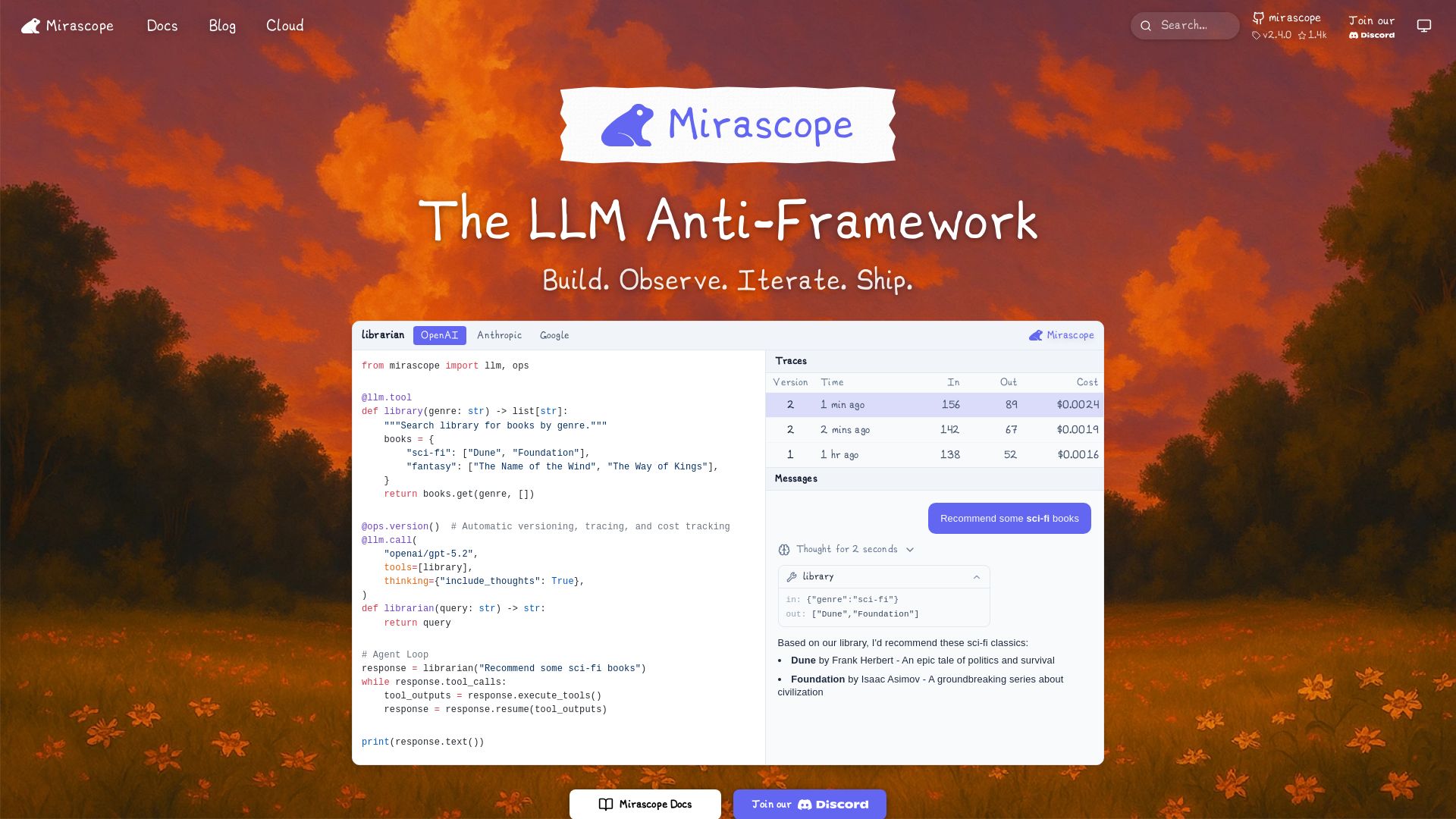
Mirascope
Build, observe, and iterate LLM applications with automatic versioning, tracing, and cost tracking. Supports OpenAI, Anthropic, Google, and more.

ℹ️ Curation Disclosure: The overview and features of 16x Eval were synthesized using AI and fact-checked by our curation team to ensure accuracy.
