
Video to Prompt
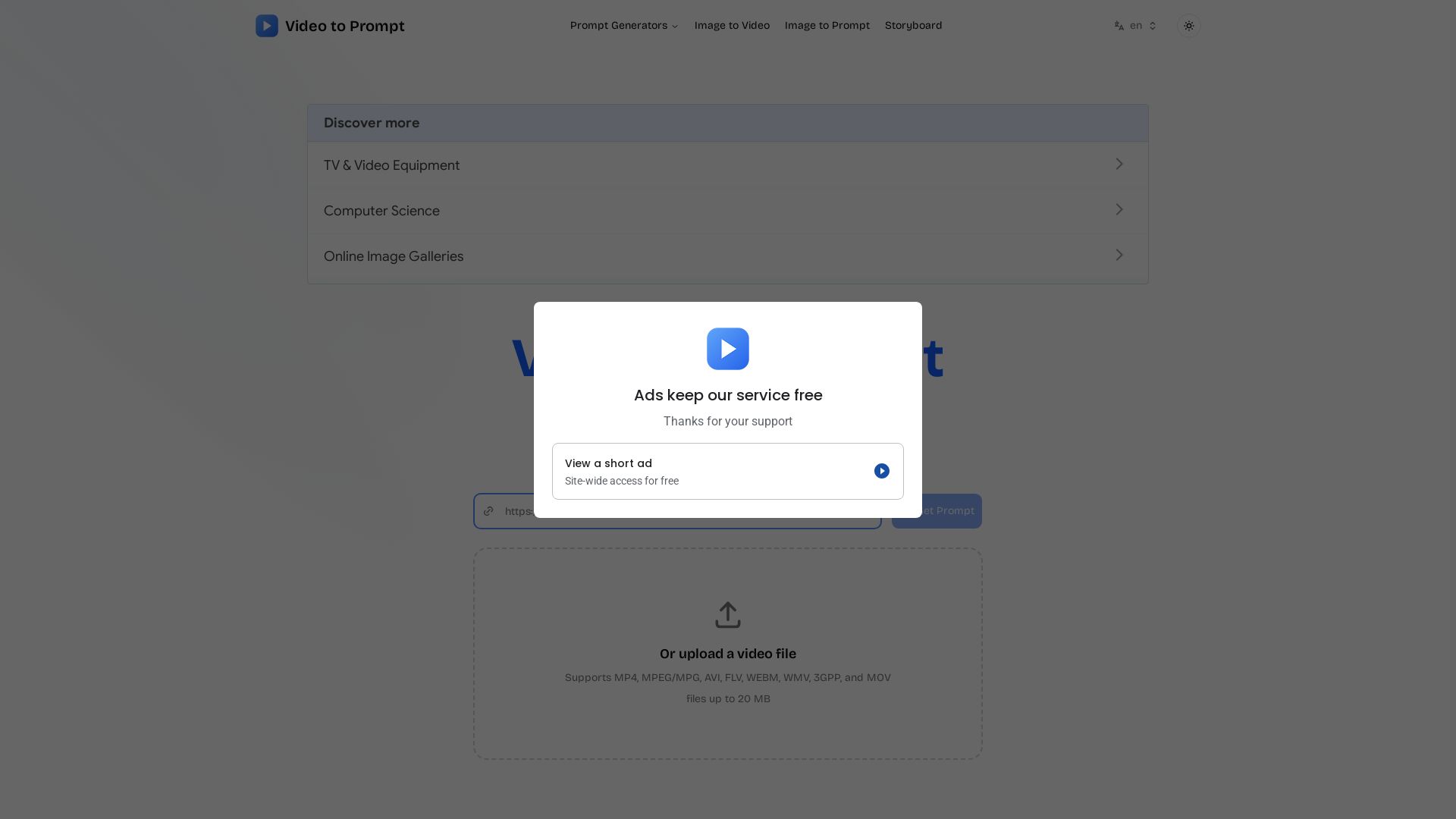
Convert any video into detailed AI prompts instantly. Supports multiple languages, secure processing, and integrates with top AI video generators like Runway, Kling AI. Free to try.
Editor's Verdict
Key Takeaways
- Video to Prompt
- Image to Prompt
- Multilingual Support
- Fast and Secure
In-Depth Review: What is Video to Prompt?
Video to Prompt is a cutting-edge AI tool that transforms uploaded videos into accurate, detailed text descriptions. It supports multiple languages, processes videos in seconds, and ensures data security. The generated prompts can be adapted for leading AI video generators such as Kling AI, Runway, Seedance, and Veo 3, making it ideal for content creators, filmmakers, and marketers seeking efficient content generation. With an intuitive interface, users simply upload a video (up to 20 MB in various formats) and receive a ready-to-use prompt.
Core Features
Video to Prompt
Turn every clip into instant AI prompts.
Image to Prompt
Generate prompts from images.
Multilingual Support
Supports multiple languages for prompt generation.
Fast and Secure
Process videos securely and quickly.
Detailed Analysis
Analyze video content and obtain precise, detailed prompts.
Instant Processing
Receive video prompts instantly to enhance workflow efficiency.
Effortless Usability
Simple process: upload video, get detailed prompts in a few clicks.
Interactive AI Experience
Refine and focus video prompts interactively to meet specific needs.
AI Prompt Generators Integration
Adapt prompts for top AI video generators like Kling AI, Runway, Seedance, Veo 3.
Pros and Cons
Pros
- Time-saving EfficiencyQuickly generates detailed prompts from video content, saving significant time.
- Global AccessibilityMultilingual support enables users worldwide to generate prompts in their language.
- Detailed AnalysisProvides precise and detailed text descriptions of video content.
- Robust SecuritySecure handling and analysis of video data, ensuring privacy.
- Effortless UsabilitySimple upload and get prompts in a few clicks, no technical skills needed.
Cons
- File Size LimitOnly supports video files up to 20 MB, which may be restrictive for longer or high-resolution videos.
- Limited File FormatsWhile many formats are supported, some niche formats may not be accepted.
Use Cases & Recommended Professions
Video Editor→ View Toolkit
Need quick prompts to describe video content for thumbnails, captions, or metadata.
Content Creator→ View Toolkit
Easily generate descriptive prompts for social media posts or video descriptions.
AI Prompt Engineer→ View Toolkit
Create detailed prompts for AI video generators by analyzing existing videos.
Filmmaker→ View Toolkit
Break down scenes into textual descriptions for storyboards or scripts.
Social Media Manager→ View Toolkit
Generate engaging captions and prompts from video content for marketing.
Researcher→ View Toolkit
Analyze video data and convert to text for documentation or analysis.
Frequently Asked Questions
Alternative AI Tools
View Detailed Comparison →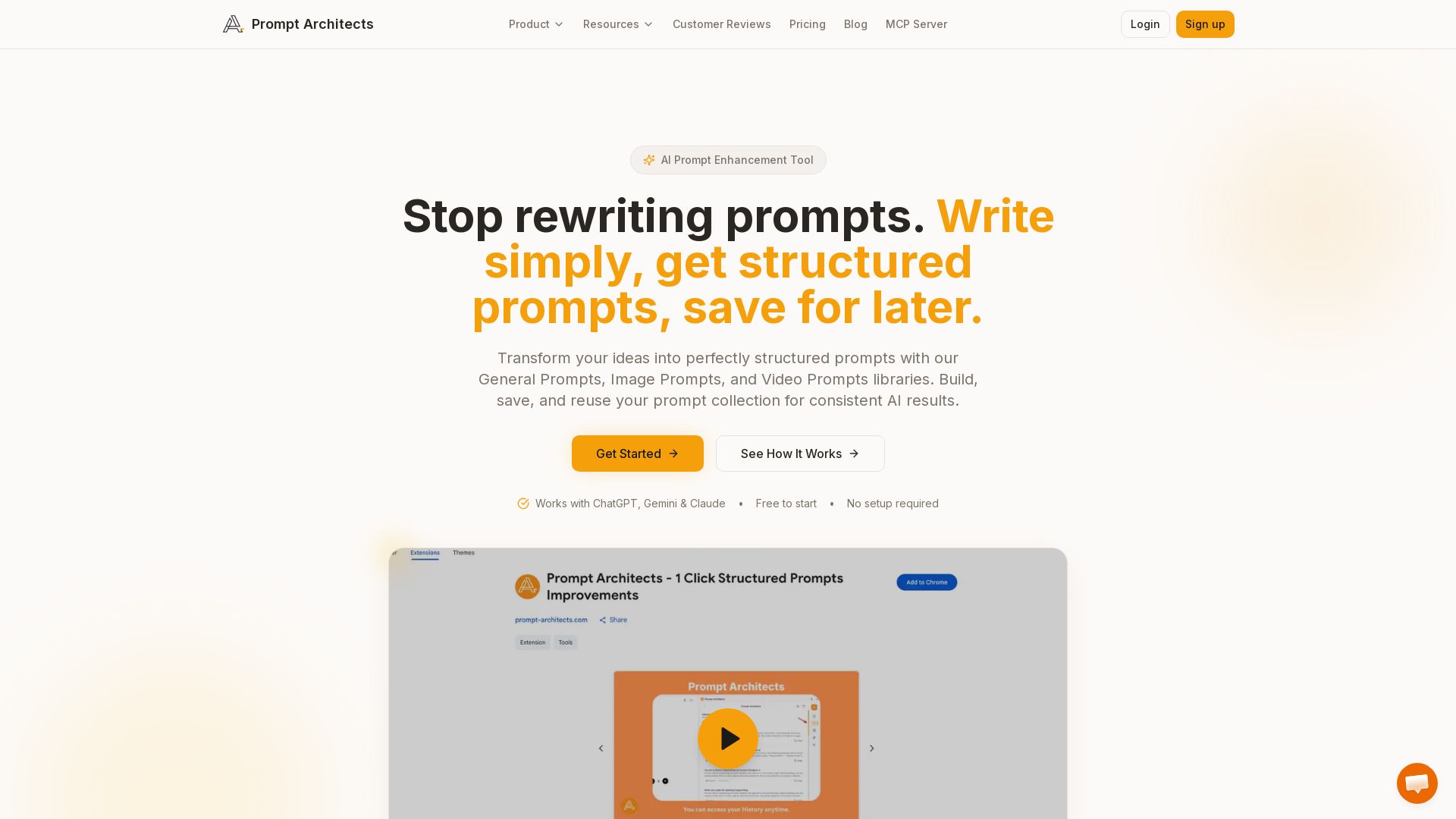
Prompt Architects
Stop rewriting prompts. Write simply, get perfectly structured prompts for ChatGPT, Gemini & Claude. Enhance, save, and reuse for better AI output.

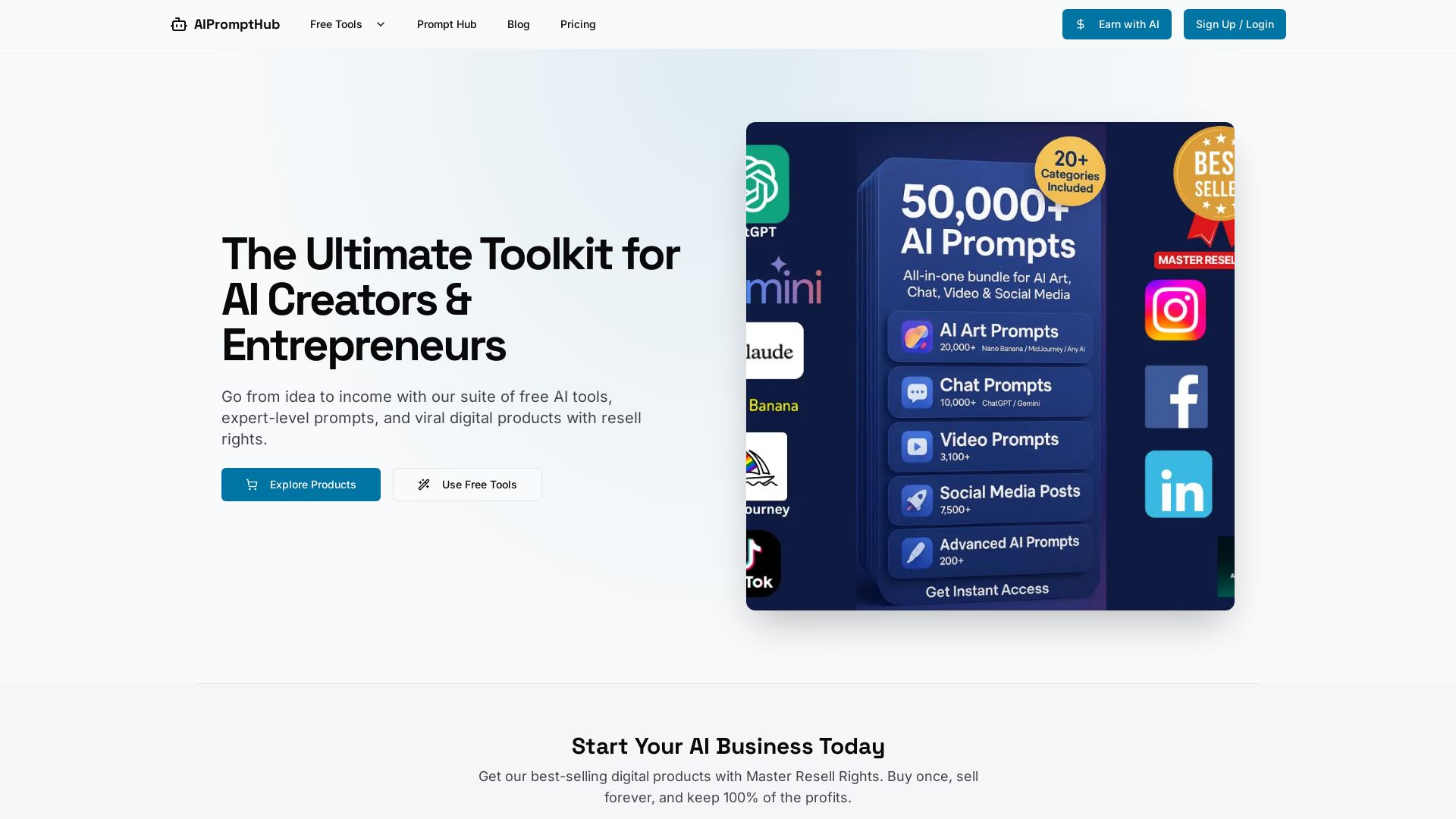
AIPromptHub
Free AI tools, expert prompts, and digital products with Master Resell Rights. Start your AI business today. Explore Claude Prompt Generator and more.

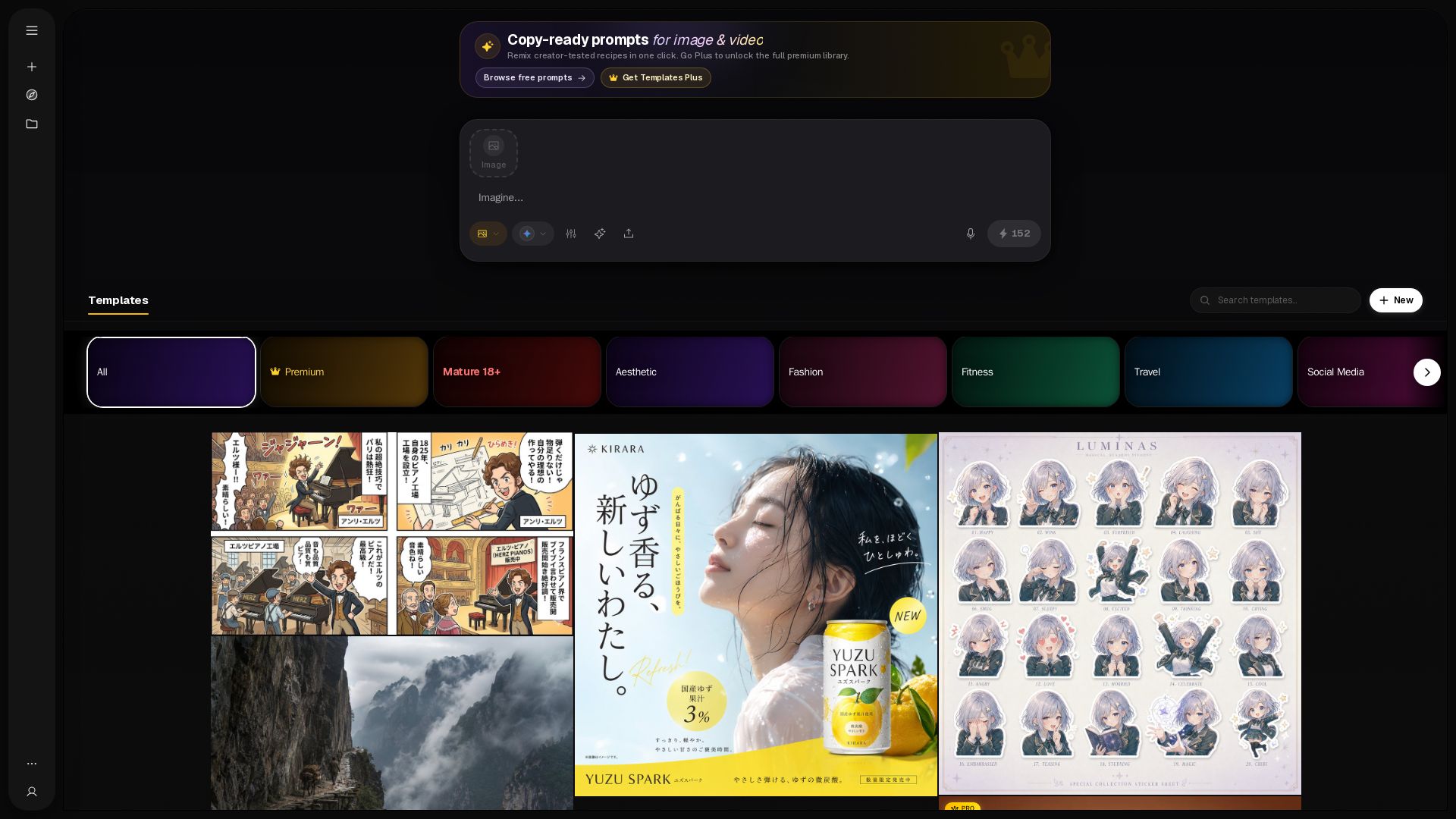
PicX Studio
Over 150+ remix creator-tested prompts for image and video. Browse free templates or unlock the full premium library with Plus. Categories: aesthetic, fashion, travel, and more.

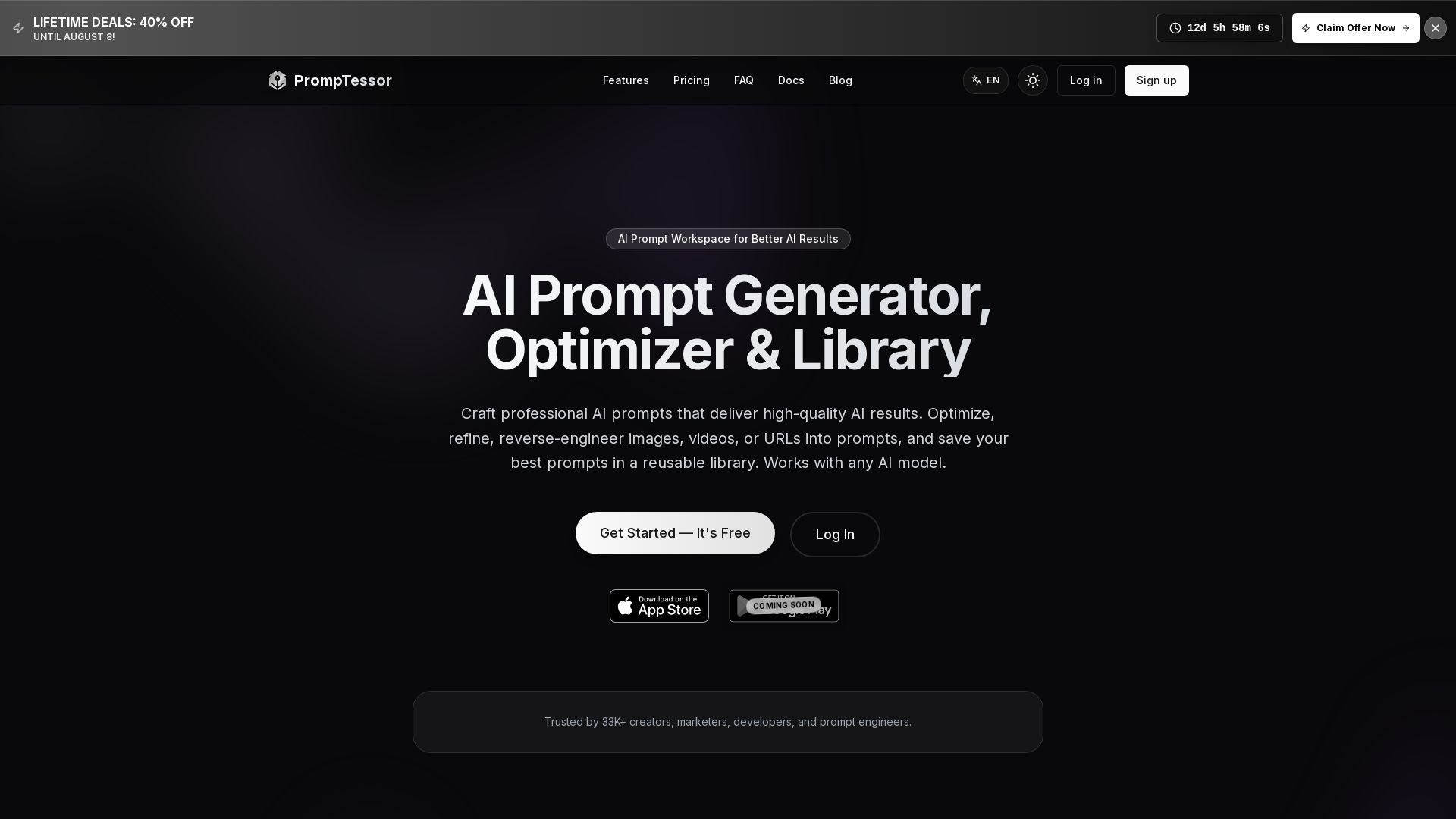
PrompTessor
Craft professional AI prompts, optimize, reverse-engineer, and save in a library. Works with ChatGPT, Claude, Gemini, and more. Free plan available.


Prompt Manage
Stop losing valuable prompts. Organize, find, and share team prompts securely. Affordable from $20/mo. Start free, no credit card needed.

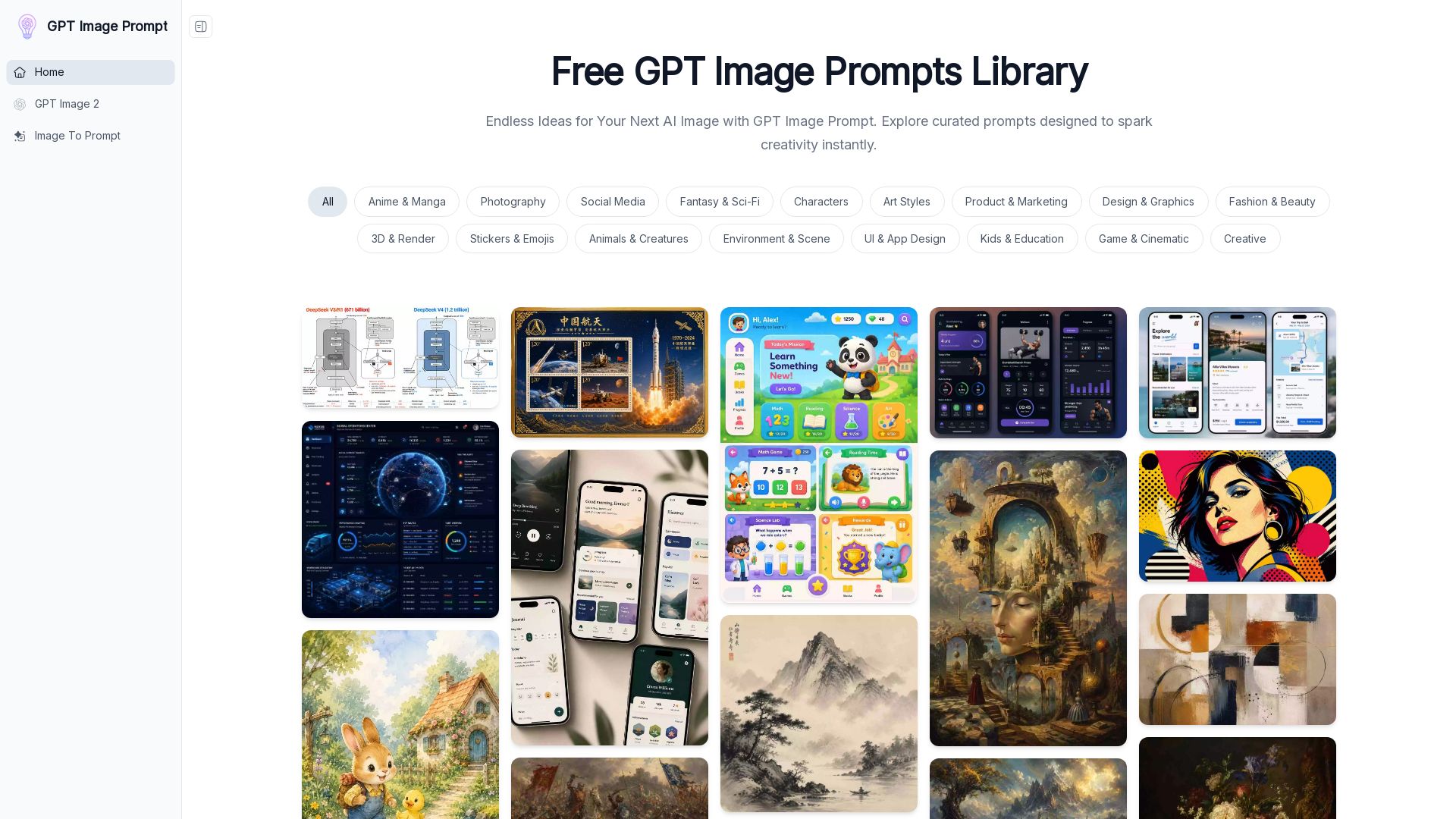
GPT Image Prompt
Discover thousands of structured AI image prompts. Edit variables, translate, and generate stunning images instantly. Free library for creators.

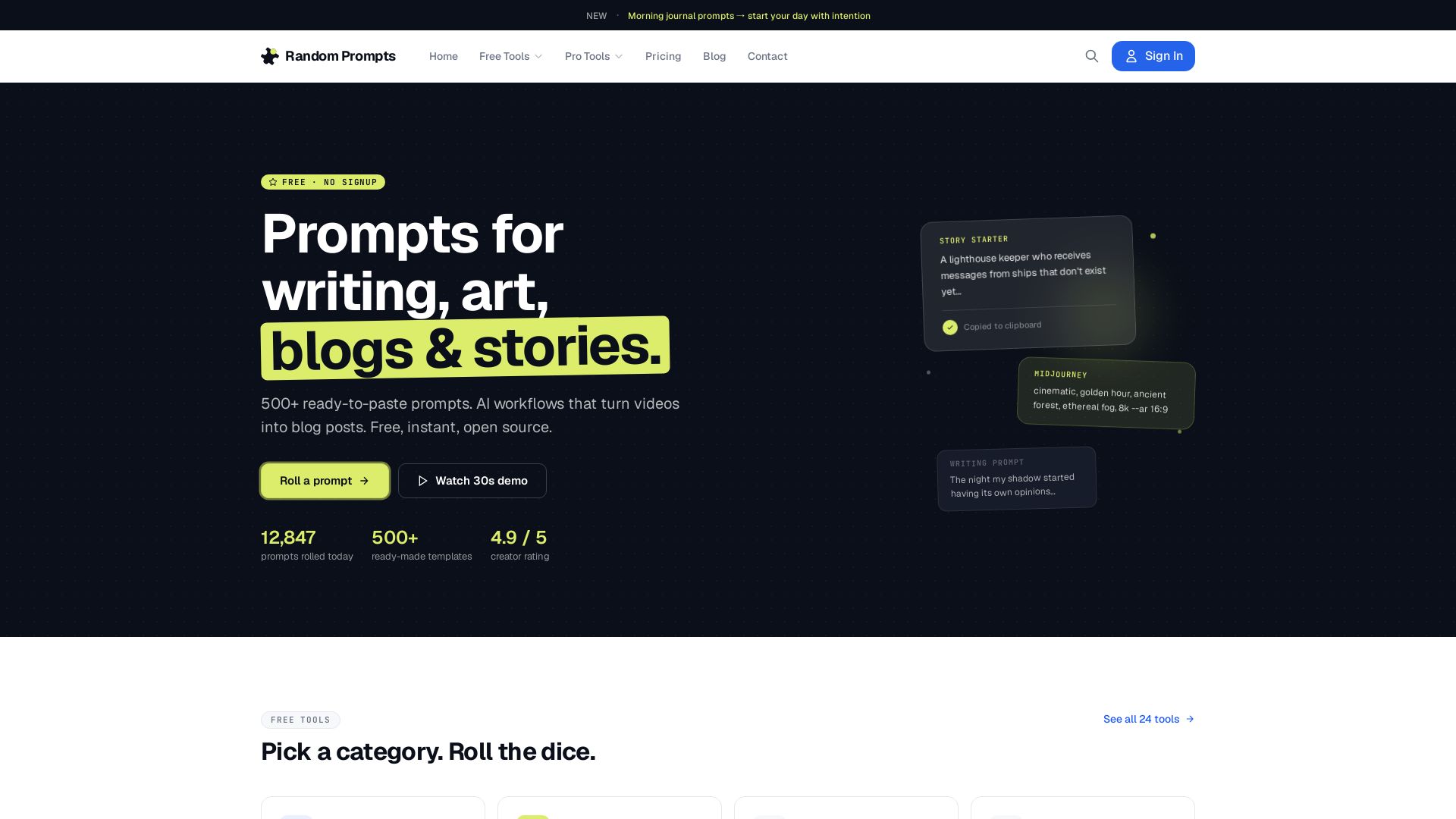
Random Prompt Generator
500+ free prompts for writing, art, and blogs. AI workflow turns YouTube videos into blog posts. No signup required.

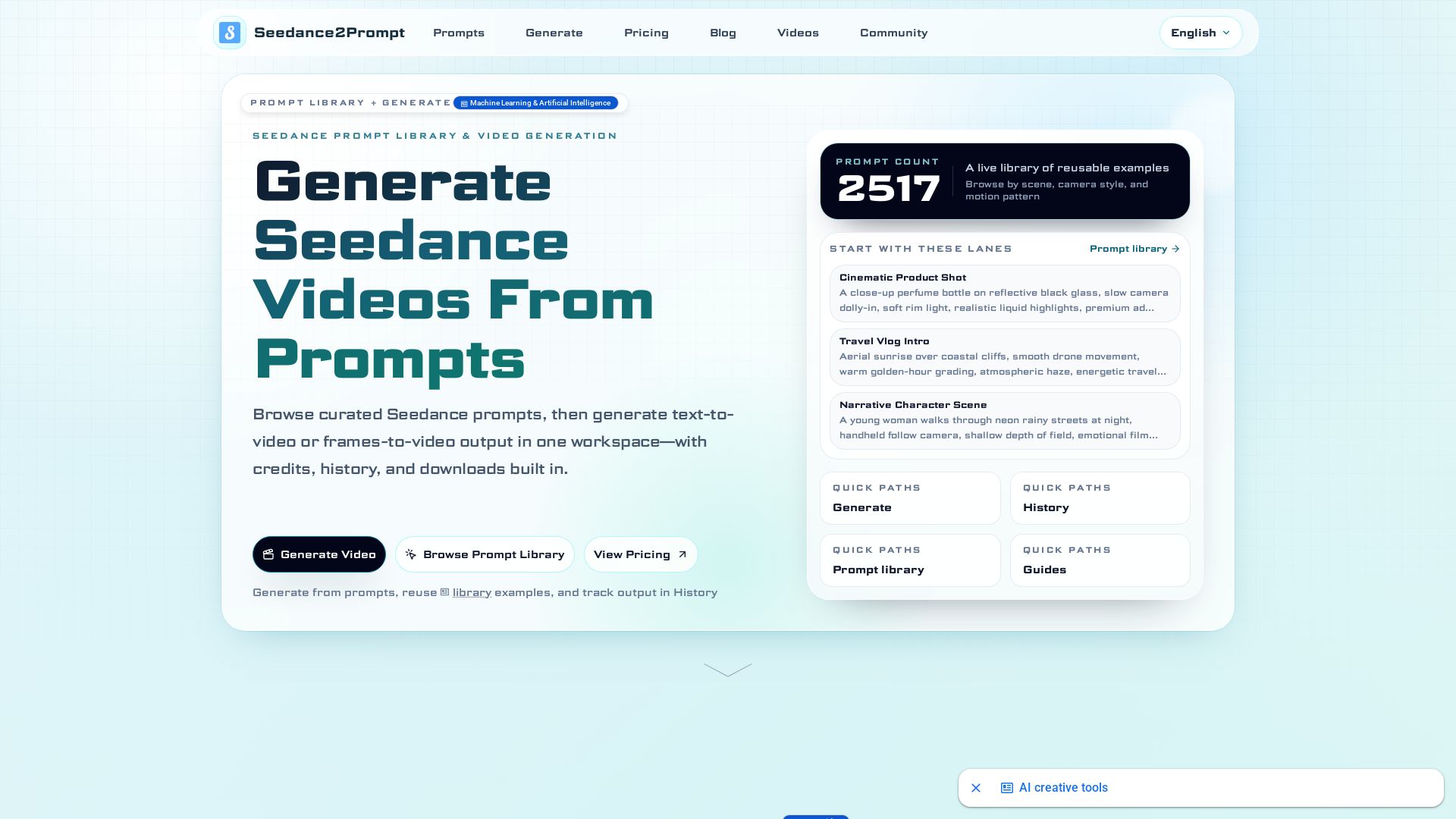
Seedance
Browse 2500+ Seedance AI video prompts, generate text-to-video, track history. Reuse, recreate, and download cinematic clips.

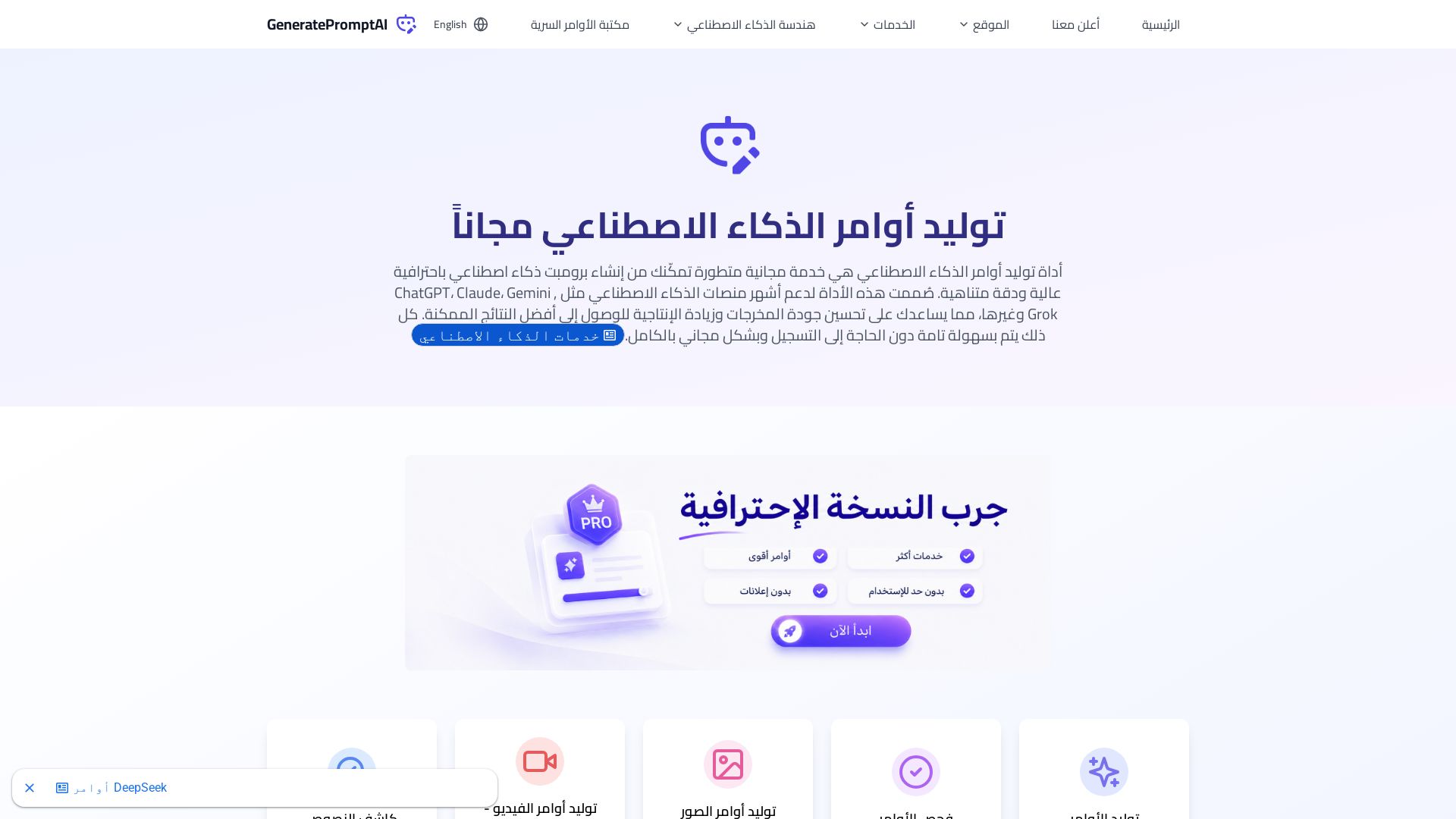
GeneratePromptAI
Create professional AI prompts for ChatGPT, Claude, Gemini & more. Free tools for generating, checking, and optimizing prompts. Boost your AI productivity instantly.

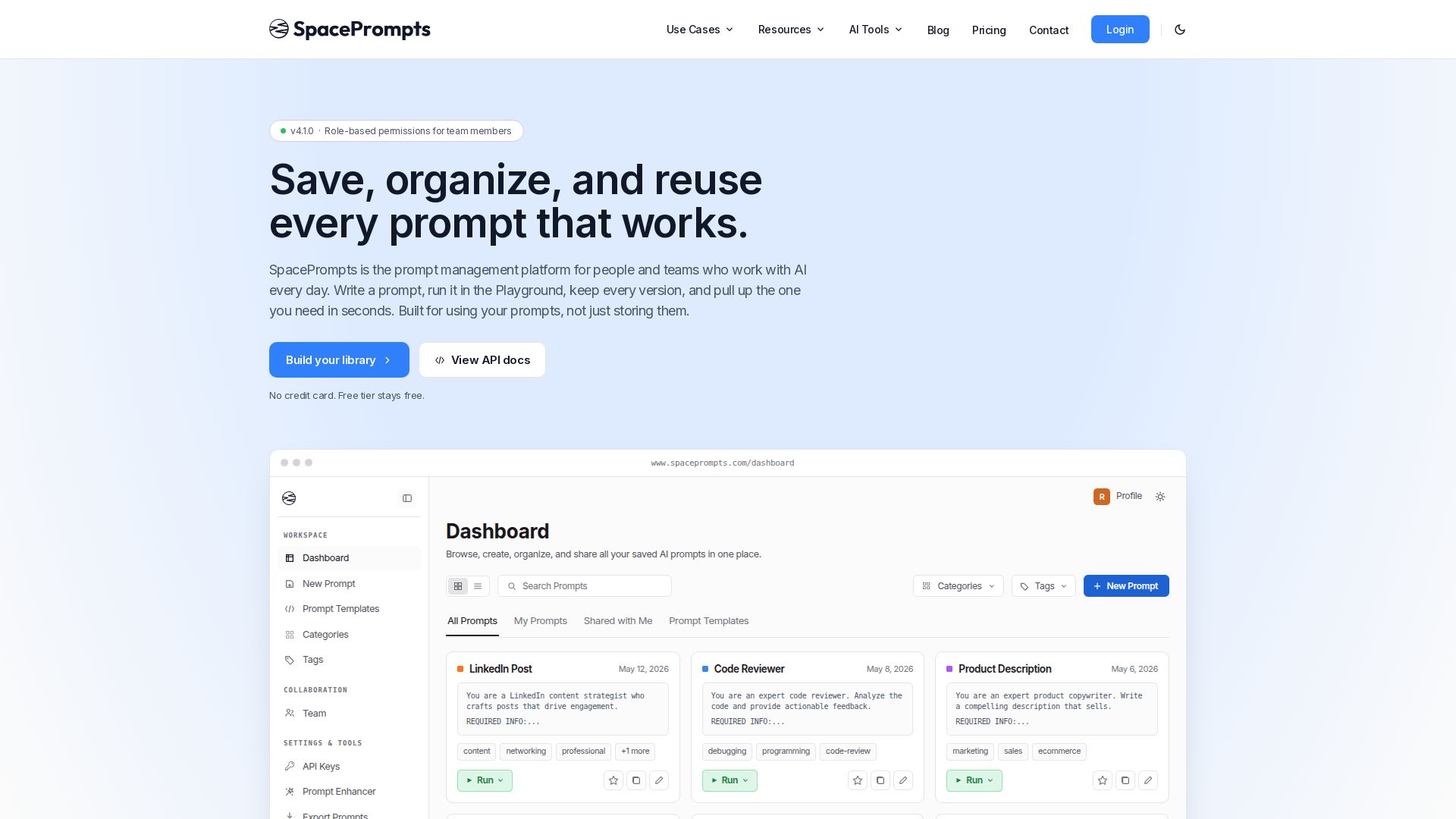
SpacePrompts
Save, organize, and reuse AI prompts with version control. Run in Playground, deploy via API, enhance with AI. Free tier available.

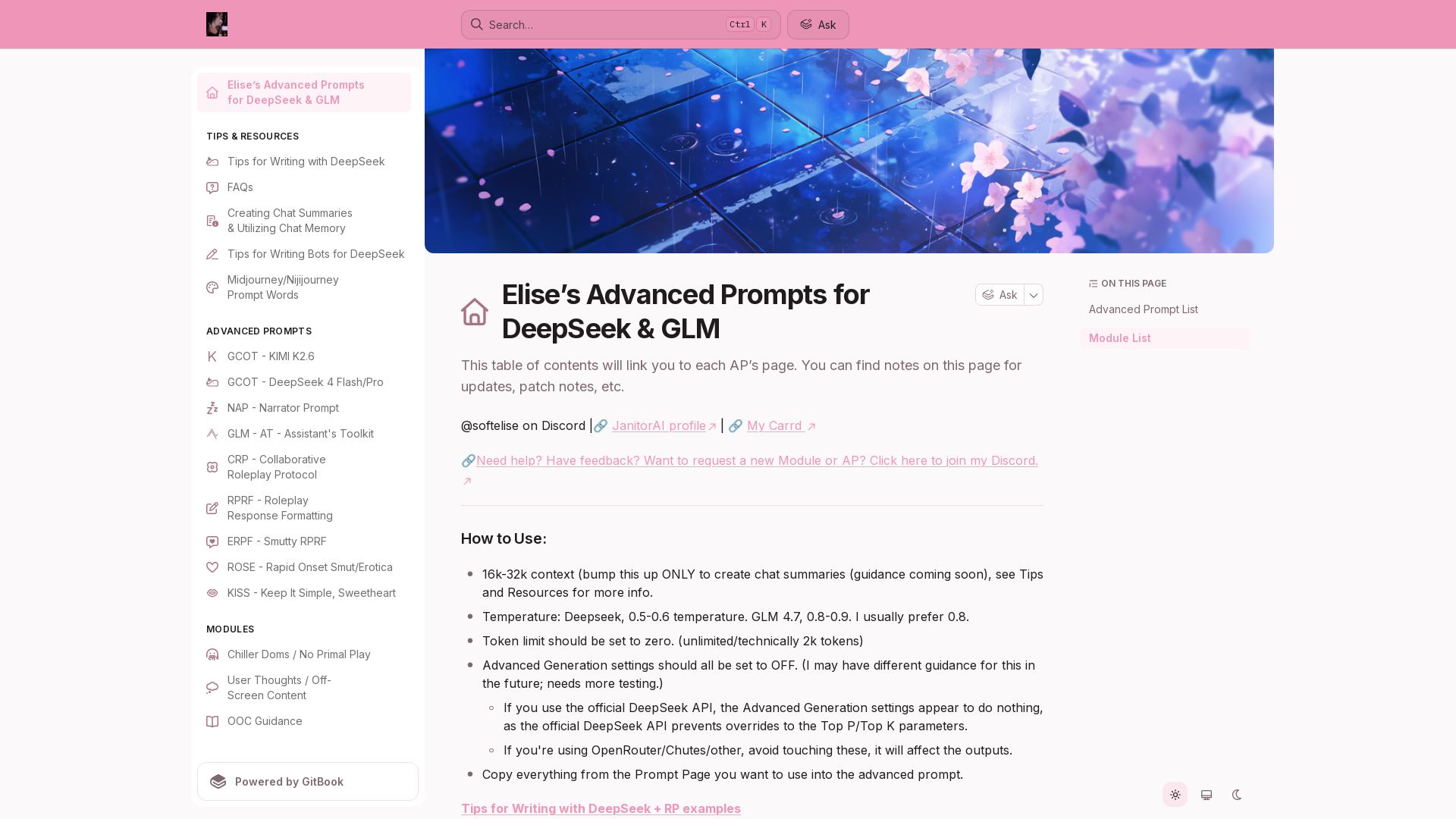
Elise's Advanced Prompts
Elite prompt collection for DeepSeek, GLM, Kimi. Enhance roleplay, storytelling, and smut with pro-level templates and modules.

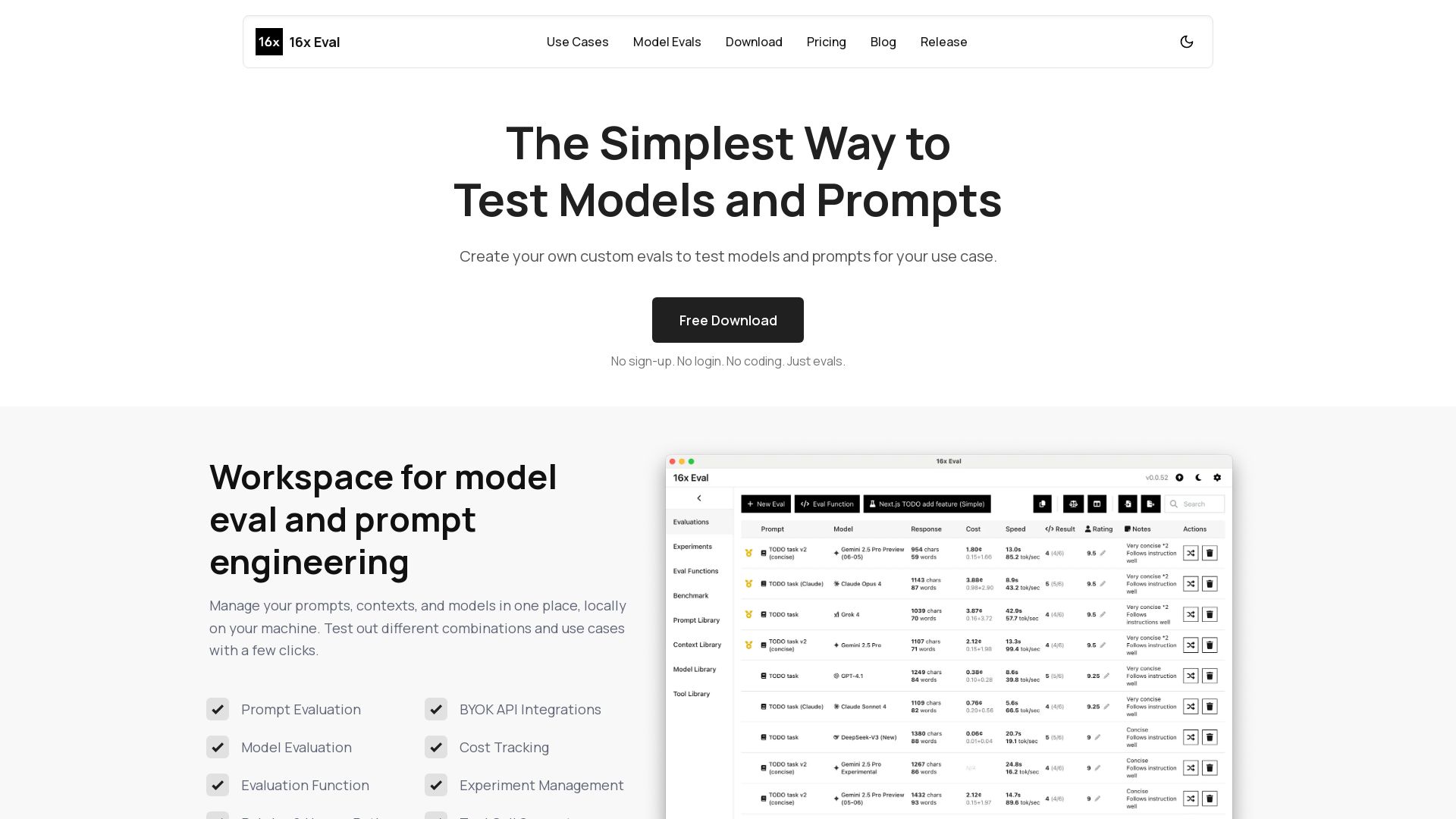
16x Eval
Create custom evals to test models and prompts for your use case. Free, no sign-up. Compare models side-by-side with metrics and custom evaluation functions.

ℹ️ Curation Disclosure: The overview and features of Video to Prompt were synthesized using AI and fact-checked by our curation team to ensure accuracy.
